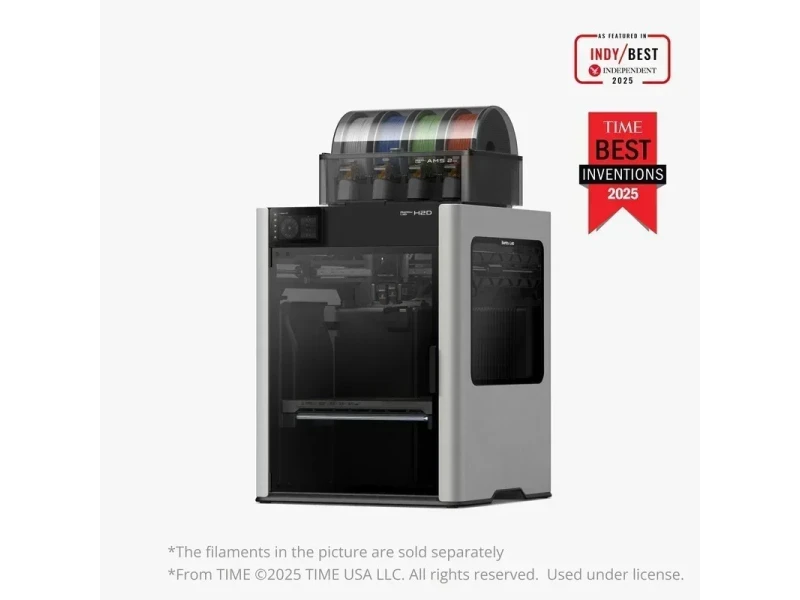
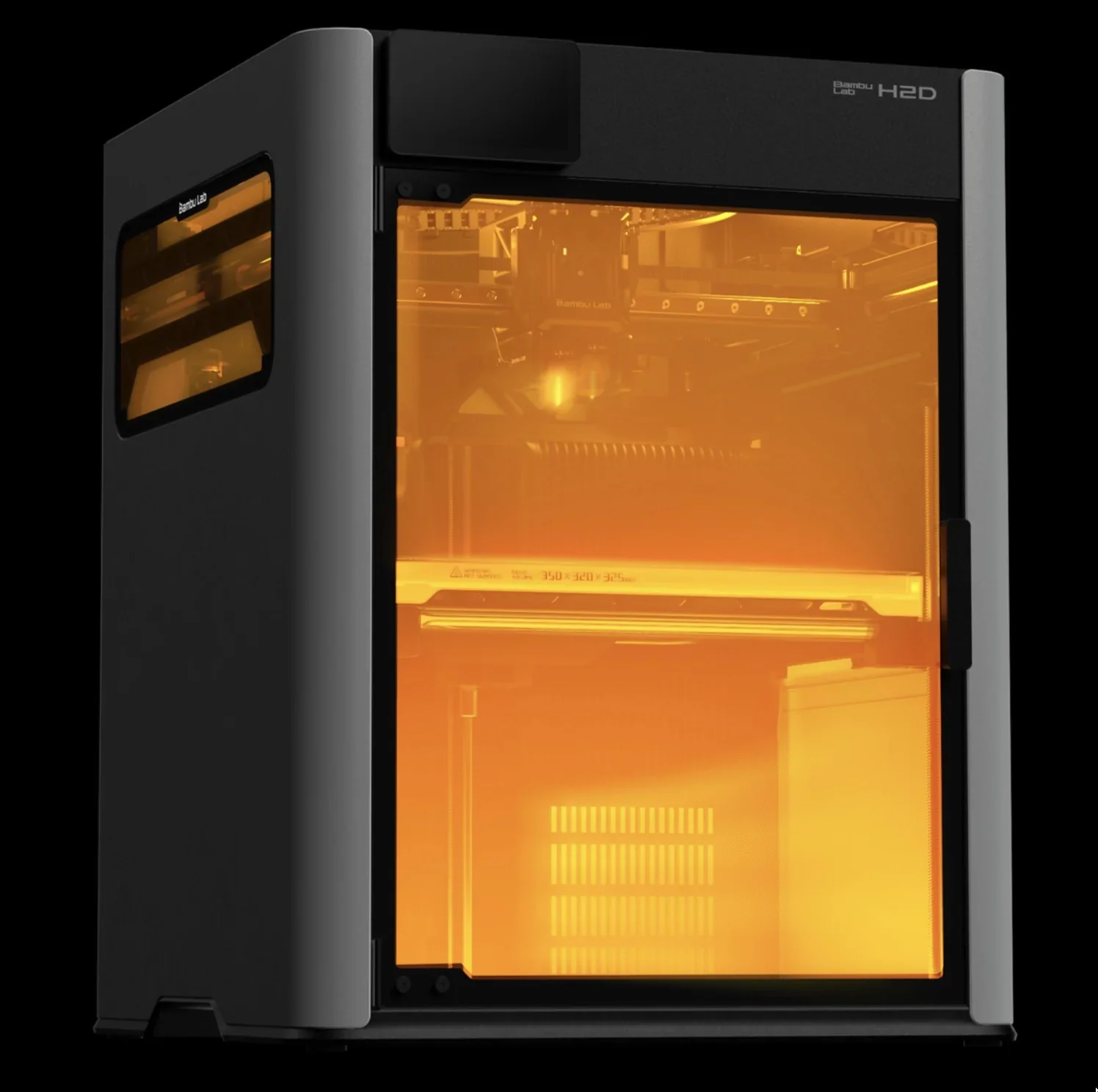
The Bambu Lab H2D, released March 25, 2025, is a fully enclosed dual-nozzle CoreXY FFF printer designed for high-throughput, high-accuracy work, featuring 350 °C hotends, a ~65 °C hethated chamber, and multi-camera vision. It offers optional vision-assisted motion calibration (~50 µm absolute), automatic <25 µm dual-nozzle offset before each print, closed-loop flow and vibration control, and calibrated speed profiles maintaining surface quality up to 350–600 mm/s (1,000 mm/s travel).
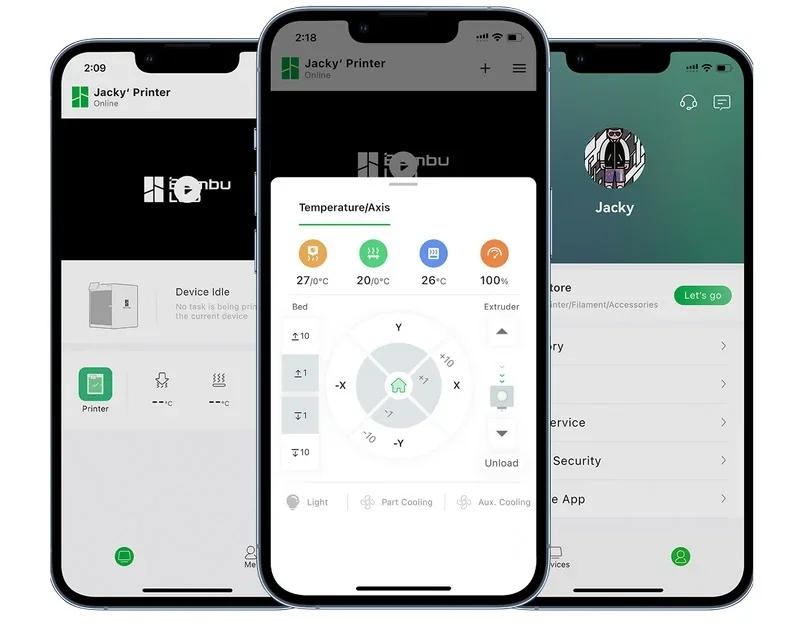
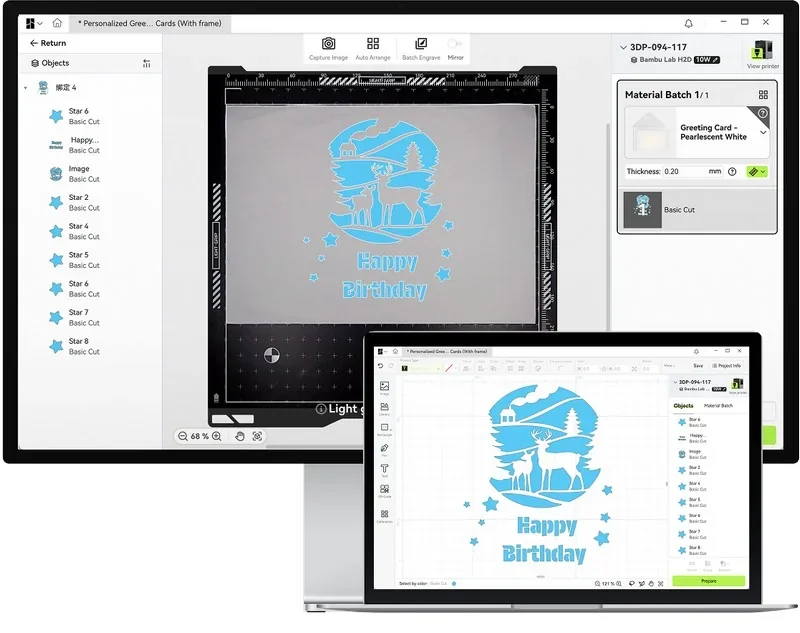
It supports Bambu Studio (desktop), Bambu Handy (mobile), and Bambu Suite (laser/cutting), with connectivity via USB-A, microSD, Wi-Fi (cloud or LAN), and optional Ethernet (if you purchase the H2D Pro). Compatible with such materials as PLA, ABS, PC, PA-CF, PPS-CF, TPU, it has build volumes of 325 × 320 × 325 mm (single), 300 × 320 × 320 mm (dual), and 350 × 320 × 325 mm (identical-material dual).
The Bambu Lab HD supports such upgrades as laser/cutting kits, Vision Encoder, high-flow hotend and smoke purifier.
The H2D delivers high dimensional fidelity and surface quality, supported by motion-accuracy tooling and closed-loop controls. With the optional Vision Encoder plate it achieves distance-independent motion accuracy of 50 µm.
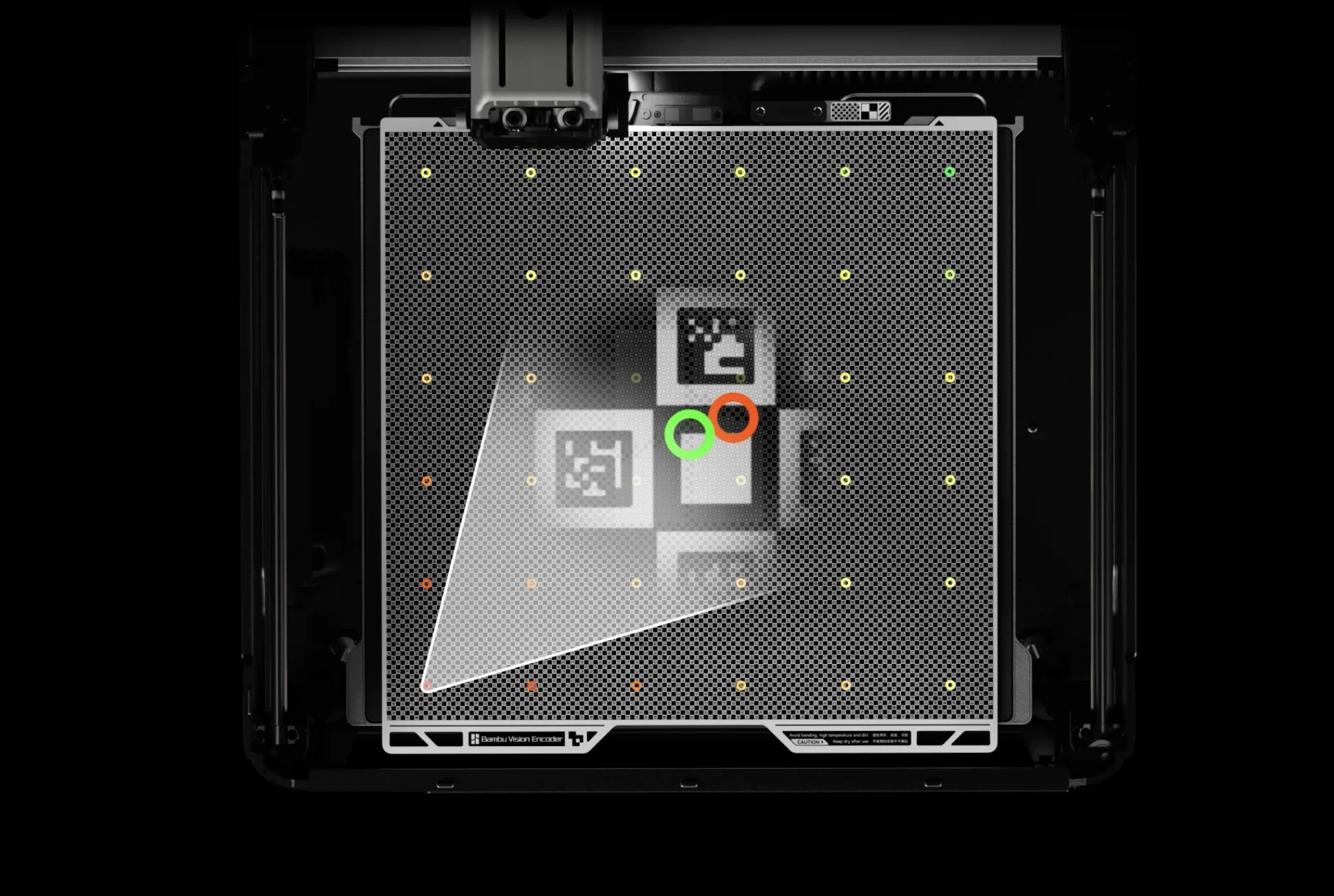
The H2D's dual-nozzle system auto-calibrates to < 25 µm offset before each print.
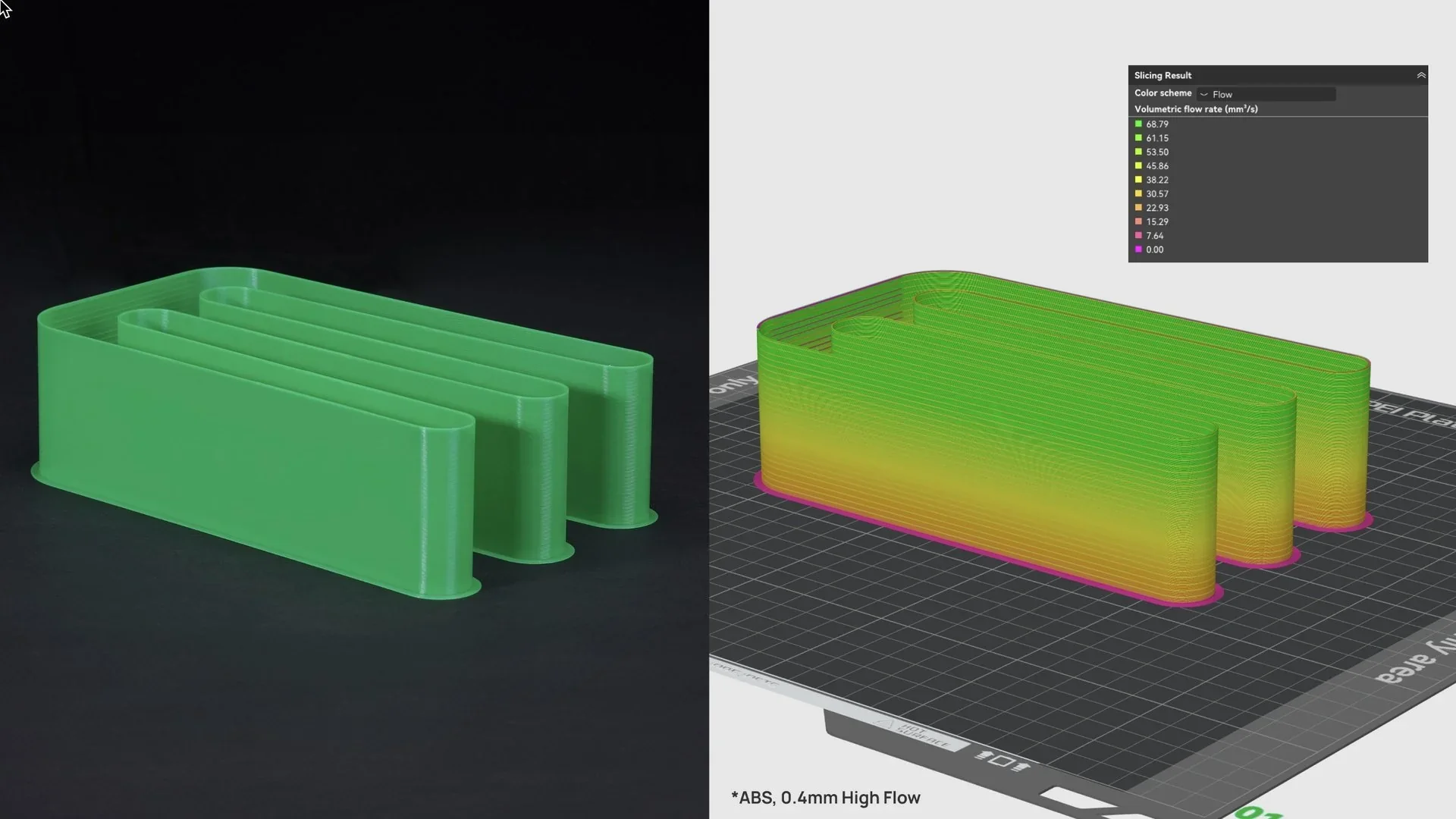
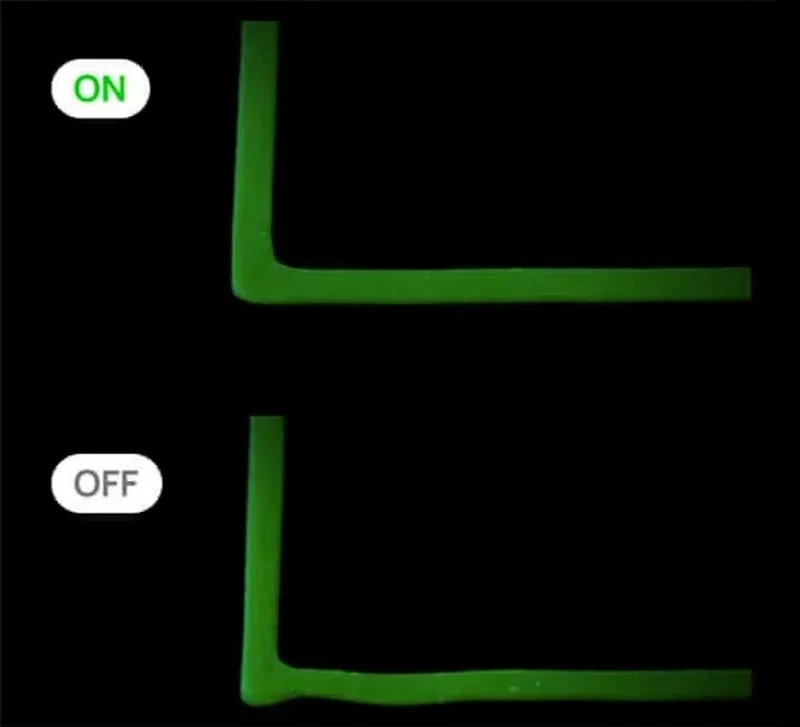
The active flow-rate and vibration compensation further smooth edges and walls.
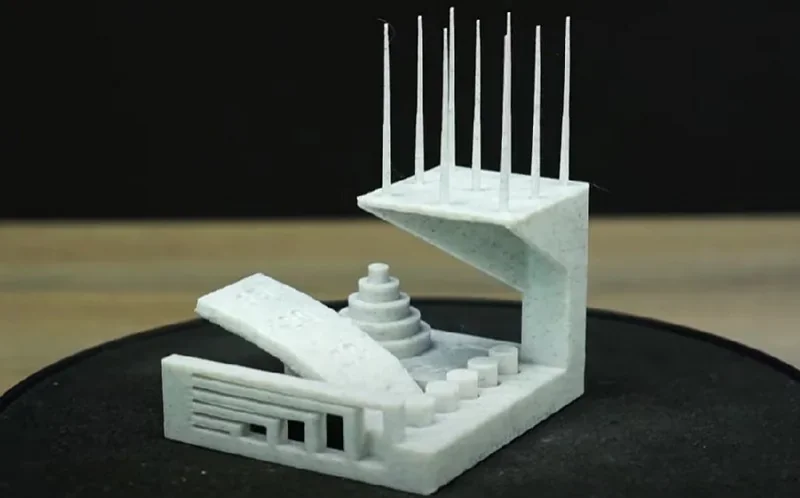
Example: The All-In-One 3D Printer Test showed clean layers, sharp spikes, and accurate bridging, with only slight overhang sagging that can be adjusted in the slicer.
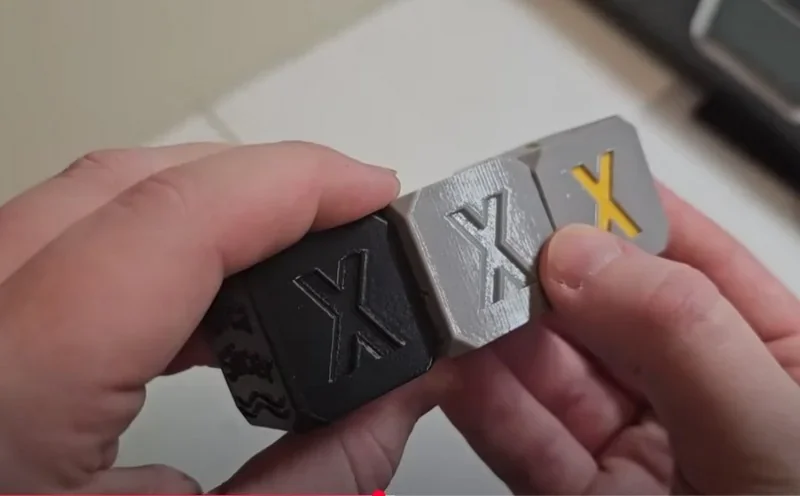
The XYZ 20 mm Calibration Cube Test printed in PLA, PETG, and ABS showed good dimensional accuracy. Surface finish was typical, with minor bubbles from undried filament, but overall quality met standard FDM expectations.
Performance profiles balance speed with consistency: while the platform advertises up to 600 mm/s with the high-flow hotend, default profiles commonly cap at 350 mm/s and 10,000 mm/s² to preserve quality; the system also supports travel to 1,000 mm/s and 20,000 mm/s² when appropriate.
Print Speed Test: The H2D printed a small knitted PLA panda in 3h20m with clean surfaces and minimal purge waste—far faster than the P1S’s 8h36m—thanks to its dual-nozzle system and optimized multicolor workflow.
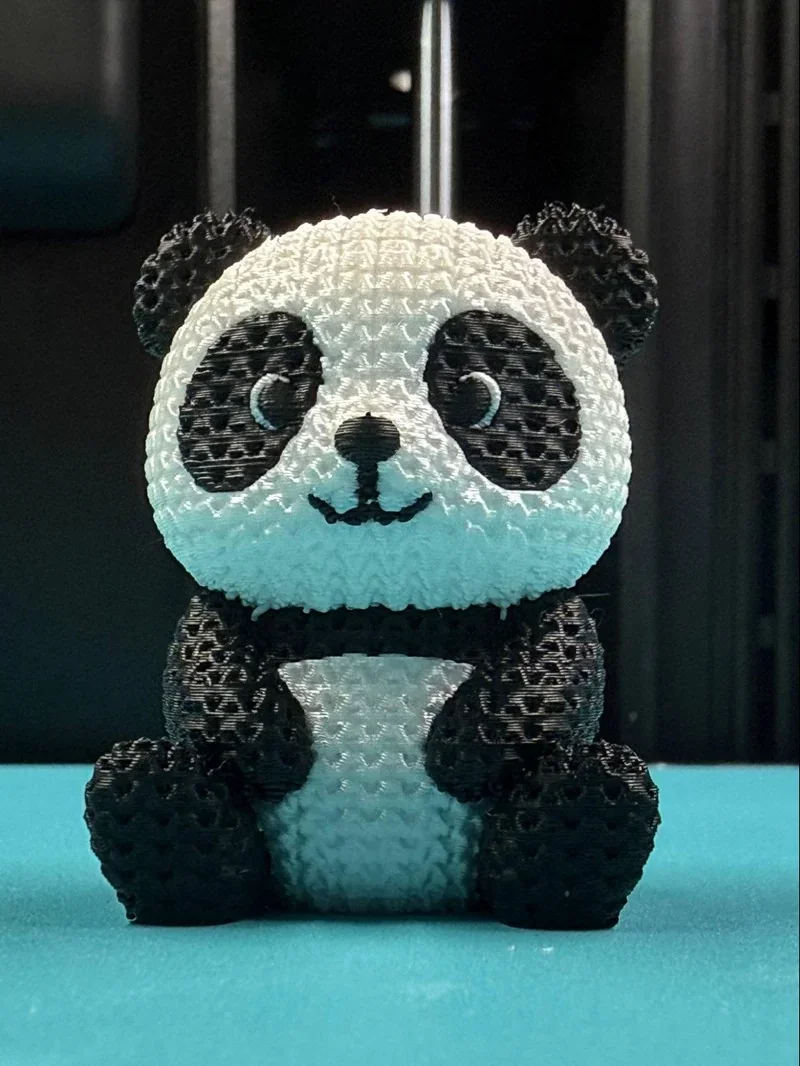
Credit: Alex Morales, Bambu Labs Facebook Community Group
Mechanical features that underpin print quality include a rigid Core-XY architecture with triple Z lead-screws, closed-loop part/chamber/hotend fans, a 350 °C hotend, 120 °C bed, and an actively-controlled chamber up to 65 °C to improve layer adhesion on warp-prone polymers.
The optional integrated AMS 2 Pro and AMS HT filament dryers (approx. 65 °C and 85 °C) condition hygroscopic materials for high-quality printing.
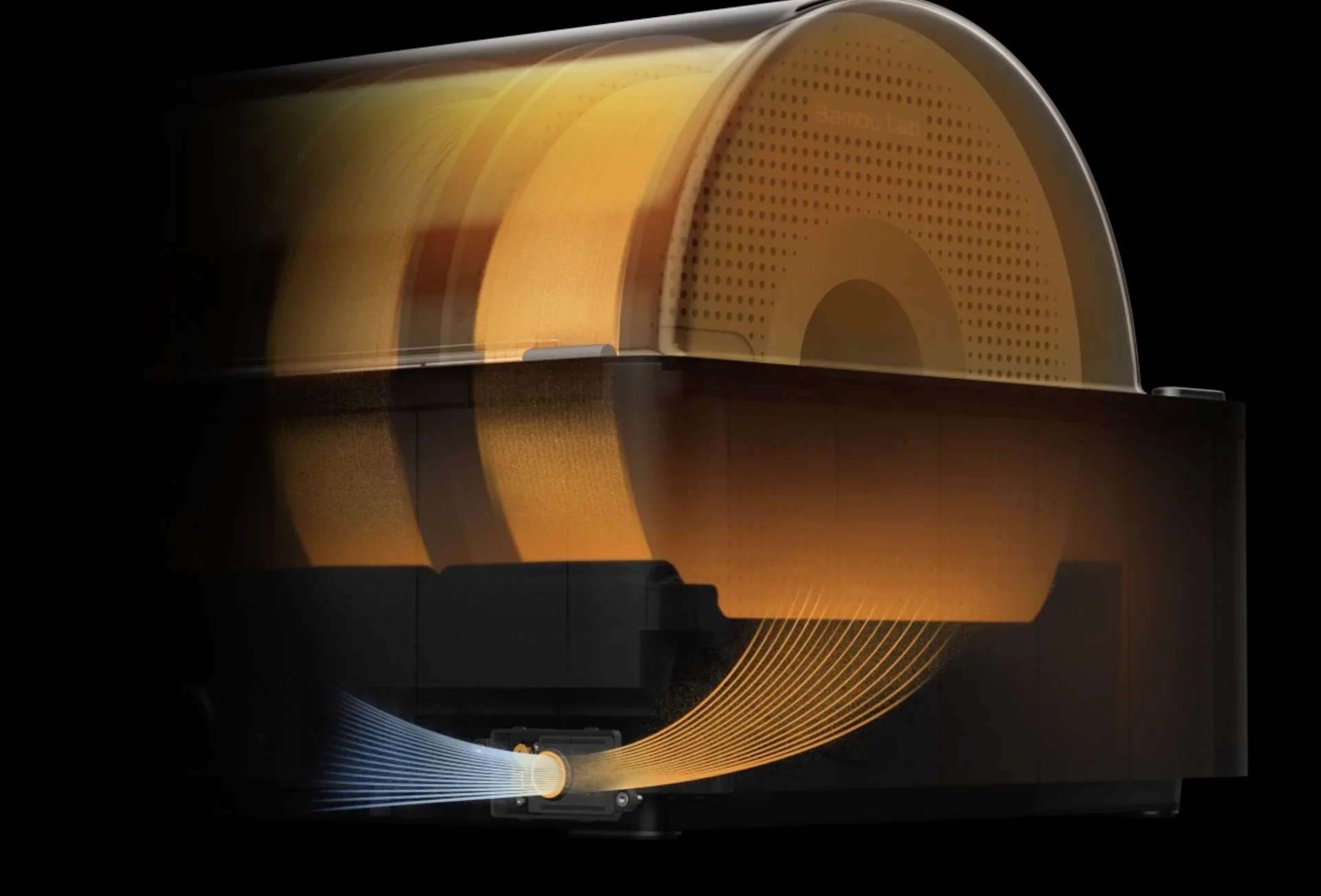
In Vertical Fine Artifacts (VFAs), extrusion-consistency, and cooling tests, the Bambu Lab H2D produced smooth walls with low ringing and clean layer stacking — better than the X1C. It showed slightly more high-acceleration artifacts than the lighter H2C but offered stronger part cooling and better overhang performance.
Quality assurance is reinforced by the DynaSense servo extruder (torque-sensing for slip/clog detection), multi-camera vision (including a nozzle cam) for pre-flight checks and live monitoring, and adaptive airflow that manages chamber intake/exhaust to stabilize print temperatures and part cooling, including checks of filament tip location and the extruder thermal environment.
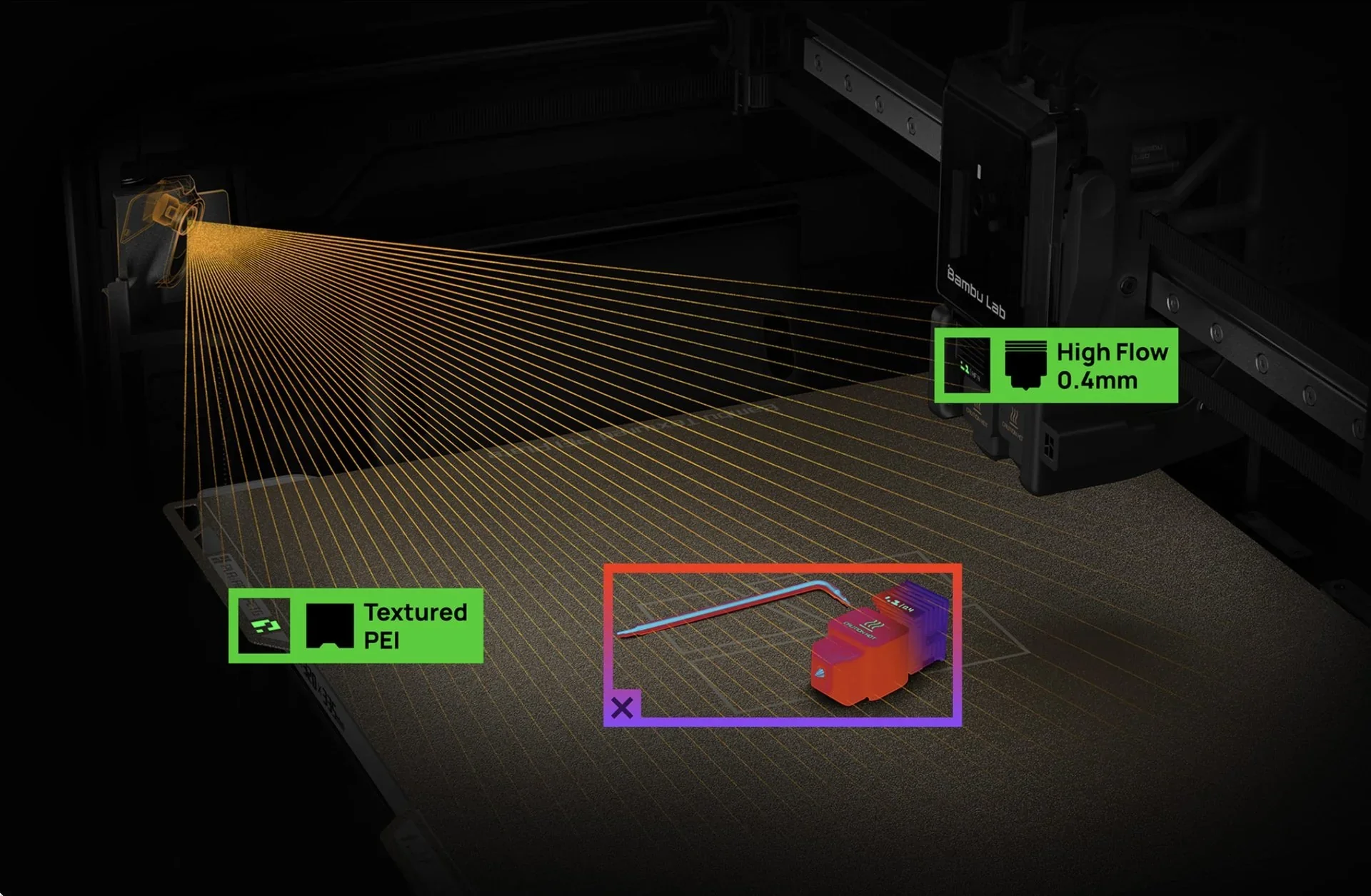
Overhang Test: Dual-material PLA print with Bambu PLA supports; overhangs are crisp with minimal sagging, and layers are consistent — cleaner than the first layer.
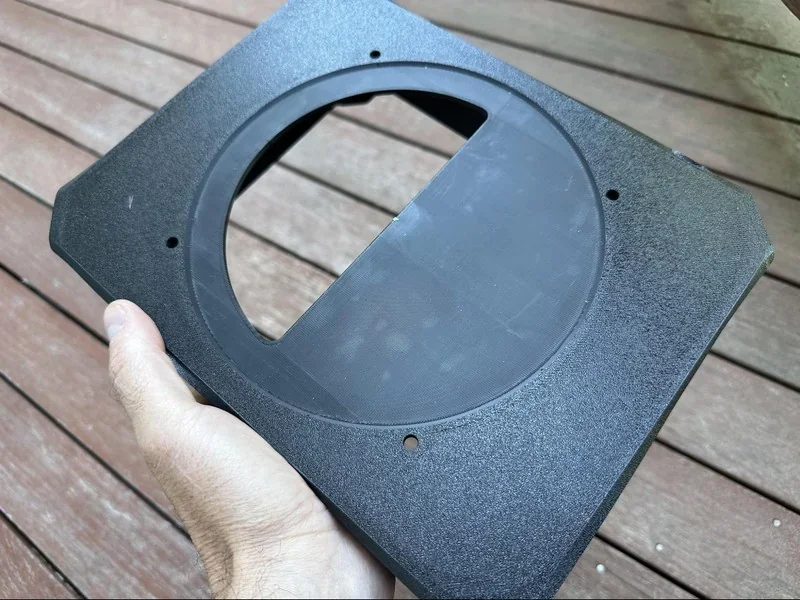
Credit: Robert Silvers, Bambu Labs Facebook Community Group
Batch Reliability Tests:
Case Studies: Williams Industries uses the Bambu Lab H2D to reliably mass-produce high-quality, multi-color educational and collectible 3D prints in consistent batches, supporting both commercial clients, including Paramount Pictures, Nickelodeon and HBO, and special needs programs.
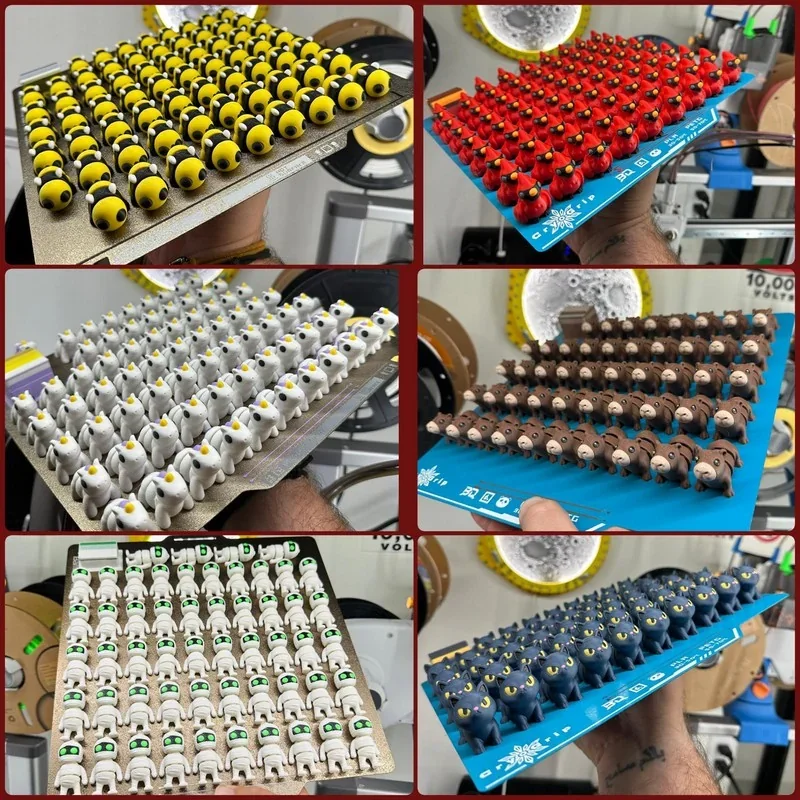
Credit: Mikal Williams, Bambu Labs Facebook Community Group
Case Study: Multi-Assembly Project of the One Piece Thousand Sunny Scale Model: The Bambu Lab H2D printed a large, multi-color One Piece-themed ship in PLA with vibrant colors, crisp lines, strong layer bonding, and precise textures on parts over 30 cm long, showing stable performance on a project with over 100 individual pieces. The project completion time took 2-3 weeks.
The Bambu Lab H2D supports 10 material types, including PLA, PETG, ABS, ASA, PC, PA (nylon), PPA, PA-CF, PPS-CF, and TPU, with profiles and on-device controls tailored for both low-temperature filaments (PLA, PETG, TPU) and high-temperature engineering plastics (ABS, ASA, PC, PA, PPA). TPU requires the correct nozzle, while PPA-CF and PPS-CF are restricted to the left nozzle; very soft TPU grades may need a direct side-feed to the extruder, do not feed these through the AMS. The printer supports third-party filaments with manual type/color input, and auto-detects branded filaments via the AMS, loading the correct print profile automatically.
Multi-Material Print Samples: The H2D's dual extruders cleanly printed PLA+PVA, PLA+PETG, PLA+PLA, and PLA Silk with standard or dedicated supports. PVA dissolved fully for clean overhangs, PETG-PLA supports peeled off easily, and functional parts showed strong material compatibility, smooth interfaces, and excellent surface quality.
PLA 3D Print Sample: In a 34-hour print, the Bambu Lab H2D produced a large PLA basket using the full 350 × 320 × 325 mm build area, with a smooth first layer, sharp detail, accurate dimensions, strong adhesion, and clean multicolor seams using same-material dual-nozzle printing.
PETG + TPU Print Sample: Using dried Bambu Lab 90A TPU, the H2D printed flexible parts at 0.24 mm layers and 225 °C with strong adhesion, no stringing, smooth surfaces, and accurate dimensions. PETG+TPU parts fit cleanly despite TPU's softness, printing reliably at 28 mm/s.
TPU Print Sample: The H2D printed large functional parts—like tennis balls, shoes, and molds—by combining TPU (85A–95A) with PLA or PETG. Rigid supports provided clean separation and strong walls, though 0.8 mm nozzles caused some stringing and rougher removal.
PLA + TPU Print Sample: The H2D printed five pairs of TPU shoes (75A–98A) with PLA supports over 17 days, each pair taking 2–5 days. Prints had strong bed adhesion, clean support removal, and solid layer integrity, with no clogs or failures despite frequent nozzle swaps and high summer heat.
ABS-GF Print Sample: The H2D printed an ABS-GF impact test part with a smooth finish, precise dimensions, and a rigid, high-quality build—better than standard ABS—with minimal layer lines, no warping, and test-ready results.
PA6-CF Print Sample:Over seven days, the H2D printed nine functional PA6-CF parts—including a 3DBenchy, carabiners, spool holder, hinges, SD-card cases, flower pots, and a 12" bracket—with crisp matte surfaces, strong adhesion, and accurate dimensions. ABS/ASA supports separated cleanly, leaving warp-free bottoms. Complex prints took 9–13 hours. Settings: chamber 60 °C, bed 100 °C, nozzle 275 °C, with dried filament.
The H2D offers up to 350 × 320 × 325 mm when printing with identical filaments on both nozzles, while single-nozzle volumes are 325 × 320 × 325 mm (right nozzle) or 325 × 320 × 320 mm (left nozzle); if a print alternates both nozzles, the shared working area is 300 × 320 × 320 mm.
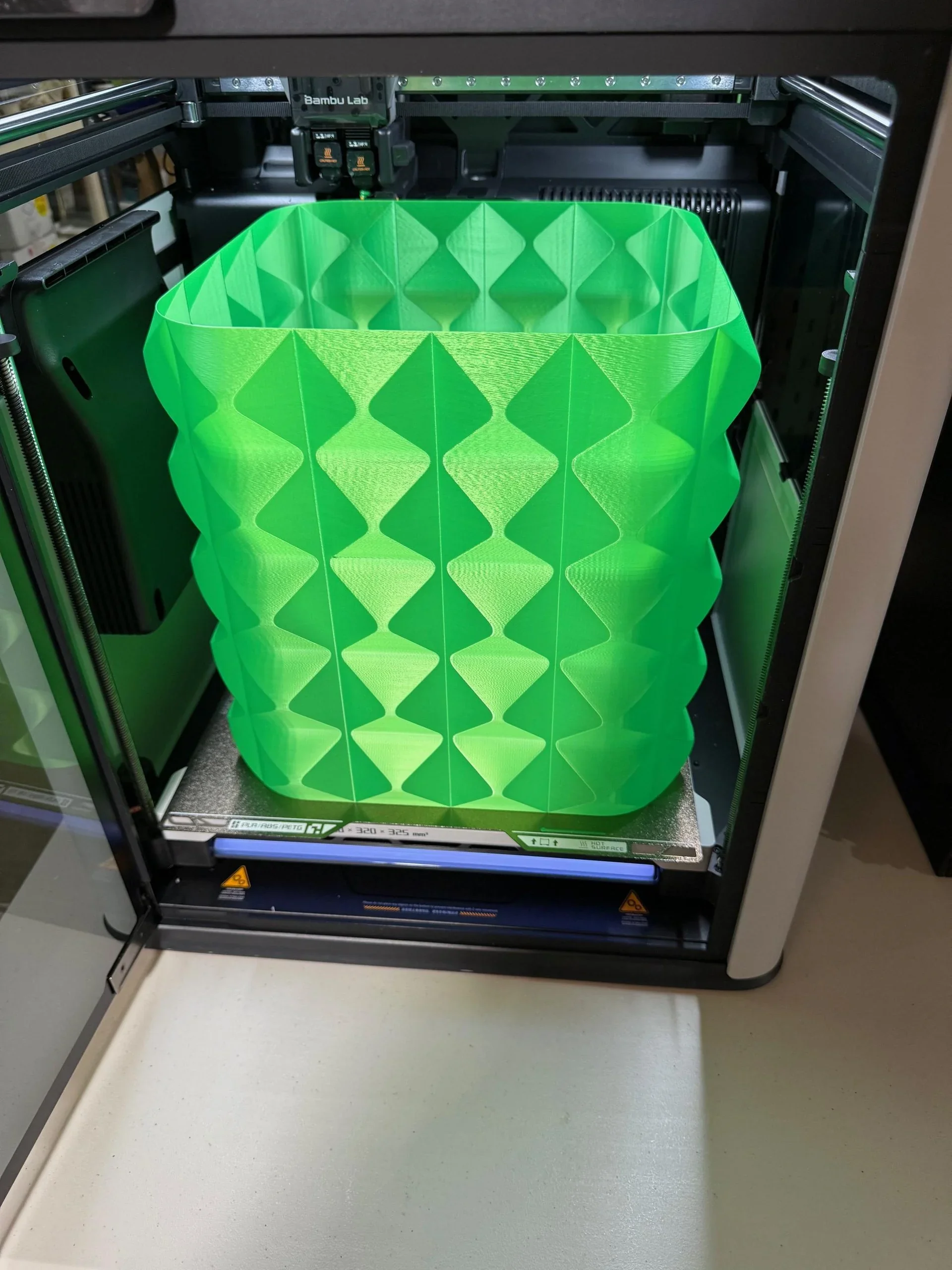
Credit: Reddit User https://www.reddit.com/user/separatelyrepeatedly/
The Bambu Lab H2D is the best all-arounder: 325×320×325 mm (single) or 300×320×325 mm (dual), an active 65 °C chamber, a 350 °C hardened-steel hotend, and up to 1000 mm/s — specs the X1C/P1S can’t match due to lower temps and passive chambers. Compared with the H2S, the H2D costs more but adds dual nozzles for faster multi-material/color work and fewer swaps; the H2S is the value pick if you only need single-nozzle throughput in the same thermal envelope. H2D Pro targets organizations needing the H2D’s mechanics plus enterprise security features and service, while the base H2D offers the best price-performance for labs/shops needing high-temp materials, big-part stability, and top-end speed without moving to Pro.
|
Model |
Build volume (mm) |
Chamber |
Max nozzle (°C) |
Max speed (mm/s) |
Price (USD) |
|
Bambu Lab H2D |
325×320×325 (single); 300×320×325 (dual) |
Active to 65 °C |
350 |
up to 1000 |
From $1,999. |
|
Bambu Lab H2S |
340×320×340 |
Active to 65 °C |
350 |
up to 1000 |
From $1,249. |
|
Bambu Lab X1 Carbon |
256×256×256 |
Enclosed (no active heat) |
300 |
up to 500 |
From $799 (printer) / $1,249 (Combo). |
|
Bambu Lab P1S |
256×256×256 |
Enclosed (no active heat) |
300 |
up to 500 |
From $549 (printer) / $749 (Combo). |
|
Bambu Lab H2D Pro |
325×320×325 (single); 300×320×325 (dual) |
Active to 65 °C |
350 |
up to 1000 |
From $3,799. |
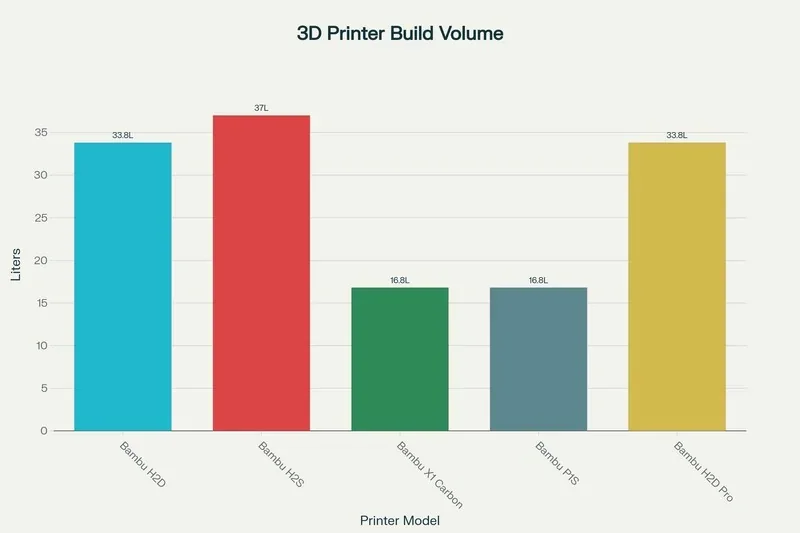
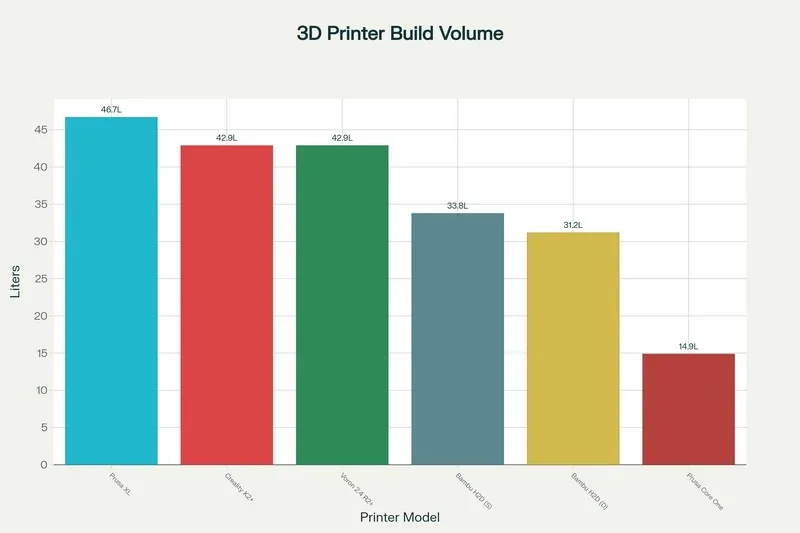
The Bambu Lab H2D is the top “production-grade” all-rounder in its class: near-cube volume, active ~65 °C chamber, 350 °C nozzle, and up to 1000 mm/s — outpacing peers on heat and throughput.
For high-speed output with solid thermal control at an accessible price, the H2D is the leader.
|
Model |
Build volume (mm) |
Chamber |
Max nozzle (°C) |
Price |
|
Bambu Lab H2D |
325×320×325 (single); 300×320×325 (dual) |
Active to ~65 °C |
350 |
From $1,999 |
|
Creality K2 Plus |
350×350×350 |
Closed (heated/enclosed) |
300 |
From $1,099 |
|
Voron 2.4 R2 Pro+ (350 kit) |
350×350×350 |
User-enclosed (passive) |
300 |
From $899 |
|
Prusa XL |
360×360×360 |
Enclosed (no active heat) |
290 |
From $2,499 |
|
Prusa Core One |
250×220×270 (smaller class) |
Up to 55 °C |
290 |
From $1,199 |
The H2D uses an on-printer touchscreen with a left rail of primary tabs—Homepage, Controls, Filaments, Settings, and HMS—plus quick tiles for Print Files, Nozzle Temp, Filament, and Status; this layout centralizes job launch and routine adjustments without a computer.
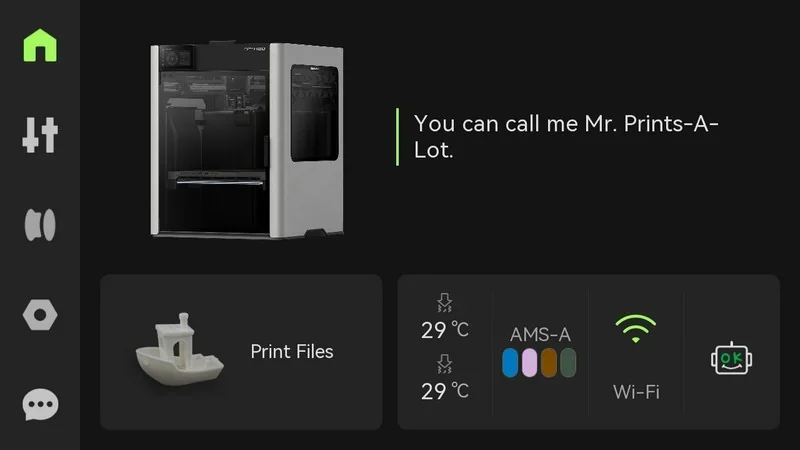
On-device UI & menu system.
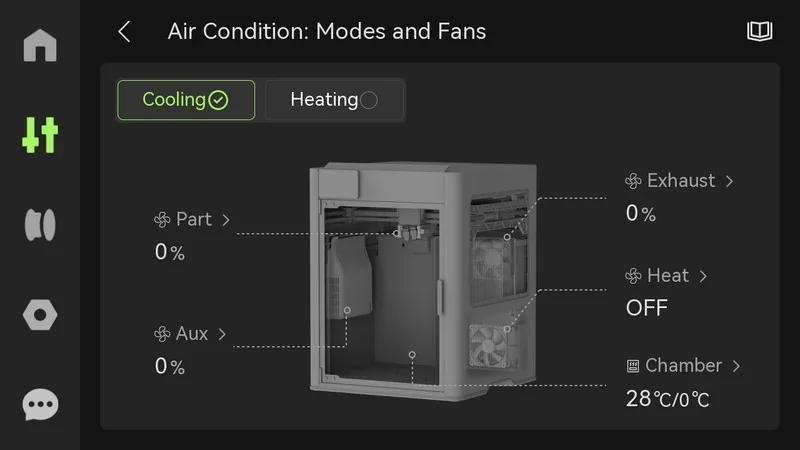
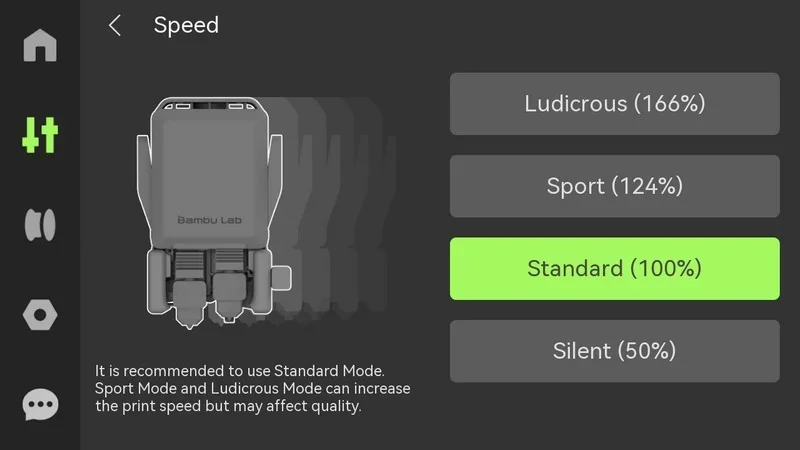
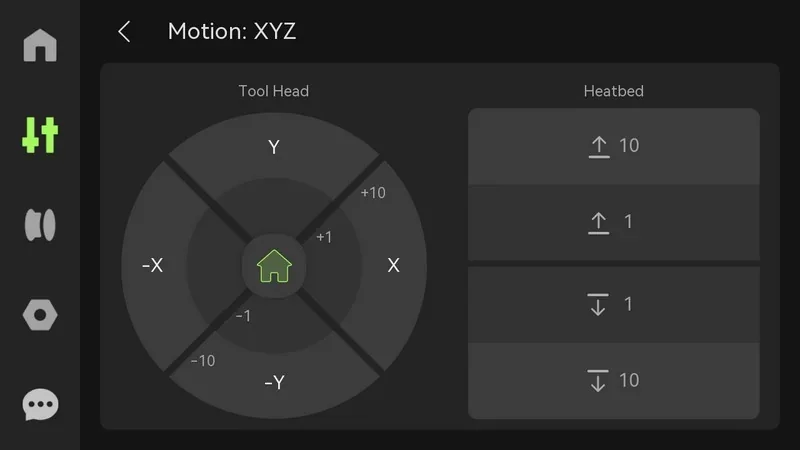
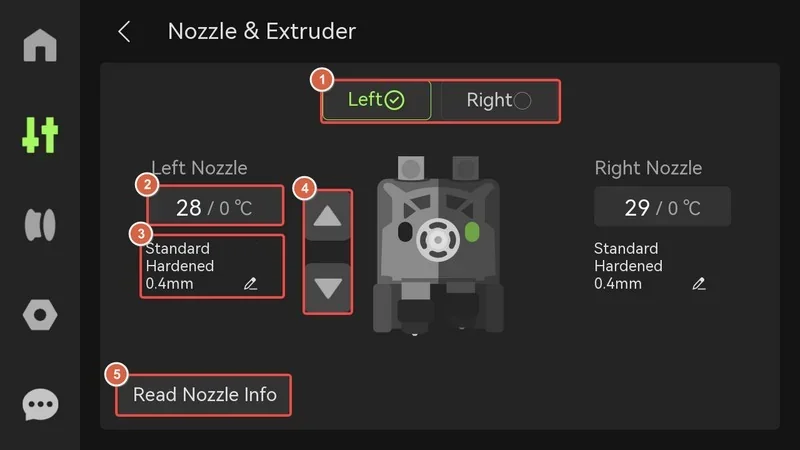
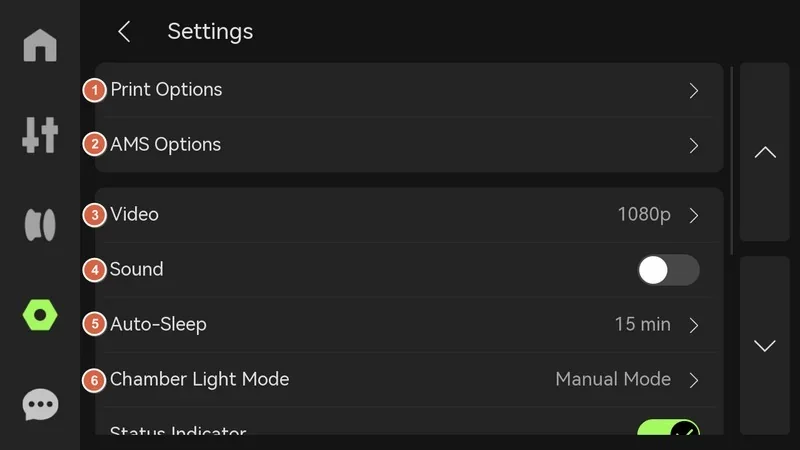
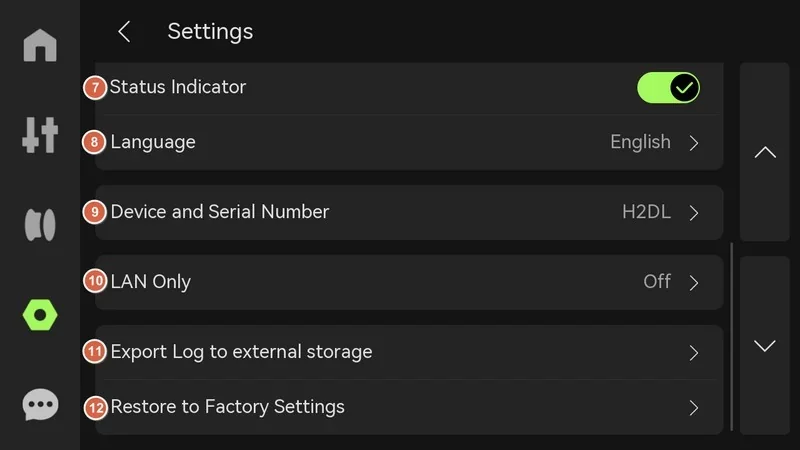
Built-in calibration & adjustment controls.
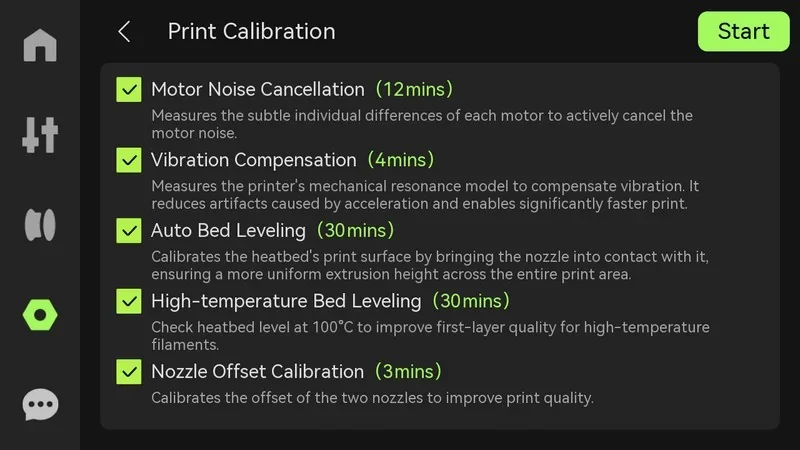
From Settings → Calibration / Print Calibration, the printer runs motor noise cancellation, vibration compensation, auto bed leveling, high-temperature bed leveling, and dual-nozzle offset calibration; partial pre-print leveling can auto-probe only the model’s footprint to save time. The UI also guides multi-stage 8×8 / 22×22 probing routines and documents when to rerun high-temp leveling after hardware changes.
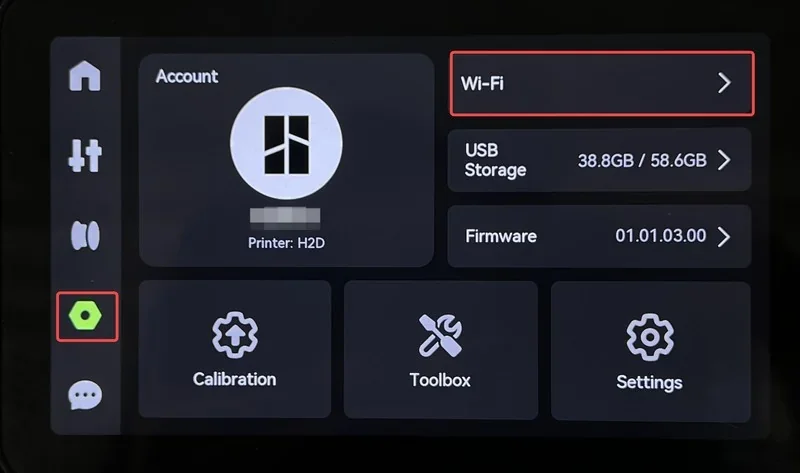
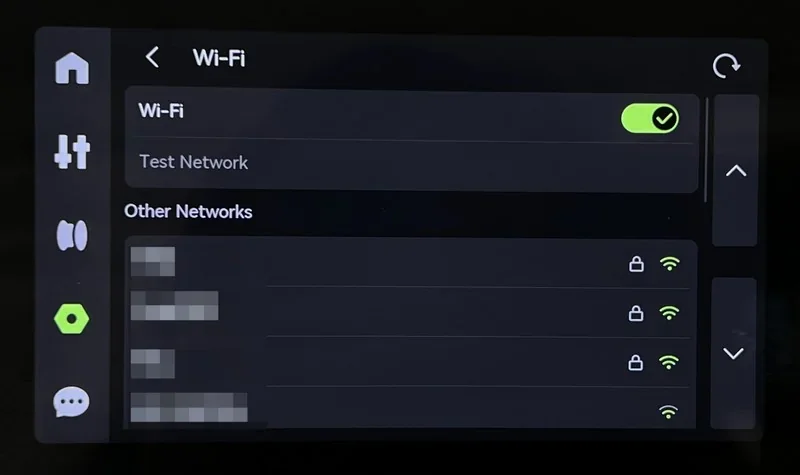
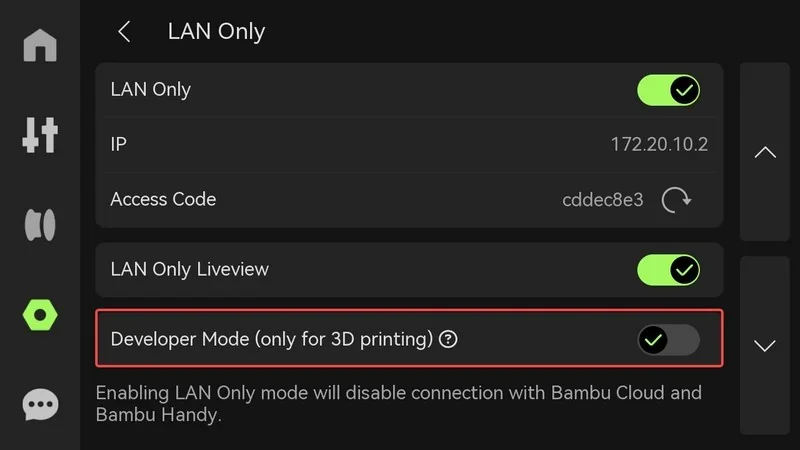
The H2D offers USB-A (FAT32/exFAT, ≥10 MB/s), microSD, and Wi-Fi (LAN/cloud) for flexible printing and file transfer—Ethernet is only available on the Pro version. USB handles timelapses, LAN printing, file storage, and log export (one device at a time), while the microSD slot near the screen supports direct prints and Bambu Studio exports. Wi-Fi is configured on-device, with a LAN-only mode for offline use or full connectivity for remote access. Developer Mode enables MQTT for custom integrations.
Software offered with the Bambu Lab H2D: Bambu Studio, Bambu Handy, and Bambu Suite.
Full Video Tutorial Playlist:
https://www.youtube-nocookie.com/playlist?list=PLFUVS59deIm2mawl3Zjk1XI9yp7H7955J
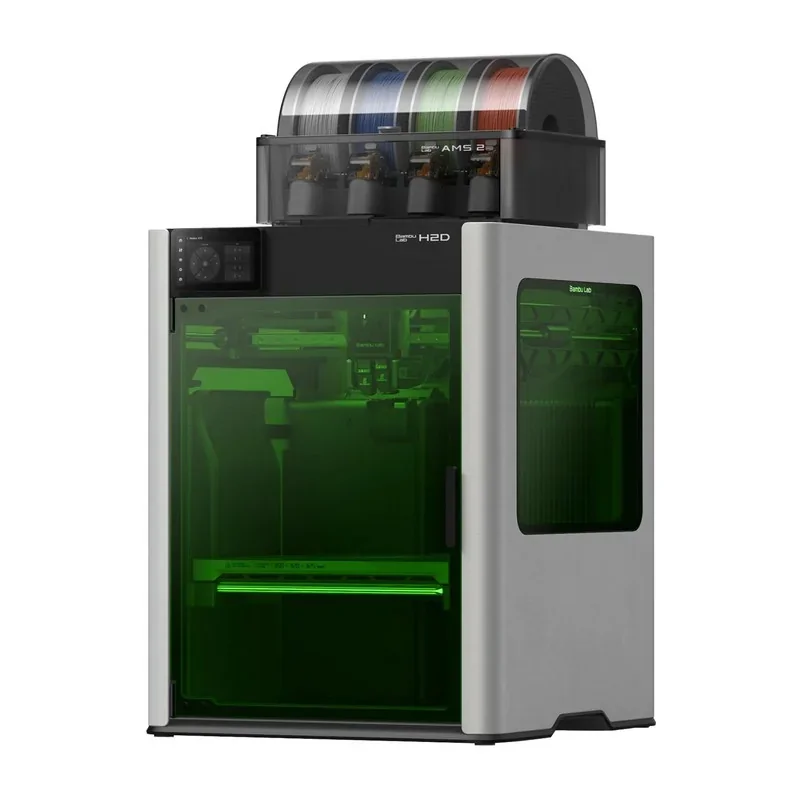
Fully enclosed CoreXY printer available in a standard “tempered glass” version and a Laser Safety version (green safety windows and opaque black top) with door-open interlocks for laser use.
The machine weighs ~85 lb (~100 lb with a 4-spool AMS on top) and needs roughly 50 × 60 × 65 cm of table space (allow ~40 mm extra clearance if the AMS is on top). A 65 °C actively heated chamber and internal filtration/venting are built in.
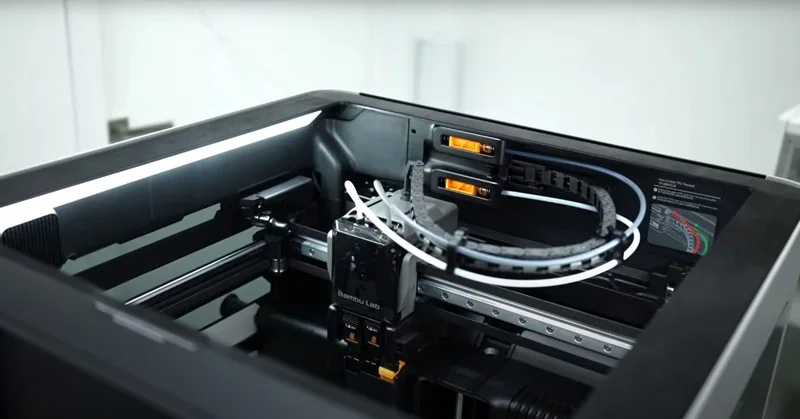
CoreXY XY kinematics; X-axis rides on a linear rail, Y on linear rods.
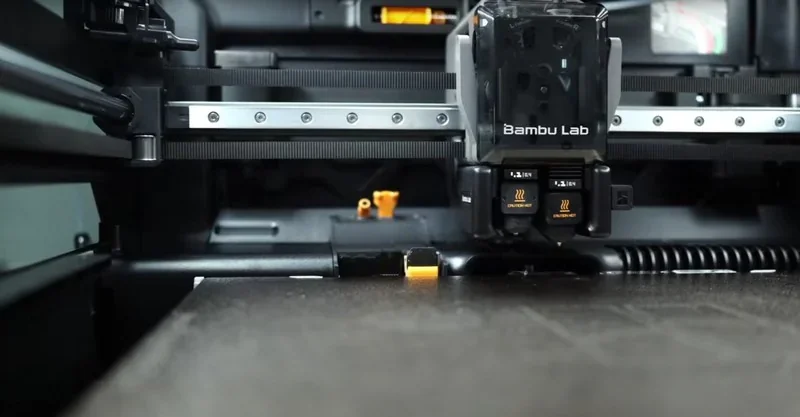
The Z-axis uses three synchronized lead screws with linear rods and a timing belt.
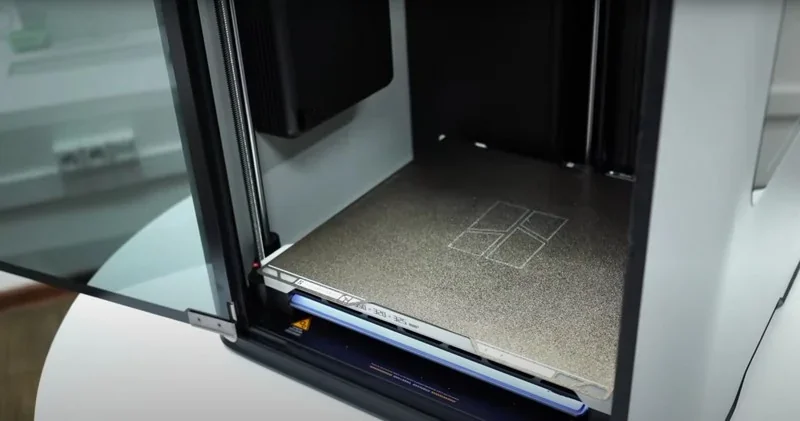
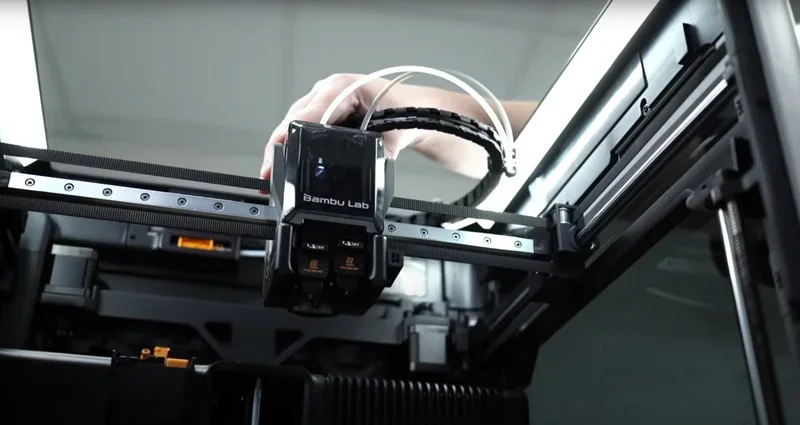
The Bambu Lab H2D is significantly quieter than the X1C and P1S, averaging 51–52 dB with the door closed, though Y-axis movement and the filament cutter can still be noisy.
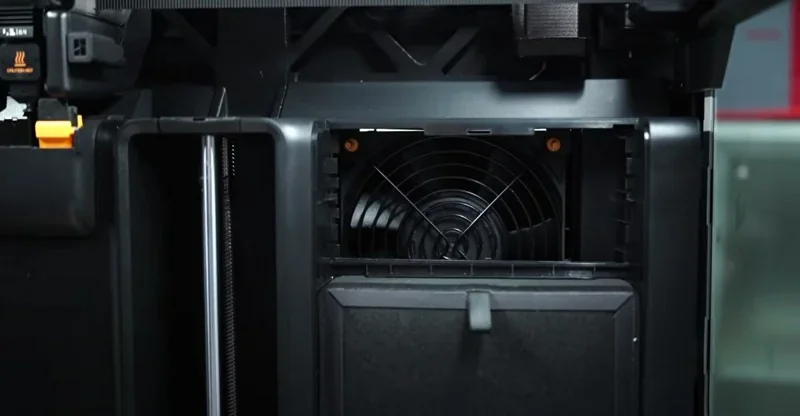
Heated bed up to 120 °C with default double-sided textured PEI steel sheet (smooth PEI available). The machine supports targeted/high-temperature bed leveling and multi-point strain-gauge leveling.
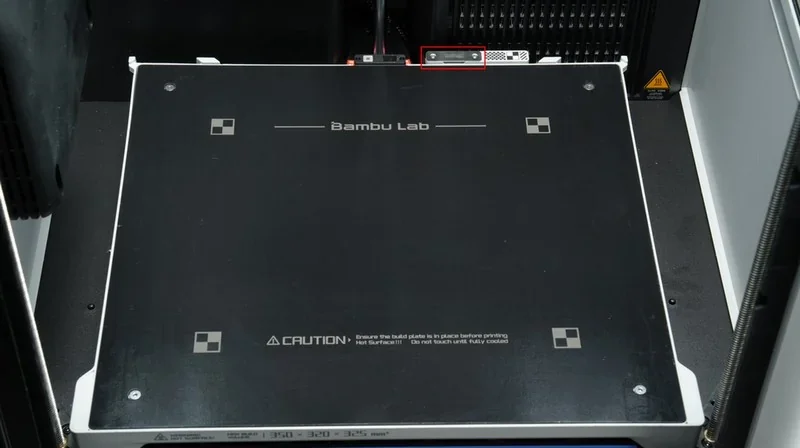
Dual-nozzle, single-toolhead design with automatic <25 µm dual-nozzle offset calibration via non-contact sensing;
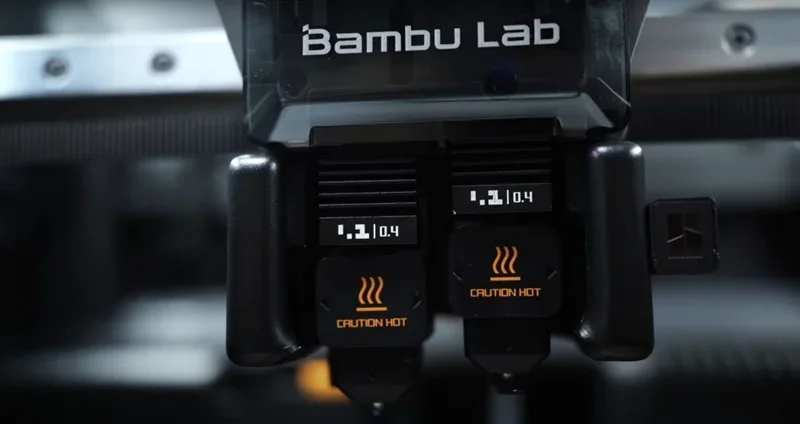
The hotends are rated to 350 °C with quick-swap nozzles and hardened steel options.
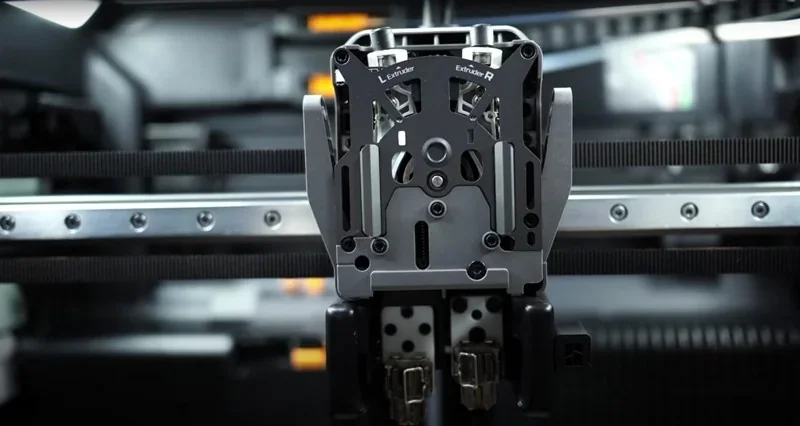
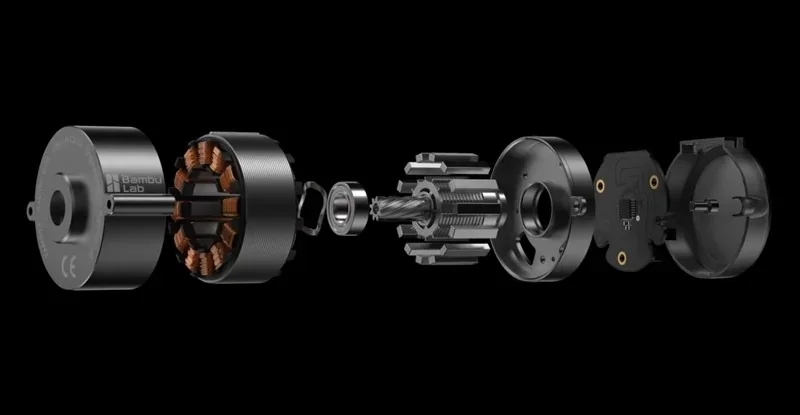
The Bambu Lab PMSM-based “DynaSense Extruder” performs 20 kHz torque/position sampling to stabilize flow and detect grinding/clogs; a high-flow hotend is available.
Designed for direct, tool-free tube access on AMS 2 Pro with ceramic filament inlets (Vickers ~1200 HV) for durability.
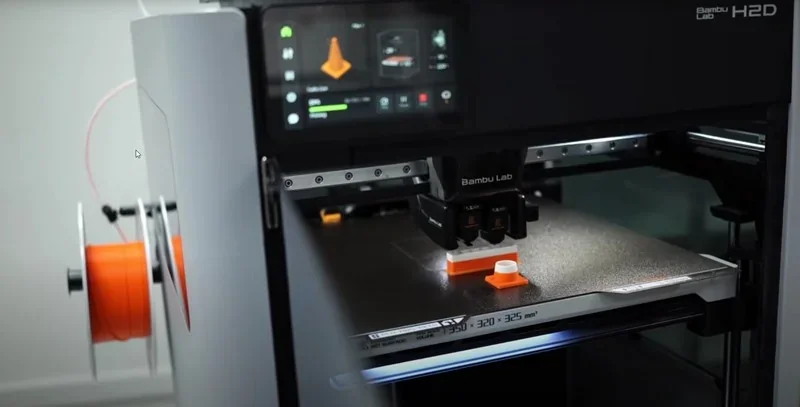
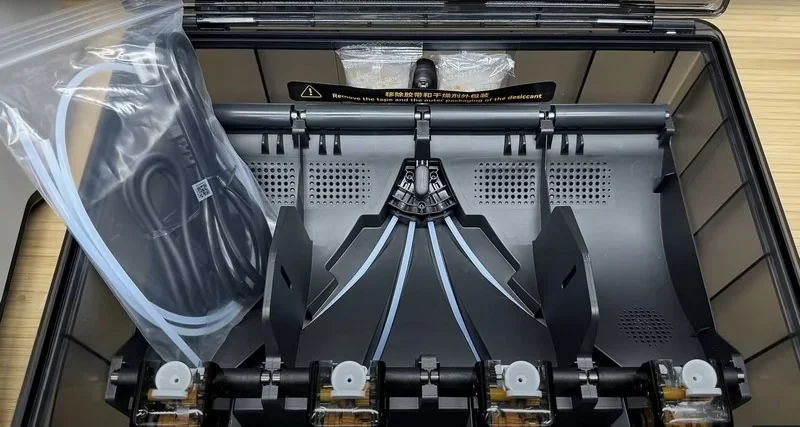
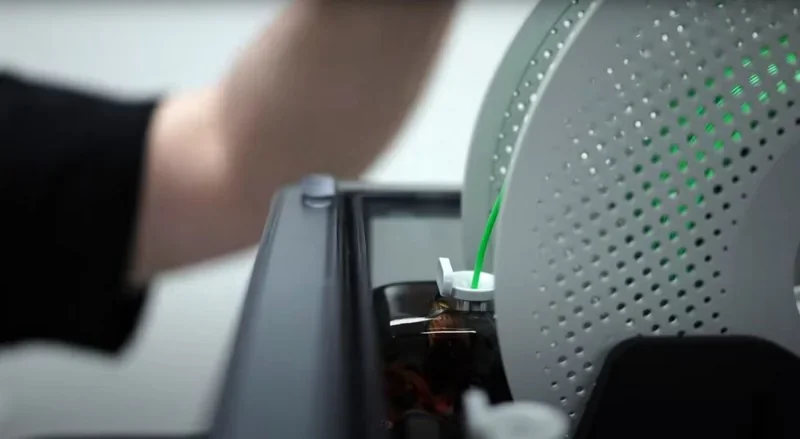
The system supports up to 4× AMS 2 Pro and 8× AMS HT simultaneously (24 slots), with one-to-one AMS-to-nozzle mapping; in extreme setups, 25 colors are possible using an external spool holder on the second extruder.
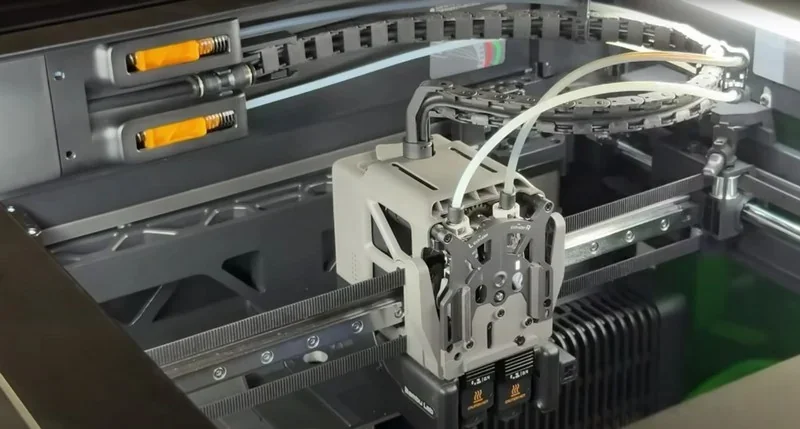
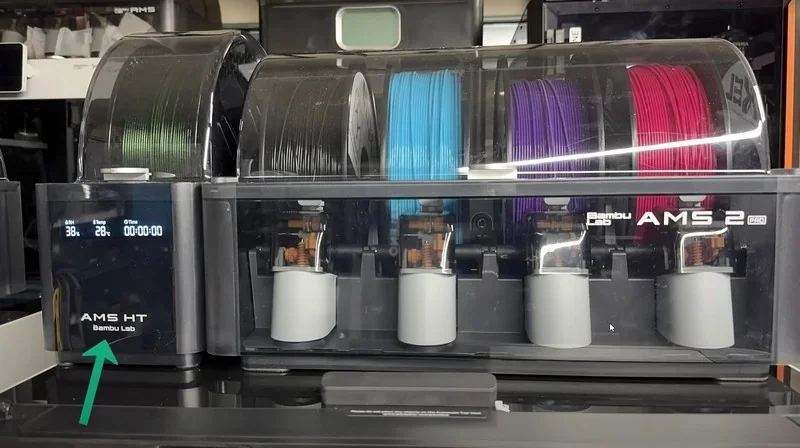
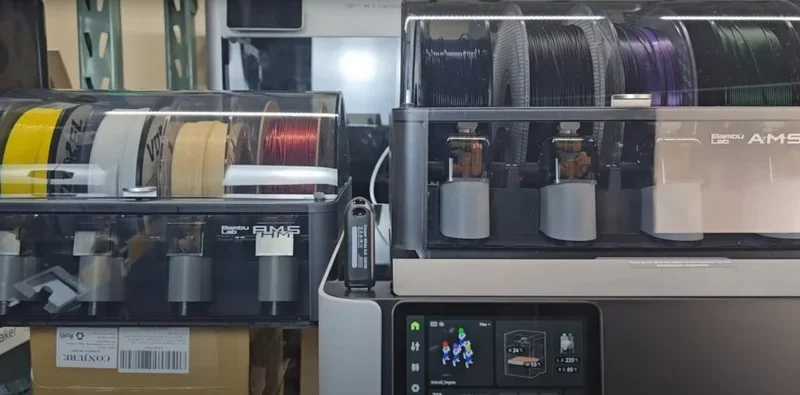
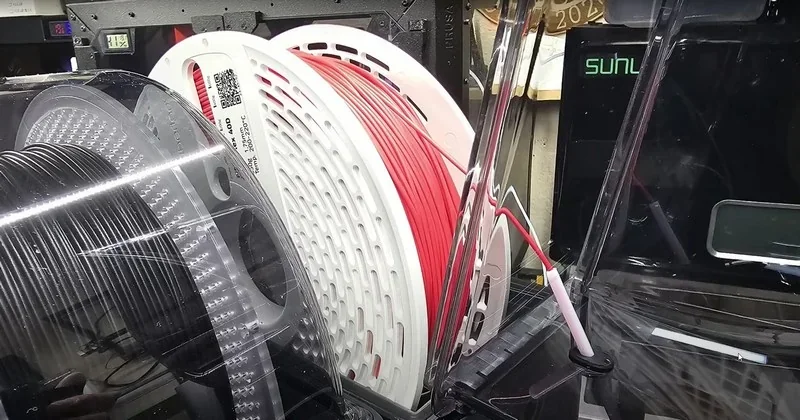
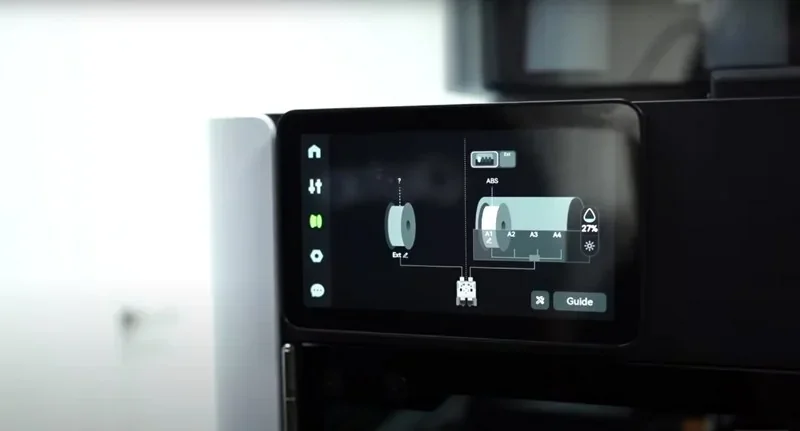
The printer auto-pairs AMS to left/right extruders and provides guided loading/unloading on-screen.
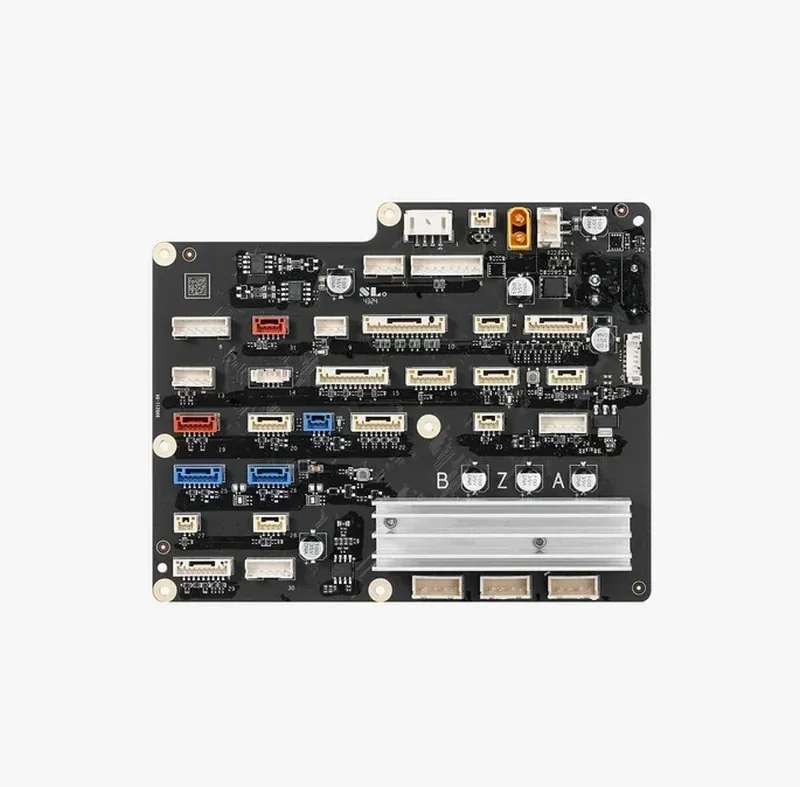
The H2D features a custom-made mainboard. Full description of the board's connectors: https://wiki.bambulab.com/en/h2/maintenance/replace-ap-board
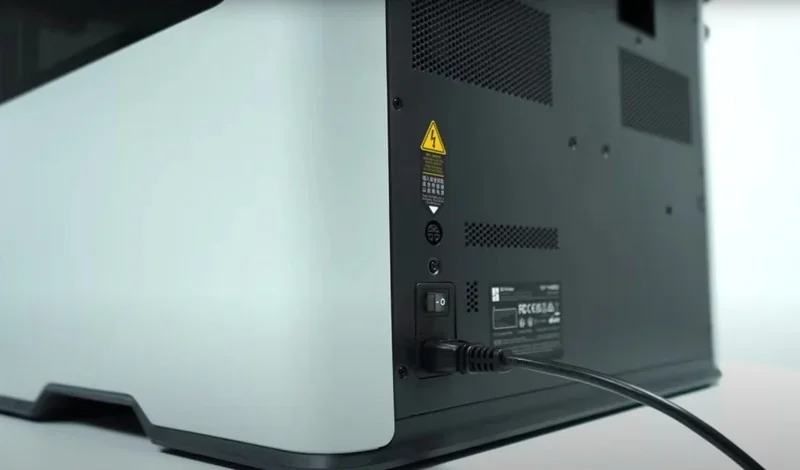
Regional AC and chamber-heater modules are provided in 110 V and 220 V versions;
Tool/Accessory Box (1× set):
Consumables & lines: PTFE tube(s) and desiccant (1× set, as supplied).
Assembly state: Ships fully assembled. Initial setup consists of removing transport screws/packaging, running the built-in calibrations, and (if applicable) updating AMS firmware.
Full unboxing guide: https://wiki.bambulab.com/en/h2/manual/unboxing-ams-combo-and-laser-full-combo
Note: For the Laser Full Combo, the exhaust-pipe screws/clamp are intentionally bagged within the AMS packaging for installation convenience.
| Accessory | Function | Price (USD) | Image |
|---|---|---|---|
| Bambu Lab H2D 3D Printing Bundles | |||
| H2D AMS Combo | Bundle that adds AMS 2 Pro to the Bambu Lab H2D package. It is an advanced, 4-spool automatic material system for 3D printing, it has an active filament drying up to 65°C. Box contents: Bambu Lab H2D; AMS 2 Pro; Textured PEI Build Plate; Spool Holder; Accessory Box; Safety Key. | 300 |  |
| H2D Dual AMS Pro Bundle | Bundle that adds 2 x AMS 2 Pro to the Bambu Lab H2D package. | 630 |  |
| H2D AMS HT Combo | Bundle that adds 1 x AMS 2 Pro and 1 x AMS HT to the Bambu Lab H2D package. The Bambu Lab AMS HT (Automatic Material System High Temp) is a, single-spool, active-drying filament feeder for 3D printers, designed specifically for high-performance materials like Nylon, PC, and Carbon Fiber. It dries filaments up to 85°C with active, electromagnetic venting, offering superior moisture control. | 450 |  |
| H2D Laser Full Combos (Laser + Cutting Setup) | |||
| H2D Laser Full Combo 10W |
What's Included:
|
960 | 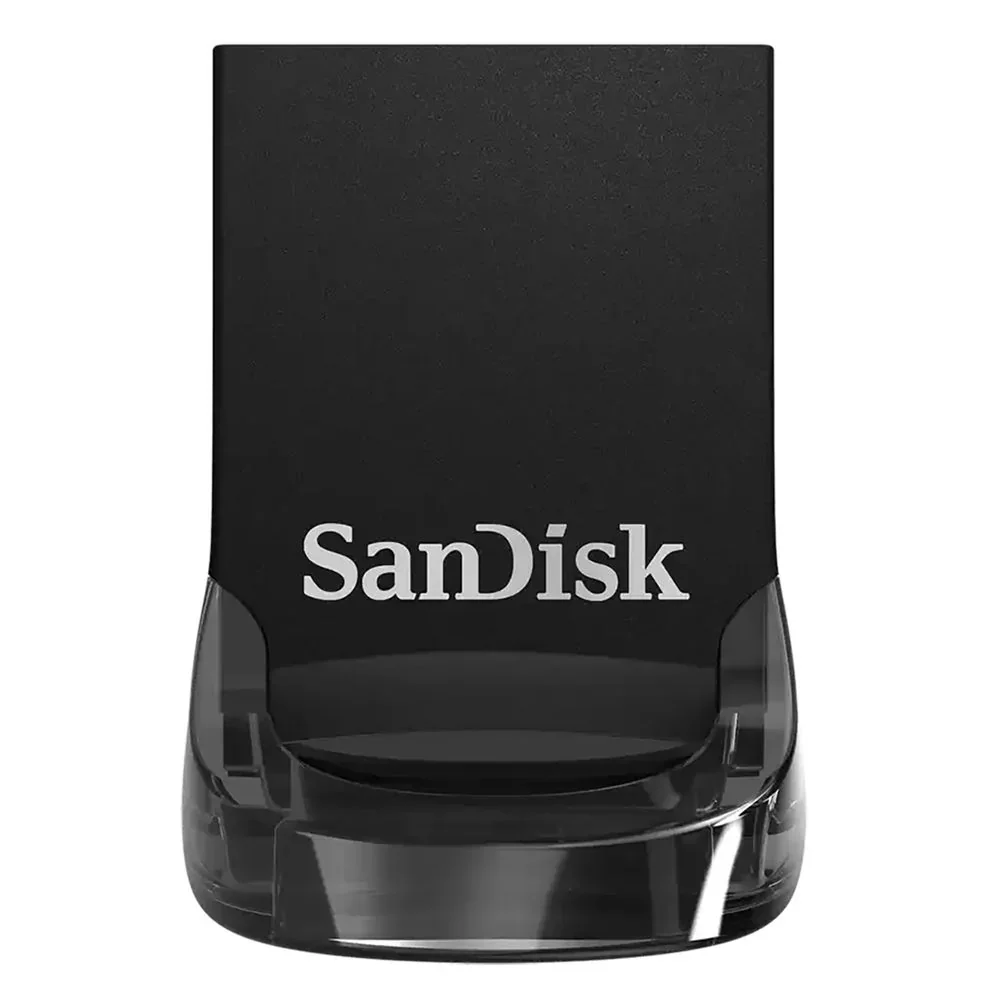 |
| H2D Laser Full Combo 40W | Same as above, with 40W Laser Module; | 1750 |  |
| Hotends, Nozzles, and Fans | |||
| Bambu Hotend - H2/P2S | Replacement hotend for H2/P2S with quick-swap latch for fast removal; supports 0.2/0.4/0.6/0.8 mm nozzles. | 25 | 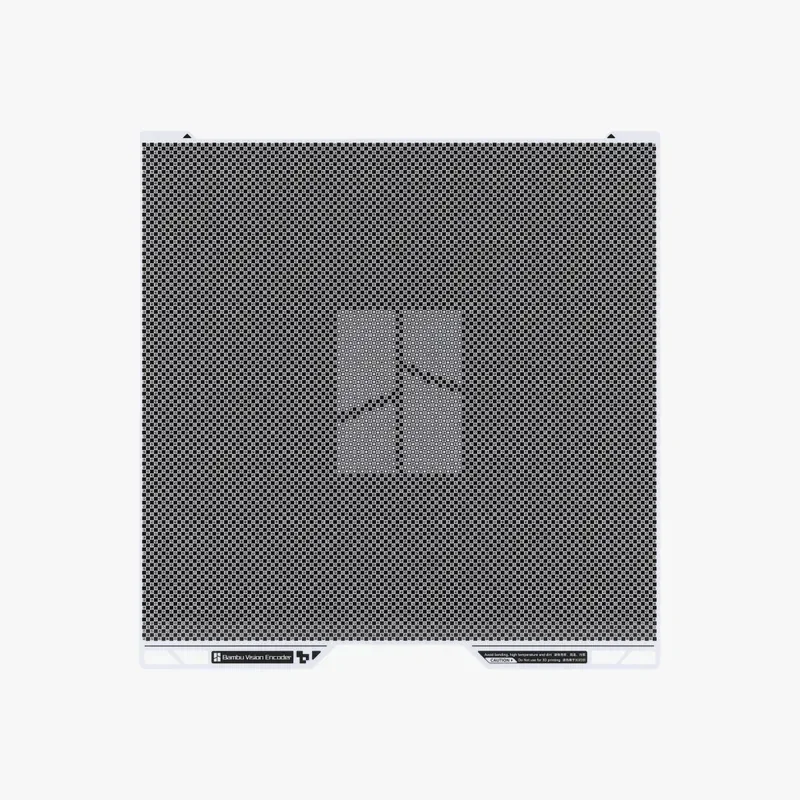 |
| Tungsten Carbide Nozzle - H2/P2S | Replacement tungsten carbide quick-swap nozzle for H2/P2S (HRA 90) with higher wear resistance than hardened steel (HRA 74) and 50% longer life on abrasive fiber-filled filaments. | 72 | 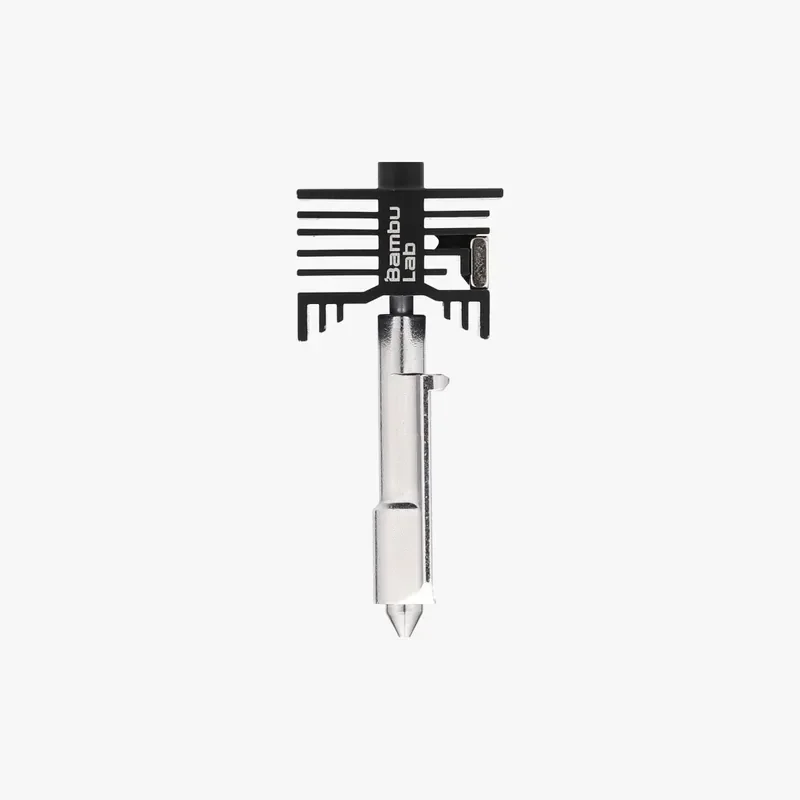 |
| Toolhead Enhanced Cooling Fan | Replacement toolhead fan for H2D and H2C that cools the heatsink and extruder to prevent heat creep and reduce clogs during high-temperature printing. | 48 | 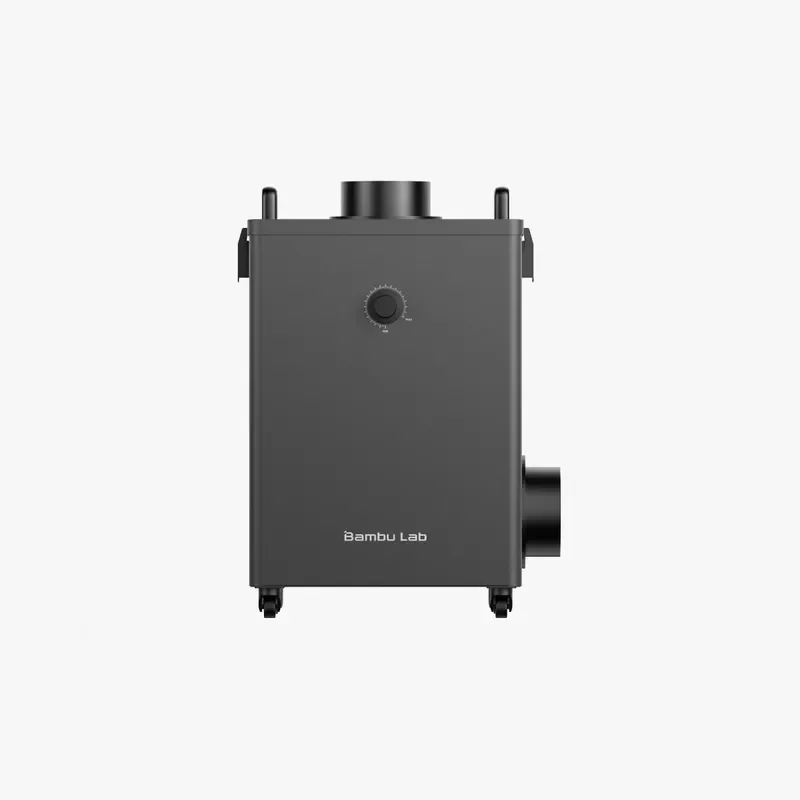 |
| Calibration and Motion Accuracy Tools | |||
| Vision Encoder | XY-axis calibration tool that improves motion accuracy to below 50 μm by compensating mechanical variance and long-term wear. Uses a matrix of 10⁴ encode markers and 5 μm-resolution optical measurements to calibrate motion accuracy within 50 μm. Calibration is distance-independent for consistent accuracy on large prints. | 129 | 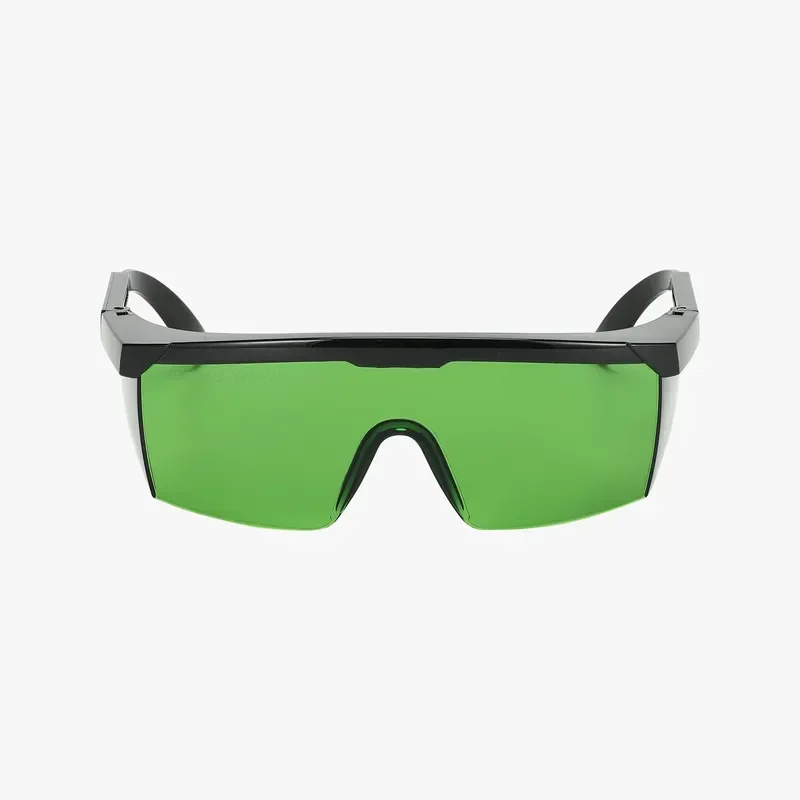 |
| Build Plates | |||
| Bambu Cool Plate SuperTack Pro | Spring-steel plate with SuperTack Pro coating for strong PLA/PETG adhesion at lower bed temperatures; 120°C temperature resistance; 0.05 mm coating on 0.4 mm steel; <15% adhesion loss after 300 prints. | 36 | 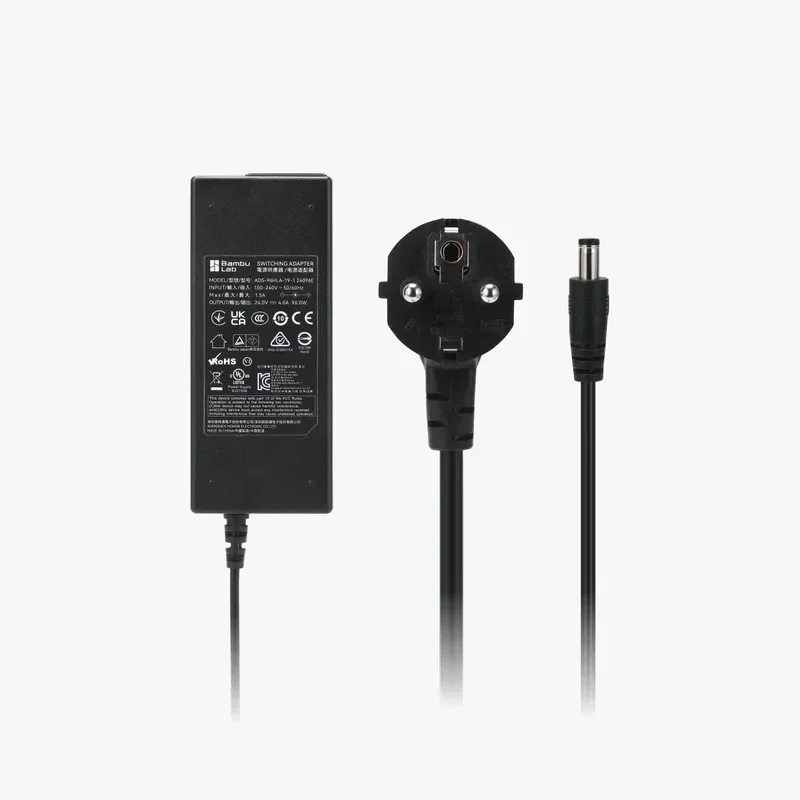 |
| Bambu Engineering Plate | Smooth engineering plate for full filament range with glue; durable coating resists heat, scratches, corrosion, and repeated washing; produces a smooth bottom surface. | 36 | 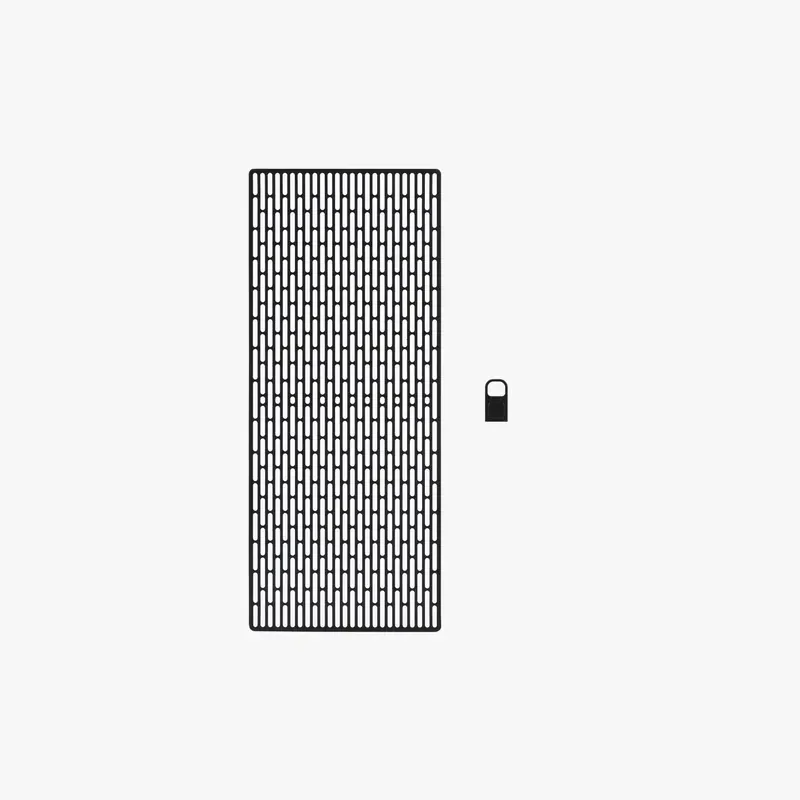 |
| Bambu Smooth PEI Plate | Smooth PEI plate for tighter tolerances and a smooth matte bottom surface; supports PLA/TPU/PETG/ABS/Nylon; 0.5 mm spring steel increases magnetic hold and reduces warping. | 22 | 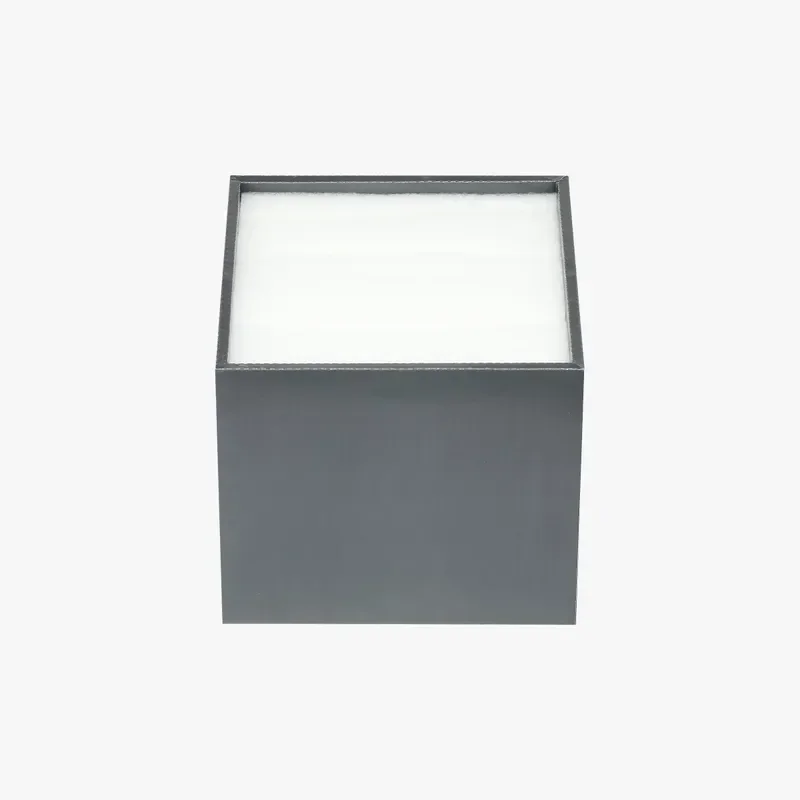 |
| Bambu Textured PEI Plate | Textured PEI plate with strong first-layer adhesion and improved durability; prints self-release after cooling and remove at ≤35°C; 0.5 mm stainless steel increases magnetic hold and reduces warping. | 25 |  |
| Multi-Material Upgrade Systems | |||
| Vortek Upgrade Kit | Vortek hotend-swapping multi-material upgrade for minimal purge waste and automatic changes with AMS; induction heats to PLA temperature in ~8 seconds; includes 6 hotends (0.4 mm hardened steel ×4, 0.6 mm hardened steel ×1, 0.2 mm stainless steel ×1), AP board, heatbed, hotend rack, toolhead with X-axis assembly, and Textured PEI Plate. | 965 | 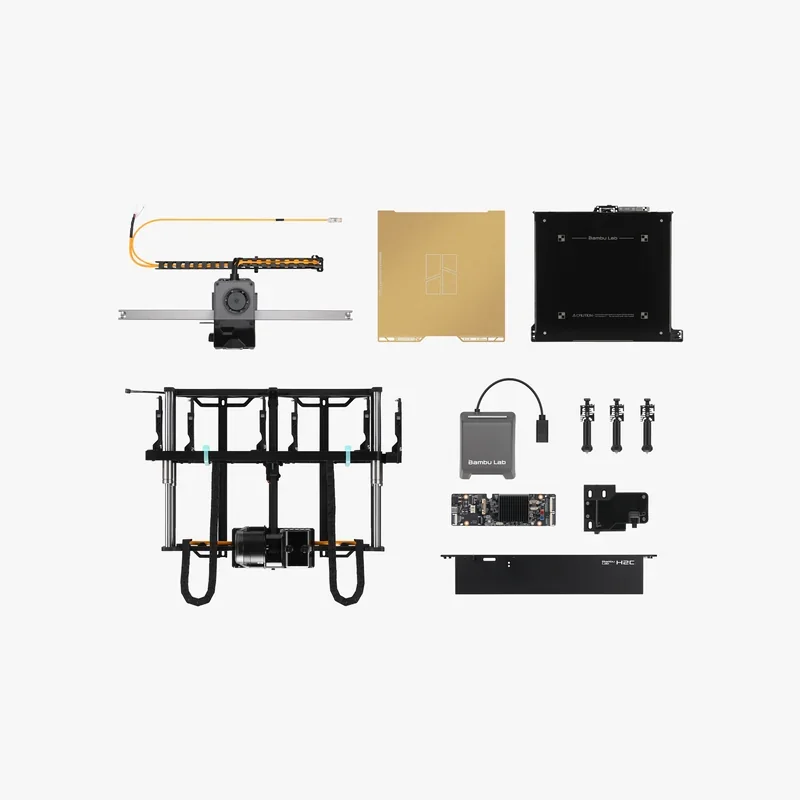 |
| GROUP: AMS Consumables and Tools | |||
| AMS 2 Pro Switching Adapter | Power adapter for AMS 2 Pro drying; each additional AMS 2 Pro running drying uses one adapter. | 40 | 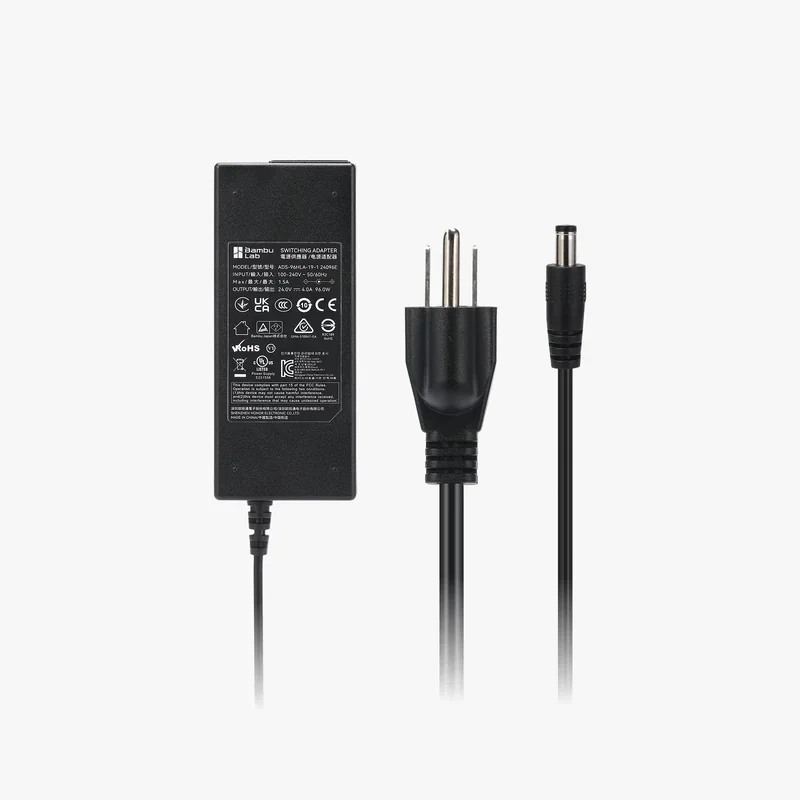 |
| Desiccant for AMS Unit | Color-changing silicone desiccant for AMS/AMS 2 Pro/AMS HT; includes 6 packs. | 5 | 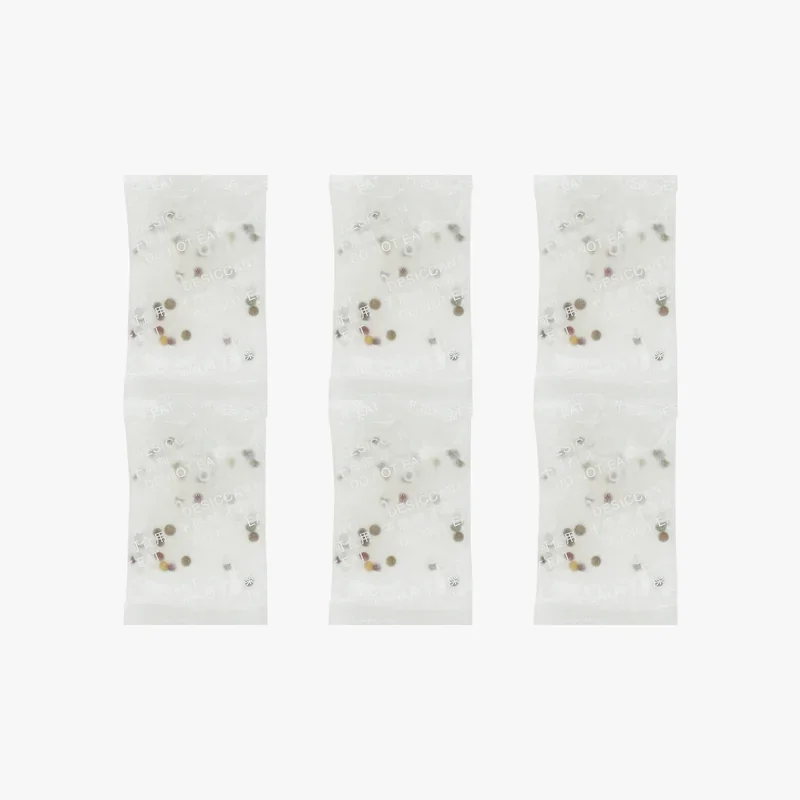 |
| GROUP: Storage Tools | |||
| SanDisk Ultra Fit USB 3.2 Flash Drive | 32 GB USB 3.2 drive for H2 Series to import files and store videos; up to 130 MB/s transfer speed. | 12 | 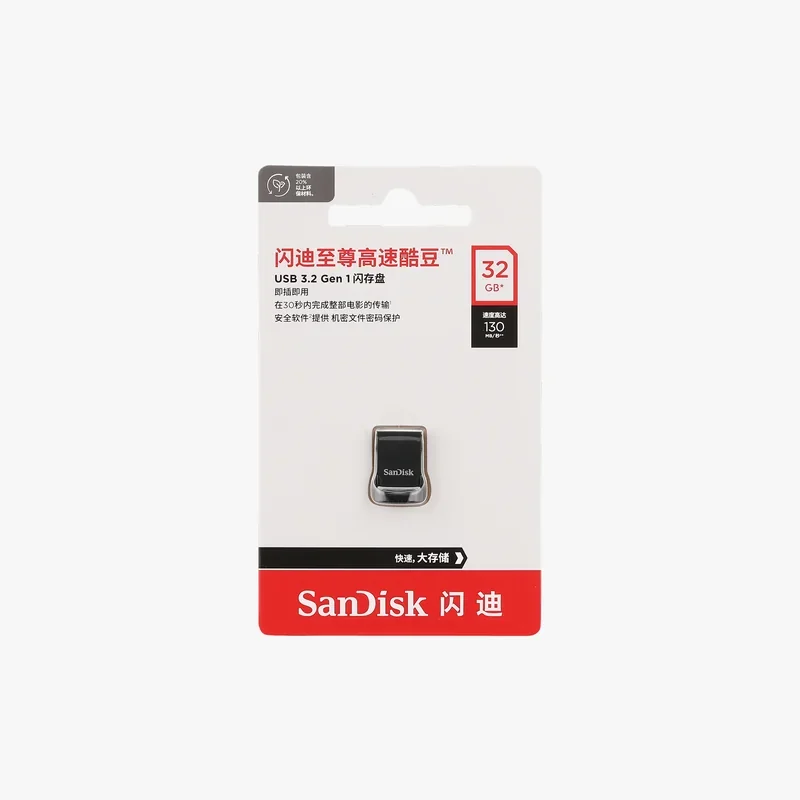 |
| GROUP: Adhesives and Maintenance | |||
| Glue Stick | Water-dissolvable build plate glue for PLA, ABS, PETG, PC, PA, and TPU; 24-month shelf life. | 5 | 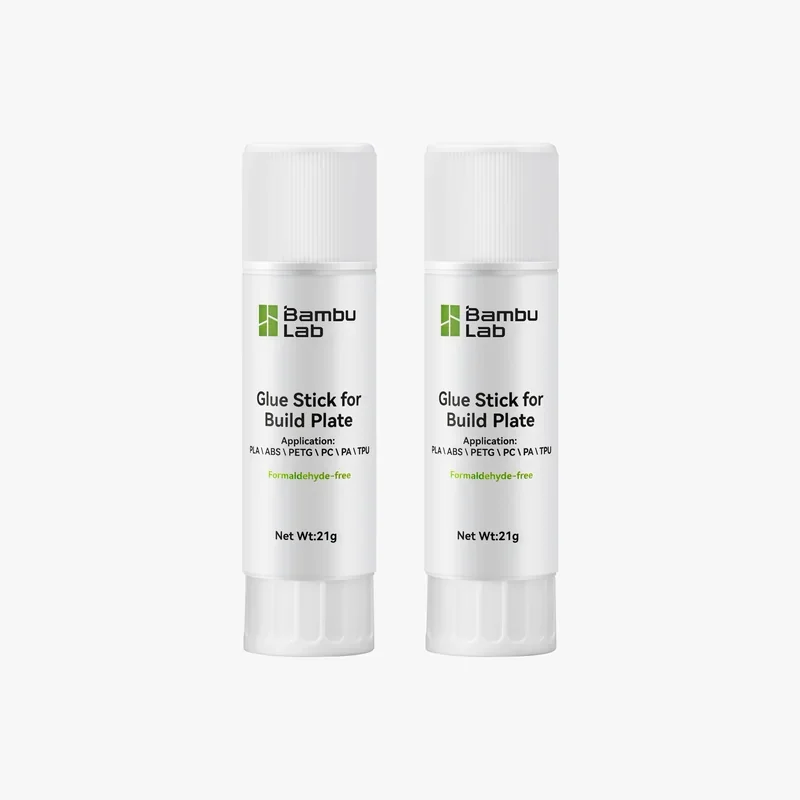 |
| Liquid Glue | Liquid build plate adhesive for PLA, ABS, and PETG; 60 mL; 100 full-plate coatings. | 20 | 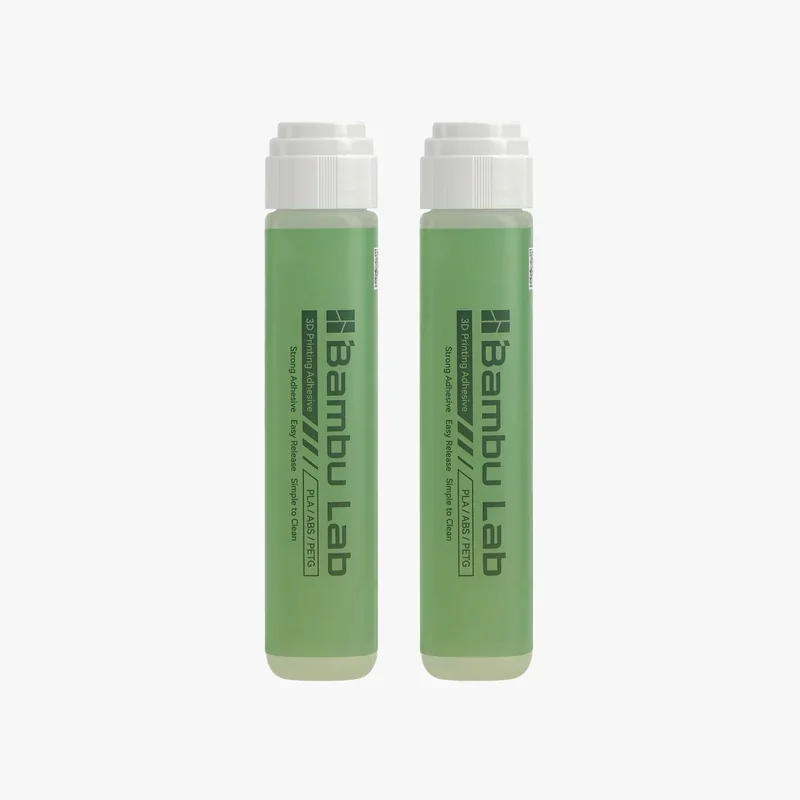 |
| Lubricant Grease | Grease for lead screws and belt/idler contact points to reduce friction and noise. | 5 | 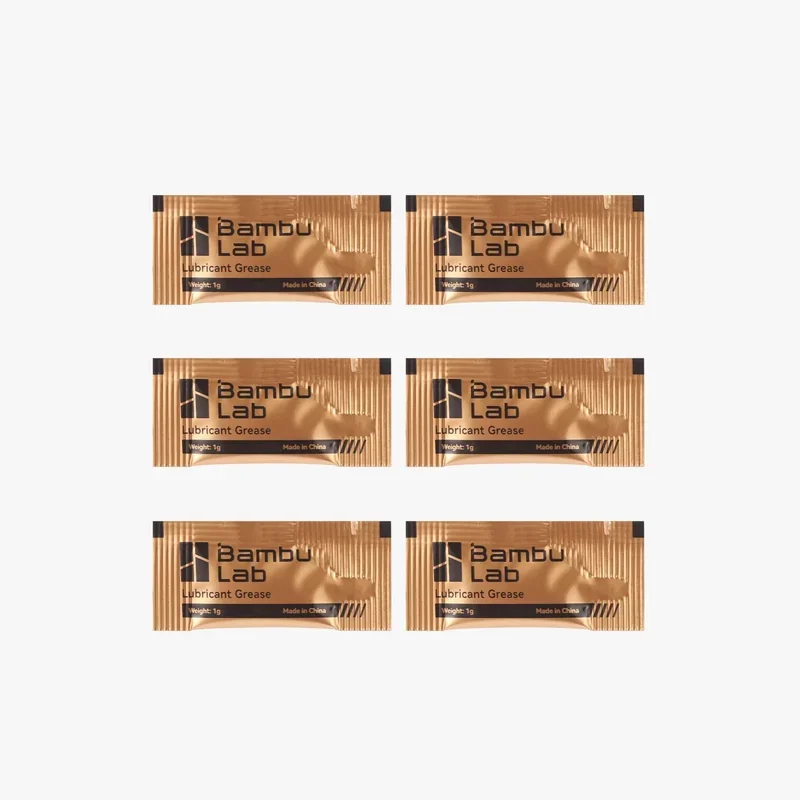 |
| Lubricant Oil | Oil for linear guides, slide rails, and steel shafts. | 7 | 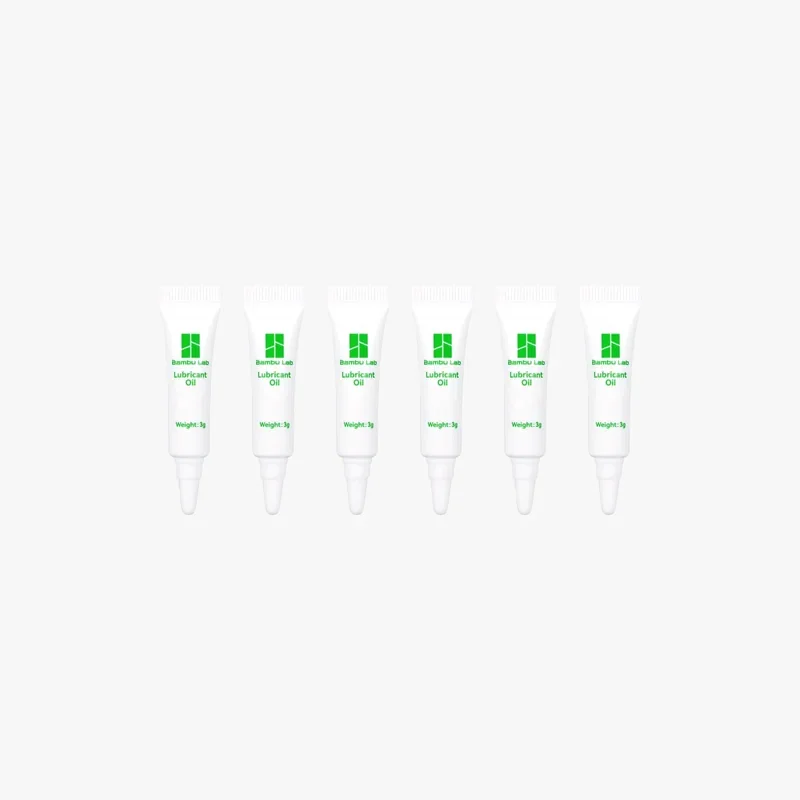 |
| Essential Consumables Kit - H2 Series | Maintenance kit for H2 Series: lubricant oil 3 g ×6, grease 1 g ×6, PTFE tubes ×2 (900 mm and 340 mm), VOC air filter ×1, hotend silicone socks ×3, and filament cutter blade ×1; compatible with H2D/H2D Laser and H2S/H2S Laser. | 36 | 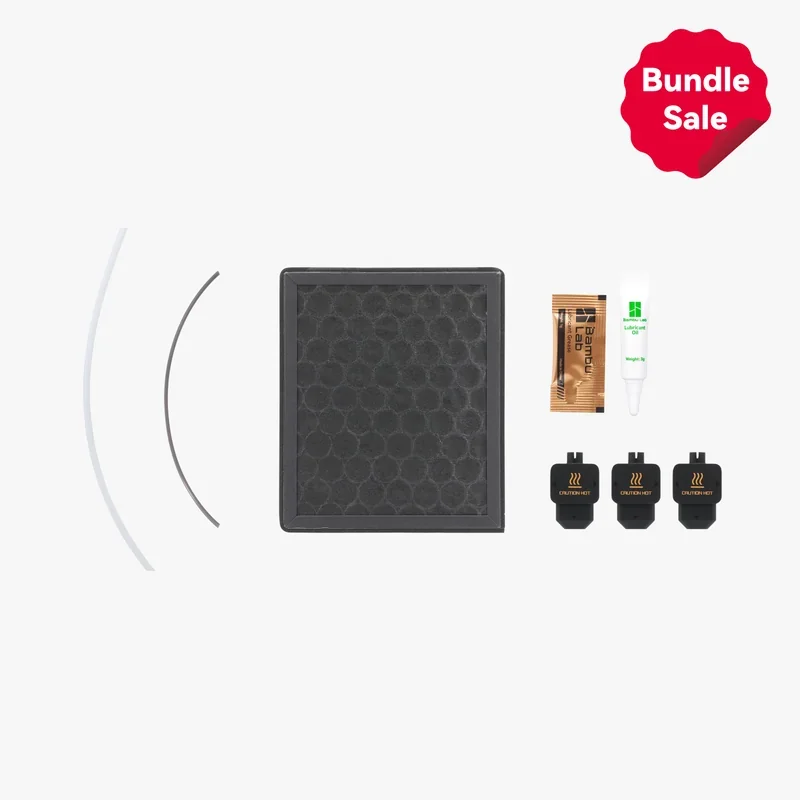 |
| Feature | Cutting module | 10 W laser module | 40 W laser module |
|---|---|---|---|
| Process | Blade cutting / pen drawing (no laser) | Blue-light laser engraving & light cutting | Blue-light laser engraving & heavier cutting |
| Typical use | Vinyl, paper/cardstock, HTV, thin plastic films; pen plotting | Engraving photos/text; cutting thin wood/leather | Faster engraving; cutting thicker wood/leather; higher throughput |
| Max cutting thickness (basswood) | ~0.5 mm | 5 mm | 15 mm |
| Max engraving speed (basswood) | n/a (mechanical) | 400 mm/s | 1000 mm/s |
| Work area (H2D) | 300×255 mm (drawing/cutting) | 310×270 mm | 310×250 mm |
| Fixtures/platform | Cutting platform with LightGrip/StrongGrip mats | Laser platform with slats/grid + air-assist | Laser platform with slats/grid + air-assist |
| Air assist | Not applicable | Built-in pump (≈30 kPa, 30 L/min) | Built-in pump (≈30 kPa, 30 L/min) |
| Safety | No E-Stop required when used alone; standard machine interlocks | Class-4 module in a Class-1 enclosure; Emergency Stop required, door interlocks | Class-4 module in a Class-1 enclosure; Emergency Stop required, door interlocks |
| Calibration | Mount calibration for tool-tip; blade/pen height setting | Begin Setup (XYZ focus) + Mount calibration; BirdsEye camera calibration when needed | Same as 10 W |
| Notes on materials | Cleanest edges on vinyl/paper; no burning/fumes | Blue lasers can struggle on reflective/transparent surfaces unless darkened | Same wavelength limits as 10 W; just deeper/faster |
The H2D requires over 20 maintenance tasks across job-based, weekly, condition-based, and periodic schedules to keep motion, thermal, and air systems within spec.
Per-Job / After Laser or Dusty Jobs
Weekly
Condition-Based (by spool count/material)
Periodic Deep Clean & Lubrication
Maintenance Reminders
Warranty Coverage:
Bambu Lab offers a limited warranty against manufacturing defects and failures not caused by the user. It excludes damage from misuse, third-party accessories, unofficial firmware, poor maintenance, accidents, and tampered serials. Claims must go through official Bambu Lab support channels.
Warranty Period:
Full Warranty Terms:
https://bambulab.com/en/policies/warranty/h2series
Not Covered:
Damage from unofficial firmware, improper use, lack of maintenance (e.g., laser cleaning), cosmetic wear, shipping damage without proof, or missing proof of purchase. Consumables have no warranty but may be replaced if the printer is still under warranty.
Support Access:
Self-Help Resources:
Guides and tutorials are available via Bambu Lab Wiki, Bambu Studio/Handy apps, and on-device QR codes:
The price of the Bambu Lab H2D is $2,179.00; this investment delivers a dual-nozzle CoreXY with an actively heated chamber (~65 °C), 350 °C hotends, integrated vision/camera suite, and next-gen AMS drying/feeding support in a single, enclosed platform.
Configurations (percentage difference vs. H2D base):
Update your browser to view this website correctly. Update my browser now