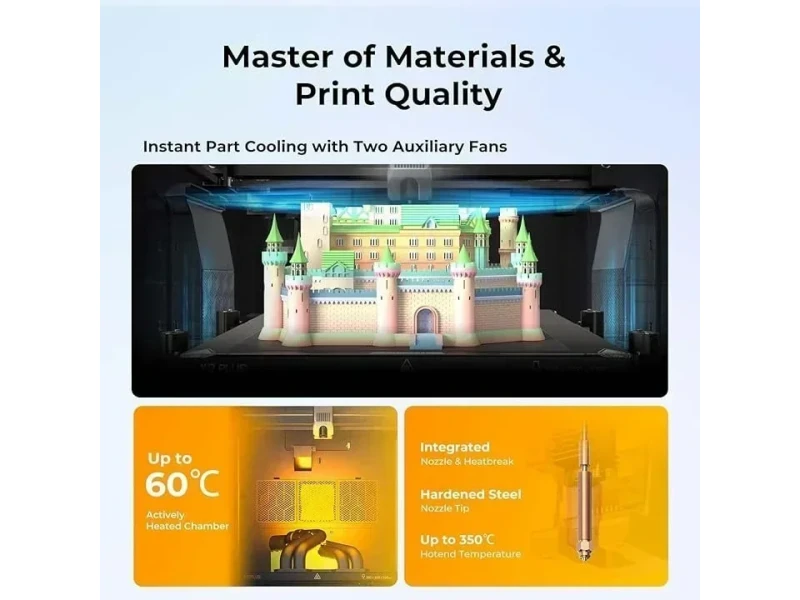
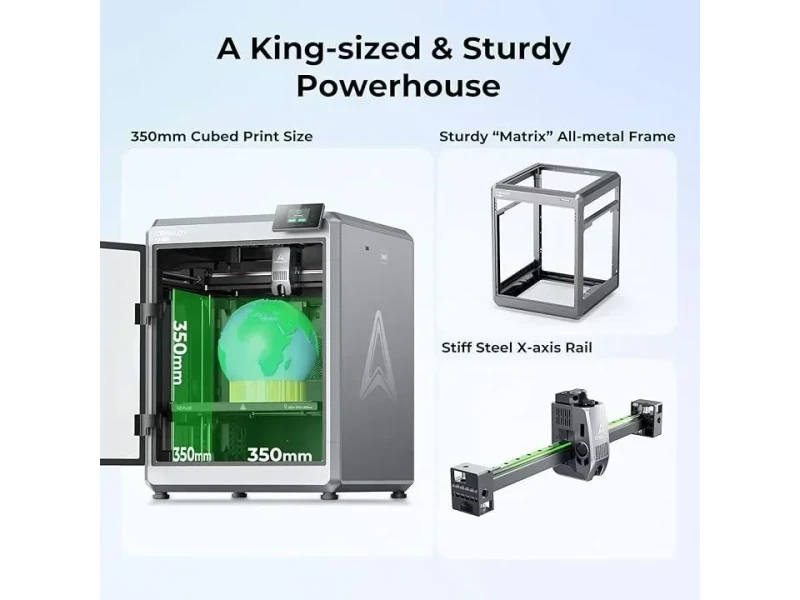
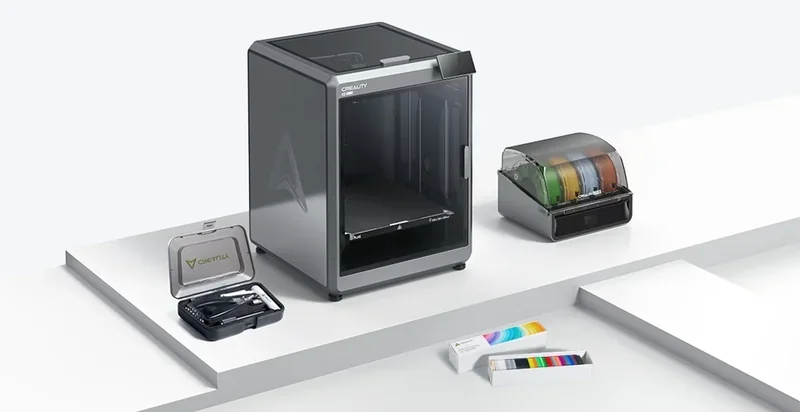
The Creality K2 Plus is a high-speed, large-format Core XY 3D printer with a 350 x 350 x 350 mm build area, Klipper-based control, and speeds up to 600mm/s. Its die-cast aluminum frame, auto-calibration, and 60°C heated chamber ensure stable, high-quality prints with materials like ABS and nylon using a 350°C hardened steel nozzle. It supports up to 16-color, multi-material printing via the Creality Filament System and features dual AI cameras for monitoring and calibration. With WiFi, LAN, USB, and Creality Cloud support, it’s ideal for professional, educational, or print farm use.
The Creality K2 Plus offers high print quality across materials, with layer heights from 0.05mm to 0.3mm. Test prints show smooth surfaces comparable to molded parts.
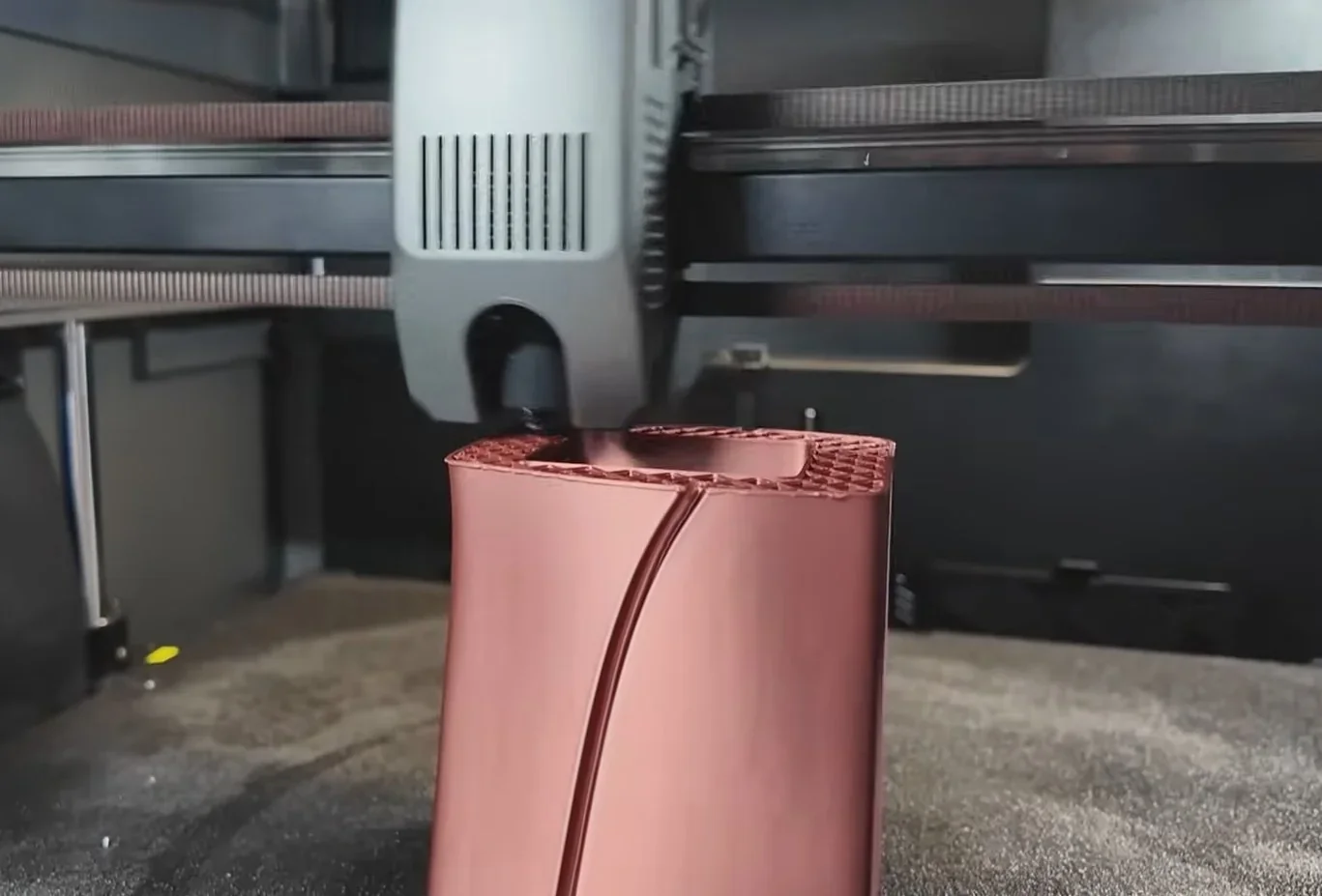
The Creality K2 Plus achieves ±5µm dimensional accuracy with sharp corners, making it suitable for precise functional parts. It maintains this precision even at high speeds, balancing quality and efficiency.
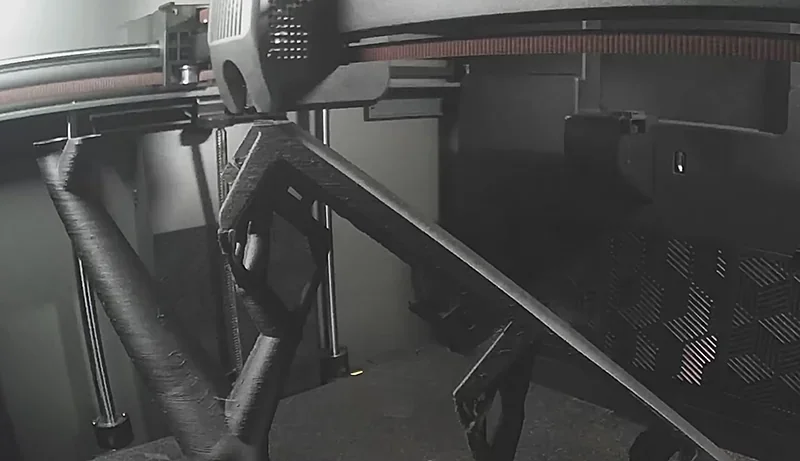
The Creality K2 Plus combines a robust design with an advanced motion system to reach 600mm/s speeds and 30,000mm/s² acceleration, enabling fast, high-quality printing. But tests show the High Quality preset (120mm/s, 8000mm/s²) produces smoother surfaces than the Standard preset (300mm/s, 12000mm/s²).
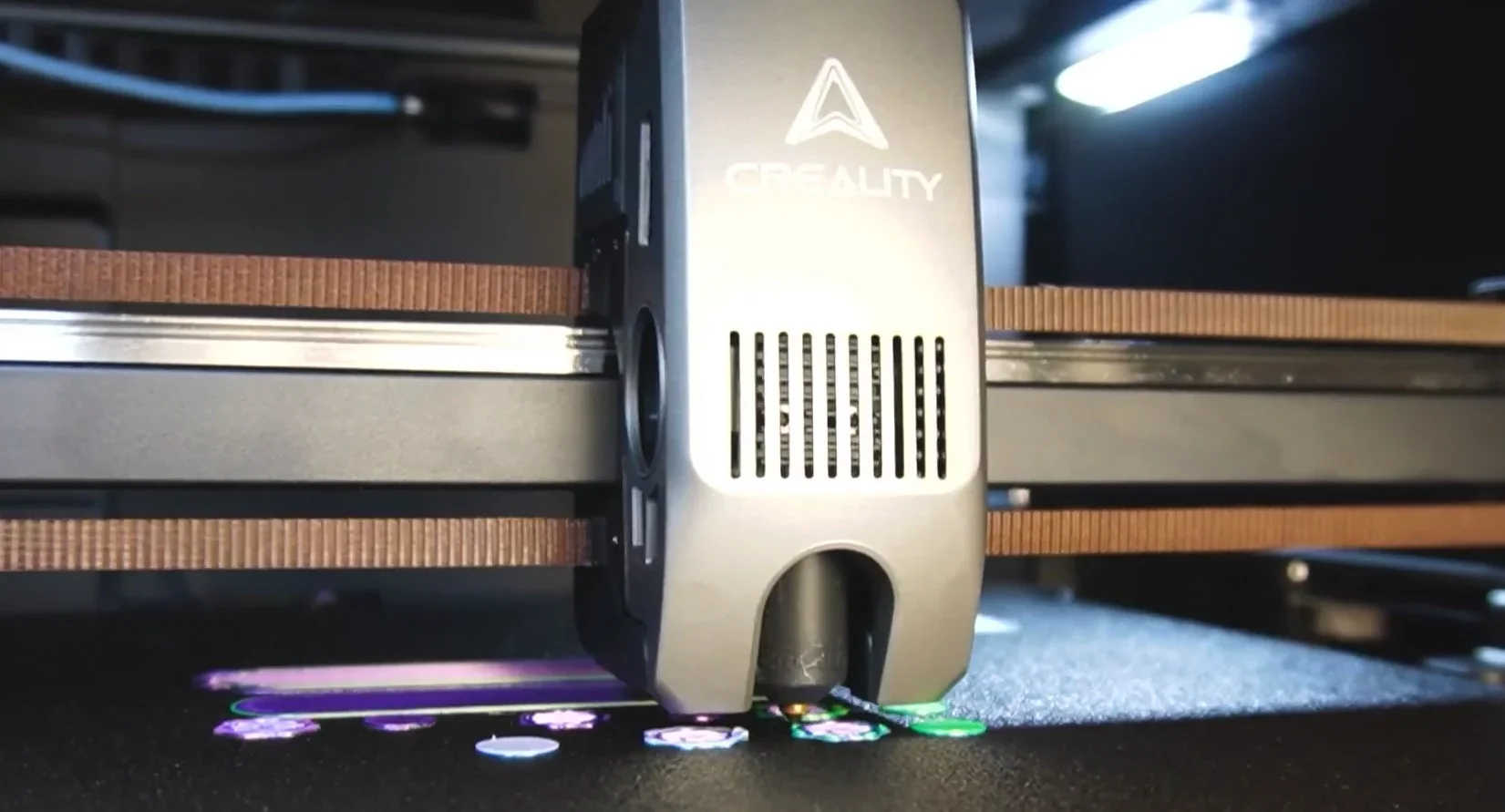
Precision comes from the Core XY design, die-cast aluminum frame, dual Z-axis with four linear rods, FOC step-servo motors, and active belt tensioning, which reduce vibrations and ensure accurate layering.
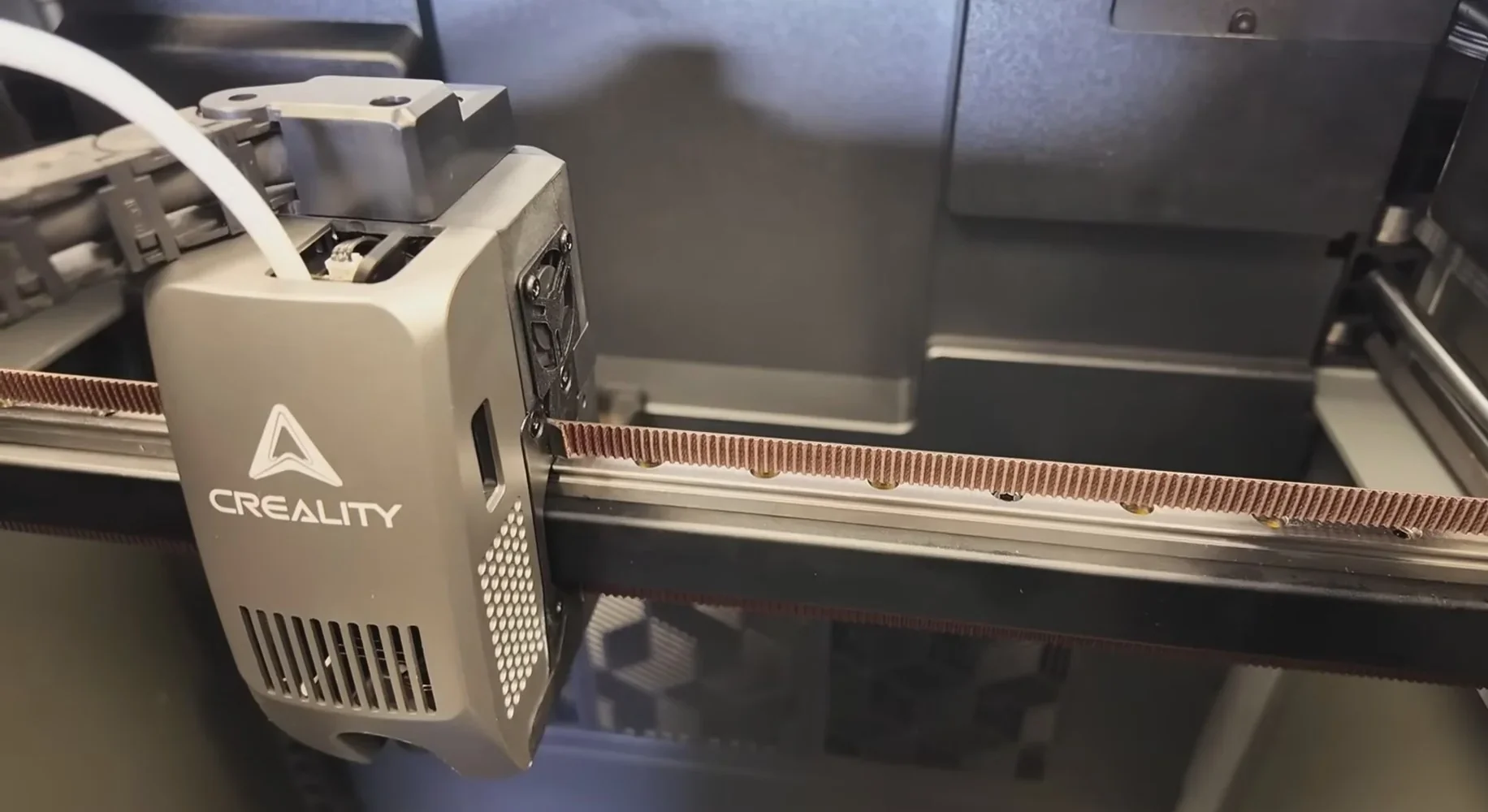
VFA testing in OrcaSlicer showed axis-dependent ripples on the Creality K2 Plus Combo, typical of belt-driven systems. Artifacts appeared above 80mm/s on some axes but were absent on others.
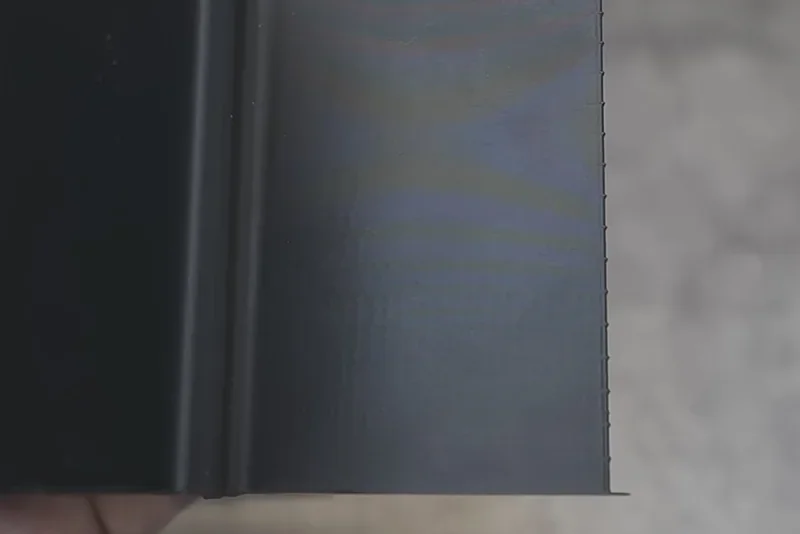
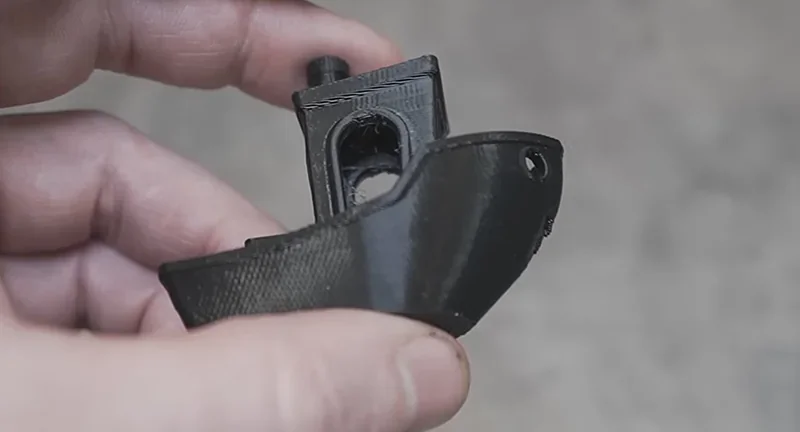
A speed-optimized 3DBenchy printed in 14 minutes showed good quality, while standard settings produced near-perfect results.
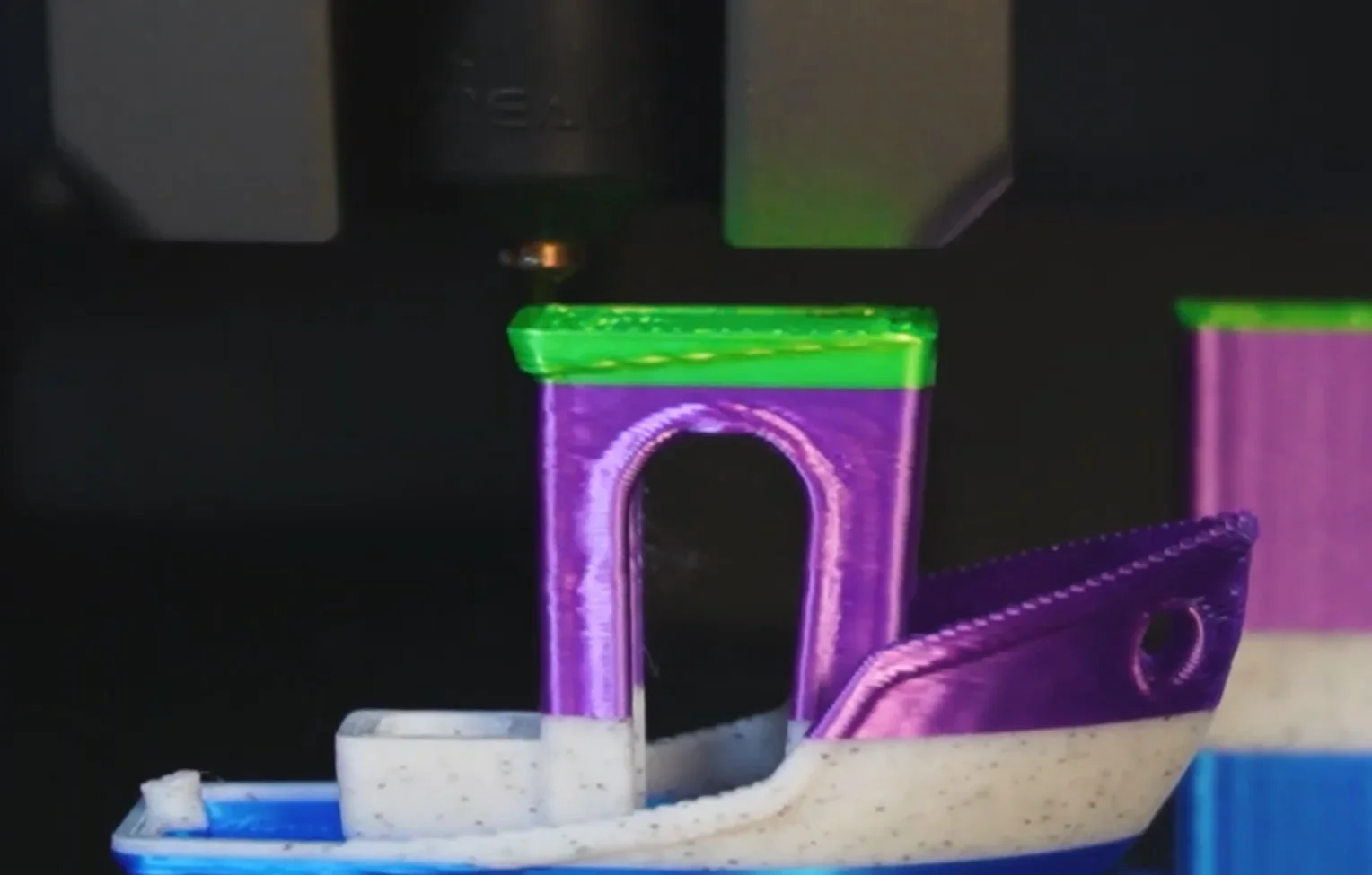
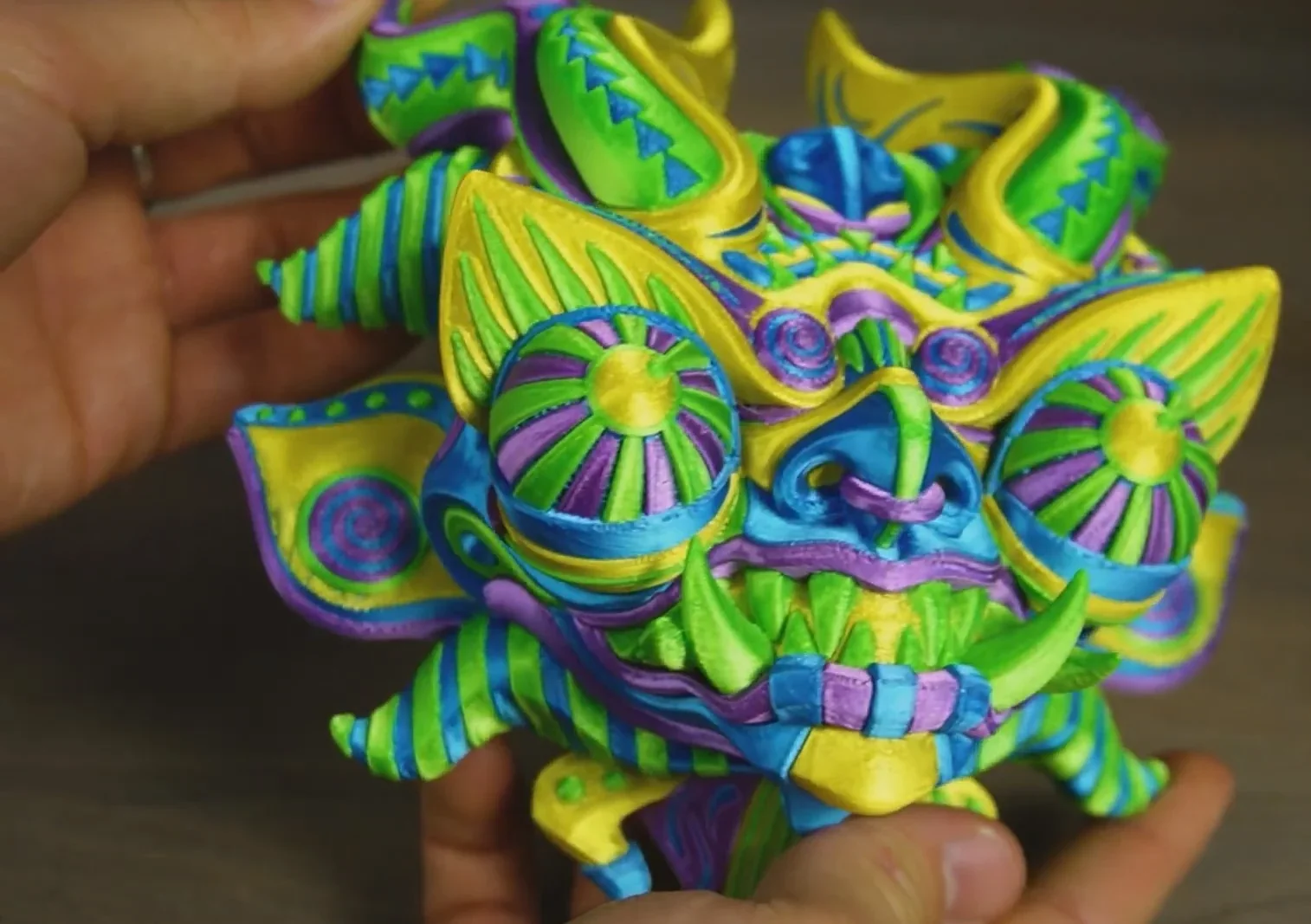
The Creality K2 Plus excels in multicolor printing with the Creality Filament System, producing test prints like multicolor 3DBenchies and detailed masks with sharp color transitions and definition.
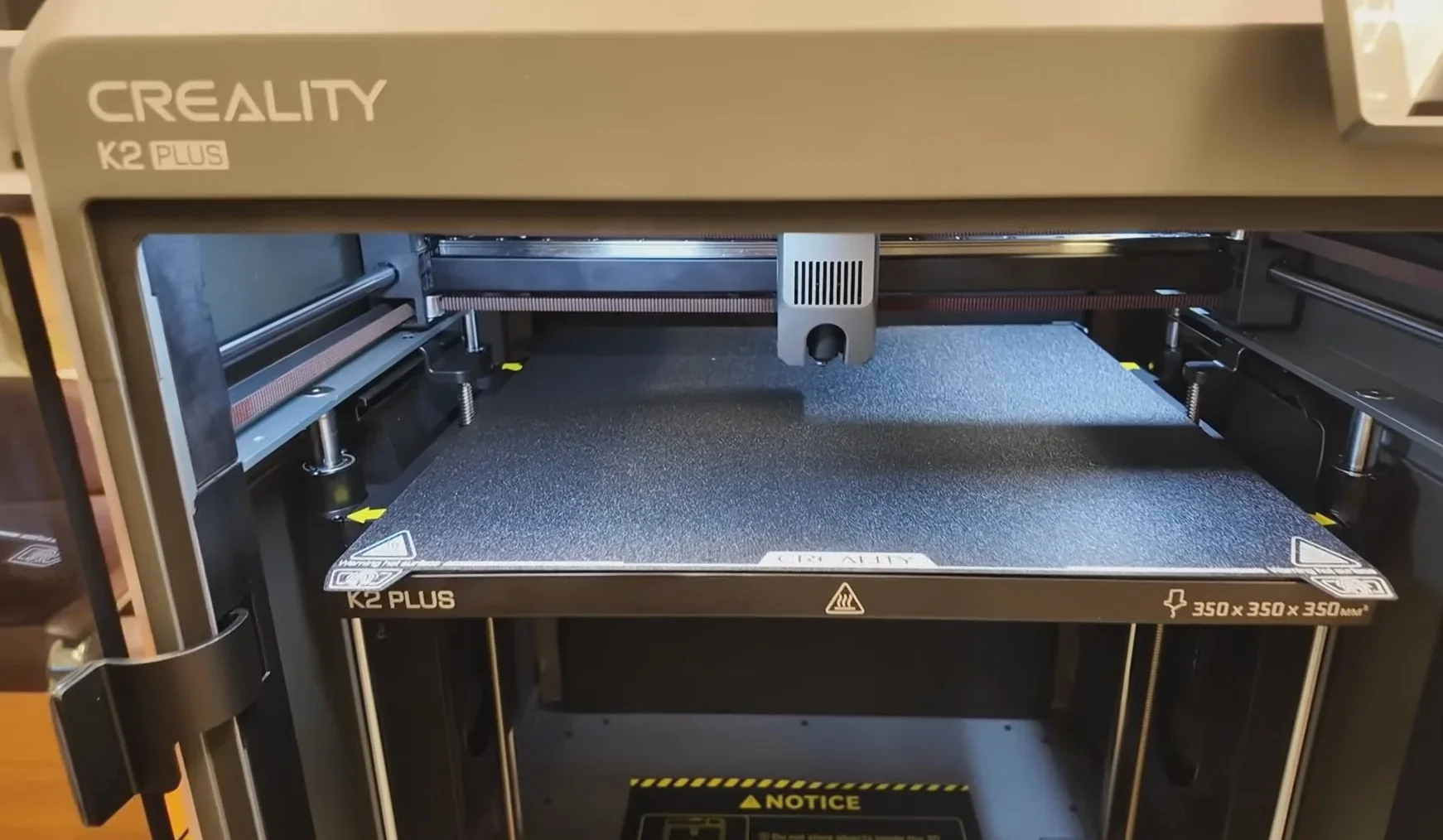
The fully automated bed leveling ensures perfect first layers, as shown by flawless results on demanding test prints.
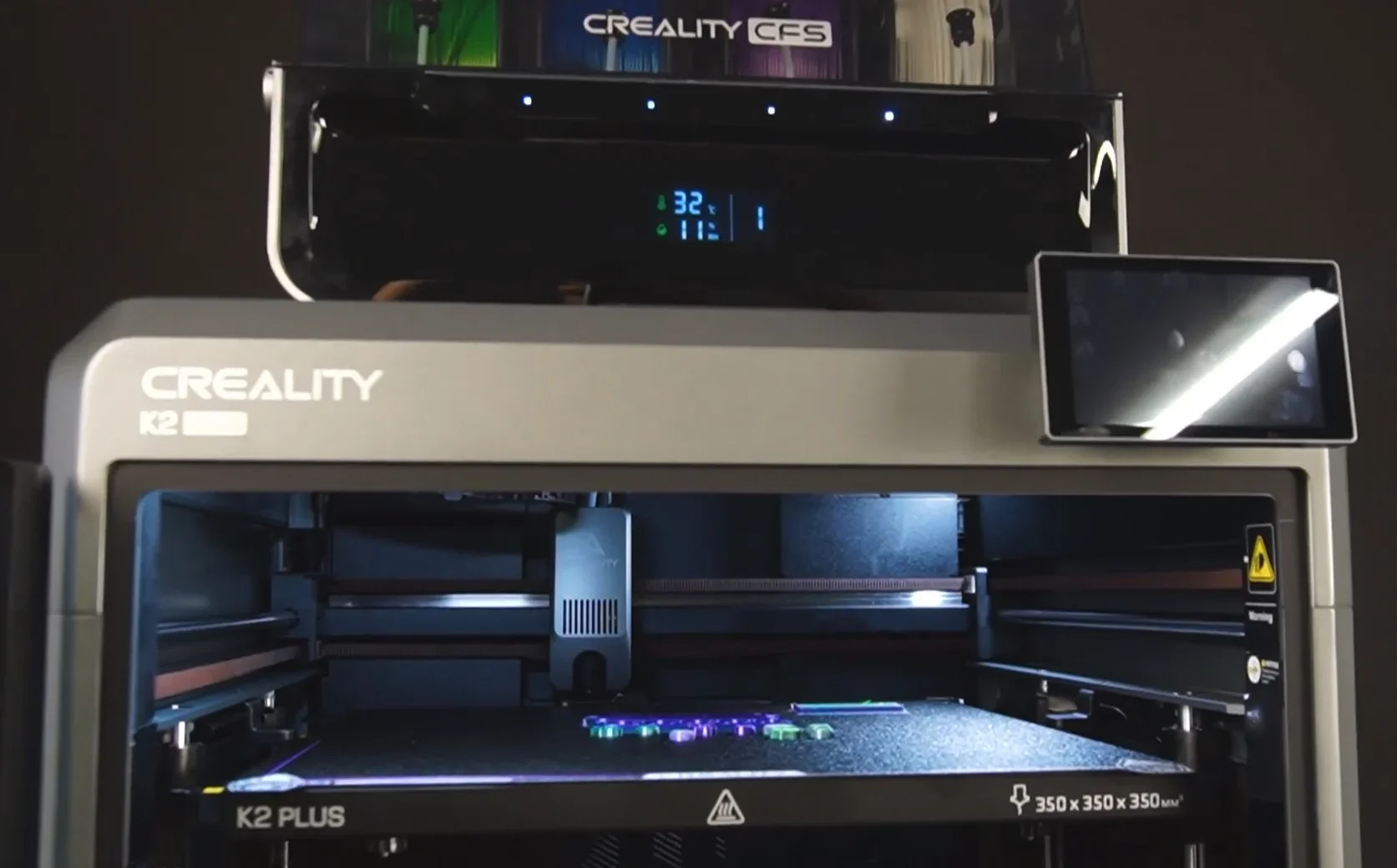
The enclosed design with active chamber heating prevents warping and layer separation in high-temp materials. Combined with mechanical precision, it ensures consistent quality in long prints and complex geometries.
The Creality K2 Plus supports over 12 filament types using advanced thermal management: a 350°C nozzle, 120°C heated bed, and 60°C heated chamber. It handles both standard and engineering-grade materials like PLA, ABS, PA-CF, and PC with precision, enabling prints that usually require specialized equipment.
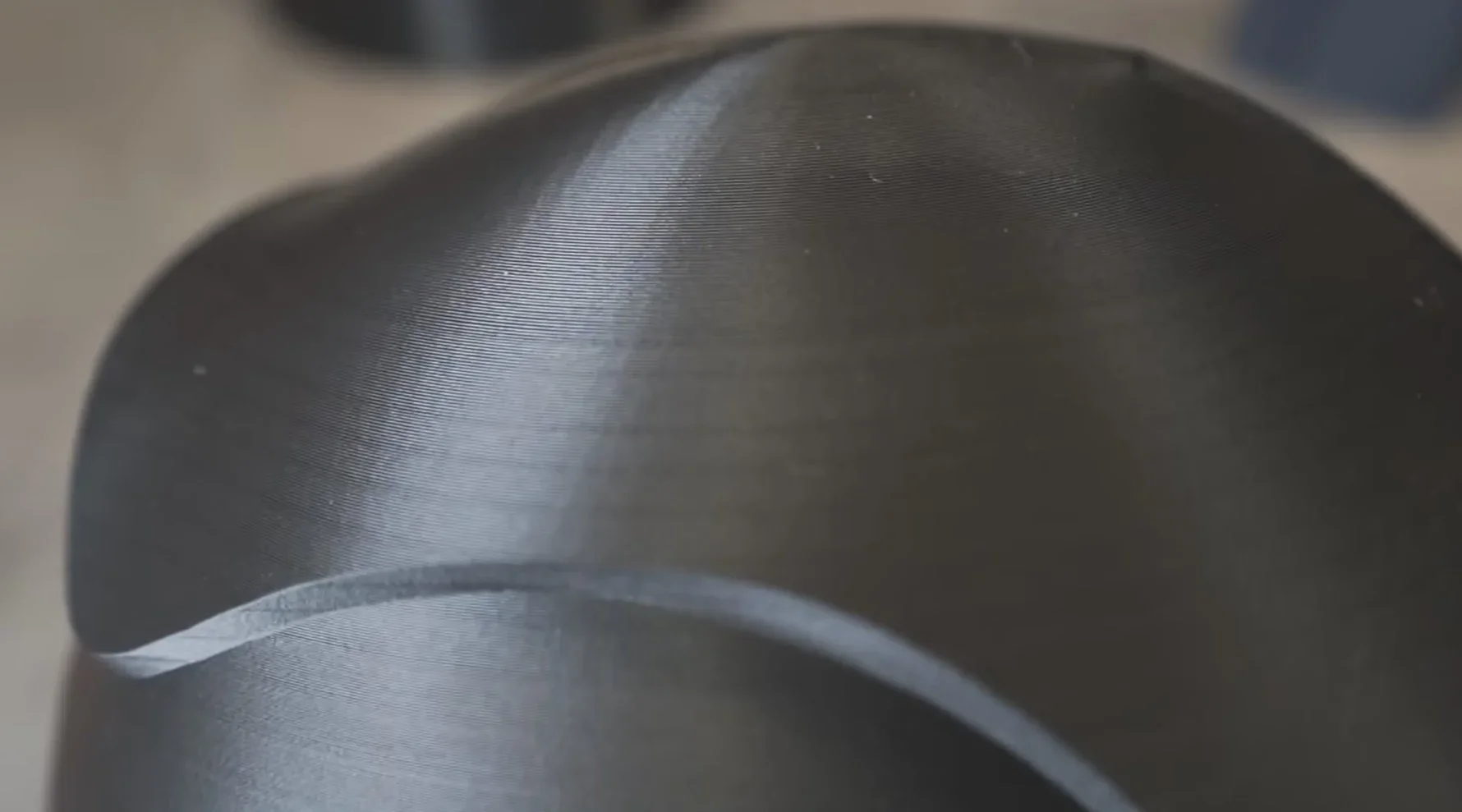
Standard filaments like PLA and PETG print cleanly and with detail on the K2 Plus.
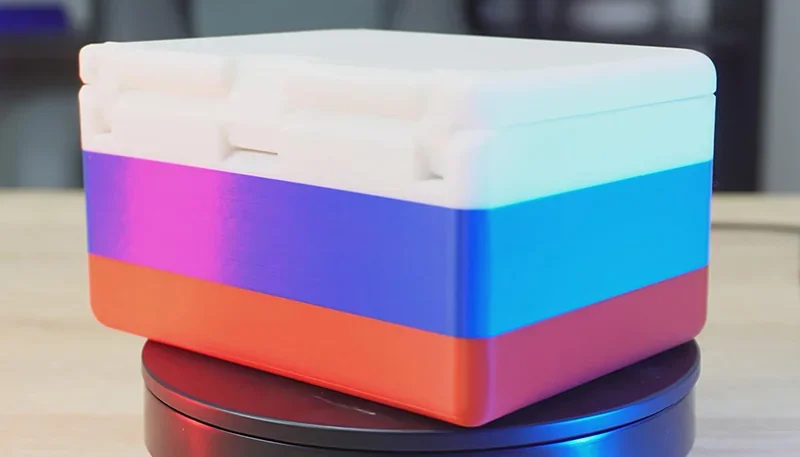
PLA Sample: A case with lid printed using the Creality Filament System showed excellent layer adhesion, flat layers, and no defects. Custom G-code enabled multi-color sections during printing.
The Creality K2 Plus handles high-temp materials well, aided by its enclosed, heated environment.
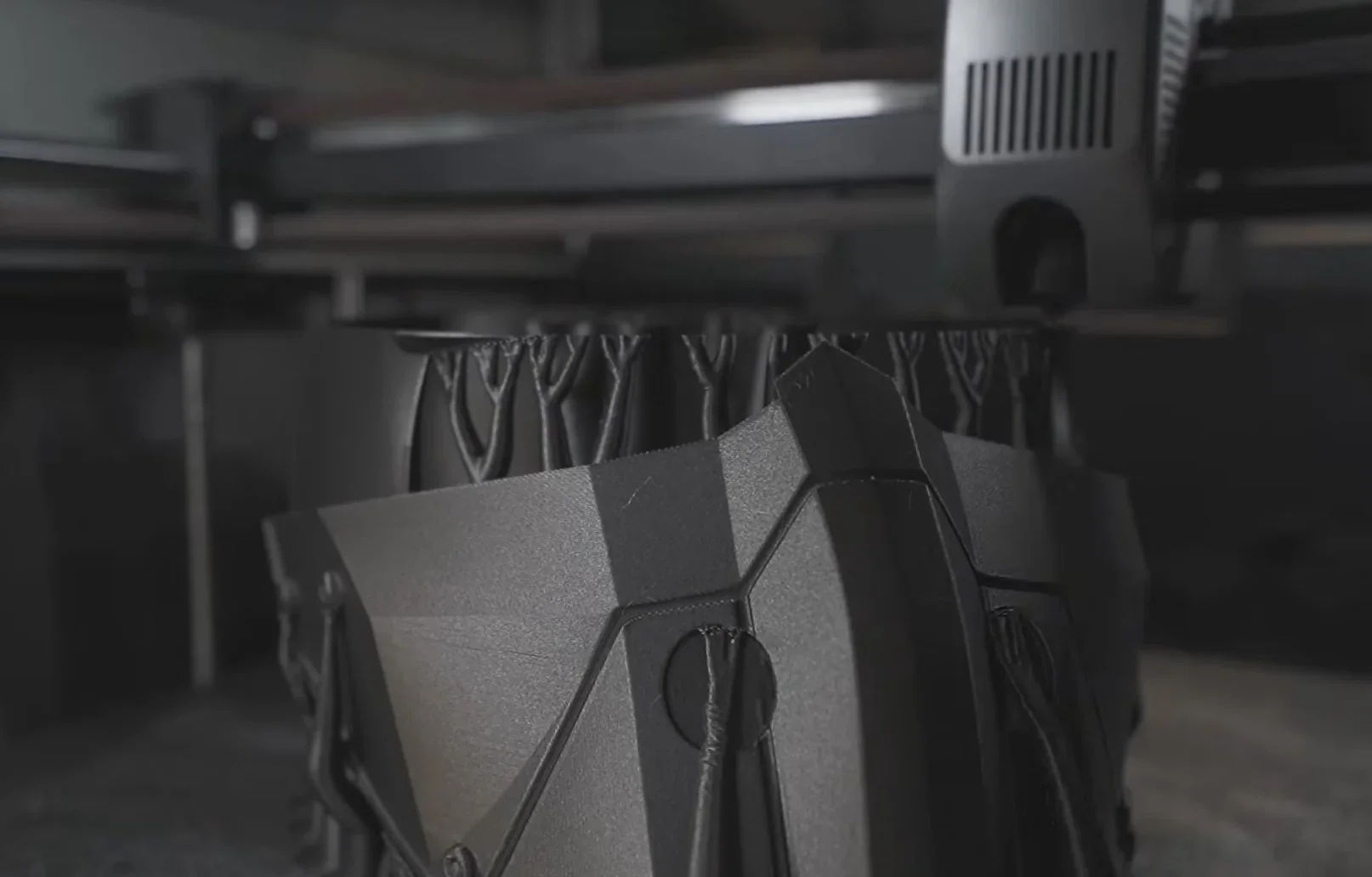
ABS Sample: A complex model with a large build plate contact area showed strong bed adhesion. Minor surface artifacts appeared on the side walls—typical for ABS due to shrinkage and thermal behavior in large prints.
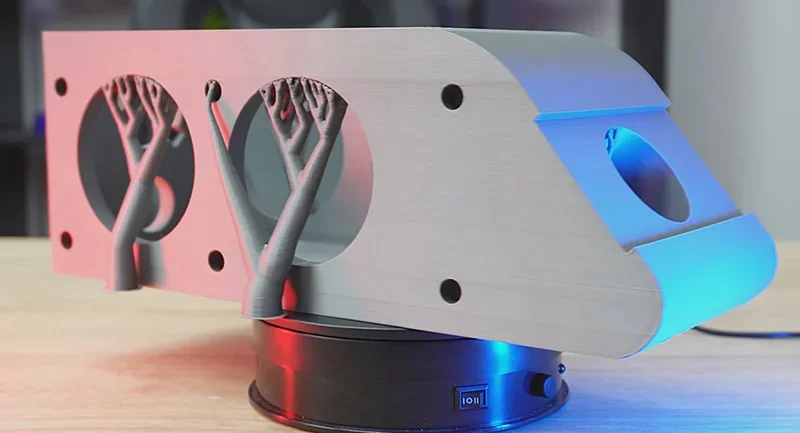
Nylon Sample: A complex model printed at 280°C nozzle, 100°C bed, and 60°C chamber temperatures. The K2 Plus managed frequent retractions and supports with no warping or lifting. Print quality remained high across the large model.
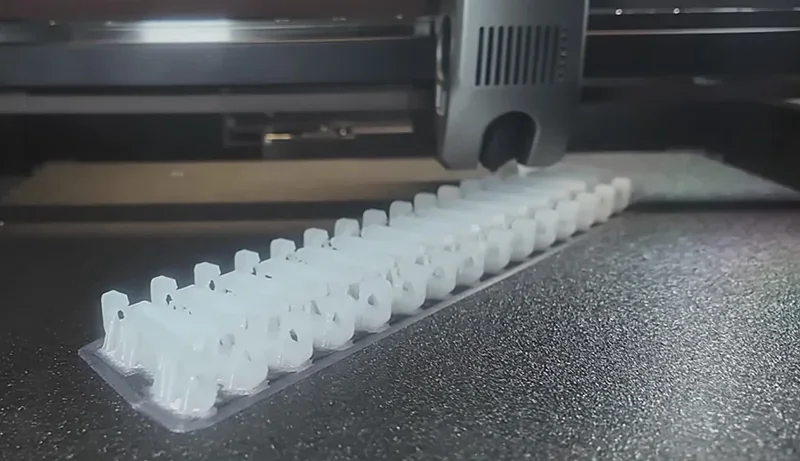
The K2 Plus supports advanced materials like ASA, PA-CF, PLA-CF, PET, and PPA-CF.
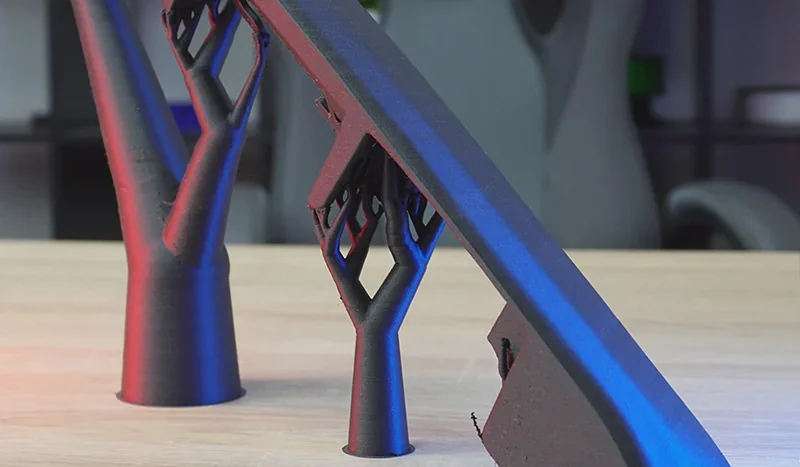
PA-CF Sample: Despite concerns about moisture-related artifacts during the long print, the final result showed no visible defects and excellent surface quality.
The K2 Plus supports both Creality and third-party filaments, offering material flexibility. Its RFID reader auto-configures settings for Creality filaments, while the quick-swap nozzle simplifies setup. Tests showed excellent results with brands like SUNLU, Sovol, Inland, Prusament, and Polymaker, allowing users to choose materials based on needs or budget without compromising quality.
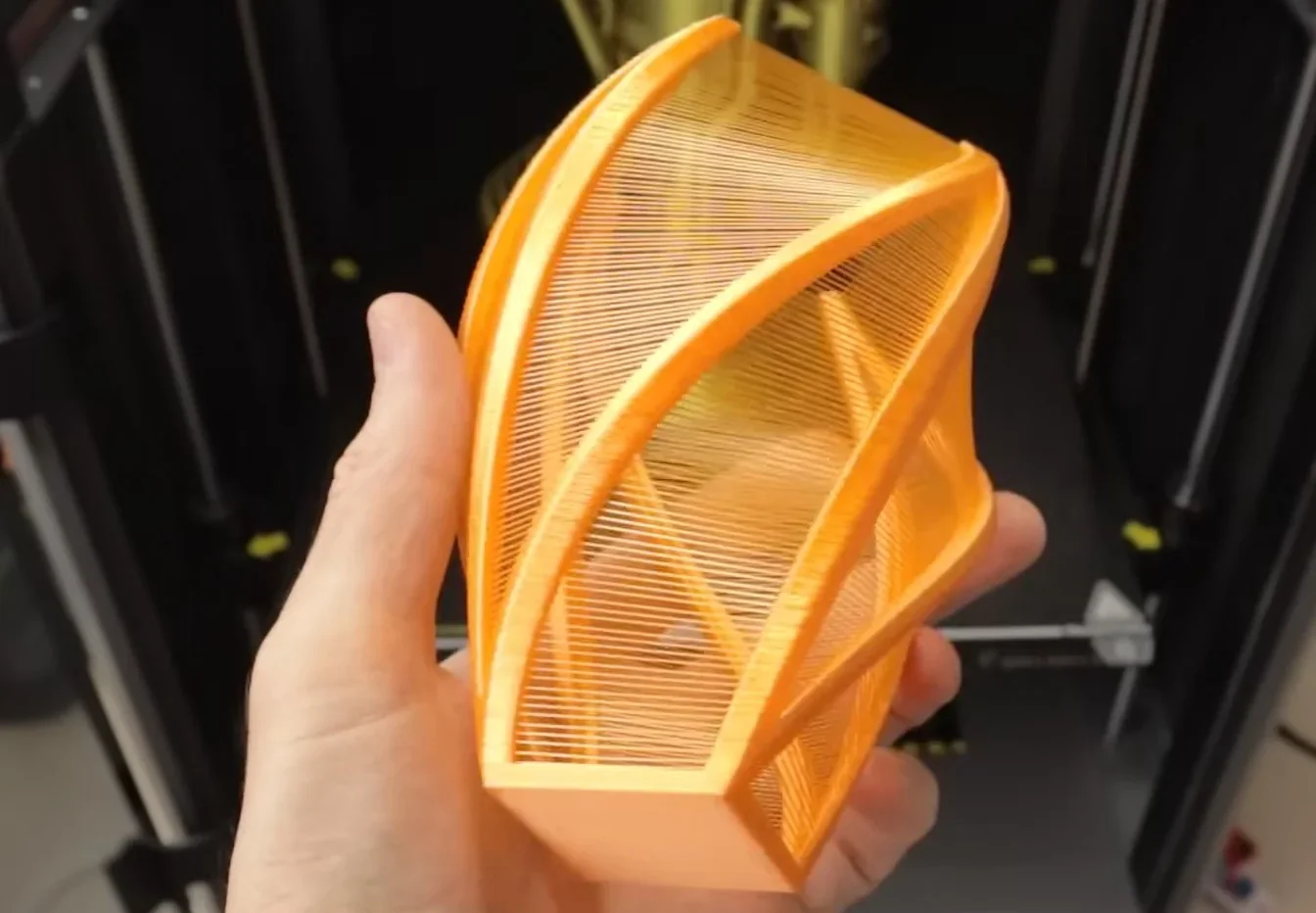
For flexible filaments like TPU, the K2 Plus requires the external spool holder and lower speeds, as the CFS can cause filament jams. With direct loading, the direct drive extruder prints TPU effectively, showing strong layer adhesion and minimal layer lines in tests.
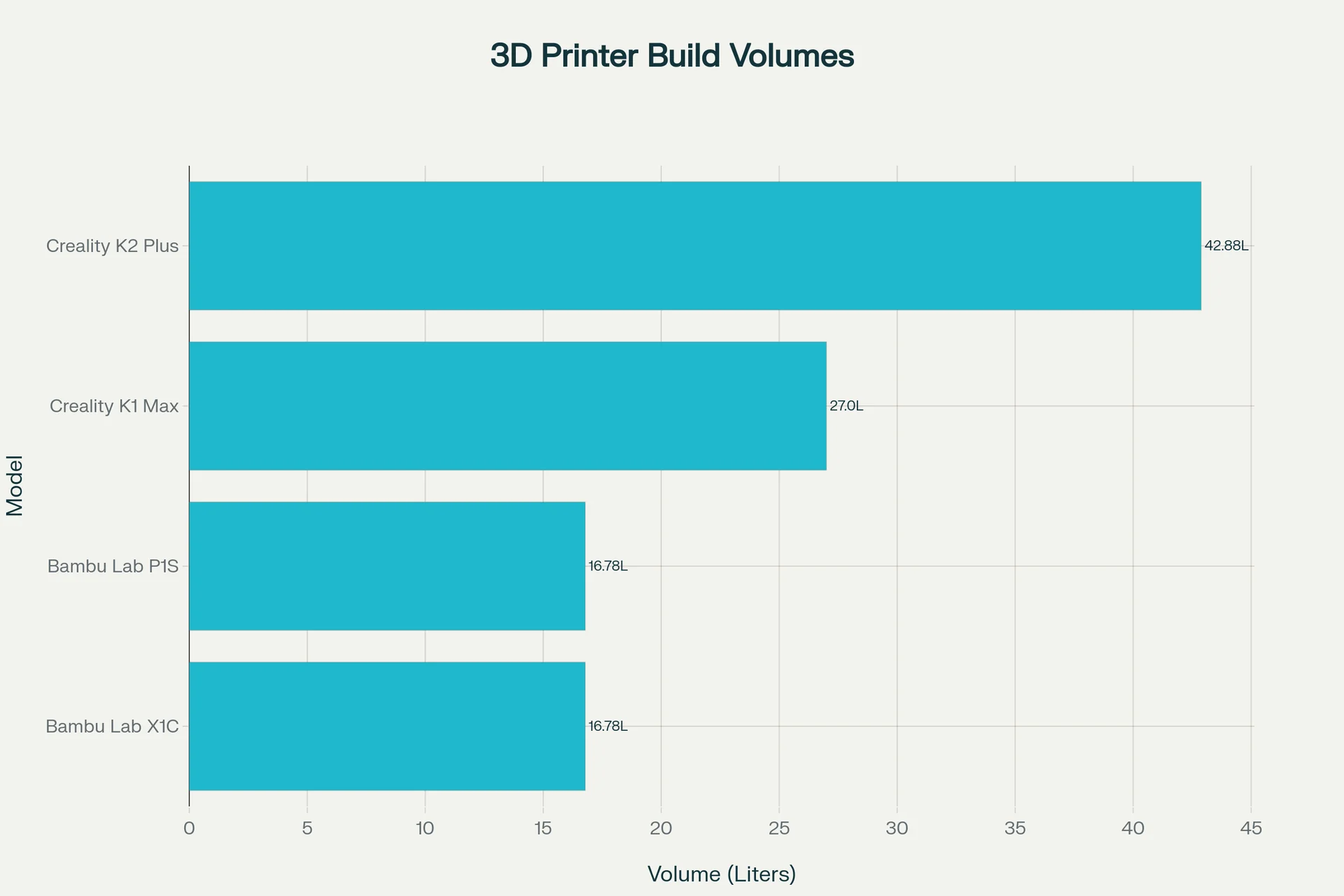
The Creality K2 Plus offers a large 350 x 350 x 350 mm build volume (42.9 liters), making it one of the largest enclosed CoreXY printers. This space allows for large models or multiple parts, surpassing the build capacity of most multicolor desktop printers.
Creality K2 Plus — 350×350×350 mm build, active 60 °C chamber, 350 °C nozzle / 120 °C bed, ≤600 mm/s with ≤30,000 mm/s² accel, full-auto leveling with active bed-tilt & belt tensioning, and RFID CFS multi-material (4-slot, expandable) — delivers the largest volume with active heat in this group at $1,099.
In contrast:
| Specification ➜ | Creality K2 Plus | Creality K1 Max | Bambu Lab H2D | Bambu Lab H2S | Bambu Lab P2S |
|---|---|---|---|---|---|
| Price (USD) | $1,099 | $649 | $1,999 | $1,249 | $799 |
| Build volume (mm) | 350 × 350 × 350 | 300 × 300 × 300 | 325 × 320 × 325 (single) | 340 × 320 × 340 | 256 × 256 × 256 |
| Active chamber (max °C) | Yes (≤60 °C) | No | Yes (65 °C) | Yes (65 °C) | No (enclosed only) |
| Max nozzle / bed (°C) | 350 / 120 | 300 / 100 | 350 / 120 | 350 / 120 | 300 / 110 |
| Max speed / accel | 600 mm/s / 30k mm/s² | 600 / 20k | 1000 / 20k | 1000 / 20k | 600 / 20k |
| Multi-material | CFS Compatible (4-slot; up to 4 ext.) | CFS Compatible (4-slot; up to 4 ext.) | AMS compatible | AMS compatible | AMS compatible |
| Filtration | Air purifier | — | G3 + HEPA H12 + carbon | G3 + HEPA H12 + carbon | Carbon (VOC/PM) |
Bottom-Line:
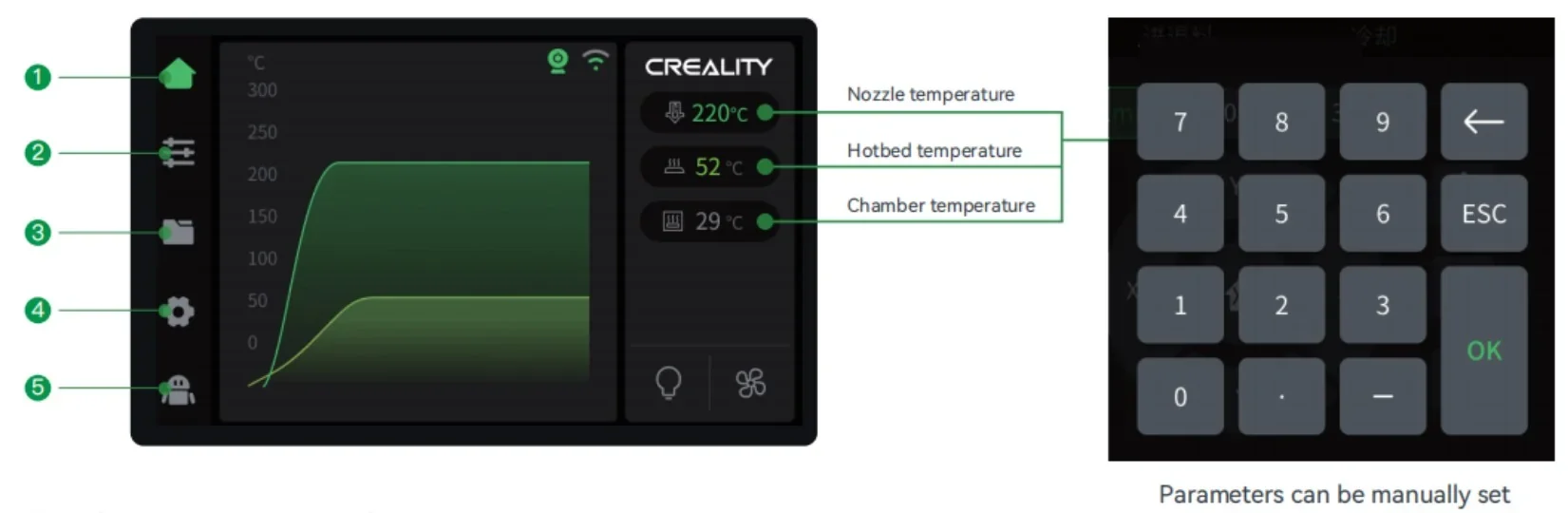
The Creality K2 Plus uses a 4.3-inch touchscreen.
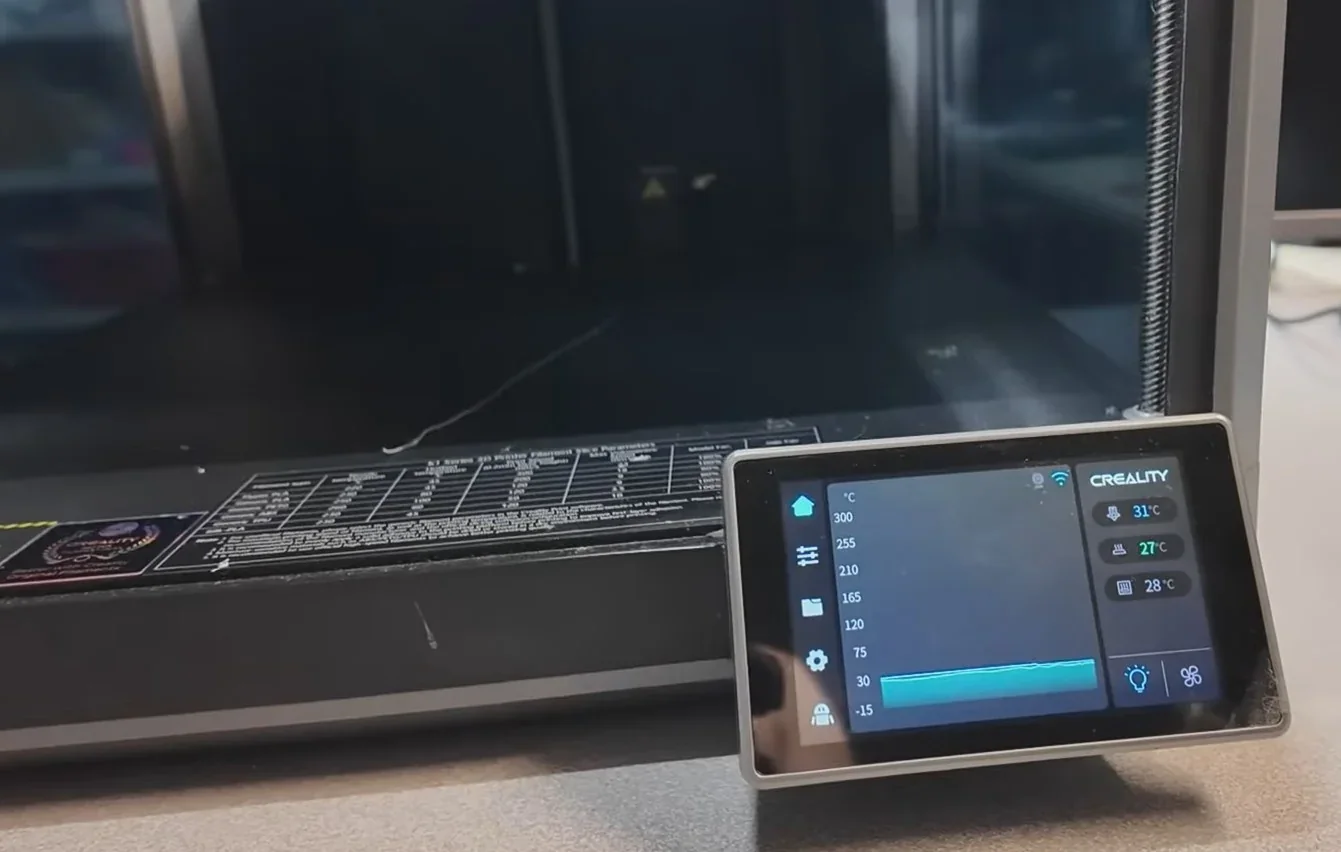
Main Interface Sections:
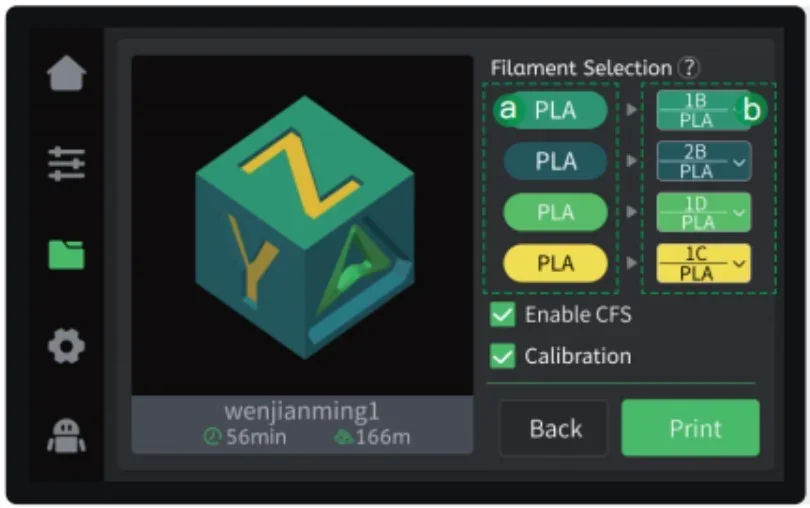
The interface displays model thumbnails from CrealityPrint and uses color-coding for multicolor filament mapping.
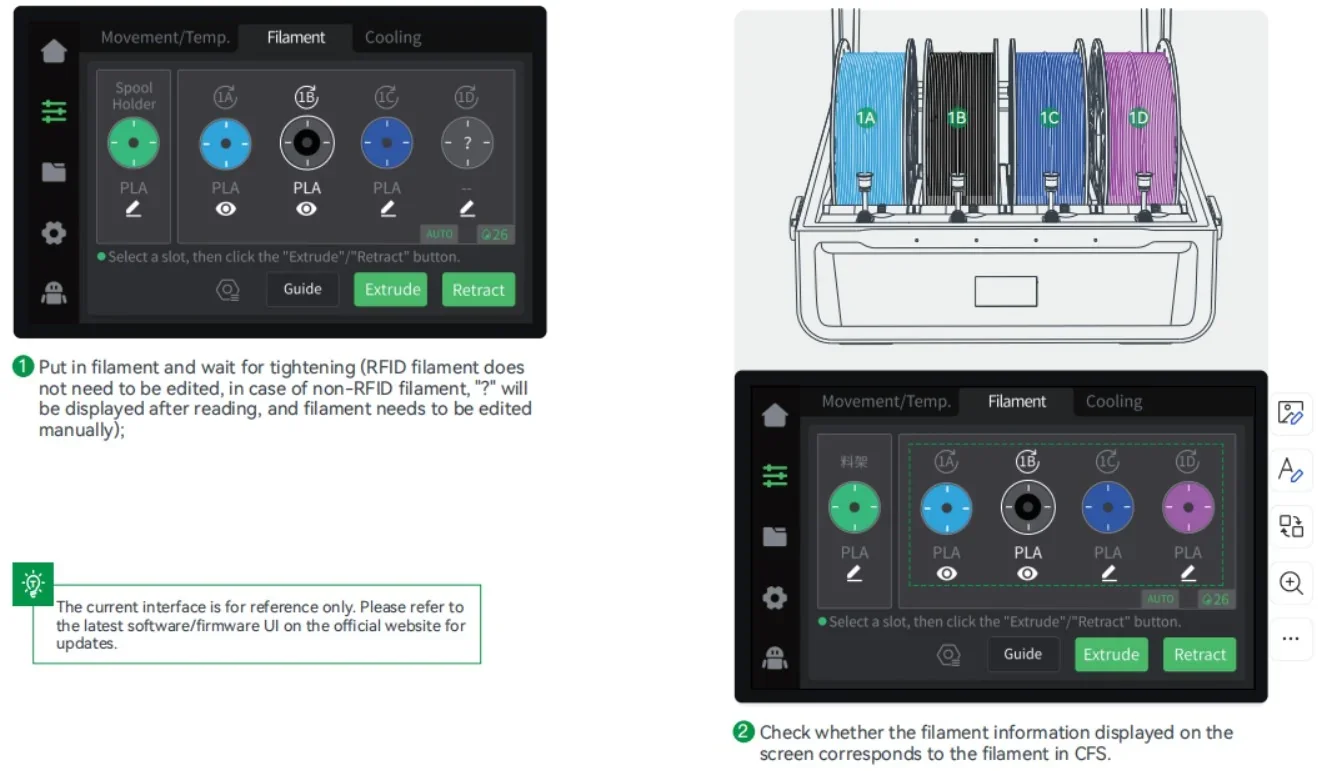
Users can load/unload filament with "Extrude" and "Retract" buttons, edit filament info for non-RFID materials, and toggle the CFS system as needed.
Built-in calibration includes anti-tilt auto-leveling at startup, with input shaping and AI calibration available in Settings. Filament mappings and calibration routines can be reviewed before printing, combining automation with manual control for efficient, high-quality prints.
The Creality K2 Plus offers 3 file transfer options: USB for offline printing, Wi-Fi for wireless use, and Ethernet for stable network connections.
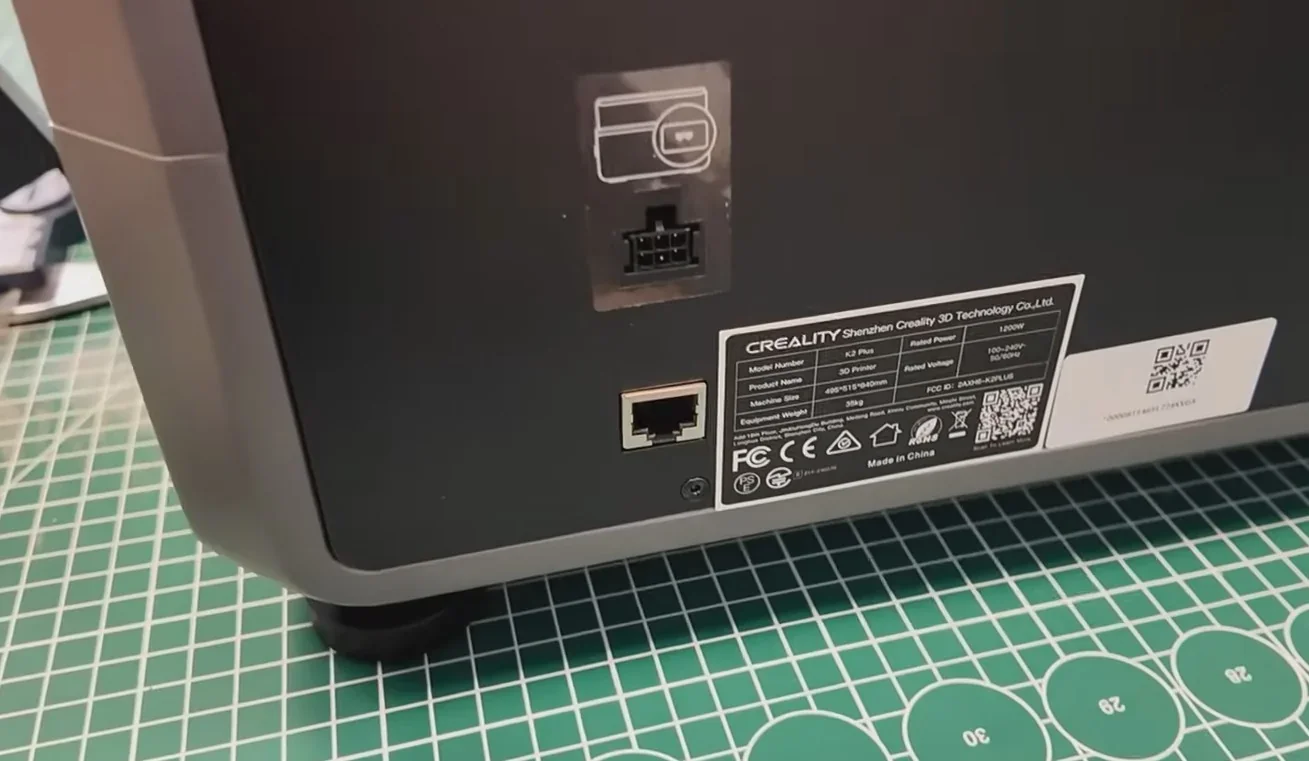
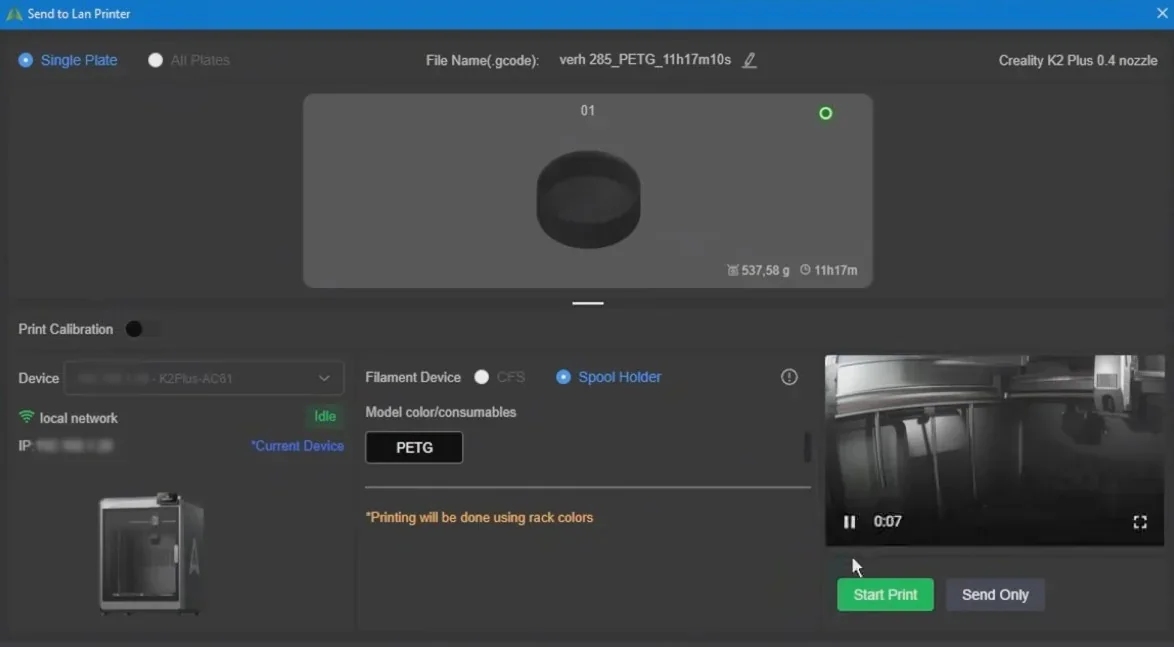
It also integrates with Creality Cloud, allowing direct printing from slicing software via IP setup—no manual transfers needed.
Dual AI cameras support remote monitoring and timelapse recording, with one on the print head for flow and pressure calibration. These features work with the Creality Cloud app for remote monitoring and failure alerts.
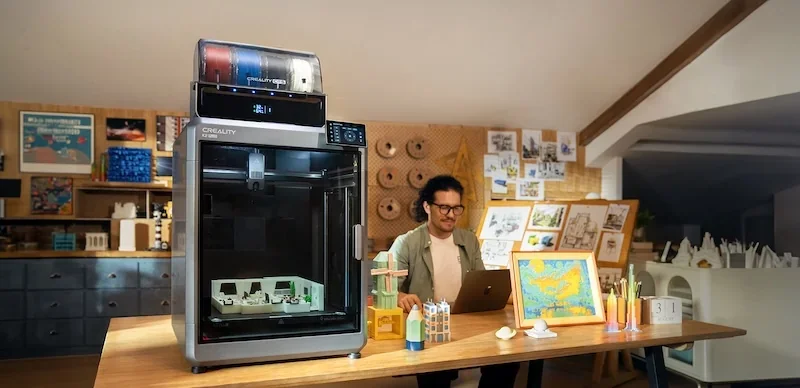
An RFID reader auto-detects Creality filament type and color, streamlining setup. Combined, these features support flexible workflows across standalone setups and networked environments.
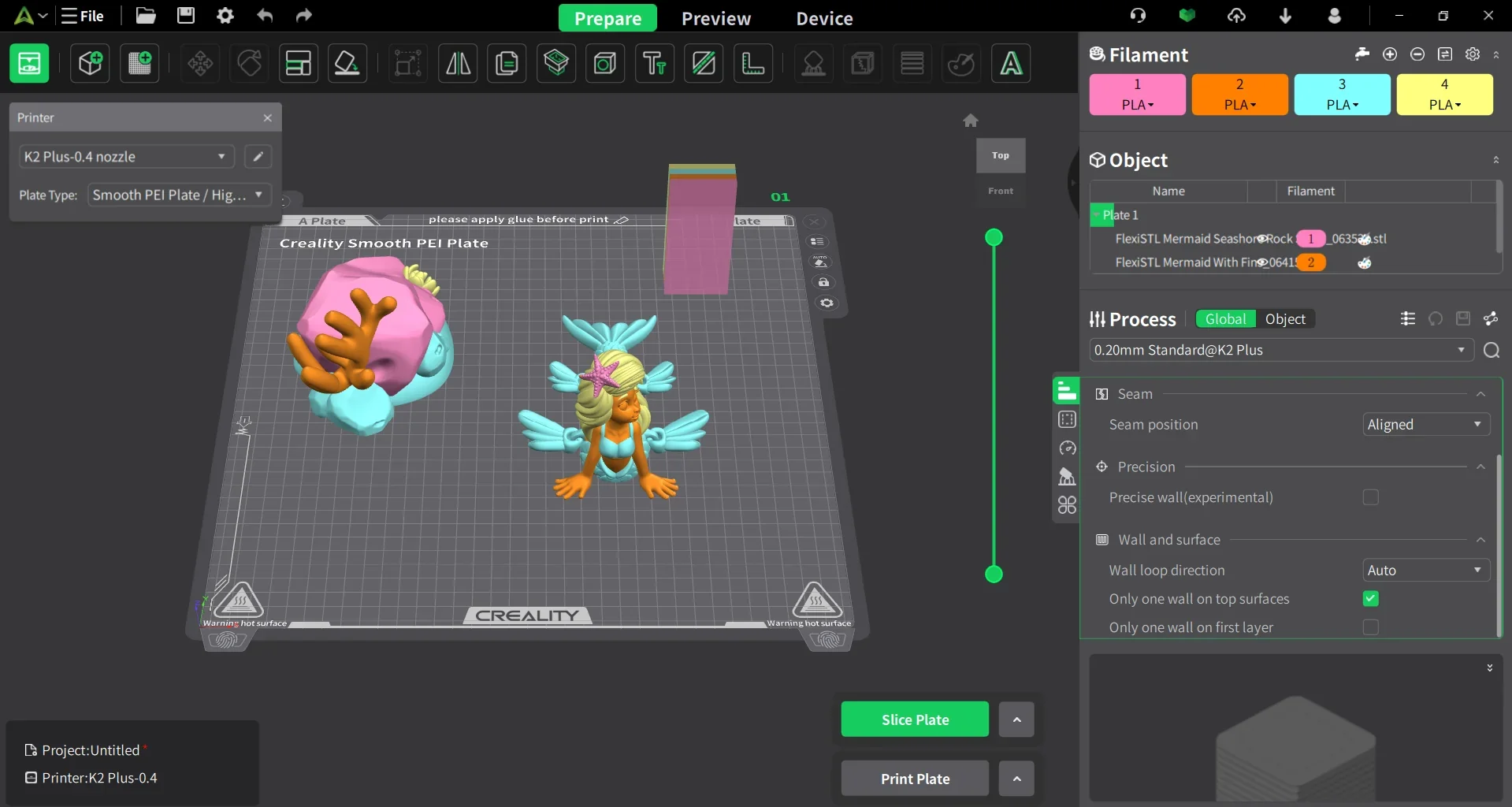
The Creality K2 Plus ships with Creality Print 5.0+, a slicer based on open-source Orca, tailored to the printer’s features. It includes eight preset profiles and a “Color Painting” tool for assigning colors to model parts, streamlining multicolor prints with the CFS system.
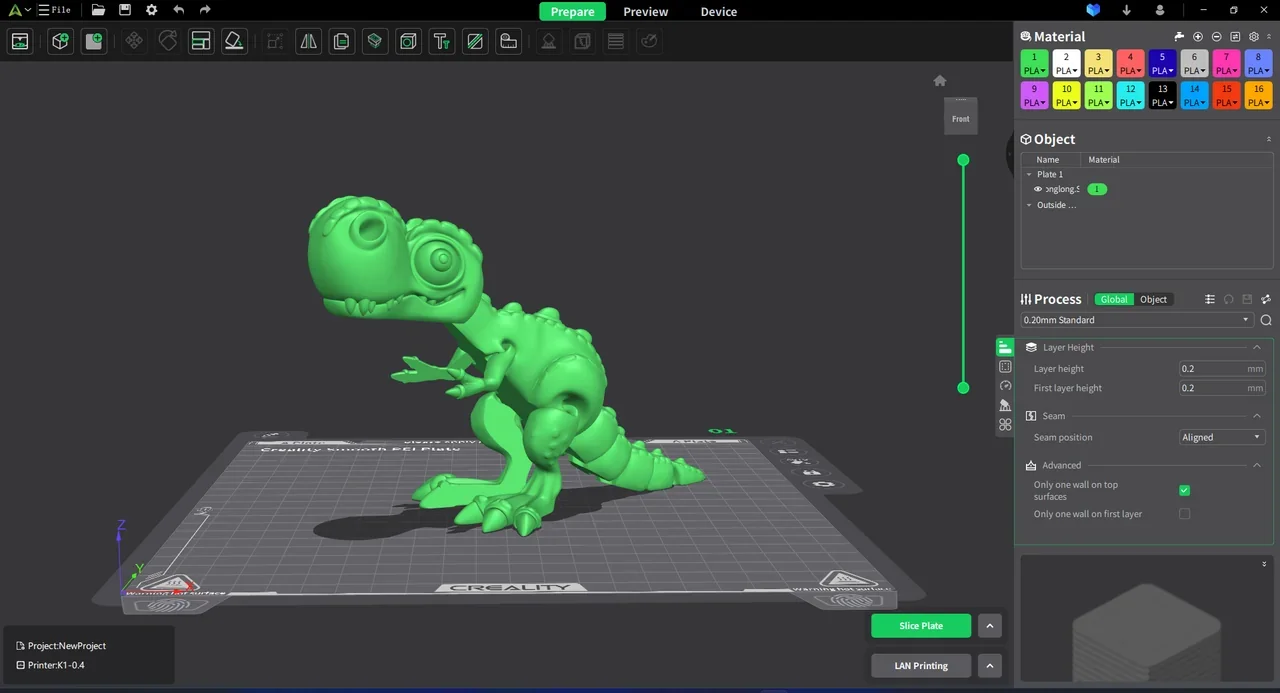
Creality Print connects via LAN for one-click file transfers and offers basic Klipper controls. Advanced users can access the full Fluidd interface by entering the printer’s IP with port 4408. A full user guide is available on Creality’s YouTube channel.
The software ecosystem includes Creality Cloud and its mobile app, enabling live monitoring, timelapse recording, and AI failure detection via the dual AI cameras.
Firmware updates can be done via touchscreen, OTA through Creality Cloud, or manual download. The Klipper firmware retains past print jobs until cleared, supporting repeat workflows. The open-source base allows advanced customization while remaining user-friendly.
The Creality K2 Plus Combo features a fully enclosed CoreXY design built on a sturdy, durable “Matrix” aluminum alloy frame. Its cube-shaped structure includes die-cast aerospace-grade components, acrylic side panels, a tempered glass lid, and a sealed front glass door with a 145° magnetic hinge.
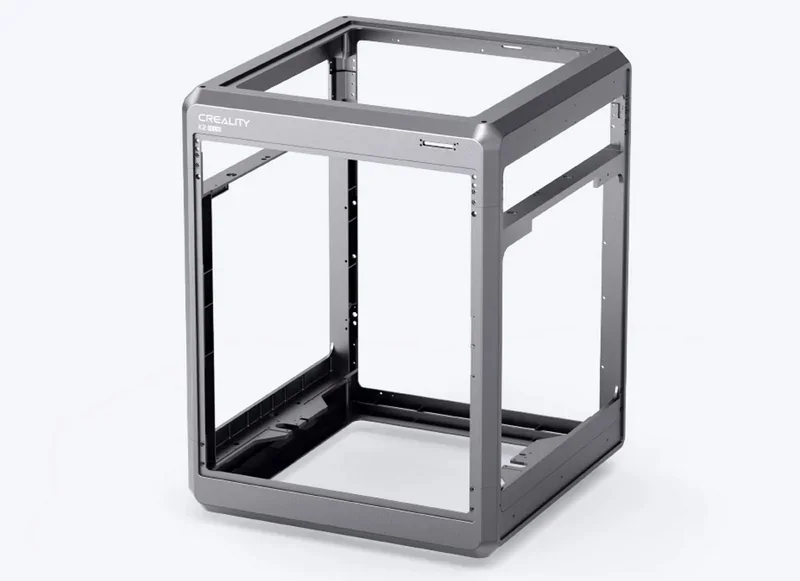
Dimensions & Weight:
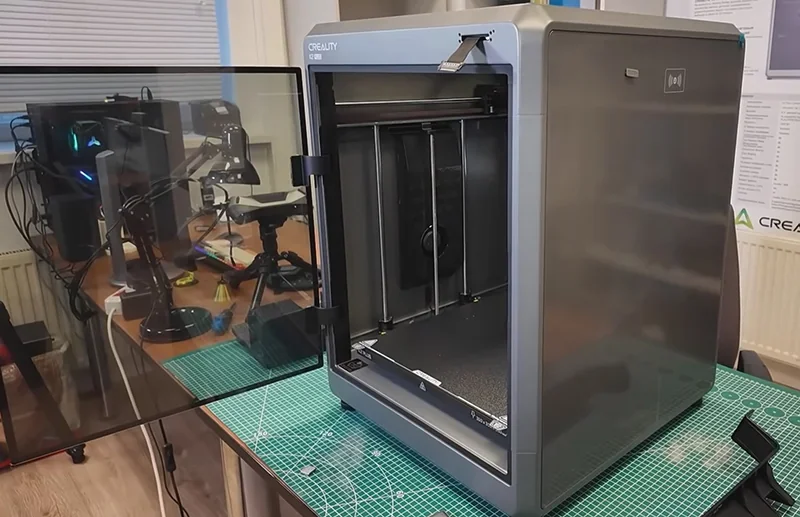
The sealed enclosure supports high-temperature material printing and helps reduce noise.
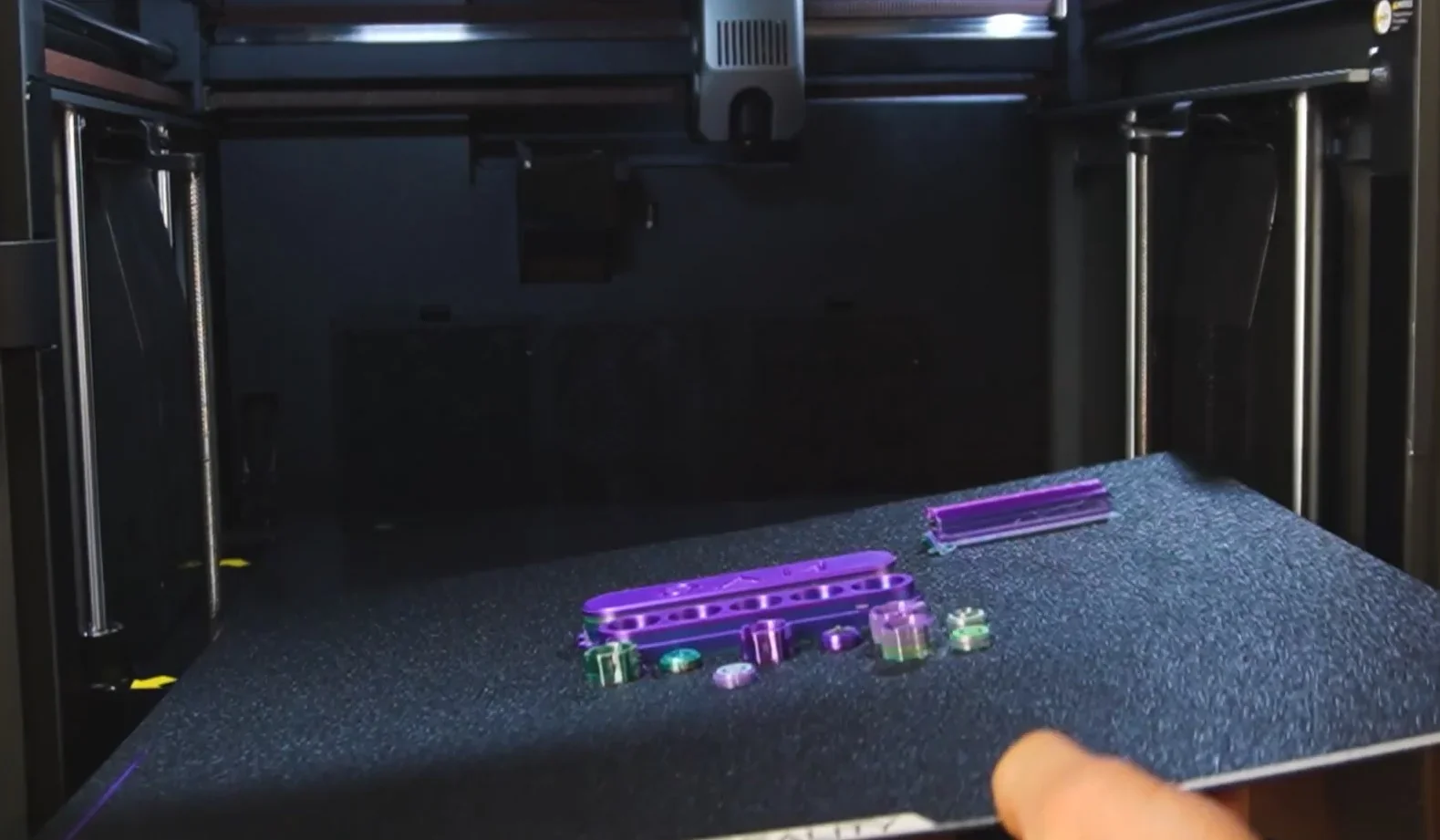
The Creality K2 Plus Combo features a CoreXY motion system with a precision steel linear rail on the X-axis, linear rods on the Y-axis, and a dual Z-axis setup supported by four linear rods for stable, shift-free movement.
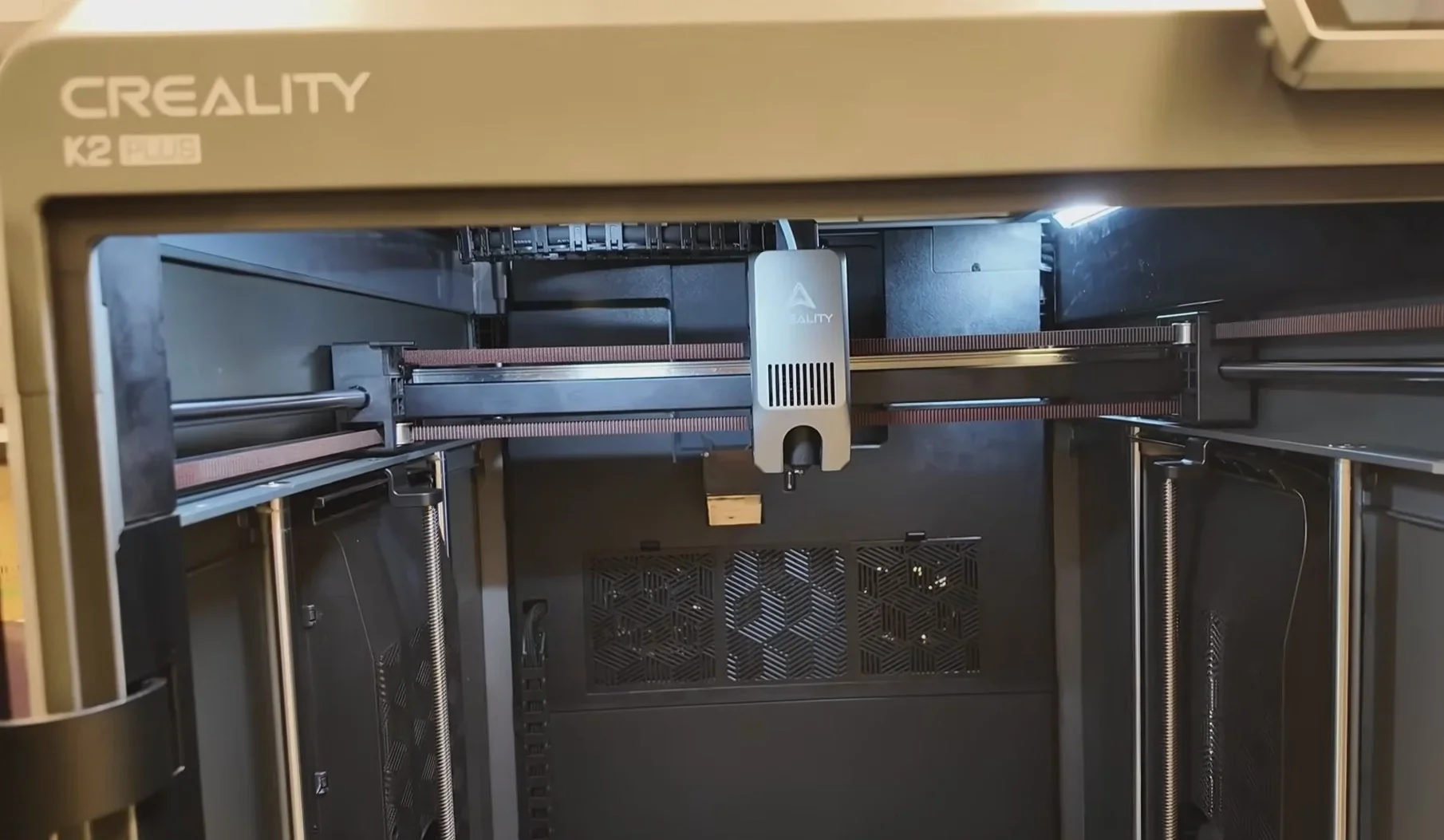
Linear Guide System:
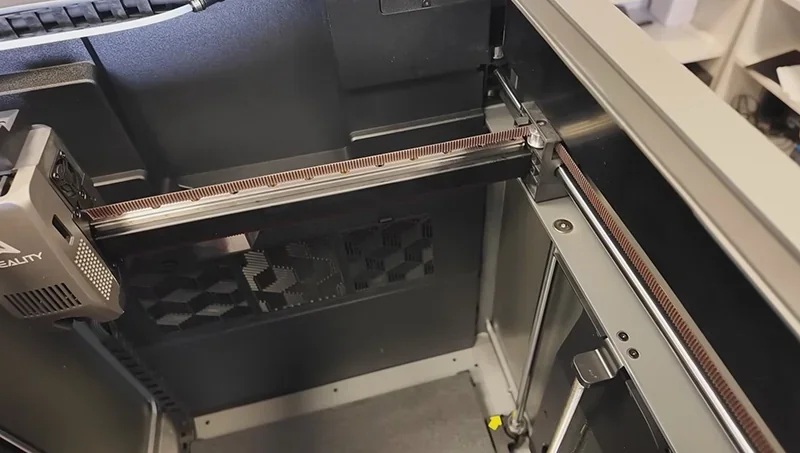
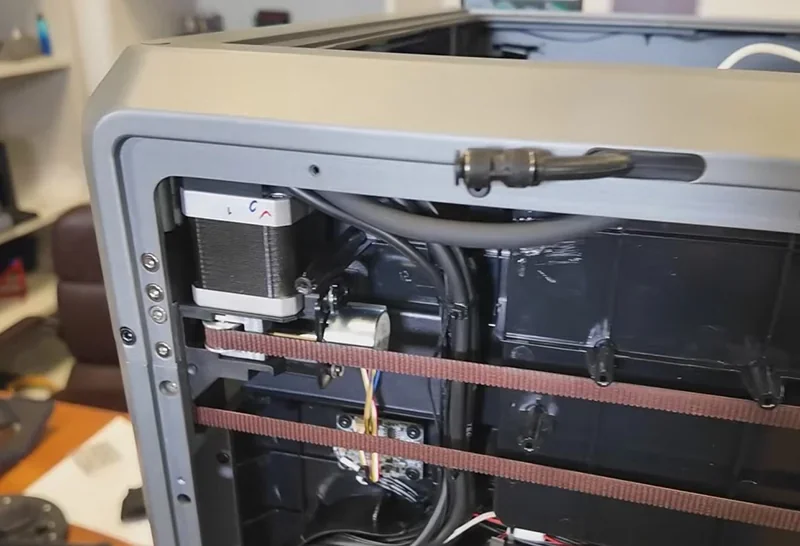
It’s the first desktop 3D printer to use industrial-grade FOC (Field-Oriented Control) closed-loop system. It uses step-servo motors on all axes (XYZE), delivering 32,768 microsteps per revolution. The FOC system adjusts voltage to reduce heat and avoid motor blockages, supporting speeds up to 600mm/s and 30,000mm/s² acceleration.
The Creality K2 Plus Combo operates at under 45dB during 300mm/s prints—about as quiet as typing—thanks to step-servo motors, balanced fans, and its enclosed design. Silent mode isn’t needed, as noise is minimal at full speed.
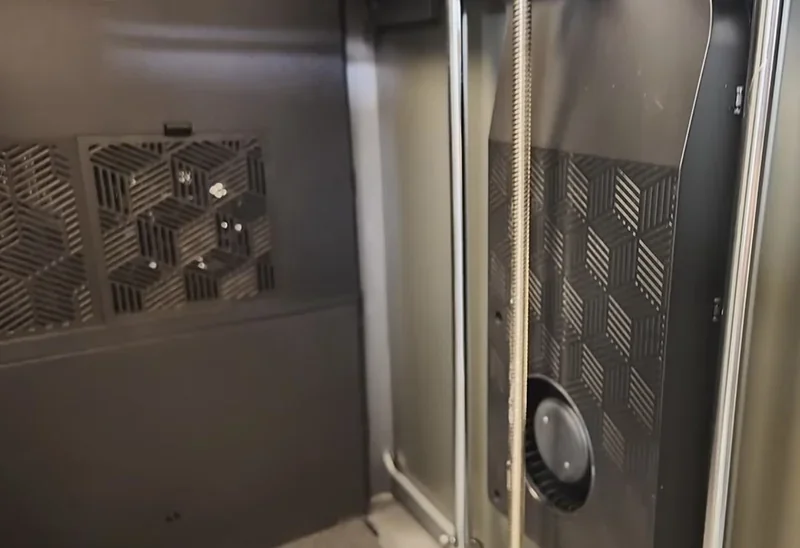
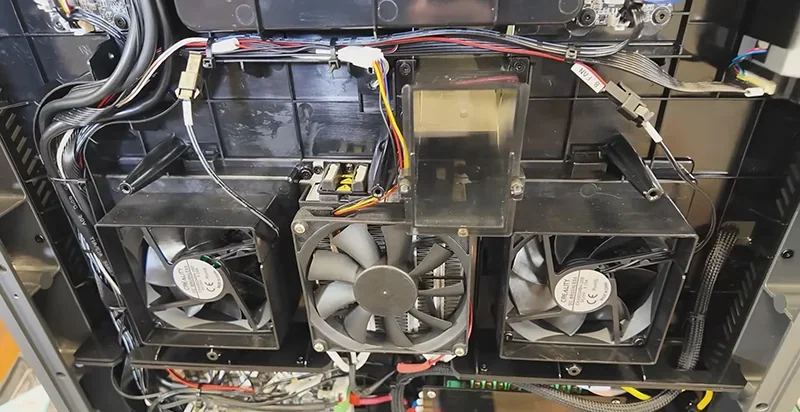
However, users note fan noise, clunking sounds from the CFS during filament changes, and low-frequency thuds from the build plate during Z-hops that may carry through walls and floors.
The Creality K2 Plus Combo has a 350 × 350 × 350 mm build volume.
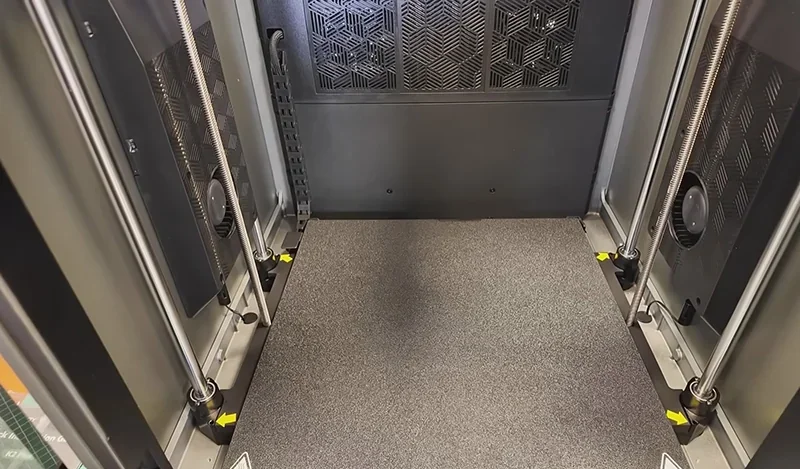
Heated Bed:
Build Surface:
Auto Leveling System:
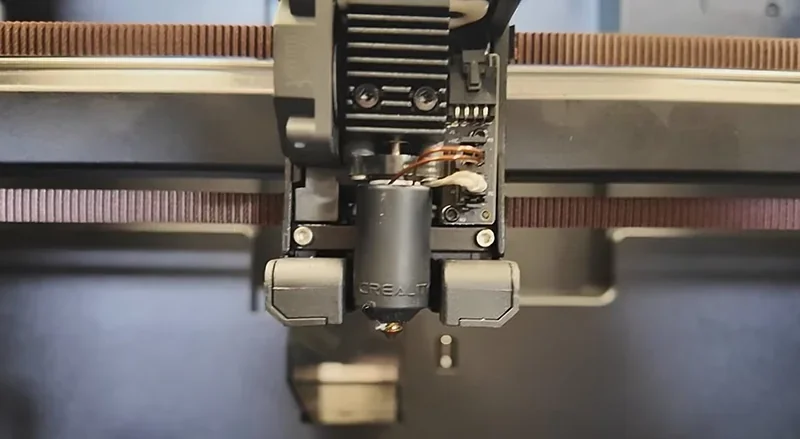
The Creality K2 Plus Combo uses a next-gen high-flow dual-gear direct drive extruder with hardened steel gears for durability and clog-free printing.
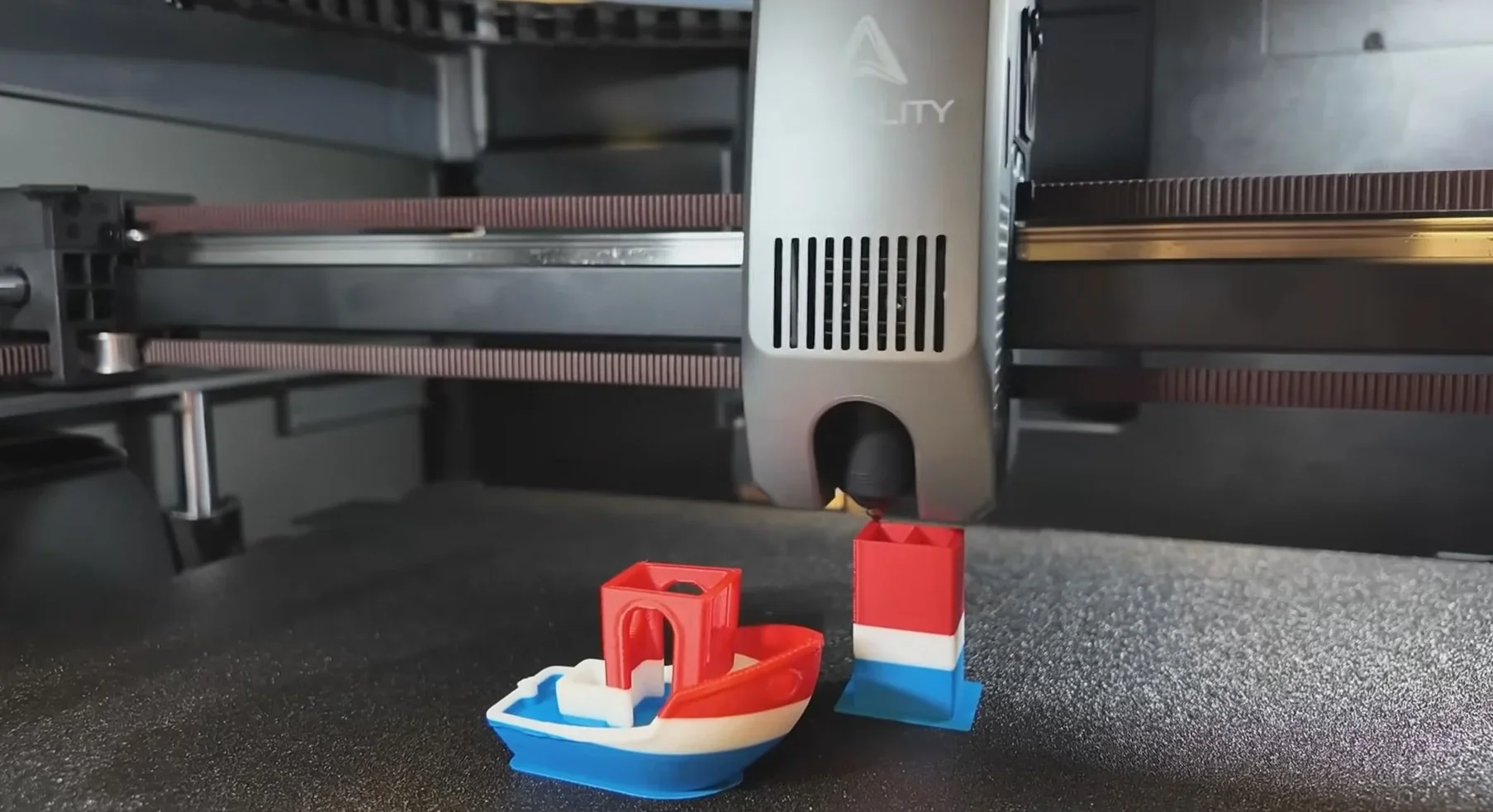
Hotend Specs:
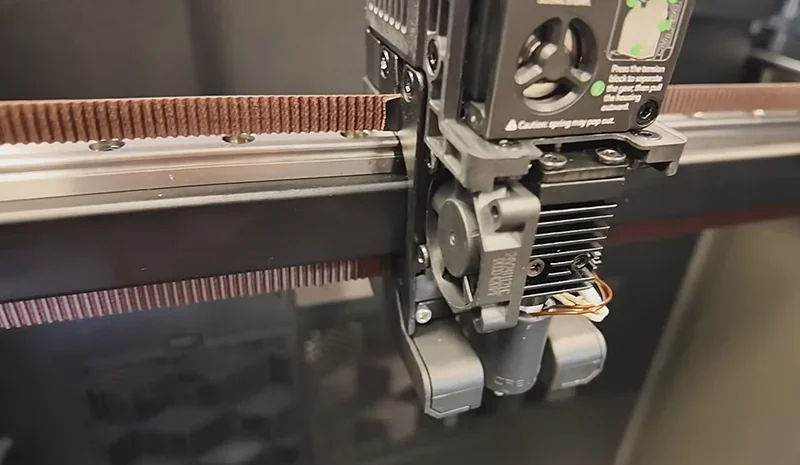
Integrated Features:
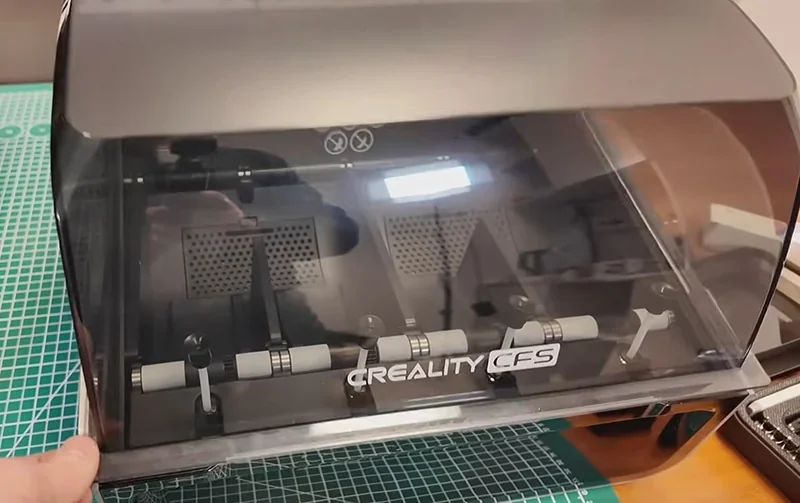
The Creality K2 Plus Combo includes the comprehensive CFS (Creality Filament System) for intelligent management of multiple filaments for full-color printing.
CFS Specs:
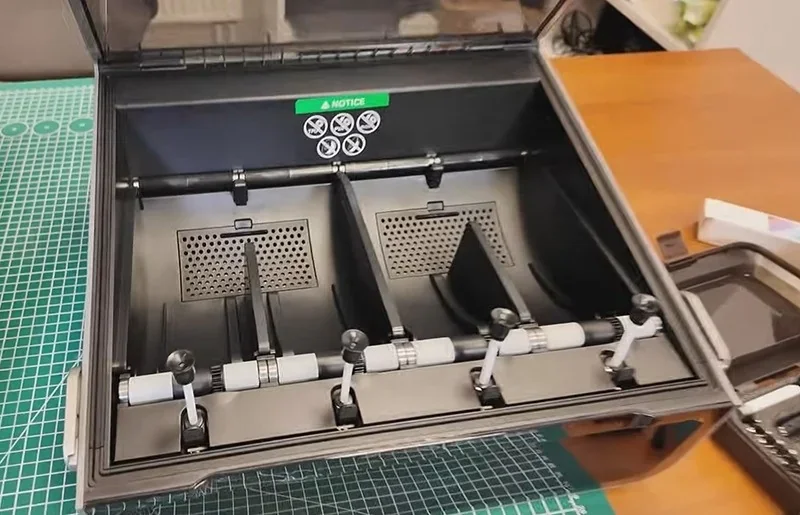
Storage Features:
Feeding System:
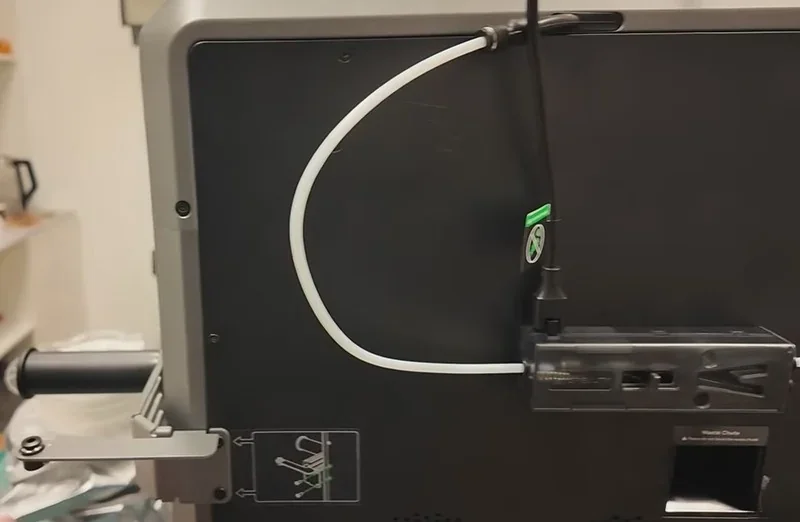
Limitations:
The Creality K2 Plus Combo utilizes a sophisticated control system with a dedicated mainboard located in the lower left corner at the back of the printer.
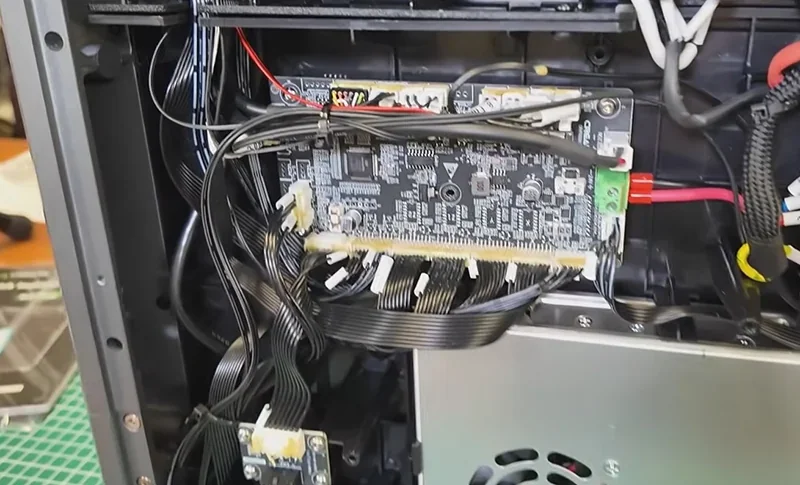
Mainboard Specs:
Storage:
Control Features:
The Creality K2 Plus Combo has a 1200W power supply (CHP-350-24) with universal 100–240V AC input and 24V, 14.6A output.
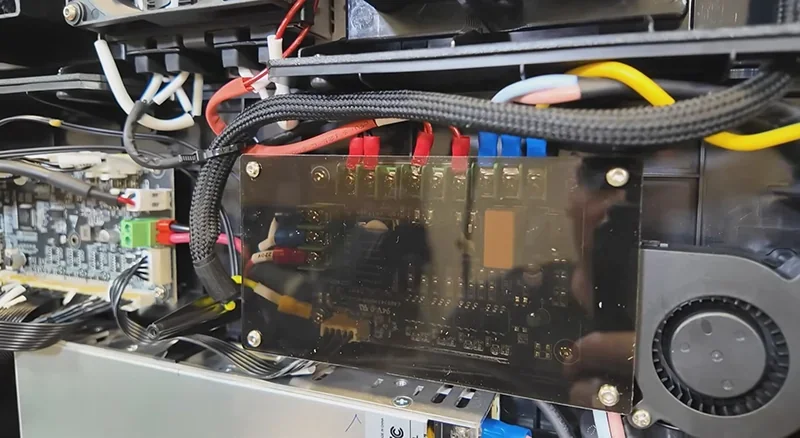
Power Consumption:
While startup draws high power, typical printing uses less.
The Creality K2 Plus comes with the following items:
Main Components:
Combo Version Additions (K2 Plus Combo only):
Tools and Accessories:
Spare Parts:
Consumables:
Documentation and Software:
The Creality K2 Plus arrives fully assembled. Setup involves attaching the touchscreen, optional spool holder, and removing yellow-labeled shipping blockers. The package includes tools for maintenance, calibration, and print removal, plus a sample spool of Hyper PLA. A USB drive with pre-sliced test models allows immediate print testing.
Please Note: Package contents are determined by the manufacturer and may change without notice. To confirm the current items included with this product, please contact a Top3DShop sales representative before placing your order.
| Accessory | Function | Price (USD) | Image |
|---|---|---|---|
| Multi-Filament System and Connections | |||
| 485 Cable for CFS | This 485 communication cable connects the CFS unit to compatible equipment. It replaces a damaged cable and restores the wired connection. | $11.00 | 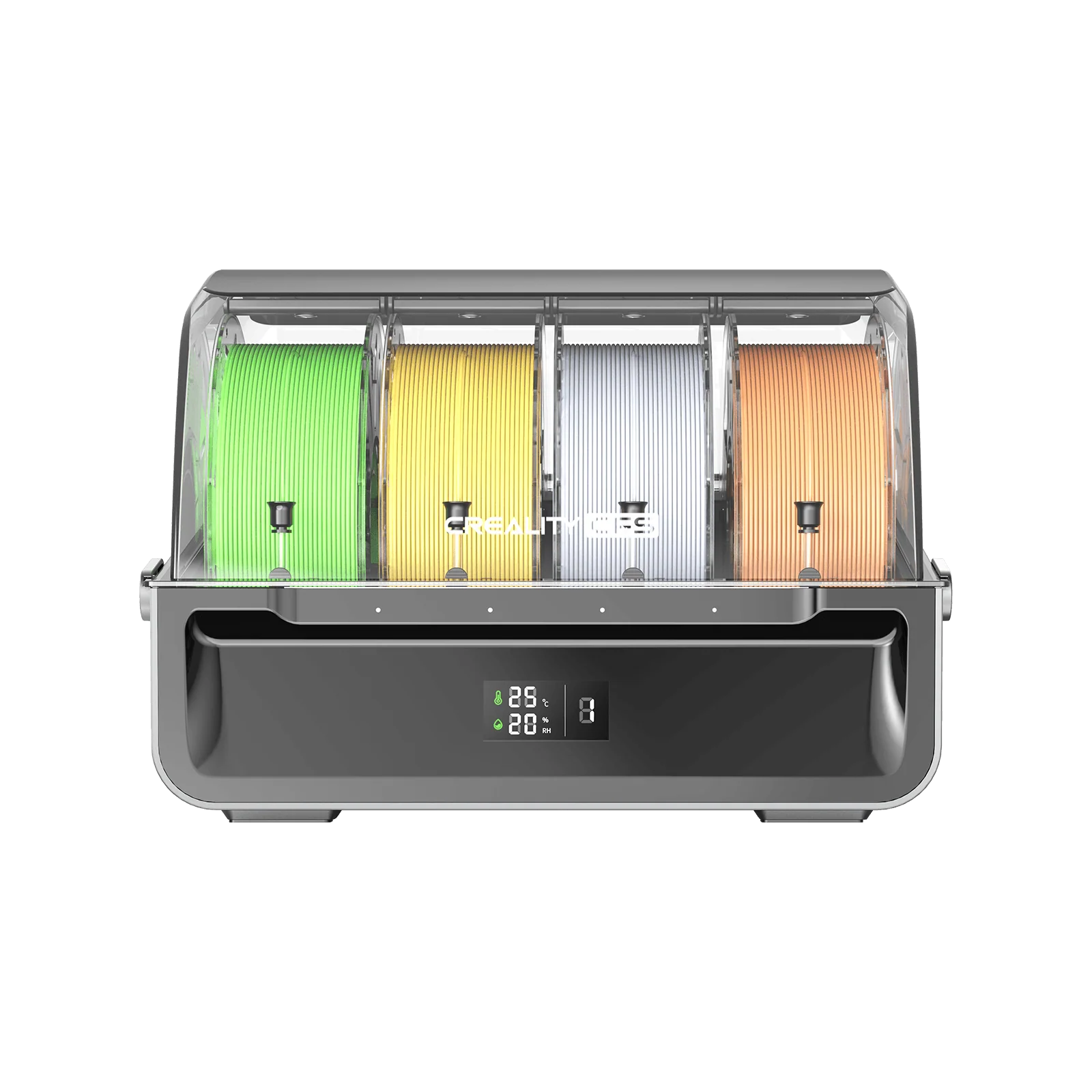 |
| Buffer Kit for CFS | This buffer kit manages filament routing between the CFS unit and the printer. It stabilizes filament feed during printing and filament changes. | $14.50 | 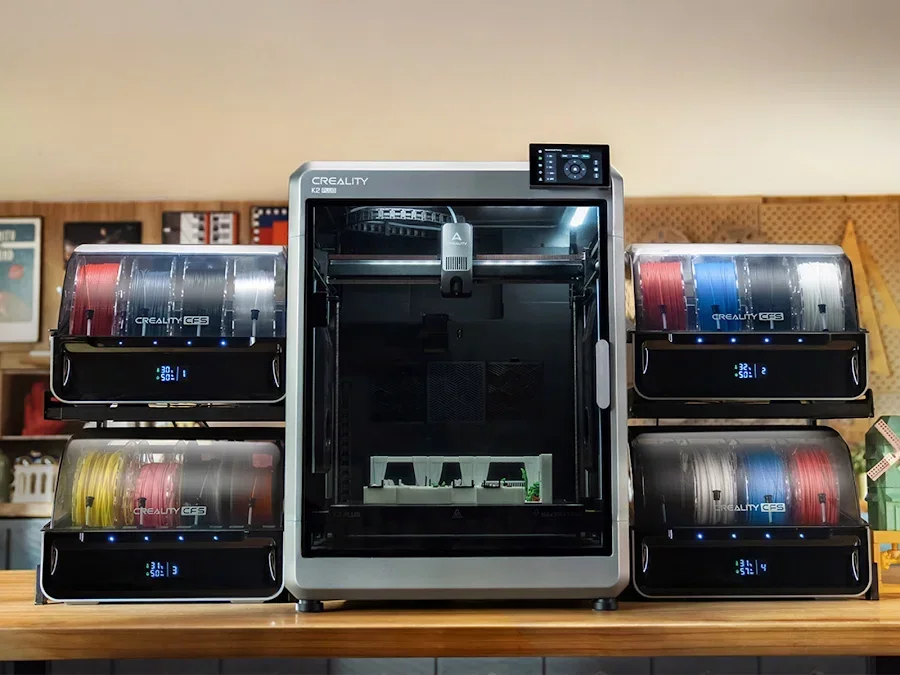 |
| CFS (Creality Filament System) | This multi-filament feed system enables multi-color and multi-material printing. It runs dedicated support materials, including snap-away and water-soluble supports, for cleaner support removal. It reads RFID filament data (type and color) and syncs it to the printer, and it also accepts manual filament profiles for non-RFID spools. It switches filaments automatically and continues printing by loading a new spool when the active spool runs out. | $385.00 | 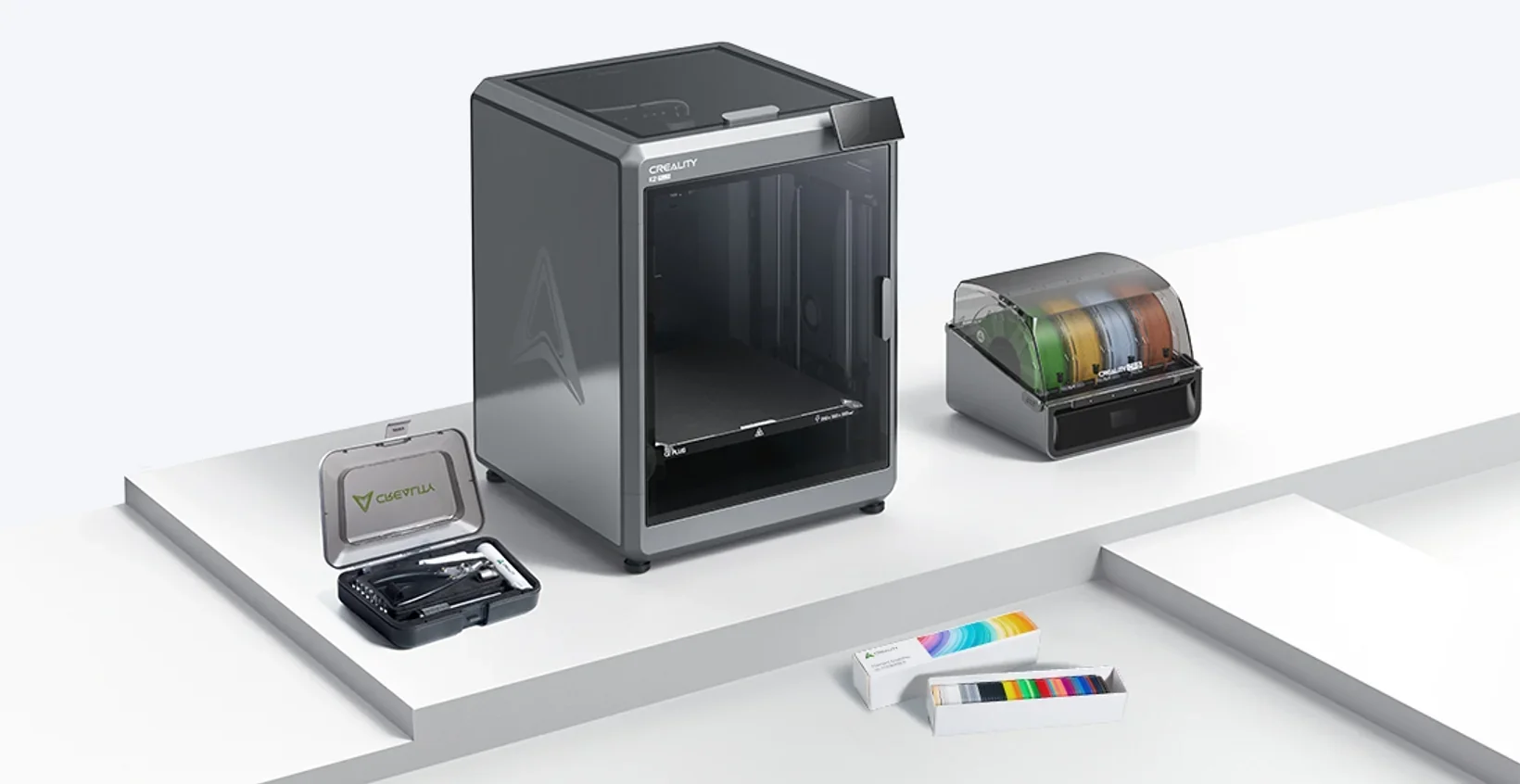 |
| CFS Display Kit | This display kit adds a local interface for viewing CFS status and controlling the CFS unit. It replaces the CFS display module. | $7.50 | 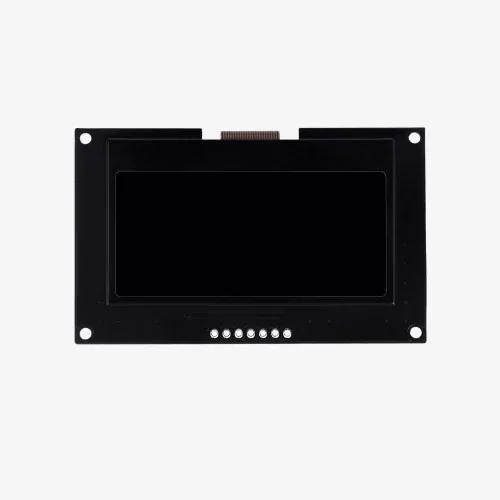 |
| Build Surfaces and Heated Bed | |||
| K2 Plus Heated Bed Kit | This heated bed kit replaces the heated build platform assembly. It sets and maintains the build-surface temperature during printing. | $87.00 | 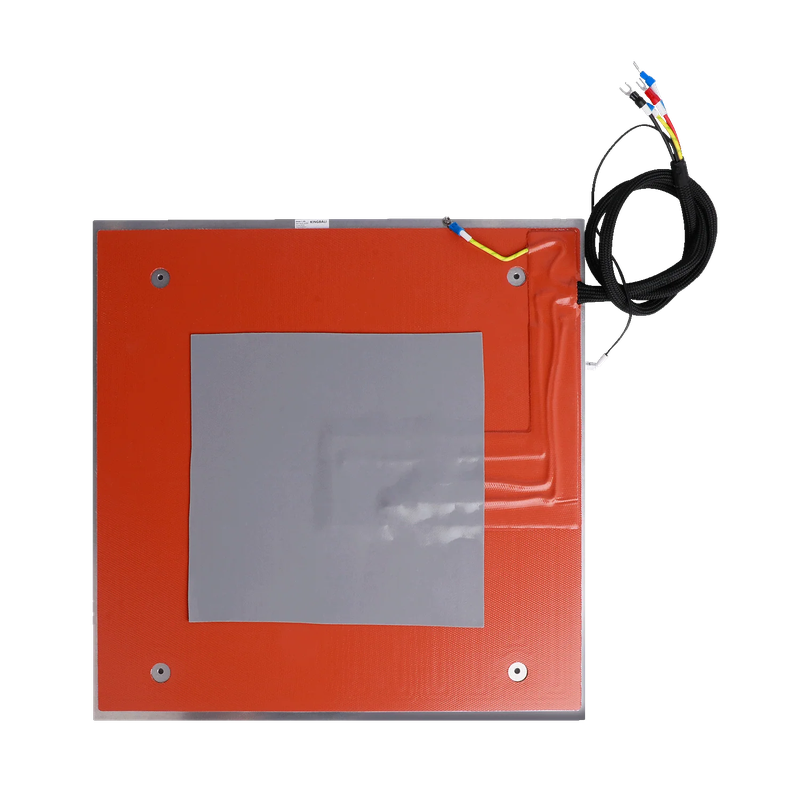 |
| K2 Plus PEI Frosted Build Plate | This frosted PEI powder-coated build plate provides a textured surface for strong adhesion. The surface resists heat and wear to reduce warping across a wide temperature range. The spring-steel plate stays flat and flexes for easier part removal. | $29.00 | 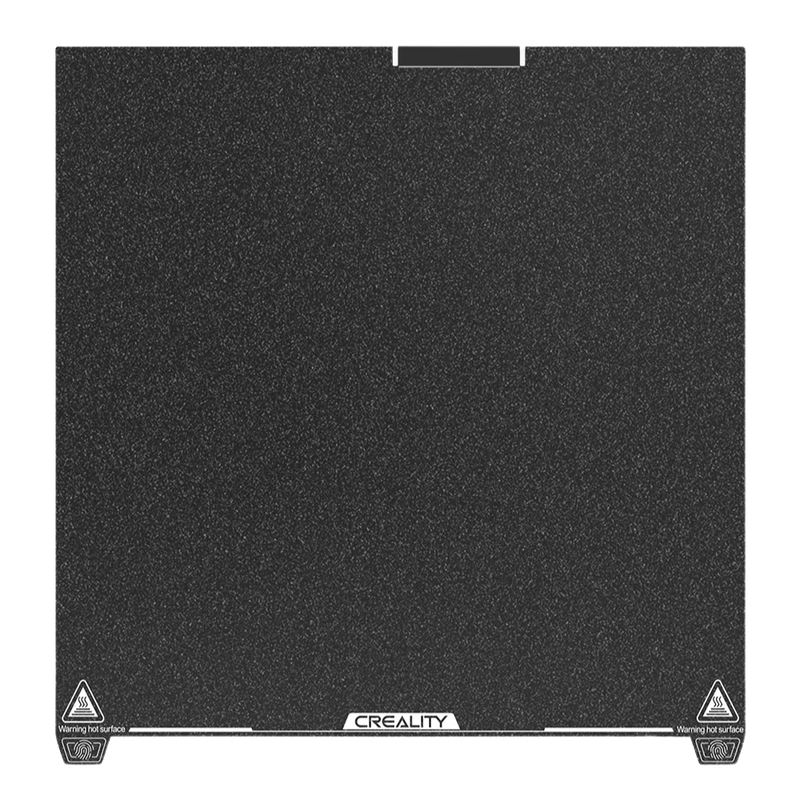 |
| Low-Temp Cold Printing Plate (235 × 235 mm) | This cold printing plate provides a low-temperature build surface option. It fits a 235 × 235 mm build area. | $25.50 | 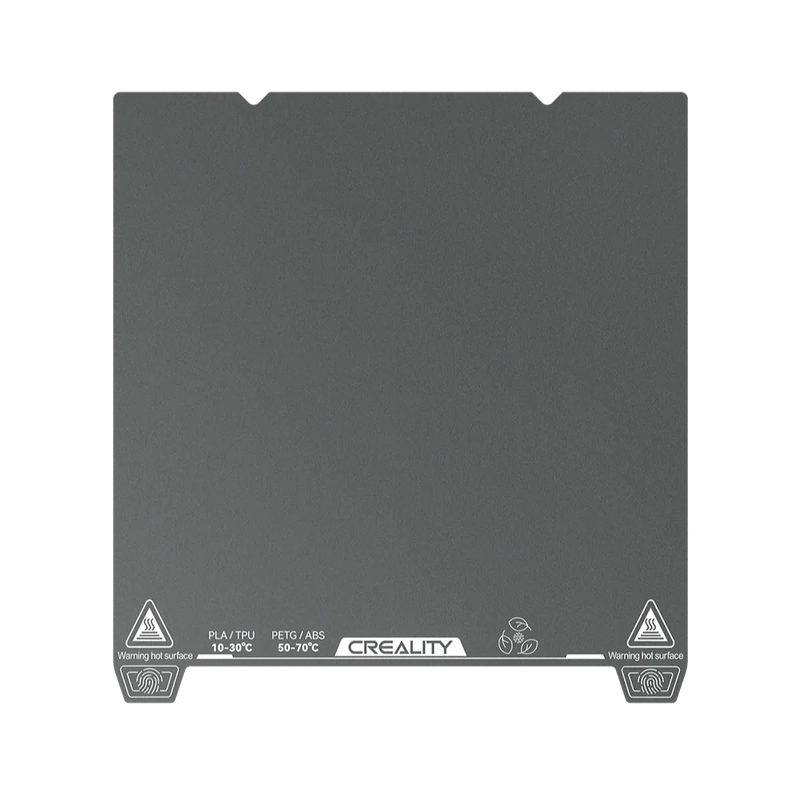 |
| Hotend, Nozzles, and Thermal Parts | |||
| High Flow Nozzle Assembly (E3D ObXidian™; 0.4 / 0.6 mm option) | This high-flow nozzle assembly increases extrusion flow for faster printing. It comes in 0.4 mm and 0.6 mm nozzle options. | $36.00 | 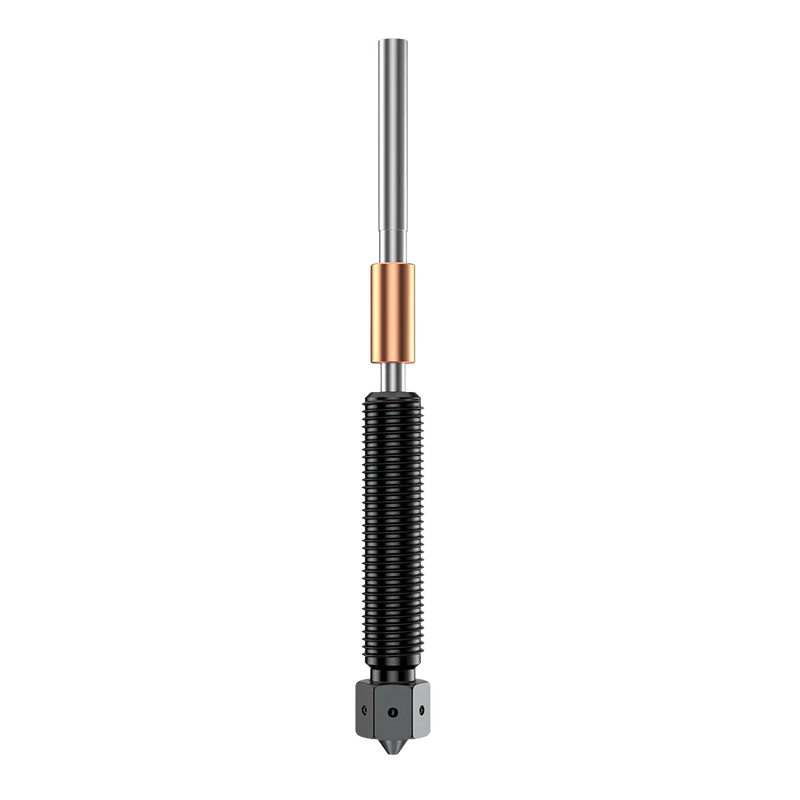 |
| K2 / K2 Pro / K2 Plus / M300 Nozzle Wiper Adhesive Tape | This adhesive tape mounts the nozzle wiper pad. It restores nozzle wiping for cleaner extrusion. | $3.50 |  |
| K2 / K2 Pro / K2 Plus Hot End Insulation Sleeve (3 pcs) | These hotend insulation sleeves reduce heat loss around the heater area. The pack includes 3 sleeves. | $2.50 | 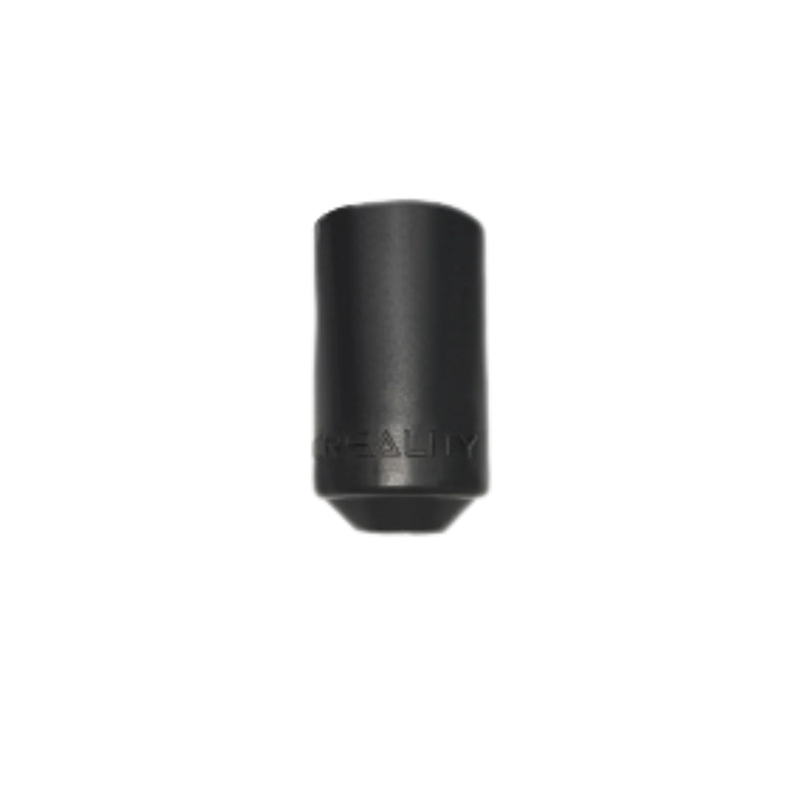 |
| K2 Plus Ceramic Heating Block Kit | This heating block kit uses a 360° surround ceramic heater for uniform, efficient heating and fast heat transfer. The all-metal integrated design speeds assembly and disassembly. It is rated to 350°C and includes a titanium-alloy heat break. | $33.50 | 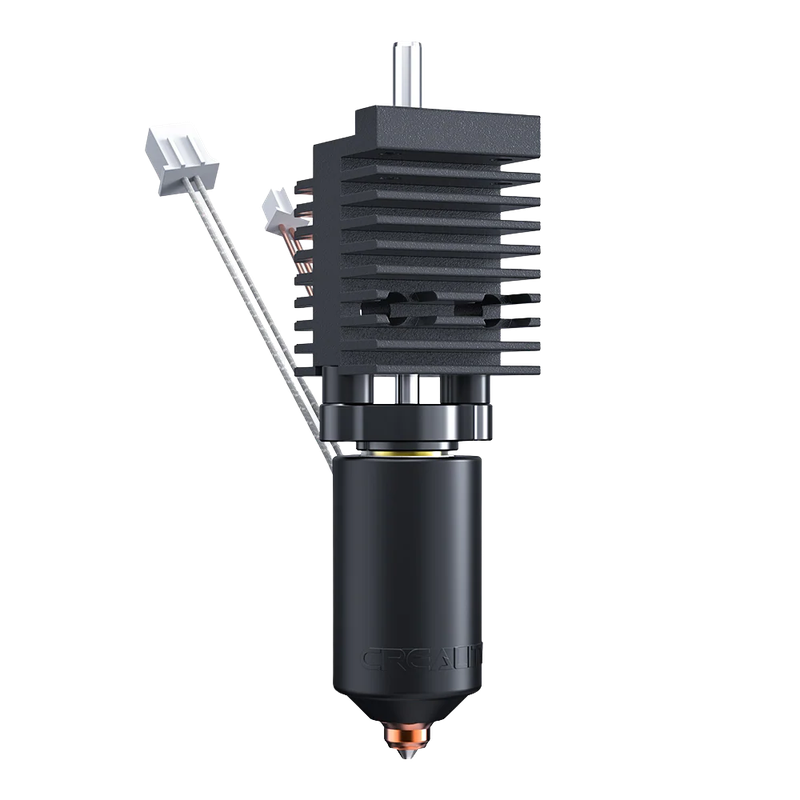 |
| K2 Plus Unicorn Quick-Swap Nozzle Kit (Unicorn Nozzle Kit) | This quick-swap nozzle kit enables fast nozzle replacement on the K2 Plus Unicorn system. It reduces downtime during maintenance and nozzle changes. | $46.00 | 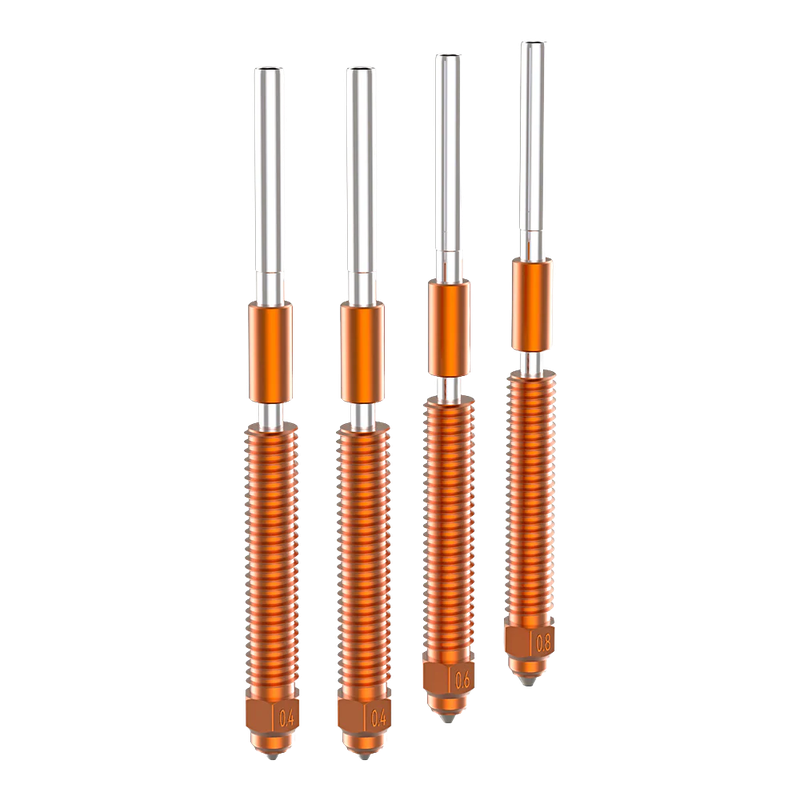 |
| Silicon Carbide Nozzle (0.6 mm) | This 0.6 mm silicon carbide nozzle replaces the standard nozzle. It prints through a 0.6 mm orifice. | $30.50 | 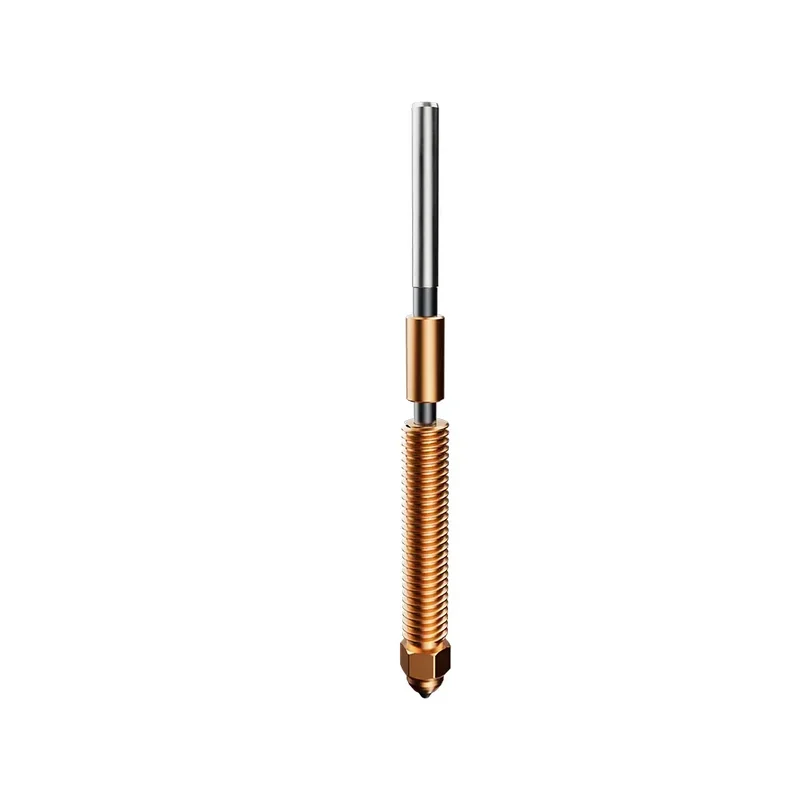 |
| Extruder and Filament Feed Parts | |||
| K2 Plus / K2 Pro / K2 Extruder Front Cover | This front cover replaces the extruder housing cover. It restores protection and fit around the extruder assembly. | $16.50 | 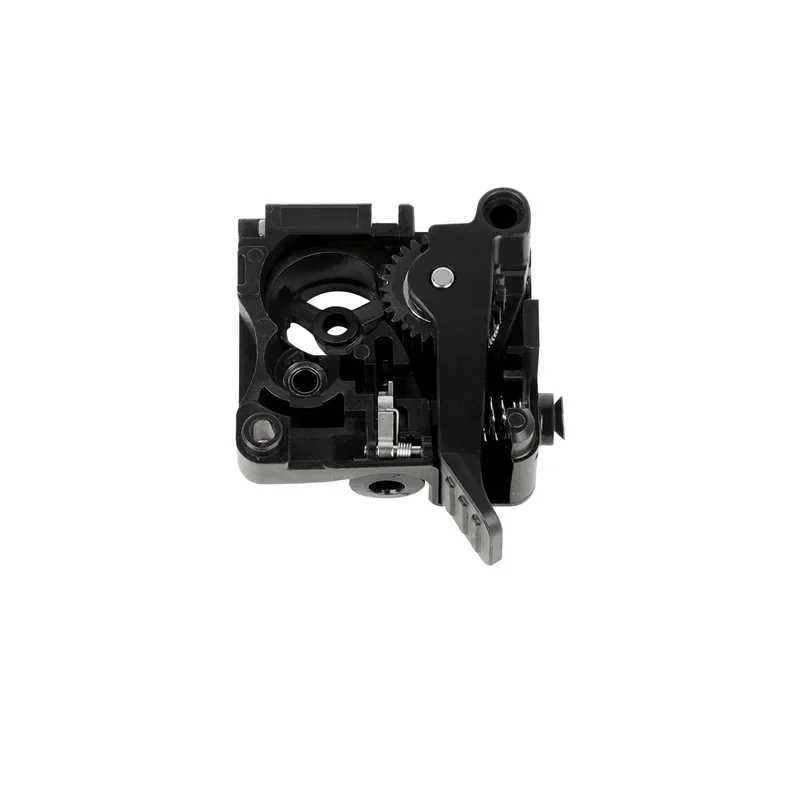 |
| K2 Plus / K2 Pro / K2 Extruder Kit | This extruder kit replaces the full extruder assembly. It feeds filament into the hotend. | $40.00 | 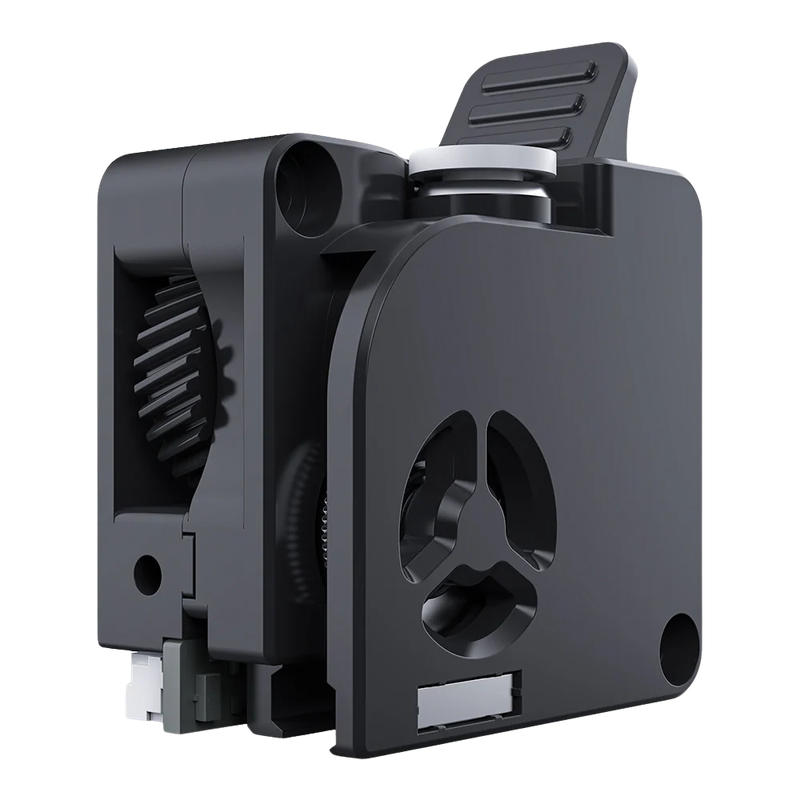 |
| K2 Plus / K2 Pro / K2 Extrusion Gear Kit | This gear kit replaces the extruder drive gears. It transfers motor torque to the filament for consistent feeding. | $9.00 | 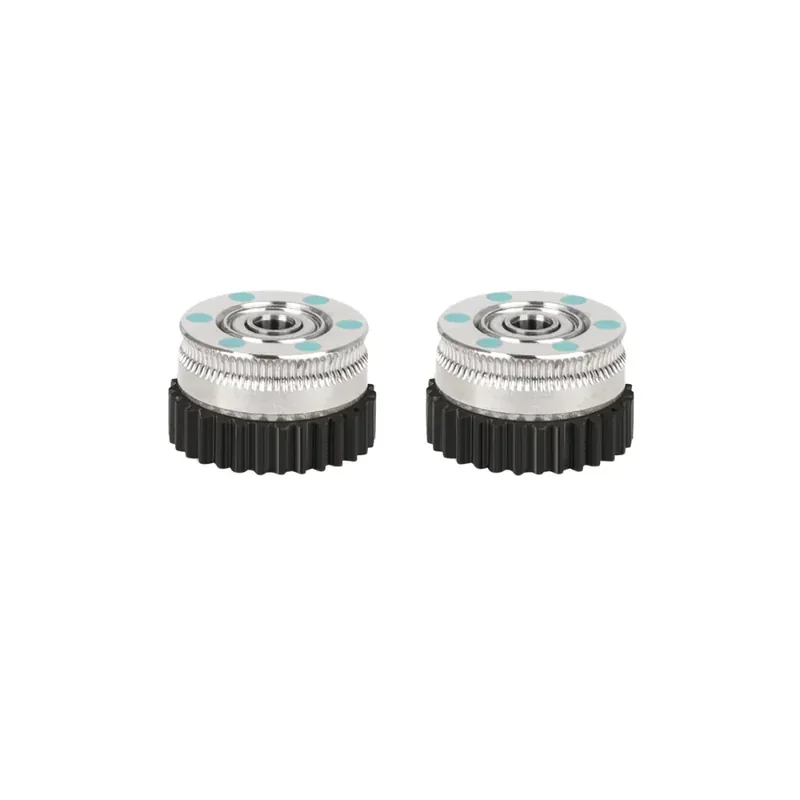 |
| K2 Plus Extruder Motor | This extruder motor replaces the motor that drives filament feeding. It restores extruder movement and push force. | $27.50 | 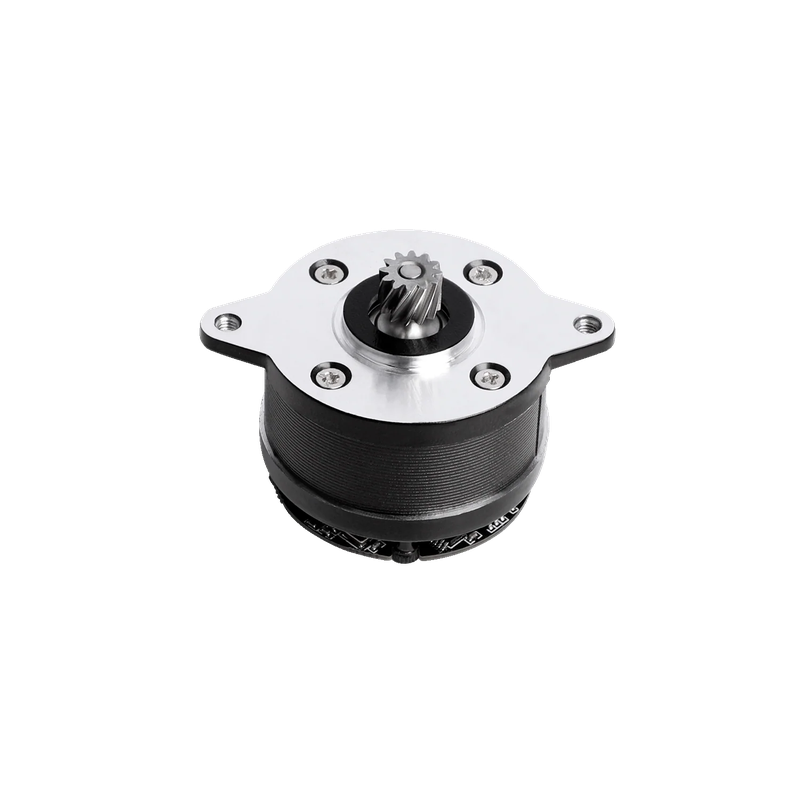 |
| Filament Handling, Sensors, and Cutting | |||
| K2 Plus / K2 Pro / K2 Cutter Rod | This cutter rod replaces the rod in the filament cutter mechanism. It restores the cutter’s mechanical action. | $1.50 | 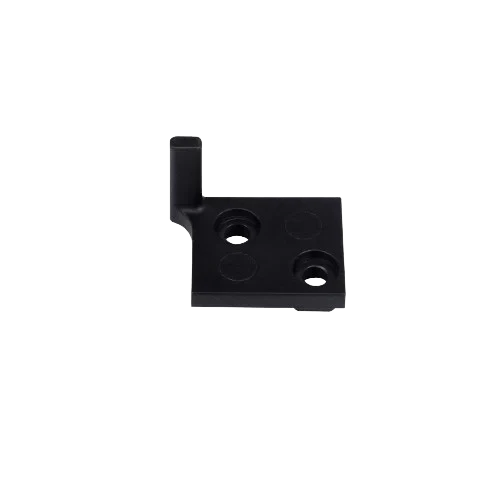 |
| K2 Plus / K2 Pro / K2 Filament Cutter Module (5 pcs / 10 pcs option) | This cutter module pack replaces the filament cutter modules used during filament changes. It delivers fast, accurate cutting for smooth multi-color printing. It uses wear-resistant materials and swaps quickly. | $25.50 | 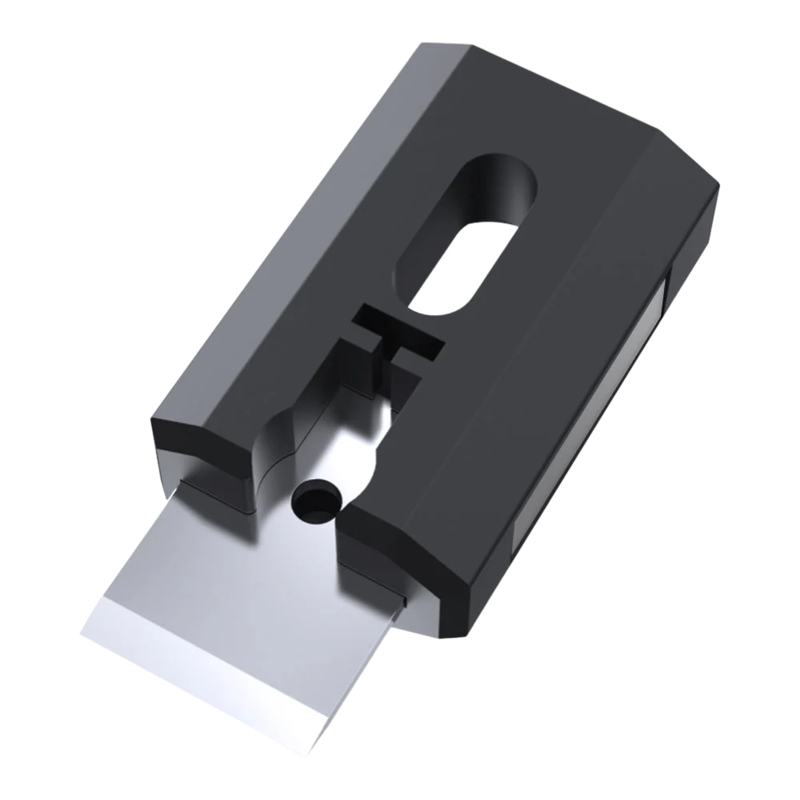 |
| K2 Plus / K2 Pro / K2 Filament Detection Board | This detection board replaces the electronics used for filament presence detection. It restores runout and feed detection functions. | $3.50 | 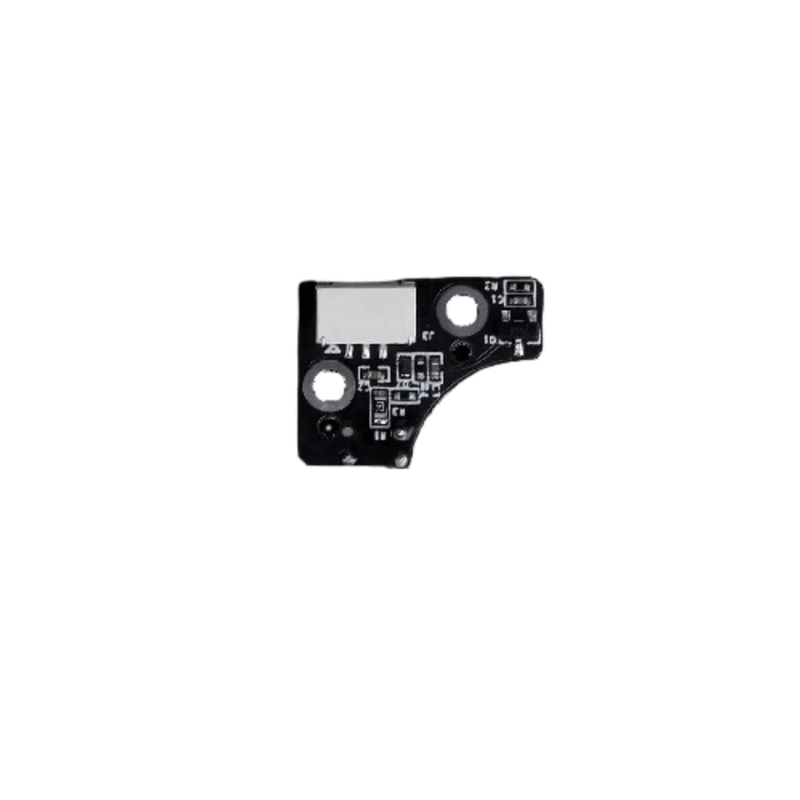 |
| K2 Plus / K2 Pro / K2 Strain Gauge | This strain gauge replaces the force sensor used for printer sensing functions. It restores force-based measurement and detection. | $4.50 | 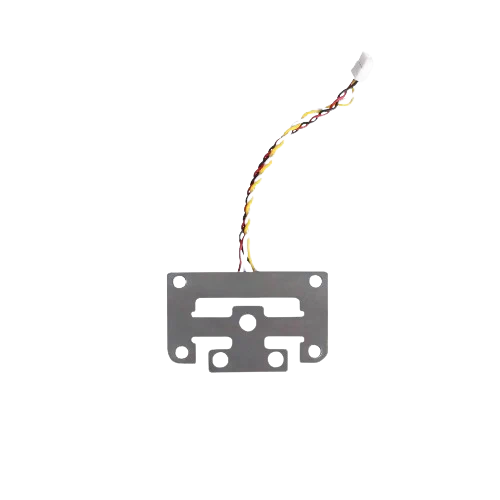 |
| Fans and Cooling | |||
| K2 Plus / K2 Pro / K2 Axial-tech Fan Kit | This axial-tech fan kit replaces the specified axial fan used in the K2 series. It restores the intended cooling airflow. | $4.50 | 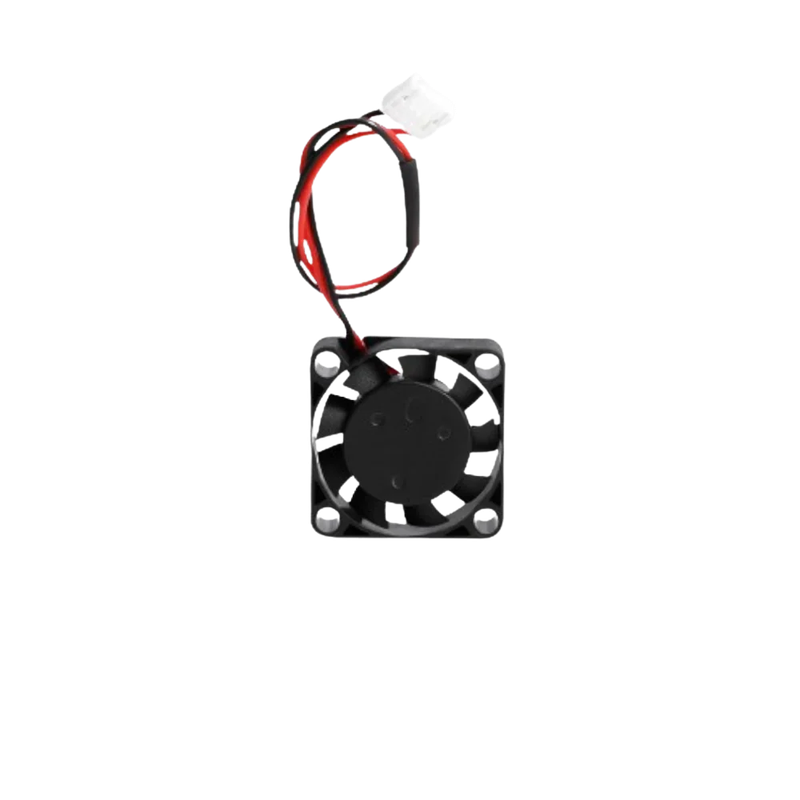 |
| K2 Plus / K2 Pro / K2 Heatbreak Fan | This heatbreak fan cools the upper hotend area. It keeps the heatbreak and cold end within operating temperature during printing. | $5.00 | 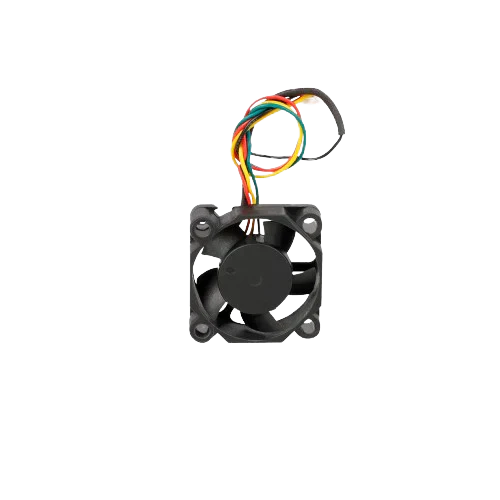 |
| K2 Plus / K2 Pro / K2 Model Fan Assembly | This part-cooling fan assembly blows air onto the printed part. It restores cooling performance for bridging and overhangs. | $10.00 | 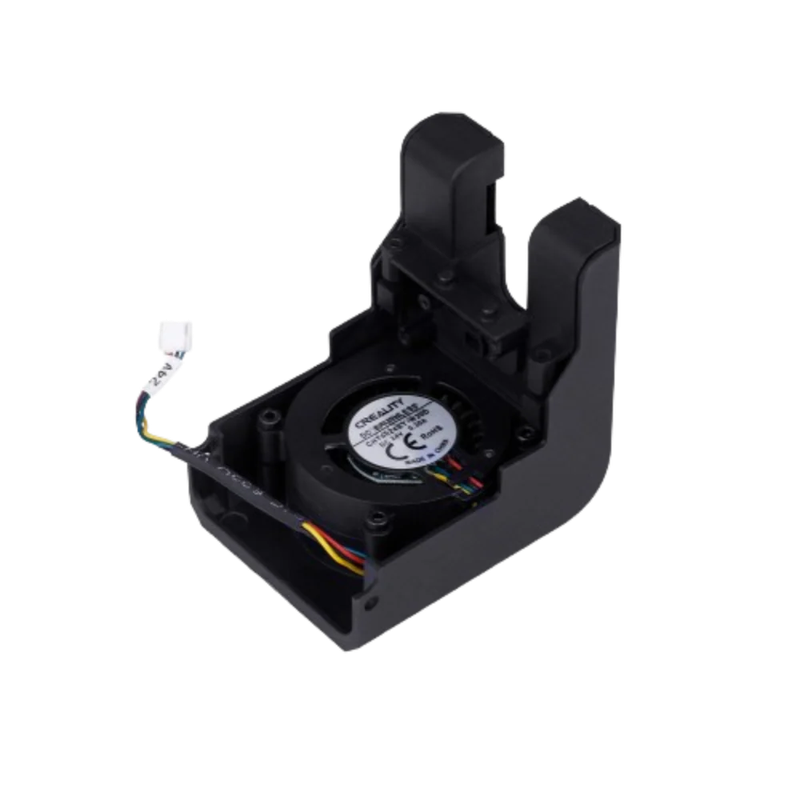 |
| K2 Plus / K2 Pro Mainboard Cooling Fan | This fan cools the mainboard and electronics bay. It restores electronics cooling and stability. | $6.50 | 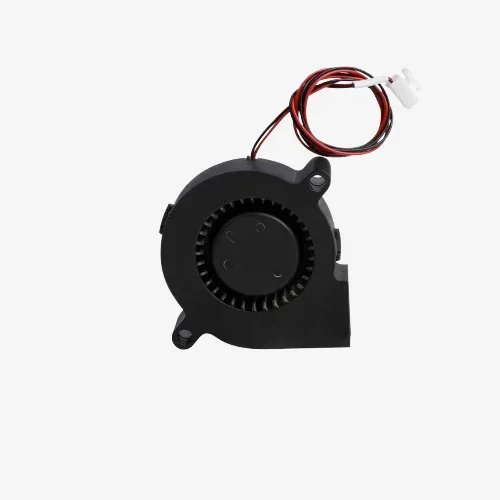 |
| Electronics and Wiring | |||
| K2 / K2 Pro / K2 Plus Toolhead Board | This toolhead PCB replaces the board that routes power and signals to toolhead components. It restores electrical connections at the toolhead. | $12.00 | 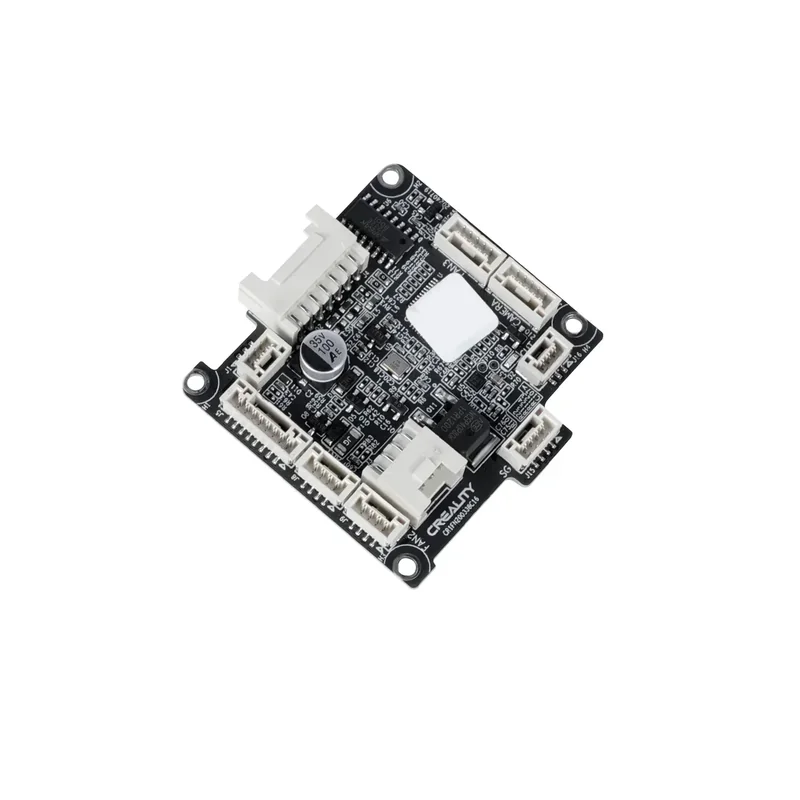 |
| K2 Plus Connector Kit | This connector kit replaces wiring connectors used across K2 Plus modules. It restores secure electrical and signal connections. | $5.00 | 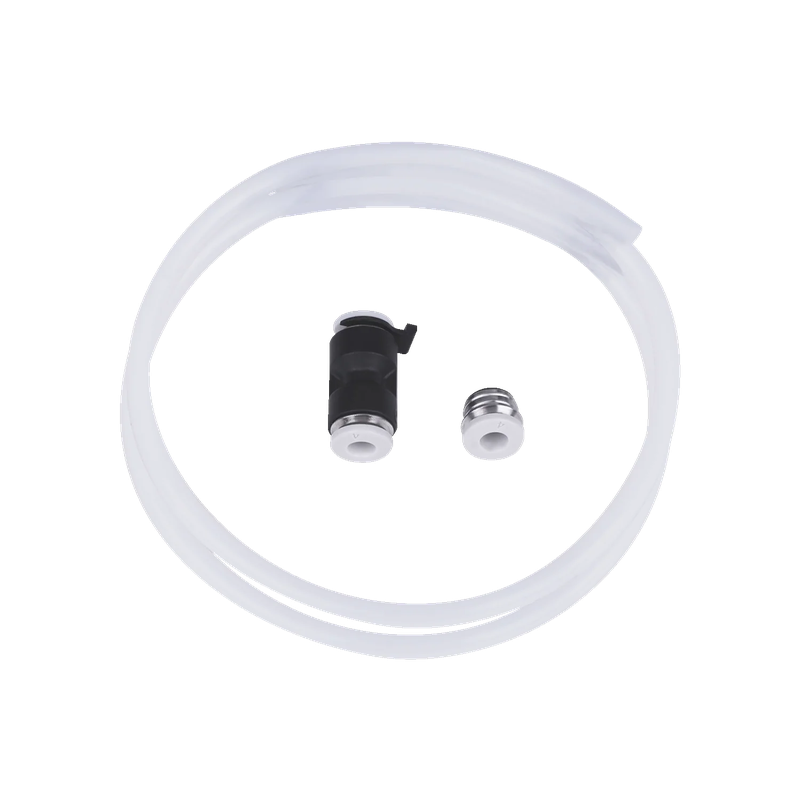 |
| Enclosure, Lighting, Cameras, and UI | |||
| K2 Plus / K2 Pro Nozzle Camera | This nozzle camera provides a close-up view of the nozzle and print area for monitoring. It replaces the nozzle camera module. | $12.00 | 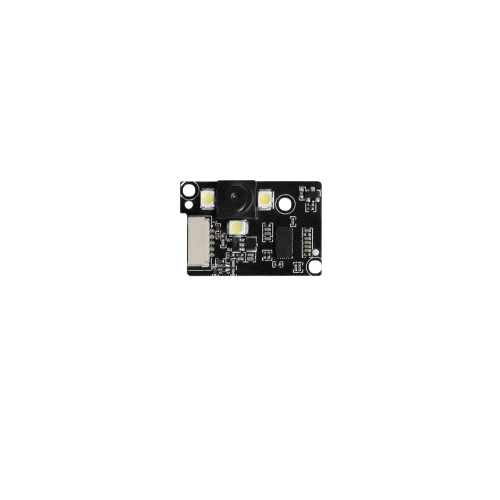 |
| K2 Plus / K2 Pro / K2 LED Light Kit (1 pc) | This LED light kit adds or replaces internal printer lighting. It improves visibility inside the enclosure. | $3.50 | 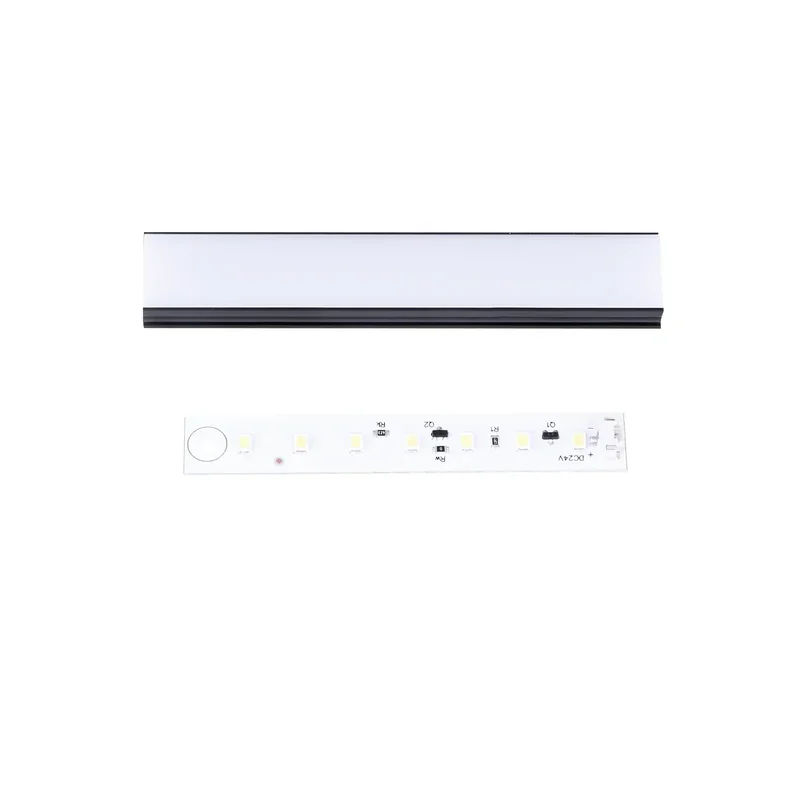 |
| K2 Plus Cavity Camera | This chamber camera provides a wide view inside the printer cavity for monitoring. It replaces the cavity camera module. | $19.50 | 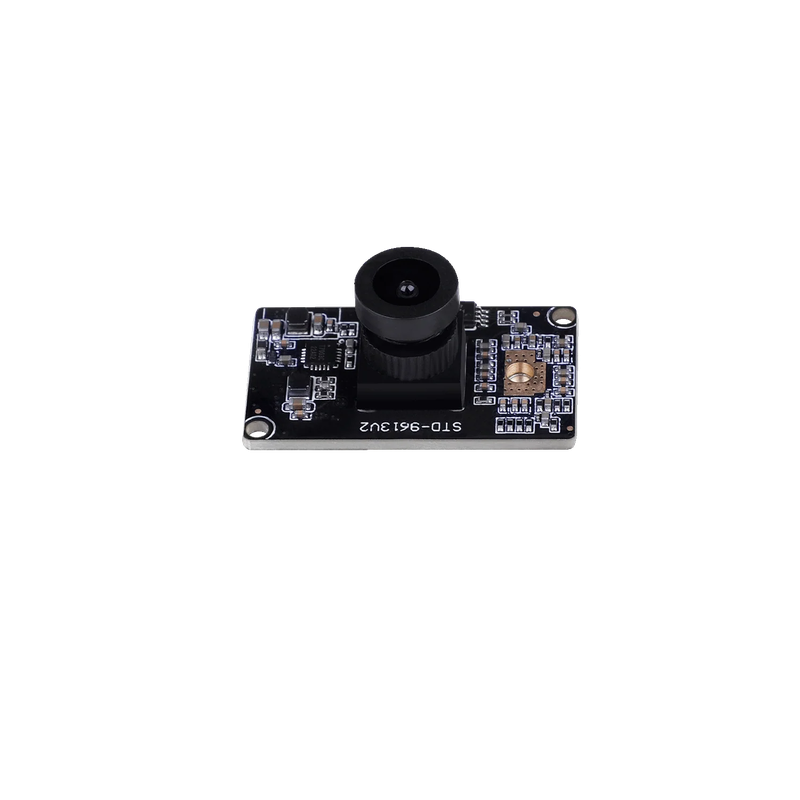 |
| K2 Plus Display Kit | This display kit replaces the on-printer screen interface. It restores printer control and status viewing. | $40.50 | 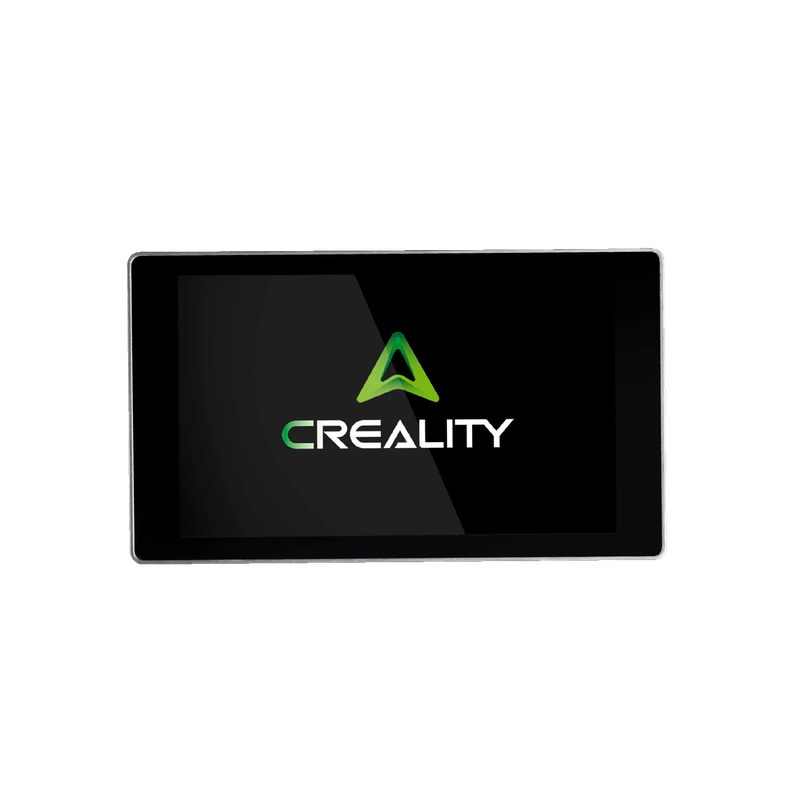 |
| K2 Plus Front Door Kit | This front door kit replaces the enclosure front door components. It restores the enclosed front opening. | $38.00 | 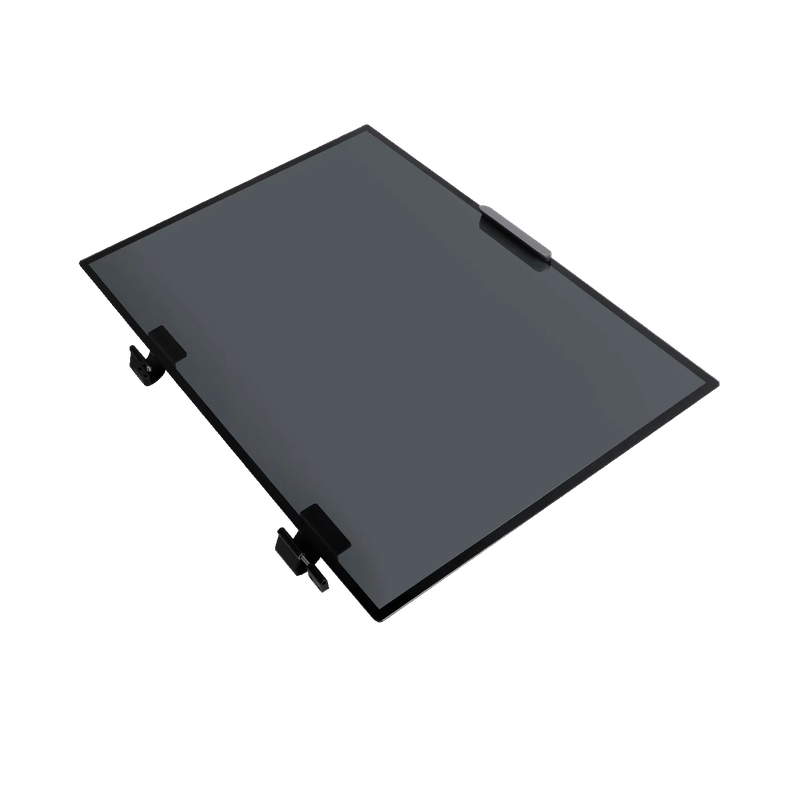 |
| K2 Plus Top Glass Kit | This top glass kit replaces the enclosure top glass components. It restores the enclosure cover. | $18.50 | 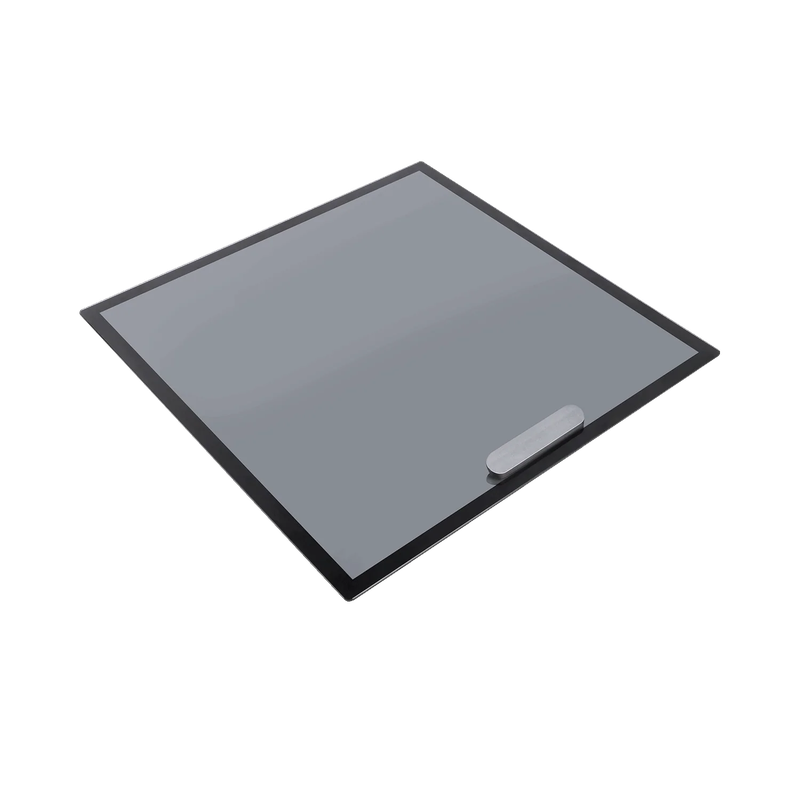 |
| Air Filtration | |||
| FDM Air Purifier | This air purifier provides 360° filtration with smart touch control. It moves up to 250 m3/h airflow and shows real-time PM2.5. The filter lasts up to 1,000 hours and delivers 99%+ filtration efficiency. It targets ultrafine particles and VOCs generated during 3D printing. | $725.00 | 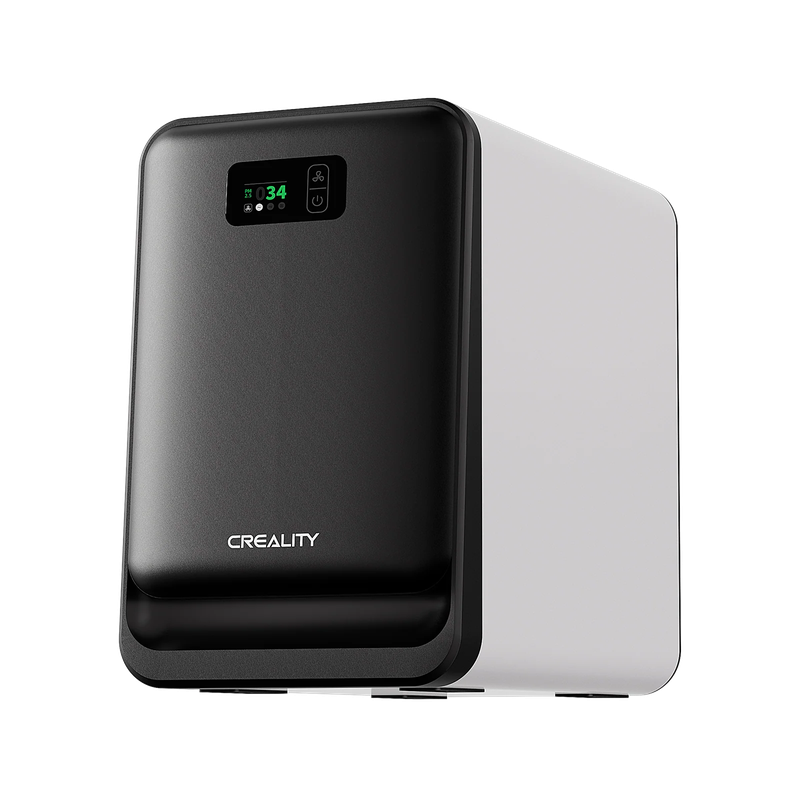 |
| K2 / K2 Pro / K2 Plus Air Filter | This air filter replaces the filter element used in the printer’s air filtration path. It restores airflow and filtration performance. | $8.50 | 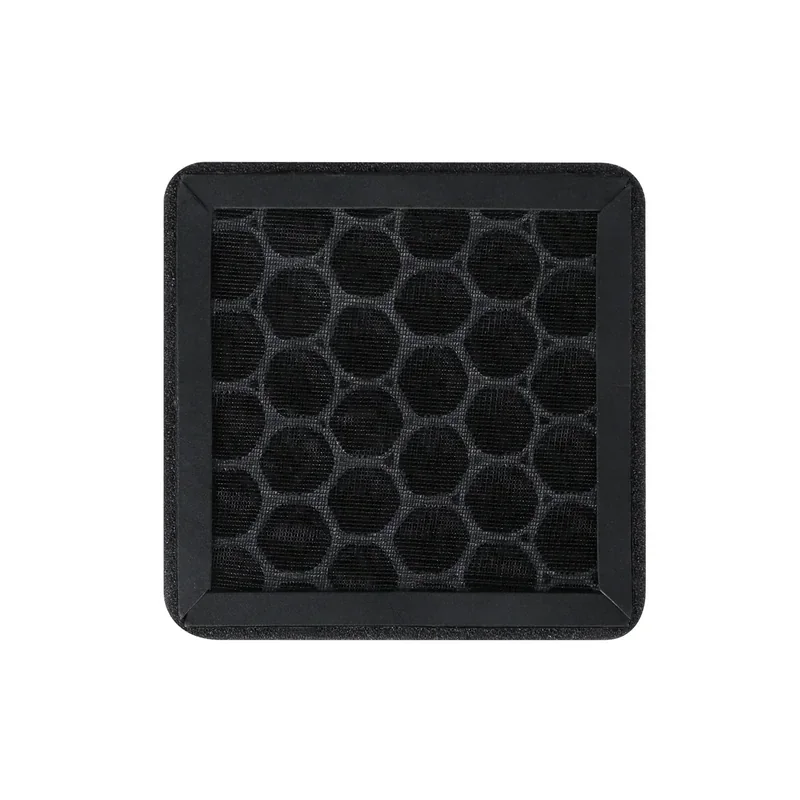 |
The Creality K2 Plus requires 10+ maintenance protocols to ensure optimal performance, with schedules based on time and usage.
Monthly:
Quarterly (Every 3 Months):
High-Frequency ABS/ASA Printing:
Usage-Based:
Daily/Weekly:
The modular design allows easy replacement of parts like the filament cutter, wiper, tape, and filter without disassembling major components. The dual-camera system also requires regular cleaning, especially during ABS use.
The Creality K2 Plus comes with a 1-year limited warranty for the full unit and 3-month coverage for consumables like the nozzle and build plate. Warranty excludes accidental damage, misuse, unauthorized modifications, and normal wear. Proof of purchase is required.
Support Options:
Resources & Updates:
This tiered support system covers everything from setup to long-term maintenance.
Full up-to-date warranty terms are available on the manufacturer's website: https://store.creality.com/au/pages/warranty-policy
The Creality K2 Plus Combo is available at $1,449.00, offering strong value with industrial-grade features. The base model costs about 15% less but excludes the four-color Creality Filament System (CFS).
The Combo includes:
This setup combines large-format capacity, engineering material support, and multicolor functionality—features usually found in more expensive industrial printers.
Update your browser to view this website correctly. Update my browser now