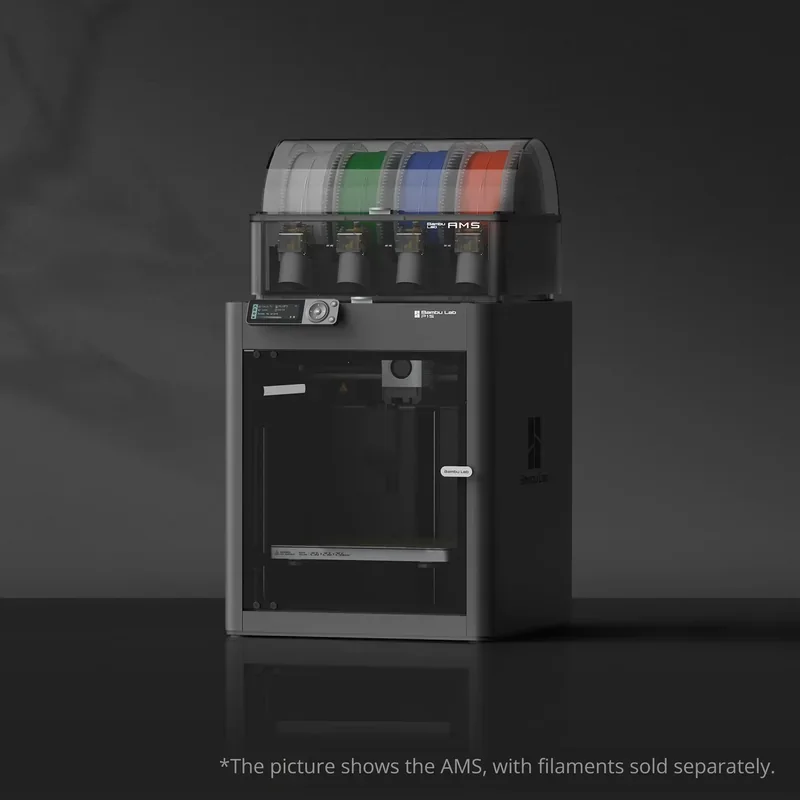
Bambu Lab P1S 3D Printer: High-Speed CoreXY With AMS Compatibility
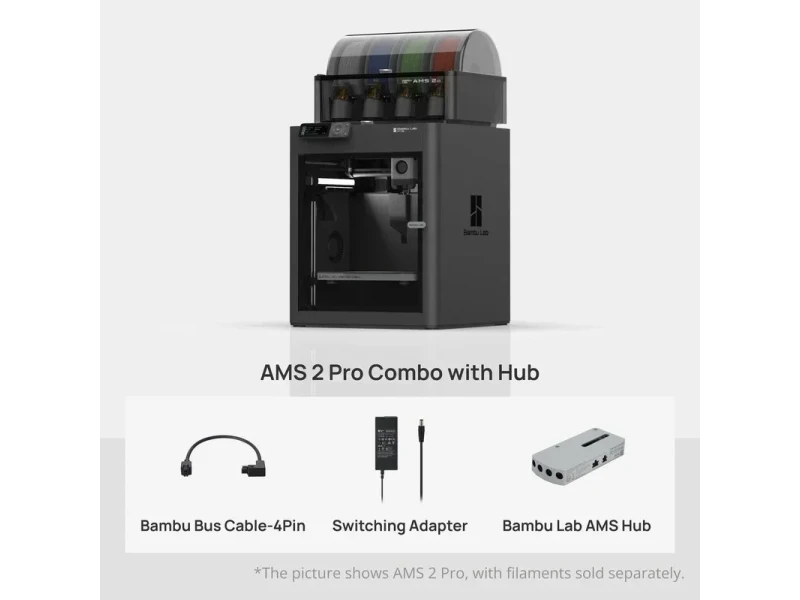

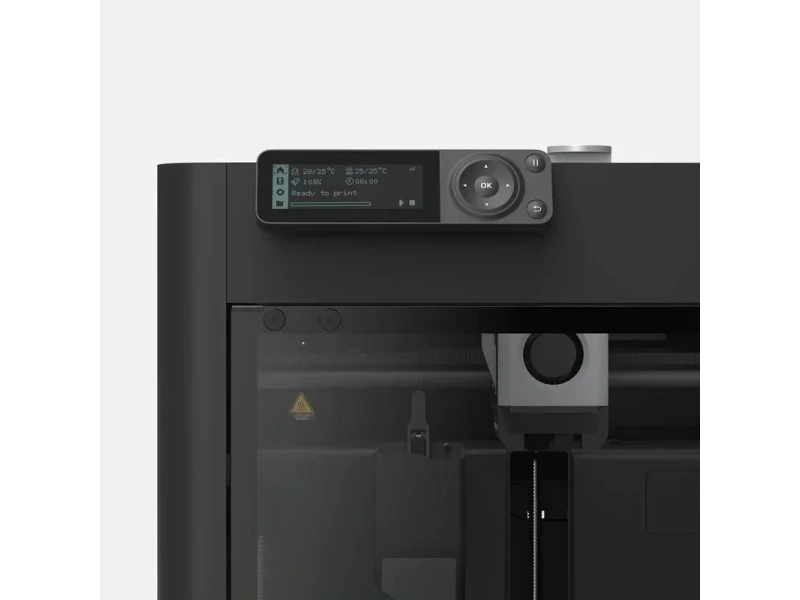
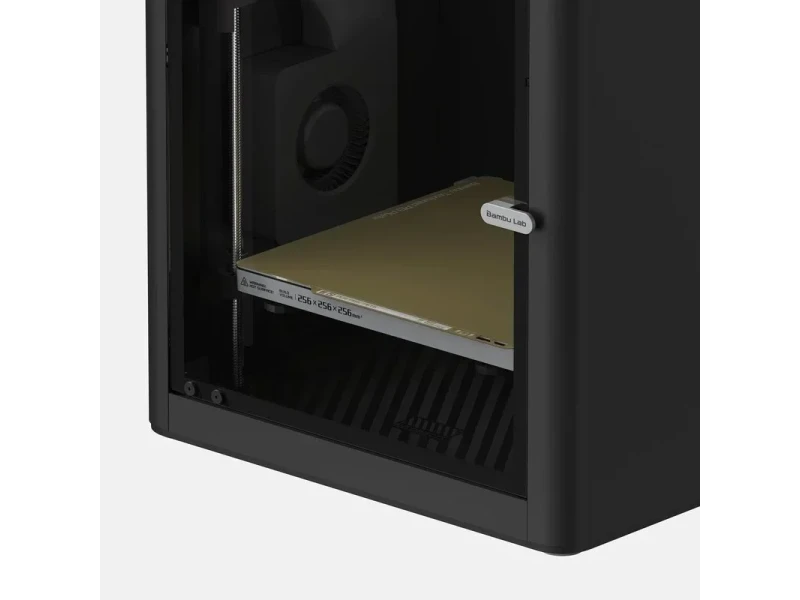
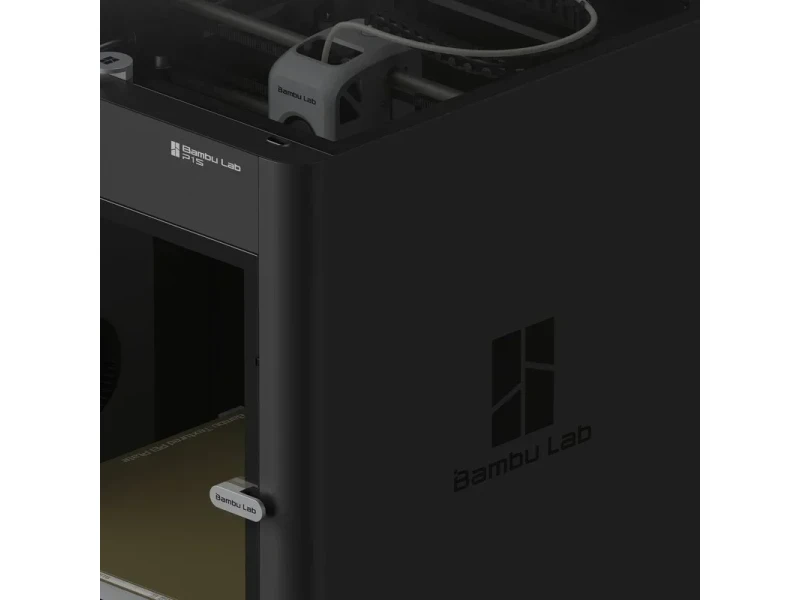


- Auto-bed leveling with 15-minute setup
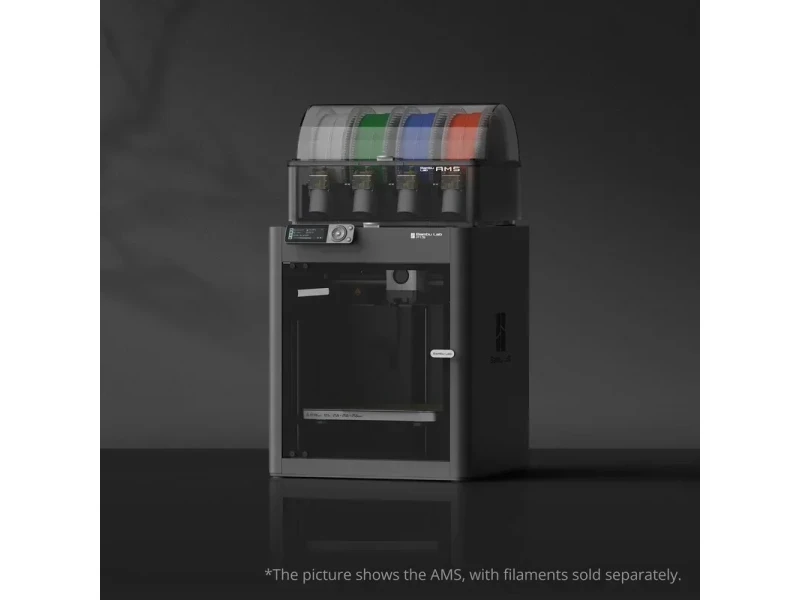
- Optional AMS for 16-color printing
- Built-in camera for remote monitoring
- 300°C hotend supports ABS and ASA
- Flexible Payment Terms
- 1 Year Warranty
- Local Technical Support
- Free Online Training
- Bambu P1S 3D Printer
- Textured PEI Build Plate
- Power Cable
- Quick Start Guide
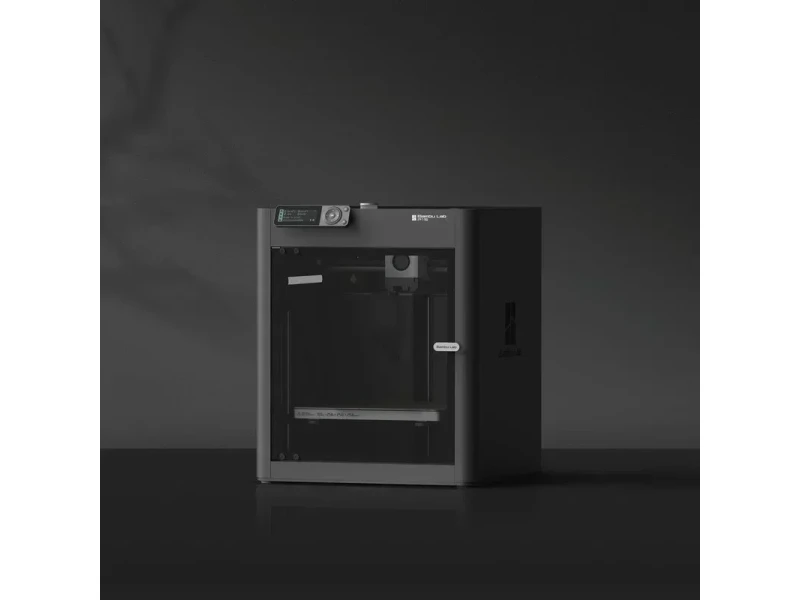
The Bambu Lab P1S is a fully enclosed CoreXY 3D printer with a 256 × 256 × 256 mm build volume, offering fast print speeds up to 500mm/s and 20,000 mm/s² acceleration. It supports a wide range of materials, including PLA, PETG, TPU, ABS, and ASA, and includes features like auto-bed leveling, a built-in camera for remote monitoring and timelapses, and optional AMS support for up to 16-color printing. An activated carbon filter helps reduce odors from materials like ABS and ASA. With a 300°C hotend, advanced cooling, and simple 15-minute setup, the P1S is designed for both beginners and experienced users, and can be controlled remotely via Bambu Studio and Bambu Handy.
- What is the print quality and performance of the Bambu Lab P1S CoreXY 3D Printer?
- Which filaments can you use with the Bambu Lab P1S?
- What is the build volume of the Bambu Lab P1S?
- What is the difference between the Bambu Lab P1S and Creality K1 Max, Prusa Core One and Flashforge Adventurer 5M?
- What printer controls are available on the Bambu Lab P1S?
- What connectivity options are available on the Bambu Lab P1S?
- What software is offered with the Bambu Lab P1S?
- What is the design and build quality of the Bambu Lab P1S?
- What comes included in the box with Bambu Lab P1S?
- What upgrades and accessories are available for the Bambu Lab P1S?
- How reliable is the Bambu Lab P1S?
- What maintenance is required for the Bambu Lab P1S?
- What support and warranty come with the Bambu Lab P1S?
- How much does the Bambu Lab P1S cost?
What is the print quality and performance of the Bambu Lab P1S CoreXY 3D Printer?
The Bambu Lab P1S delivers high-quality prints at speeds up to 500mm/s using a CoreXY system with vibration compensation and input shaping. It maintains dimensional accuracy and clean layer stacking across materials, with minimal difference in quality between standard (200–300mm/s) and high-speed prints. It prints fine details at 0.08mm layer height using the stock 0.4mm nozzle, with optional nozzles from 0.2mm to 0.8mm.
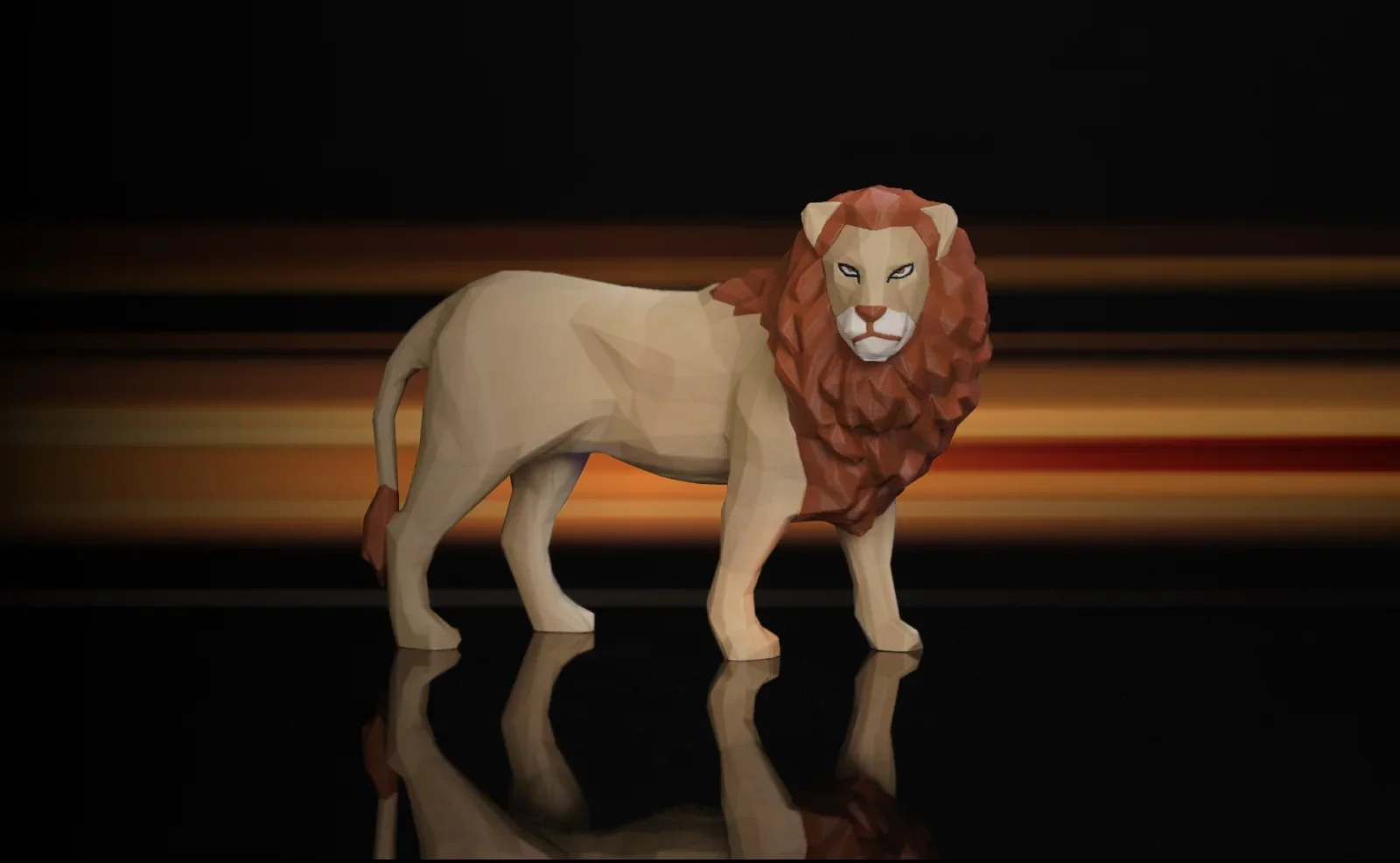
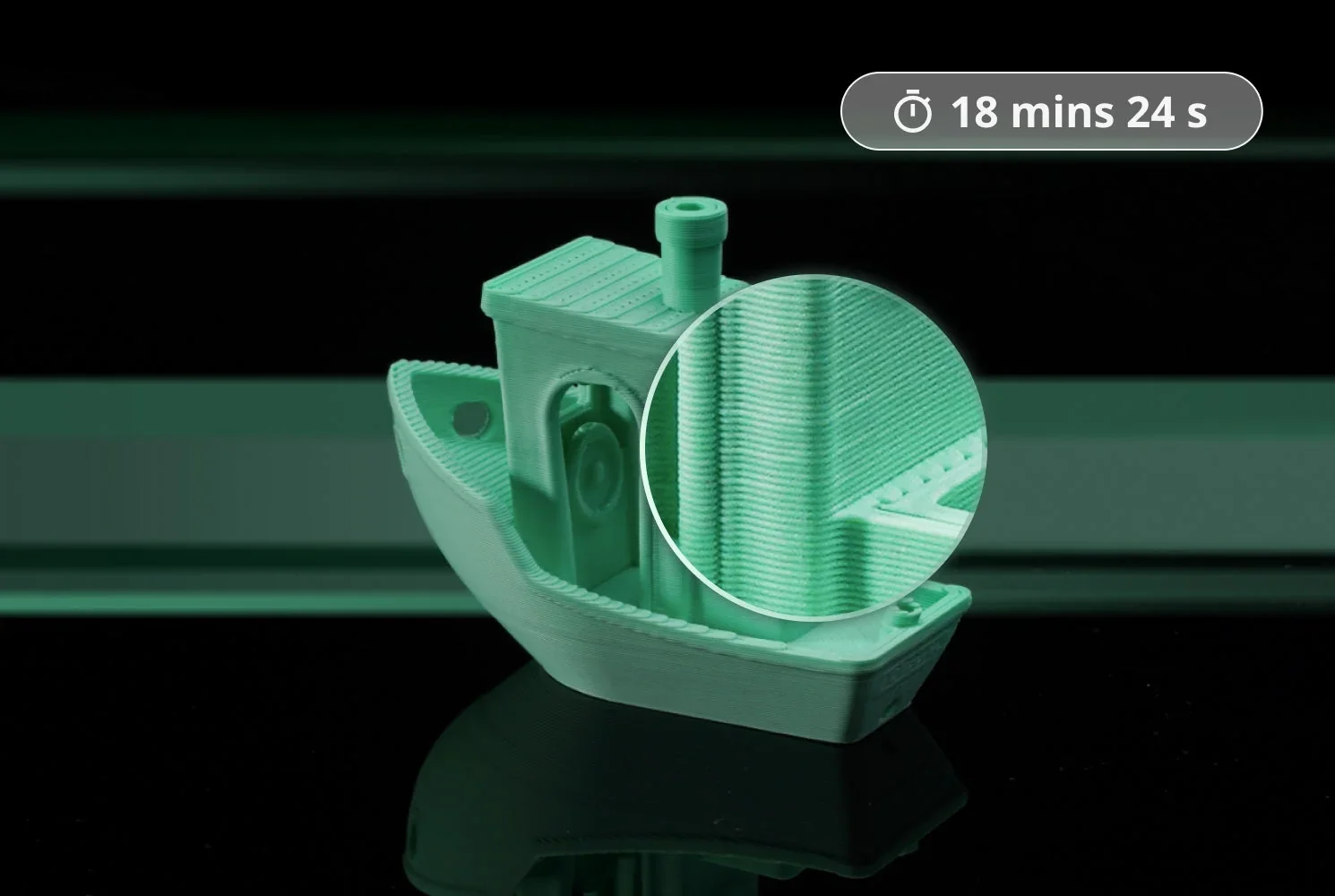
The Bambu Lab P1S reaches speeds of 500mm/s with 20,000mm/s² acceleration and offers three modes: standard, sport (124% faster), and ludicrous (164% faster). A Benchy prints in 18 minutes at full speed versus 26 at normal speed. Most prints finish in 1–2 hours — about four times faster than entry-level printers. The slicer’s volumetric speed limit ensures reliable material flow across filament types.
Real-world prints show the P1S's versatility: a multi-color Baby Yoda was printed in 2h 36m (0.8mm layer height); a multi-part action figure was printed in 2h 43m (0.16mm layer height, 3 wall perimeters); nylon RC car gears in 1h 13m; ASA tape dispensers in 1h 17m; and TPU car spoilers in 5h 47m at 40mm/s.
The Bambu Lab P1S delivers consistent print quality through key mechanical features: auto bed leveling for a perfect first layer, a direct-drive extruder for precise filament control (especially with flexibles), and an enclosed design for chamber temperature stability. Its cooling system — hotend, front cover, and auxiliary part cooling fans — supports various materials. Vibration compensation and pressure advance reduce artifacts, ensuring clean results at any speed or complexity.
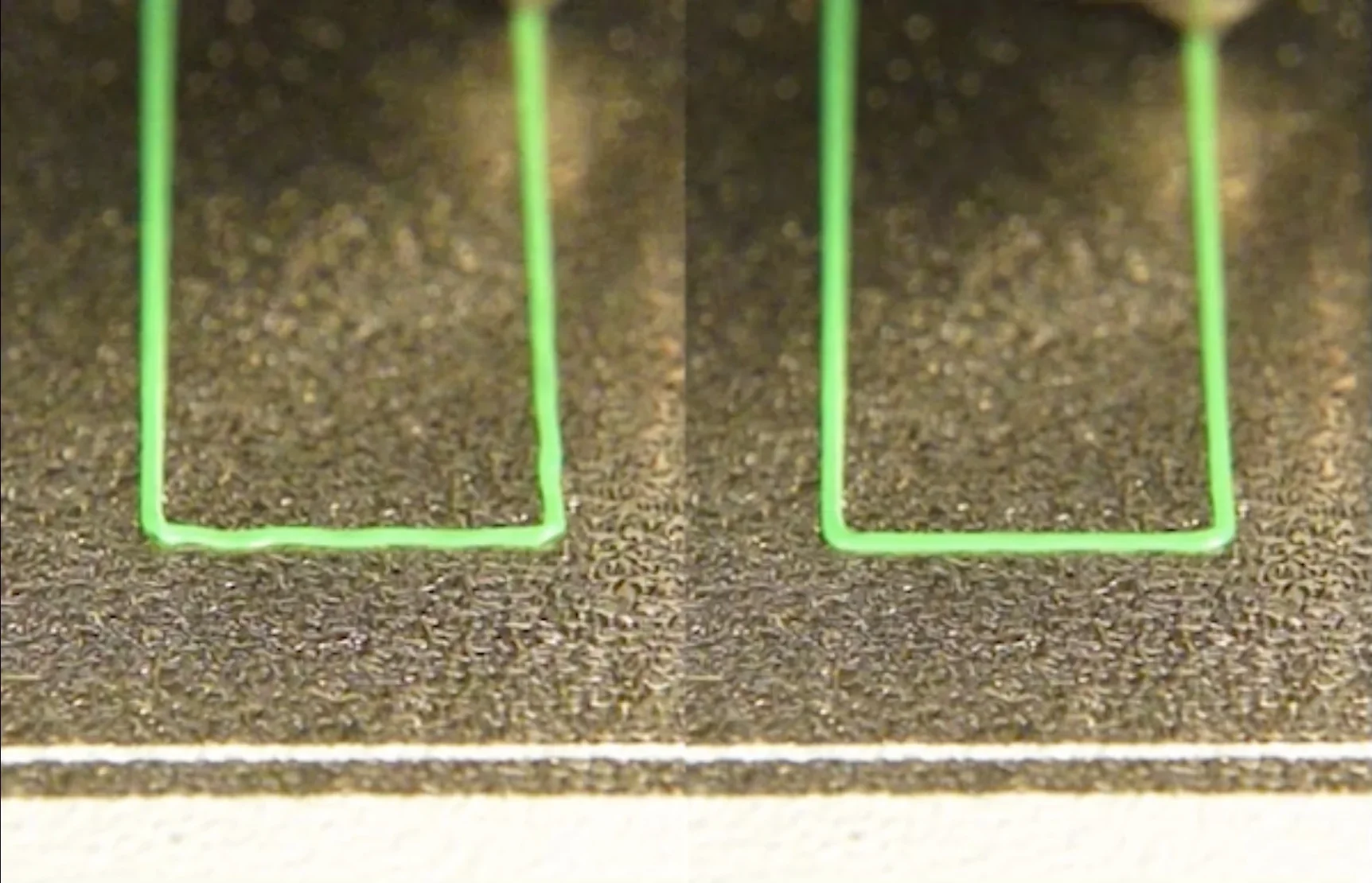
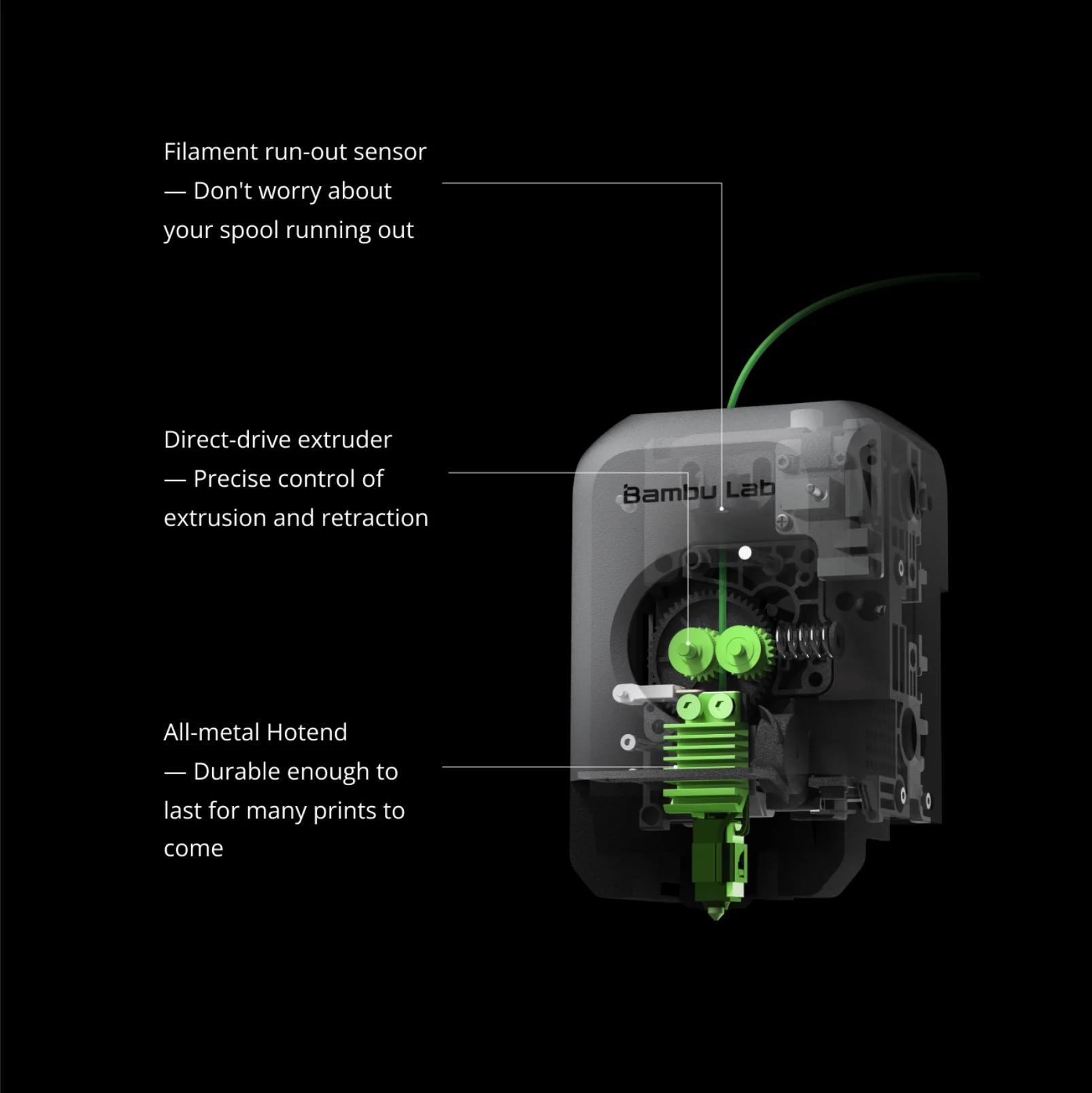
Does Bambu Lab P1S use a direct-drive extruder?
Yes — it has a direct-drive extruder, offering superior control over filament extrusion and retraction of flexible filaments.
How does Vibration Compensation and Pressure Advance work?
Before printing, the P1S measures X/Y axis resonant frequencies and applies input shaping with an advanced control algorithm to avoid them, reducing ringing. Pressure Advance adjusts flow based on movement — boosting during acceleration and retracting on deceleration — to maintain consistent line width, even at 500mm/s.
How does the AMS detect and handle filament run-outs or tangles during multi-colour prints on the Bambu Lab P1S, and what recovery mechanisms are built in to prevent failed jobs?
The AMS uses 3 sensors:
- Optical gates in each feeder and hub detect filament presence; if empty, it auto-switches spools or pauses for user input.
- A toolhead switch confirms filament arrival; if triggered mid-print, it signals a run-out and pauses.
- A tension module monitors drag; excess force triggers a “tangle detected” pause.
During pauses, the AMS retracts, cuts, and purges filament to prevent oozing or layer shifts before resuming.
What is the difference between the Bambu Lab P1S, X1 Carbon, and X1E?
| Feature | P1S | X1 Carbon | X1E |
|---|---|---|---|
| Enclosure & Frame | Plastic/glass panels on steel frame — passive chamber | Full aluminum & glass shell — passive chamber | Aluminum & glass shellwith active heating(up to 60 °C) and industrial gasketing |
| Hot-end / Nozzle | Stainless-steel, 300 °C max | Hardened-steel, 300 °C max | Hardened-steel,320 °C maxfor engineering polymers |
| Motion & Sensors | CoreXY, carbon-X rod, lidar-free; 720 p camera | CoreXY, carbon-X rod,built-in micro lidarfor first-layer & flow calibration (aka advanced AI detection); 1080 p camera | Same as X1 plus extra vibration dampers |
| Air Management | Single activated-carbon filter | Same filter | Three-stage system:G3 pre-filter + H12 HEPA + coconut-carbon VOC |
| Connectivity | Wi-Fi 2.4 GHz; cloud only | Wi-Fi 2.4 / 5 GHz; cloud only | Wi-Fi 2.4 / 5 GHz& Gigabit Ethernet, LAN-only mode, physical radio kill-switches, WPA2-Enterprise |
| Screen & UI | 2.7-inch monochrome button panel | 5-inch 1280×720 touchscreen | Same touchscreen |
| Build Volume | 256 × 256 × 256 mm | 256 × 256 × 256 mm | 256 × 256 × 256 mm |
| Bed Temperature | 100 °C max | 120 °C max | 120 °C max |
| Materials out-of-box | PLA, PETG, TPU, ABS, ASA | Adds carbon-fiber nylons, PC blends | Adds PPS-CF, PPA-GF/CF, PEI-blend, etc. |
| AMS Support | One AMS standard; up to 4 with hub | Same | Same |
| Target User | Hobbyists & schools wanting an enclosed high-speed printer | Advanced makers / prosumers needing lidar QA & tougher materials | Engineering, R&D, enterprise sites requiring secure networking, high-temp & filtered chamber |
Which filaments can you use with the Bambu Lab P1S?
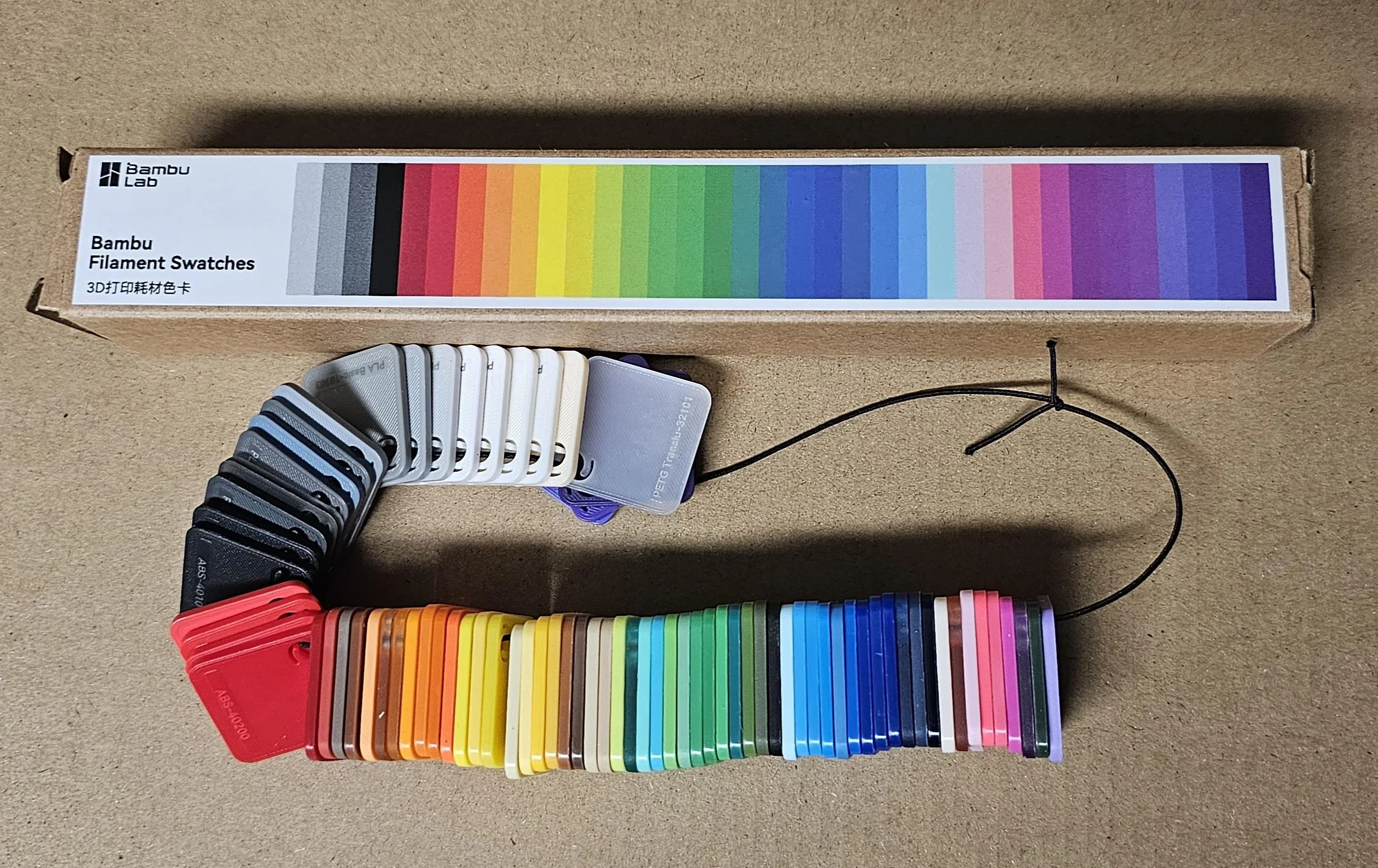
The Bambu Lab P1S supports over 8 printing filaments — PLA, PETG, TPU, PVA, PET, ABS, ASA, Nylon (PA), and Polycarbonate (PC) — thanks to its enclosed chamber, 300°C all-metal hotend, and 100°C heated print bed. The fully enclosed printing chamber for materials like ABS and ASA, while an activated carbon filter reduces odors and emissions.
The included textured PEI plate offers good adhesion for most materials, but Bambu Lab recommends their Engineering Plate for better results with high-temp filaments like polycarbonate and nylon.
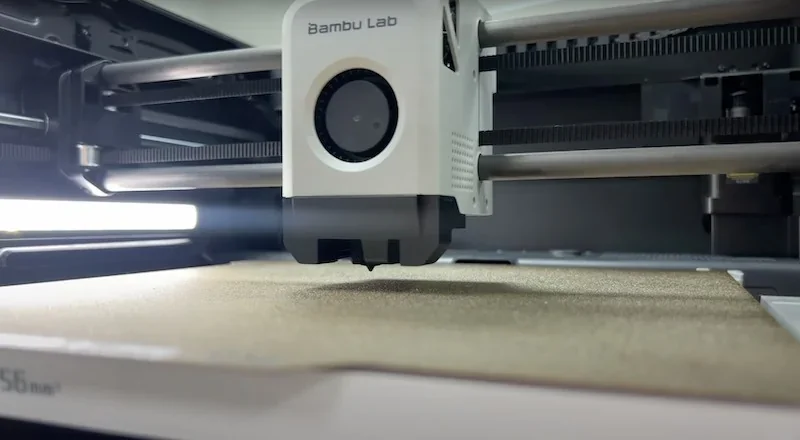
For optimal results, flexible filaments like TPU should be printed at 40mm/s to avoid jams during loading. Nylon benefits from reduced wall speeds around 75mm/s for better layer adhesion. Carbon- or glass-fiber filaments require a hardened steel nozzle, as the stock 0.4mm stainless steel nozzle wears quickly with abrasives.
The Bambu Lab P1S supports both Bambu Lab and third-party filaments. Bambu filaments include RFID tags for automatic detection of type, color, and remaining amount. Third-party filaments work well but require manual setup in Bambu Studio and lack auto-identification.
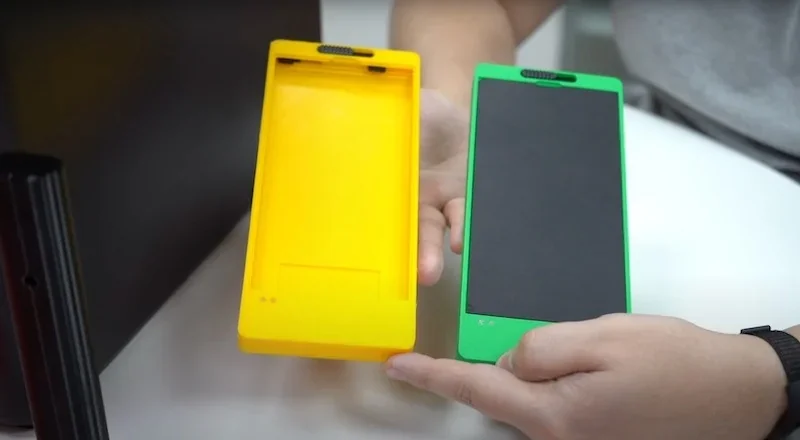
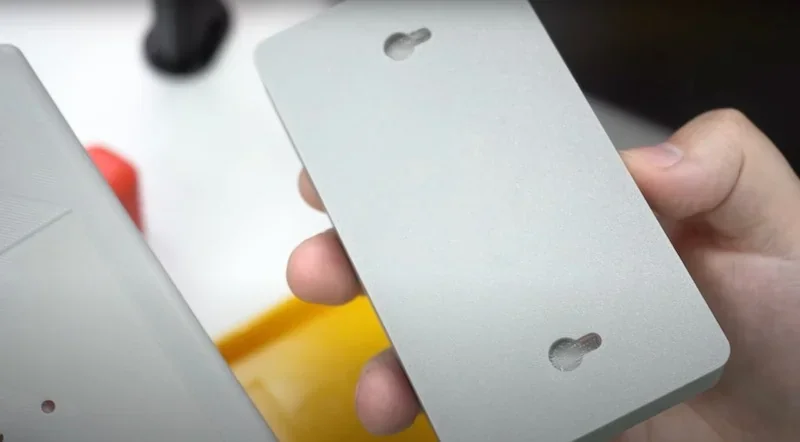
PLA 3D Print Sample - Battery charger case:The housing was printed from green PLA Basic with 120 micron layer height, requiring 2 hours and 24 minutes of print time.
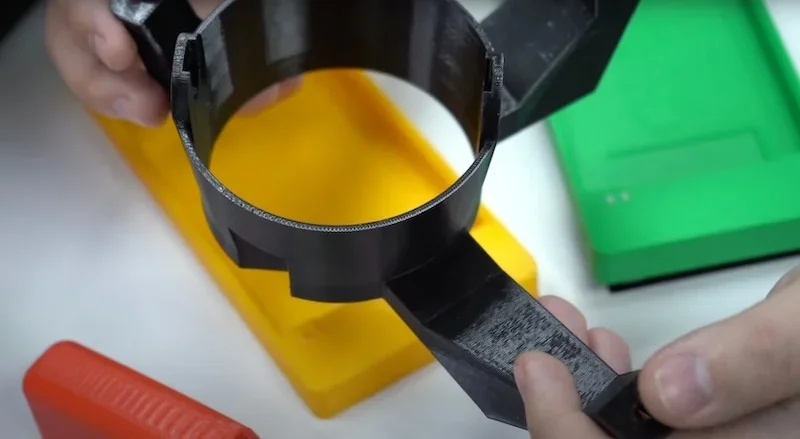
PETG 3D Print Sample - Fog light housing:Produced in black PETG with 160-micron layer height and support structures, completing in 3 hours 11 minutes.
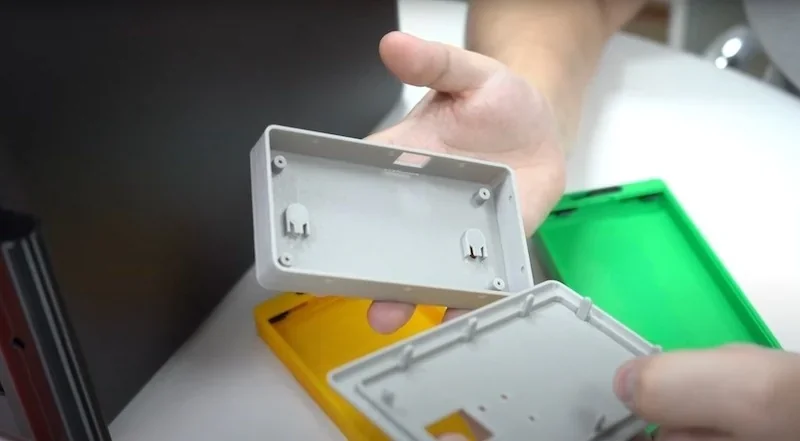
ABS 3D Print Sample - Plastic case: Printed from ABS plastic with 120-micron layer height, consisting of a lid requiring support structures, edited support-to-model adhesion parameters, and bed adhesion spray (1 hour 46 minutes), and a body printed without supports (1 hour).
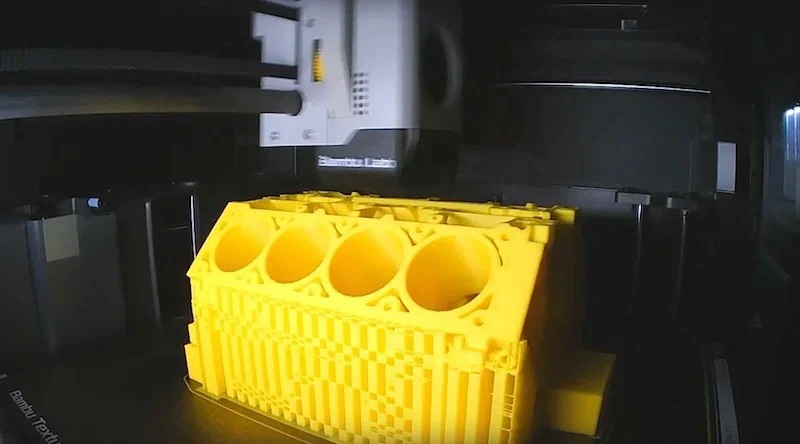
ABS 3D Print Sample: A 161 x 182 x 112 mm V8 Engine Block.
What is the build volume of the Bambu Lab P1S?
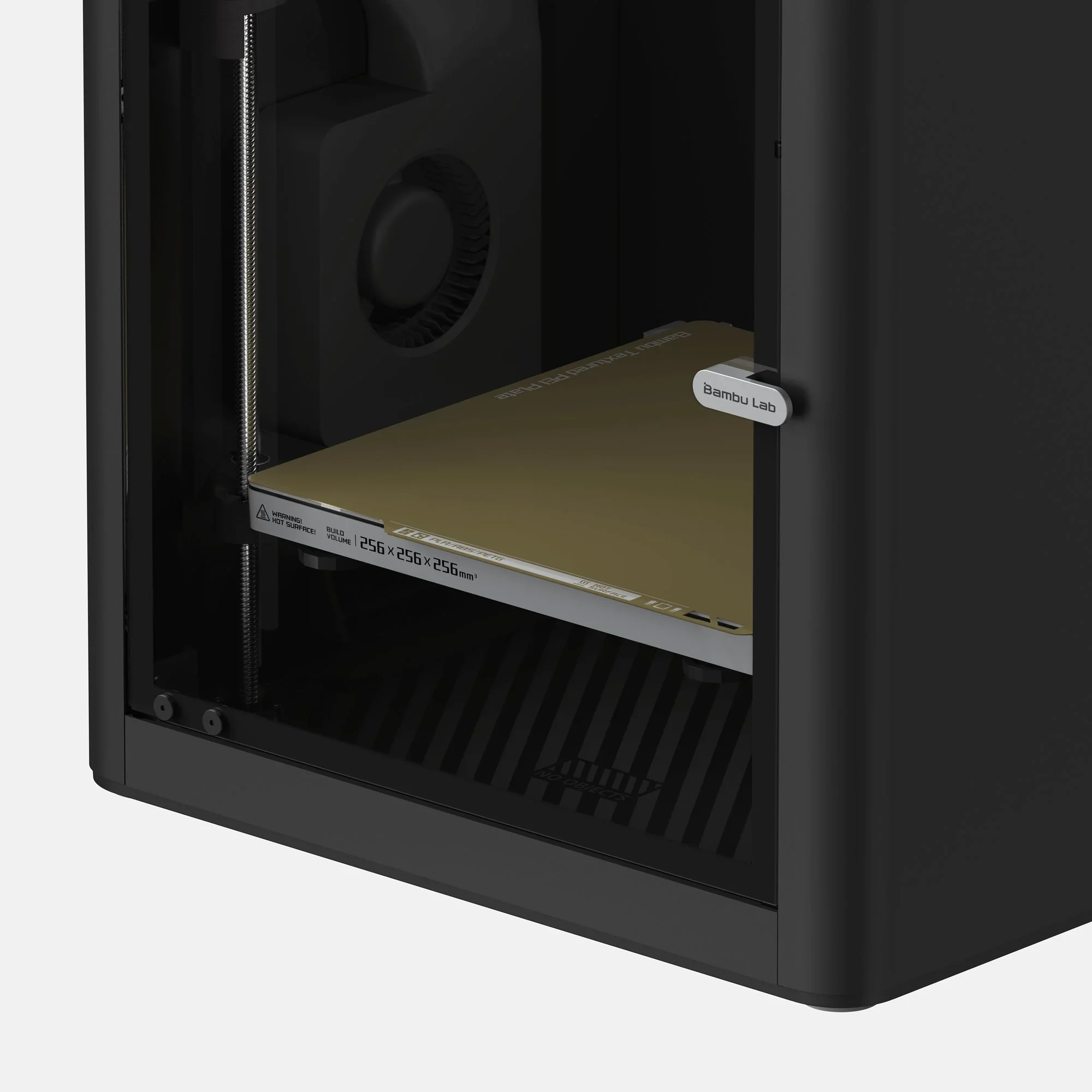
The Bambu Lab P1S has a 256 × 256 × 256 mm build volume, shared with the P1P and X1 Carbon. Bambu Studio limits the default printable height to 250 mm to avoid bed collisions, but the full height is accessible with safety precautions. The collapsible filament cutter stopper slightly reduces usable space when extended.
What is the difference between the Bambu Lab P1S and Creality K1 Max, Prusa Core One and Flashforge Adventurer 5M?
Bambu Lab P1S — enclosed CoreXY with 256 × 256 × 256 mm build, 300 °C nozzle, 100 °C bed, activated-carbon filtration, integrated chamber camera, and optional AMS for multi-material — aimed at balanced speed (≤500 mm/s travel) and turnkey usability.
In contrast:
- Creality K1 Max — wins on build volume (300³ mm) and headline speed (≤600 mm/s) plus AI LiDAR; loses the AMS-style multi-material ecosystem and has less clearly integrated filtration specifics compared with P1S’s enclosed, filtered setup.
- Prusa Core One — wins on heated chamber (~55 °C), 120 °C bed, and load-cell first-layer automation; loses on build volume (250 × 220 × 270 mm vs 256³), lacks an included camera (optional), and doesn’t publish a comparable headline speed.
- Flashforge Adventurer 5M — wins on travel speed (≤600 mm/s); loses enclosure/filtration, has a smaller volume (220³ mm), and a lower nozzle ceiling (280 °C vs 300 °C).
- Flashforge Adventurer 5M Pro — wins on enclosure with HEPA+carbon filtration and ≤600 mm/s travel; loses on build volume (220³ mm) and nozzle temp (280 °C vs 300 °C) and lacks an AMS-like multi-material option.
| Specification ➜ | Creality K1 Max | Prusa Core One | Flashforge Adventurer 5M | Flashforge Adventurer 5M Pro | Bambu Lab P1S |
|---|---|---|---|---|---|
| Build volume (mm) | 300 × 300 × 300 | 250 × 220 × 270 | 220 × 220 × 220 | 220 × 220 × 220 | 256 × 256 × 256 |
| Enclosure / chamber | Enclosed; — | Enclosed; 55 °C chamber | Open frame | Enclosed; HEPA + activated-carbon filtration | Enclosed; activated-carbon filter |
| Nozzle temp (°C) | ≤ 300 | 290 | 280 | 280 | ≤ 300 |
| Bed temp (°C) | ≤ 100 | 120 | 100 | 100 | 100 |
| Max travel speed (mm/s) | ≤ 600 | — (not quoted) | ≤ 600 | ≤ 600 | ≤ 500 |
| Extruder | Dual-gear direct drive | Nextruder direct drive (10:1) | Direct drive (1×) | Direct drive (1×) | Direct drive; steel gears |
| Filtration | — | — (optional modules) | — | Internal + external (HEPA + carbon) | Activated-carbon |
| Camera | AI camera (+ AI LiDAR) | Optional | — | Camera monitoring | 720p chamber camera |
| Supported materials (short) | PLA, PETG, TPU, PA, ABS/ASA, PC, CF/GF | PLA, PETG, Flex, PVA, PC, PP, CPE, PVB (ABS/ASA/PA with filters) | PLA/PETG; TPU/CF (0.6+ rec.) | PLA/PETG; ABS/ASA; TPU/CF (0.6/0.8 rec.) | PLA, PETG, TPU, ABS/ASA, PVA, PET; PA/PC capable |
Bottom-Line:
- Buy the Bambu Lab P1S, if you want an enclosed, camera-equipped 256³ workhorse with 300 °C headroom and a drop-in multi-material path (AMS);
- Buy the Creality K1 Max for sheer size/speed;
- Choose the Prusa Core One for chamber heat, broader material capability and first-layer automation;
- Buy the Flashforge Adventurer 5M/5M Pro for lighter-duty, smaller-volume use (Pro adds enclosure + filtration).
What printer controls are available on the Bambu Lab P1S?
The Bambu Lab P1S provides 19 distinct printer controls accessible through its touchscreen interface.
Controls Overview (8 Functions):
- Nozzle Temp: Arrow buttons for quick adjustments
- Heatbed Temp: Arrow buttons for quick adjustments
- Print Speed: Four modes – Ludicrous (166%), Sport (124%), Standard, Silent (50%)
- Feeding: Load, Unload, and Retry filament
- Extruder: 1cm manual extrude/eject with up/down buttons
- Z-Axis: Raise/lower heatbed with up/down buttons
- XY-Axis: Dial control for toolhead positioning
- AMS Reset: Available when AMS is connected
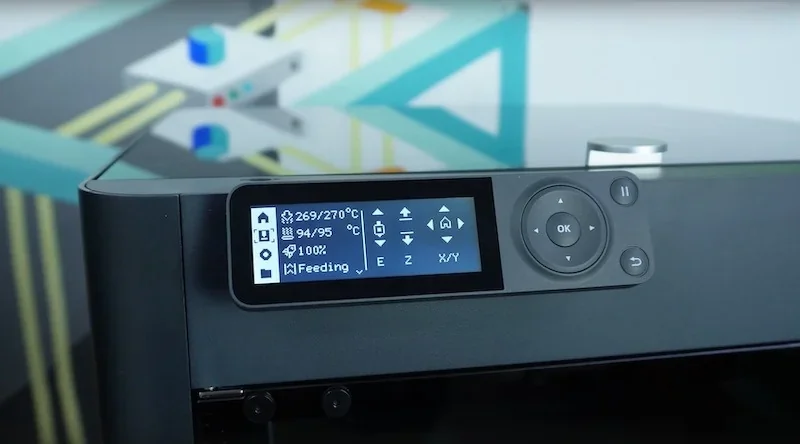
Settings Overview (10 Controls):
- Account: Scan QR code to configure user account via Bambu Handy app
- WLAN: Scan QR code to set up Wi-Fi via Bambu Handy app
- SD Card: View capacity and format card
- Device: Shows printer model, serial number, and usage time
- Firmware: Displays current firmware version
- Accessories: Select nozzle type/size to optimize print quality
- Calibration: Start printer calibration
- Auto-Sleep: Set idle time before sleep mode
- Language: Choose display language
- Factory Reset: Restore all settings (non-reversible)
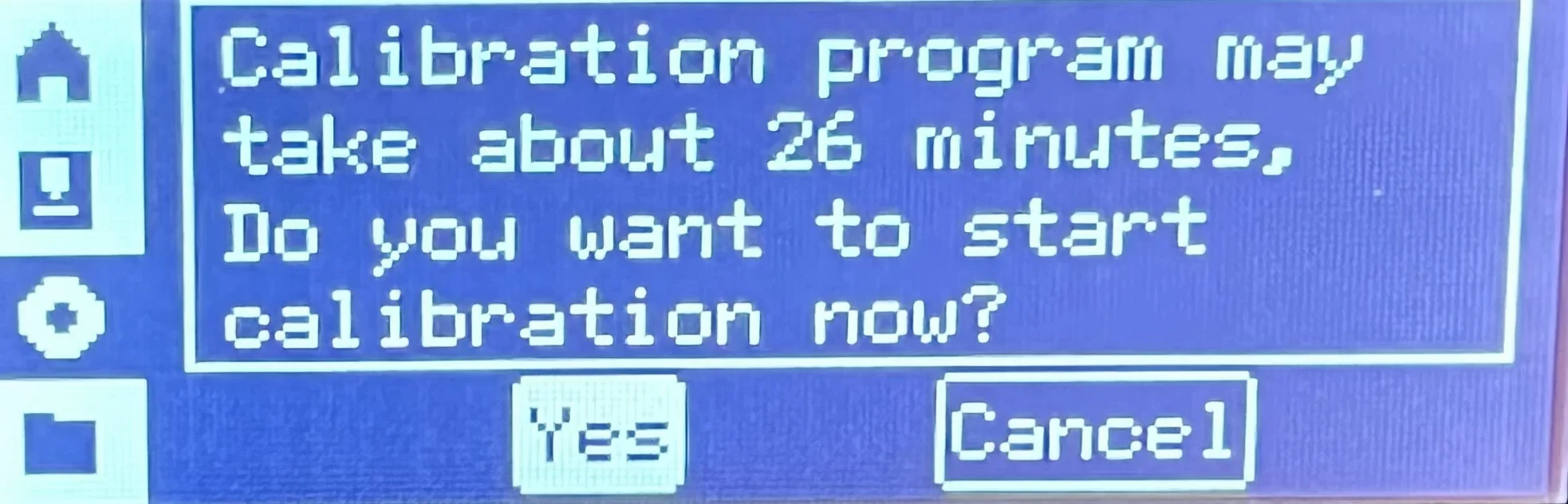
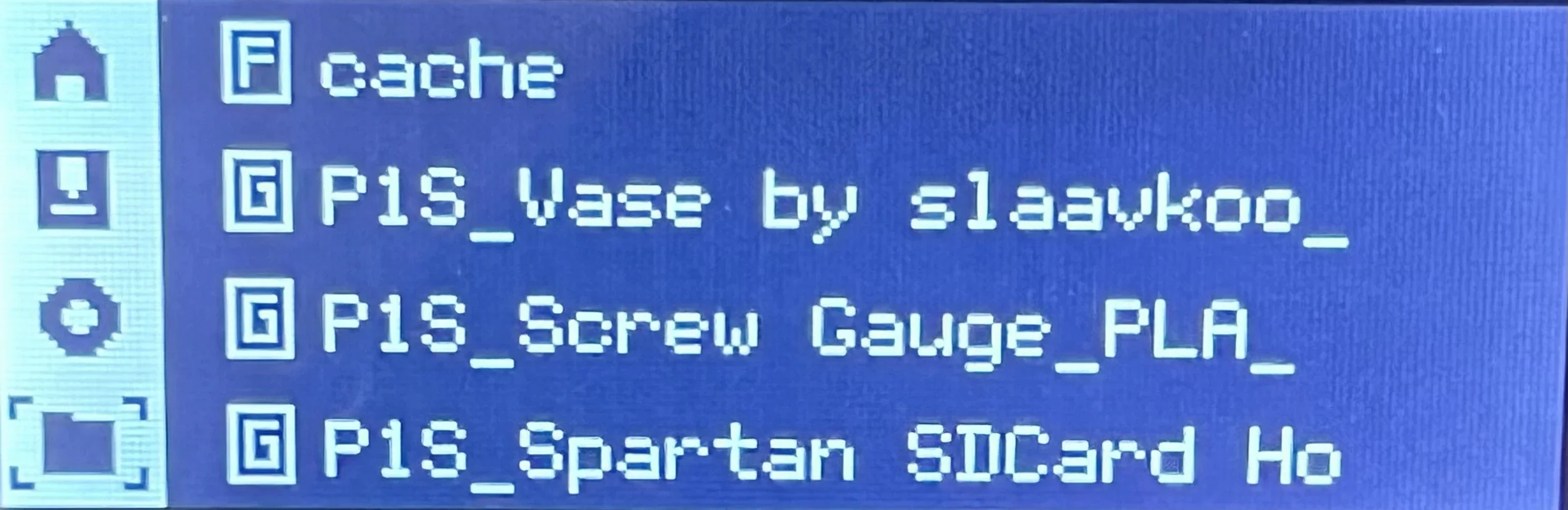
File Management (1 Control)
- Folders and Files - Navigate SD card cache and access internal model files. Indicators: F for folders, G for
.gcodefiles.
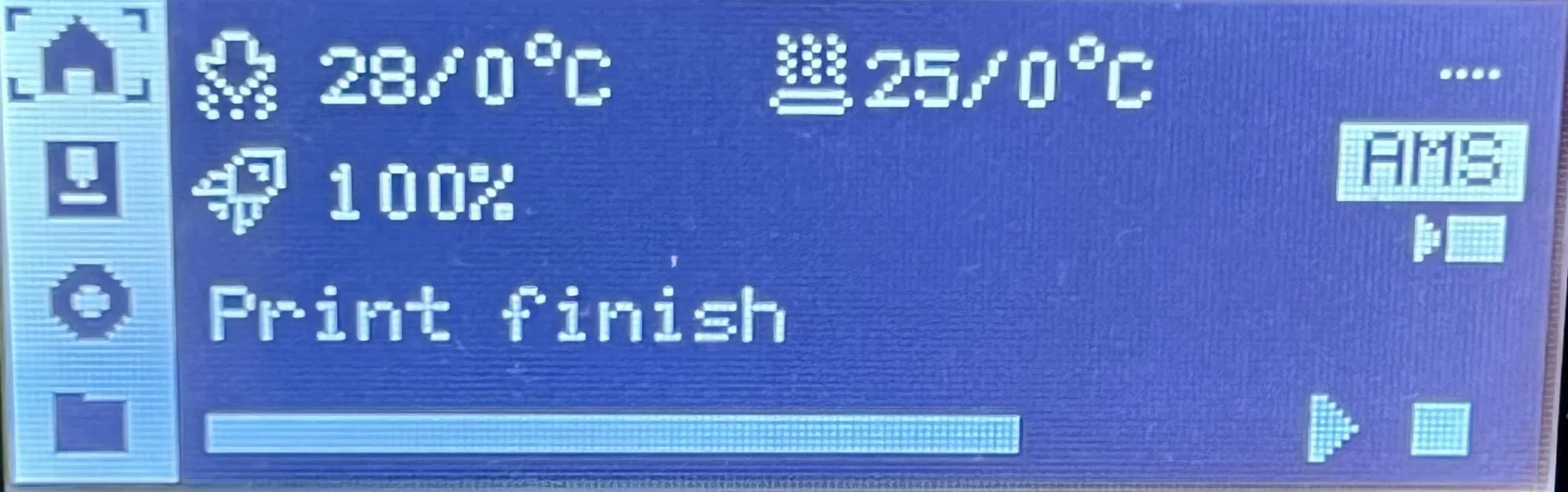
The interface displays real-time information including nozzle temperature, heatbed temperature, print speed, and active print job status on the home screen.
What connectivity options are available on the Bambu Lab P1S?
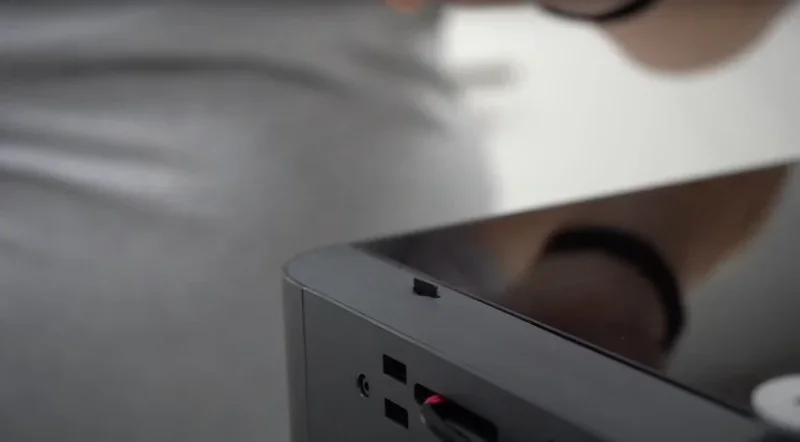
The Bambu Lab P1S supports Wi-Fi, Bluetooth (for pairing), and a MicroSD slot for remote printing. Setup involves connecting to Wi-Fi and linking a Bambu Lab account via the Bambu Handy app, enabling communication with Bambu Studio and the mobile app. A "LAN only" mode is available for local-only use, with access controlled by a printer-displayed code.
What software is offered with the Bambu Lab P1S?
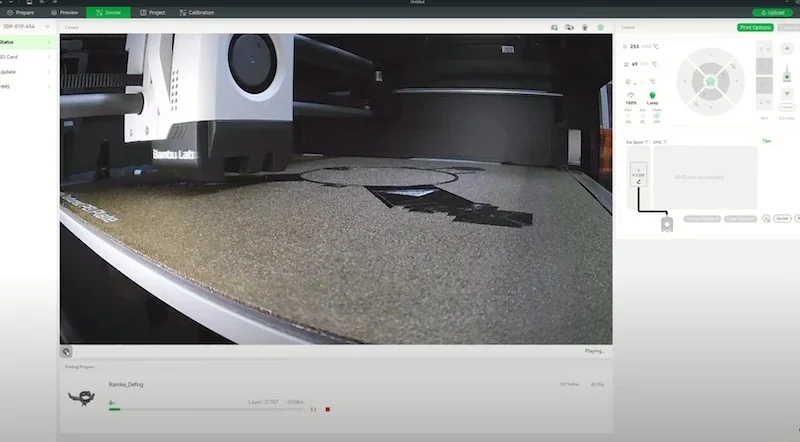
The Bambu Lab P1S runs on a software ecosystem built around Bambu Studio, a slicer based on PrusaSlicer. It includes material presets, multicolor painting for AMS, automatic filament-based settings, and flow calibration for optimized prints. The Bambu Handy mobile app (iOS/Android) offers remote control, live camera monitoring, and print management. Both apps connect to MakerWorld, Bambu Lab’s model library for direct downloads.
While the P1S supports third-party slicers via Bambu Connect, native tools offer the best experience — especially for AMS and high-speed printing.
How does Bambu Studio’s project-based workflow manage multi-plate assemblies and shared resources compared with traditional slicers like PrusaSlicer?
Bambu Studio bundles every part, plate, filament preset, and slicer setting into a single 3MF “project.”
- Plates: tabbed views let you drag models between plates, auto-re-slice just the active plate, and queue plates sequentially to one or many printers — traditional slicers treat each plate as a separate file.
- Shared resources: one project-level library holds build-plate profiles, colors, AMS mappings, and assembly metadata, so changes propagate to every plate instantly; PrusaSlicer stores these per-file, requiring manual duplication.
What is the design and build quality of the Bambu Lab P1S?
The Bambu Lab P1S features a fully enclosed, durable design with plastic side panels, a glass door and top, and a gunmetal finish. Built on a welded steel chassis for stability, it measures 389 × 389 × 458 mm (15.3 x 15.3 x 18 inches) and weighs 12.95 kg (28.5 lbs).
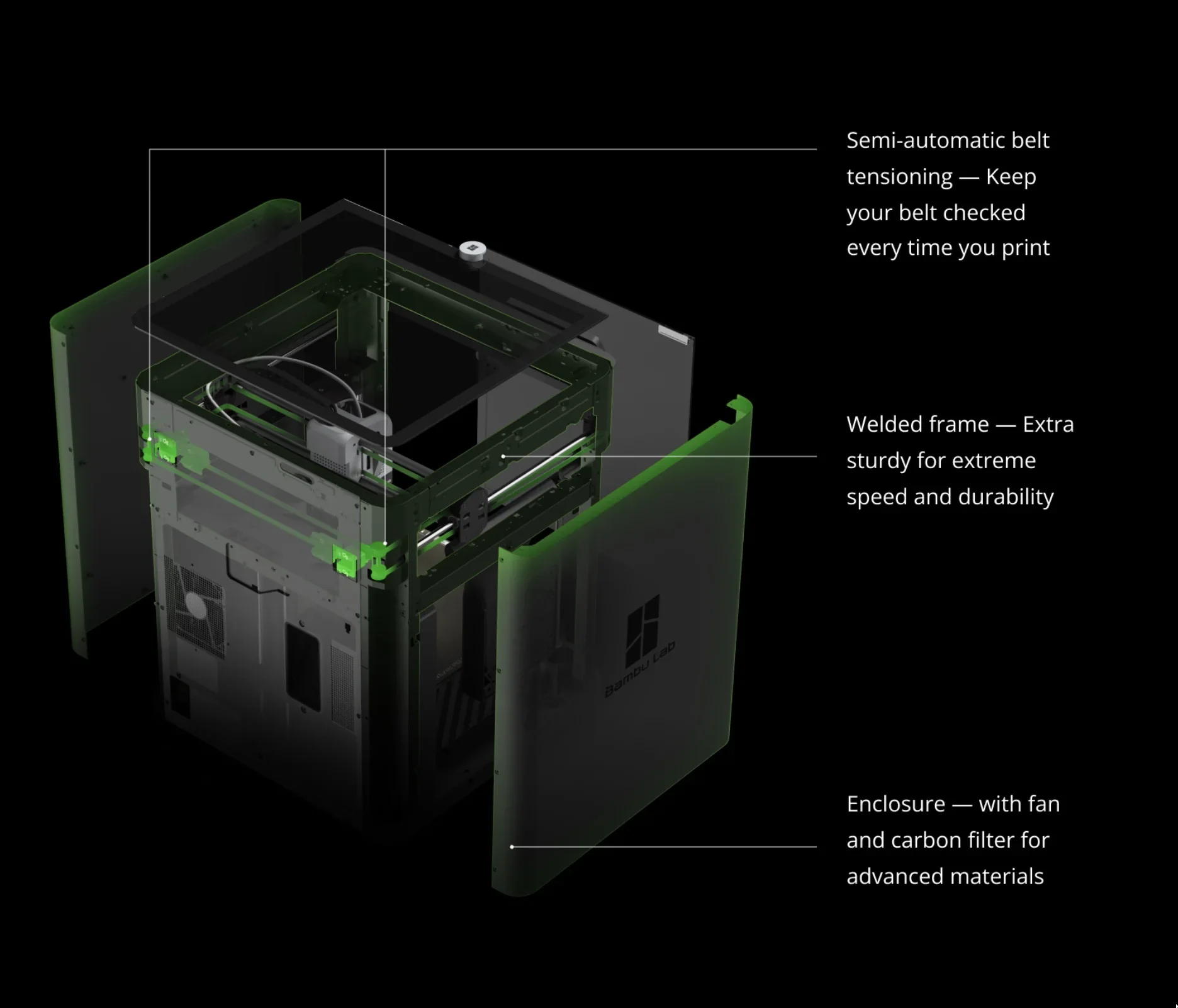
The glass door offers clear print visibility, and the removable glass top allows ventilation or supports the optional AMS. While the P1S has a sleek, functional design, it uses plastic panels instead of the aluminum found on the higher-end X1 Carbon.
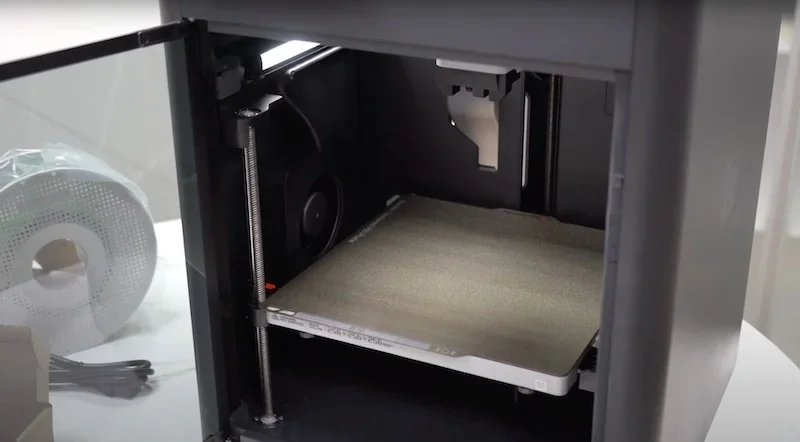
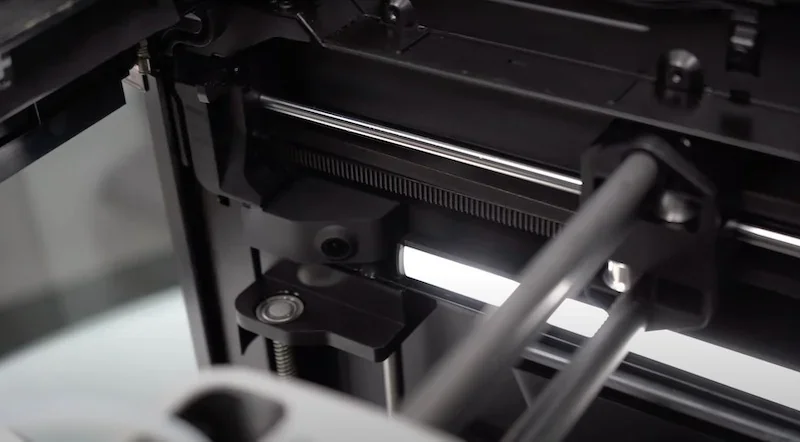
The Bambu Lab P1S uses a CoreXY system with carbon X-axis rods and LMU8-bearing linear rods for Y and Z movement, achieving speeds up to 500 mm/s and 20,000 mm/s² acceleration. Vibration damping, input shaping, and semi-automatic belt tensioning within the precision control system of the Bambu Lab enable rapid acceleration from zero to 500 mm/s in 0.025 seconds. The Bambu P1S prints up to 4× faster than bed-slingers without quality loss. A direct-drive extruder ensures precise and consistent extrusion.
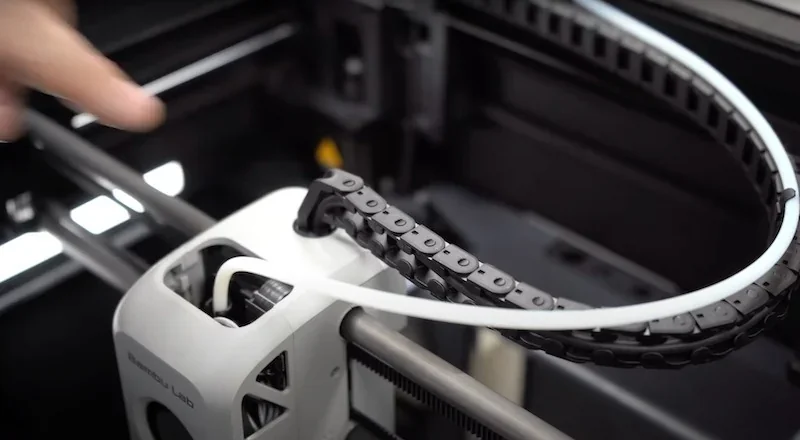
Three Z-axis lead screws ensure stable bed movement, while the direct-drive extruder delivers precise filament control for clean, accurate prints.
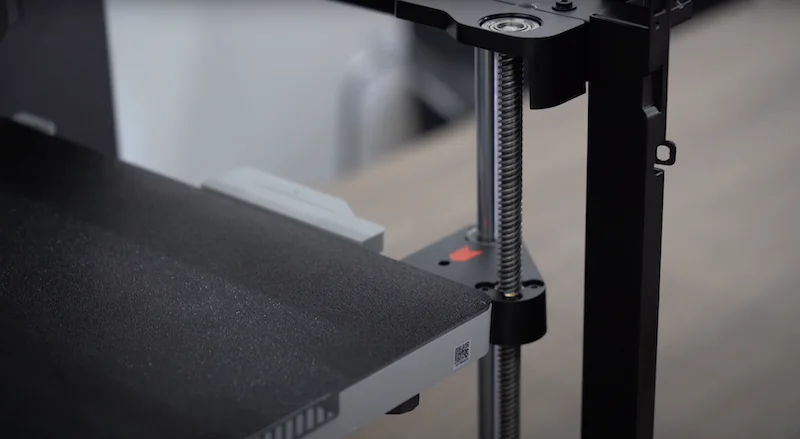
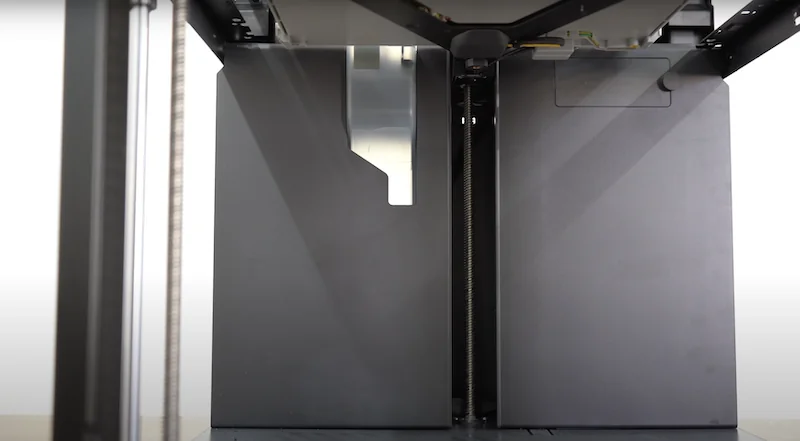
The Bambu Lab P1S includes user-friendly features like a built-in LED light for chamber visibility, though some users find it dim.
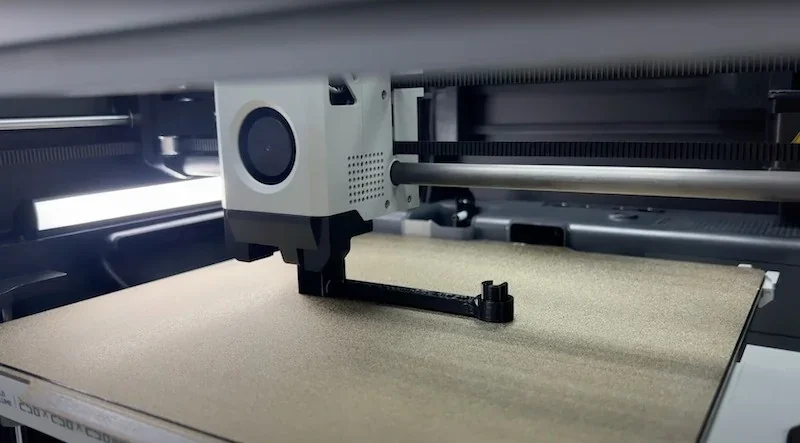
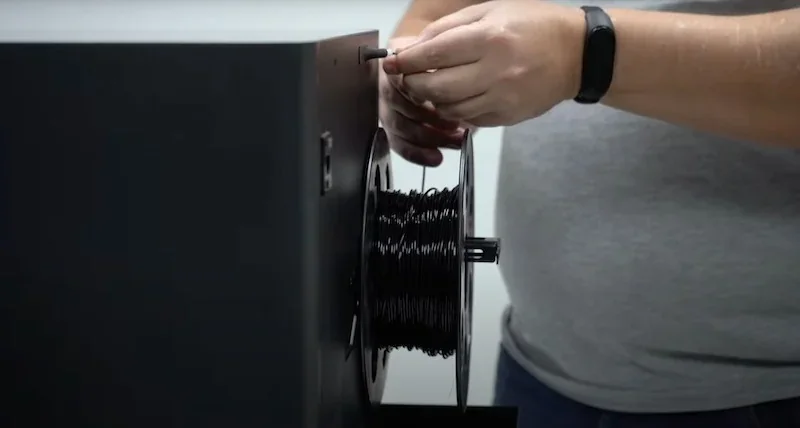
The rear spool holder supports standard filament rolls, feeding through a PTFE tube to the print head when AMS isn't used. An "excess chute" expels waste filament during color changes but lacks a collection container. The enclosed design maintains stable temperatures for materials like ABS and ASA, while a carbon filter reduces odors. Maintenance is easy via the glass door, providing access to key components.
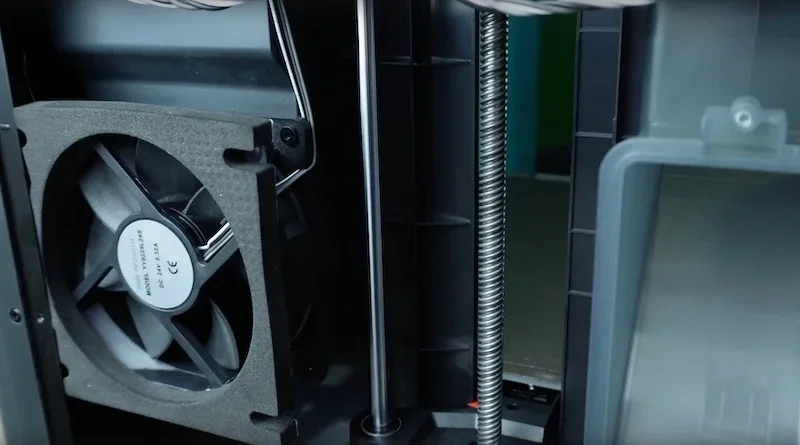
The cooling system includes an auxiliary part fan, chamber regulator fan, and control board fan to manage temperatures across different materials.
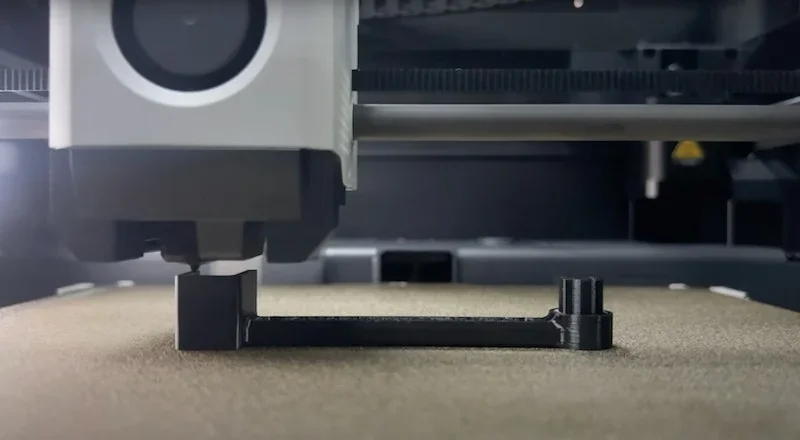
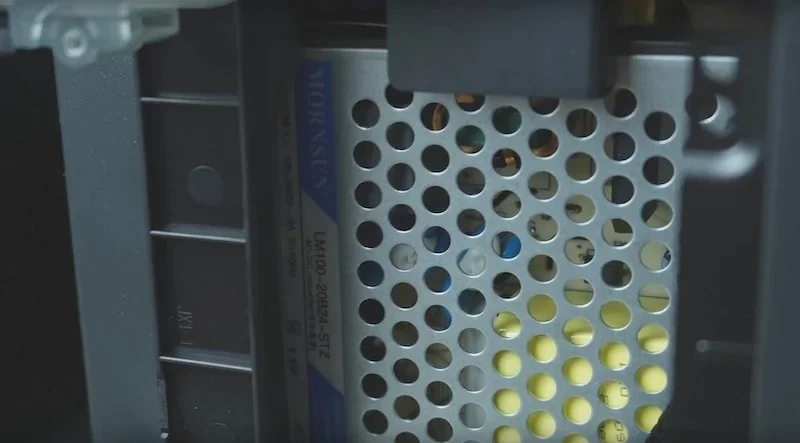
The power supply is made by MornSun, a reputable supplier.
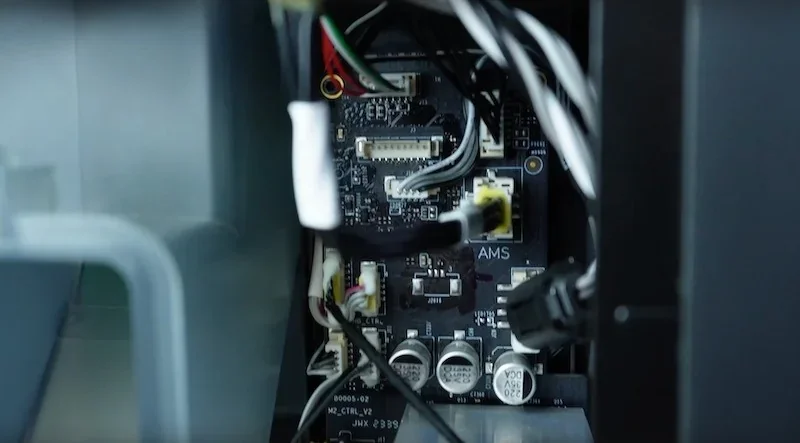
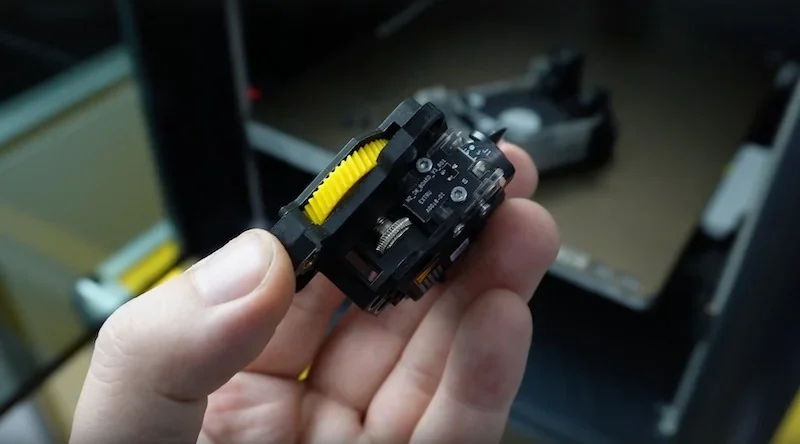
The main controller board is a proprietary Bambu Lab design with integrated motor drivers and an aluminum heatsink. Connectors lack thermal adhesive, making repairs easier.
Power Supply Unit:
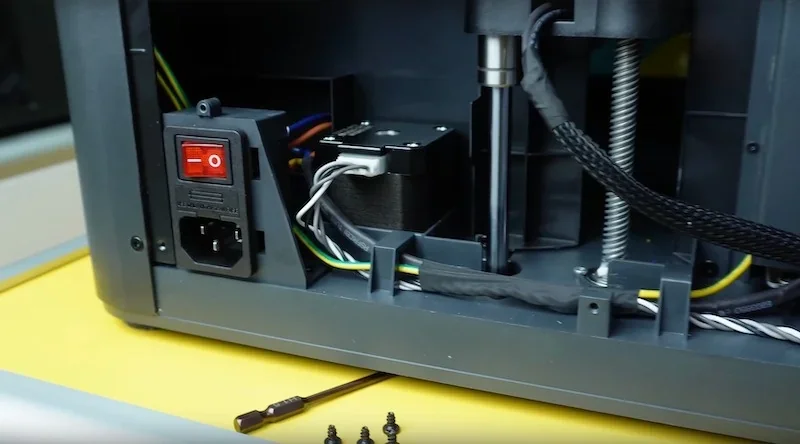
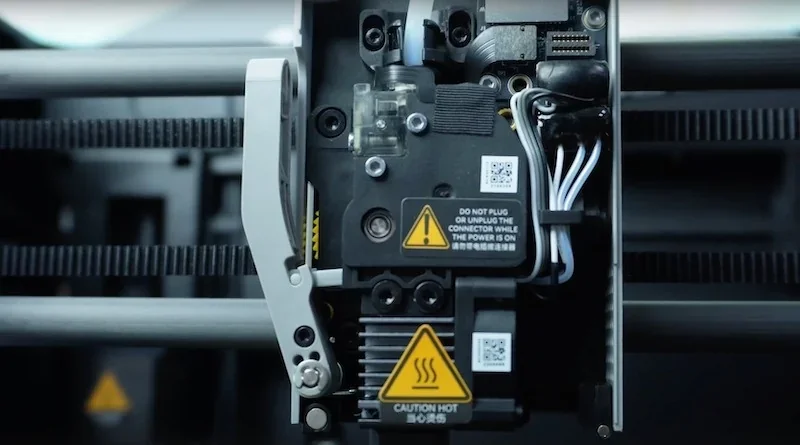
The front cooling shroud uses a magnetic quick-release with built-in fan mounts. The visible, modular filament feed assembly and hotend are made from precision-built components and can be easily removed or disassembled.
What comes included in the box with Bambu Lab P1S?
Bambu Lab P1S:
- 1x Bambu P1S 3D Printer (main unit)
- 1x Stainless Steel Hotend with 0.4mm Nozzle (plus spare)
- 1x Build Plate (Textured PEI)
- 1x LCD Screen (requires installation)
- 1x Spool Holder (requires installation)
- 1x Bambu Lab PLA Filament Sample
- 1x Unclogging Pin Tool
- 1x Power Cable
- 1x Allen Key H2
- 1x Scraper Parts
- 1x Spare Nozzle Wipe
- 1x Quick Start Guide
- 1x MicroSD Card
Additional Items in Bambu Lab P1S Combo:
- 1x Bambu Lab AMS (Automatic Material System)
- 1x Bambu Bus Cable-6Pin
- 1x Bambu Bus Cable-4Pin
- 2x Bambu Filament Samples (random colors/types)
- 2x Spare Filament Cutter
- 1x Glue Stick
The Bambu Lab P1S arrives mostly assembled and takes about 15 minutes to set up right out of the box. Users remove shipping materials, install the spool holder and LCD with the included Allen key, and connect the AMS if included. It comes with sample filament and pre-loaded models on the MicroSD card for immediate printing. A quick start guide walks users through setup.
Please Note: Package contents are determined by the manufacturer and may change without notice. To confirm the current items included with this product, please contact a Top3DShop sales representative before placing your order.
What upgrades and accessories are available for the Bambu Lab P1S?
| Accessory | Function | Price (USD) | Image |
|---|---|---|---|
| Group: Bundles and Combos | |||
| P1S AMS Combo |
Includes:
|
$180.99 | 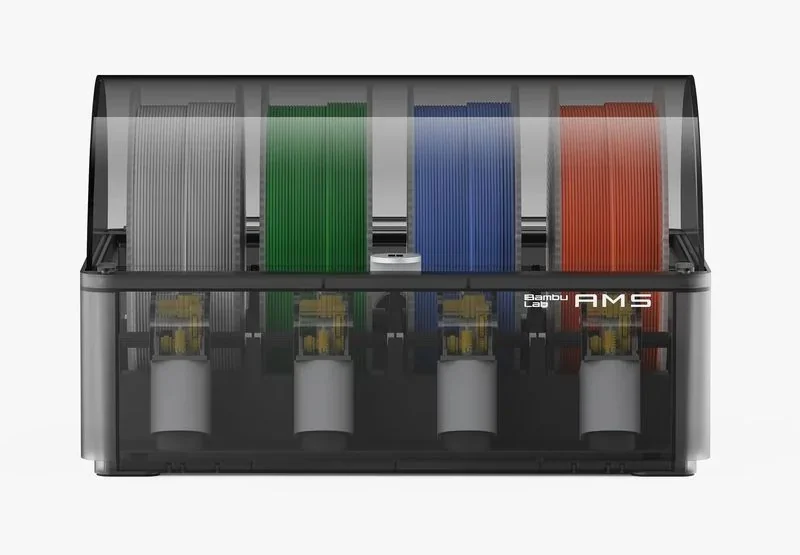 |
| P1S AMS 2 Pro Combo |
Includes:
Conditionally included (choose your variant):
|
$289.99 | 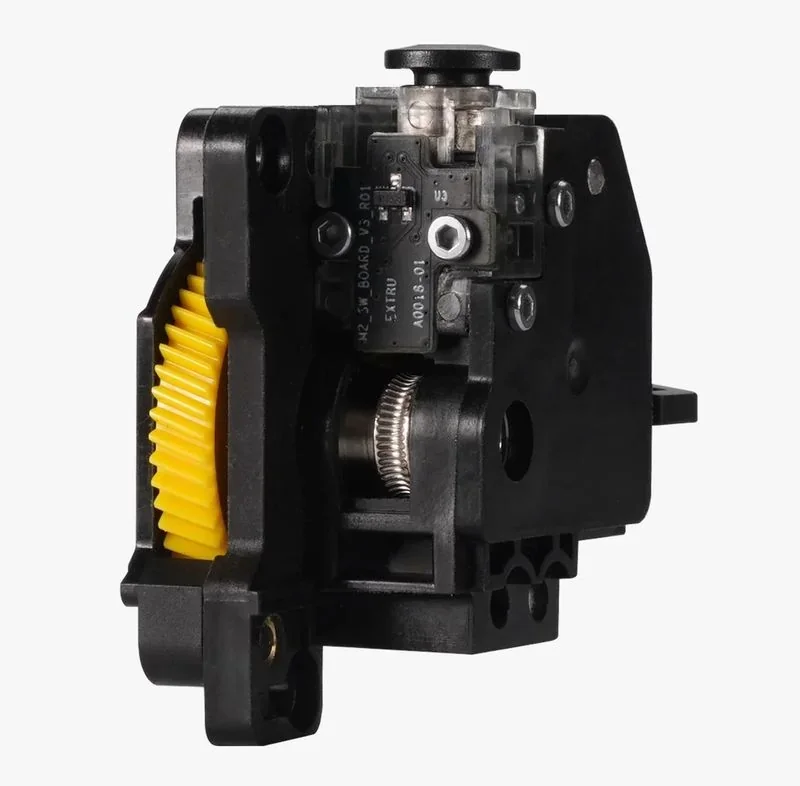 |
| Group: Automatic Material Systems and Accessories | |||
| Accessory Box for AMS | Parts kit for AMS setup and maintenance, including PTFE tubes, couplers, and screws. | $9.99 | 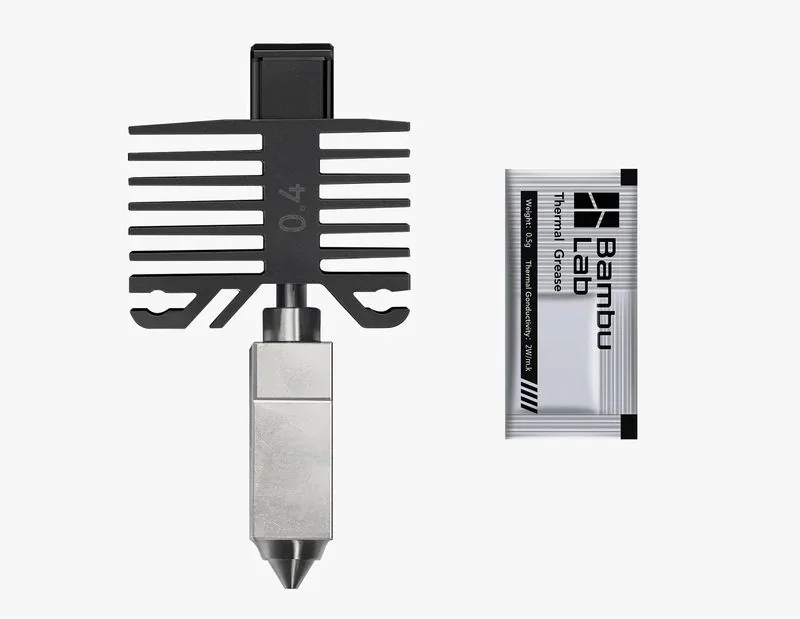 |
| Desiccant for AMS Unit | Color-changing silica desiccant for AMS. Beads change from yellow to purple when saturated; reuse by drying. | $4.99 | 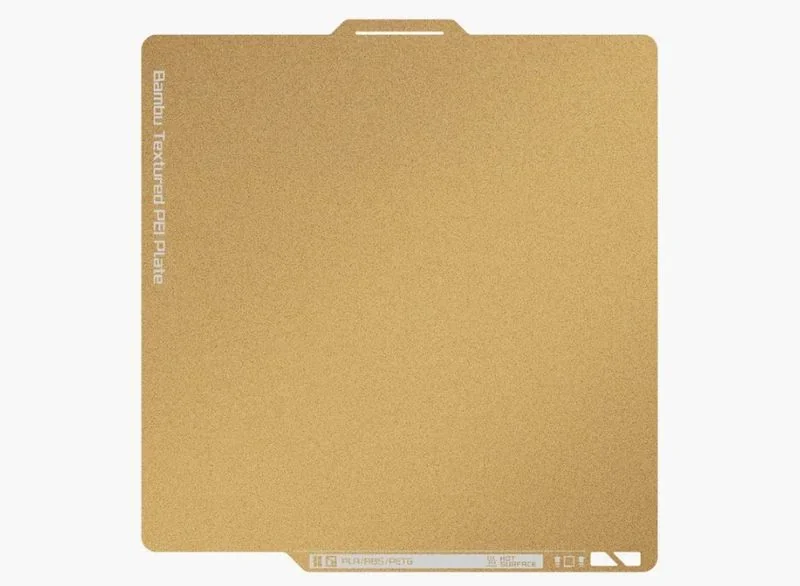 |
| Group: Filament Path and Tubing | |||
| Bambu 4-in-1 PTFE Adapter | PTFE adapter that connects up to four feeder modules to the printer. Supports AMS plus three external spools, including TPU 95A and fiber-filled filaments. | $6.99 | 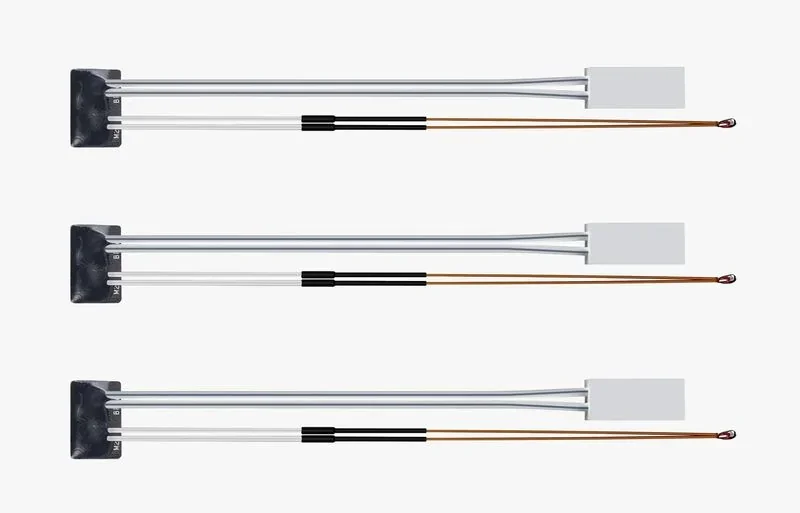 |
| Group: Build Plates | |||
| Bambu Cool Plate SuperTack | SuperTack build plate for strong PLA and PETG adhesion at low bed temperatures and reduced warping on large prints. | $21.99 | 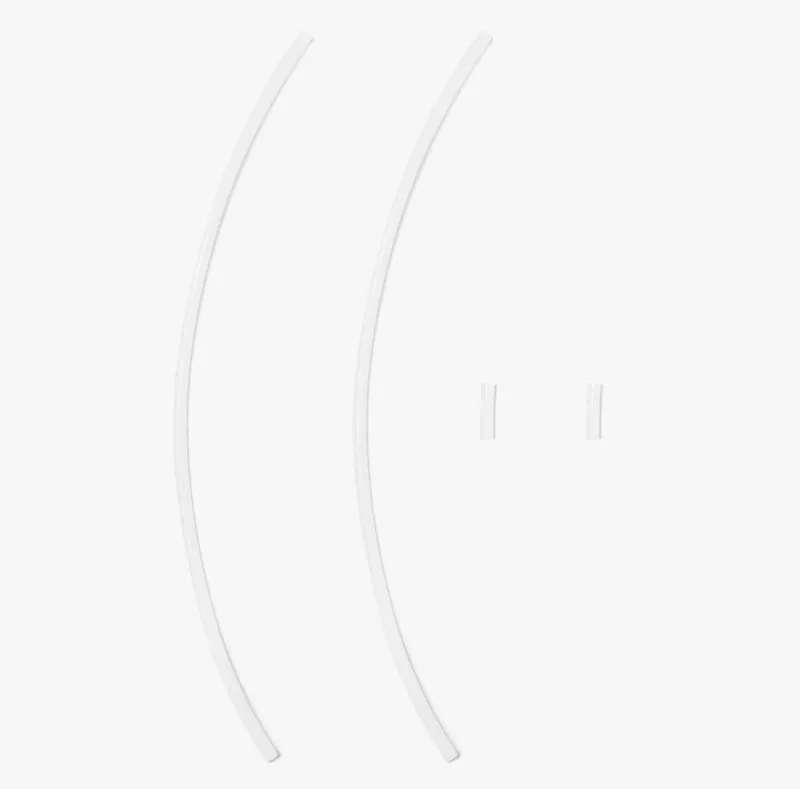 |
| Bambu Cool Plate SuperTack Pro | SuperTack Pro build plate for strong PLA and PETG adhesion at low bed temperatures. Extends plate life by 25%, lowers operating temperature by 10 °C, and improves scratch resistance. | $36.99 |  |
| Bambu Smooth PEI Plate | Smooth PEI build plate for accurate Z-height and a smooth matte bottom surface; supports PLA, TPU, and PETG. | $21.99 | 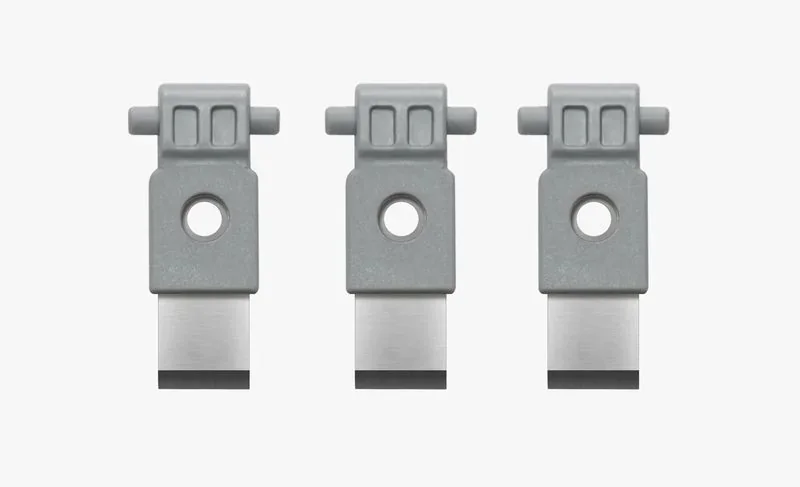 |
| Bambu Engineering Plate | High-temperature build plate for the full Bambu filament lineup when used with a glue layer. Durable coating resists scratches and corrosion and delivers a smooth surface finish. | $36.99 | 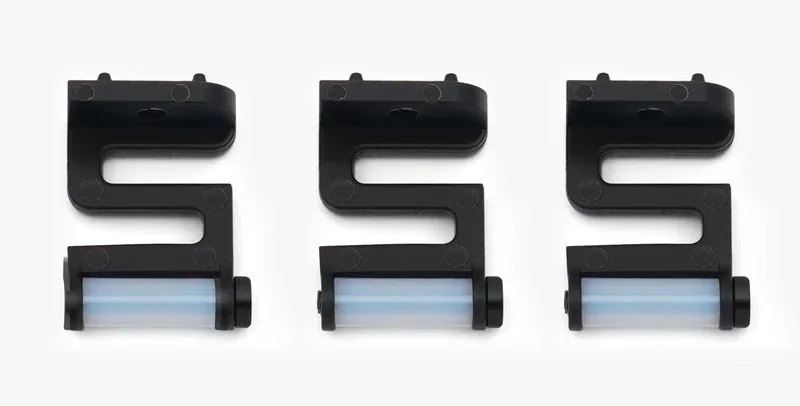 |
| Bambu 3D Effect Plate | Effect build plate that transfers decorative textures to the first layer. Includes Carbon Fiber, Starry, Galaxy, and Diamond patterns. | $14.99 | 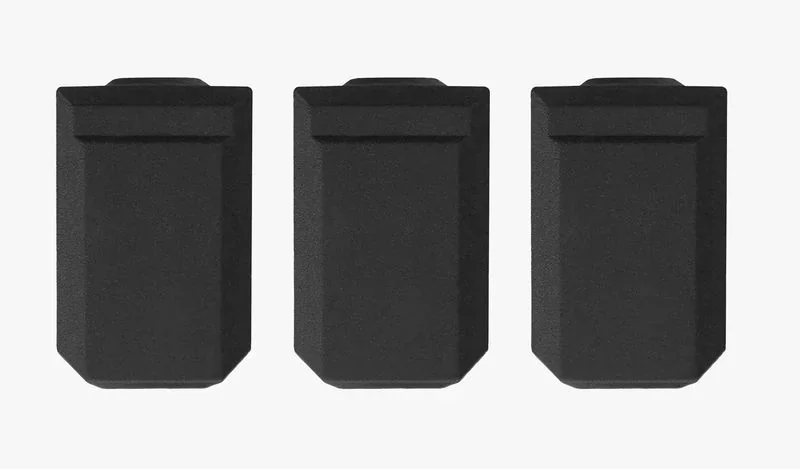 |
| Bambu Dual-Texture PEI Plate | Dual-sided PEI plate with one textured side and one smooth side. 0.5 mm magnetic stainless steel base increases magnetic hold and reduces warping. | $33.99 | 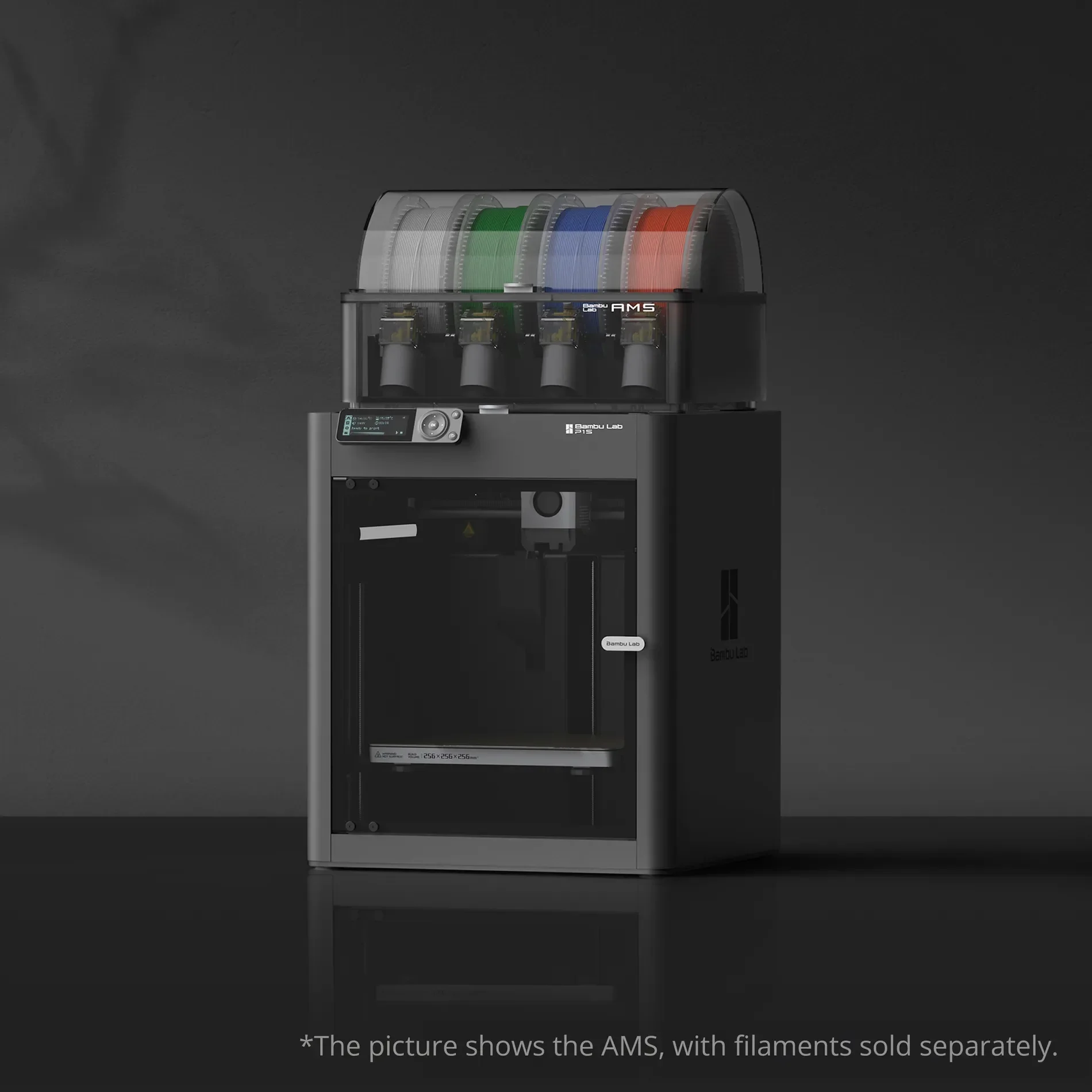 |
| Bambu Textured PEI Plate | Textured PEI plate for durable, strong first-layer adhesion. Use glue for specific filaments; prints release after cooling. | $25.99 | 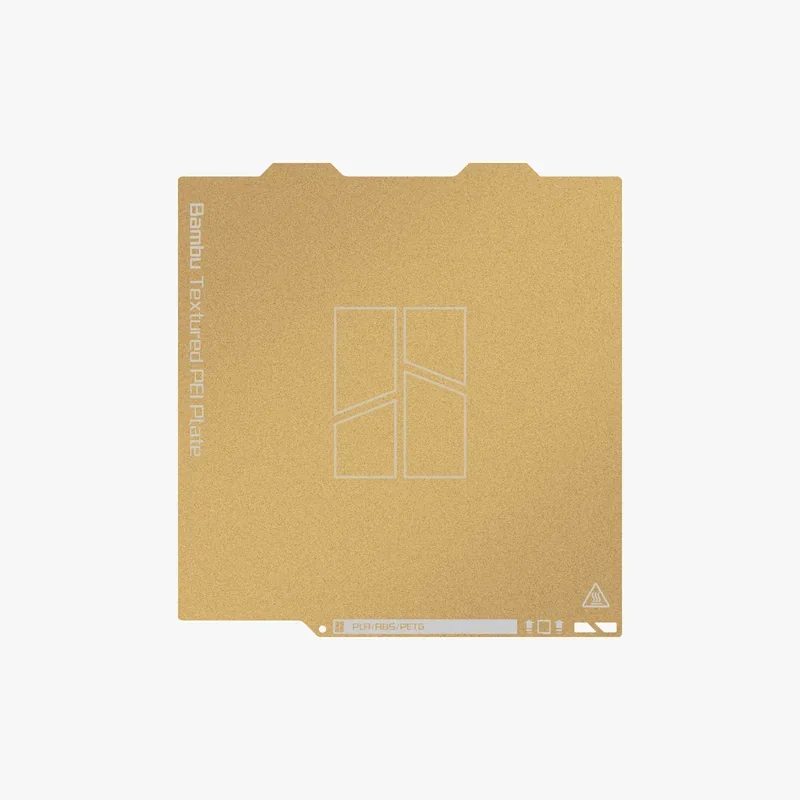 |
| Group: Hotends and Extrusion | |||
| Bambu Hotend - P1 Series | Complete replacement hotend for P1 Series rated to 320 °C. Nozzle options include 0.2 mm, 0.6 mm, and 0.8 mm; includes hotend, silicone sock, thermal grease, retaining clip, and screws. | $19.99 | 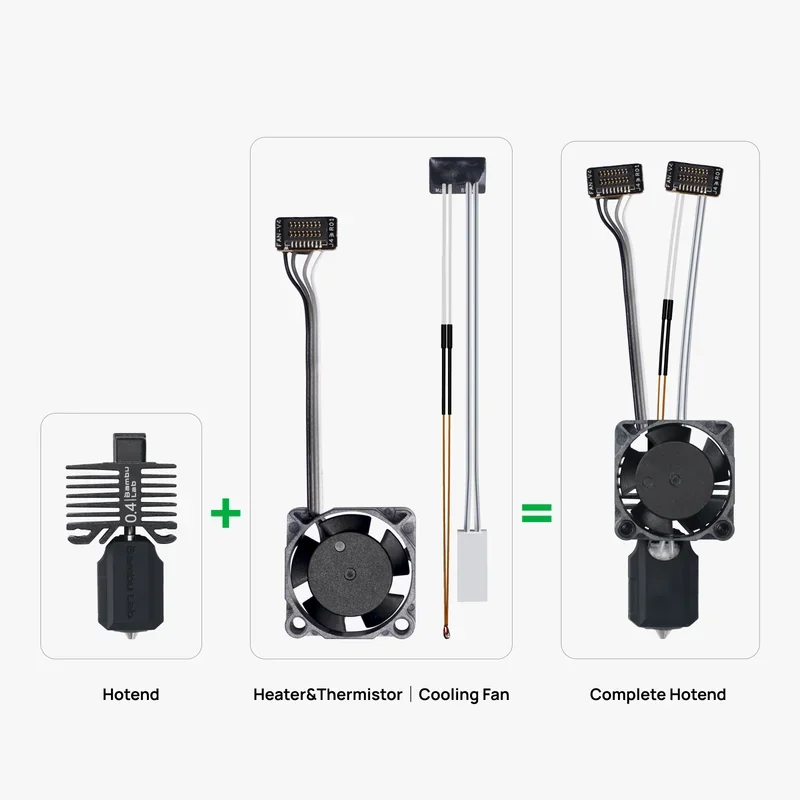 |
| E3D High Flow ObXidian™ Hotend | Bambu Lab × E3D high-flow hotend with 60% higher flow rate and an ObXidian hardened nozzle with E3DLC coating. | $92.99 | 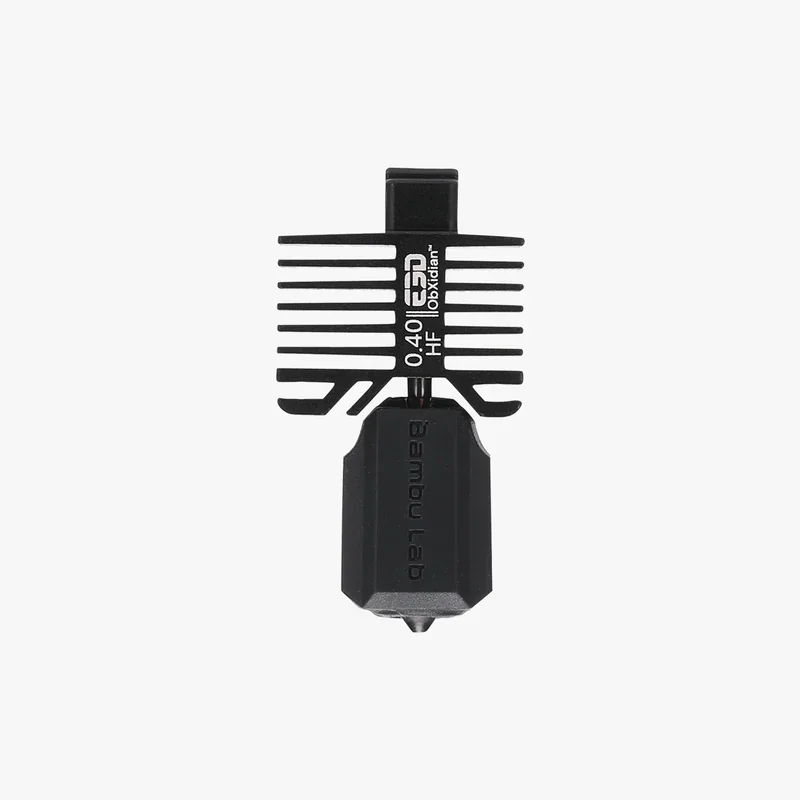 |
| All-in-one Hotends Kit - P1 Series | P1 Series hotend kit with interchangeable 0.2/0.4/0.6/0.8 mm nozzle sizes for detail or high-throughput printing. | $65.99 | 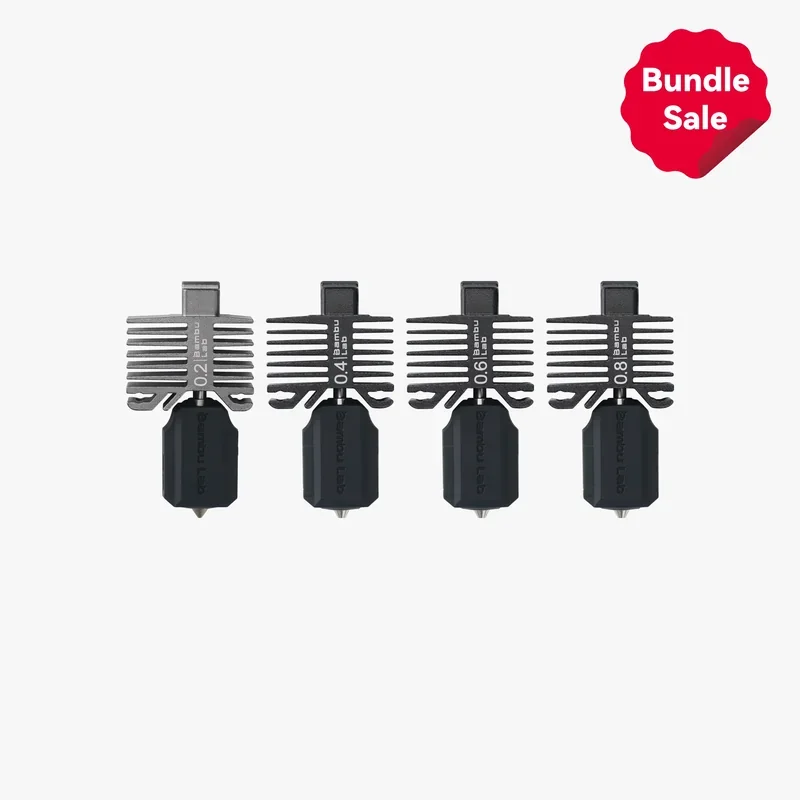 |
| Hardened Steel Upgrade Combo - P1 Series | Hardened steel extruder gear and hardened steel hotend for abrasive engineering filaments with carbon fiber or glass fiber. | $36.99 | 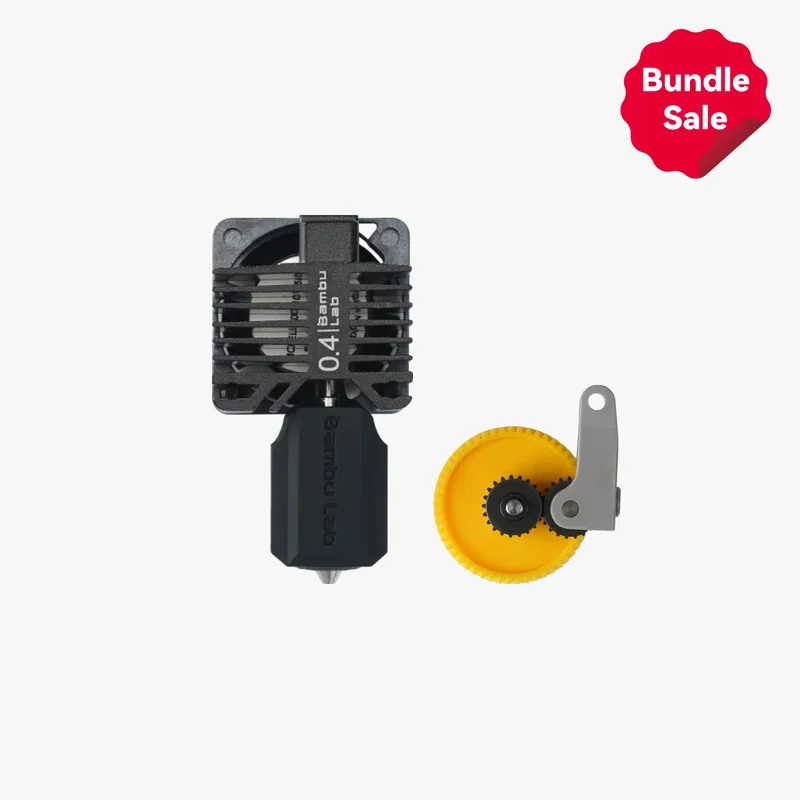 |
| Group: Enclosures and Stability | |||
| P1P Enclosure Kit | Full enclosure kit for P1P with glass top cover, glass front door, and side and rear panels; adds auxiliary part cooling, control board, and chamber regulator fans for heat management. | $180.99 | 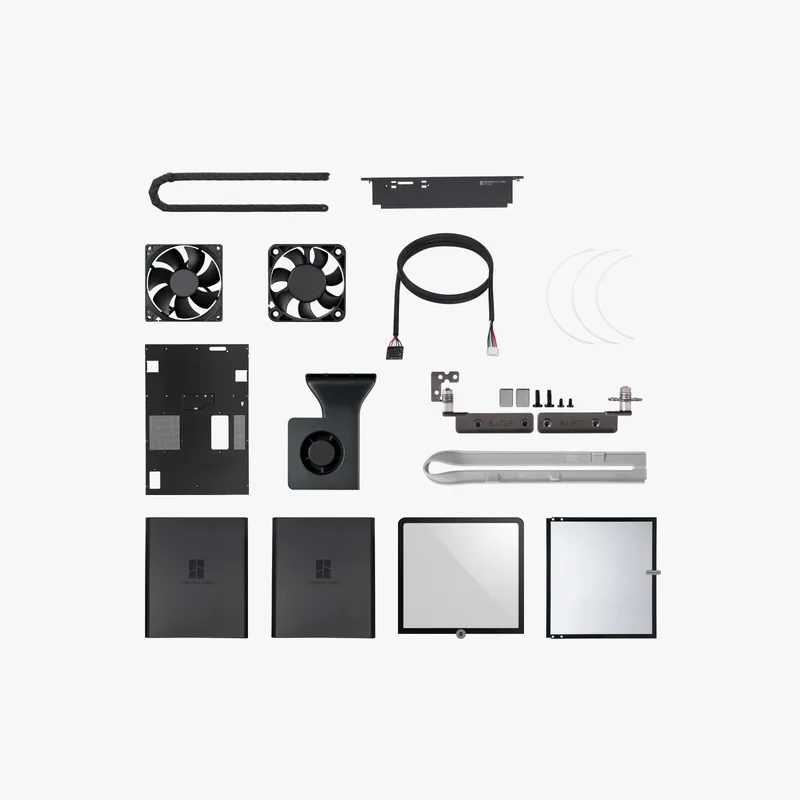 |
| Anti-Vibration Feet | Rubber feet that absorb vibration and improve printer stability. | $6.99 | 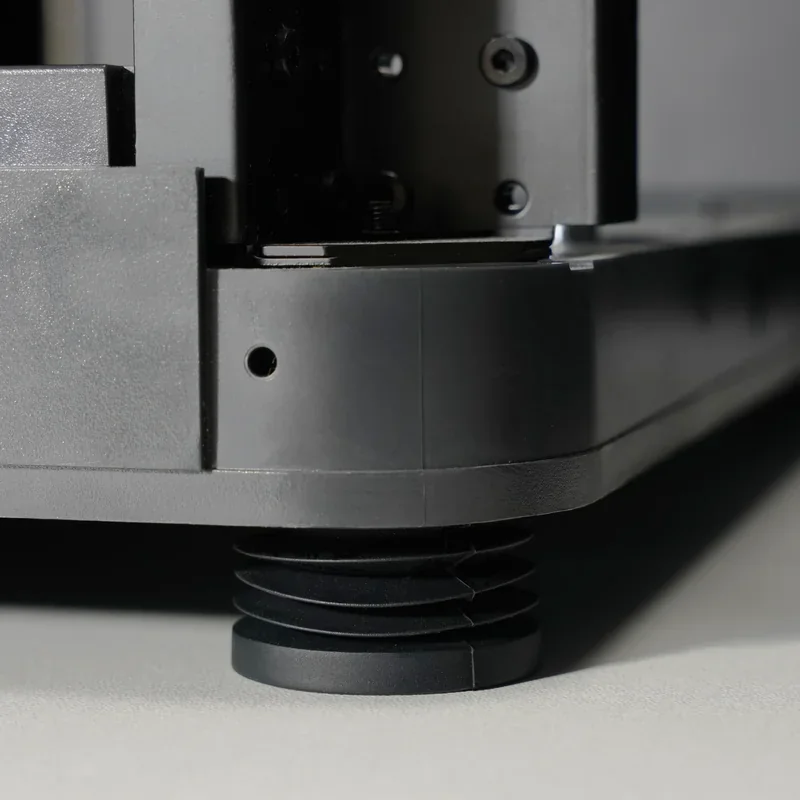 |
| Group: Adhesion Aids | |||
| Glue Stick | Formaldehyde-free glue stick that adds a controlled adhesion layer. Apply evenly on a clean build plate before printing. | $4.99 | 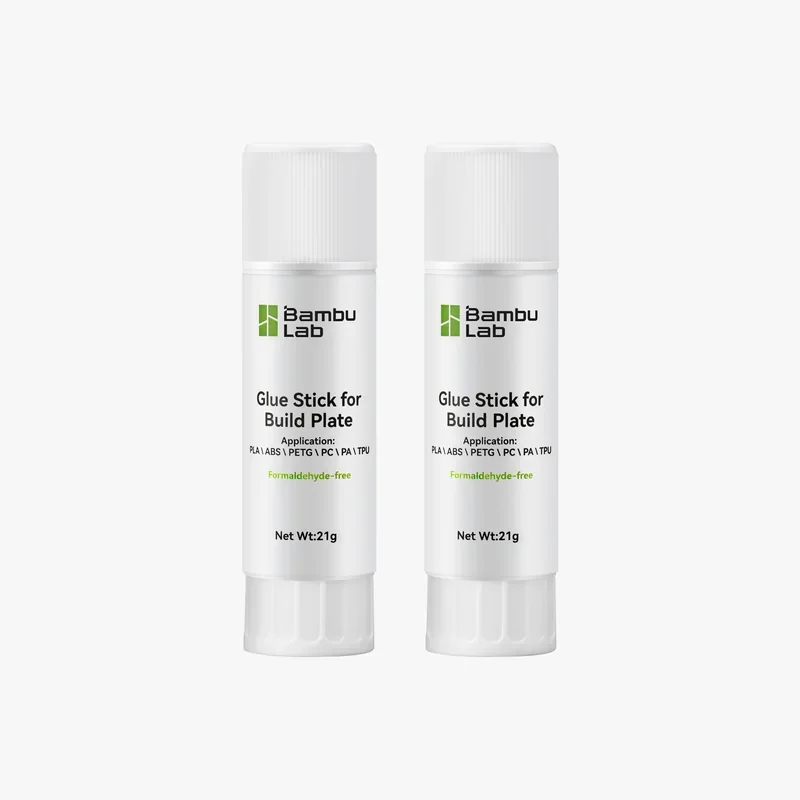 |
| Liquid Glue | Liquid adhesive for all Bambu build plates. Supports PLA, ABS, and PETG; maintains consistent adhesion, reduces warping, and improves release. | $20.99 | 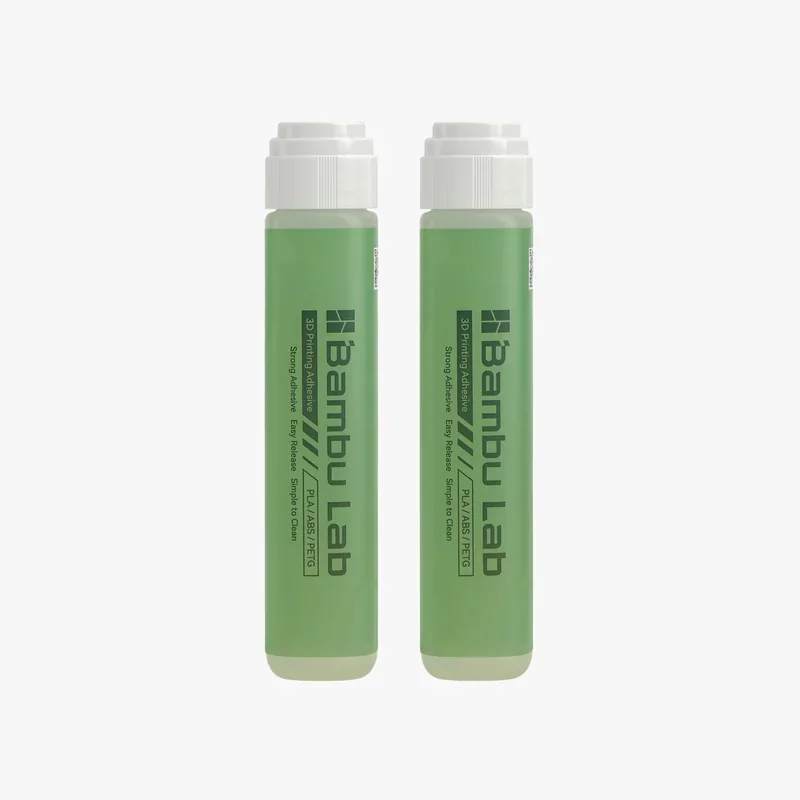 |
| Group: Maintenance and Lubrication | |||
| Essential Consumables Kit - XP Series | Maintenance kit with lubricant oil, lubricant grease, activated carbon air filter, PTFE tubes, replacement filament cutter, and a hotend silicone sock. | $43.99 | 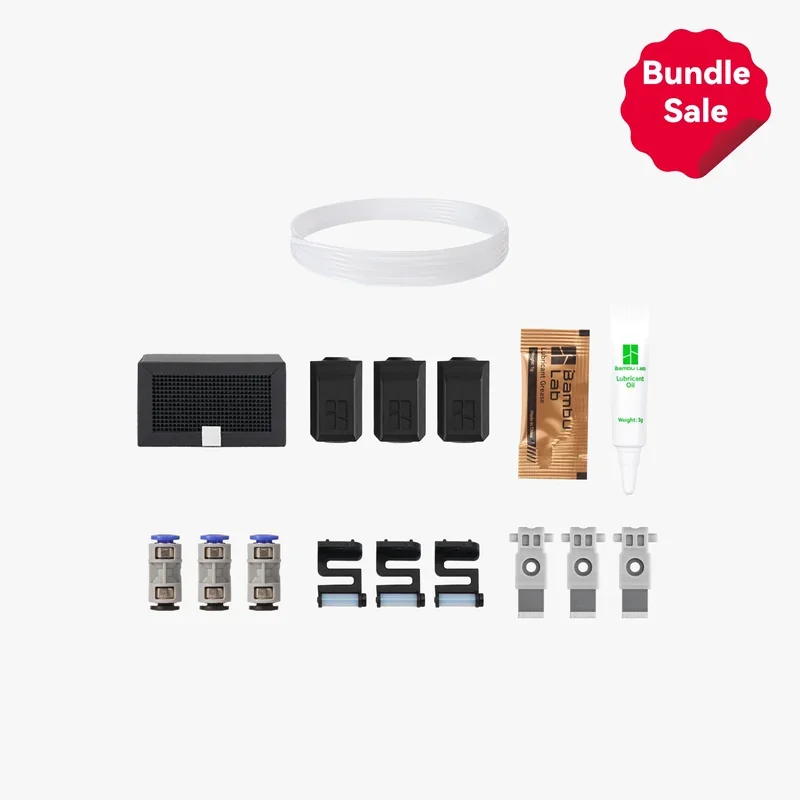 |
| Essential Consumables Kit - AMS | AMS maintenance kit with AMS feeding funnel, driven support shaft assembly, active support shaft assembly, and desiccant. | $19.99 | 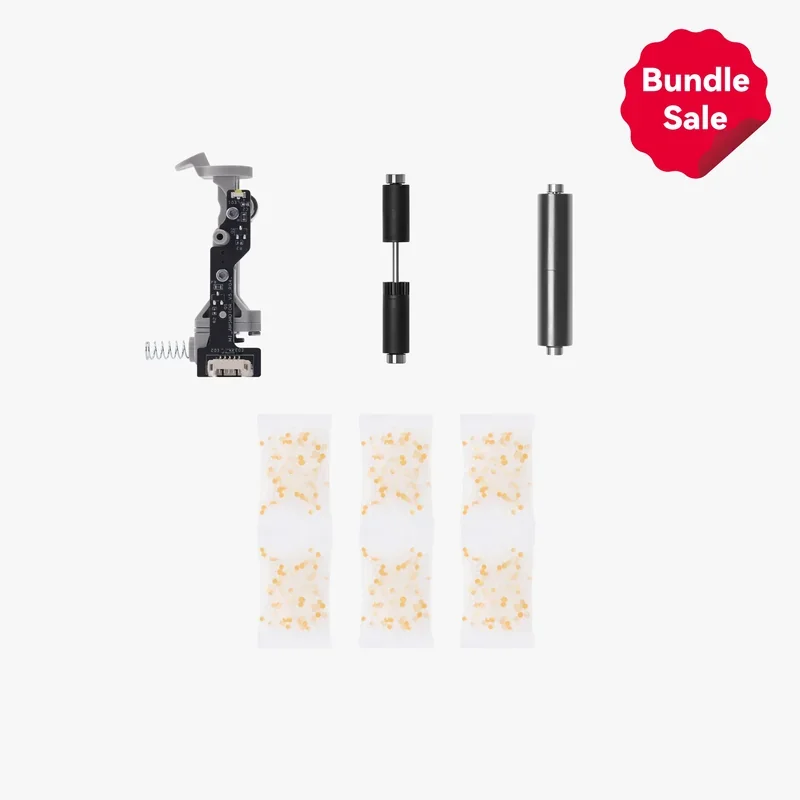 |
| Accessory Box for X1C and P1S | Accessory kit for X1C and P1S with an unclogging pin, scraper blade, and XP Series screw kits for extruder and hotend service. | $24.99 | 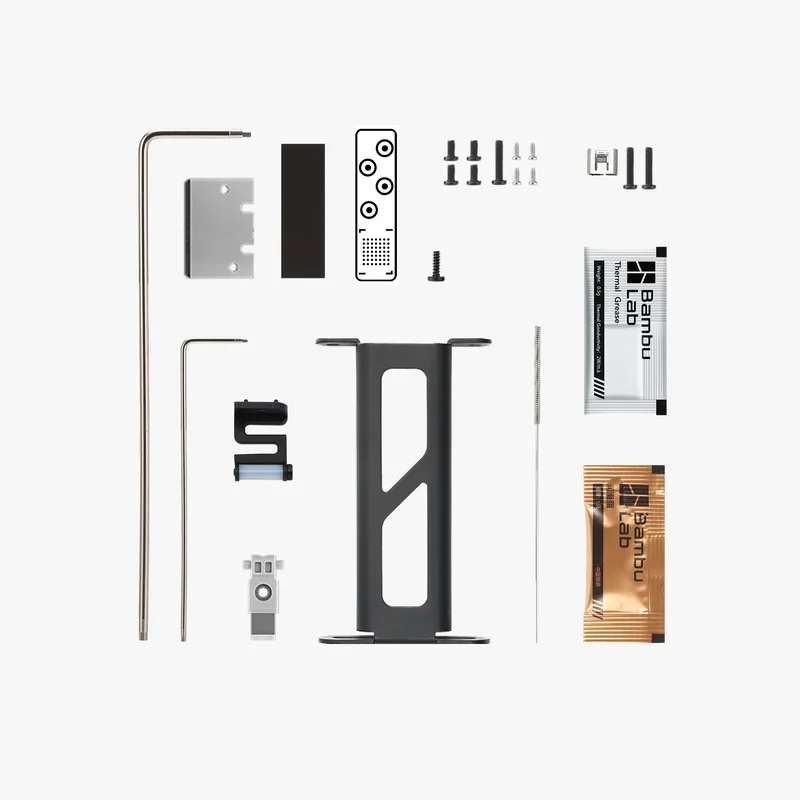 |
| Accessory Box for P1P | Accessory kit for P1P with nozzle cleaning tools, precision screw sets, and filament system parts for routine upkeep. | $24.99 | 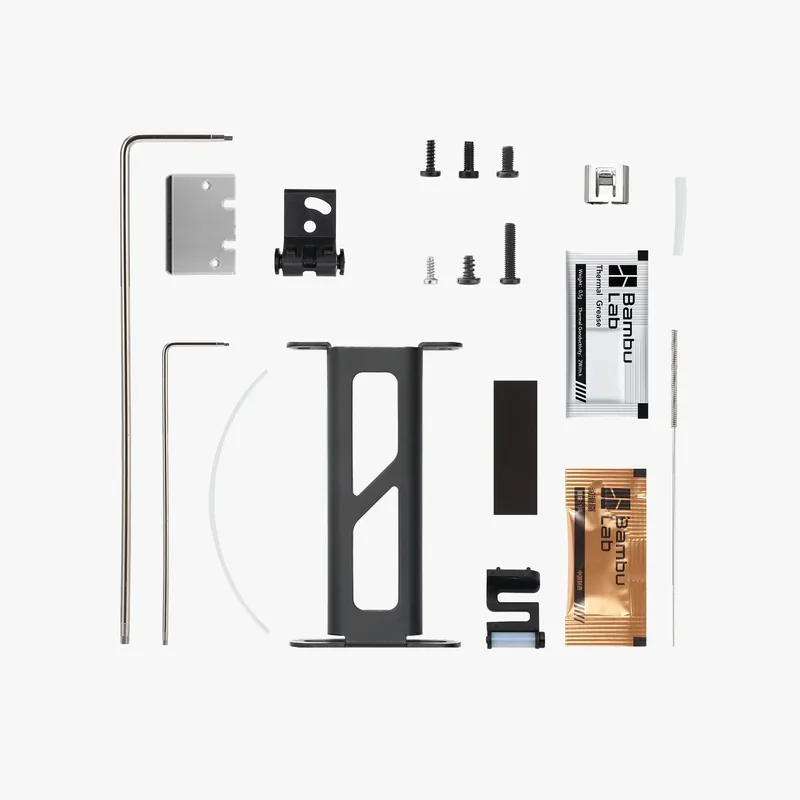 |
| Lubricant Grease | Grease for lead screws, belts, and idler pulleys to reduce noise, friction, and wear. | $4.99 | 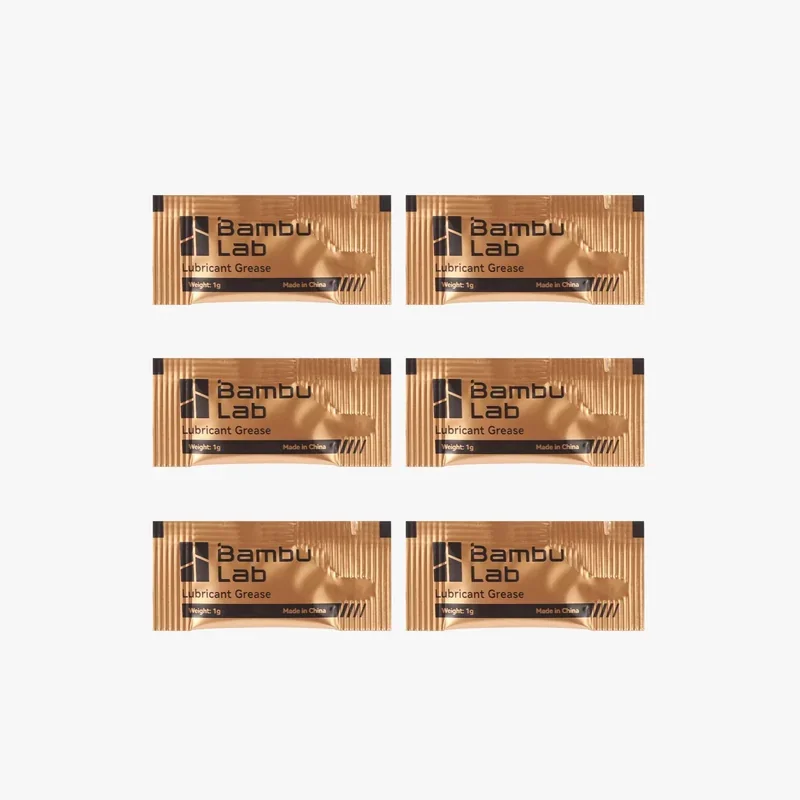 |
| Lubricant Oil | Oil for linear guides, slide rails, steel shafts, and lead screws. | $7.99 | 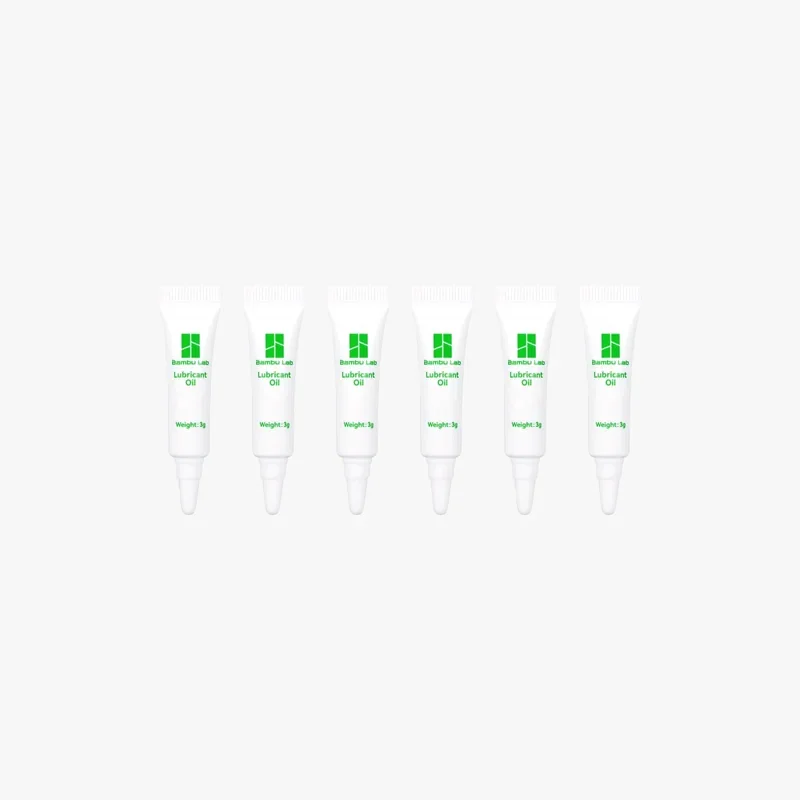 |
How reliable is the Bambu Lab P1S?
The Bambu Lab P1S has proven reliable across 100,000+ print hours, maintaining consistent quality even after 4,000 hours. Carbon rods have shown no failures.
Common issues include bed adhesion problems (mostly user error), missed collision stops, and startup Z-offset errors from nozzle residue.
- Hardware failures are rare — only two extruder issues reported, both fixable for $35.
- Software issues are more frequent: mid-print freezes, Wi-Fi/Bluetooth connection failures, and microSD card corruption (seen in ~12 units), likely from frequent data writes during continuous use.
What maintenance is required for the Bambu Lab P1S?
Monthly:
- Clean X-axis carbon rods with isopropyl alcohol and lint-free cloth
- Check Y/Z-axis rods for debris
- For ABS/ASA, clean rods every 5 rolls
Quarterly:
- Grease Z-axis lead screws (BX-300/F, Super Lube 92003, or Lucas 10533)
- Apply anti-rust treatment to linear rods
Usage-Based:
- Inspect filament cutter every 3–5 rolls (PLA/PETG/ABS/PC) or 1–2 rolls (PA+CF/PA+GF)
- Clean extruder gear when dust is visible, using compressed air
- Replace PTFE tube after ~10 rolls (standard) or ~5 rolls (abrasive)
Weekly / Before Each Print:
- Clean hotend, front cover, and auxiliary fans with compressed air
- Inspect nozzle wiper before each print for position and cleanliness
- Clean camera lens weekly when printing ABS (microfiber + isopropyl alcohol)
As Needed:
- Lubricate idler pulleys with Super Lube 52004 if squeaking occurs
- Clean nozzle at 200 °C if under-extruding or dirty
- Replace silicone sock when worn or loose
What support and warranty come with the Bambu Lab P1S?
The Bambu Lab P1S includes a manufacturer warranty covering defects and hardware failures during normal use:
- 2 years for private customers in the EU, Switzerland, Norway, and Iceland
- 1 year for all other regions and EU business customers
3-month limited warranty applies to select parts, including:
- (Dual) Extruder Unit (excluding gear assemblies and sensor)
- Air Assist Tube Coupler
- AMS/AMS lite feeder units (excluding funnels)
- AMS lite rotary spool holder (excluding spool claw)
- 32GB MicroSD card
- Maker's Supply items (kits, models, accessories, tools, etc.)
Consumables are not covered, including:
- Full hotend assembly and components
- Build plates, adhesives, PTFE tubes
- AMS-specific parts (shafts, funnels, claws)
- Tools, filters, wipers, scrapers, filament, and blades
Full warranty details: https://bambulab.com/en/policies/warranty
Support System:
- Ticket submission via Bambu website or Handy app
- Health Monitoring System (HMS): Auto-generates error codes linked to troubleshooting guides
- Log upload feature enables remote diagnostics by Bambu support
Ongoing Support:
- Access to Bambu Lab Wiki: maintenance guides, replacement instructions, setup help
- Regular firmware updates via Bambu Handy app
- Top3DShop support: pre-sales advice, setup help, and warranty claim assistance
How much does the Bambu Lab P1S cost?
The Bambu Lab P1S is available at $499.00, offering strong value with its enclosed design, fast CoreXY system, and robust features. Key highlights include 15-minute setup, automatic bed leveling, a built-in camera for monitoring and timelapses, and AMS compatibility for multi-color printing.
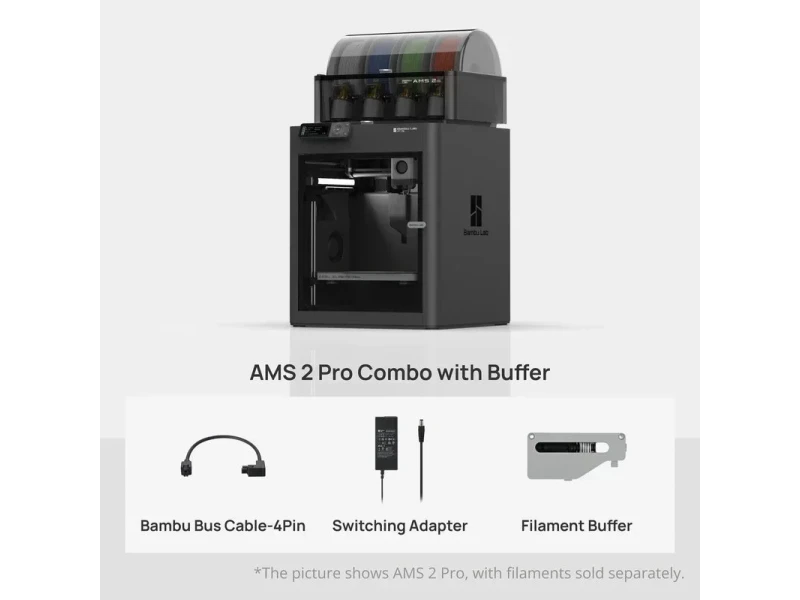
The P1S Combo version — about 35% more — includes the AMS, allowing automatic switching between four filaments. An AMS 2 Pro option further improves filament handling while maintaining the same print speed (500 mm/s) and acceleration (20,000 mm/s²).
All P1S models deliver the same print quality and reliability; price differences reflect added multi-material hardware.