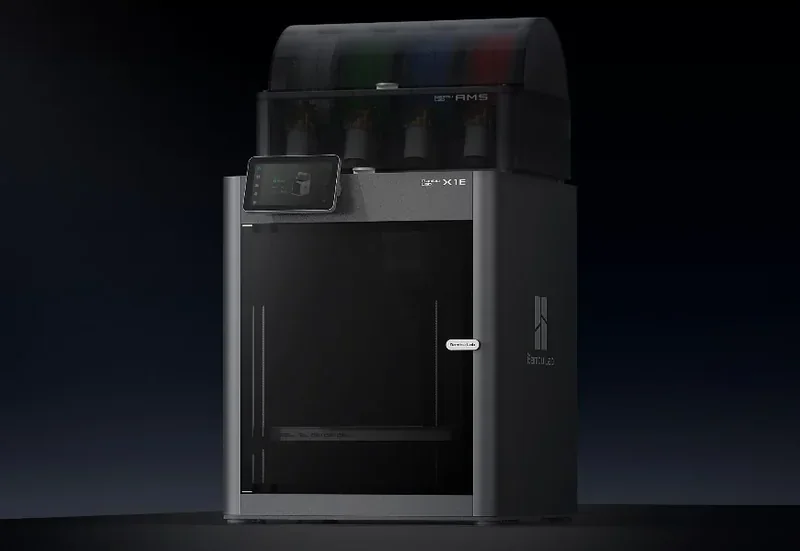
Bambu Lab X1E 3D Printer Combo: Professional Desktop 3D Printing with AMS


- 60°C heated chamber reduces warping
- 320°C nozzle for advanced filaments
- Speeds up to 500 mm/s
- Triple-stage air filtration system
- Flexible Payment Terms
- 1 Year Warranty
- Local Technical Support
- Free Online Training
- Bambu Lab X1E 3D Printer
- Automatic Material System (AMS)
- Build plate
- Quick start guide
The Bambu Lab X1E is a professional CoreXY 3D printer designed for engineering, manufacturing, and design. It features a 60°C heated chamber to reduce warping, a 320°C nozzle for advanced filaments like PPA-CF/GF and PPS, and secure connectivity via Ethernet, WPA2-Enterprise Wi-Fi, and kill switches. With a 256 × 256 × 256 mm build volume, speeds up to 500 mm/s, and triple-stage air filtration, it offers high-speed, precise, and safe printing for rapid prototyping and functional part production.
- What is the print quality and performance of the Bambu Lab X1E 3D Printer?
- Which filaments can you use with the Bambu Lab X1E Multi-Material 3D Printer?
- What is the build volume of the Bambu Lab X1E?
- What is the difference between the Bambu Lab X1E, Bambu Lab X1C, QIDI X-MAX 3, Bambu Lab H2S and Intamsys Funmat Pro 310 NEO?
- What printer controls are available on the Bambu Lab X1E?
- What connectivity options are available on the Bambu Lab X1E?
- What software is offered with the Bambu Lab X1E?
- What is the design and build quality of the Bambu Lab X1E?
- What comes included in the box with Bambu Lab X1E?
- What upgrades and accessories are available for the Bambu Lab X1E?
- What maintenance is required for the Bambu Lab X1E?
- What support and warranty come with the Bambu Lab X1E?
- How much does the Bambu Lab X1E Combo 3D Printer cost?
What is the print quality and performance of the Bambu Lab X1E 3D Printer?
The X1E’s CoreXY structure with carbon-fiber rods reduces moving weight for precise prints at 0.05–0.30 mm layer heights. Its heated chamber (up to 60°C) minimizes warping and boosts adhesion, ensuring strong, accurate parts from engineering-grade materials.
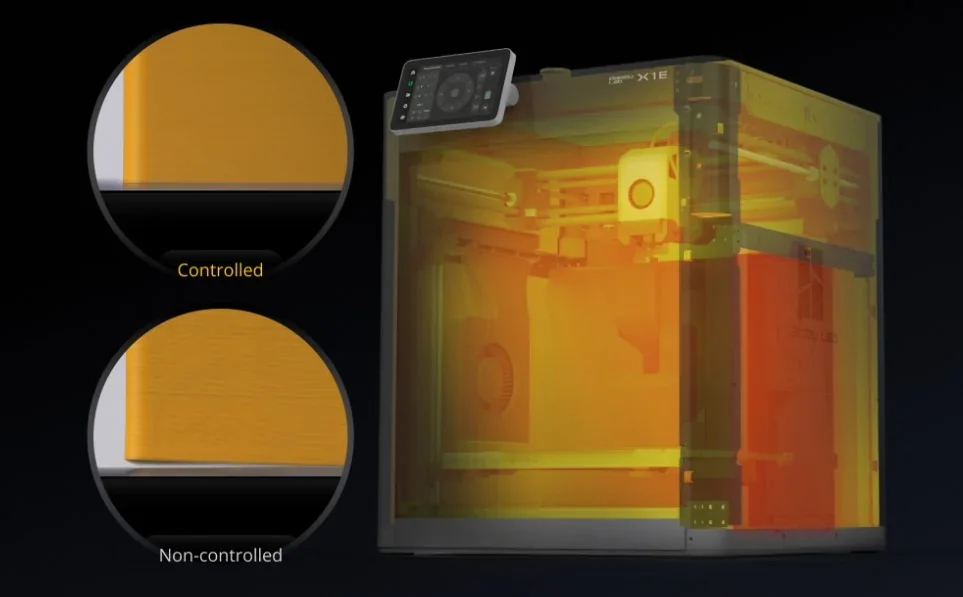
The X1E reaches 500 mm/s print speed and 20,000 mm/s² acceleration, maintained by vibration and extrusion compensation with AI-driven control for consistent quality. A sample dual-material print—PLA-CF for structure and PLA for accents—finished in just 56 minutes.
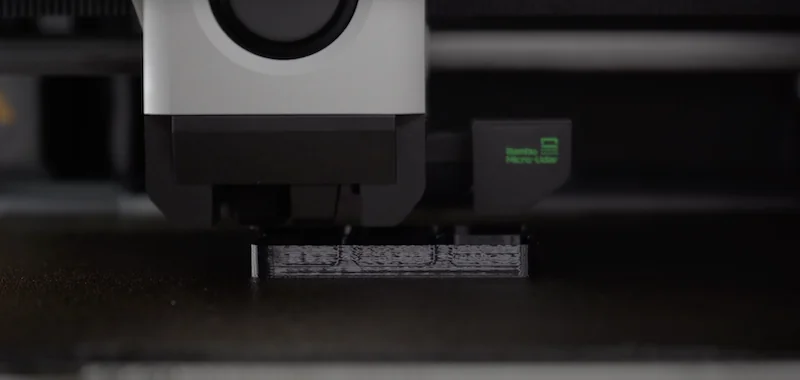
The X1E uses closed-loop cooling to maintain stable temperatures and employs Bambu Micro Lidar for automatic bed leveling and calibration, removing the need for manual setup.
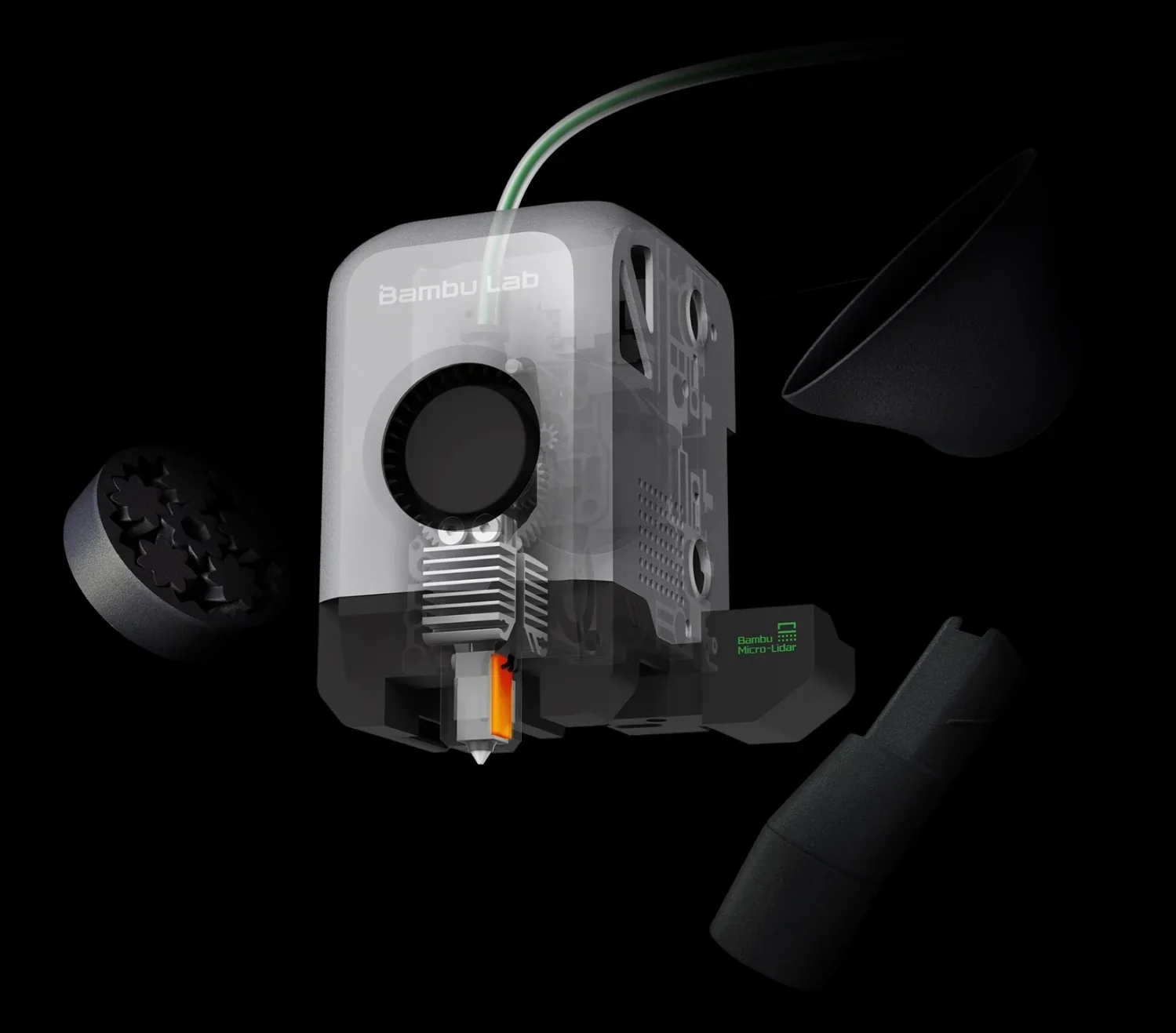
The X1E enhances print reliability with advanced monitoring and error prevention, including a high-resolution chamber camera for real-time tracking.
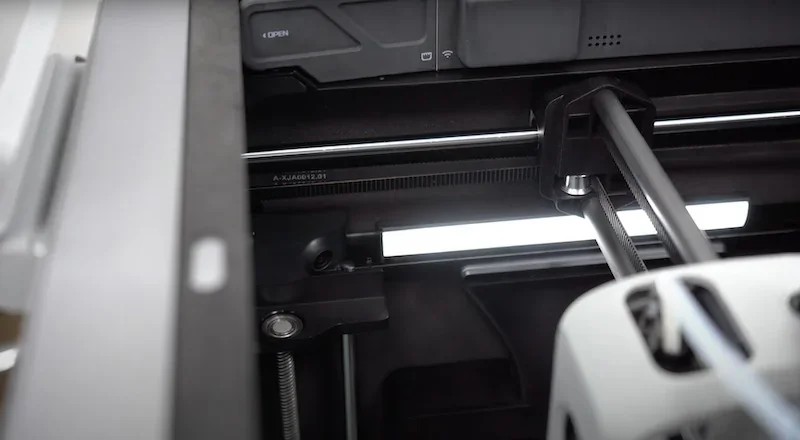
An AI (Artificial Intelligence) algorithm with Lidar and computer vision detects first-layer issues and spaghetti failures, pausing prints to avoid major errors. This blend of hardware and software ensures reliable, high-quality results with difficult materials.
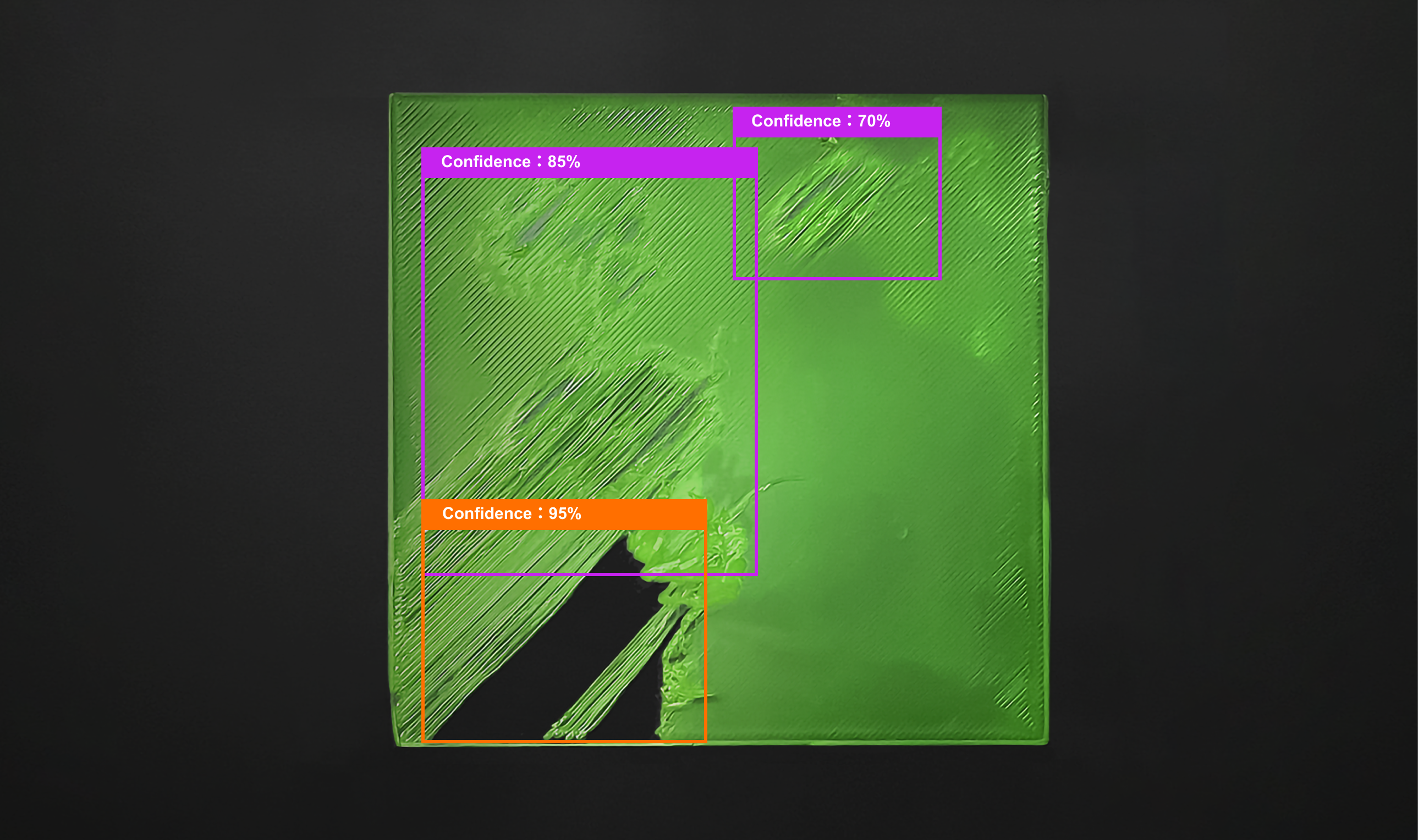
With its 320°C nozzle, hardened steel tip, and all-metal hotend, the X1E handles high-temp, abrasive filaments like PAHT-CF, PPS, and PPS-CF without wear or quality loss. The heated chamber boosts accuracy and finish, making it ideal for functional prototypes and end-use parts needing both strength and visual appeal.
Which filaments can you use with the Bambu Lab X1E Multi-Material 3D Printer?
The X1E supports 19 filament types, handling standard materials like PLA, PETG, TPU, PVA, and BVOH with ease. It excels with engineering-grade options such as ASA, PA, PET, ABS, and PC, and delivers strong results with carbon- and glass-fiber composites of PLA, PETG, PA, PET, PC, ABS, and ASA.
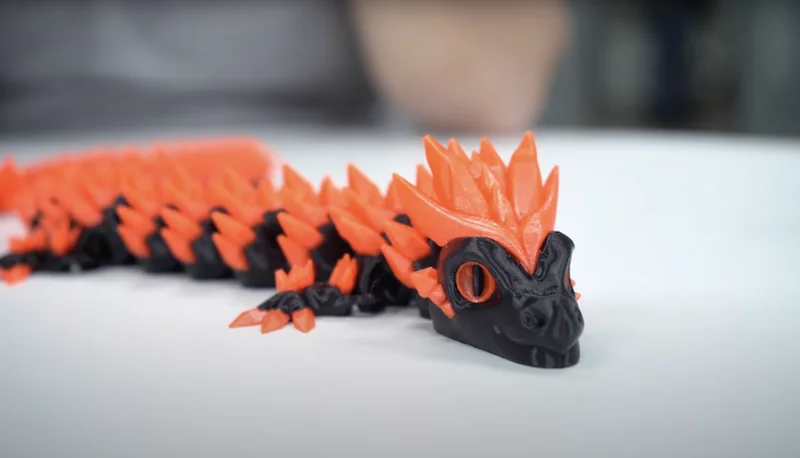
Two-Color PETG Dragon 3D Print Sample: A dual-color dragon model printed in PETG via the AMS system took 16 hours to complete.
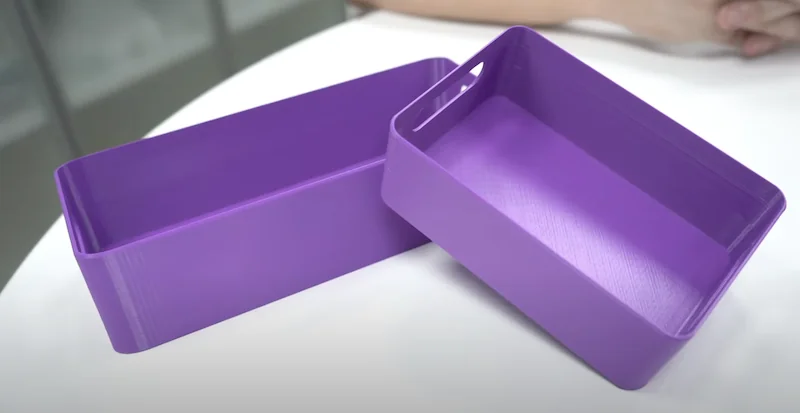
ABS Print Samples: Using chamber heating and a 105°C bed to prevent warping, a large elongated box print was completed in about 3 hours.
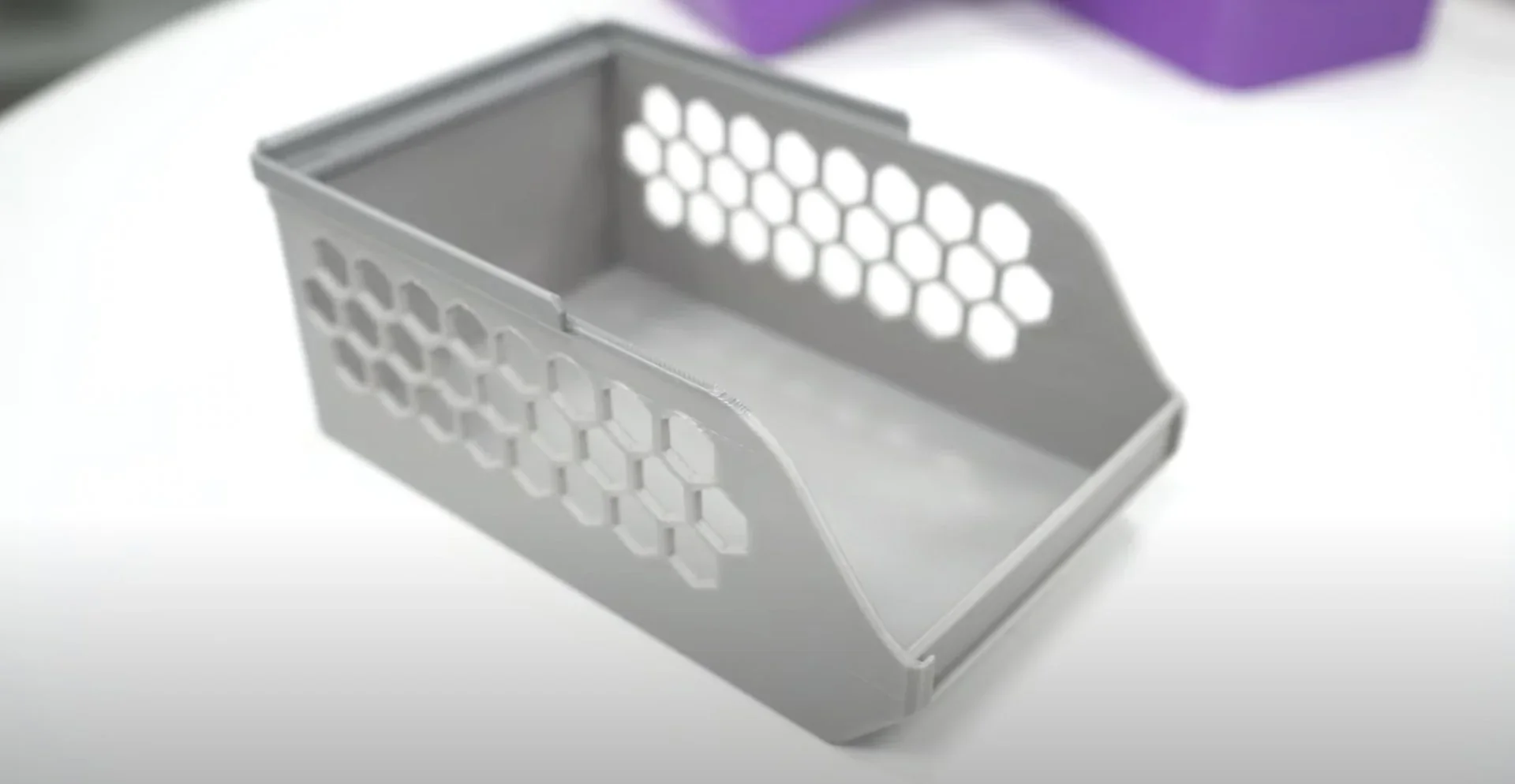
Two nylon gears, printed with 3 perimeters, 40% infill, 0.16 mm layers, supports, and a raft, each took 1.5 hours to produce.
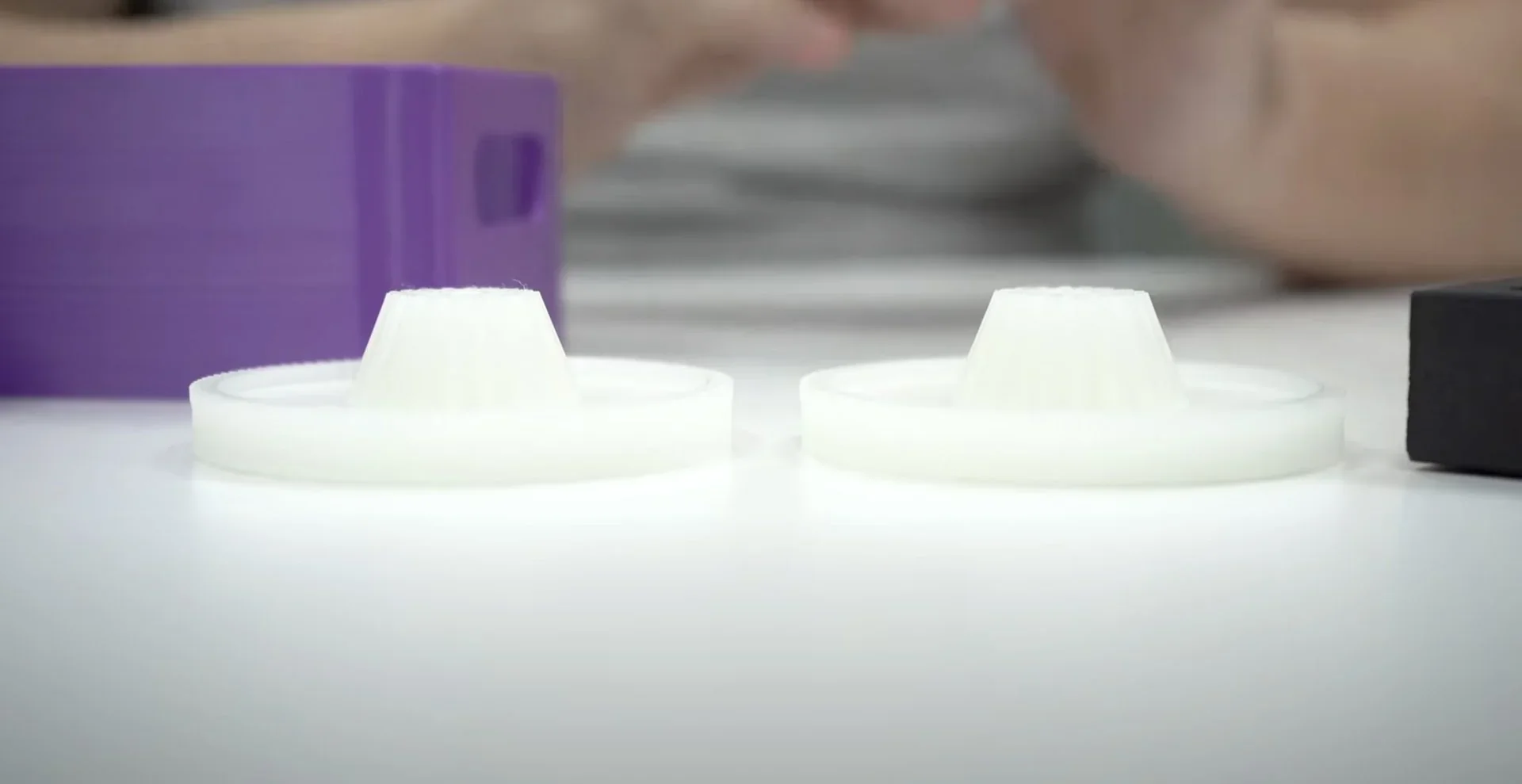
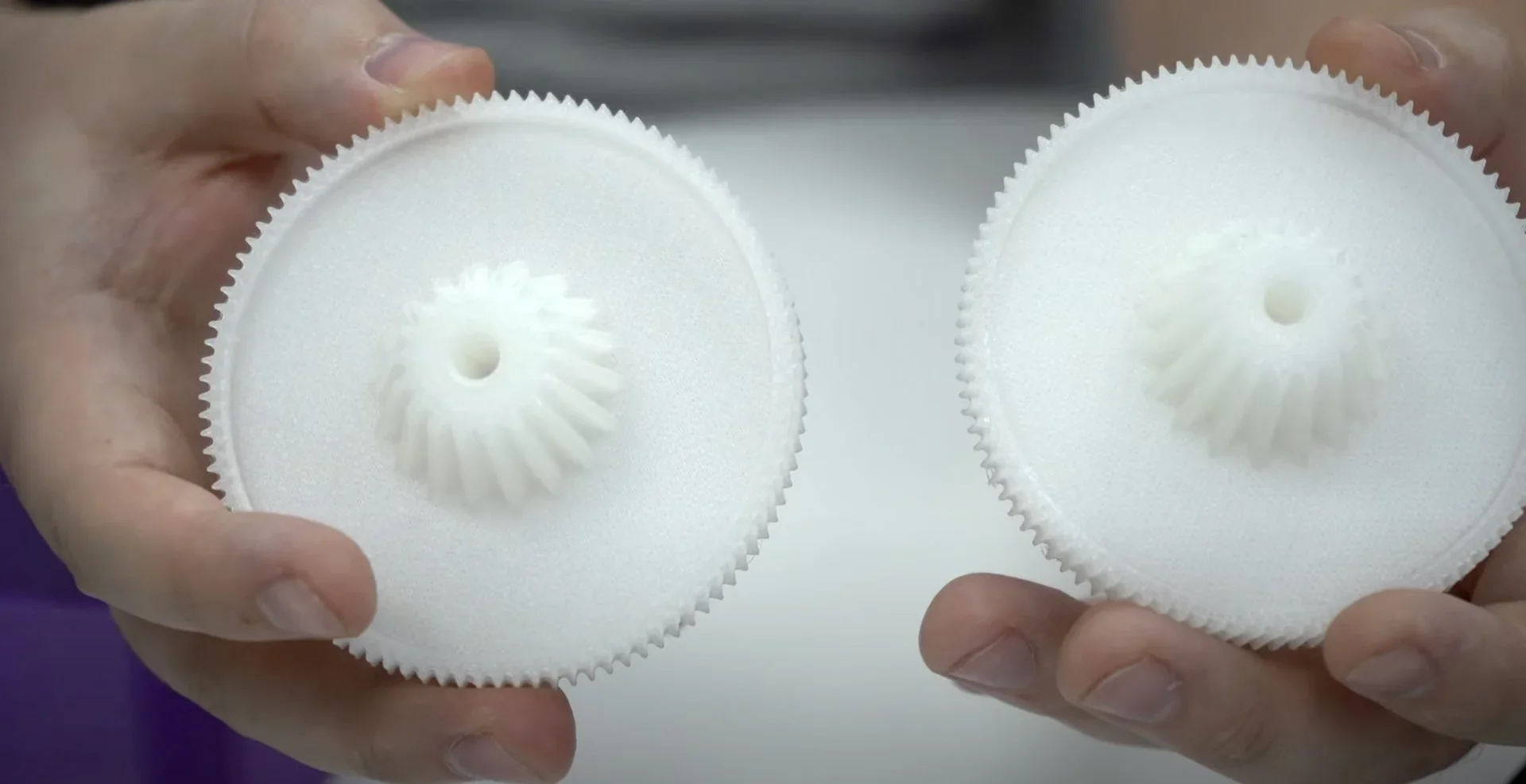
The X1E surpasses the X1 Carbon with a 320°C nozzle and a 60°C heated chamber, enabling reliable printing of high-performance filaments like PPA-CF/GF, PPS, and PPS-CF/GF. These upgrades reduce warping and improve interlayer bonding for demanding engineering materials.
A PA12-CF30 carbon-filled nylon bracket with 3 perimeters, 40% infill, raft, and 0.2 mm layers was printed in 5 hours 12 minutes.
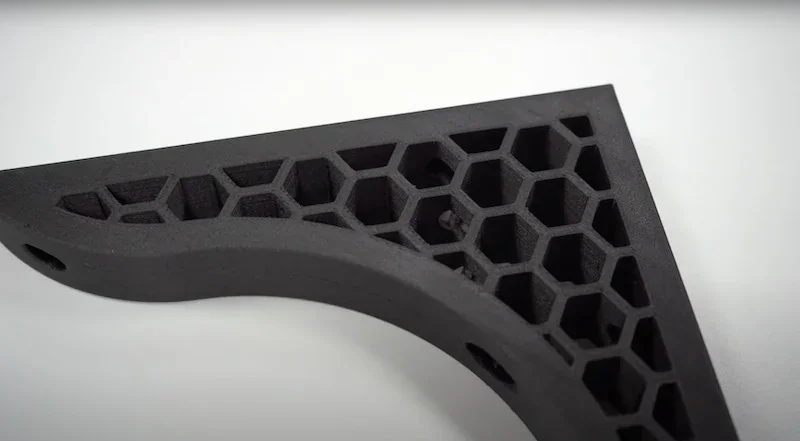
The X1E comes with a hardened steel nozzle for abrasive composites. It supports third-party 1.75 mm materials, though Bambu includes PAHT-CF and PLA-CF samples to highlight its strength, stability, and heat resistance. It also prints water-soluble supports like PVA and BVOH for complex geometries with clean removal.
PA12GF12 3D Print Samples: Small adjustment parts were printed in glass-filled nylon using the following profile: 3 perimeters, 40% infill, 0.16 mm layers, raft, and supports.
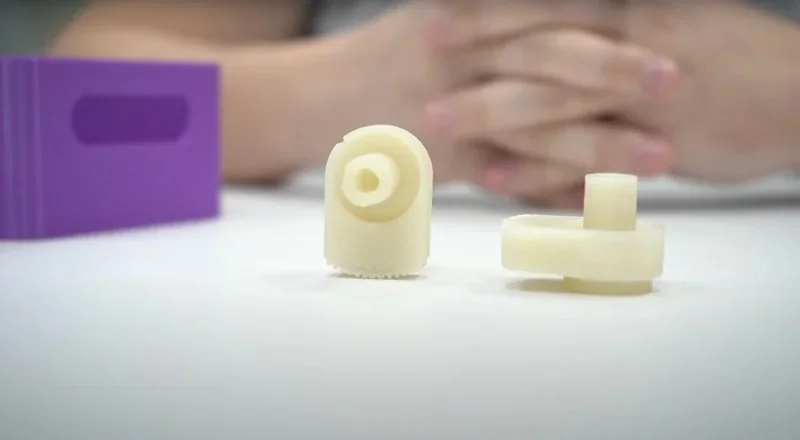
The Bambu AMS systems can parallel connect 4 Bambu AMS systems for 16 spools of filaments, enabling multi-material, multi-color printing with smart filament management and supports automatic filament reload. Its enhanced drying function boosts performance with moisture-sensitive filaments like nylon and PVA.
How does vibration and extrusion compensation work?
Before printing, the X1E measures X/Y axis resonant frequencies and applies input shaping with an advanced control algorithm to avoid them, reducing reducing XY-axis vibrations and extrusion issues, eg. ringing. Pressure Advance adjusts flow based on movement — boosting during acceleration and retracting on deceleration — to maintain consistent line width, even at 500mm/s.
How quickly does the AI failure detection respond to print issues?
In this example, it took 21 seconds for AI detection to identify an issue with the print, and stop printing.
What is the build volume of the Bambu Lab X1E?
The Bambu Lab X1E offers a 256 × 256 × 256 mm build volume, matching the X1 Carbon but with added professional features. Its cubic space supports versatile, well-proportioned part printing.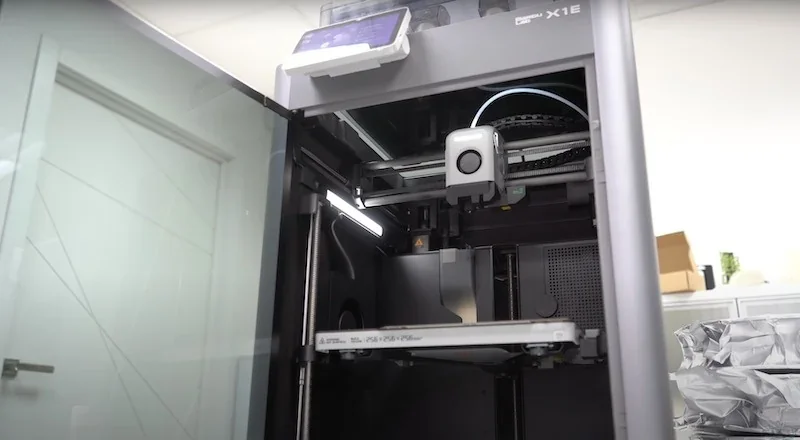
What is the difference between the Bambu Lab X1E, Bambu Lab X1C, QIDI X-MAX 3, Bambu Lab H2S and Intamsys Funmat Pro 310 NEO?
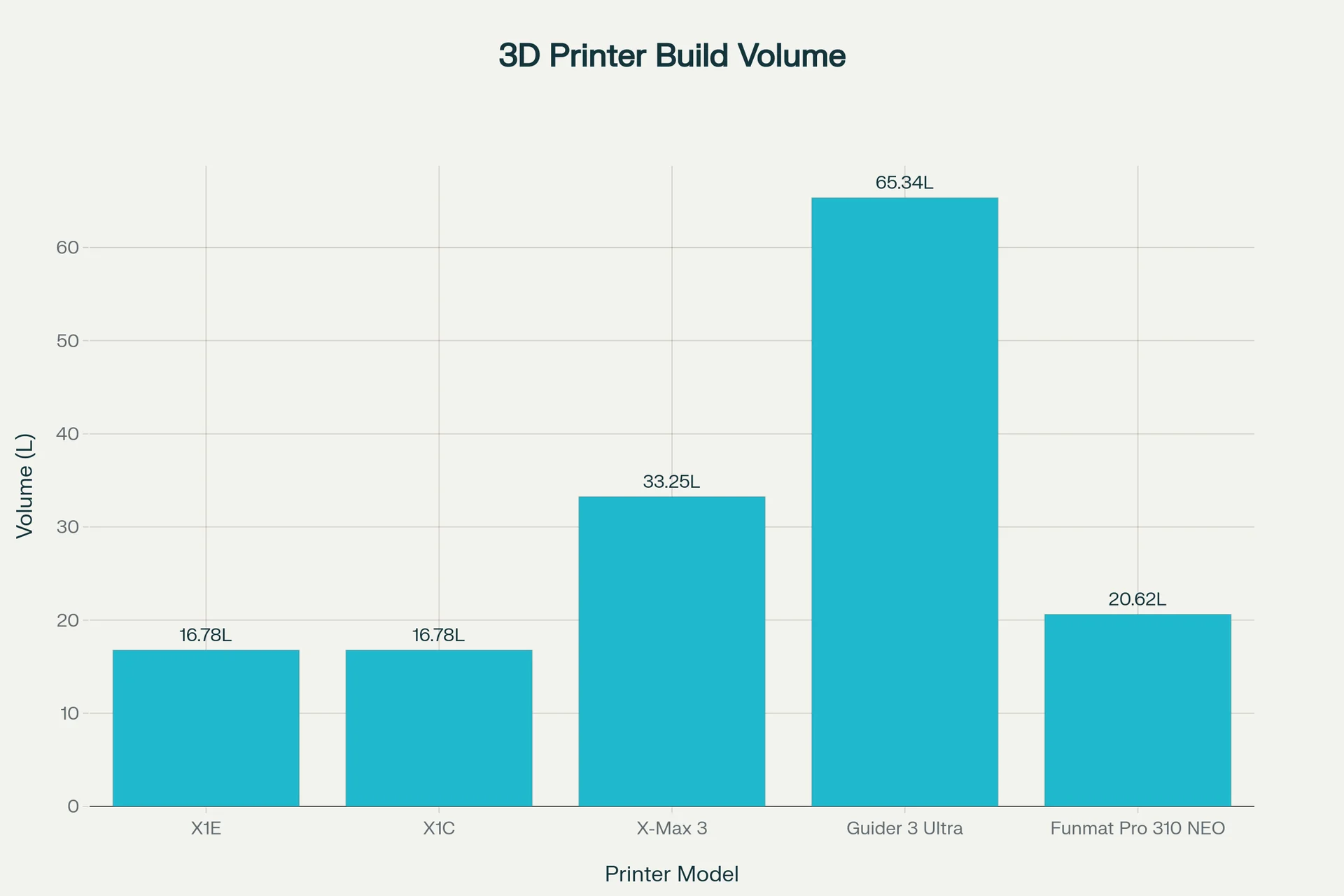
Bambu Lab X1E — 256 × 256 × 256 mm (16.78 L) cube-class build with an actively heated 60 °C chamber and 320 °C nozzle, aimed at stable printing of engineering polymers without jumping to ultra-high-heat, industrial platforms.
In contrast:
- Bambu Lab X1C — wins on the same 256 mm³ volume; loses active chamber heat (passive ~45–50 °C) and nozzle ceiling (300 °C vs 320 °C).
- QIDI X-Max 3 — wins on the largest volume (325 × 325 × 315 mm; 33.25 L), hotter nozzle (350 °C), and a slightly hotter chamber (65 °C); loses the compact 256 mm³ class positioning of the X1E.
- Flashforge Guider 3 Ultra — wins on larger build volume (330 × 330 × 600 mm; 65.34 L), hotter nozzle (350 °C); loses on active chamber heat (passive ~40 °C).
- INTAMSYS Funmat Pro 310 NEO — wins on the hottest chamber (100 °C), hotter nozzle (350 °C), and bigger volume (305 × 260 × 260 mm; 20.62 L); loses the compact 256 mm³ class focus of the X1E.
| Printer Model | Build Volume (mm) | Build Volume (L) | Max. nozzle temp | Heated chamber |
|---|---|---|---|---|
| Bambu Lab X1E | 256 × 256 × 256 | 16.78 | 320 °C | Yes (60 °C) |
| Bambu Lab X1C | 256 × 256 × 256 | 16.78 | 300 °C | Passive (45–50 °C) |
| QIDI X-Max 3 | 325 × 325 × 315 | 33.25 | 350 °C | Yes (65 °C) |
| FlashForge Guider 3 Ultra | 330 × 330 × 600 | 65.34 | 350 °C | Passive (≈40 °C) |
| Intamsys Funmat Pro 310 NEO | 305 × 260 × 260 | 20.62 | 350 °C | Yes (100 °C) |
Bottom-Line:
- Buy the Bambu Lab X1E, if you want a compact 256 mm³ platform with true active chamber heat (60 °C) and 320 °C headroom;
- Choose X1C for the same size but accept passive chamber and 300 °C;
- Pick QIDI X-Max 3 for maximum build volume and hotter temps,
- Buy the FlashForge Guider 3 Ultra for the maximum build volume;
- Buy the Intamsys Funmat Pro 310 NEO when 100 °C chamber and 350 °C capability are must-haves.
What printer controls are available on the Bambu Lab X1E?
The Bambu Lab X1E features over 48 printer controls accessible via a 5-inch 1280×720 color touchscreen, including 13 controls for fans, speed, motion, temperature, and lighting; 5 filament spool and humidity management options; plus 30 detailed settings for account, connectivity, calibration, maintenance, AI monitoring, and general device management.
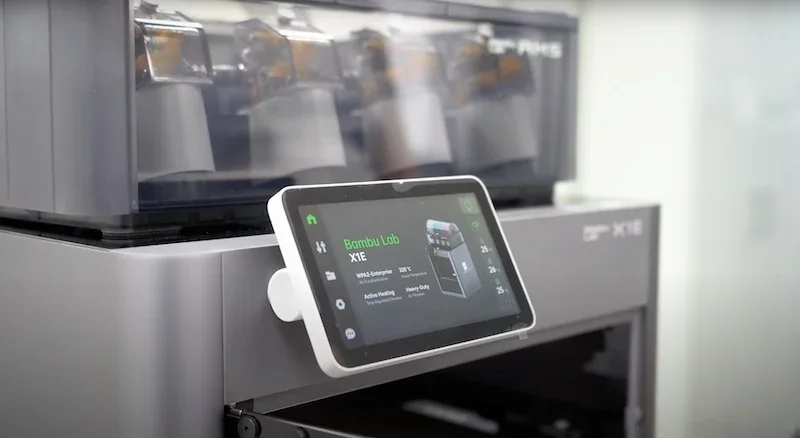
Controls include 13 options for fans, speed, motion, nozzle and extruder, chamber, heatbed, and lighting.
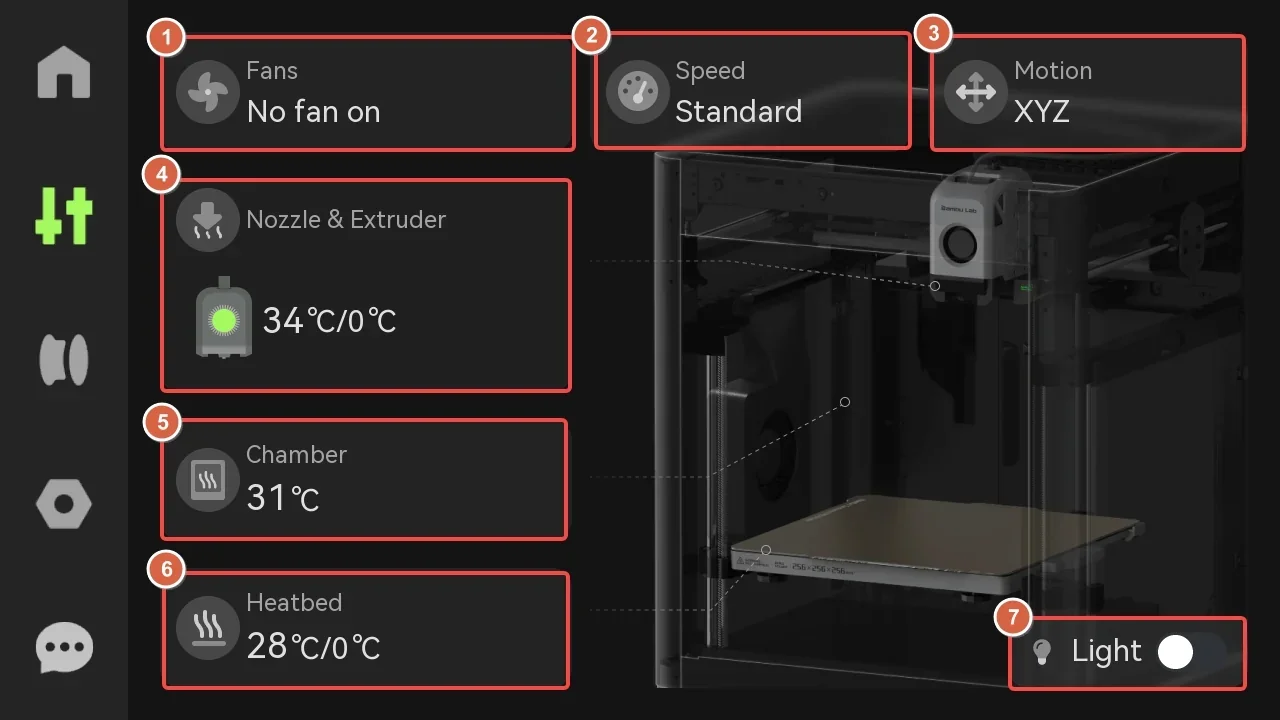
Full List of Control Options:
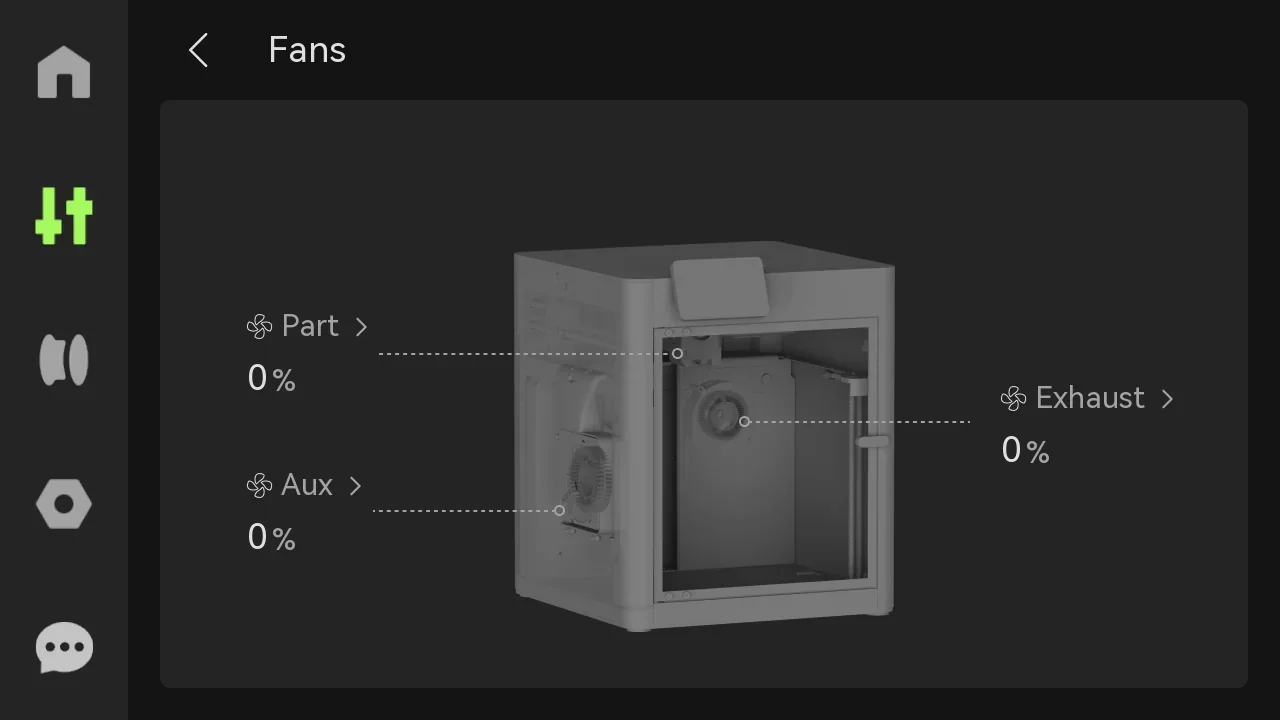
- Part Cooling Fan – speed control, on/off
- Auxiliary Part Cooling Fan – speed control, on/off
- Chamber Exhaust Fan – speed control, on/off
- Speed Modes – Ludicrous (166%), Sport (124%), Standard, Silent (50%)
- Toolhead X-axis Movement – +1/+10 increments
- Toolhead Y-axis Movement – +1/+10 increments
- Heatbed Movement – raise/lower in +1/+10 increments
- Extruder Control – manual extrude/retract 1 cm
- Nozzle Temperature – manual input
- Nozzle Type – material and diameter settings
- Chamber Temperature – display and set (X1E only)
- Heatbed Temperature – manual input
- LED Light – on/off toggle
Filament section includes 5 controls for spool management and humidity.
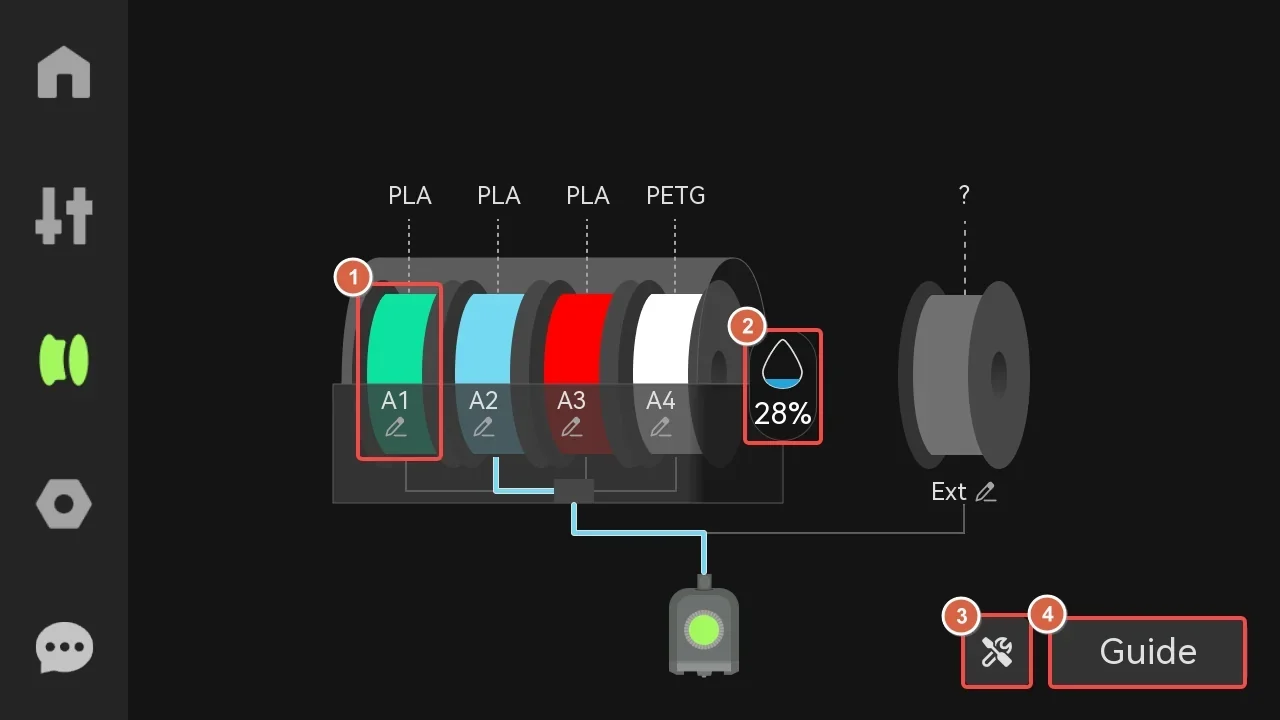
Full List of Control Options:
- Spool Management – edit, load/unload, RFID re-read
- Humidity Monitoring – AMS internal humidity display
- External Spool Configuration – filament color and type setup
- Auto Refill – automatic spool switching
- AMS Drying – set temperature and duration (AMS 2 Pro only)
Settings section includes 30 controls covering account management, Wi-Fi, SD card, firmware, calibration, toolbox, and general settings.
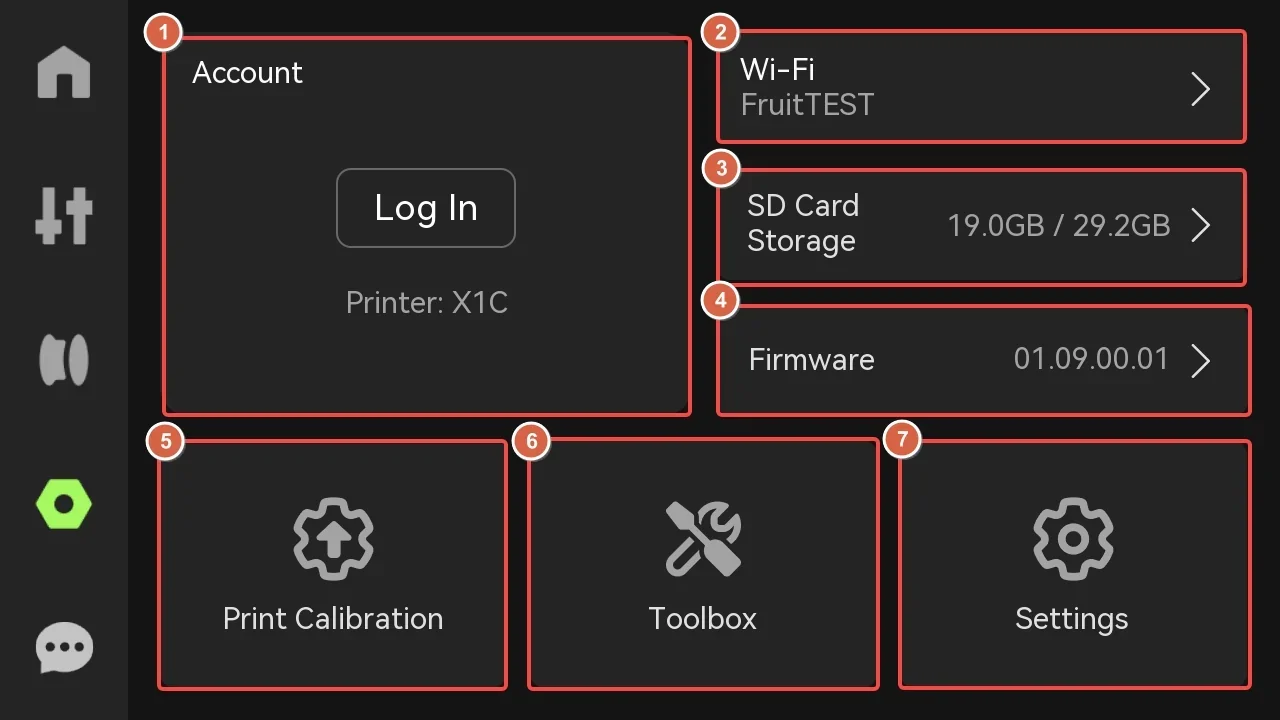
Full List of Control Options:
- Account Access – QR login for Bambu Handy
- Wi-Fi Setup – network config/testing
- SD Card Management – storage display/format
- Firmware Updates – view version, offline upgrade
- Micro LIDAR Calibration – laser/camera adjustment
- Motor Noise Cancellation – vibration reduction
- Vibration Compensation – real-time toolhead tuning
- Auto Bed Leveling – nozzle-to-bed calibration
- Device Self-Test – malfunction check
- Filament Drying – set temp/duration
- Carbon Rods Clearance – maintenance prompt
- Lead Screws Lubrication – maintenance prompt
- AI Print Monitoring – spaghetti/clump sensitivity
- Build Plate Detection – marking verification
- First Layer Inspection – quality check
- Auto-Recovery from Step Loss – motor reposition
- Open Door Detection – pause/notify
- File Storage – external cache setup
- RFID on Insertion – auto filament detect
- RFID on Startup – boot filament scan
- Remaining Filament Estimation – track capacity
- AMS Auto-Refill – auto spool switch
- AMS Order Arrangement – sequence setup
- Video Resolution – recording quality
- Auto-Sleep Timer – power save
- Language Selection – 9 languages
- Auxiliary Fan Reset – calibration
- Device Info – usage time/serial display
- LAN-Only Mode – restrict network
- Factory Reset – restore defaults
What connectivity options are available on the Bambu Lab X1E?
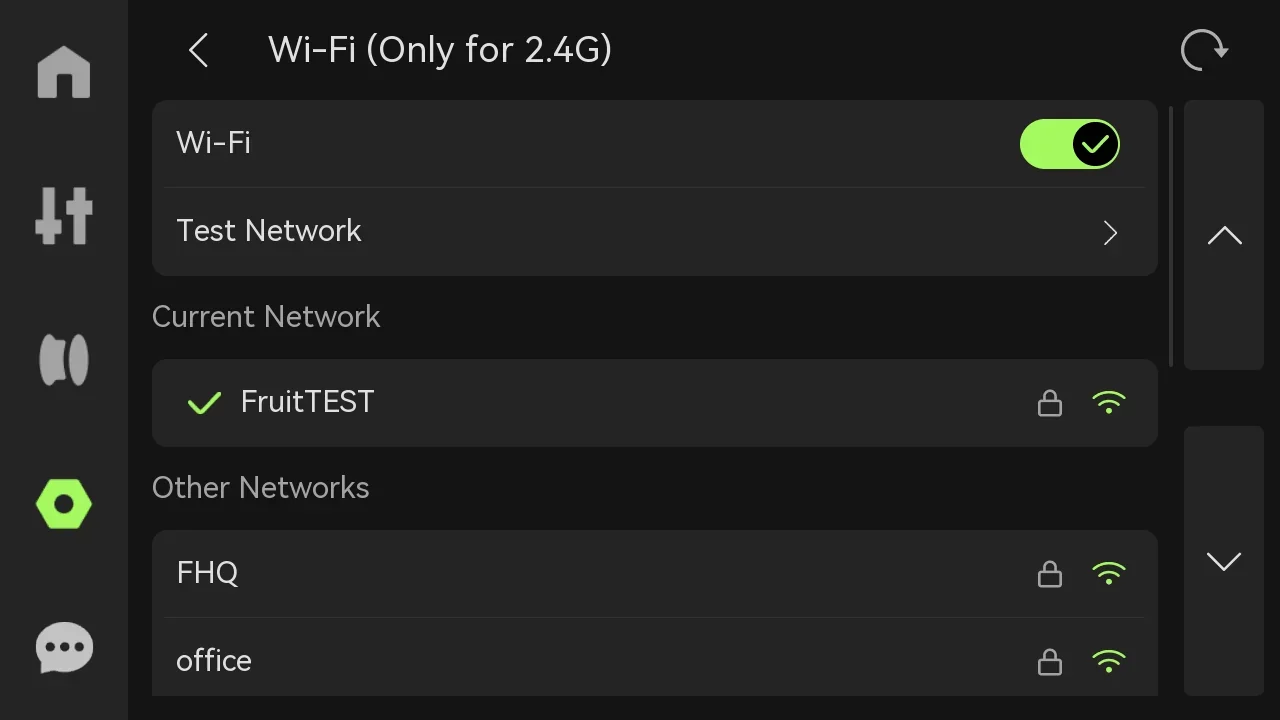
The X1E provides 3 secure connectivity options: a 100 Mbps Ethernet port for stable LAN (Local Area Network) communication, 2.4 GHz Wi-Fi with WPA2-Enterprise Wi-Fi authentication protocols (EAP-PEAP, EAP-TLS, EAP-TTLS), and physical kill switches for both Wi-Fi and Ethernet, enabling full network isolation.
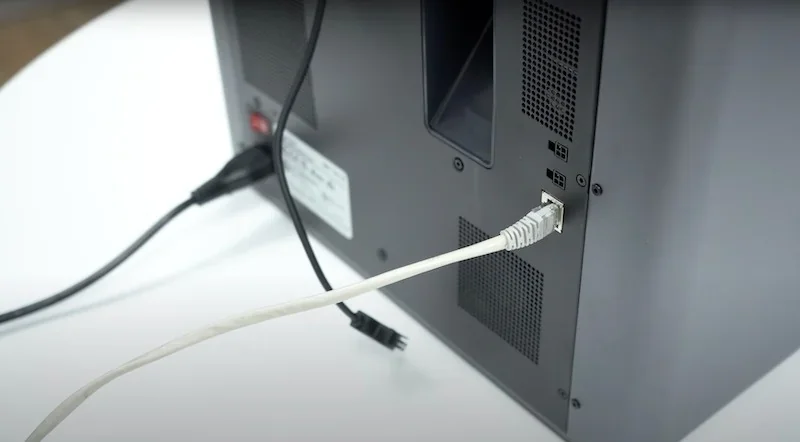
The X1E supports SD card and USB printing without network use. A 1080p camera enables remote monitoring via the Bambu Handy app with up to four clients. For strict security needs, "LAN Only Mode" allows full local functionality without internet. These options suit both secure businesses and institutions using WPA2-Enterprise Wi-Fi.
What software is offered with the Bambu Lab X1E?
The X1E is supported by Bambu Studio, which offers optimized profiles, chamber temp control, and security settings. It auto-adjusts parameters for materials like ABS, PC, and carbon-fiber composites. The Bambu Handy app enables mobile control, monitoring, and 1080p camera viewing via Wi-Fi or Ethernet.
The X1E supports online and offline firmware updates (v01.01.02.00+). For secure environments, it offers full LAN-only operation. Its firmware uses AI to detect first-layer flaws and spaghetti failures, pausing prints to save time and material.
What is the design and build quality of the Bambu Lab X1E?
The Bambu Lab X1E features a robust design with a 16 kg rigid aluminum frame, glass enclosure, and solid metal chassis for stable high-speed printing and heated chamber performance, combined with a compact 389 × 389 × 457 mm footprint and advanced CoreXY structure using carbon-fiber rods for 20,000 mm/s² acceleration.
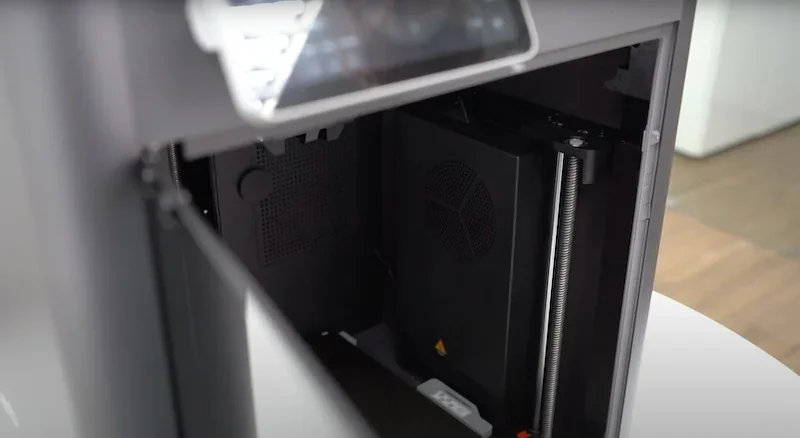
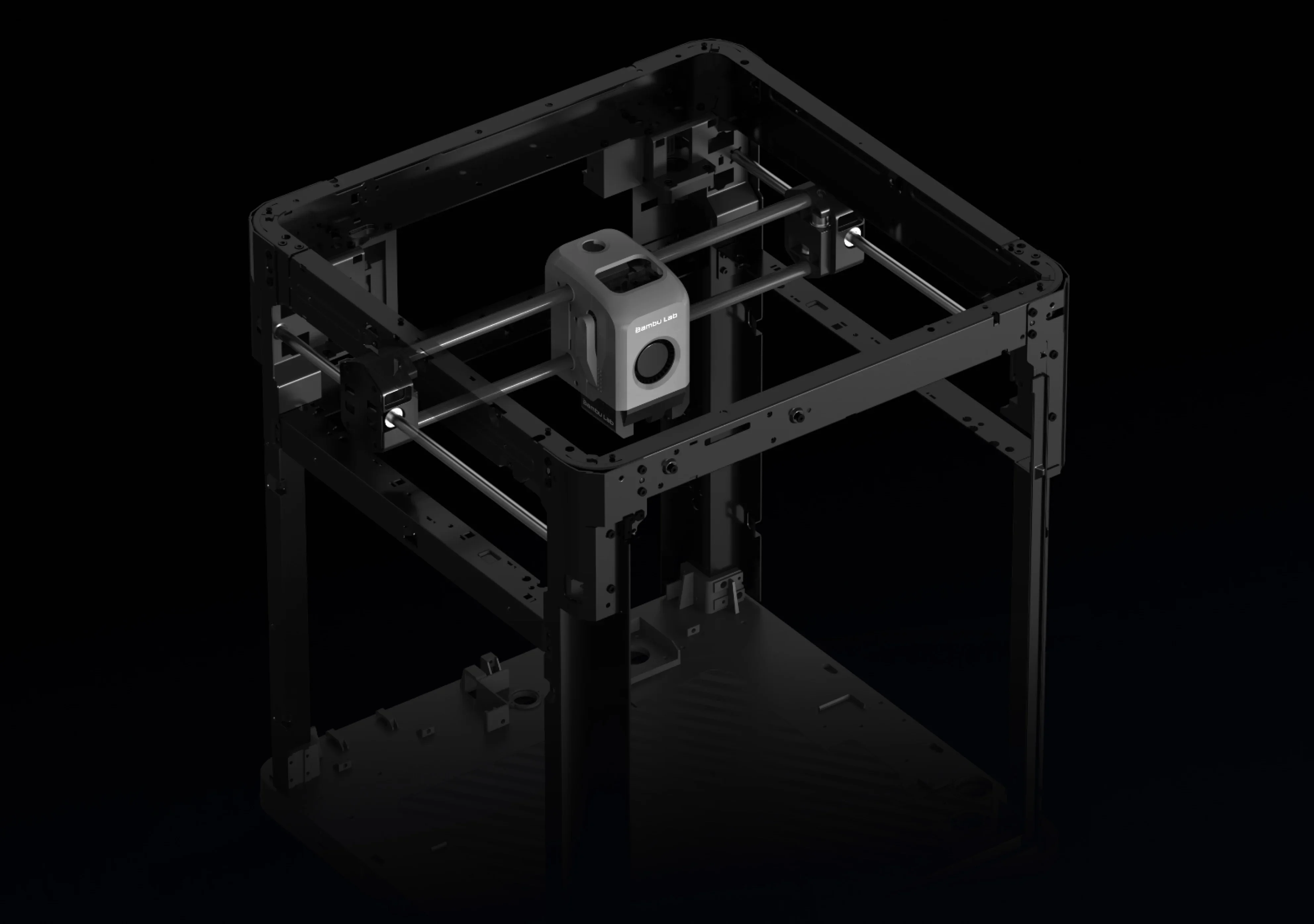 The X1E’s glass-paneled enclosure retains heat while maintaining visibility, ensuring a stable environment for temperature-sensitive materials with controlled chamber temperature (up to 60°C or 140°F). The heating unit is shown below.
The X1E’s CoreXY system uses carbon-fiber rods to cut weight, achieving 20,000 mm/s² acceleration. Precision linear rods and bearings on the Y and Z axes include accessible points for cleaning and lubrication.
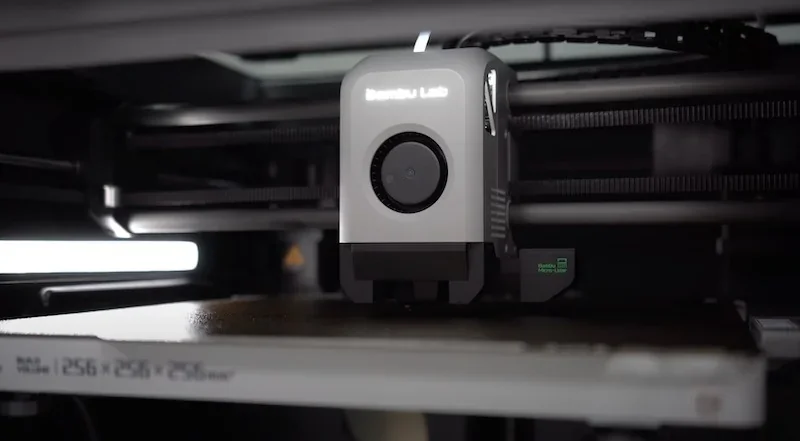
The X1E’s toolhead uses a hardened steel direct-drive extruder with dual-gear control for accurate feeding of standard and abrasive filaments. Cable chains protect wiring during fast movements.
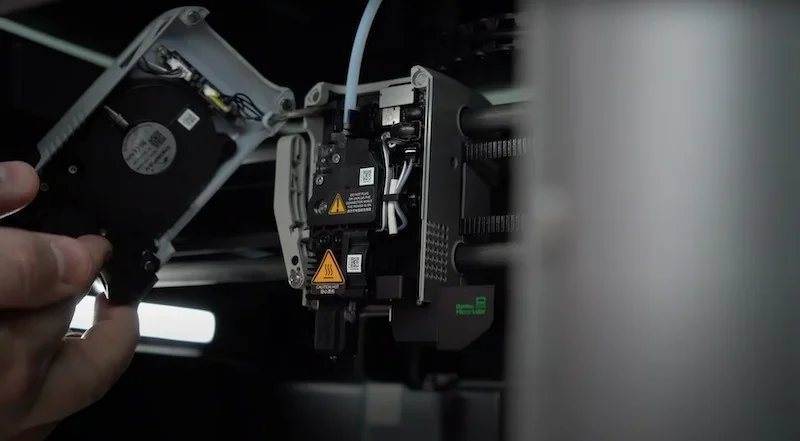
The X1E’s thermal system uses three cooling fans — hotend, front cover, and auxiliary. Plus 3 filters – a G3 pre-filter, H12 HEPA filter, and activated carbon filter – to reduce excessive odors and particulates.
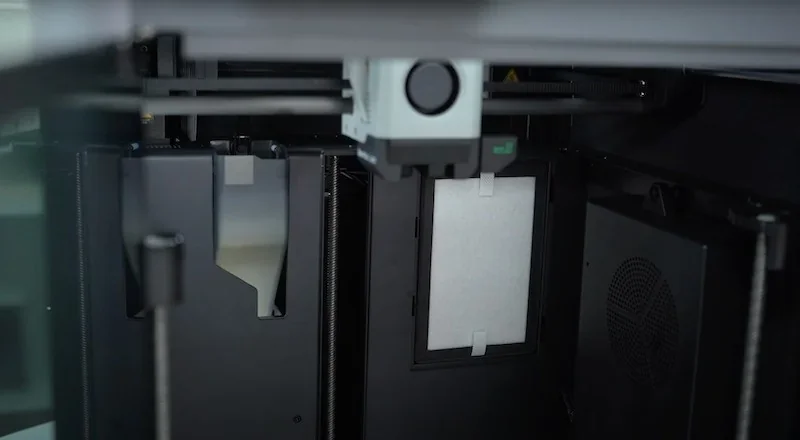
The X1E measures 389 × 389 × 457 mm (15.3 × 15.3 × 18 in), offering a compact footprint. A front 5-inch touchscreen and side-mounted network kill switches provide easy access to key controls.

What comes included in the box with Bambu Lab X1E?
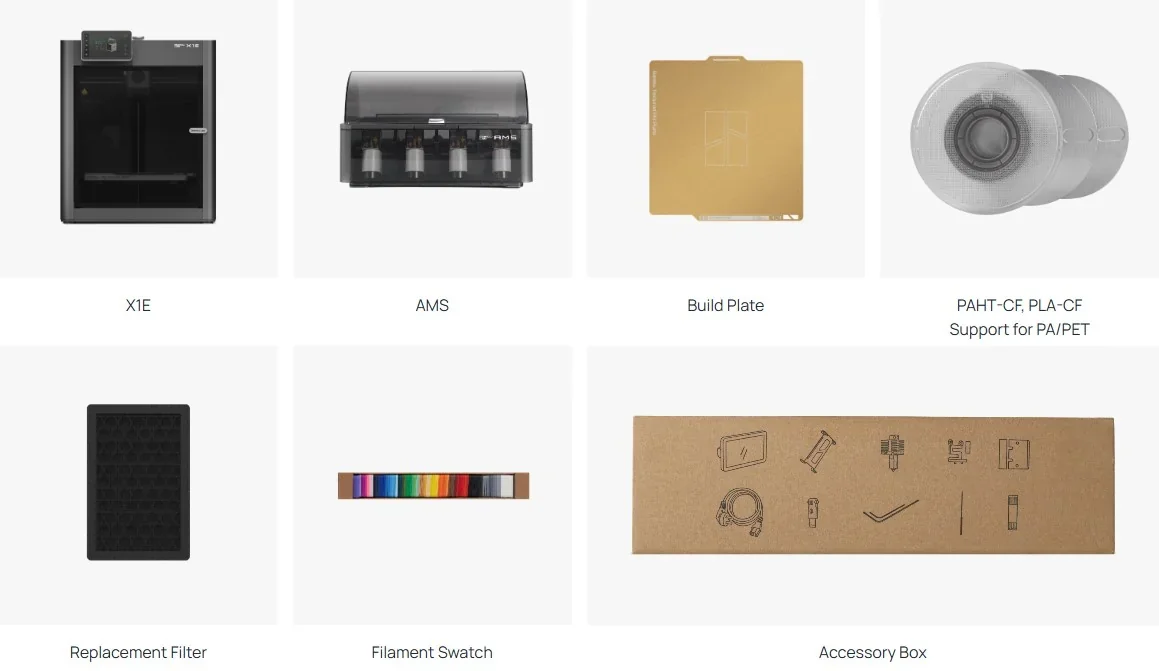
- Bambu Lab X1E 3D Printer (assembled)
- Automatic Material System (AMS)
- Build plate
- Spool of PAHT-CF filament
- Spool of PLA-CF filament
- Support for PA/PET
- Replacement filter
- Filament swatch set
- Accessory box with tools and hardware
- Quick start guide
The X1E Printer comes fully assembled with the AMS, PAHT-CF and PLA-CF filament samples, PA/PET support material, a replacement filter, and setup accessories. Factory calibration ensures it’s ready to use with minimal setup.
Note: Package contents may change. Confirm current items with a Top3DShop sales representative before ordering.
What upgrades and accessories are available for the Bambu Lab X1E?
| Accessory | Function | Price (USD) | Image |
|---|---|---|---|
| Hotend and Extrusion Components | |||
| E3D High Flow ObXidian™ Hotend | High-flow replacement hotend for higher extrusion throughput and faster printing. | 93 | 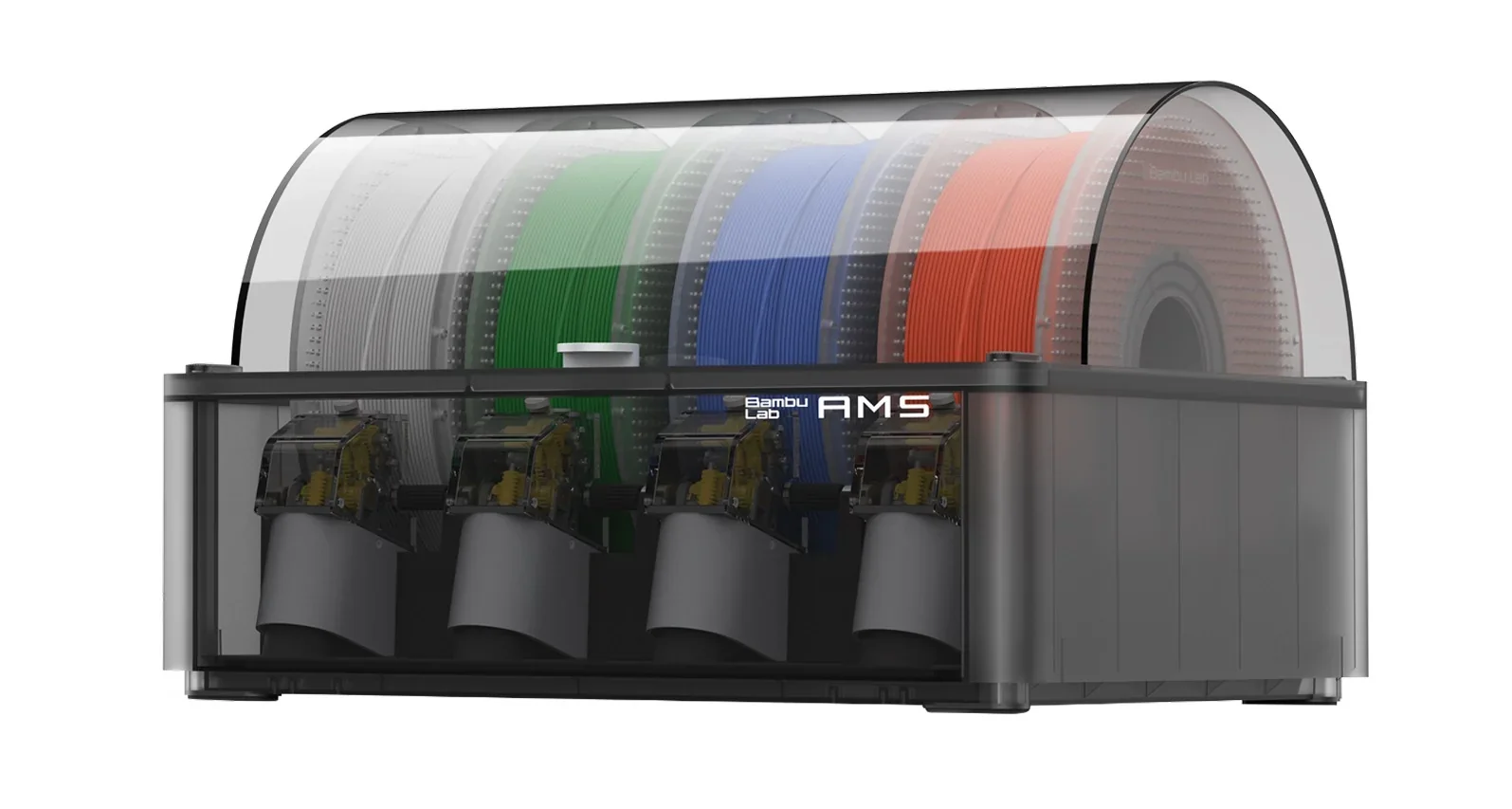 |
| All-in-one Hotends Kit - X1 Series | X1 Series hotend kit for quick hotend swaps during maintenance. | 65 | 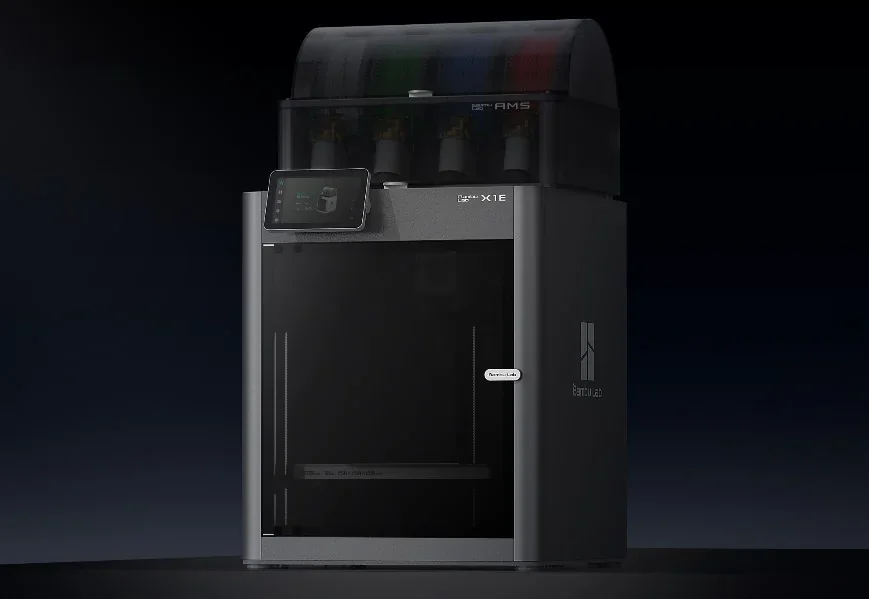 |
| Vibration and Printer Stability | |||
| Anti-Vibration Feet | Printer feet that reduce vibration transfer and improve stability. | 7 | 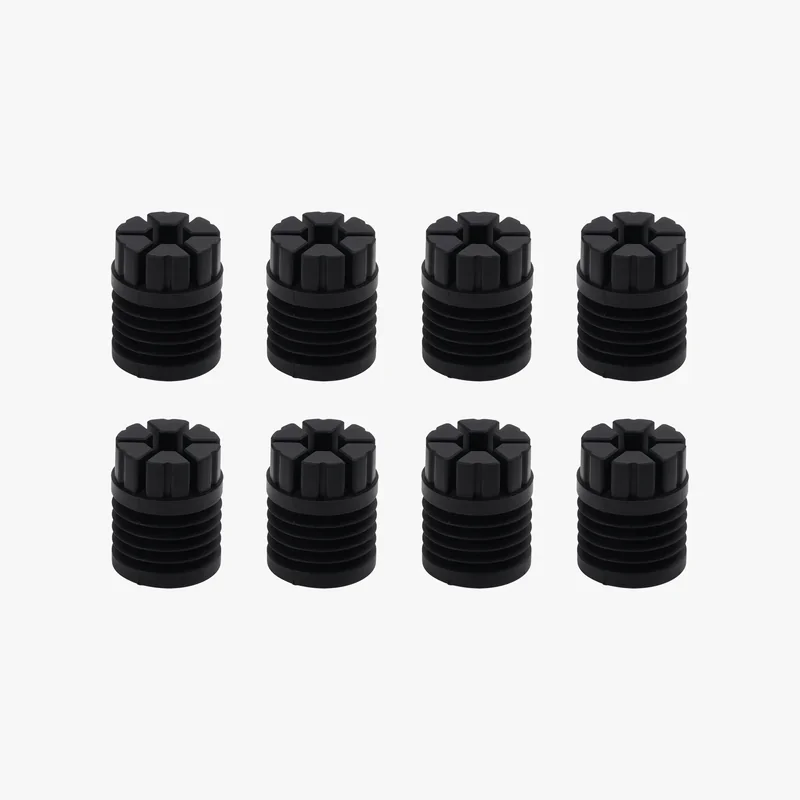 |
| Build Plates and Part Bottom Surface Finish | |||
| Bambu Cool Plate SuperTack Pro | Swap-in build plate for strong first-layer adhesion. | 36 | 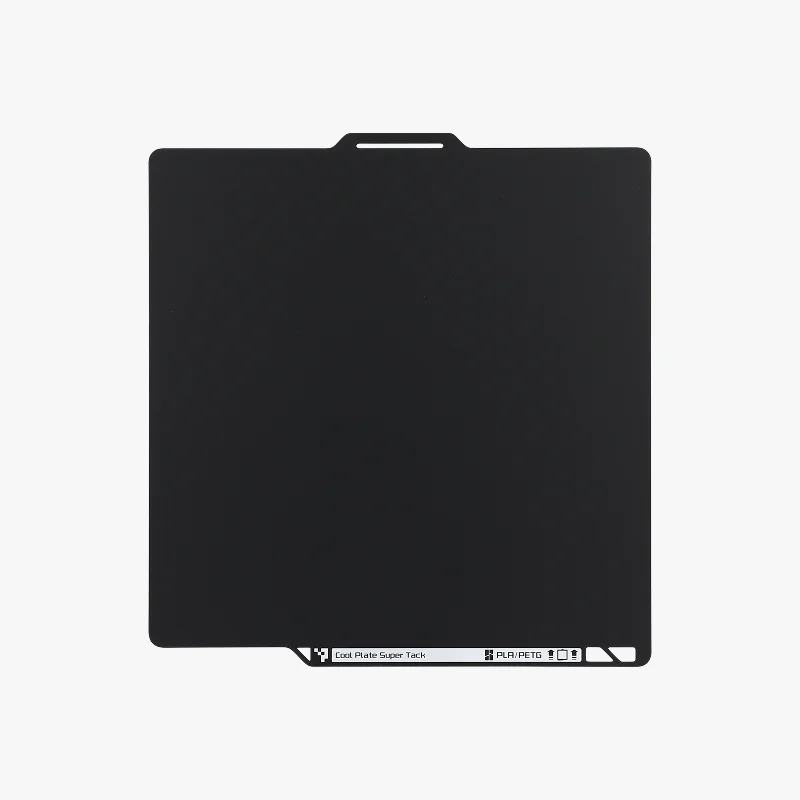 |
| Bambu Engineering Plate | Swap-in build plate for general printing workflows. | 36 | 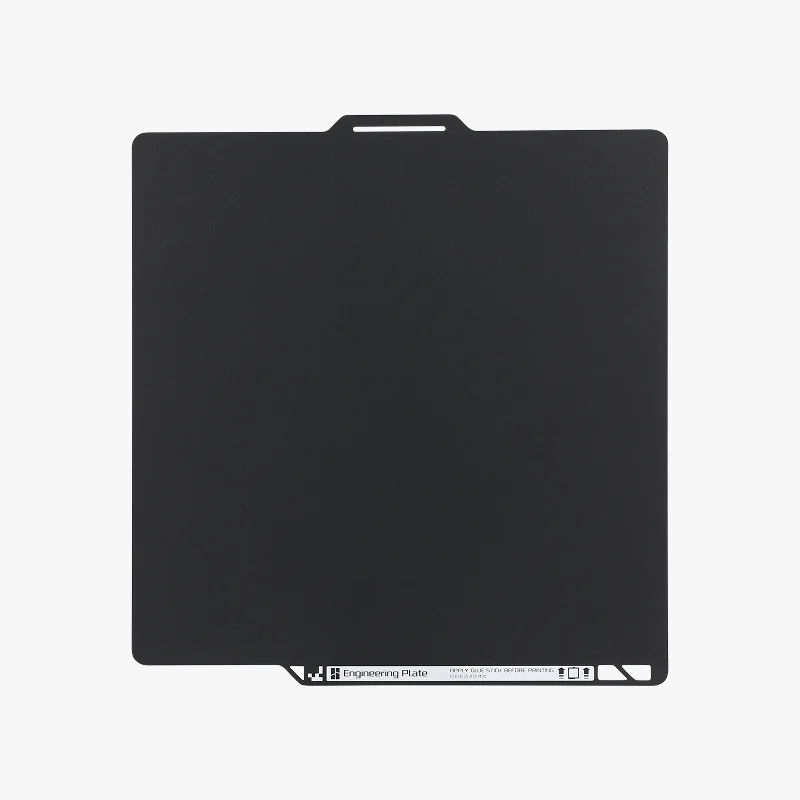 |
| Bambu Cool Plate SuperTack | Swap-in build plate for strong first-layer adhesion at lower bed temperatures. | 22 | 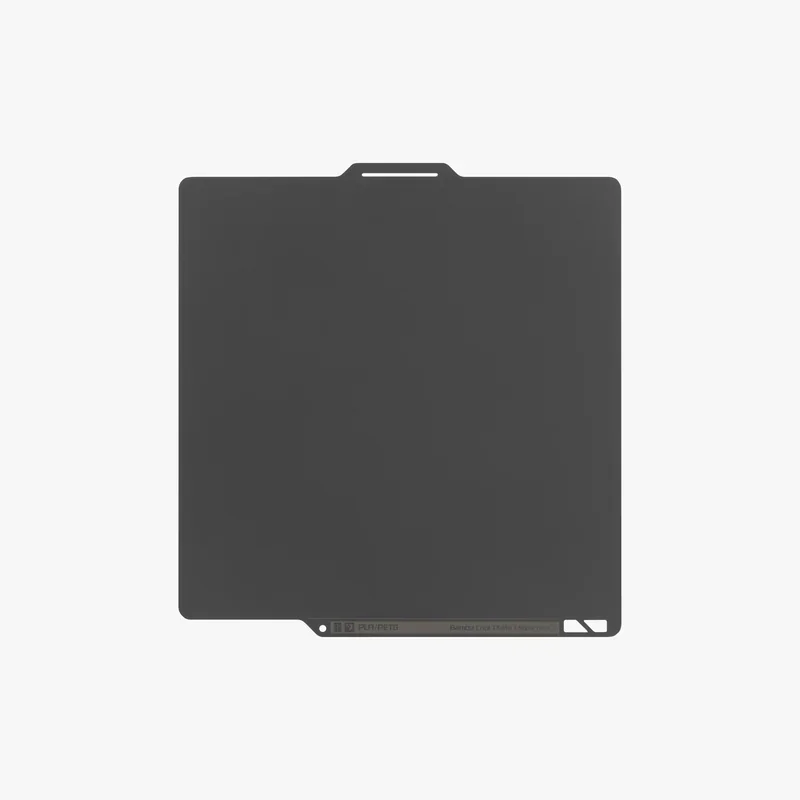 |
| Bambu Smooth PEI Plate | Smooth PEI build plate for a smooth bottom surface finish. | 22 | 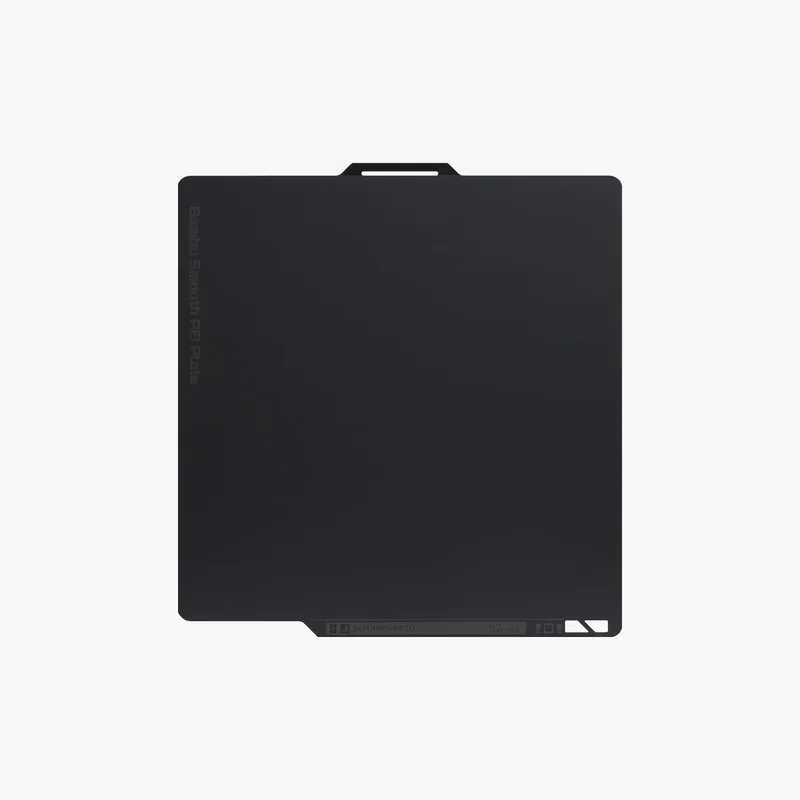 |
| Bambu 3D Effect Plate | Effect build plate that transfers a decorative texture to the first layer. | 14 | 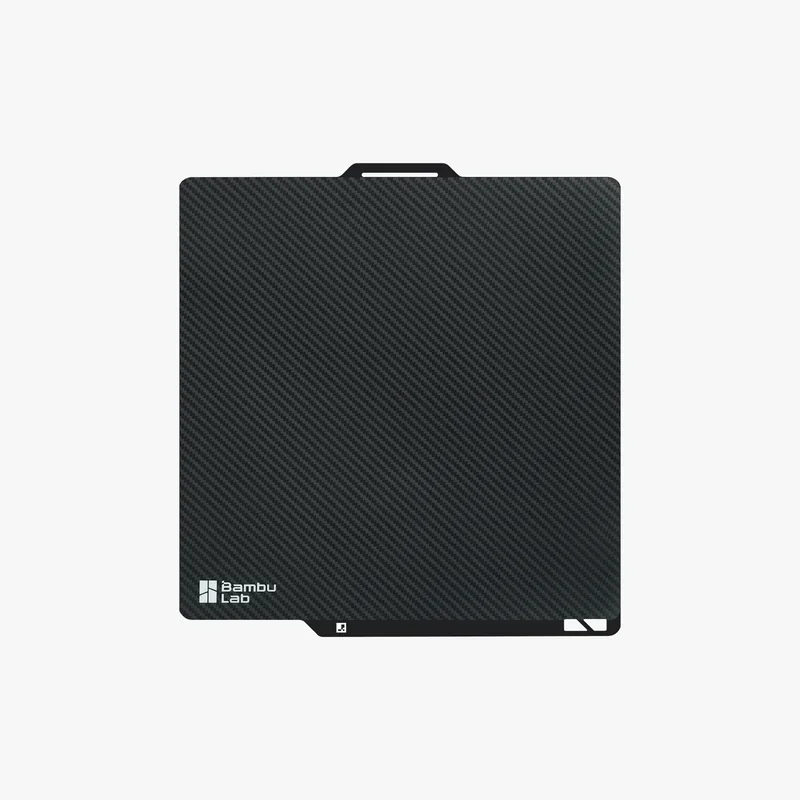 |
| Bambu Dual-Texture PEI Plate | Dual-sided PEI plate with smooth and textured surfaces for different bottom finishes. | 34 | 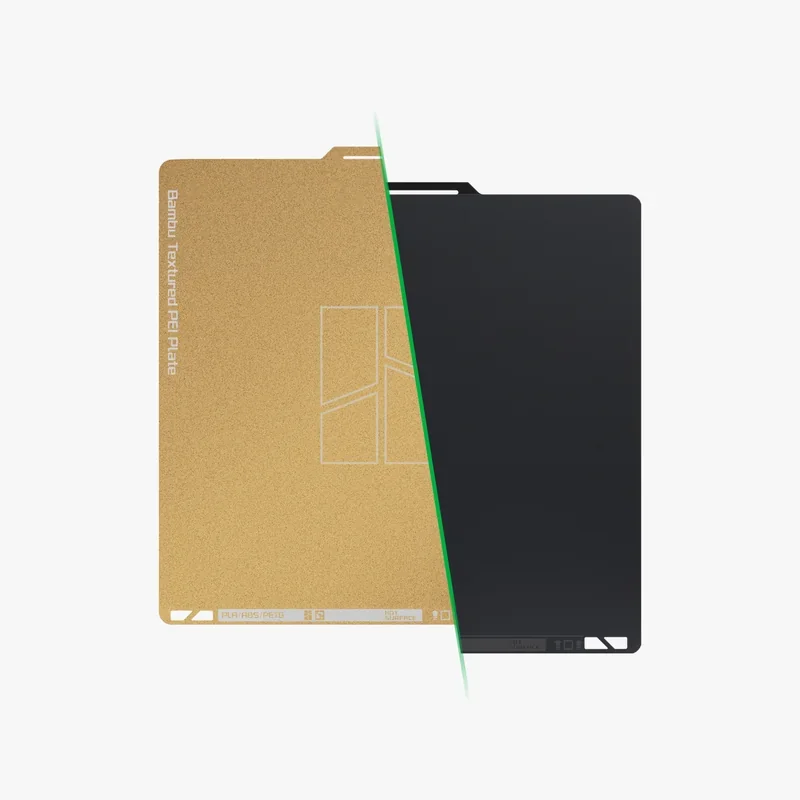 |
| Bambu Textured PEI Plate | Textured PEI build plate for strong adhesion and a textured bottom finish. | 25 | 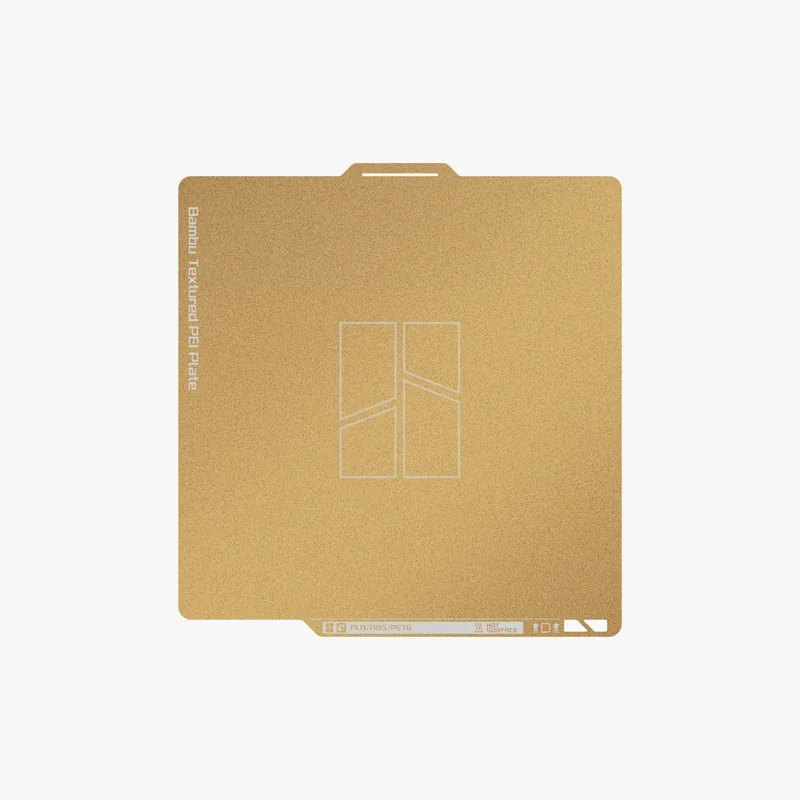 |
| AMS and Multi-Material Routing | |||
| AMS 2 Pro Upgrade Kit for X1/P1 Series | Upgrade kit to connect AMS 2 Pro to X1 and P1 Series printers. | 85 | 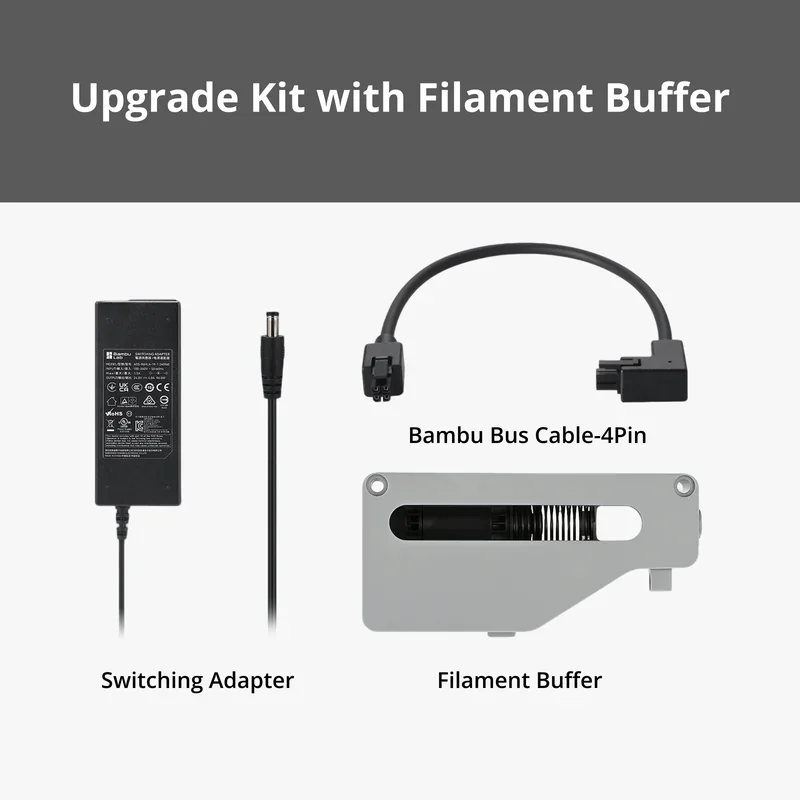 |
| AMS 2 Pro Switching Adapter | External power adapter for AMS 2 Pro drying. | 40 | 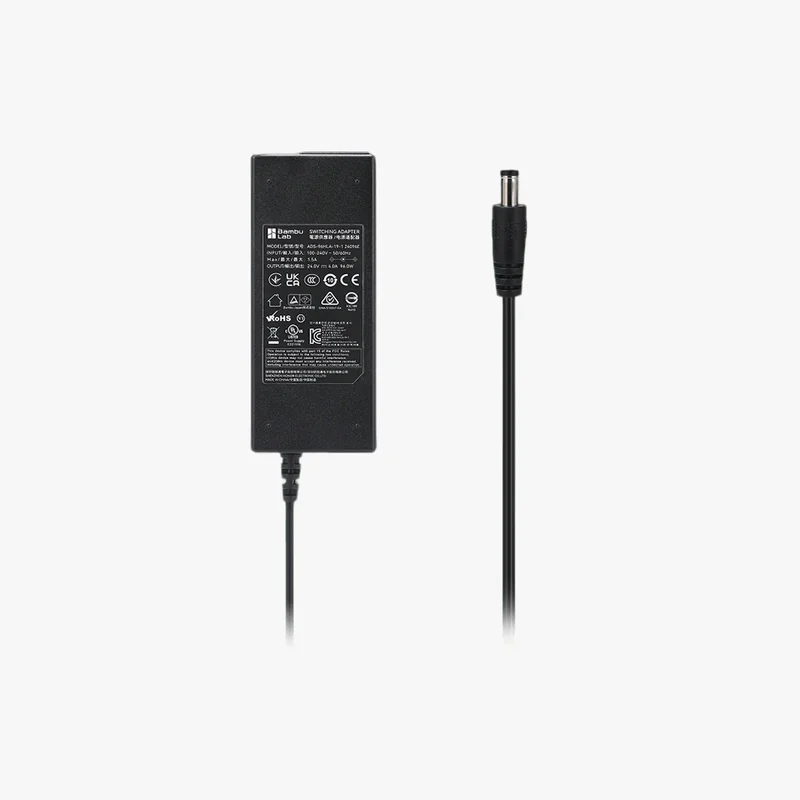 |
| Bambu Lab AMS Hub | Hub that connects multiple AMS units to one printer. | 59 | 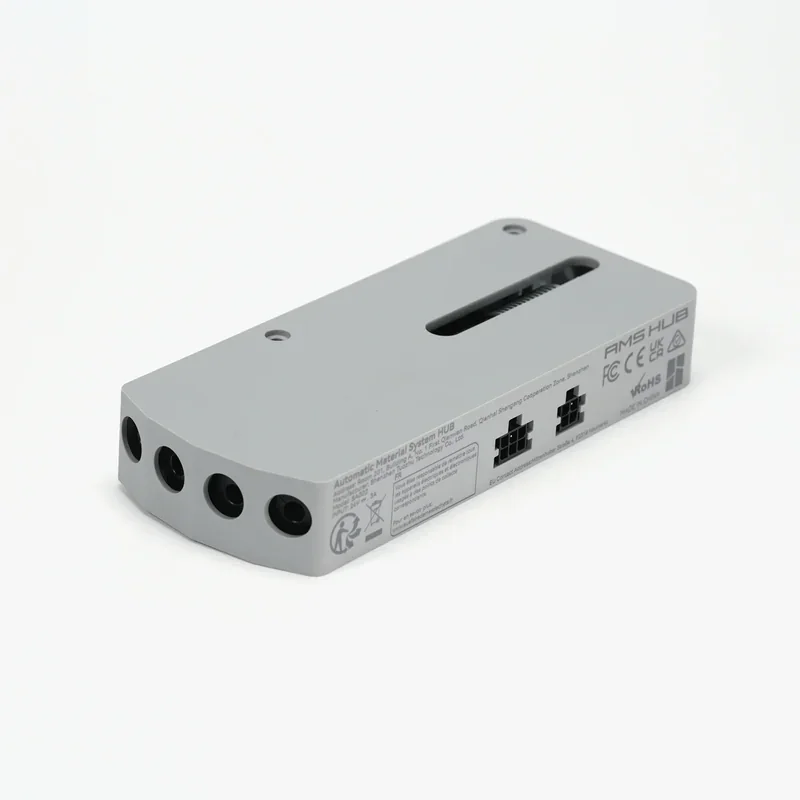 |
| Bambu 4-in-1 PTFE Adapter | PTFE tube adapter that routes up to four filament paths into the printer. | 6 | 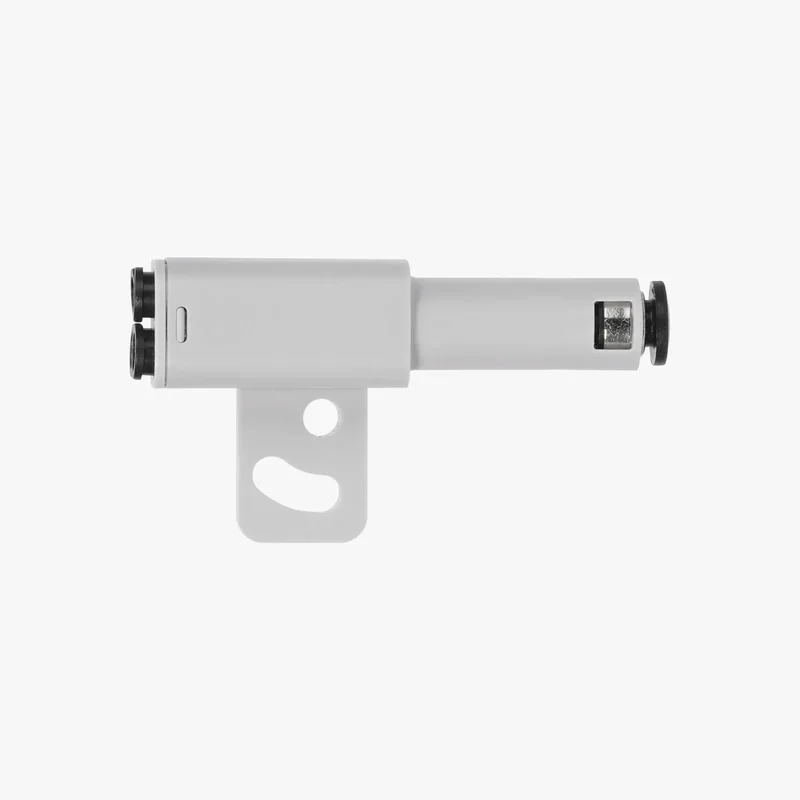 |
| Desiccant for AMS Unit | Replacement desiccant to keep filament storage dry. | 5 | 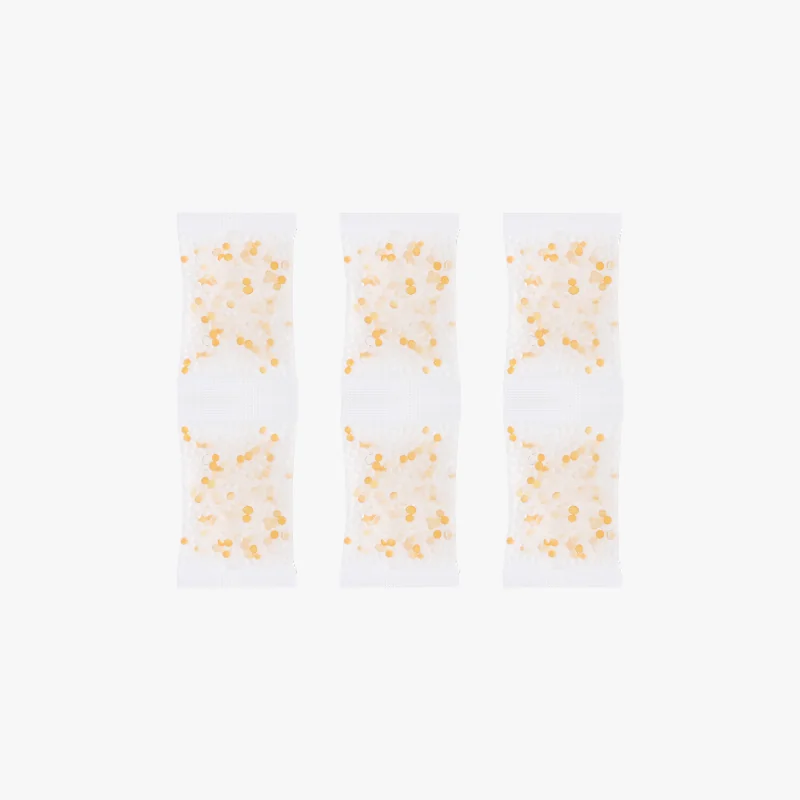 |
| First-Layer Adhesion Aids | |||
| Glue Stick | Build plate adhesive to increase first-layer adhesion and reduce warping. | 5 | 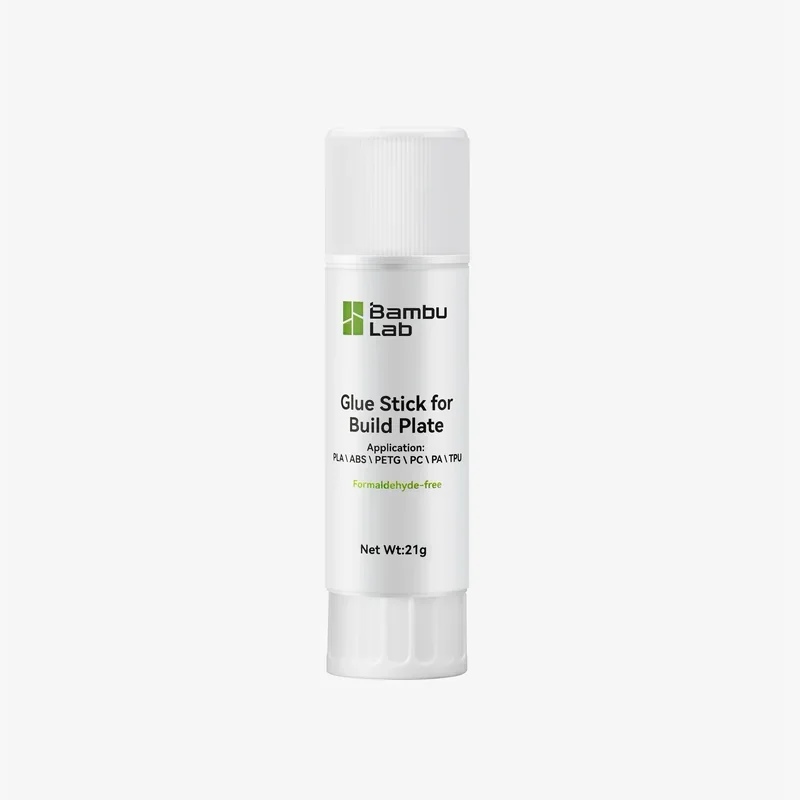 |
| Liquid Glue | Liquid build plate adhesive for even coating, stronger adhesion, and easier release. | 20 | 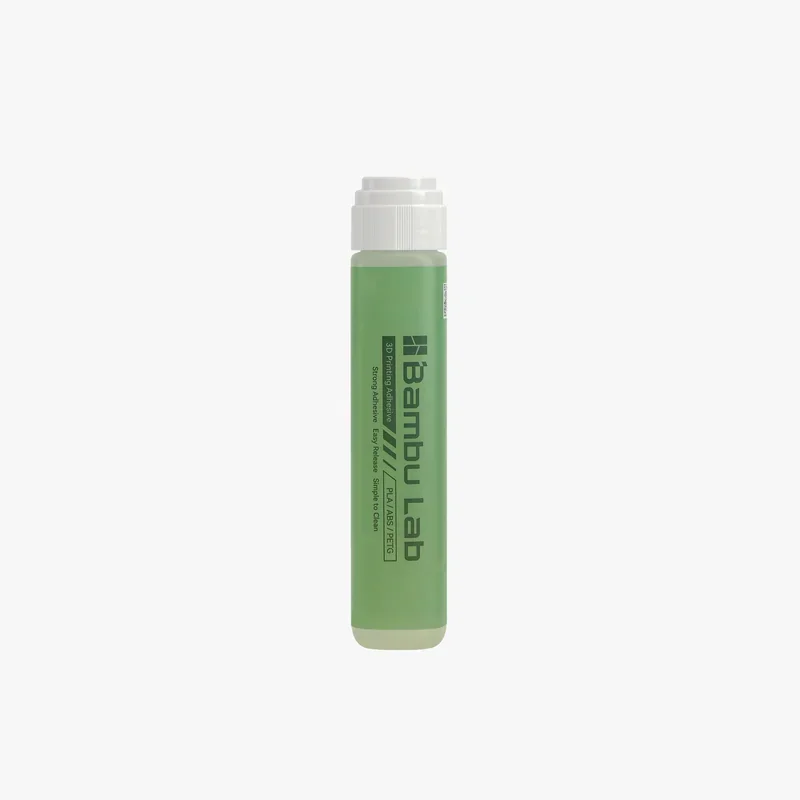 |
| Maintenance, Consumables, and Storage | |||
| Essential Consumables Kit - XP Series | XP Series consumables kit for routine maintenance and reduced downtime. | 43 | 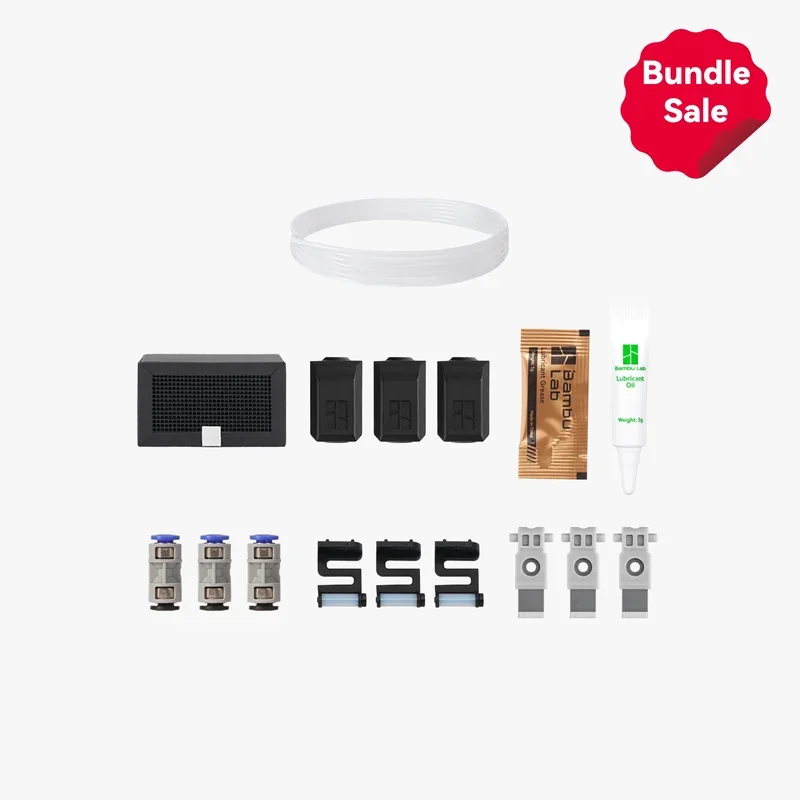 |
| Lubricant Grease | Grease for lubricating moving parts to reduce friction and wear. | 5 | 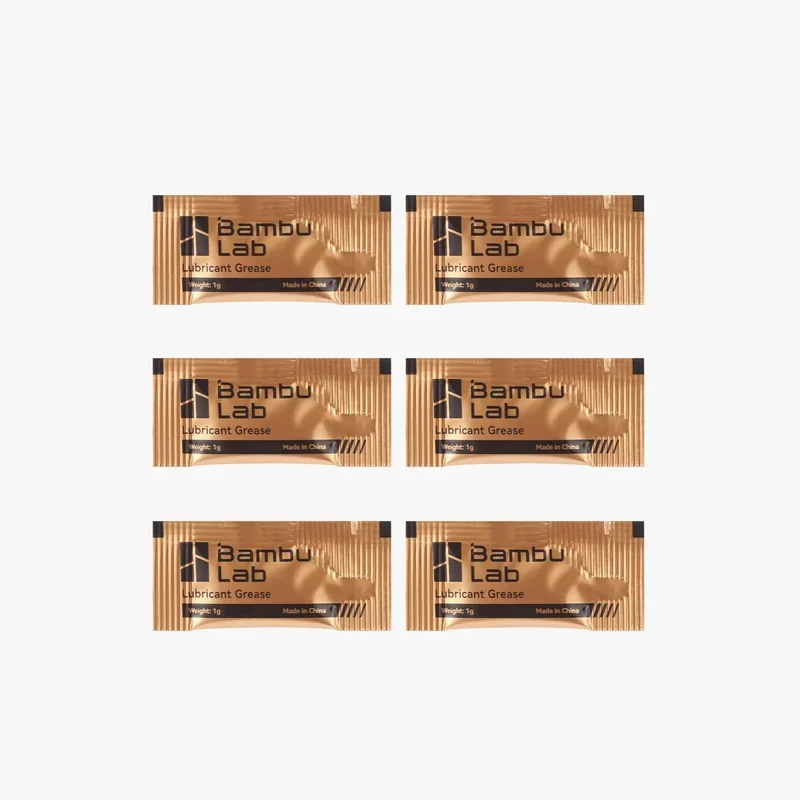 |
| Lubricant Oil | Oil for lubricating rails and shafts to keep motion smooth and reduce friction. | 7 | 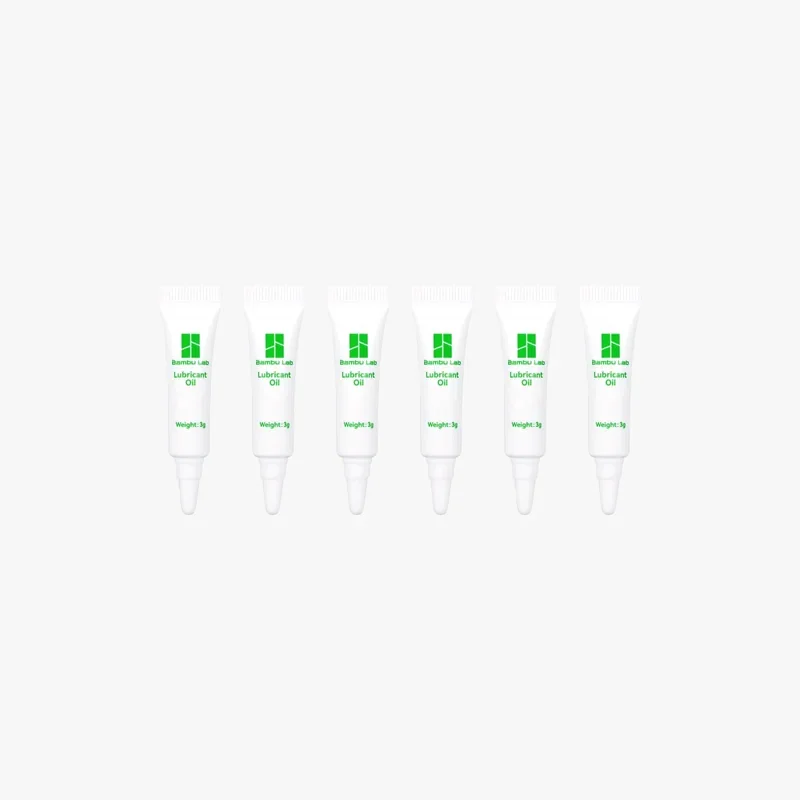 |
| Accessory Box for AMS | Organizer box with AMS setup and maintenance parts. | 10 | 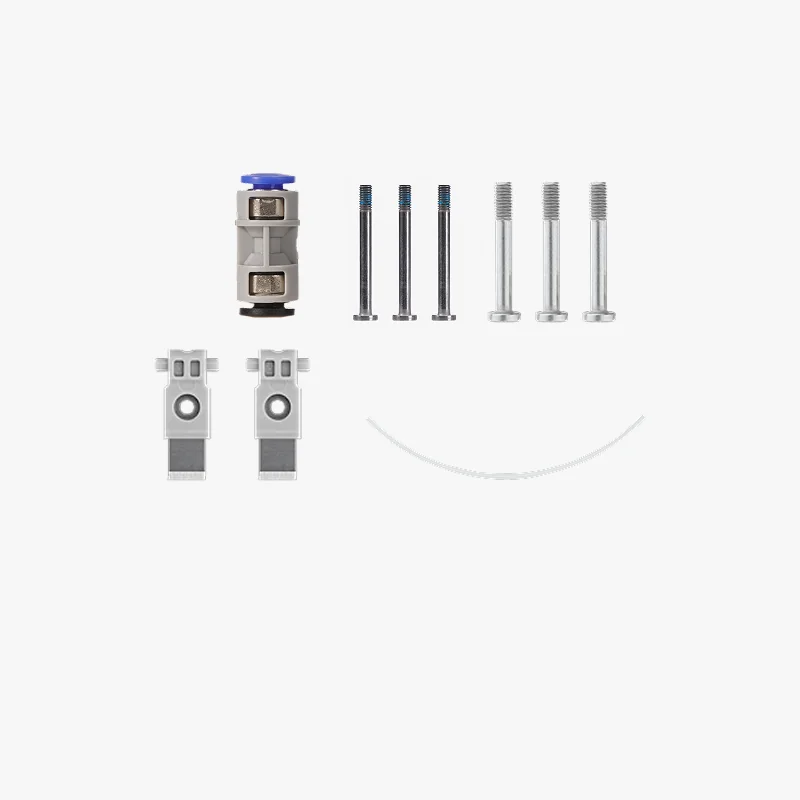 |
What maintenance is required for the Bambu Lab X1E?
Monthly (3)
- Clean X-axis carbon rods (IPA + dust-free cloth); every 5 rolls with ABS/ASA.
- Clean Y/Z linear rods (IPA); every 5 rolls (5 kg) with volatile filaments.
- Replace activated carbon filter (every 3 months for 8h daily use).
Quarterly (2)
- Grease Z-axis lead screws (BX-300/F series, Super Lube 92003, or Lucas Oil 10533).
- Apply anti-rust oil to Y/Z linear rods.
Weekly (3)
- Clean extruder gear with compressed air.
- Remove debris from hotend, front cover, and aux fans.
- Clean chamber camera lens (especially with ABS).
Per Print (1)
- Inspect nozzle wiper for damage and correct position.
Usage-Based (6)
- Replace filament cutter blade (3–5 rolls std, 1–2 rolls abrasive, or 5,000–7,000 cuts).
- Clean Bambu Micro Lidar (every 3–5 days with ABS).
- Clean hotend with cold pulls during filament changes.
- Replace hotend silicone sock if worn/loose.
- Lubricate idler pulleys (Super Lube 52004) if squeaking.
- Clean nozzle at 200°C for dirt/under-extrusion.
- Replace PTFE tube coupler if loose or blocked.
- Grease LMU8 bearings if noisy from poor lubrication.
Maintenance uses standard supplies like isopropyl alcohol, compressed air, microfiber cloths, and specified lubricants. Full guides, including videos for complex tasks, are available on the Bambu Lab Wiki: https://wiki.bambulab.com/en/x1/maintenance/basic-maintenance
What support and warranty come with the Bambu Lab X1E?
The X1E includes a 1-year warranty covering defects and hardware failures, with a 3-month limit on consumables like the extruder, micro SD, and AMS parts. Optional 2- or 3-year extensions offer added protection for professional use.
X1E support is available via the Bambu Support Center, the Bambu Wiki, and the official ticket system. The Wiki offers detailed guides, troubleshooting, and documentation for components like the heated chamber and network modules.
Buying from Top3DShop includes specialist support with pre-purchase consultation and post-purchase setup help. The Extended Support Package adds priority response, backup printing during downtime, and annual maintenance kits with replacement parts.
The Bambu Lab community — via forums, Facebook, Discord, and MakerWorld — provides shared experiences, custom profiles, and solutions. These resources complement official support with real-world insights from other X1E users.
Full up-to-date warranty terms are available on the manufacturer's website: https://bambulab.com/en/policies/warranty
How much does the Bambu Lab X1E Combo 3D Printer cost?
The X1E Combo, priced at $3,599.00, includes the AMS for immediate multi-material printing. It offers strong value with a heated chamber, enterprise security, and advanced air filtration—features often sold separately on other pro printers. Optional warranty extensions add 15–35% depending on coverage, and custom or volume pricing is available through sales.