
Bambu Lab P2S is a fully enclosed Fused Deposition Modeling desktop 3D printer with a 256 × 256 × 256 mm build volume, designed around a 300 °C hardened-steel hotend with 30-second quick-swap, a PMSM “DynaSense” servo extruder (up to 8.5 kg force with 20 kHz monitoring), and Active Flowrate Compensation via an eddy-current pressure sensor for consistent extrusion; its Adaptive Airflow System switches between external cold-air intake and sealed heat-preserving, carbon-filtered circulation (≈50 °C chamber readiness), while a 1080P High-Rate Camera and on-device AI Error Detection (Start Check, Spaghetti, Nozzle Clumping, Purge Chute Jam) provide visual oversight—controlled from a 5-inch Touch Screen (2nd-Gen UI) and expandable with AMS 2 Pro for multi-color printing and filament drying.
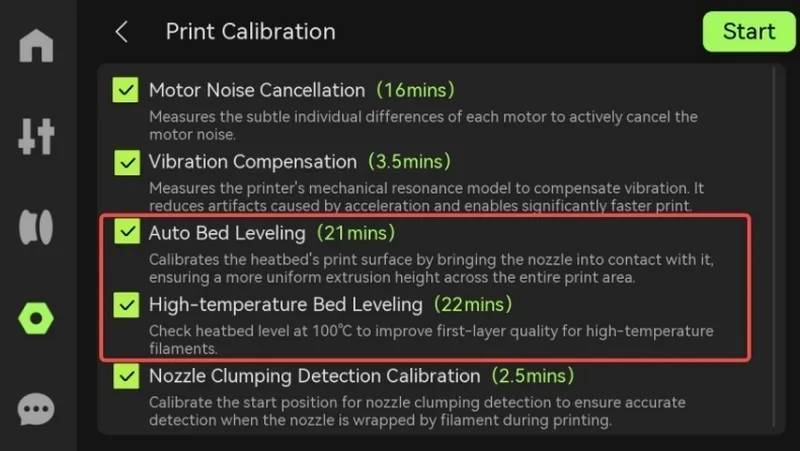
The Bambu Lab P2S delivers smooth surfaces, strong layer adhesion, and stable dimensions with consistent extrusion at high flow, leveraging Active Flowrate Compensation (eddy-current sensor), a 300 °C hardened-steel hotend, a PMSM “DynaSense” servo extruder (up to 8.5 kg force, 20 kHz sensing), Adaptive Airflow for cooling/heat-preserved chambers, and automated calibrations (ABL + High-temp ABL, vibration/motor-noise tuning).
Consistent extrusion at corners and during fast flow changes. A high-frequency eddy current pressure sensor performs flow-dynamics calibration and the firmware actively compensates flow in real time to keep corners and walls uniform.
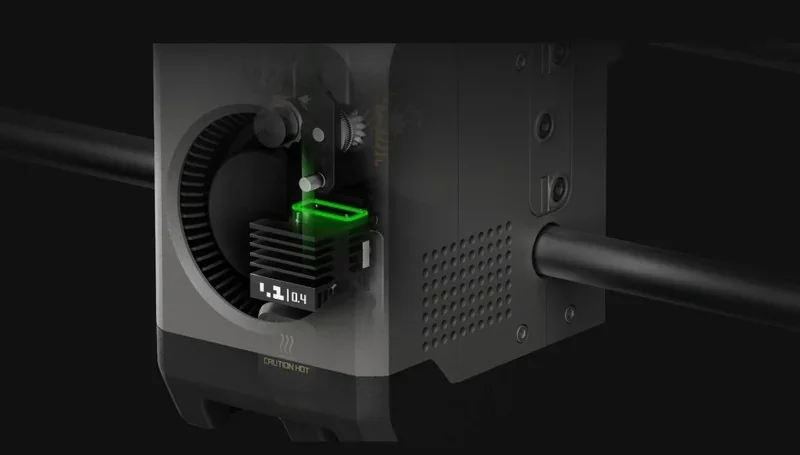
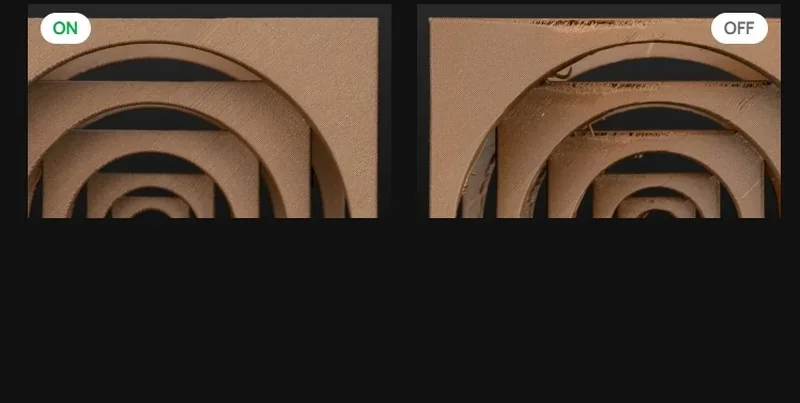
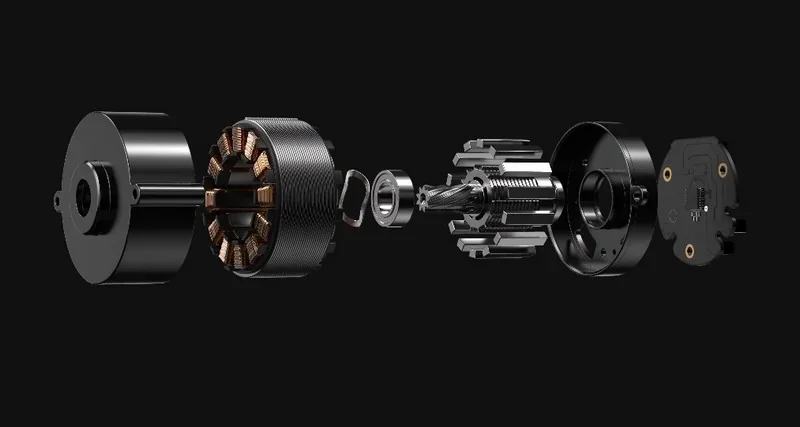
The PMSM “DynaSense” servo extruder provides up to 8.5 kg maximum extrusion force (≈70% more than the prior generation) while sampling resistance/position at 20 kHz to detect grinding/clogs.
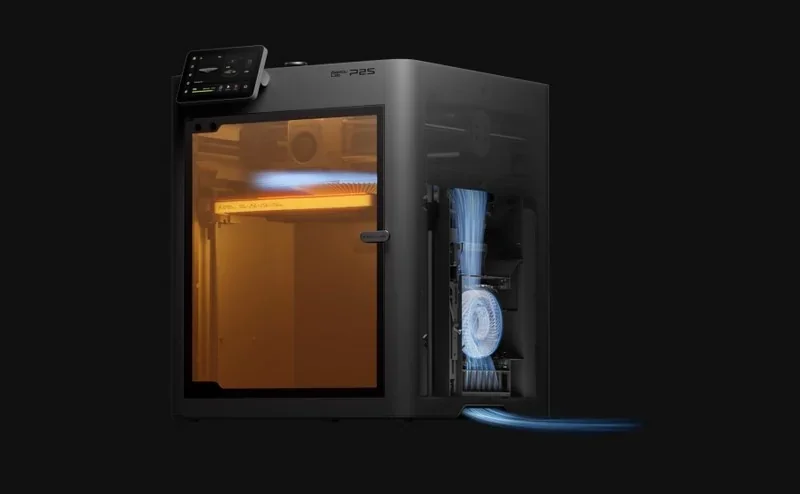
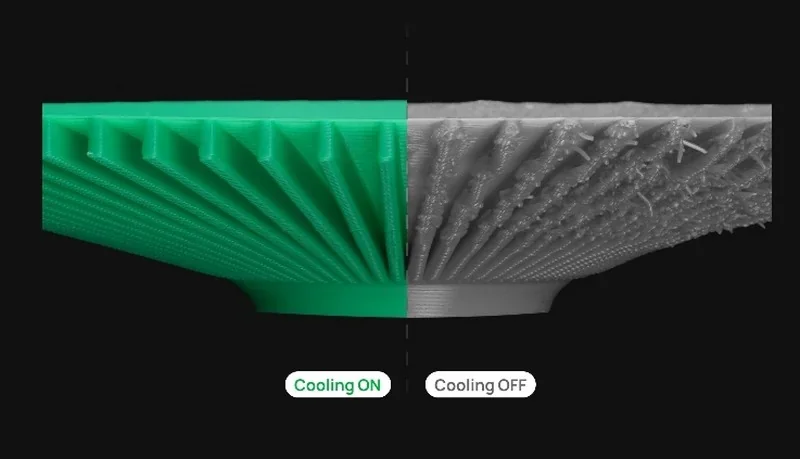
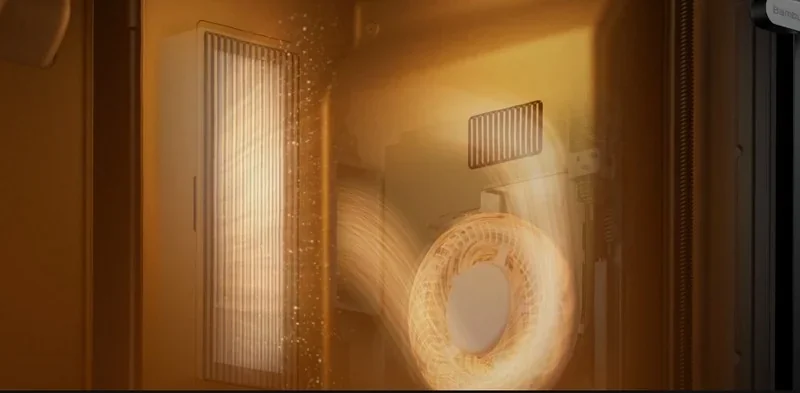
Thermal control that protects surface finish and layer bonding. The Adaptive Airflow System has two modes:
Visual monitoring that prevents defects from ruining parts. A built-in 1080p/30 fps live-view camera feeds the NPU for AI Error Detection (e.g., spaghetti, nozzle clumping, purge-chute jam), plus Start Check and Foreign Object Detection to stop bad starts and protect the toolhead.
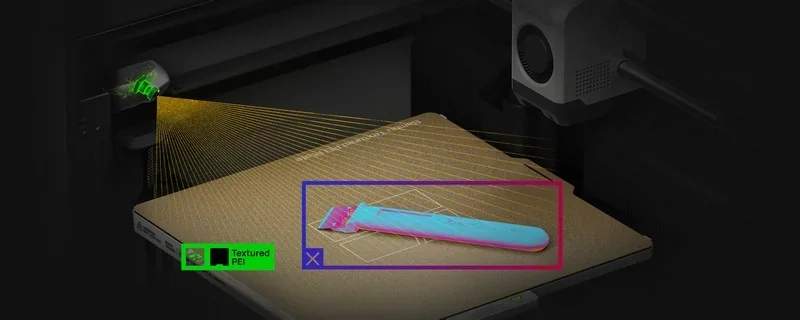
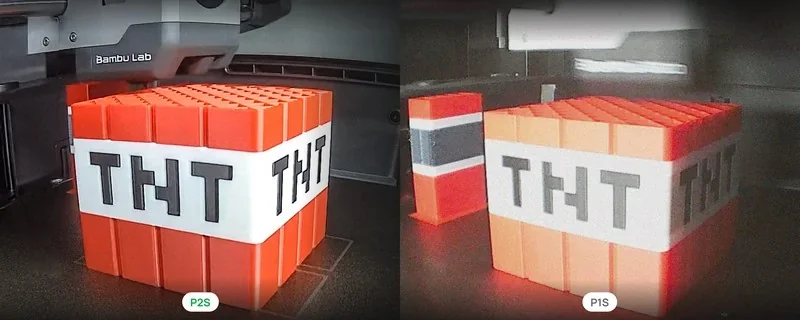
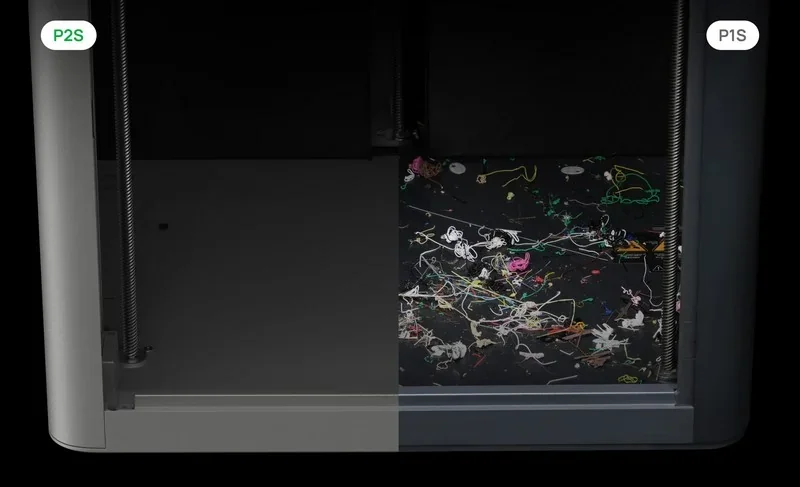
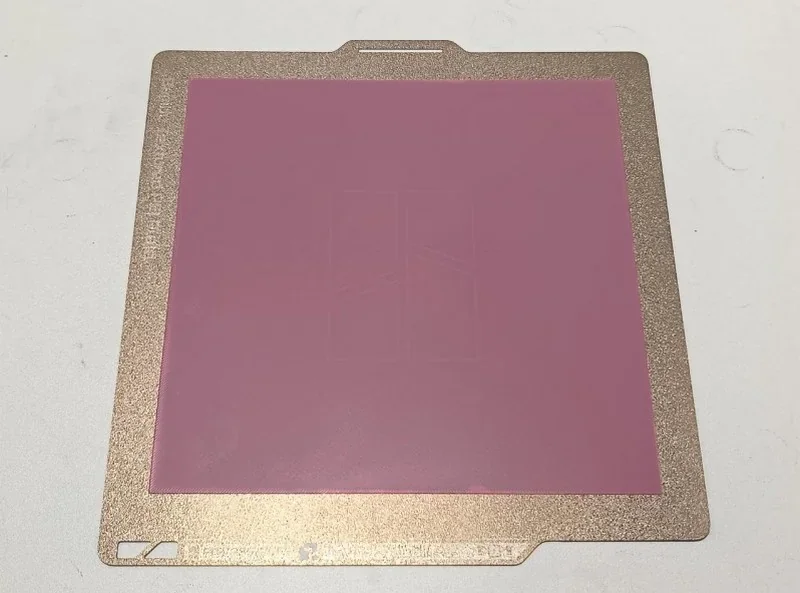
Bed temperature is auto-set by material (up to 110 °C) to balance adhesion and reduce warping—e.g., 35–45 °C for PLA, 100–110 °C for ABS/PC. The P2S achieves strong first-layer adhesion using Auto Bed Leveling, high-temp leveling, on-device calibration storage, nozzle wiping, and a textured PEI plate for easy part release after cooling.
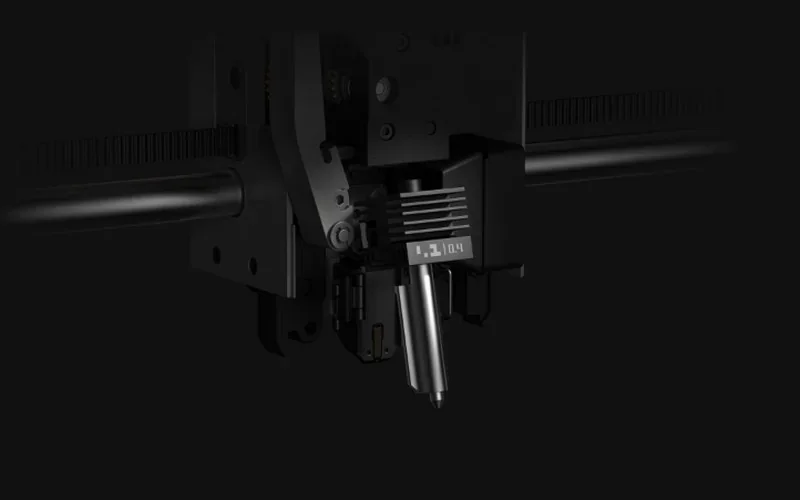
Quick-swap hotend keeps results consistent. A one-clip 30-second nozzle swap removes the full hotend/heatsink assembly without unplugging wires—reducing downtime and variability after maintenance.
Print Samples:
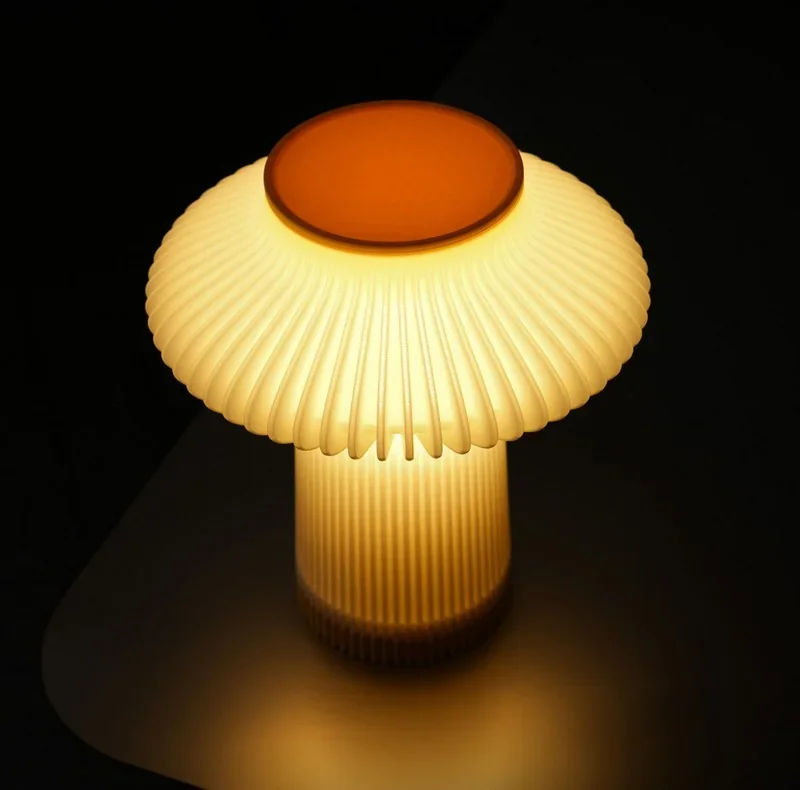
The P2S produced well-bonded PLA prints with clean surfaces: a matte green zombie hand (~6.5 h, 225 g), two tea-light pumpkins (translucent + sparkle purple PLA, ~5 h, 100 g) with strong adhesion and good light diffusion, and a gradient PLA ghost candy bowl (~6.5 h, 200 g with supports) that printed cleanly after support removal. One translucent PLA LEGO-style head at 150% scale (~12 h, 270 g planned) failed due to support detachment, but spaghetti detection stopped the print and reduced waste.
The P2S printed a clean PLA Benchy and KSR test with strong first layers, free-moving pins, no stringing, and minimal bridge sag. A PETG Voronoi deer showed good detail but visible VFAs on the X-axis during a speed-ladder test (0.12 mm layers, 4 walls, 25–400 mm/s). TPU (SainSmart) managed a retraction-heavy torture print with minimal stringing. ABS prints completed successfully, with clean support removal and slight under-extrusion. A long PC part showed minor warp (less than on P1S). PA6 had similar warp, rough top layers, and some stringing. PP-CF printed flat without warping.
The P2S printed a PLA Benchy with cleaner bridges, overhangs, seams, and a more uniform first layer than the X1C. The P2S produced strong, nearly solid PETG-CF caster parts with good interlayer fusion and acceptable bridges after added cooling. Parts showed crisp detail and reliable adhesion on SuperTac/textured PEI, with near-perfect success when supports were used. Multi-color PLA parts had sharp first-layer boundaries. ASA parts warped on thick, high-infill prints due to lack of chamber heat, but CF/GF-filled filaments stayed dimensionally stable.
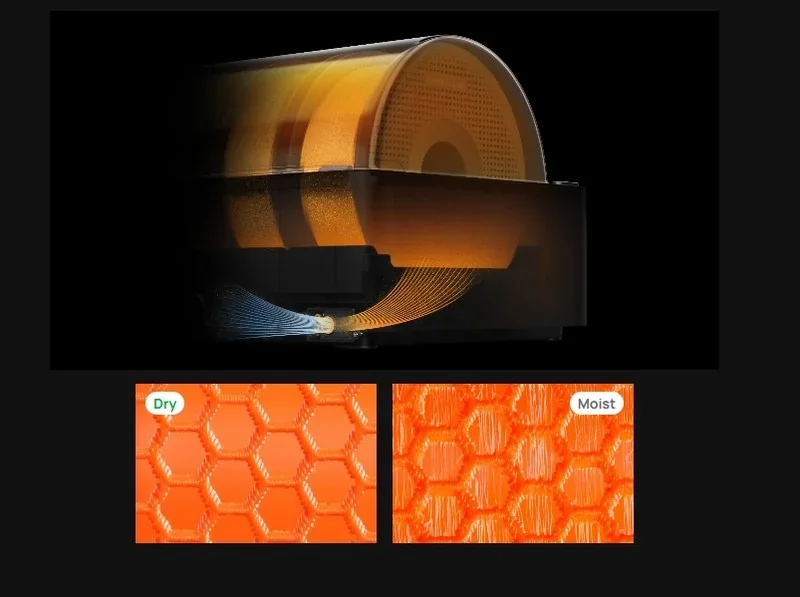
The Bambu Lab P2S supports over 21 materials, including common and engineering-grade filaments like PLA, PETG, ABS, ASA, TPU, PA, PC, and various carbon/glass fiber composites. It uses standard 1.75 mm filament instead of proprietary cartridges. For difficult materials, avoid feeding very flexible TPU (≤ 95A) or damp PVA/BVOH through the AMS 2 Pro—instead, feed TPU directly to the toolhead and dry moisture-sensitive supports beforehand. Its high-temp capability (300 °C nozzle, 110 °C bed) and enclosed chamber with Adaptive Airflow optimize performance across materials by adjusting airflow for cooling or internal heat retention. Pairing with the AMS 2 Pro also enables on-board filament drying, improving results with hygroscopic filaments like nylon and PVA.
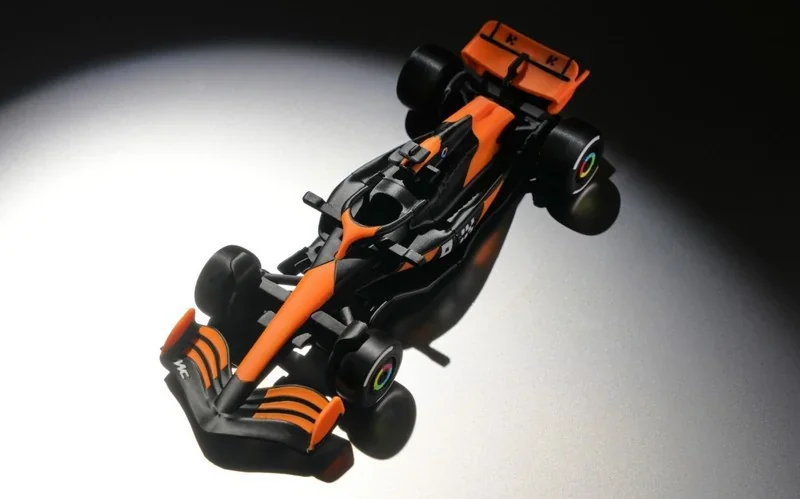
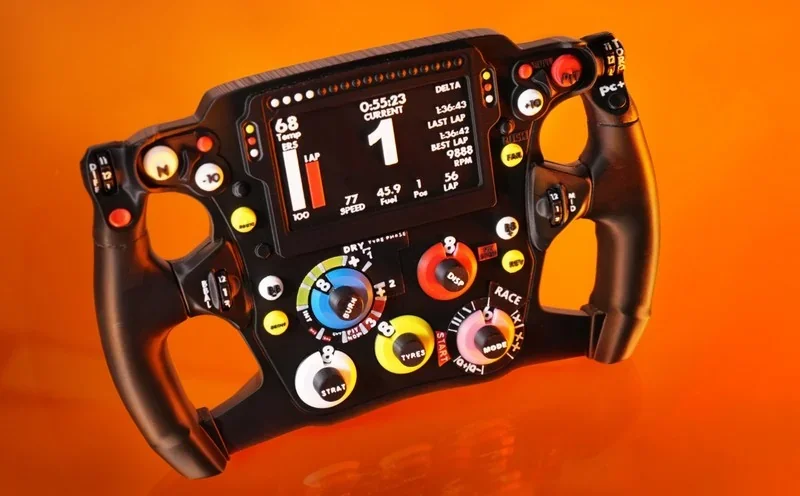
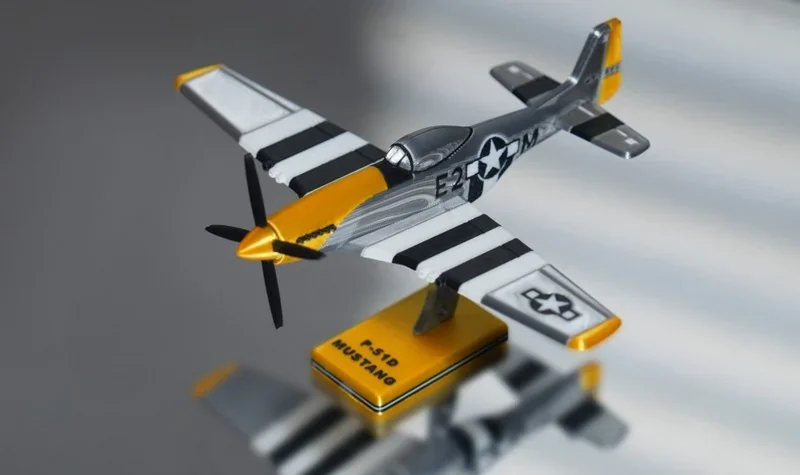
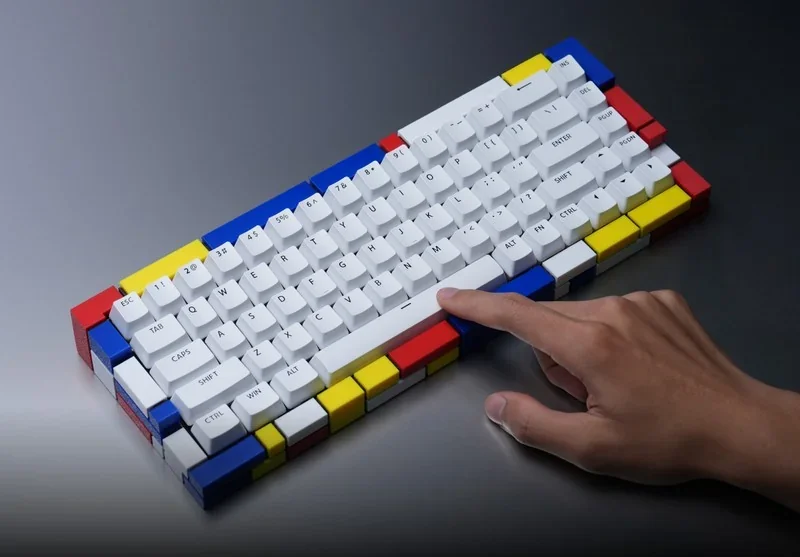
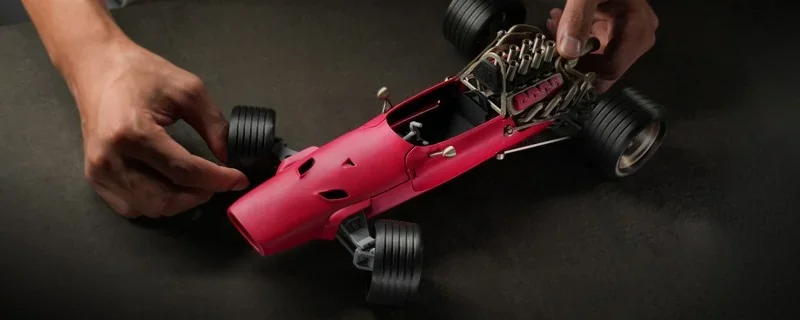
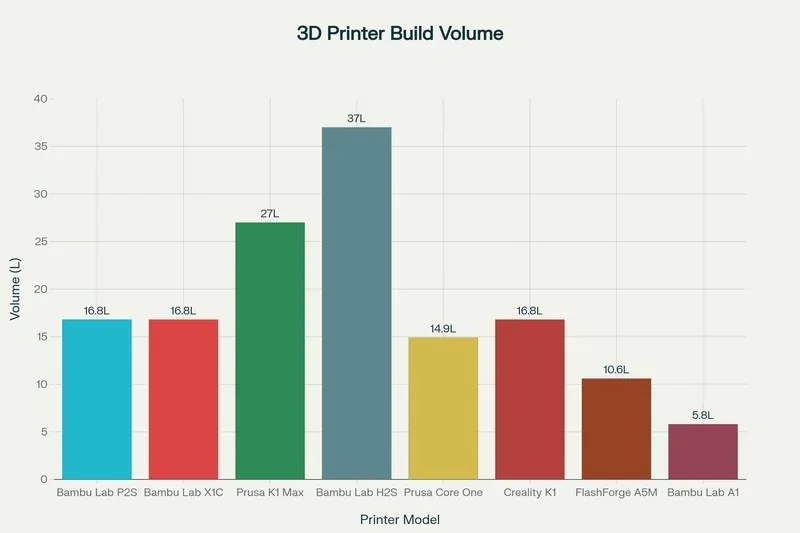
The Bambu Lab P2S has a 256 × 256 × 256 mm (W × D × H) build volume per the manufacturer’s specifications.
|
Model |
Build volume (mm) |
Chamber |
Max nozzle (°C) |
Max speed (mm/s) |
Price (USD) |
|
Bambu Lab P2S |
256 × 256 × 256 |
Enclosed |
300 |
600 |
From $605 (base) / $873 (Combo) |
|
Bambu Lab X1 Carbon |
256 × 256 × 256 |
Enclosed |
300 |
500 |
From $799 (base) / $1,249 (Combo) |
|
Bambu Lab P1S |
256 × 256 × 256 |
Enclosed |
300 |
500 |
From $549 (base) / $749 (Combo) |
|
Bambu Lab P1P |
256 × 256 × 256 |
Open |
300 |
500 |
From $399 |
|
Bambu Lab A1 mini |
180 × 180 × 180 |
Open |
300 |
500 |
From $249 (base) / $399 (Combo) |
|
Creality K1 Max |
300 × 300 × 300 |
Enclosed |
300 |
600 |
From $629 |
|
Prusa Core One |
250 × 220 × 270 |
Enclosed |
290 |
— |
From $1,199 (assembled) / $949 (kit) |
|
FlashForge Adventurer 5M |
220 × 220 × 220 |
Open |
280 |
600 |
From $299 |
|
Bambu Lab H2S |
340×320×340 |
Enclosed |
350 |
up to 1000 |
From $1,249 |
Bambu Lab P2S — enclosed 256×256×256 mm machine with a 300 °C nozzle and the fastest headline speed here (600 mm/s) at a mid-range price ($560), making it the value pick for an enclosed 256³ platform that prioritizes speed without shrinking build volume.
In contrast:
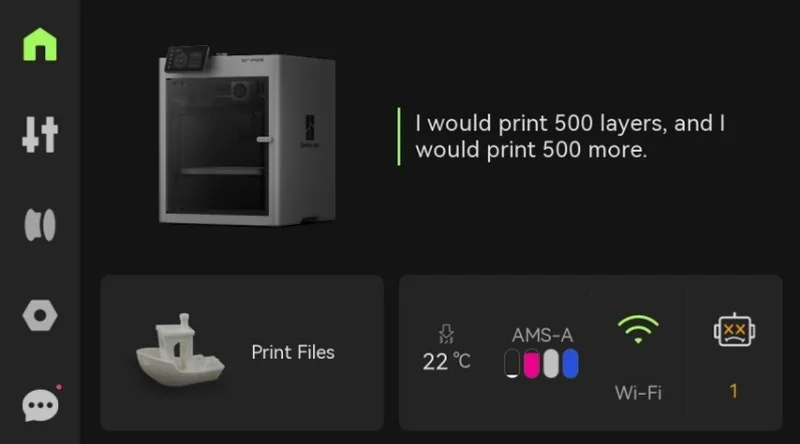
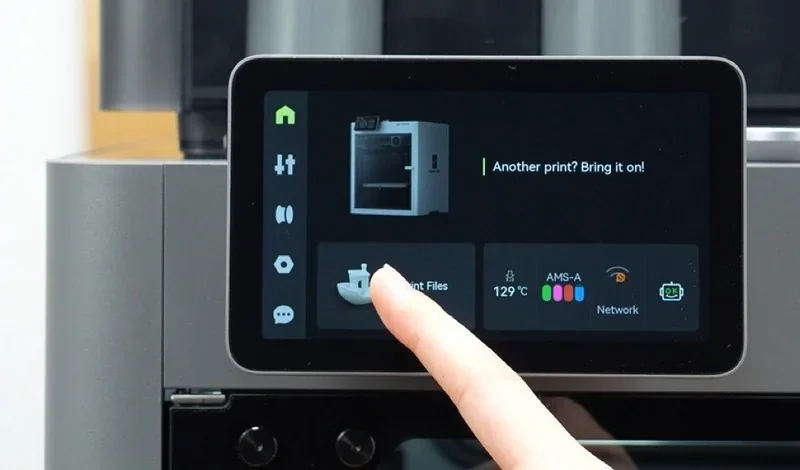
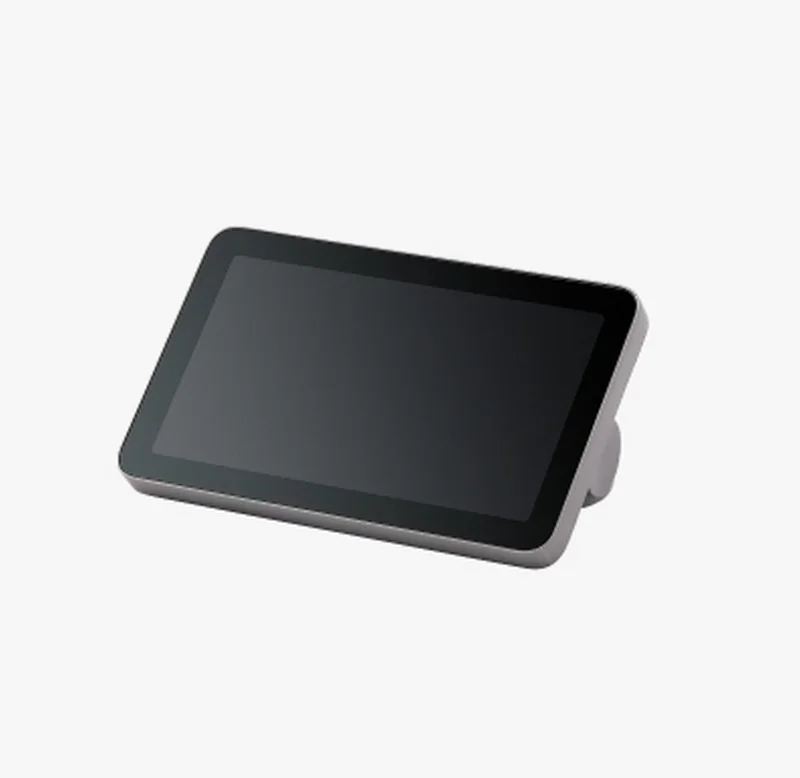
The P2S is operated from a 5-inch, 854×480 full-color touchscreen running Bambu Lab’s second-generation on-device UI. The home screen provides direct access to Homepage, Controls, Filaments, Settings, and HMS (status/notifications).
On-device UI & menus
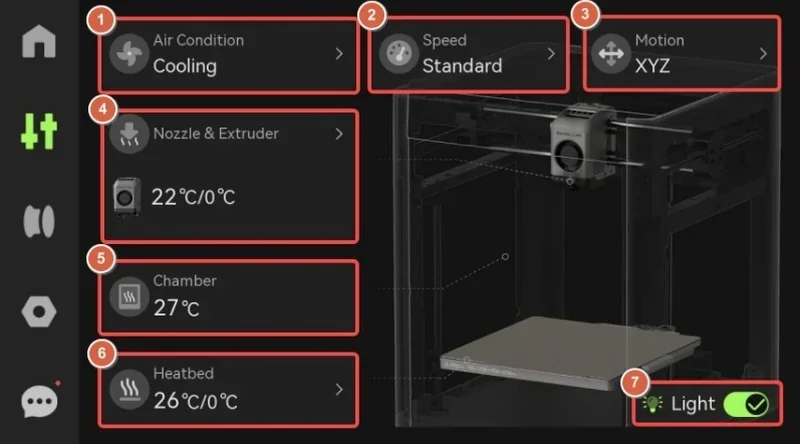
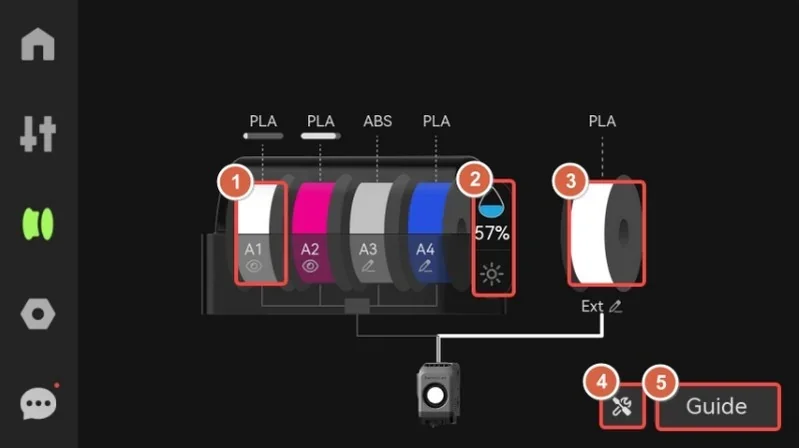
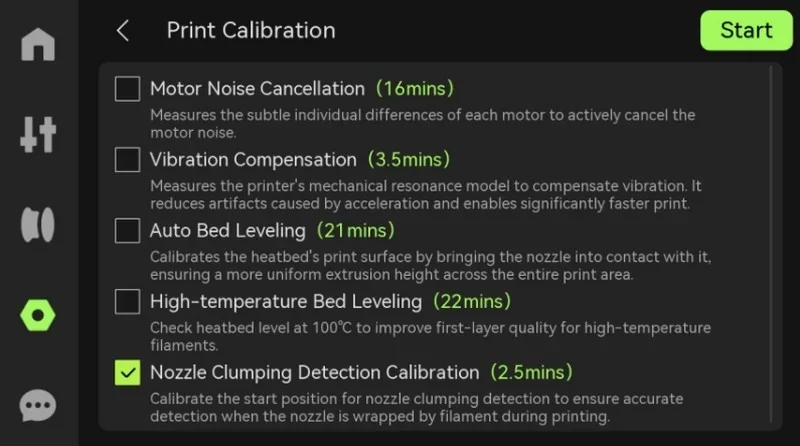
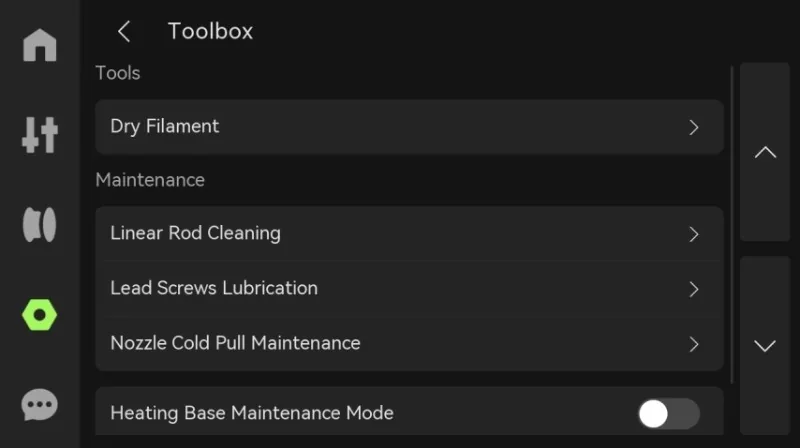
Direct print operation controls
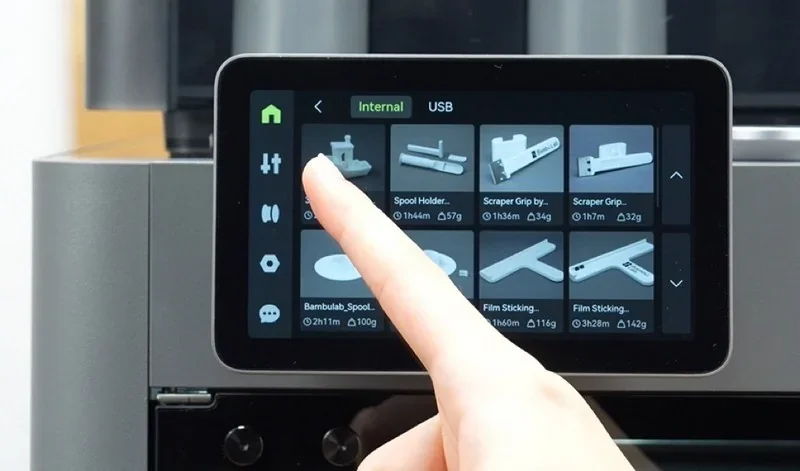
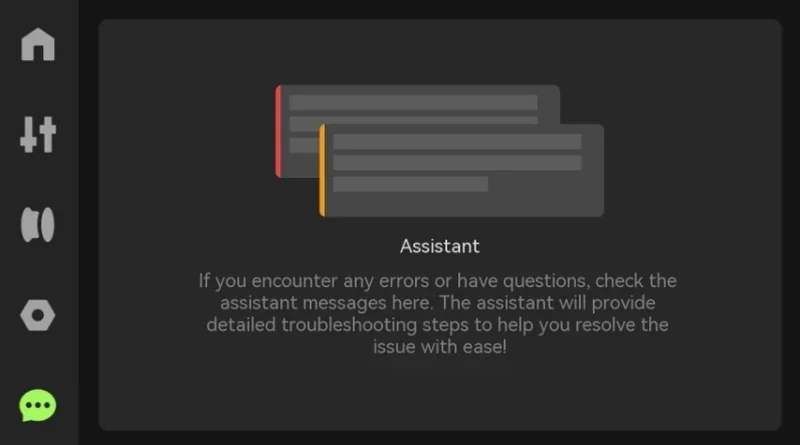
Ports & local media. The printer includes a USB-A (USB 2.0) “USB Storage” port for offline printing and saving time-lapse videos.
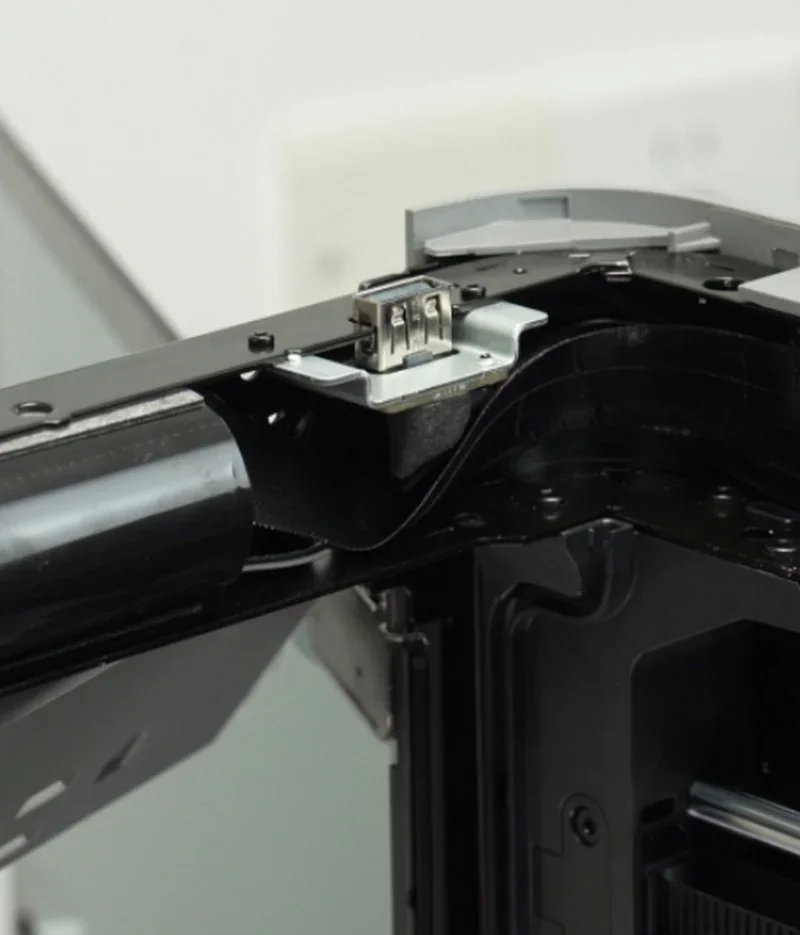
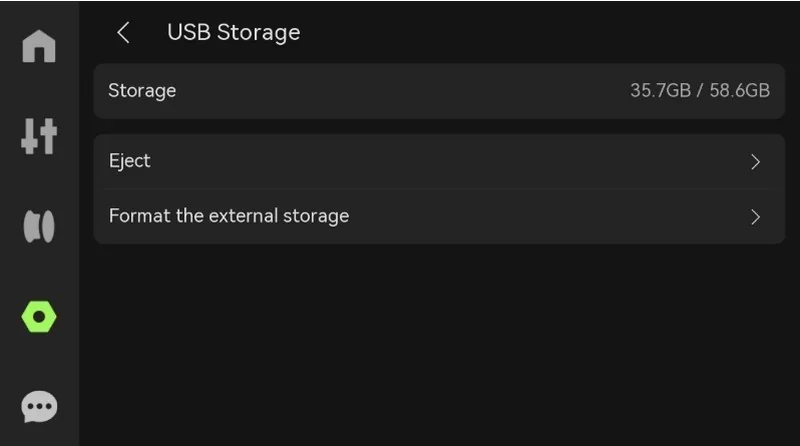
Note: without a USB drive inserted, time-lapse recording, LAN printing, file transfer from Bambu Studio, and log export are unavailable.
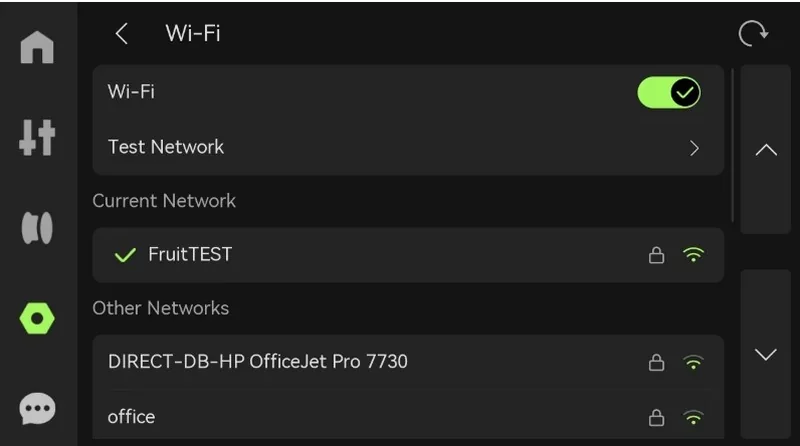
Network methods. Wi-Fi (WLAN) is configured from the on-device Network Settings; the UI exposes options to view, test, and add networks. The system also supports push notifications when used with Bambu Handy and cloud connectivity.
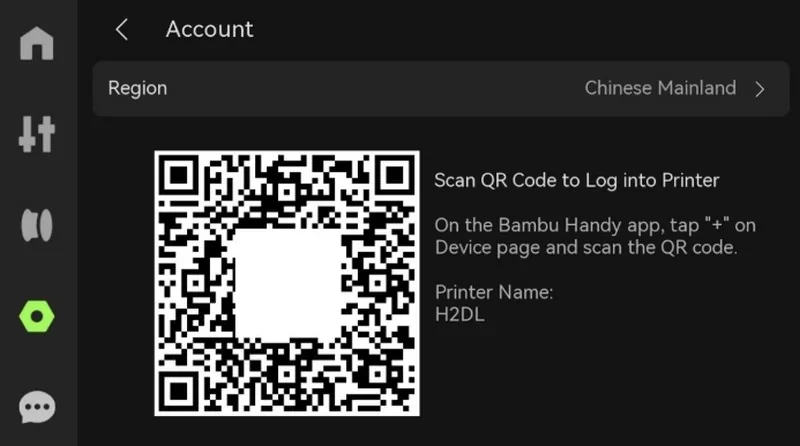
Device compatibility. The logic mainboard manages connections between the slicer/mobile app and the printer (used for sending jobs and monitoring), and the touchscreen shows a Bambu Handy QR flow for account pairing.
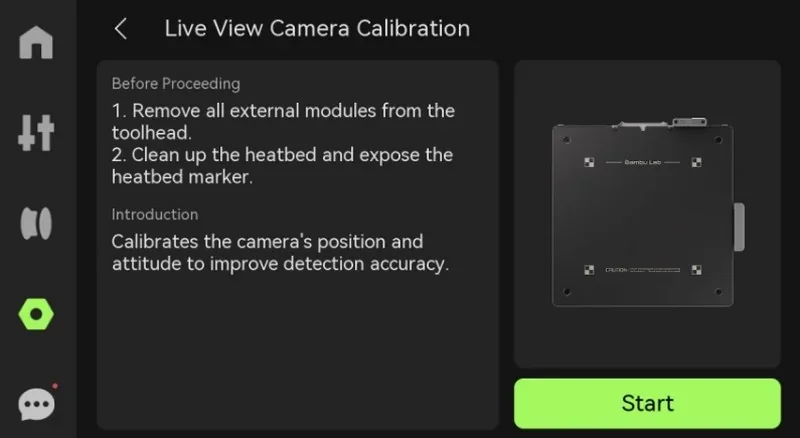
Special connectivity hardware. A built-in 1080p/30 fps live-view camera enables in-chamber monitoring and time-lapse capture (stored to the USB drive).
Slicing. The P2S uses Bambu Studio—Bambu Lab’s slicer based on PrusaSlicer/Slic3r—with project-based workflows and features such as Remote Control & Monitoring, Multi-Color Printing (AMS), Flow Rate and Flow Dynamics Calibration, Multi-device Management, and Multi-plate tools.
Full Video Tutorial Playlist:
https://www.youtube-nocookie.com/playlist?list=PLFUVS59deIm2mawl3Zjk1XI9yp7H7955J
Mobile app. Bambu Handy (iOS/Android) provides remote monitoring and management, printer binding via on-screen QR code, and notification support; account login enables alerts for print status. (App discovery can use LAN, but the app connects over the Internet to control the printer.)
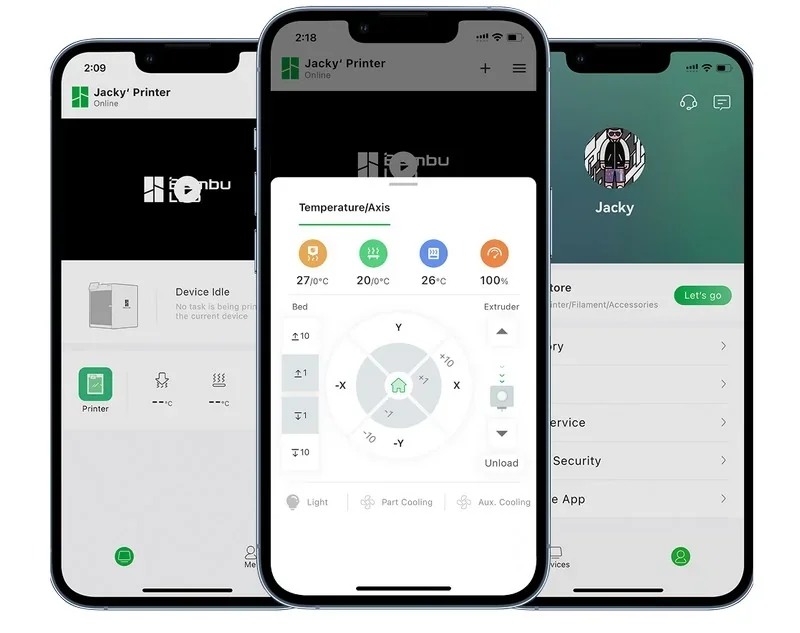
Cloud & networking. The Bambu Network Plug-in adds WAN/LAN printing, remote control, and Bambu Cloud sync (print history and user settings). Binding the printer in Studio enables device status monitoring and remote task initiation. Push notifications require Bambu Handy plus cloud connectivity.
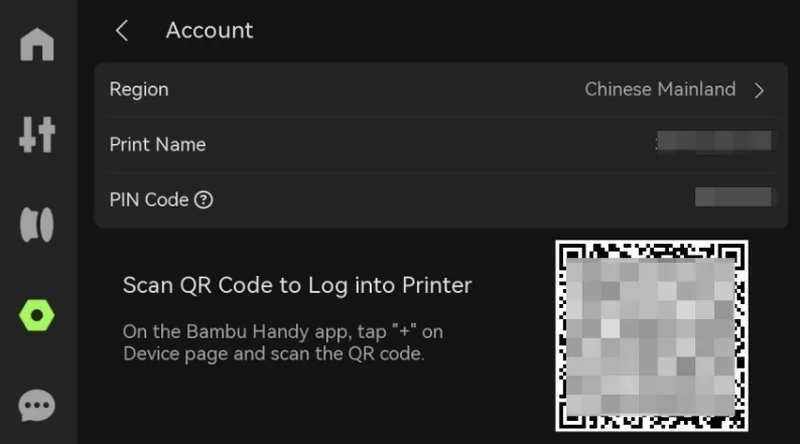
Farm management. For multi-printer setups, Bambu Farm Manager is documented with quick start, features, FAQ, and troubleshooting resources.
Firmware. Firmware can be updated from Device Settings → Firmware Version (defaulting to the latest version pushed by the server), with an option to roll back to a previous firmware if needed.
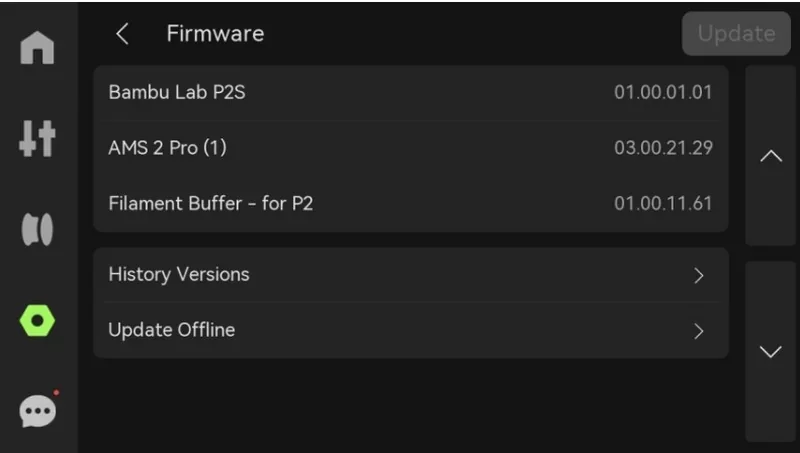
Monitoring & media. The system supports live view and timelapse capture; enhanced lighting and a 1080P high-rate camera improve clarity for remote monitoring (stored/managed per the platform).
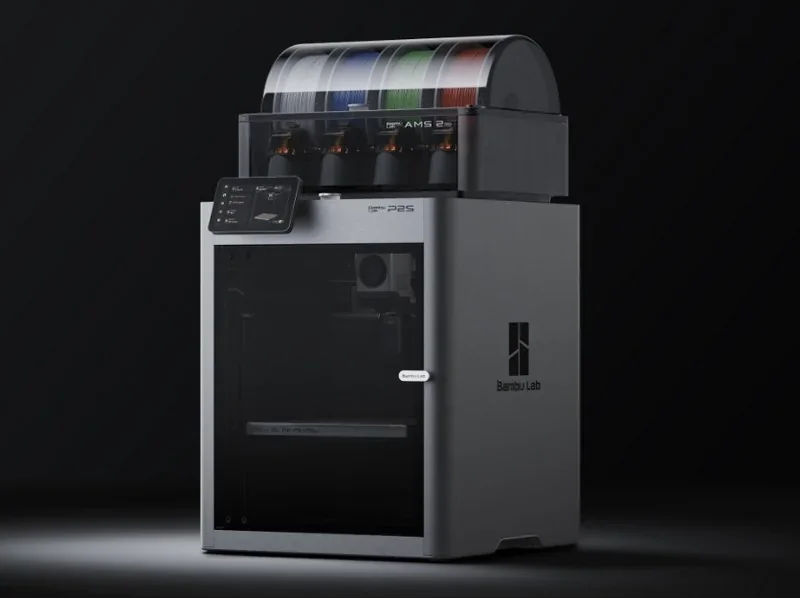
Fully enclosed desktop FDM printer with a plastic/steel chassis and plastic/glass outer frame, enhanced internal LED lighting, integrated lift handles, and shatter-safe front glass; footprint 392 × 406 × 478 mm and 14.9 kg net weight.
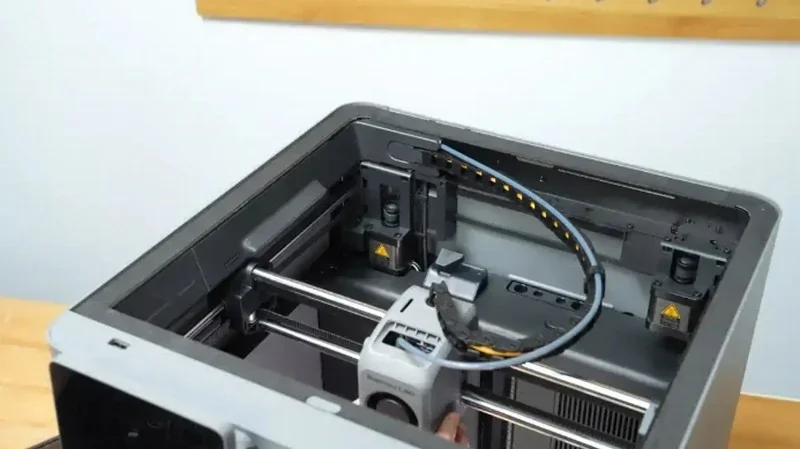
X-axis uses hollow steel rods (maintenance-friendly vs. earlier carbon rods); Z-axis uses three lead screws with left/right guide rails; the extruder is a Bambu Lab high-precision PMSM servo with real-time tangle detection. Guide size and XY/Z motor brands are not published by the manufacturer.
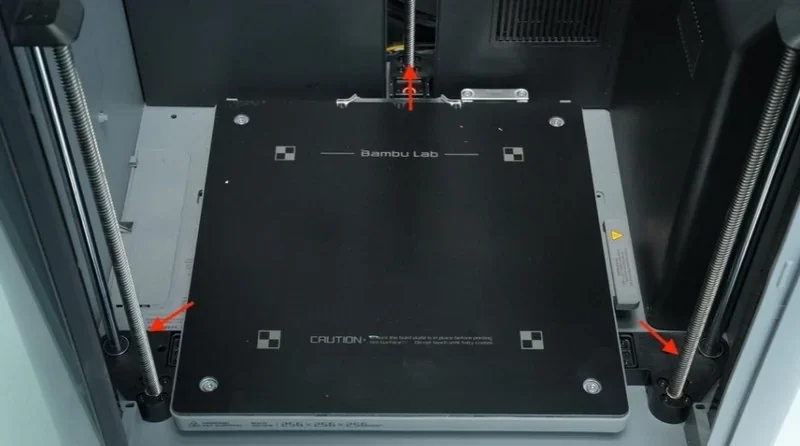
< 50 dB(A) in Silent Mode measured at 1 m distance.
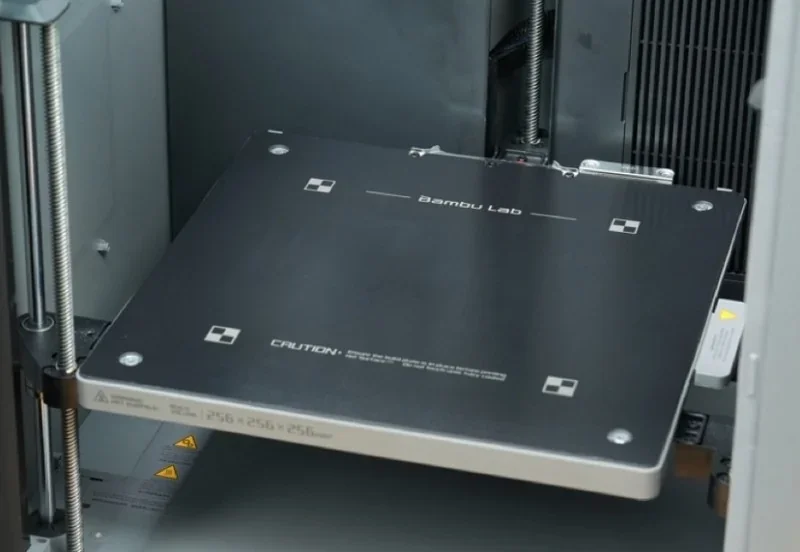
Heated bed up to 110 °C with automatic material-based setpoints, magnetic flexible steel build plate, textured PEI plate included by default (supports smooth PEI and low-temperature stability plates); bed features calibration markers and a nozzle wiping plate. Printable area 256 × 256 mm.
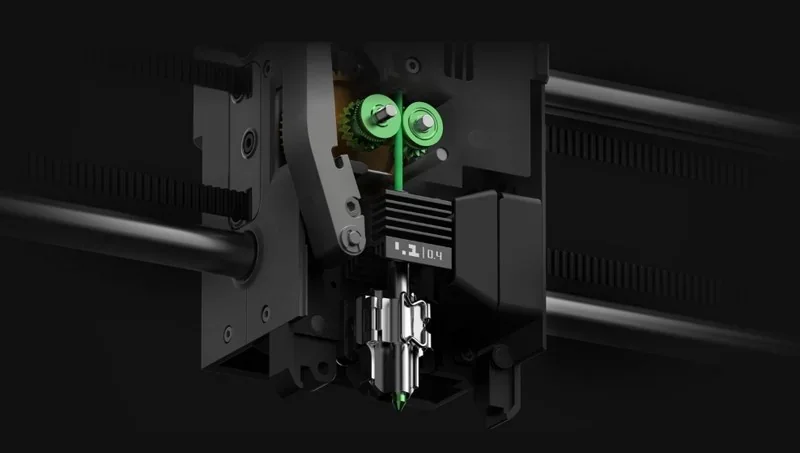
300 °C hotend with hardened-steel 0.4 mm nozzle (supports 0.2/0.4/0.6/0.8 mm), 30-second quick-swap hotend, built-in filament cutter, and a PMSM “DynaSense” servo extruder providing up to 8.5 kg extrusion force with 20 kHz sensing; eddy-current sensor enables active flow calibration. High-flow nozzles are supported.
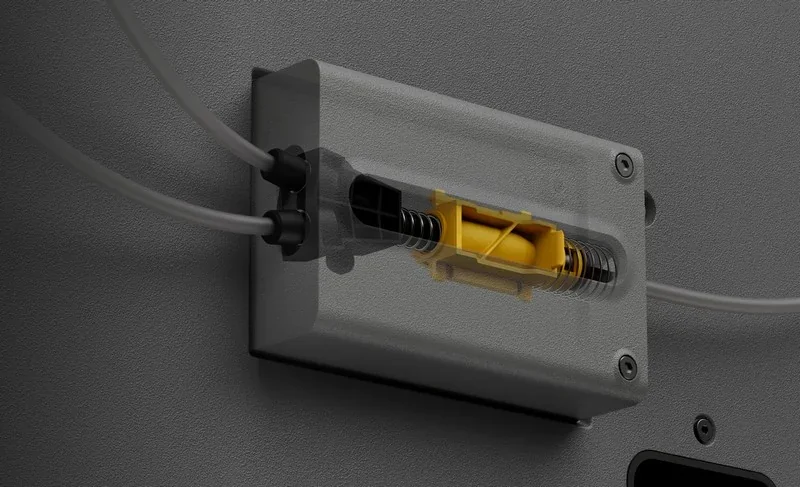
Combo units include a built-in 2-in-1 buffer to switch between AMS and external spool; the P2S buffer has two inlets (dual-AMS support and quick AMS/external switching).
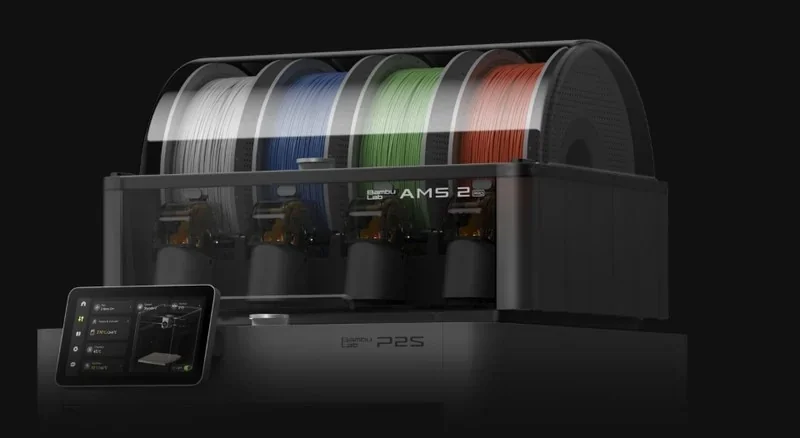
Supports up to 8 AMS units (4 AMS 2 Pro + 4 AMS HT, 20 colors max). If adding AMS 2 Pro to the standalone P2S, a P2S-specific buffer is required.
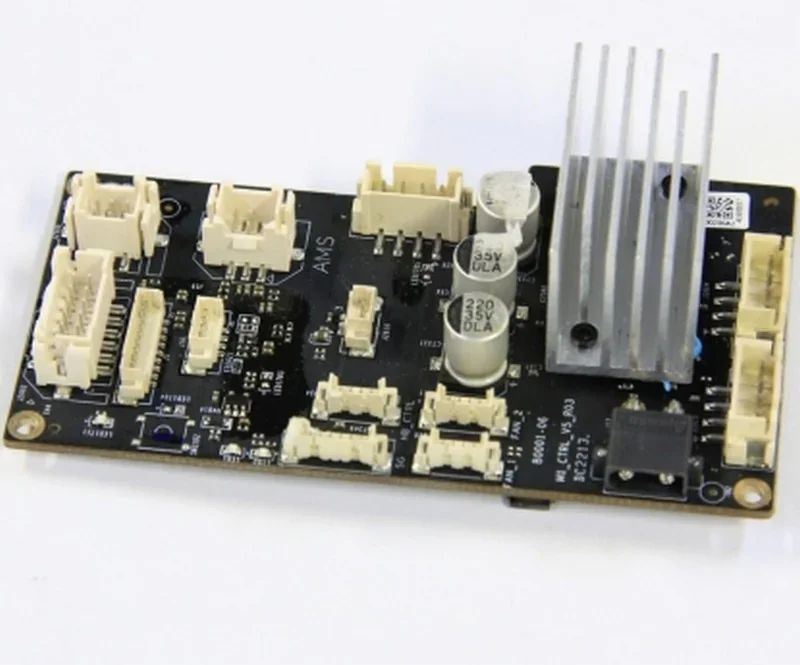
Bambu Lab’s second-generation logic mainboard (model not published) redesigned vs. P1-series; provides the on-device UI/camera/sensor integration. No wired Ethernet; dual-band Wi-Fi and 1080p/30 fps live-view are supported.
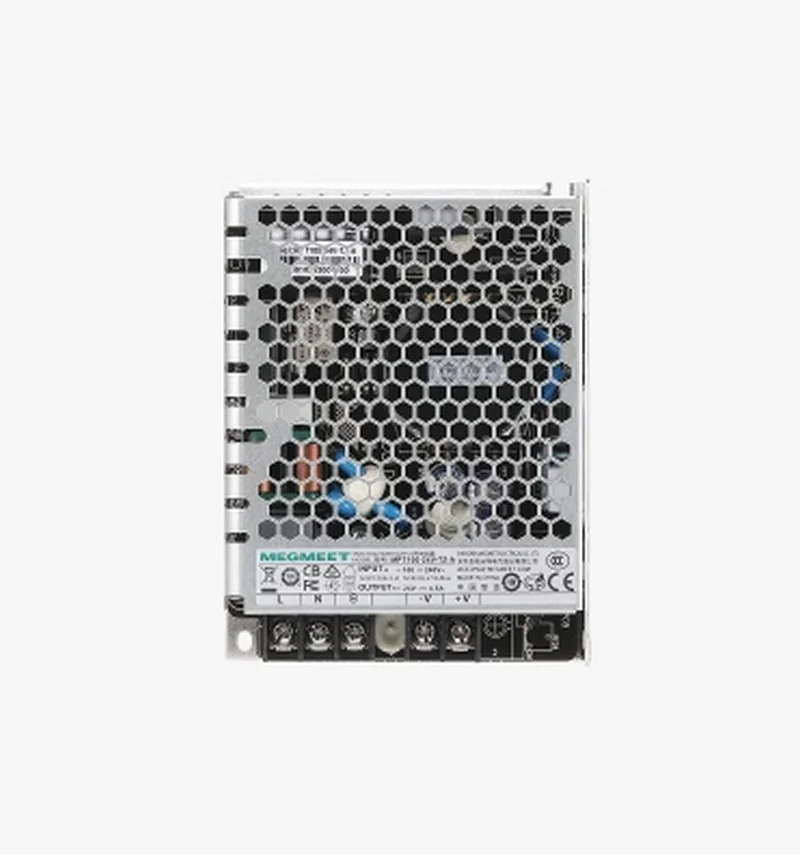
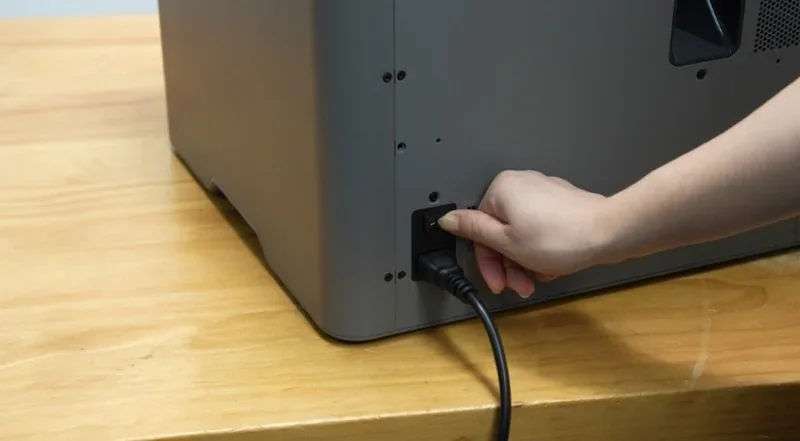
100–120 VAC / 200–240 VAC, 50/60 Hz; max power 1000 W @ 110 V / 1200 W @ 220 V; standby ~7.3–8.2 W; steady-state (PLA) ~100 W @ 110 V / 200 W @ 220 V.
Tool/Accessory Box (1× set):
Documentation: 1× Quick Start Guide, 1× Warranty Leaflet, 1× Disclaimer & Safety Guidelines
Consumables & Lines: PTFE tubes and other included consumables
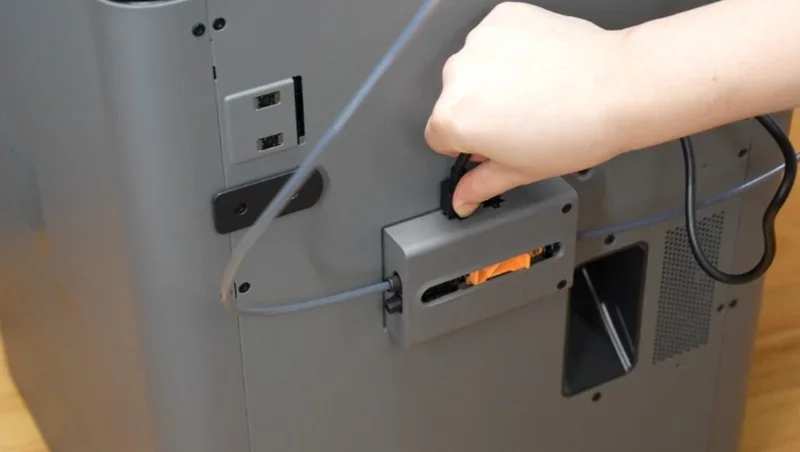
The printer ships largely pre-assembled with the textured PEI build plate pre-installed; setup involves installing the touchscreen and spool holder on the printer.
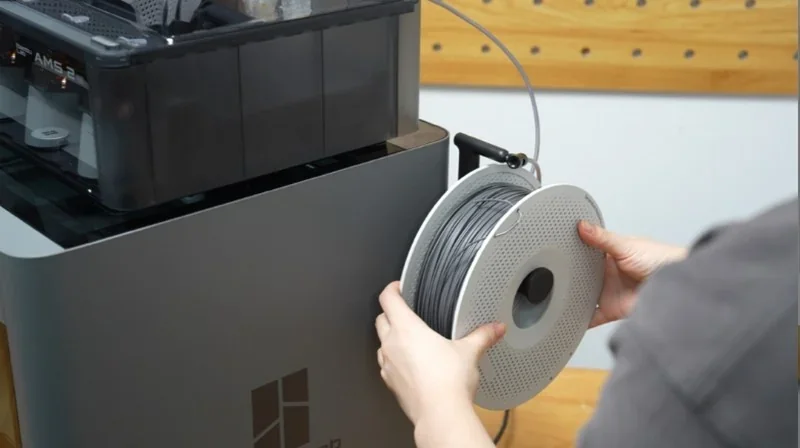
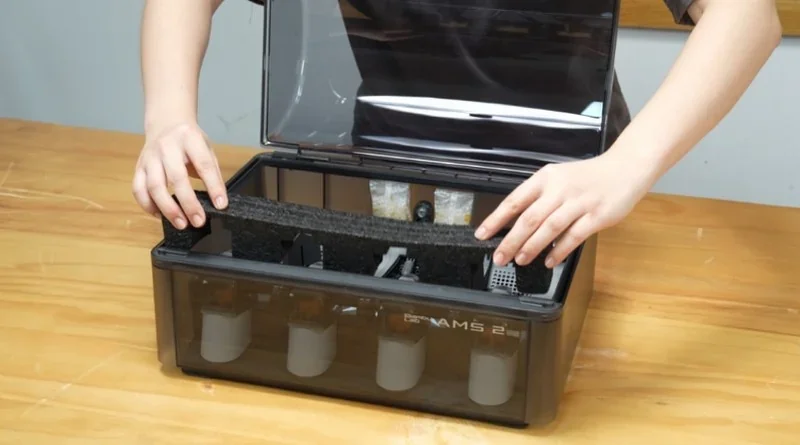
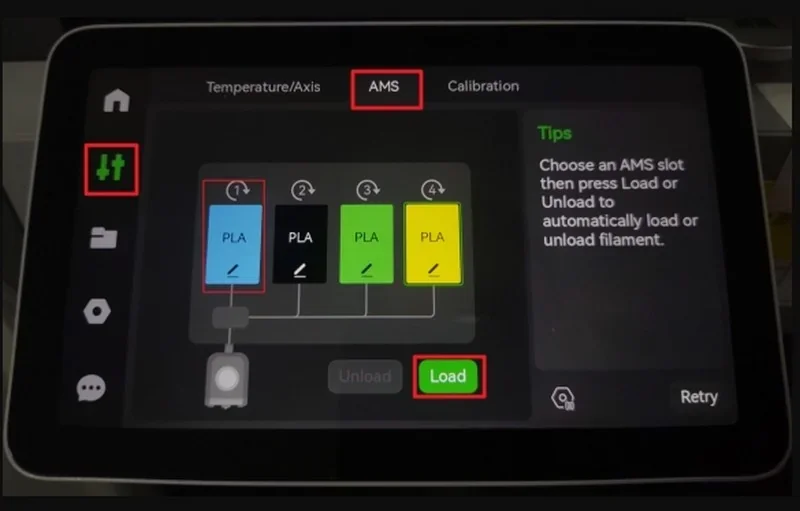
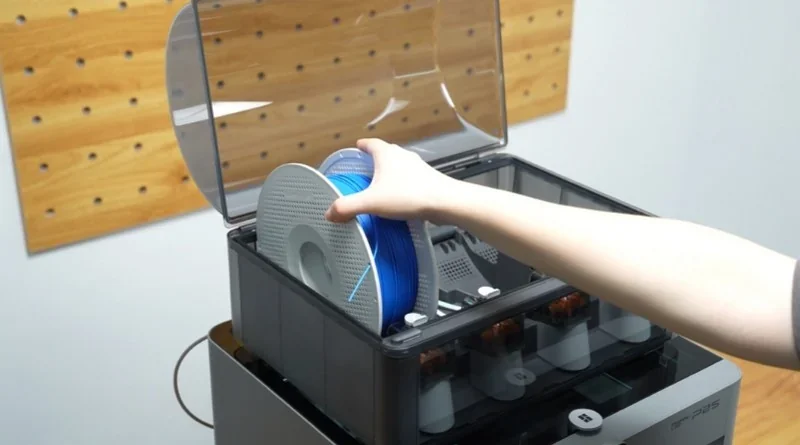
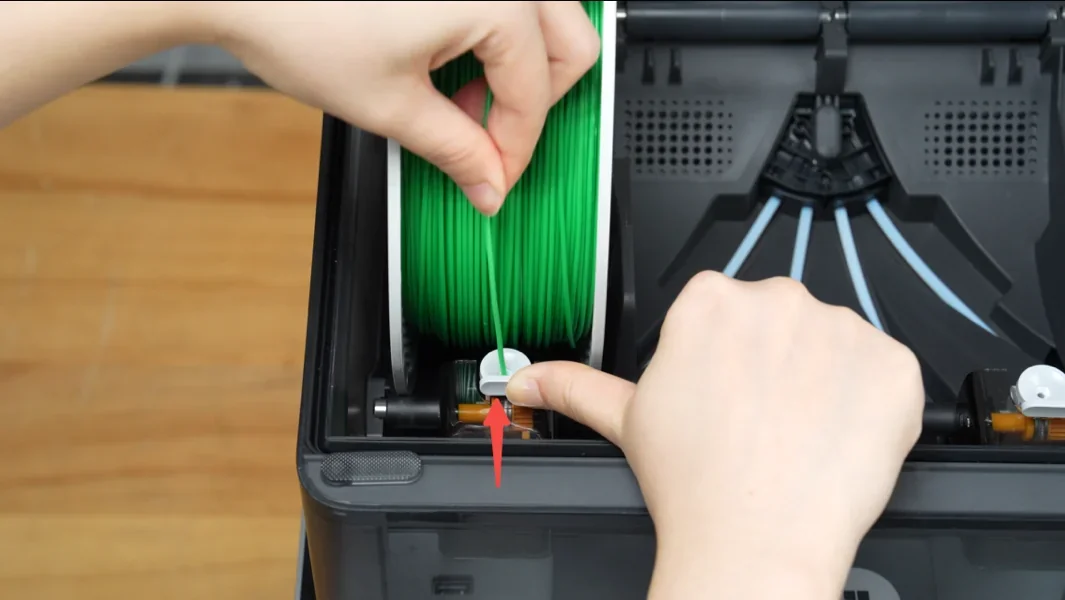
For the P2S AMS Combo, you also unlock and mount the AMS 2 Pro and connect it via the included 6-pin Bambu Bus cable.
| Accessory | Function | Price (USD) | |
|---|---|---|---|
| Group: Multi-Material and Filament Management | |||
| P2S Combo (includes AMS 2 Pro and Filament Buffer) |
Bundle with Bambu Lab AMS 2 Pro and Filament Buffer for automated multi-color and multi-material printing. AMS 2 Pro includes 65°C drying, electro-magnetic air vent with automatic venting and airtight storage, rotating-spool drying, RFID sync for Bambu filaments, and a brushless motor for faster feeding. Tool-free top access simplifies tube service; ceramic inlets (Vickers 1200) increase wear resistance. NOTE: You can connect up to 4 AMS 2 Pro and 8 AMS HT units for up to 24 filaments. |
$300.00 | 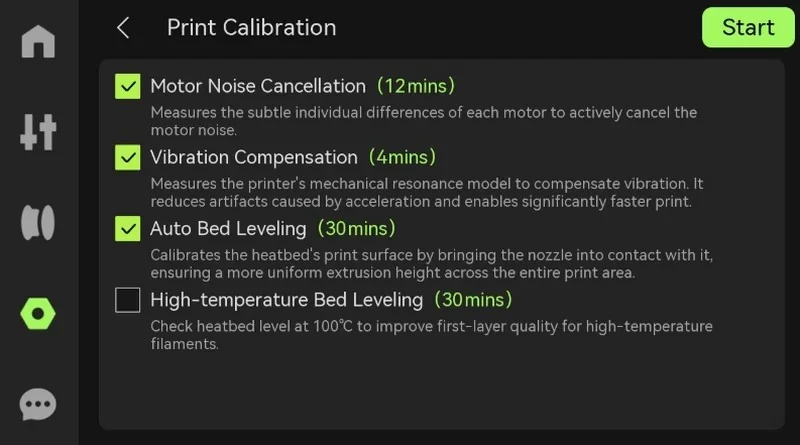 |
| AMS 2 Pro Switching Adapter | External power adapter for AMS 2 Pro drying; use one adapter for each AMS 2 Pro unit that runs drying. | $40.00 | 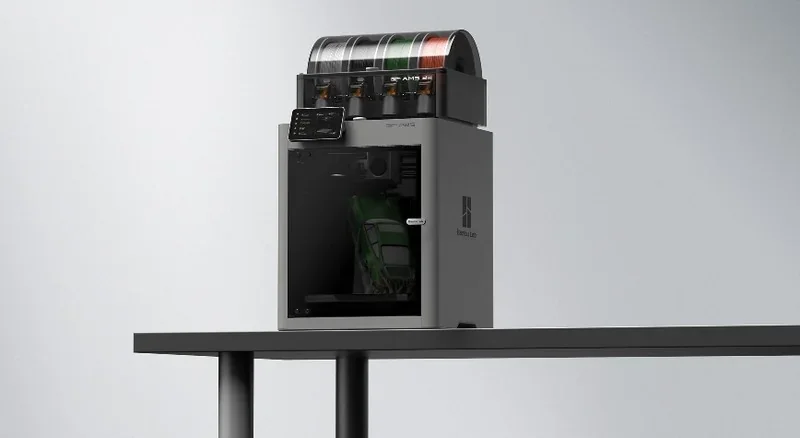 |
| Desiccant for AMS Unit | Replacement desiccant for AMS 2 Pro and AMS HT sealed storage to absorb moisture and keep filament dry. | $5.00 | 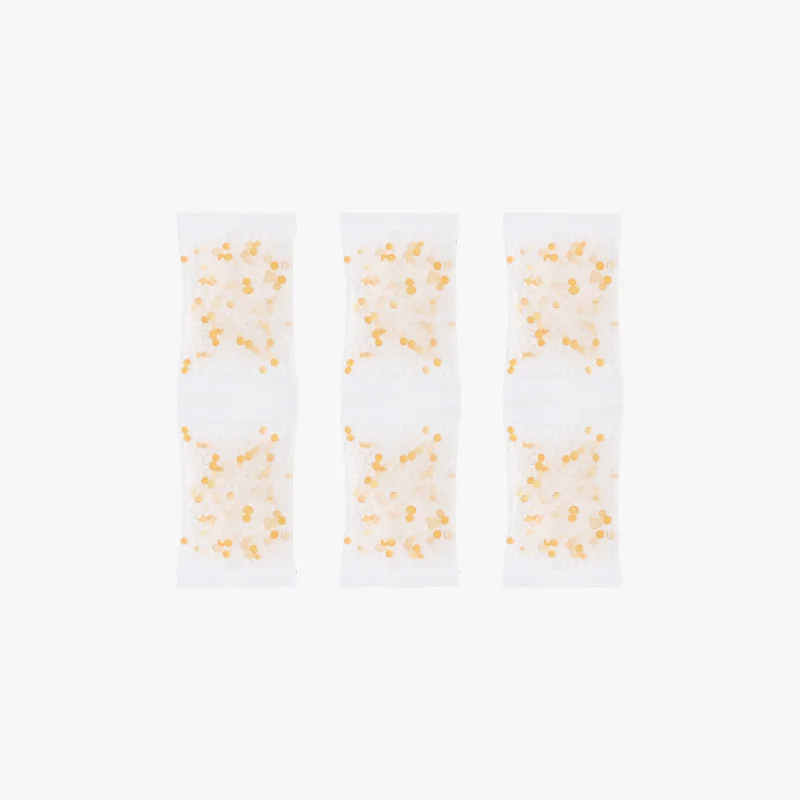 |
| Group: Build Plates and First-Layer Adhesion | |||
| Bambu Cool Plate SuperTack Pro | Replaceable build plate for strong first-layer grip and fast plate swapping. | $36.00 | 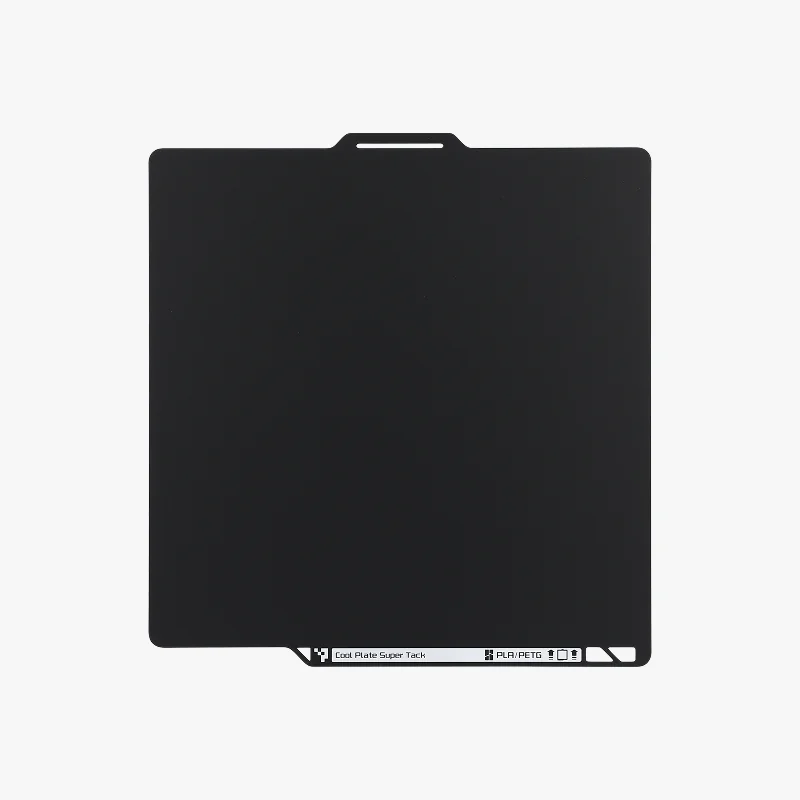 |
| Bambu Engineering Plate | Replaceable build plate for first-layer printing and quick workflow swaps. | $36.00 | 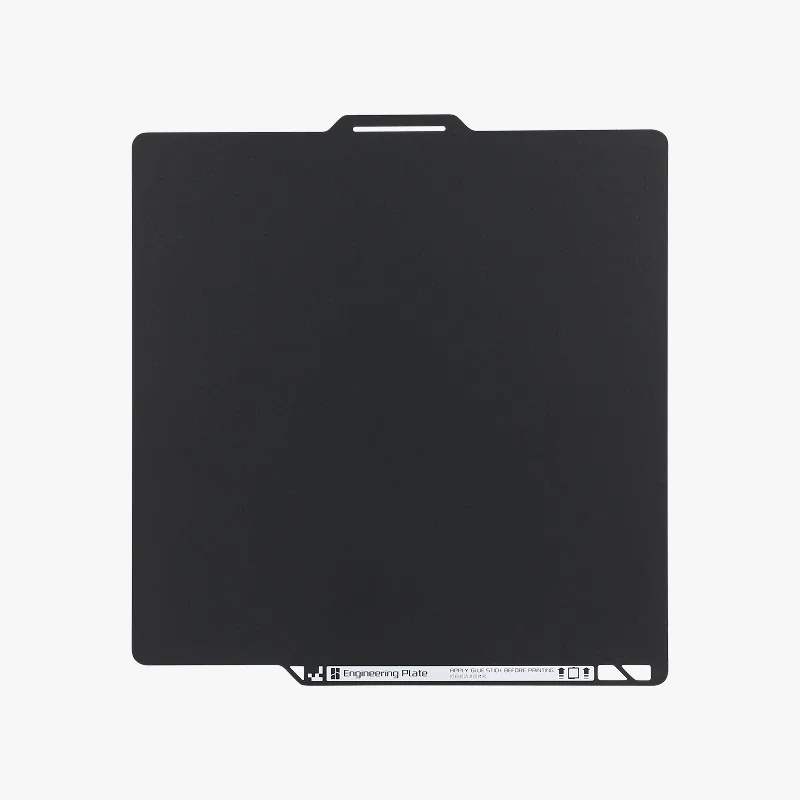 |
| Bambu Textured PEI Plate | Textured PEI build plate that provides strong first-layer grip and a textured bottom finish. | $25.00 | 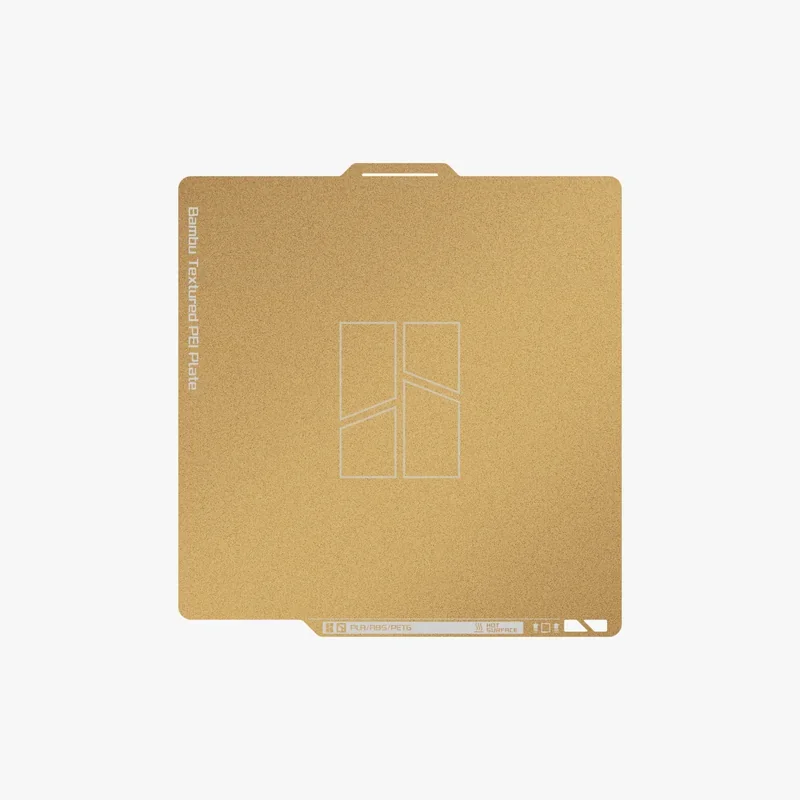 |
| Glue Stick | Solid build-plate adhesive that improves first-layer grip and reduces warping. | $5.00 | 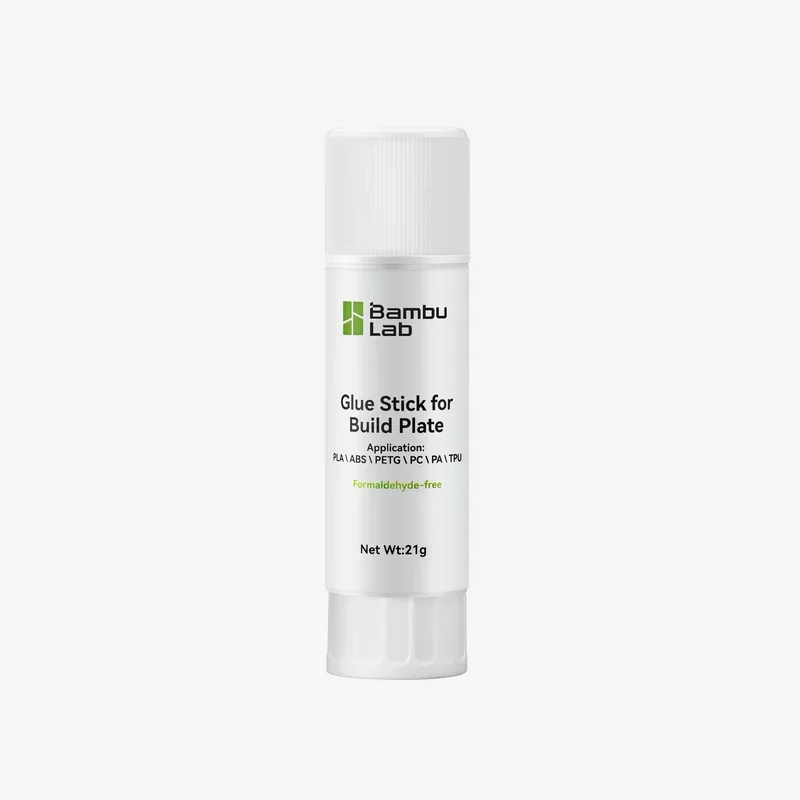 |
| Liquid Glue | Liquid build-plate adhesive that improves first-layer grip and reduces warping with an even, spreadable coat. | $20.00 | 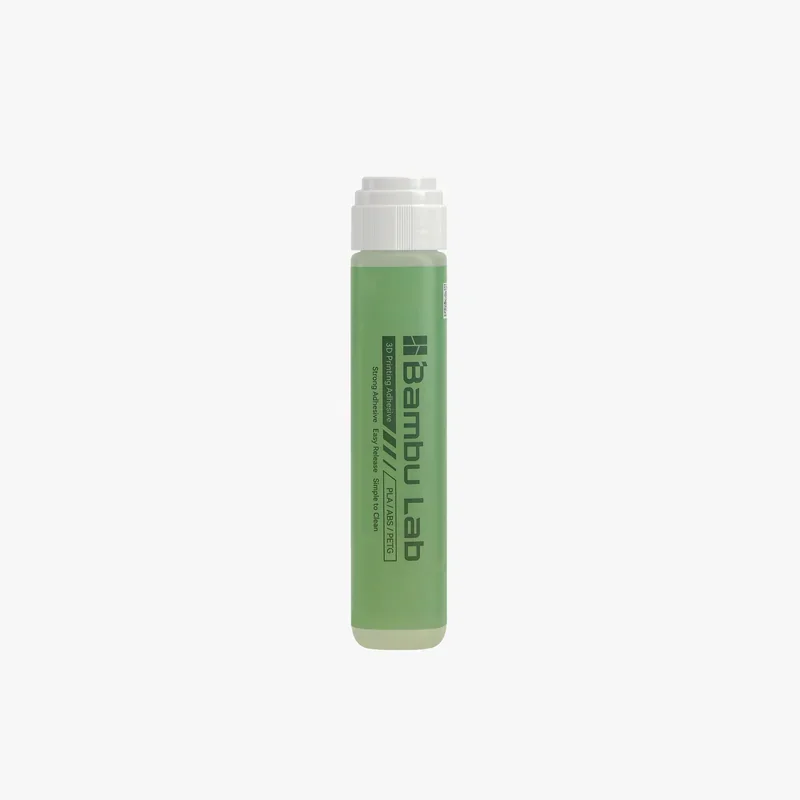 |
| Group: Hotend and Nozzles | |||
| Bambu Hotend - H2/P2S | Replacement hotend for H2/P2S to restore reliable extrusion and reduce downtime during maintenance. | $25.00 | 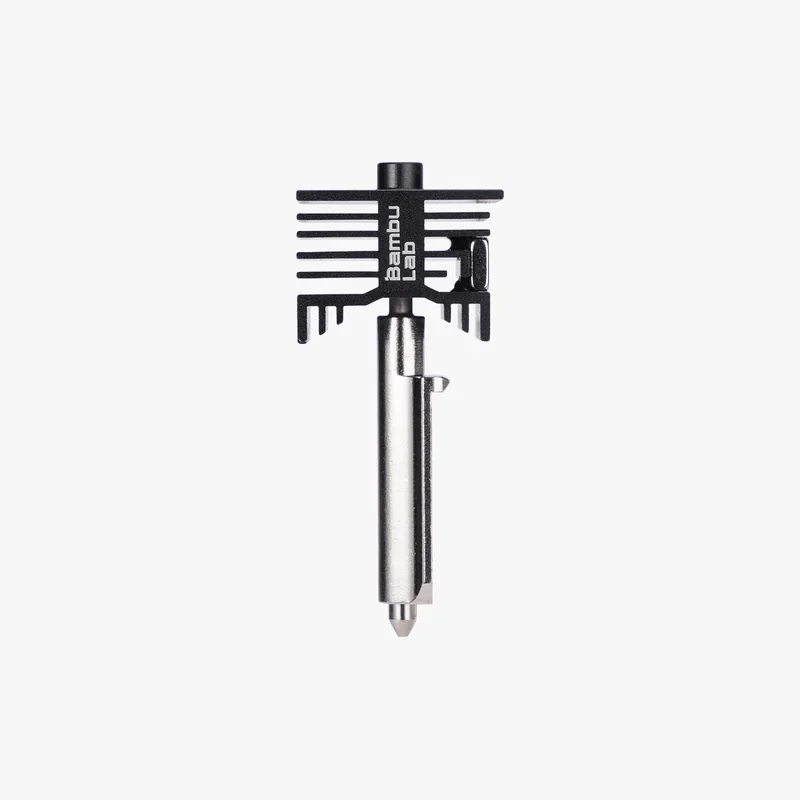 |
| Tungsten Carbide Nozzle - H2/P2S | Wear-resistant tungsten carbide nozzle for abrasive and filled filaments to maintain nozzle geometry over time. | $72.00 | 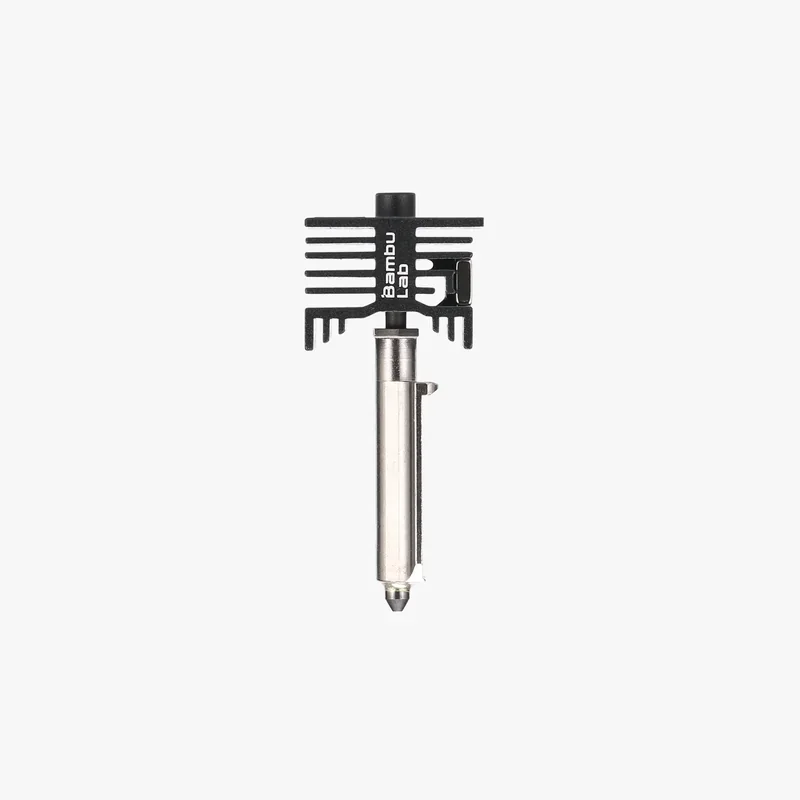 |
| Group: External Exhaust and Filtration | |||
| External Exhaust Fan Kit - P2S | External exhaust fan kit for P2S to route printer air outside and reduce odors and particles in the room. | $24.00 | 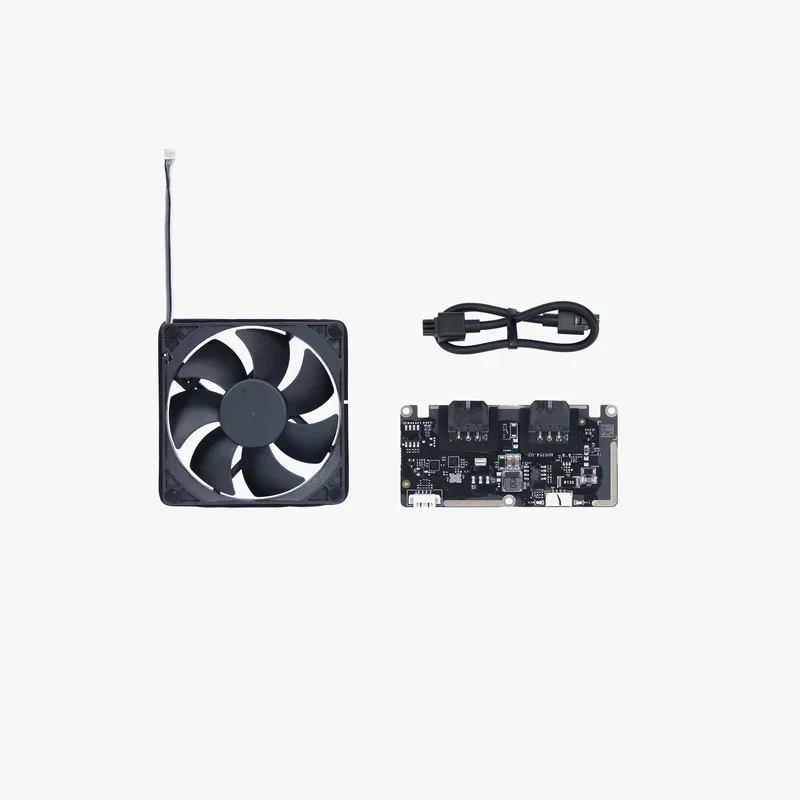 |
| External Exhaust Air Filter | Replacement filter for the External Exhaust Fan Kit to maintain filtration performance. | $12.00 | 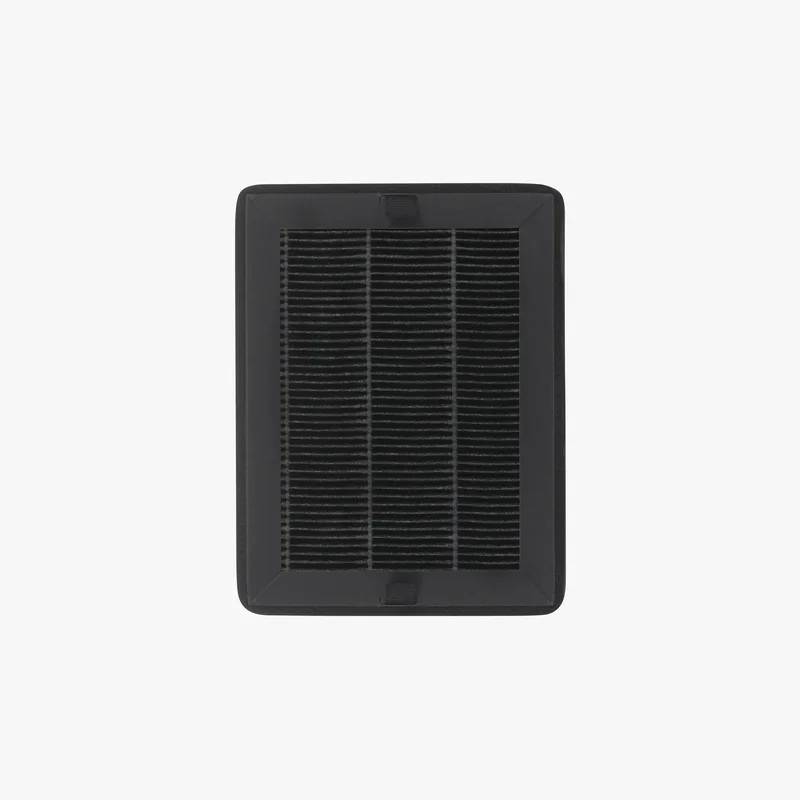 |
| Group: Maintenance Lubricants | |||
| Lubricant Grease | Maintenance grease for routine lubrication to reduce friction and wear on moving parts. | $5.00 | 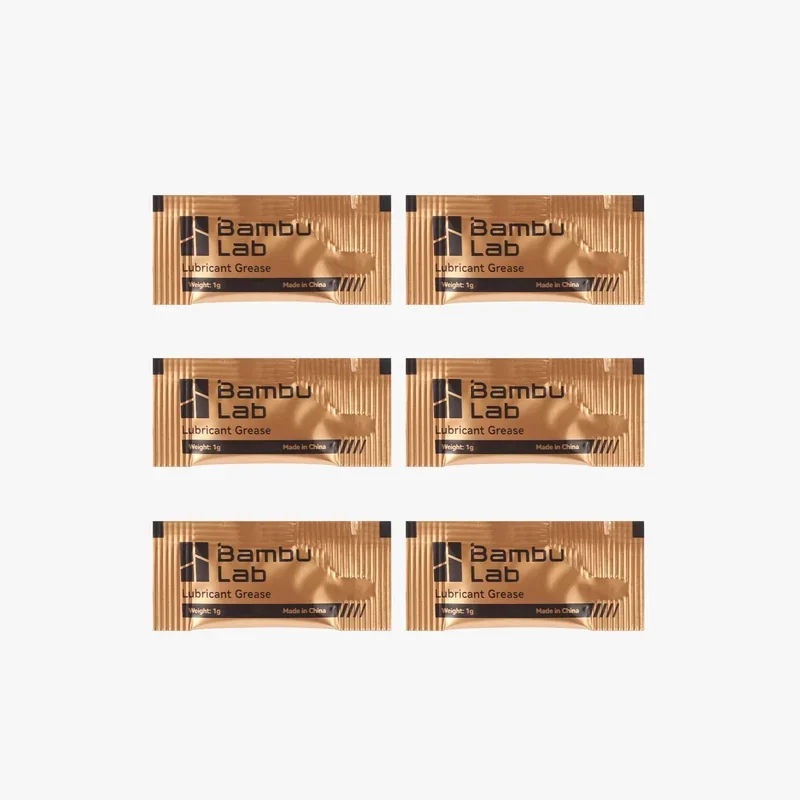 |
| Lubricant Oil | Maintenance oil for routine lubrication to reduce friction and keep motion smooth. | $5.00 | 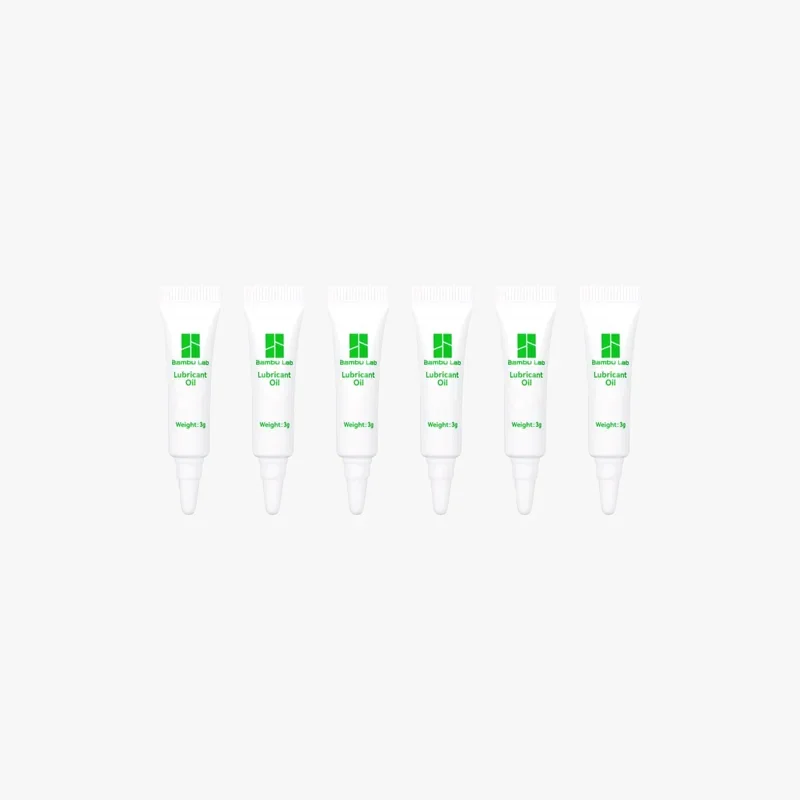 |
The Bambu Lab P2S requires over 12 maintenance procedures to keep motion smooth, print quality stable, and filtration effective over daily/pre-print, spool-based, monthly–quarterly, semiannual, and as-needed intervals. These include:
Daily / before each print
Spool-count–based consumables
Monthly–quarterly motion service (choose the band matching your usage)
Semiannual
As needed / on condition
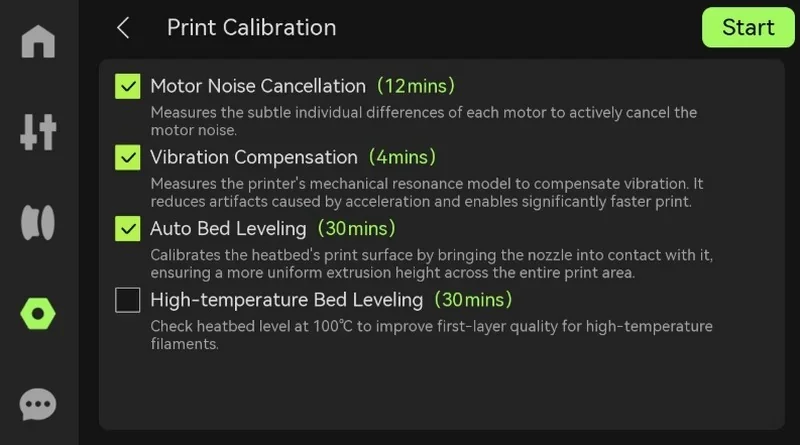
After any XYZ lubrication/cleaning, run full calibration (motor noise cancellation, vibration compensation, and auto bed leveling) from the device interface to restore optimal kinematics.
Bambu Lab’s Limited Warranty covers defects in materials and workmanship for the P2S; misuse, improper installation, unauthorized modification, and transit damage not confirmed by the carrier are excluded.
Warranty period:
What’s covered (examples): product failures due to manufacturing defects or workmanship during the warranty window; Bambu provides warranty service (repair/replacement) after inspection.
What’s not covered (examples): drops, liquid ingress, over/under-voltage, fire, misuse, third-party/DIY damage outside Bambu’s instructions, altered serials, cosmetic wear, and shipping damage without a carrier certificate.
Support channels & hours (manufacturer only):
Self-Help Resources:
Guides and tutorials are available via Bambu Lab Wiki, Bambu Studio/Handy apps, and on-device QR codes:
The price of the Bambu Lab P2S is $690.00.
Value proposition. For the base configuration you get an enclosed 256 × 256 × 256 mm platform, 300 °C hardened-steel hotend with 30-second quick-swap, PMSM “DynaSense” servo extruder, Adaptive Airflow System with carbon filtration, 5-inch touchscreen (2nd-gen UI), and an integrated 1080p live-view camera with AI error detection—features positioned by the manufacturer as standard on P2S.
Configurations (percentage difference vs. P2S base):
Update your browser to view this website correctly. Update my browser now



