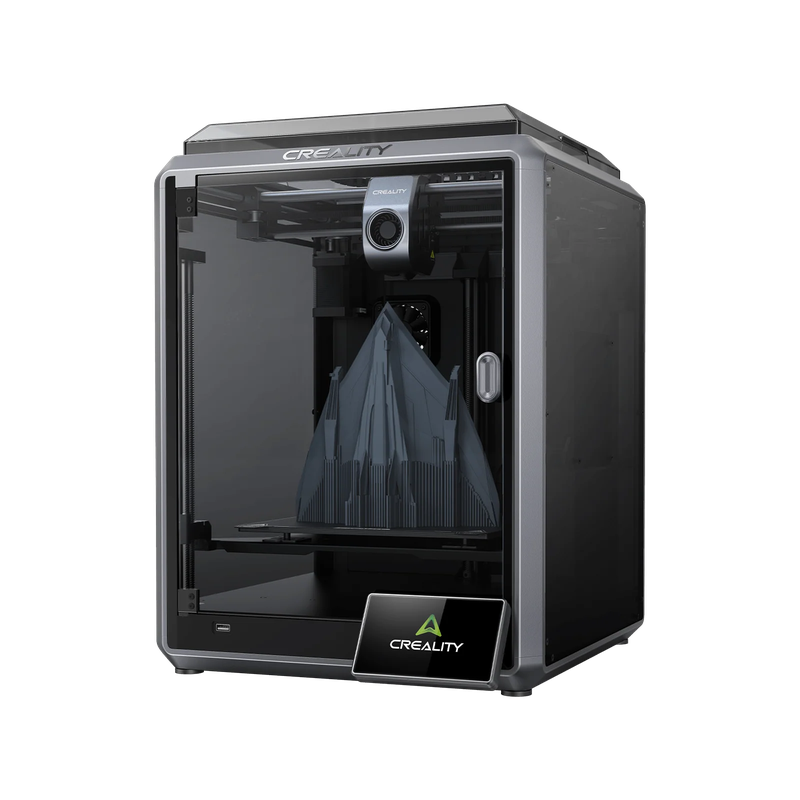
Creality K1 Max AI Fast 3D Printer with 300 x 300 x 300mm Print Size




- Speeds up to 600mm/s with 20,000mm/s² acceleration
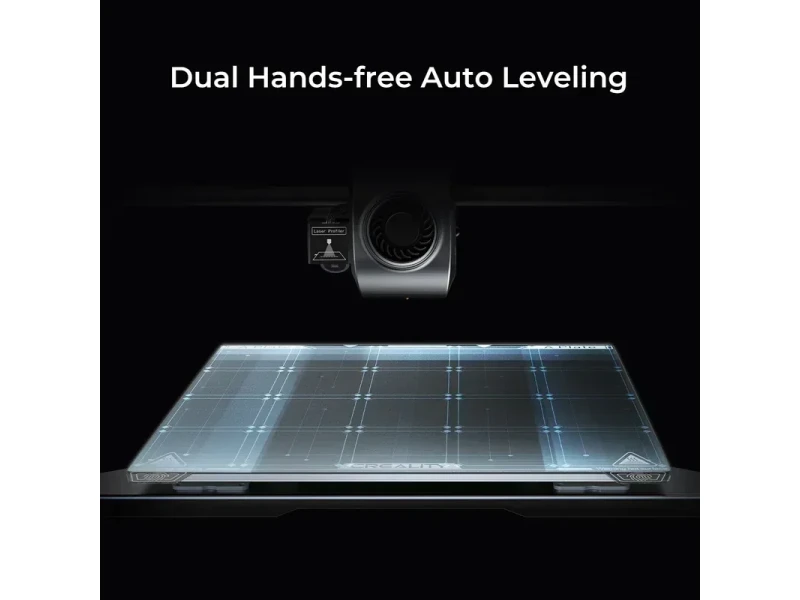
- LiDAR sensor for automated bed leveling
- AI camera for failure detection and monitoring
- Supports high-temp materials like ABS and ASA
- Flexible Payment Terms
- 1 Year Warranty
- Local Technical Support
- Free Online Training
- 3D printer (99% pre-assembled)
- 1kg spool of Hyper PLA
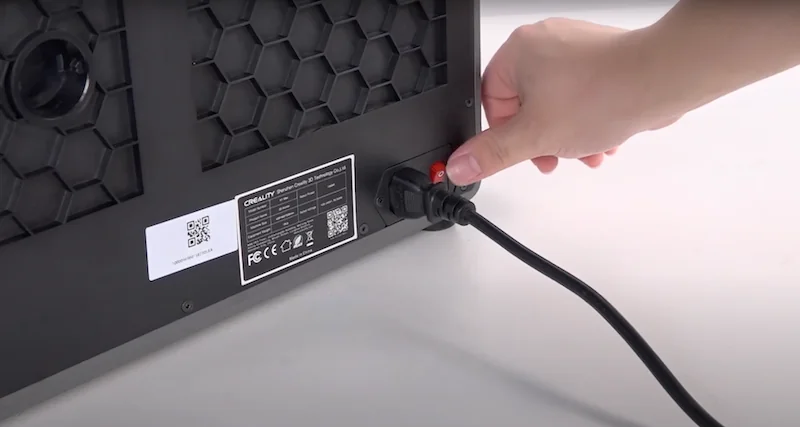
- Power cable
- USB drive with manuals
The Creality K1 Max is a high-speed CoreXY 3D printer with a rigid aluminum frame, reaching up to 600mm/s and 20,000mm/s² acceleration. It combines a compact enclosed design with a 25.5% build volume-to-size ratio and supports high-temp materials like ABS and ASA, thanks to a ceramic hotend and carbon filtration. AI features include a LiDAR sensor for bed leveling and first-layer checks, plus a camera for failure detection, monitoring, and time-lapses. Connectivity options include WiFi, LAN, and USB, while Klipper firmware and a 4.3-inch touchscreen ensure consistent, user-friendly performance.
- What is the print quality and performance of the Creality K1 Max AI Fast 3D printer?
- Which filaments can you use with the Creality K1 Max FDM 3D printer?
- What is the build volume of the Creality K1 Max High Speed 3D Printer?
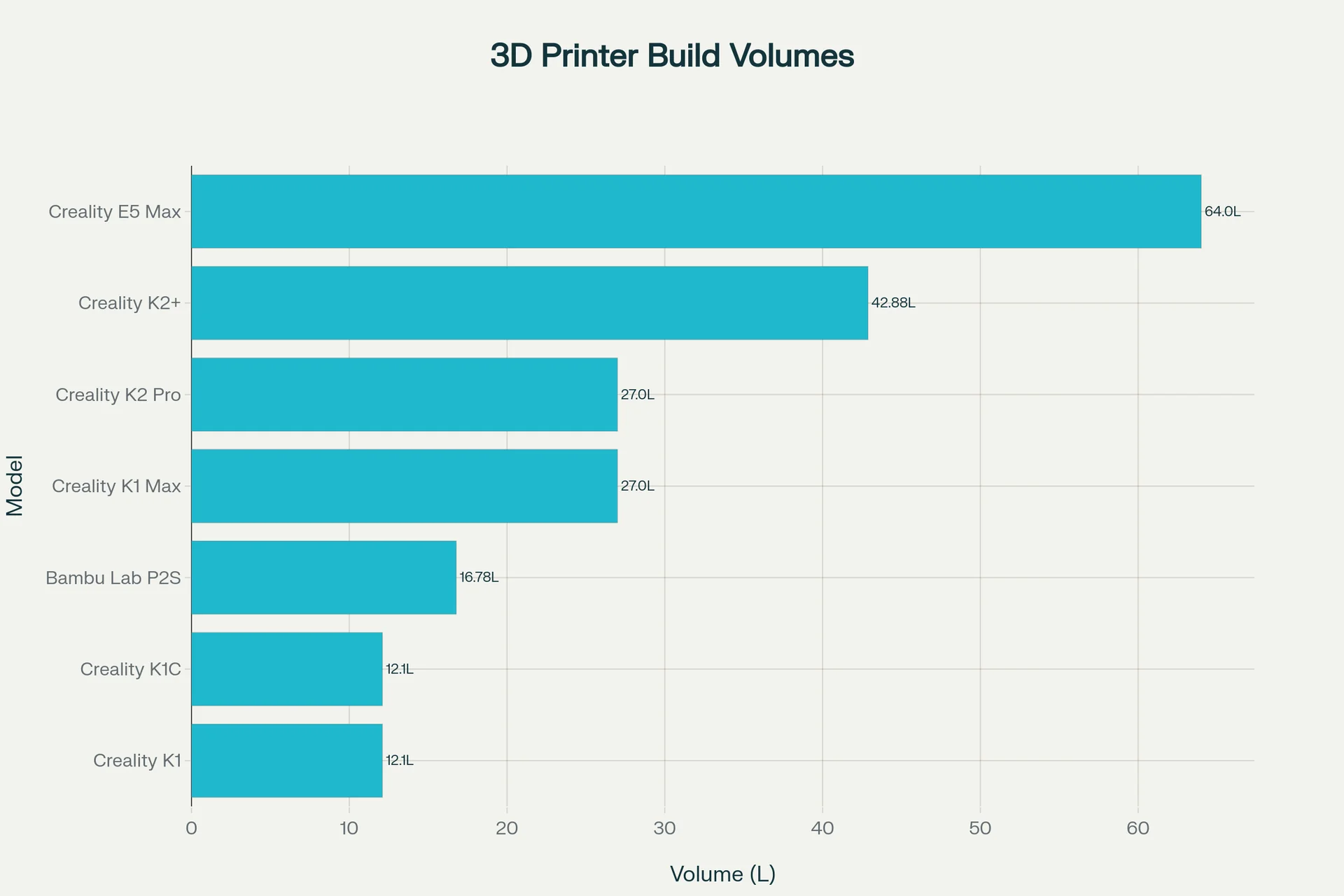
- What is the difference between the Creality K1 Max, K2 Plus, K1C, K2 Pro, Ender 5 Max, Bambu Lab P2S?
- What printer controls are available on the Creality K1 Max?
- What connectivity options are available on the Creality K1 Max?
- What software is offered with the Creality K1 Max?
- What is the design and build quality of the Creality K1 Max?
- What comes included in the box with Creality K1 Max?
- What upgrades and accessories are available for the Creality K1 Max?
- How reliable is the Creality K1 Max?
- What maintenance is required for the Creality K1 Max?
- What support and warranty come with the Creality K1 Max?
- How much does the Creality K1 Max cost?
What is the print quality and performance of the Creality K1 Max AI Fast 3D printer?
The Creality K1 Max 3D printer delivers high-quality prints with 0.1mm layer height and rapid speeds up to 600mm/s and 20,000mm/s² acceleration, producing detailed models like a PLA-HS Benchy in 15 minutes while maintaining sharp corners, smooth curves, and consistent layers.
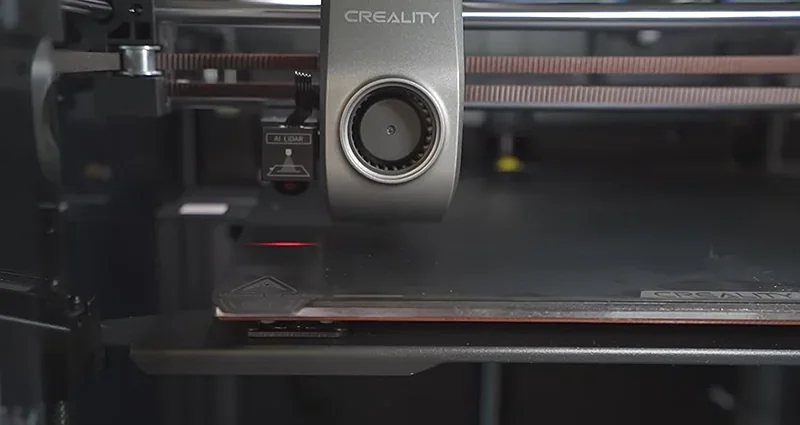
The Creality K1 Max prints at up to 600mm/s with 20,000mm/s² acceleration while maintaining quality. Test prints, such as a PLA-HS Benchy, finished in 15 minutes at 500–600mm/s with clean detail.
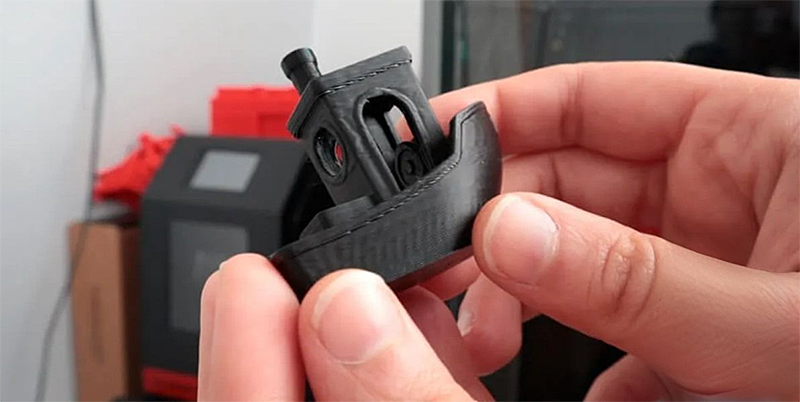
At 300mm/s, the K1 Max delivers near-perfect prints with sharp corners, smooth curves, and clean overhangs. Its stable motion system prevents ringing and vibrations even at high speeds.
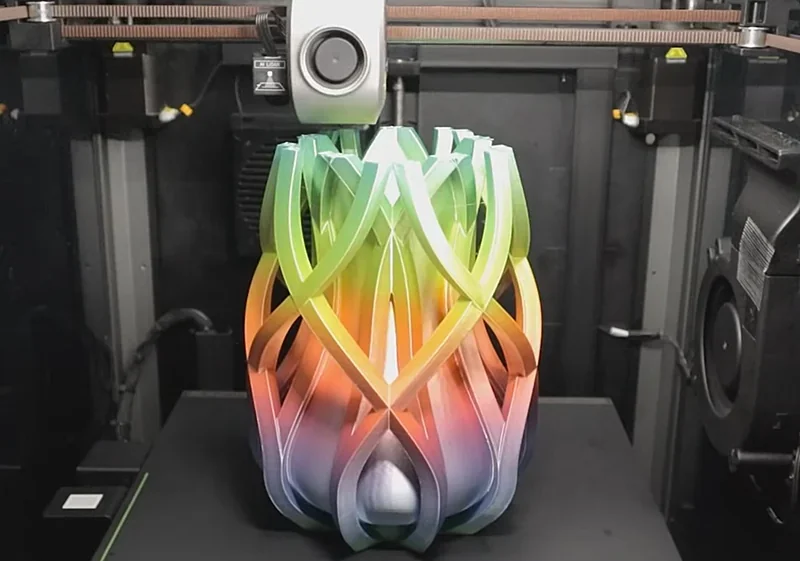
The K1 Max ensures consistent prints with dual-fan cooling: a printhead fan with air ducts for direct cooling and an 18W chamber fan to reduce stringing and warping.
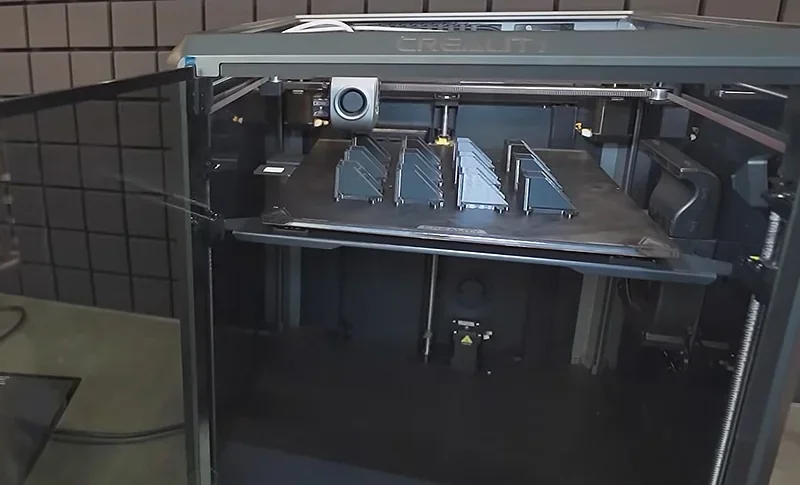
The K1 Max’s new ceramic heater reaches 200°C in 40 seconds for rapid filament melting. Its enclosed chamber with optional carbon filtration maintains stable temps, ideal for ABS and other sensitive filaments.
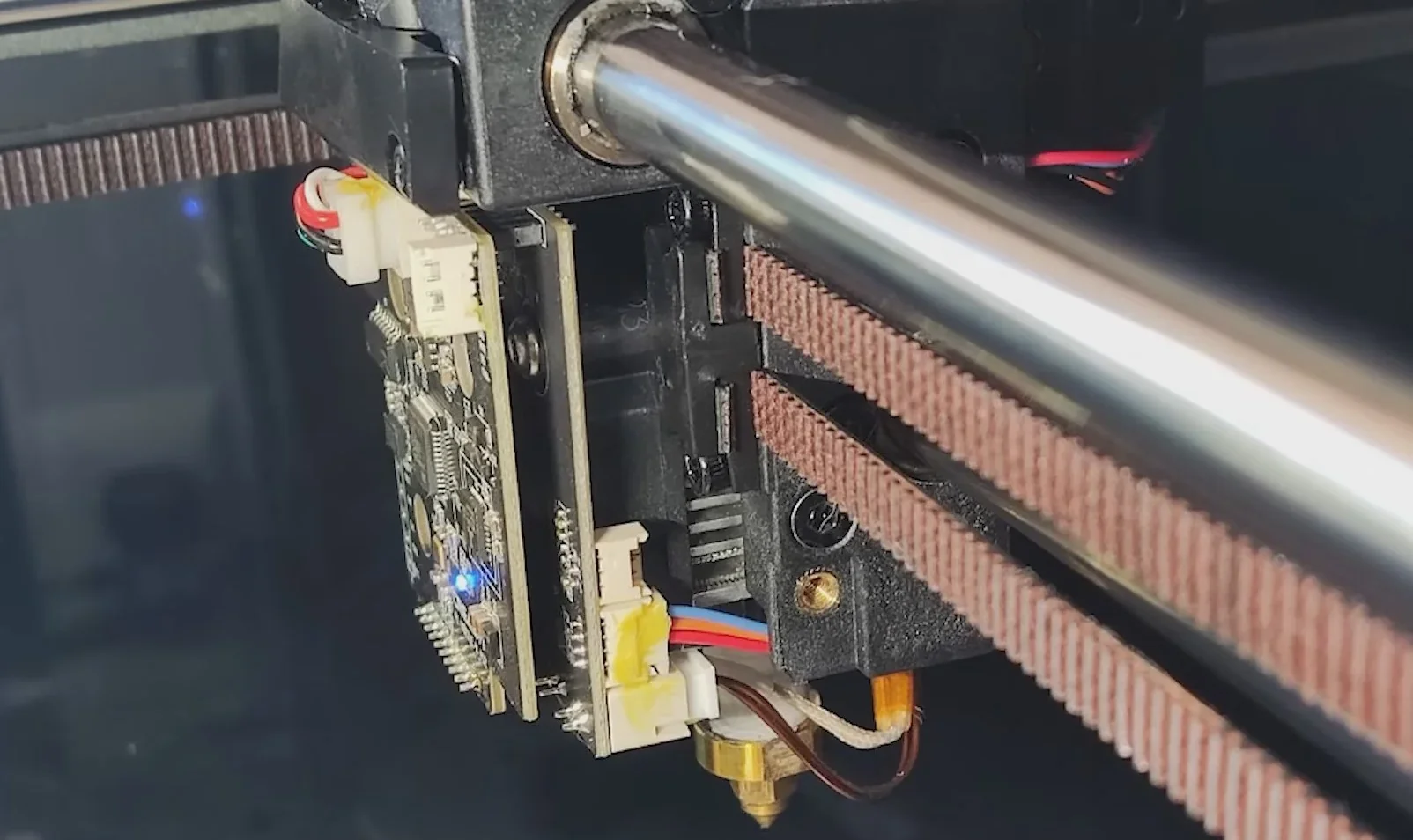
Which filaments can you use with the Creality K1 Max FDM 3D printer?
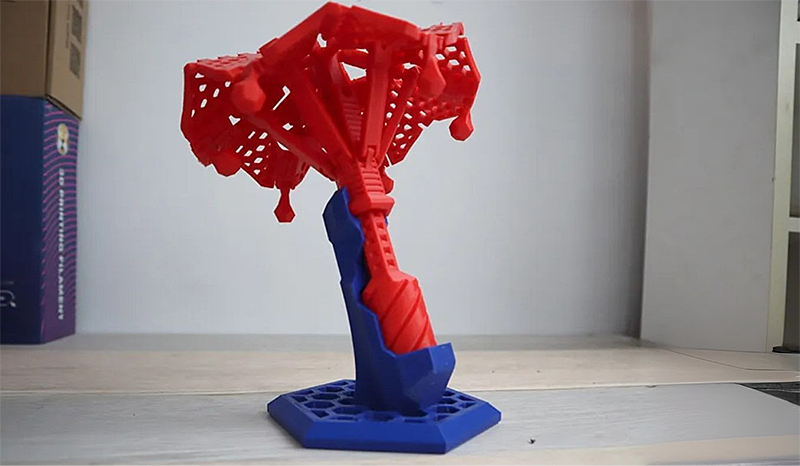
The K1 Max supports 12 filament types, including PLA, PETG, and TPU95A, thanks to its high-temp design and enclosed chamber. Tests, like a folding umbrella in PLA at 0.2mm and 300mm/s, show precise accuracy and functional mechanical performance even at high speeds.
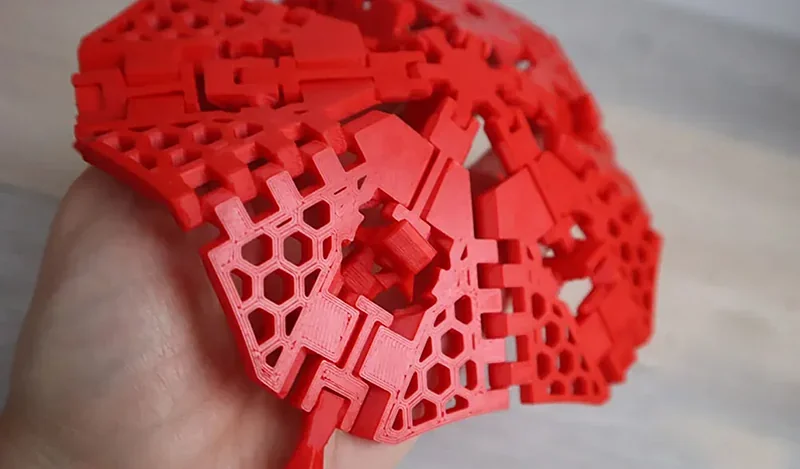
3D printing the umbrella stand base in PETG at 0.15mm and 200mm/s showed the K1 Max’s ability to handle viscous filaments while maintaining dimensional stability and strong layer adhesion at moderate speeds.
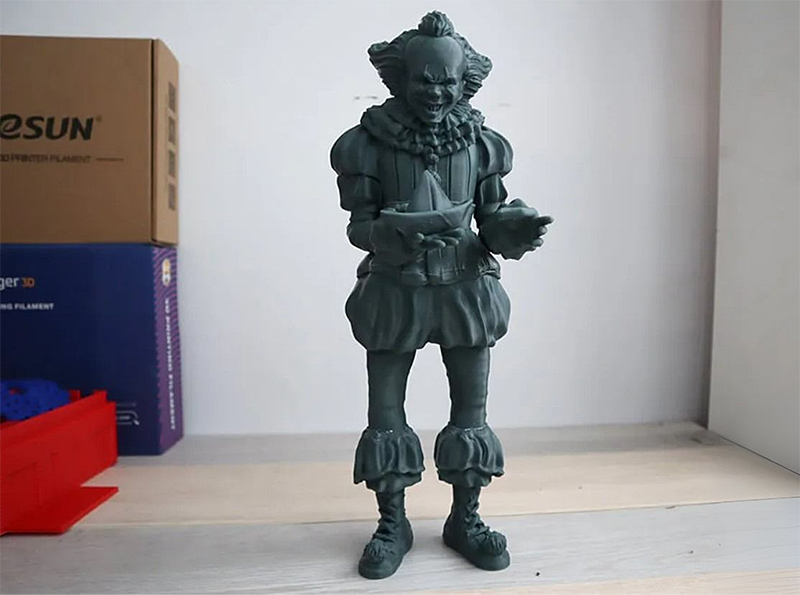
The K1 Max handles engineering materials like ABS, ASA, and PC with its stable enclosed chamber. A test print of a three-part ABS Pennywise model at 0.1mm, 300mm/s, 250°C nozzle, and 100°C bed completed in ~22 hours with a steady 50°C chamber, demonstrating reliability with demanding filaments.
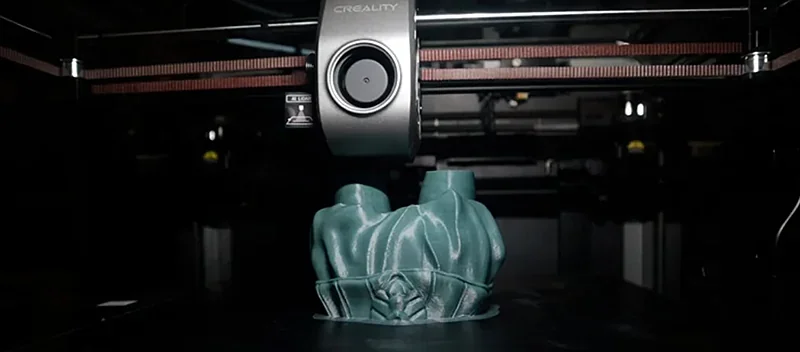
The K1 Max ensures strong bed adhesion and accuracy with no warping, thanks to its heated metal frame and enclosed chamber, producing smooth ABS layers even at high speeds. A rear carbon filter captures emissions, making ABS printing safer.
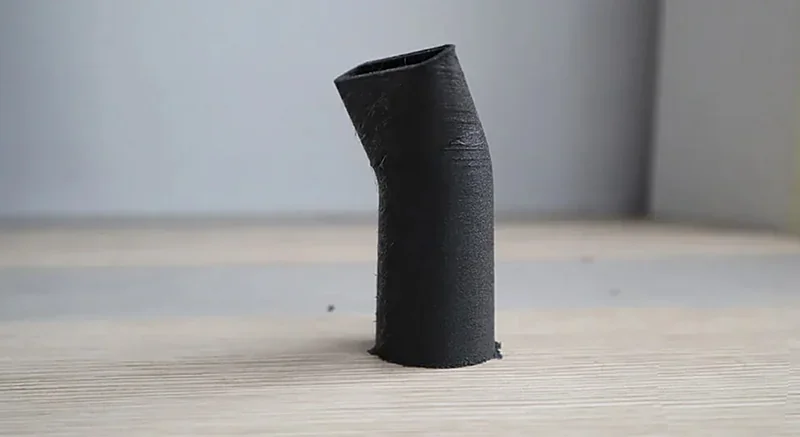
The K1 Max’s ceramic hotend with titanium alloy heatbreak and hardened steel nozzle reaches 300°C, while the heated bed reaches 100°C, enabling high-temp printing. It supports carbon fiber-reinforced filaments like PLA-CF, PA-CF, and PET-CF. A test vacuum nozzle printed in carbon fiber at 0.2mm, 250mm/s, 260°C, and 100°C showed strong dimensional stability with abrasive materials.
The K1 Max’s direct-drive extruder delivers up to 32mm³/s flow rate, ensuring strong extrusion for rigid and flexible filaments. In tests, it printed functional FLEX filament can lids at 0.2mm and 120mm/s with stable bed adhesion, confirming reliable performance with soft materials.
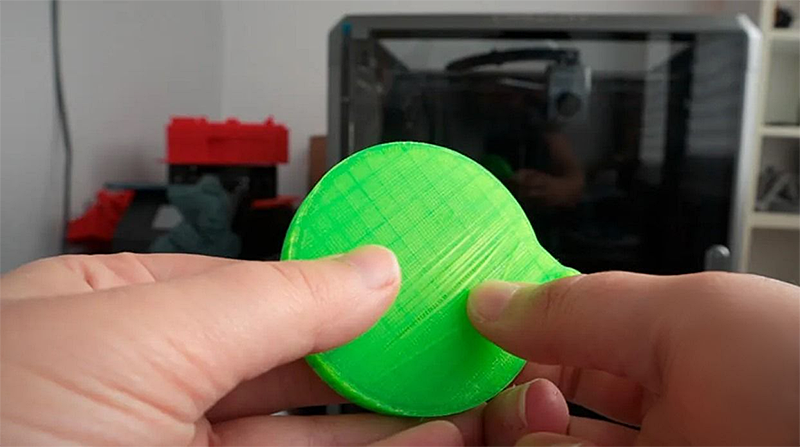
The K1 Max supports both Creality and third-party filaments. While Creality’s Hyper PLA is optimized for high-speed printing, tests confirm reliable performance with PLA, PETG, ABS, and specialty filaments like silk and multicolor variants from other brands.
What is the build volume of the Creality K1 Max High Speed 3D Printer?
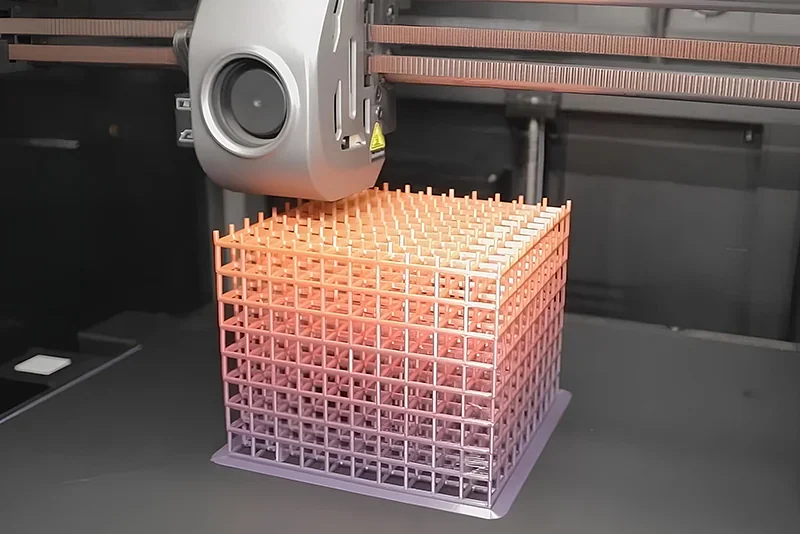
The Creality K1 Max offers a 300 × 300 × 300mm build volume for large prints or multiple parts, with equal dimensions on all axes for versatility. Despite this capacity, its footprint remains compact at 435 × 462 × 526mm.
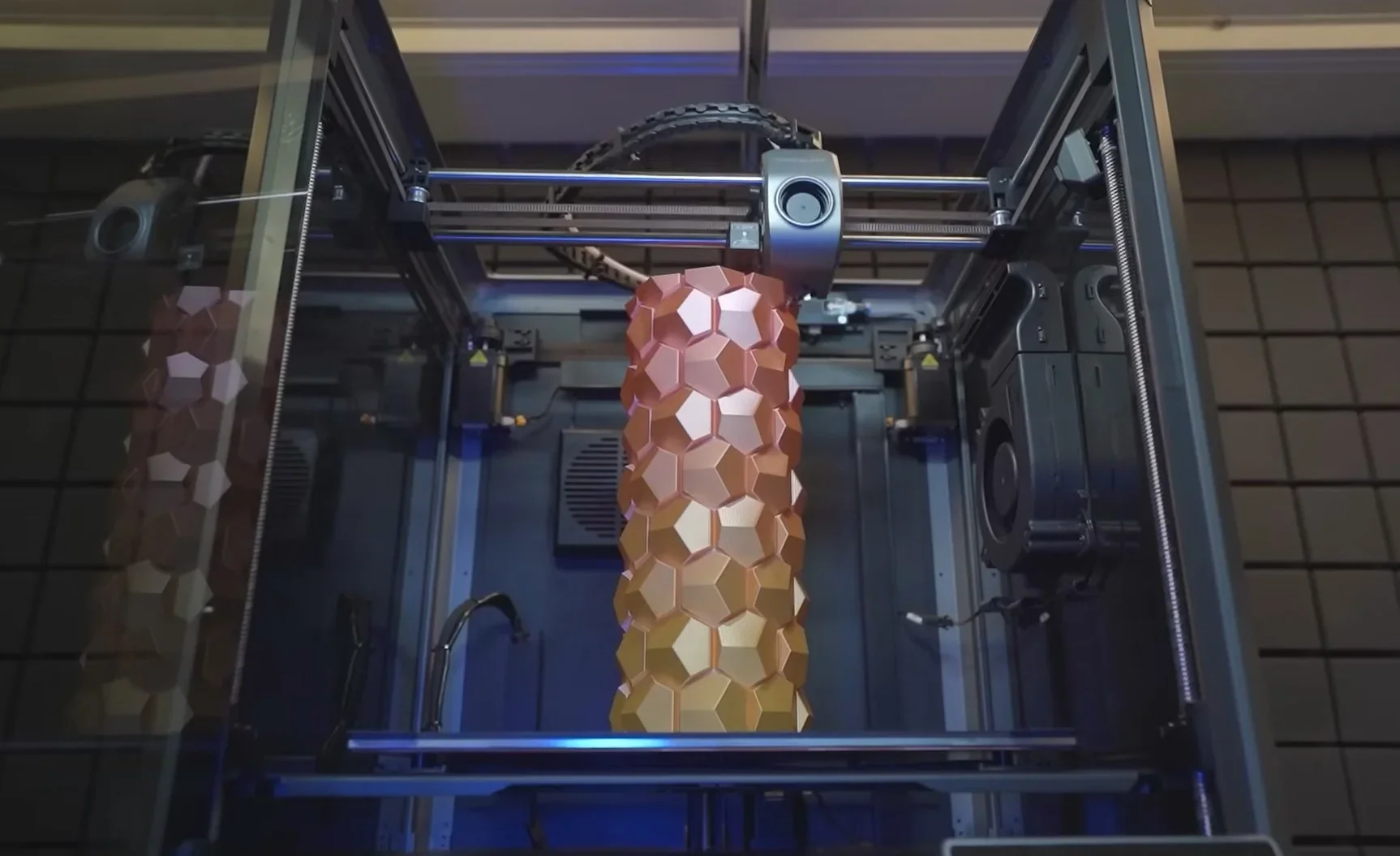
The K1 Max’s large build volume also supports batch production, fitting multiple models on the bed to boost efficiency. Tests with 5–10 copies showed its rapid movement between parts added little extra print time.
What is the difference between the Creality K1 Max, K2 Plus, K1C, K2 Pro, Ender 5 Max, Bambu Lab P2S?
Creality K1 Max — 300×300×300 mm enclosed printer with AI LiDAR + AI camera and Ethernet; fast (≤600 mm/s) and feature-rich out of the box, though it tops out at a 100 °C bed and lacks an active chamber heater.
In contrast:
- Creality K1 — wins on lowest price and smaller footprint; loses vs K1 Max on build volume (220 mm³ vs 300 mm³), no LiDAR, and no Ethernet.
- Creality K1C — wins on price; loses on build volume, lacks LiDAR, and has no Ethernet compared with K1 Max.
- Creality K2 Plus — wins on larger build volume (350 mm³), hotter bed (≤120 °C), higher nozzle ceiling (≤350 °C), active chamber heat (≤60 °C), and higher acceleration (≤30,000 mm/s²); loses on price and still lacks LiDAR.
- Creality K2 Pro — wins on active chamber heat (≤60 °C), hotter bed (≤110 °C), step-servo motion, RFID & calibration camera; loses on price and still lacks LiDAR (volume is the same at 300 mm³).
- Bambu Lab P2S — wins on filtration depth (activated carbon with VOC + PM), hotter bed (≤110 °C), and high flow (≈40 mm³/s); loses on build volume (256 mm³), no Ethernet, and no LiDAR.
- Creality Ender 5 Max — wins on the biggest build volume (400 mm³) and the highest headline speed (≤700 mm/s); loses on enclosure (open-frame), only optional camera, and no LiDAR.
| Specification | Creality K1 | Creality K1C | Creality K2 Plus | Creality K1 Max | Creality K2 Pro | Bambu Lab P2S | Creality Ender 5 Max |
|---|---|---|---|---|---|---|---|
| Build volume (mm) | 220×220×250 | 220×220×250 | 350×350×350 | 300×300×300 | 300×300×300 | 256×256×256 | 400×400×400 |
| Chamber | Enclosed; purifier | Enclosed; purifier | Enclosed;active≤60 °C | Enclosed | Enclosed;active≤60 °C | Enclosed; carbon (VOC+PM) | Open frame |
| Max nozzle (°C) | 300 | 300 | 350 | 300 | 300 | 300 | 300 |
| Bed (°C) | 100 | 100 | 120 | 100 | 110 | 110 | 100 |
| Max speed (mm/s) | ≤600 | ≤600 | ≤600 | ≤600 | ≤600 | 600 | ≤700 |
| Price (USD) | from $399 | from $499 | from $1,099 | from $649 | from $849 | from $799 | from $749 |
| Key extras | Auto-level; cam; runout | Auto-level; cam; runout | Ethernet; calib cam | AI LiDAR+ cam; Ethernet | Step-servo; RFID; calib cam | 1080p cam; 40 mm³/s flow; cutter | 64-pt auto-level; optional cam |
Bottom-Line:
- Buy the Creality K1 Max, if you want a 300 mm³ enclosed machine with built-in AI LiDAR calibration and Ethernet at a mid-tier price;
- Buy the Creality K2 Plus/Pro for active-heated chamber and higher thermal ceilings,
- Pick the Bambu Lab P2S for higher reliability, albeit at a higher price, and with a smaller build volume,
- Choose the Creality Ender 5 Max for sheer size,
- Buy the Creality K1/K1C, if budget and footprint matter most.
What printer controls are available on the Creality K1 Max?
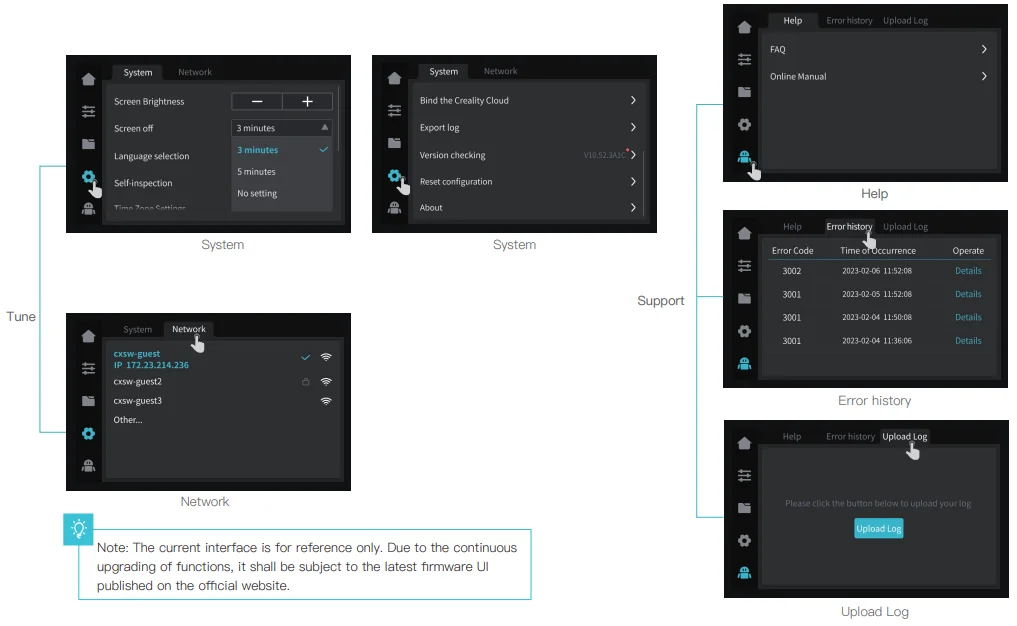
The Creality K1 Max features a 4.3-inch color LCD with 11 main controls including nozzle and bed temperature adjustments, print time display, fan speed and LED controls, organized into three menus for Print Setup, File Management with local and USB model access, and System Settings with diagnostics and support tools.
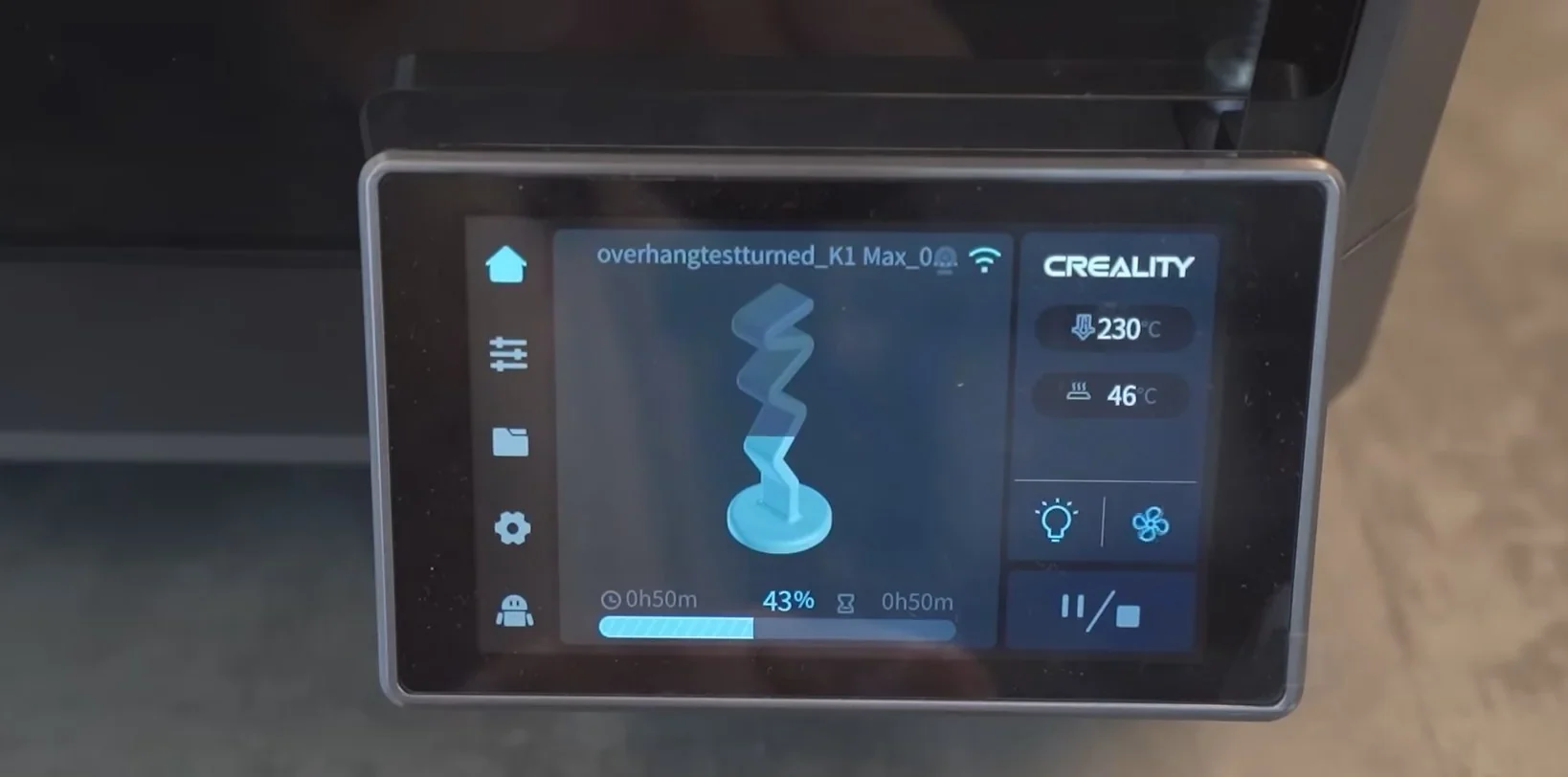
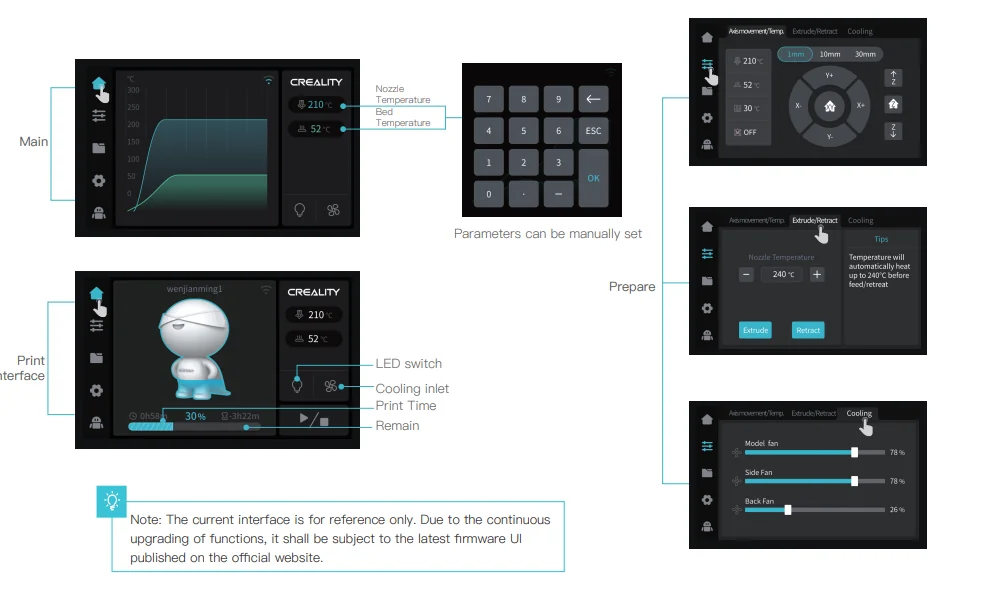
Main Interface Controls
- Nozzle Temperature - monitor and adjust nozzle heat
- Bed Temperature - monitor and control heated bed
- Print Time Remaining - display estimated time left
- Cooling Inlet Control - manage fan speed
- LED Switch - toggle chamber lights
3 Primary Menu Sections
1. Tune/Prepare Section – controls for print setup
- Axis Movement & Temperature – adjust bed and nozzle
- Extrude/Retraction – manual nozzle control
- Cooling – manage model, side, and back fans
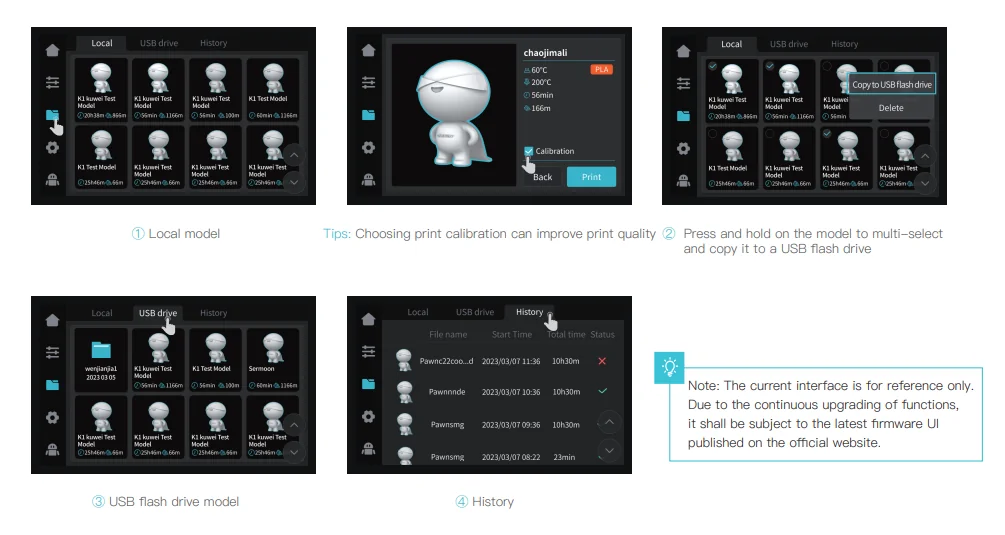
2. Files Section – file access and management
- Local Models – stored in printer memory
- USB Models – from external USB drives
- History – records of past prints
- Multi-Select – copy/move models between storage
3. System/Support Section – device settings and diagnostics
- System Settings – screen, network, device options
- Help – troubleshooting resources
- Error History – logs and diagnostics
- Upload Log – transmit system data for support
What connectivity options are available on the Creality K1 Max?
The K1 Max provides three connectivity options: a front USB port for flash drives, Wi-Fi (2.4GHz) for wireless printing, and Ethernet for stable wired network printing.
The K1 Max supports LAN printing for local control and remote monitoring through Creality Print or Creality Cloud. It includes 8GB internal storage for easy access to saved models and an integrated webcam for real-time monitoring and automatic time-lapse videos.
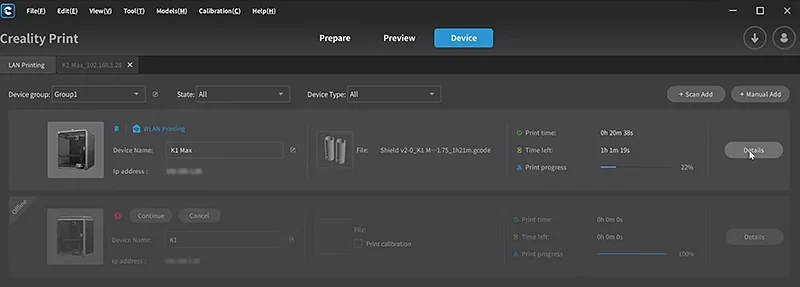
The Creality K1 Max works with Windows, macOS, Linux (via Creality Print) and iOS/Android (via Creality Cloud). These apps enable remote job sending, live monitoring with the built-in camera, printer setting adjustments, and access to print history. Users can also rename, delete, and organize G-code files and time-lapse videos directly through network control.
What software is offered with the Creality K1 Max?
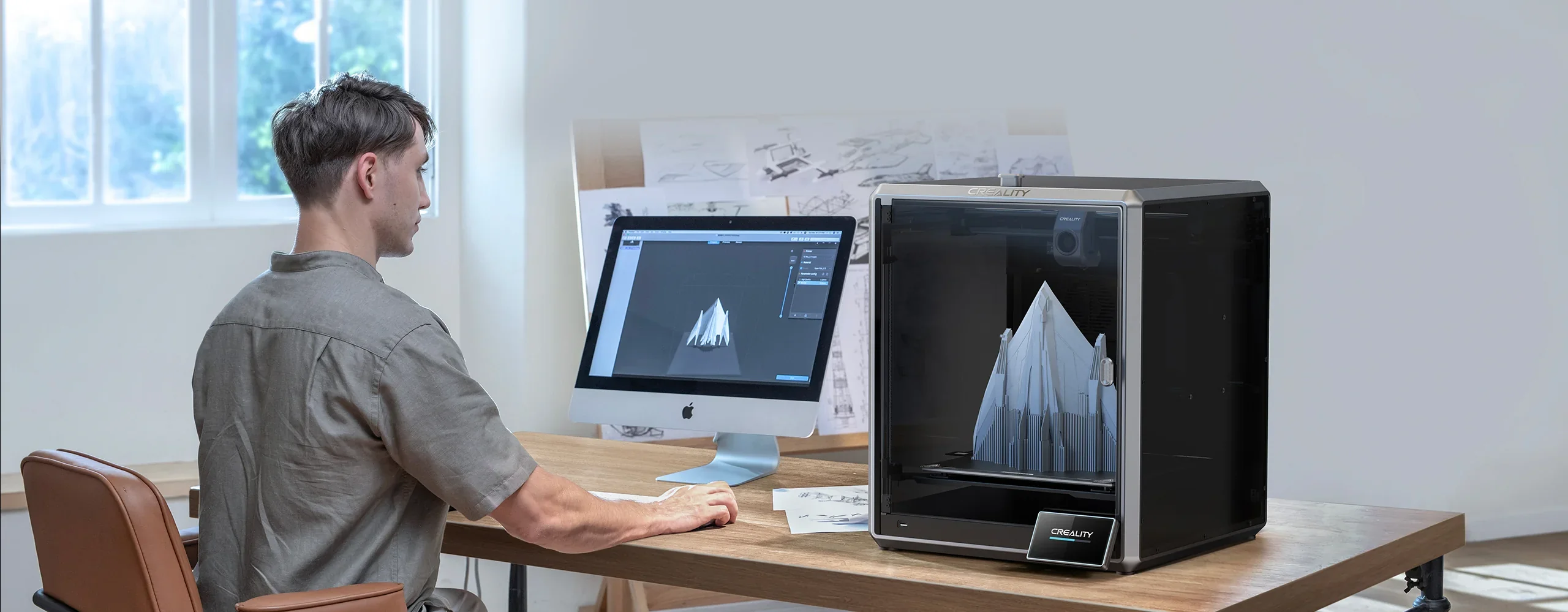
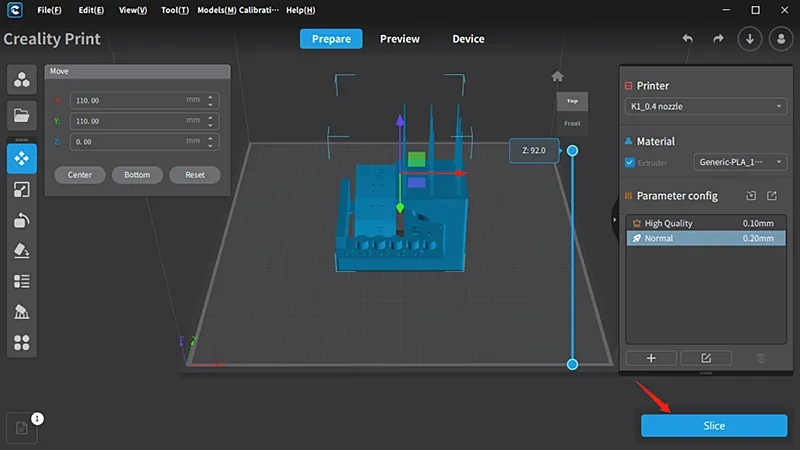
The K1 Max comes with Creality Print 4.3 slicer for Windows, macOS, and Linux. Slice the model in 3 simple stages. It includes optimized presets for speed, temperature, and materials, along with tools for scaling, rotation, duplication, and auto supports. Advanced features include tree supports and calibration for temperature, flow, and acceleration. The software connects to the printer via LAN or Creality Cloud for direct job transfers, and Creality provides an official user guide on YouTube.
The Creality K1 Max runs a customized Klipper firmware that delivers high-speed, precise printing. Creality has open-sourced it, allowing users to install vanilla Klipper from GitHub for greater control and customization.
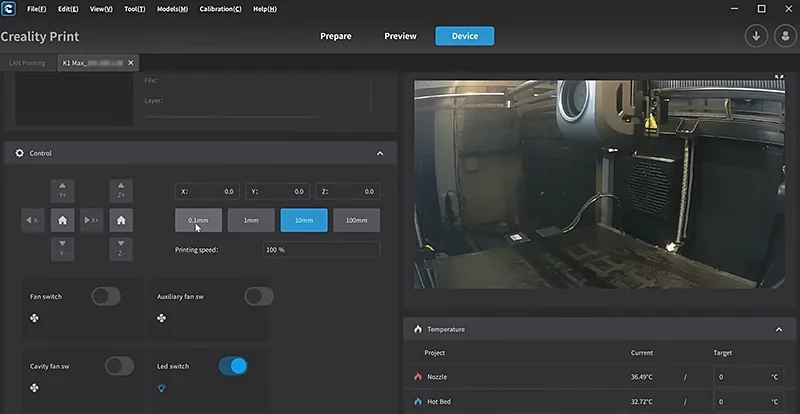
The Creality Cloud app for iOS and Android enables full remote management with live camera monitoring, time-lapse recording, and file management.
The Creality K1 Max receives regular firmware updates via touchscreen or network, improving features and fixing issues. All included software is free, with no subscriptions or premium tiers.
What is the design and build quality of the Creality K1 Max?
What is the design and form factor of the Creality K1 Max?
The K1 Max has a modern enclosed design with a compact 435 × 462 × 526mm footprint, yet offers a large 300 × 300 × 300mm build volume. Weighing 18kg, it balances size and capacity while maintaining a sleek appearance.
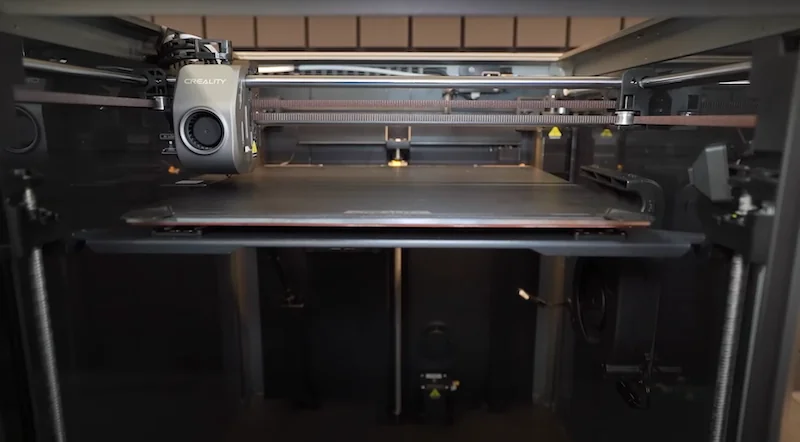
The Creality K1 Max enclosure uses aluminum alloy frames with four vertical posts for rigidity. Rear and bottom panels are ABS plastic, sides are tinted gray acrylic, and the front door is tempered glass with magnetic latches. A removable tempered glass top cover allows ventilation when printing PLA.
The K1 Max achieves a 25.5% build volume-to-size ratio, making it highly space-efficient. Its enclosed design ensures stable conditions for high-temp materials like ABS and ASA.
What is the motion system of the Creality K1 Max?
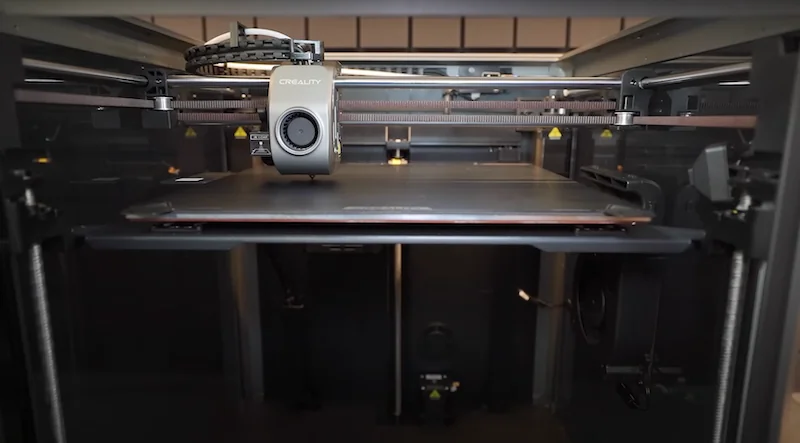
The K1 Max uses a CoreXY motion system with cylindrical linear guides and brass-graphite bushings, reducing noise compared to ball bearings. Its 190g lightweight print head lowers inertia for smoother motion.
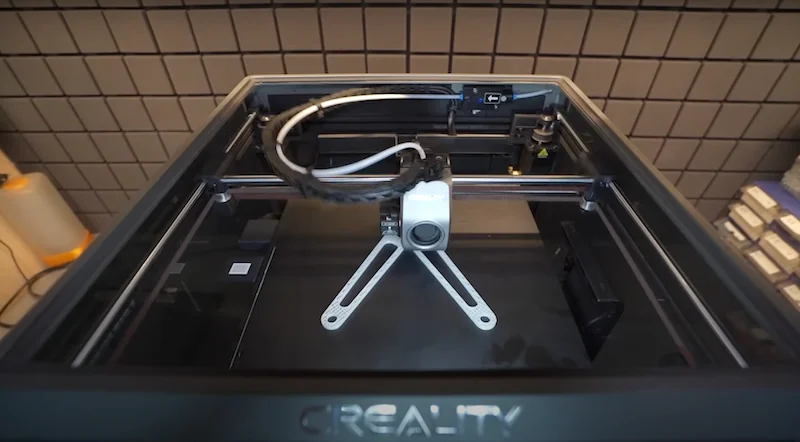
The K1 Max’s CoreXY system uses large pulleys to reduce motor resonance at high speeds.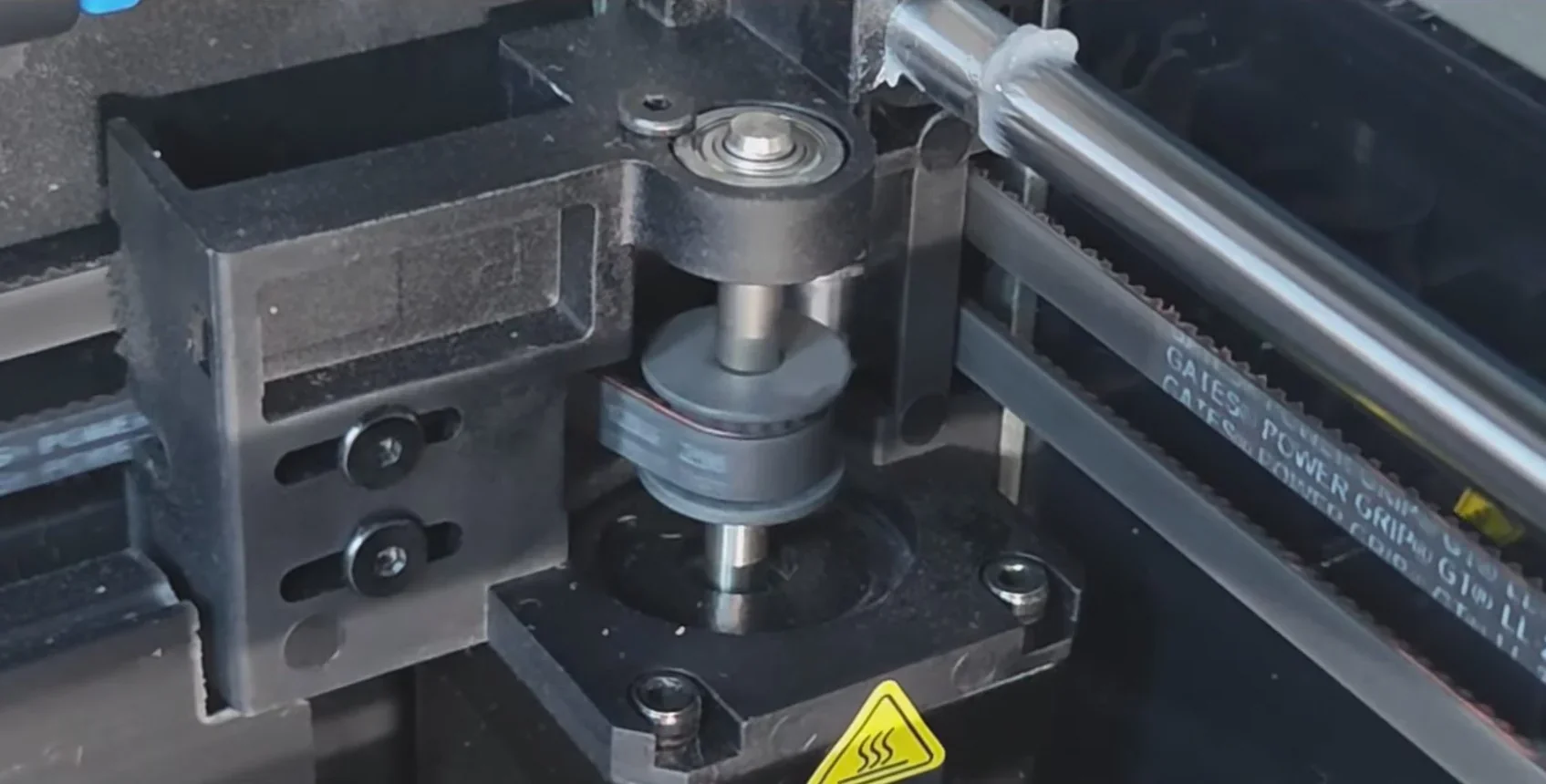
In this setup, only the lightweight print head moves on the X-Y plane, while the build platform moves on the Z-axis.
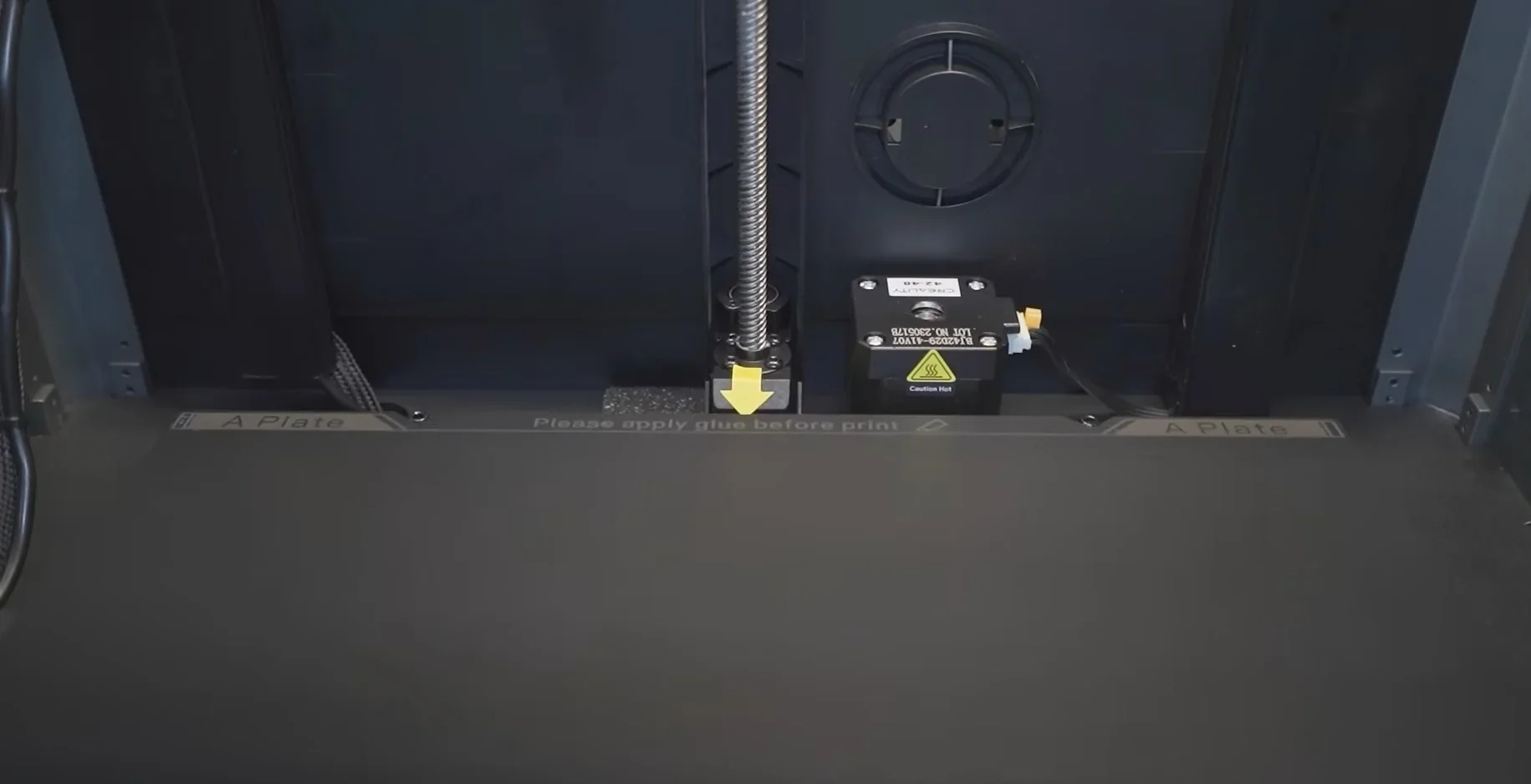
The Z-axis uses three lead screws synchronized by a timing belt and driven by one motor, replacing the typical cantilever bed design.
What is the noise level of the Creality K1 Max?
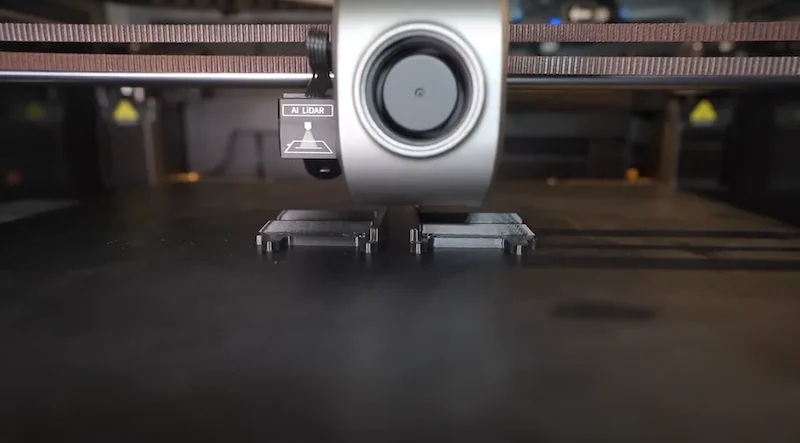
The K1 Max averages 53.7 dB with the door closed and 55.1 dB open, reaching up to 75 dB at close range. Its enclosure cuts noise by 5–10 dB compared to open operation. The part cooling fan is the loudest component, similar to a hair dryer. A silent mode in recent firmware reduces noise by about 50% while maintaining print quality.
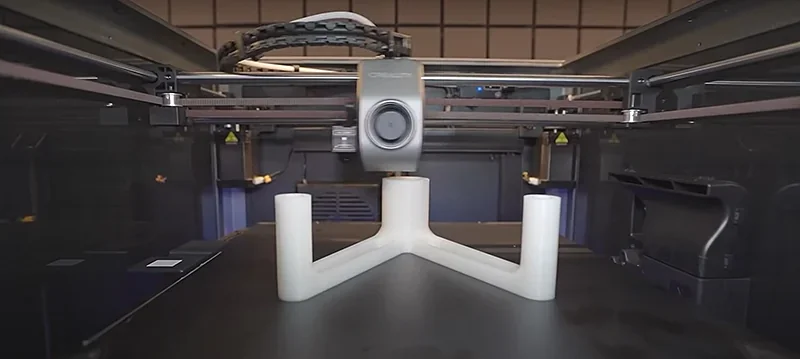
Users note the K1 Max is louder than slower printers, though the enclosure helps contain noise. For quieter environments, it’s often placed in dedicated rooms or garages
What are the build platform specifications of the Creality K1 Max?
The K1 Max has a heated aluminum build plate that reaches 60°C in 90 seconds and up to 100°C max. It uses a 220V silicone heater, unlike the standard K1’s low-voltage version, for faster and more uniform heating.
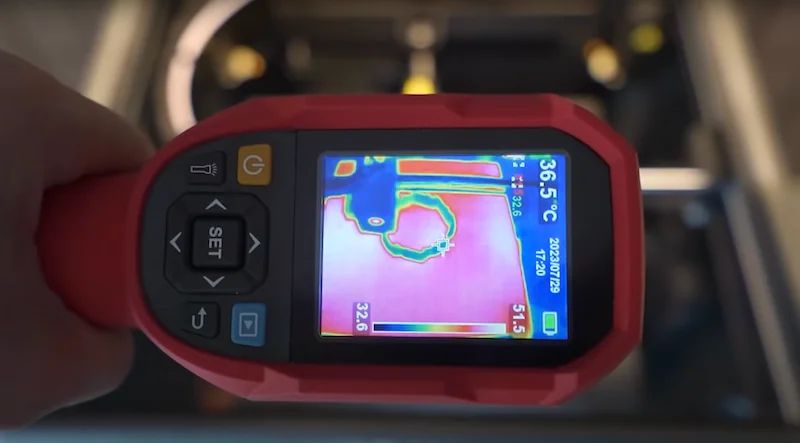
The platform uses four strain gauge load cells for automatic bed leveling, generating an accurate mesh for Z-offset compensation. Its magnetic build surface is a flexible steel plate with a matte PEI coating instead of a textured finish.
What is the hotend and extruder system of the Creality K1 Max?
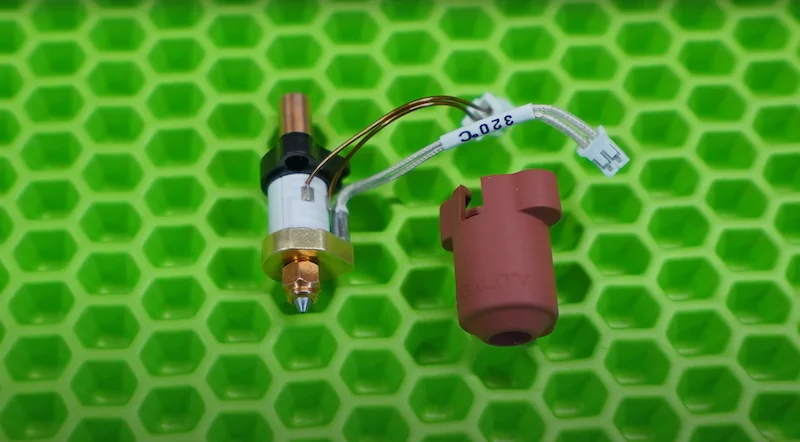
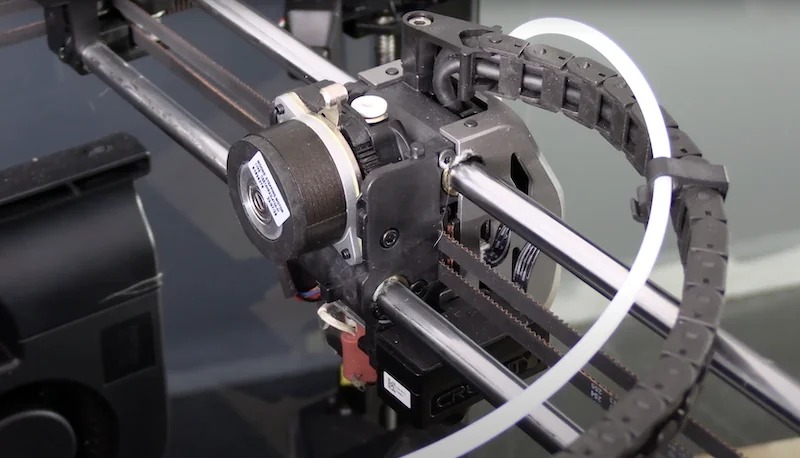
The Creality K1 Max’s hotend and extruder system features a dual-gear direct drive extruder powered by a 36mm stepper motor, a volcano-style hotend with a titanium alloy heat break, ceramic heater reaching 200°C in 40 seconds (up to 300°C max)
The dual-gear direct drive extruder uses a 36mm stepper motor for precise filament control
The hotend includes a titanium alloy heat break and a standard hardened steel 0.4mm nozzle, with support for 0.6mm and 0.8mm sizes.
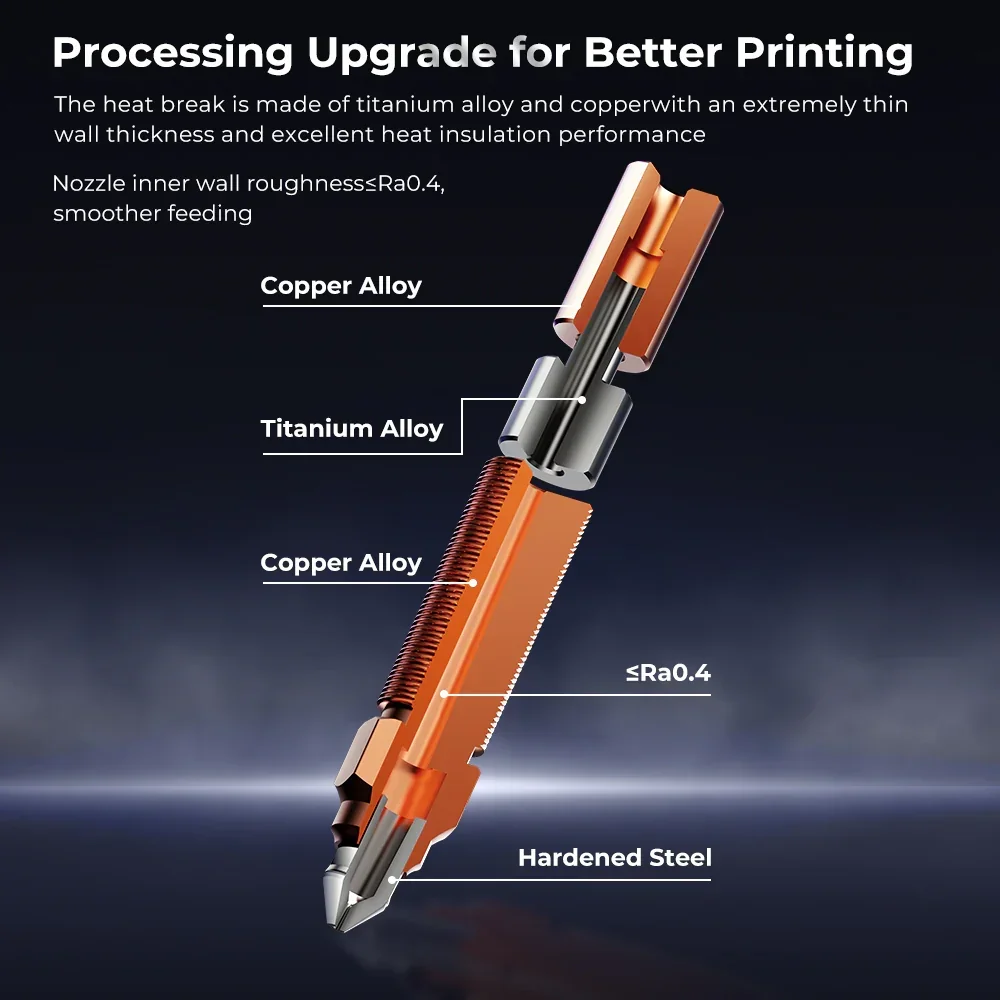
The extruder has dual cooling fans: a large print-head fan with air ducts for model cooling and an 18W auxiliary chamber fan for added performance.
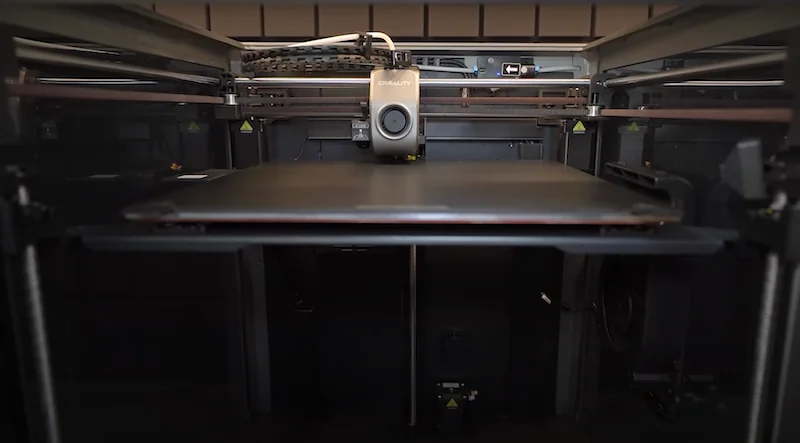
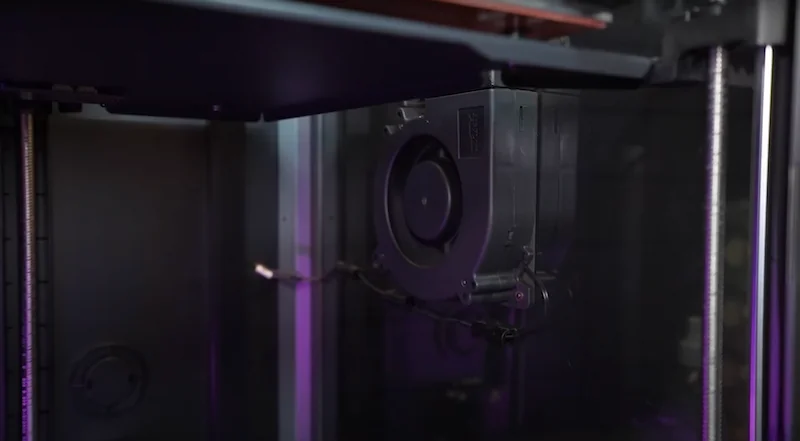
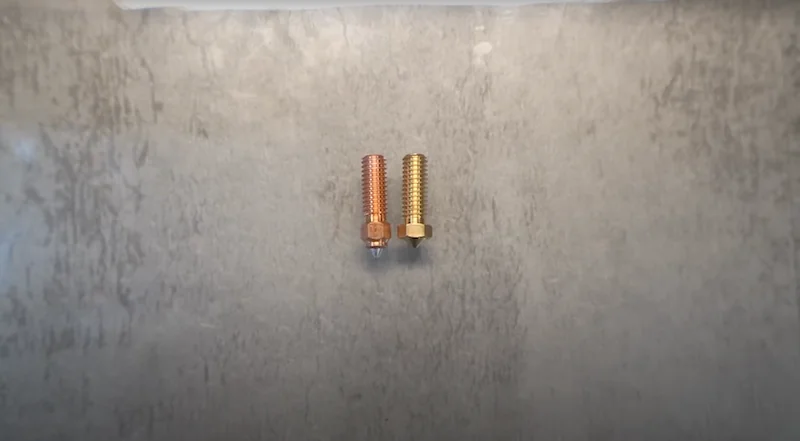
The volcano-style nozzle offers an extended melt path for better filament flow at high speeds.
How does the K1 Max handle filament storage and feeding?
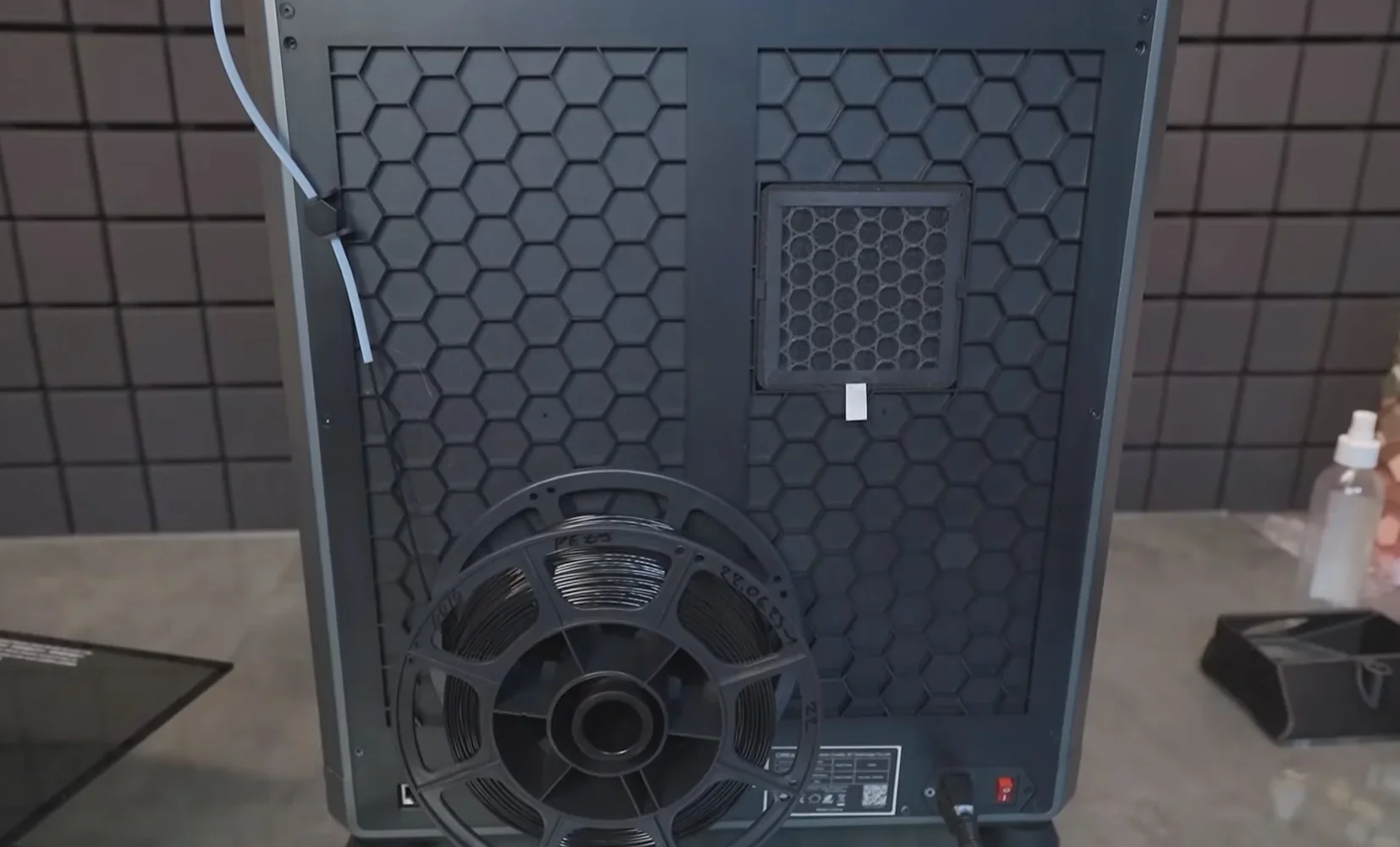
The K1 Max uses a rear-mounted rack for standard 1kg filament spools.
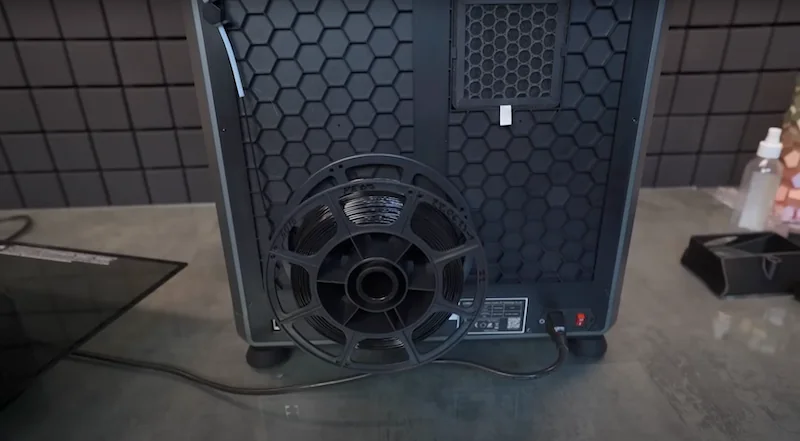
A PTFE tube guides filament from the spool holder, through the sensor, to the extruder.
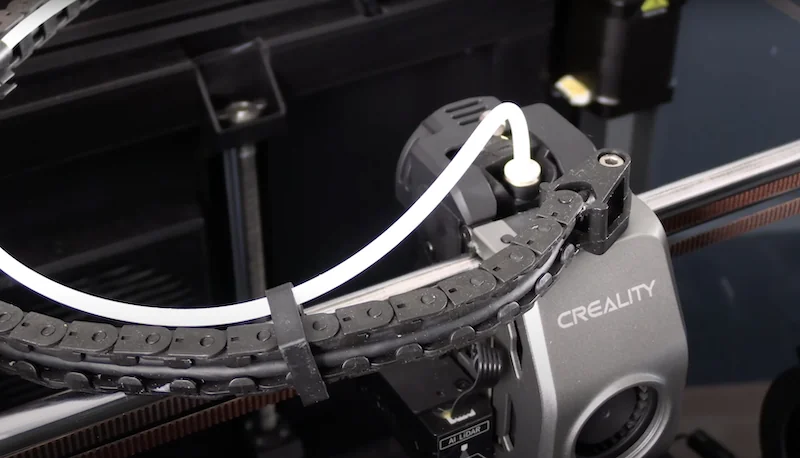
Users often replace the stock PTFE tube with Capricorn tubing to reduce friction and prevent kinks. Quick-disconnect fittings allow easier maintenance and filament loading.
What is the mainboard of the Creality K1 Max?
The K1 Max has a 32-bit mainboard with TMC2209 drivers for quiet operation, powered by a dual-core 1.2GHz processor and 8GB ROM storing up to 400 models.
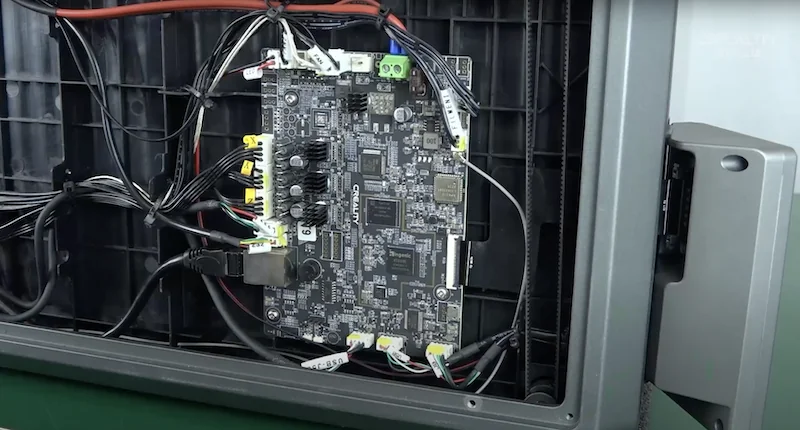
Two mainboard variants exist: SKU 4002020065 for 42–48 small gear motors, and SKU 4002020073 for 42–60 large gear motors.
What are the power supply specifications of the Creality K1 Max?
The K1 Max uses dual power: a 24V 6.25A (150W) supply for low-voltage parts and 220V AC for the heated bed, with a maximum power draw of 1000W.
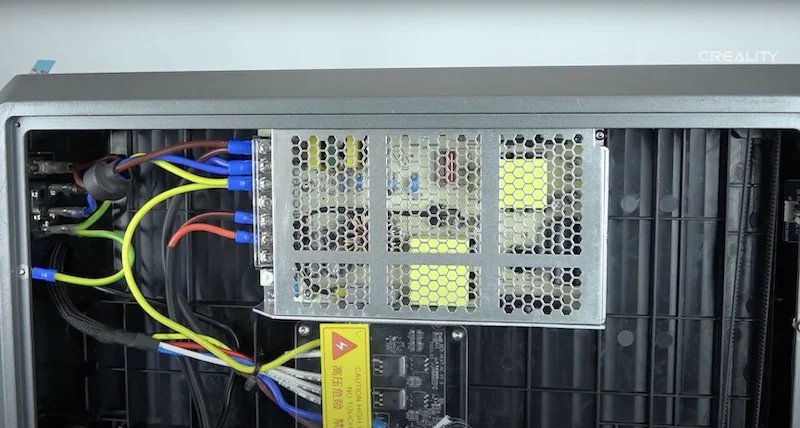
The 24V supply powers the mainboard, motors, fans, and hotend. The heated bed runs directly on AC for fast, stable heating, drawing up to 872W initially, then about 169W during printing. The power supply supports 100–240V AC at 50/60Hz for worldwide use. A UPS needs 1200W+ capacity to handle the bed’s startup surge without overload.
What comes included in the box with Creality K1 Max?
- 3D printer (99% pre-assembled)
- 4.3" touchscreen (attachable)
- 1kg spool of Hyper PLA (white)
- USB drive with manuals, software, and models
- Power cable
- Metal scraper
- Spool holder
- Side cutters
- Nozzle cleaning tool
- M6 socket wrench
- Wrench and screwdriver
- 4 rubber feet
- Assembly screws (for handle, screen, holder)
- Glue stick
- User manual
- Warranty card
The K1 Max ships in a wooden crate, 99% pre-assembled. Setup involves attaching the touchscreen, door handle, and filament holder, then removing three shipping screws. Included tools support setup and maintenance. A full spool of Hyper PLA and pre-sliced sample models on the USB drive enable immediate test prints.
Note: Package contents may change without notice. Confirm current inclusions with a Top3DShop sales representative before ordering.
What upgrades and accessories are available for the Creality K1 Max?
Creality K1 Max offers 28 upgrades and accessories.
| Accessory | Function | Price (USD) | Image |
|---|---|---|---|
| Group: Hotend & Nozzle Components | |||
| Unicorn Nozzle Kit | Quick-swap “Unicorn” nozzle system for K1C and Ender-3 V3 printers for fast nozzle changes. | $44.40 | 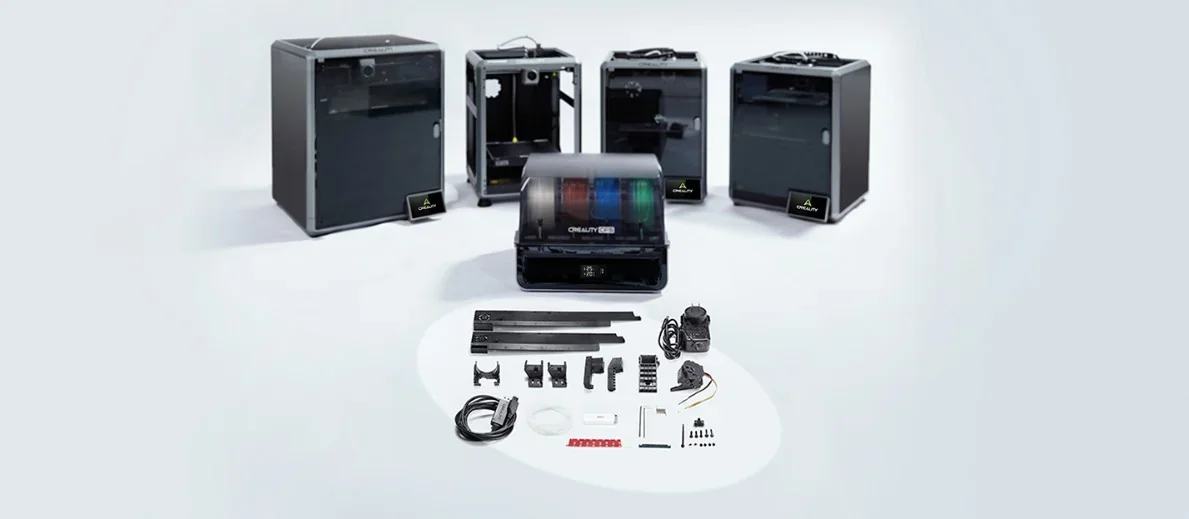 |
| Heating Block Kit (K1 Series) | Replacement ceramic heating block kit for K1 Series to restore stable hotend heating. | $35.77 | 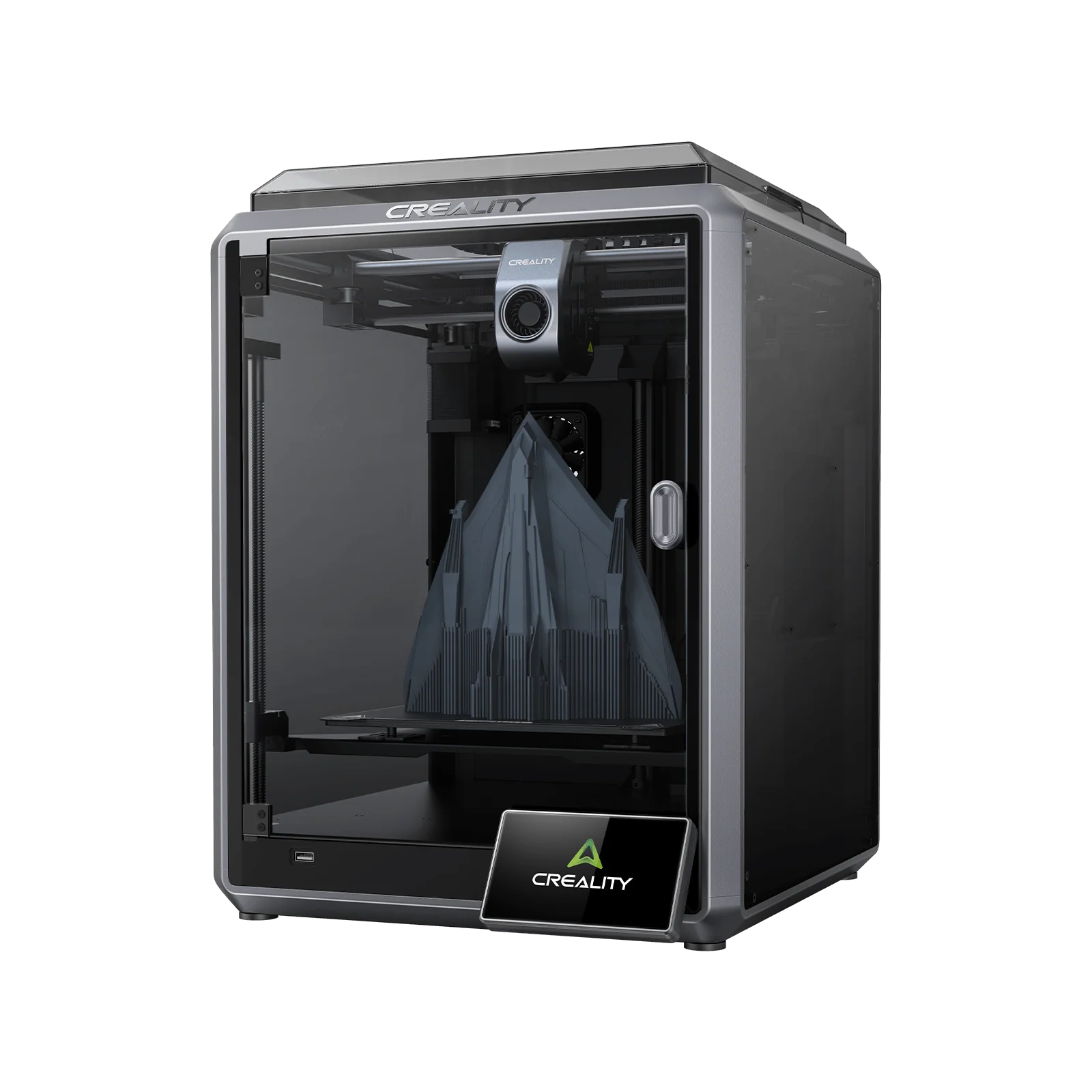 |
| High Flow Nozzle Kit | High-flow nozzle kit for K1 Series and K1 Max to increase volumetric flow for faster printing. | $25.94 | 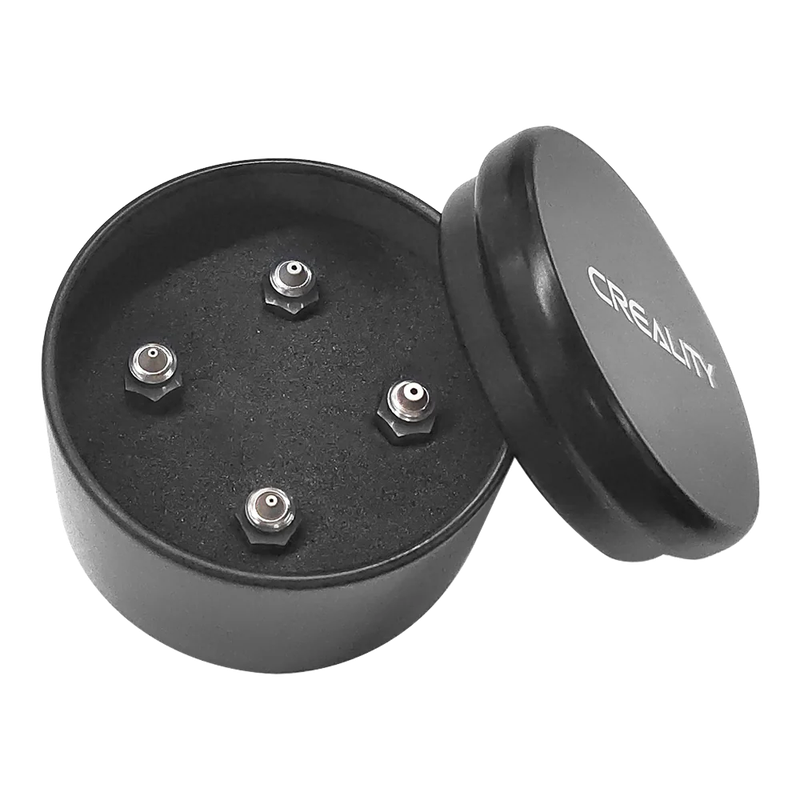 |
| K1C Ceramic Heating Block Kit (new version) | New-version ceramic heating block kit for K1C to restore stable hotend heating and temperature control. | $31.00 | 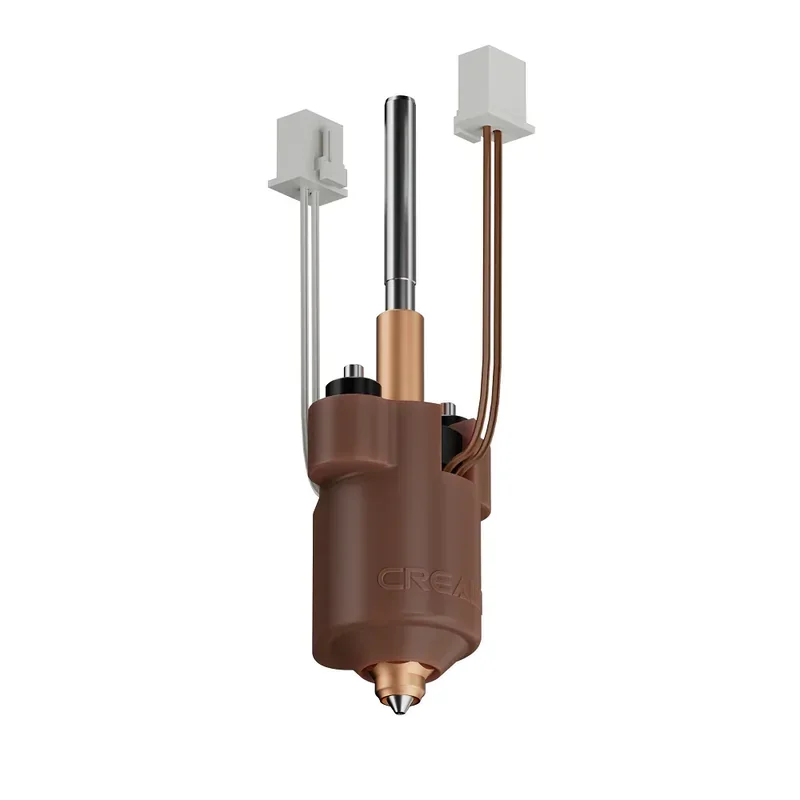 |
| Brass Nozzle | Brass nozzle for non-abrasive filaments to replace worn or clogged nozzles and restore consistent extrusion. | $6.49 | 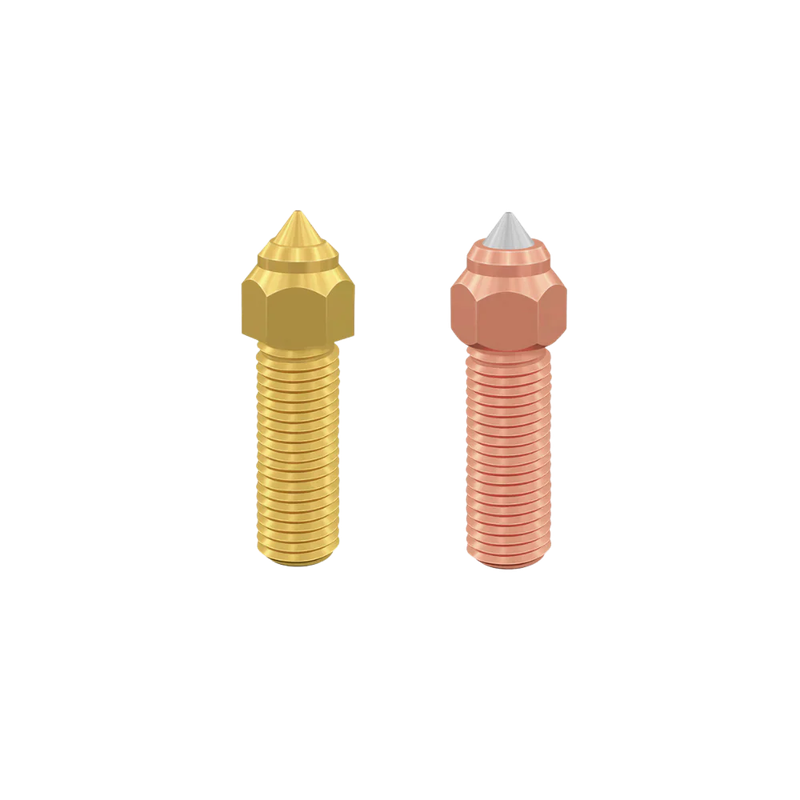 |
| E3D Brass High Flow Nozzle | Genuine E3D brass high-flow nozzle assembly (0.4 / 0.6 / 0.8 mm) to increase melt throughput for faster printing. | $28.18 | 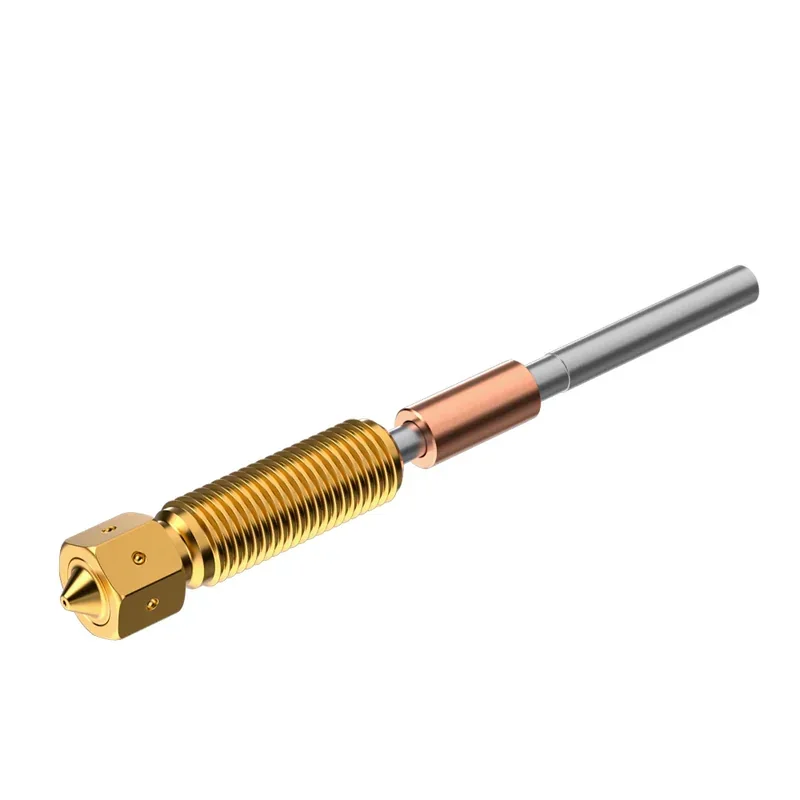 |
| Group: Hotend, Extruder & Filament Path | |||
| Teflon Tube Kit (2 m) | 2 m PTFE filament guide tube to reduce friction and replace worn or contaminated tubing. | $10.04 | 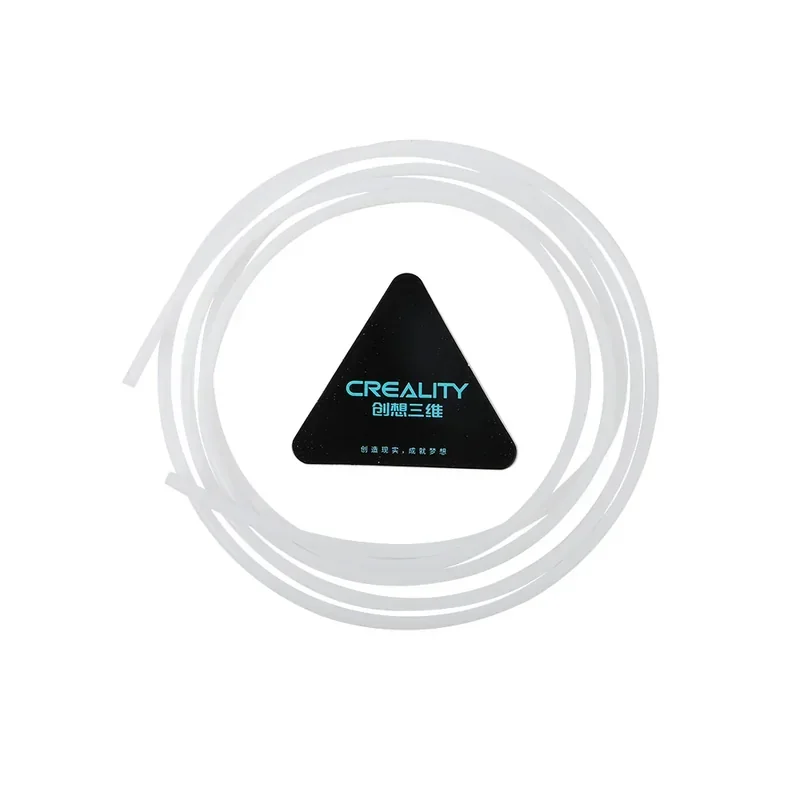 |
| Extrusion Kit (only for integrated hot-end) | Replacement extrusion kit for printers with an integrated hot-end to restore consistent filament drive and extrusion. | $22.06 | 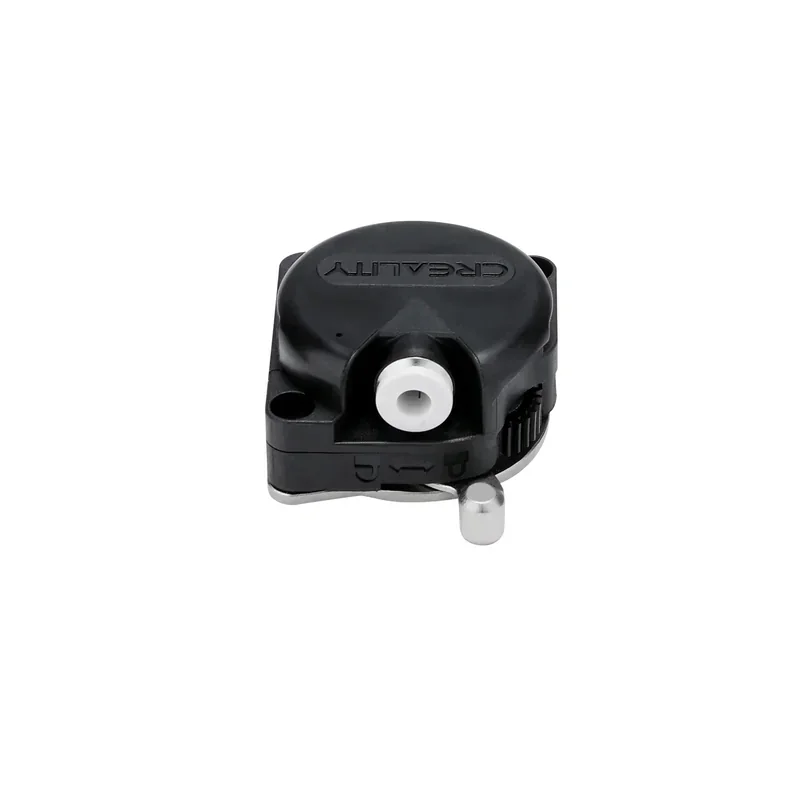 |
| K1 Series Extruder Gear Kit | Replacement extruder gear set for K1 Series to restore filament grip and prevent slipping. | $4.69 | 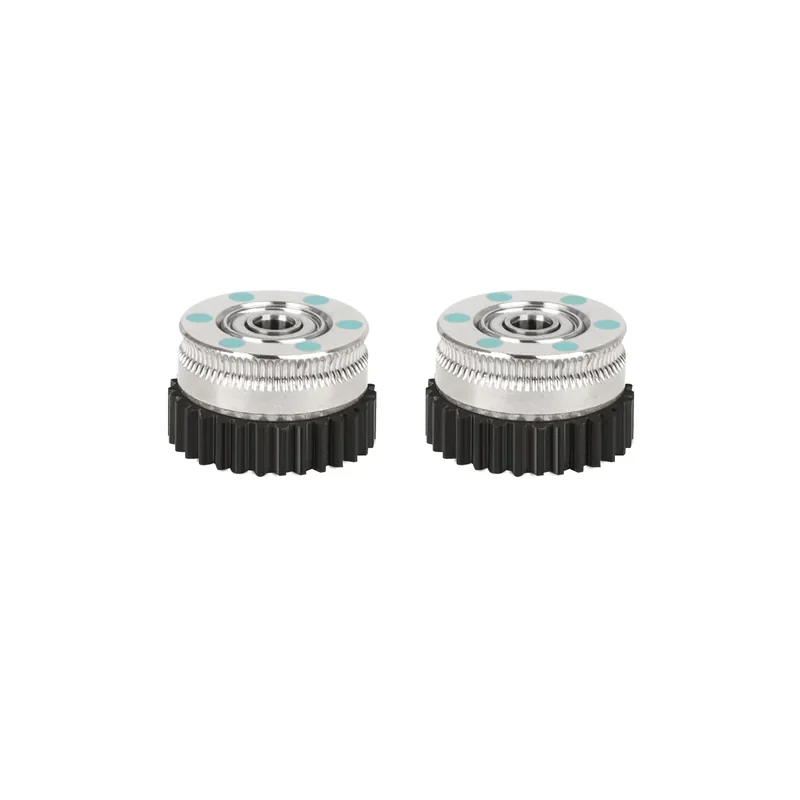 |
| Group: Build Plates & Print Surfaces | |||
| Smooth PEI Build Plate Kit 315 × 310 mm | Smooth PEI build plate, 315 × 310 mm, to restore first-layer adhesion and easy release. | $28.63 | 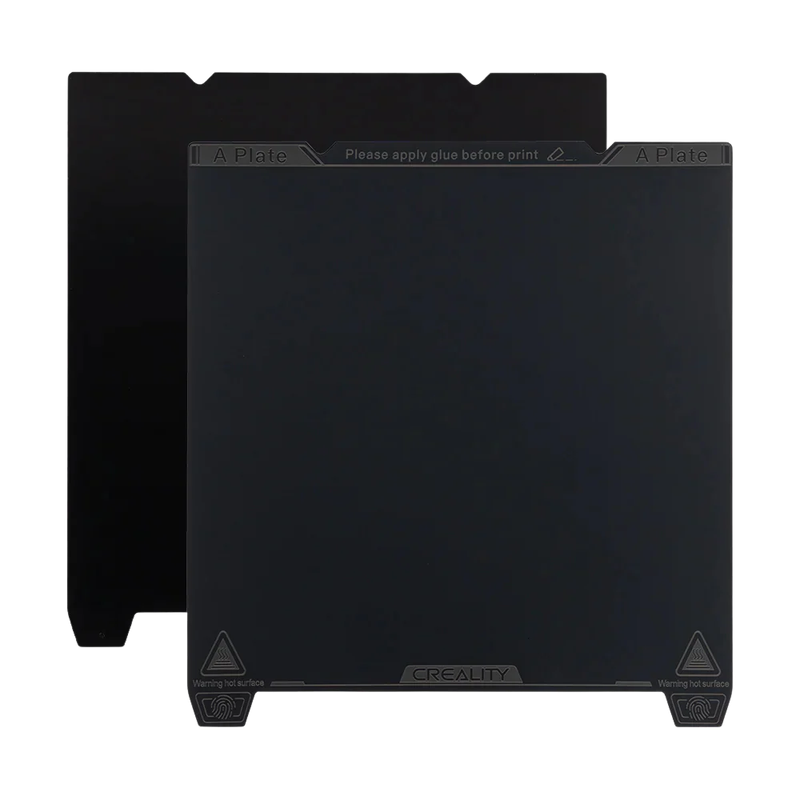 |
| PEI Build Plate Kit 315 × 310 mm (K1 Max) | PEI build plate for K1 Max, 315 × 310 mm, to restore reliable bed adhesion and print removal. | $33.83 | 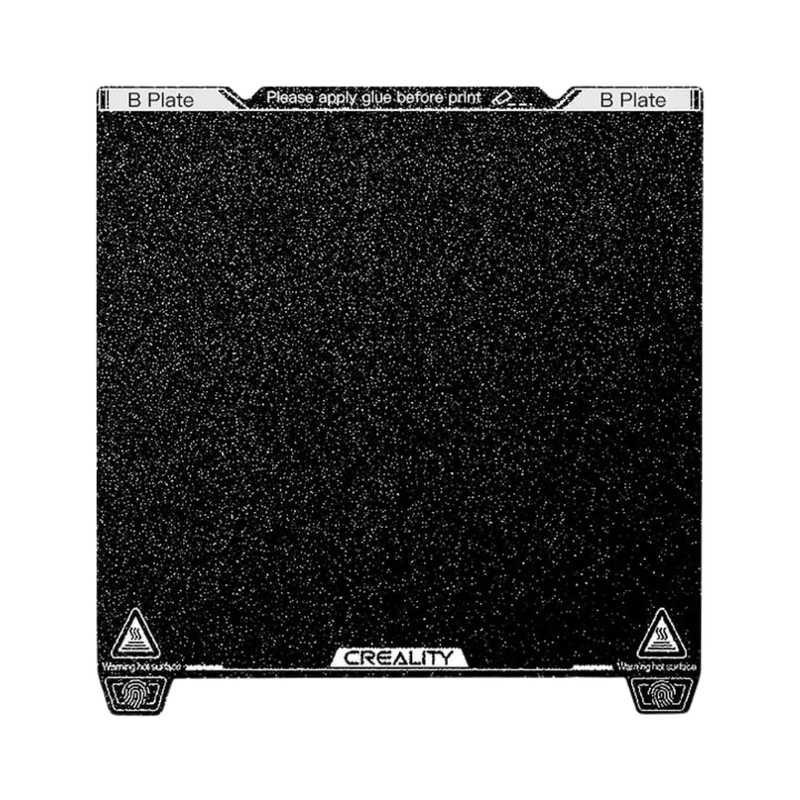 |
| Low-Temp “Cold” Printing Plate 235 × 235 mm | Cold printing plate, 235 × 235 mm, for strong first-layer adhesion at low bed temperatures. | $25.28 | 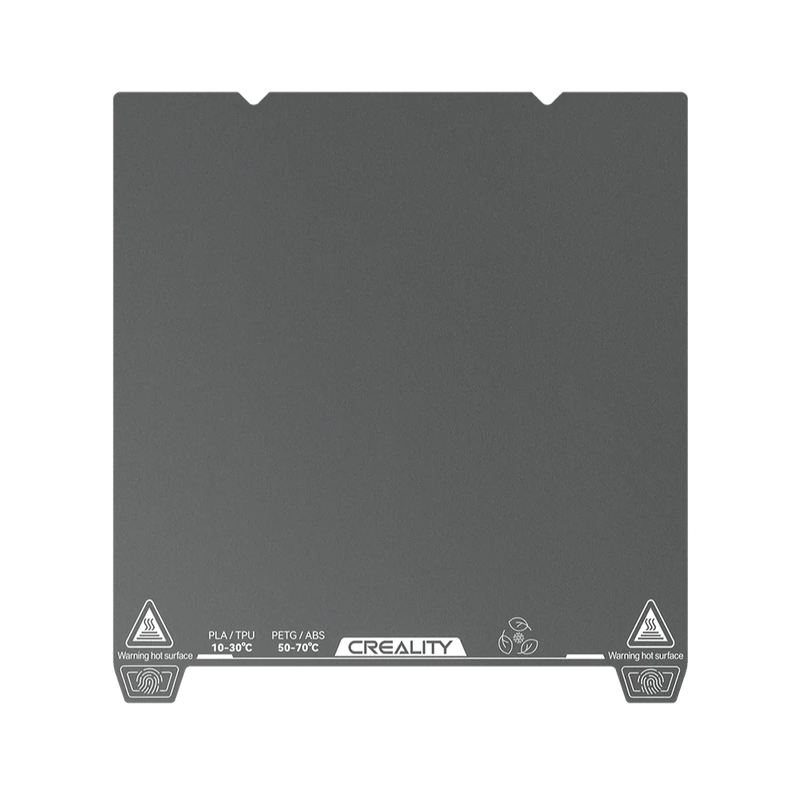 |
| Epoxy Resin Build Plate 315 × 310 mm | Epoxy-resin build plate, 315 × 310 mm, for a durable adhesion surface and textured first layer. | $26.80 | 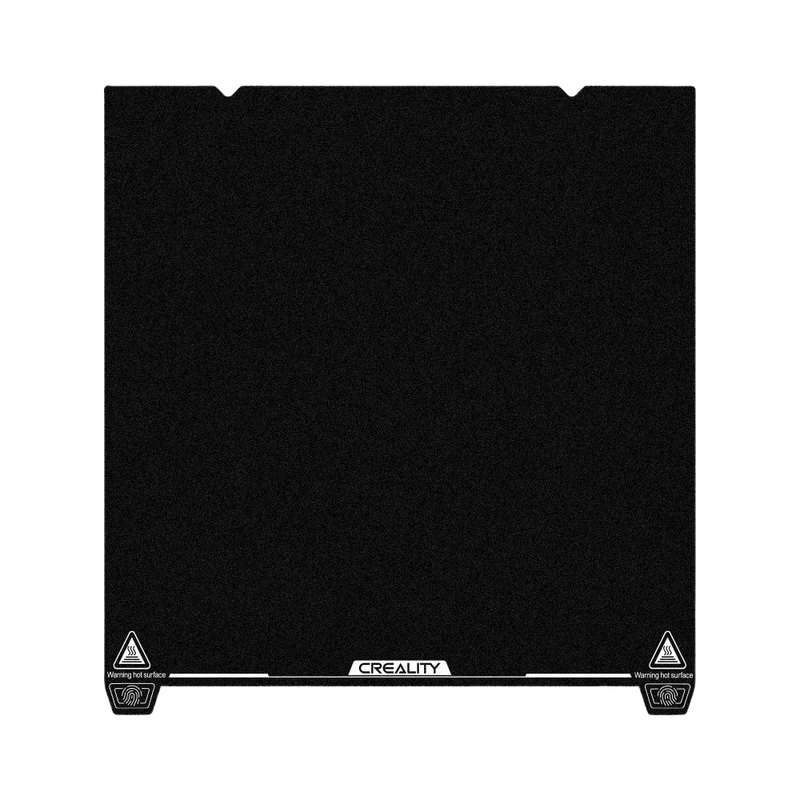 |
| Dual-Sided PET Kaleidoscope Platform Board 315 × 310 mm | Dual-sided PET build plate, 315 × 310 mm, that provides adhesion and imprints a Kaleidoscope texture on the first layer. | $17.49 | 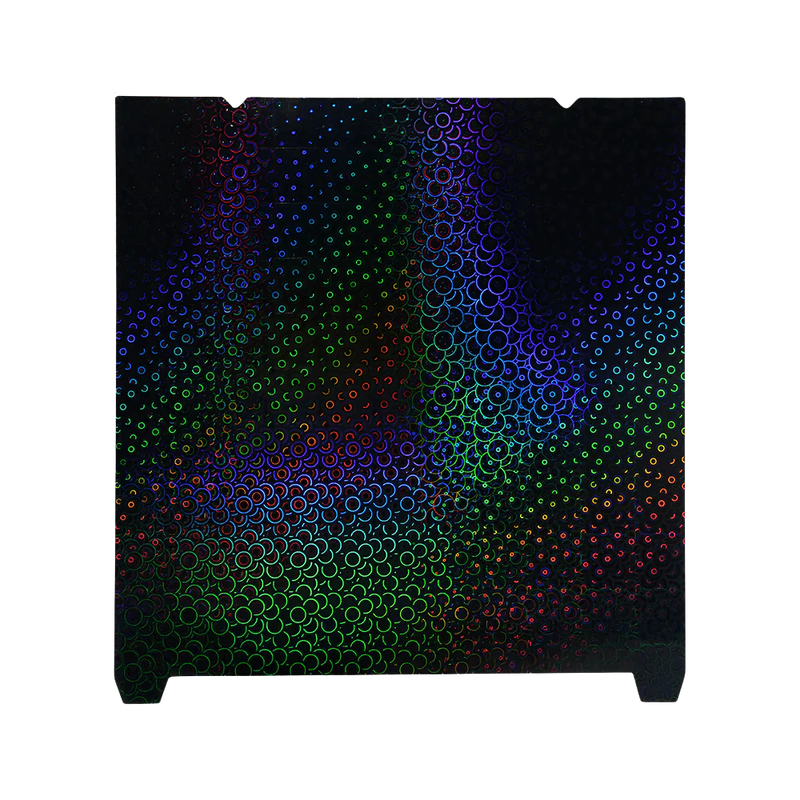 |
| Dual-Sided PET Light Pilla Platform Board 315 × 310 mm | Dual-sided PET build plate, 315 × 310 mm, that provides adhesion and imprints a Light Pilla texture on the first layer. | $24.08 | 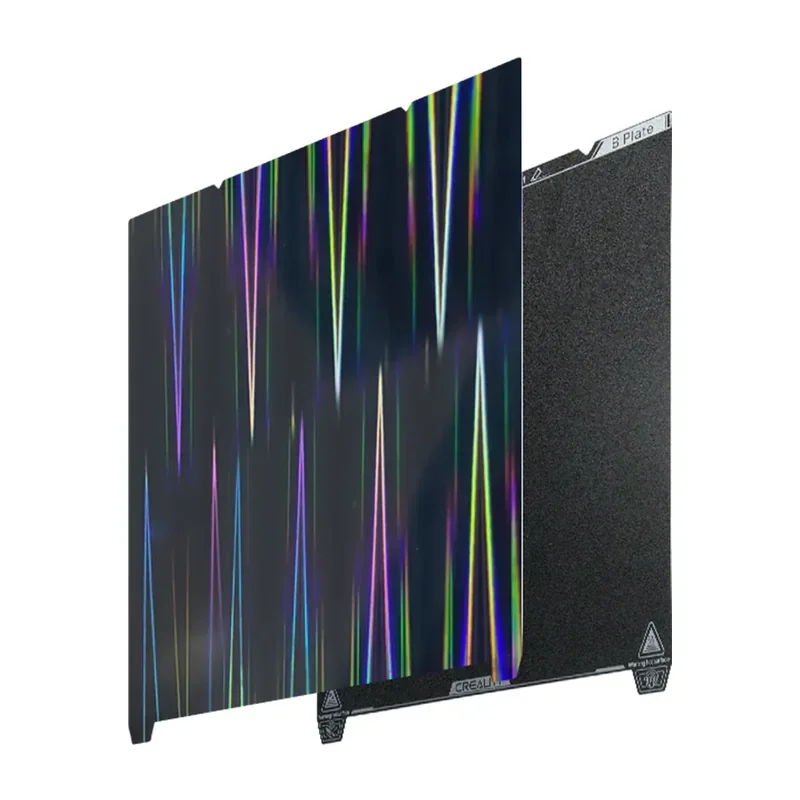 |
| Group: Heating & Motion Components | |||
| K1 Max Hotbed Kit | Replacement heated bed kit for K1 Max to restore bed heating performance and flatness. | $64.17 | 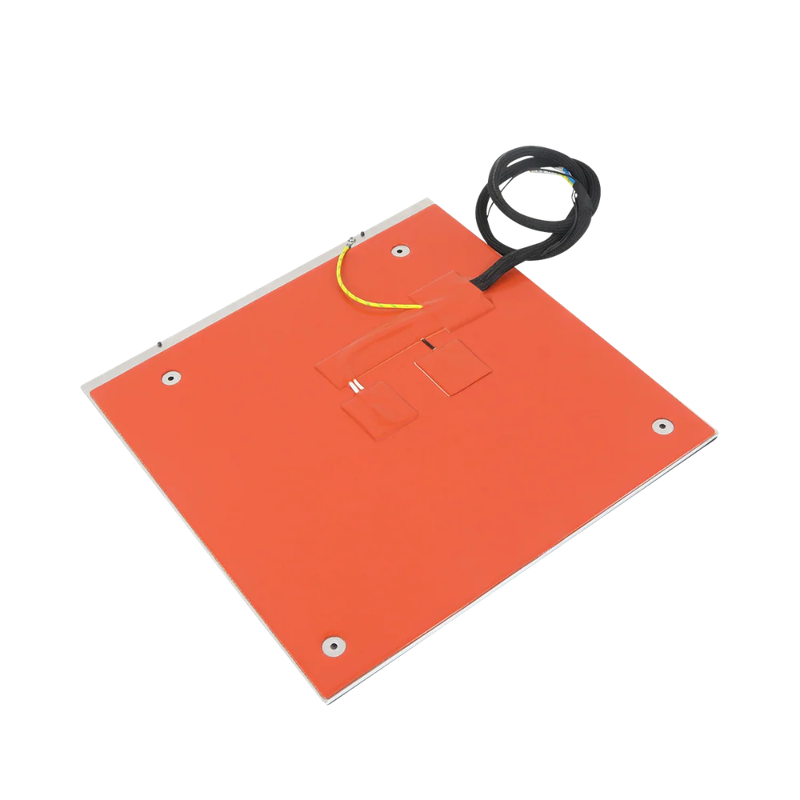 |
| Group: Electronics, UI & Controls | |||
| K1 Max Screen Kit | Replacement touchscreen kit for K1 Max to restore on-printer control and status display. | $37.77 | 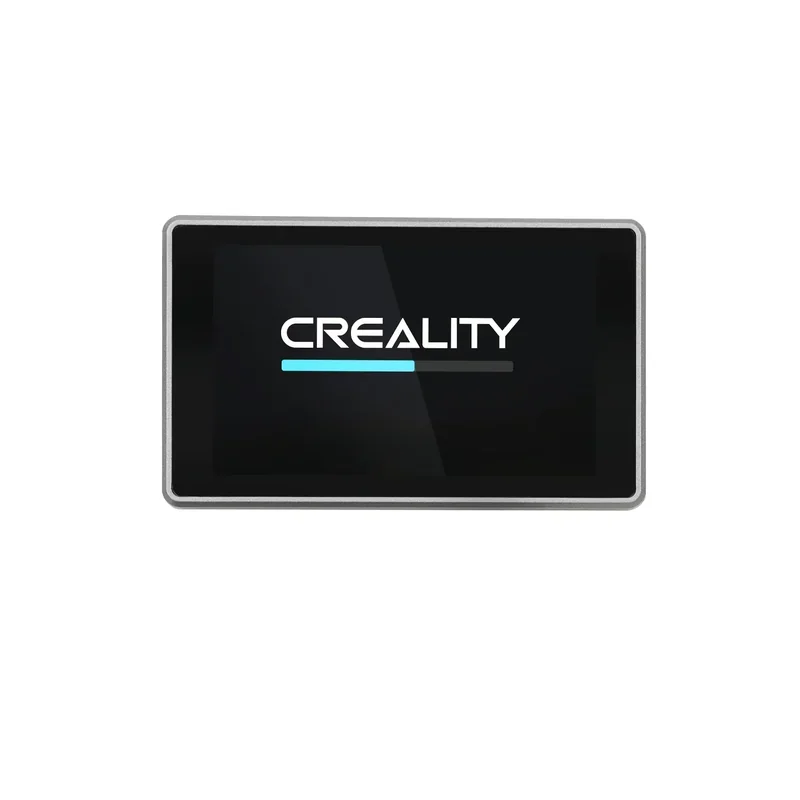 |
| K1 Max Mainboard Kit | Replacement mainboard kit for K1 Max to restore motion, heating, sensors, and connectivity control. | $73.42 | 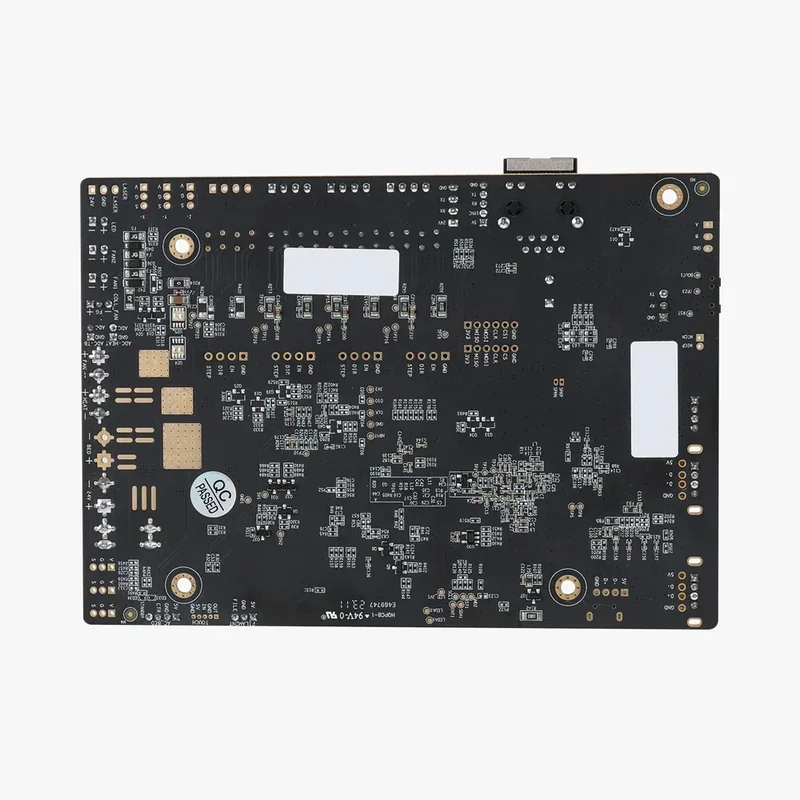 |
| Group: Enclosure & Panels | |||
| K1 Max Front Door Kit | Replacement front door kit for K1 Max to restore enclosure seal and safety barrier. | $23.53 | 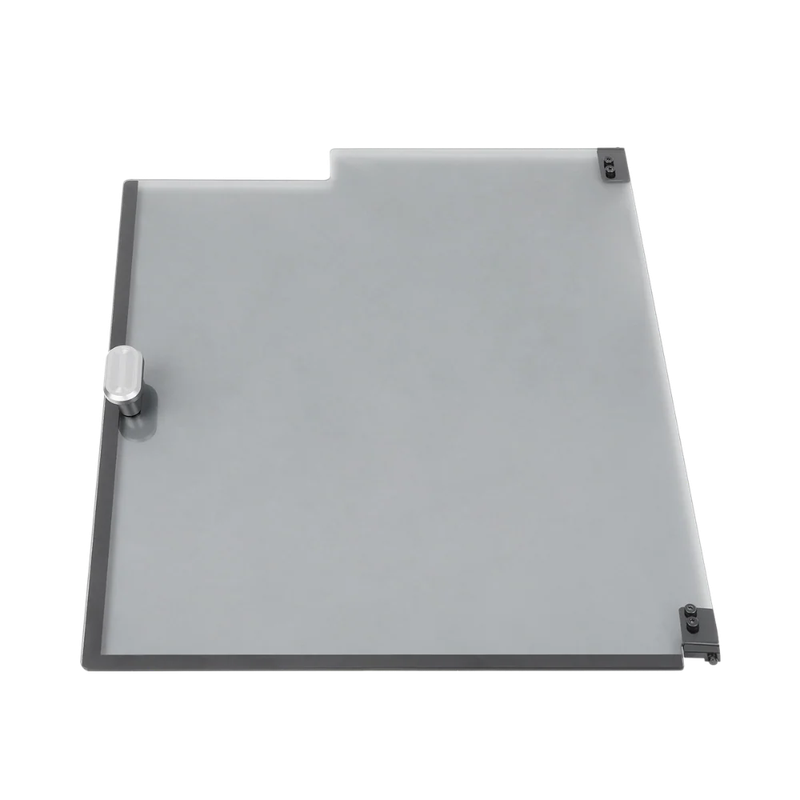 |
| Group: Air Filtration & Emissions | |||
| K1 Max Carbon Air Filter | Activated carbon filter for K1 Max to reduce enclosure odors and VOCs. | $2.88 | 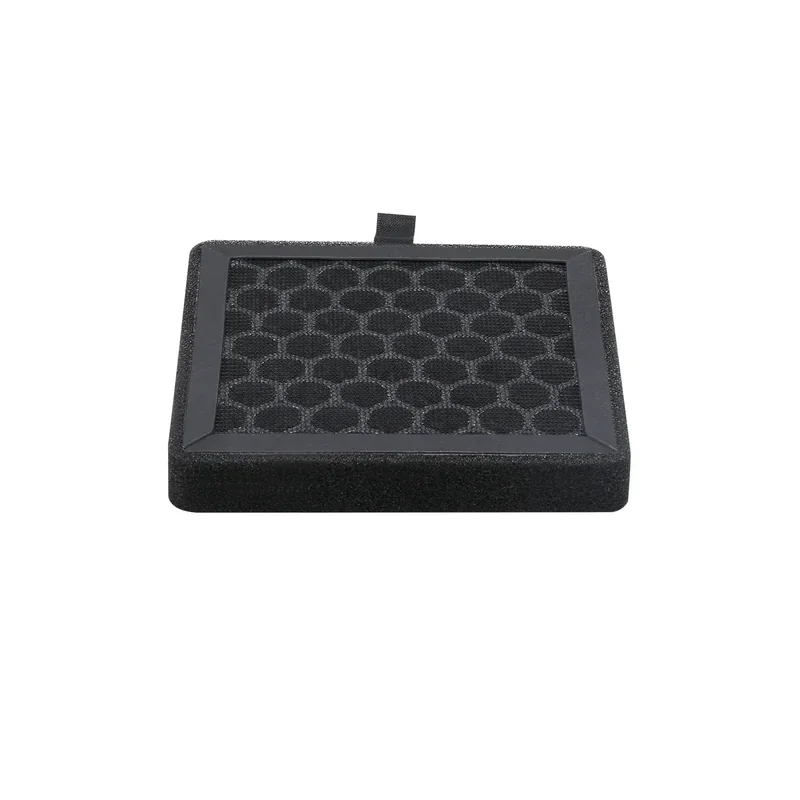 |
| FDM Air Purifier | Standalone air purifier for FDM printing to filter airborne particles and odors from printer emissions. | $721.69 | 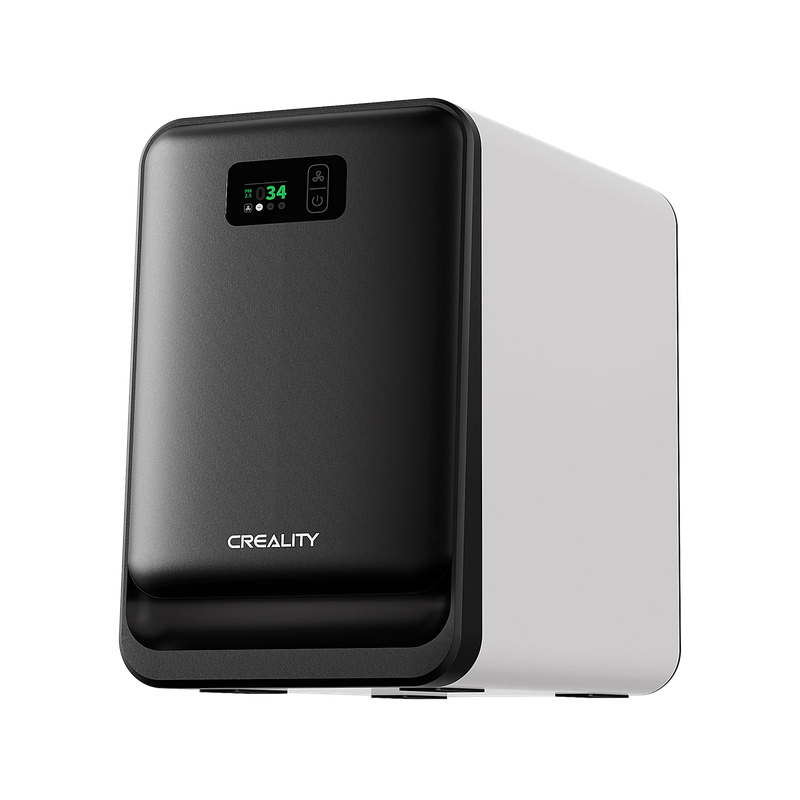 |
| Group: Filament Handling & Feeding | |||
| 3D Printer Feeding Holder (multi-kilo) | Multi-kilo spool holder to support heavy spools and keep filament feeding smooth. | $31.22 | 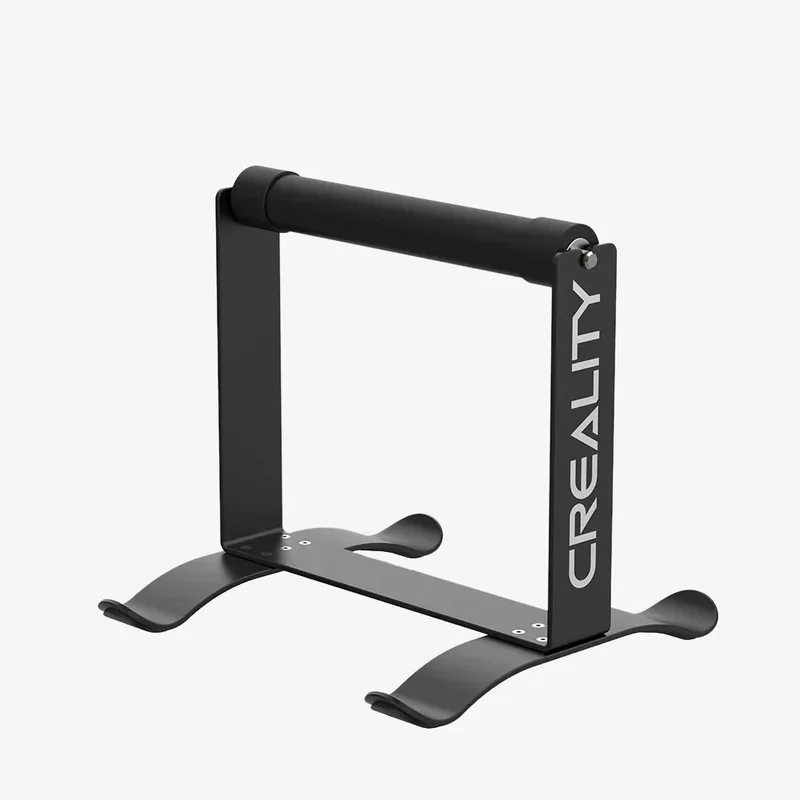 |
| 3D Digital Spool Rack-S (Single) | Digital spool rack with built-in scale and display to track remaining filament weight while reducing feeding drag. | $34.69 | 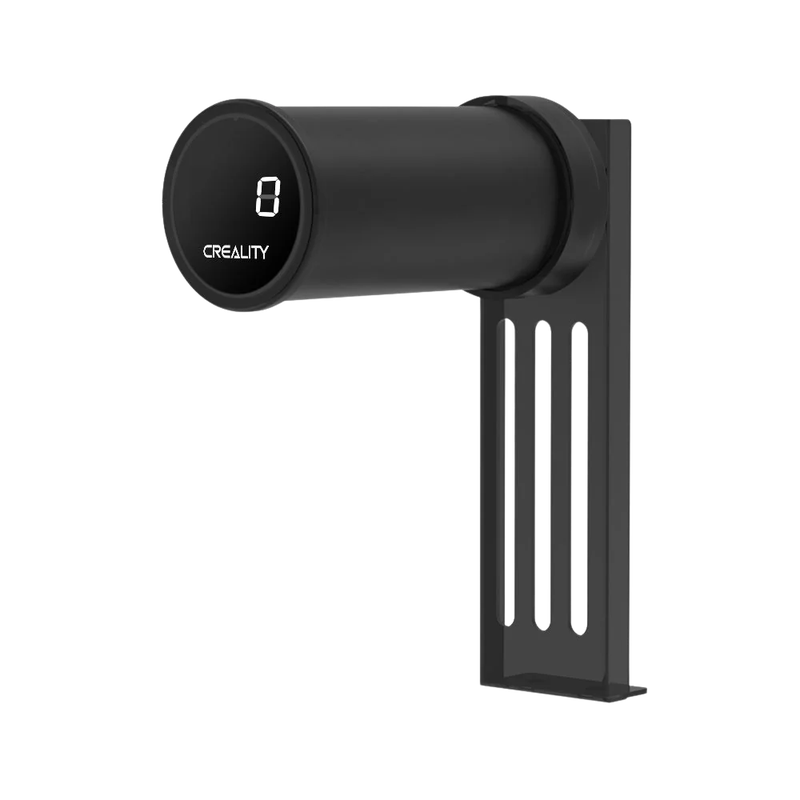 |
| Group: Printer Monitoring & Smart Add-ons | |||
| AI Camera for K1/K1 Max | Monitoring camera for K1 and K1 Max with remote live view and time-lapse recording in Creality apps. | $30.84 | 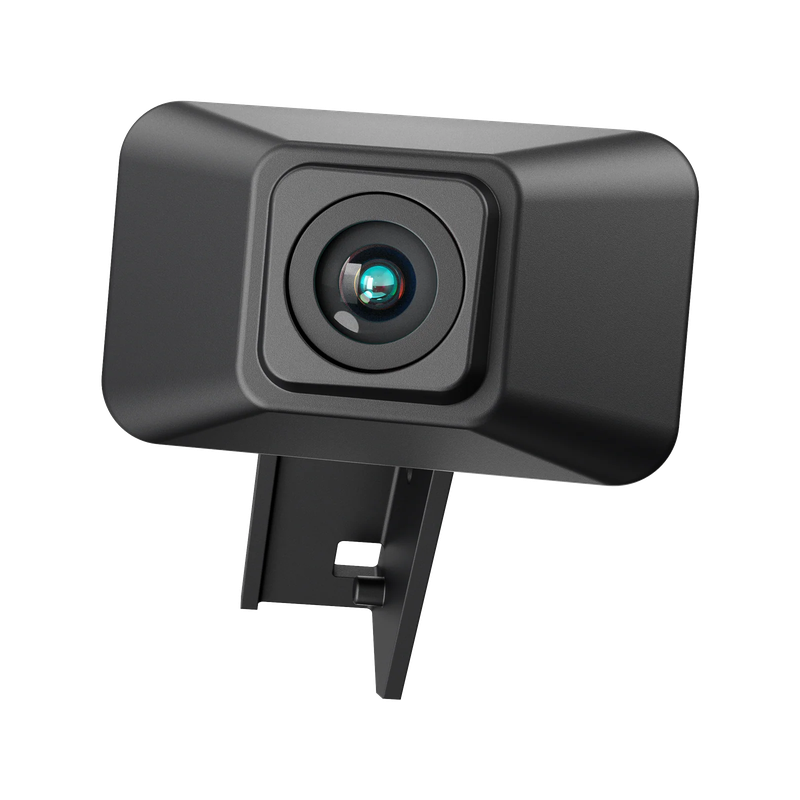 |
| DIY LED Strip | USB-powered LED strip kit for printer lighting to improve chamber visibility for monitoring and recording. | $32.52 | 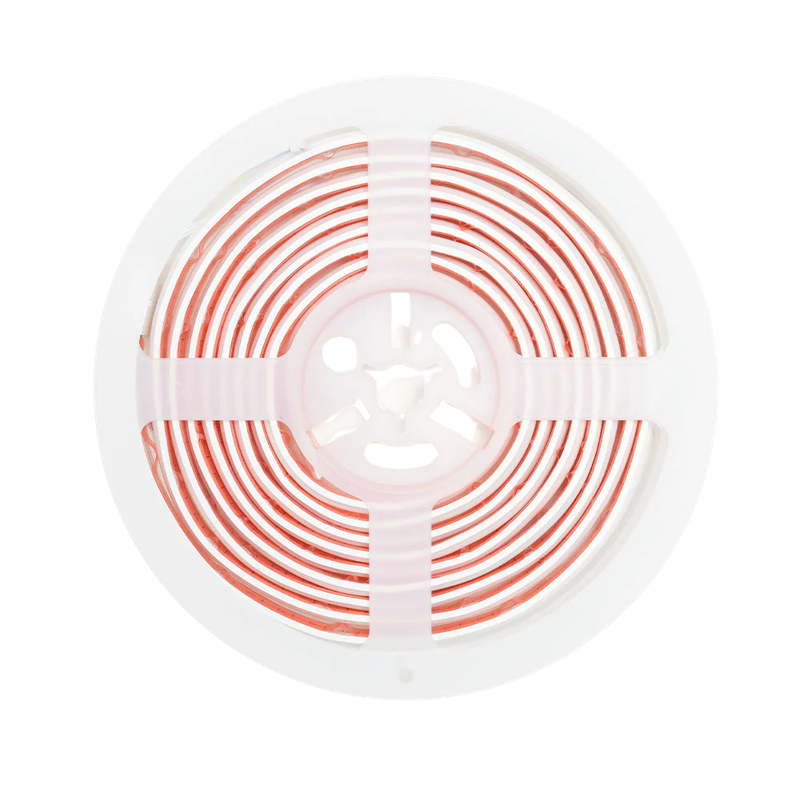 |
| CFS-C Multicolor System | CFS-C multicolor system to automate filament switching for multicolor printing. | $384.34 | 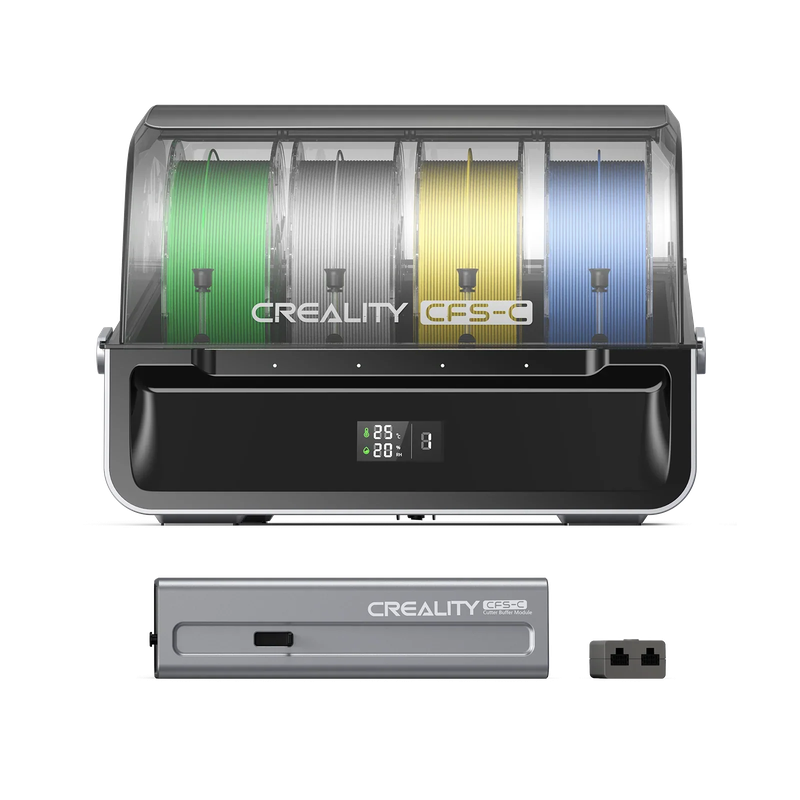 |
| Group: Tools & Maintenance | |||
| Tool Wrap Kit Pro | Portable tool kit for printer setup, maintenance, and post-processing. | $39.89 | 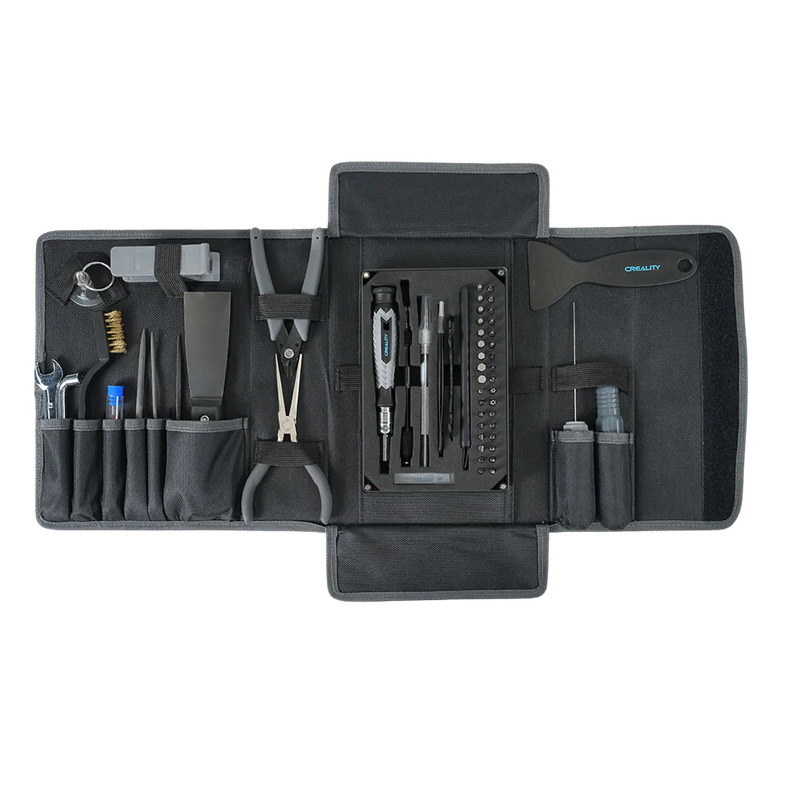 |
| Group: Vibration & Noise Reduction | |||
| Shock-absorbing Silicone Pad (4 pcs) | Set of four silicone pads to reduce vibration transfer and improve printer stability. | $12.55 | 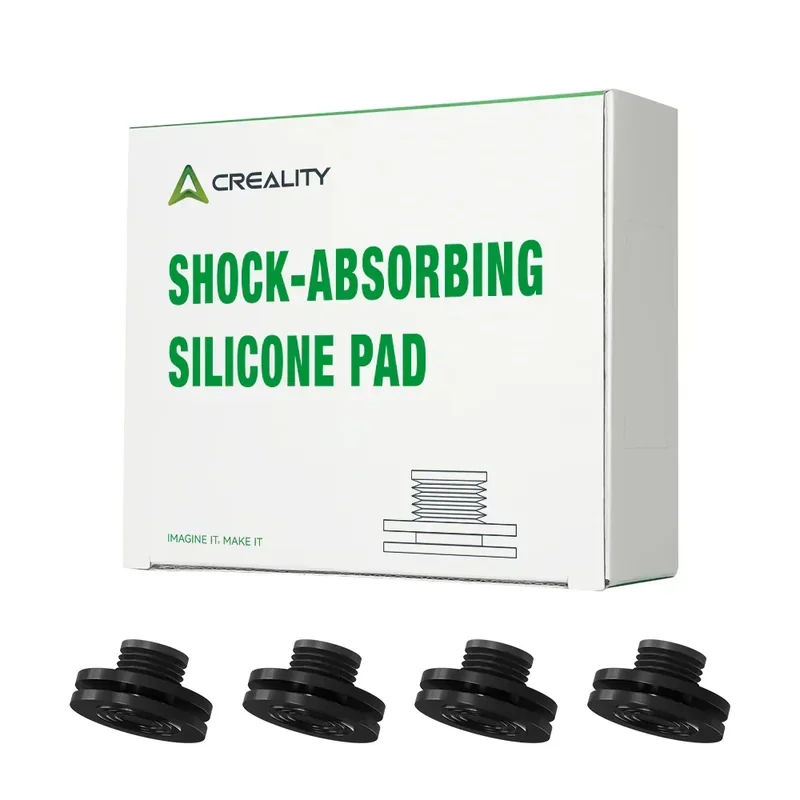 |
How reliable is the Creality K1 Max?
The Creality K1 Max proved mechanically reliable with consistent high print quality over a year of heavy use. However, some auxiliary systems revealed reliability issues users should note:
- Mechanical reliability: No major failures; dependable for daily use.
- Build platform: Auto leveling and adhesion worked flawlessly; only minor cosmetic wear.
- Print quality: Consistently high, handling complex and large projects.
- Camera system: Bug caused blank plate display, risking crashes.
- Filament sensor: Failed to detect runout, breaking filament after the sensor.
- Filament management: Sharp turns and poor couplings made feeding and changes difficult.
- Hyper PLA quality: Every spool tested had tangles, leading to filament breaks.
- Final assessment: Despite auxiliary issues, testing strongly recommended the K1 Max. Core printing remained robust and reliable under heavy use, making it a solid investment for its price.
What maintenance is required for the Creality K1 Max?
Before each print
- Vacuum/brush chamber debris.
- Wipe PEI plate with 90% IPA, let dry.
- Inspect nozzle tip; clear with 1.2 mm pin if needed.
Weekly (~50 hrs)
- Blow dust from part-cooling, exhaust, and heat-break fans.
- Check filament path and PTFE tube seating.
- Inspect cable chains and harnesses for free travel.
Lubrication (every 300 hrs)
- Z-axis lead screws (3) – apply thin bead, jog Z to spread.
- Y-axis linear rods (2) – clean, add small dab, move carriage.
- Z-axis smooth rods (3) – clean and re-grease.
- X-axis graphite rods – wipe only; use anti-rust mist if noisy.
- Always remove old grease before applying new.
Component Replacement
- Nozzle (0.4 mm steel) – every 500 hrs or if print quality degrades.
- Air filter (HEPA + carbon) – every 300 hrs; monthly for ABS/ASA.
- Belts – check every 300 hrs; tension to 120–150 Hz.
- Bed-level mesh – after 300 hrs, moving printer, or plate/nozzle change.
- Camera lens – wipe weekly with microfiber.
Critical Failure Prevention
- Hotend: Vent chamber or run exhaust during ABS jobs; replace full hotend if heater fails.
- Extruder: Inspect gears every 200 hrs; clean debris; replace if worn.
- Z screws: Keep grease clean; consider screw covers.
- Power supply: Verify 230 V setting in EU/RU regions.
- AI camera: If “Not detected,” reseat ribbon; persistent issues = module fault.
Adhering to this schedule ensures stable first layers, minimal ringing, and near-zero downtime. Full procedures: https://wiki.creality.com/en/k1-flagship-series/k1-max/maintenance
What support and warranty come with the Creality K1 Max?
The Creality K1 Max includes a 1-year warranty covering manufacturing defects and component failures under normal use. It provides part replacement and repair, excluding user-caused damage. Service is handled through Creality’s global after-sales network, with details on the included warranty card.
Creality provides K1 Max support through phone (+86 755 3396 5666) and email (cs@creality.com). The Creality WIKI offers troubleshooting guides, maintenance procedures, and replacement tutorials, while the included user manual covers setup, operation, and maintenance for immediate use.
Top3DShop provides dedicated support for Creality products, assisting with setup, troubleshooting, and warranty assessments. K1 Max buyers also gain access to a knowledge base of common issues and solutions, complementing Creality’s own resources.
Creality offers community support through active user forums and the Creality Cloud platform, where K1 Max owners share experiences, settings, and modifications. These resources provide ongoing help from setup to long-term use.
Full up-to-date warranty terms are available on the manufacturer's website: https://store.creality.com/au/pages/warranty-policy
How much does the Creality K1 Max cost?
The Creality K1 Max, priced at $789.00, is a strong value in the high-speed, large-format printer market. It offers a 300 × 300 × 300 mm build volume, 600 mm/s CoreXY system, enclosed design with carbon filtration, AI LiDAR leveling, camera monitoring, and network connectivity. The printer ships ready to use with Hyper PLA and maintenance tools, while Top3DShop can provide custom bundles with extra filament or accessories.