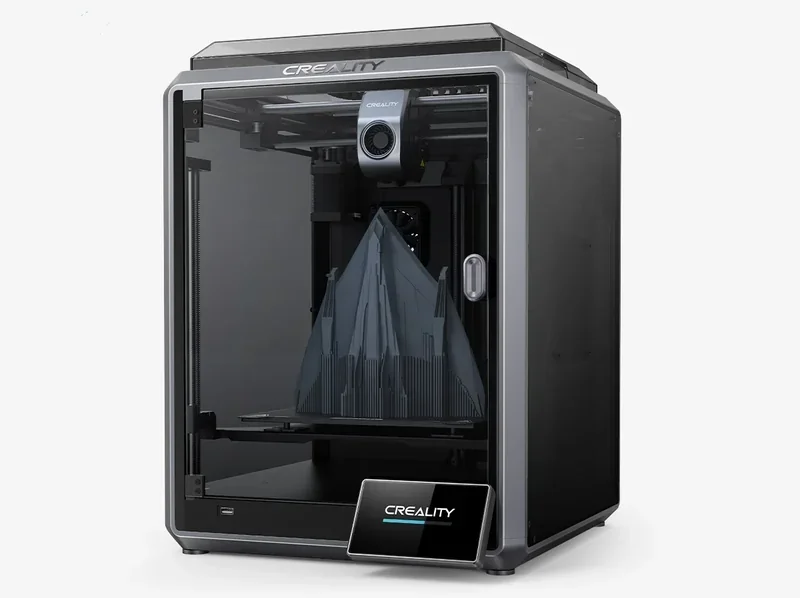
Creality K1 3D Printer: High Speed CoreXY with 220 x 220 x 250mm Print Size


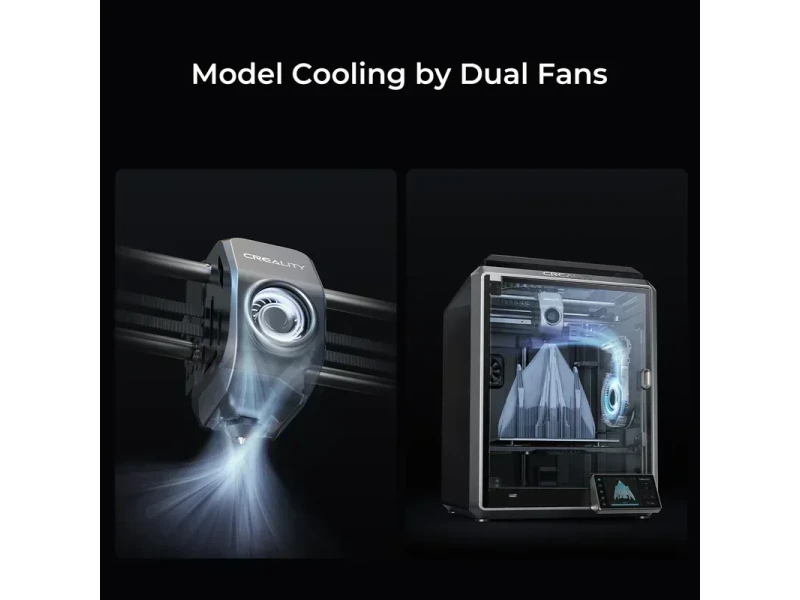


- Extreme 600mm/s speed with 20,000mm/s² acceleration
- 300°C hotend for carbon-fiber composite filaments
- Auto-calibration with Klipper firmware integration
- Multi-connectivity: USB, LAN, Wi-Fi, Cloud support
- Flexible Payment Terms
- 1 Year Warranty
- Local Technical Support
- Free Online Training
- Creality K1 3D printer
- Coated steel flex plate
- Sample spool of PLA
- Tool set for maintenance
The Creality K1 is a compact, enclosed Core XY 3D printer that delivers high-speed printing up to 600mm/s with 20,000mm/s² acceleration and supports a wide range of filaments, including carbon-fiber composites. Featuring a 300°C direct drive extruder, 100°C heated bed, Klipper firmware, and auto-calibration, it offers smooth, high-quality prints with minimal setup. With a 220×220×250 mm build volume and connectivity via USB, LAN, Wi-Fi, and Creality Cloud, it suits both beginners and advanced users seeking fast, reliable printing in a small footprint.
- What is the print quality and performance of the Creality K1 Speedy 3D printer?
- Which filaments can you use with the Creality K1 FDM 3D printer?
- What is the build volume of the Creality K1 High Speed 3D printer?
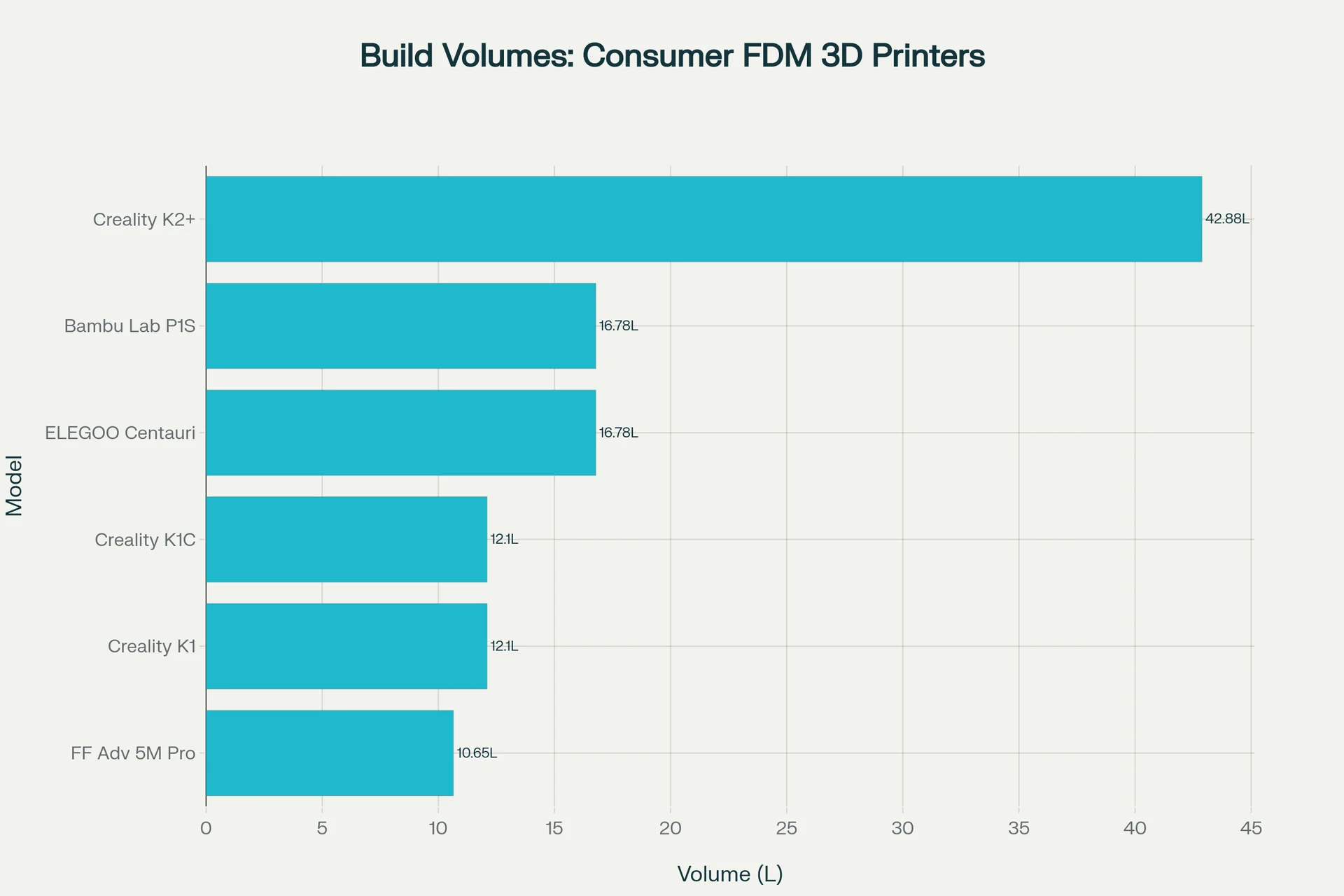
- What is the difference between the Creality K1 3D printer, Creality K1C, Creality K2 Plus, Elegoo Centauri Carbon, Flashforge Adventurer 5M Pro, Bambu Lab P1S?
- What printer controls are available on the Creality K1?
- What connectivity options are available on the Creality K1?
- What software is offered with the Creality K1?
- What is the design and build quality of the Creality K1?
- What comes included in the box with Creality K1?
- What upgrades and accessories are available for the Creality K1?
- What maintenance is required for the Creality K1 3D printer?
- What support and warranty come with the Creality K1?
- How much does the Creality K1 cost?
What is the print quality and performance of the Creality K1 Speedy 3D printer?
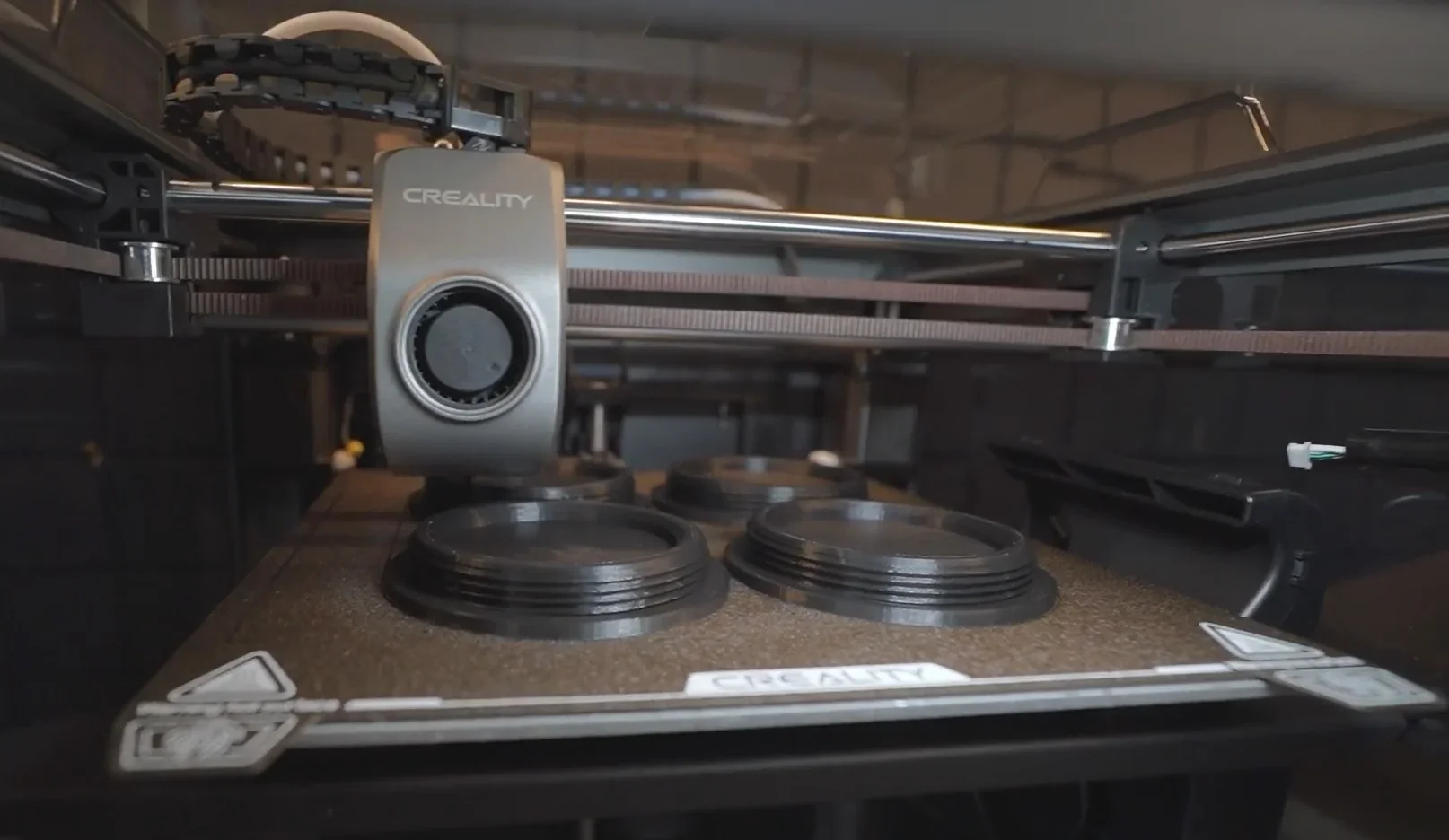
The Creality K1 offers high-speed printing with 100-micron resolution. Its CoreXY design, lightweight 190g printhead, and 50N direct drive extruder ensure precise filament control for smooth surfaces, support-free bridges, and overhangs.
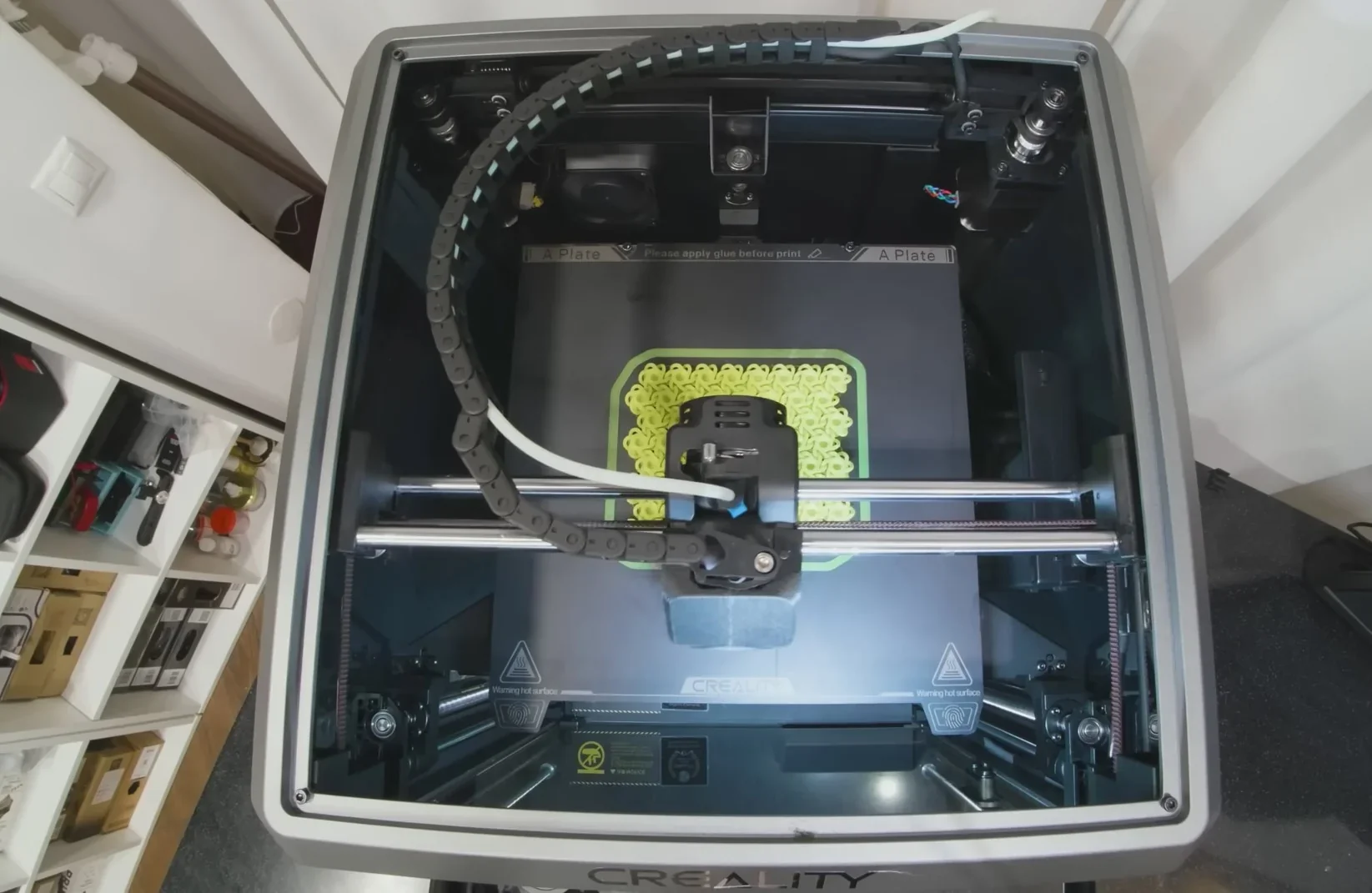
The enclosed frame and auxiliary cooling fans optimize temperature control, enhancing print quality for standard and technical materials.
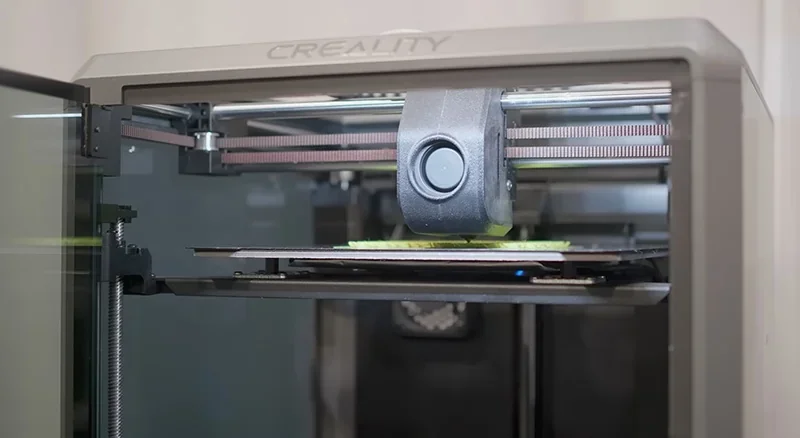
Print tests show the K1’s strong performance, completing a 3D Benchy in 22:58 at 300mm/s — less than half the time of an Ender 3 S1 at 100mm/s with the same settings. A real-time video also shows the K1 printing a Benchy in 11:40 with ABS at 300mm/s and 20,000mm/s² acceleration, maintaining detail and surface quality.
The K1's automatic bed leveling with built-in strain gauge sensors removes the need for daily manual calibration. Input shaping allows high-speed printing with variable line widths up to 600 mm/s.
Which filaments can you use with the Creality K1 FDM 3D printer?
The Creality K1 supports over 10 filament types — including PLA, ABS, PETG, TPU, PA, ASA, PC, and carbon-fiber variants — thanks to its enclosed design and high-temp capabilities.
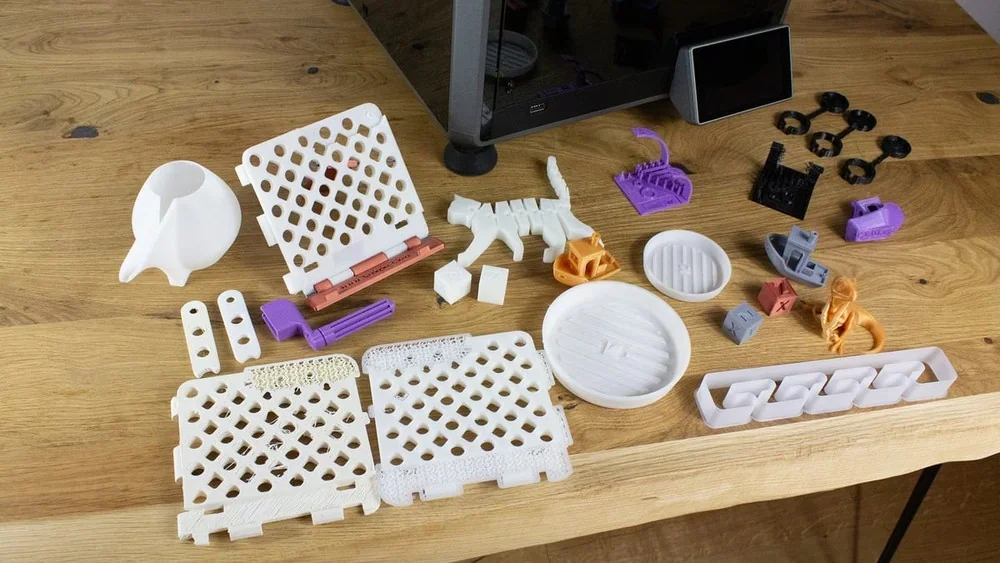
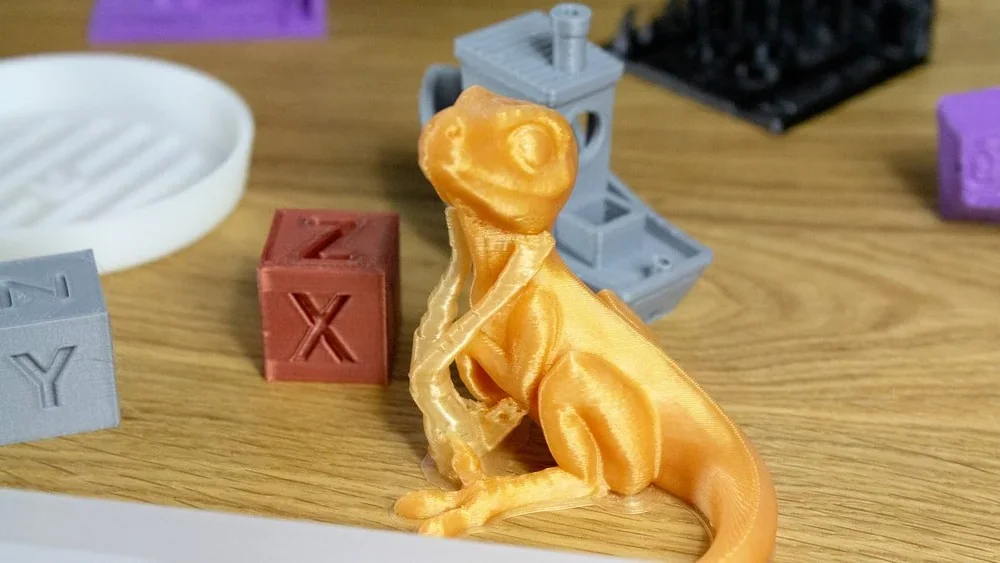
PLA Print Sample: This articulated dragon was printed in HP Ultra PLA at 0.2 mm layer height with 2 perimeters, 15% infill, a 60°C bed, and 220°C nozzle. Inner structures printed at 200 mm/s, outer walls at 100 mm/s, with 70–100% part cooling and no side fan for sharp detail and efficient output.
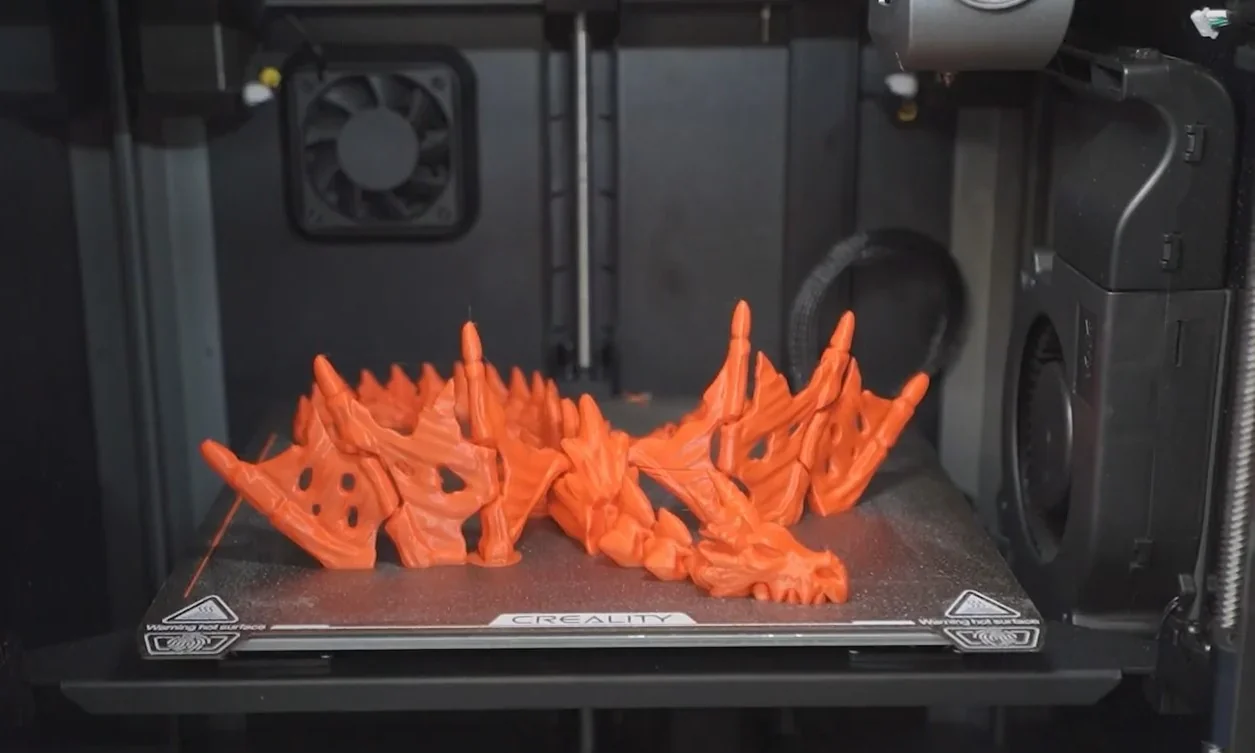
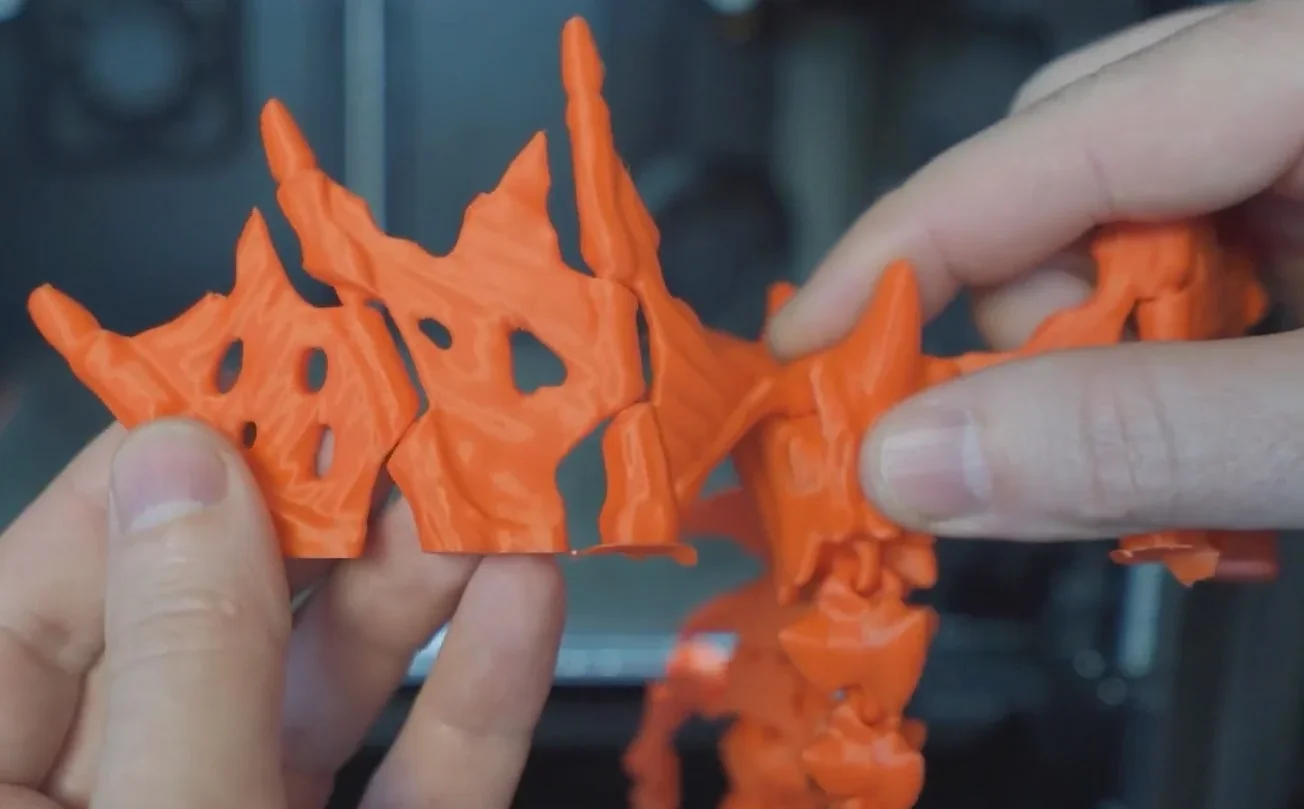
More PLA print samples:
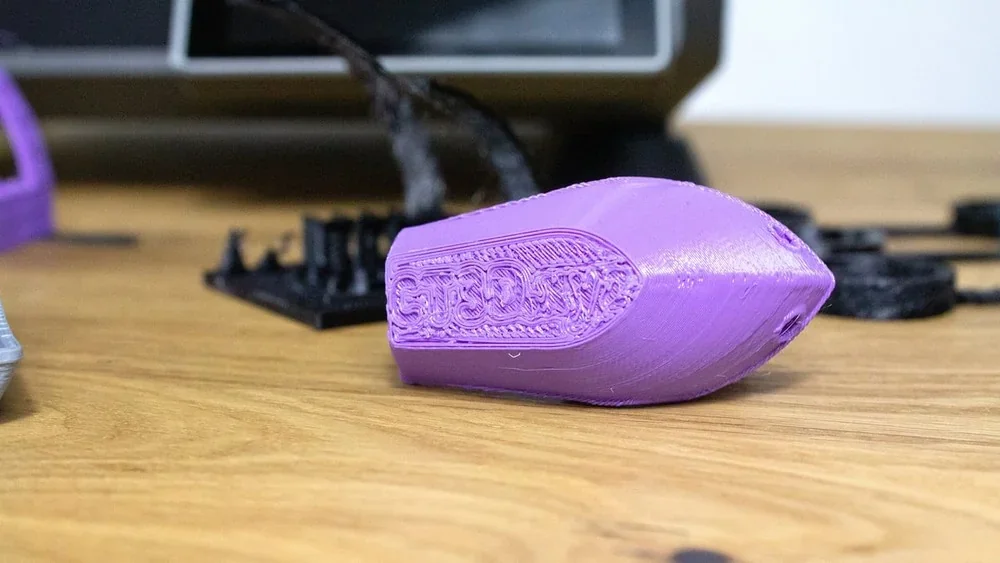
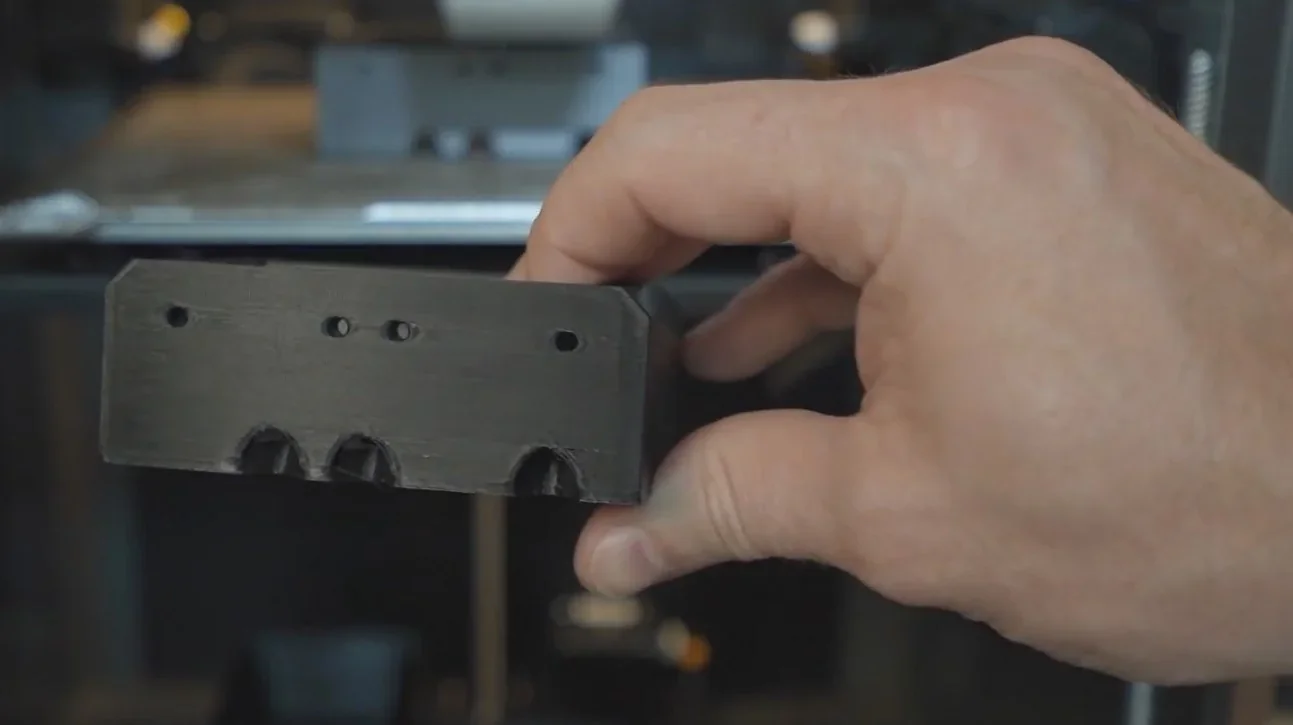
PETG Print Sample: Printed at 0.2 mm layer height with 3 perimeters, 30% infill, 85°C bed, and 240°C nozzle. Speeds were 150 mm/s internal, 80 mm/s external, with 0.8 mm retraction at 40 mm/s, 0.04 pressure advance, and 30% part cooling without a side fan — producing a strong, precise functional part.
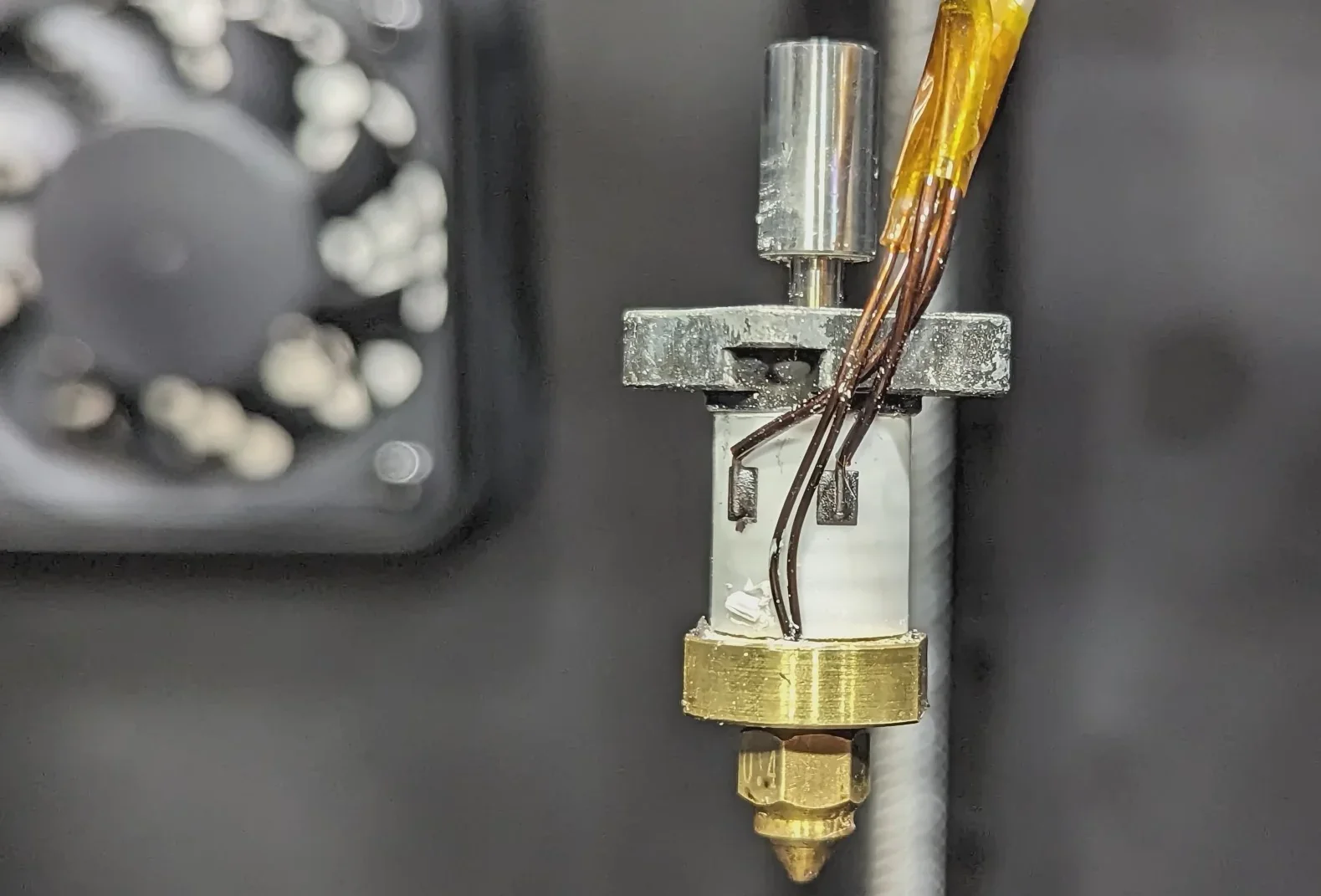
The Creality K1's hardware boosts material compatibility with new hotend with a titanium alloy heatbreak, copper alloy nozzle (up to 300°C), and a 100°C heated bed. Its ceramic heater wraps the hotend, reaching 200°C in 40 seconds for rapid filament melting.
These temperature ranges support both standard and engineering-grade materials. The enclosed chamber maintains consistent heat, reducing warping in materials like ABS and ASA.
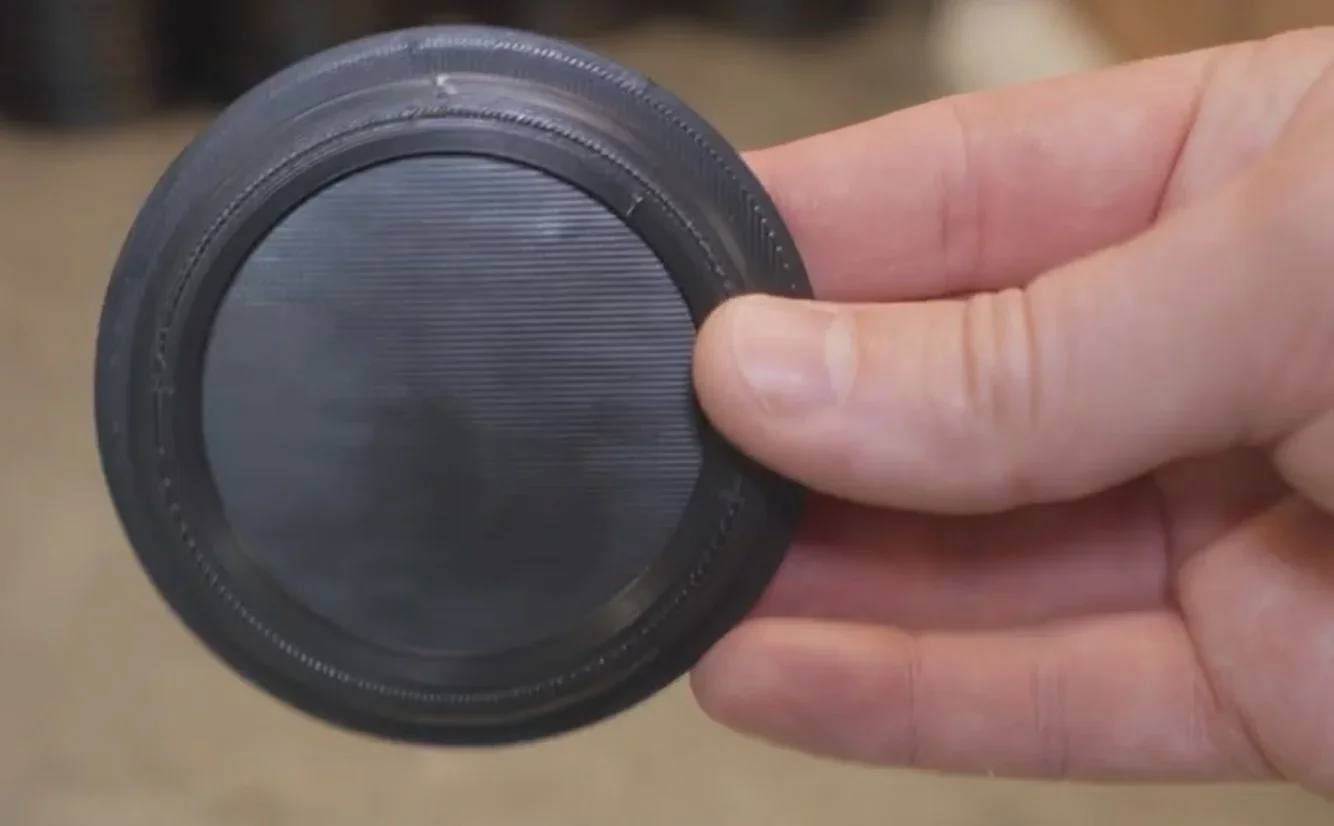
PA-CF Print Sample:
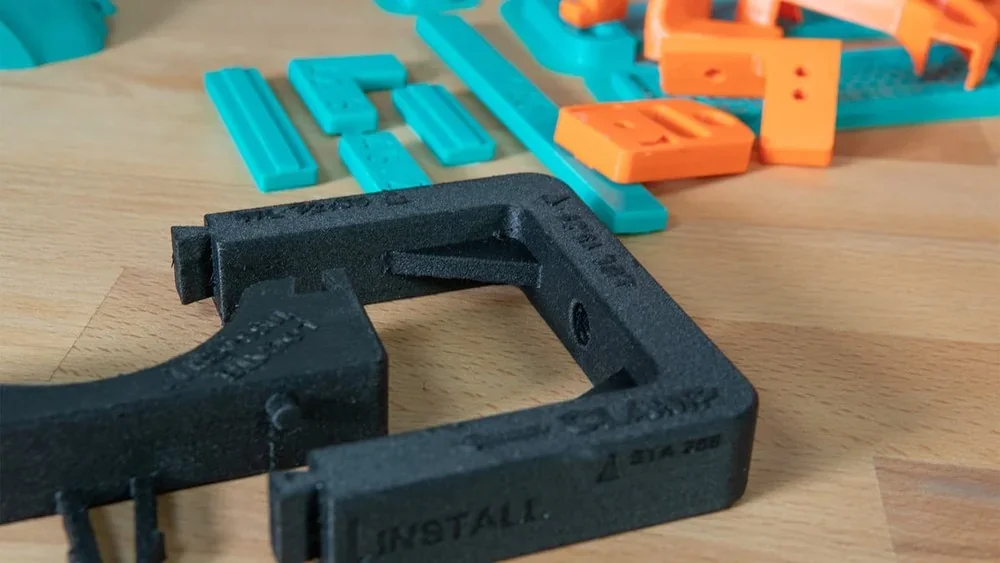
For tall prints, Creality recommends using glue for better adhesion. For abrasive filaments like PLA-CF and PA-CF, a hardened steel nozzle is advised to prevent wear, though the standard nozzle suits most materials. TPU prints may require reduced flow rates — Creality suggests ≤50 mm/s — to avoid under-extrusion and stringing.
TPU Print Sample: Printed at 40 mm/s with a 70°C bed, 230°C nozzle, and 50% part cooling, producing clean walls and consistent extrusion.
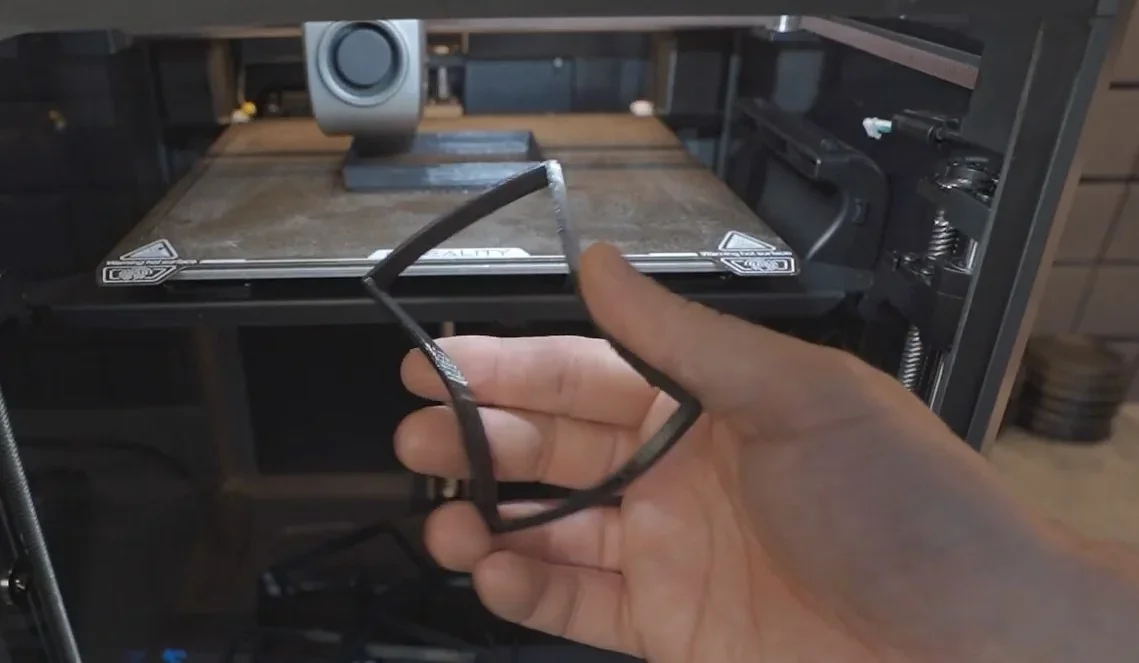
The Creality K1 supports both proprietary and third-party filaments. It successfully printed with Creality Hyper PLA and materials like PolyTerra PLA, Inland ABS, Polymaker ASA, Greengate PETG, and NinjaTek Cheetah TPU.
What makes the Creality K1 an eco-friendly 3D printer choice?
The Creality K1 is more energy-efficient than typical FDM printers, thanks to 600mm/s high-speed printing with optimized paths, a heating system that reaches 200°C in 40 seconds, and reduced idle time. Its precision motion and auto calibration minimize print failures and material waste, while supporting eco-friendly filaments like PLA and recycled materials.
What is the build volume of the Creality K1 High Speed 3D printer?
The Creality K1 has a 220 × 220 × 250 mm (8.6 x 8.6 x 9.84 inches) build volume, matching Ender 3 dimensions and offering ample space for standard prints.
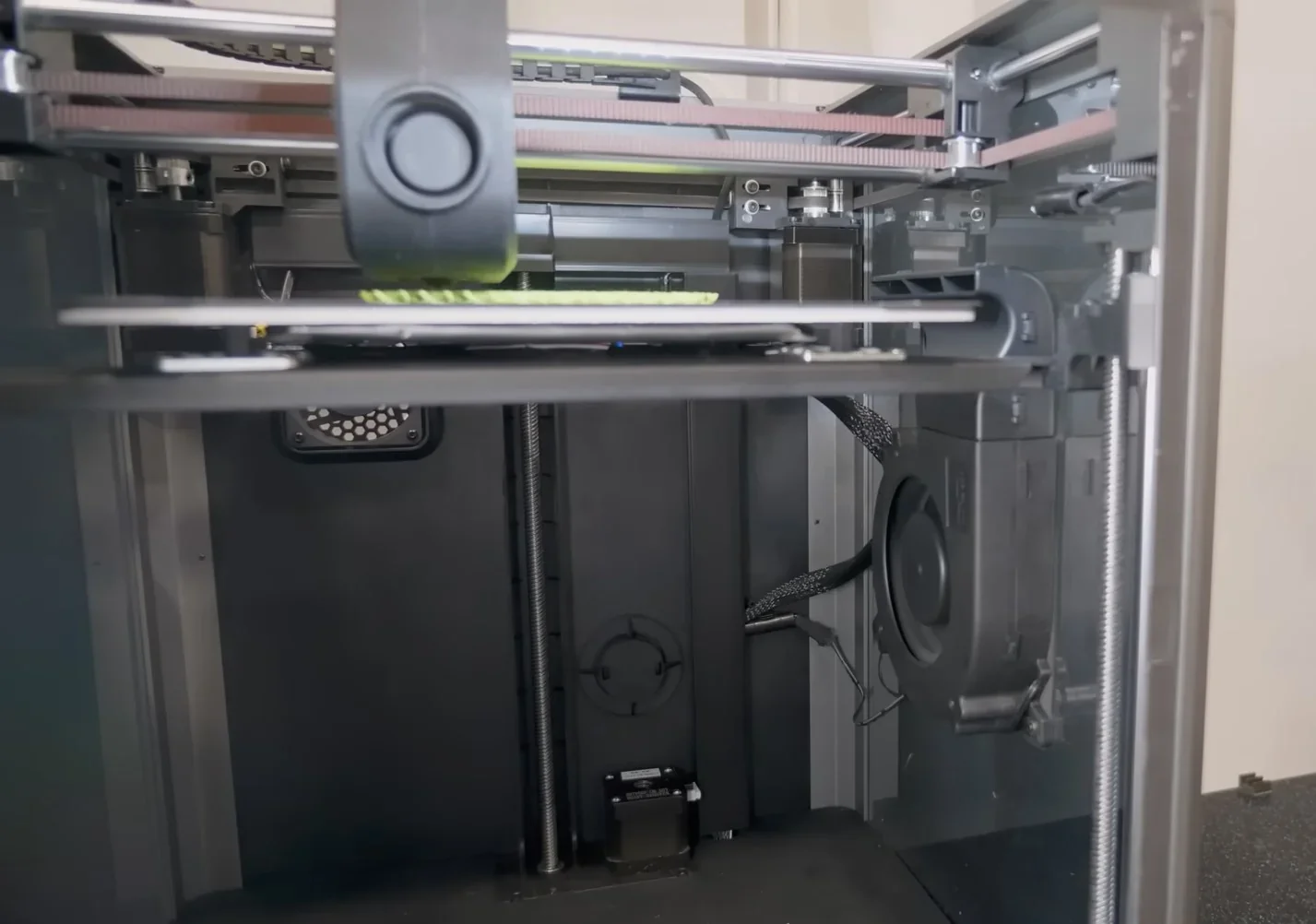
What is the difference between the Creality K1 3D printer, Creality K1C, Creality K2 Plus, Elegoo Centauri Carbon, Flashforge Adventurer 5M Pro, Bambu Lab P1S?
Creality K1 — enclosed, hands-free auto-leveling 220×220×250 mm printer with headline 600 mm/s speed, input-shaping, 300 °C nozzle temperature, 100 °C bed temperature at the lowest price point ($399).
In contrast:
- Creality K1C — same core specifications, for the extra $100, you will get on an all-metal extruder and a hardened steel nozzle, making it more durable and better suited for printing with abrasive, carbon-fiber filled filaments, includes a pre-installed AI camera for print failure detection, a better door hinge to prevent damage, and an activated carbon air filter for purifying fumes.
- Creality K2 Plus — wins on capacity and thermals (350×350×350 mm, ≤30,000 mm/s² accel, 350 °C nozzle, 120 °C bed, active heated chamber; loses on price and size/weight.
- ELEGOO Centauri Carbon — wins on larger build (256³), hotter bed/nozzle (110 °C/320 °C) and lowest price ($300); loses on peak speed (≤500 mm/s vs 600 mm/s).
- Flashforge Adventurer 5M Pro — wins on stated filtration (HEPA + activated carbon) and quick-swap nozzle options; loses on nozzle ceiling (280 °C) and smaller Z (220 mm) at a higher price than K1 ($449).
- Bambu Lab P1S — wins on bigger volume (256³) and a refined enclosed platform; loses on headline speed (500 mm/s) and price ($549) versus K1’s value.
| Specification | Creality K1 | Creality K1C | Creality K2 Plus | ELEGOO Centauri Carbon | Flashforge Adventurer 5M Pro | Bambu Lab P1S |
|---|---|---|---|---|---|---|
| Build volume (mm) | 220 × 220 × 250 | 220 × 220 × 250 | 350 × 350 × 350 | 256 × 256 × 256 | 220 × 220 × 220 | 256 × 256 × 256 |
| Max print speed (mm/s) | ≤600 | ≤600 | ≤600 | ≤500 (rec. 250) | 600 (travel) | 500 |
| Max acceleration (mm/s²) | ≤20,000 | ≤20,000 | ≤30,000 | 10,000 (default), 20,000 (max) | 20,000 | 20,000 |
| Max nozzle temp (°C) | ≤300 | ≤300 | ≤350 | 320 | 280 | 300 |
| Max bed temp (°C) | ≤100 | ≤100 | ≤120 | 110 | 100 | 100 |
| Chamber / enclosure | Enclosed; air purifier | Enclosed; air purifier | Enclosed; active heater (≤60 °C) | Enclosed (no active heater specified) | Enclosed; HEPA + carbon | Enclosed; carbon filter |
| Price (USD) | from $399 | from $499 | from $1,099 | from $300 | from $449 | from $549 |
Bottom-Line:
- Buy the Creality K1, if you want the cheapest enclosed “600 mm/s-class” machine with auto-leveling;
- Buy the Creality K1C, if you want the cheapest enclosed “600 mm/s-class” machine with AI detection, hardened steel nozzle for abrasive materials, and an active carbon filter;
- Choose the Creality K2 Plus for the largest build volume,
- Choose the Bambu Lab P1S for a larger 256³ box and proven reliability, if you accept the price increase,
- Buy the Elegoo Centauri Carbon for the rock-bottom price and 256³ build area,
- Or pick the Flashforge Adventurer 5M Pro when classroom-friendly HEPA filtration matters most.
What printer controls are available on the Creality K1?
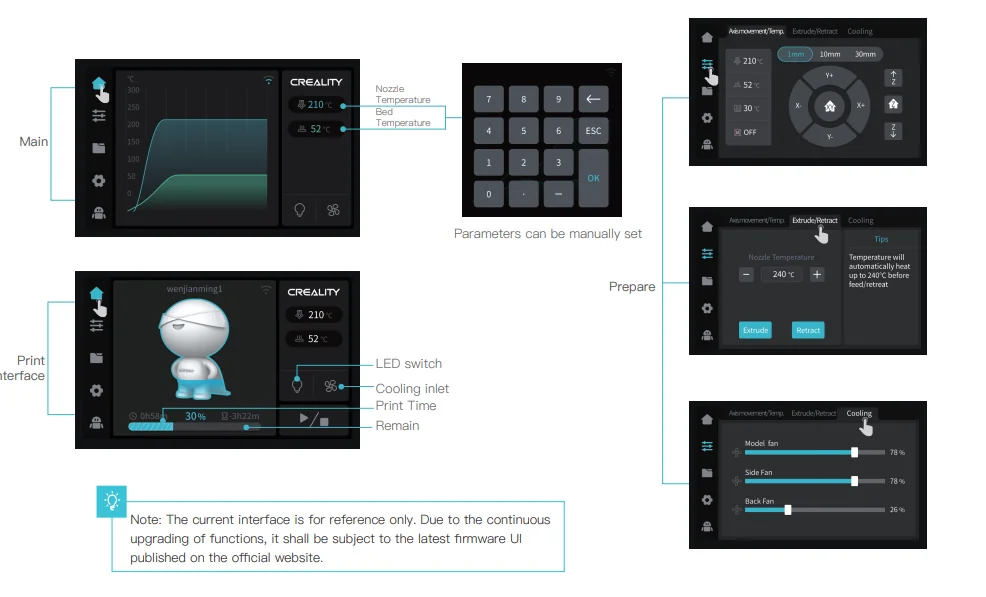
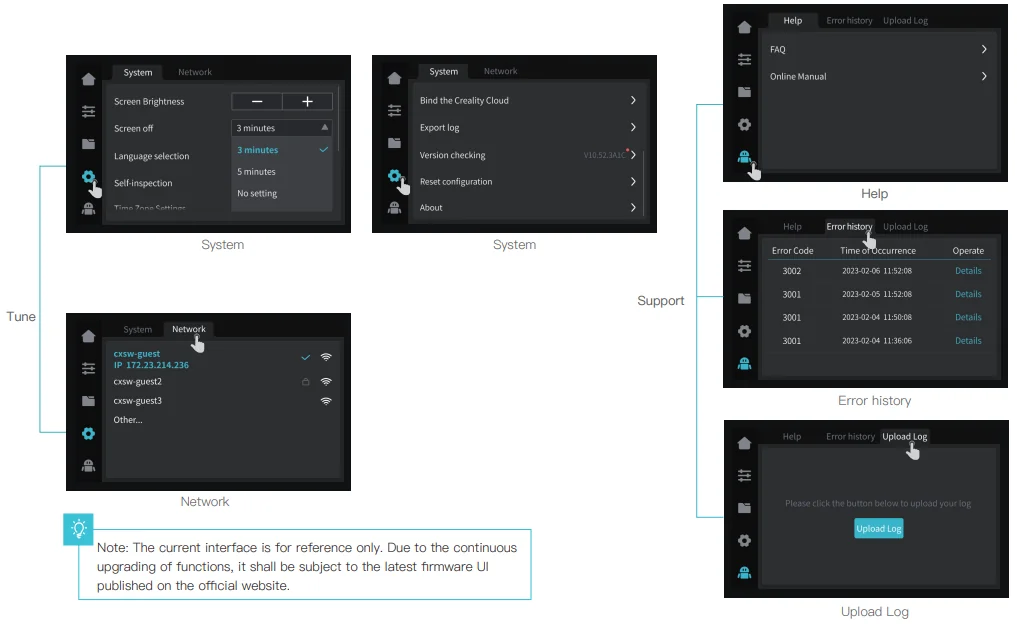
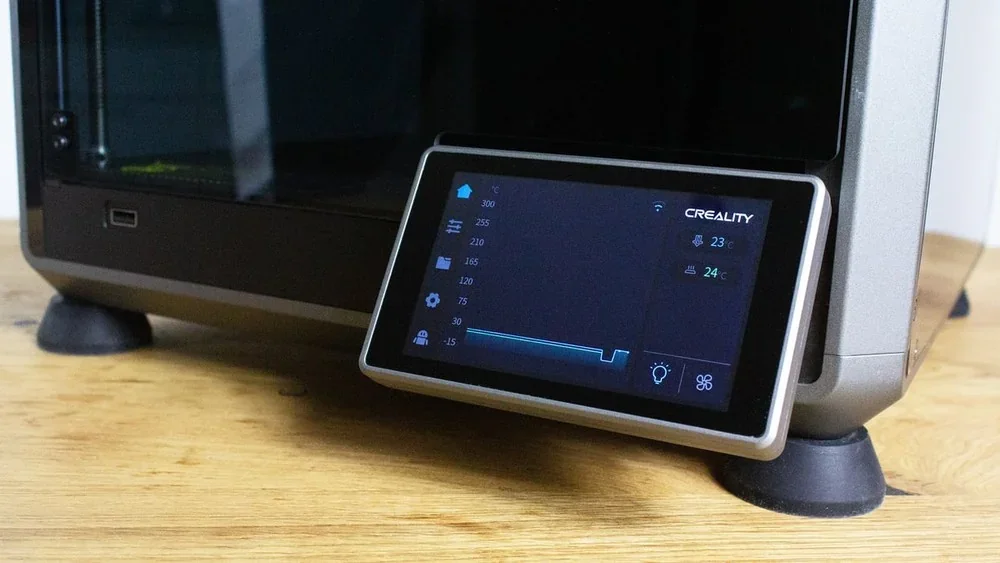
The Creality K1 has a 4.3-inch color LCD with 11 main controls organized into three sections: Tune/Prepare, Files, and System/Support.
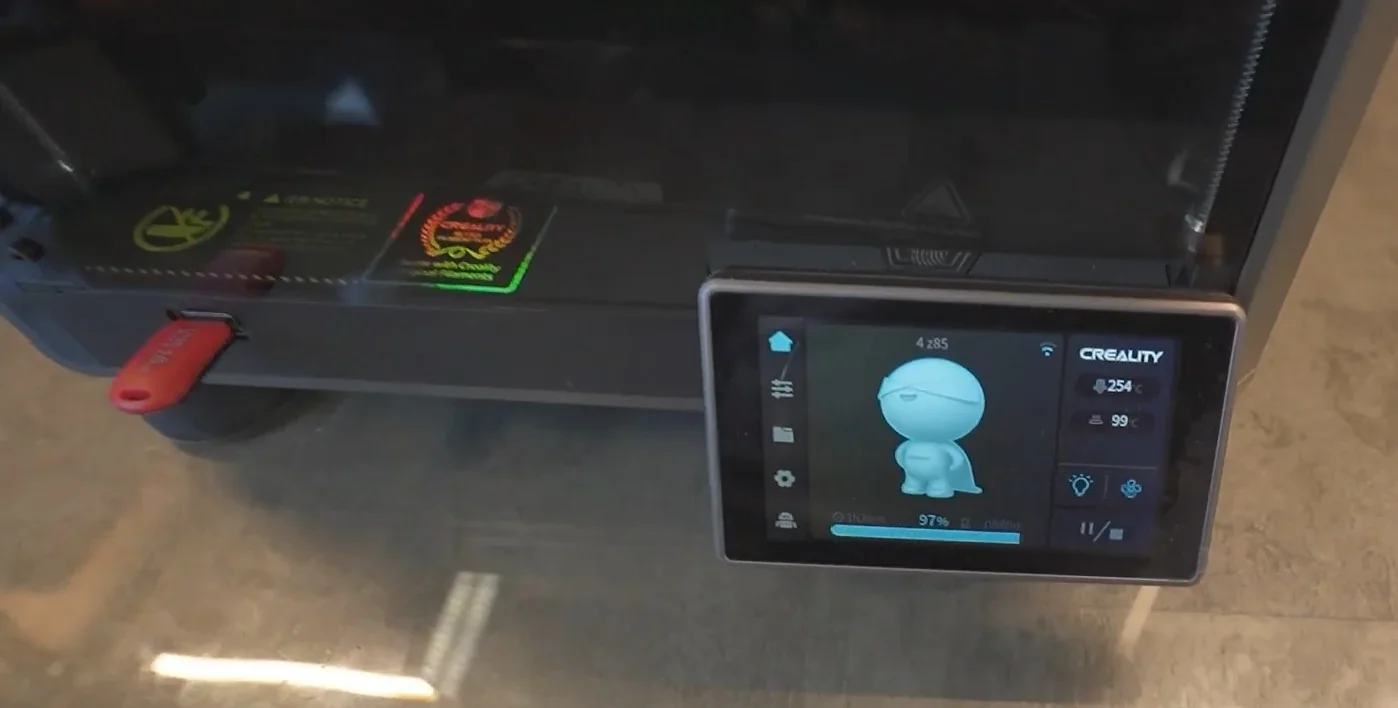
Main Interface (5 controls):
- Nozzle Temp – real-time display and manual adjustment
- Bed Temp – heated bed monitoring and control
- Print Time – shows time remaining
- Cooling – fan speed control
- LED – chamber lighting toggle
3 Primary Menu Sections
1. Tune/Prepare (3 controls):
- Axis/Temperature – bed adjustment and temp settings
- Extrude/Retract – manual filament and retraction control
- Cooling – controls model, side, and back fans
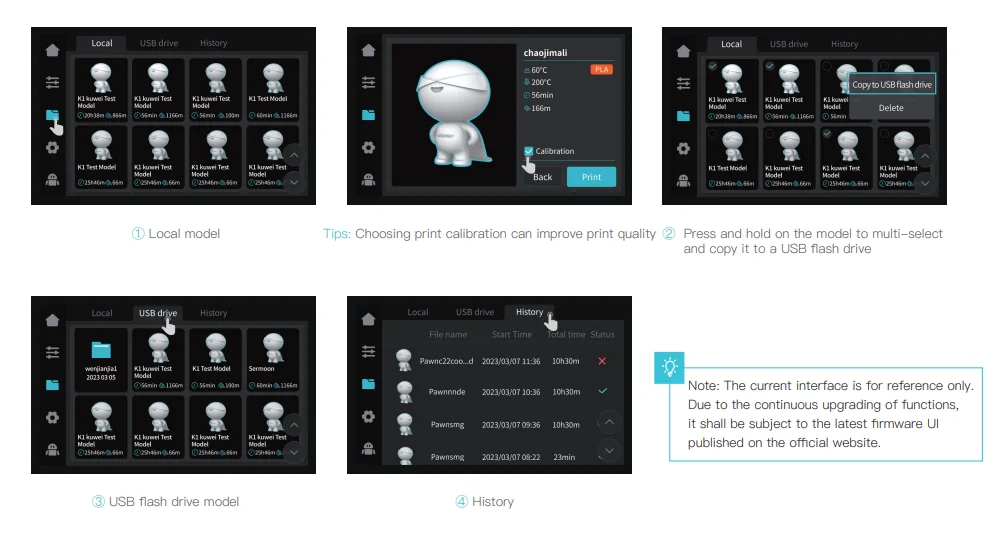
2. Files Section (4 controls)
- Local Models – access files in internal memory
- USB Models – access files from USB
- History – view previously printed files
- Multi-select – copy files between storage
3. System/Support (4 controls)
- System Settings – manage network and device
- Help – troubleshooting and support
- Error History – log of past issues
- Upload Log – send system data for support
What connectivity options are available on the Creality K1?
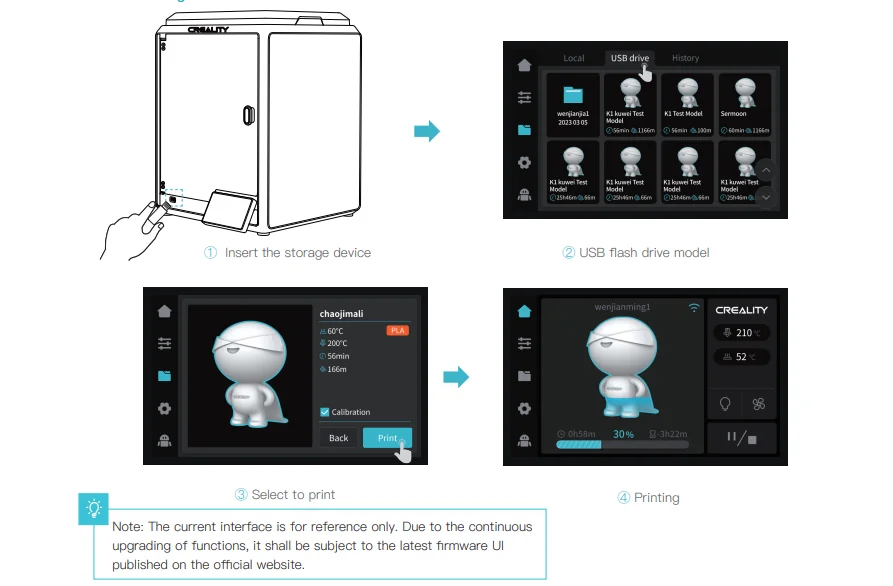
The Creality K1 supports 3 file transfer methods: USB (front port), Wi-Fi over LAN, and Creality Cloud. Wi-Fi allows local wireless control without cloud reliance, while the USB port offers direct access without adapters.
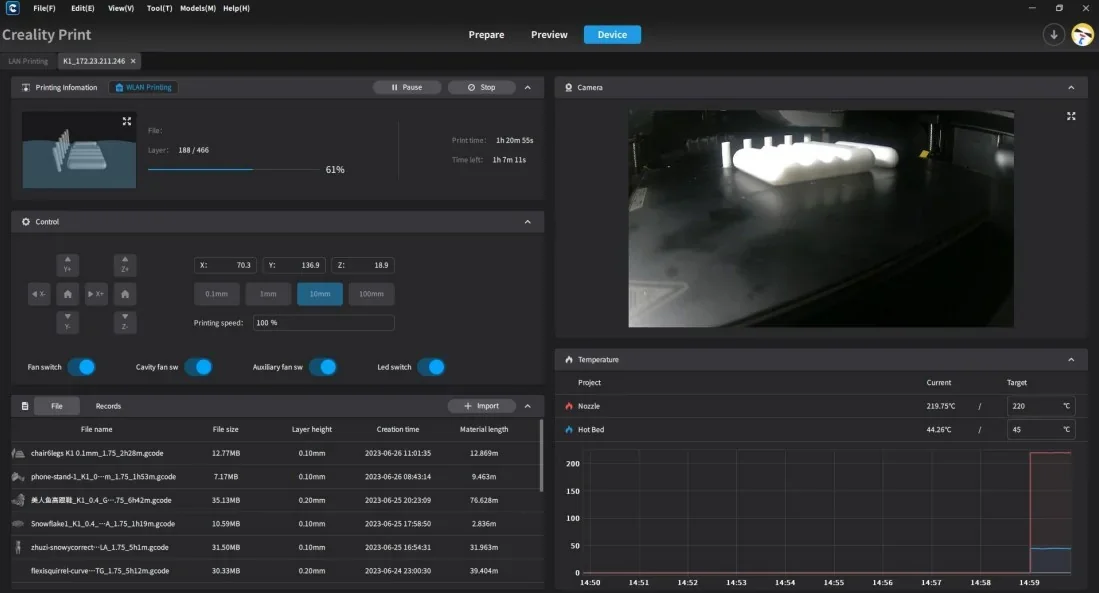
An optional AI camera enables real-time print monitoring via Creality Print on the same network.
What software is offered with the Creality K1?
The Creality K1 uses Creality Print 4.3, a dedicated slicer with an intuitive interface and pre-set profiles that simplify the slicing process. It connects via LAN or Creality Cloud and shows print thumbnails on the touchscreen. A user guide is available on Creality’s YouTube channel.
The K1 is also compatible with Cura, Simplify3D, and PrusaSlicer, though no built-in profiles are provided.
It runs Creality OS, a self-developed Klipper-based firmware on a Linux system with a dual-core 1.2GHz CPU and 8GB ROM, storing up to 400 models. A browser-based interface (based on Fluidd) lets users control the printer, check temperatures, view bed mesh, and monitor the optional camera.
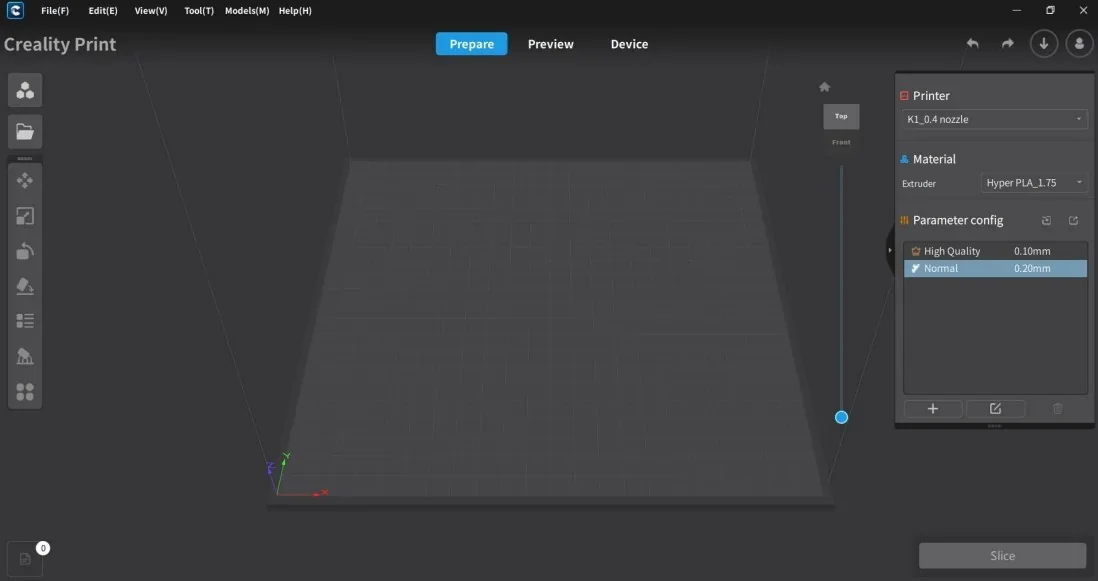
Creality Cloud offers free access to its model library for one year; afterward, a subscription is required. Local files remain usable without a subscription.
What is the design and build quality of the Creality K1?
The Creality K1 is a high-speed enclosed 3D printer that delivers fast printing without compromising quality.
What is the design and form factor of the Creality K1?
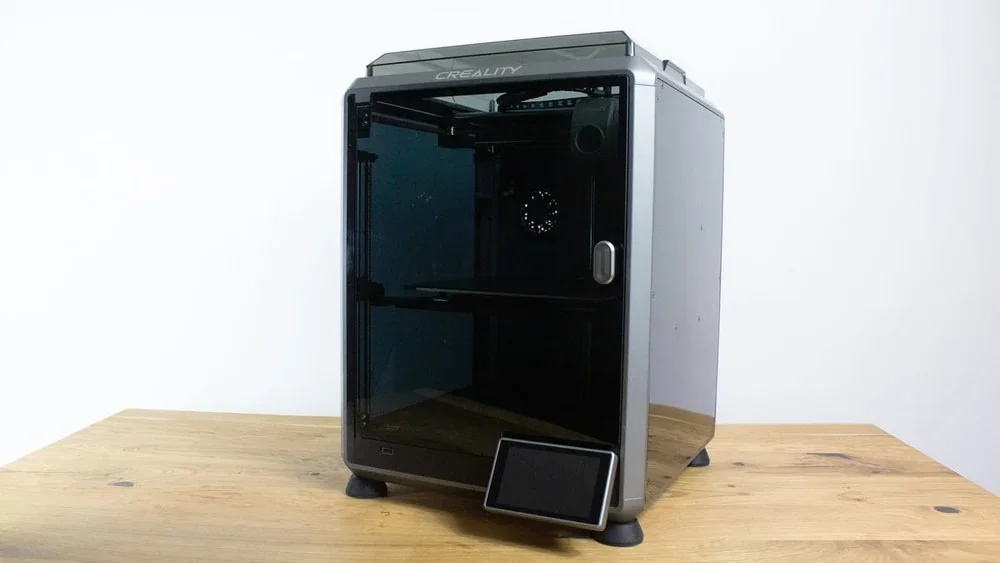
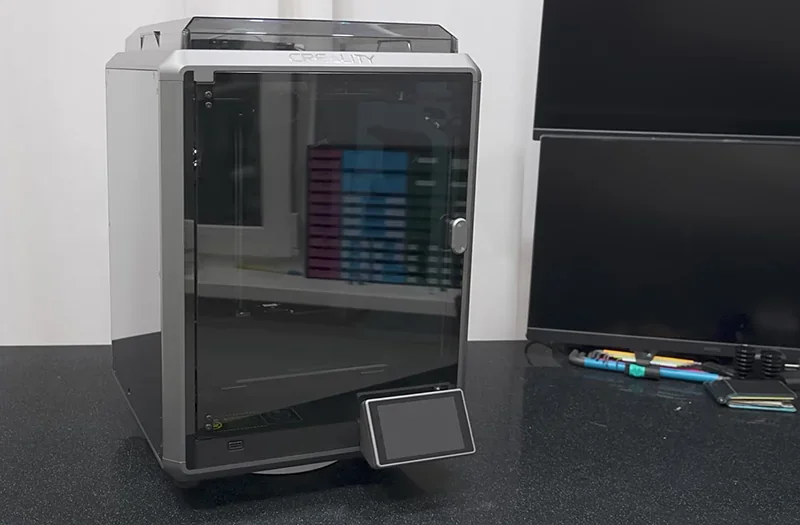
The Creality K1 has a fully enclosed, compact design built on a die-cast aluminum alloy frame, balancing desk-friendly size with a 220 × 220 × 250 mm build volume (25.5% volume-to-size ratio). It measures 355 × 355 × 480 mm and weighs 12.5 kg (16.0 kg gross). Tempered glass panels allow print monitoring while maintaining thermal stability, and a removable top cover offers chamber access. The enclosure reduces noise and supports printing with temperature-sensitive materials.
A 4.3-inch touchscreen is mounted on the front.
What is the motion system of the Creality K1?
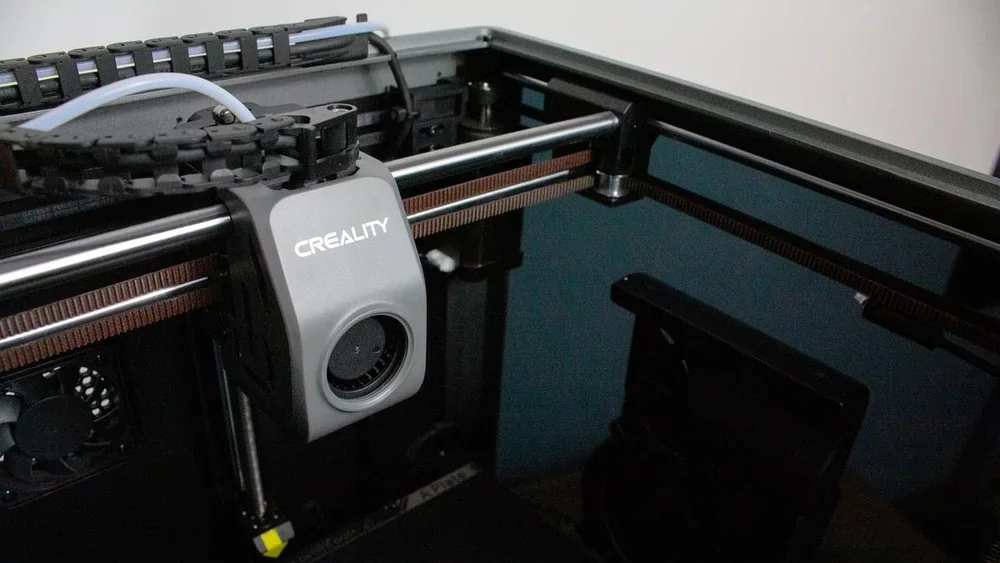
The Creality K1 uses a nimble CoreXY motion system with dual parallel belts for high-speed, low-vibration printing. It reaches up to 600 mm/s with 20,000 mm/s² acceleration, hitting top speed in 0.03 seconds and traveling up to 800 mm/s. Typical print speeds are 300 mm/s, with 90% of print time at maximum speed.
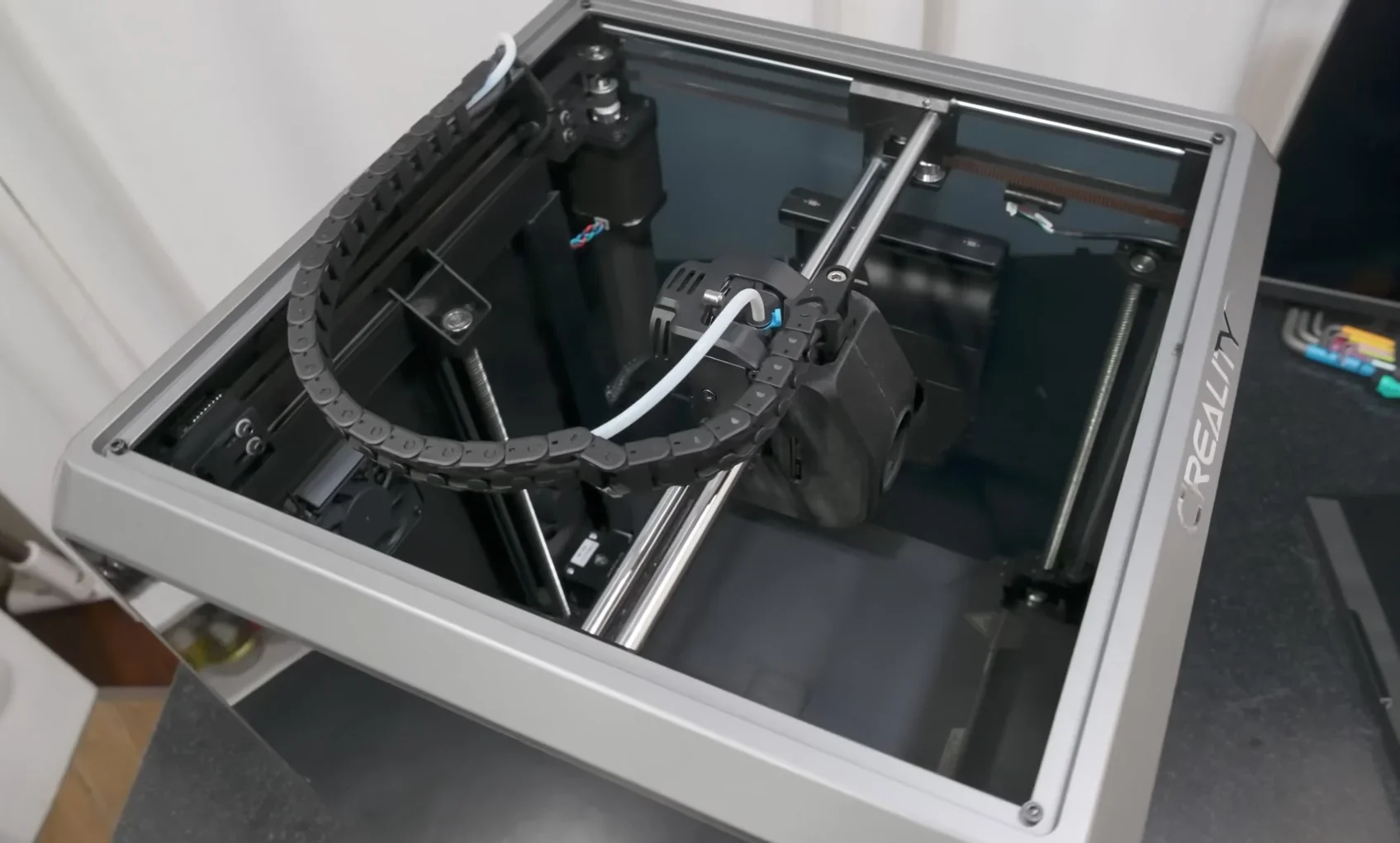
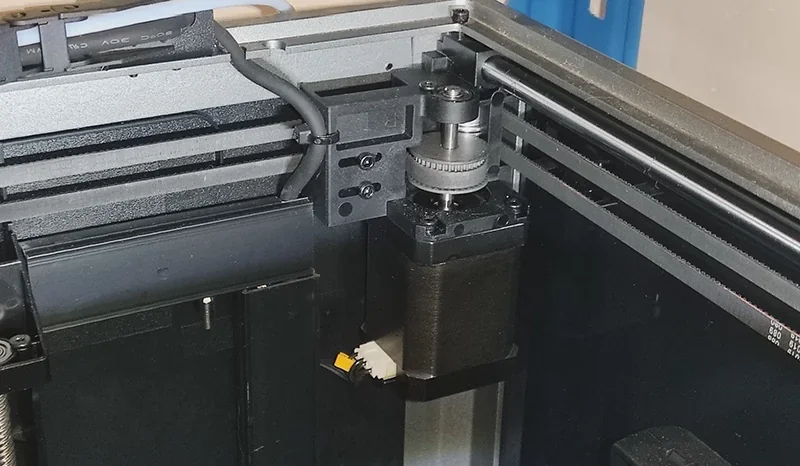
A 190g printhead reduces inertia, while TMC2209 drivers ensure quiet, precise movement. The upgraded Z-axis improves positioning and reduces Z-banding.
What is the noise level of the Creality K1?
The Creality K1 runs at varying noise levels, with its enclosure helping contain sound without sacrificing cooling.
Measured Noise Levels:
- Door closed: 53.7 dB
- Door open: 55.1 dB
- High-speed printing (close range): up to 75 dB
- Idle: near silent
Main noise sources are the 18W chamber fan and dual cooling fans. 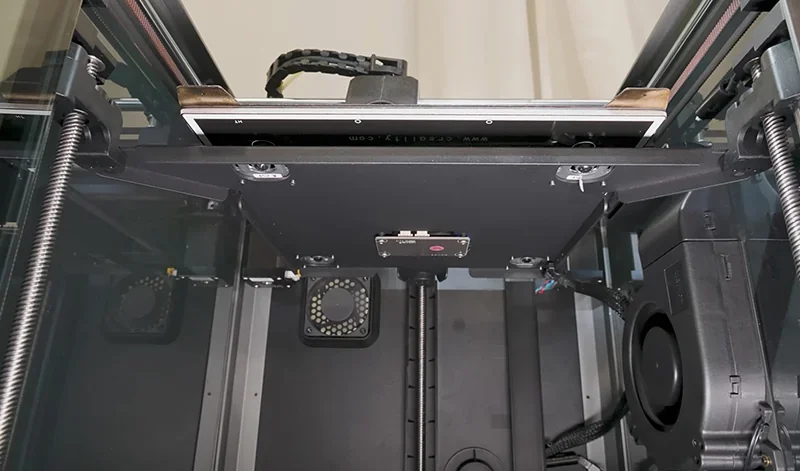
What are the build platform specifications of the Creality K1?
The Creality K1’s aluminum heated bed delivers even heat and supports auto-leveling via embedded strain gauge sensors.
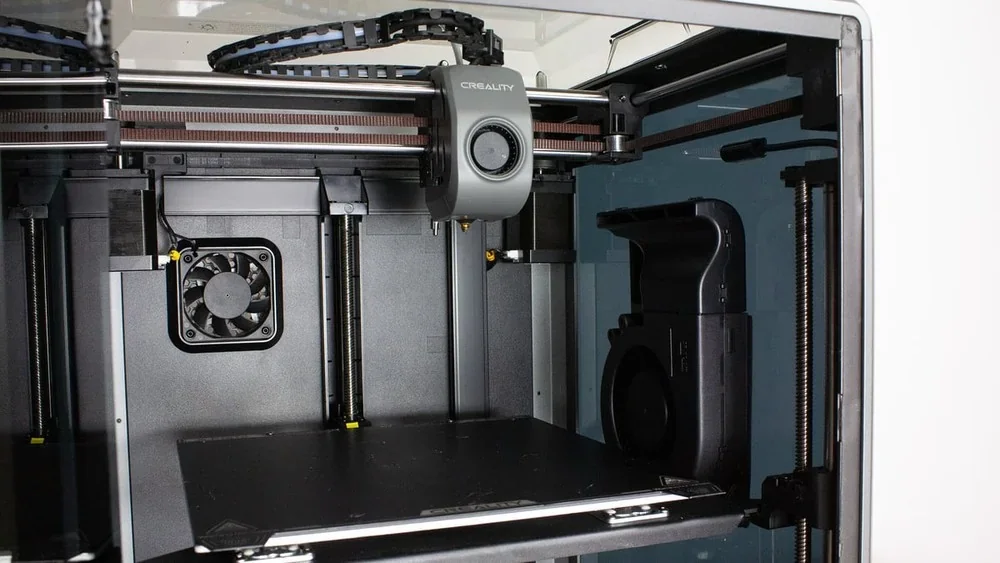
Heating Specs:
- Heats to 60°C in 180 seconds
- Max temperature: 100°C
- Power: 24V DC
- Plate size: 235 × 235 mm
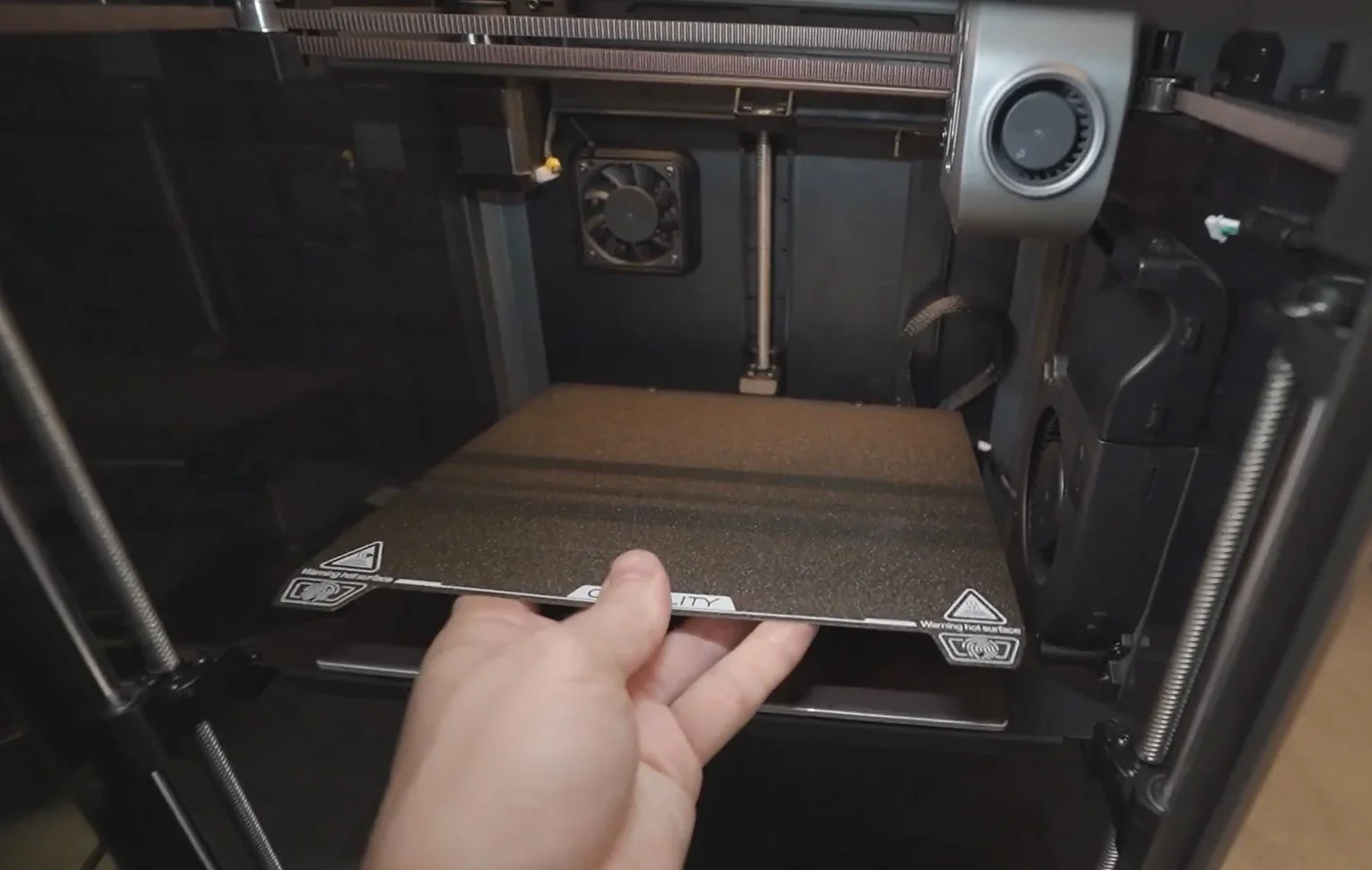
The textured, flexible build plate is magnetically mounted for easy part removal. Auto-leveling creates precise grids, eliminating manual bed and Z-offset adjustments.
What is the hotend and extruder system of the Creality K1?
The Creality K1’s hotend heats rapidly with a ceramic heater that evenly surrounds it, supporting high flow rates and variable line width printing up to 600 mm/s. A built-in G-sensor measures resonance frequencies for high-speed accuracy.
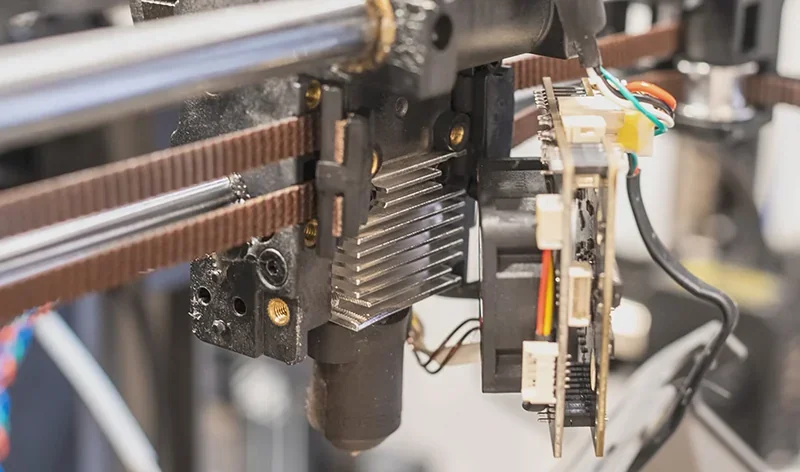
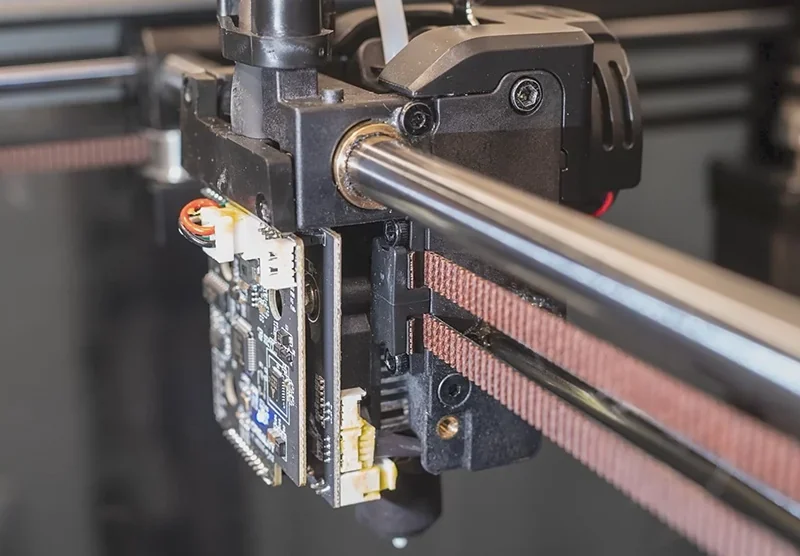
Hotend Specs:
- Max temp: 300°C
- Heats to 200°C in 40 sec
- Max flow rate: 32 mm³/s
- Heatbreak: Titanium alloy
- Nozzle: 0.4 mm copper alloy (0.6 mm and 0.8 mm optional)
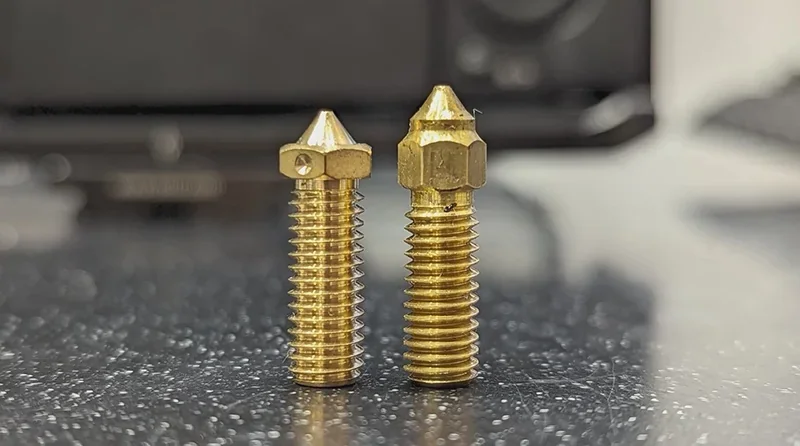
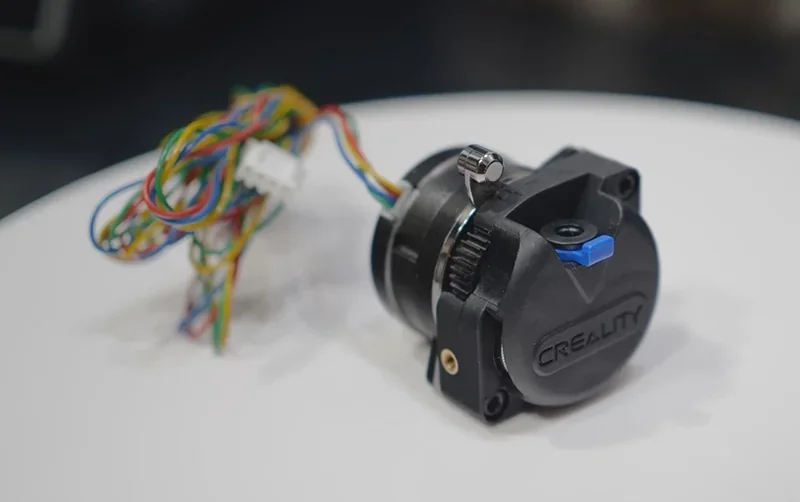
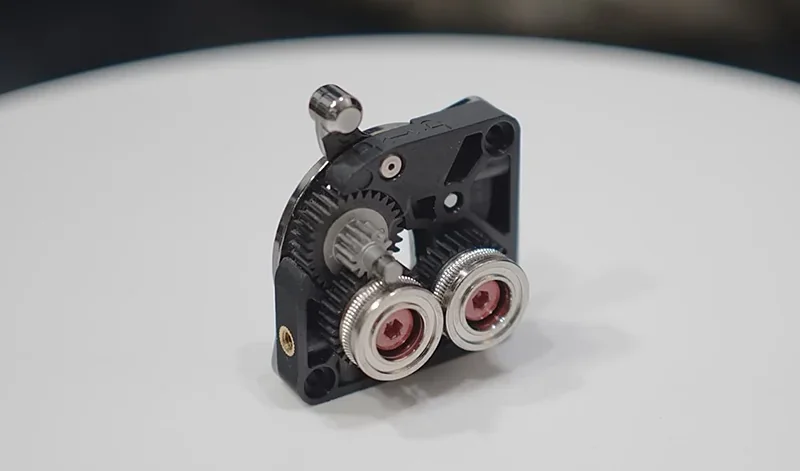
A dual-gear direct drive extruder delivers 50N of extrusion force. Cooling includes a large printhead fan with air ducts and an 18W chamber fan.
How does the Creality K1 handle filament storage and feeding?
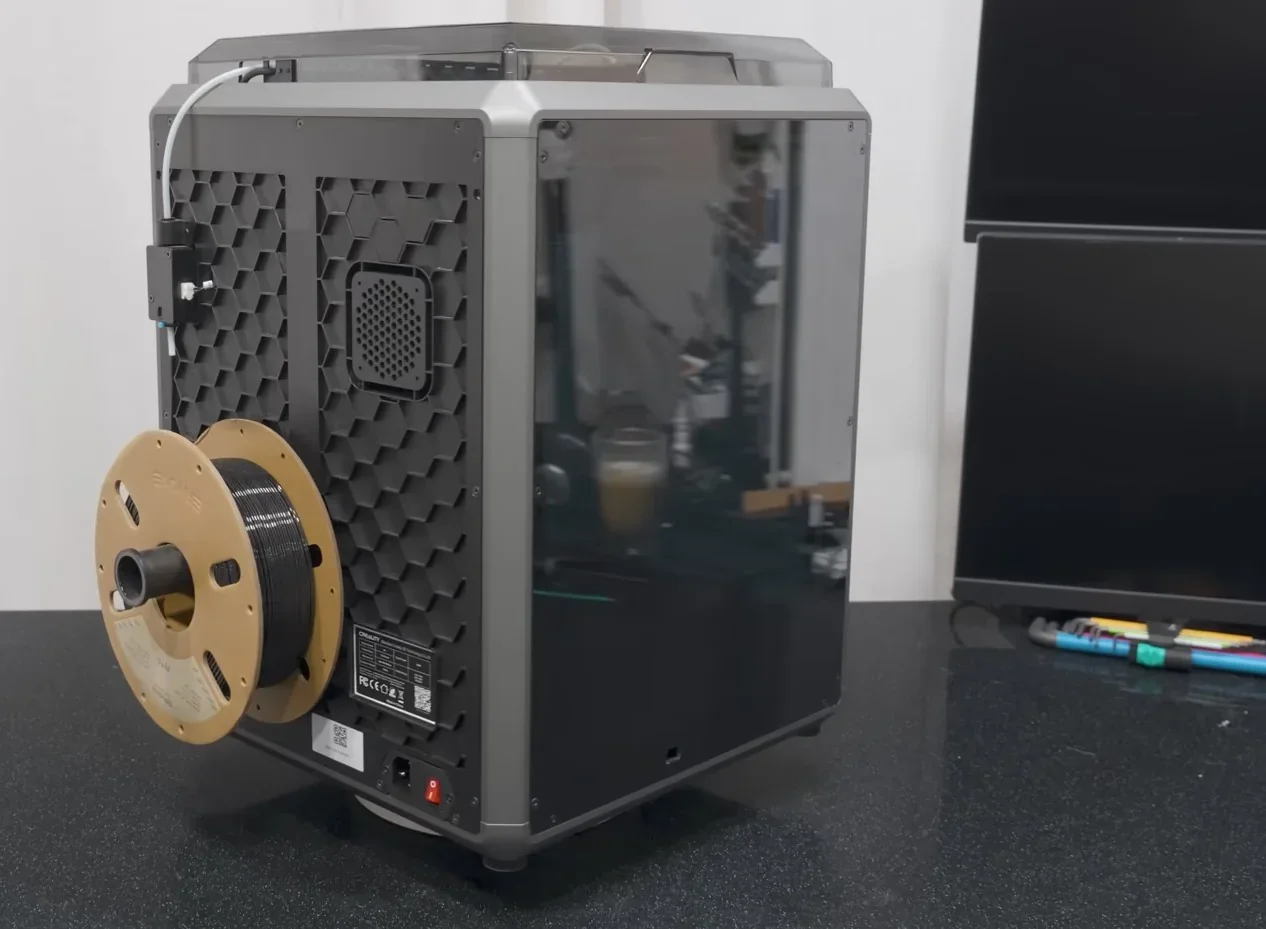
The Creality K1 uses a rear-mounted spool holder with PTFE tubing and a filament runout sensor that auto-pauses prints when filament runs out.
Standard Features:
- Filament: 1.75 mm
- Runout detection: Auto pause/resume
- Power loss recovery: Resume after outage
- Feed tip: Angled cuts for smooth sensor use
Some users find the rear spool placement inconvenient and switch to third-party Multi-Filament Systems (MFS), which hold up to 4 spools, offer front access, and use printer heat to dry filament during prints — removing the need for separate dryers.
What is the mainboard of the Creality K1?
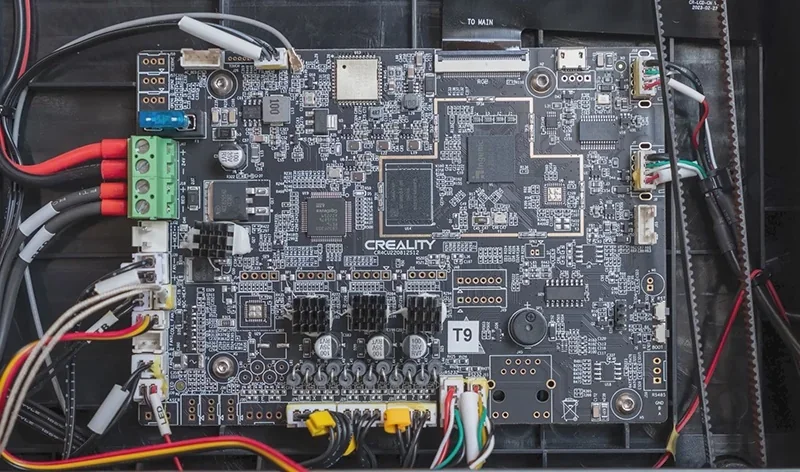
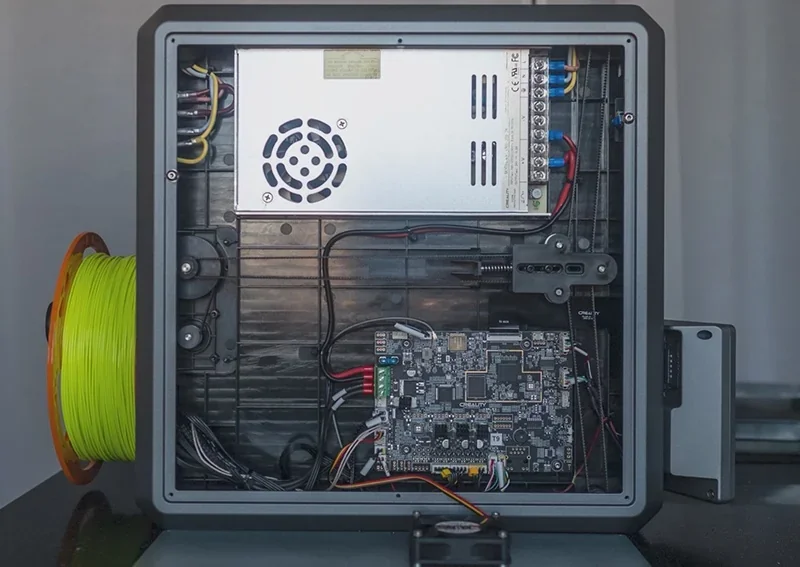
The Creality K1 uses the CR4CU220812S12 32-bit mainboard with a dual-core 1.2GHz CPU, 8GB ROM (up to 400 models), and TMC2209 silent drivers. Running Creality OS, the system offers a simple interface and syncs across PC, phone, cloud, and accessories. The board has clearly labeled connectors and supports USB firmware updates. Key features include auto-leveling, temp control, and stepper management.
What are the power supply specifications of the Creality K1?
The Creality K1 uses a 350W power supply with universal input (100–240V, 50/60Hz) and no voltage switch. It runs on a 24V DC system for stable component power.
Power Profile:
- Rated consumption: 350W
- Idle: 9.59W
- Active printing: 169W
- Peak during heating: 370W
- Heated bed: 133W max
It supports power loss recovery. For UPS backup, a 1200W unit is recommended to handle startup surges.
What comes included in the box with Creality K1?
- 1x Creality K1 3D printer (99% pre-assembled)
- 1x Touchscreen display
- 1x Spool holder
- 1x Coated steel flex plate
- 1x USB flash drive with manual, software, and sample models
- 1x Small sample spool of Creality Hyper PLA (white)
- 1x Set of tools for maintenance (side cutters, plastic scraper)
- 1x Power cable
- 1x User manual
The Creality K1 comes mostly assembled, needing only minor setup: remove foam, unscrew the build plate locks, attach the touchscreen, and mount the rear filament holder. The included USB drive contains a PDF manual, Creality Slicer, and pre-sliced models optimized for the included Hyper PLA, enabling immediate printing.
Please Note: Package contents are determined by the manufacturer and may change without notice. To confirm the current items included with this product, please contact a Top3DShop sales representative before placing your order.
What upgrades and accessories are available for the Creality K1?
Creality K1 offers 23 upgrades and accessories.
| Accessory | Function | Price (USD) | Image |
|---|---|---|---|
| CATEGORY: Build Surfaces and Plates | |||
| Smooth PEI Build Plate, 235 × 235 mm | Smooth PEI-coated spring-steel build plate for FDM printers. Heat-resistant magnetic hold prevents shifting; dual handles and alignment holes speed installation; flex the plate to release prints and get a smooth bottom surface. | $19.99 | 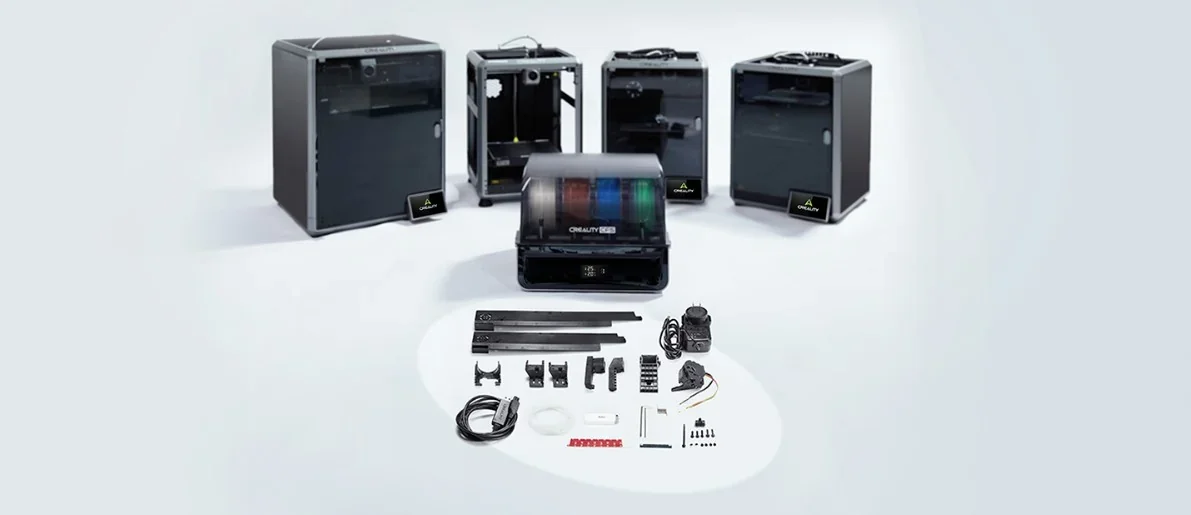 |
| Dual-Sided PET 'Light Pilla' Platform Board, 315 × 310 mm | Dual-sided PET build plate sized 315 × 310 mm. Replaces or upgrades the print surface on printers that use this plate size. | $24.99 | 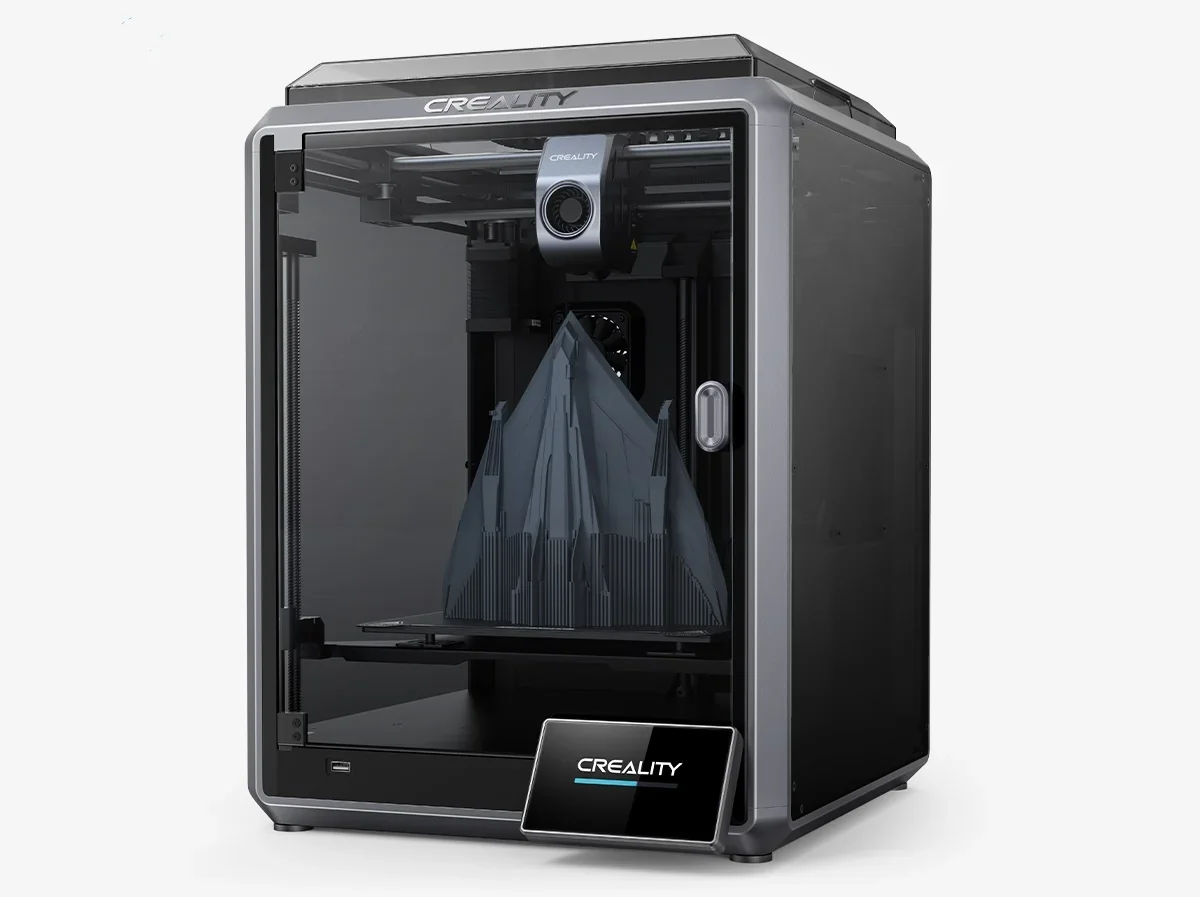 |
| K1 PEI Build Plate Kit | Powder-coated PEI build plate kit for K1 printers. High flatness and strong magnetic hold prevent shifting; easy release; precise alignment speeds installation. | $28.99 | 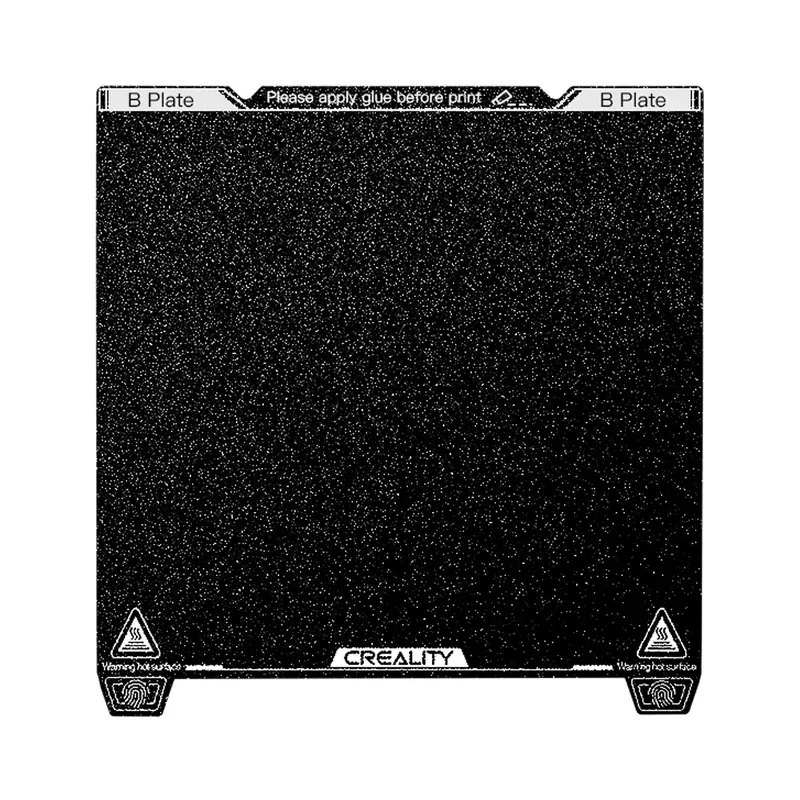 |
| Low-Temperature Cold Printing Plate, 235 × 235 mm | Double-sided resin-coated spring-steel plate for strong first-layer adhesion at room temperature without a heated bed. High-flatness steel resists warping; dual handles and alignment holes speed installation; bend the plate after cooling for tool-free removal. | $25.99 | 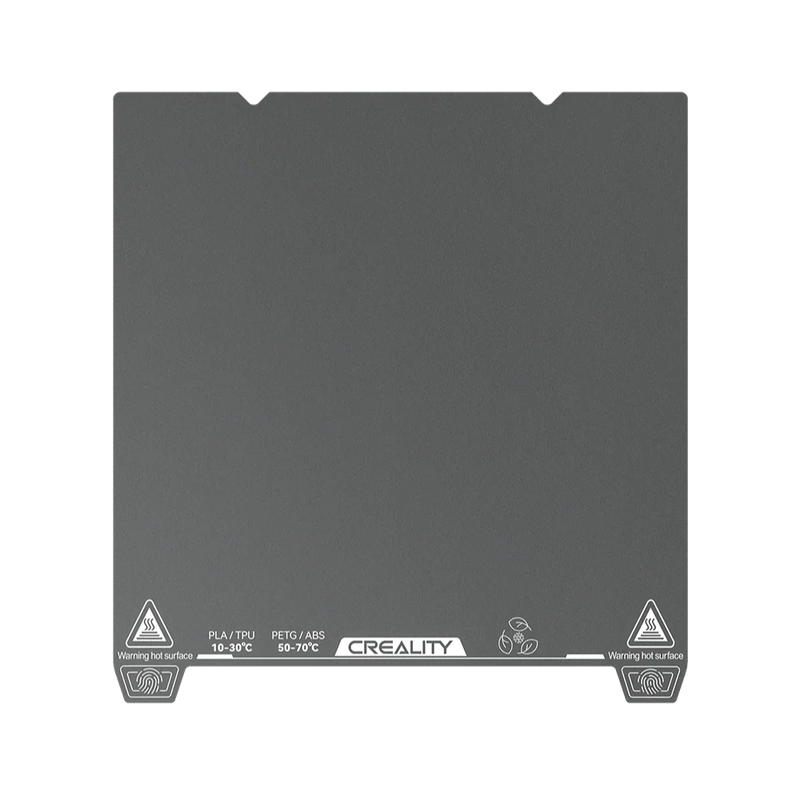 |
| CATEGORY: Hotend, Nozzles, and Filament Path | |||
| K1 Series Extruder Gear Kit | Replacement extruder drive-gear set for K1 Series. Restores filament grip and consistent feeding when gears are worn or slipping. | $4.99 | 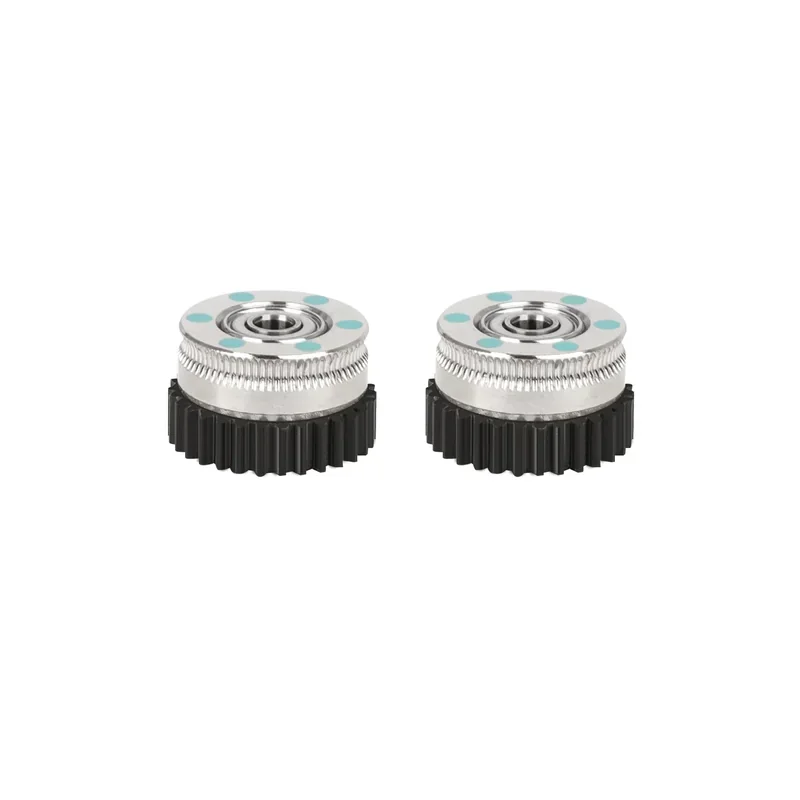 |
| Teflon (PTFE) Tube Kit, 2 m (K1 Series) | 2 m PTFE filament guide tube for K1 Series. Replaces worn, clogged, or damaged tubing to restore smooth feeding. | $10.99 | 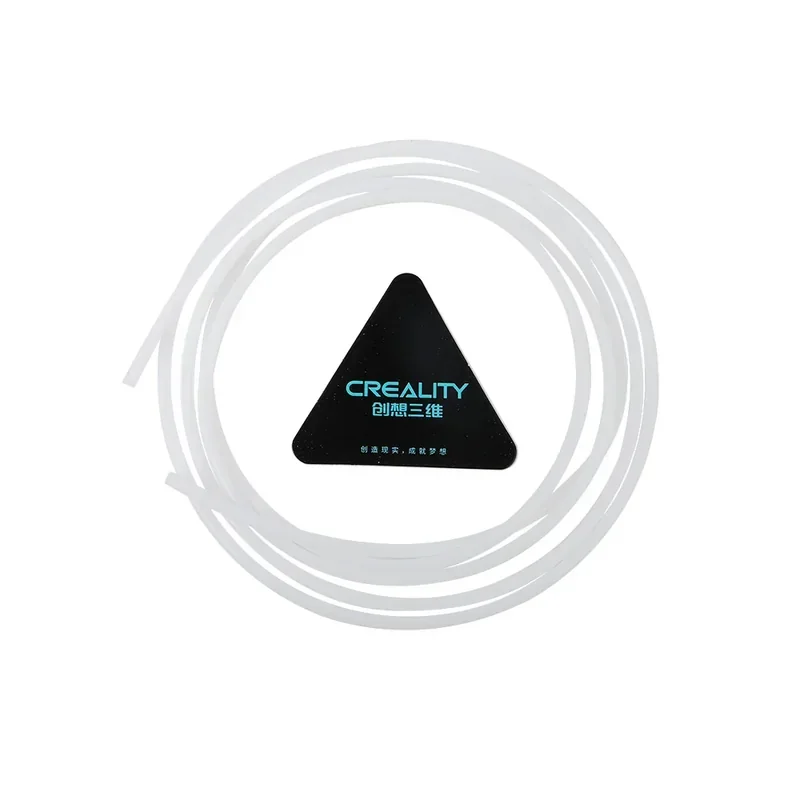 |
| Genuine E3D Brass High Flow Nozzle Assembly (K1 Series, 0.4 / 0.6 / 0.8 mm) | Genuine E3D brass high-flow nozzle assembly for K1 Series in 0.4, 0.6, or 0.8 mm. Increases melt and flow capacity for higher-throughput printing. | $28.99 | 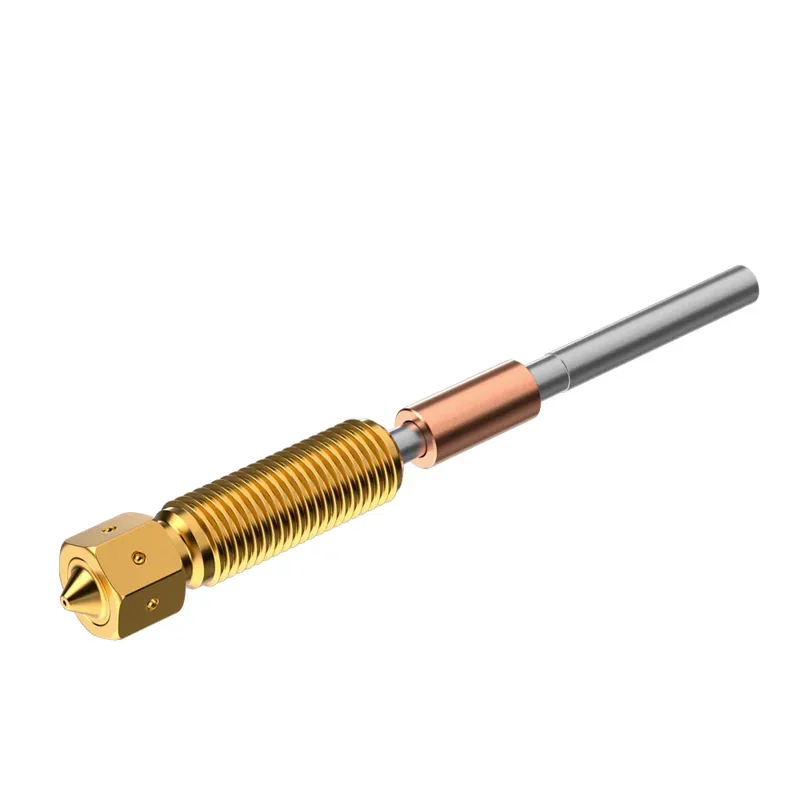 |
| Ceramic Heating Block Kit (K1 Series) with Quick-Swap Nozzle Kit | Ceramic heating block and quick-swap nozzle kit for K1 Series with a 60 W surround ceramic heater and red-copper heat sink. Integrated all-metal nozzle and heat break enable fast disassembly; supports 1.75 mm filament and high-flow, high-speed printing with common and fiber-filled materials. | $35.99 | 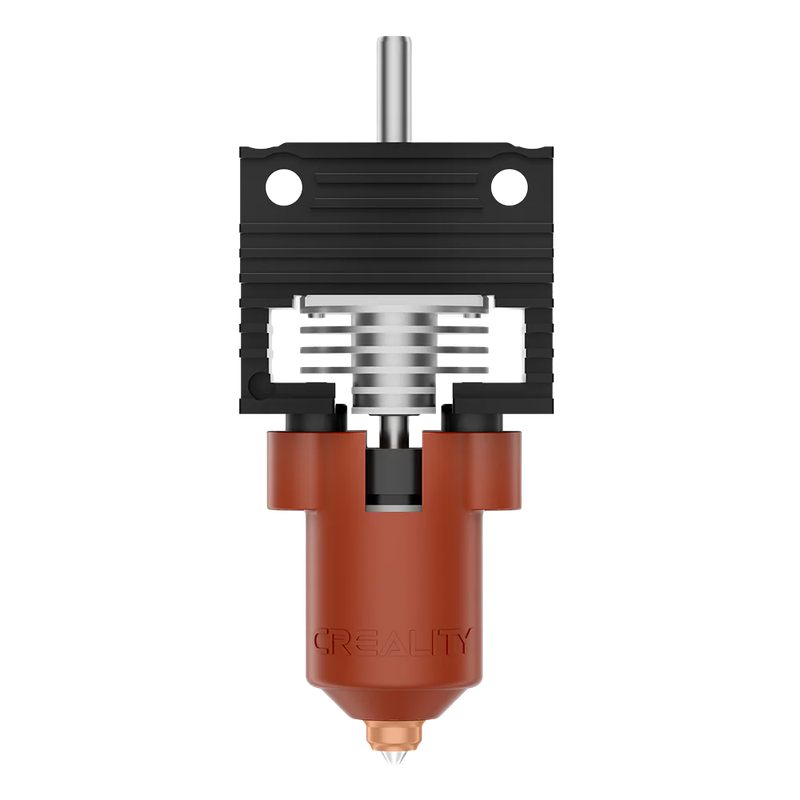 |
| Extrusion Kit | Replacement extrusion components for printers with an integrated hot-end. Restores reliable filament extrusion when original parts are worn or damaged. | $22.99 | 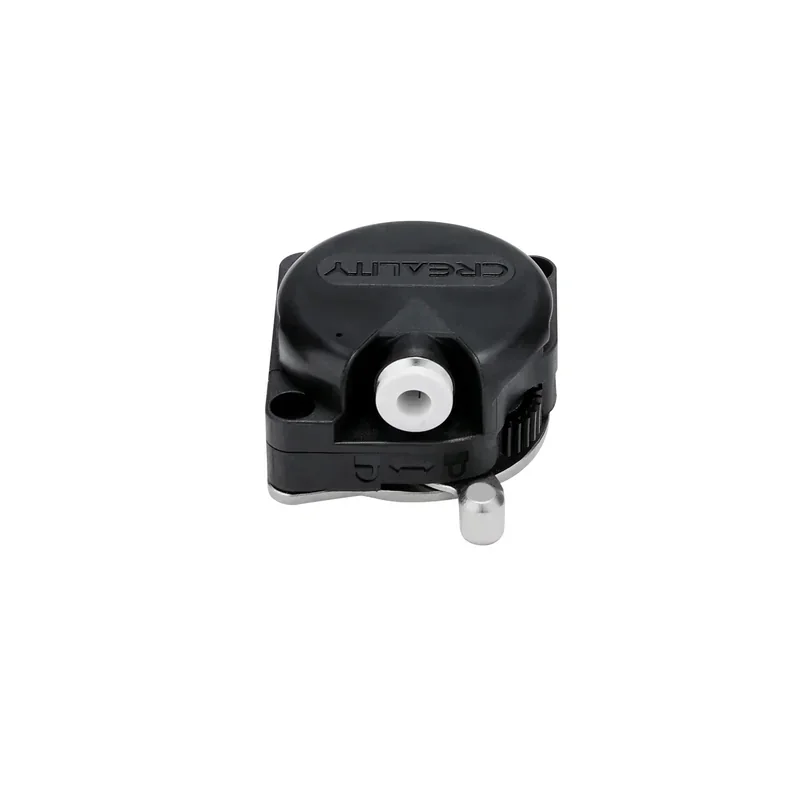 |
| K1 / K1 Max High Flow Nozzle Kit | High-flow bimetal nozzle kit for K1 and K1 Max with copper-alloy and hardened-steel tips. Nickel-plated, smooth inner bore reduces sticking and improves flow; includes 0.4 mm ×2, 0.6 mm ×1, and 0.8 mm ×1 for standard and fiber-filled filaments. | $25.99 | 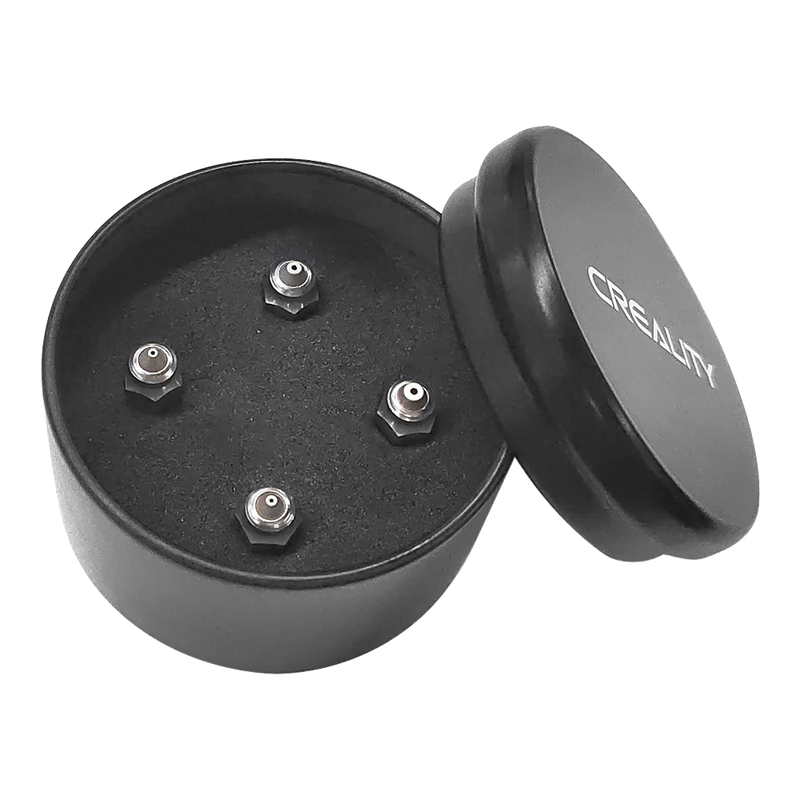 |
| K1C Ceramic Heating Block Kit (New Version) | Replacement ceramic heating block and heater assembly for K1C. Restores stable nozzle heating and accurate temperature control. | $31.99 | 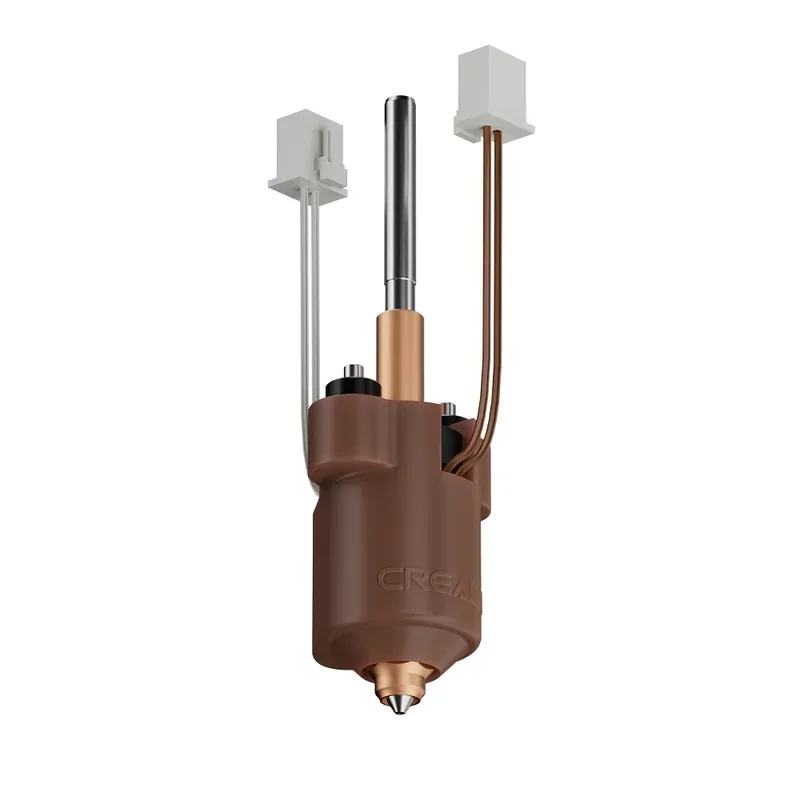 |
| Brass Nozzle | Brass replacement nozzle for the hotend. Restores extrusion through a clean, correctly sized orifice when the old nozzle is clogged, worn, or damaged. | $6.99 | 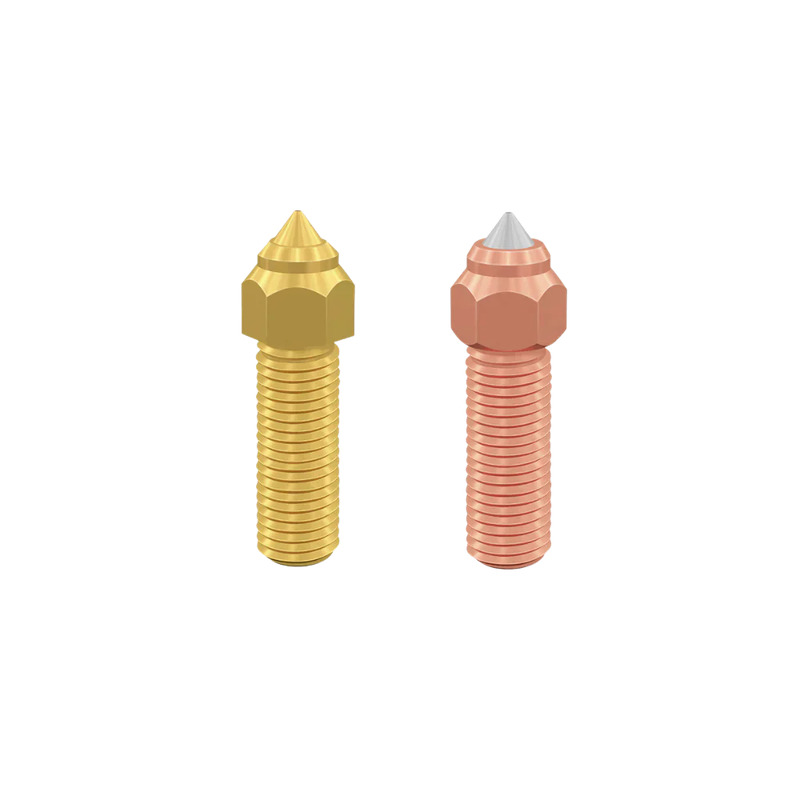 |
| CATEGORY: Monitoring and Electronics | |||
| K1 Mainboard Kit | Replacement mainboard for K1 printers. Restores printer control electronics when the original board fails. | $70.99 | 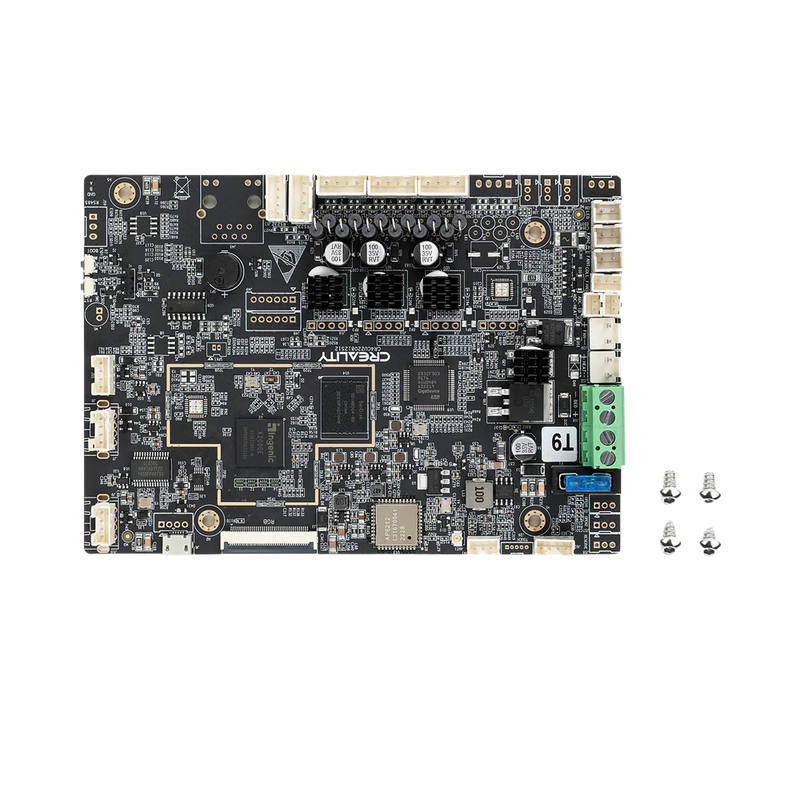 |
| Creality AI Camera for K1 / K1 Max | Monitoring camera for K1 and K1 Max with remote live view in Creality Cloud and Creality Print. Creates time-lapse videos in Creality Cloud; 122° diagonal view; 5 V input; 36.4 × 44.2 × 54 mm; 12 g. | $30.99 | 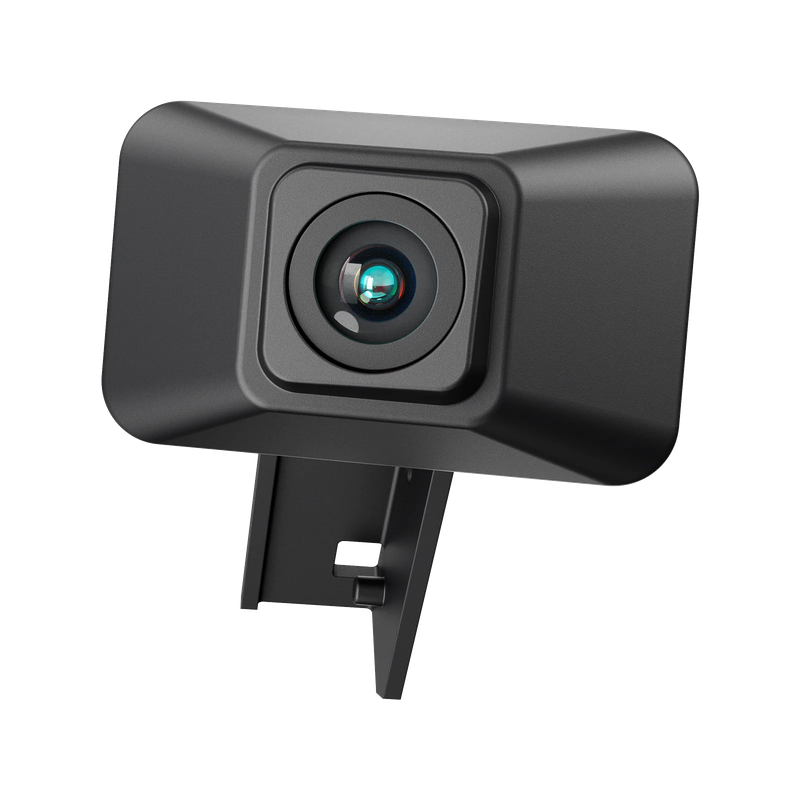 |
| 350W Power Supply | 350 W replacement power supply. Restores stable printer power delivery when the original unit fails or is damaged. | $27.99 | 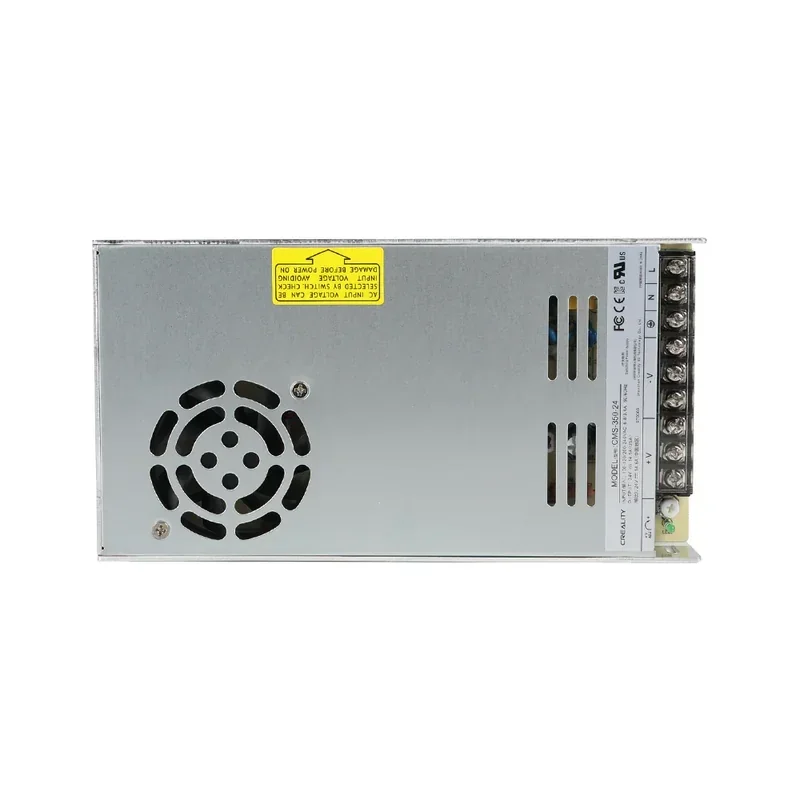 |
| CATEGORY: Enclosure Panels and Glass | |||
| K1 Front Door Glass Kit | Replacement front-door glass for the K1 enclosure. Restores the door after cracks or breakage. | $27.99 | 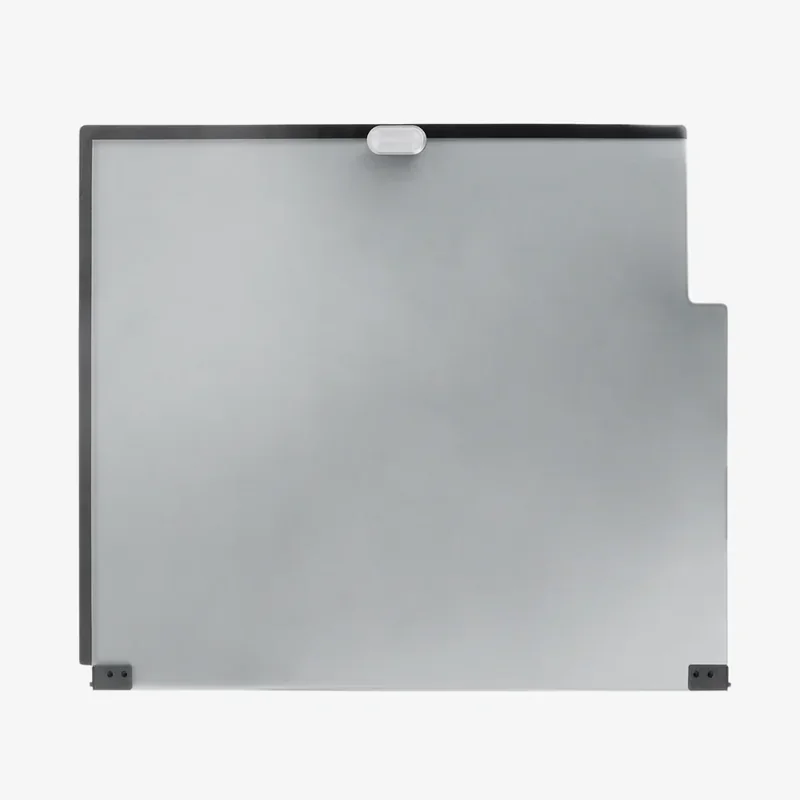 |
| CATEGORY: Filament Handling | |||
| Creality CFS-C Multi-Color Filament System | Creality CFS-C multicolor system for compatible printers. Automates filament switching for multi-color and multi-material printing. | $385.00 | 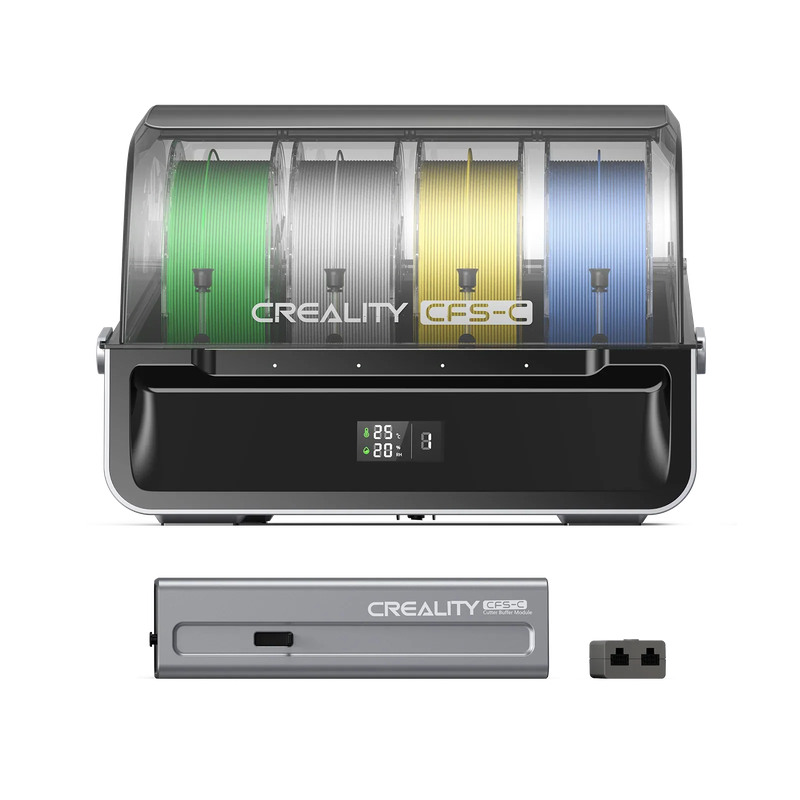 |
| Multi-Kilo Filament Feeding Holder (Black) | Spool holder for multi-kilo filament spools. Supports heavy spools and guides filament for reliable feeding. | $31.99 | 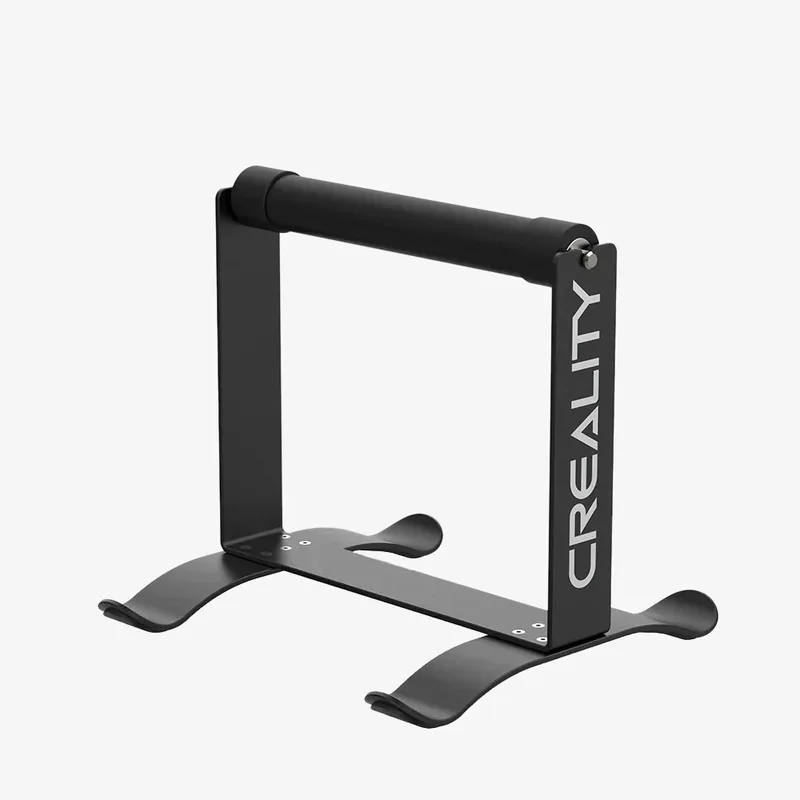 |
| 3D Digital Spool Rack-S (Single) | Spool rack with integrated scale and display for remaining filament weight. Bearings and large rollers reduce drag and wobble; rechargeable battery supports long standby. | $34.99 | 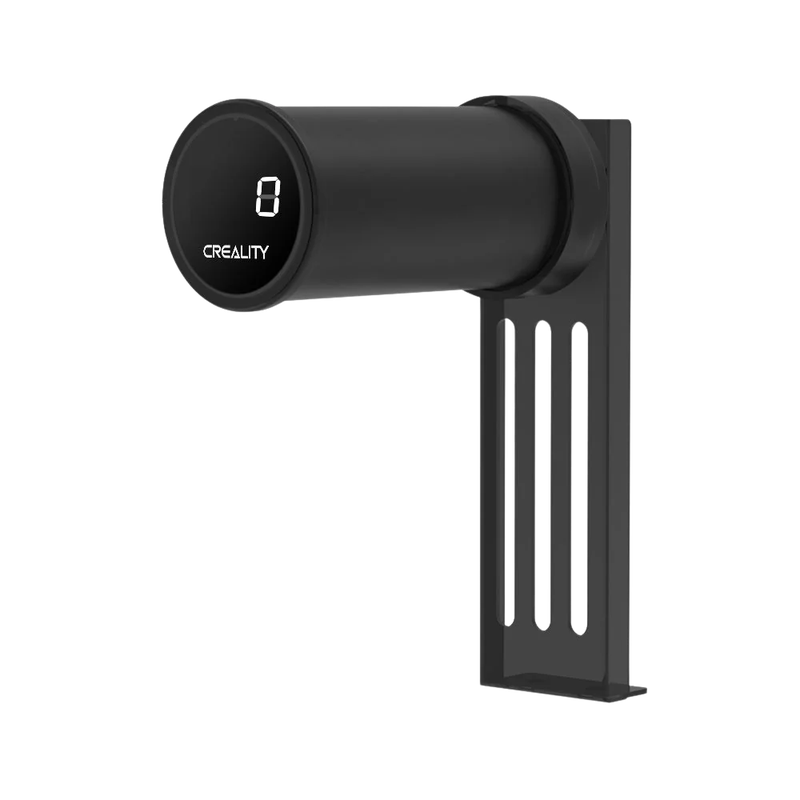 |
| CATEGORY: Air Quality | |||
| Creality Air Purifier APF (FDM Version) | 360° air purifier for FDM printing with PM2.5 display, sensor monitoring, and filter status tracking. Uses G4 pre-filter, H11 HEPA, and activated carbon filtration; delivers up to 250 m³/h airflow; max 150 W; operating noise up to 62 dB. | $730.00 | 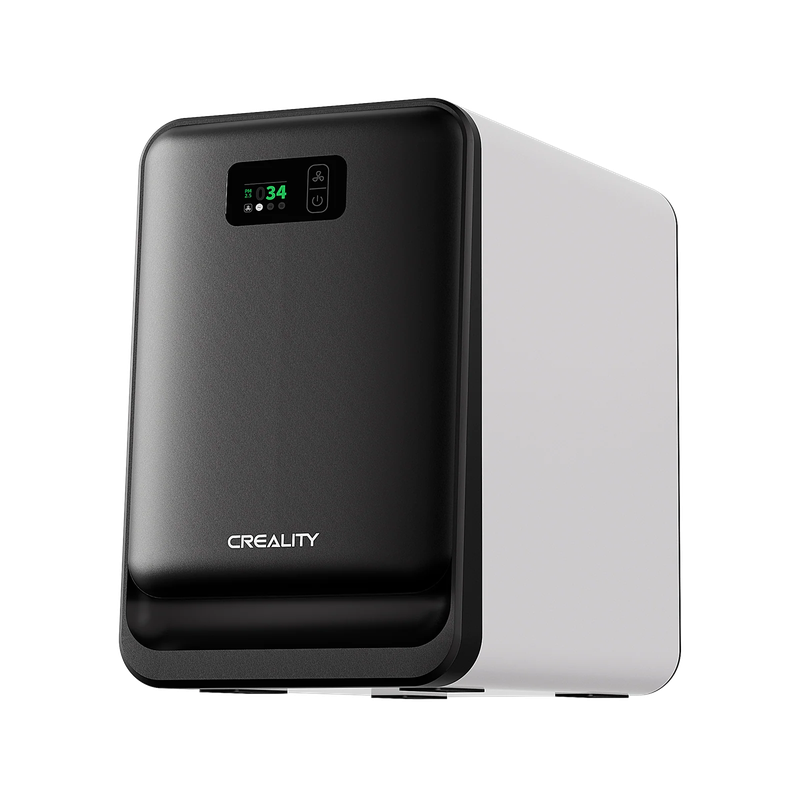 |
| CATEGORY: Lighting | |||
| Colorful DIY LED Strip (with Wireless Remote Control) | USB-powered 5 V LED strip kit with a frosted arc diffuser for even lighting and 80 LEDs per meter. Wireless remote controls color, brightness, effects, and music mode; dual-output controller runs two strips. | $32.99 | 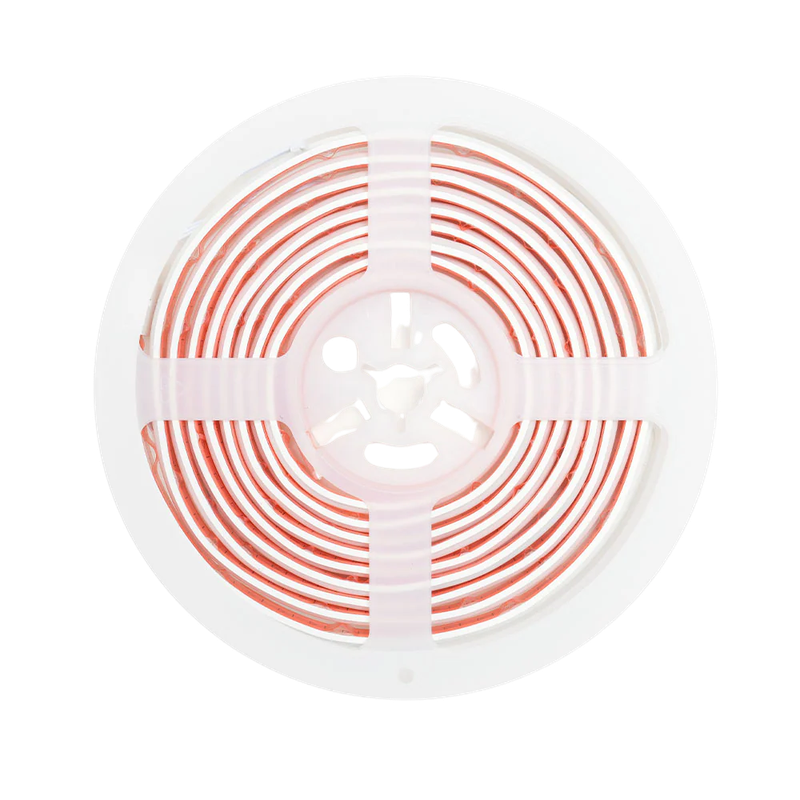 |
| CATEGORY: Tools and Maintenance | |||
| 3D Printer Tool Wrap Kit Pro | Portable tool kit for printer setup, maintenance, and post-processing. Includes nozzle cleaning tools, a screwdriver set, deburring and carving knives, and files. | $39.99 | 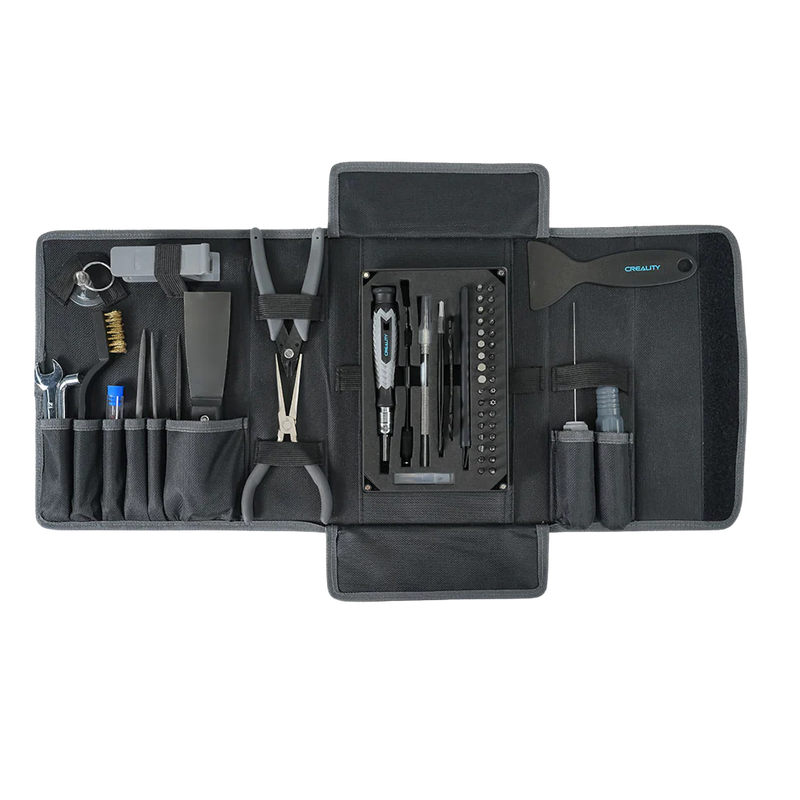 |
| CATEGORY: Vibration and Damping | |||
| Shock-Absorbing Silicone Pads (4 pcs) | Set of four shock-absorbing silicone pads for printer feet. Reduces vibration transfer and improves stability. | $12.99 | 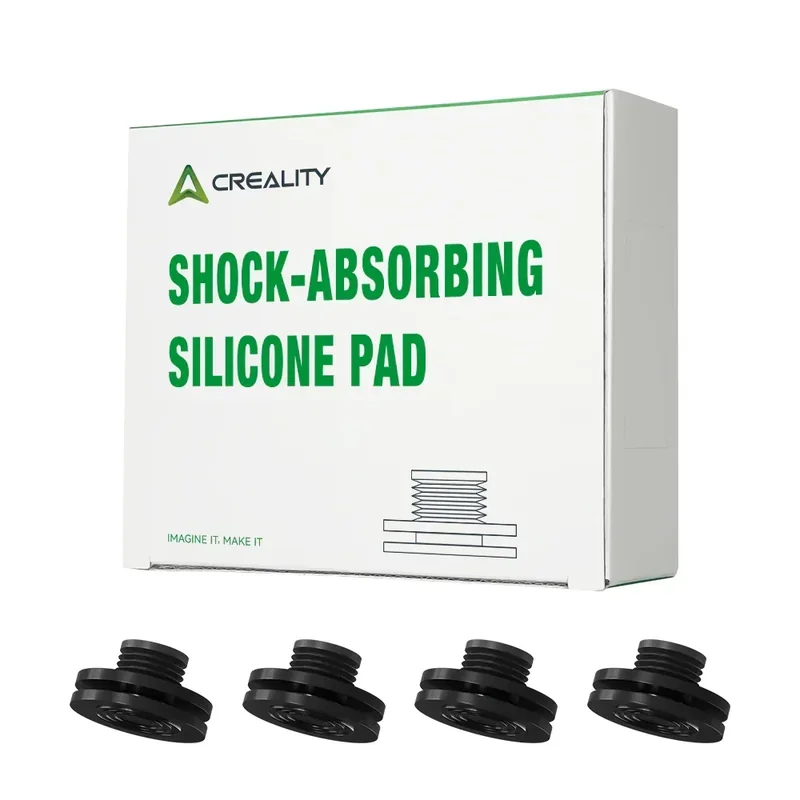 |
What maintenance is required for the Creality K1 3D printer?
You must follow 10+ maintenance protocols to maintain Creality K1's quality of 3D printing.
Maintaining the Creality K1 requires regular cleaning, lubrication, part replacement, and thermal/electrical management to ensure consistent print quality.
Routine Cleaning
Before Each Print:
- Clear debris from build chamber
- Clean bed with isopropyl alcohol
- Inspect and clean nozzle
Weekly or Every 50 Print Hours:
- Clean part cooling fans
- Check filament path for tangles
- Inspect cable routing
Lubrication (Every 500 Print Hours)
- X-axis (graphite bushings): Use thin lubricant or metal anti-rust oil — avoid liquid lubricants
- Y-axis (ball bearings): Apply grease from supplied tube
- Z-axis lead screws (3 locations)
- X-axis guide rods: Minimal lubrication
Over-lubrication causes binding and debris buildup.
Component Replacement & Calibration
- Nozzle: Replace every 500 hours (0.4mm, verify hotend compatibility)
- Belt Tension: Check every 300 hours (use belt frequency app; aim for 120–150 Hz)
- Bed Calibration: Recalibrate every 300 hours or after extended high-temp use
Critical Failure Prevention
Thermal Management:
- Monitor chamber temps during ABS or enclosed printing
- Overheating can cause thermistor drift, camera shutdowns, and hotend failure
- Ceramic heater can't be serviced individually — entire hotend must be replaced if damaged
- Proper thermal paste application is critical
Extruder Gear Maintenance:
- Inspect every 200 hours for wear or misalignment
- Clicking sounds indicate slippage or damage
- Clean gears monthly to remove filament dust buildup
Electronics Protection:
- Confirm correct power input (115V or 230V)
- Incorrect voltage causes shifting, instability, or damage
- Camera shuts down above 30°C — ensure ventilation during high-temp prints
All maintenance tasks have detailed procedures documented in the Creality Wiki with video guides for complex operations: https://wiki.creality.com/en/k1-flagship-series/k1-maintenance
What support and warranty come with the Creality K1?
The Creality K1 includes a 12-month limited warranty for the printer and 3 months for consumables like the nozzle and glass bed. Accessories such as the TF card, USB cable, and tools are not covered. Warranty claims require proof of purchase.
Support Options:
- Email: cs@creality.com
- Phone: +86 755 3396 5666
- Weekdays: 09:00–21:00 UTC+8
- Weekends/holidays: 09:00–18:00 UTC+8
The printer ships with a detailed manual and video guides on the USB drive. Additional resources are available on Creality’s WIKI platform.
Creality provides replacement parts via global distributors such as Top3DShop. Users can optionally register their printer at www.creality.com with model, serial number, and proof of purchase.
Full up-to-date warranty terms are available on the manufacturer's website: https://store.creality.com/au/pages/warranty-policy
How much does the Creality K1 cost?
The Creality K1 is priced at $449.00, offering strong value for a fully enclosed CoreXY printer with 600 mm/s speed, auto bed leveling, input shaping, a direct drive extruder, and a 4.3-inch touchscreen. It supports materials from PLA to engineering-grade filaments.
For more build volume, the K1 Max costs ~35% more and increases capacity to 300 × 300 × 300 mm vs. the K1’s 220 × 220 × 250 mm.