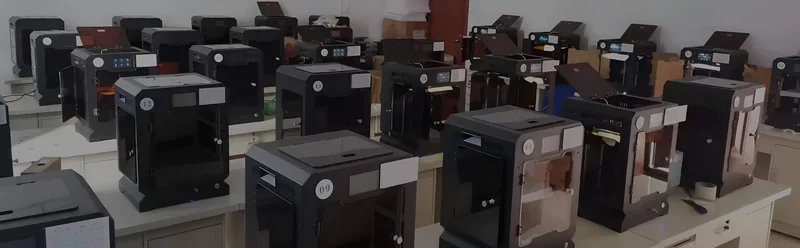
Creatbot F160 PEEK High Performance 3D Printer


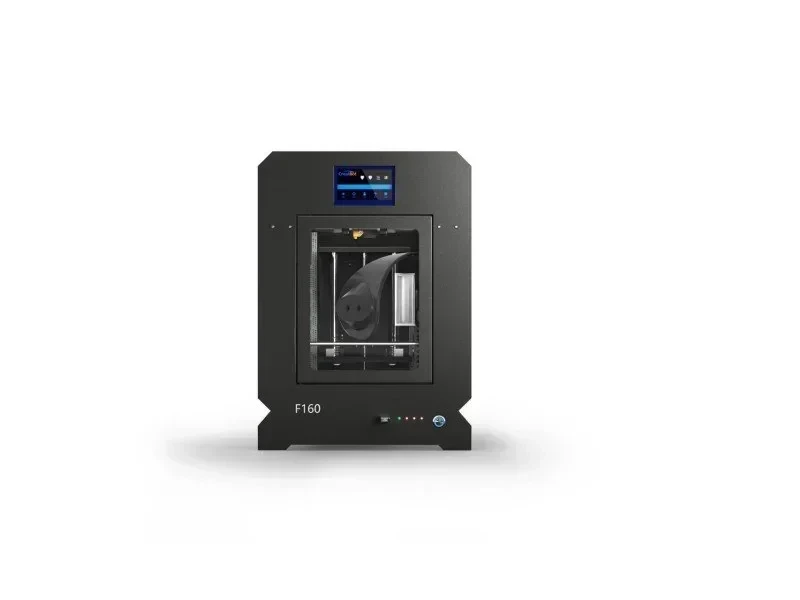


- 420°C hot-end for high-performance materials
- Heated chamber with 150°C BuildTak plate
- 40-micron layer precision with all-steel frame
- Open 1.75mm filament system support
- Flexible Payment Terms
- 1 Year Warranty
- Local Technical Support
- Free Online Training
- CreatBot F160 PEEK 3D printer
- USB cable
- Palette knife
- BuildTak print bed
The CreatBot F160 PEEK is a professional desktop 3D printer with a 420°C hot-end for high-performance materials like PEEK and carbon fiber. Its all-steel frame, heated chamber, and 150°C BuildTak-coated plate ensure stable, precise prints down to 40 microns. Designed for schools, small manufacturers, and designers, it features a 160 × 160 × 200 mm build volume, 4.3-inch touchscreen, power recovery, filament detection, and open 1.75 mm filament support for reliable, pro-grade printing without industrial costs.
- What is the print quality and performance of the Creatbot F160 3D Printer?
- Which filaments can you use with the Creatbot F160?
- What is the build volume of the Creatbot F160?
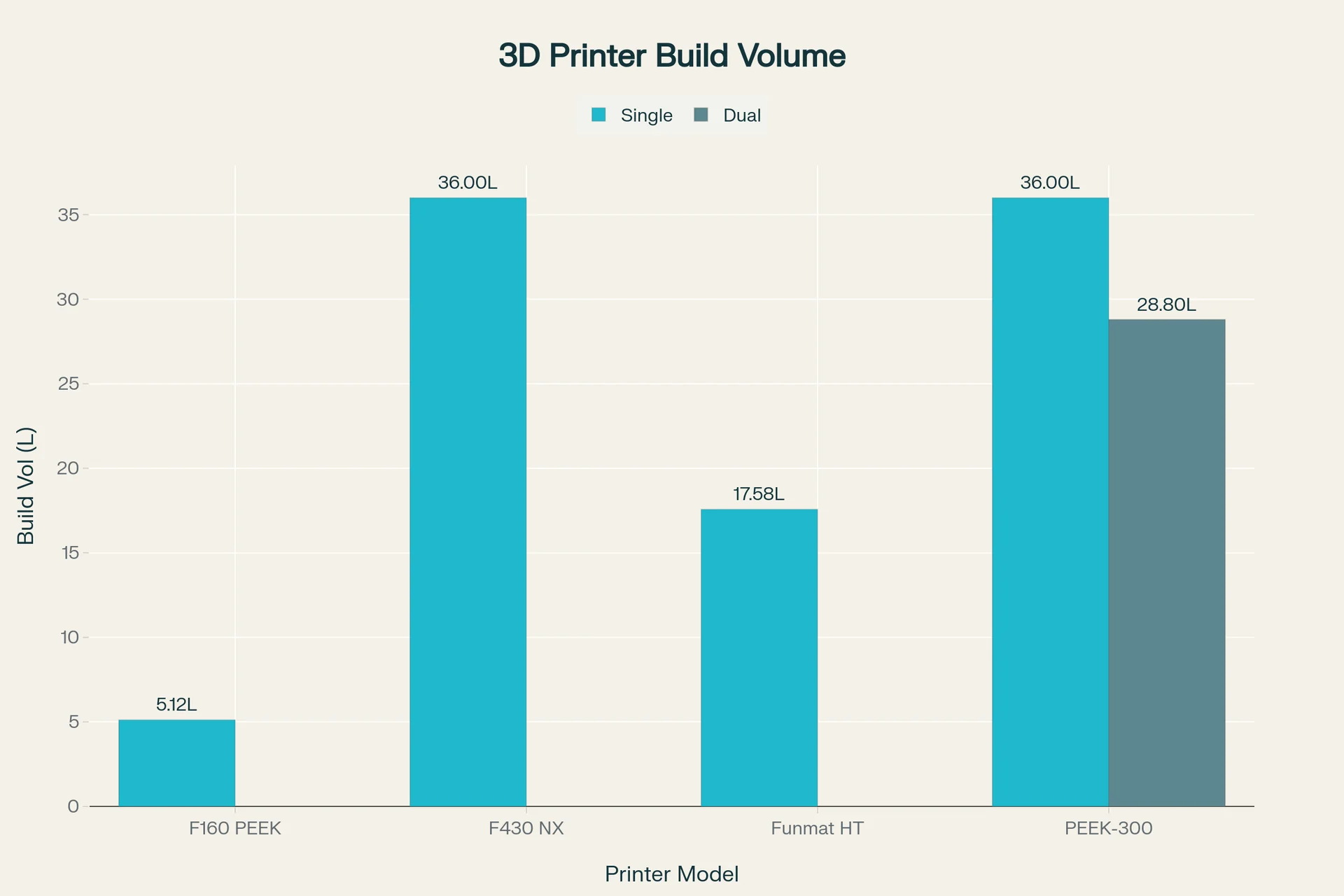
- What is the difference between the Creatbot F160, INTAMSYS Funmat HT Enhanced, Creatbot F430 and Creatbot PEEK-300?
- What printer controls are available on the Creatbot F160?
- What connectivity options are available on the Creatbot F160?
- What software is offered with the Creatbot F160?
- What is the design and build quality of the Creatbot F160?
- What comes included in the box with Creatbot F160?
- What upgrades and accessories are available for the Creatbot F160?
- What maintenance is required for the Creatbot F160?
- What support and warranty come with the Creatbot F160?
- How much does the Creatbot F160 cost?
What is the print quality and performance of the Creatbot F160 3D Printer?
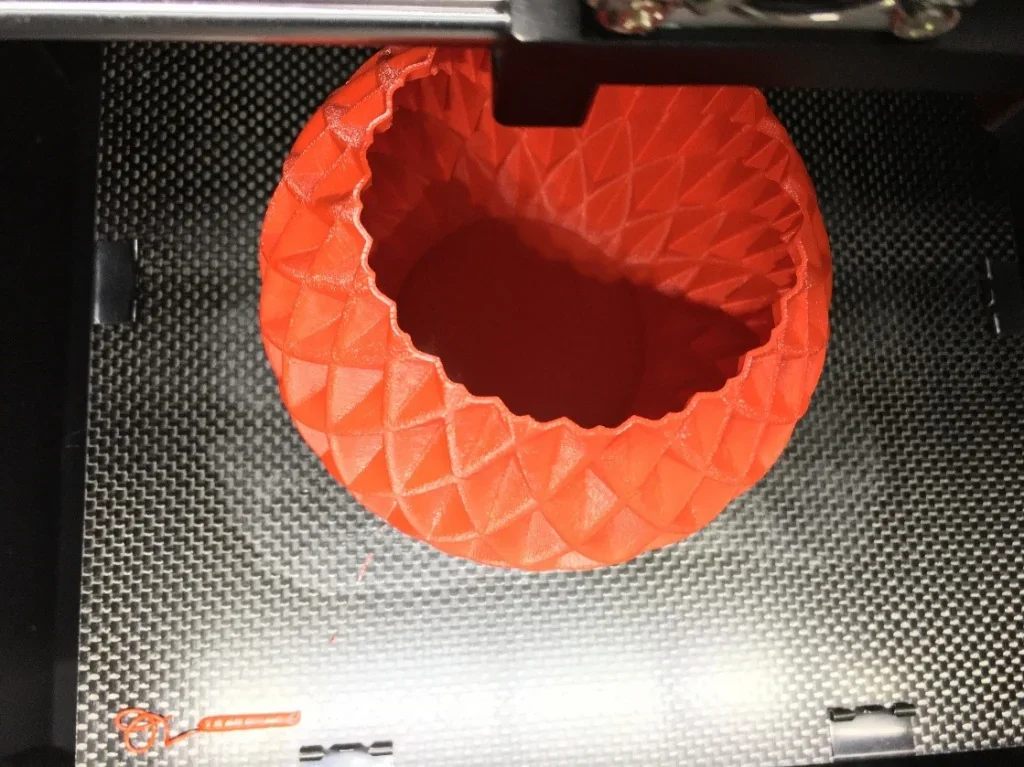
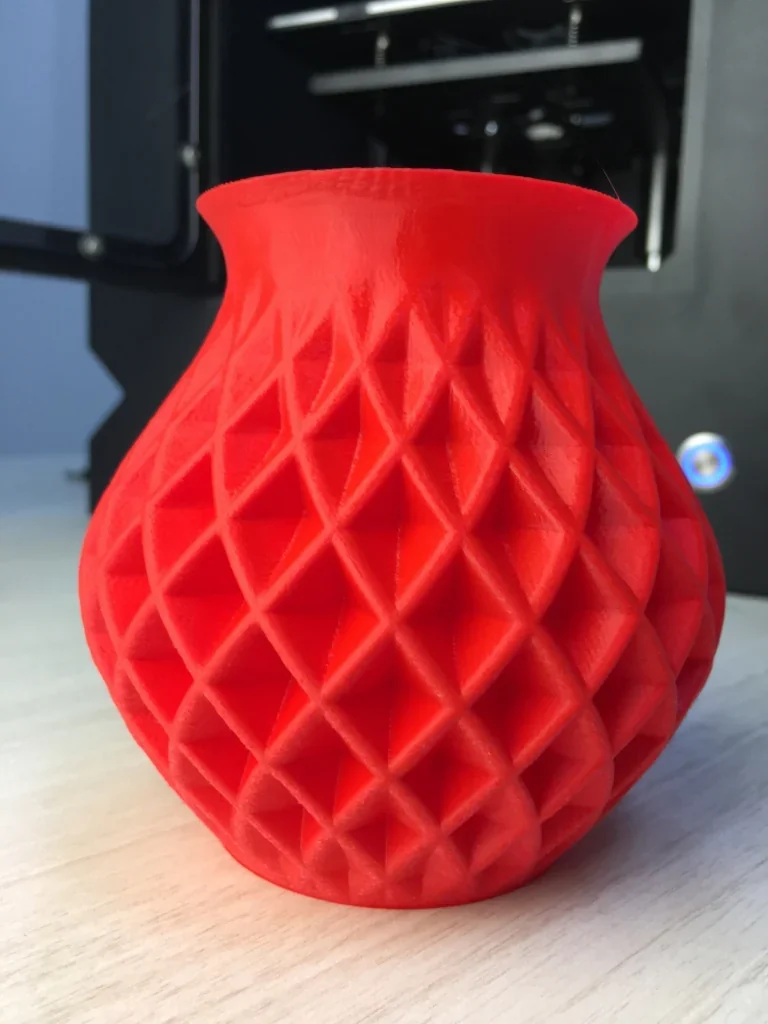
The F160 PEEK prints fine detail with 40-micron layers and positioning accuracy of 12.7 μm (X-Y) and 1.25 μm (Z). Its custom feeding system delivers smooth, clog-free extrusion and consistent flow, demonstrated in a PLA vase sample.
The CreatBot F160 PEEK prints at 60 mm/s, with speeds up to 200 mm/s for faster output. Its all-steel frame and optimized structure reduce vibration, improving accuracy and surface quality. A fully enclosed chamber maintains up to 70°C for stable printing, preventing warping and ensuring strong layer adhesion, especially with temperature-sensitive materials. The print bed is heated from below.
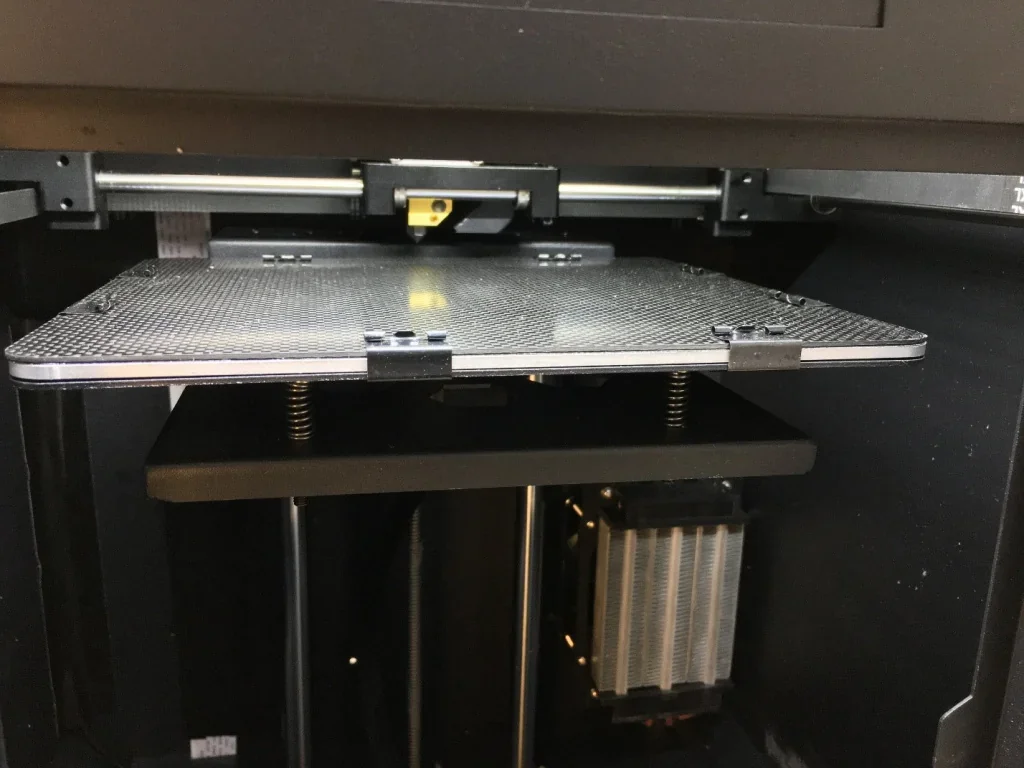
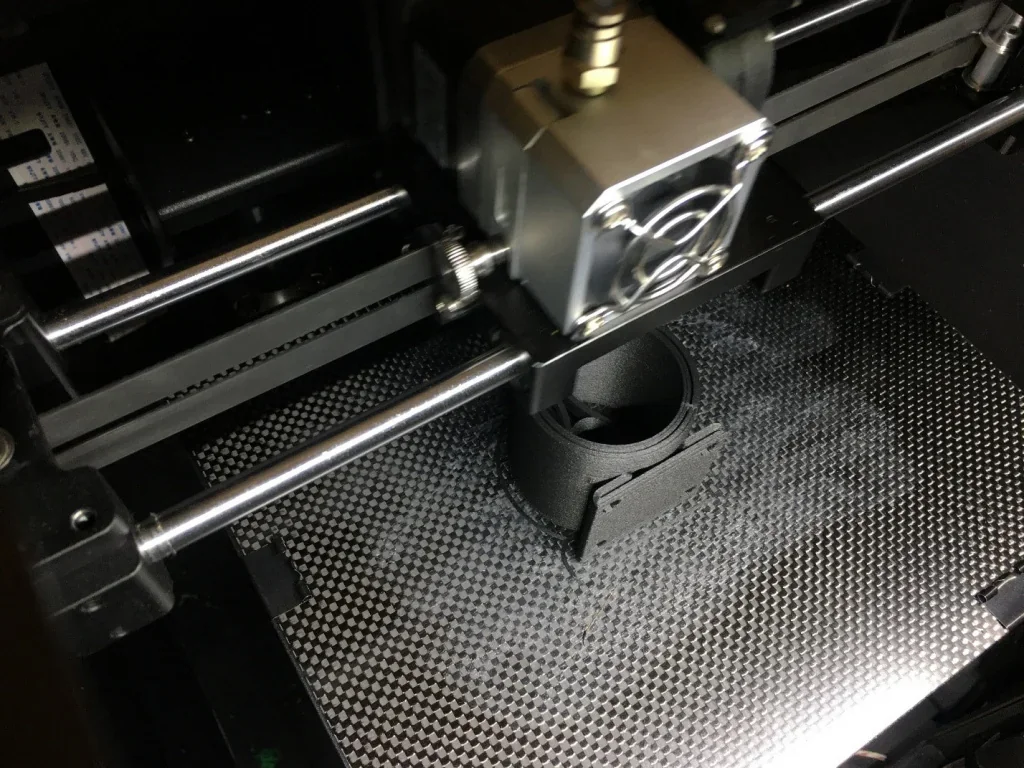
The CreatBot F160 PEEK uses a direct drive extruder with a standard 0.4 mm nozzle, plus optional sizes from 0.3–1.0 mm for balancing detail and high-speed printing. Its aluminum heated bed, pre-covered with BuildTak, ensures strong adhesion and easy part removal. With a 150°C bed and enclosed chamber, it handles temperature-sensitive materials like ABS and PEEK reliably. Example: a carbon-fiber-filled ABS part printed at 0.2 mm layer height in 3 hours.
Which filaments can you use with the Creatbot F160?
With support for over 15 filaments, the system easily handles PLA, ABS, Nylon, PC, PETG, HIPS, PP, TPU, and PVA. A 420°C hotend expands its range to high-performance polymers like PEEK, a material few desktop printers can process.
A red PLA vase was printed in 1 hour at 0.1 mm layer height, showcasing the F160’s speed and detail.
Composite filaments run smoothly on the F160 PEEK, including CF-PEEK and PA-CF with 30% carbon fiber. The direct drive extruder handles them without clogging, producing durable, corrosion-resistant parts.
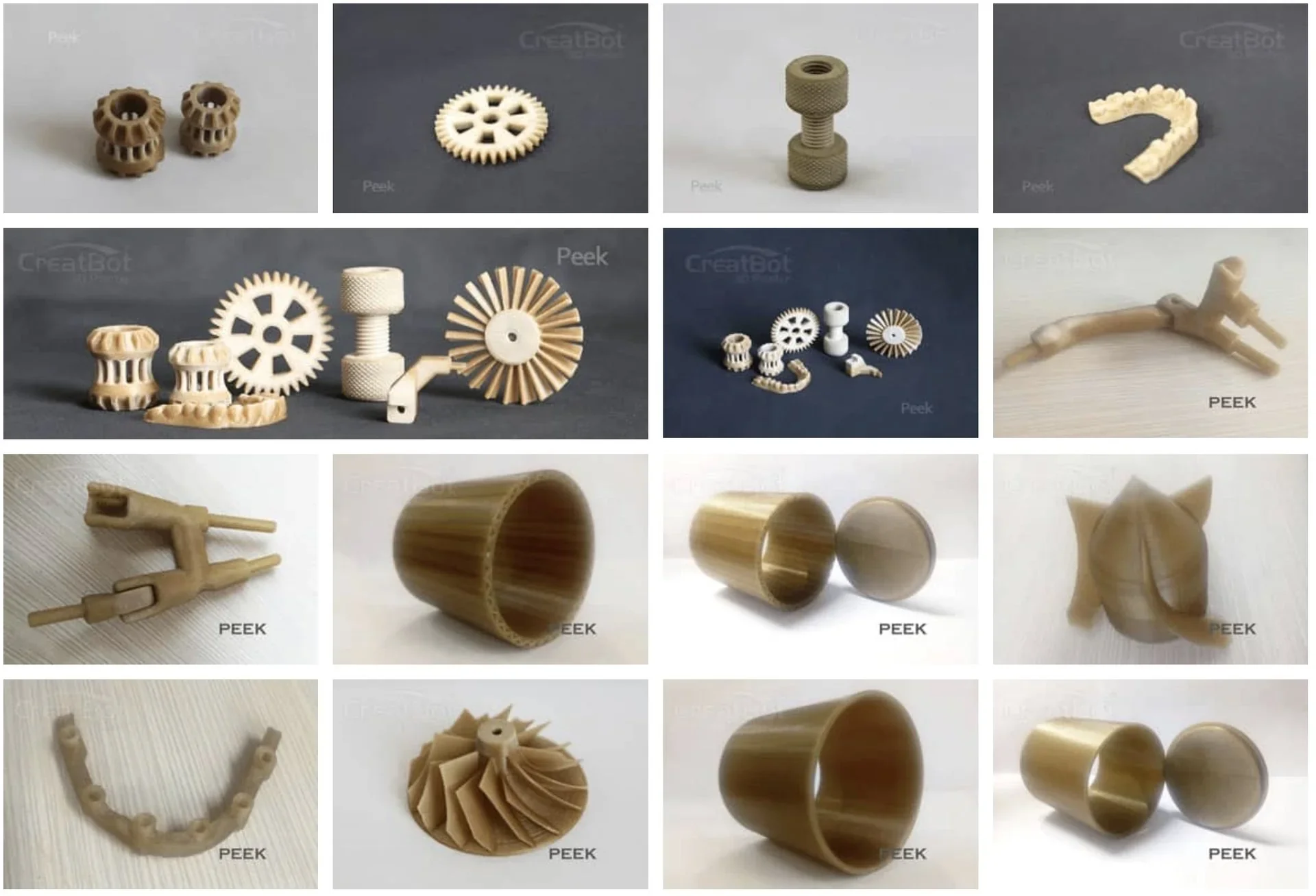
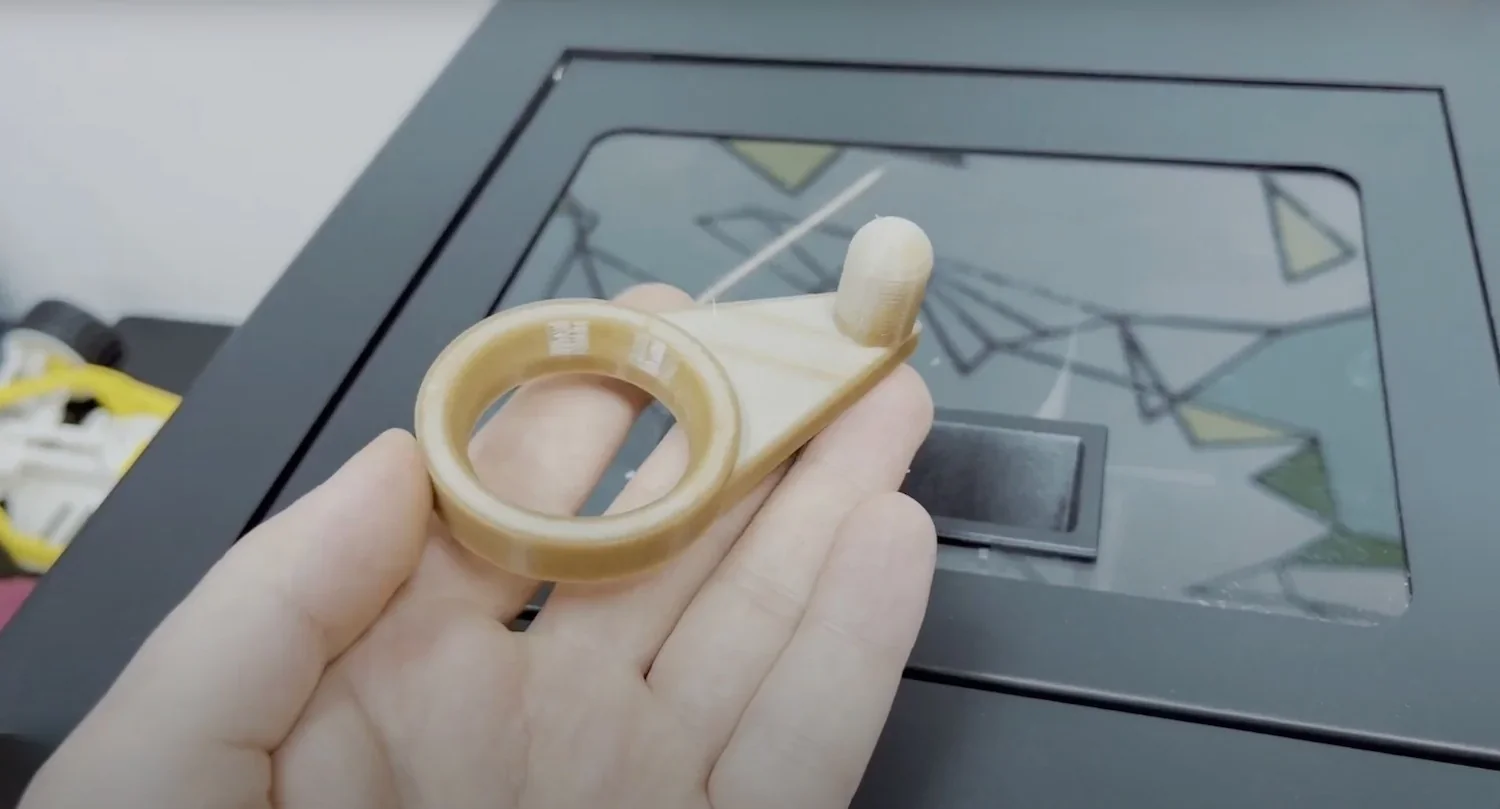
The F160 has successfully printed over 10 types of PEEK parts, including gears, thumbscrews, chain links, bushings, brackets, and a turbine impeller. Use high-quality PEEK for 3D printing.
The CreatBot F160 PEEK accepts standard 1.75 mm filaments from any manufacturer. Its internal spool holder fits standard spools and stores them inside the enclosed chamber during printing.
Key features supporting material compatibility include a fully enclosed 70°C chamber, a 150°C heated aluminum build plate with BuildTak, and a custom filament feeding system. Together, they prevent warping, ensure consistent extrusion, and provide stable conditions for temperature-sensitive materials, making the F160 PEEK highly versatile within its price range.
What is the build volume of the Creatbot F160?
The CreatBot F160 PEEK offers a 160 × 160 × 200 mm (6.3 × 6.3 × 7.9 in) build volume, suitable for small to medium projects.
What is the difference between the Creatbot F160, INTAMSYS Funmat HT Enhanced, Creatbot F430 and Creatbot PEEK-300?
CreatBot F160 PEEK stands out as the most affordable high-temperature 3D printer in its class, offering a 420°C nozzle, 150°C bed, and 70°C chamber for just $1,999—ideal for education, labs, and small manufacturers needing PEEK capability on a tight budget.
In contrast:
- CreatBot F430 offers a larger build volume (400 × 300 × 300 mm) and IDEX dual-extrusion system, but costs over 3× more and lacks the higher chamber and nozzle temps found in premium models.
- INTAMSYS Funmat HT Enhanced delivers a higher chamber temp (90°C) and 450°C nozzle, which makes it more suitable for advanced polymers. However, at $7,000+, it lacks features like direct annealing and dual extrusion.
- CreatBot PEEK-300 dominates in industrial-grade performance with the highest temps (480°C nozzle, 200°C bed, 120°C chamber), Direct Annealing System, and dual extrusion, but at $13,019, it's built for large-scale production, not affordability.
| Specification | CreatBot F160 PEEK | CreatBot F430 NX | INTAMSYS Funmat HT | CreatBot PEEK-300 |
|---|---|---|---|---|
| Price (USD) | $1,999 | $6,500 | $7,000+ | $13,000+ |
| Build Volume (mm) | 160×160×200 | 400×300×300 | 260×260×260 |
300×300×400 (Single), 240×300×400 (Dual) |
| Nozzle Temp (°C) | 420 | 420 | 450 | 480 |
| Bed Temp (°C) | 150 | 140 | 160 | 200 |
| Chamber Temp (°C) | 70 | 70 | 90 | 120 |
| Extruder Type | Single Direct Drive | IDEX Dual | Single Direct Drive | Dual Direct Drive |
| Direct Annealing | No | No | No | Yes |
| Materials Supported | PEEK, CF, Nylon, etc. | PEEK, Nylon, etc. | PEEK, PEI, PC, etc. | PEEK, PEKK, CF/GF-PEEK |
| Touchscreen | 4.3" | 4.3" | — | 4.3" |
| Power Recovery / Detection | Yes / Yes | Yes / Yes | Yes / Yes | Yes / Yes |
Bottom-Line:
The F160 PEEK is the best low-cost entry into high-temp 3D printing with solid performance for its size and price. It loses on build volume and industrial-grade features but wins decisively on price-to-performance for PEEK-ready printing.
What printer controls are available on the Creatbot F160?
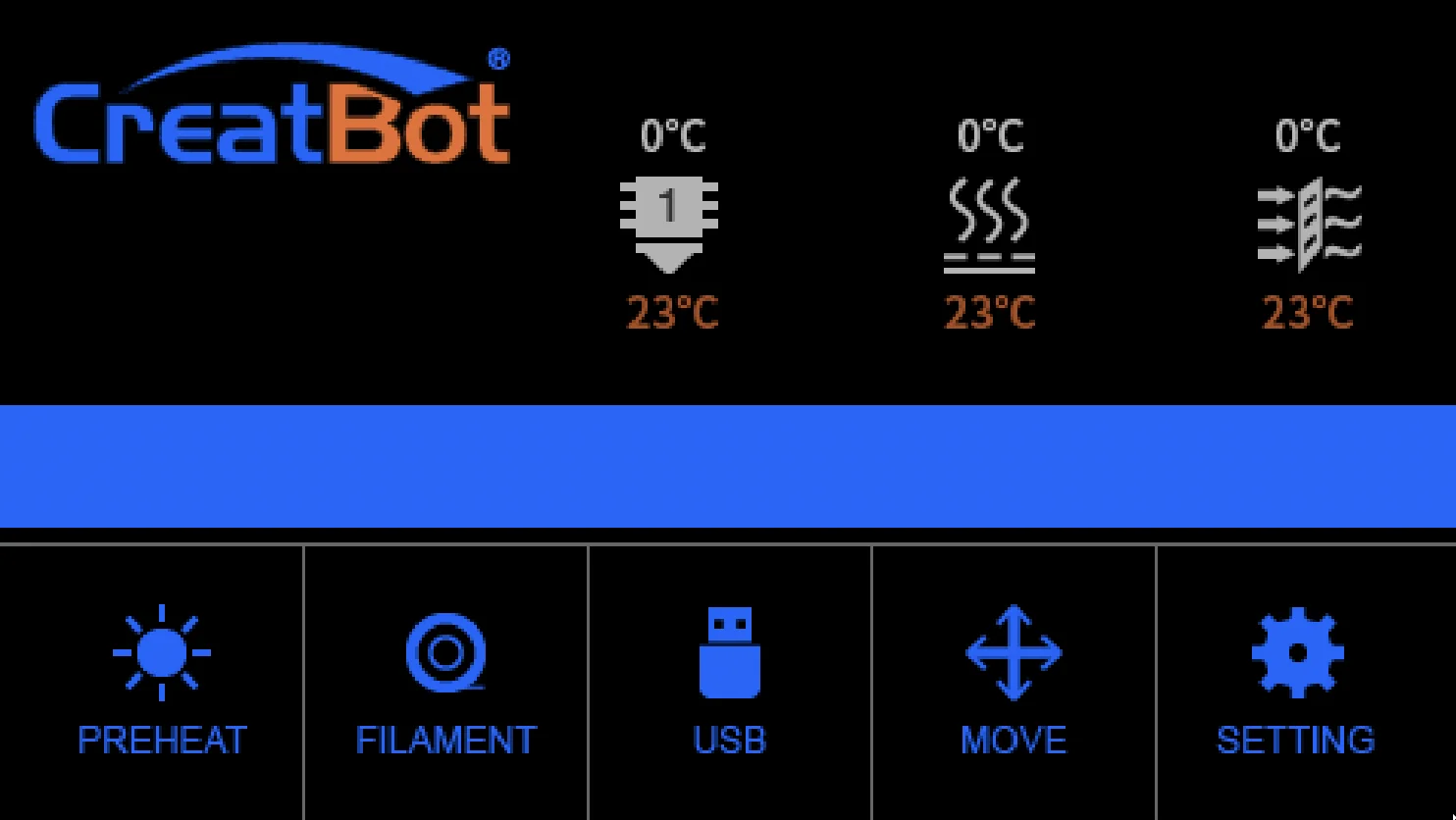
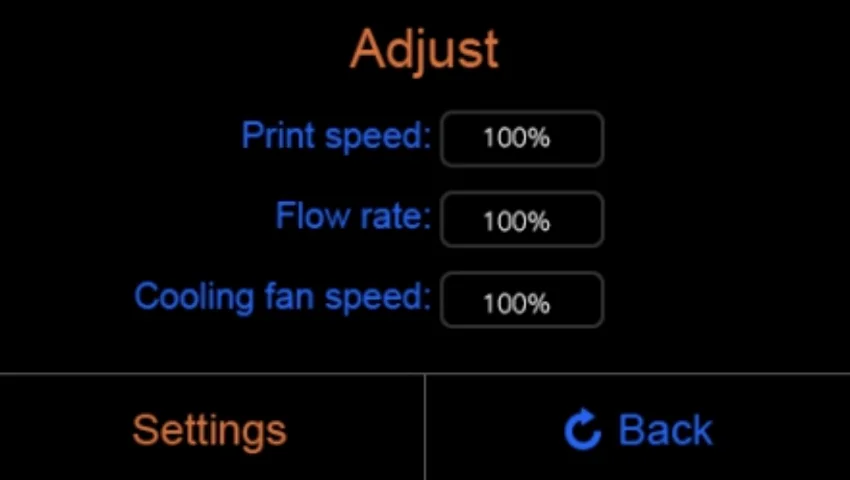
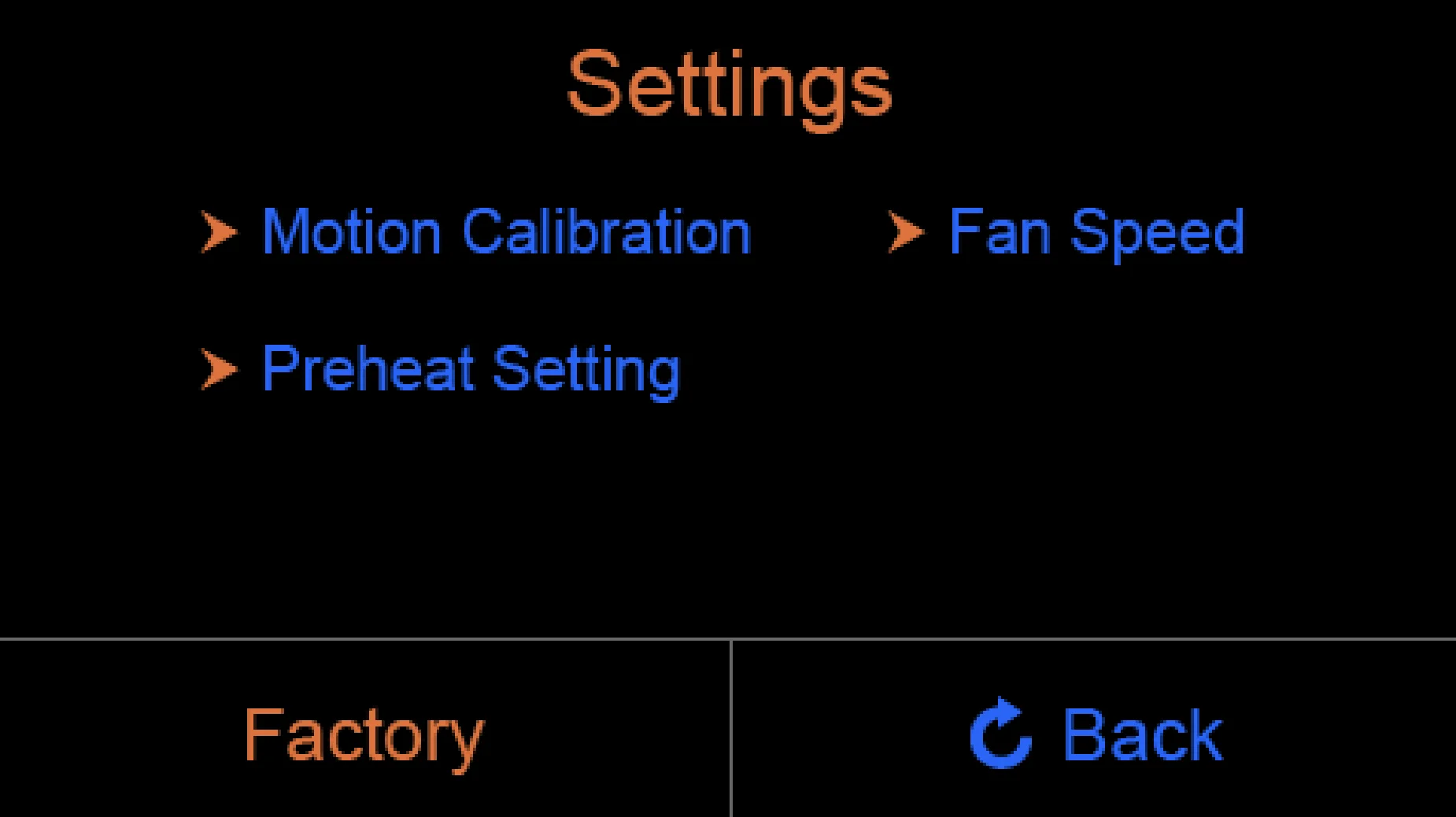
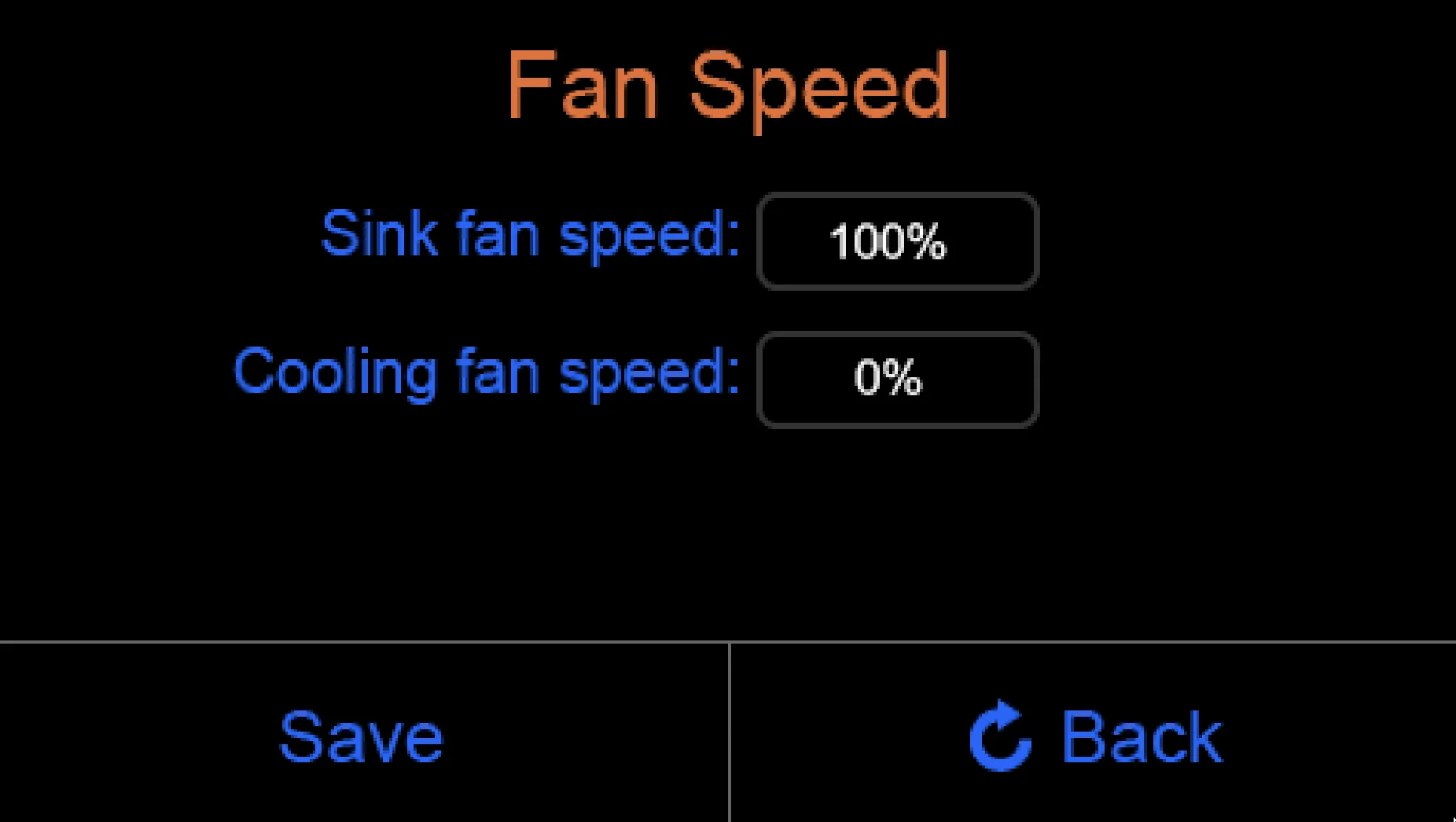
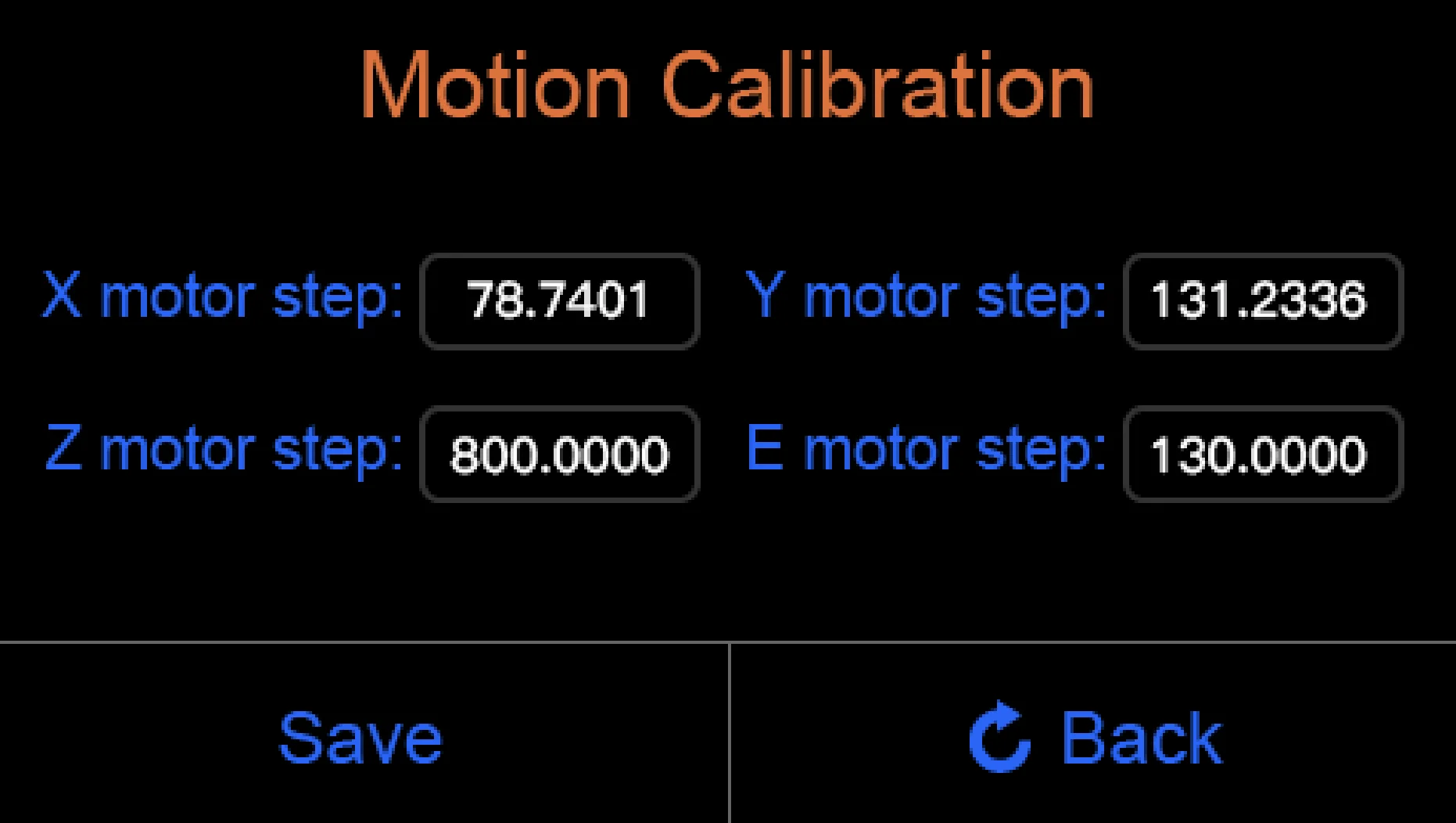
The Creatbot F160 offers 40+ printer controls, including axis movement (0.1–100 mm), print speed, fan and flow rate adjustments, filament extrusion/retraction, and motor step settings: X/Y, Z and E.
Main Menu Controls:
- Axis movement
- Settings
- Filament
- Status
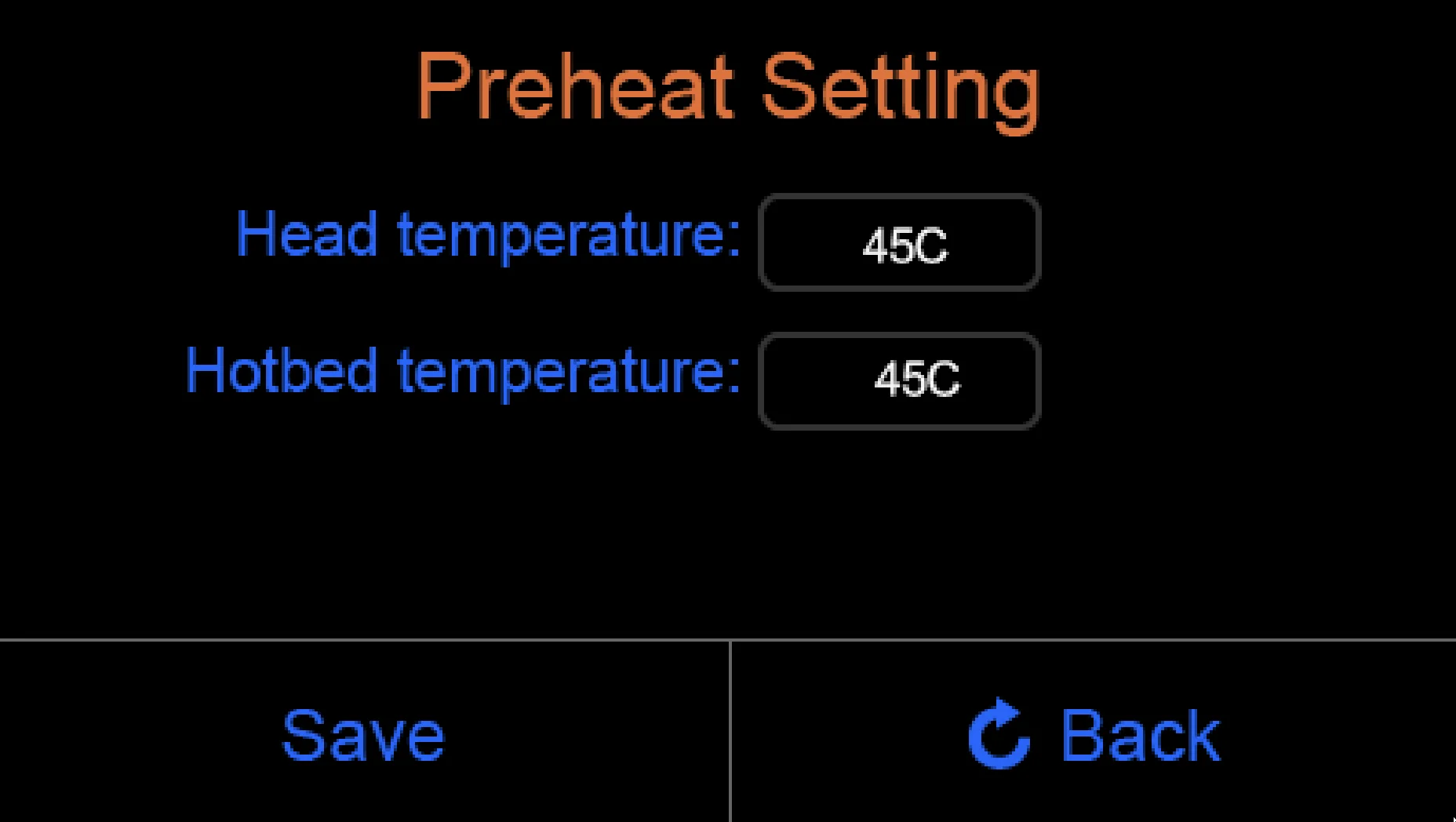
- Preheat
- U-disk access
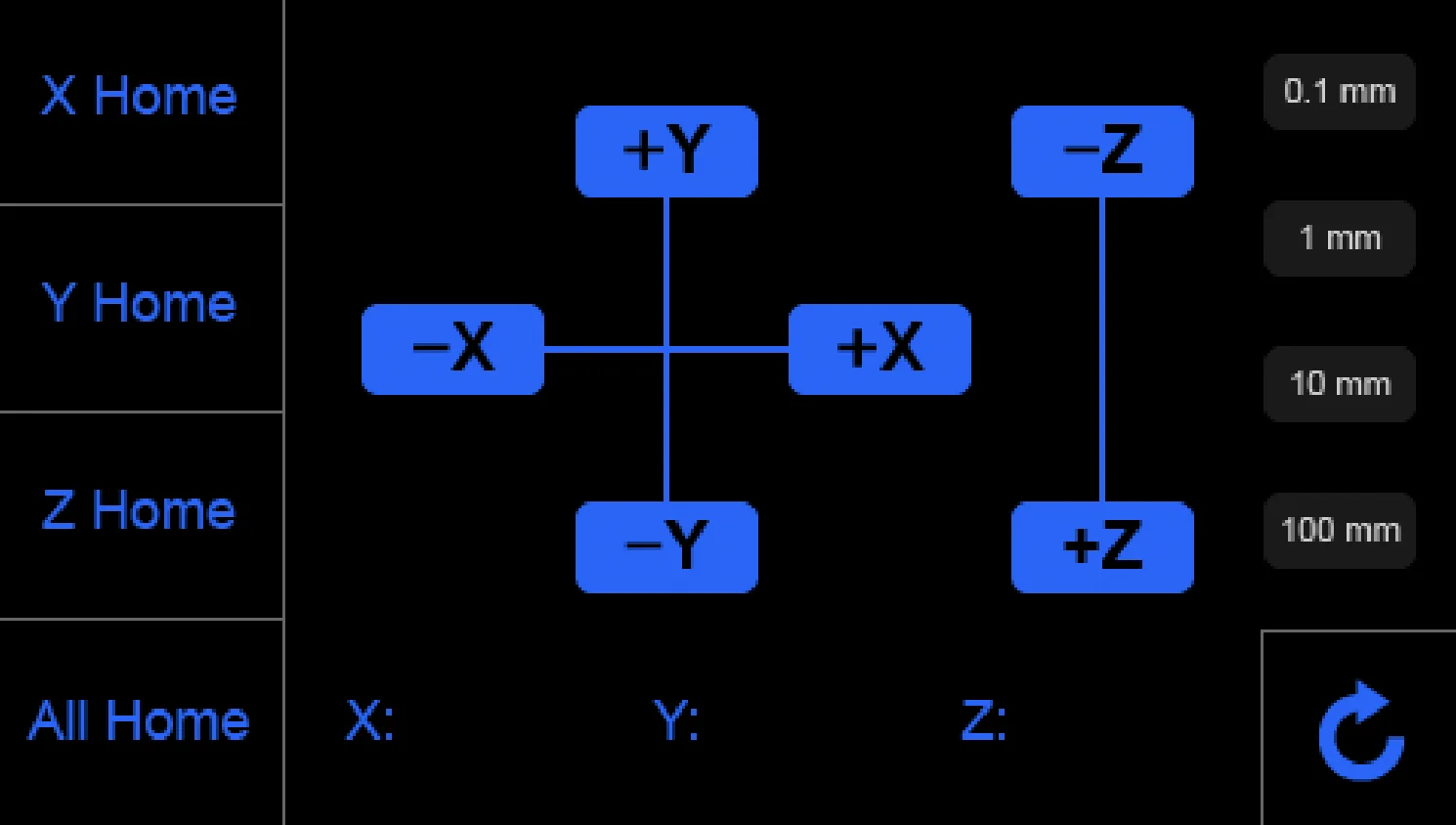
Axis Movement Controls:
- X-axis movement: +X / –X
- Y-axis movement: +Y / –Y
- Z-axis movement: +Z / –Z
- Home positioning: X, Y, Z, or all axes
- Movement increment selector: 0.1 mm, 1 mm, 10 mm, 100
Print Operation Controls:
- Print speed adjustment (%)
- Fan speed adjustment (%)
- Flow rate adjustment (%)
- Pause, stop/cancel, and resume functions
- Z-axis up/down control during printing
Filament Management Controls:
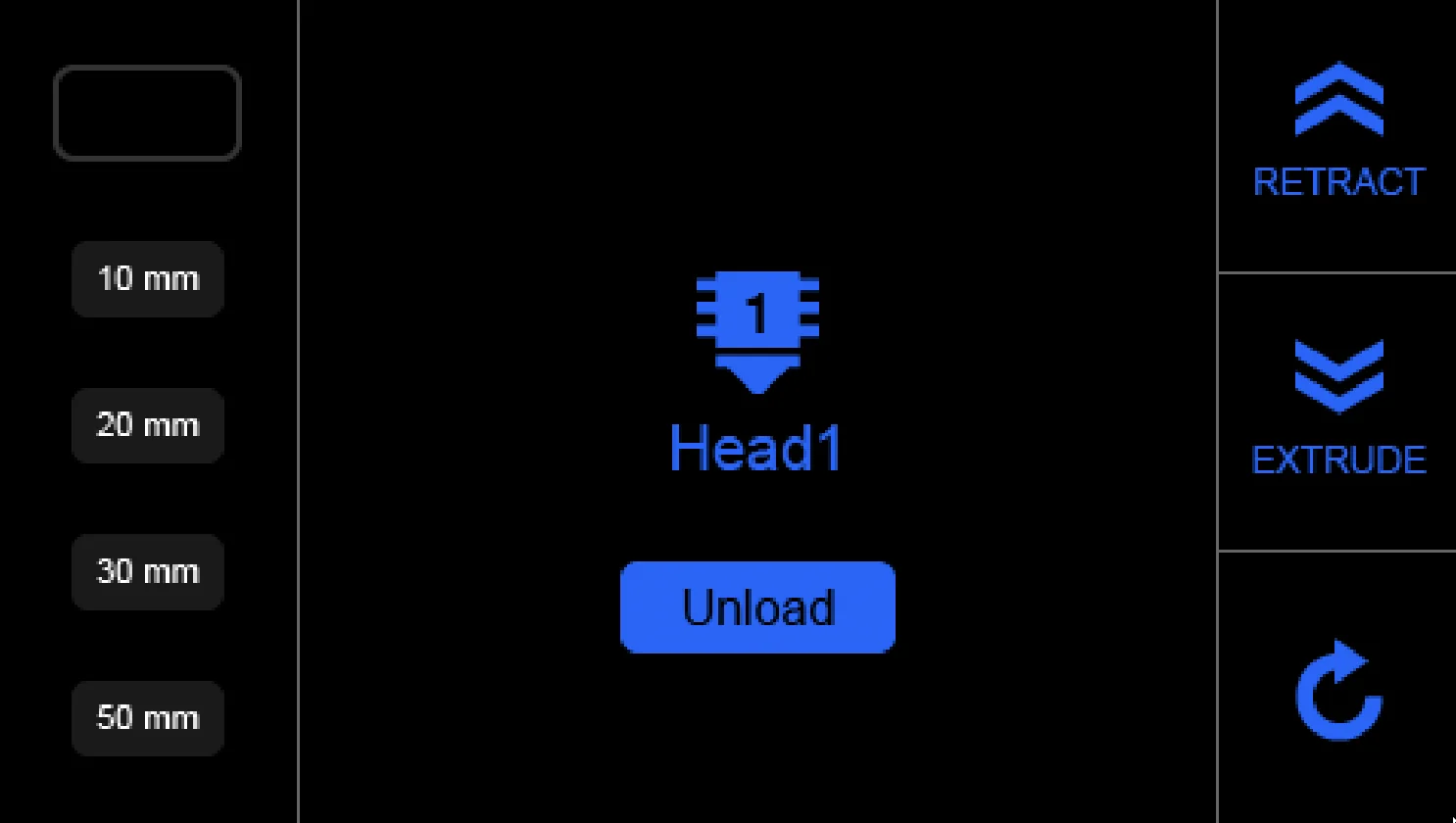
- Extrude
- Retract
- Unload
- Change filament
- Set extrusion amount
Configuration Controls:
- X-axis motor step (78.7401 default)
- Y-axis motor step (78.7401 default)
- Z-axis motor step (800.0000 default)
- E-axis motor step (130.0000 default)
- Save settings
- Reset settings
What connectivity options are available on the Creatbot F160?
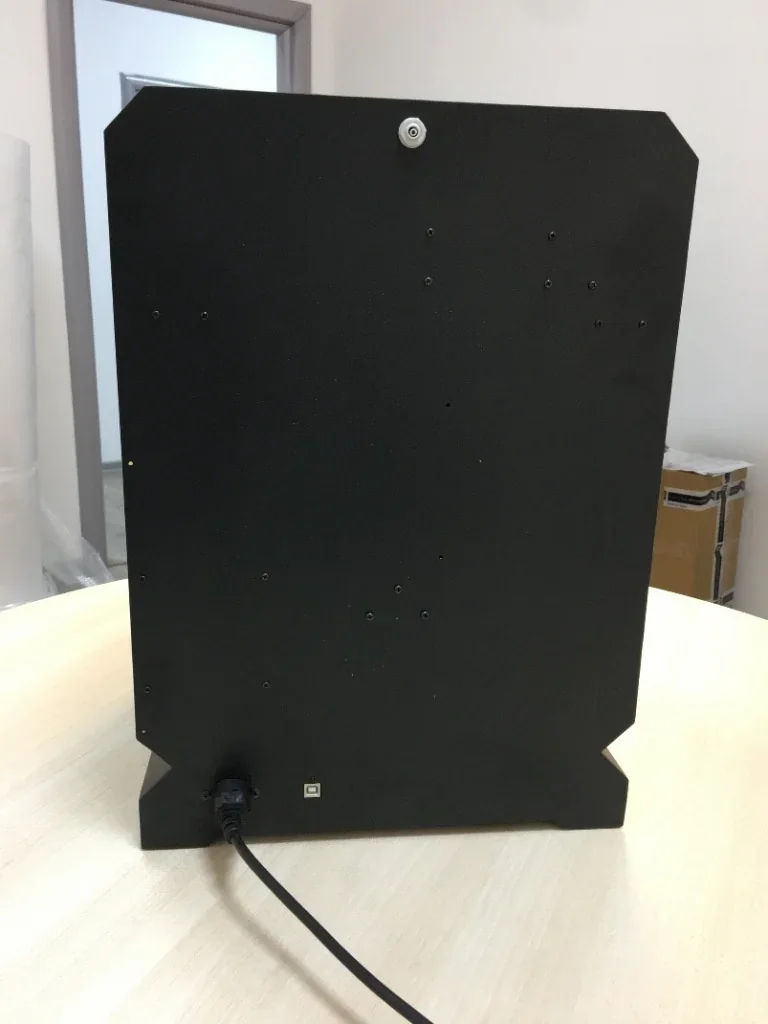
The CreatBot F160 PEEK provides two connectivity options: a front USB port for direct printing from flash drives, and a rear USB-B port for connecting to Windows, Mac OS X, or Linux systems, enabling real-time monitoring and control.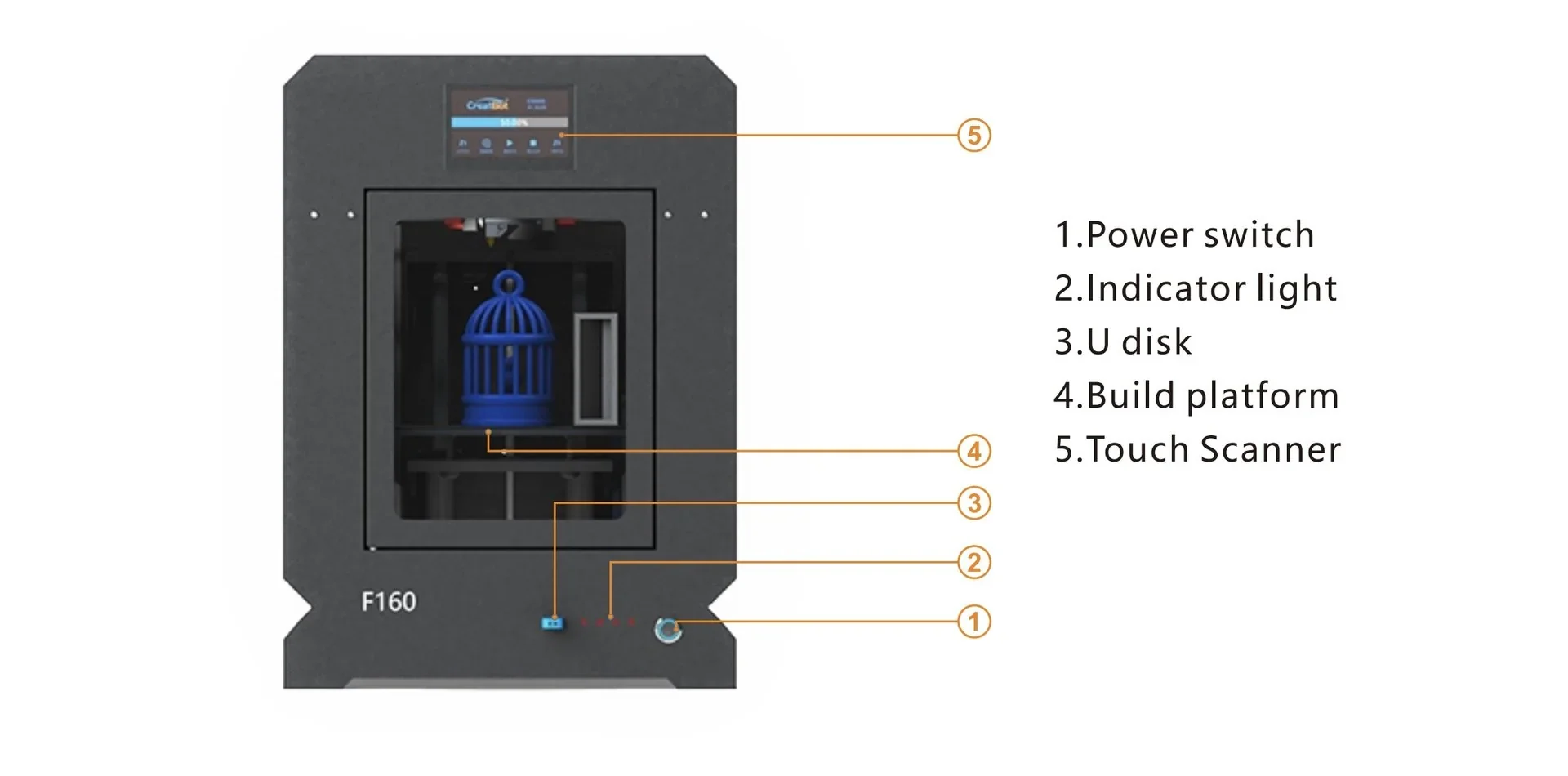
What software is offered with the Creatbot F160?
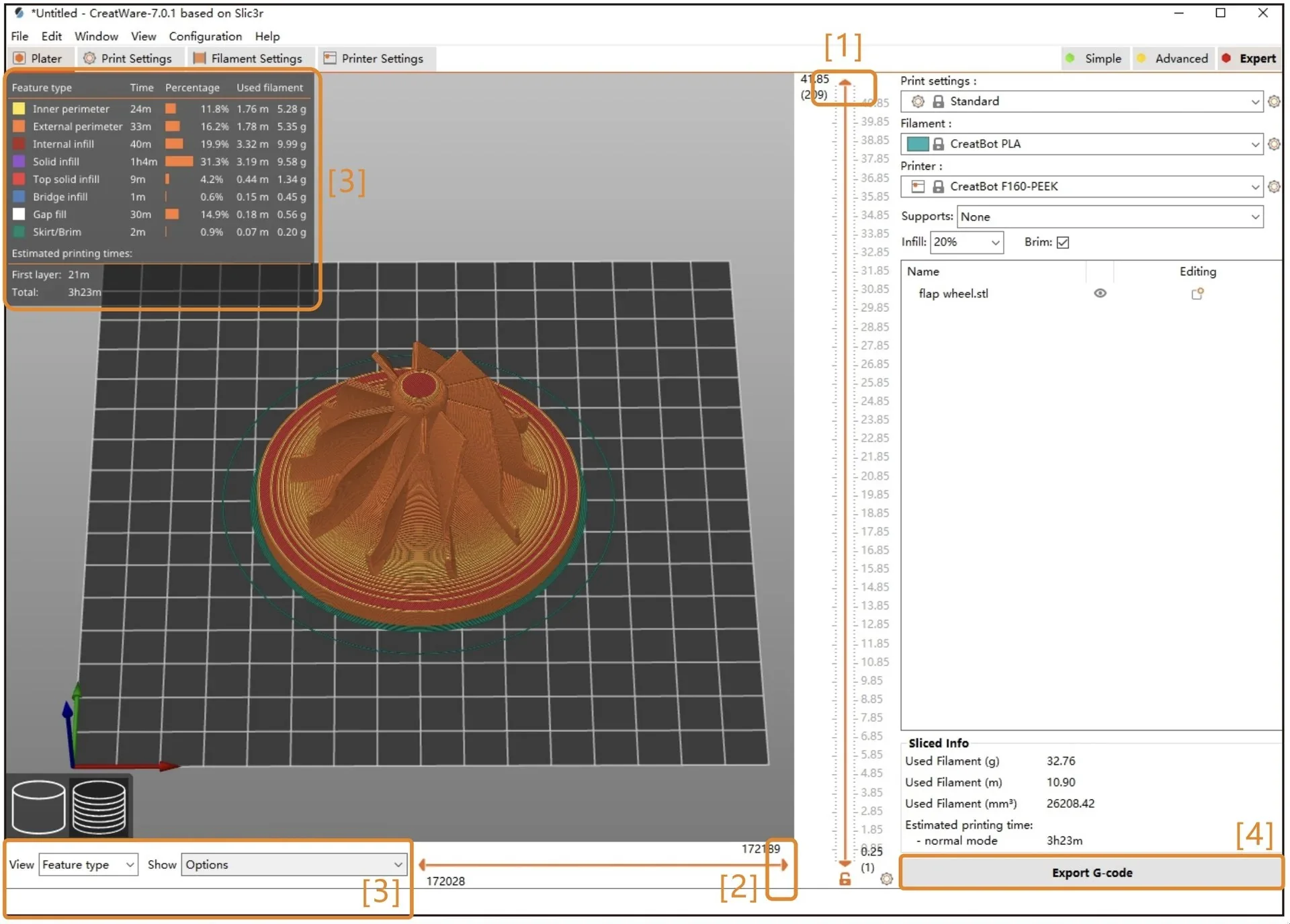
The F160 PEEK includes CreatWare slicing software for 3D printing, compatible with Windows and Mac OS X. Its interface resembles Cura but is optimized for the printer’s hardware, offering precise control over temperature, speed, and other parameters. CreatWare supports STL, OBJ, and AMF files, converting them into GCO and GCODE for printing.
While CreatWare is the most streamlined option, the Creatbot 3D printers also support third-party slicers such as Simplify3D, Cura, and Slic3r. This flexibility lets users work with familiar tools or access specialized features without sacrificing quality. Firmware updates from the manufacturer’s website maintain compatibility with the latest software versions.
What is the design and build quality of the Creatbot F160?
What is the design and form factor of the CreatBot F160?
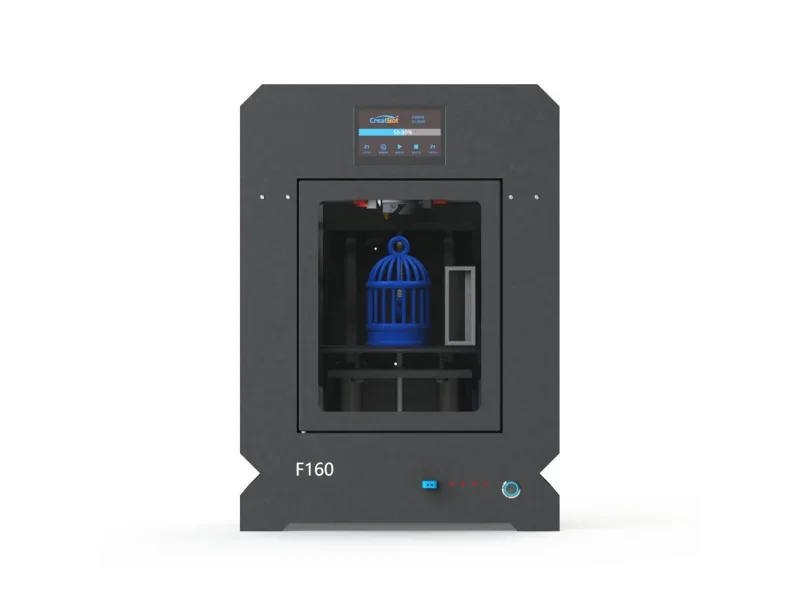
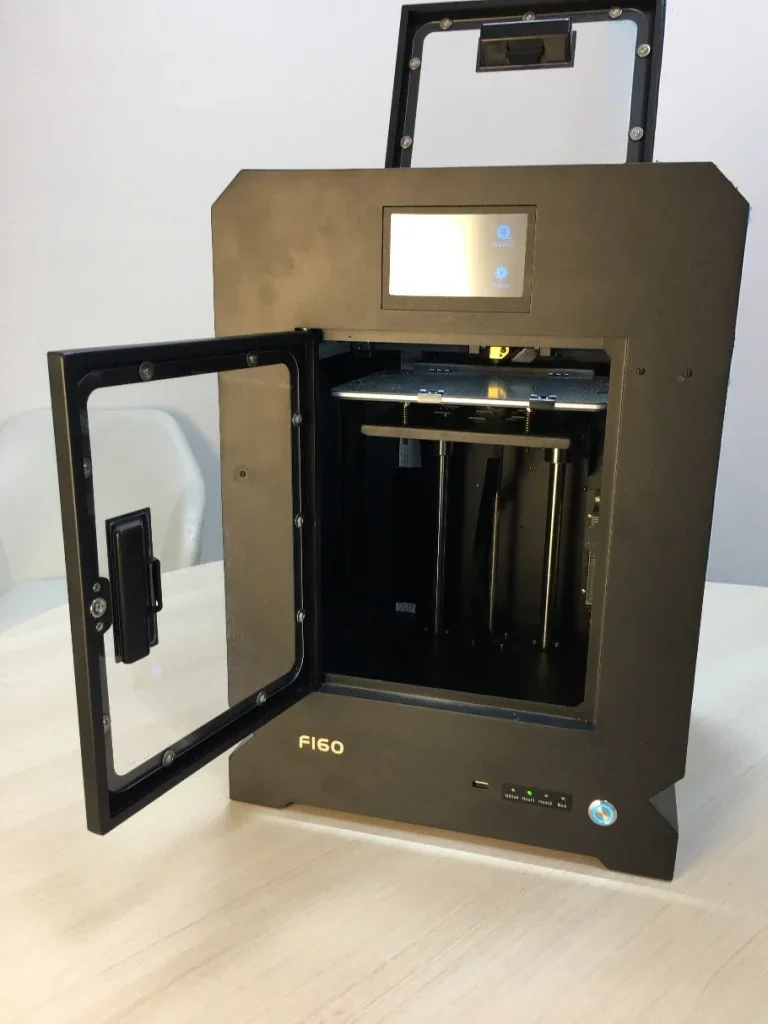
The F160 has a compact, functional design measuring 370 × 320 × 490 mm and weighing 18 kg. Its 1.5 mm powder-coated steel frame forms a fully enclosed chamber, essential for high-temperature printing.
The F160 includes a front access door and a top observation window with handles for monitoring prints. Side ventilation grilles manage airflow in the heated chamber.
What is the motion system of the CreatBot F160?
The F160 uses an H-Bot kinematic system, derived from the PEEK-300. Dual NEMA-17 stepper motors drive 10 mm MXL timing belts, with cylindrical guide rods providing X and Y linear motion.
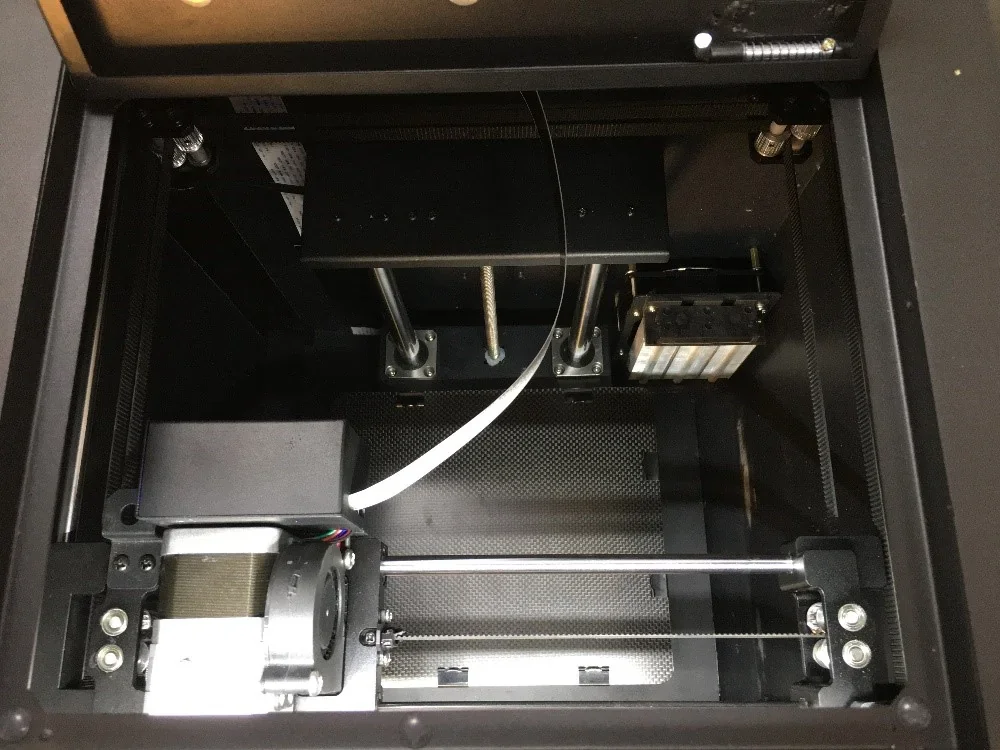
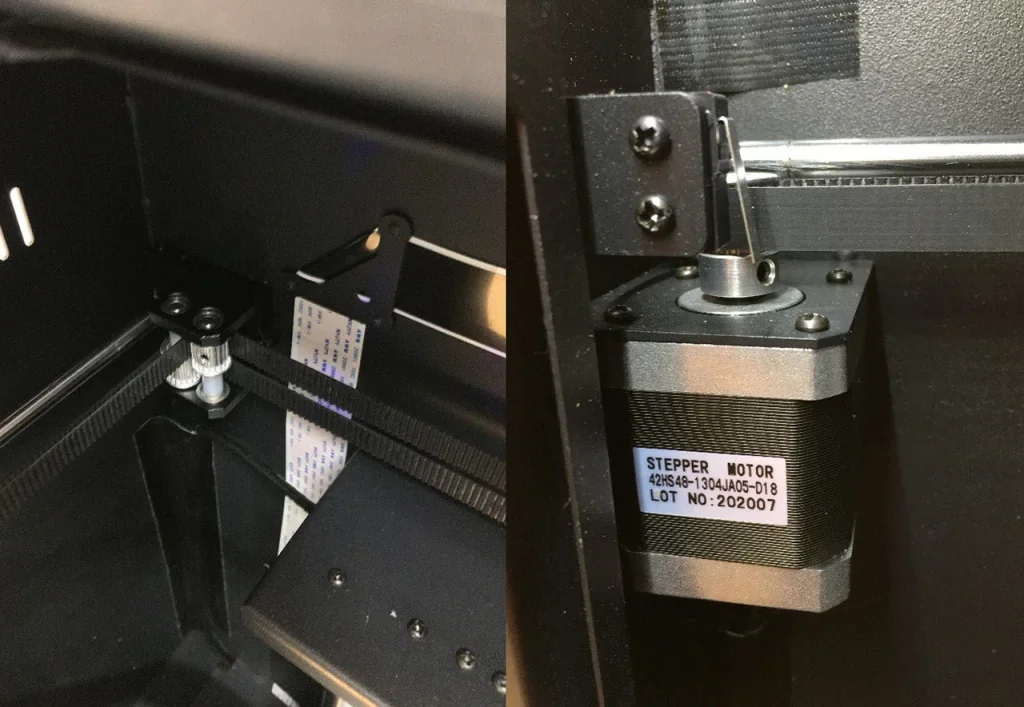
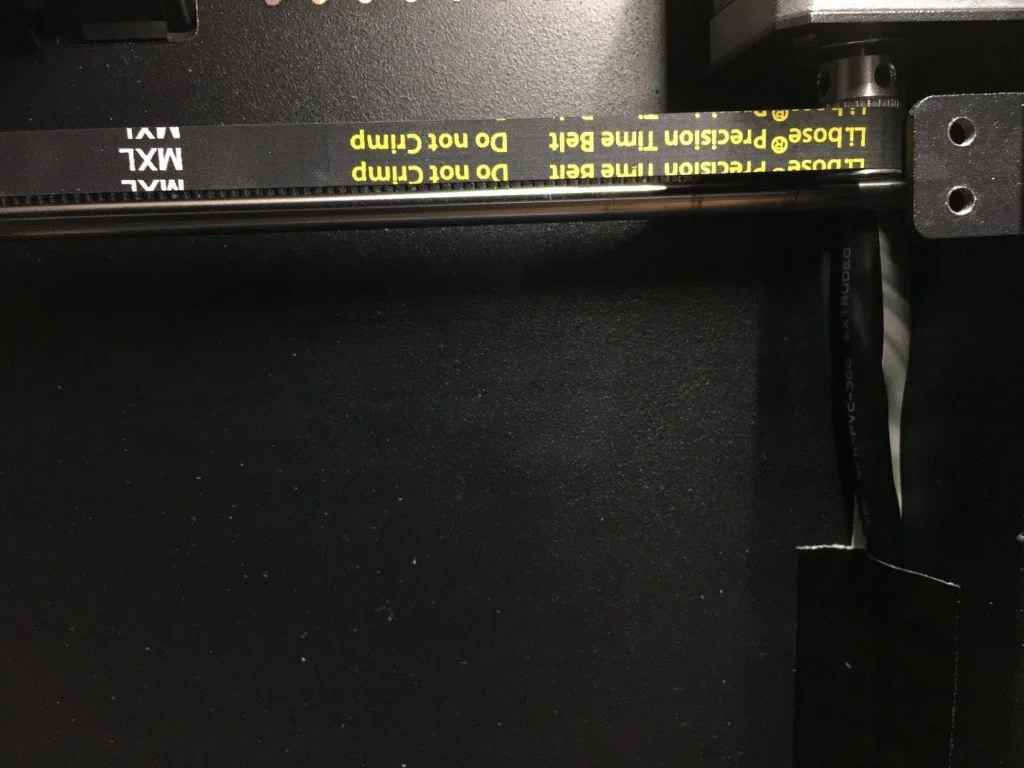
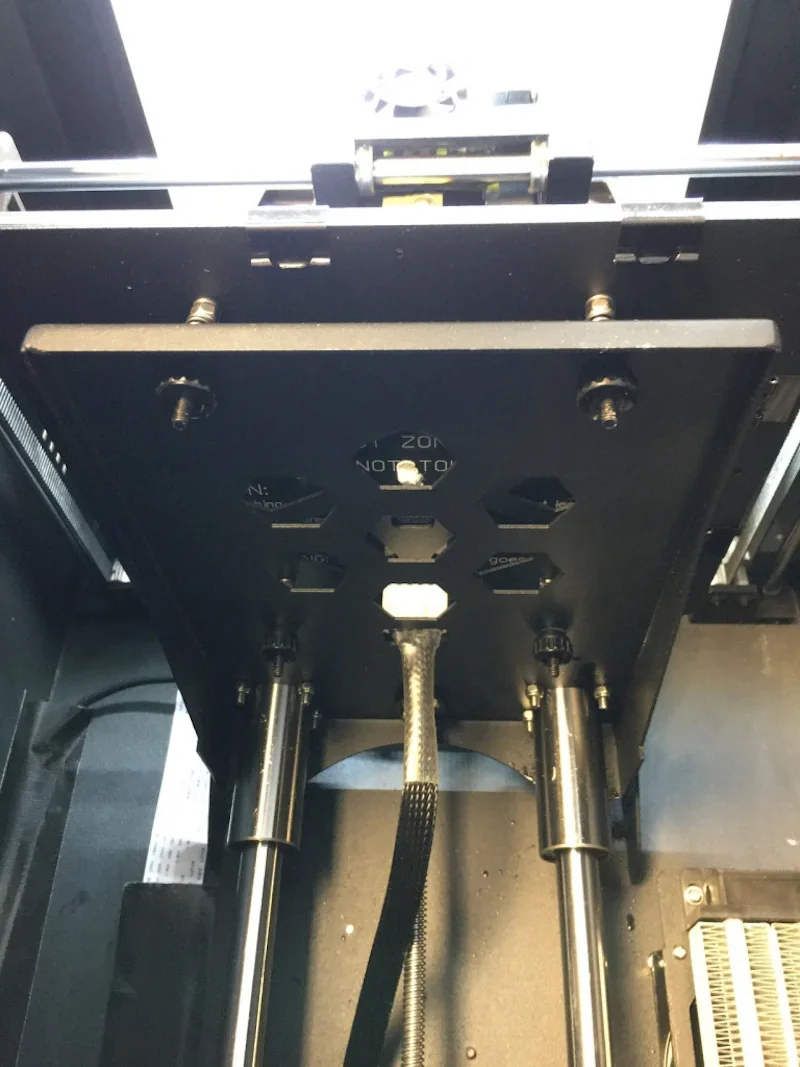
The Z-axis uses thick guide rods with a direct-drive trapezoidal lead screw, powered by a stepper motor in the base electronics compartment. All motion components—pulleys, brackets, and rail mounts—are metal, ensuring durability in the high-temperature chamber.
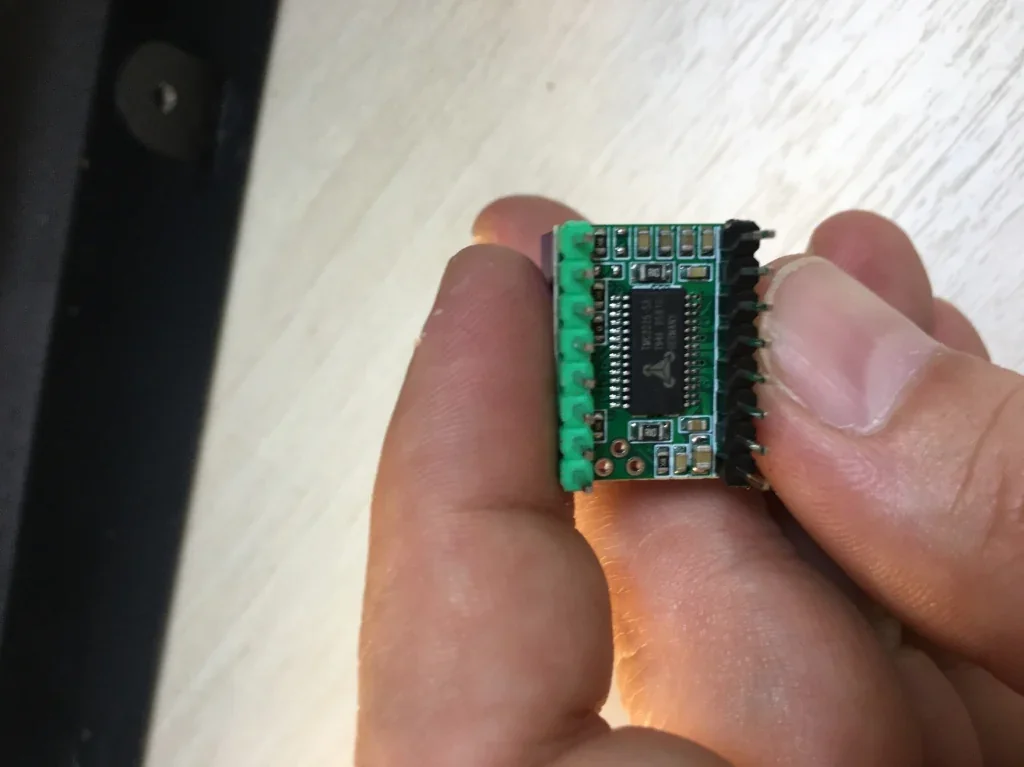
The stepper motors run on low-noise TMC2225-SA drivers made in Germany.
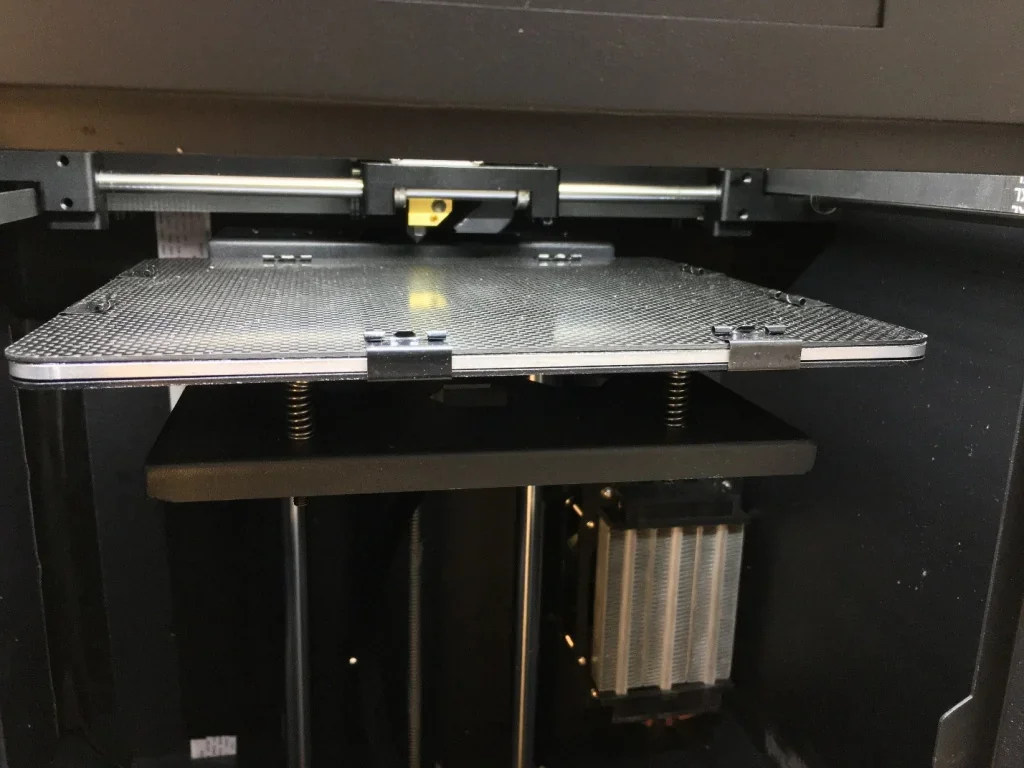
What are the build platform specifications of the CreatBot F160?
The F160 has a heated aluminum PCB build platform reaching 150°C, with a 160 × 160 mm surface and 200 mm max height. The PEEK Edition adds a carbon fiber build plate. Leveling is manual via corner adjustment screws.
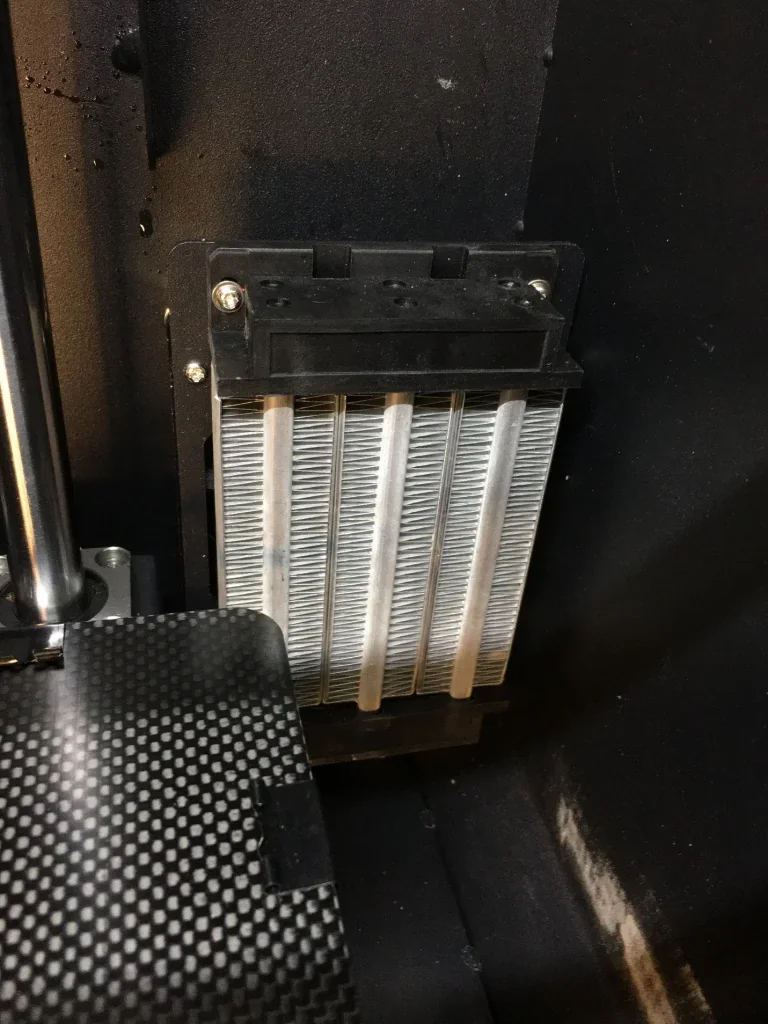
A built-in chamber heater raises the print chamber temperature to 70°C.
What is the hotend and extruder system of the CreatBot F160?
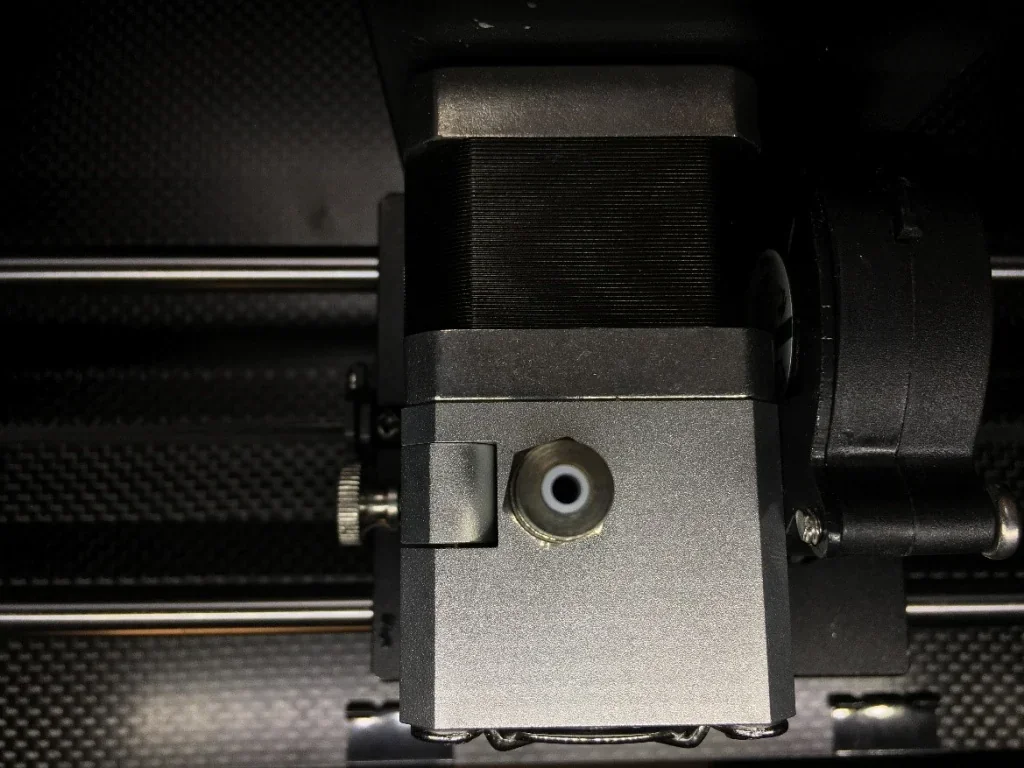
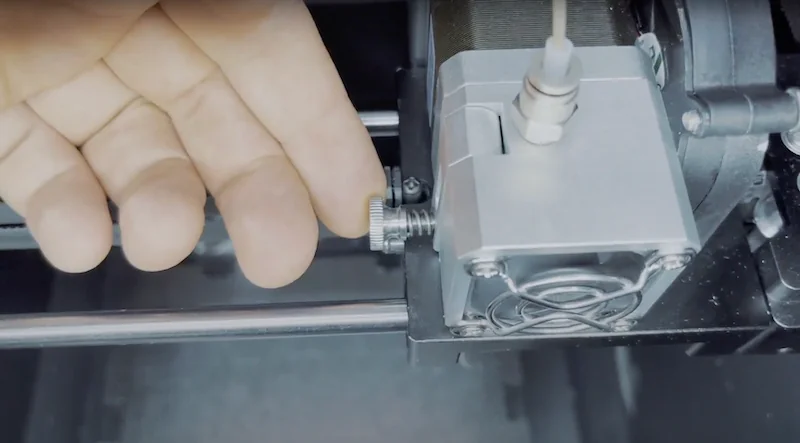
The direct drive extruder uses a precision-machined feed mechanism with a filament sensor in the feed tube neck and a pressure adjustment wheel on the right. Hotends can be swapped in minutes by removing two hex bolts. The design emphasizes simplicity and ease of use.
The feed tube fitting sits on top, with a compact turbine-style cooling fan mounted on the side.
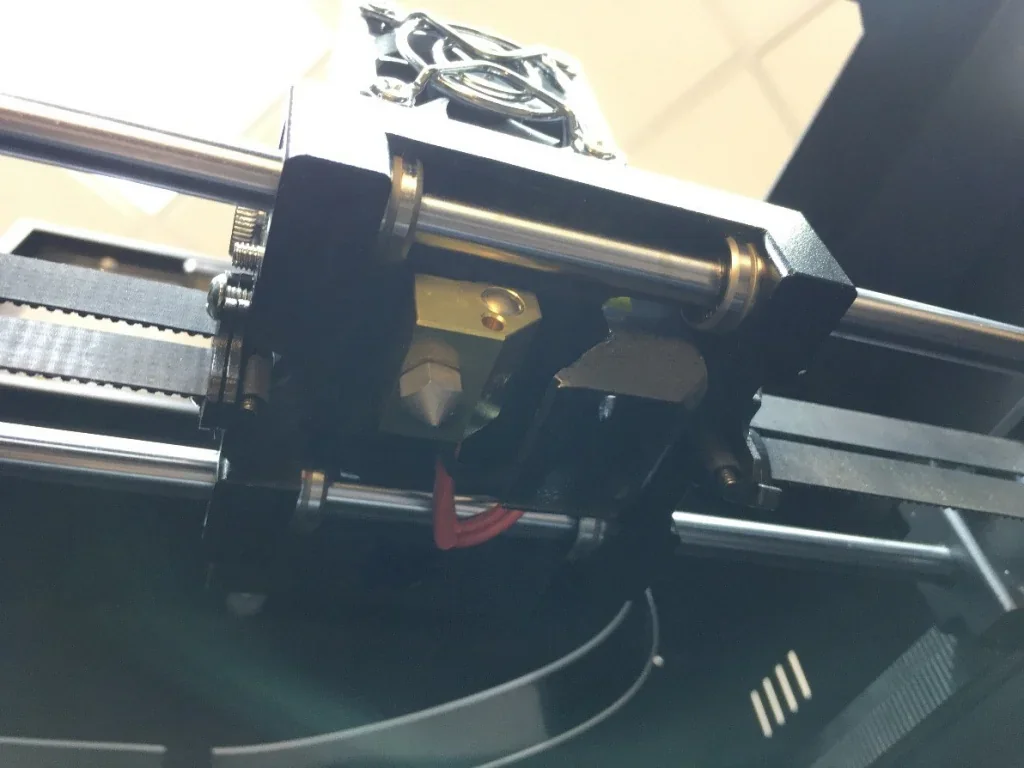
Below are the cooling fan, high-temperature nozzle, hotend assembly, heater wires, and temperature sensor.
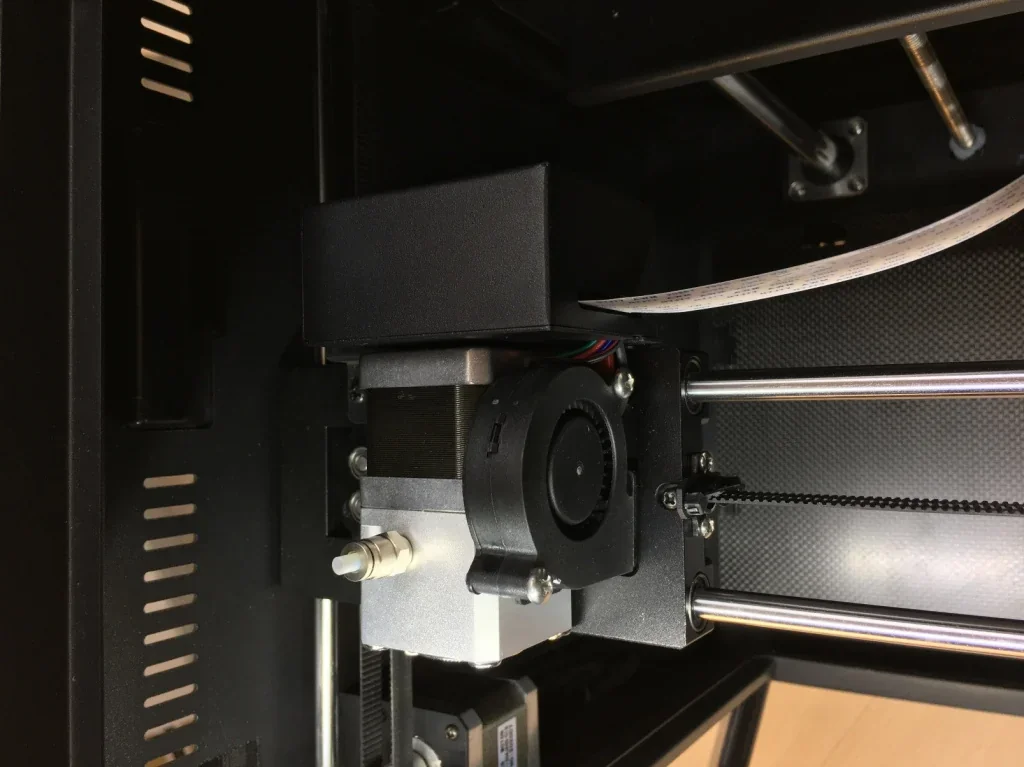
All electronics are contained in a rear-mounted box, with a single flat ribbon cable reducing cable clutter.
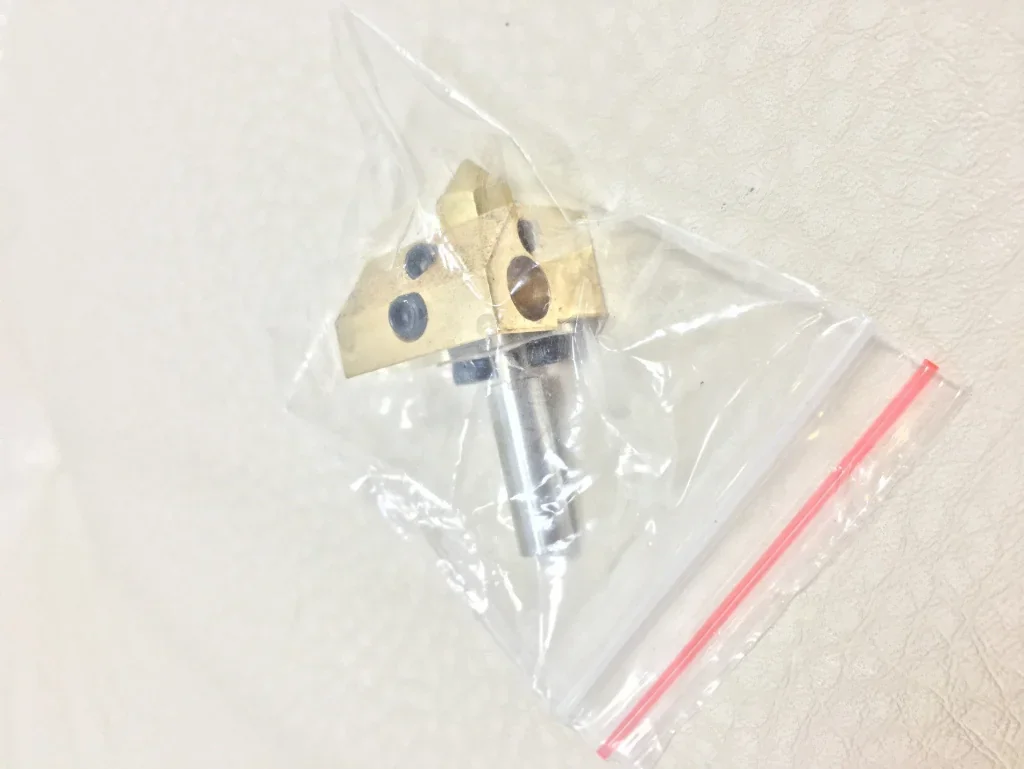
The system supports two hotend configurations:
- High-temperature – 420°C, all-metal heat break, copper heating block
- Low-temperature – 250°C, PTFE heat break, aluminum heating block
How does the CreatBot F160 handle filament storage and feeding?
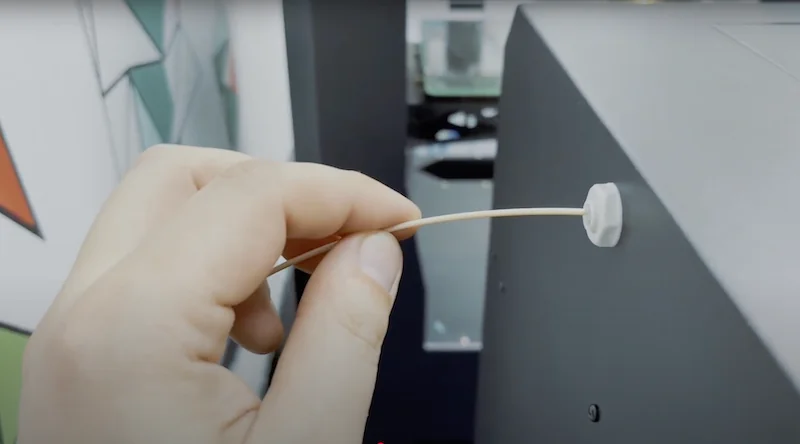
The CreatBot F160 handles filament storage with a rear-mounted spool holder and recommends a separate heated chamber for high-temperature materials.
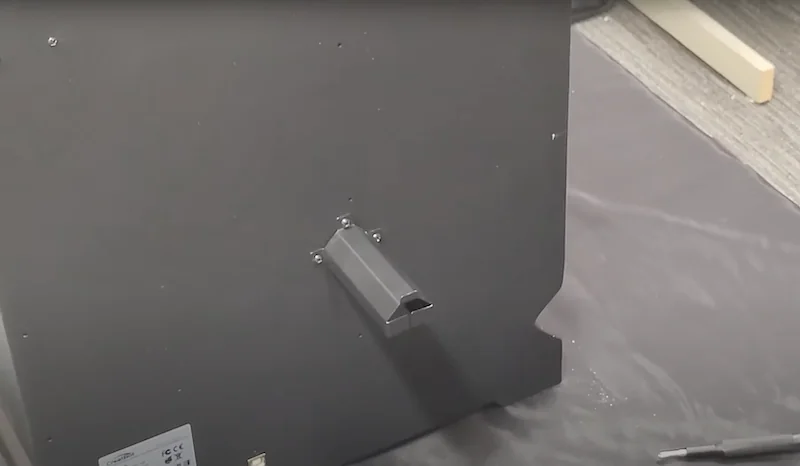
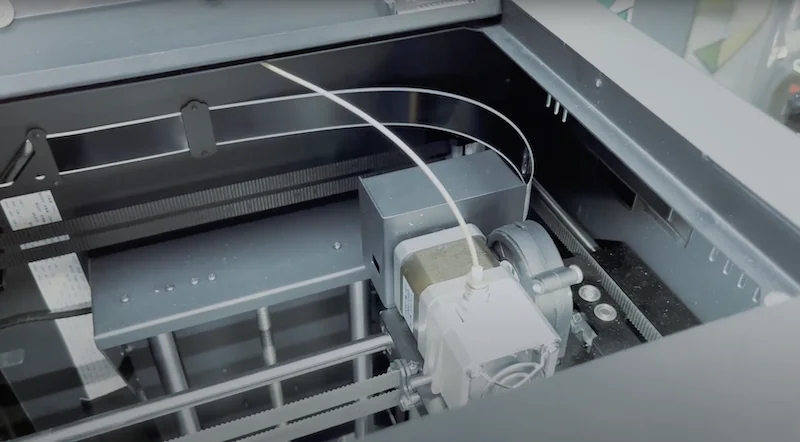
Filament feeds into the chamber through a top opening, guided by a 1.75 mm PTFE tube into the direct-drive extruder.
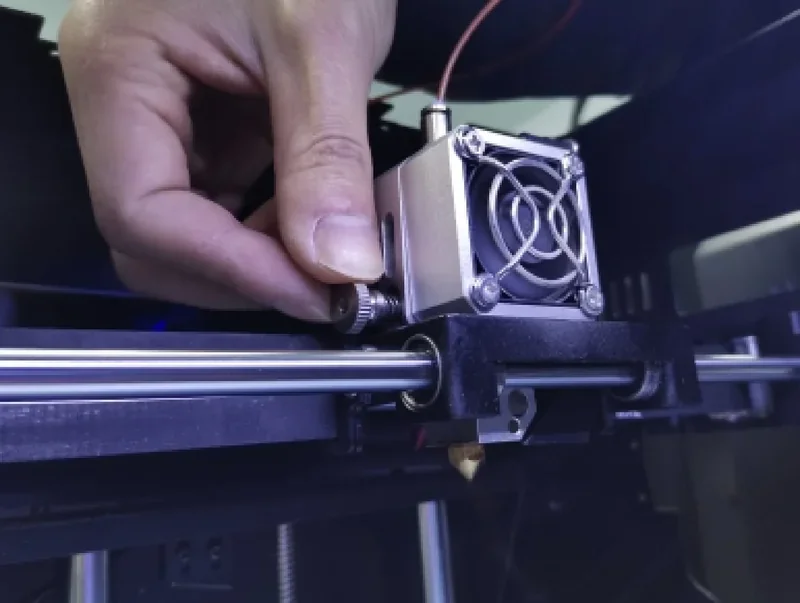
Tighten the spring to keep the filament firmly pressed against the drive gear.
What is the mainboard and electronics of the CreatBot F160?
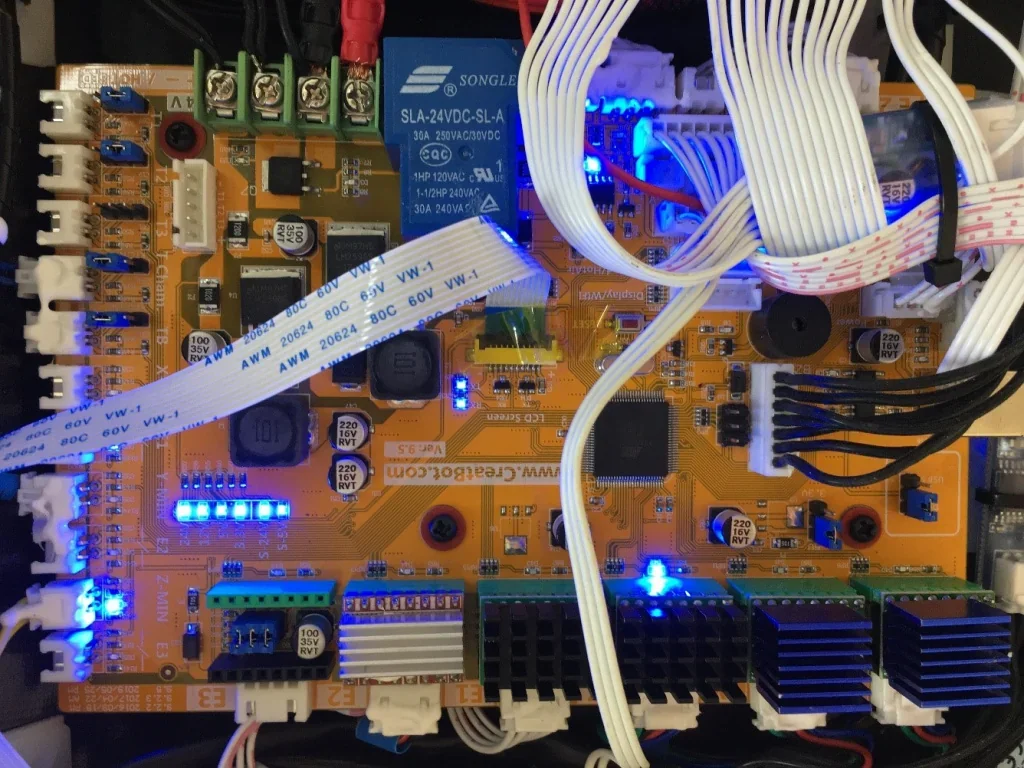
The F160 uses a unified CreatBot motherboard built on the Atmega 2560-16AU chipset, an 8-bit AVR processor running at 16 MHz with 256 KB flash memory. It supports multi-language operation and connects to a 4.3-inch color touchscreen.
Next to the Z-axis motor is a Delixi solid-state relay rated at 15 A, along with a 220V converter housed in a 3D-printed enclosure above the power supply.
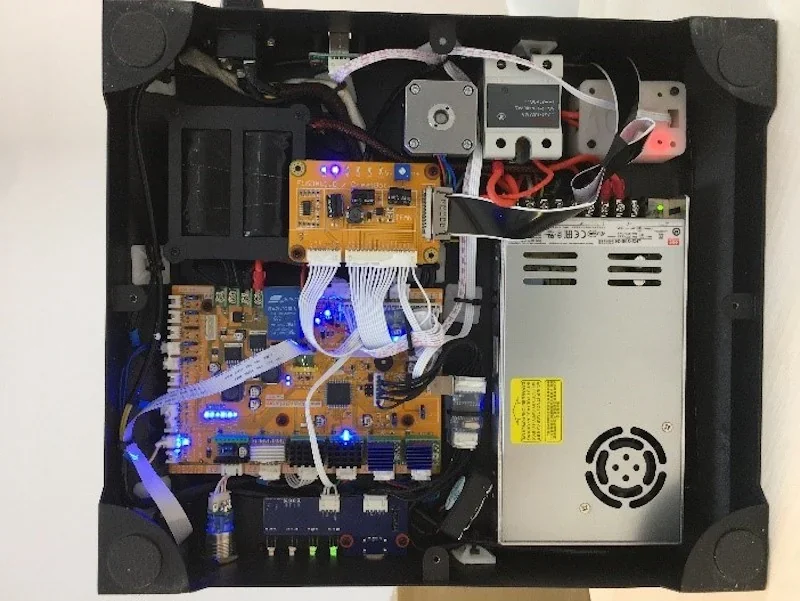
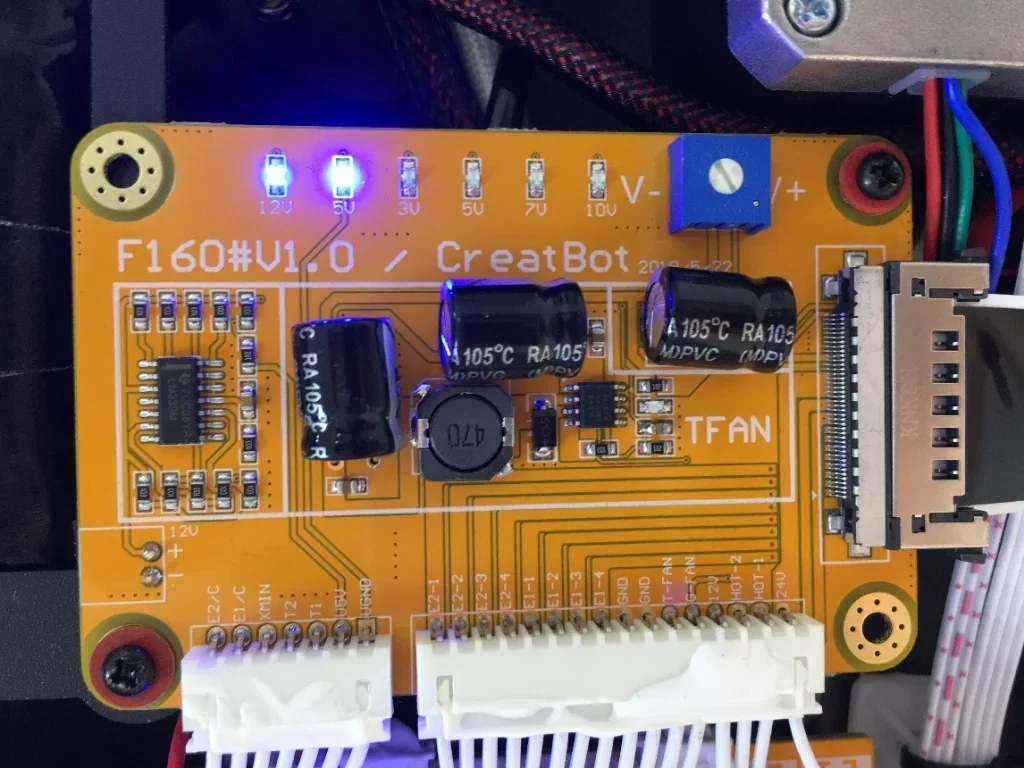
To the left of the Z-axis motor is the low-voltage power distribution board, supplying 12V and 5V rails.
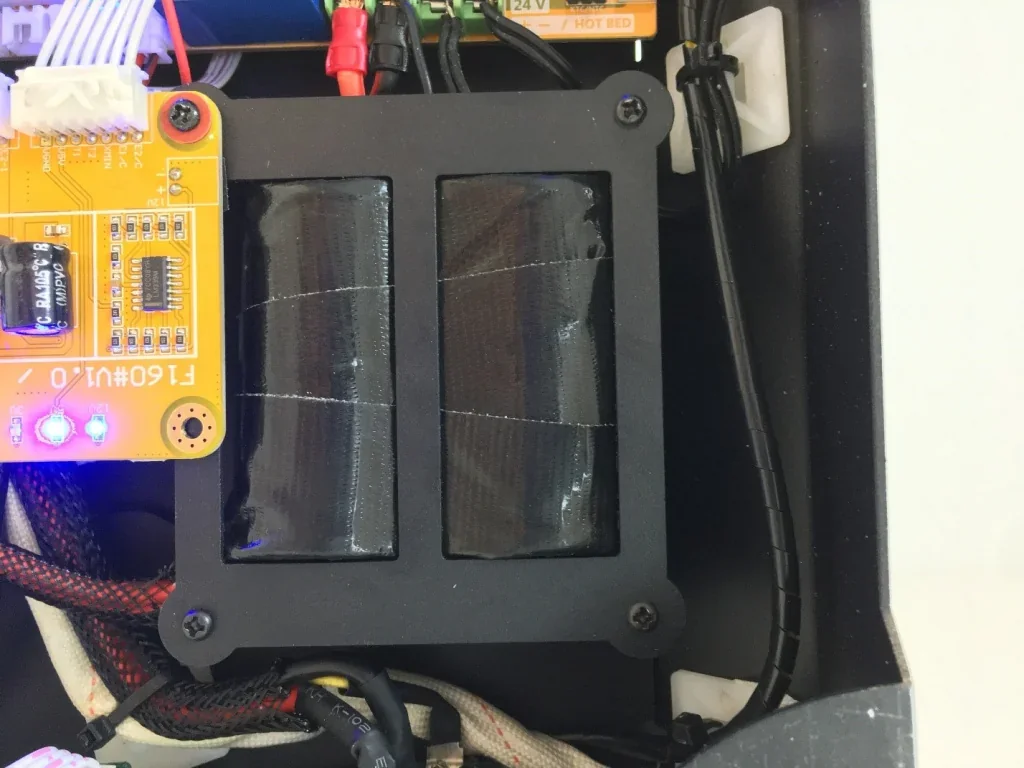
Next to it is the backup battery for the soft emergency shutdown system, which maintains operation briefly after a power loss, saves the print position, and pauses the process.
What are the power supply specifications of the CreatBot F160?
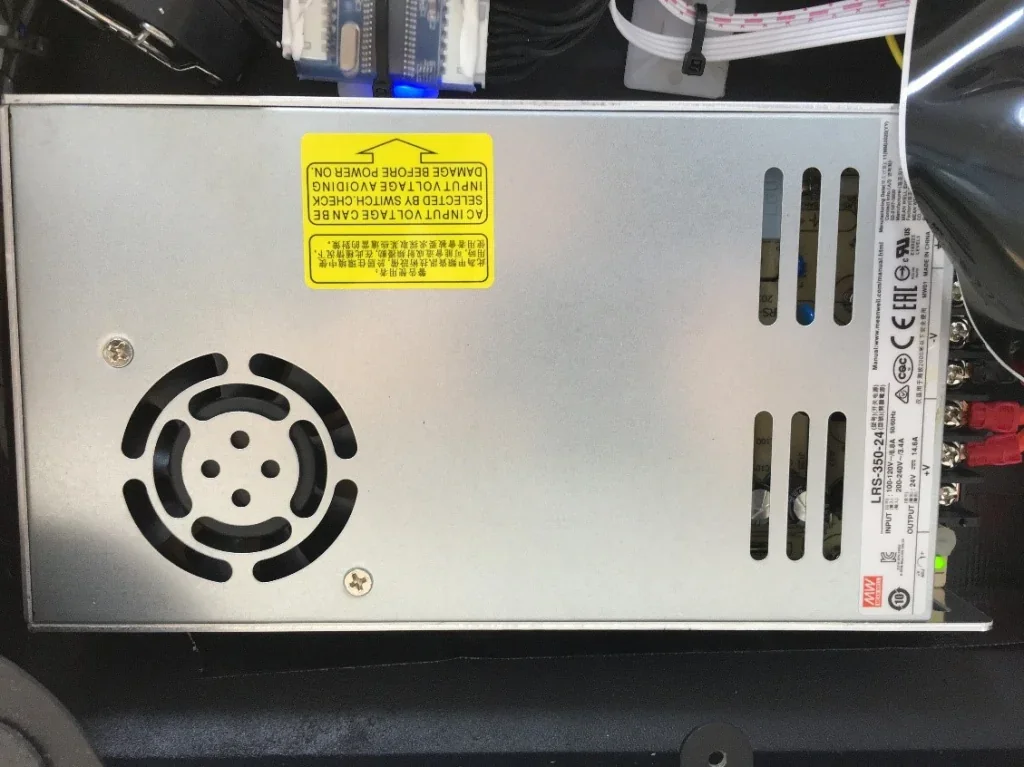
The printer operates on 100–110V or 200–240V at 50–60Hz, depending on region. The F160 PEEK requires 1100W for high-temperature operation. Power is supplied by a MeanWell unit.
What comes included in the box with Creatbot F160?
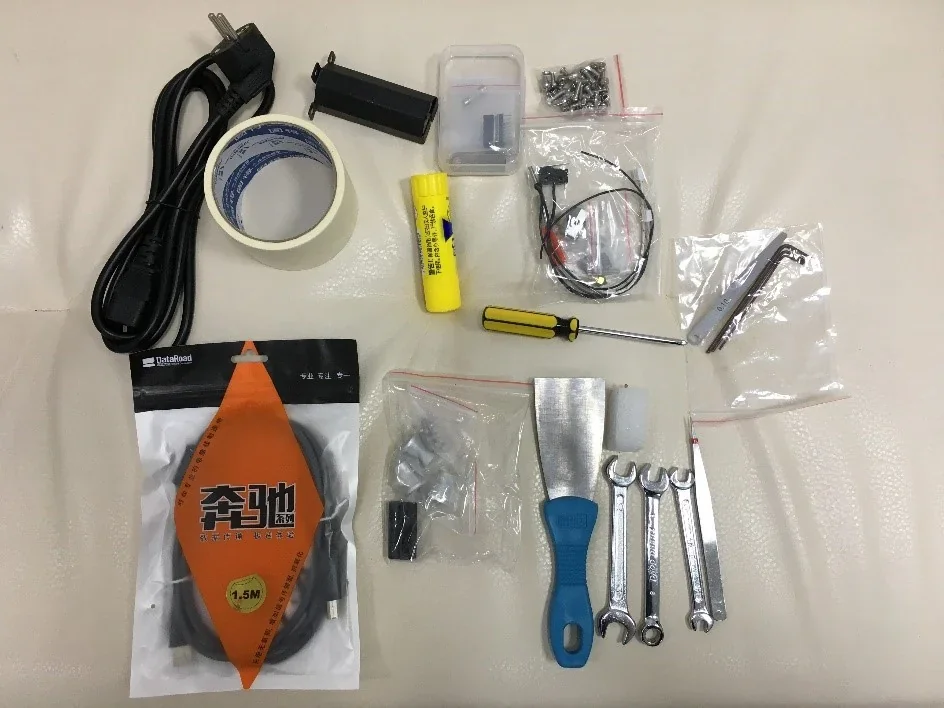
- CreatBot F160 PEEK 3D printer (fully assembled)
- USB cable
- Palette knife
- BuildTak print bed (pre-installed)
- USB flash drive with CreatWare software and documentation
- Set of tools for maintenance and setup
- Roll of masking tape
- User manual and technical documentation
The F160 PEEK ships fully assembled and ready to use within minutes. It includes tools for setup and maintenance, a pre-installed BuildTak surface for immediate printing, and a USB drive with CreatWare software (Windows and Mac) plus documentation.
Note: Package contents may vary. Confirm current items with a Top3DShop sales representative before ordering.
What upgrades and accessories are available for the Creatbot F160?
| Product | Price (USD) | Image |
|---|---|---|
| Hotend, heater, and temperature-sensing parts | ||
| CREATBOT HOTEND 260°C FOR CREATBOT F160 3D PRINTER | $49.00 | 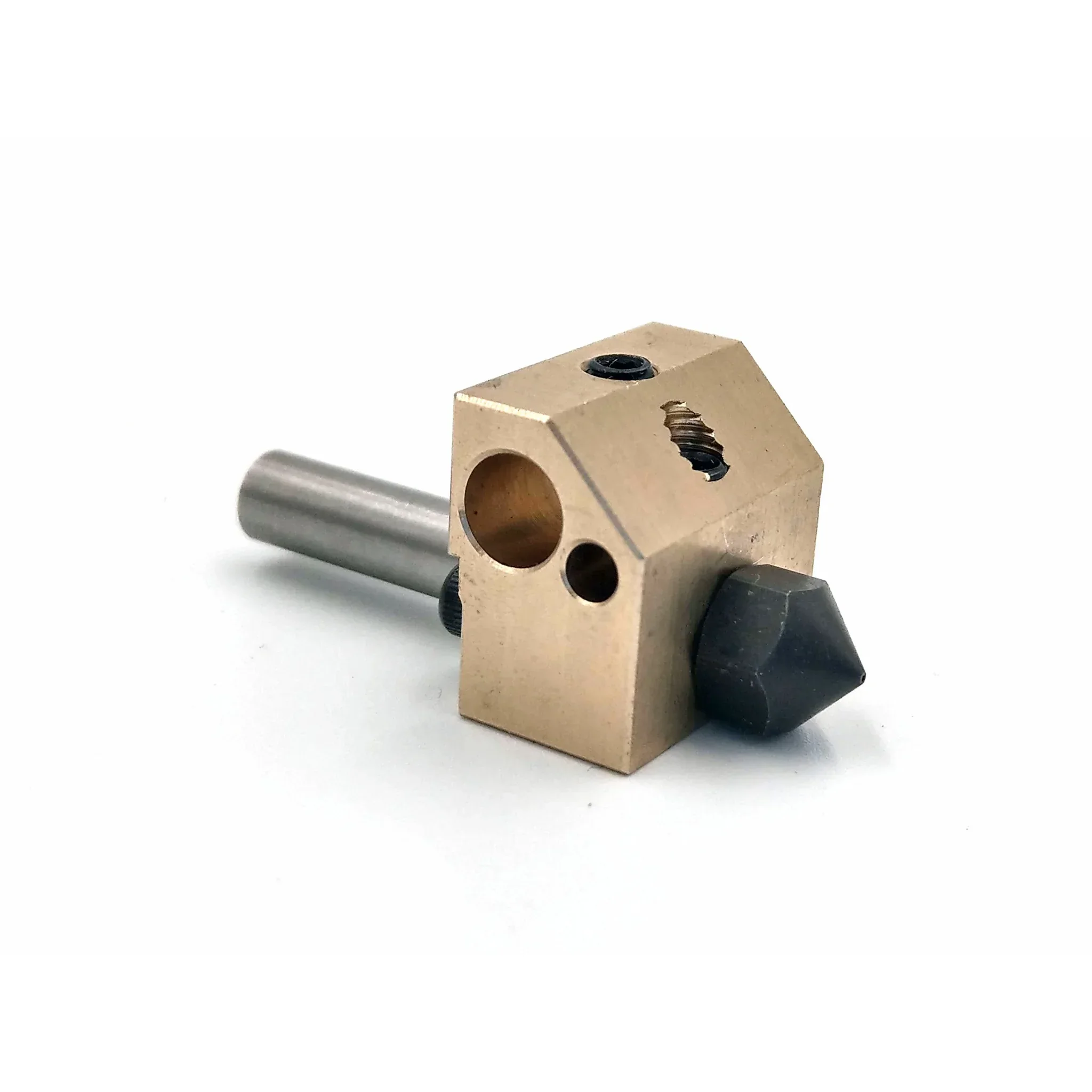 |
| CREATBOT HOTEND 420°C FOR CREATBOT F160-PEEK 3D PRINTER | $59.00 | 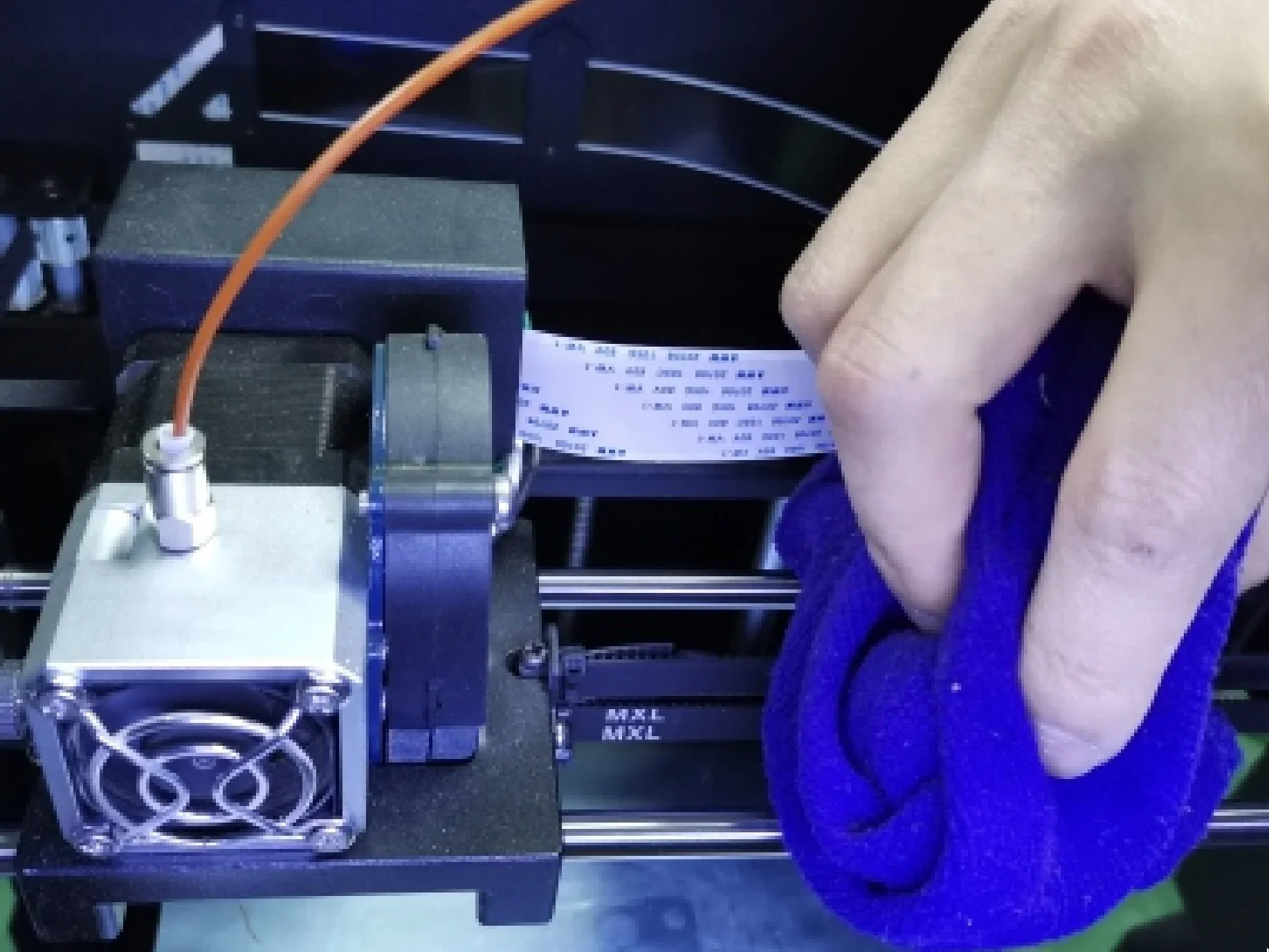 |
| CREATBOT HEATBREAK WITH PTFE TUBE FOR 260°C HOTEND FOR CREATBOT F160 3D PRINTER | $29.00 | 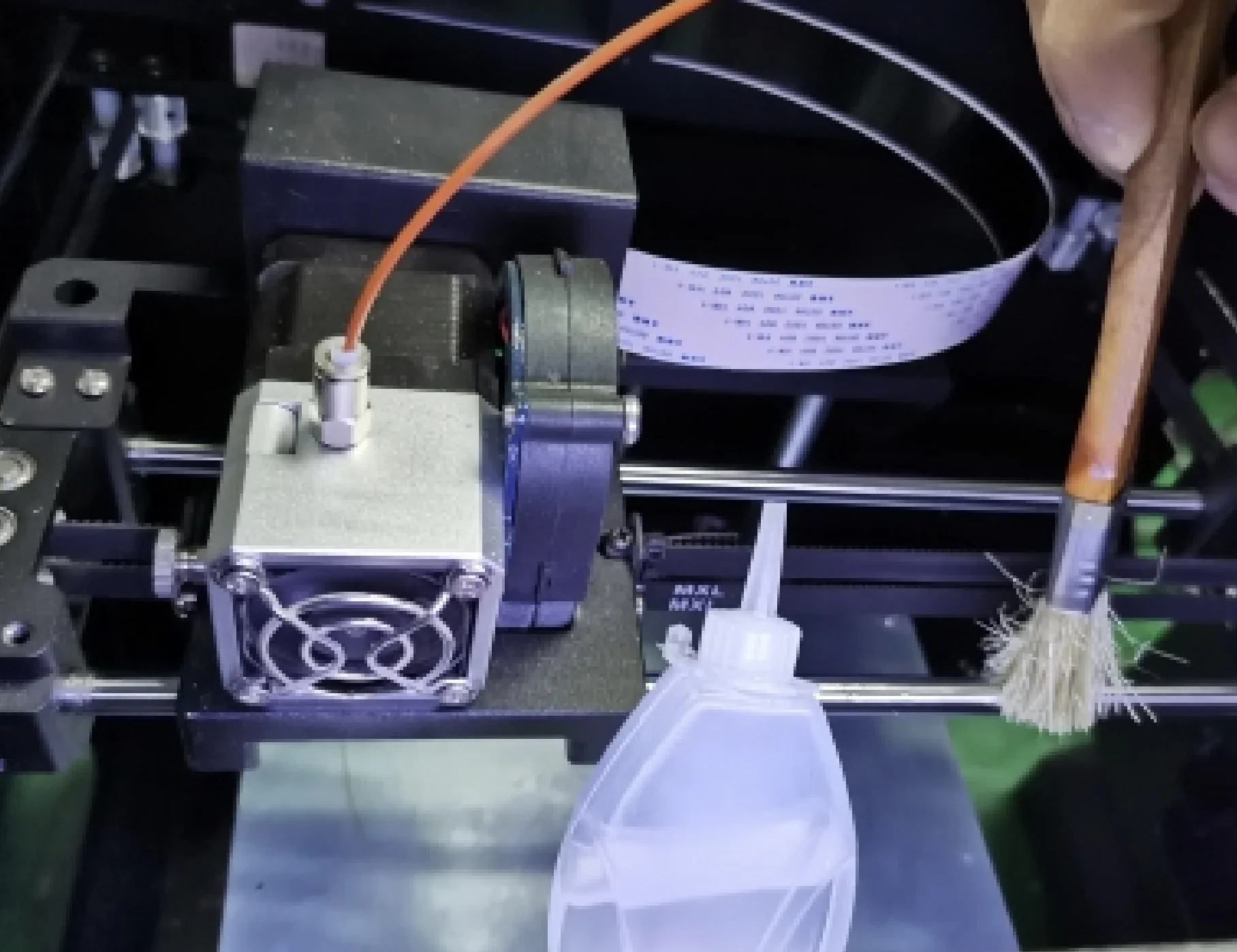 |
| CREATBOT HEATBREAK FOR 420°C HOTEND FOR CREATBOT F160-PEEK 3D PRINTER | $29.00 | 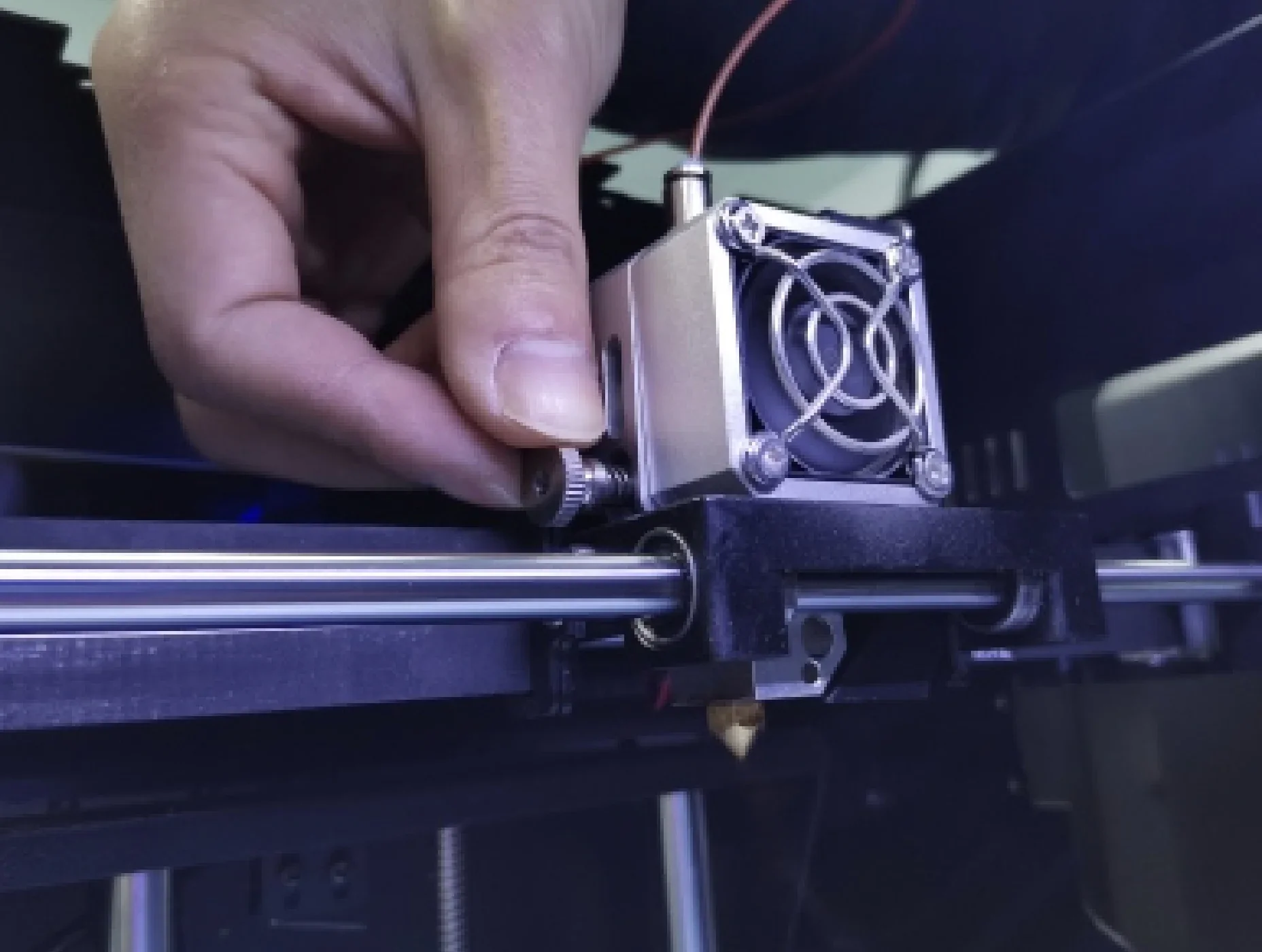 |
| Extruder and nozzle parts | ||
| CREATBOT HARDENED STEEL NOZZLE FOR CREATBOT F160-PEEK 3D PRINTER | $29.00 | 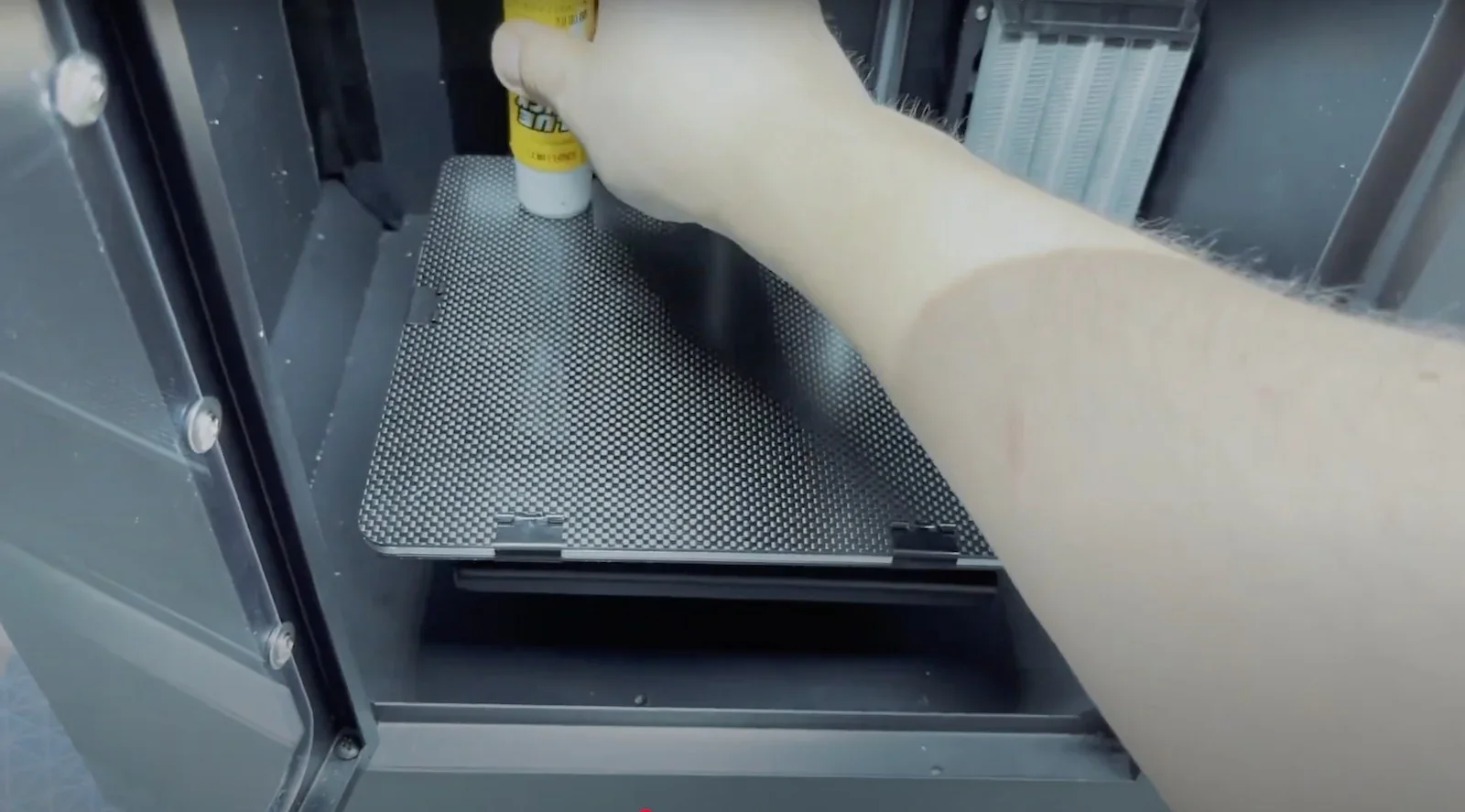 |
| CREATBOT BRASS NOZZLE FOR CREATBOT F160 3D PRINTER | $19.00 | 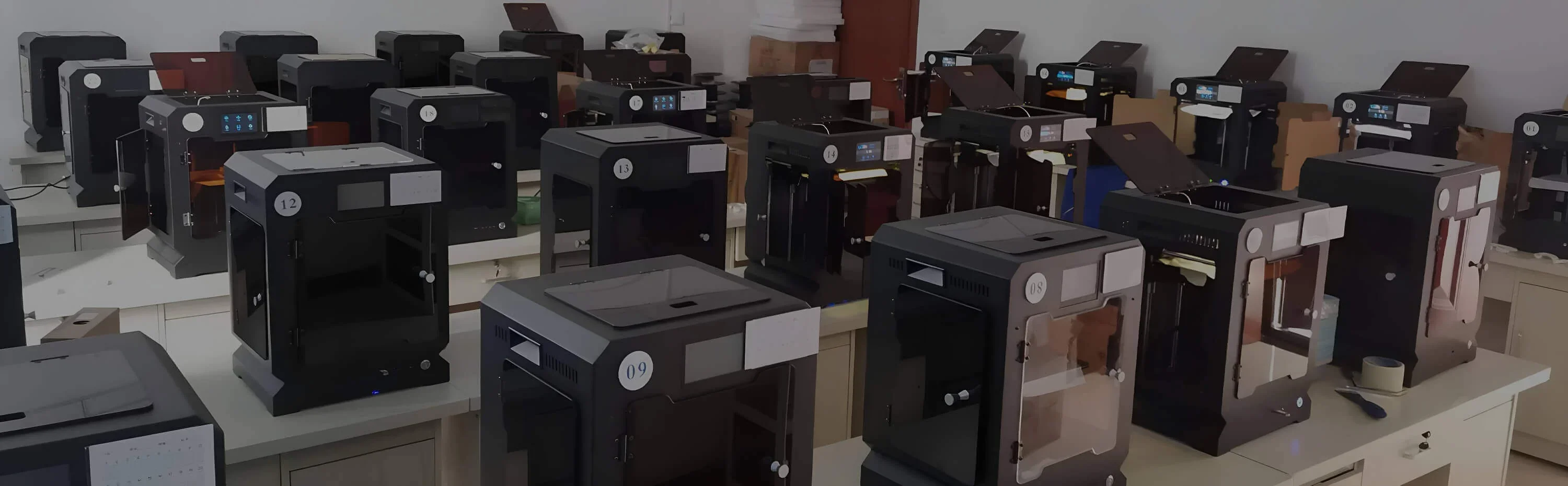 |
| Sensors | ||
| CREATBOT FILAMENT SENSOR NEW 2P / 3P FOR CREATBOT F160 3D PRINTER | $49.00 | 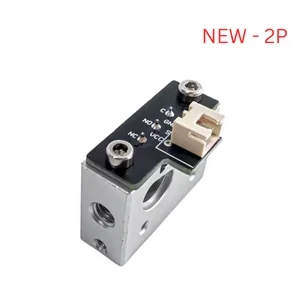 |
| Print surface parts | ||
| CREATBOT BUILDTAK FOR CREATBOT F160 3D PRINTER | $59.00 | 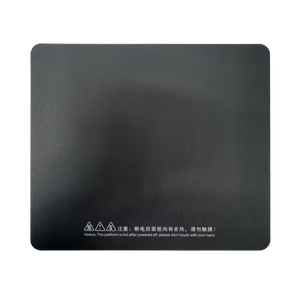 |
| CREATBOT PEI SHEET FOR CREATBOT F160-PEEK 3D PRINTER | $139.00 | 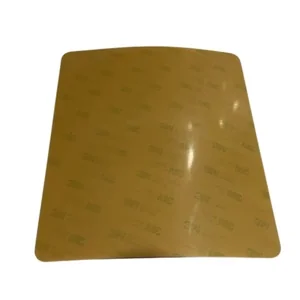 |
| CREATBOT CARBON FIBER SHEET FOR CREATBOT F160-PEEK 3D PRINTER | $139.00 | 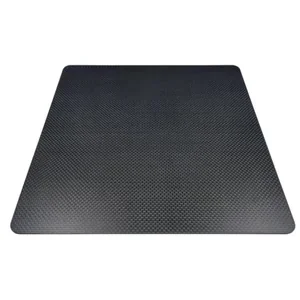 |
| CREATBOT GLASS PRINT BED FOR CREATBOT F160-PEEK 3D PRINTER | $129.00 | 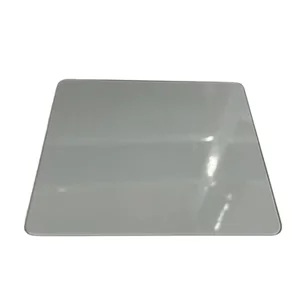 |
| CREATBOT HEATING ALUMINUM PCB FOR THE BED OF F160-PEEK | $129.00 | 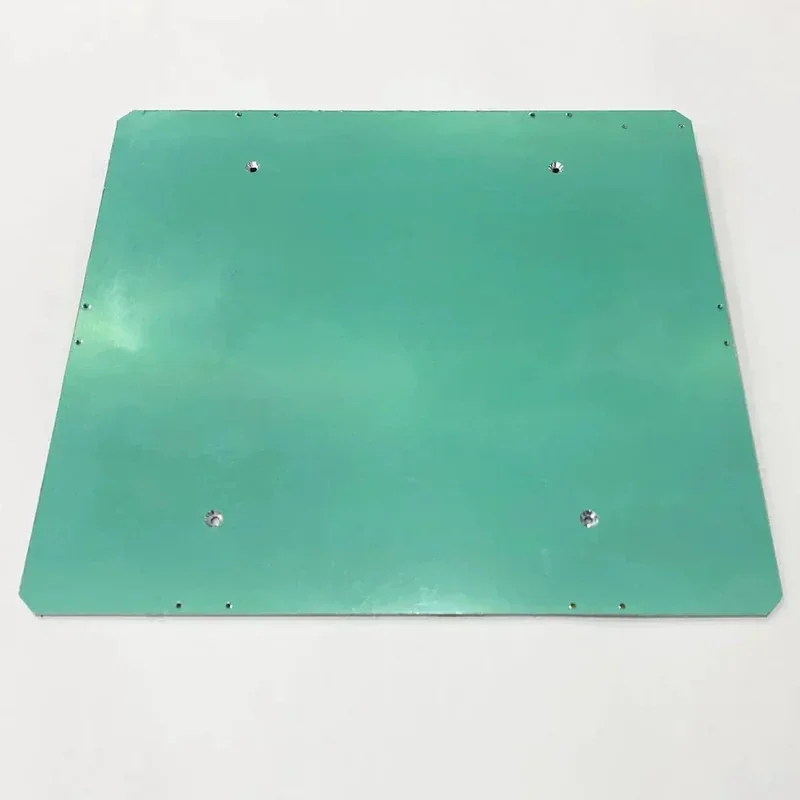 |
What maintenance is required for the Creatbot F160?
Daily / After Use
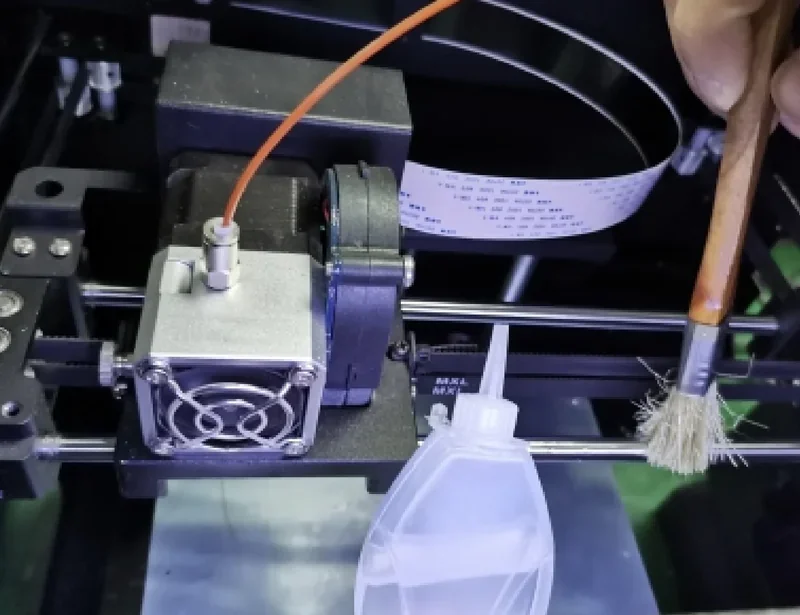
- Clean guide rails with solvent
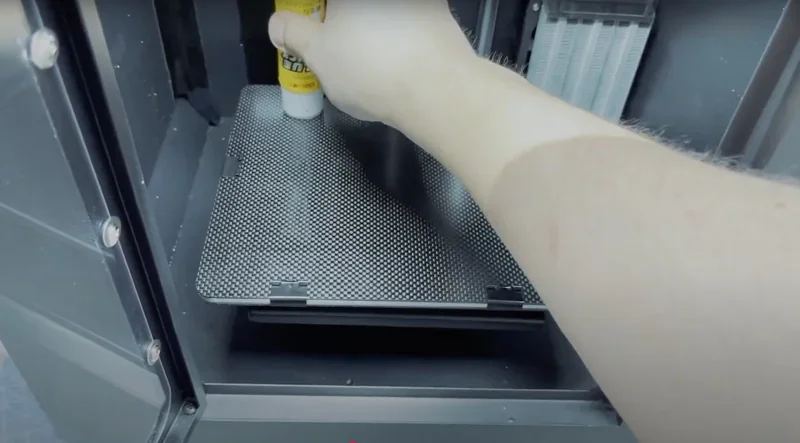
- Scrape adhesive residue from platform
- Clean feeder gear to remove filament debris
- Wipe exterior surfaces
Weekly
- Lubricate guide rails with recommended oil
- Clean extruder arm and heating block
- Tighten pressure nut (8–12 turns after spring contact)
- Inspect filament path for blockages
- Check USB cable connections
Monthly
- Level platform (0.2 mm spacing, business card thickness)
- Check belt tension and wheel screw tightness
- Inspect stepper motor connections and drivers
- Clean limit switches
- Verify power supply output (24.5V)
As Required
- Replace fuse if electrical issues occur
- Clear nozzle with probe if blocked
- Adjust Z-axis limit switch if nozzle can’t reach platform
- Replace temperature control tubes (MINTEMP/MAXTEMP errors)
- Service or replace motor drivers if failures occur
Safety Requirements
- Do not over-apply lubricating oil
- Let hotend and bed cool before maintenance
- Disconnect power before electrical inspection or replacement
- Use proper tools to avoid damage
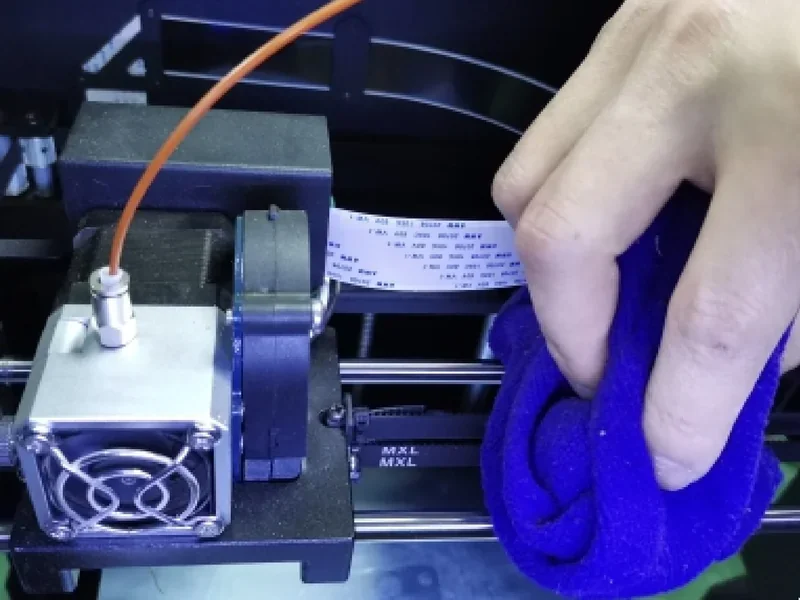
What support and warranty come with the Creatbot F160?
The F160 PEEK includes a 12-month warranty from delivery, covering manufacturing defects and hardware failures under normal use. Damaged parts are replaced free of charge, with repair guides provided. Consumables like nozzles and hotends carry a 6-month warranty due to wear.
Top3DShop provides local support for F160 PEEK purchases, with free delivery, setup assistance, and weekday service via phone, email, or chat.
CreatBot provides online support at creatbot3d.com with documentation, firmware updates, and troubleshooting guides. Users can also contact support via email or Skype for complex issues. All F160 PEEK owners receive lifetime access to these services, regardless of warranty.
Full up-to-date warranty terms are available at: https://www.creatbot.com/warranty/
How much does the Creatbot F160 cost?
The CreatBot F160 PEEK is available for $1,999.00, including the fully assembled printer with a 420°C hotend, enclosed chamber, 4.3-inch touchscreen, and essential accessories. It is one of the most affordable high-temperature printers for materials like PEEK, ULTEM, and carbon fiber composites, making industrial-grade printing accessible to schools, small businesses, and professionals. Top3DShop also offers special terms for bulk orders and financing — contact a sales representative for details.