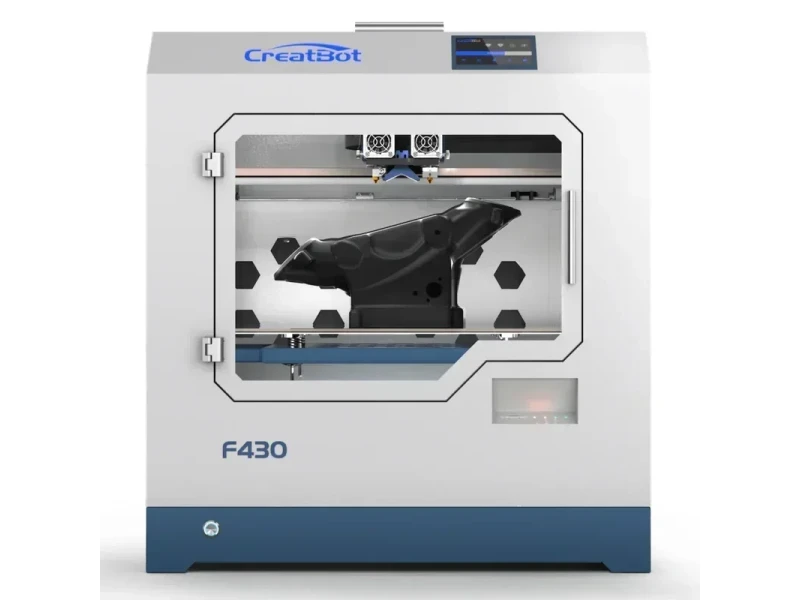
The CreatBot F430 is a professional desktop 3D printer designed for precise, high-strength parts in fields like engineering, medical, aerospace, and automotive. It features a 400 × 300 × 300 mm build volume, dual extruders (260°C and 420°C) for standard and high-performance materials like PEEK, 0.04 mm resolution, and a heated chamber up to 70°C. Its steel enclosure, auto bed leveling, power outage recovery, and HEPA filter ensure reliable, high-quality printing.
The CreatBot F430 advanced desktop 3D printer offers 0.04 mm layer resolution with XY precision of 12.7 μm and Z precision of 1.25 μm, delivering tight tolerances and consistent quality even on large prints.
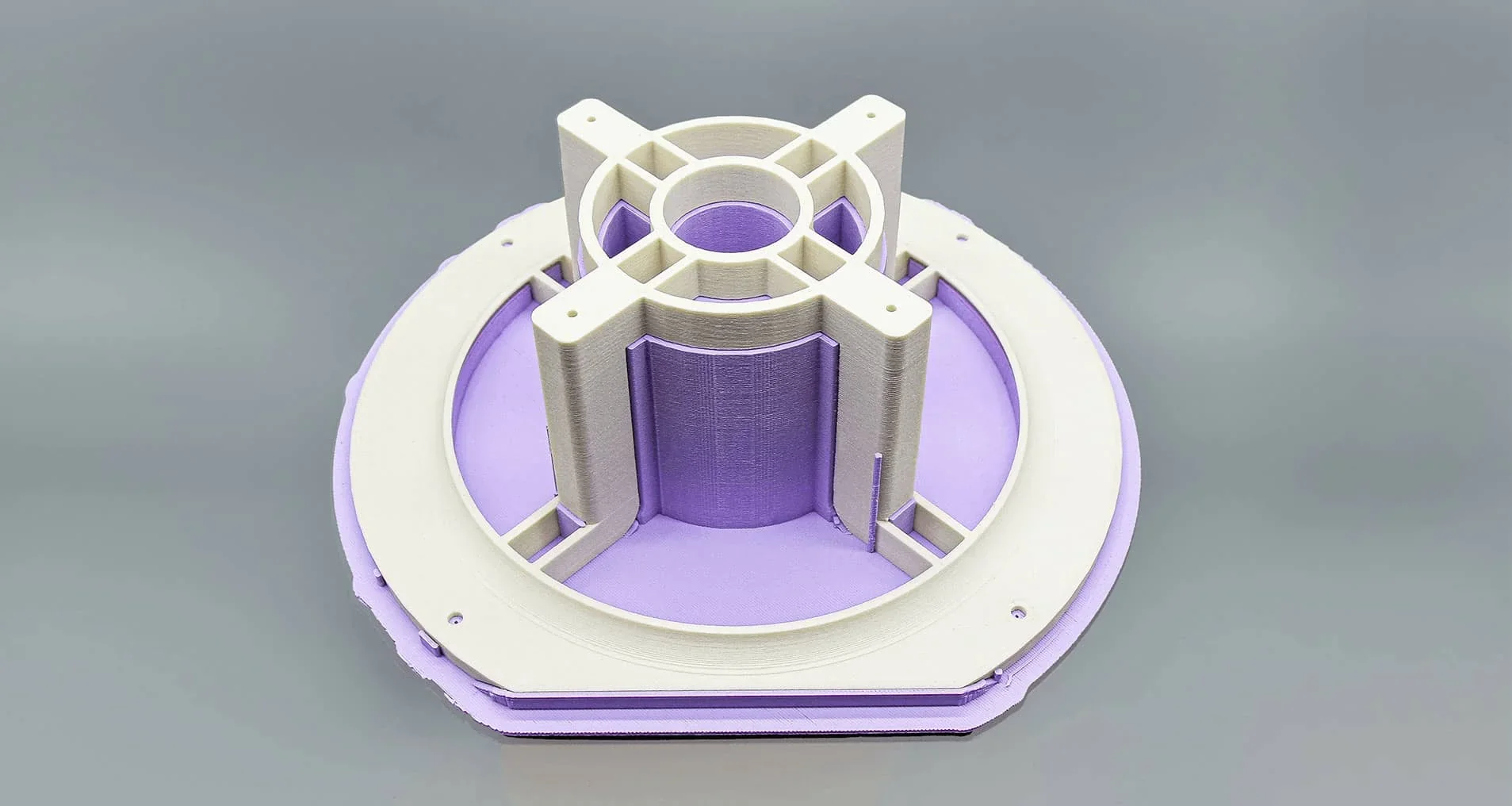
Creatbot’s steel frame ensures accuracy during long prints, while its aviation aluminum platform with 0.02 mm flatness provides a stable printing base.
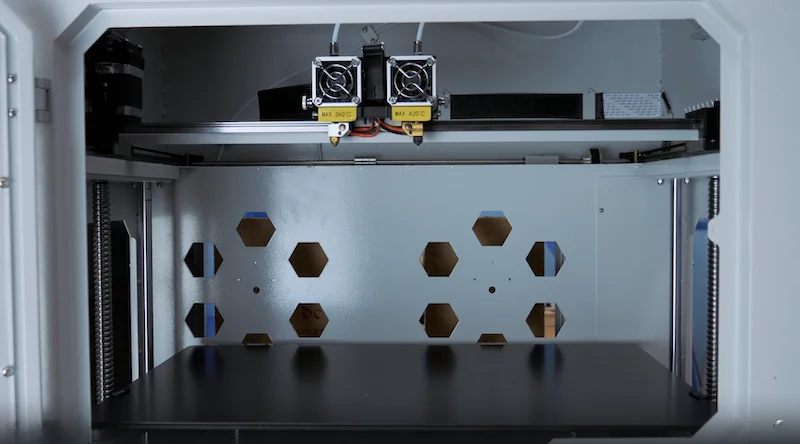
The F430’s advanced motion system and dual extruders enable high-speed printing up to 180 mm/s, with 55 mm/s recommended for best print quality.
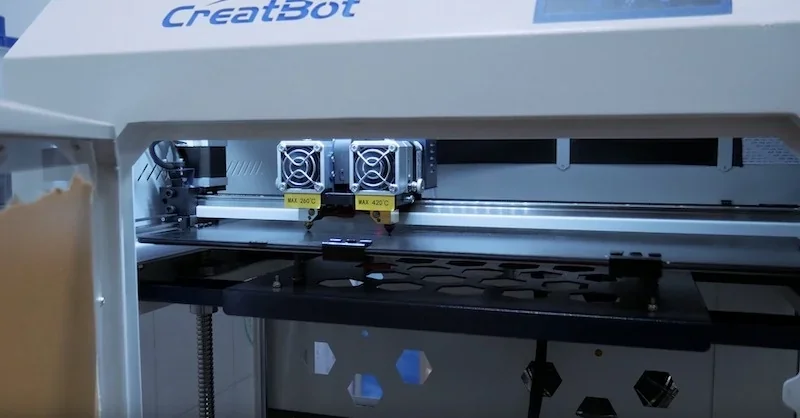
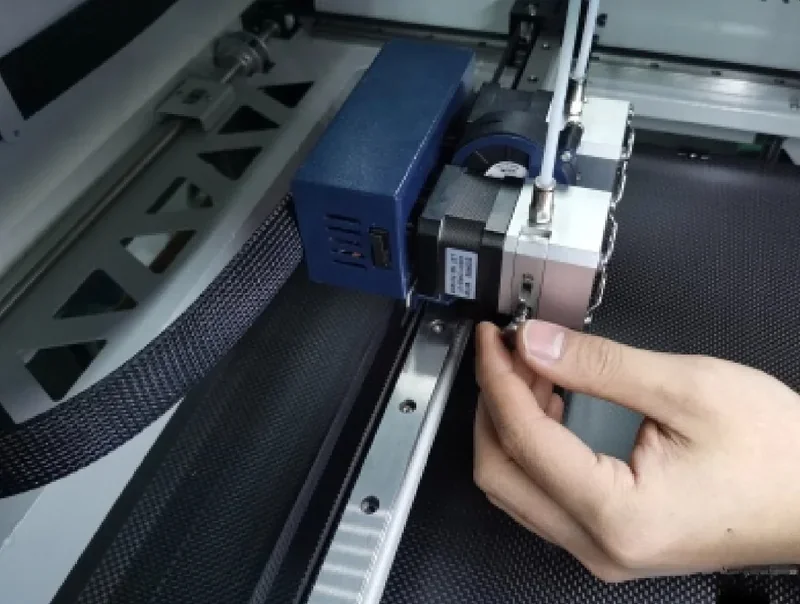
The CreatBot F430’s direct drive extruder ensures smooth filament flow, while 25-point automatic leveling compensates for platform variations, delivering strong first-layer adhesion and smooth, uniform surfaces.
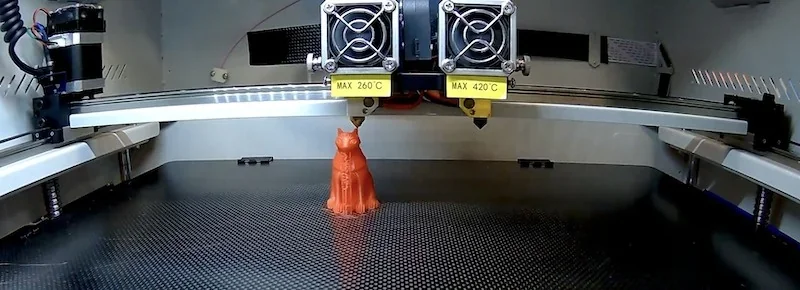
The photo demonstrates Auto Leveling:
Heated chamber technology keeps the environment at 70°C, preventing warping and improving performance with engineering materials. A 140°C bed strengthens layer adhesion and enhances the properties of ABS, ASA, PC, Nylon, and carbon fiber composites. Users praise the printer for “amazing quality” results, with some even achieving success 3D printing challenging materials like PEEK.
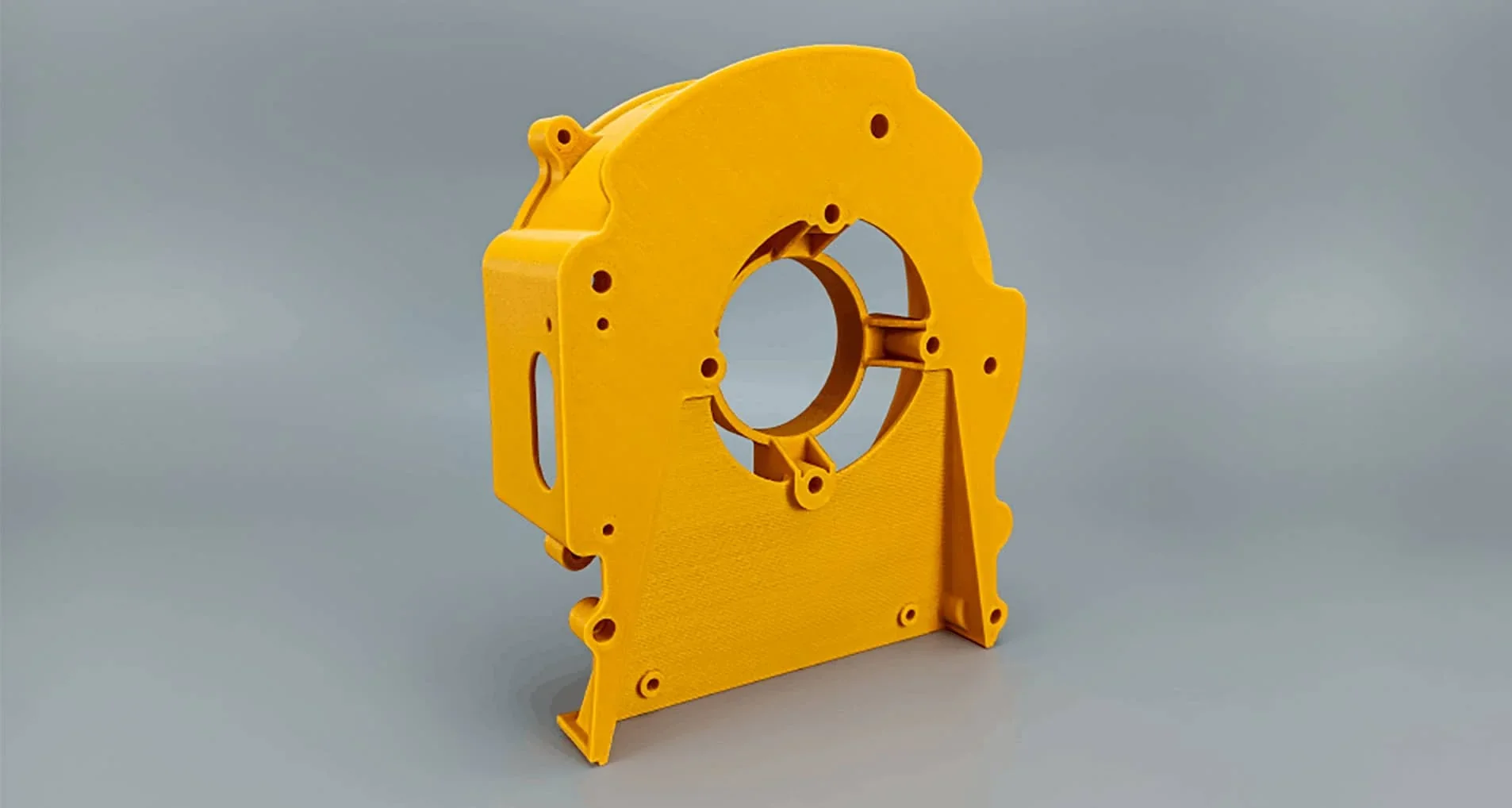
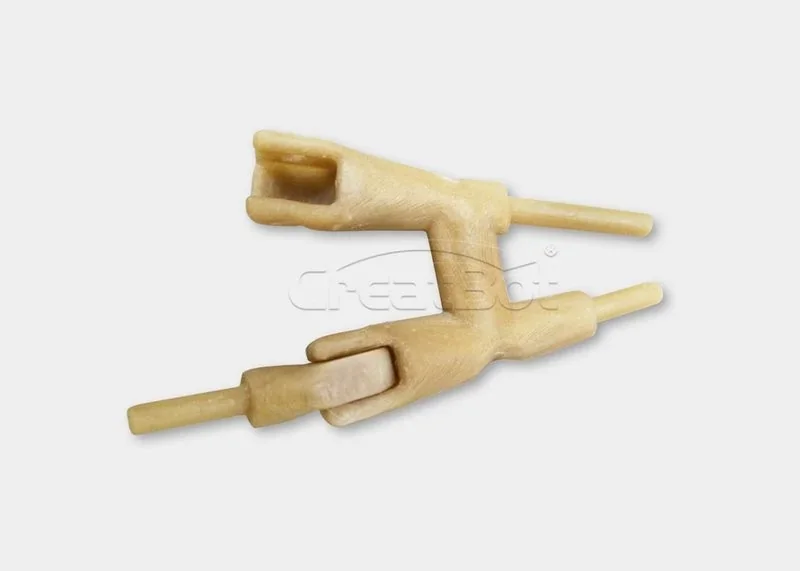
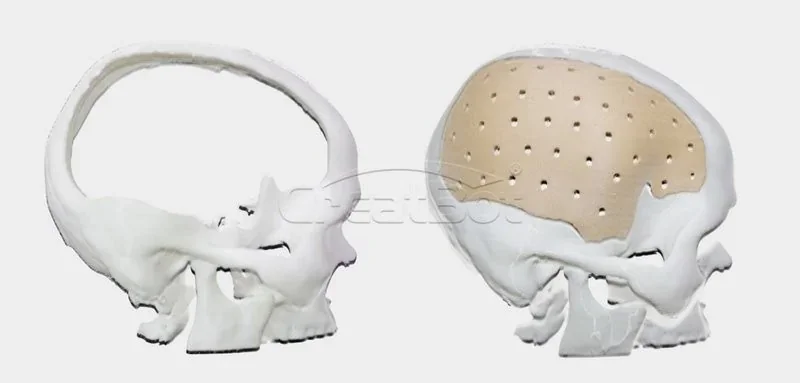
The CreatBot F430 prints over 15 filaments—including PLA, ABS, carbon-fiber composites, and biocompatible PEEK—using dual extruders (260°C left/420°C martensite steel right) with a 70°C heated chamber and 140°C bed for reliable high-temperature material performance.
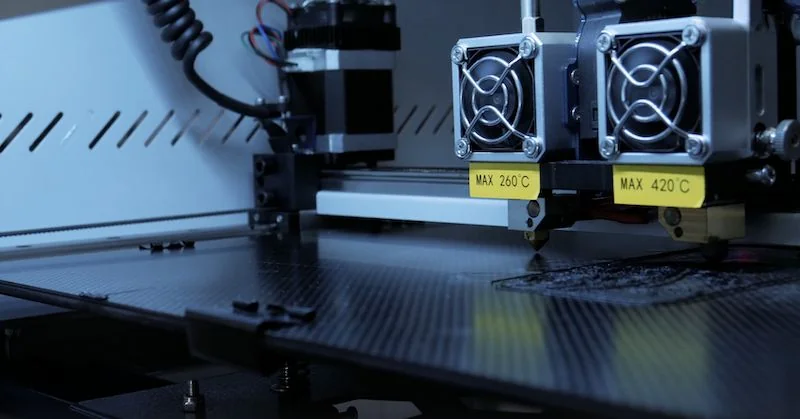
The PLA cat print used 200-micron layers, 215°C nozzle temperature, 55°C bed, 10% infill, supports, and 60 mm/s speed. Creatbot finished in 1 hour 4 minutes.
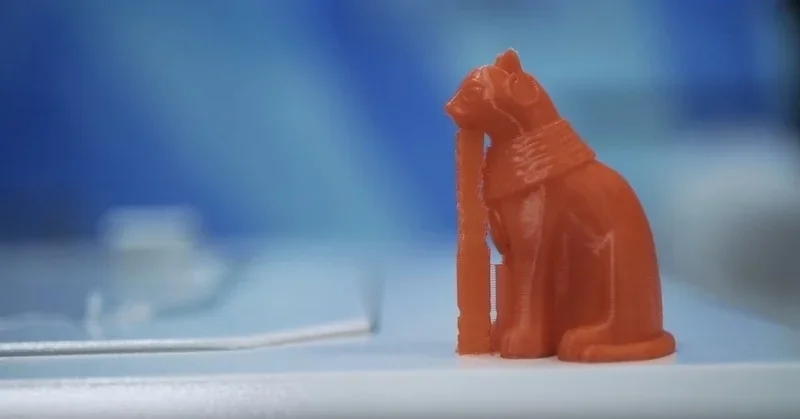
Industrial filaments such as PC, Nylon, fiber composites, ASA, TPU/TPE, and PP print reliably thanks to a 70°C enclosed chamber and 140°C heated bed, which prevent warping and layer separation.
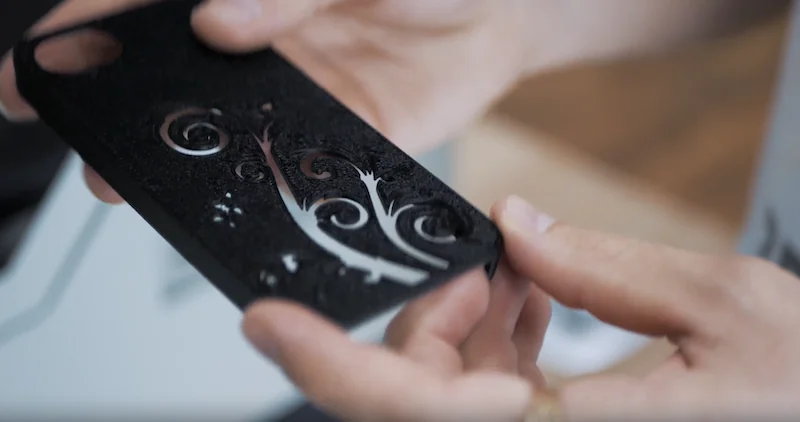
The ABS-CF phone holder used 200-micron layers, 275°C nozzle, 100°C bed, 10% infill, supports, and 60 mm/s speed, finishing in 1 hour 15 minutes.
A 420°C hotend lets CreatBot F430 print high-performance materials like PEEK, CF-PEEK, and PA-CF, known for strength, toughness, and corrosion resistance. Biocompatible PEEK is especially useful in medicine, enabling custom implants that integrate safely with the body.
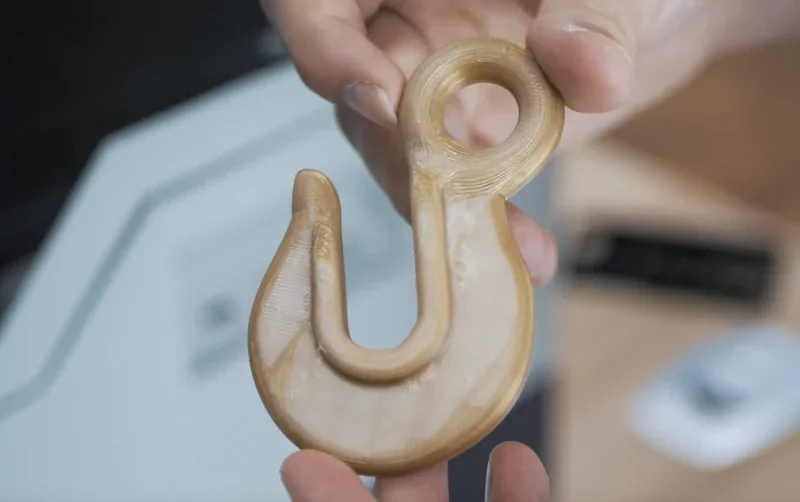
The PEEK sample used 200-micron layers, 375°C nozzle, 120°C bed, 60°C chamber, 10% infill, no supports, and 60 mm/s speed, completing in 2 hours.
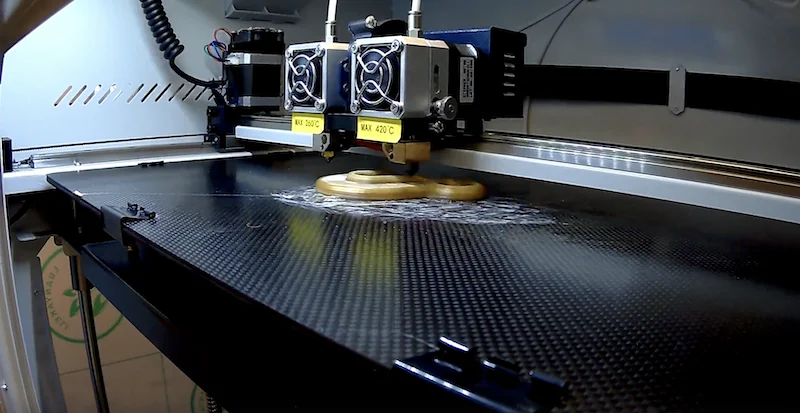
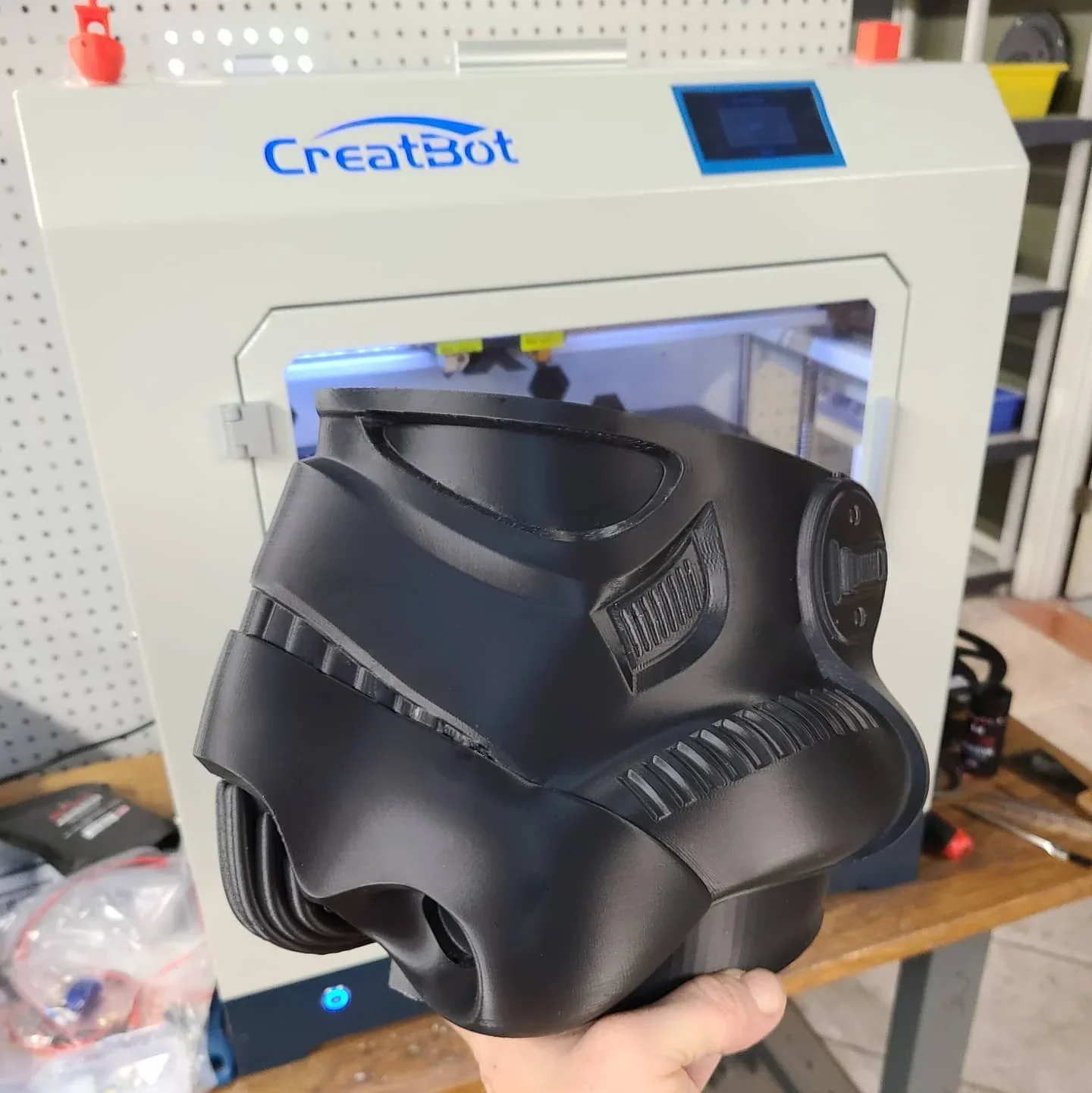
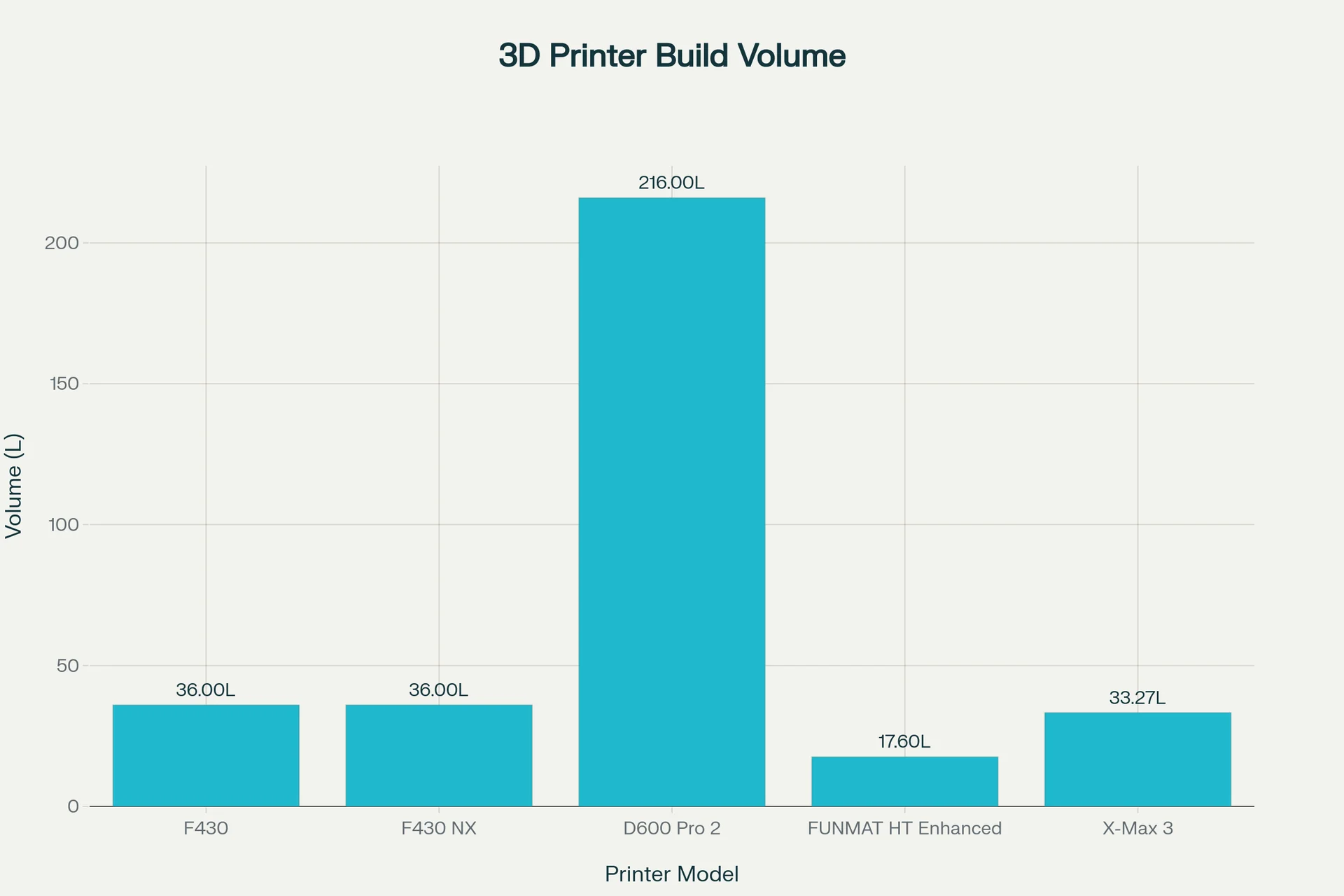
With a 400 x 300 x 300 mm build volume (36,000 cc), CreatBot F430 ranks among the largest desktop 3D printers, supporting large prototypes, functional parts, or multiple objects in one job. Dual extrusion reduces the space to 320 x 300 x 300 mm.
CreatBot F430 — Dual-extrusion, mid-size workhorse that pairs high-temp capability (420 °C nozzle / 140 °C bed / 70 °C chamber) with an enclosed steel frame, automatic leveling, runout/power-loss recovery, and a 36 L single-extrusion build volume at a moderate $4,799 price — strong for PC/nylon/CF parts, and even experimental prints with PEEK, without going industrial in size or cost.
In contrast:
| Specification / Model | CreatBot F430 | CreatBot F430 NX | CreatBot D600 Pro 2 | INTAMSYS FUNMAT HT Enhanced | QIDI Tech X-Max 3 |
|---|---|---|---|---|---|
| Price (USD) | $4,799 | $6,499 | $16,999 | $6,995 | $749 |
| Build volume (mm) [L] | 400×300×300 [36.0 L] | 400×300×300 [36.0 L] | 600×600×600 [216.0 L] | 260×260×260 [17.6 L] | 325×325×315 [33.27 L] |
| Dual/IDEX capacity | Dual: 320×300×300 [28.8 L] | IDEX Dual: 360×300×300 [32.4 L]; Copy/Mirror modes | Dual: 540×600×600 [194.4 L] | — | — |
| Extruders / Type | Dual, direct-drive | Dual IDEX, direct-drive | Dual, auto-rising nozzles | Single, direct-drive | Single, direct-drive |
| Nozzle (default / options) | 0.4 / 0.3–1.0 | 0.4 / 0.6 | 0.6 / 0.3–1.0 | 0.4 / 0.25, 0.6, 0.8 | 0.4 / 0.2, 0.6, 0.8 |
| Max temps (nozzle / bed / chamber) | 420 / 140 / 70 °C | 420 / 140 / 70 °C | 420 / 100 / 70 °C | 450 / 160 / 90 °C | 350 / 120 / 65 °C |
| Speed (typ / max) | 55 / 180 mm/s | 50–300 mm/s | 0–300 mm/s | 30–200 mm/s | ≤600 mm/s (20,000 mm/s² accel) |
| Leveling | Automatic | Automatic | Automatic | Auto + Manual | Automatic |
| Connectivity | USB (U-disk) | USB, Wi-Fi, Ethernet; camera | USB, Wi-Fi; camera, E-stop | SD card, USB; camera | Wi-Fi, USB, Ethernet |
Bottom-Line:
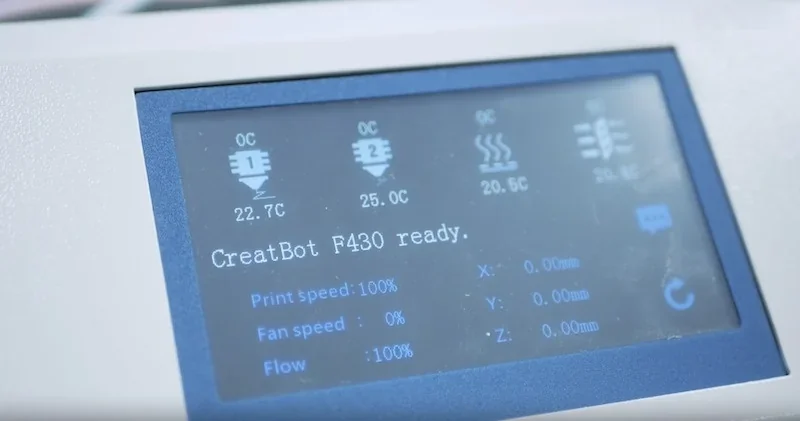
A 4.3-inch touch screen serves as the F430’s main control, giving quick access to functions like preheat, axis movement, filament, USB, status, and settings. One-touch shortcuts simplify key tasks such as warming, printing, and parameter control.
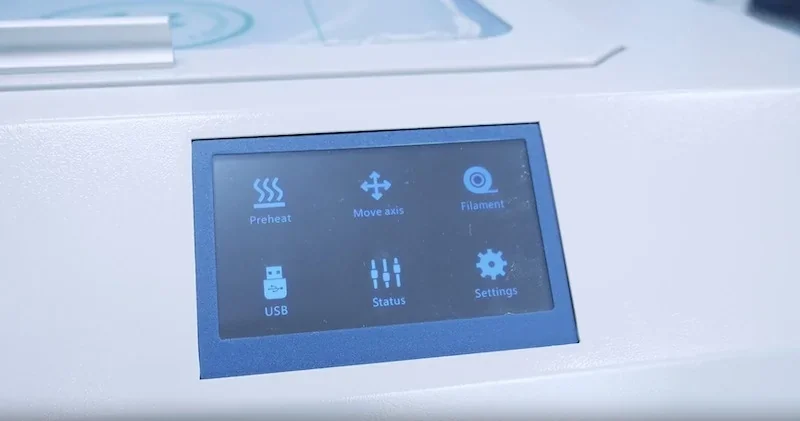
The menu’s axis control lets users move the print head and bed for calibration or maintenance, adjust bed and extruder temperatures, and set fan speed.
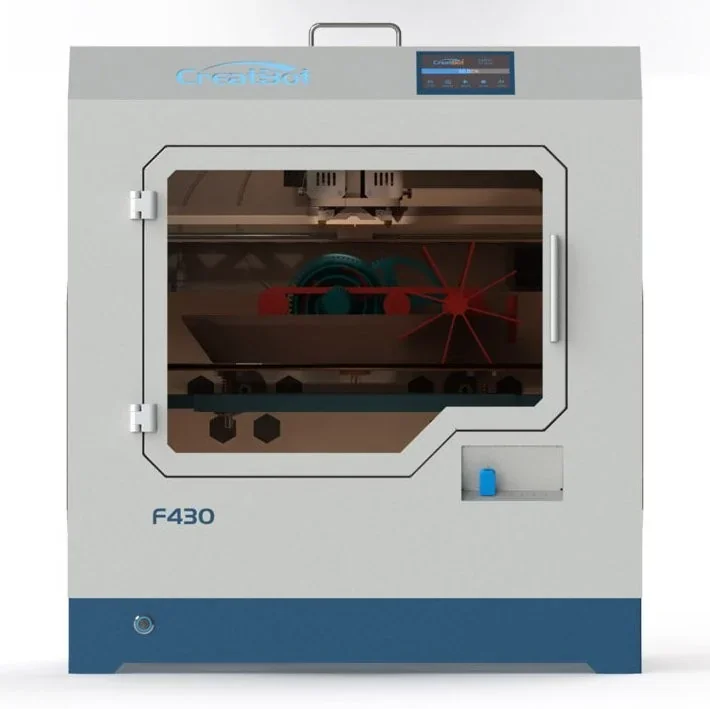
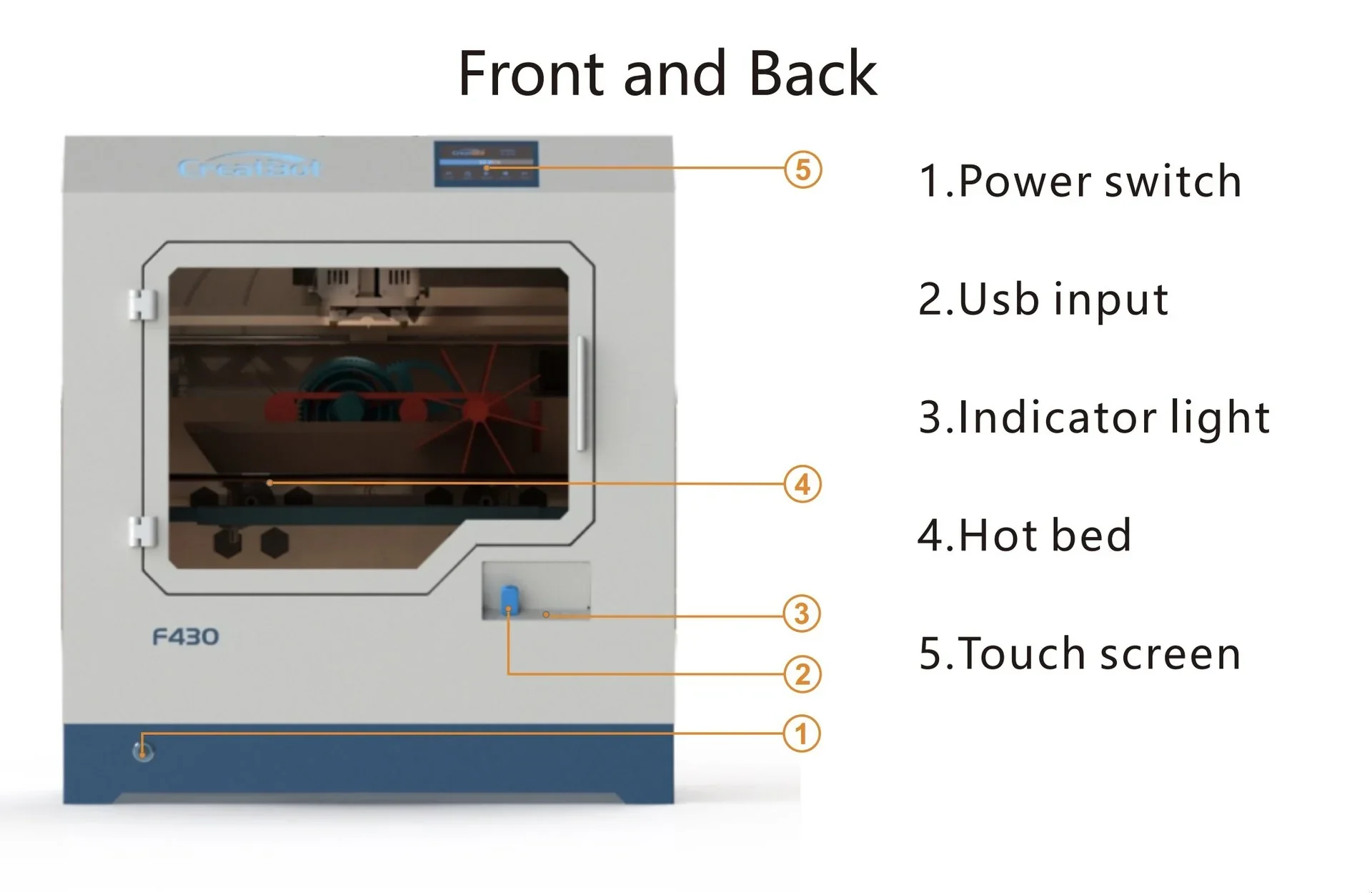
Other controls include a power switch, indicator light, USB port, and power input.
The CreatBot F430 supports direct computer connectivity via USB port and standalone operation through a U Disk reader for USB drive printing, enabling reliable file transfer and unattended engineering-grade prints.
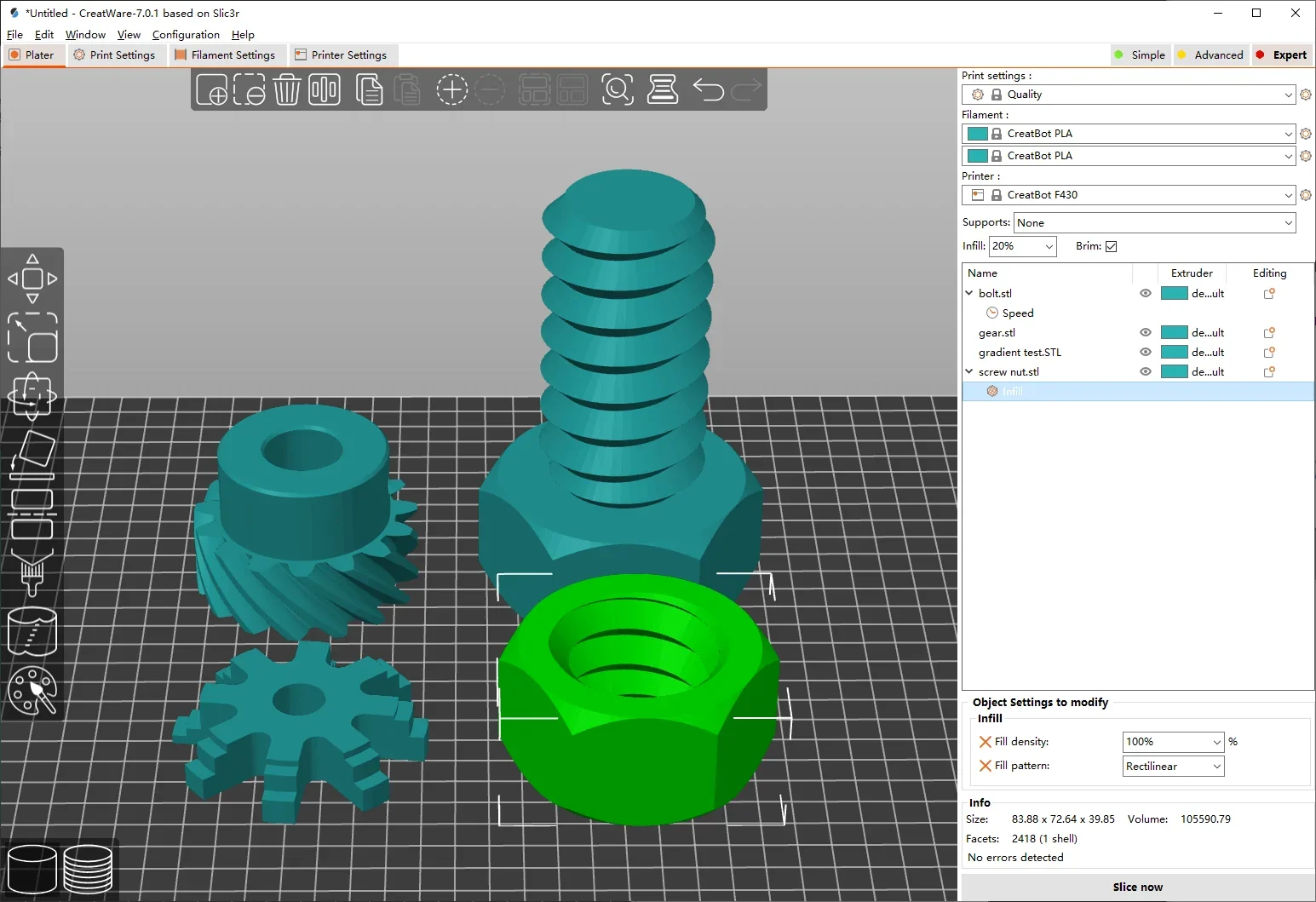
The CreatBot F430 uses CreatWare slicing software, built for CreatBot printers. It combines an easy interface with advanced tools, fast slicing, and detailed previews that simulate the print layer by layer.
CreatWare supports STL, OBJ, and AMF files on Windows and macOS, offering three parameter modes for balancing speed and accuracy while efficiently managing print data. The F430 also works with third-party slicers like Simplify3D, Cura, and Slic3r, giving users flexibility and familiarity.
Measuring 620 x 485 x 680 mm and weighing 48 kg, the steel-bodied F430 has a fully enclosed chamber with three side panels and a top acrylic panel.
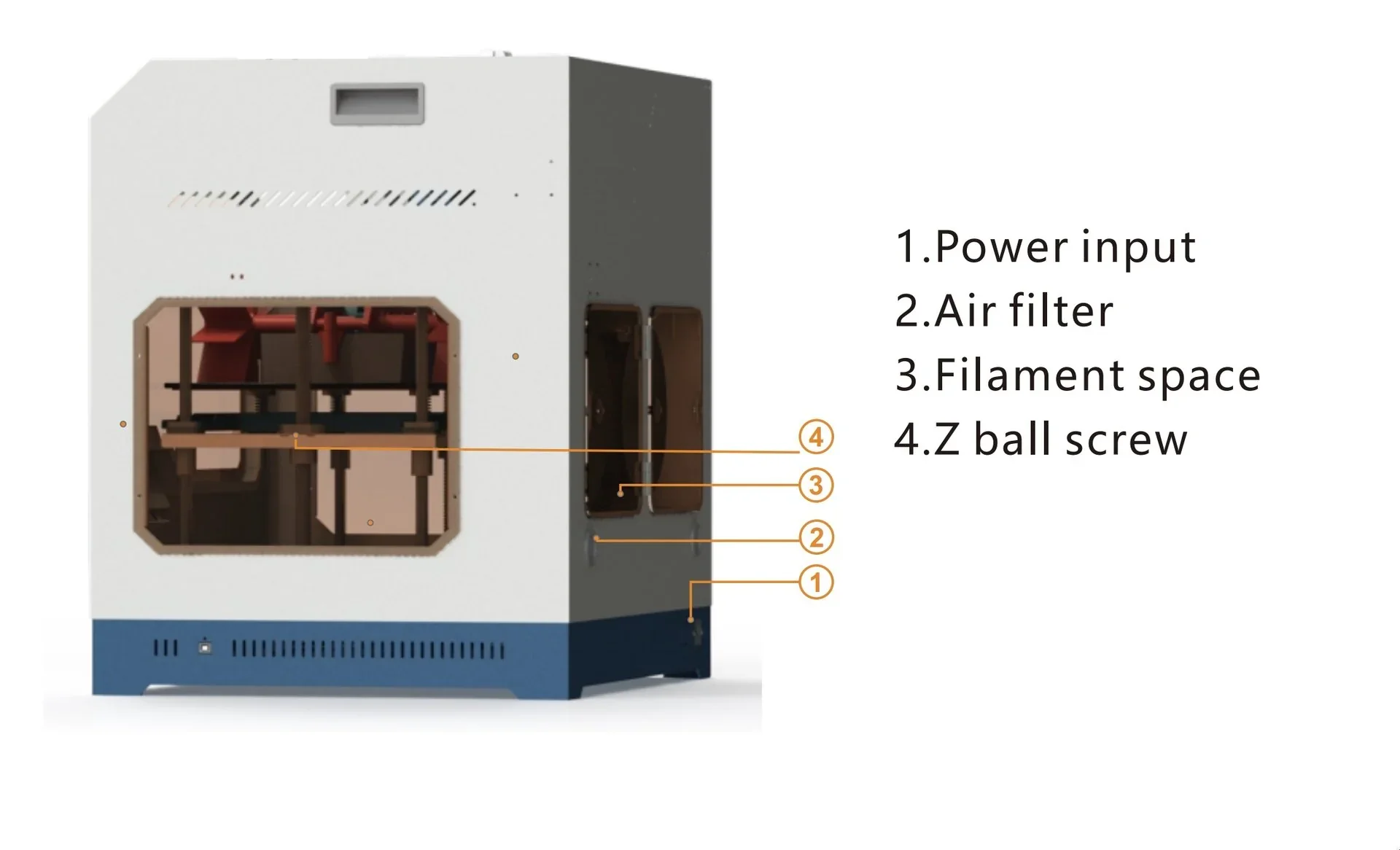
The Creatbot F430 uses Cartesian kinematics with a single drive per axis.
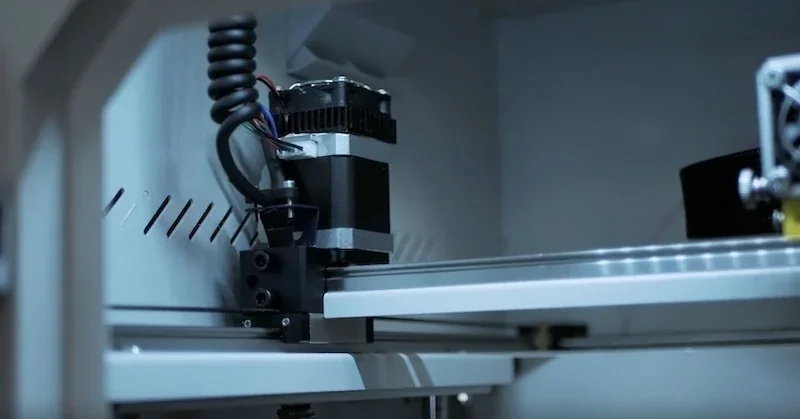
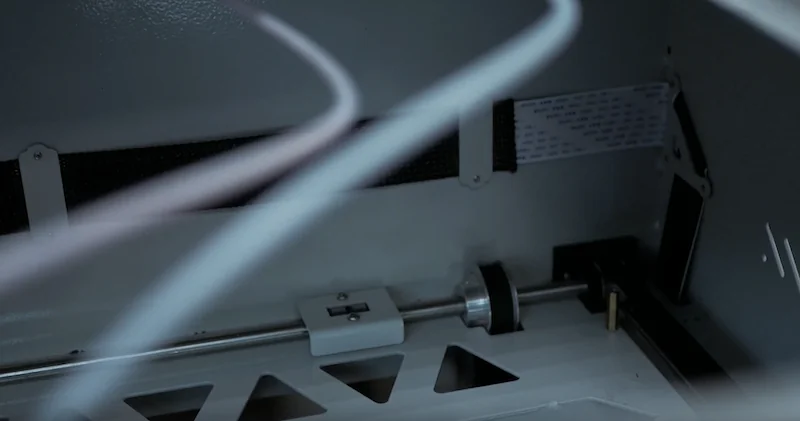
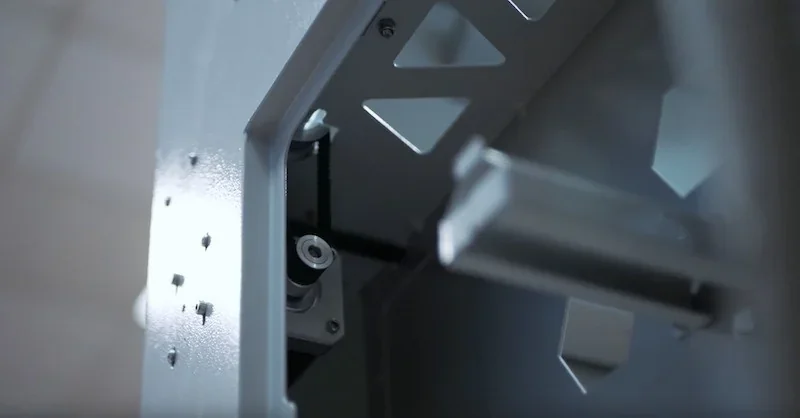
The X and Y axes run on heavy-duty linear rails with large bearing carriages, similar to CNC laser engravers.
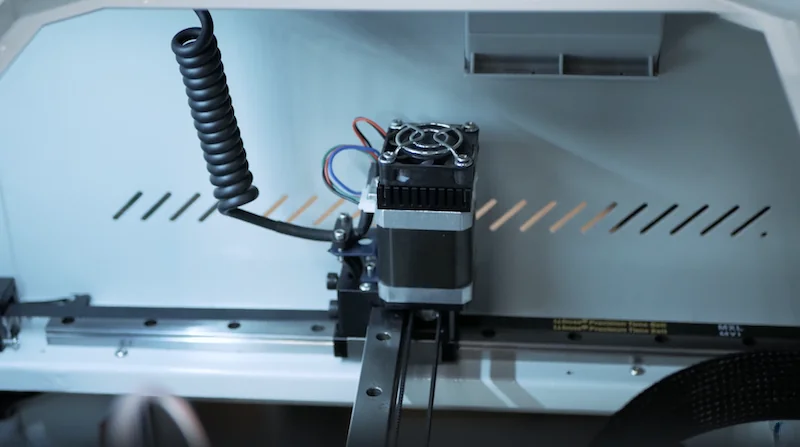
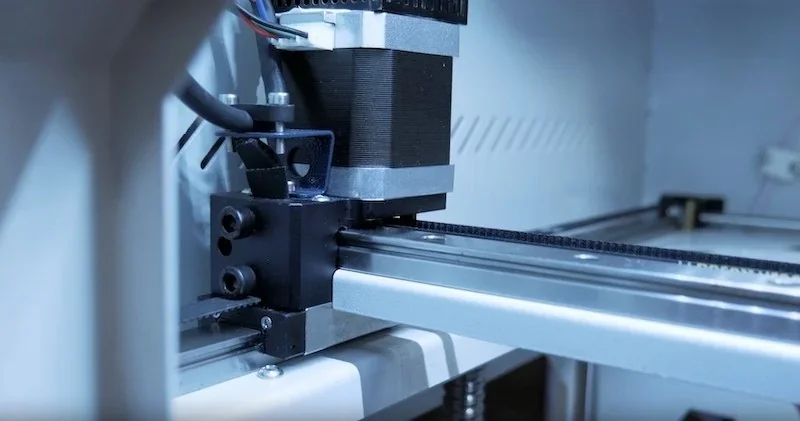
The X-axis carriage is powered by wide polyurethane timing belts on both sides.
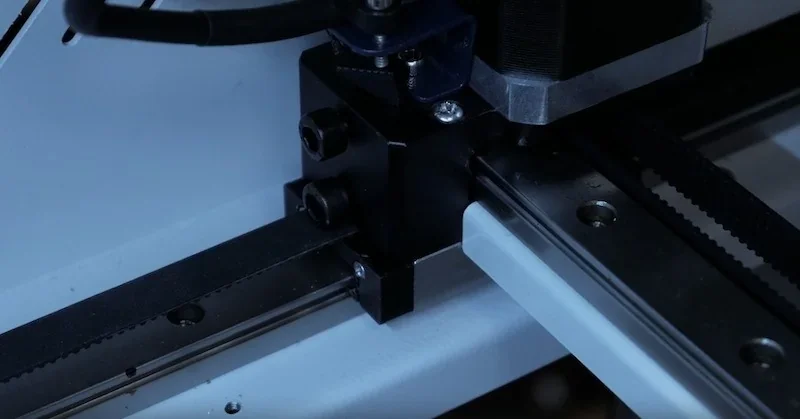
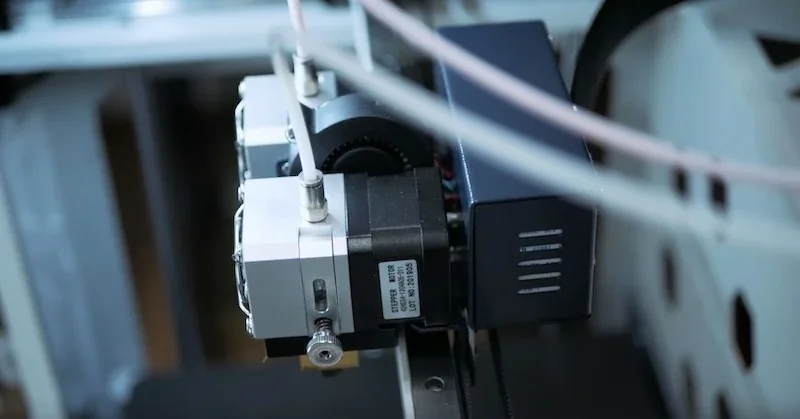
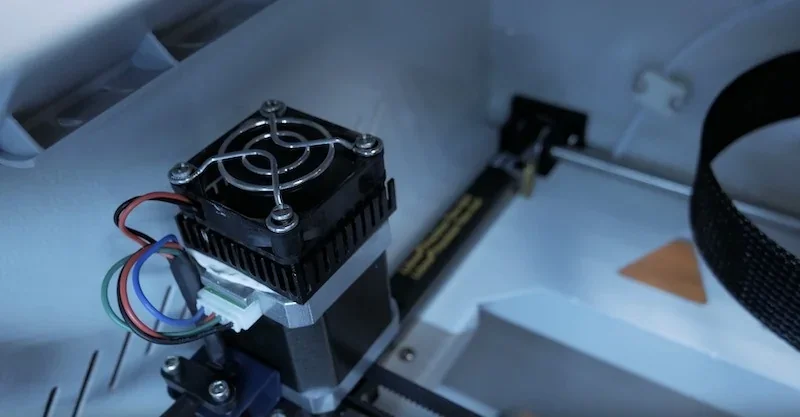
Torque is delivered via a drive rod linked to a stepper motor with active cooling.
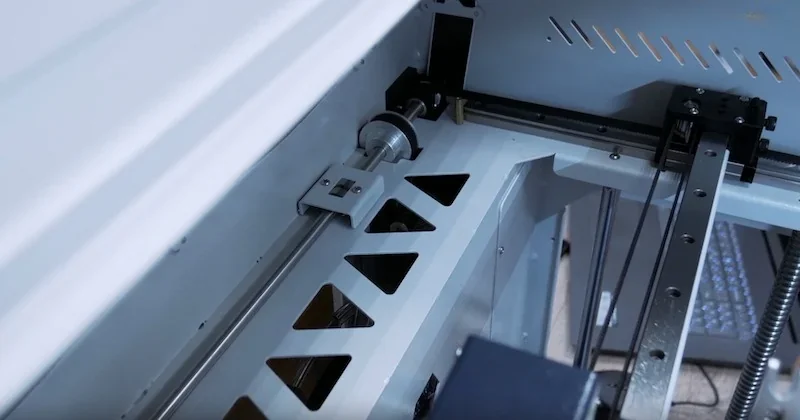
Z-axis uses a four-column design with 12 mm linear guides and dual ball screws.
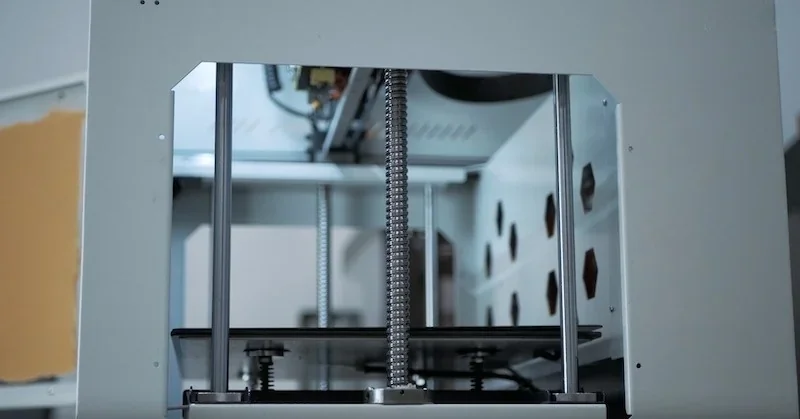
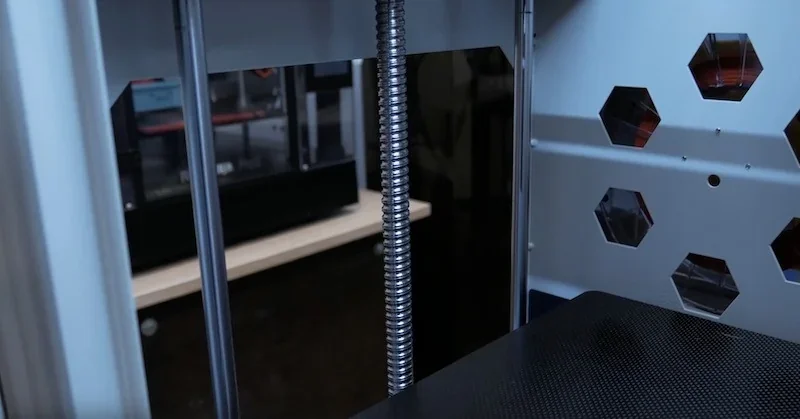
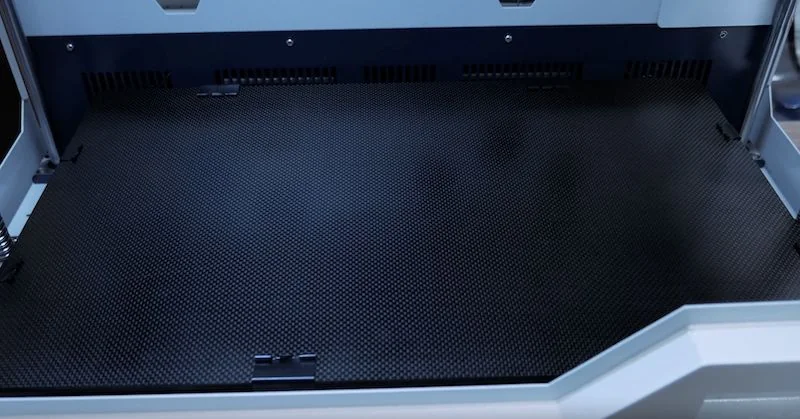
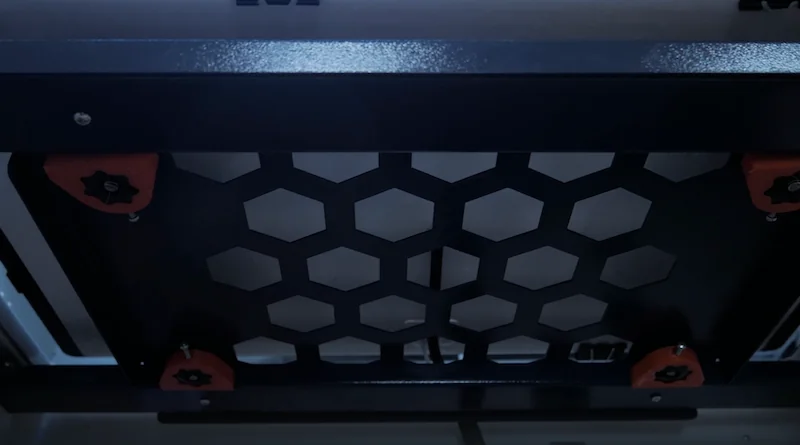
The printer features a 140°C heated build platform with a carbon fiber adhesive plate and a glass surface mounted on a honeycomb base
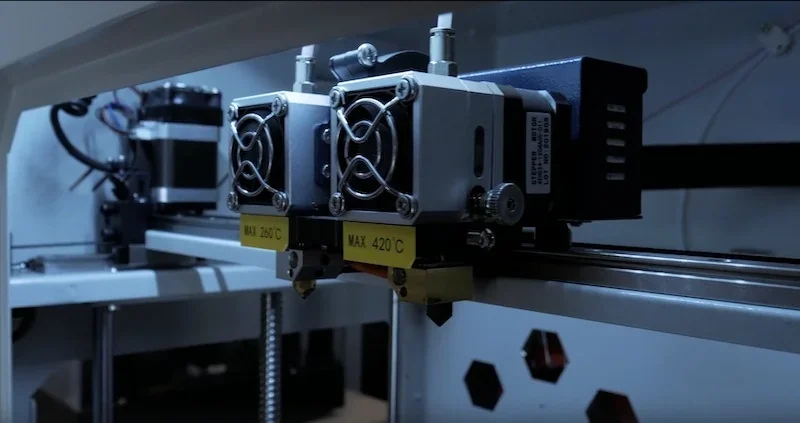
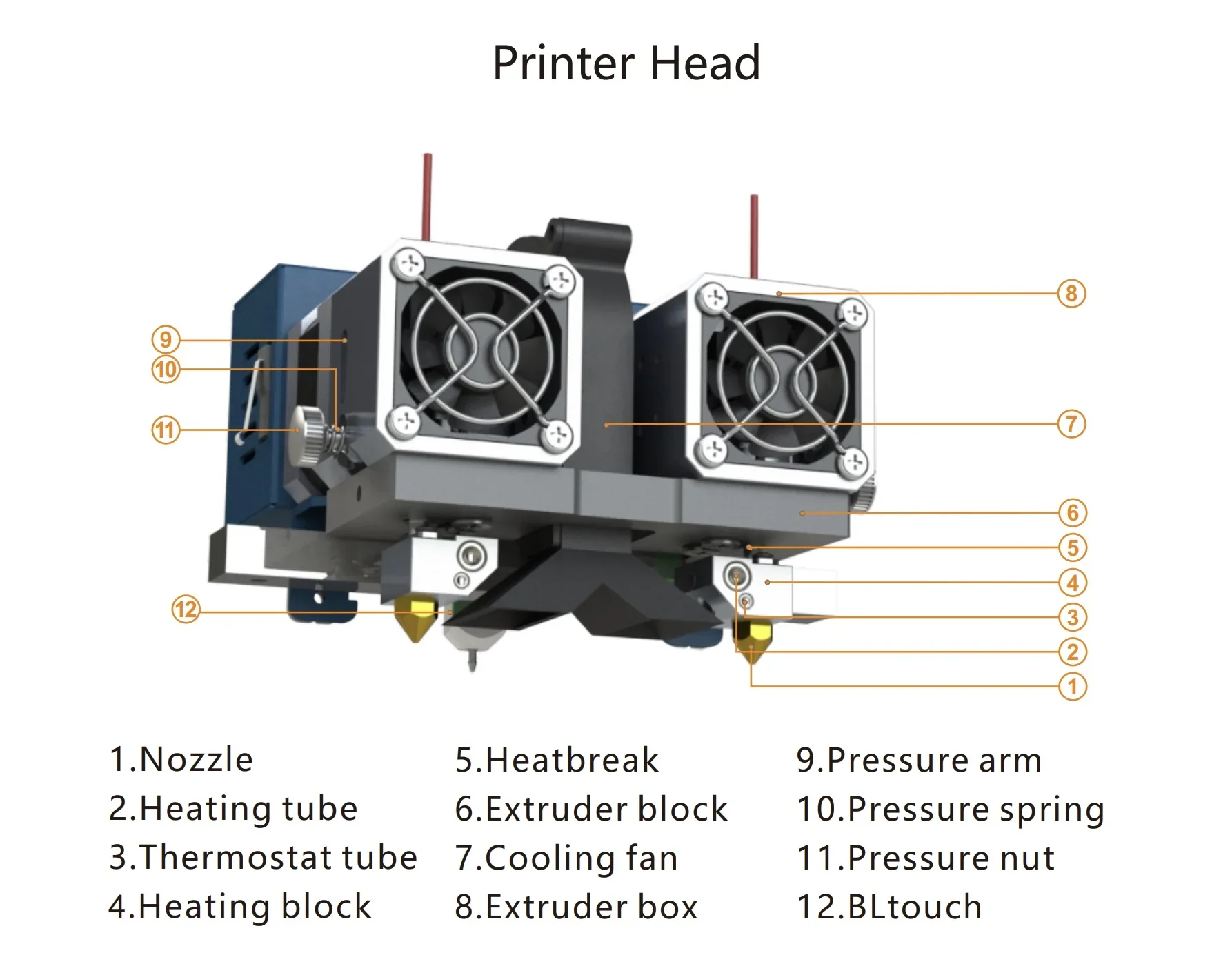
Dual direct-drive extruders reach over 400°C and use interchangeable heater blocks—standard or high-temp—for different materials. Multiple nozzle sizes are supported to balance speed and detail across the large build volume.
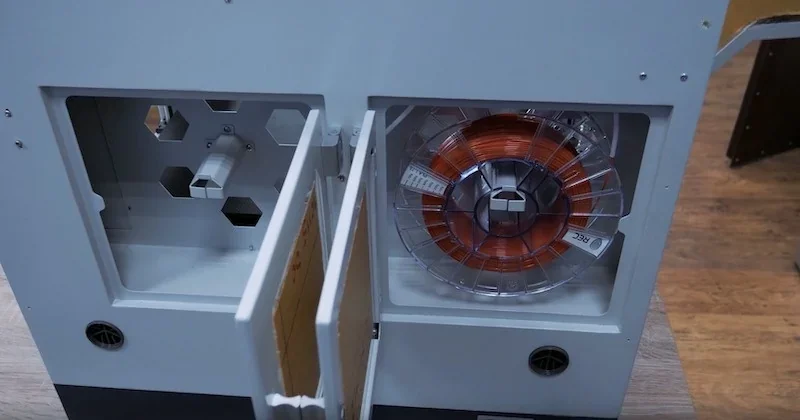
Two sealed side compartments hold 1 kg spools, each with a run-out sensor so the printer will avoid invalid printing caused by empty filament paths. Positioned below the build chamber, they keep filament dry and isolated, while the short feed path ensures smooth extrusion, even with abrasive or high-temp materials.
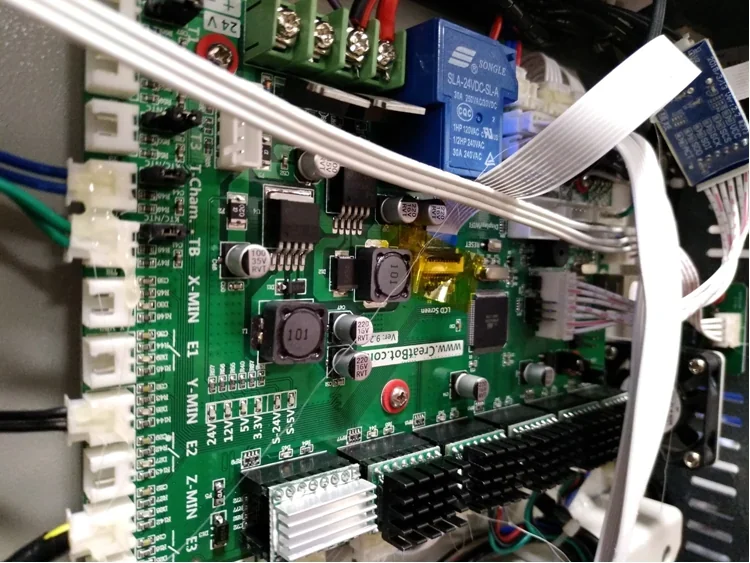
The F430 runs on a custom Mega2560-based controller board.
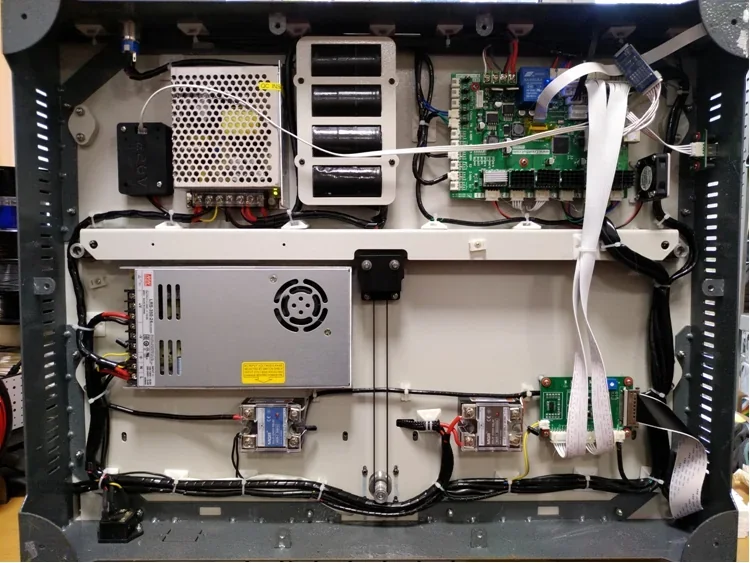
100V-110V or 200V-240V / 50-60Hz (depending on your country's default voltage)
Power Requirements:
:
Rated Power
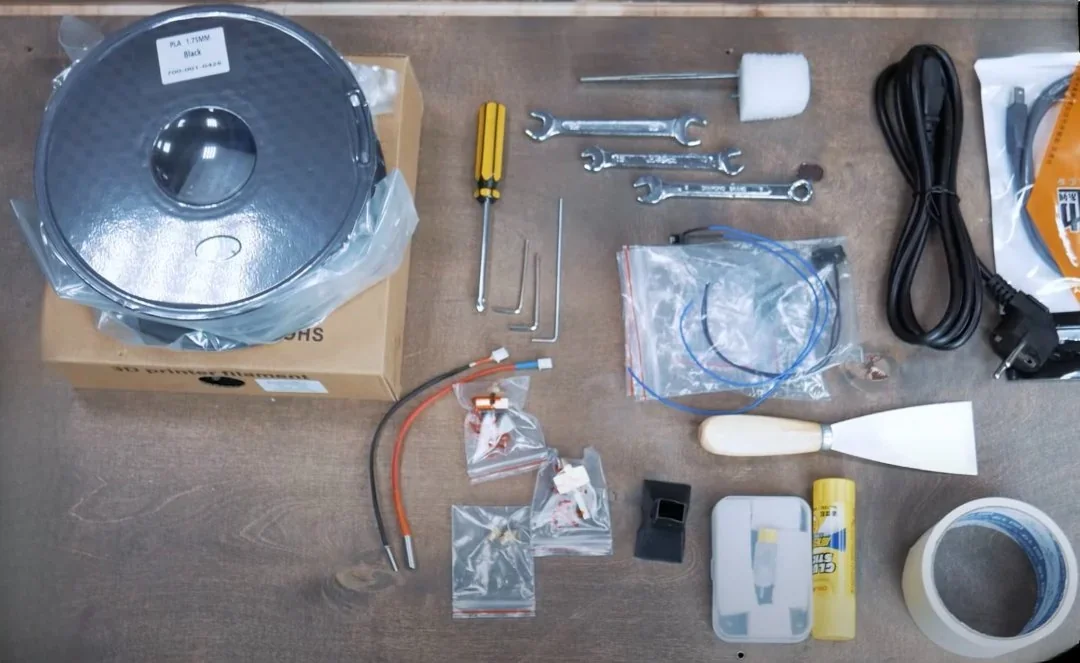
The F430 comes fully assembled with minimal setup—attach the nozzle and spool, then calibrate the platform. A USB drive with software, a filament spool, palette knife, and masking tape get you started, while the documentation guides setup and use.
Note: Contents may vary; confirm with Top3DShop before ordering.
Creatbot offers 25 accessories and spare parts.
| Accessory | Price (USD) | Image |
|---|---|---|
| GROUP: Hotend and Nozzle Components | ||
| CREATBOT HOTEND 260°C FOR CREATBOT F430 3D PRINTER | $49.00 | 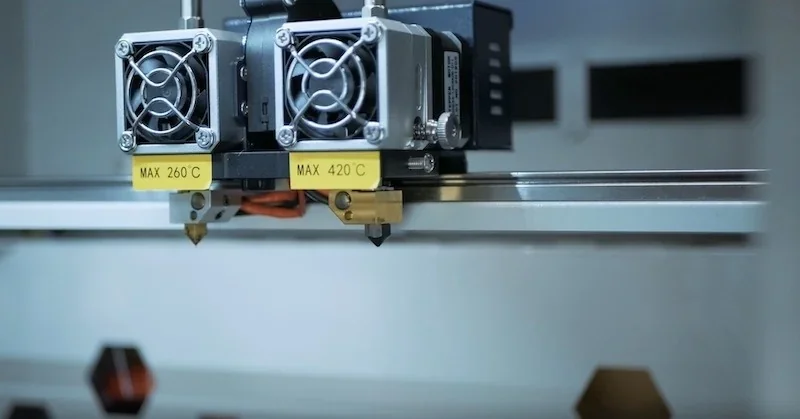 |
| CREATBOT HOTEND 420°C FOR CREATBOT F430 3D PRINTER | $59.00 | 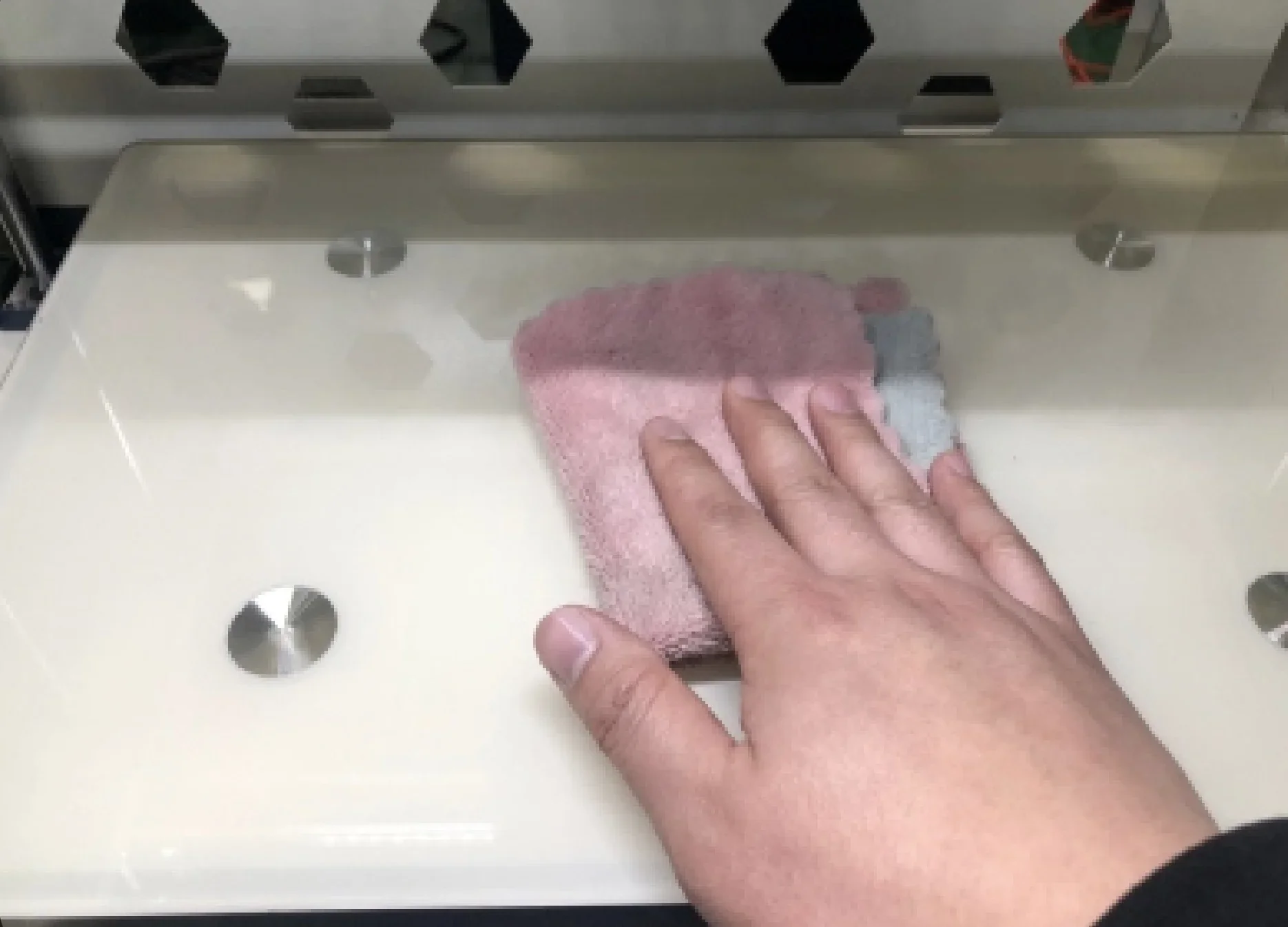 |
| CREATBOT HARDENED STEEL NOZZLE FOR CREATBOT F430 3D PRINTER | $29.00 | 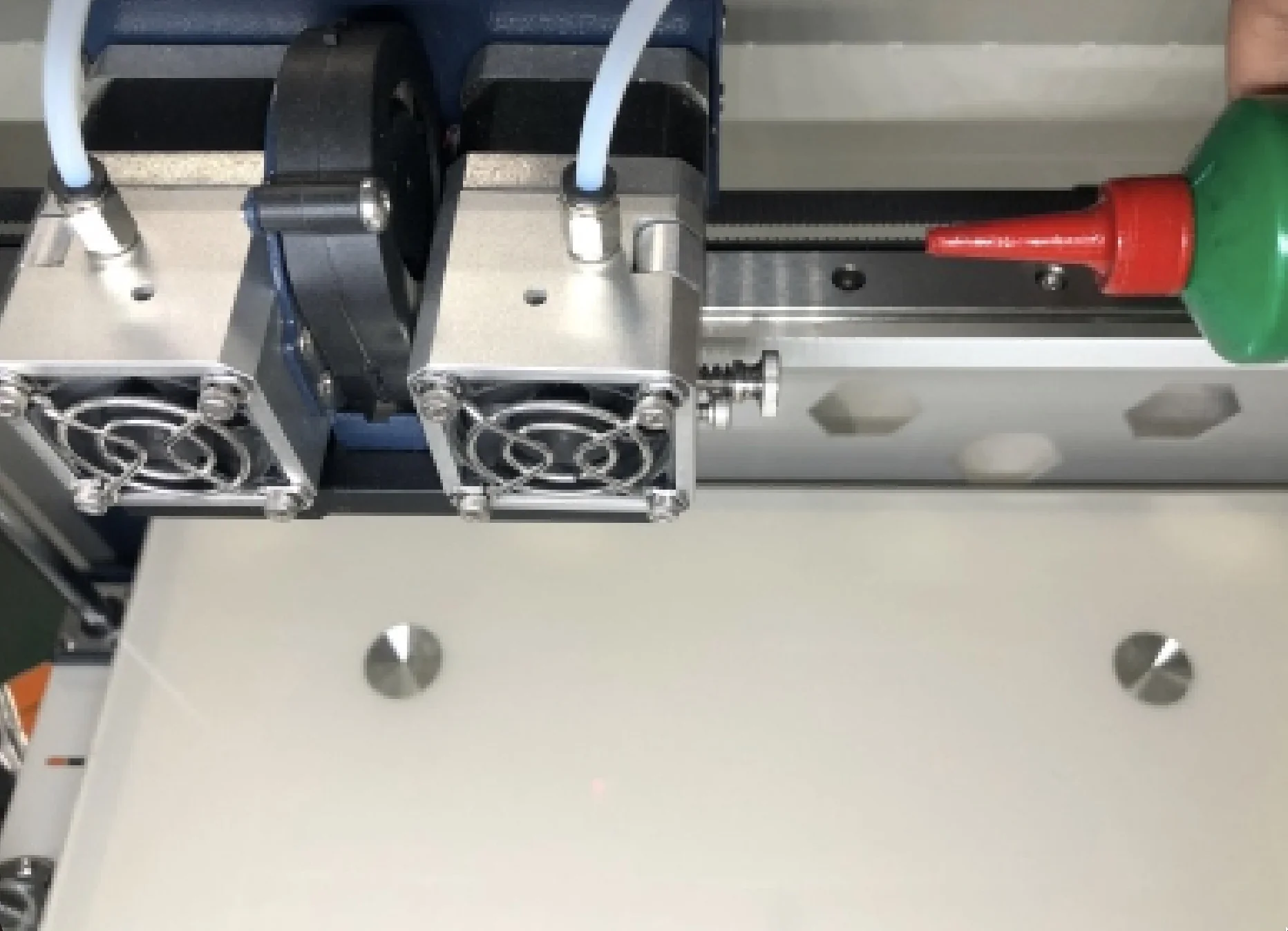 |
| CREATBOT BRASS NOZZLE FOR CREATBOT F430 3D PRINTER | $19.00 | 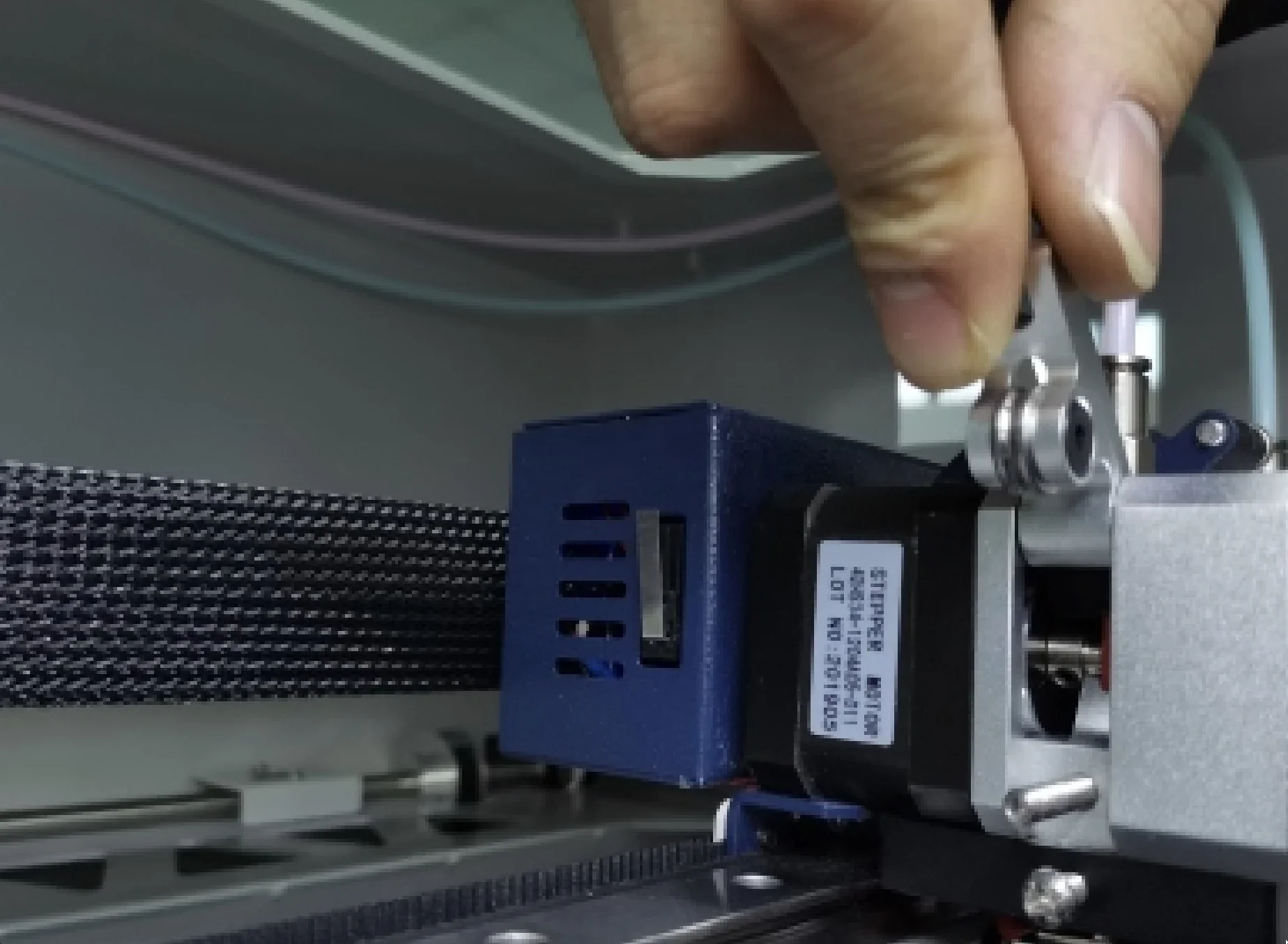 |
| CREATBOT HEATBREAK WITH PTFE TUBE FOR 260°C HOTEND FOR CREATBOT F430 3D PRINTER | $29.00 | 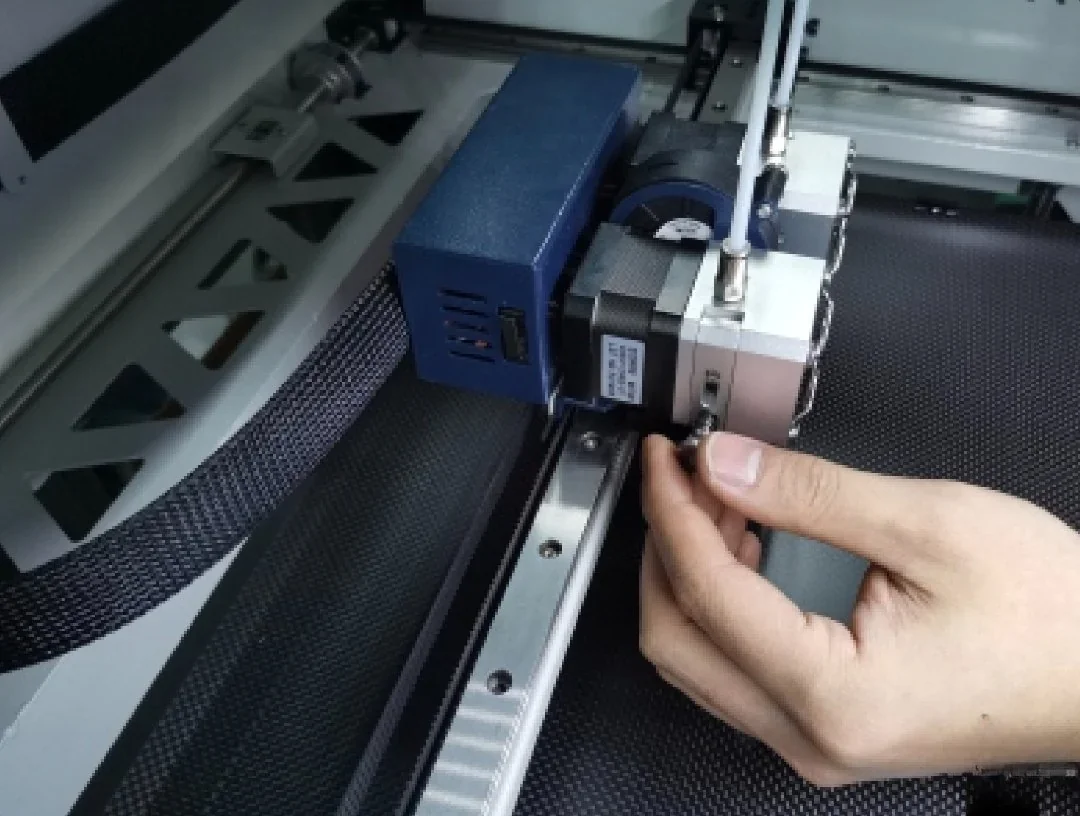 |
| CREATBOT HEATBREAK FOR 420°C HOTEND FOR CREATBOT F430 3D PRINTER | $29.00 | 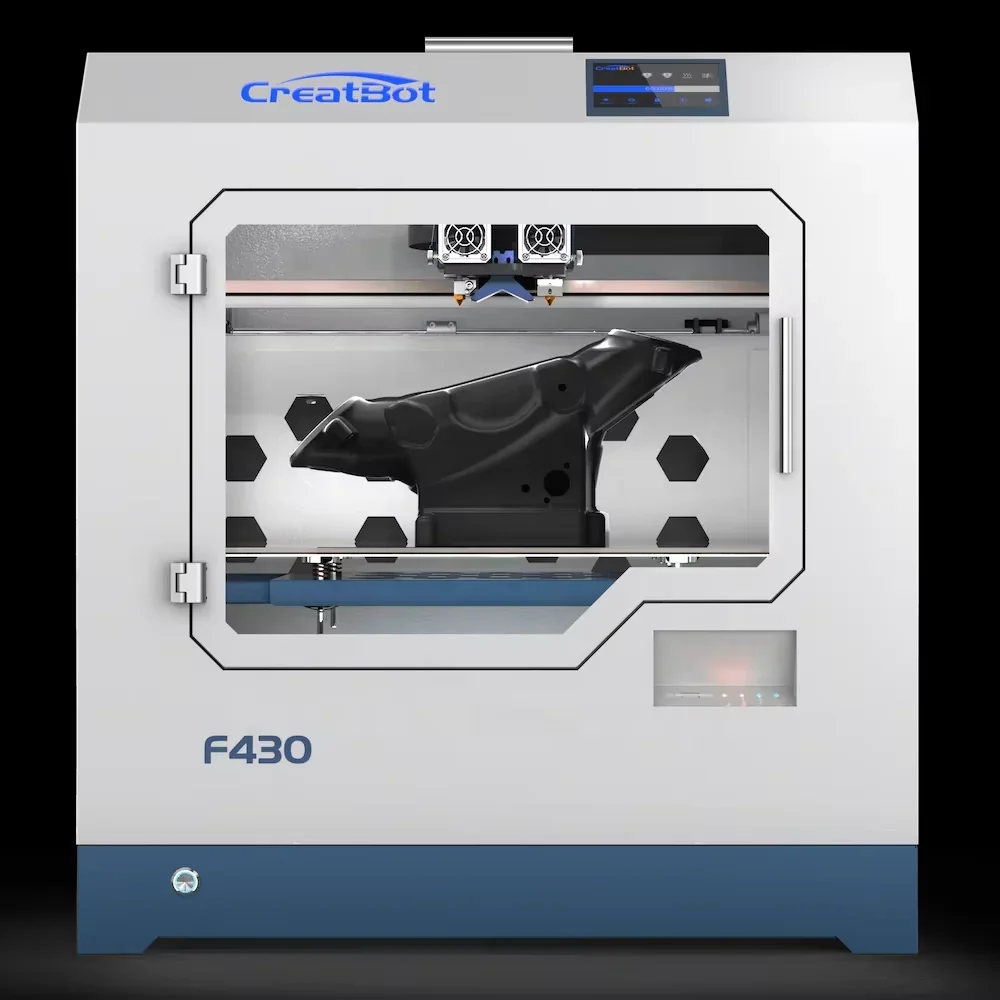 |
| CREATBOT HOTEND SCREWS FOR CREATBOT F430 3D PRINTER | $29.00 | 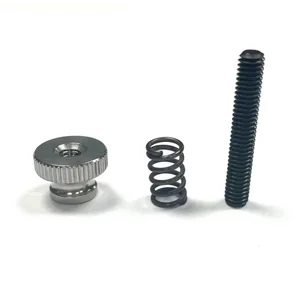 |
| GROUP: Sensors and Leveling | ||
| CREATBOT FILAMENT SENSOR (NEW, 2-PIN / 3-PIN) FOR CREATBOT F430 3D PRINTER | $49.00 | 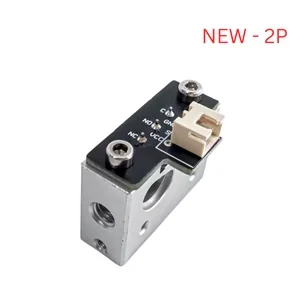 |
| CREATBOT BLTOUCH AUTO BED LEVELING SENSOR FOR CREATBOT F430 3D PRINTER | $49.00 | 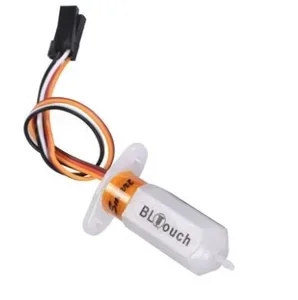 |
| GROUP: Electronics and Cables | ||
| CREATBOT MAINBOARD FOR CREATBOT F430 3D PRINTER | $149.00 | 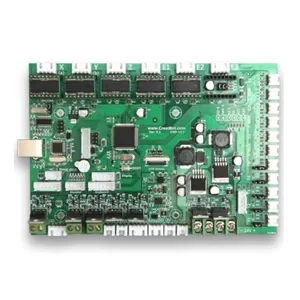 |
| CREATBOT EXTRUDER CABLE FOR CREATBOT F430 3D PRINTER | $99.00 | 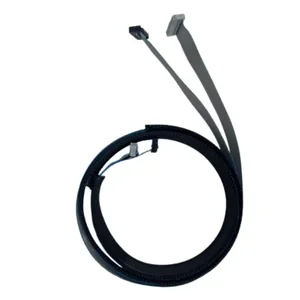 |
| CREATBOT RIBBON CABLE FOR CREATBOT F430 3D PRINTER | $49.00 | 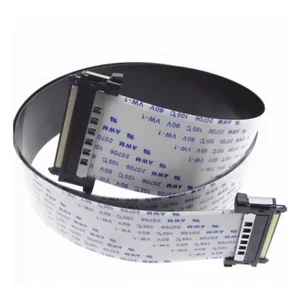 |
| CREATBOT V2.8 BOARD FOR CREATBOT F430 3D PRINTER | $49.00 | 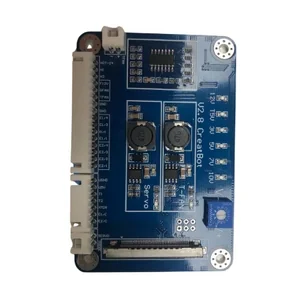 |
| CREATBOT EXTRUDER BOARD FOR CREATBOT F430 3D PRINTER | $89.00 | 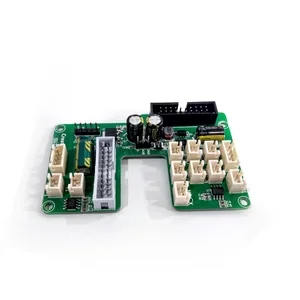 |
| GROUP: Motion Components | ||
| CREATBOT X-AXIS MOTOR FOR CREATBOT F430 3D PRINTER | $99.00 | 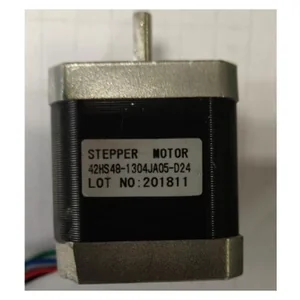 |
| CREATBOT X MOTOR WIRE FOR CREATBOT F430 3D PRINTER | $39.00 | 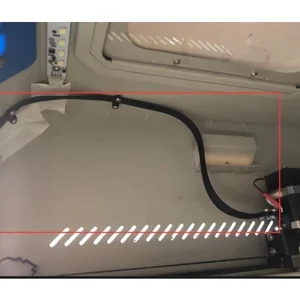 |
| CREATBOT BEARING MF 105 ZZ FOR CREATBOT F430 | $5.99 | 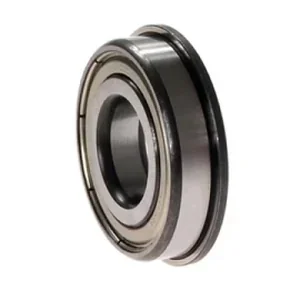 |
| GROUP: Build Surface and Print Bed | ||
| CREATBOT CARBON FIBER SHEET FOR CREATBOT F430 3D PRINTER | $139.00 | 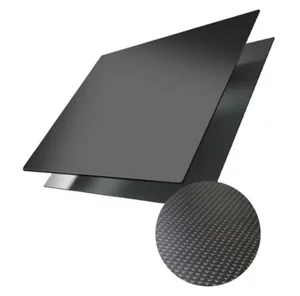 |
| CREATBOT BUILDTAK SHEET FOR CREATBOT F430 3D PRINTER | $139.00 | 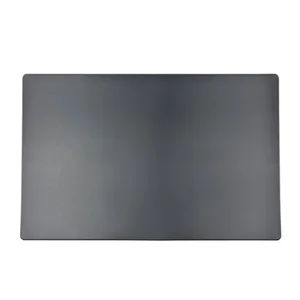 |
| CREATBOT PEI SHEET FOR CREATBOT F430 3D PRINTER | $189.00 | 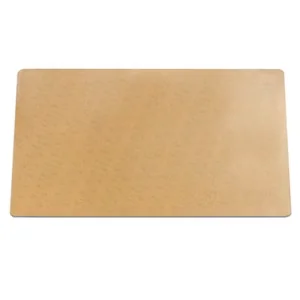 |
| CREATBOT ALUMINUM PRINT BED WITH HEATING PAD AND BUILDTAK FOR CREATBOT F430 3D PRINTER | $449.00 | 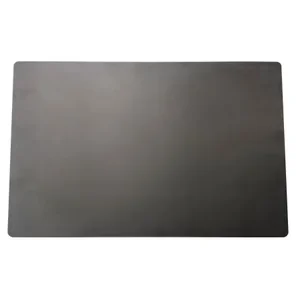 |
| CREATBOT PRINT BED WITH HEATING PAD FOR CREATBOT F430 3D PRINTER (DISCONTINUED) | $299.00 | 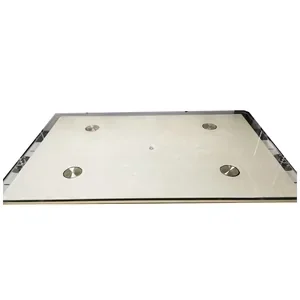 |
| GROUP: Enclosure and Filtration | ||
| CREATBOT ACRYLIC WINDOW FOR CREATBOT F430 3D PRINTER | $89.00 | 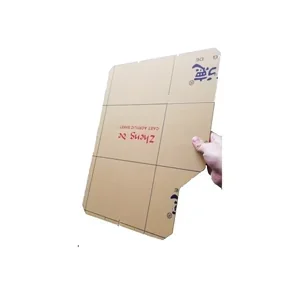 |
| CREATBOT 3M 3001CN AIR FILTER FOR CREATBOT F430 3D PRINTER | $79.00 | 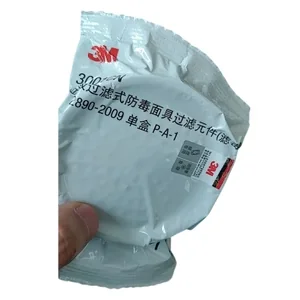 |
| CREATBOT EXTRUDER BOX FOR CREATBOT F430 3D PRINTER | $99.00 | 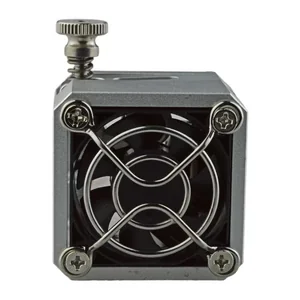 |
Daily/After Each Use:
Weekly:
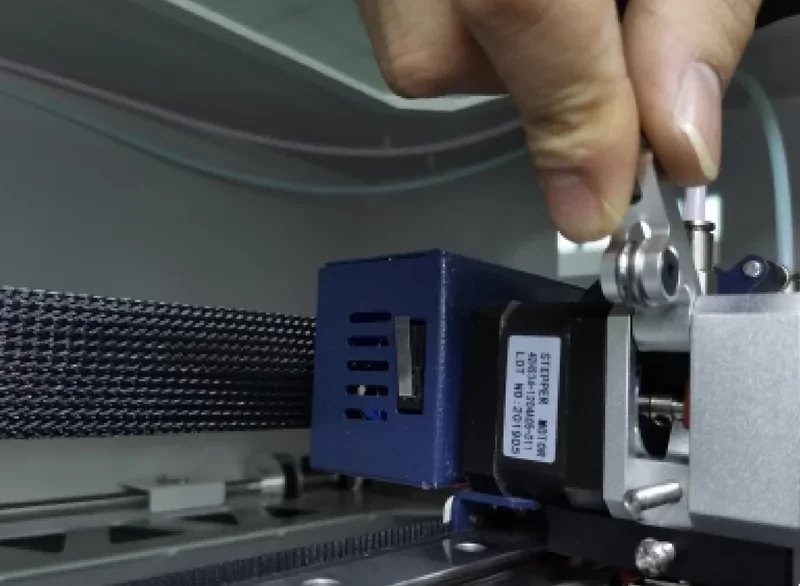
Monthly:
As Required:
Safety Requirements:
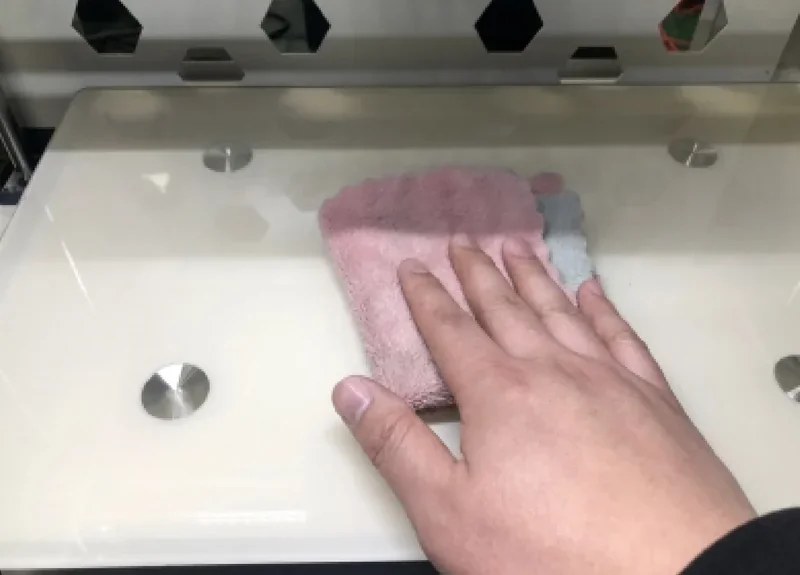
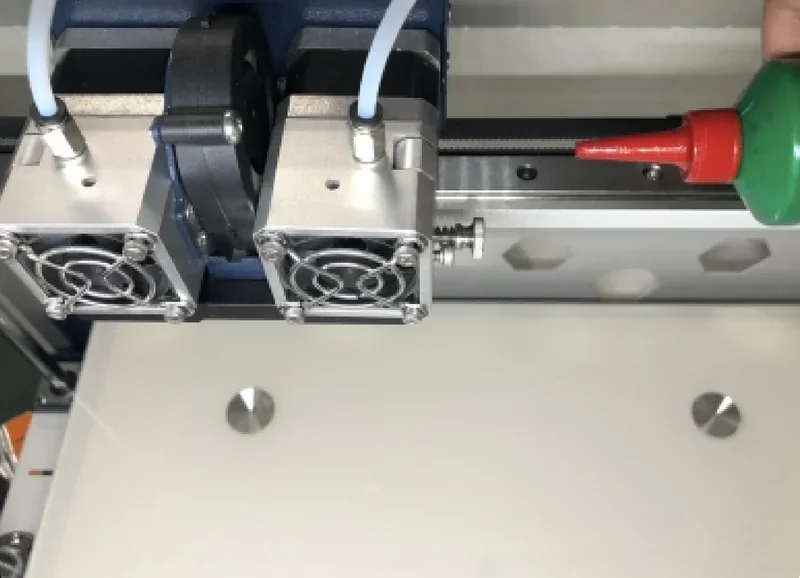
The Creatbot 3D F430 includes a 12-month warranty covering all components except nozzles and hotends, which carry a 6-month warranty. CreatBot provides free replacement parts plus repair guides through videos and documentation.
Top 3D Shop supports the F430 with warranty coverage, setup help, and technical assistance. Service is available Monday–Friday by phone, email, or live chat.
CreatBot provides lifetime free support via email (support@creatbot.com) and Skype, offering prompt responses and real-time assistance for F430 users.
Full warranty terms are available at https://www.creatbot.com/warranty
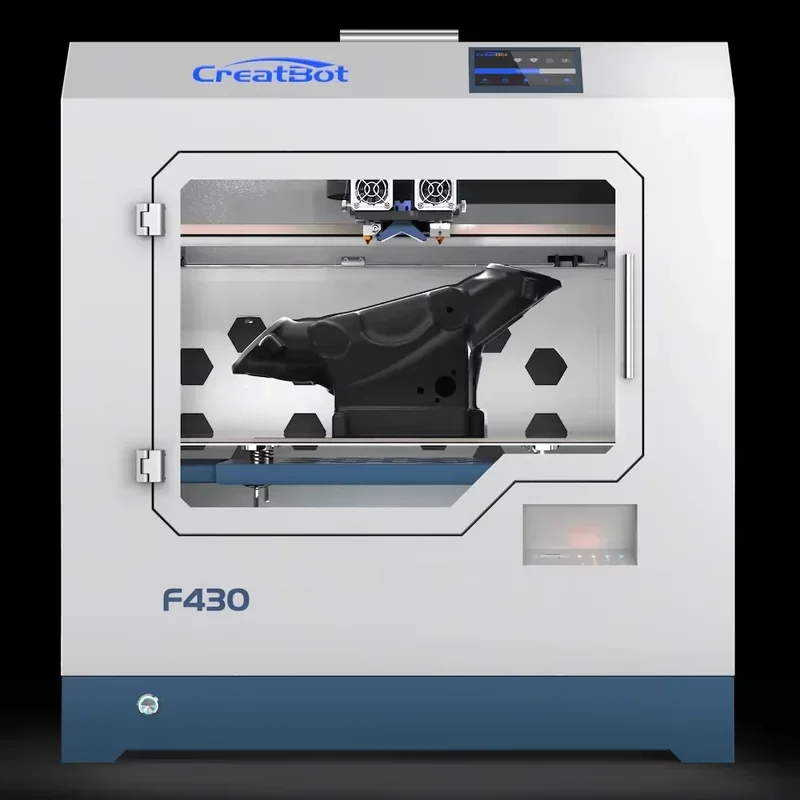
The CreatBot F430, priced at $3,739.00, offers industrial-grade performance with dual extruders, a fully enclosed HEPA-filtered chamber, and precise temperature control for engineering materials like PEEK. Its 400 × 300 × 300 mm build volume provides strong value compared to larger industrial systems. For custom needs or bulk orders, contact Top 3D Shop for a tailored quote.
Update your browser to view this website correctly. Update my browser now