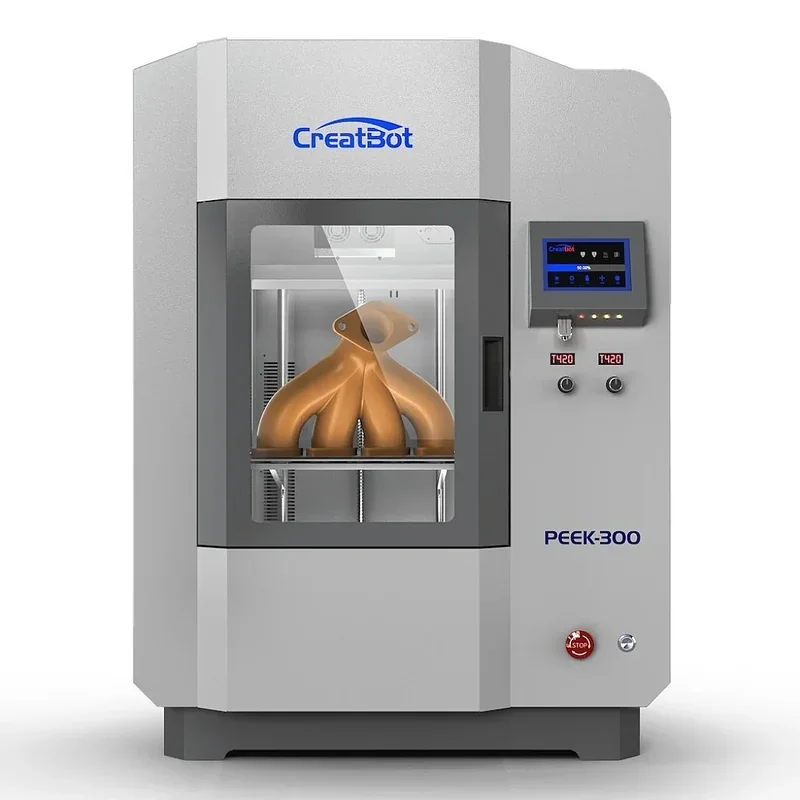
Creatbot PEEK-300: Ultra High-Temperature Professional PEEK ULTEM 3D Printer (Second Generation Latest Version)


- Direct Annealing System up to 400°C
- 500°C nozzles with 120°C heated chamber
- 300 × 300 × 400 mm build volume
- Trusted by NASA, Volkswagen, and Bosch
- Flexible Payment Terms
- 1 Year Warranty
- Local Technical Support
- Free Online Training
- Dual extruder print head
- USB flash drive
- Power cable
- Set of hex keys
GET EXTRA 7% OFF – USE CODE "CREAT7"!
The CreatBot PEEK-300 is an industrial FDM printer built for high-performance polymers like PEEK and ULTEM, featuring a Direct Annealing System (DAS) for precise in-print annealing up to 400°C to reduce warping and cracking. With 500°C nozzles, a 200°C bed, 120°C chamber, and triple thermal isolation, it offers superior thermal control over standard models. Supporting a 300 × 300 × 400 mm build volume, it prints end-use parts from engineering and ultra-performance materials for industries like aerospace, medical, and automotive, and is trusted by organizations such as Volkswagen, Bosch, Oxford University, and NASA.
- What is the print quality and performance of the Creatbot PEEK-300 Ultra High-Temperature PEEK Ultem 3D Printer?
- Which filaments can you use with the Creatbot PEEK-300 FDM 3D Printer?
- What is the build volume of the Creatbot PEEK-300 Professional 3D Printer?
- What is the difference between the Creatbot PEEK-300, Creatbot PEEK-250, Intamsys Funmat Pro 410, VisionMiner 22 IDEX, Apium P400?
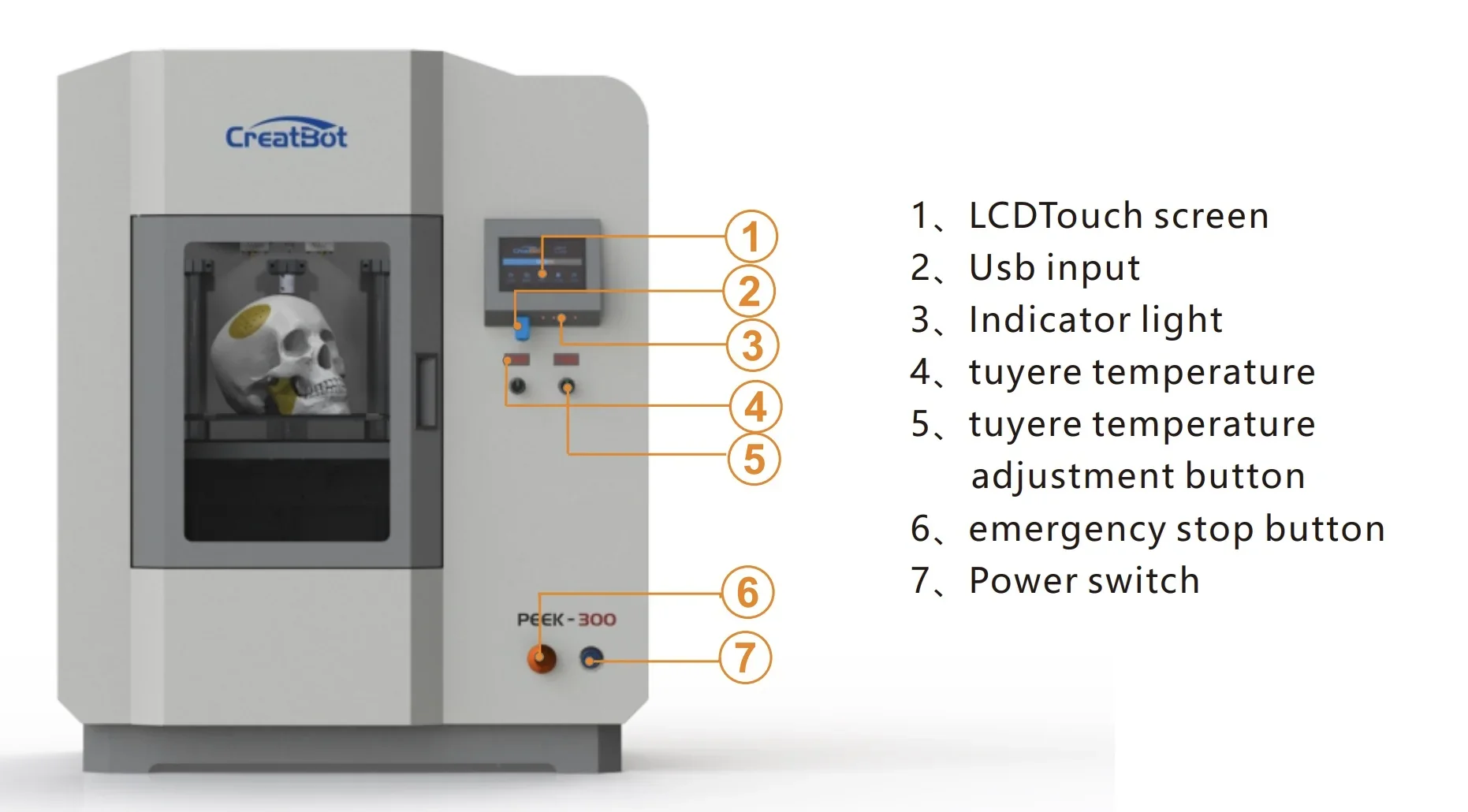
- What printer controls are available on the Creatbot PEEK-300?
- What connectivity options are available on the Creatbot PEEK-300?
- What software is offered with the Creatbot PEEK-300?
- What is the design and build quality of the Creatbot PEEK-300 Second Generation Latest Version 3D Printer?
- What comes included in the box with Creatbot PEEK-300?
- What upgrades and accessories are available for the Creatbot PEEK-300?
- What maintenance is required for the Creatbot PEEK-300?
- What support and warranty come with the Creatbot PEEK-300?
- How much does the Creatbot PEEK-300 cost?
What is the print quality and performance of the Creatbot PEEK-300 Ultra High-Temperature PEEK Ultem 3D Printer?
The CreatBot PEEK-300 achieves 40-micron resolution, impressive for high-performance materials prone to warping. Its motion system provides 0.0127 mm X/Y precision and 0.00125 mm Z precision, ensuring clean edges, dimensional stability, and fine detail.
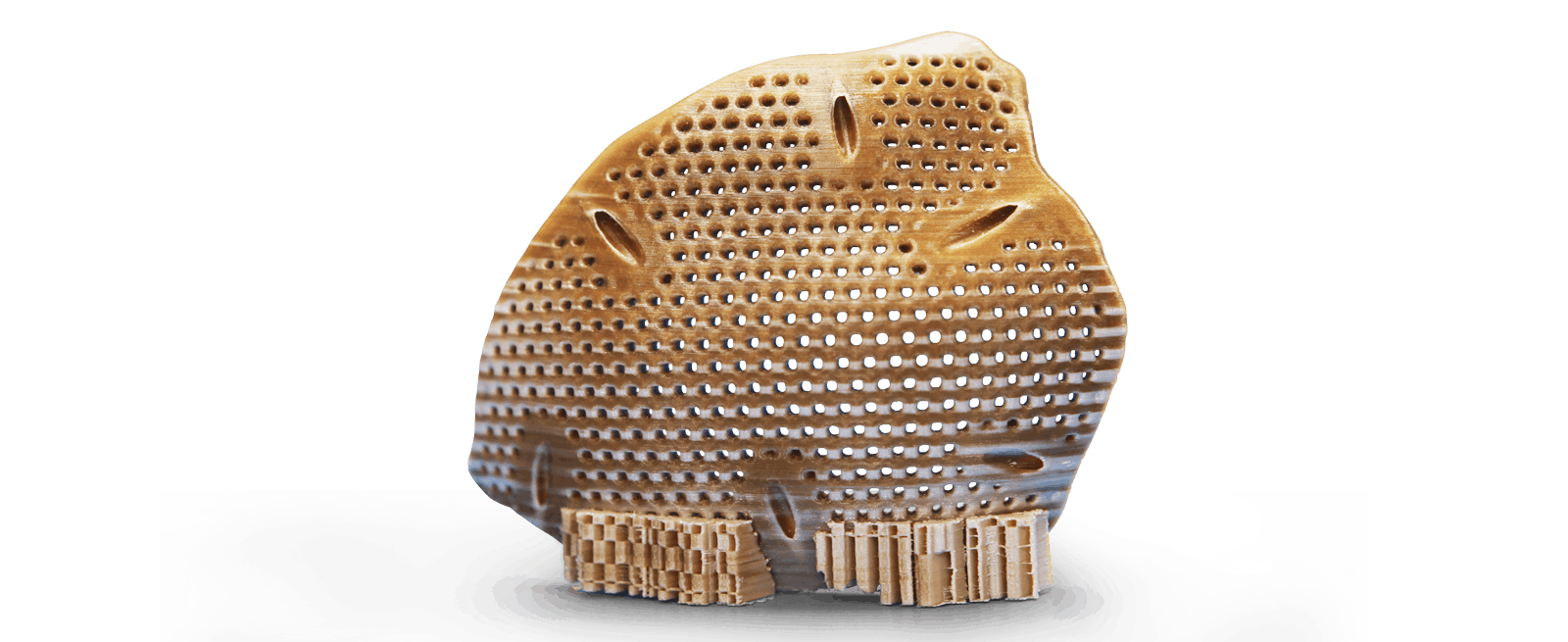
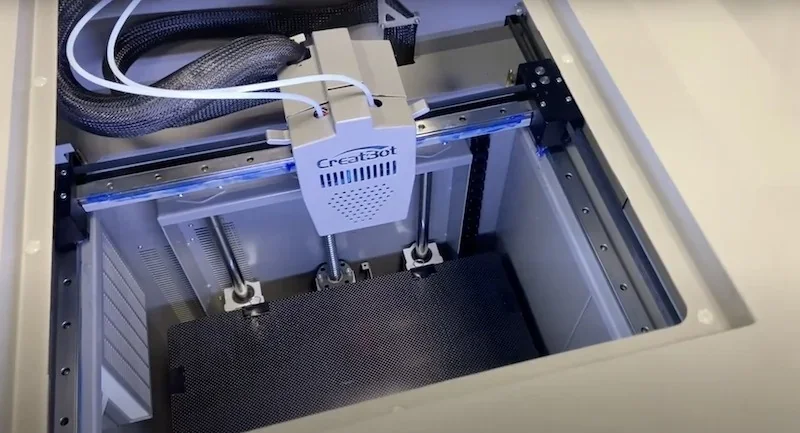
The CreatBot PEEK-300 prints at up to 180 mm/s, with optimal results at 55 mm/s. Its H-Bot kinematics use metal-milled carriages, Hiwin linear rails, and a steel-reinforced 10 mm belt for stable precision. The Z-axis runs on a fixed ball screw with dual 16 mm guides for consistent layers. Bed adhesion is supported by manual adjustment and BLTouch auto-leveling.
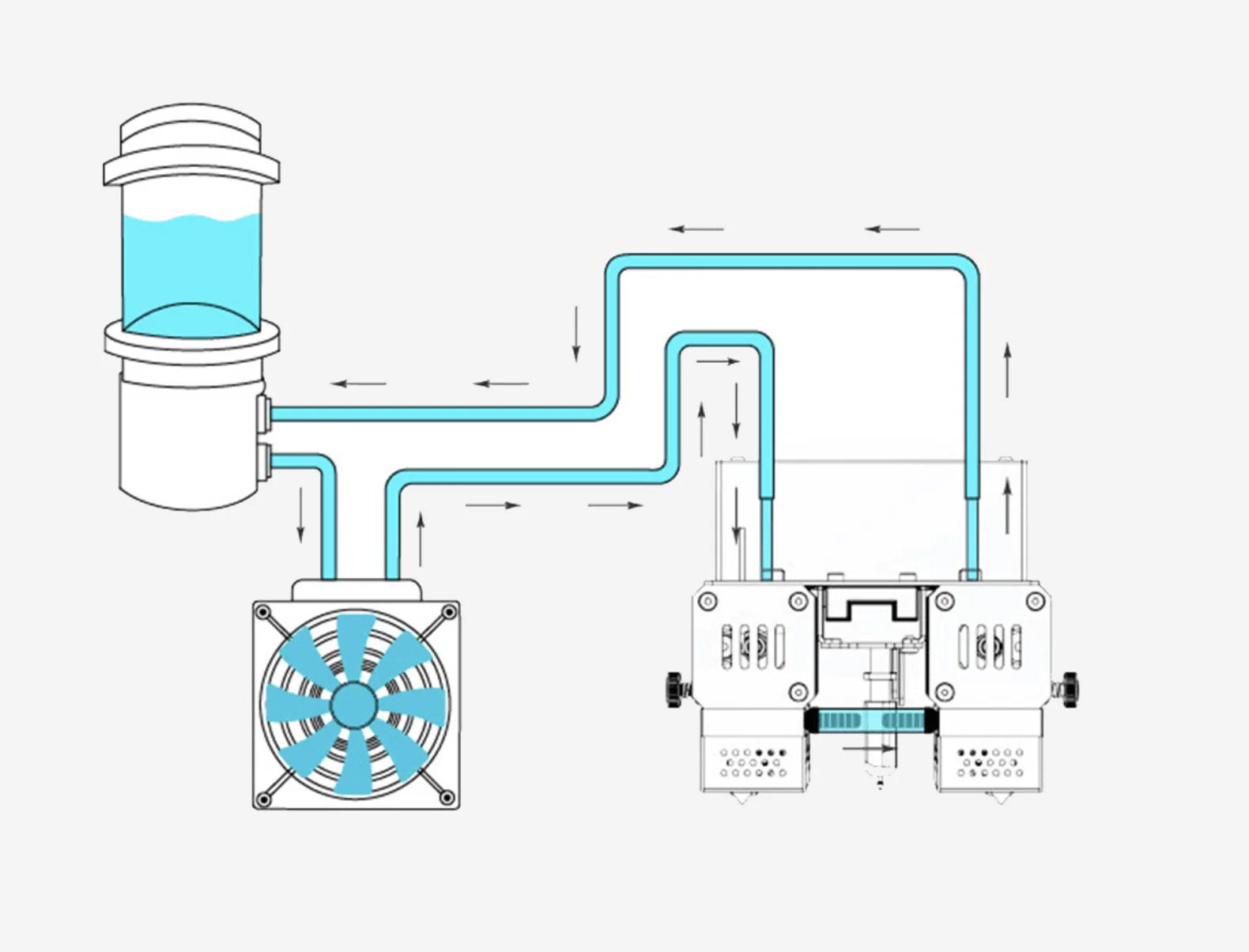
The PEEK-300’s dual liquid and air pump cooling system maintains stable temperatures, preventing print issues with high-performance materials and further improving quality.
Cooling Mechanism:
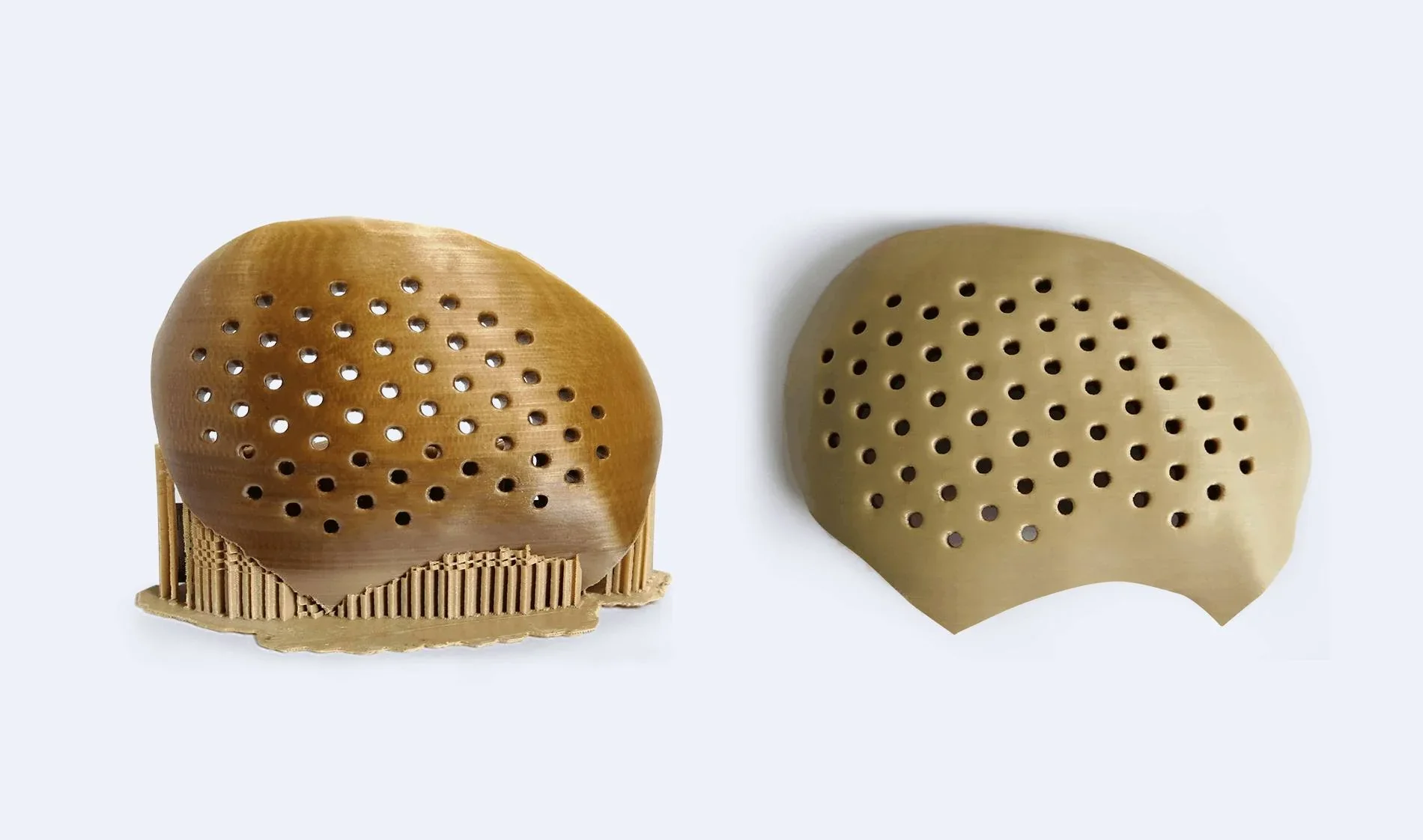
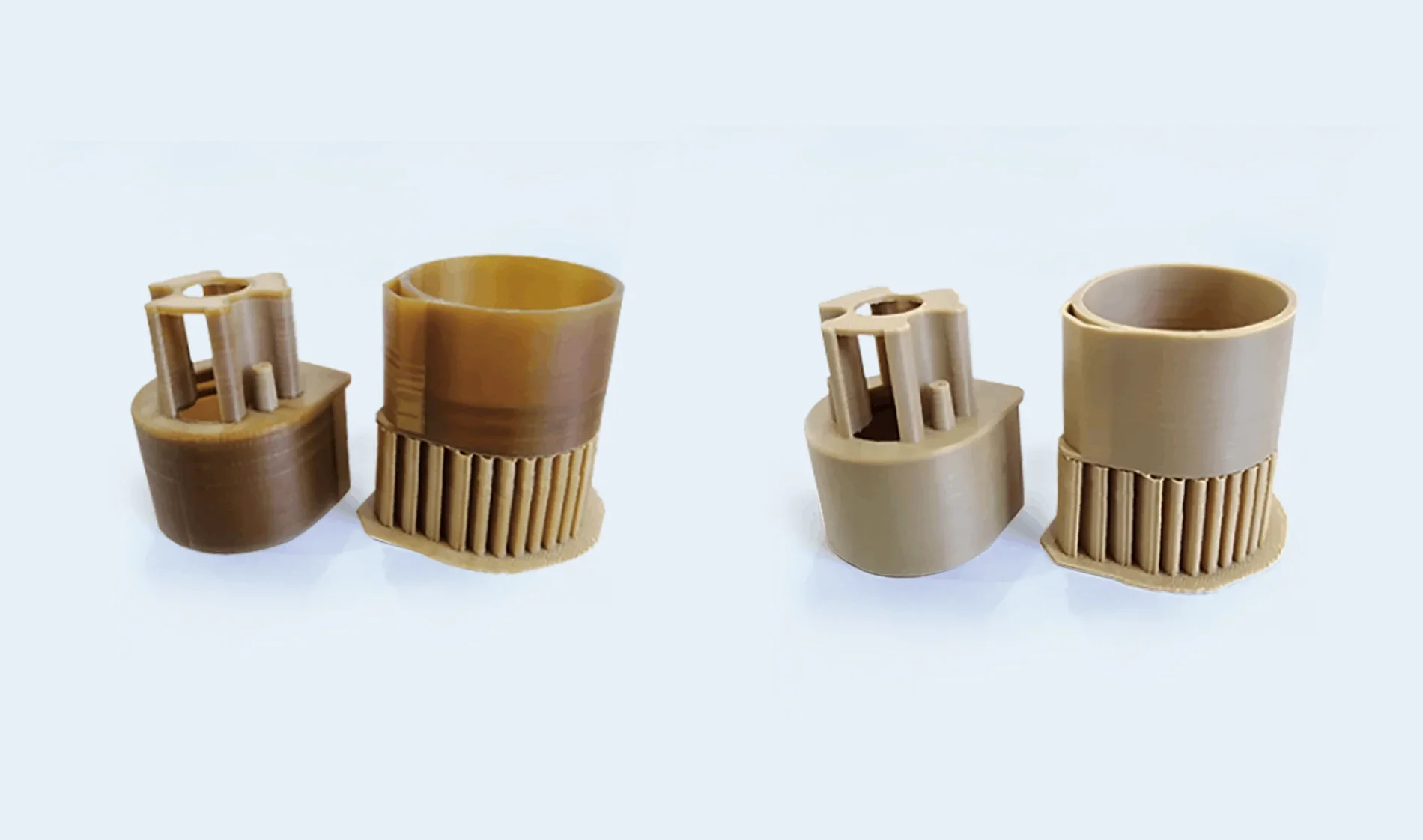
The PEEK-300’s triple heat isolation keeps chamber temperatures stable, while the Direct Annealing System controls crystallization during high temperature printing. This produces stronger parts with reduced internal stress.
The image shows a print sample Before Annealing & After Annealing.
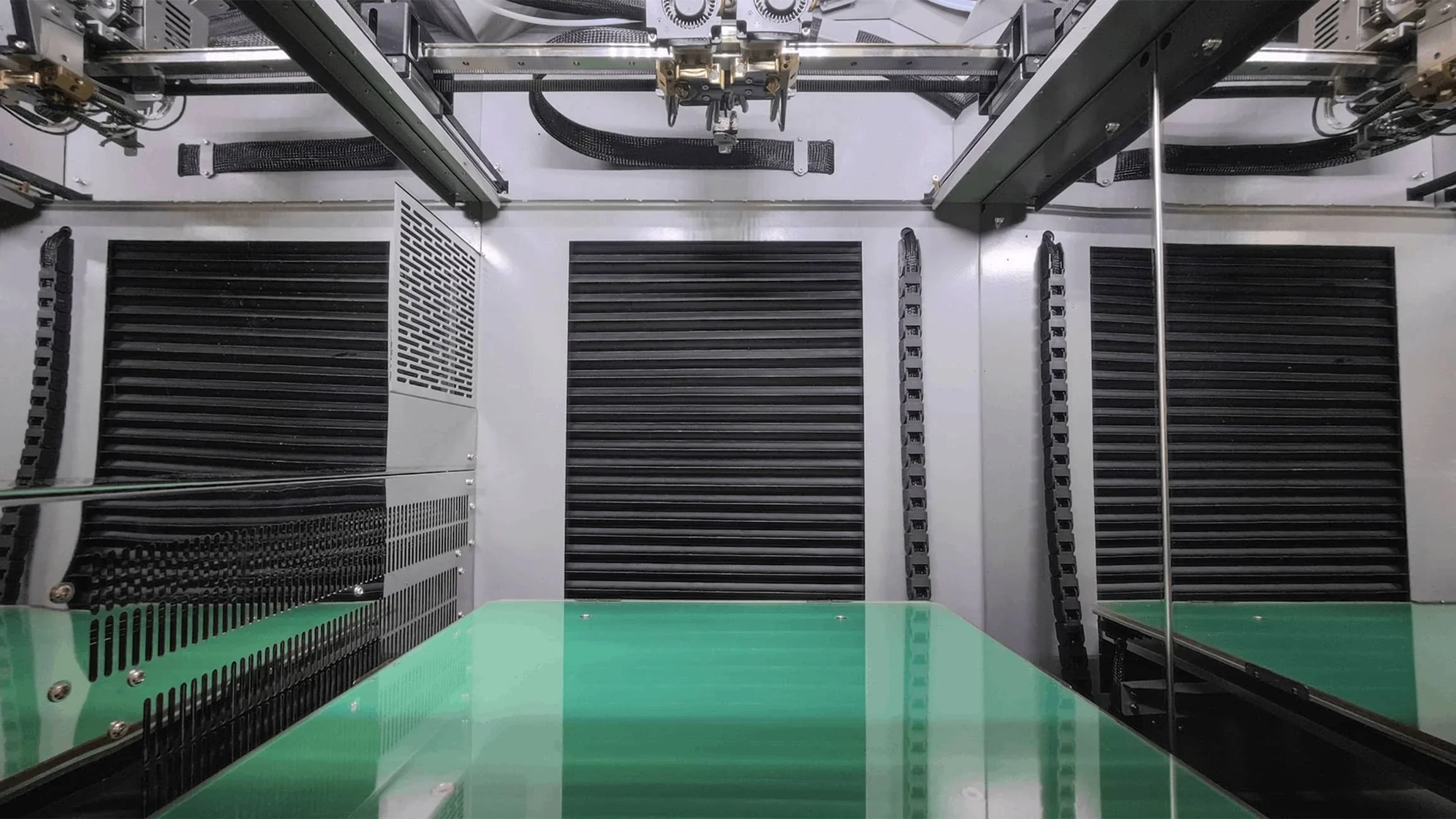
Heated Chamber:
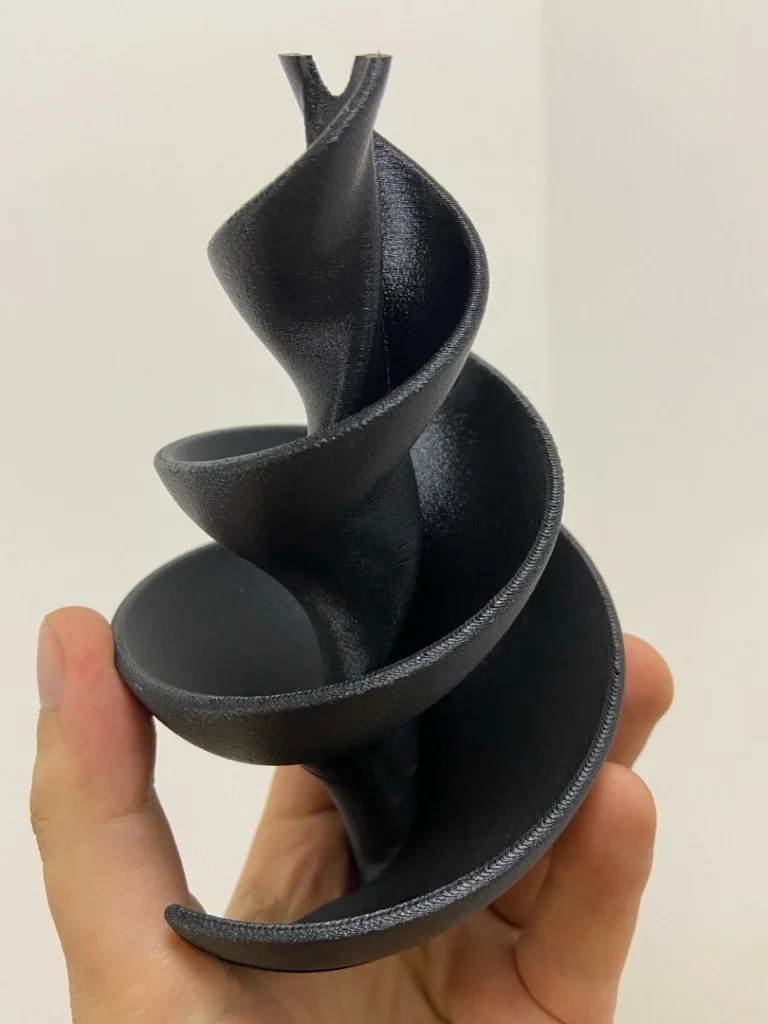
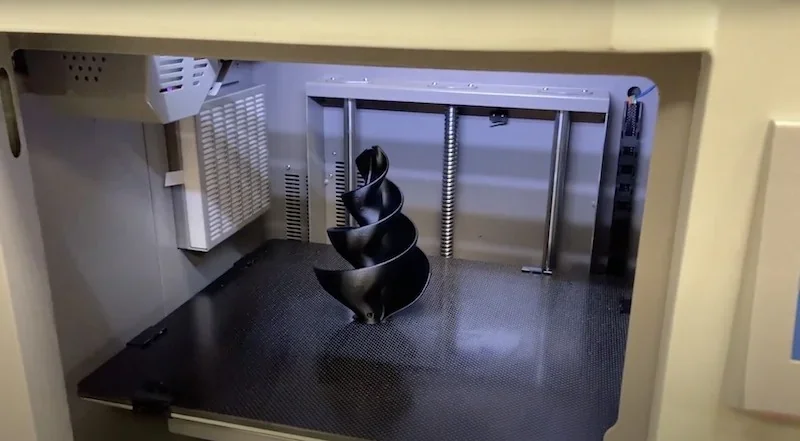
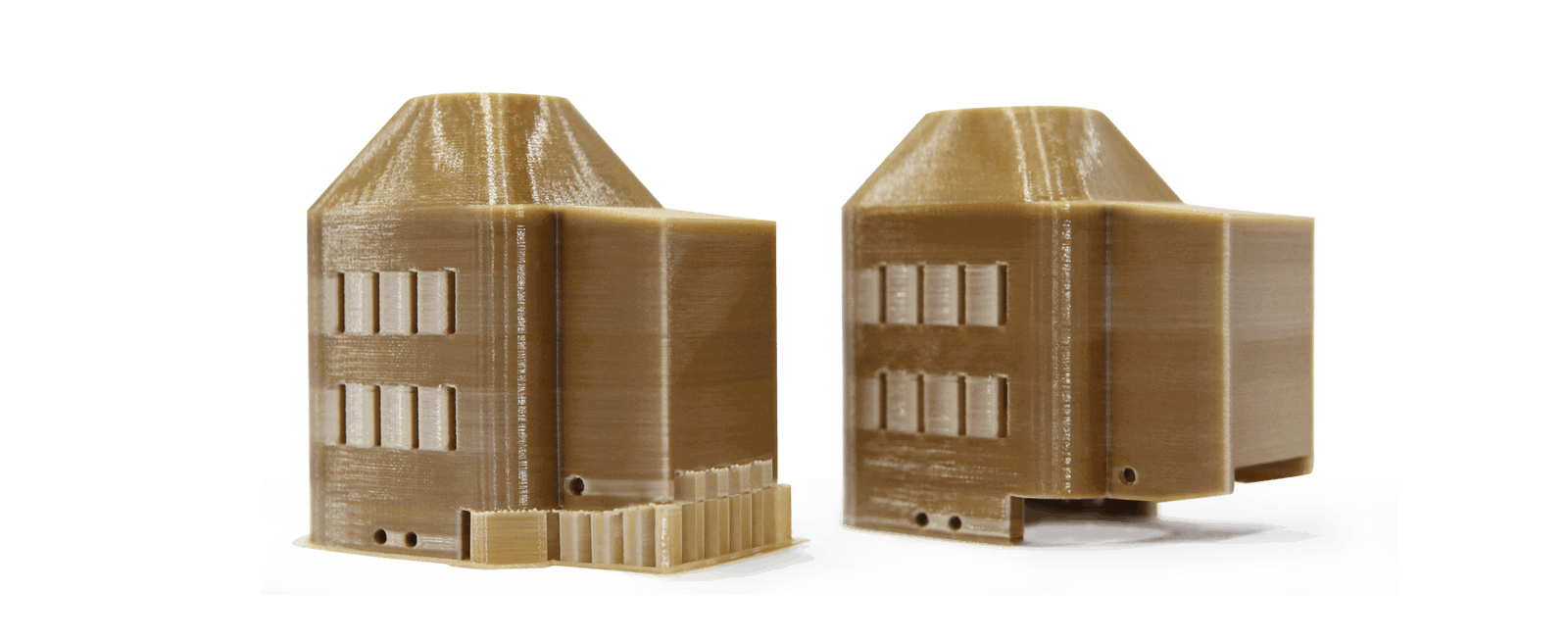
Example: An impeller printed in CF-ABS at 0.2 mm layer height with 300°C extruder, 120°C bed, and 70°C chamber required no supports and delivered uniform, high-quality surfaces.
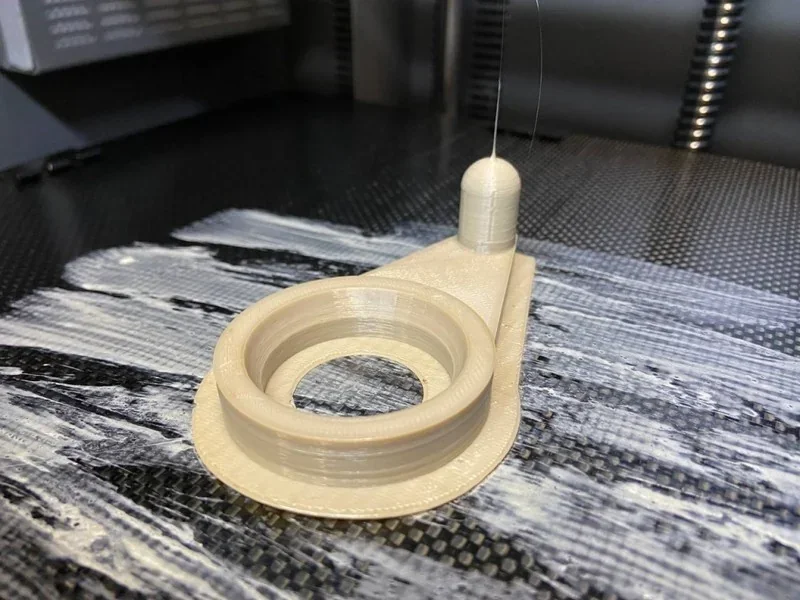
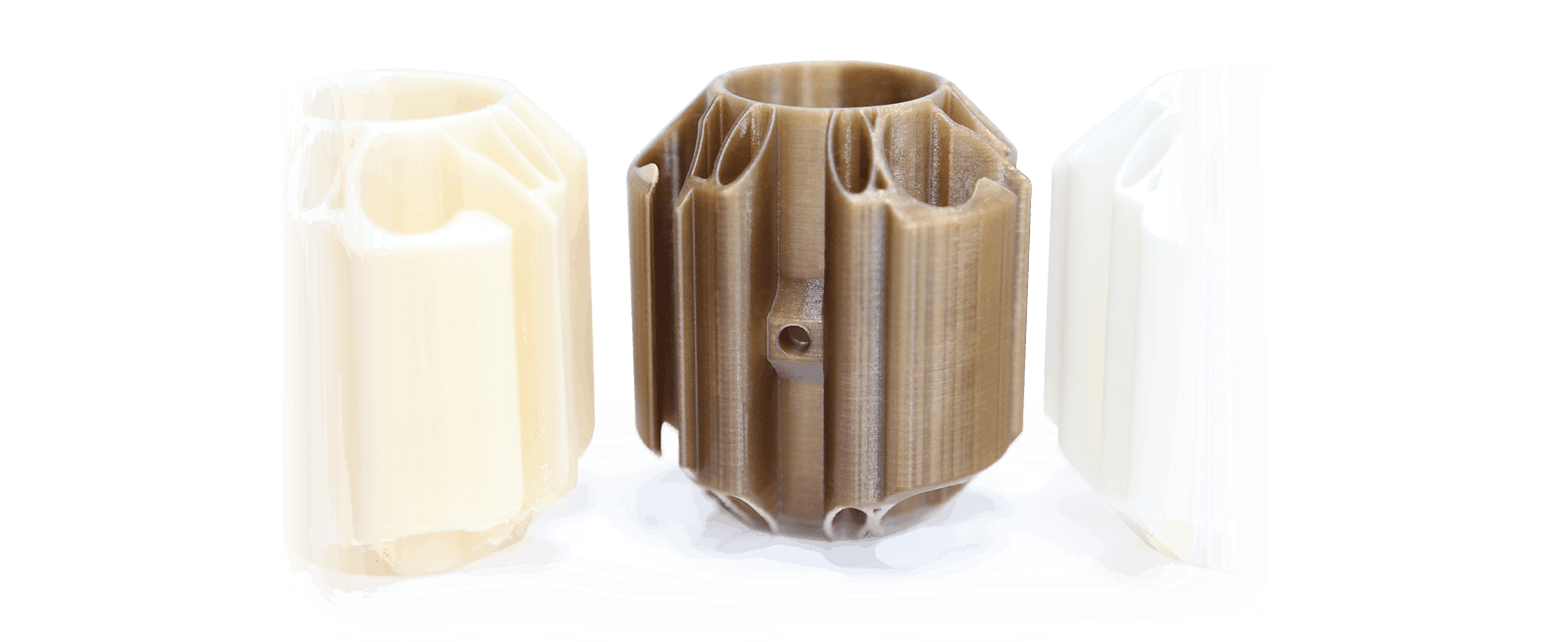
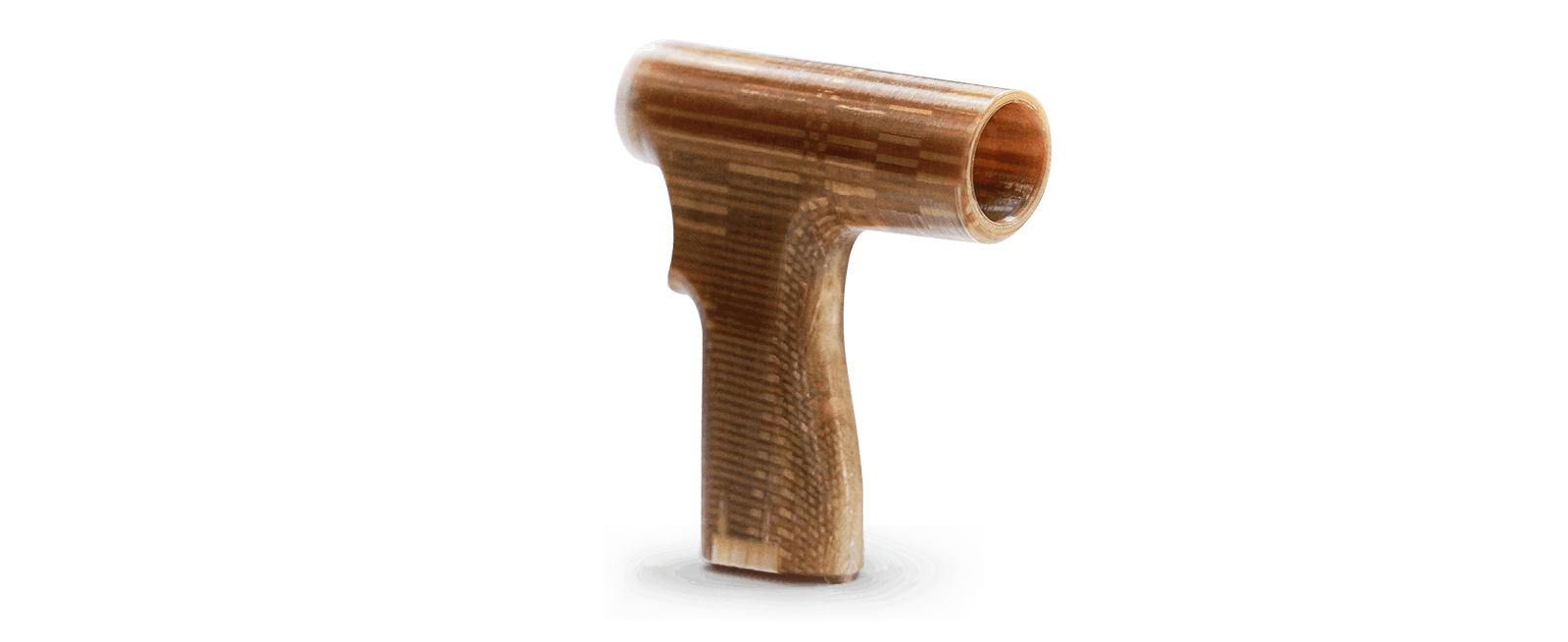
Example: A PEEK 3D print showed consistent color with no delamination, confirming stable temperature control and proper material crystallization.
Why is the 400°C maximum direct annealing temperature critical for high-performance materials?
Annealing PEEK at 400°C relieves stress and improves crystallinity, enhancing strength and stability. Per the study “Post-Processing PEEK 3D-Printed Parts,” the annealing process can raise tensile strength by 6 MPa and bending strength by 16 MPa.
Which filaments can you use with the Creatbot PEEK-300 FDM 3D Printer?
The CreatBot PEEK-300 FDM 3D Printer supports over 19 filaments, including standard engineering plastics like PLA, ABS, PC, and PA6; high-temp materials such as PPSU, PEI (ULTEM), and PPS; and ultra-performance filaments like medical PEEK, PEKK, and PEEK-CF (with Carbon Fiber), PEEK-GF (with Glass Fiber), enabled by its 500°C nozzle, 200°C heated bed, and 120°C heated chamber.
CF-ABS:
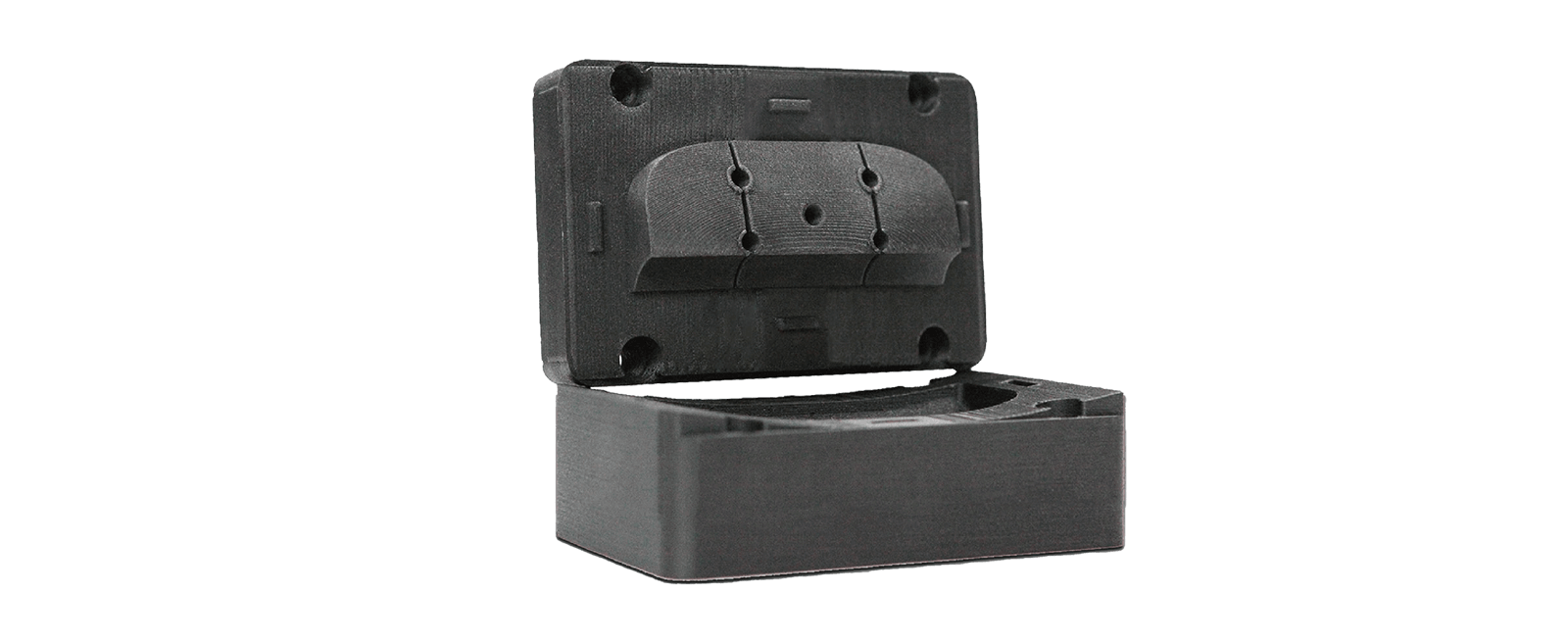
CF-Filled Nylon:
PEEK:
What is the build volume of the Creatbot PEEK-300 Professional 3D Printer?
The CreatBot PEEK-300 offers a 300 × 300 × 400 mm build volume (11.8 × 11.8 × 15.7 in), placing it in the mid-to-large industrial category. This capacity supports single-piece prototypes, end-use parts, and specialized medical or industrial components.
What is the difference between the Creatbot PEEK-300, Creatbot PEEK-250, Intamsys Funmat Pro 410, VisionMiner 22 IDEX, Apium P400?
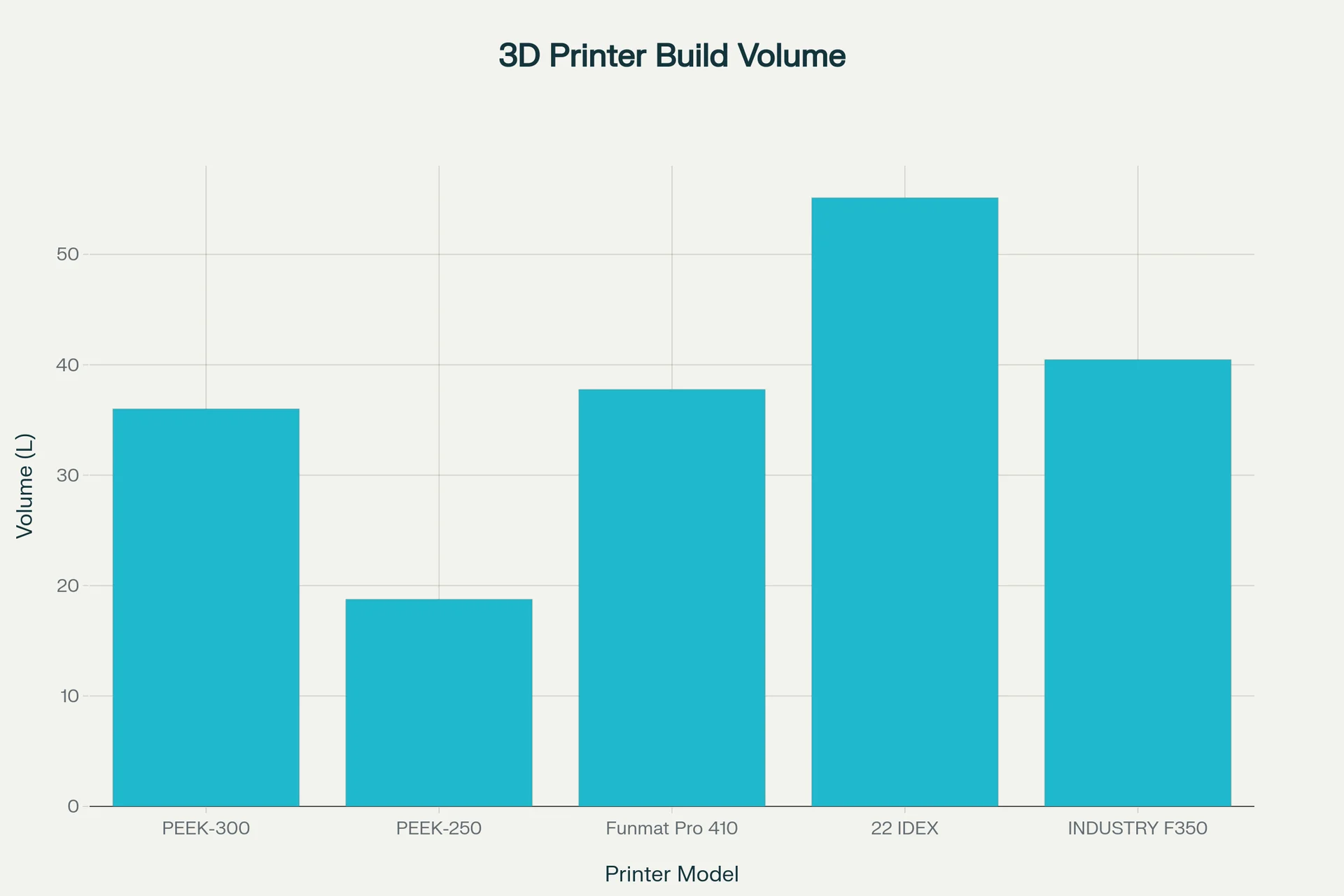
CreatBot PEEK-300 — 300×300×400 mm (36 L) with a 120 °C chamber, 480 °C nozzle, 200 °C bed, and Best 55 / Max 180 mm/s at ~$13,999+: a balanced, mid-price PEEK/ULTEM platform that pairs a genuinely hot chamber with solid build volume and reliable thermal specifications.
In contrast:
- CreatBot PEEK-250 — Wins: supports direct annealing of parts, hottest chamber by far (200 °C active), same 480 °C nozzle and 200 °C bed, and the highest stated max speed (200 mm/s). Loses: much smaller build volume (18.75 L).
- Intamsys Funmat Pro 410 — Wins: slightly larger build (37.77 L), hotter 500 °C nozzle, local US/EU manufacturer support, application consulting. Loses: cooler chamber (90 °C), bed (160 °C), doesn't support in-situ annealing, lower top speed spec (120 mm/s), and a much higher price (~$27,995+).
- VisionMiner 22 IDEX — Wins: largest build (55.12 L), hottest bed (250 °C), and 500 °C nozzle with competitive print rates (~30–200 mm/s) at the lowest price tier (~$9,700+). Loses: cooler chamber (100 °C) than PEEK-300, which affects the interlayer adhesion on ultra-polymers, uses air cooling instead of water cooling, limiting thermal stability for long PEEK/PEKK jobs. The VisionMiner 22 is mainly suited for engineering-grade filaments and small PEEK, PEKK, PEI parts. Doesn't support in-situ annealing.
- Apium P400 — Wins: large volume (36L), but the X-axis is larger, the adaptive heater operates at >500 °C, high-accuracy, printed parts don't require annealing, 540 °C nozzle. Loses: higher price, shorter Z-axis.
| Feature | CreatBot PEEK-300 | CreatBot PEEK-250 | Intamsys Funmat Pro 410 | VisionMiner 22 IDEX | Apium P400 |
|---|---|---|---|---|---|
| Build Volume (mm) | 300 × 300 × 400 | 250 × 250 × 300 | 305 × 305 × 406 | 350 × 350 × 450 | 400 × 300 × 300 |
| Build Volume (L) | 36.00 | 18.75 | 37.77 | 55.12 | 36.00 |
| Chamber (°C) | 120 | 200 | 90 | 100 | Adaptive heater operates at >500 °C target |
| Nozzle (°C) | 480 | 480 | 500 | 500 | 540 |
| Bed (°C) | 200 | 200 | 160 | 250 | 200 |
| Price (USD) | $13,999 | $11,159.07 | $27,995 | $9,700 | $125,000+ |
Bottom-Line:
- Buy the Creatbot PEEK-300, when you want the strongest overall balance of chamber heat, build volume, and price.
- Upgrade to the Creatbot PEEK-250 for the hottest chamber (supports ULTEM, smaller parts, maximum crystallinity),
- Consider the VisionMiner 22 IDEX for the largest build volume, but note that it is best suited for engineering-grade filaments, and high-temperature materials are limited to small-/medium-sized prints, preferably with CF composites.
- Buy the Intamsys Funmat Pro 410 for a slightly larger cube and 500 °C nozzle with local US/EU manufacturer support, application consulting.
- Buy the Apium P400, if you need the best results with PEEK 3D printing, combined with enterprise-level support.
What printer controls are available on the Creatbot PEEK-300?
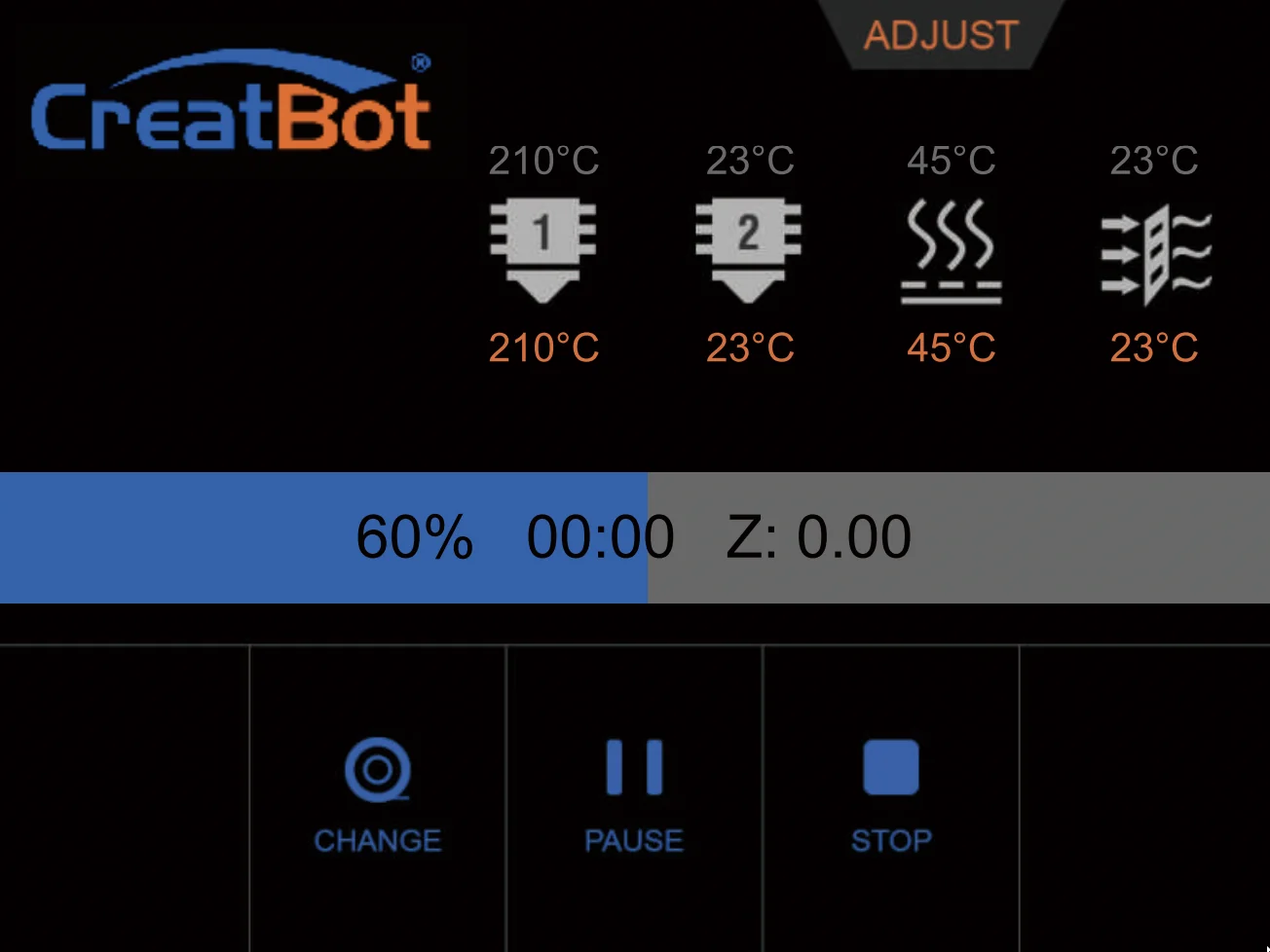
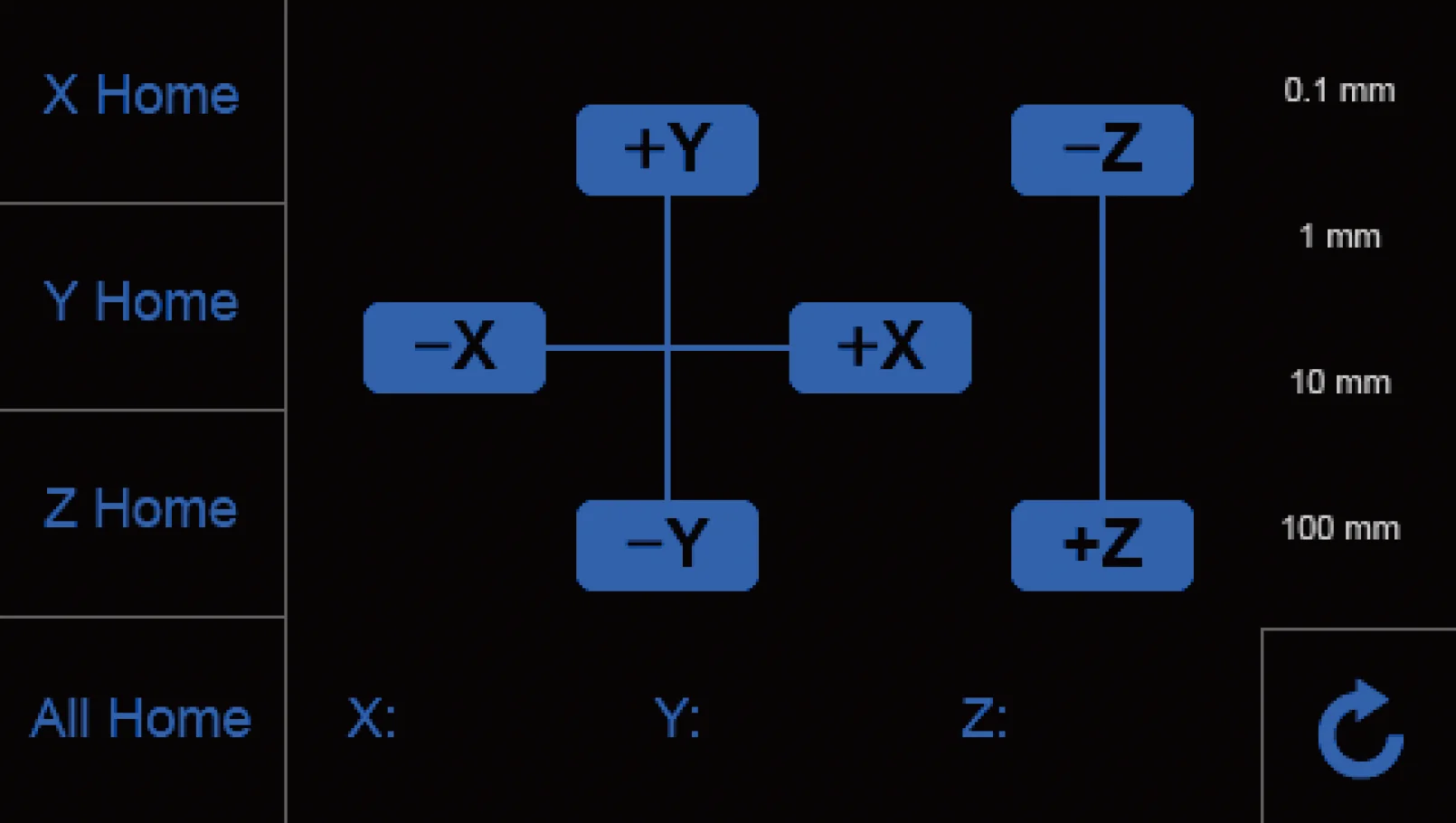
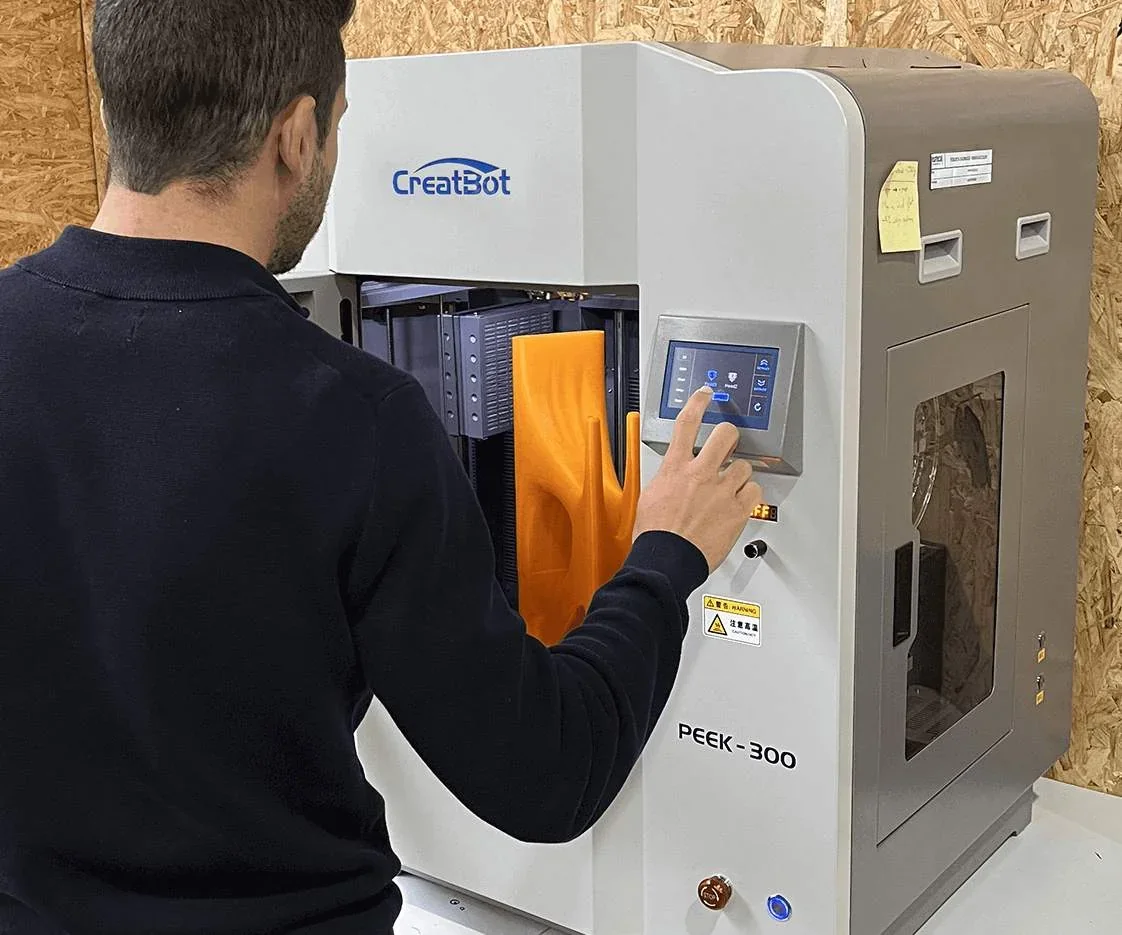
The CreatBot PEEK-300 offers over 46 printer controls via a 4.3-inch touchscreen, including main menu functions, temperature settings for nozzle, bed, and chamber, precise axis movement with increments from 0.1 to 100 mm, filament management for dual extruders, file navigation, and calibration controls such as motor step adjustment and auto leveling.
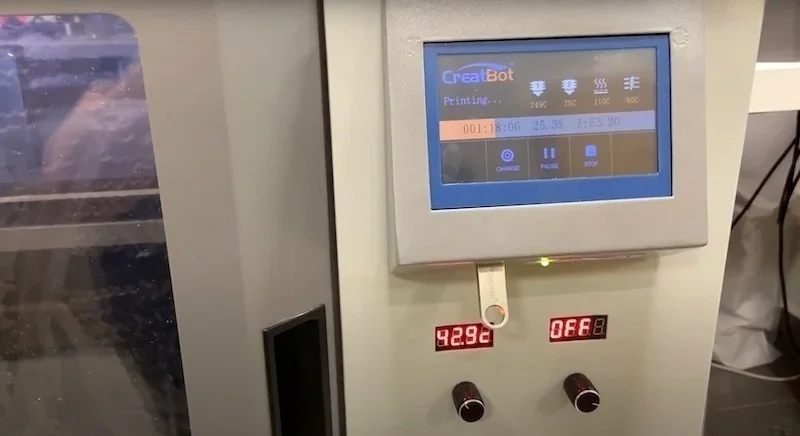
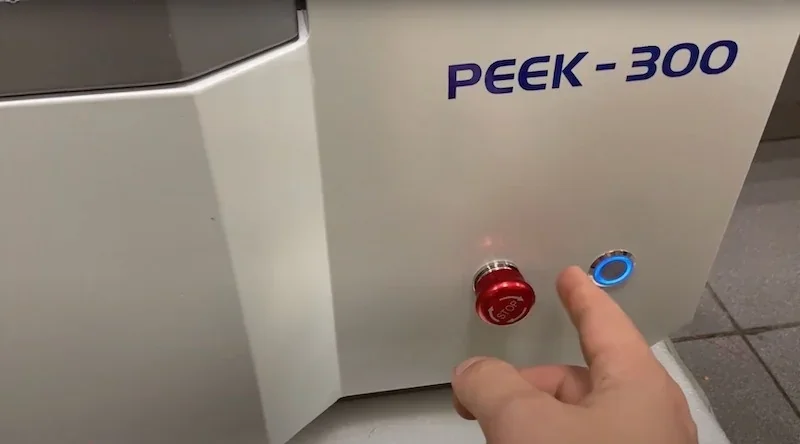
Main Menu Touchscreen Controls (12)
- Preheat PLA – automated heating preset
- Move Axis – access movement controls
- Filament Menu – manage filament functions
- Resume – continue paused operations
- Settings – access configuration menu
- Open U-disk – access external storage files
- Cool Down – reduce temperatures
- USB Unavailable – show connection status
- Z Up – raise build platform
- Pause – suspend operation
- Stop – terminate operation
- Z Down – lower build platform
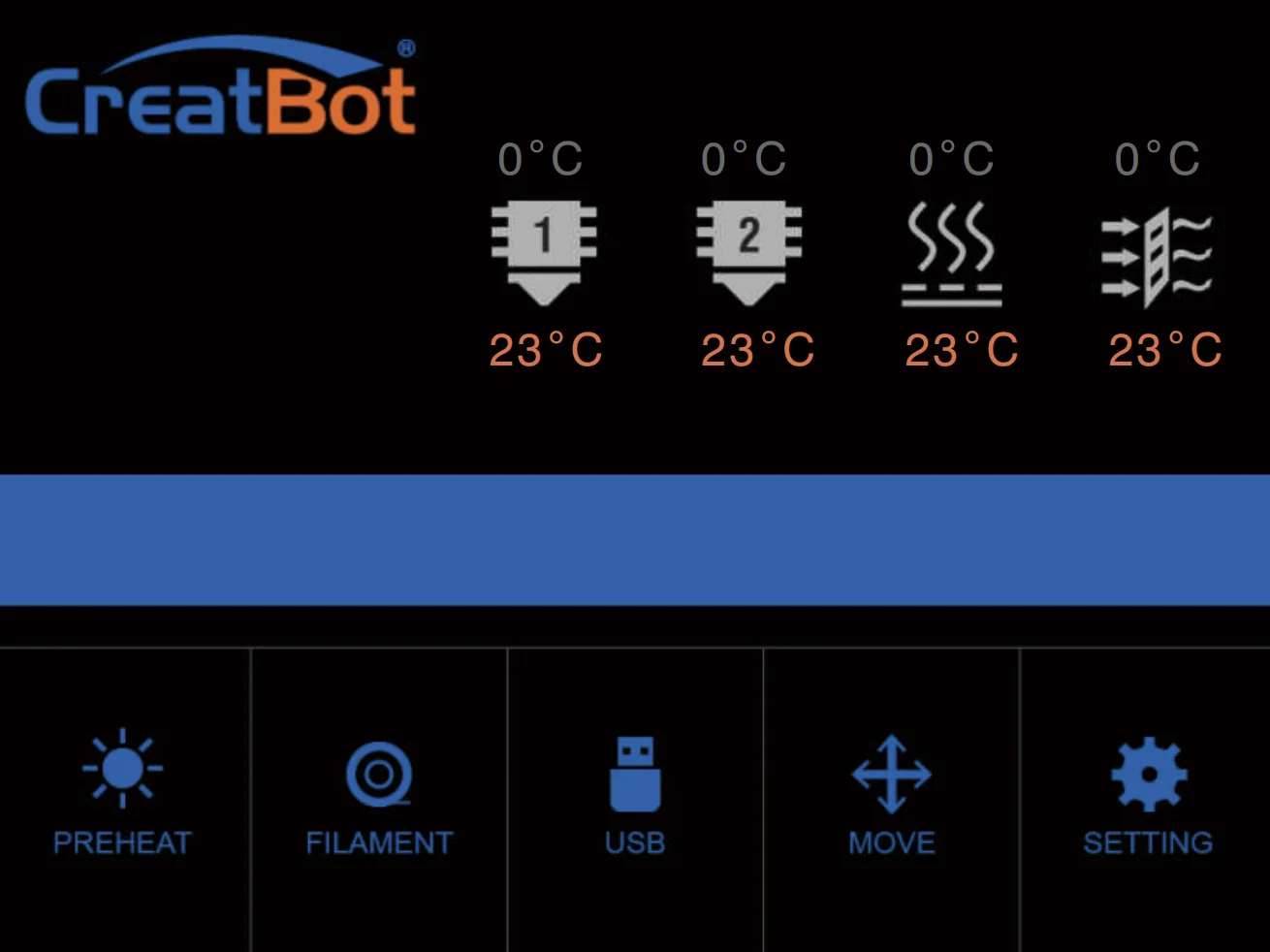
Temperature Setting Controls (4)
- Nozzle Temperature – adjust extruder heating
- Hotbed Temperature – control build plate heat
- Platform Temperature – secondary bed heating
- Hot Air Temperature – control chamber air heat
Axis Movement Controls (14)
- X Home – move X-axis to origin
- Y Home – move Y-axis to origin
- Z Home – move Z-axis to origin
- All Home – home all axes
- +X / -X Movement – shift along X-axis
- +Y / -Y Movement – shift along Y-axis
- +Z / -Z Movement – shift along Z-axis
- 0.1 mm Increment – fine movement step
- 1 mm Increment – standard step
- 10 mm Increment – medium step
- 100 mm Increment – large step
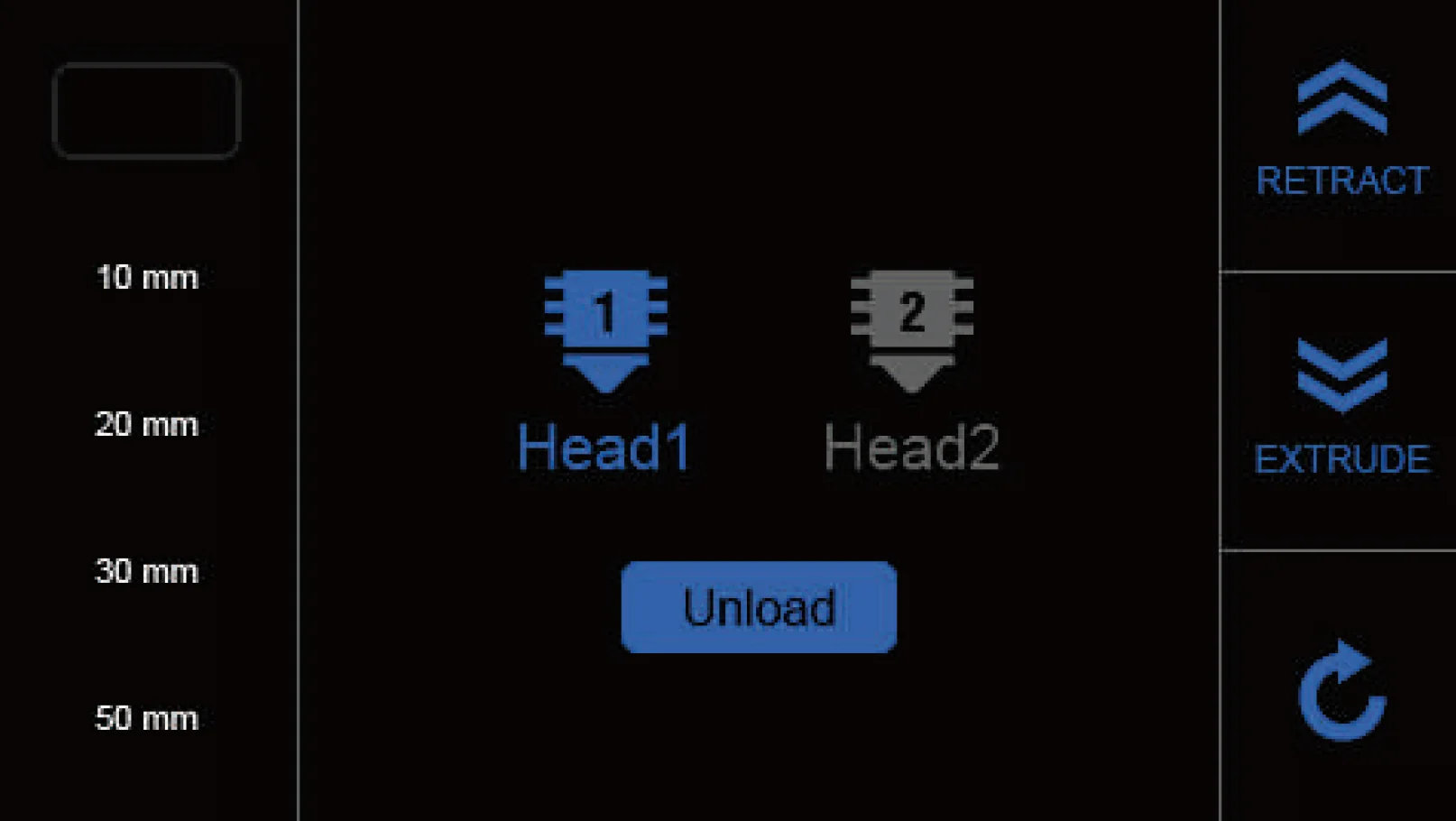
Filament Management Controls (6 Controls)
- Head 1 Selection – activate primary extruder
- Head 2 Selection – activate secondary extruder
- Unload Filament – automated filament removal
- Extrude Filament – feed material
- Retract Filament – withdraw material
- Amount Adjustment – set extrude/retract quantity
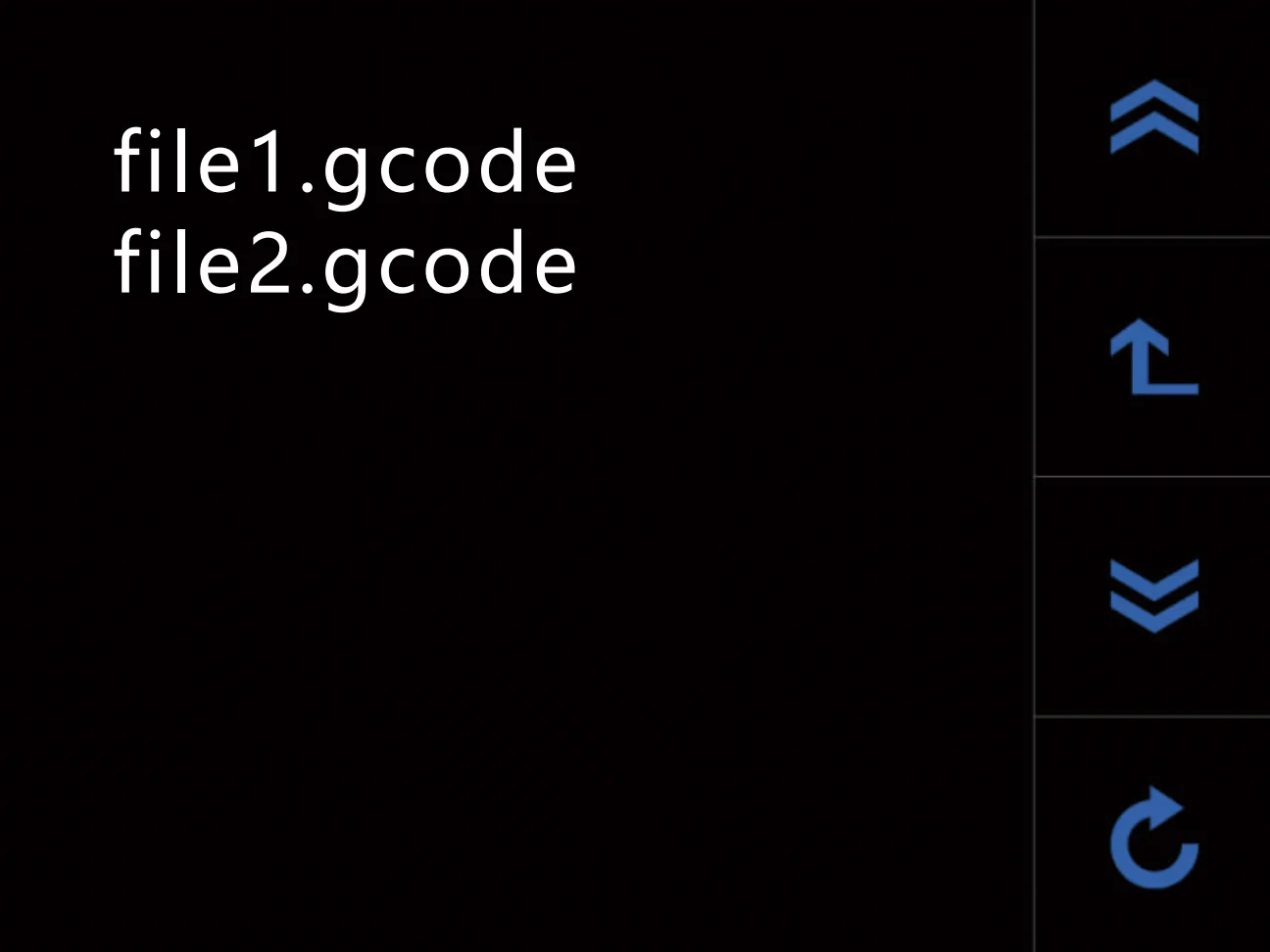
File Management Controls (4)
- File Selection – choose G-code file from storage
- Previous Page – navigate backward in file list
- Next Page – navigate forward in file list
- Menu Navigation – move through menu hierarchy
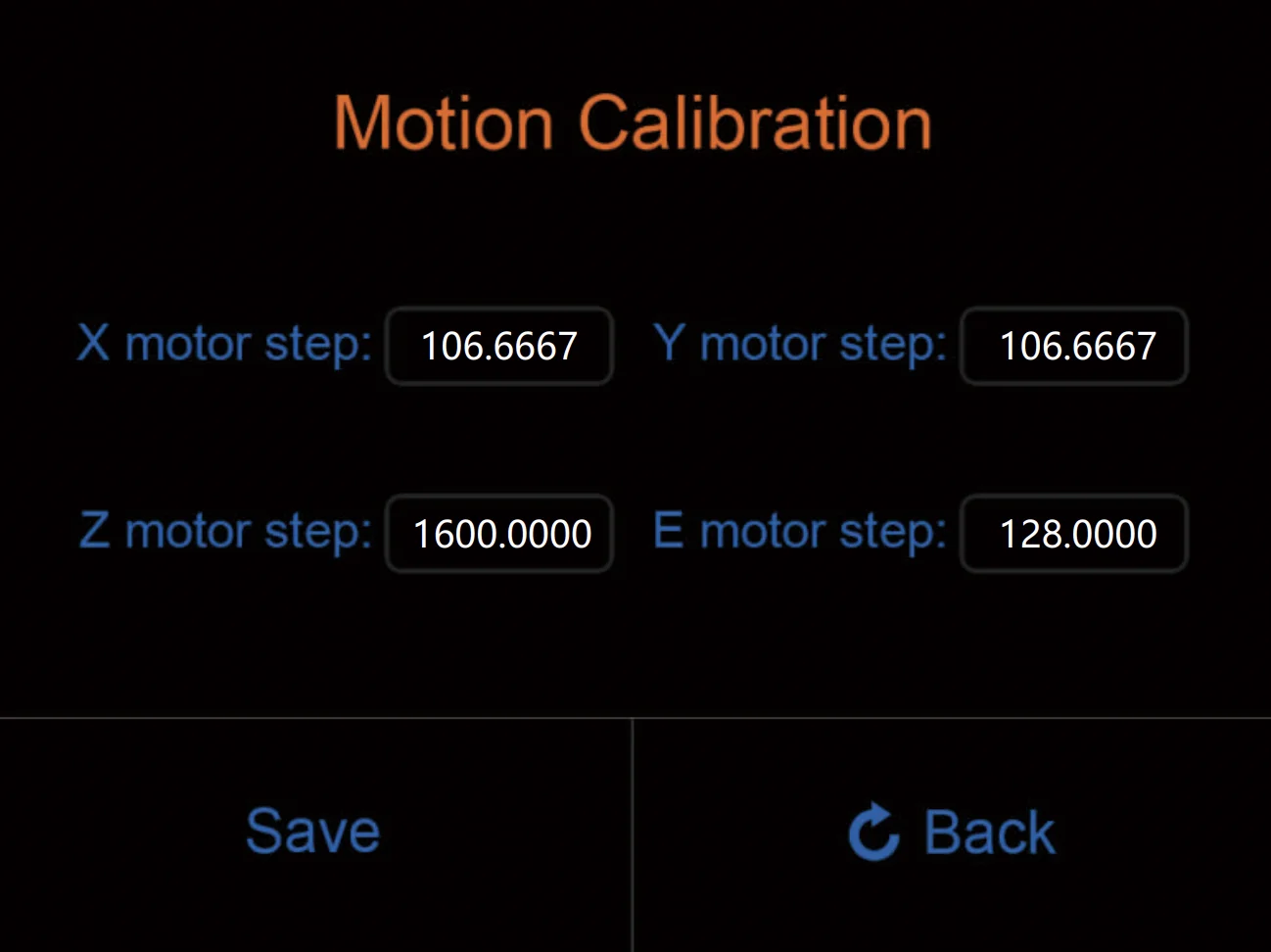
Settings and Calibration Controls (6)
- X Motor Step Setting – calibrate X-axis stepper (range: 5–9999)
- Y Motor Step Setting – calibrate Y-axis stepper (range: 5–9999)
- Z Motor Step Setting – calibrate Z-axis stepper (range: 5–9999)
- E Motor Step Setting – calibrate extruder stepper (range: 5–9999)
- Save Function – store configuration data
- Auto Leveling – run automated bed calibration
The touchscreen supports Chinese and English, auto-dims after 10 seconds of inactivity, and wakes on touch.
What connectivity options are available on the Creatbot PEEK-300?
The CreatBot PEEK-300 offers connectivity through a front USB port for tethered printing and real-time monitoring, as well as a USB drive port for standalone printing from exported G-code files.
What software is offered with the Creatbot PEEK-300?
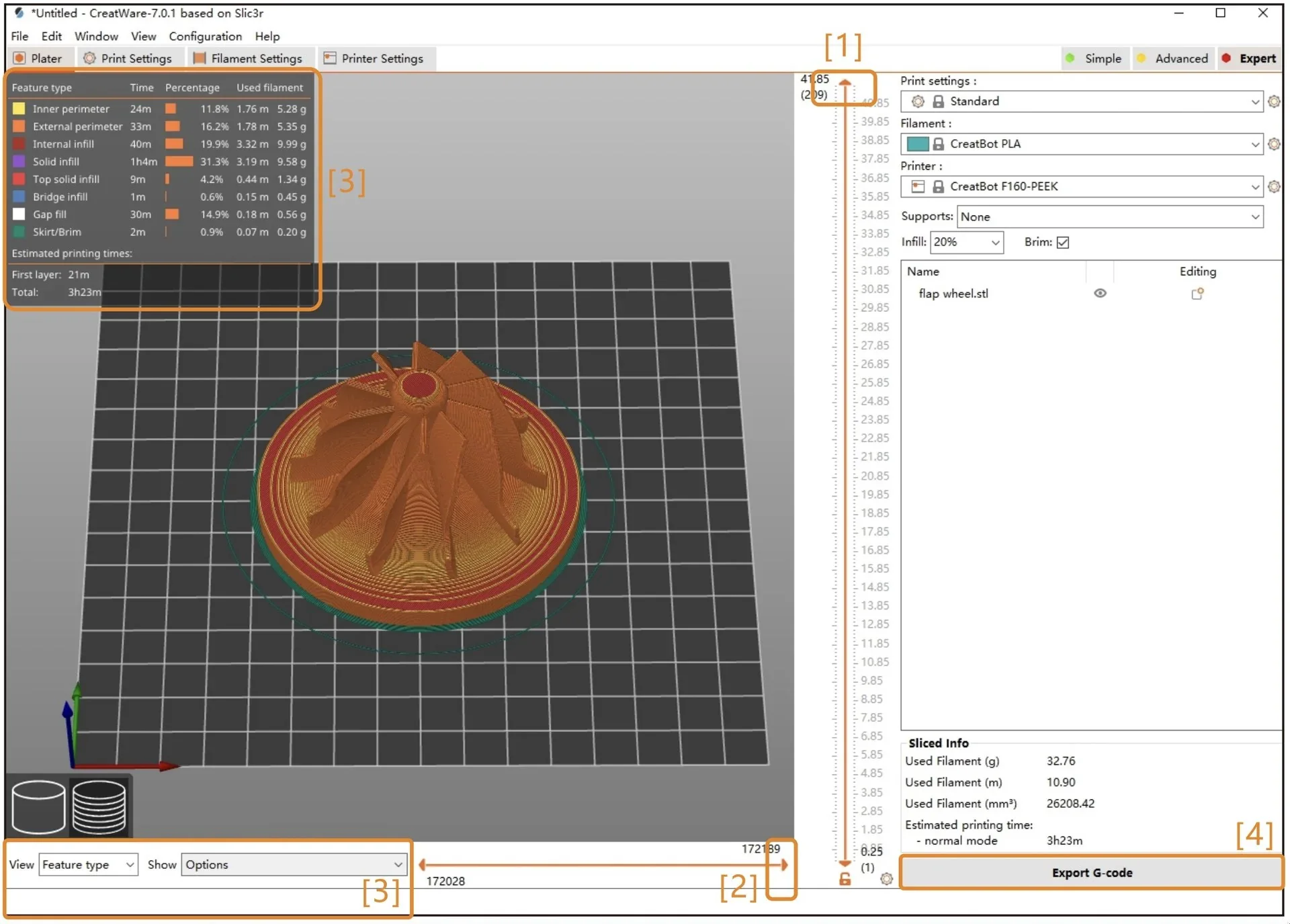
The CreatBot PEEK-300 includes CreatWare, proprietary slicing software optimized for high-temperature materials. It supports multiple languages, offers presets for PEEK, ULTEM, and other advanced filaments, and provides quick-print options for beginners plus advanced controls for temperatures, speeds, supports, and the Direct Annealing System.
The CreatBot PEEK-300 supports an open software ecosystem, compatible with Simplify3D, Cura, and Slic3r. It accepts STL, OBJ, AMF, and G-code formats for broad design compatibility. CreatWare runs on Windows 7/8/10, macOS, and Linux, requiring at least a 2 GHz processor and 1 GB of memory.
What is the design and build quality of the Creatbot PEEK-300 Second Generation Latest Version 3D Printer?
What is the design and form factor of the CreatBot PEEK 300?
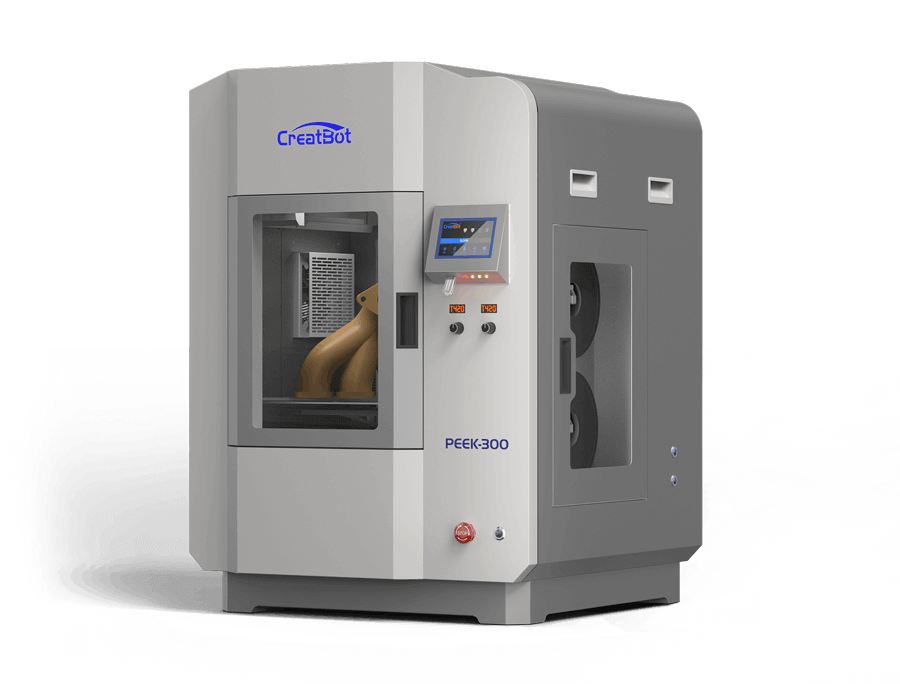
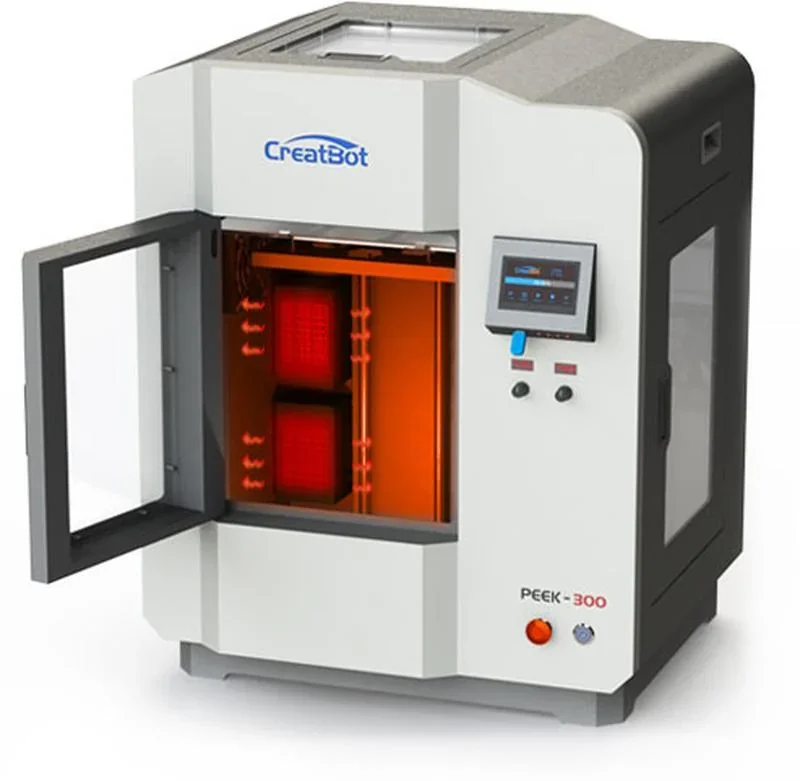
The CreatBot PEEK-300 has a fully enclosed industrial design with grey powder-coated construction. It measures 720 × 700 × 941.5 mm, weighs 110 kg, and features a hot chamber with triple heat insulation.
The CreatBot PEEK-300 provides dual viewing access via a front door and top window. The front door uses double-layer glass—plexiglass outside, natural glass inside—with spacer sleeves forming a thermal air barrier for heat retention. The right panel includes transport handles, ventilation grilles, and a heated external filament storage compartment.
What is the motion system of the CreatBot PEEK 300?
The CreatBot PEEK-300 uses an H-Bot kinematic system with separated belt heights for X and Y movement. It features Hiwin linear rails, machined metal X-axis carriages, and 10 mm reinforced belts. Positioning precision reaches 0.0127 mm (X-Y) and 0.00125 mm (Z).
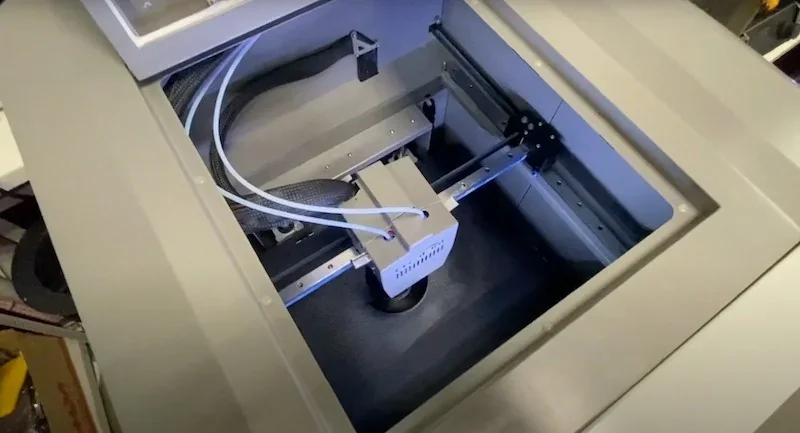
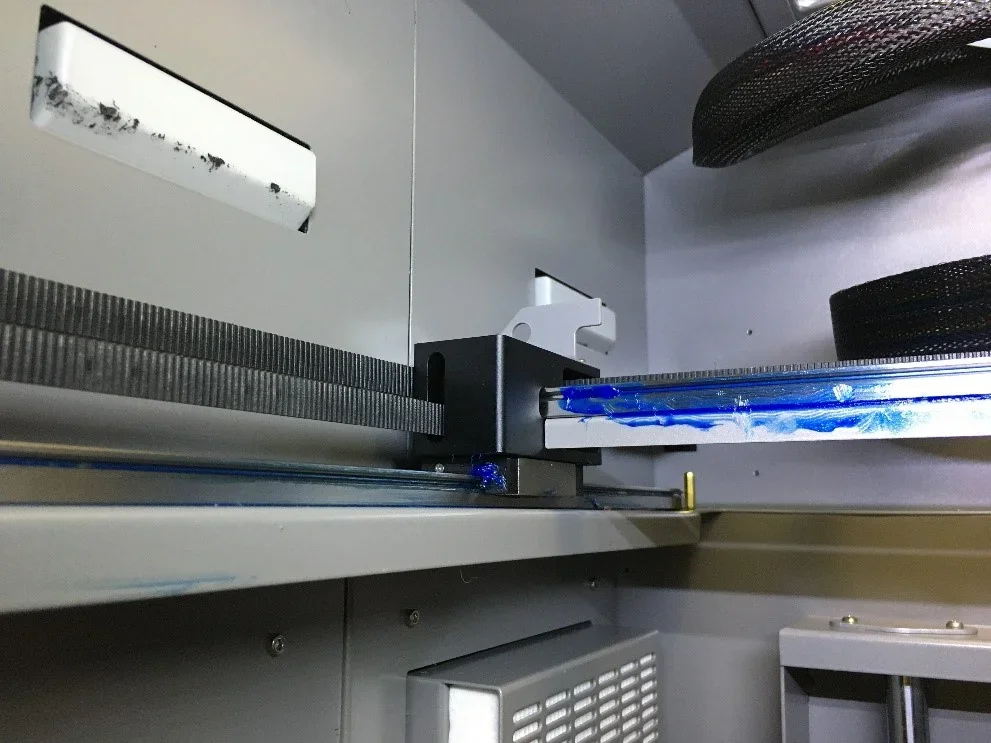
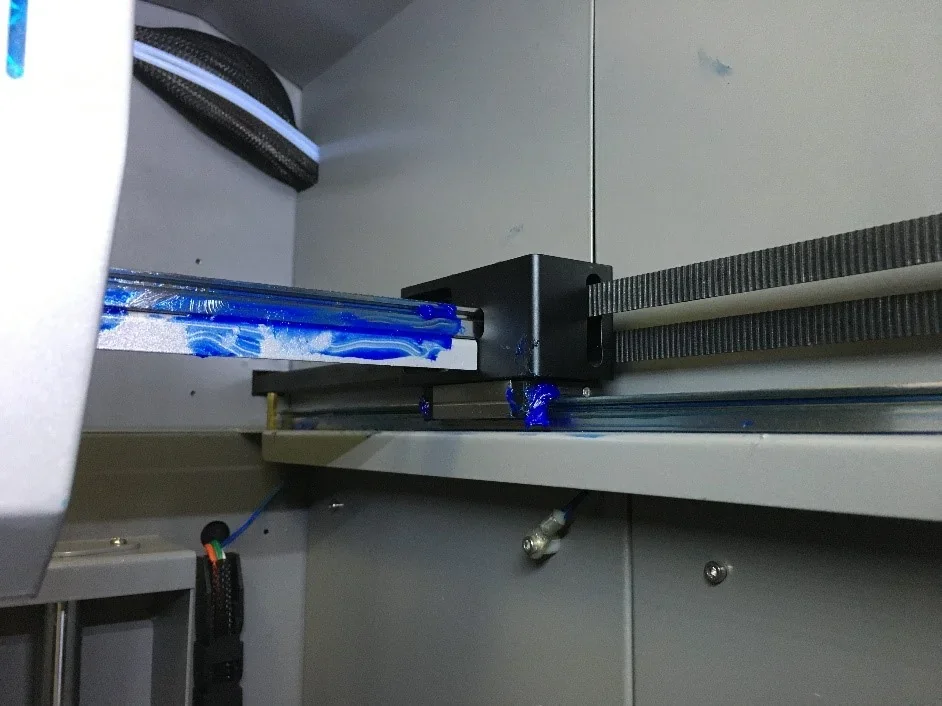
The Z-axis uses a fixed ball screw with dual 16 mm guide rods, driven by a stepper motor via belt connection.
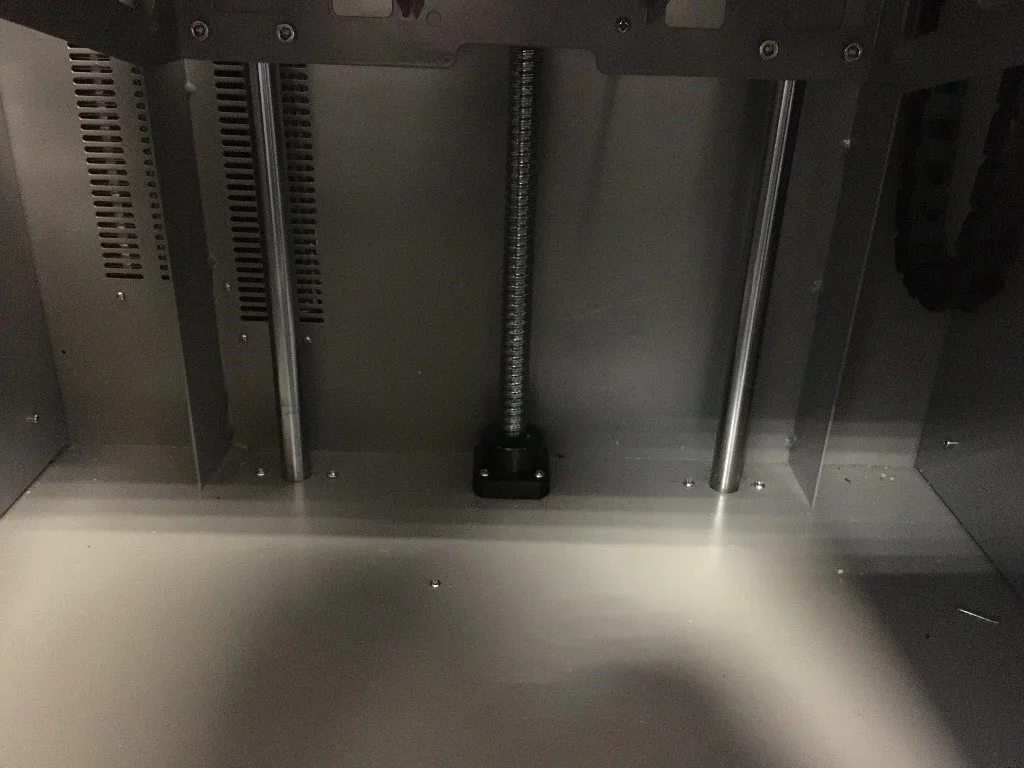
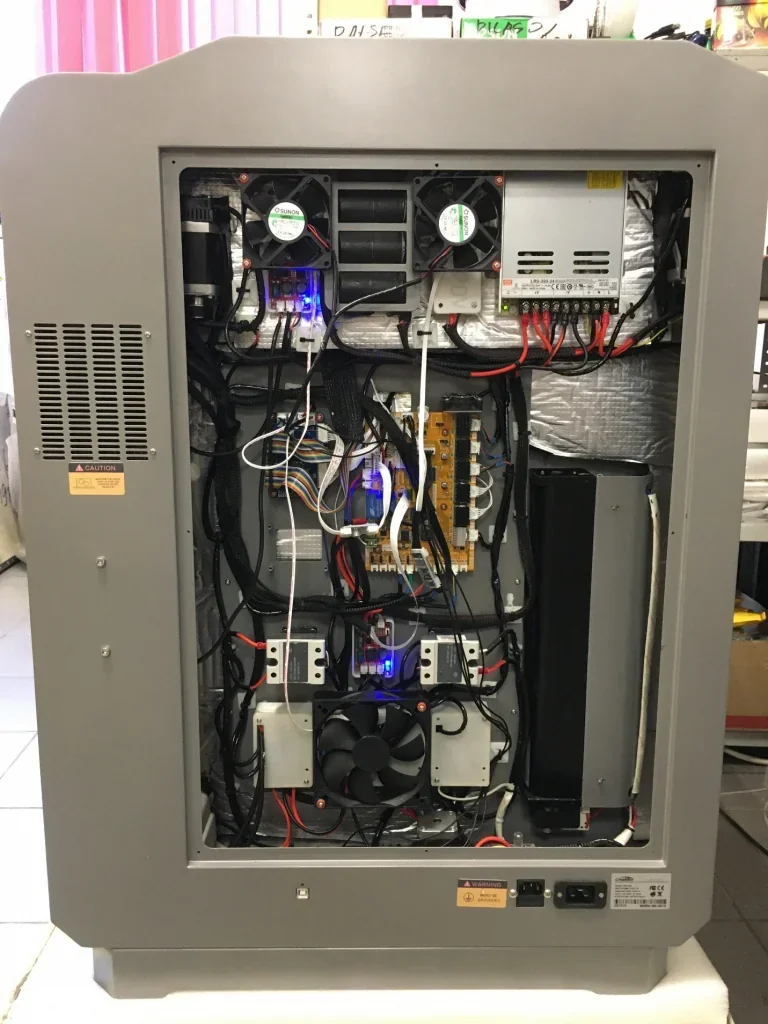
The CreatBot PEEK-300 uses oversized stepper motors, larger than NEMA 17, mounted outside the heated chamber in the electronics compartment. Motors have high temperature resistance.
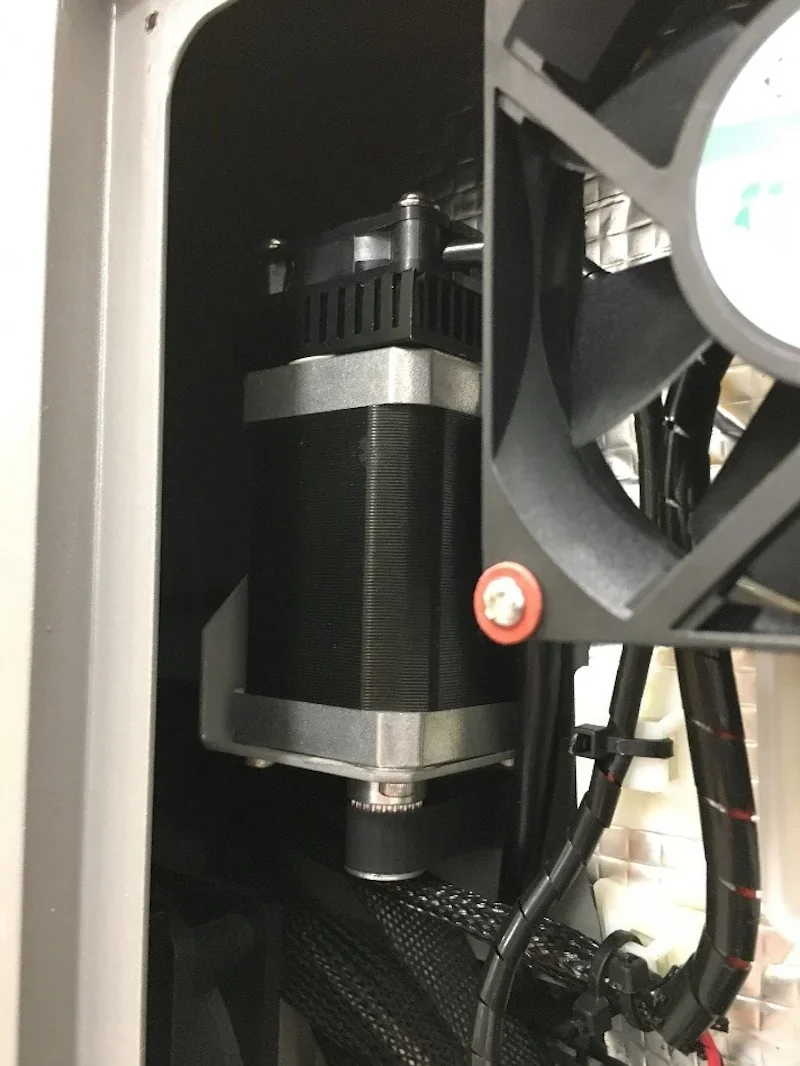
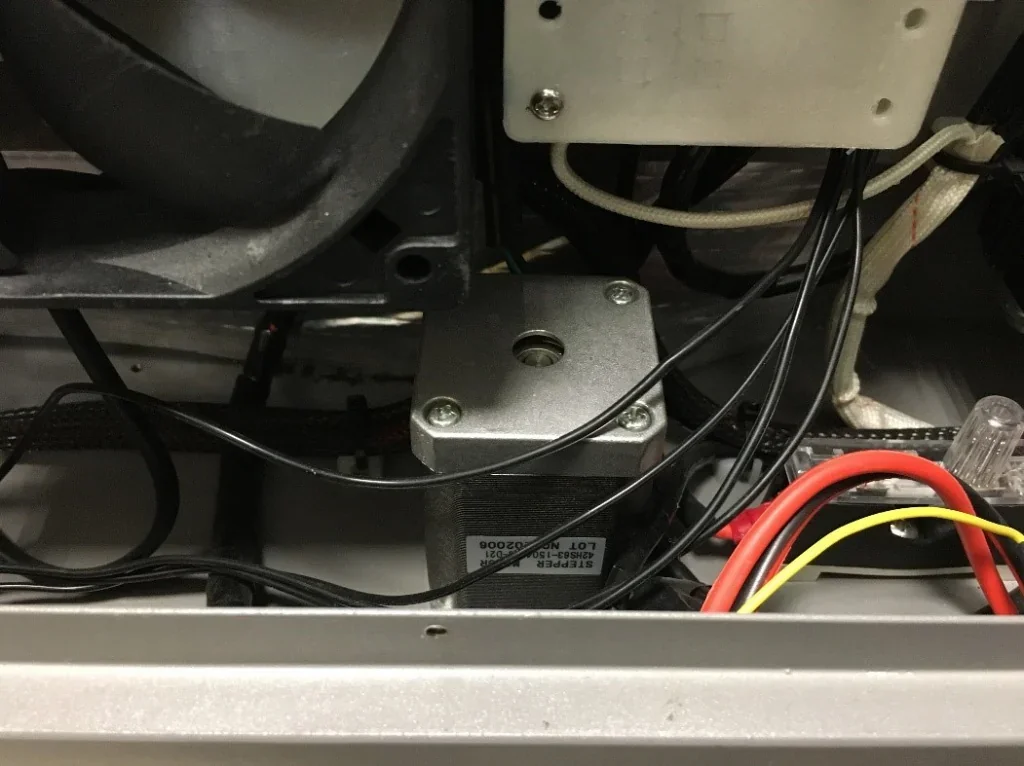
All sensitive electronics, except the print head controls, are located outside the heated chamber to prevent thermal damage.
What are the build platform specifications of the CreatBot PEEK 300?
The platform features a PCB aluminum bed with a PEEK print surface for high-temperature resistance. Leveling is done manually or automatically via a BLTouch probe.
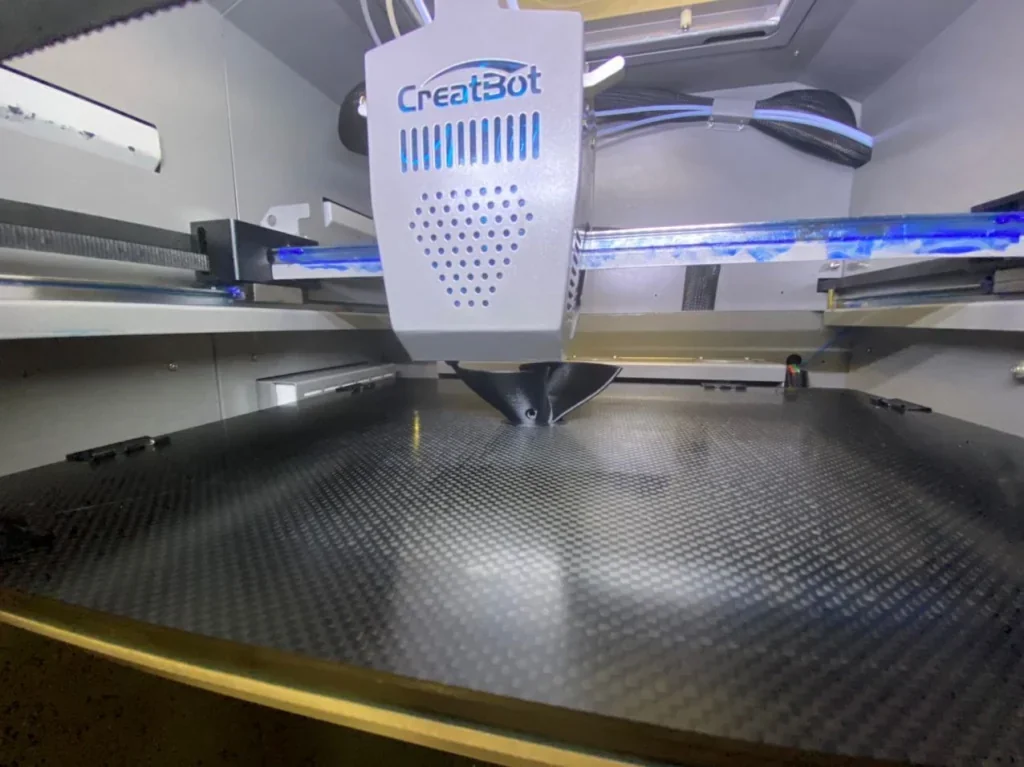
The chamber heating element is housed in the electronics compartment.
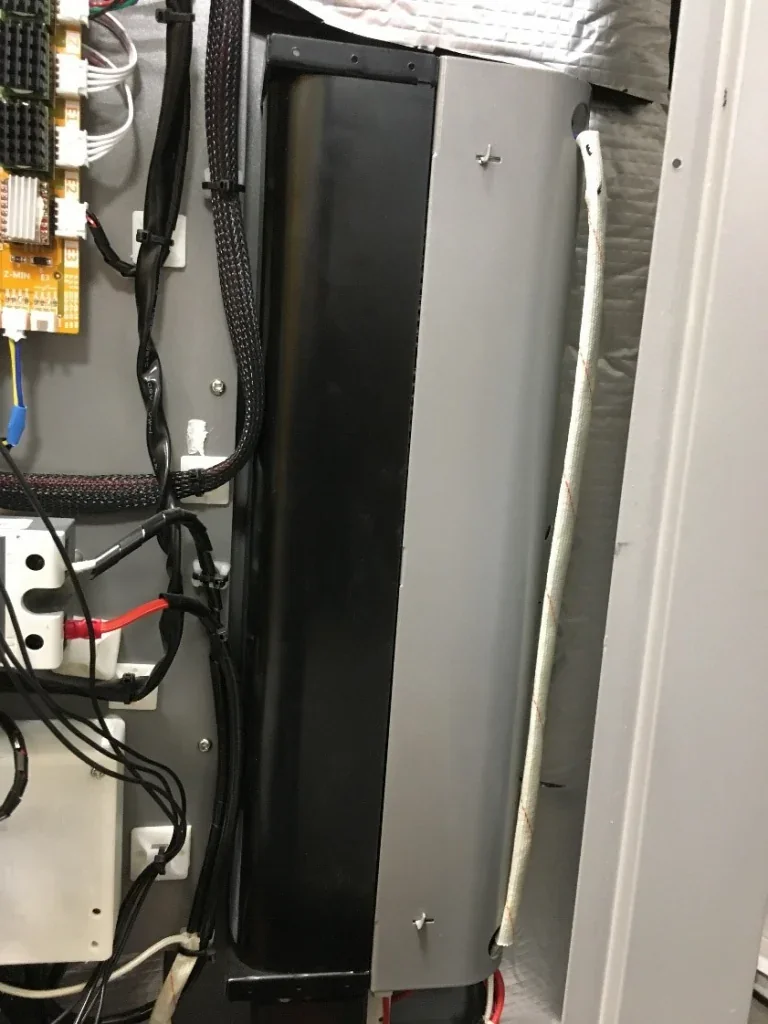
The chamber is fully lined with thermal insulation, visible from the electronics compartment, minimizing heat loss.
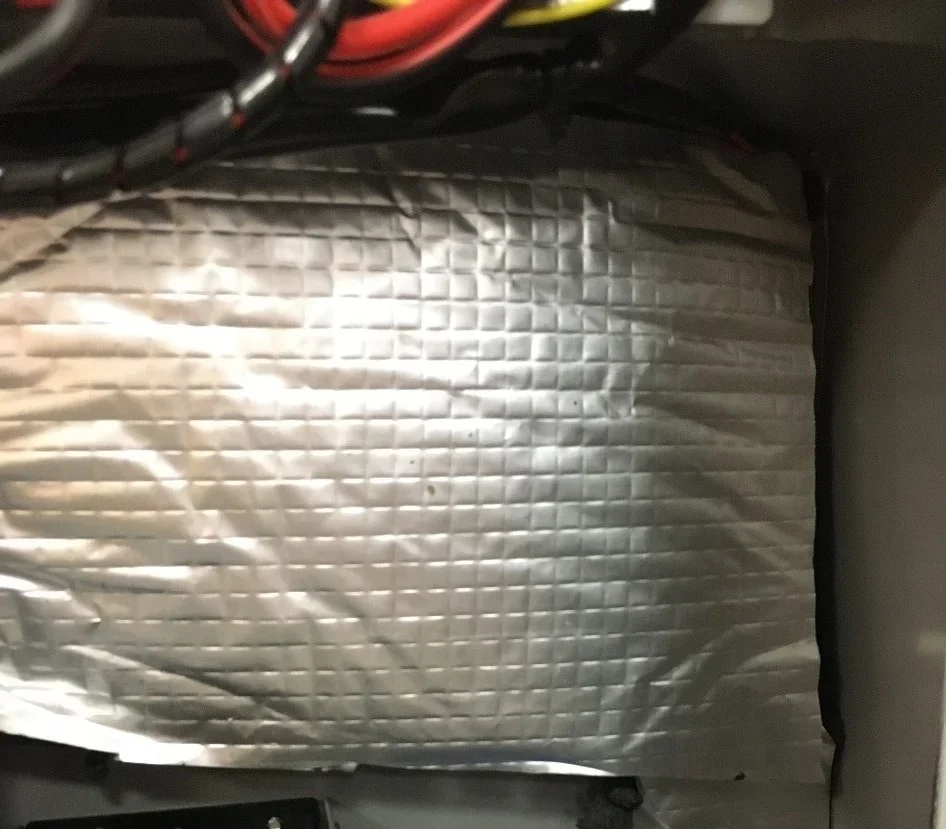
What is the hotend and extruder system of the CreatBot PEEK 300?
The CreatBot PEEK-300 uses a dual direct-drive extruder system with all-metal construction, reaching up to 480 °C. The nozzles auto-adjust in height—raising the inactive nozzle while lowering the active one.
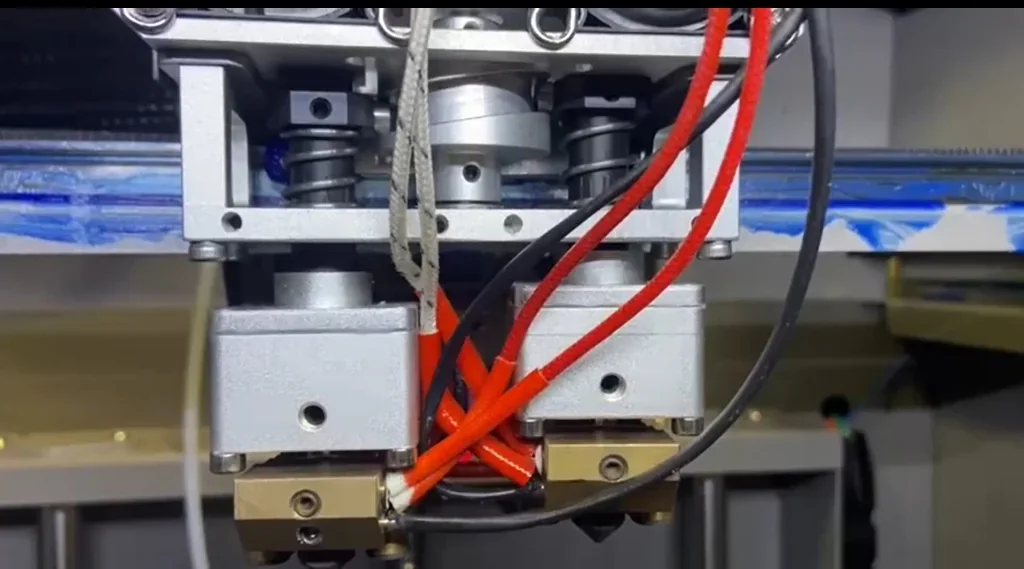
The print head includes a BLTouch sensor for 25-point bed detection, generating a height map and auto-adjusting the Z-axis with micro-stepping to reduce manual leveling.
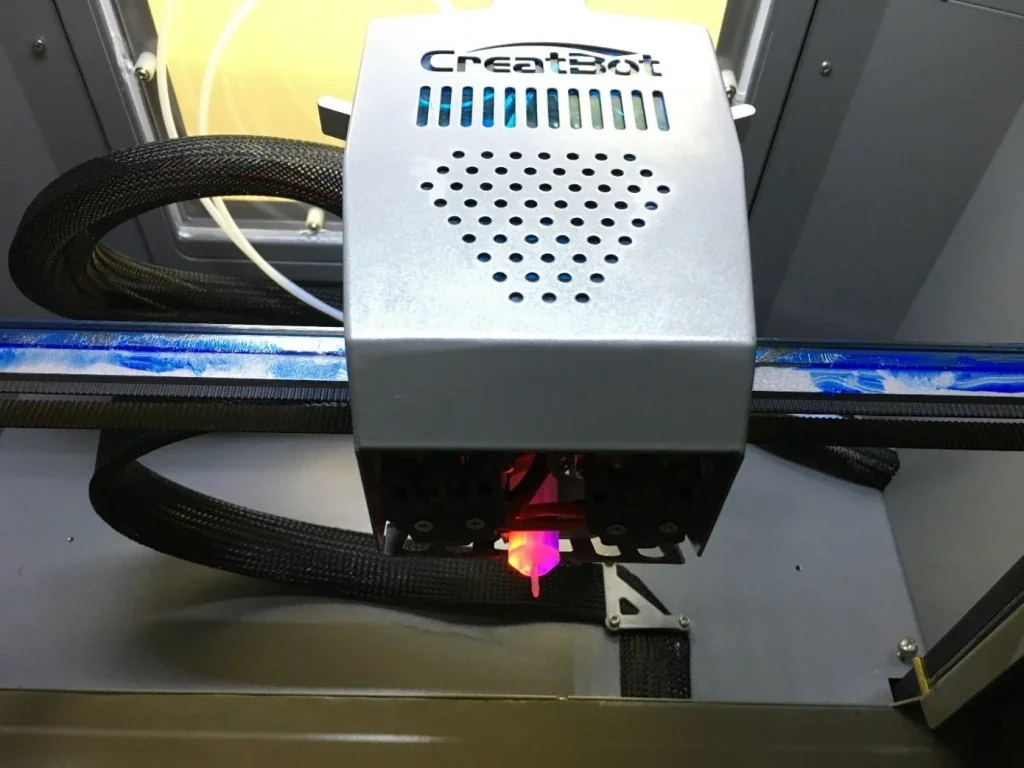
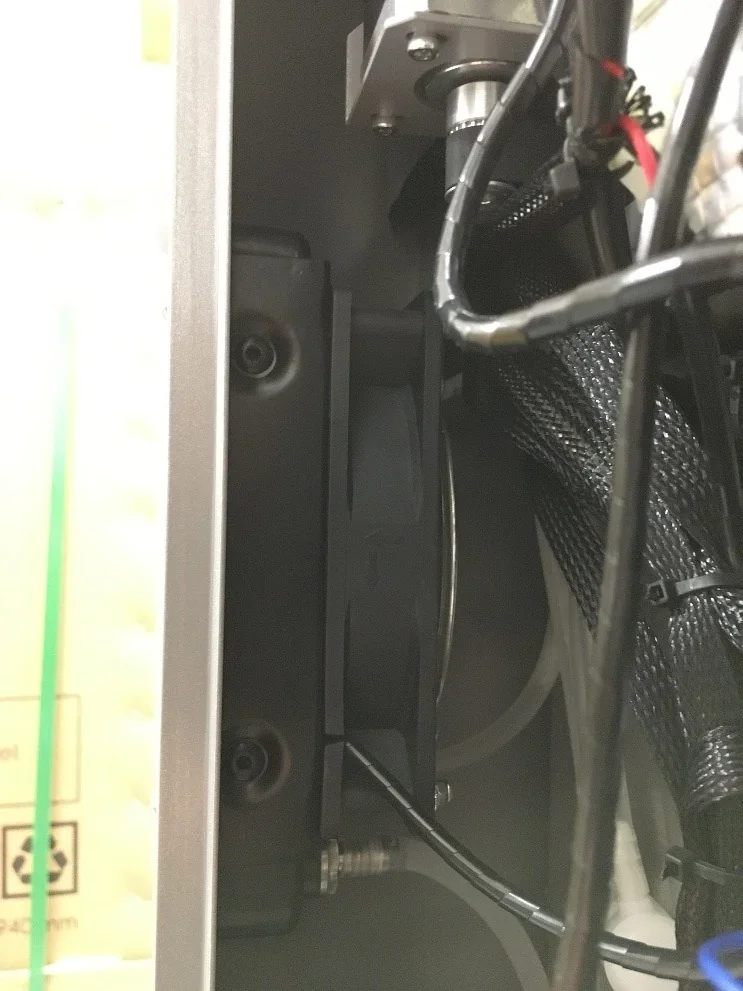
The system uses water cooling with an external reservoir, pump, and radiator to maintain stable temperatures during long high-temperature prints.
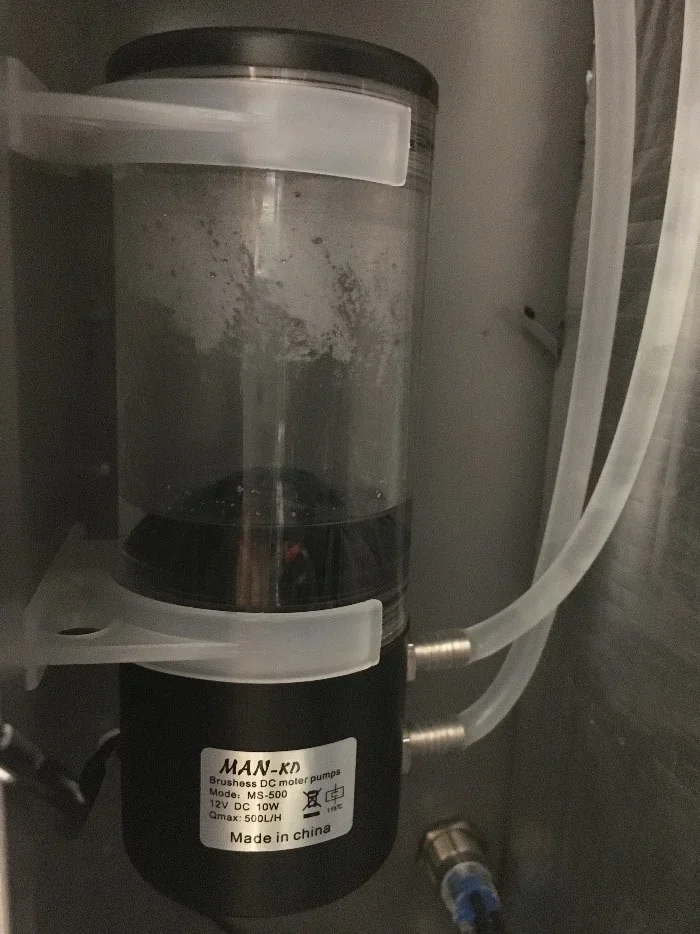
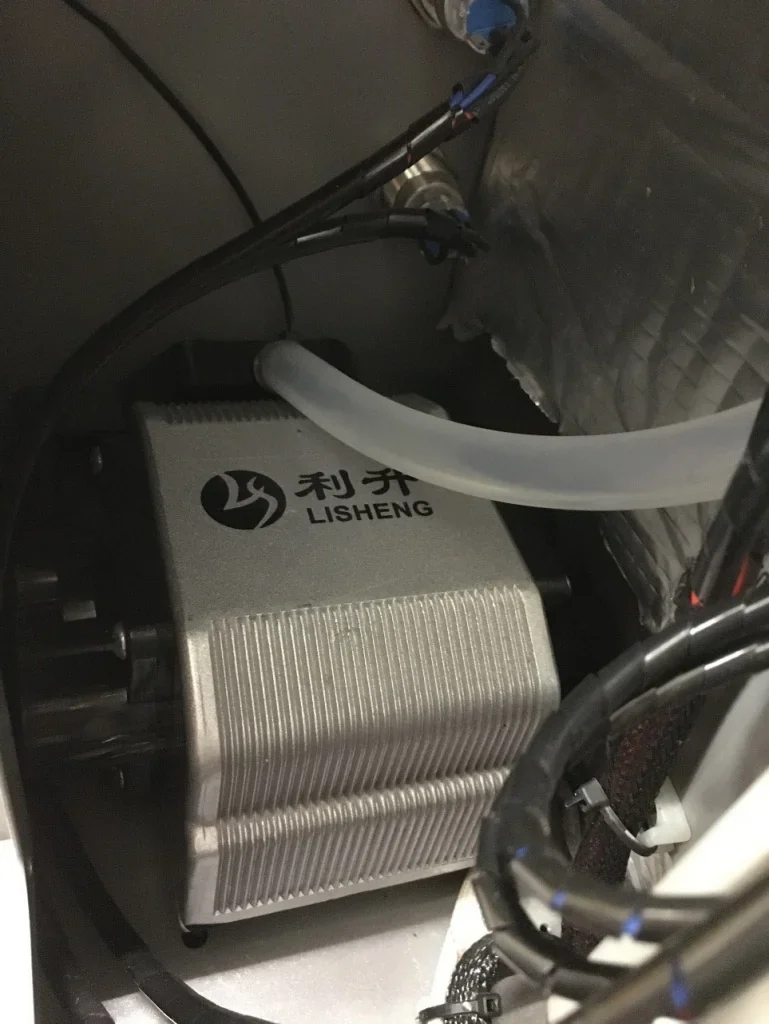
The CreatBot PEEK-300’s Direct Annealing System (DAS) places its pump and heater in the rear electronics compartment. They deliver 0–400 °C heated air to the nozzle for real-time material annealing.
How does the CreatBot PEEK 300 handle filament storage and feeding?
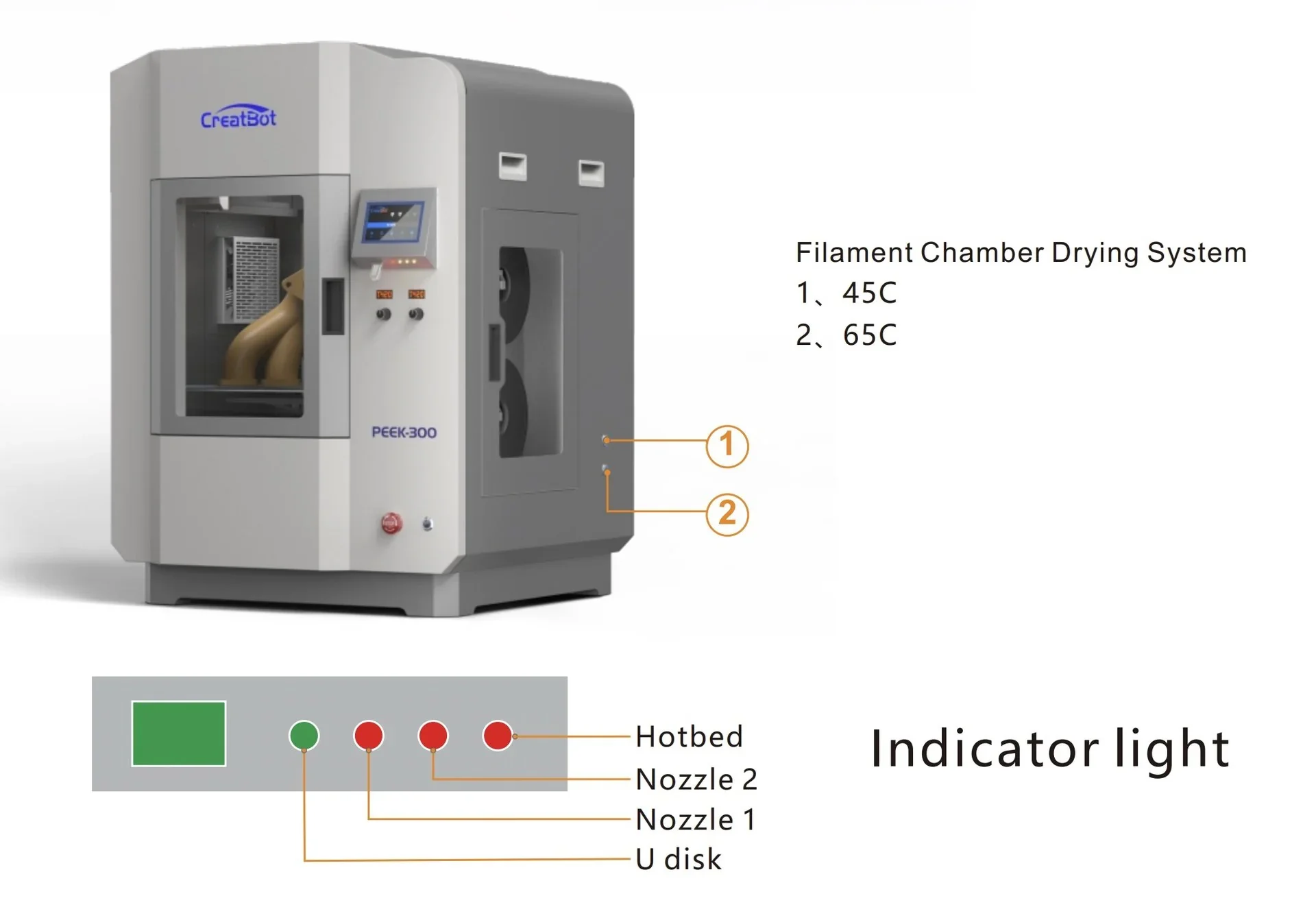
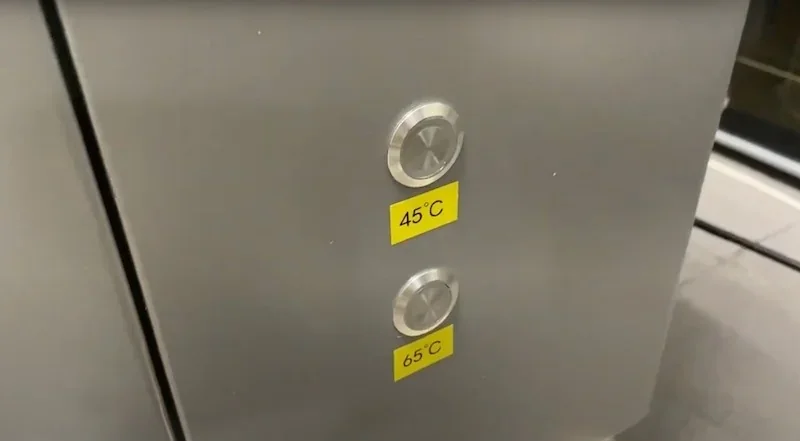
The CreatBot PEEK-300 includes a heated filament storage compartment for two spools, with drying modes at 45 °C or 65 °C. Temperature is set using side-panel buttons with pictographic indicators.
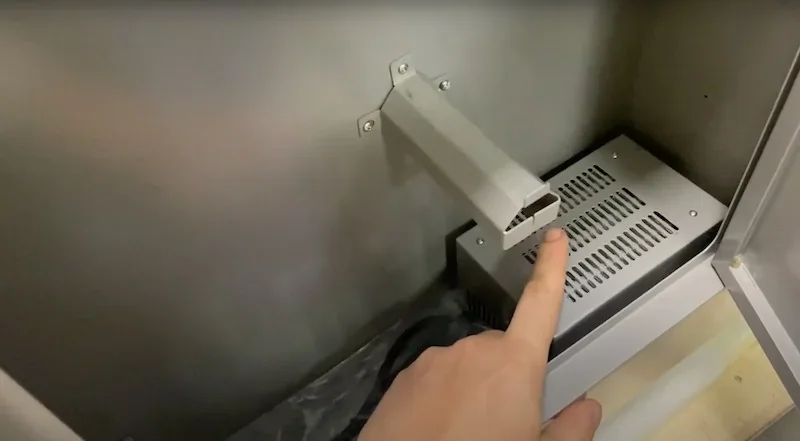
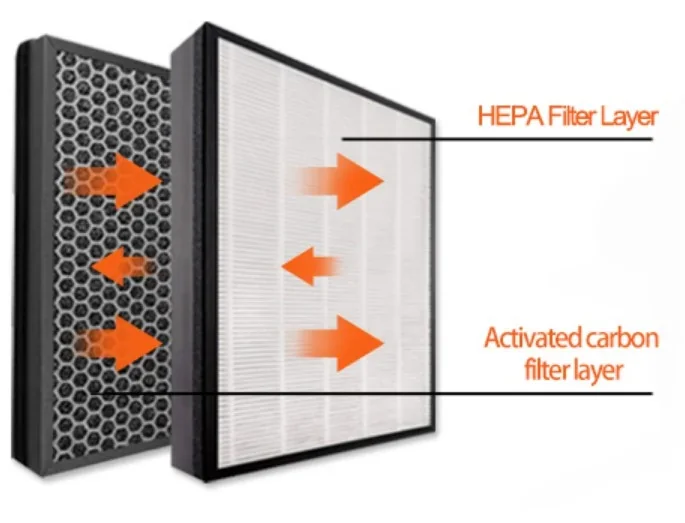
A HEPA filter with activated carbon in the chamber wall filters air during material processing.
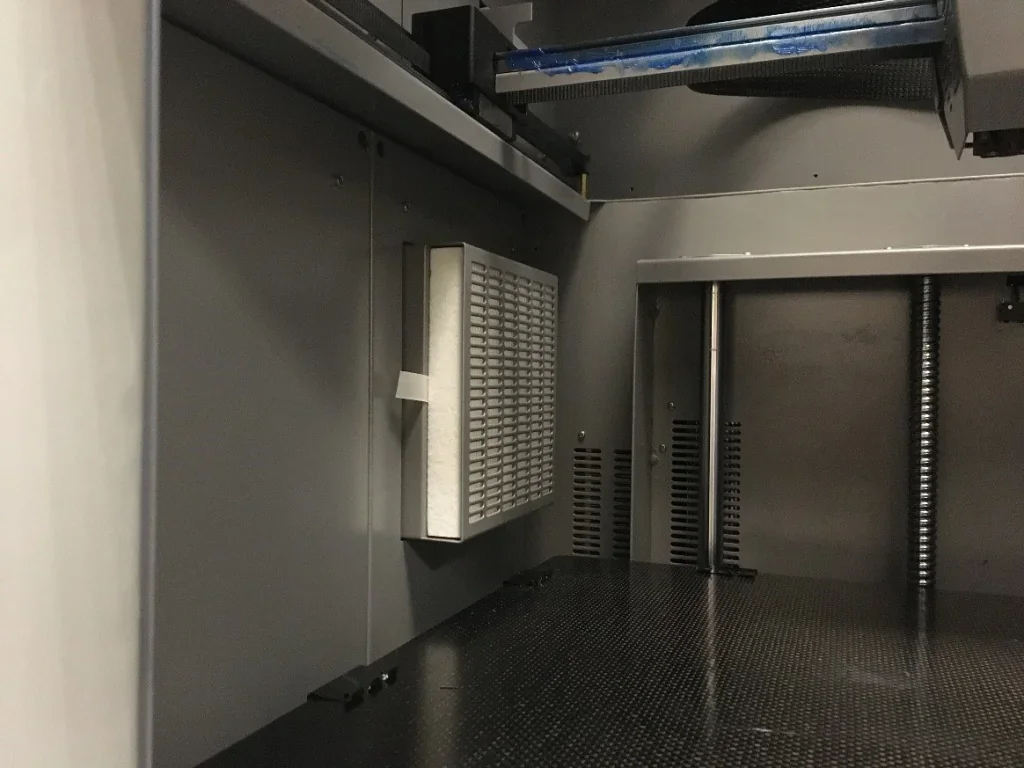
Dedicated feed tubes route filament from the storage compartment to the dual extruders, with runout sensors integrated into the tubes.
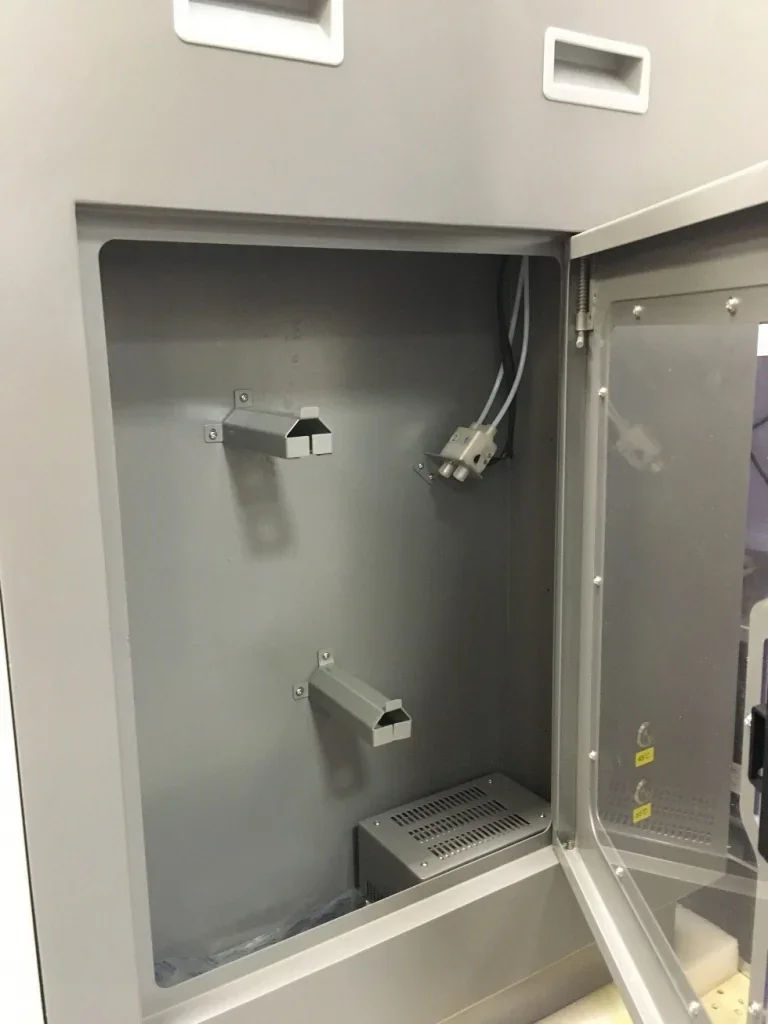
What is the mainboard and electronics of the CreatBot PEEK 300?
The CreatBot PEEK-300 uses a proprietary motherboard with an Atmega 2560-16AU chipset, an 8-bit AVR processor running at 16 MHz with 256 KB flash memory.
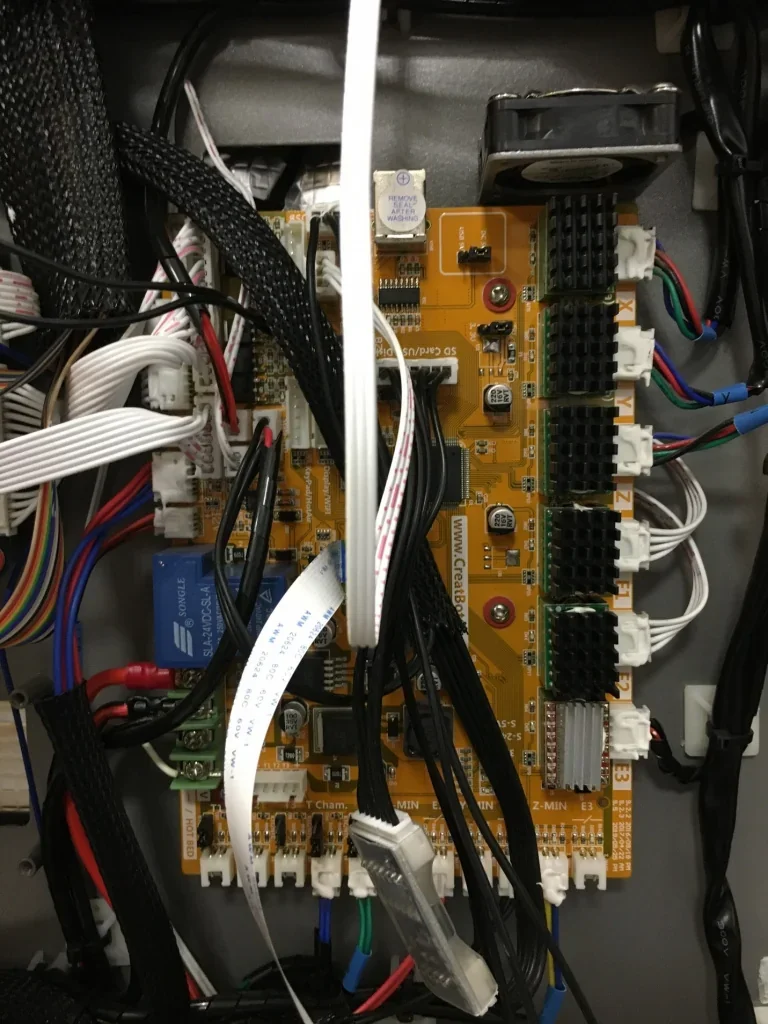
The motherboard uses 5 relays to control heating for the platform, print heads, and chamber. It also includes a backup battery for power loss and cooling fans for the electronics compartment.
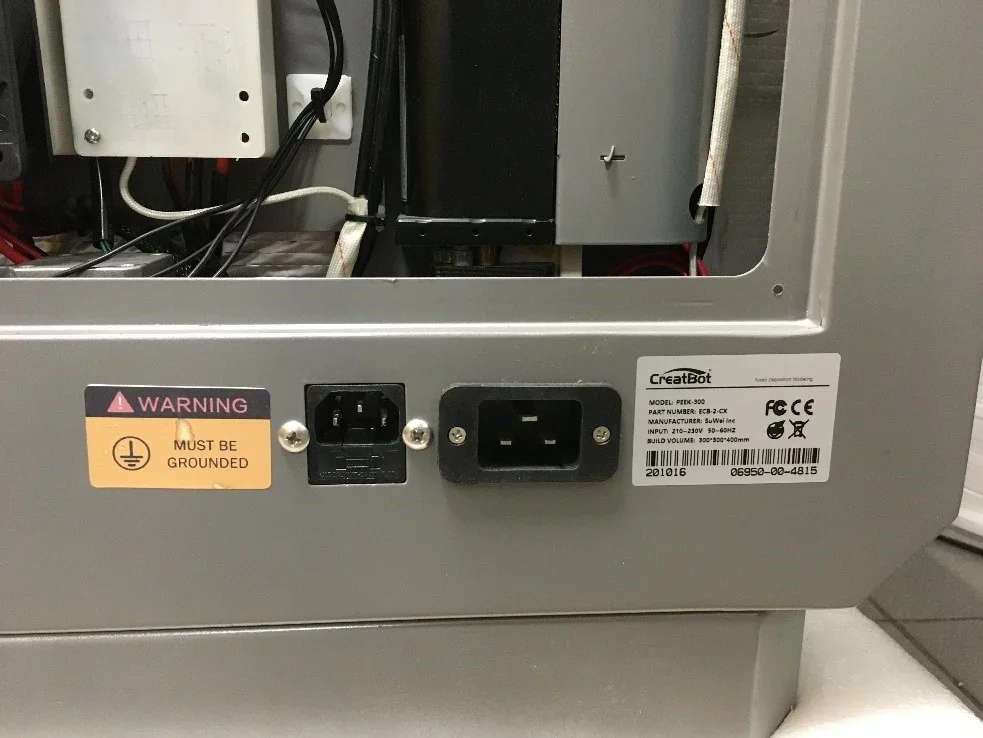
What are the power supply specifications of the CreatBot PEEK 300?
The CreatBot PEEK-300 requires 200–240V, 20A input with 4600W power consumption. It runs dual circuits: high-voltage for heating and low-voltage for motion/electronics. Proper grounding is required for safe operation.
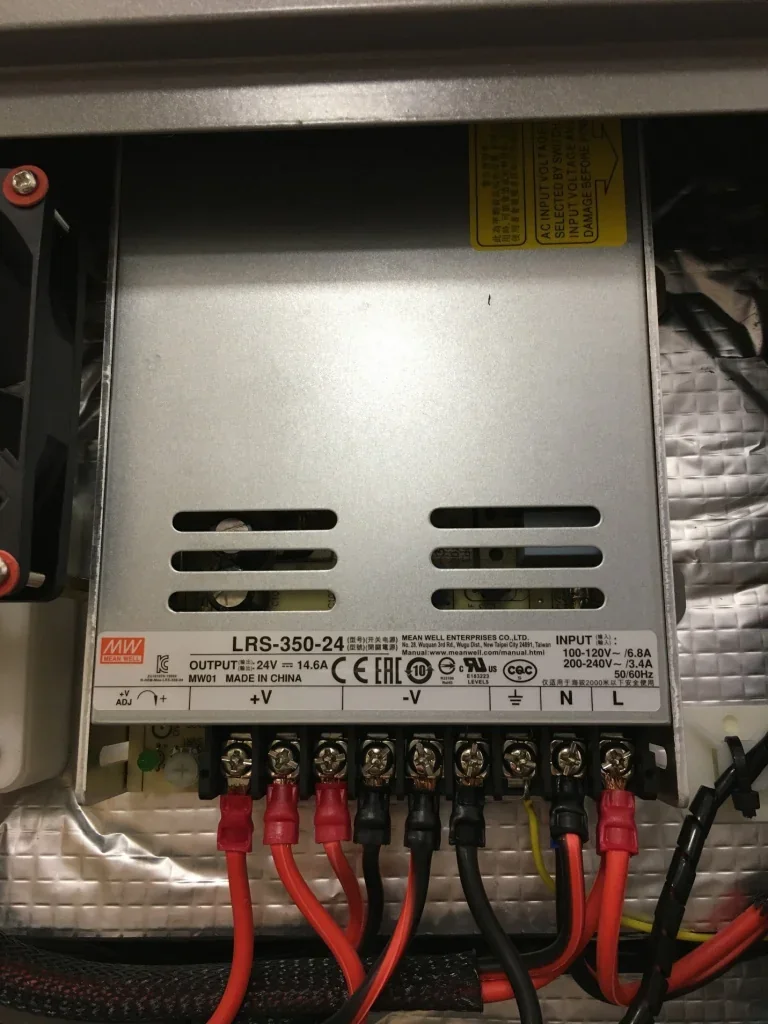
A Meanwell power supply powers the motion system, motherboard, and all low-voltage electronics of the CreatBot PEEK-300.
What comes included in the box with Creatbot PEEK-300?
- CreatBot PEEK-300 3D printer (fully assembled)
- Dual extruder print head (pre-installed)
- PCB aluminum + PEEK print board (pre-installed)
- 2x Filament spools
- Adhesive sticker
- USB flash drive
- USB cable
- Power cable
- Roll of masking tape
- Set of hex keys
- Set of wrenches
- Screwdriver
- Spatula
- Tweezers
- Nozzle cleaner
- Set of spare parts
The CreatBot PEEK-300 comes fully assembled and ready after basic setup. It includes tools, starter consumables, and a USB flash drive with documentation and software. The pre-installed aluminum build plate provides a ready surface for high-temperature printing.
Note: Package contents may change; confirm with a sales representative before ordering.
What upgrades and accessories are available for the Creatbot PEEK-300?
Creatbot offers 17 spare parts and accessories.
| Spart Part / Accessory | Price (USD) | Image |
|---|---|---|
| Hotends | ||
| CREATBOT HOTEND 260°C FOR CREATBOT PEEK-300 3D PRINTER | $49.00 | 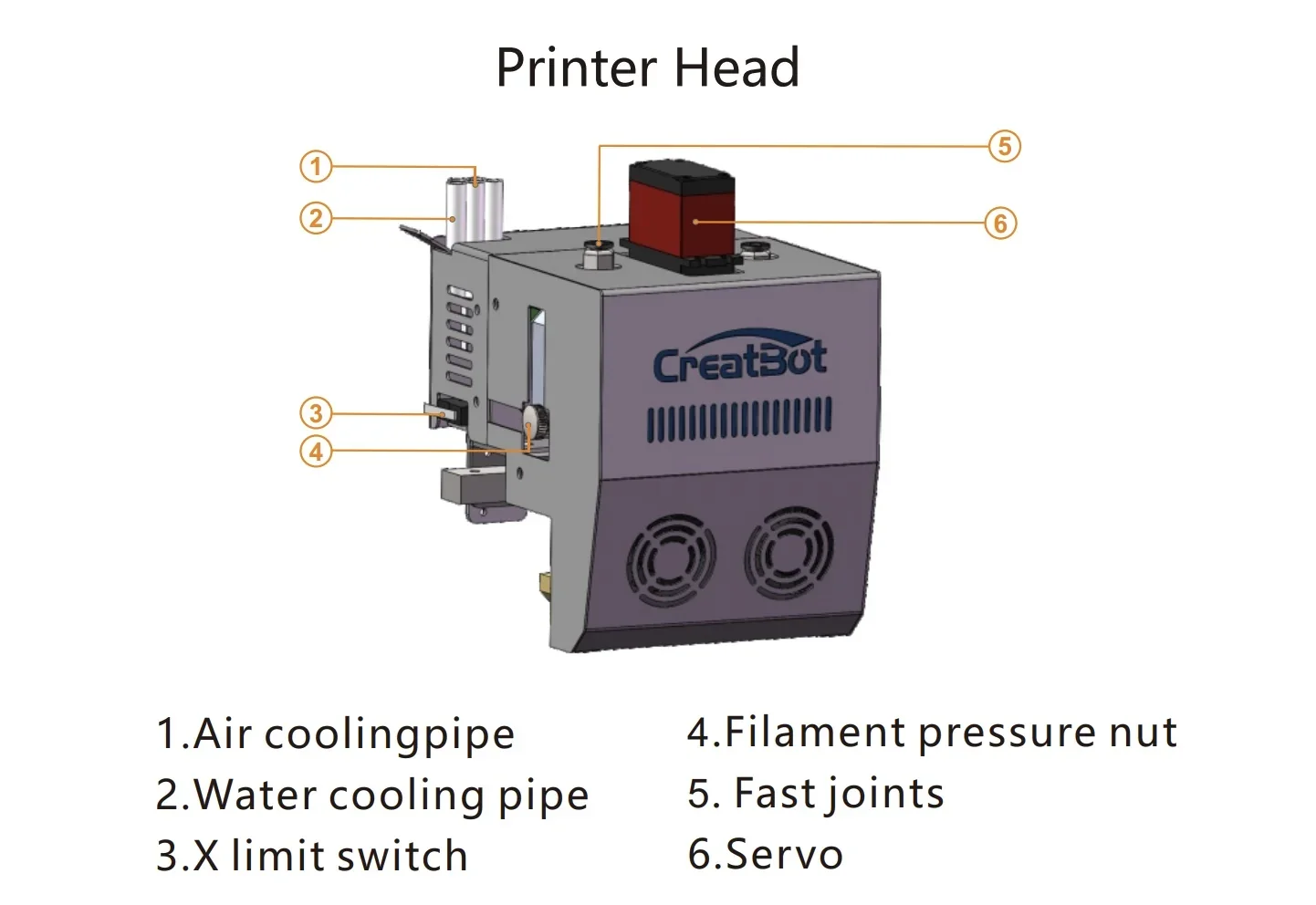 |
| CREATBOT HOTEND 500°C FOR CREATBOT PEEK-300 3D PRINTER | $59.00 | 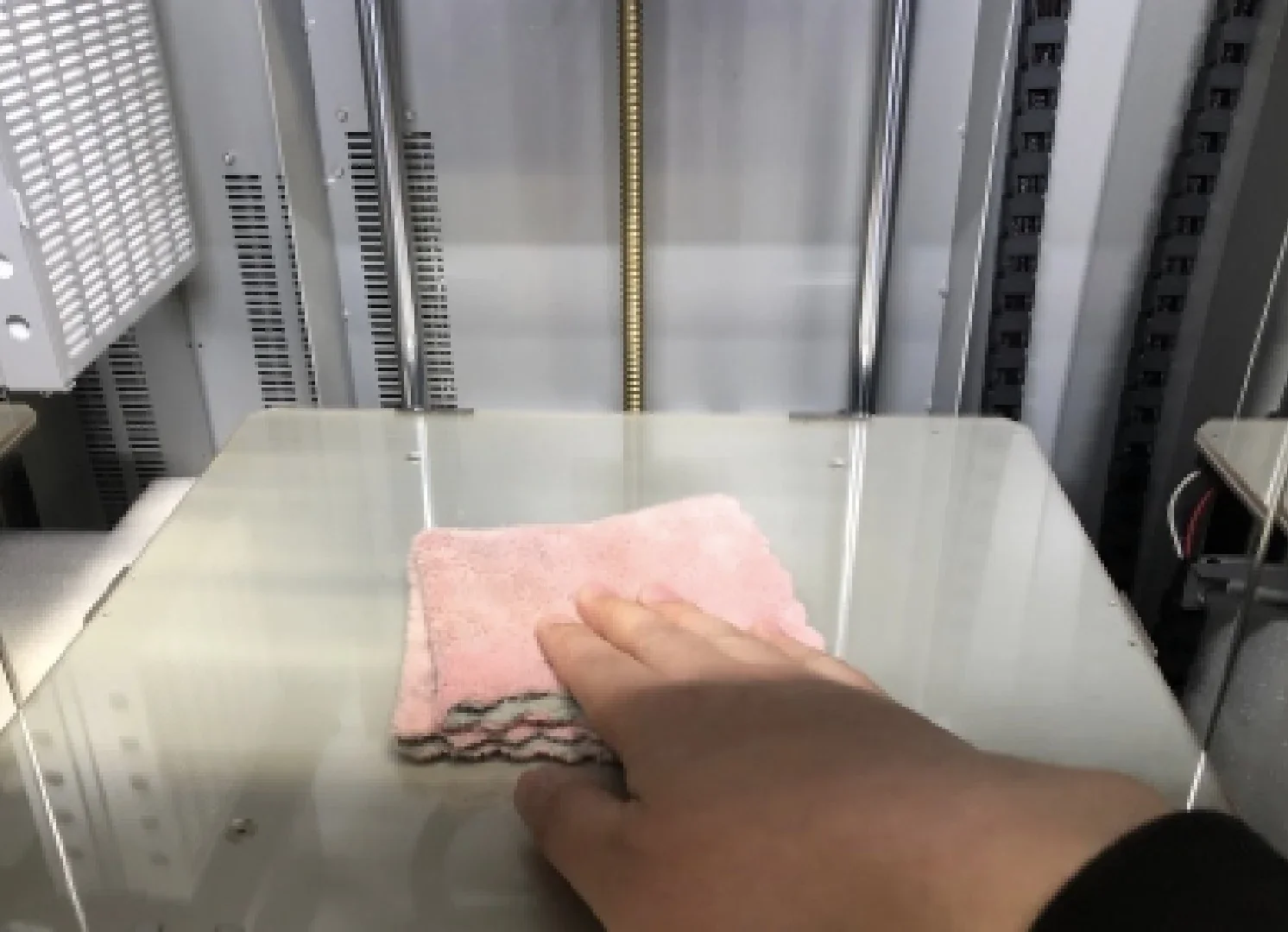 |
| Nozzles | ||
| CREATBOT HARDENED STEEL NOZZLE FOR CREATBOT PEEK-300 3D PRINTER | $29.00 | 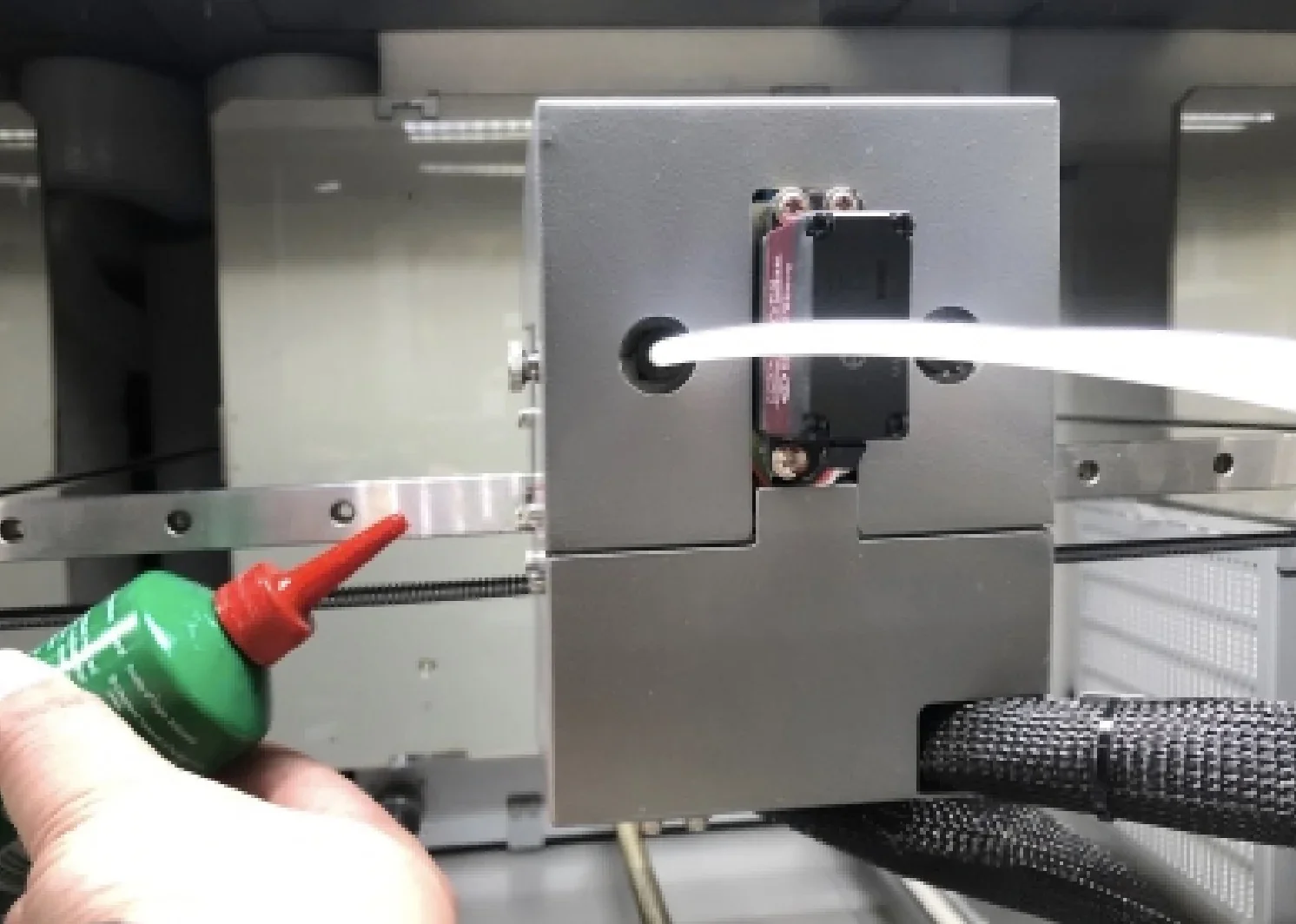 |
| CREATBOT BRASS NOZZLE FOR CREATBOT PEEK-300 3D PRINTER | $19.00 |  |
| Hotend spares / heatbreaks | ||
| CREATBOT HEATBREAK WITH PTFE TUBE FOR 260°C HOTEND FOR CREATBOT PEEK-300 3D PRINTER | $29.00 | 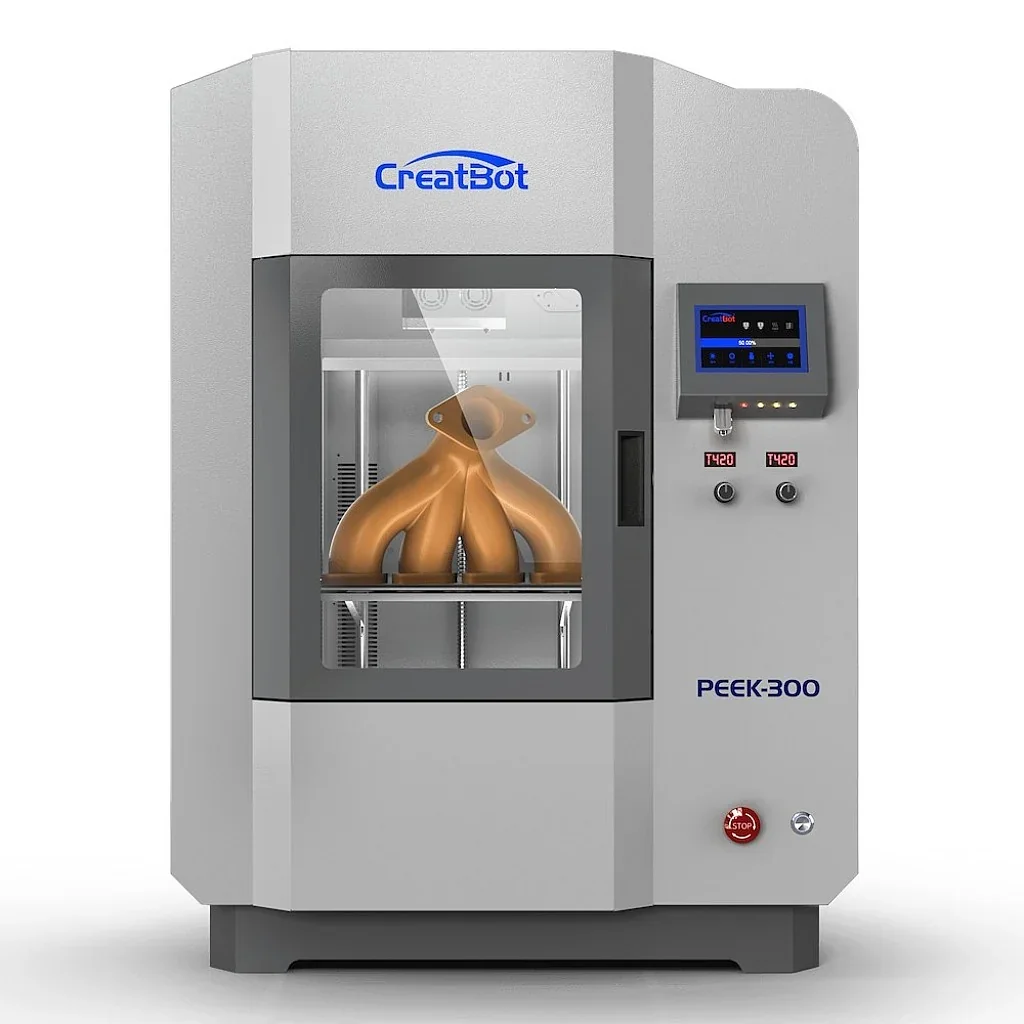 |
| CREATBOT HEATBREAK FOR 420°C HOTEND FOR CREATBOT PEEK-300 3D PRINTER | $29.00 | 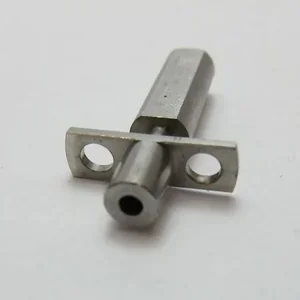 |
| Sensors / leveling | ||
| CREATBOT FILAMENT SENSOR NEW 2P / 3P FOR CREATBOT PEEK-300 3D PRINTER | $49.00 | 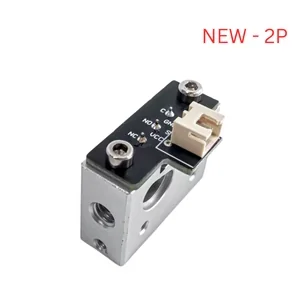 |
| CREATBOT BLTOUCH AUTO BED LEVELING SENSOR FOR CREATBOT PEEK-300 3D PRINTER | $49.00 | 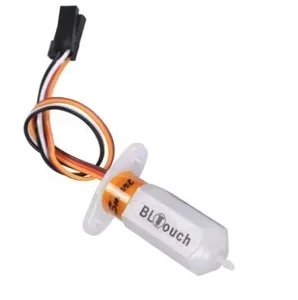 |
| CREATBOT Z-AXIS HOME SENSOR FOR CREATBOT PEEK-300 | $49.00 | 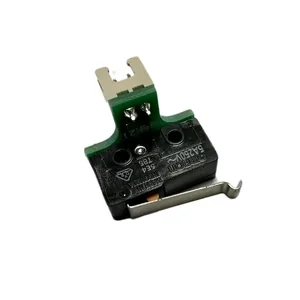 |
| Build plate / build surface | ||
| CREATBOT CARBON FIBER SHEET FOR CREATBOT PEEK-300 | $159.00 | 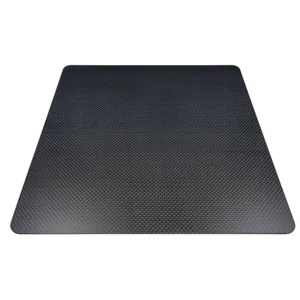 |
| CREATBOT HEATING PCB ALUMINUM PLATE FOR PEEK-300 3D PRINTER | $169.00 | 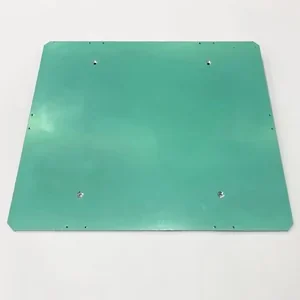 |
| CREATBOT MICROCRYSTALLINE PANEL REMOVABLE FOR PEEK-300 3D PRINTER | $119.00 | 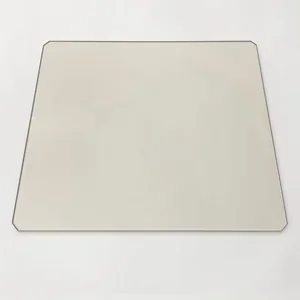 |
| Filtration / cooling | ||
| CREATBOT AIR FILTER FOR CREATBOT PEEK-300 3D PRINTER | $79.00 | 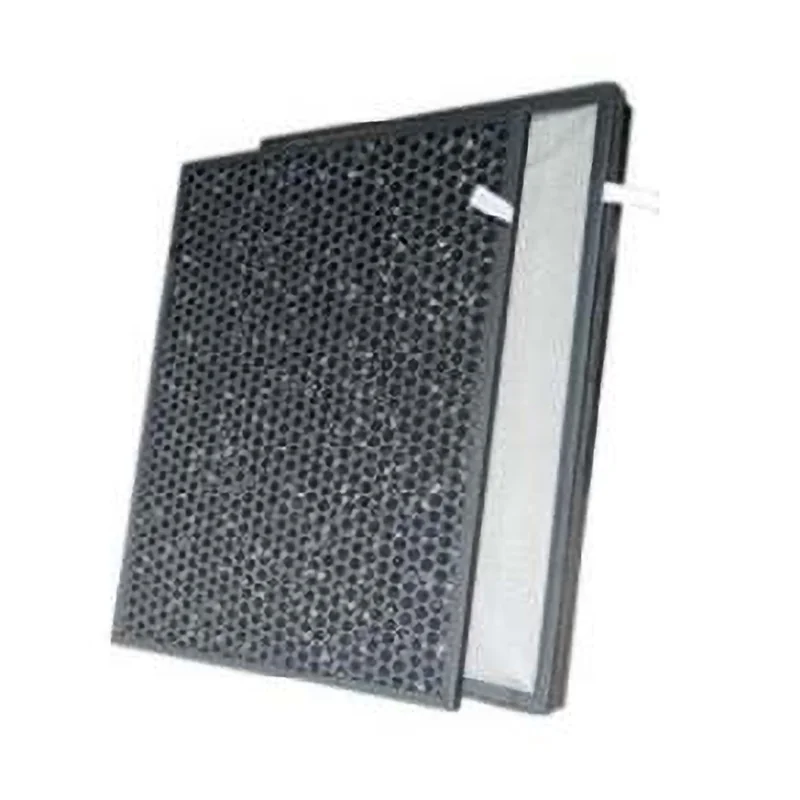 |
| CREATBOT COOLING FAN FOR CREATBOT PEEK-300 3D PRINTER | $69.00 | 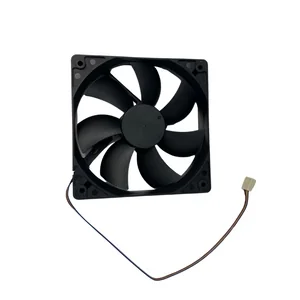 |
| CREATBOT WATER PUMP FOR PEEK-300 3D PRINTER | $139.00 | 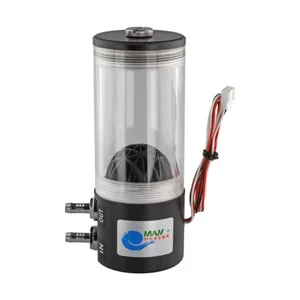 |
| Cables / controls | ||
| CREATBOT EXTRUDER CABLE FOR CREATBOT PEEK-300 3D PRINTER | $99.00 | 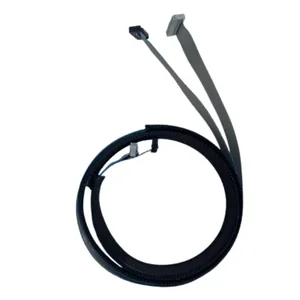 |
| CREATBOT EMERGENCY STOP CONTROL PANEL FOR THE CREATBOT PEEK-300 | $89.00 | 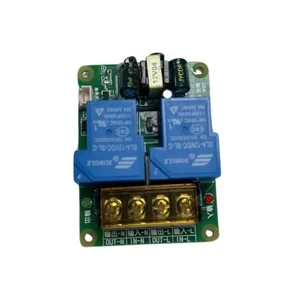 |
What maintenance is required for the Creatbot PEEK-300?
Daily/After Each Use:
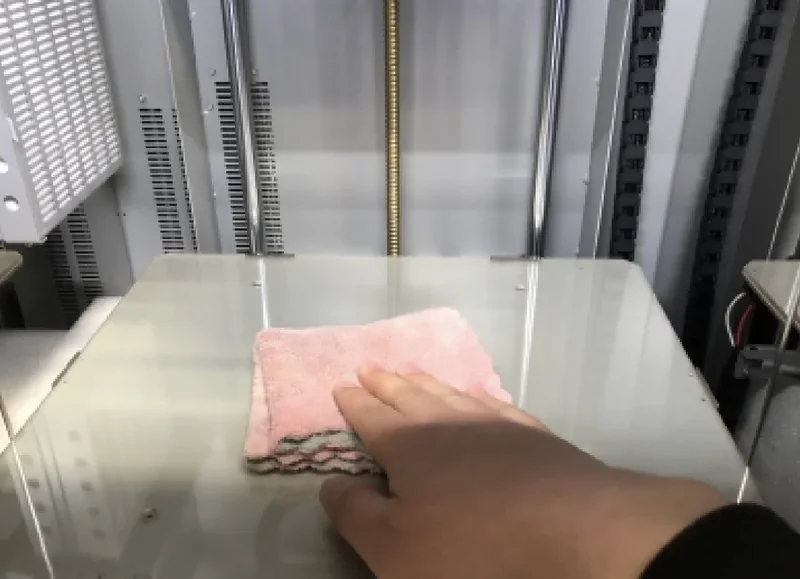
- Clean guide rails of material stains
- Clean feeder gear of filament debris
- Verify filament sensor operation
- Check water pump auto-activation at target temps
- Monitor chamber temperature stability
Weekly:
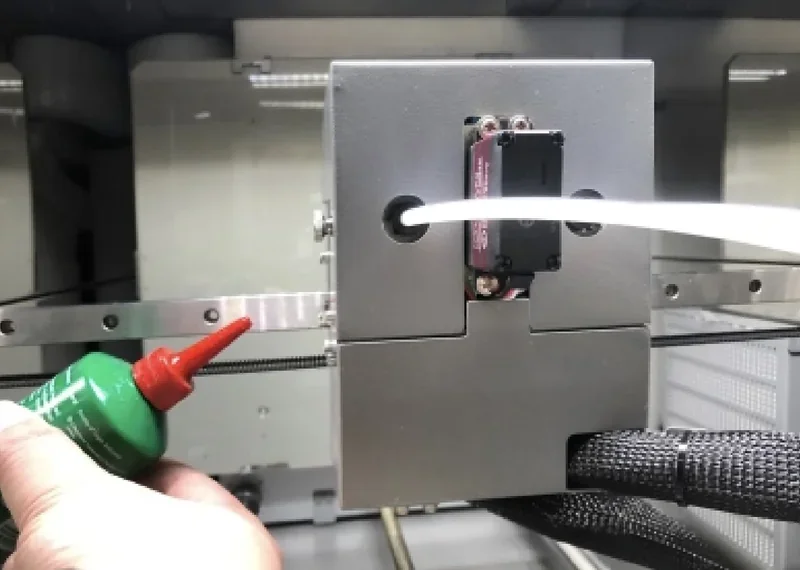
- Lubricate four guide rails with recommended oil
- Clean extruder parts (pressure arm, heating elements)
- Inspect belt tension and motor mounts
- Verify BLTouch sensor calibration
- Clean water reservoir and check fluid levels
Monthly:
- Verify platform leveling (manual + auto)
- Check electrical connections and power supply output
- Inspect stepper drivers and cooling
- Test USB communication integrity
- Test emergency stop and safety interlocks
Every 500 Print Hours:
- Replace HEPA carbon filters
- Inspect water pump and radiator performance
- Check DAS compressor functionality
- Verify chamber heater and insulation integrity
As Required:
- Replace fuse via tray access if needed
- Service water cooling components if regulation fails
- Calibrate temp sensors on MINTEMP/MAXTEMP errors
- Clear nozzle blockages with probe tools (heated state)
- Adjust dual nozzle alignment in settings
- Replace filament runout sensors if faulty
Safety Requirements:
- Avoid excess lubricant to prevent contamination
- Allow hotend and bed to cool before maintenance
- Maintain ventilation for high-temp printing
- Use PPE when handling heated parts
What support and warranty come with the Creatbot PEEK-300?
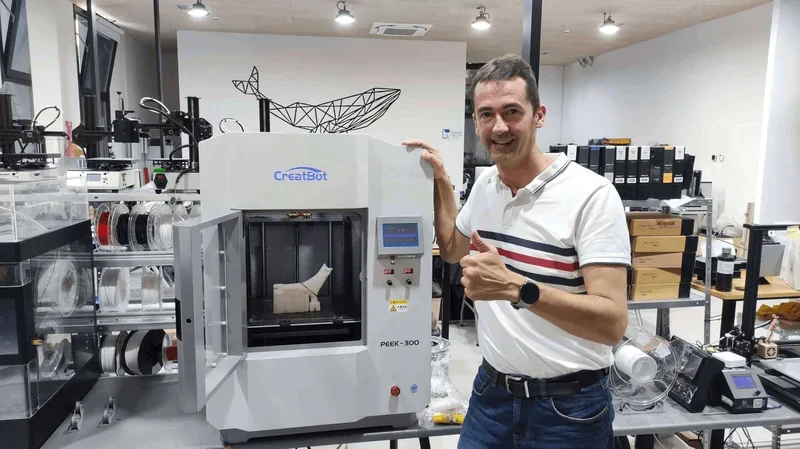
The CreatBot PEEK-300 includes a 12-month warranty from delivery, covering defects and compliance with published specs. Damaged parts are replaced free with repair guidance provided. Nozzles and hot-end components are covered for 6 months as consumables.
CreatBot offers technical support via email (support@creatbot.com) with 24-hour response on business days, and scheduled Skype sessions for real-time help. Support covers troubleshooting, maintenance, and material-specific settings for advanced filaments like PEEK and ULTEM.
Each CreatBot PEEK-300 includes lifetime access to manufacturer online services, providing ongoing support, firmware updates, and technical documentation.
Full up-to-date warranty terms are available on the manufacturer's website: https://www.creatbot.com/warranty
How much does the Creatbot PEEK-300 cost?
The CreatBot PEEK-300 (Second Generation) is priced at $13,999.00 and targeted at aerospace, automotive, and medical industries needing high temperature printing. Buy Creatbot PEEK-300 at Top3DShop to get strong value with a patented Direct Annealing System (400 °C), dual 500 °C liquid-cooled nozzles, and a 120 °C triple-insulated heated chamber.