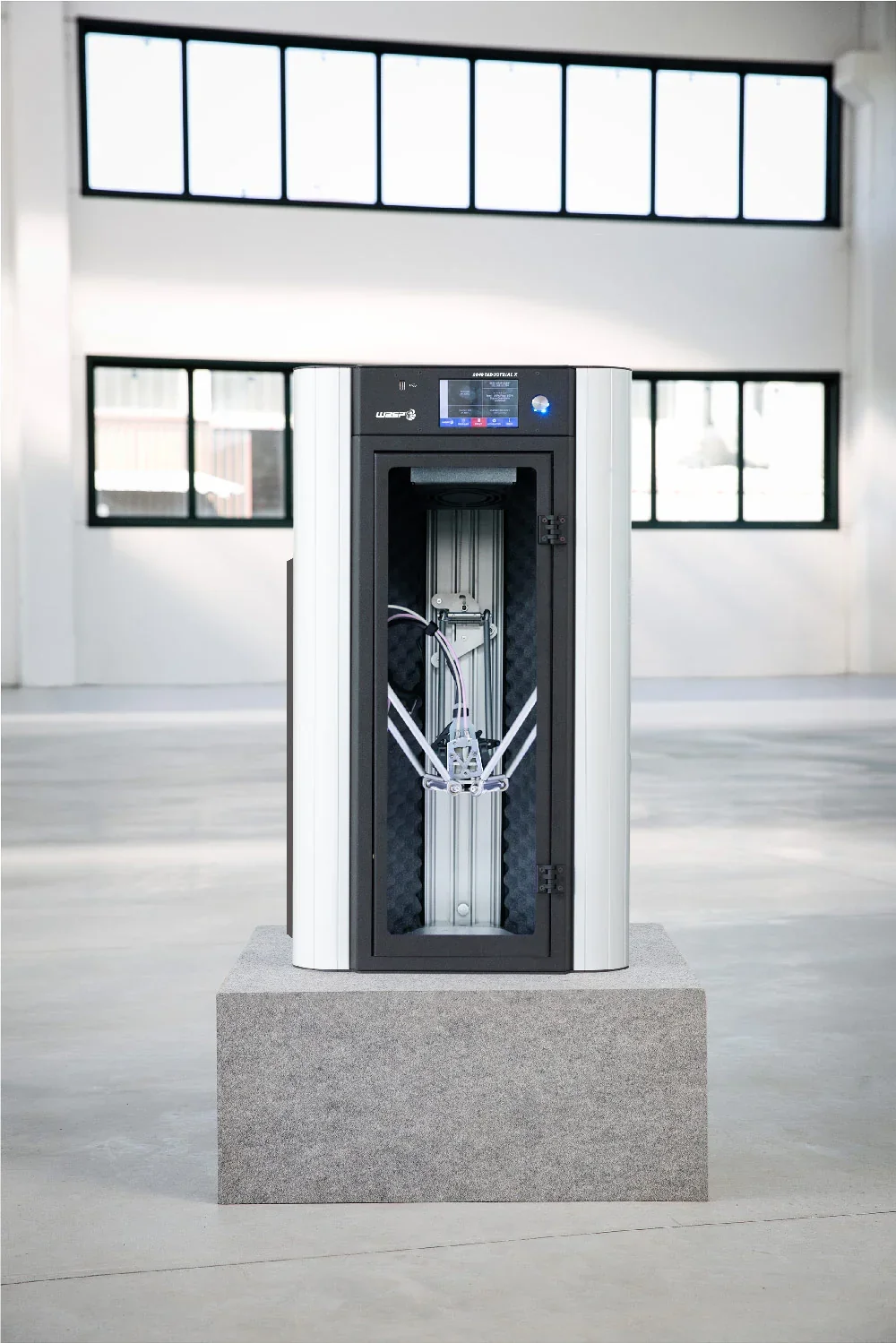
Delta WASP 2040 Industrial X 3D Printer
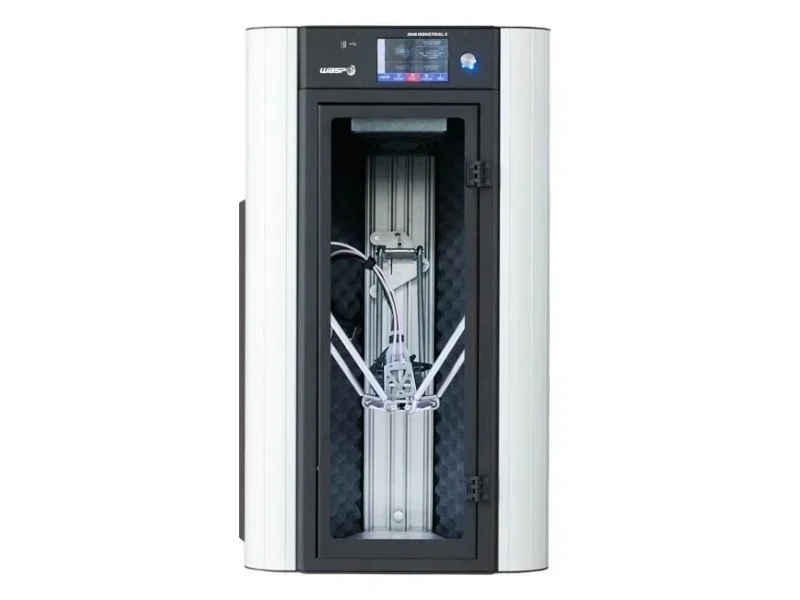


- Interchangeable extruders for multi-materials and flex
- Prints up to 300 mm/s with 50-micron resolution
- Supports 15 technical materials for 24/7 operation
- Auto-calibration with power-loss recovery and Wi-Fi monitoring
- Flexible Payment Terms
- 1 Year Warranty
- Local Technical Support
- Free Online Training
- Delta WASP 2040 Industrial X printer
- Pre-installed Spitfire Extruder
- 1 kg PLA filament spool
- USB drive with software
The Delta WASP 2040 Industrial X is a professional FDM 3D printer designed for technical materials, featuring a heated build chamber up to 80°C, a sturdy steel and aluminum frame, and interchangeable extruders—including the ZEN X for multi-materials and FLEX for flexible filaments. With a 200 × 200 × 400 mm build volume, dual gear filament drivers, and support for 15 materials, it delivers 24/7 industrial-grade printing at speeds up to 300 mm/s and 50-micron resolution. Smart features include auto-calibration, power-loss recovery, height-specific printing, Wi-Fi monitoring, and an onboard camera.
- What is the print quality and performance of the Delta WASP 2040 Industrial X?
- Which filaments can you use with the Delta WASP 2040 Industrial X?
- What is the build volume of the Delta WASP 2040 Industrial X?
- What printer controls are available on the Delta WASP 2040 Industrial X?
- What connectivity options are available on the Delta WASP 2040 Industrial X?
- What software is offered with the Delta WASP 2040 Industrial X?
- What is the design and build quality of the Delta WASP 2040 Industrial Delta Printer?
- What comes included in the box with Delta WASP 2040 Industrial X?
- What upgrades and accessories are available for the Delta WASP 2040 Industrial X?
- What maintenance is required for Delta WASP 2040 Industrial X?
- What support and warranty come with the Delta WASP 2040 Industrial X?
- How much does the Delta WASP 2040 Industrial X cost?
What is the print quality and performance of the Delta WASP 2040 Industrial X?
The Delta WASP 2040 Industrial X achieves 50-micron resolution for smooth, detailed parts. Its delta motion system with stepper motors and nylon wheels on anodized aluminum sliders reduces vibration, while the steel and aluminum frame ensures stable, precise printing.
The Delta WASP 2040 Industrial X prints at up to 300 mm/s, with 500 mm/s travel speed and 10,000 mm/s² acceleration, cutting production time without sacrificing quality. Its auto-calibration system adjusts nozzle height to part geometry for consistent results.
The Delta WASP 2040 Industrial X uses dual heat sources and Hot and Cold Technology to maintain up to 80°C without stressing components. Its build chamber reaches 70°C, and the heated bed reaches 120°C, ensuring stable conditions and strong first-layer adhesion for technical materials.
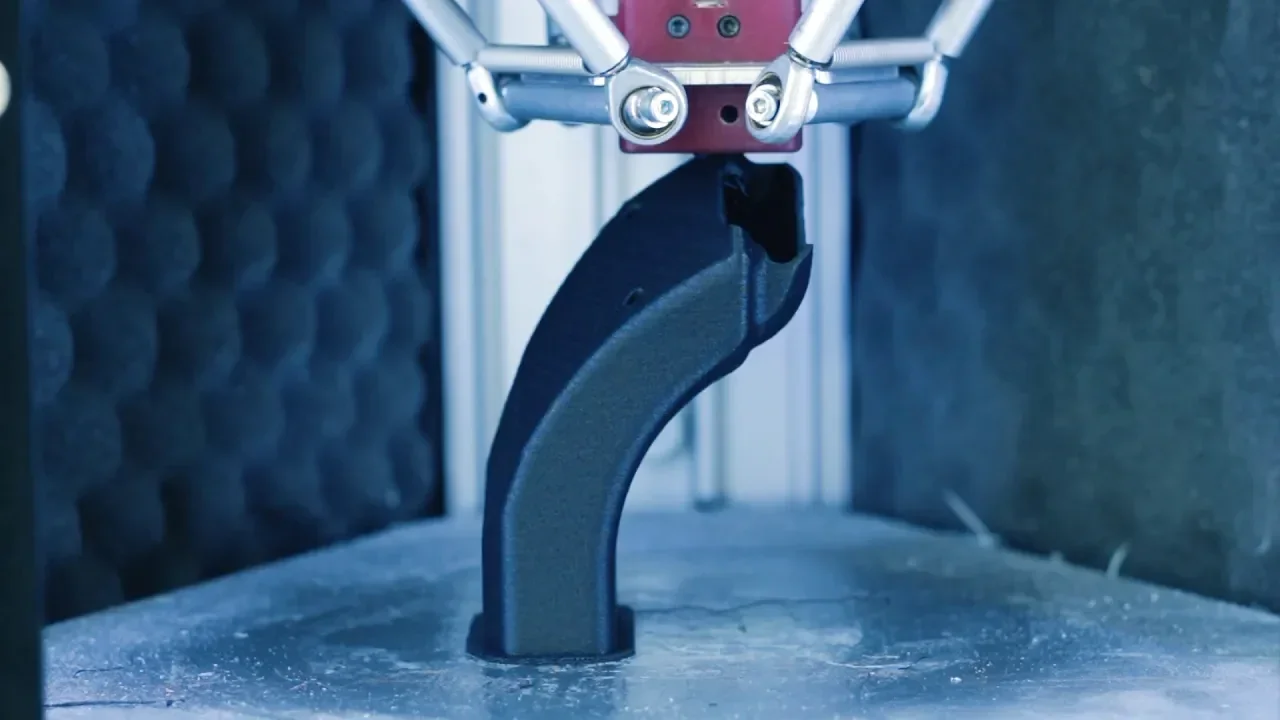
The Delta WASP 2040 Industrial X supports multiple nozzle setups: the ZEN X extruder with 0.4, 0.7, and 1.2 mm nozzles for 1.75 mm filament, and the FLEX extruder with a 0.4 mm nozzle for 2.85 mm filament. Combined with its dual gear filament driver, which boosts pressure and torque, it delivers reliable extrusion for both rigid plastics and flexible filaments down to shore 50A.
Which filaments can you use with the Delta WASP 2040 Industrial X?
The Delta WASP 2040 Industrial X can print over 15 filaments including 1.75 mm ABS, ASA, PETG, PC, PC+ABS, PPS, PMMA, PVA, PA, PA Carbon, PLA, HIPS with the ZEN X extruder, plus flexible 2.85 mm TPU, TPE, and polypropylene using the FLEX extruder.
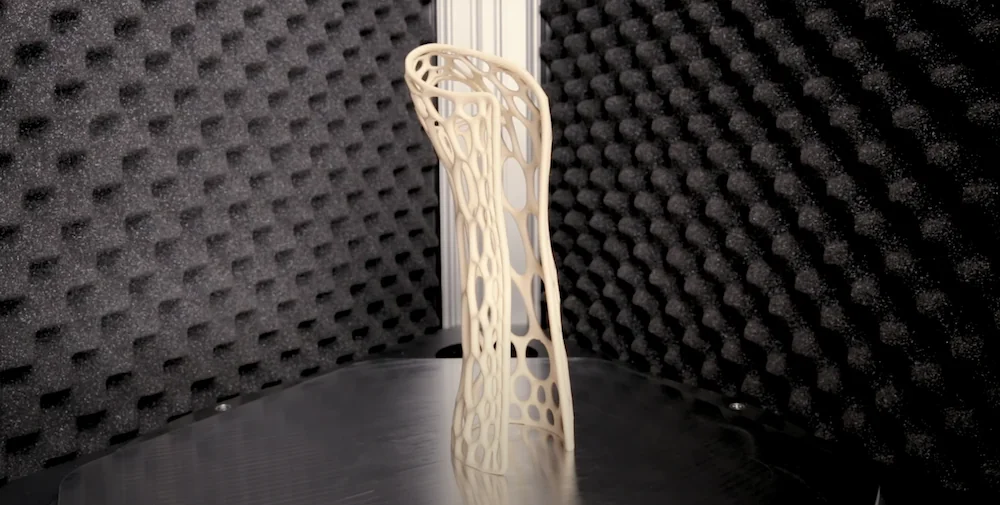
The Delta WASP 2040 Industrial X supports high-temperature materials like Polycarbonate and Nylon with a 120°C heated bed, 70°C heated chamber, and Hot and Cold Technology. These features maintain stable conditions without stressing components, ensuring reliable performance with engineering-grade filaments.
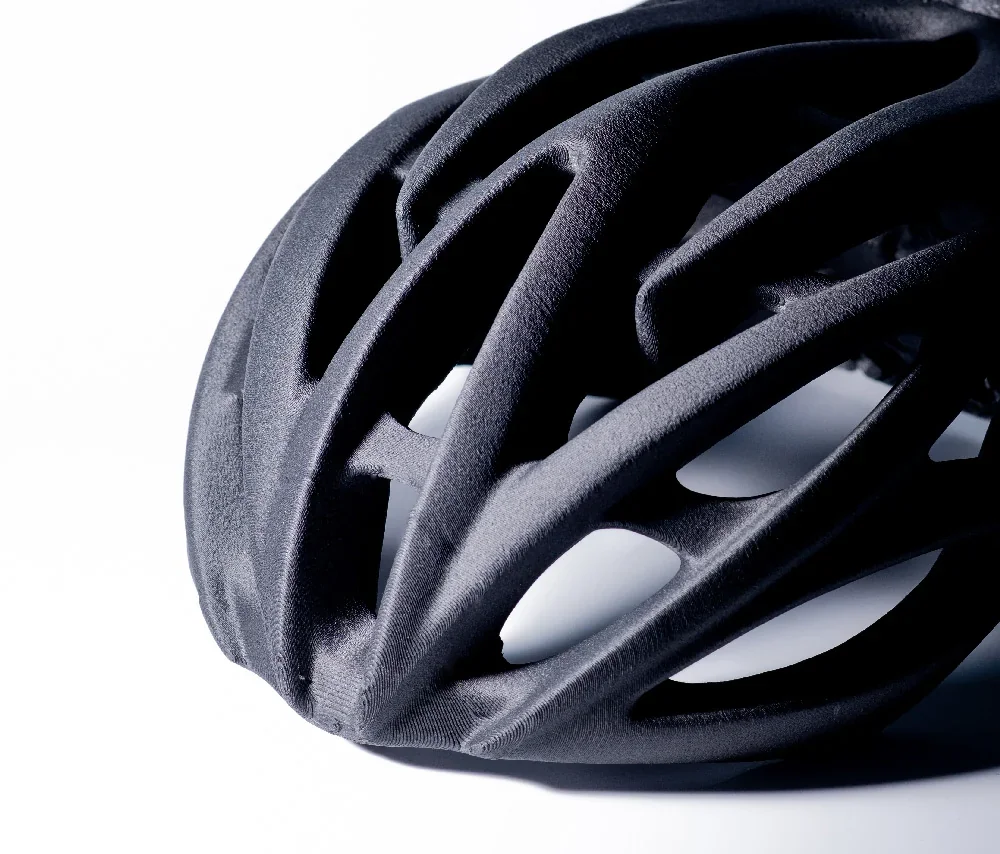
The Delta WASP 2040 Industrial X prints flexible materials using the WASP FLEX Extruder with direct drive technology, enabling fast, accurate prints with retraction on difficult filaments. Switching between rigid and flexible material setups takes only minutes.
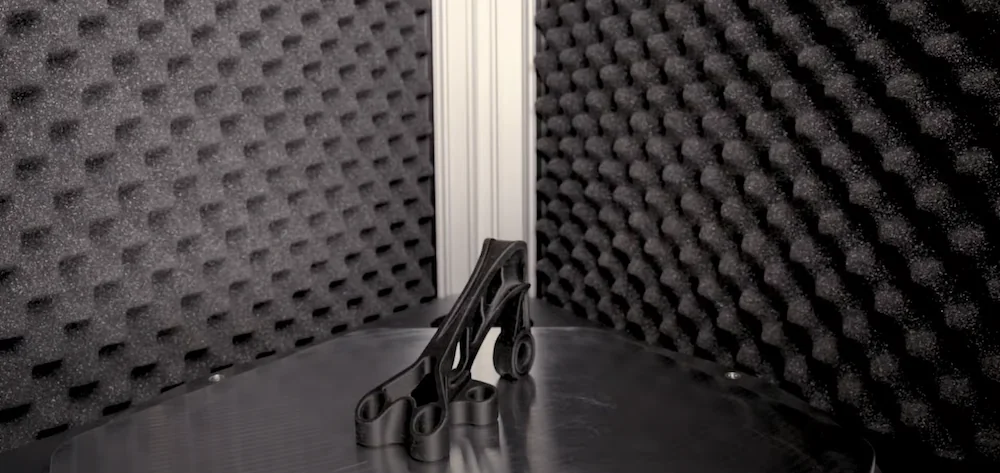
The Delta WASP 2040 Industrial X supports both WASP-branded materials—like ABS WASP, HIPS WASP, PA Carbon WASP, and PMMA WASP—and standard third-party filaments in compatible diameters.
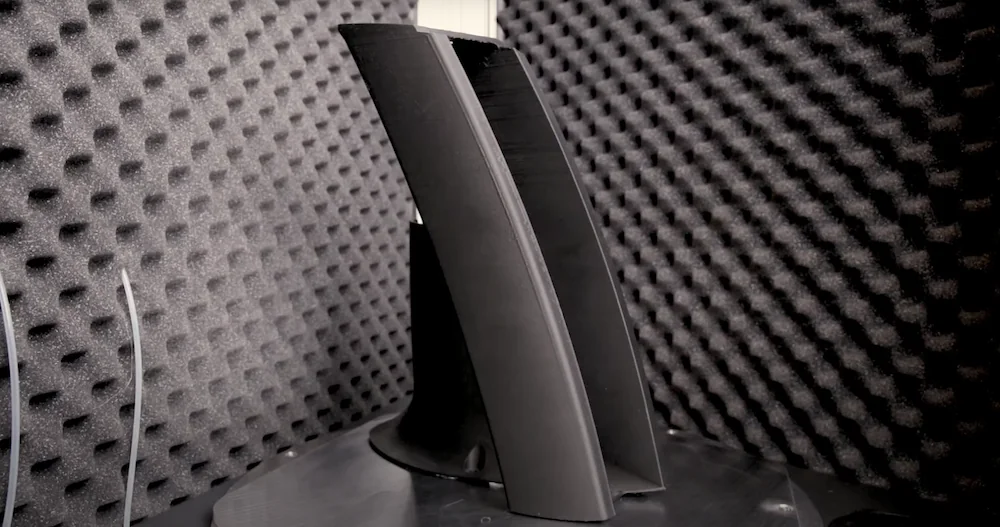
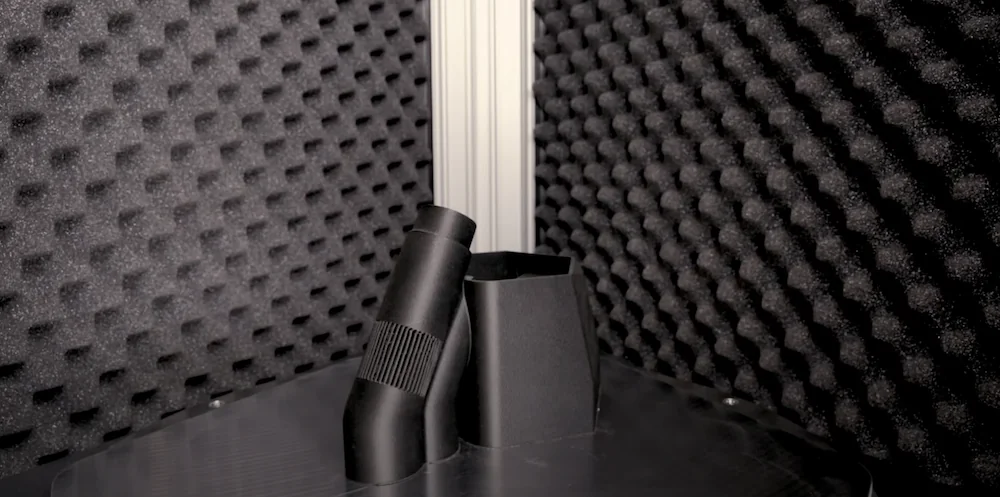
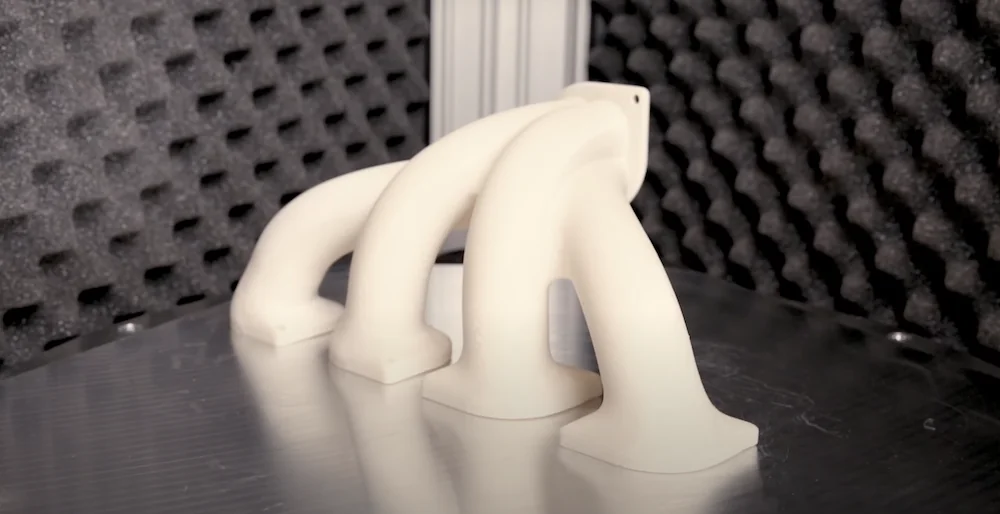
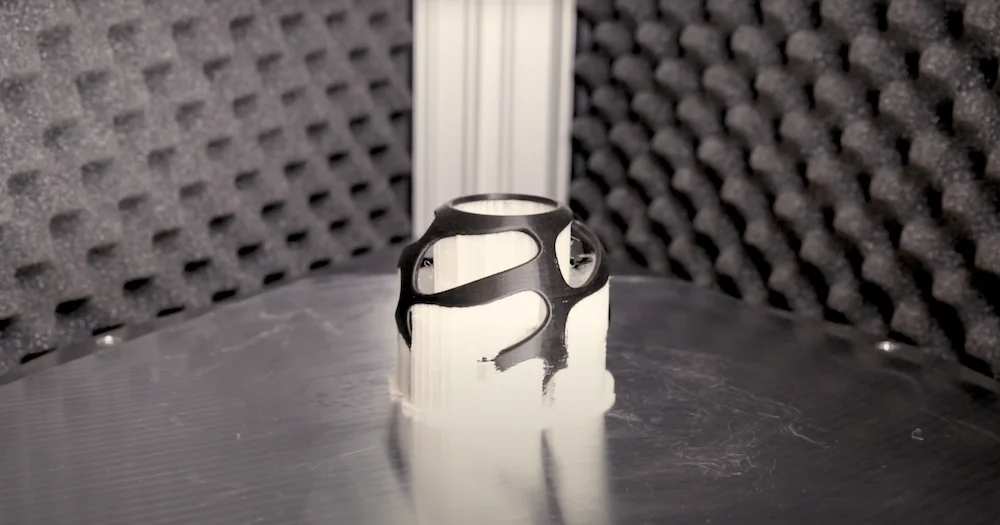
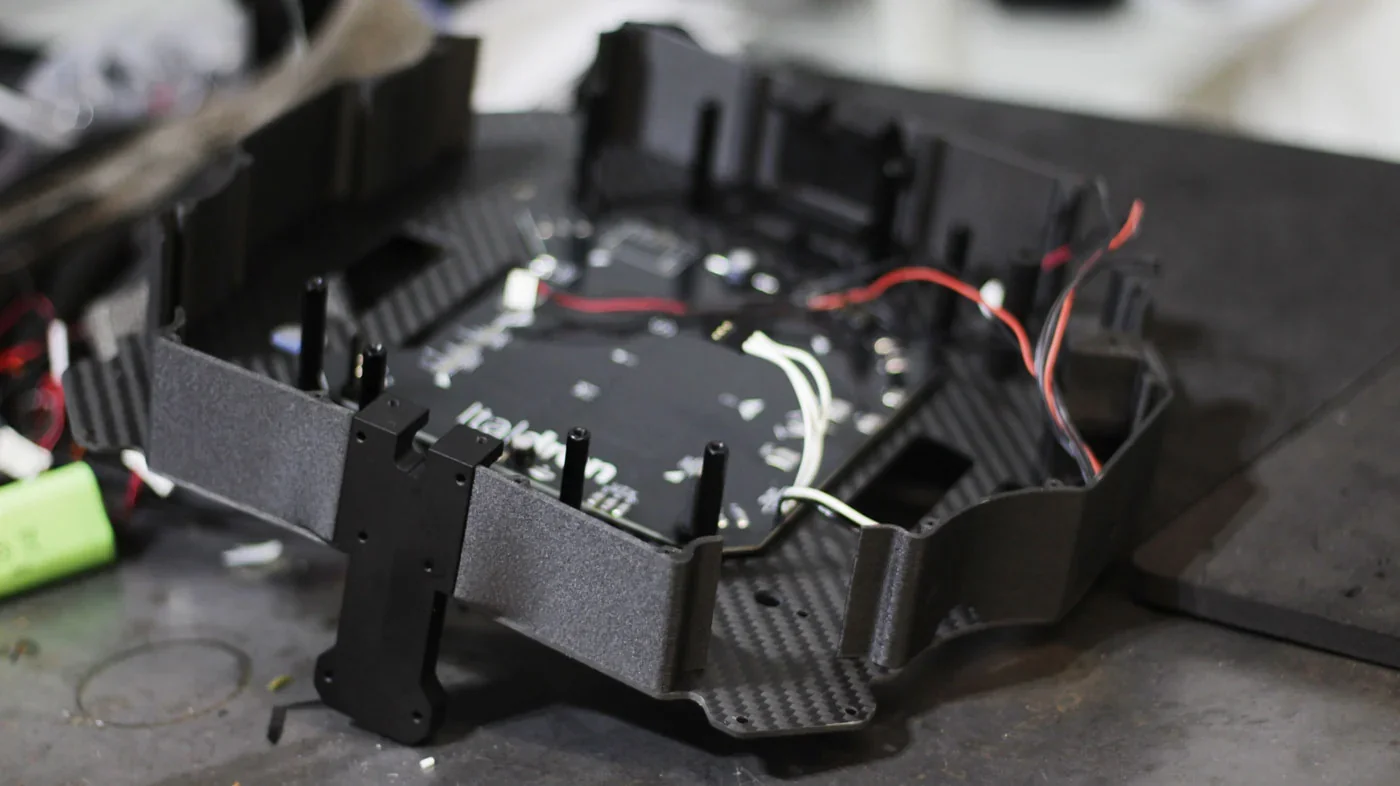
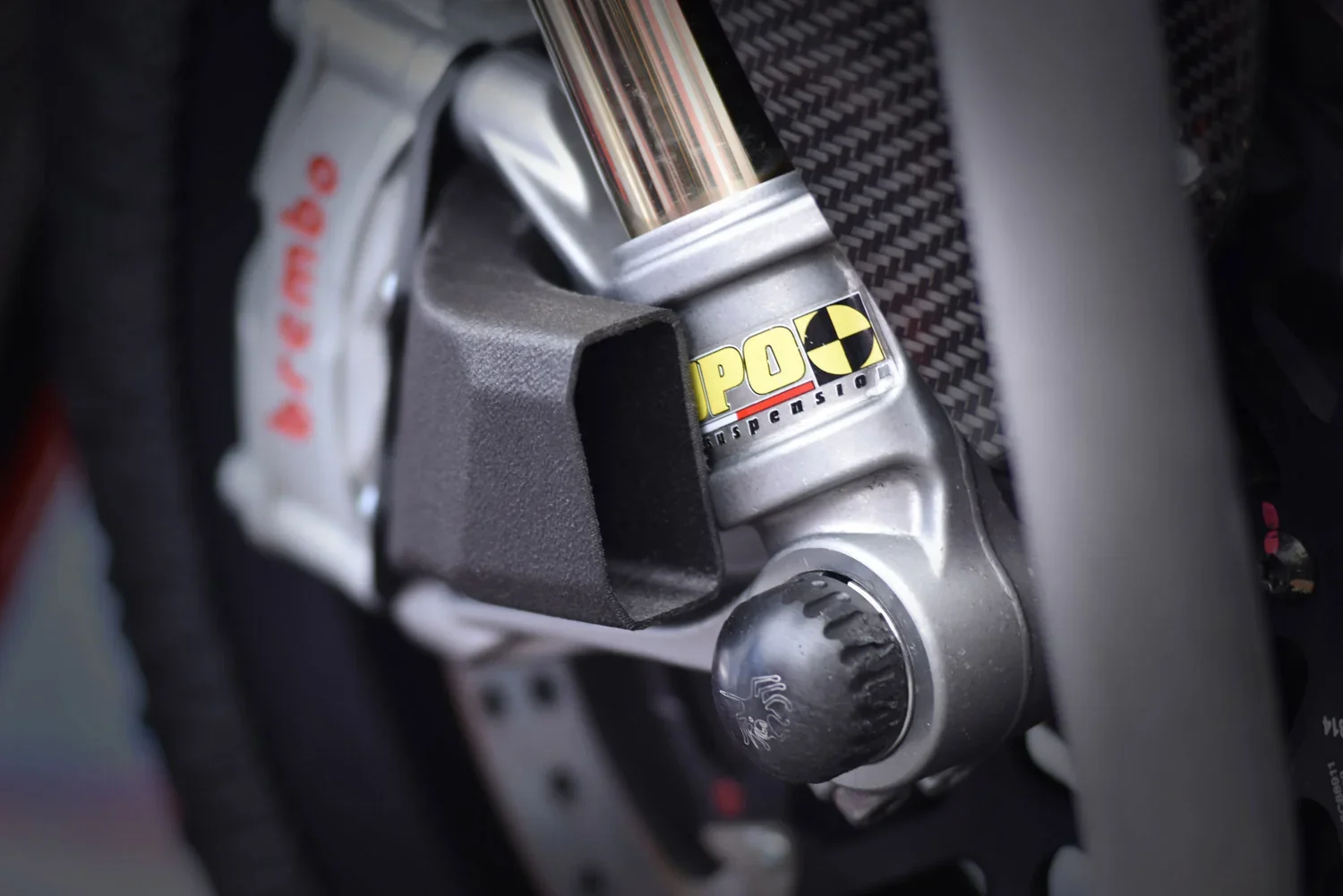
What is the build volume of the Delta WASP 2040 Industrial X?
The Delta WASP 2040 Industrial X offers a cylindrical build volume of Ø 200 × 400 mm, ideal for medium-sized parts and tall prototypes. Its delta-style kinematics maximize vertical capacity, making it well-suited for printing tall, cylindrical objects.
What printer controls are available on the Delta WASP 2040 Industrial X?
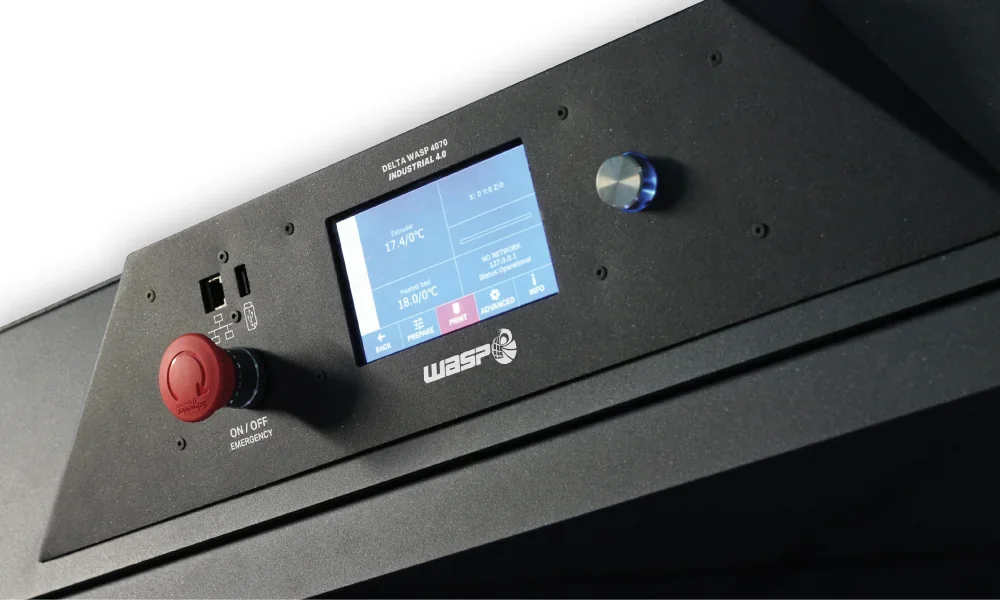
The Delta WASP 2040 Industrial X features over 30 controls accessible through a TFT touchscreen across four main menus, including extruder and bed temperature adjustment, auto home and autocalibration functions, manual extrusion and leveling, and advanced options like Wi-Fi configuration and system tests.
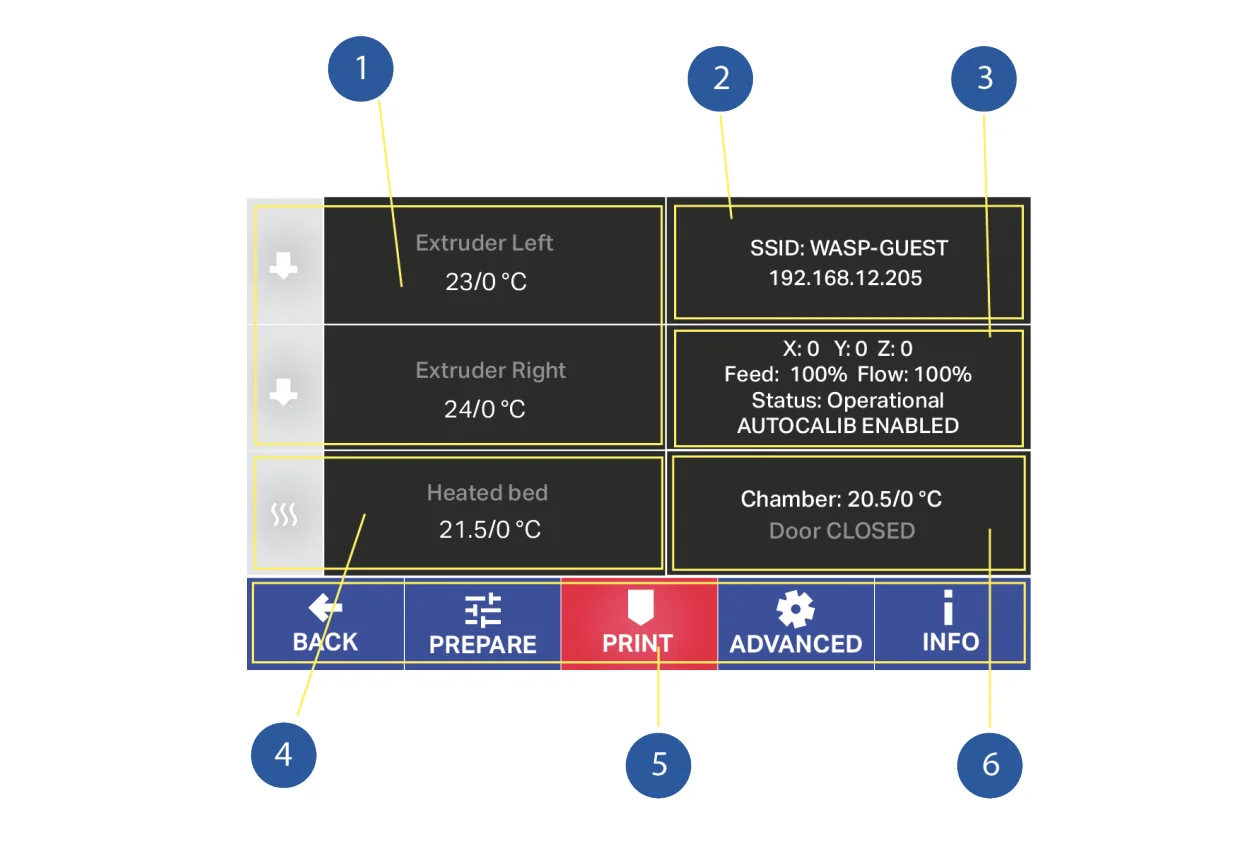
Main Board Interface (6):
- Adjust extruder temperature
- Adjust bed temperature
- View Wi-Fi info
- Monitor operating data (position, feed, flow, calibration status)
- Navigate toolbar
- View chamber temperature and door status
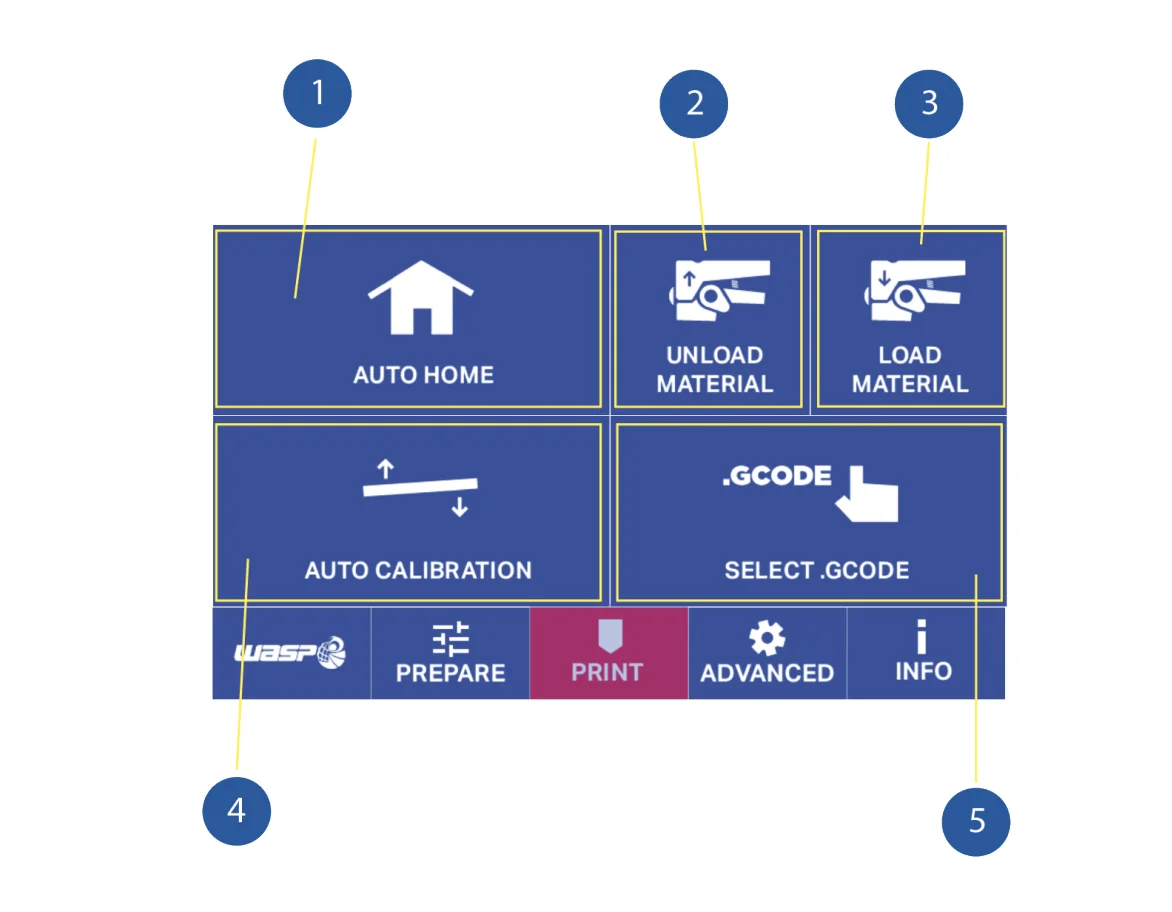
PRINT Menu (5):
- Auto Home for axis zeroing
- Unload material with automatic heating
- Load material with heating and filament feed
- Autocalibration with heated extruder and bed leveling
- G-code access for file selection and printing
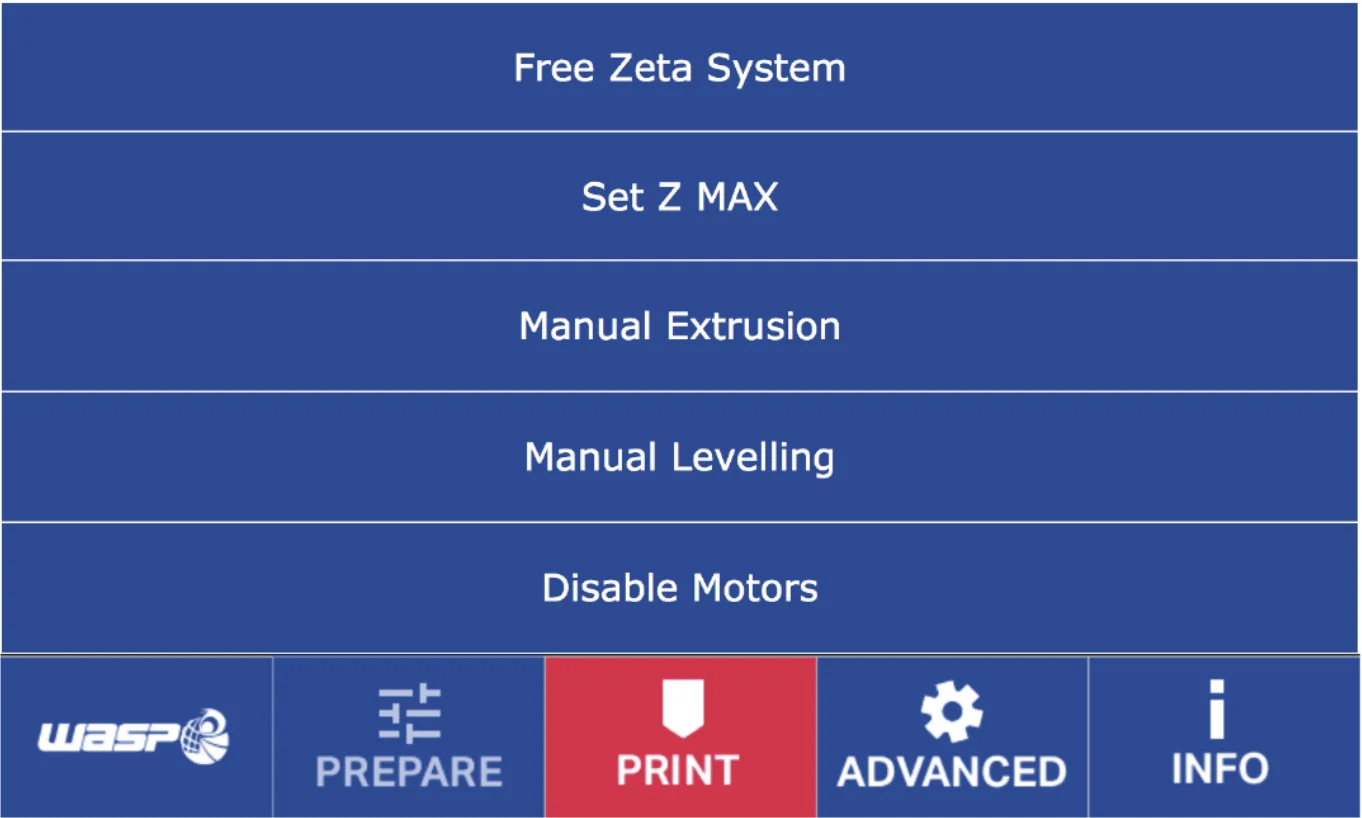
PREPARE Menu (5):
- Free Zeta System to resume prints from set heights
- Set Z Max for machine height limits
- Manual Extrusion for direct filament control
- Manual Leveling for bed setup
- Disable Motors to turn off steppers
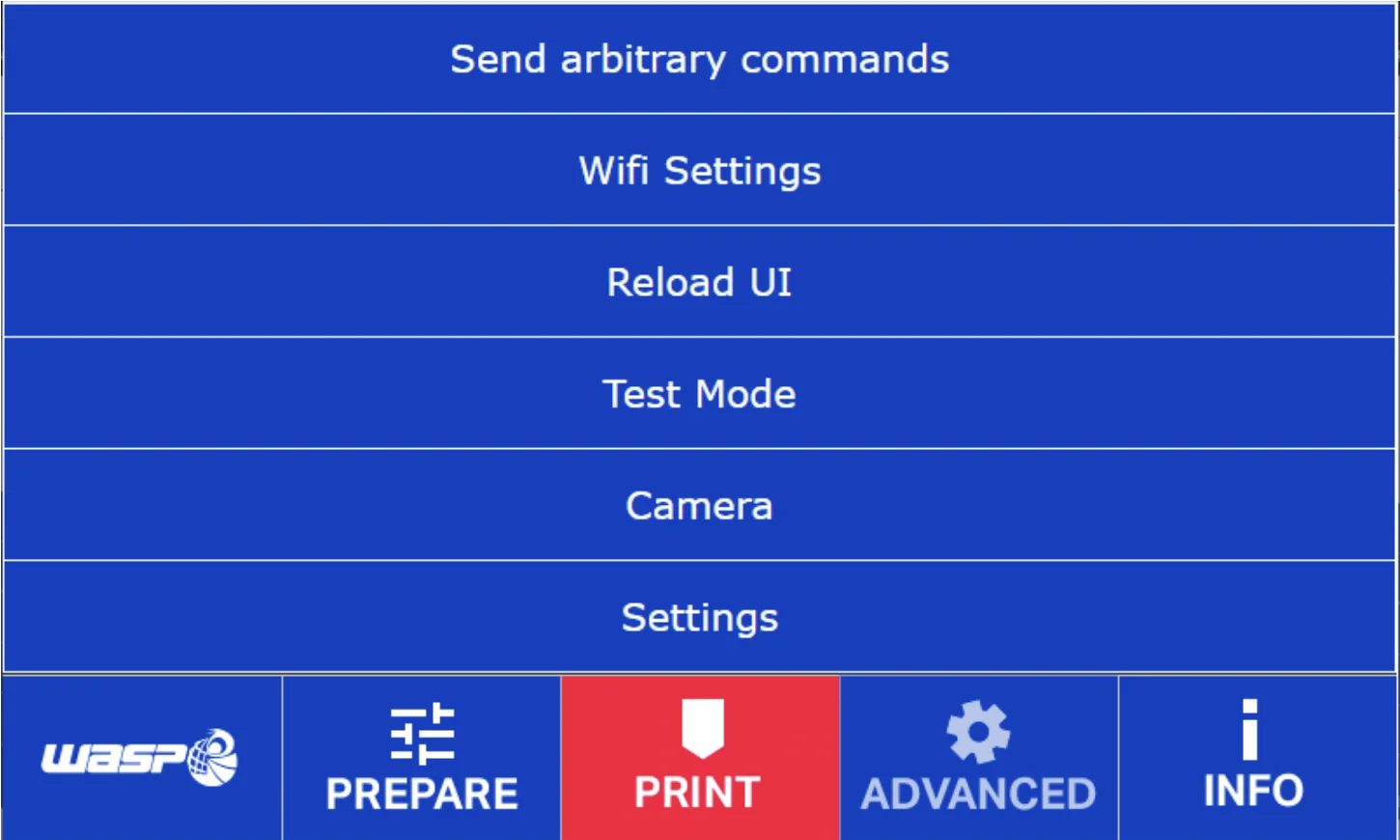
ADVANCED Menu (6):
- Send commands via onboard keyboard
- Configure Wi-Fi settings
- Reload user interface
- Run Test Mode for system checks
- Access camera with QR code reading
- Adjust advanced settings
What connectivity options are available on the Delta WASP 2040 Industrial X?
The Delta WASP 2040 Industrial X provides three connectivity options: a USB port for STL, OBJ, and G-code files, built-in Wi-Fi for wireless transfer and remote control, and an Ethernet port for stable wired connections.
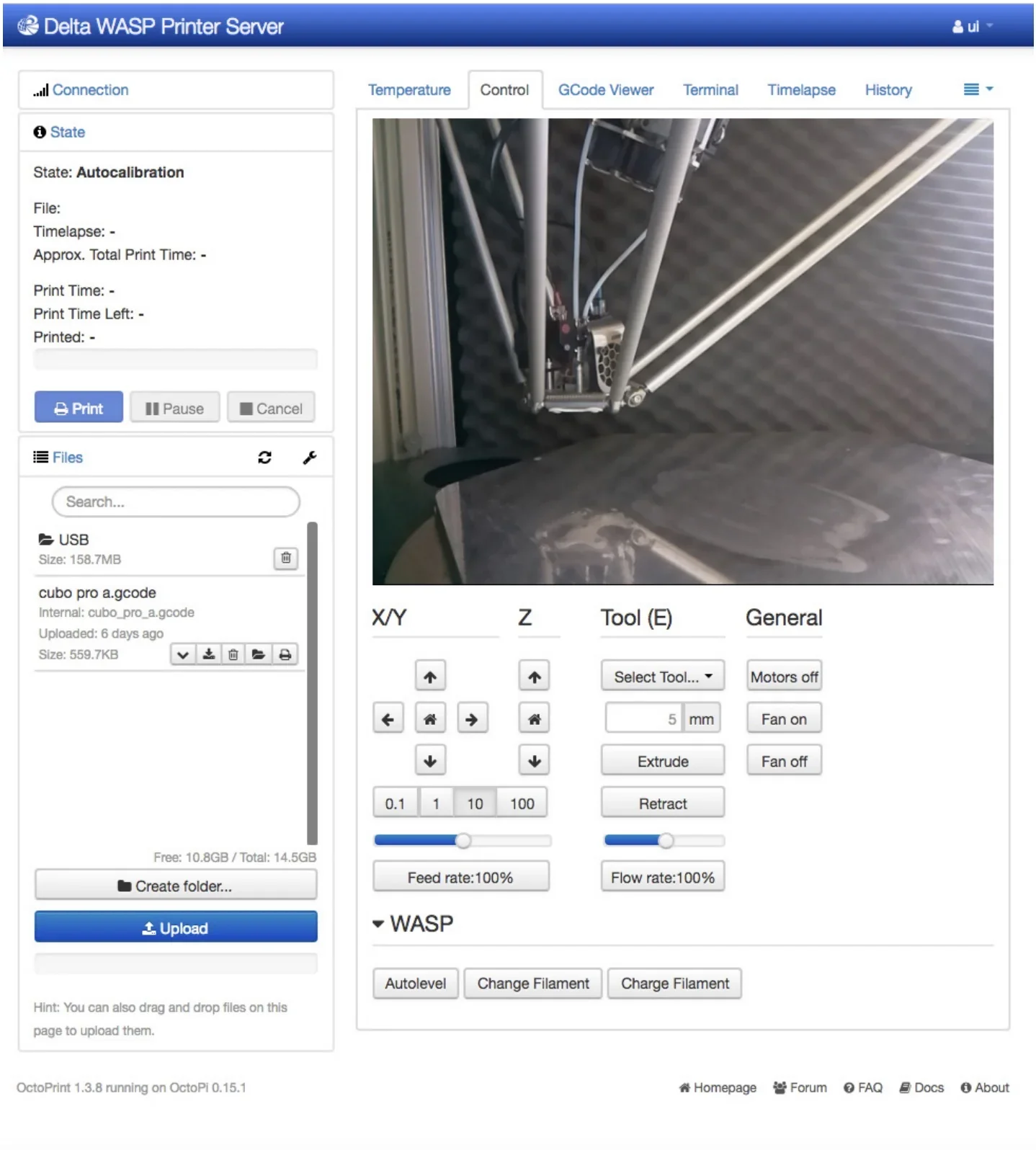
The Delta WASP 2040 Industrial X enables remote operation through its onboard camera and Octoprint interface, letting users monitor prints in real time from any device. Via Wi-Fi, the printer can be accessed by entering its IP address with “/wasp” in a browser (e.g., http://192.168.12.114/wasp). Compatible with Windows, Mac, and Linux, this system allows users to start, pause, or stop prints without being physically at the machine.
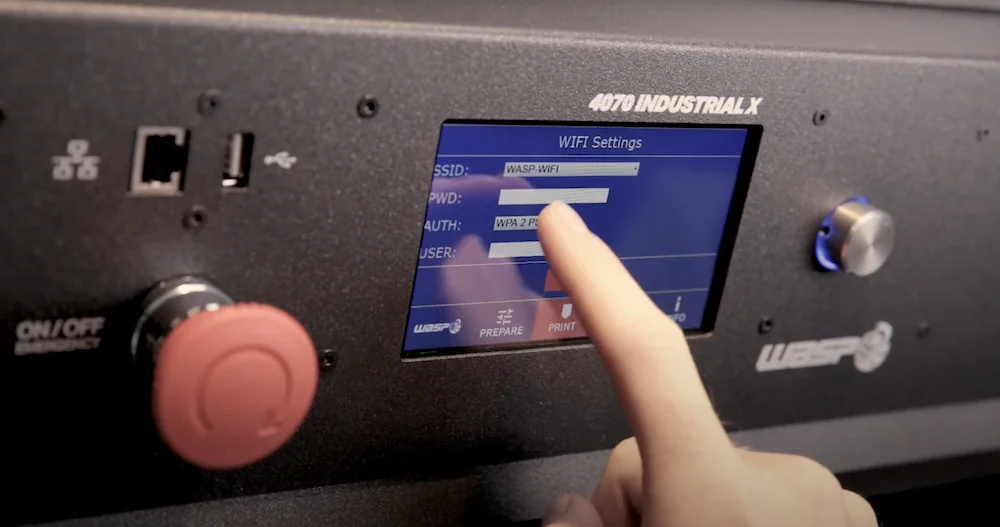
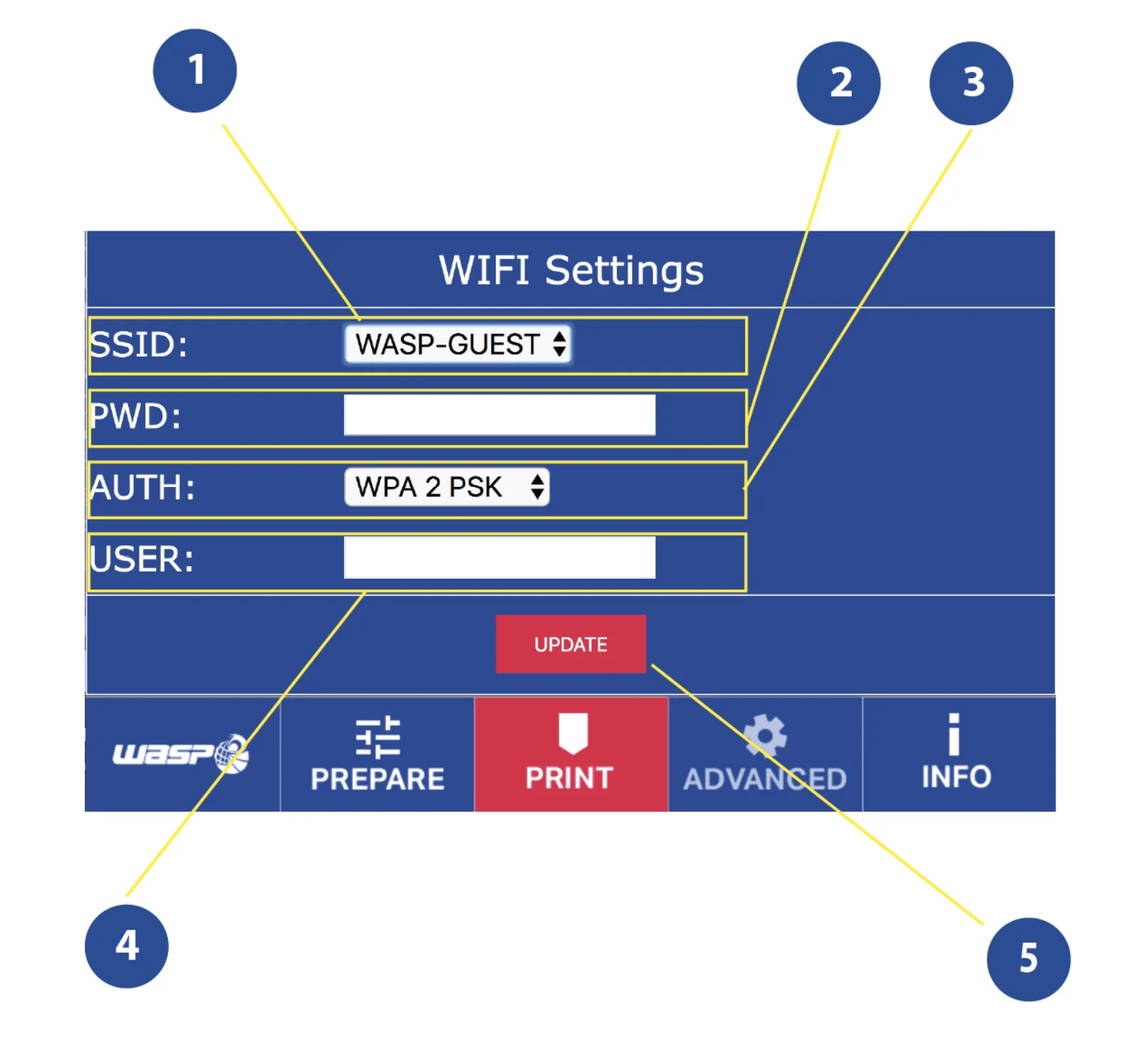
The WiFi Settings menu provide 5 controls:
- SSID network selection
- PWD password entry
- AUTH connection type specification
- USER credential input
- UPDATE system restart
What software is offered with the Delta WASP 2040 Industrial X?
The Delta WASP 2040 Industrial X uses an open software ecosystem compatible with slicers like Cura, Slic3r, and Simplify3D, supporting STL, OBJ, and G-code formats. It comes with a USB drive containing free modeling software, preconfigured settings, and sample G-code files. This flexibility lets users choose their preferred tools without being tied to proprietary systems.
What is the design and build quality of the Delta WASP 2040 Industrial Delta Printer?
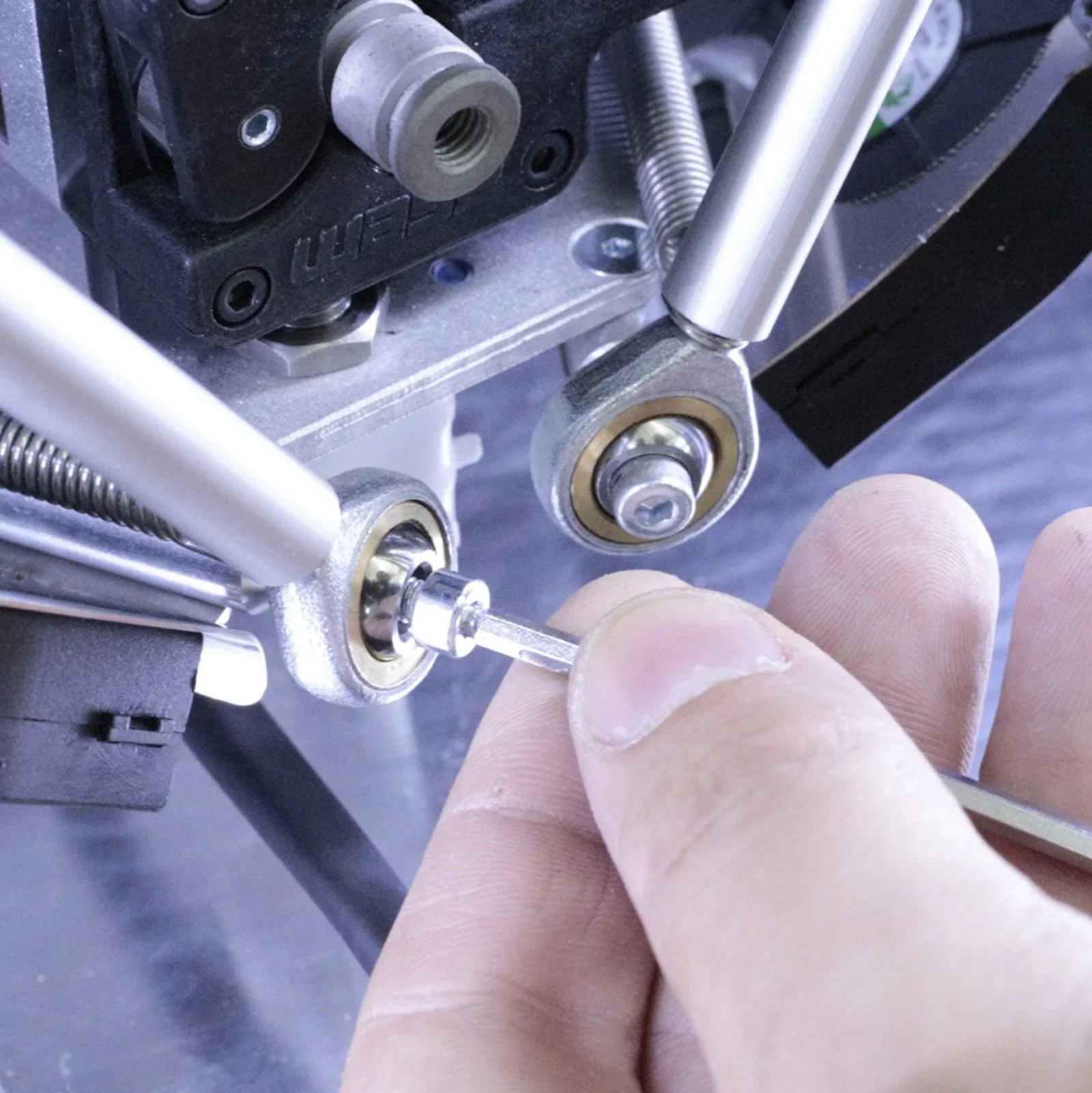
The Delta WASP 2040 Industrial X features a rigid, vibration-damped industrial frame made of aluminum, steel, polycarbonate, and polyurethane, measuring 490 × 440 × 870 mm and weighing 38 kg. The 3D printing machine includes thermal and acoustic insulation.
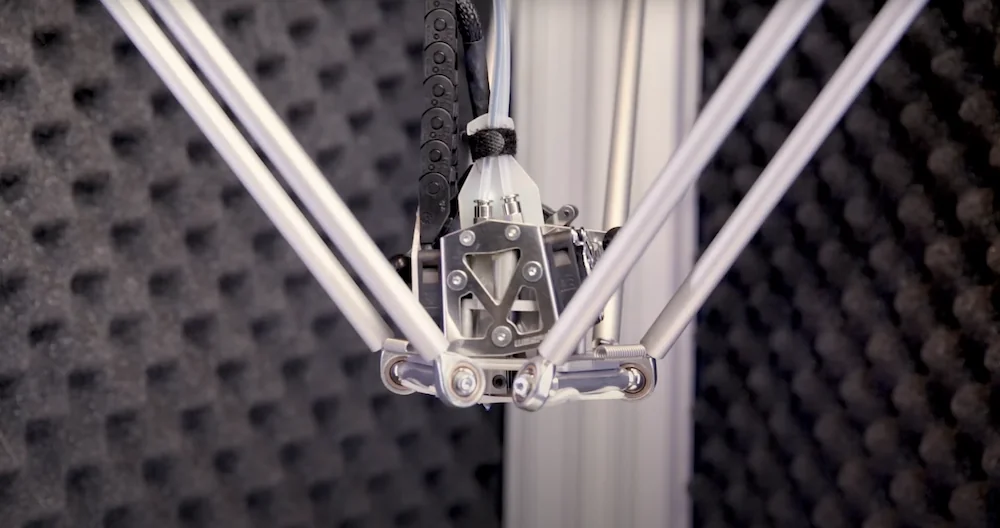
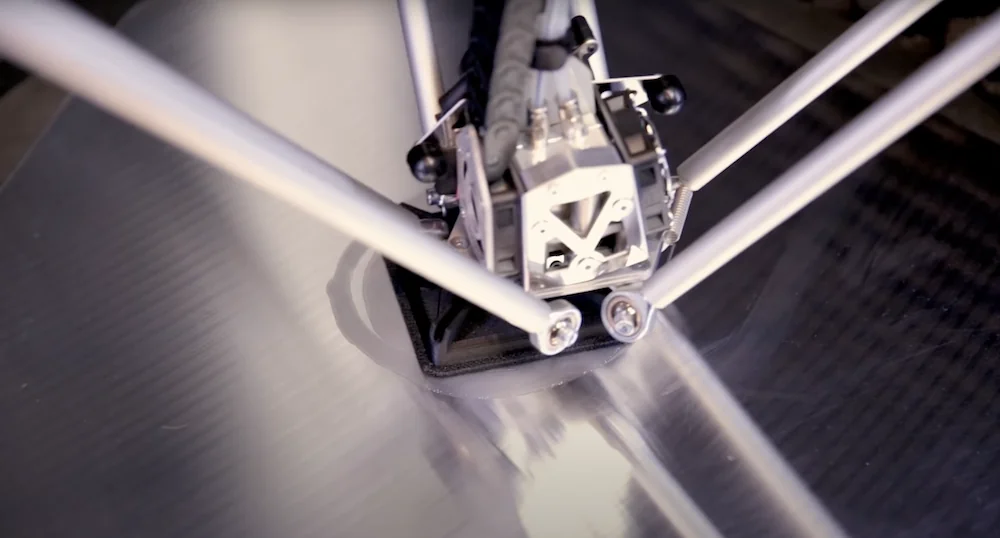
The Delta WASP 2040 Industrial X uses a Delta Geometric System with a Suspended Bowden setup, unlike standard Cartesian printers. Its nylon wheels on aluminum sliders and heat-resistant steel-core belts drive three independent arms that position the extruder through trigonometric calculations. This delta kinematics reduces inertia, enabling precise, high-speed movement up to 300 mm/s without losing quality, powered by stepper motors.
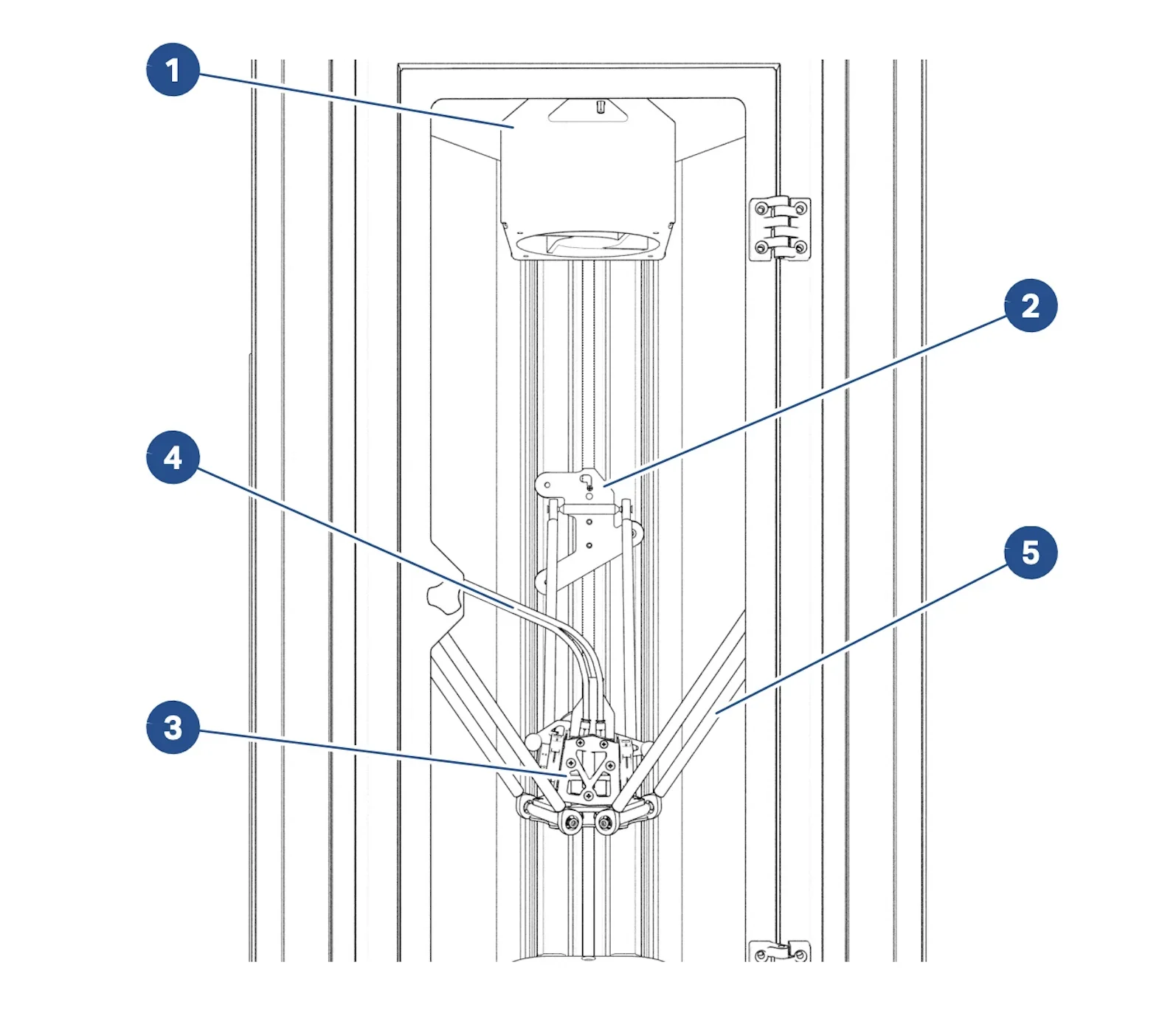
- Chamber heater
- Aluminum slider
- Extruder
- PTFE pipe
- Support arms
What comes included in the box with Delta WASP 2040 Industrial X?
- Delta WASP 2040 Industrial X printer (fully assembled)
- Pre-installed Spitfire Extruder
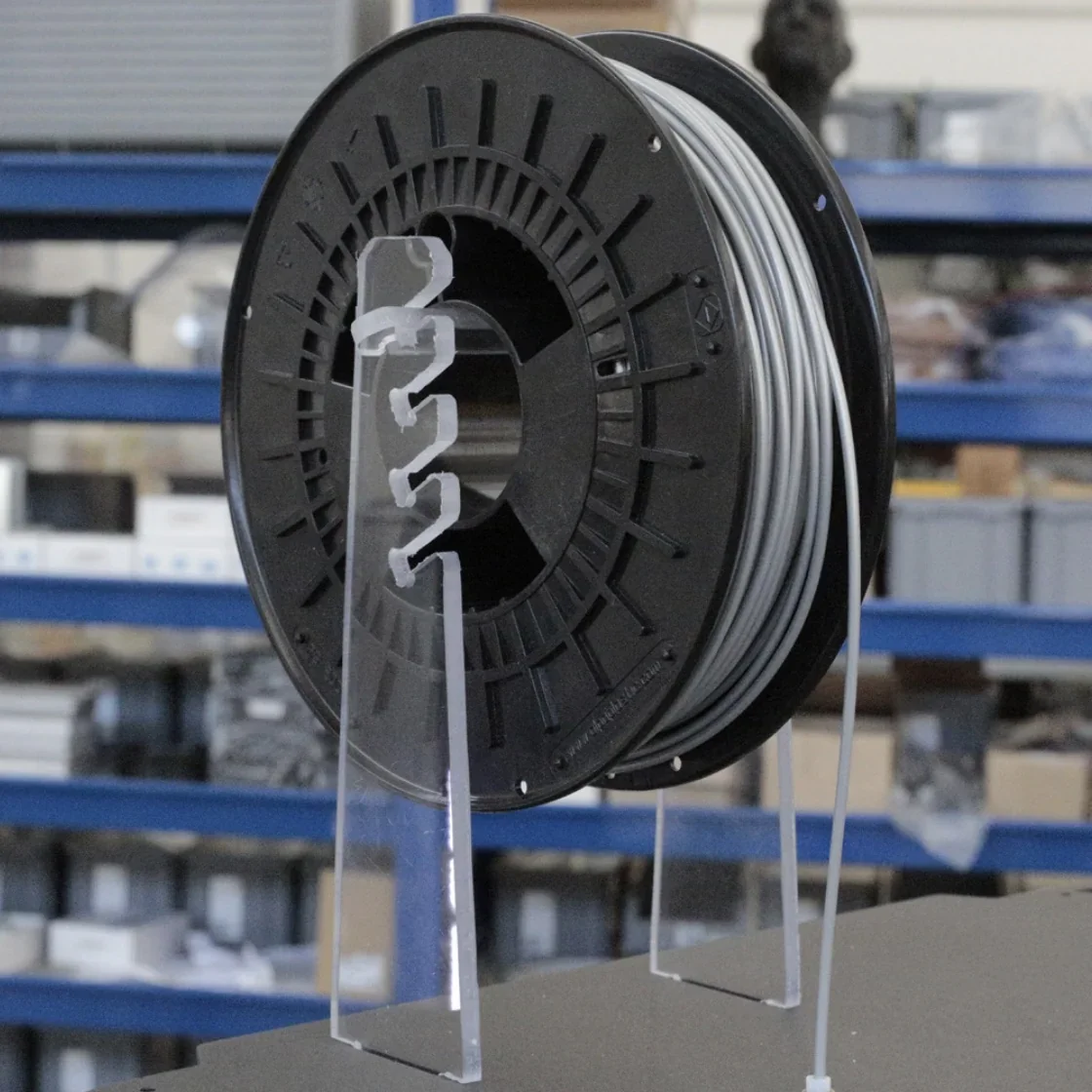
- Spool holder
- 1 kg PLA filament spool
- USB drive with software, configurations, and sample G-code
- Pre-installed TFT touchscreen
- Shipping package (50 × 70 × 114 cm, 42 kg on pallet)
The Delta WASP 2040 Industrial X comes fully assembled and ready to print. It includes a PLA starter spool and a USB drive with software configurations and test files. Setup requires no assembly beyond simple steps guided by built-in video tutorials on the printer’s interface.
Note: Package contents may vary. Contact a Top3DShop sales representative to confirm current inclusions before ordering.
What upgrades and accessories are available for the Delta WASP 2040 Industrial X?
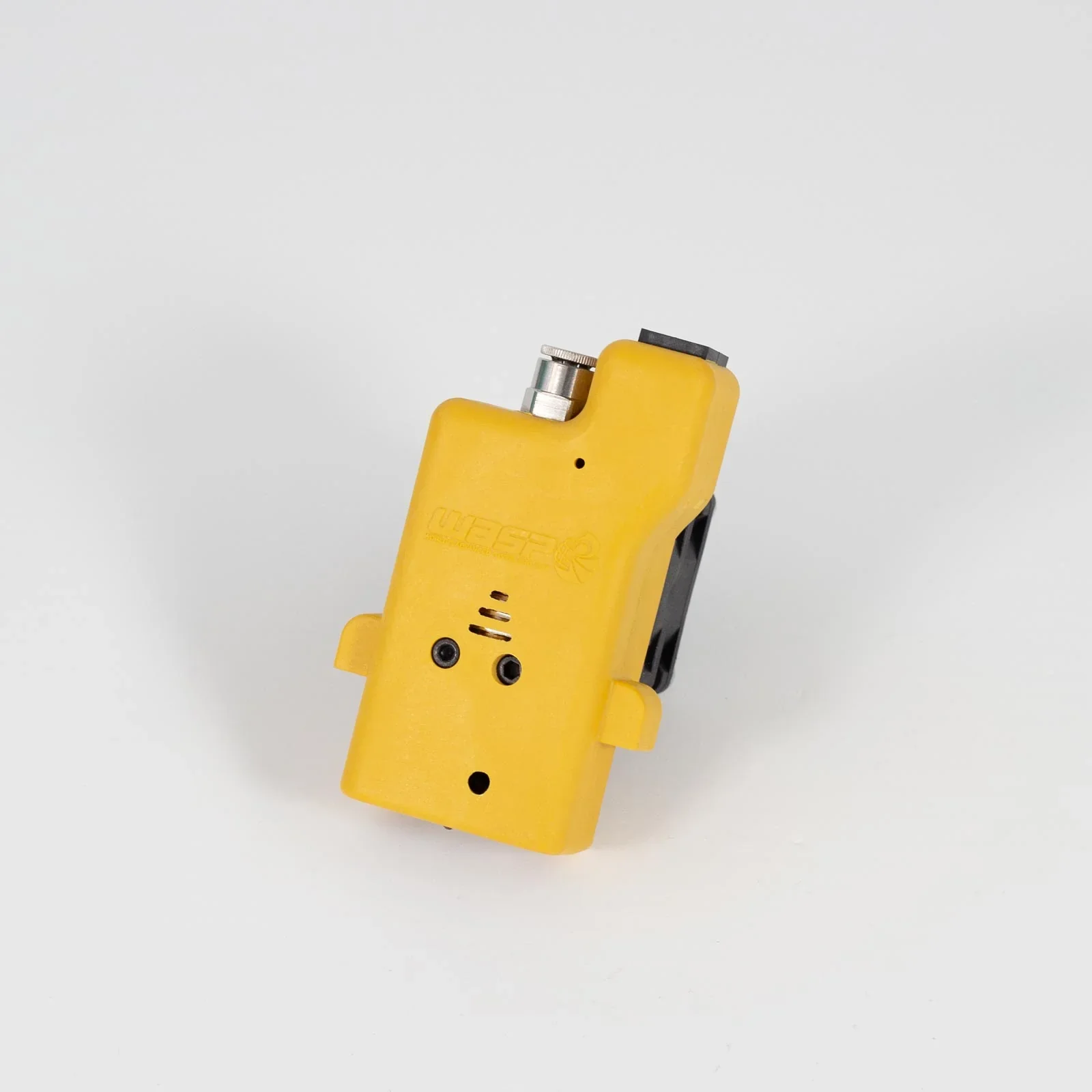
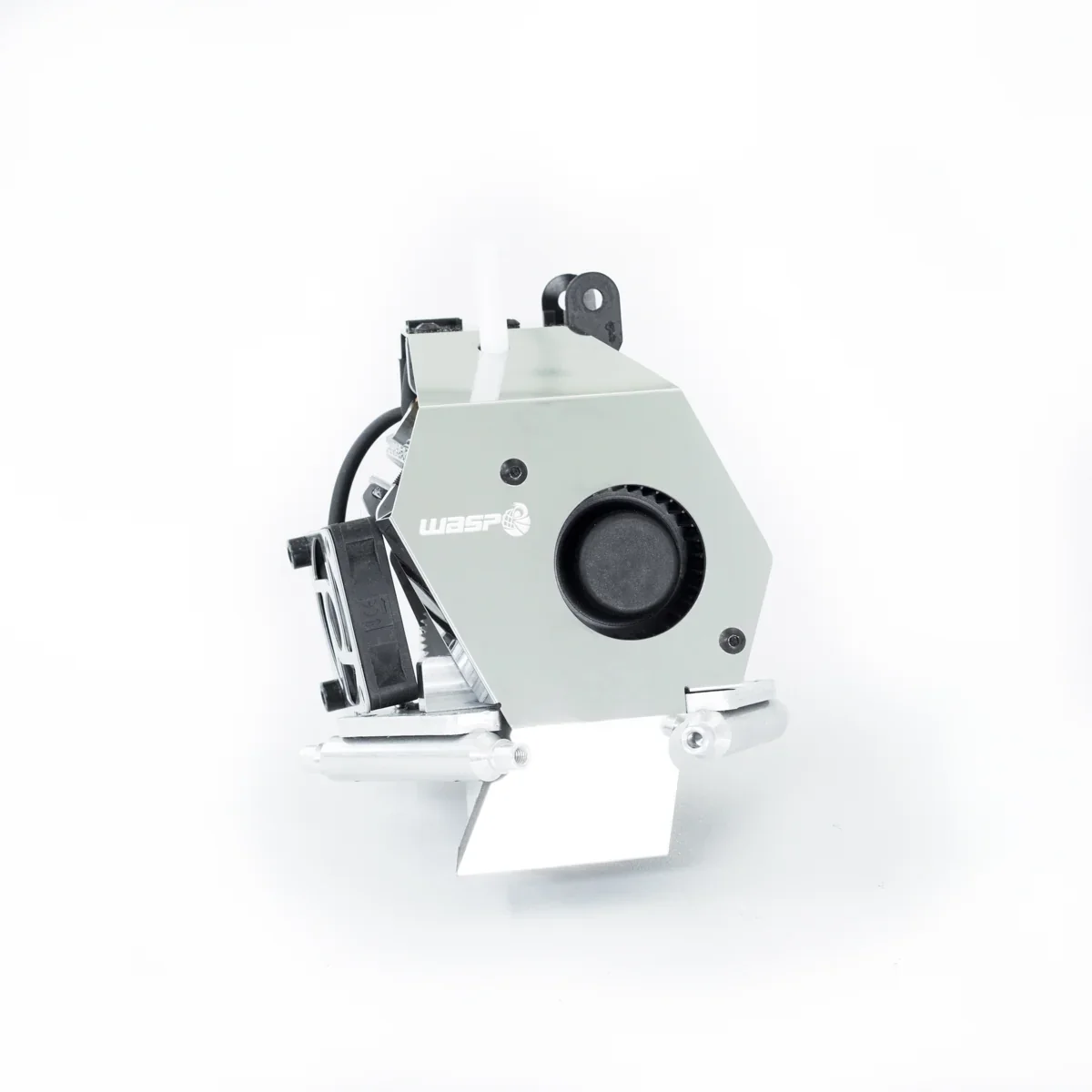
The Delta WASP 2040 Industrial X offers upgrades like interchangeable extruders including the WASP ZEN X dual-gear for 1.75 mm filaments and the WASP FLEX direct drive for flexible 2.85 mm filaments, multiple nozzle sizes (0.4, 0.7, 1.2 mm), and durable silicon nitride ruby nozzles for abrasive materials, plus accessories like the Ooze Shield Protection to maintain print quality.
| Accessory | Description | Functionality | Target User |
|---|---|---|---|
| WASP ZEN X Extruder | Dual-gear, dual extruder | Single, multi-color, or multi-material (1.75 mm) | Professionals needing versatility |
| WASP FLEX Extruder | Direct drive extruder | Prints flexible 2.85 mm filaments to shore 50A | Users working with TPU/TPE |
| Nozzle Upgrades | 0.4, 0.7, 1.2 mm options | Balance speed and detail | All users, project-specific |
| Silicon Nitride Ruby Nozzles | High-durability nozzles | Wear-resistant for abrasive filaments | Heavy/industrial users |
For maintenance, WASP supplies consumables tailored for the Delta WASP 2040 Industrial X. These include 1.75 mm ABS, HIPS, PA Carbon, and PMMA for the ZEN X extruder, plus specialized 2.85 mm filaments for the FLEX extruder.
The Ooze Shield Protection prevents nozzle buildup, maintaining print quality. It can be cleaned or replaced as needed. The printer also supports ruby-tipped nozzles for longer life when printing abrasive materials.
Both extruders can be swapped in minutes, giving the Delta WASP 2040 Industrial X versatility to handle projects from rigid technical parts to flexible components without needing multiple printers.
What maintenance is required for Delta WASP 2040 Industrial X?
Every 160 Operating Hours
- Replace fan filter if gray or clogged
- Check belt tension
- Grease arm ball joints if stiff
- Verify extruder and driver fans
- Inspect sliders for backlash
- Clean print bed (remove screws, wash with water/detergent, avoid metal tools)
As-Needed Maintenance
- Clean clogged extruder with WASP kit
- Replace Ooze Shield (Zen extruder) when damaged
Extraordinary Maintenance (Technicians Only)
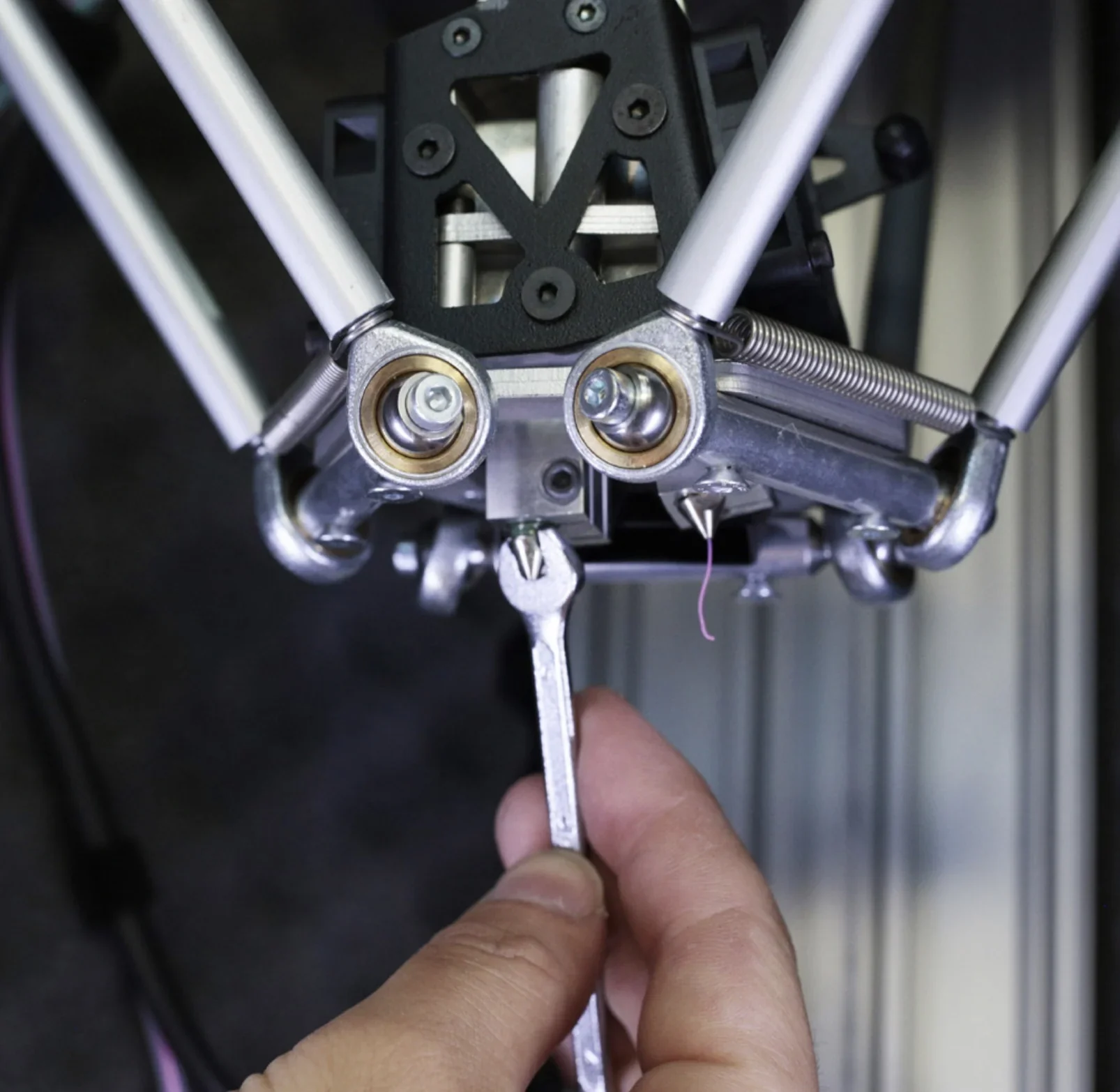
- Change Zen or Flex extruder nozzles when flow is inconsistent or clogged
- Perform manual leveling with paper test at three points
- Heat and clean nozzles by clearing softened plastic through the cavity
Safety Requirements
All maintenance must be done with the printer unplugged. Operators should wear PPE, including heat-protective gloves, to avoid burns. Only original parts may be used to keep warranty coverage.
The manufacturer warns that extraordinary maintenance by non-authorized technicians can cause damage and void the warranty. Mechanical maintenance must follow safety guidelines and be done with the printer disconnected.
What support and warranty come with the Delta WASP 2040 Industrial X?
The Delta WASP 2040 Industrial X warranty covers 24 months for EU individuals and 12 months for EU companies and all international customers. It includes free repair or replacement of defective parts after verification but excludes transport, shipping, technician travel, and requires the printer be returned in original packaging to remain valid.
The warranty covers labor costs for manufacturer technicians unless the issue can be resolved by the customer. Consumables are excluded, and coverage is void if the printer is misused, maintenance is neglected, parts are non-original, packaging is not original, unauthorized repairs are made, or instructions in the manual are not followed.
Full warranty terms: https://www.3dwasp.com/en/download/download-info/manuale-delta-wasp-2040-industrial-x-eng/
The Delta WASP 2040 Industrial X includes an INFO menu with video tutorials for basic and advanced operations, offering on-device support for common tasks.
How much does the Delta WASP 2040 Industrial X cost?
The Delta WASP 2040 Industrial X is priced at $6,300.00. Key features include Hot and Cold Technology for a 70°C chamber with cooled mechanics, compatibility with both ZEN X extruder for single and multi-material printing and FLEX extruder for flexible materials, and a durable aluminum-steel frame with polycarbonate covers. The Delta WASP Industrial Line is great for industrial use.