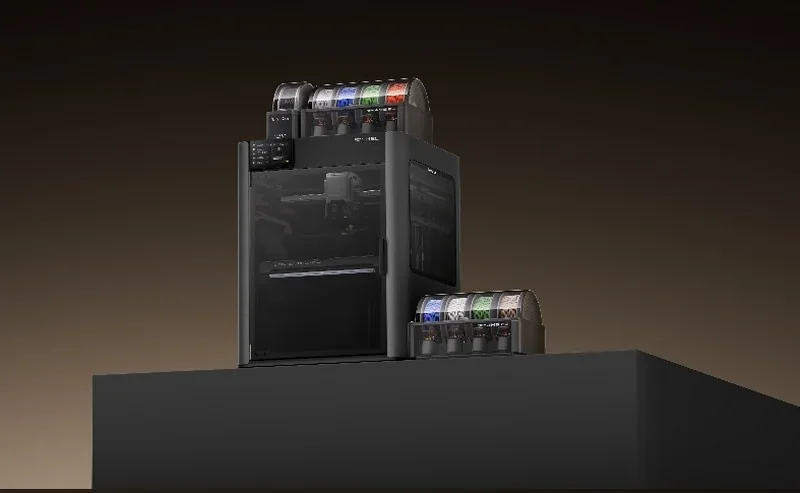
Bambu Lab H2C 3D Printer (with Vortek Hotend Change System)


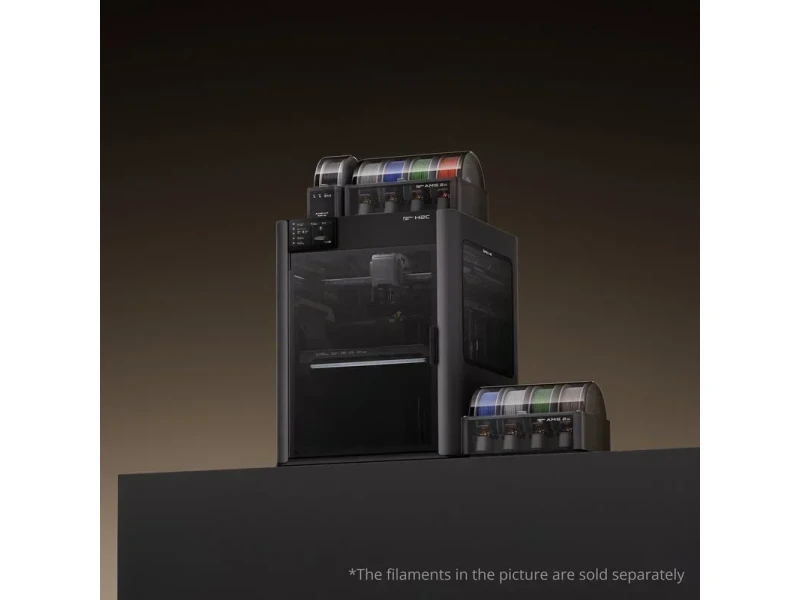


- Hotend-swapping with minimal purge waste
- 1000 mm/s speed with 20,000 mm/s² acceleration
- Motion accuracy under 50 μm with Vision Encoder
- 350 °C nozzles with 65 °C heated chamber
- Flexible Payment Terms
- 1 Year Warranty
- Local Technical Support
- Free Online Training
- Bambu Lab H2C printer
- Build Plate
- AMS 2 Pro
- Power Cord
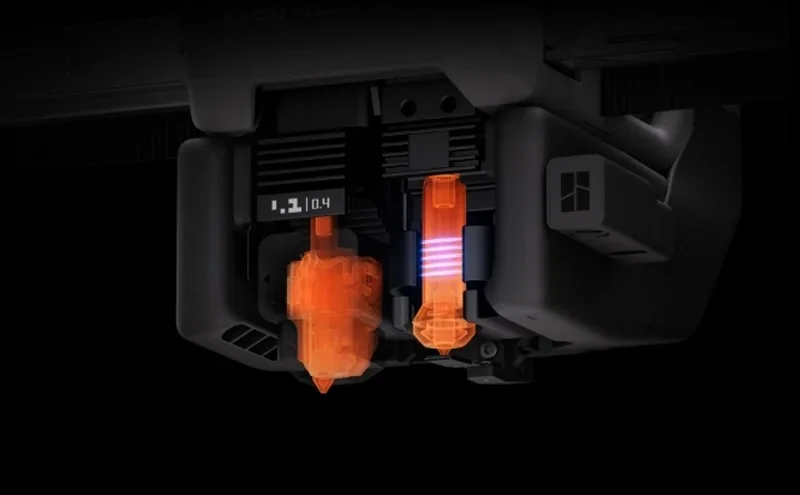
The Bambu Lab H2C is a high-speed, enclosed FDM 3D printer designed for multi-material production. It features hotend-swapping, minimal purge waste, inductive nozzle heating, a closed-loop servo extruder, and AI-based filament error detection. With 350 °C nozzles, a 65 °C heated chamber, and a 325 × 320 × 325 mm build volume, it supports up to 1000 mm/s toolhead speed and 20,000 mm/s² acceleration. Paired with an optional Vision Encoder, it achieves motion accuracy under 50 μm. Built-in calibration (vibration, bed leveling, nozzle offset) and a servo extruder ensure consistent print quality at high speeds.
- What is the print quality and performance of the Bambu Lab H2C?
- Which thermoplastic filaments can you use with the Bambu Lab H2C?
- What is the build volume of the Bambu Lab H2C?
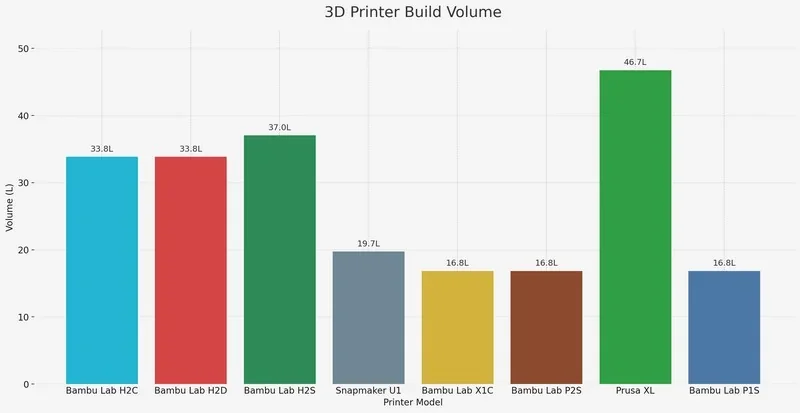
- What is the difference between the Bambu Lab H2С,Bambu Lab H2D,Bambu Lab H2S,Snapmaker U1,Bambu Lab X1 Carbon),Bambu Lab P2S,Prusa XL andBambu Lab P1S?
- What printer controls are available on the Bambu Lab H2C?
- What connectivity options are available on the Bambu Lab H2C?
- What software is offered with the Bambu Lab H2C?
- What is the design and build quality of the Bambu Lab H2C?
- What comes included in the box with Bambu Lab H2C (H2C AMS Combo)?
- What upgrades and accessories are available for the Bambu Lab H2C?
- What maintenance does the Bambu Lab H2C require?
- What support and warranty come with the Bambu Lab H2C?
- How much does the Bambu Lab H2C cost?
What is the print quality and performance of the Bambu Lab H2C?
The H2C is optimized for high-speed printing while preserving dimensional accuracy: with the optional Vision Encoder it achieves < 50 µm motion accuracy, continuously correcting mechanical drift during calibration.
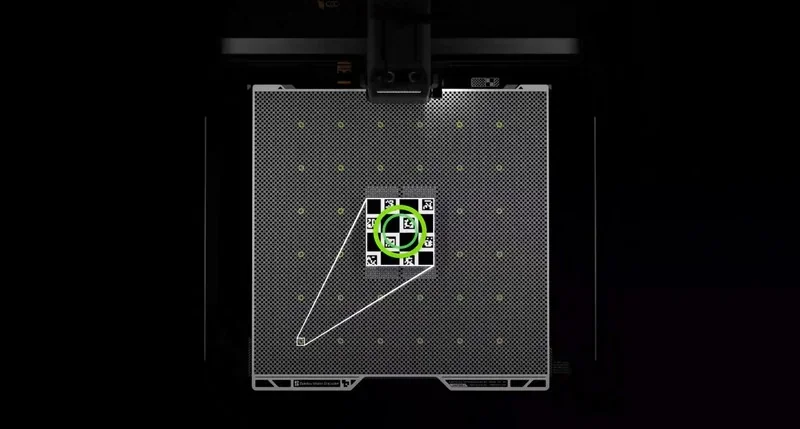
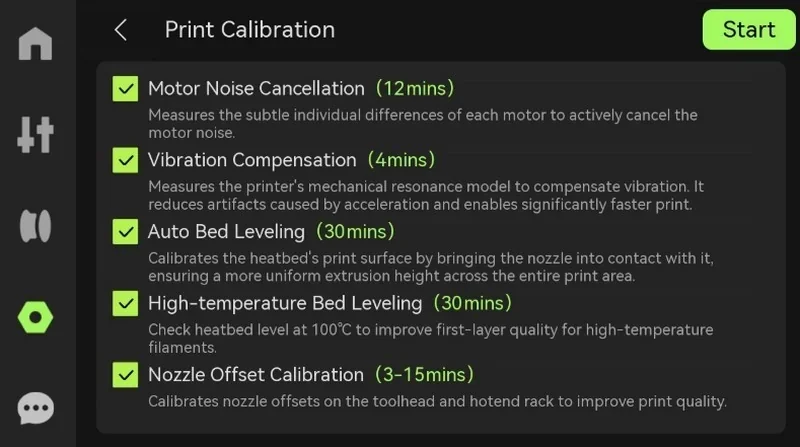
Its on-device routines — vibration compensation, auto bed leveling, high-temperature bed leveling, and nozzle offset calibration — work together to stabilize motion, reduce artifacts, and maintain consistent multi-nozzle geometry.
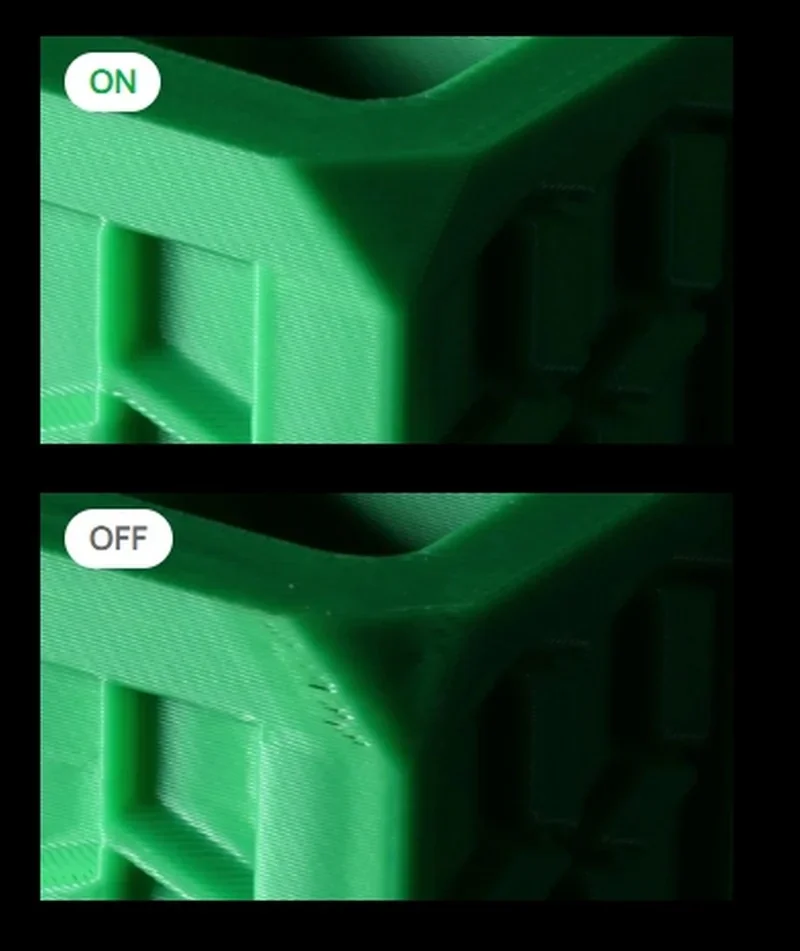
Print stability on engineering materials is supported by a 350 °C hotend, 65 °C actively heated chamber, and thermal control that reduces warping and improves layer adhesion at speed.
Example: In the review by Kit Crafters, the Heavy Second Core Mecha prototype—a multi-color, multi-material model using TPU joints via AMS—was printed on the H2C, whose updated hotend assembly and induction-heating Vortek toolheads delivered clean, consistent layer uniformity and precise color registration across approximately 1,138 nozzle swaps. The only visible artifact was the typical FDM seam where colors meet, and the entire build finished in about 27.5 hours with no purge or flush waste, all managed wirelessly on the pre-release unit tested toward the end of 2025.
Printed in full color as the Heavy Second Core Mecha prototype (a multi-color, multi-material model using TPU joints via AMS), the H2C delivered clean, consistent layer uniformity and precise color registration across ~1,138 Vortex nozzle swaps, with the only visible artifact being the normal FDM seam where colors meet, and it completed the build in about 27.5 hours with no purge/flush waste.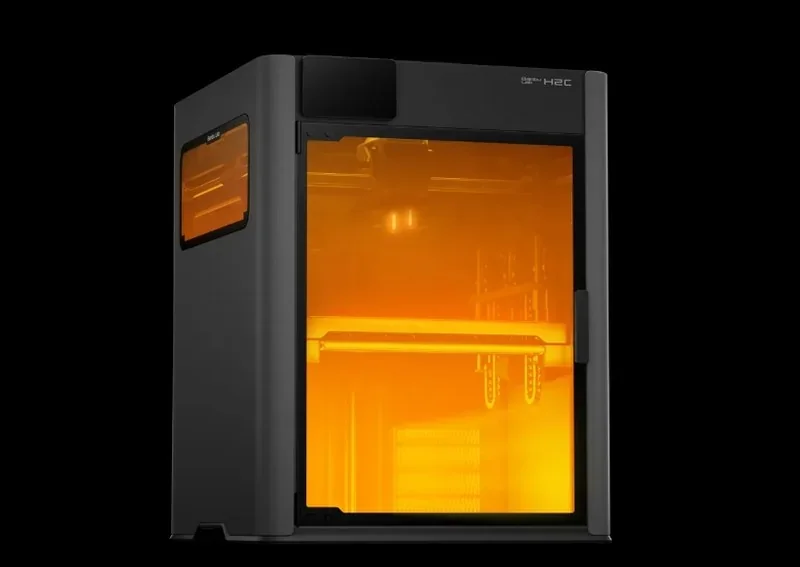
Extrusion precision is driven by a PMSM servo extruder delivering up to 10 kg of force, with 20 kHz feedback sampling to detect grinding or clogs in real time. Together with high-resolution eddy-current nozzle sensors, the system measures extrusion pressure and automatically tunes Pressure Advance per filament for smoother surfaces and cleaner edges.
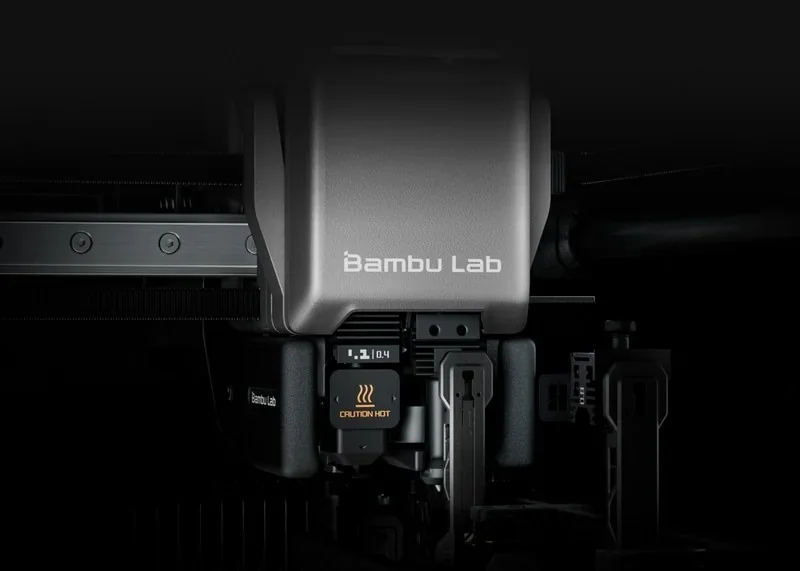
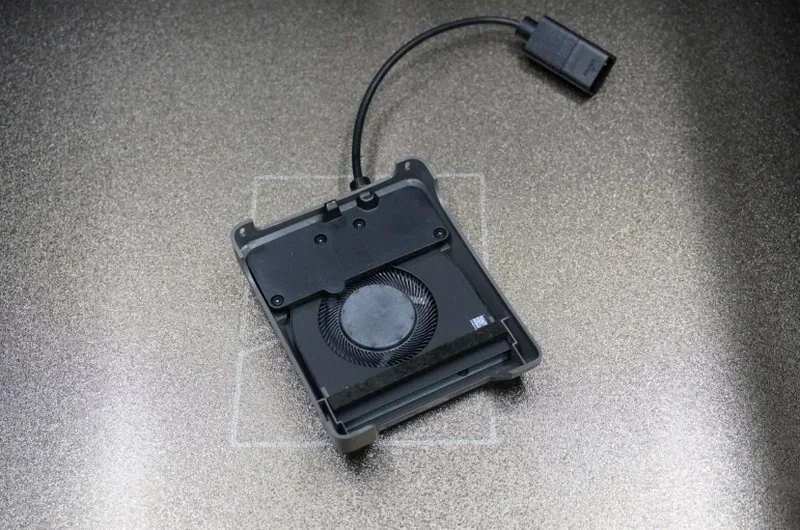
High-speed surface quality is further maintained by a redesigned cooling system that includes a toolhead-enhanced cooling fan, a customized 5015 centrifugal part-cooling fan, and a dedicated hotend cooling module to hold stable thermal gradients and suppress heat-related defects.
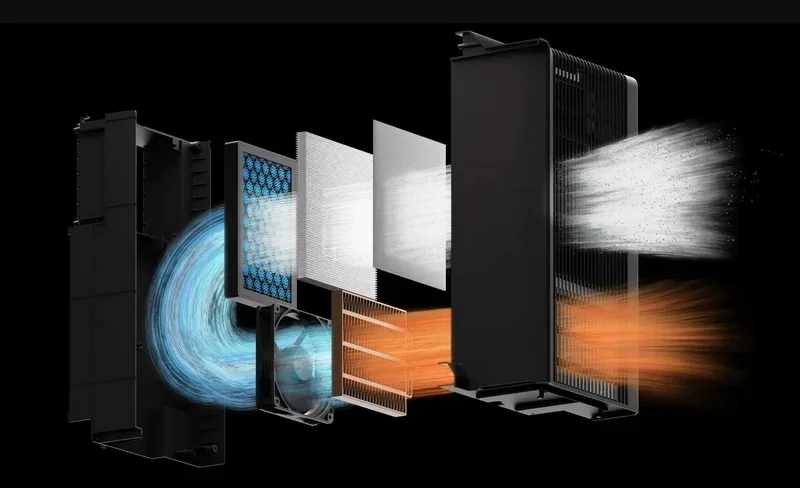
During testing scenarios described by Bambu Lab, the H2C’s 1000 mm/s maximum speed and 40 mm³/s flow capability are paired with intelligent detection systems — Spaghetti Detection, Nozzle Clumping Detection, Air Printing Detection, and auto-recovery from step loss — to protect print integrity on long, high-speed jobs.
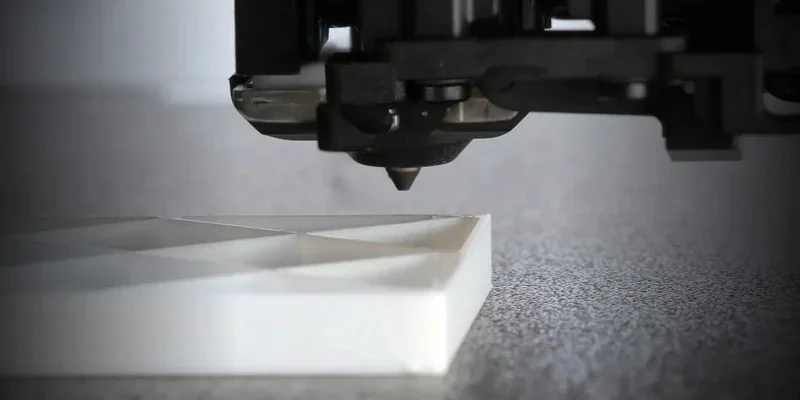
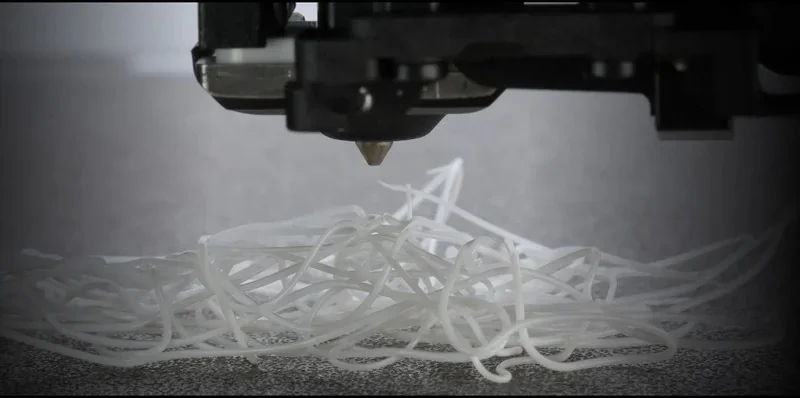
Example: Printing Malti’s five-color “Melting Rubik’s Cube” (≈375 g model) with ~2,000+ nozzle swaps, the H2C produced a smooth, jam-free, clean multi-color part indistinguishable in surface quality from an H2S print, while generating a ~190 g (later ~135 g resliced) prime tower, <1 g of actual purge “poop” (each nozzle purged once), and finishing in ~1 day 10 hours.
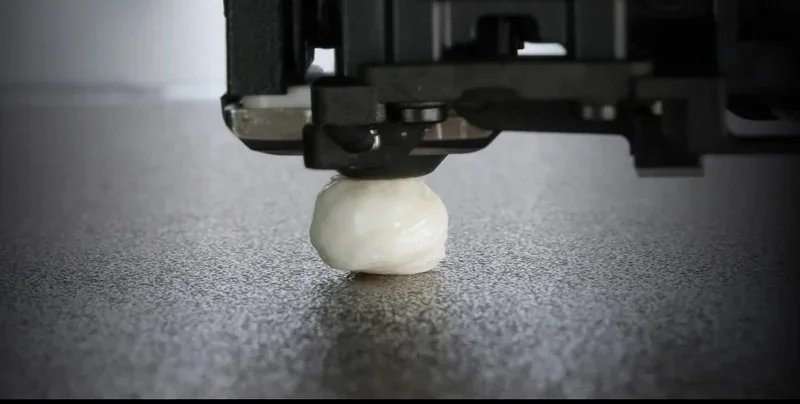
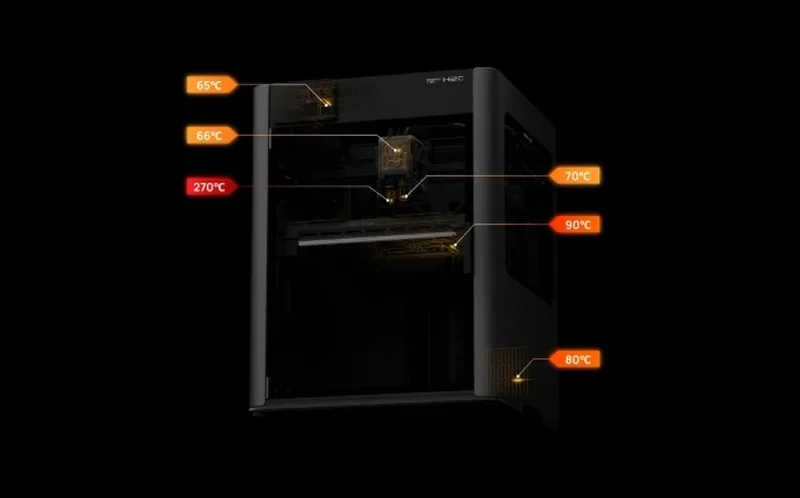
Environmental control integrates multi-point thermal sensing and airflow regulation to maintain chamber conditions, while safety features mirror other H-series enclosures with fire-resistant construction and interlocks.
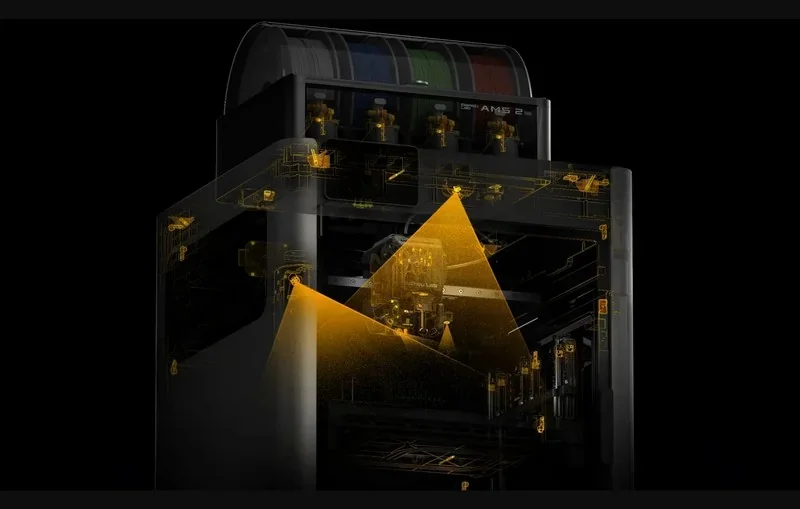
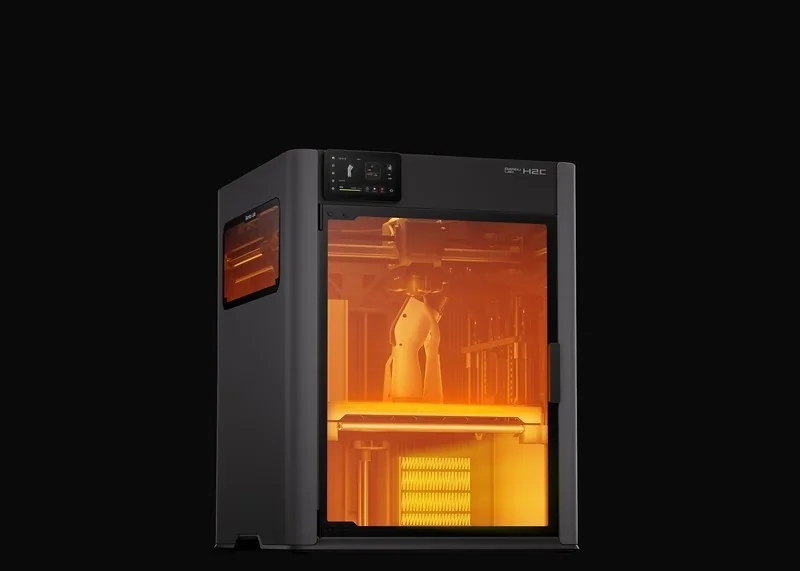
Leveling & first-layer reliability: the H2C’s automated leveling sequence works in conjunction with vibration compensation and extrusion calibration to maintain a uniform first layer. The initial checks can take time but are fully hands-free.
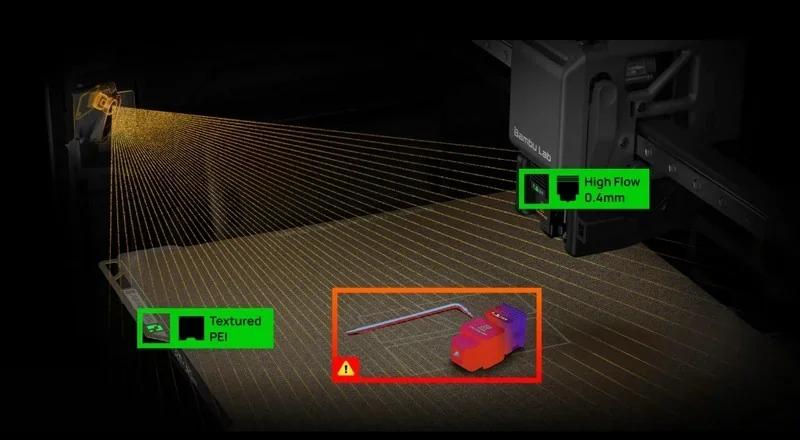
Example: In the review by Teaching Tech, on a 5-color PLA pre-sliced demo, the revolutionary H2C with the new Vortek hotend change system and induction heating delivered clean, precise multicolor output with no stringing or color bleed. ASA parts printed warp-free, while carbon-fiber nylon components stayed dimensionally stable, showing only slight roughness on long bridges and overhangs when users follow instructions.
Which thermoplastic filaments can you use with the Bambu Lab H2C?
The H2C supports 20 filament types, including standard and fiber-reinforced variants like PLA, PETG, ABS, PA, and PC, thanks to its 350 °C all-metal hotend and 65 °C heated chamber.
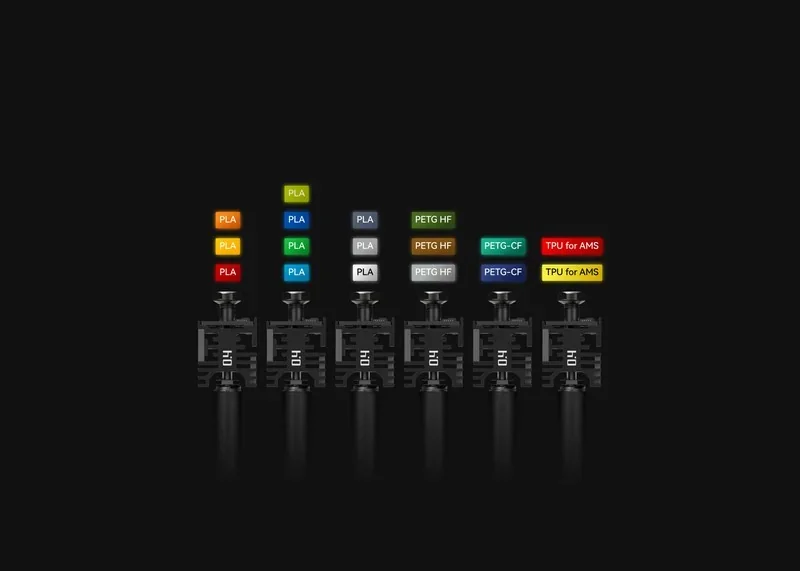
TPU 85A isn't supported on the left hotend due to clogging risks; PVA doesn't work with a 0.2 mm hotend. Dedicated hotends/nozzles let users assign materials per tool, reducing contamination. The system supports third-party materials, with Bambu Lab offering compatibility guidelines, including heat-deflection checks. Bambu Studio enforces thermal rules, preventing high- and low-temp filaments from being used together.
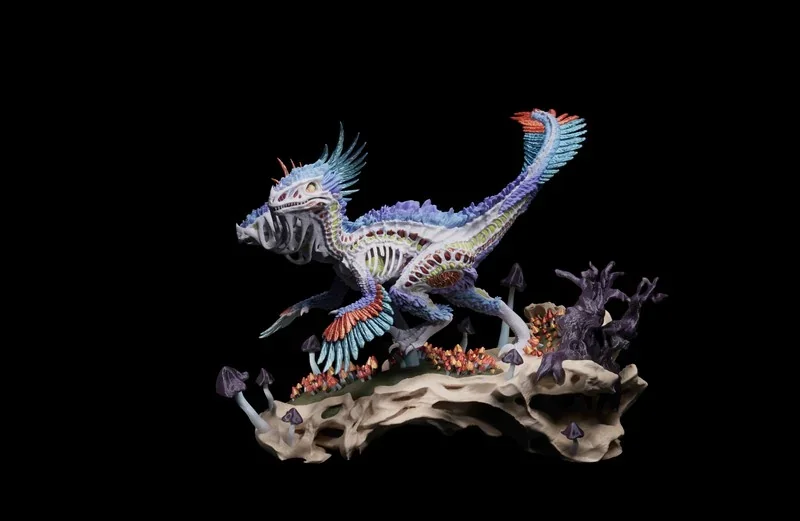
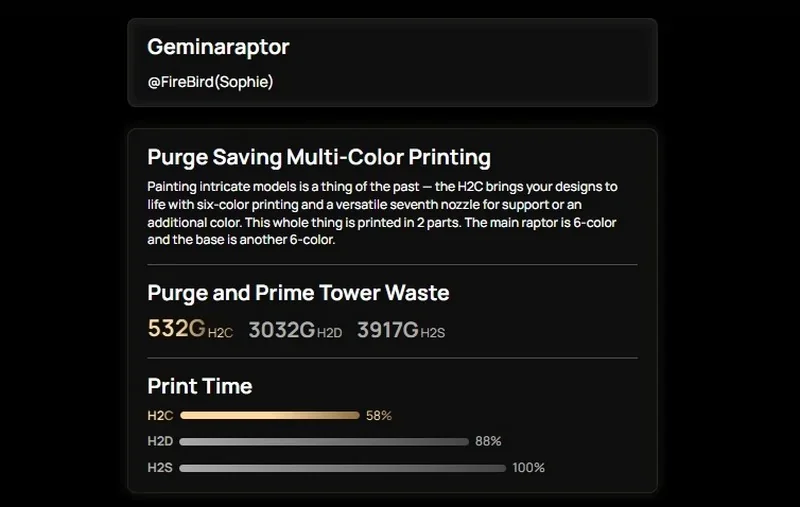
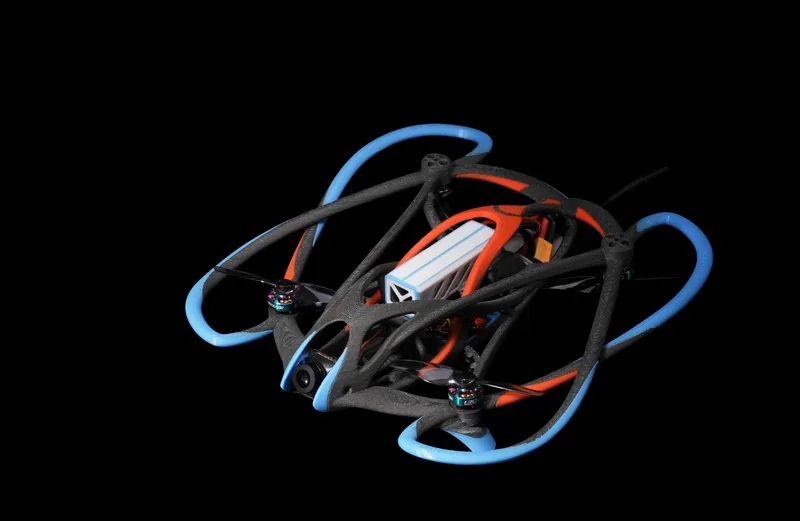
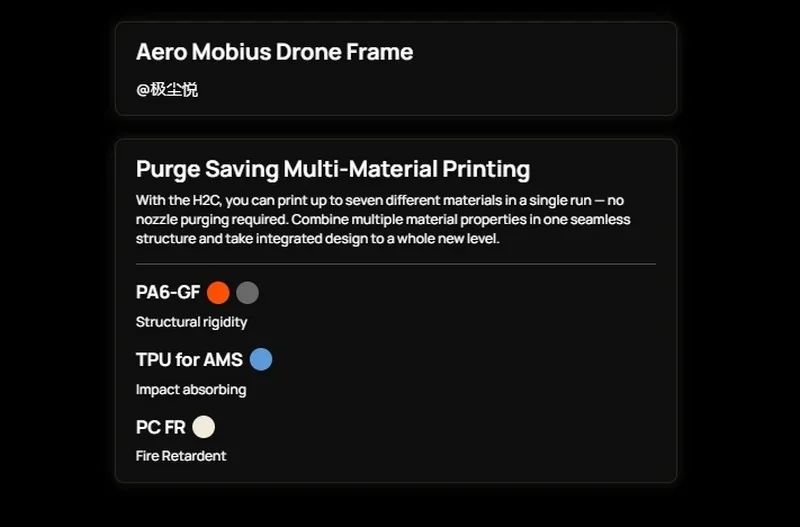
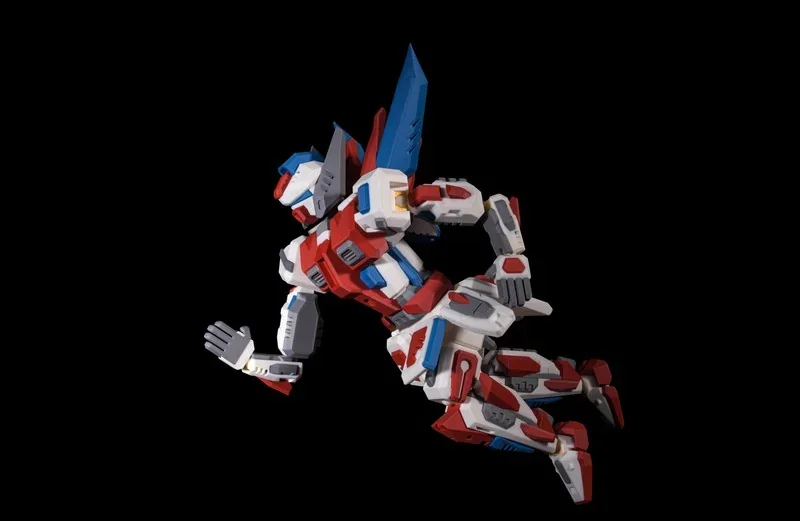
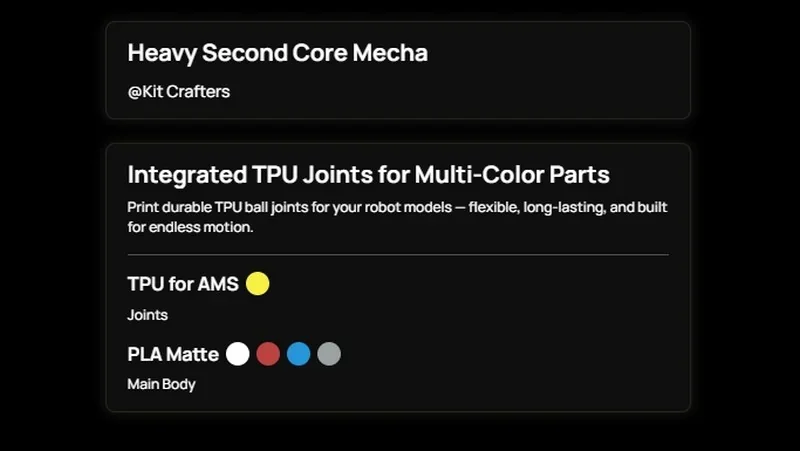
Example: In the review by Aurora Tech The BambuLab H2C delivers high-precision prints with clean, accurate layer lines on PLA, PETG, and TPU, handling complex multi-color and multi-material models up to 325 × 320 × 325 mm with minimal filament waste, fast dual-extruder swaps, and reliable hotend switching that keeps color transitions crisp even on prints requiring six to seven filaments.
Example: In the review by CNC Kitchen, on an 8-color PLA Majora’s Mask (3DprintDogs) print that ran for about 2.5 days with roughly 3,600 filament/nozzle changes, the H2C produced crisp, well-registered colors and clean extrusions with neatly stacked layers, with only very slight periodic surface imperfections visible on close inspection of the walls.
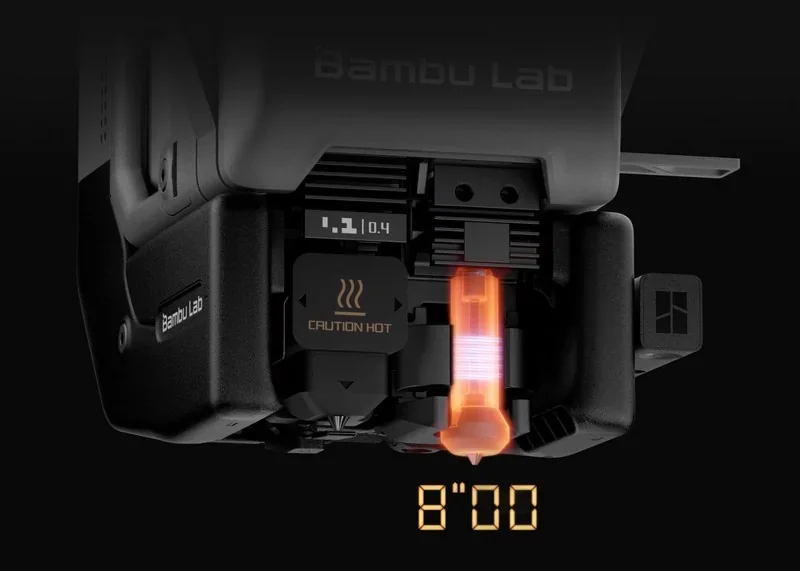
Example: In the review by NeedItMakeIt, on a demanding multi-color PLA character print (“Collapse”) that ran 42 hours nonstop, the Bambu Lab 3D printer H2C, a new model, delivered crisp, largely defect-free surfaces with clean tool-change/color transitions—with only a slight reduction in finish when using wider-tolerance non-Bambu filament—and reached temperature in just eight seconds, while also handling soft TPU shoes with better-than-expected detail and durability.
What is the build volume of the Bambu Lab H2C?
The H2C offers a 325 × 320 × 325 mm build volume when using its left single-nozzle configuration, and 305 × 320 × 325 mm with the right nozzle. In dual-nozzle mode the usable space becomes 300 × 320 × 325 mm. Its motion system is designed to preserve the full X–Y range within each configuration, with no additional restrictions beyond the defined nozzle offsets.
What is the difference between the Bambu Lab H2С,Bambu Lab H2D,Bambu Lab H2S,Snapmaker U1,Bambu Lab X1 Carbon),Bambu Lab P2S,Prusa XL andBambu Lab P1S?
|
Model |
Build volume (mm) |
Chamber |
Max nozzle (°C) |
Price |
|
Bambu Lab H2С |
325 × 320 × 325 (left nozzle), 305 × 320 × 325 (right nozzle), 300 × 320 × 325 (dual-nozzle) |
Active to 65 °C |
350 |
From $2,399 |
|
Bambu Lab H2D |
325×320×325 (single); 300×320×325 (dual) |
Active to 65 °C |
350 |
From $1,999 |
|
Bambu Lab H2S |
340×320×340 |
Active to 65 °C |
350 |
From $1,249 |
|
Snapmaker U1 |
270 × 270 × 270 |
Enclosed |
300 |
From $849 (pre-order) |
|
Bambu Lab X1C |
256×256×256 |
Enclosed |
300 |
From $799 (printer) / $1,249 (Combo) |
|
Bambu Lab P2S |
256 × 256 × 256 |
Enclosed |
300 |
From $605 (base) / $873 (Combo) |
|
Prusa XL |
360×360×360 |
Enclosed |
290 |
From $2,439 |
|
Bambu Lab P1S |
256×256×256 |
Enclosed |
300 |
From $549 (printer) / $749 (Combo) |
Bambu Lab H2C sets the benchmark by combining a large, dual-nozzle-capable build envelope (up to 325 × 320 × 325 mm single-nozzle; 300 × 320 × 325 mm dual-nozzle) with an active heated chamber (to 65 °C) and a 350 °C max nozzle at from $2,399.
In contrast:
– Bambu Lab H2D — wins on price (from $1,999) while matching the core headline specs (same build volume class, 65 °C active chamber, 350 °C nozzle); loses vs H2C only if H2C’s specific dual-nozzle workflow is your reference point rather than pure spec-per-dollar.
– Bambu Lab H2S — wins on build volume and price (340 × 320 × 340 mm, from $1,249) while keeping 65 °C active chamber + 350 °C nozzle; loses vs H2C where you specifically need H2C’s defined single/dual-nozzle work envelopes and dual-nozzle printing mode.
– Snapmaker U1 — wins on entry cost (from $849, pre-order) and is enclosed; loses vs H2C on build volume (270³ mm), no active 65 °C chamber, and nozzle temperature (300 °C vs 350 °C).
– Bambu Lab X1 Carbon (X1C) — wins on price (from $799 / $1,249 Combo); loses vs H2C on build volume (256³ mm), no active 65 °C chamber, and max nozzle temp (300 °C).
– Bambu Lab P2S — wins hardest on price/value (from $605 / $873 Combo); loses vs H2C on build volume (256³ mm), no active 65 °C chamber, and max nozzle temp (300 °C).
– Prusa XL — wins on maximum build volume (360³ mm); loses vs H2C on thermal headroom (290 °C nozzle and no active 65 °C chamber) while costing roughly the same (from $2,439 vs $2,399).
– Bambu Lab P1S — wins on cost (from $549 / $749 Combo); loses vs H2C on build volume (256³ mm), no active 65 °C chamber, and max nozzle temp (300 °C).
Bottom-Line: pick H2C when you want the “all-in” combo of active 65 °C chamber + 350 °C nozzle + large build volume with defined dual-nozzle mode; pick H2S for the best size/thermal spec per dollar, H2D for similar headline specs cheaper, Prusa XL for maximum volume, and X1C/P2S/P1S/U1 when price beats thermal headroom and build size.
What printer controls are available on the Bambu Lab H2C?
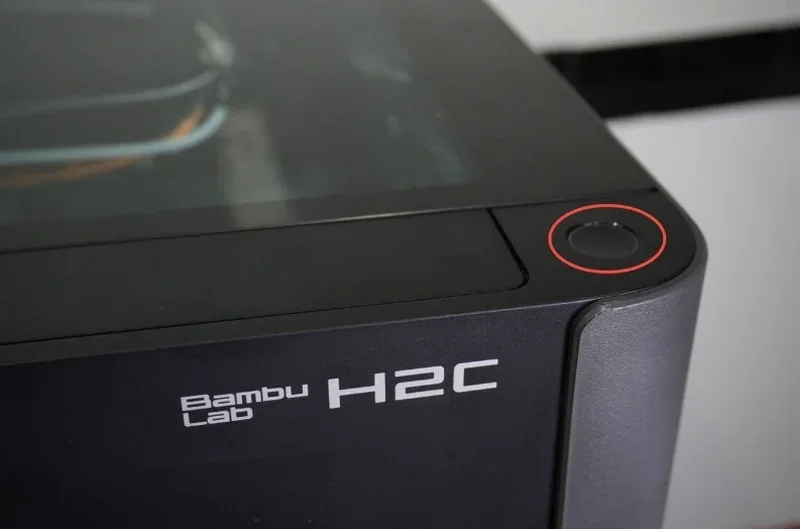
The H2C is operated through a 5-inch 1280×720 capacitive touchscreen paired with a physical Start/Pause button on the upper-right corner of the frame. The interface follows the same left-rail layout with Homepage, Controls, Filaments, Settings, and HMS, while the Homepage provides quick access to Print Files, temperature readouts, and job status.
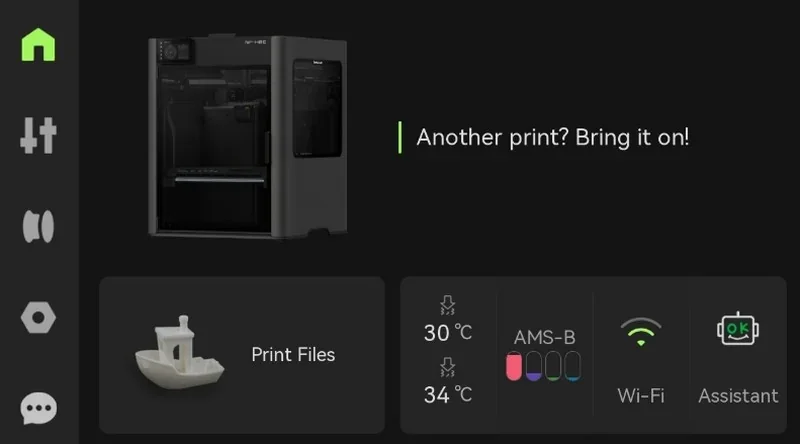
Filament handling is guided through the Filaments page: select a slot, tap the spool icon, and choose Load to initiate automatic feeding.
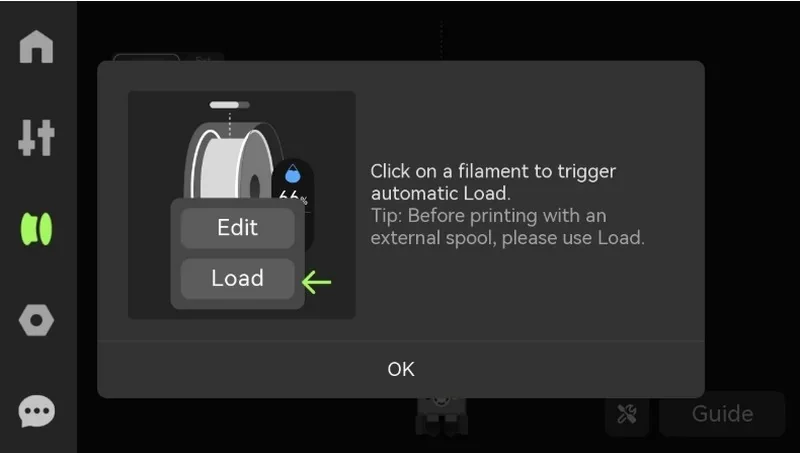
In Controls → Nozzle & Extruder, users can select the left or right hotend, set temperatures, and manually extrude or retract material — a workflow commonly used for clearing clogs or verifying pressure.
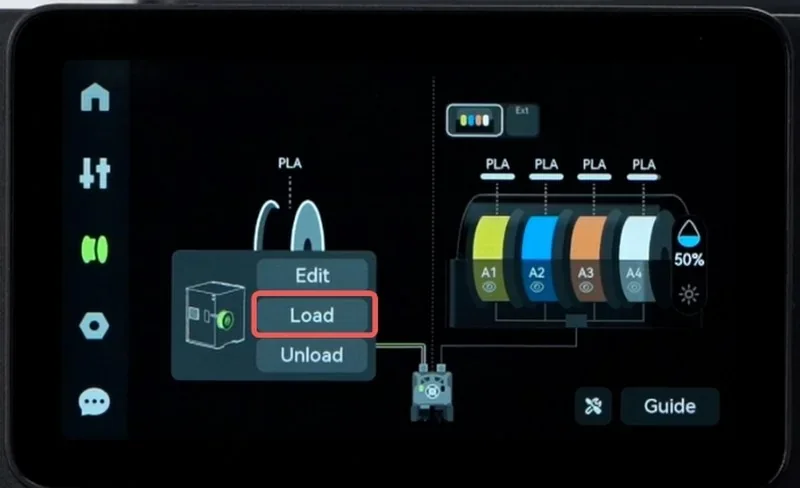
Calibration and adjustment tasks live under Settings → Calibration → Print Calibration, covering motor noise cancellation, vibration compensation, auto bed leveling, high-temperature bed leveling, and nozzle offset calibration, along with advanced routines such as high-precision nozzle offset calibration, live-view camera calibration, and motion accuracy calibration.
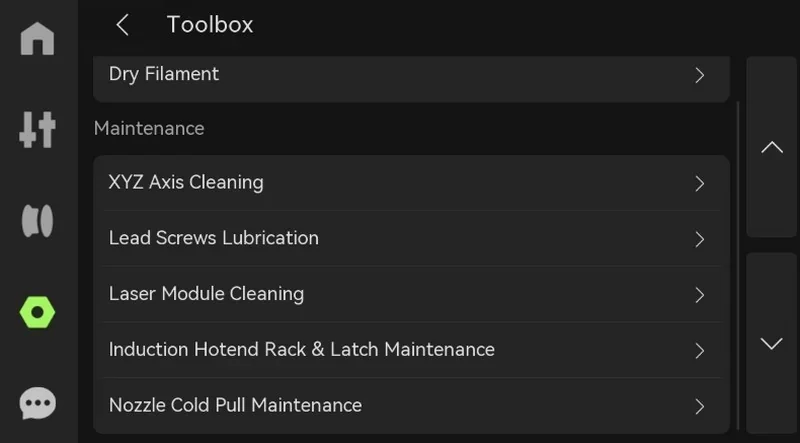
The Toolbox includes guided maintenance such as Nozzle Cold Pull Maintenance, where the user selects the hotend, filament type, and nozzle size before launching an automated cleanup sequence.
Physical controls include the Start/Pause button, required for laser/cutting tasks and also capable of pausing 3D prints (including long-press pause, depending on firmware).
What connectivity options are available on the Bambu Lab H2C?
The H2C offers dual-band Wi-Fi (2.4 and 5 GHz, IEEE 802.11 a/b/g/n) for network printing and remote control through the Bambu Studio desktop app and the mobile app.
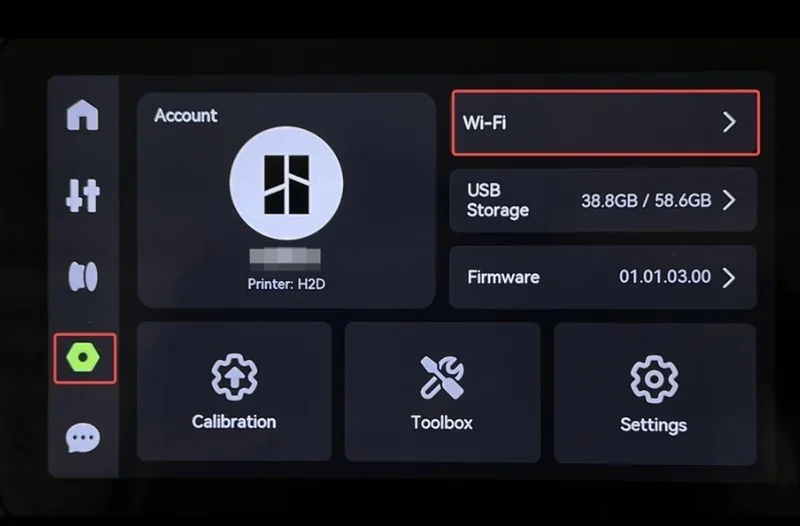
Like the H2S, it omits an Ethernet port but includes 8 GB of internal eMMC storage and a USB port for external drives, enabling file transfers, LAN-only workflows, log export, and offline job execution.
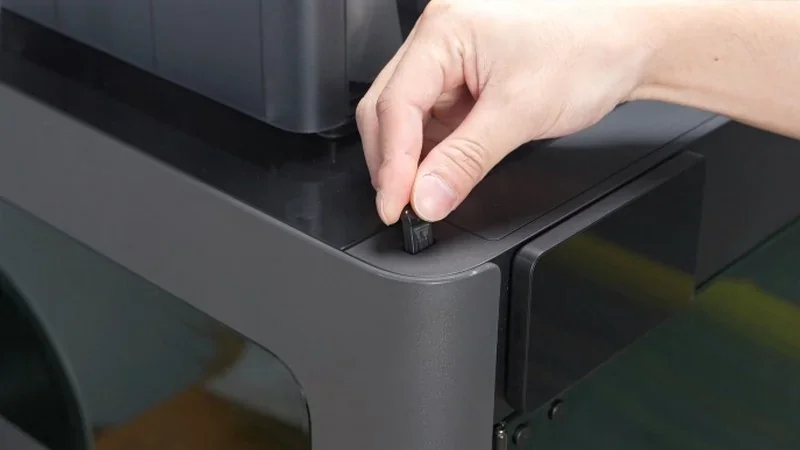
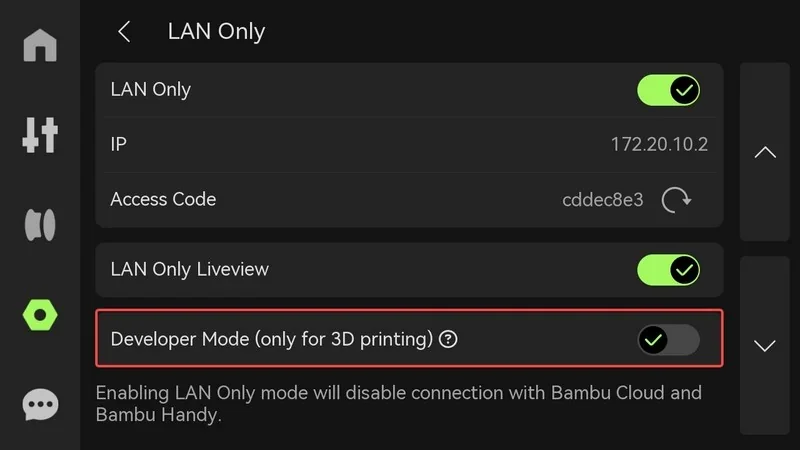
For controlled environments, the printer supports LAN-Only mode as well as full offline operation, including offline firmware updates and local file handling, while still allowing cloud connectivity when desired. Monitoring is provided by an integrated 1920×1080 chamber camera, a 1920×1080 nozzle camera, and a 1600×1200 toolhead camera, with a 3264×2448 Bird’s-Eye camera added on the Laser Edition.
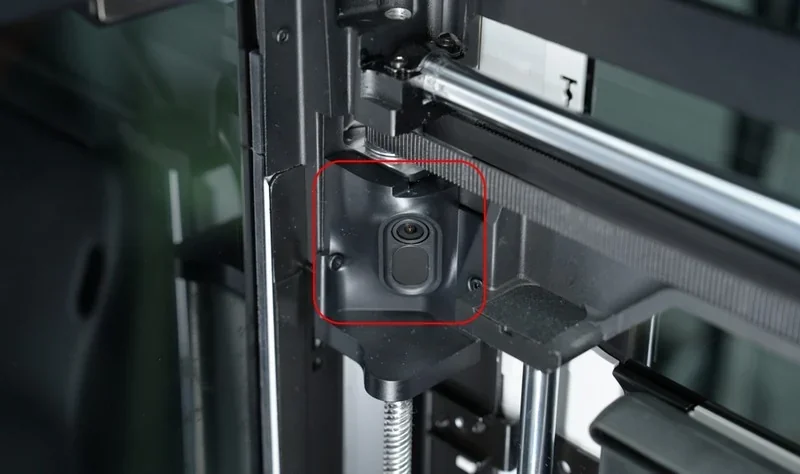
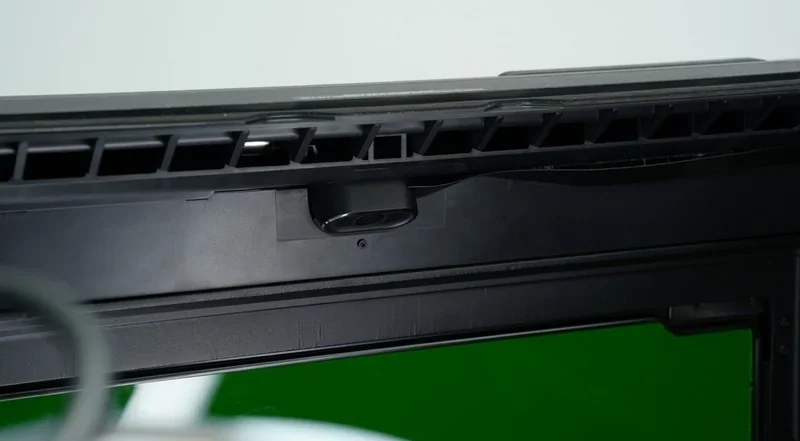
Accessory expansion follows the same pattern as other H2-series models, and Developer Mode exposes MQTT access for advanced integrations, though it is disabled when Laser or Cutting functions are in use.
What software is offered with the Bambu Lab H2C?
The H2C uses Bambu Studio as its primary desktop slicer, with full support on Windows, macOS, and Linux.
Alongside standard slicing features, it adds H2C-specific capabilities such as printer-information sync (automatically retrieving nozzle diameter, flow rate, and nozzle count), Hybrid slicing for mixed flow-rate workflows, automatic or manual filament-to-nozzle assignment, and two prime-tower modes: Standard Mode (uses the user-defined purge volume) and Purge-Saving Mode (fixed at 15 mm³).
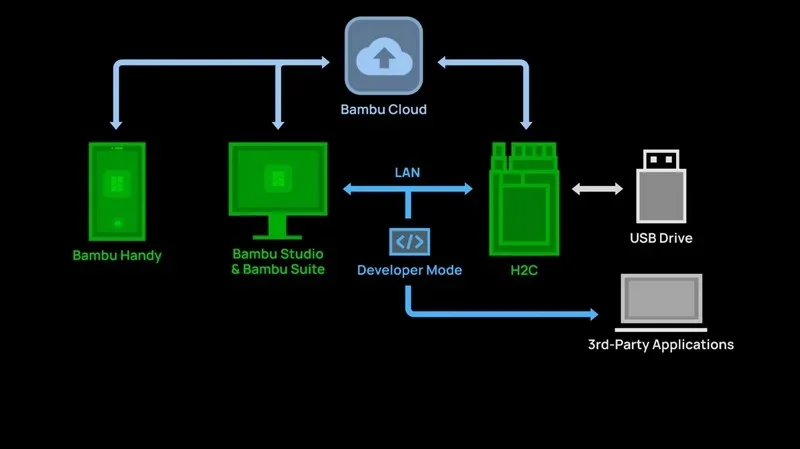
In addition to Bambu Studio, the printer can run jobs generated by third-party slicers that export standard G-code—including SuperSlicer, PrusaSlicer, and Cura—though advanced H2C features may be unavailable outside the native ecosystem.
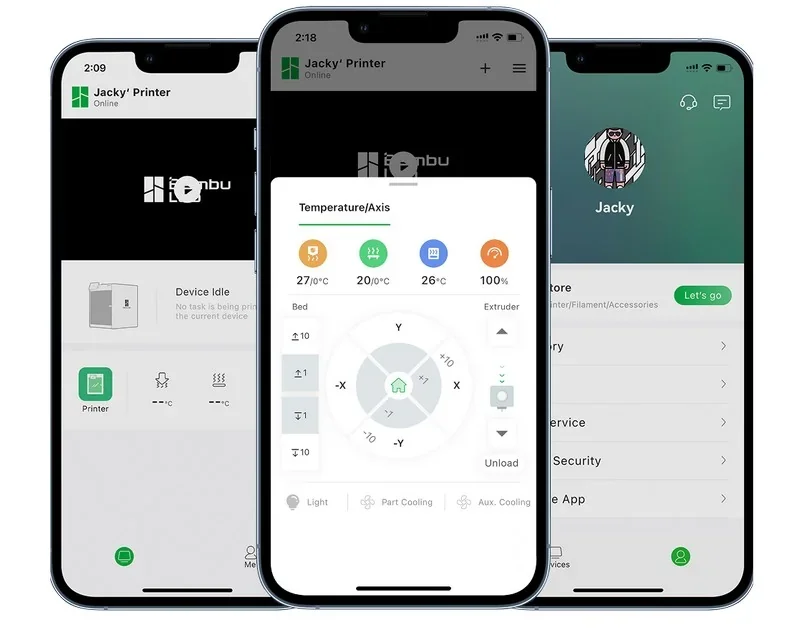
For mobile control, the H2C integrates with Bambu Handy, which handles QR pairing, print monitoring, reprints, cloud notifications, and features such as automatic print-completion snapshots delivered through the app.
For 2D and hybrid workflows (laser, blade, pen), the printer relies on Bambu Suite, which manages background capture, vision alignment, toolpathing, and job dispatch to the machine.
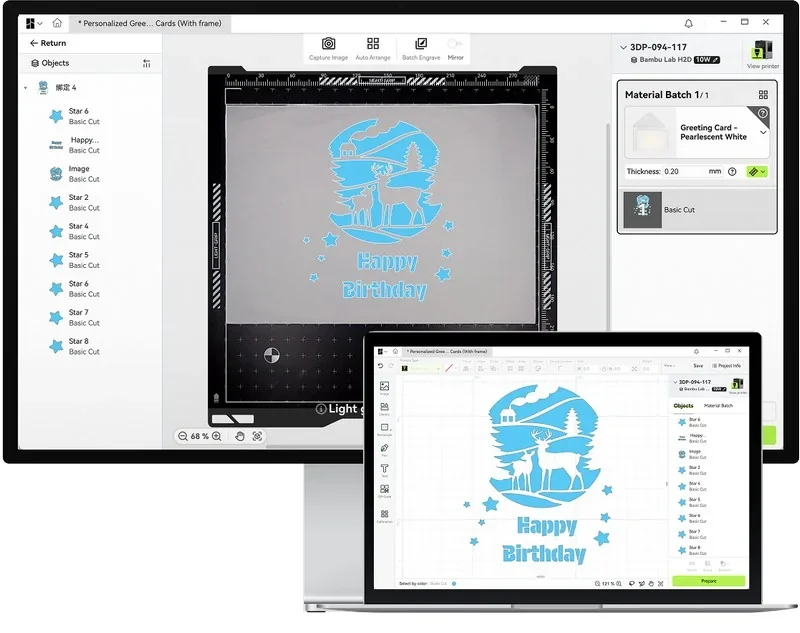
As with other H2-series printers, the H2C supports LAN-Only mode and full offline operation, including offline firmware updates and local file transfers. Developer Mode enables MQTT-based integrations, though it is automatically disabled during laser or cutting tasks.
What is the design and build quality of the Bambu Lab H2C?
What is the design and form factor of the Bambu Lab H2C?
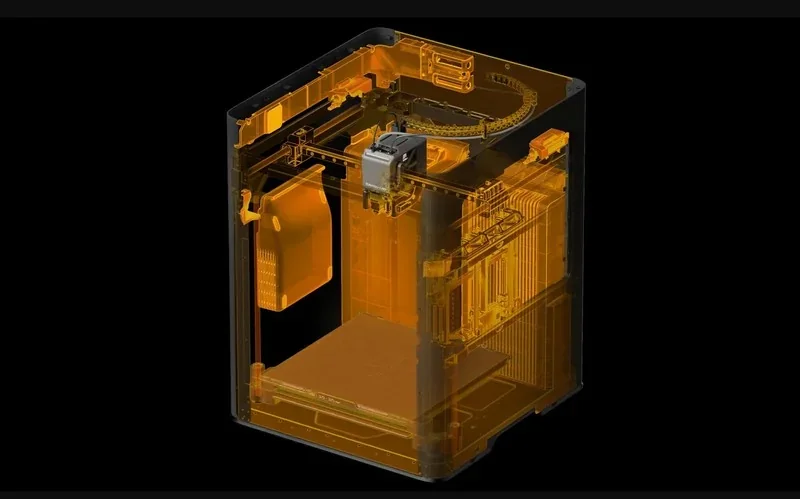
The H2C is a fully enclosed FDM system built on an aluminum-and-steel internal frame with a plastic-and-glass outer shell. External dimensions are 492 × 514 × 626 mm, and the net weight is 32.5 kg.
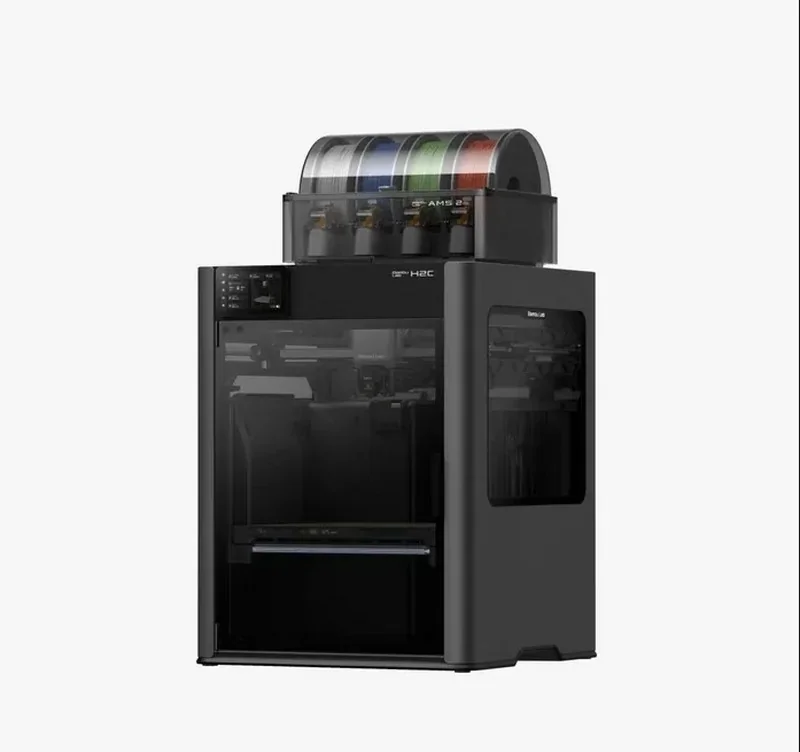
The enclosure uses UL94 V-0 flame-retardant materials and integrates active chamber heating up to 65 °C, enabling stable high-temperature printing.
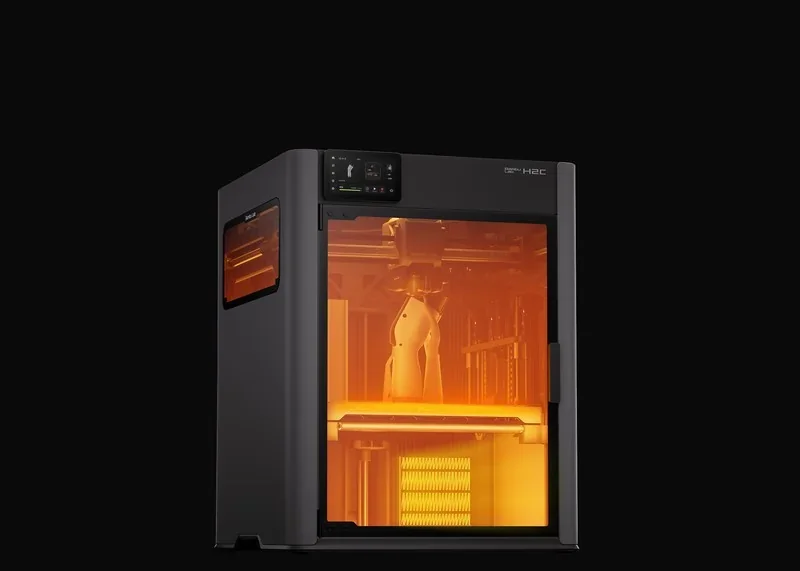
What is the motion system of the Bambu Lab H2C?
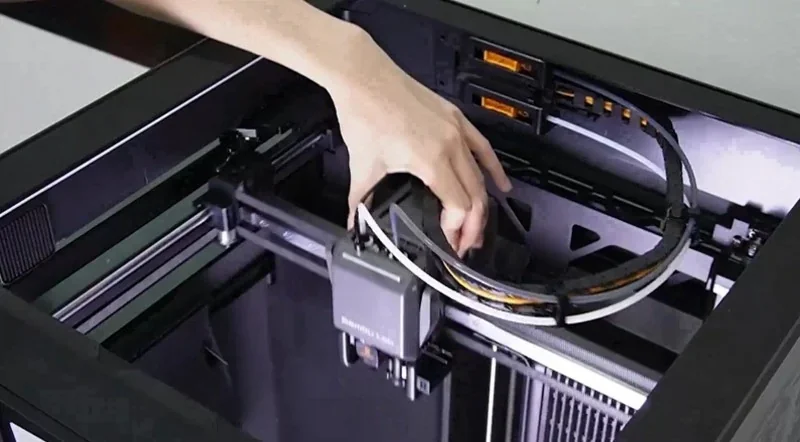
The motion platform is a CoreXY-class gantry, paired with a rear adjustable belt tensioner monitored by the Belt Tension Monitor (BTM) for real-time belt-health feedback. Rated motion performance reaches 1000 mm/s toolhead speed and 20,000 mm/s² acceleration. For precision workflows, the optional Vision Encoder enables the machine’s Motion Accuracy Enhancement mode, specified at <50 µm distance-independent accuracy.
What are the build platform specifications of the Bambu Lab H2C?
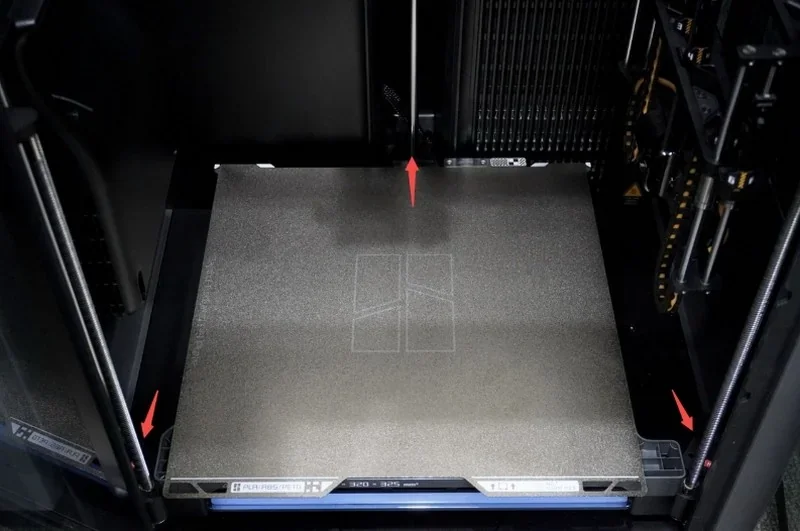
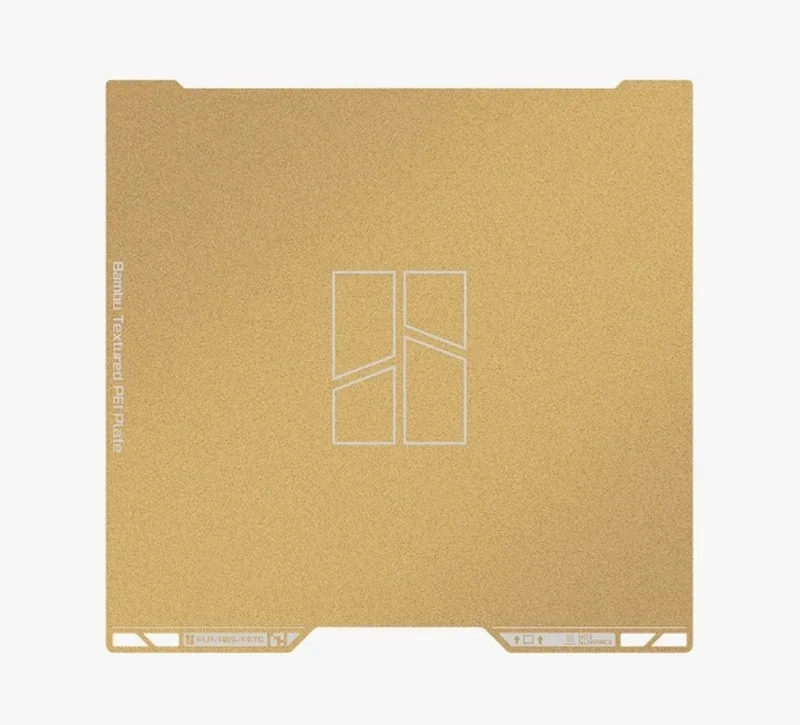
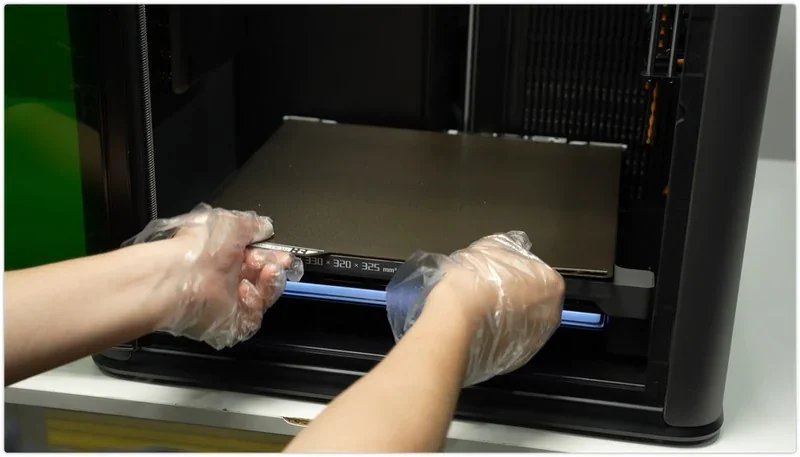
The H2C uses a Flexible Steel Plate system and ships with a Textured PEI Plate, with support for additional plates (including the Engineering Plate). The heated bed reaches 120 °C, suitable for engineering-grade materials.
What is the noise level of the Bambu Lab H2C?
Measured output is roughly 50 dB average and up to 61 dB peak, with Motor Noise Cancellation bringing stepper-driven noise down to ~50 dB in typical operation.
What is the hotend and extruder system of the Bambu Lab H2C?
The print system includes a hardened-steel drive gear, a hardened-steel nozzle, and a 350 °C maximum nozzle temperature, supporting 0.2/0.4/0.6/0.8 mm diameters.
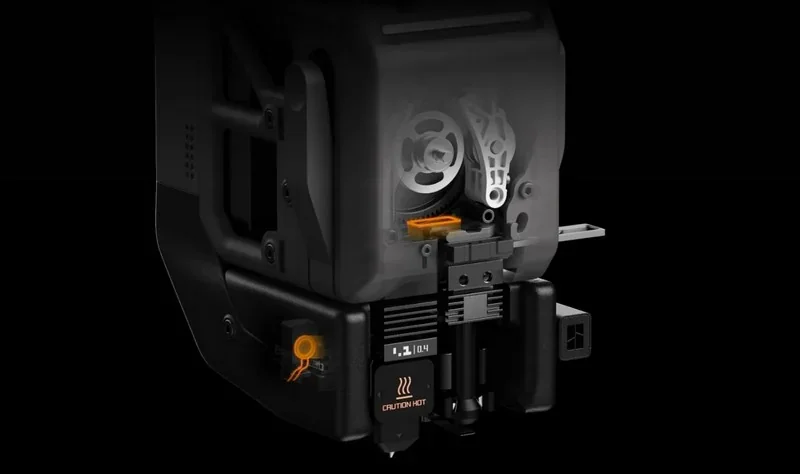
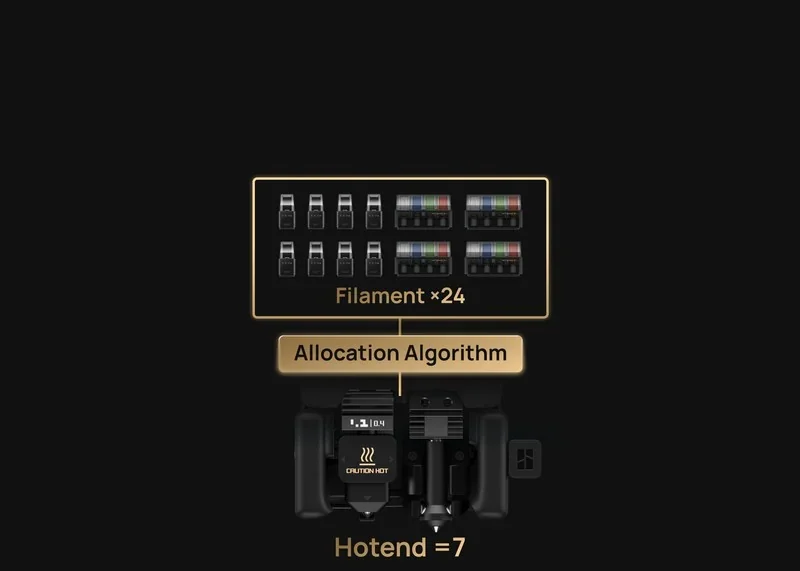
A built-in filament cutter is standard, and extrusion is powered by Bambu Lab’s high-precision PMSM direct-drive motor.
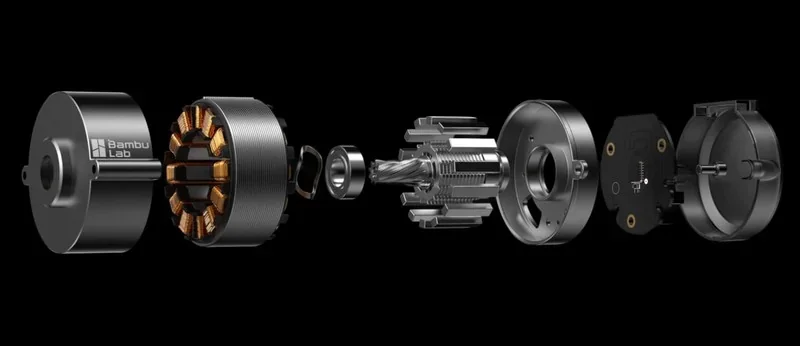
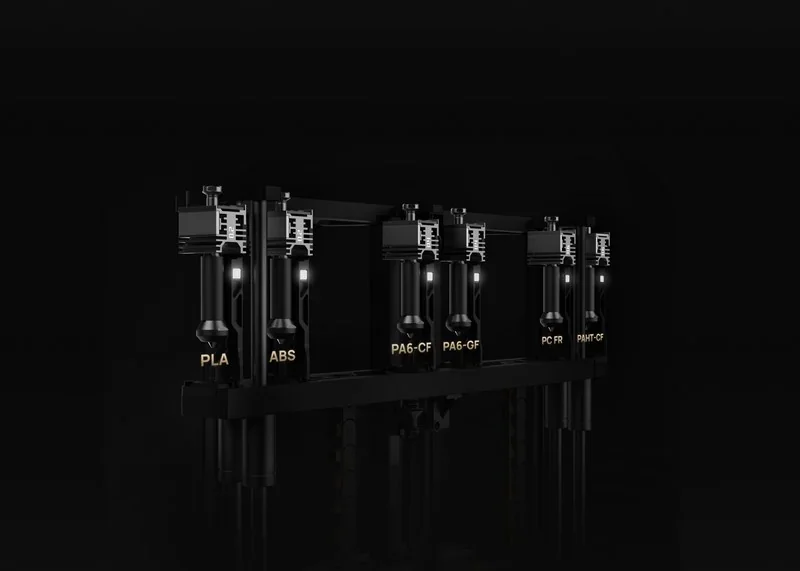
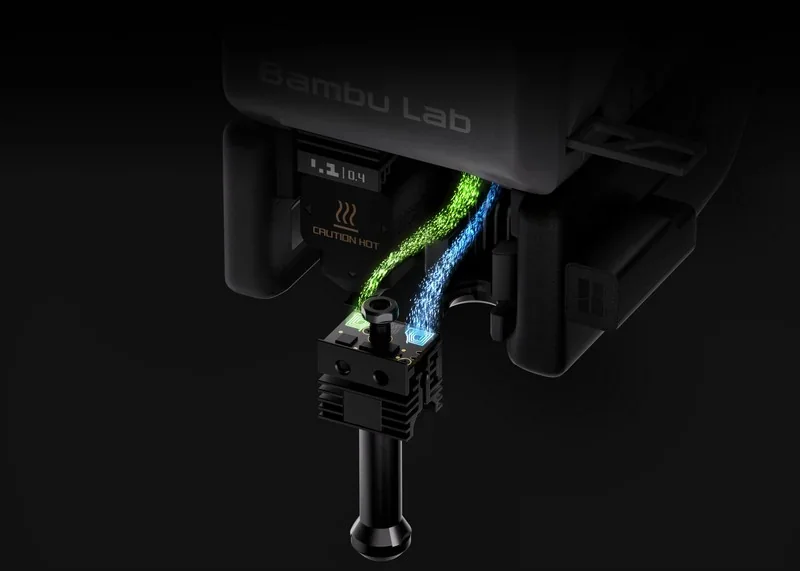
The H2C also supports induction hotends, which heat to PLA temperatures in approximately 8 seconds, and a rack-based multi-hotend system (up to six swappable hotends as referenced in reviews).
How does the Bambu Lab H2C handle filament storage and feeding?
The printer uses 1.75 mm filament and includes an external Spool Holder, while also supporting AMS-based feeding.
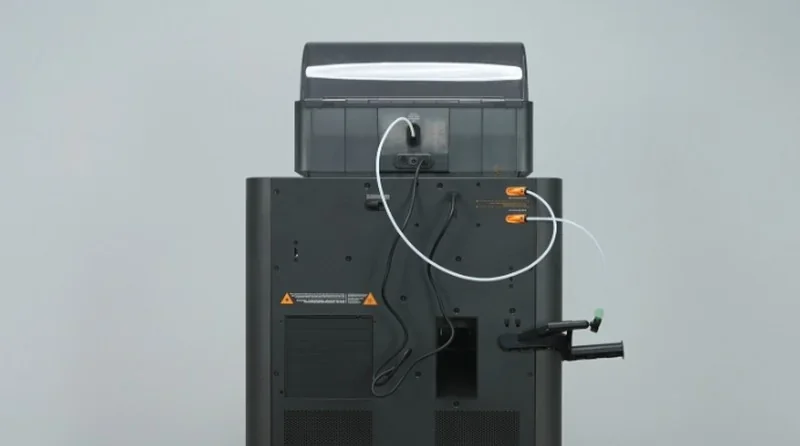
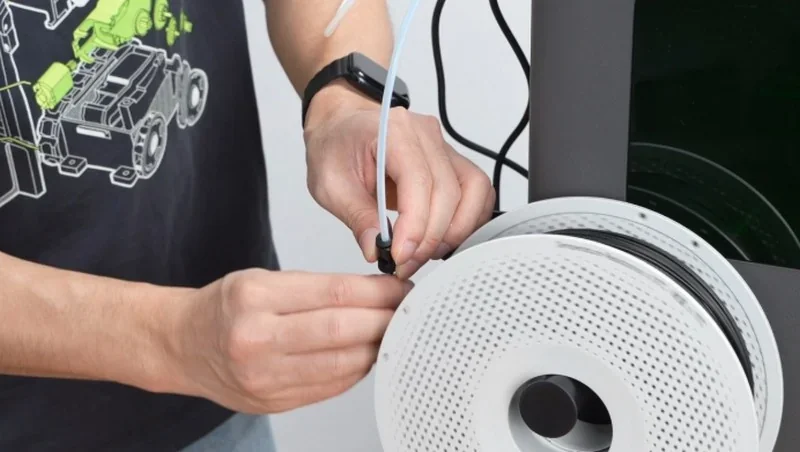
The buffer incorporates Hall-sensor filament detection, including entanglement detection. Up to four AMS units can be connected via the official tube-expansion port and the H2C 4-In-1 PTFE Adapter II, enabling multi-material use through a single hotend. The system includes a filament runout sensor, tangle sensor, and filament odometry when paired with AMS.
What is the mainboard of the Bambu Lab H2C?
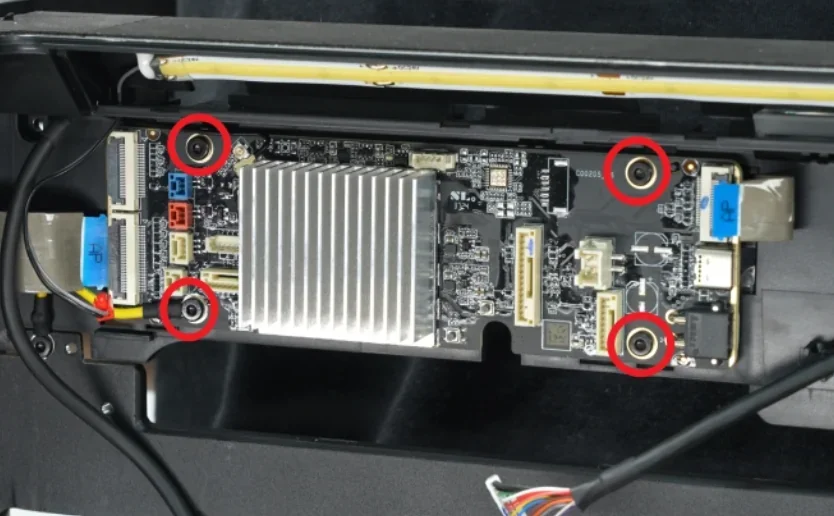
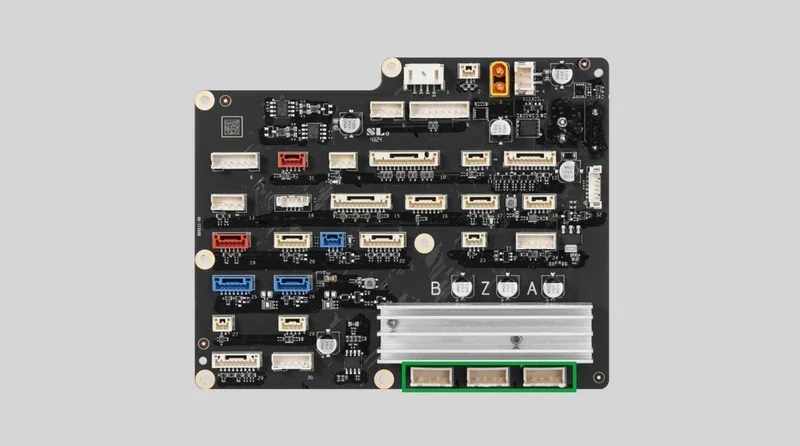
The electronics architecture uses a dual-board design:
- an AP Logic Mainboard with a quad-core CPU handling UI, AI-assisted features (defect detection, flow calibration, vibration analysis), and higher-level coordination;
- an MC Motion Control Board featuring a dual-core M4 MCU + single-core M7 MCU, responsible for motion, thermal control, chamber management, interlocks, and ventilation subsystems.
Storage includes 8 GB eMMC.
What are the power supply specifications of the Bambu Lab H2C?
The H2C supports 100–120 VAC / 200–240 VAC, 50/60 Hz input. Maximum power consumption is 1800 W @ 220 V (or 1250 W @ 110 V). Typical single-nozzle PLA printing operates around 200 W at either voltage.
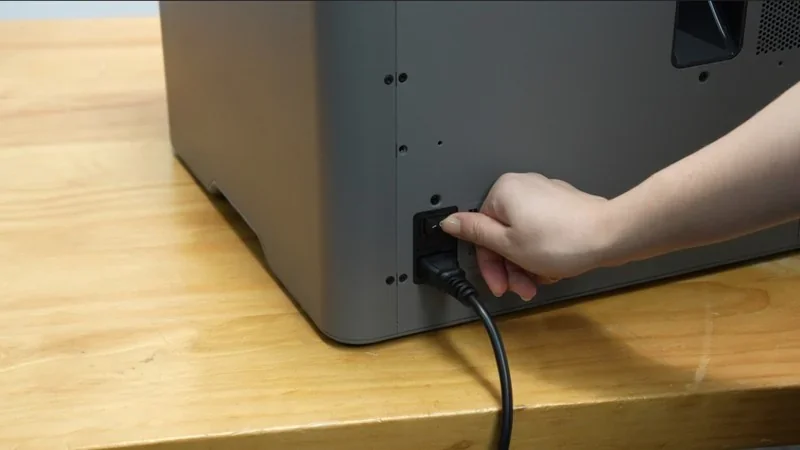
What comes included in the box with Bambu Lab H2C (H2C AMS Combo)?
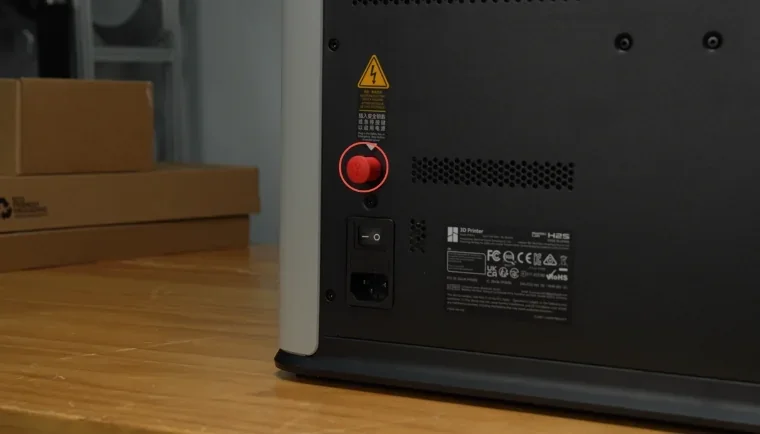
The H2C ships factory-assembled, so setup consists of unpacking, removing shipping locks, placing the AMS 2 Pro, inserting the safety key, and running the first calibration.
In the box (standard package):
- 1× Bambu Lab H2C printer
- 1× Build Plate (pre-installed on the heatbed)
- 1× AMS 2 Pro
- 1× Safety Key (attached to the rear board)
- 1× Spool Holder
- 1× Power Cord
- 1× Tool Box, including:
- Hotends (8 total, 2 pre-installed + 6 in Tool Box):
- 4× 0.4 mm hardened steel induction hotends (1 pre-installed, 3 in Tool Box)
- 1× 0.2 mm induction hotend
- 1× 0.6 mm induction hotend
- 2× 0.4 mm hardened steel standard hotends (1 pre-installed, 1 in Tool Box)
- 1× Silicone Sock for Hotend
- 1× Filament Cutter
- 1× Unclogging Pin
- 1× Nozzle Wiping Pad
- 1× Nozzle Blocker
- 1× Scraper Blade
- 1× Induction Hotend Latch
- 1× 4-In-1 PTFE Adapter
- 1× 4-In-1 PTFE Adapter Filament Cleaning Pad
- 1× Nozzle Cleaning Sponge
- 1× Screws for Scraper (set)
- 1× Screws for Spool Holder (set)
- 1× Allen Key Set (H1.5 & H2.0)
- 1× Camera Privacy Cover
- 1× Lubricant Oil
- 1× Lubricant Grease
PTFE tubing for AMS and external spool path:
- 1× PTFE tube (H2C ↔ AMS, 900 mm)
- 1× PTFE tube (external spool holder, 340 mm)
- Desiccant for AMS 2 Pro: 4× desiccant packs (2 per side)
- 1× Quick Start Guide
- 1× Warranty Leaflet
- 1× Disclaimer and Safety Guidelines
The H2C arrives ready to print — just unpack, insert the AMS, attach the safety key, and run the guided first calibration.
What upgrades and accessories are available for the Bambu Lab H2C?
| Accessory | Function | Price (USD) | Image |
|---|---|---|---|
| 3D Printer Bundles | |||
| H2C Full Laser Full Combo 10W | H2C full laser combo bundle with a 10W laser option. | $662.99 | 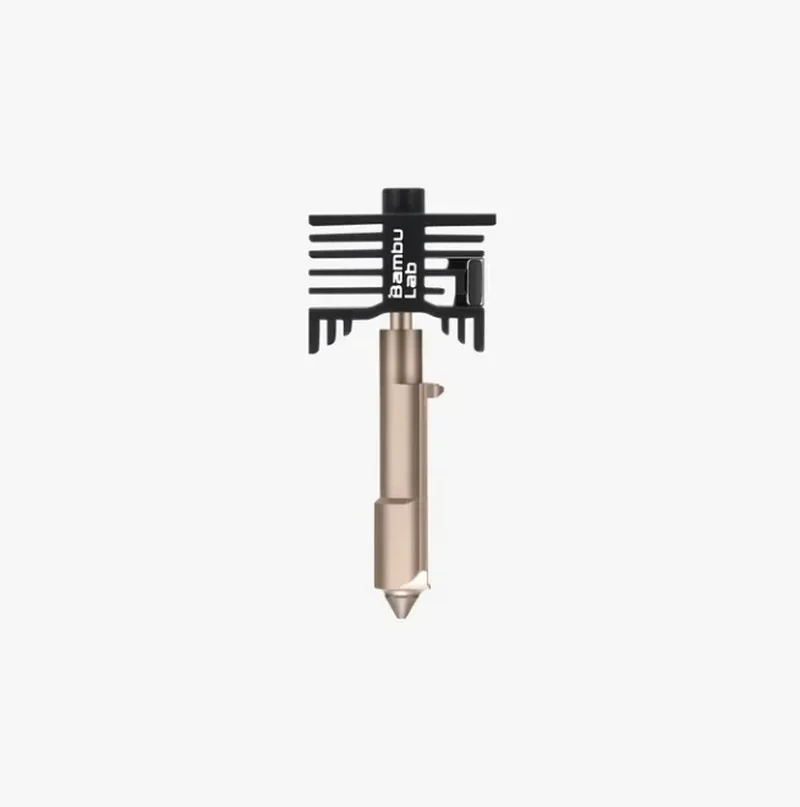 |
| H2C Full Laser Full Combo 40W | H2C full laser combo bundle with a 40W laser option. | $1,445.99 | 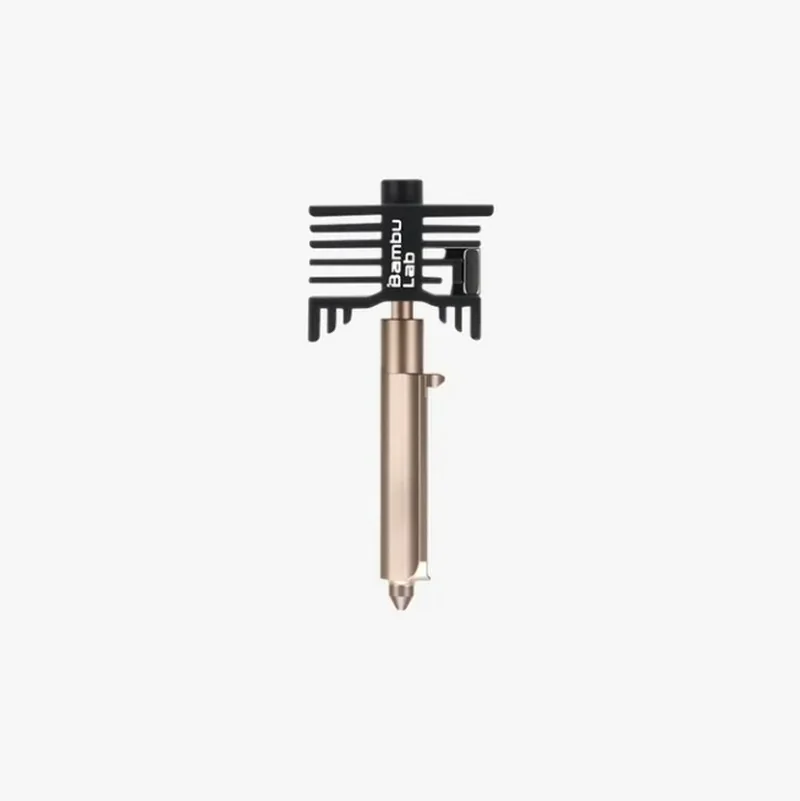 |
| Printhead and Motion Upgrades | |||
| Bambu Hotend - H2/P2S | Hotend for H2/P2S. Replacement part for restoring extrusion; keep a spare for fast hotend swaps. | $24.99 | 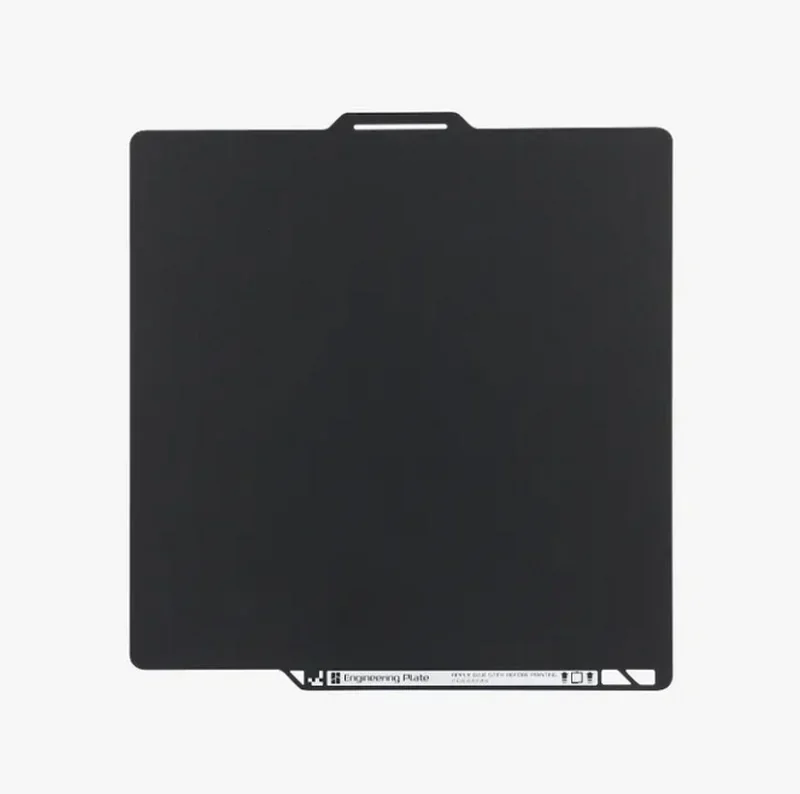 |
| H2C Induction Hotend (Right), Standard Flow | Right-side induction hotend for H2C. Replacement hotend for restoring extrusion on the right toolhead. | $47.99 | 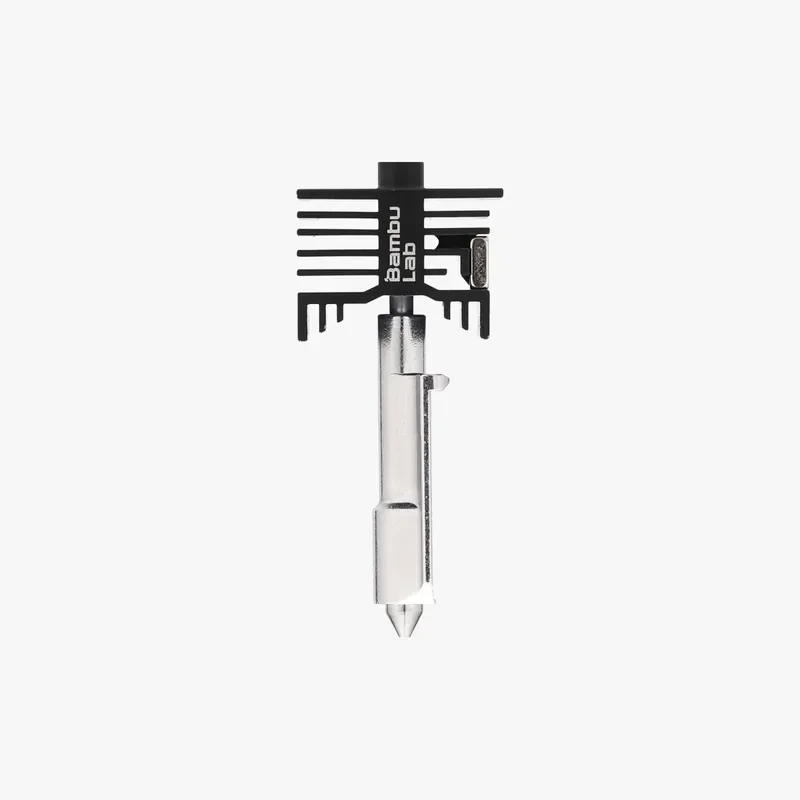 |
| H2C Induction Hotend (Right), High Flow | Right-side induction hotend for H2C. Replacement hotend for restoring extrusion on the right toolhead. | $87.99 | 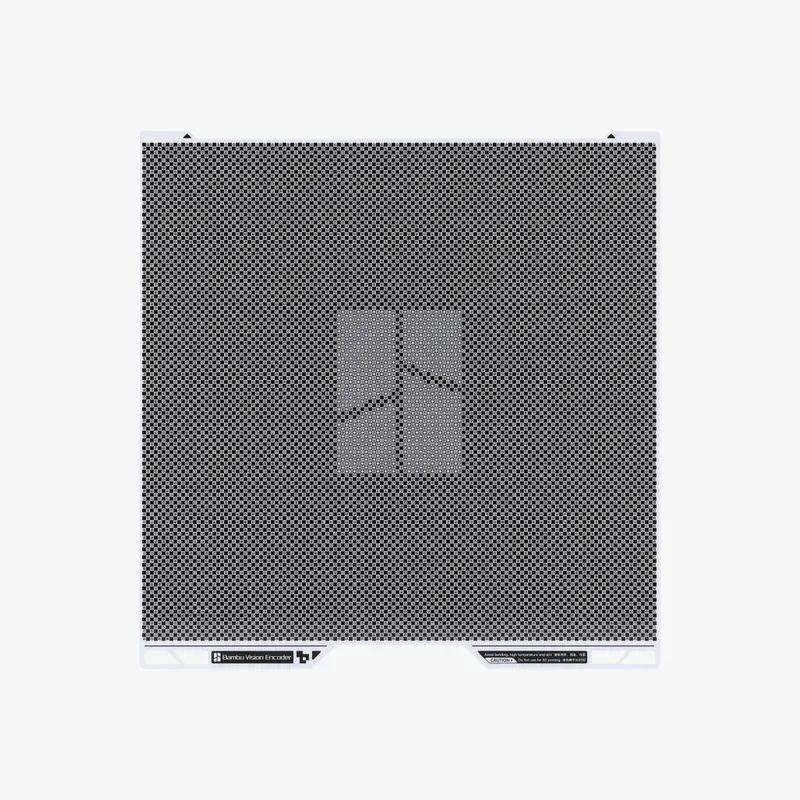 |
| Tungsten Carbide Nozzle - H2/P2S | Tungsten carbide nozzle for H2/P2S. Wear-resistant nozzle for longer nozzle service life. | $71.99 | 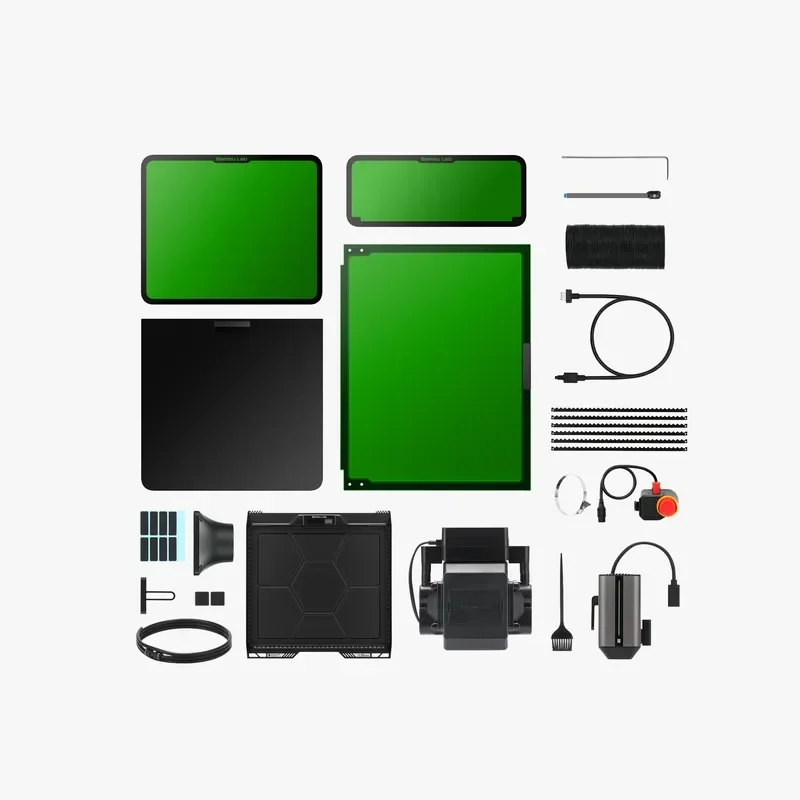 |
| Toolhead Enhanced Cooling Fan | Toolhead cooling fan. Replacement fan for restoring toolhead cooling airflow. | $47.99 | 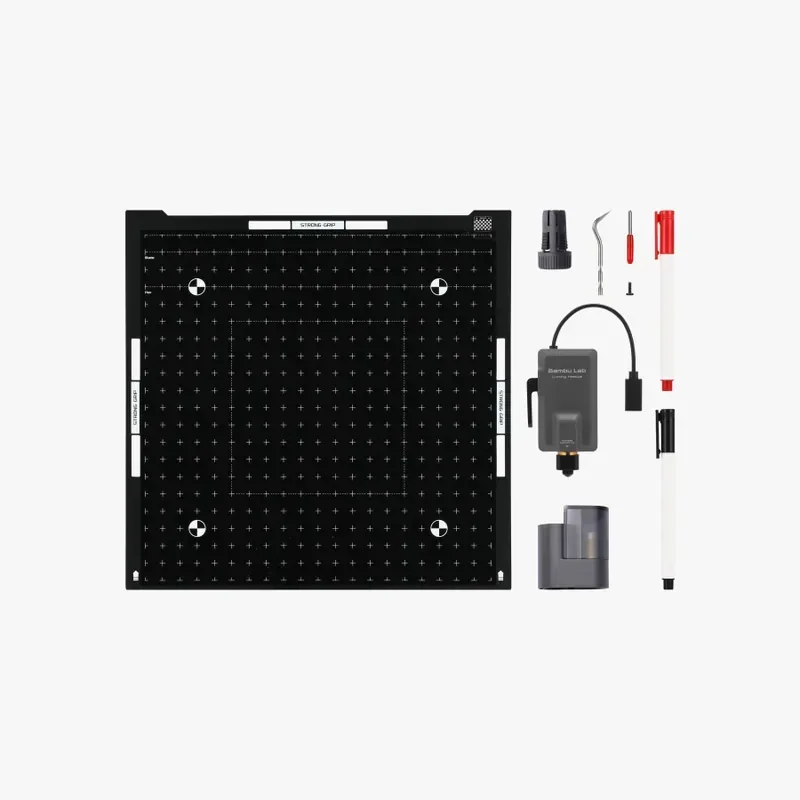 |
| Vision Encoder | Vision Encoder. Encoder module for motion and position feedback; replacement part for restoring encoder feedback. | $125.99 | 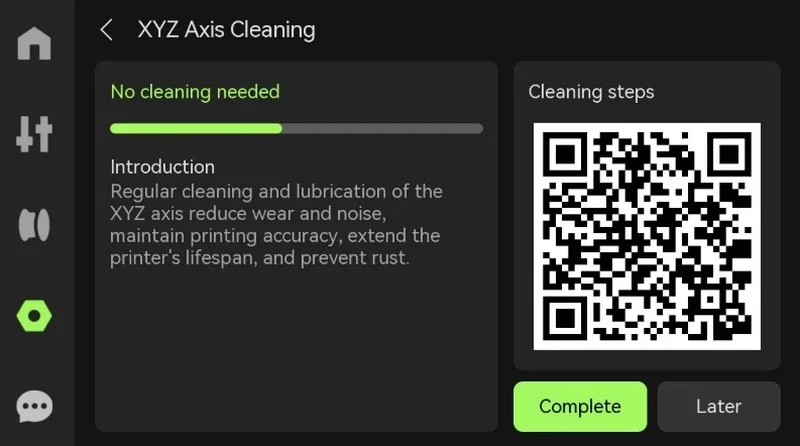 |
| Build Plates and Surfaces | |||
| Bambu Smooth PEI Plate | Smooth PEI build plate. Replacement print surface for first-layer adhesion and a smooth bottom finish. | $21.99 | 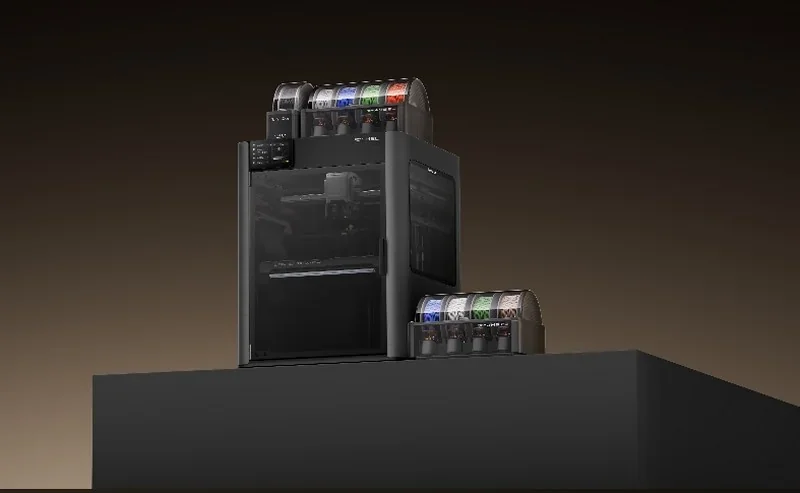 |
| Bambu Textured PEI Plate | Textured PEI build plate. Replacement print surface for first-layer adhesion and a textured bottom finish. | $24.99 | 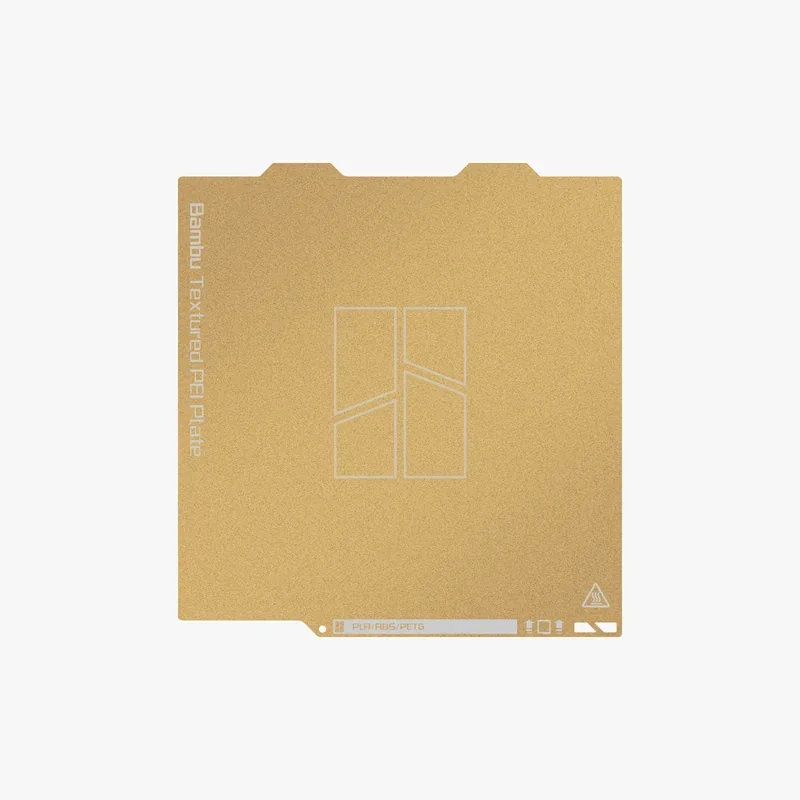 |
| Bambu Engineering Plate | Engineering build plate. Replacement print surface option for engineering printing workflows. | $35.99 | 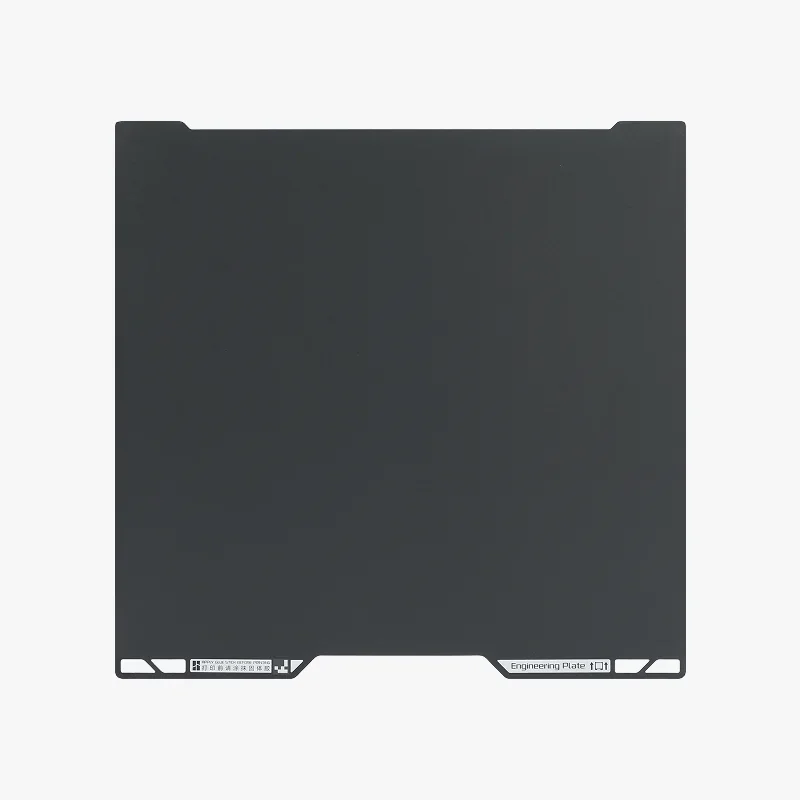 |
| Bambu Cool Plate SuperTack Pro | Cool Plate SuperTack Pro build plate. Replacement print surface option for cool-plate printing workflows. | $35.99 |  |
| Laser and Cutting Kits and Modules | |||
| Laser Grid Panel | Laser grid panel. Work surface accessory for supporting material during laser processing. | $47.99 | 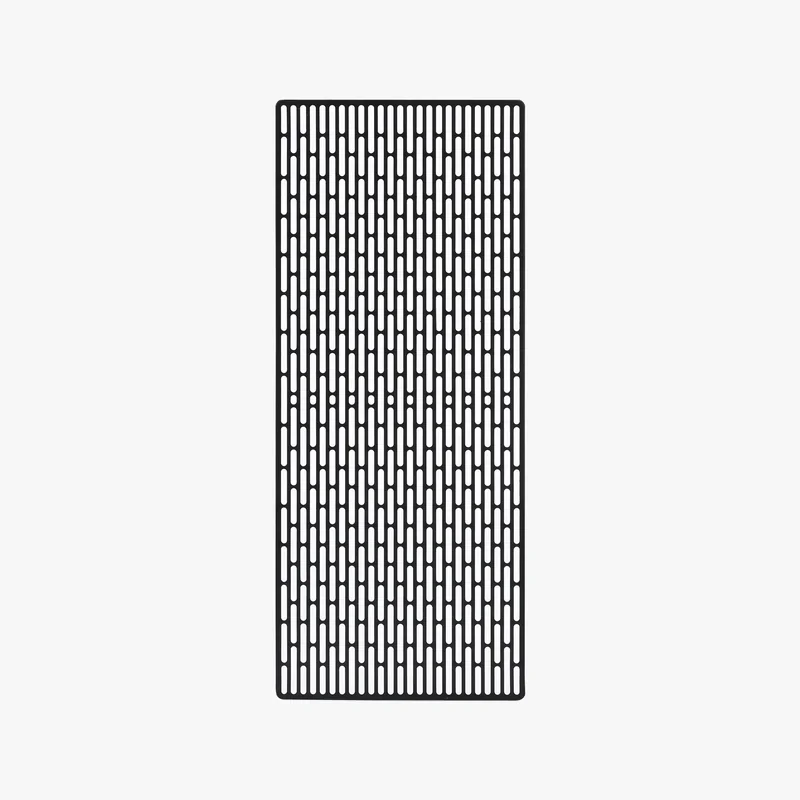 |
| Cutting Upgrade Kit - H2 Series | Cutting upgrade kit for H2 Series. Hardware kit used to add the cutting function to the machine. | $82.99 | 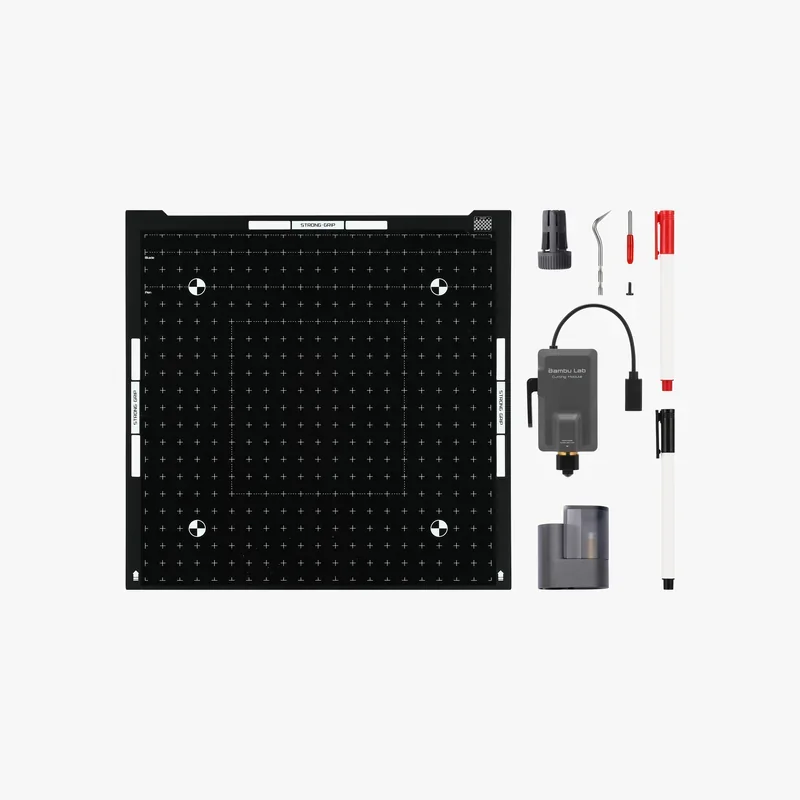 |
| LightGrip Cutting Mat | LightGrip cutting mat. Holds light materials on the cutting platform for clean, accurate cuts. | $6.99 | 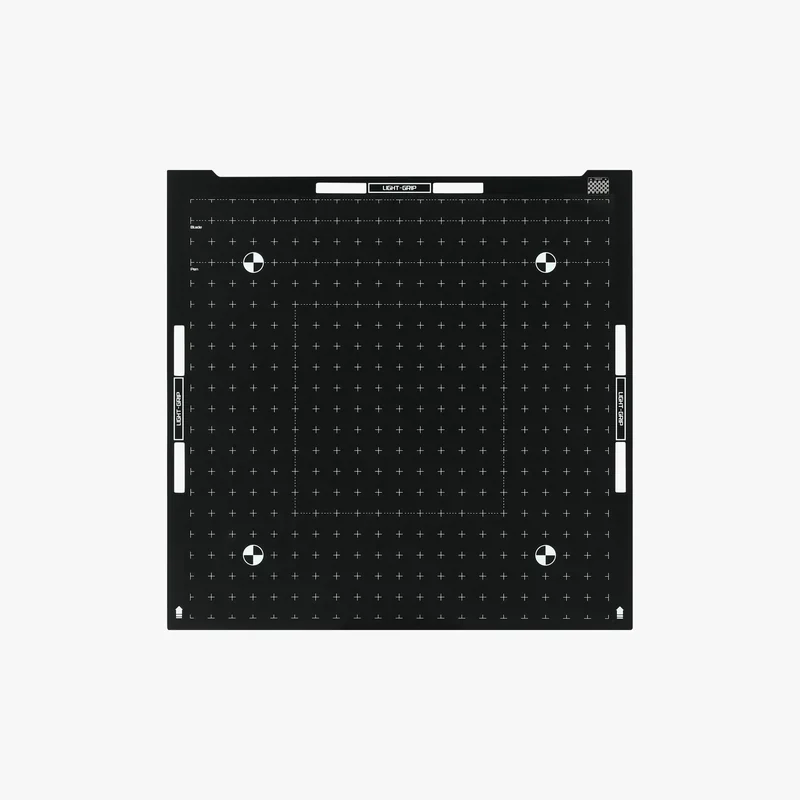 |
| StrongGrip Cutting Mat | StrongGrip cutting mat. Holds materials firmly on the cutting platform to reduce shifting during cutting. | $6.99 | 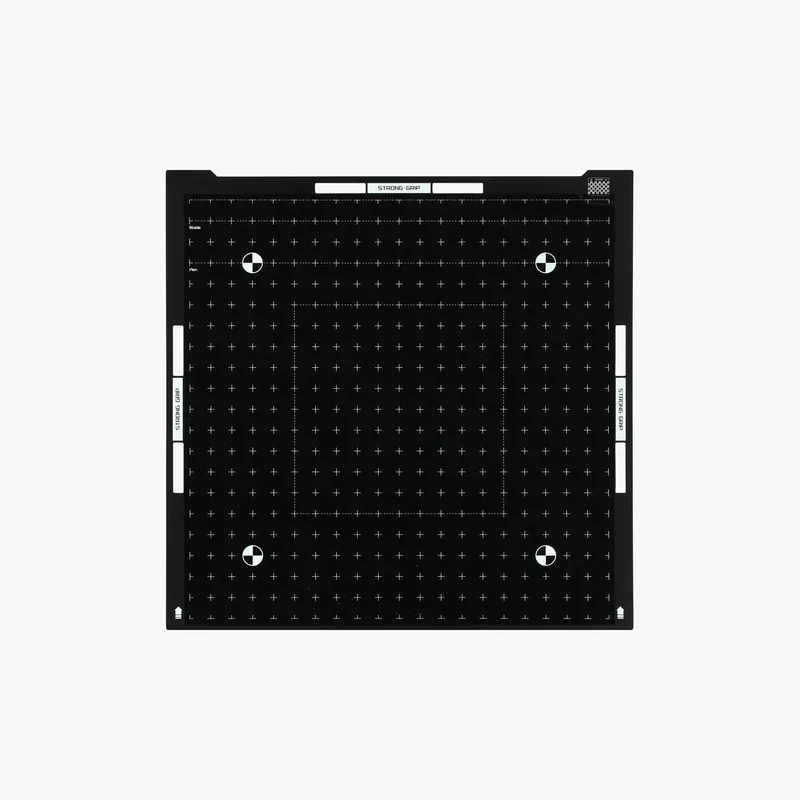 |
| LightGrip Cutting Mat Combo (3 pcs) | Set of 3 cutting mats. | $16.99 | 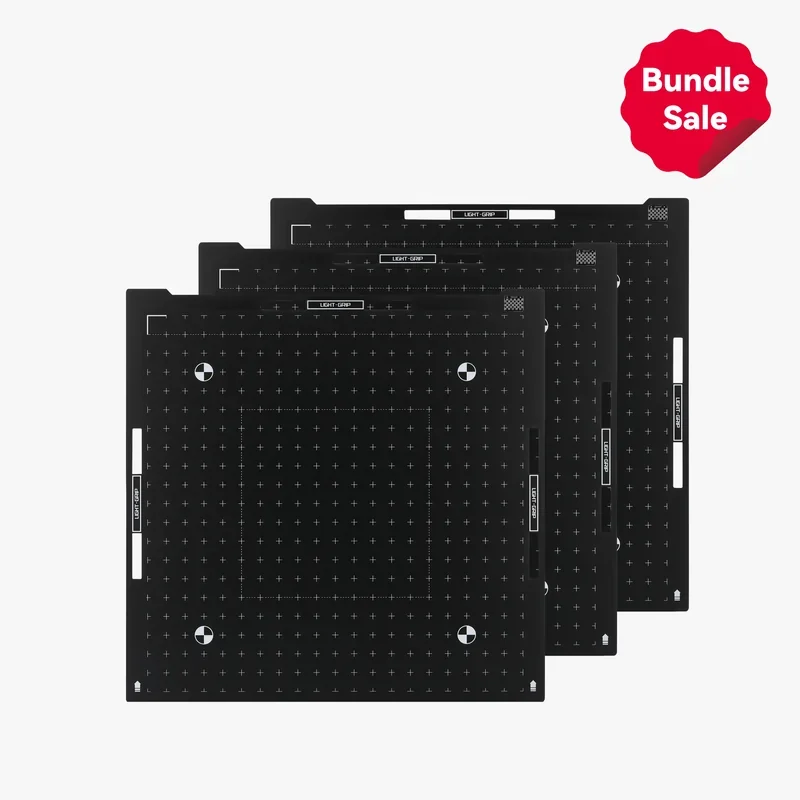 |
| StrongGrip Cutting Mat Combo (3 pcs) | Set of 3 cutting mats. | $16.99 | 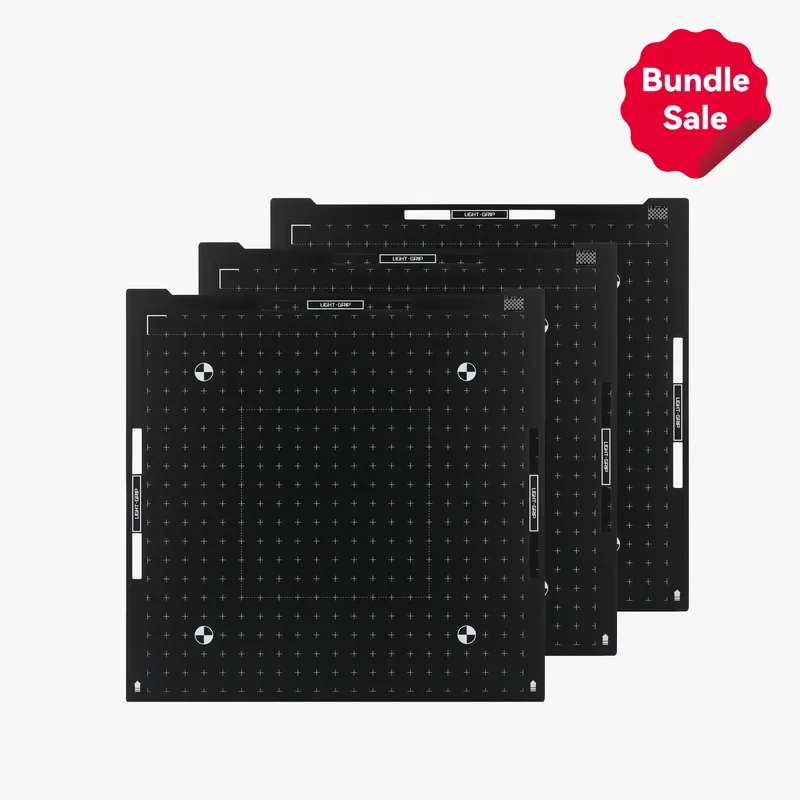 |
| Cutting Essentials Refill Pack | Cutting essentials refill pack. Replenishes cutting consumables used during cutting jobs. | $30.99 | 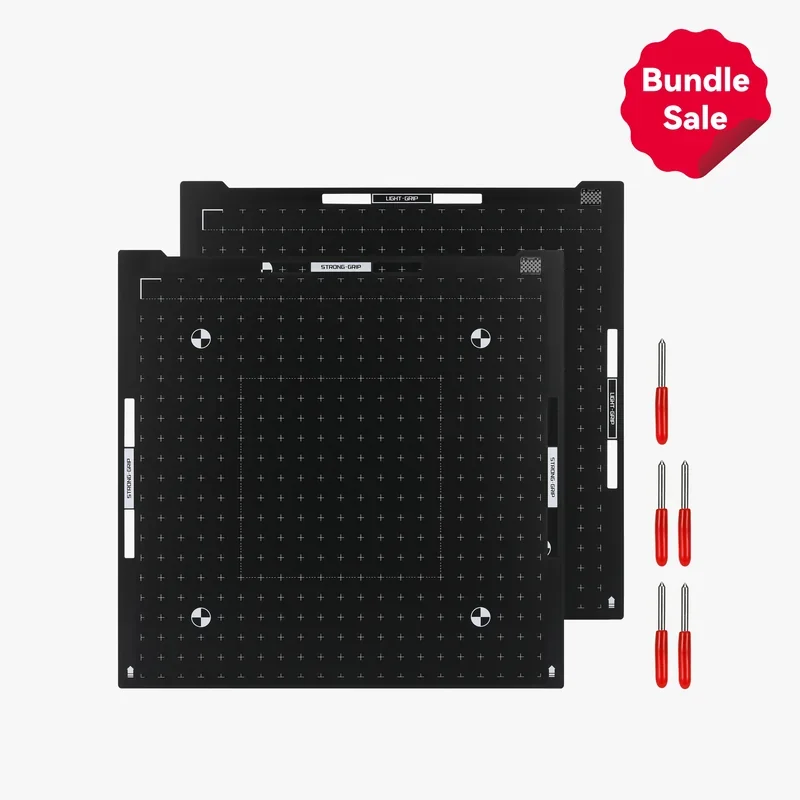 |
| Material Pins | Material pins. Secure the workpiece on the platform during processing. | $41.99 | 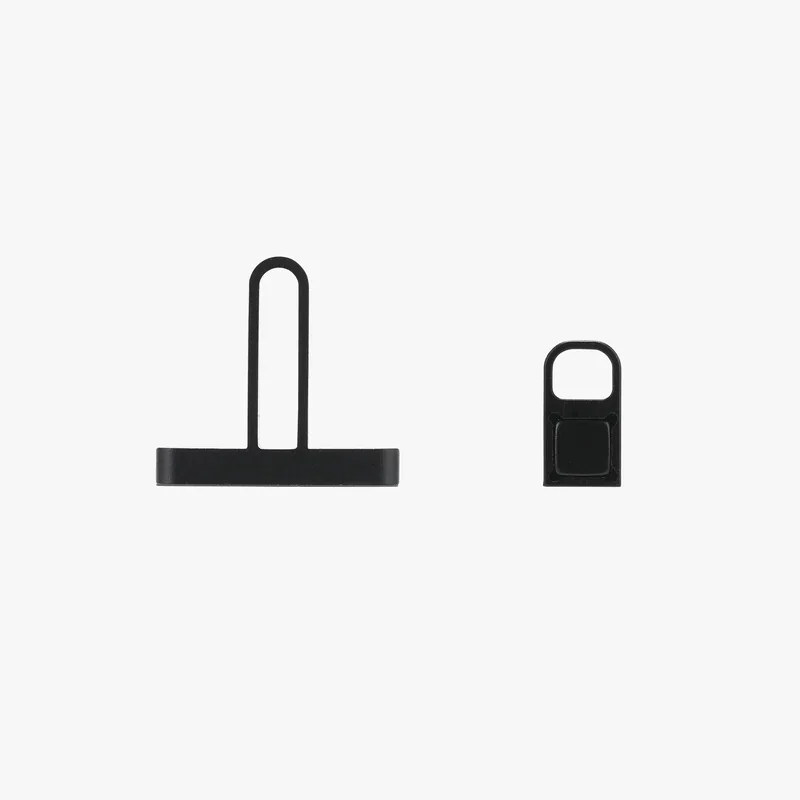 |
| Safety and Air Filtration Systems | |||
| Laser Protective Goggles | Laser protective goggles. Eye protection for laser operation. | $38.99 | 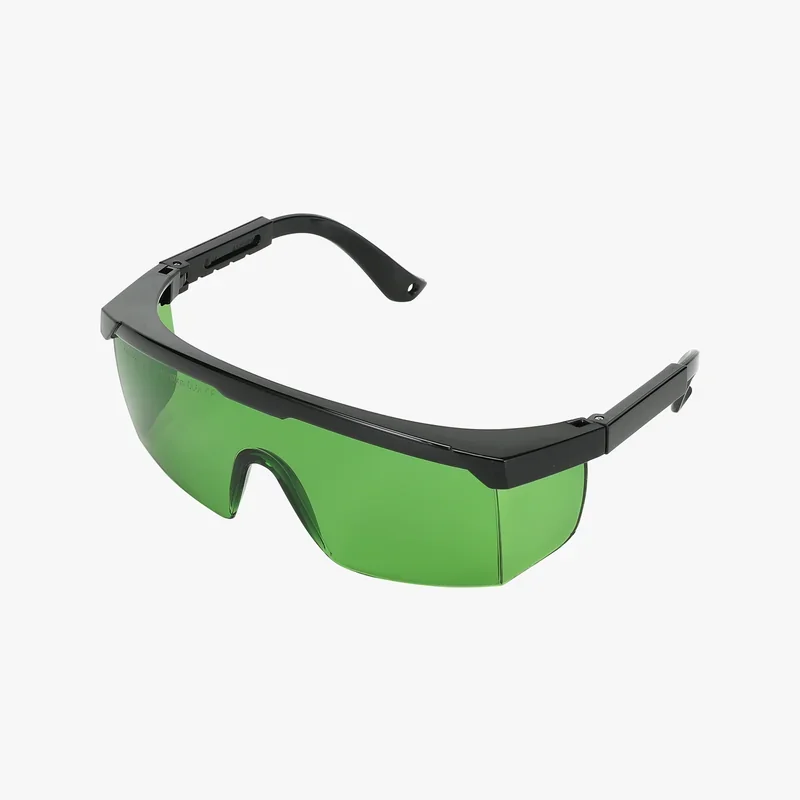 |
| Smoke Purifier | Smoke Purifier. Filters smoke and airborne byproducts during laser processing. | $664.99 | 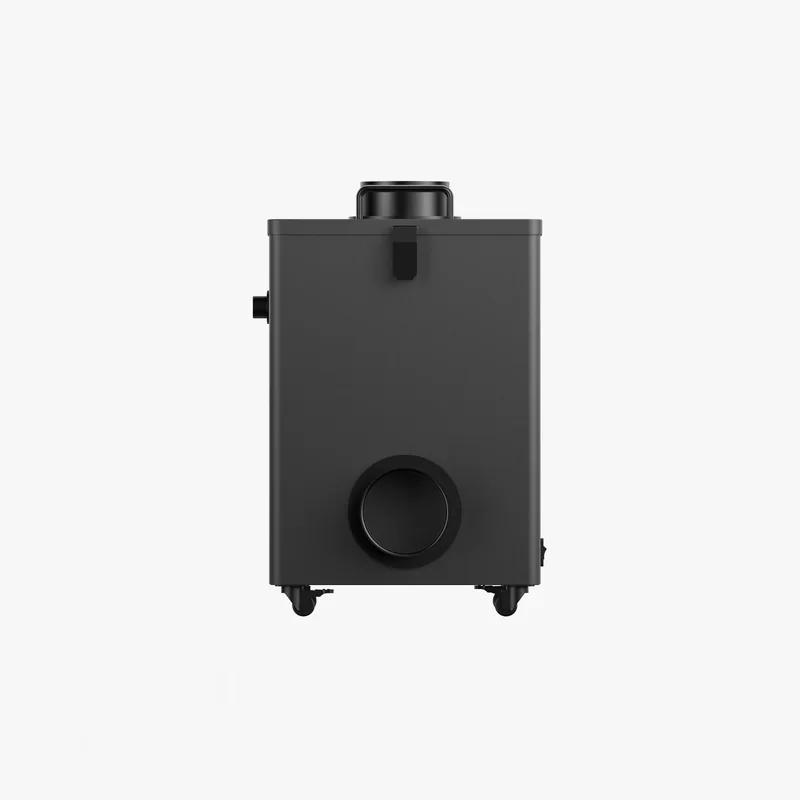 |
| Smoke Purifier Air Filter | Smoke Purifier Air Filter. Replacement filter for restoring smoke purifier filtration performance. | $23.99 |  |
| Auto Fire Extinguishing System | Auto Fire Extinguishing System. Automatic fire-suppression accessory for automatic response. | $59.99 | 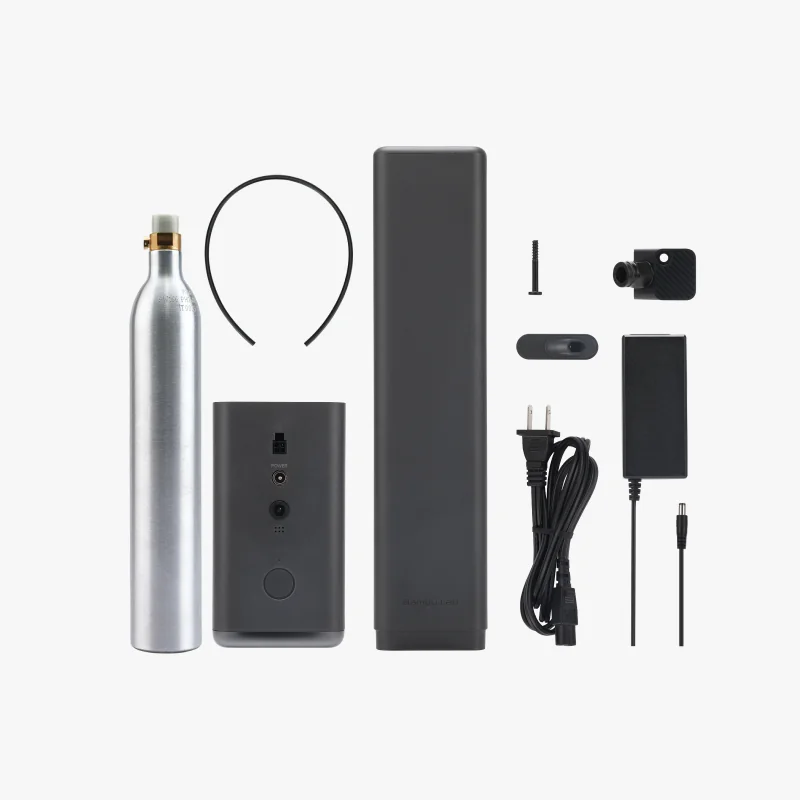 |
| AMS and Filament Care Systems | |||
| AMS 2 Pro Switching Adapter | AMS 2 Pro Switching Adapter. Switching power adapter for powering an AMS 2 Pro; replacement adapter. | $39.99 | 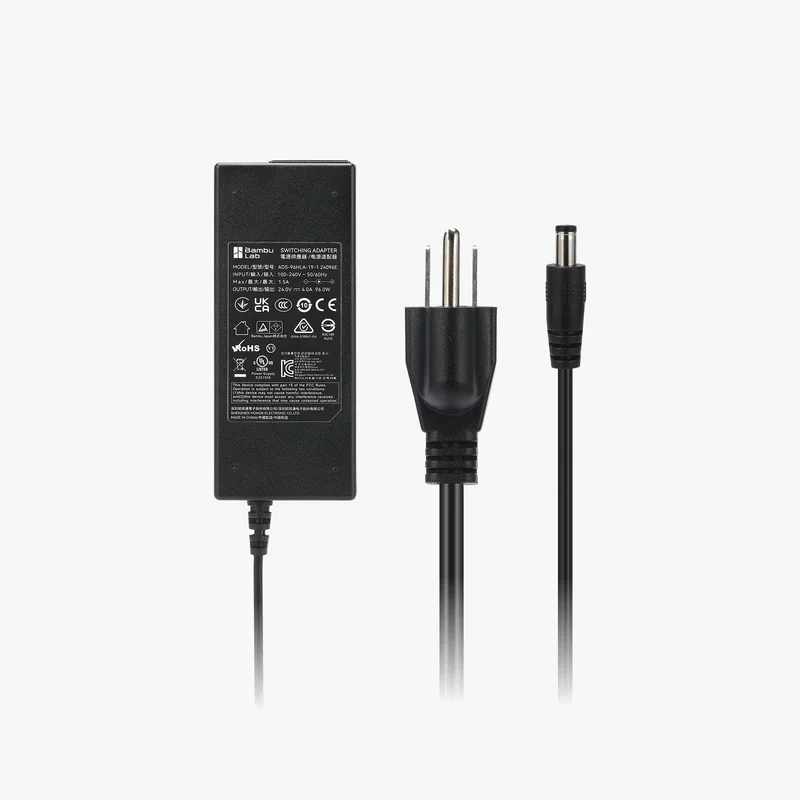 |
| Desiccant for AMS Unit | Desiccant for AMS Unit. Moisture absorber for AMS filament storage. | $4.99 | 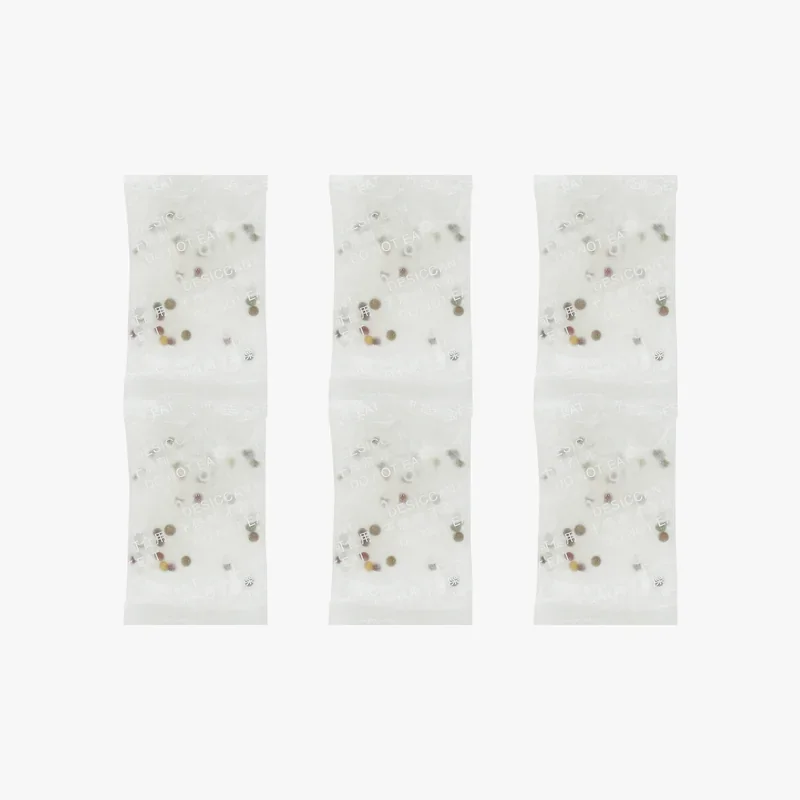 |
| Maintenance Tools and Adhesives | |||
| Essential Consumables Kit - H2 Series | Essential Consumables Kit for H2 Series. Routine replacement items for ongoing maintenance. | $35.99 | 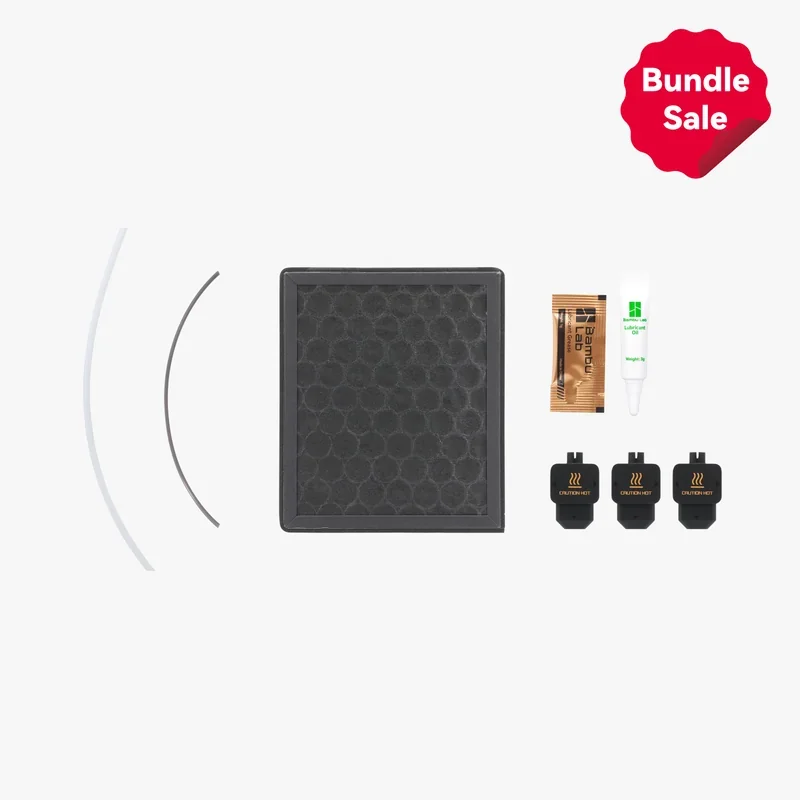 |
| Glue Stick | Glue Stick. Build-plate adhesion aid for controlled sticking and clean part release. | $4.99 | 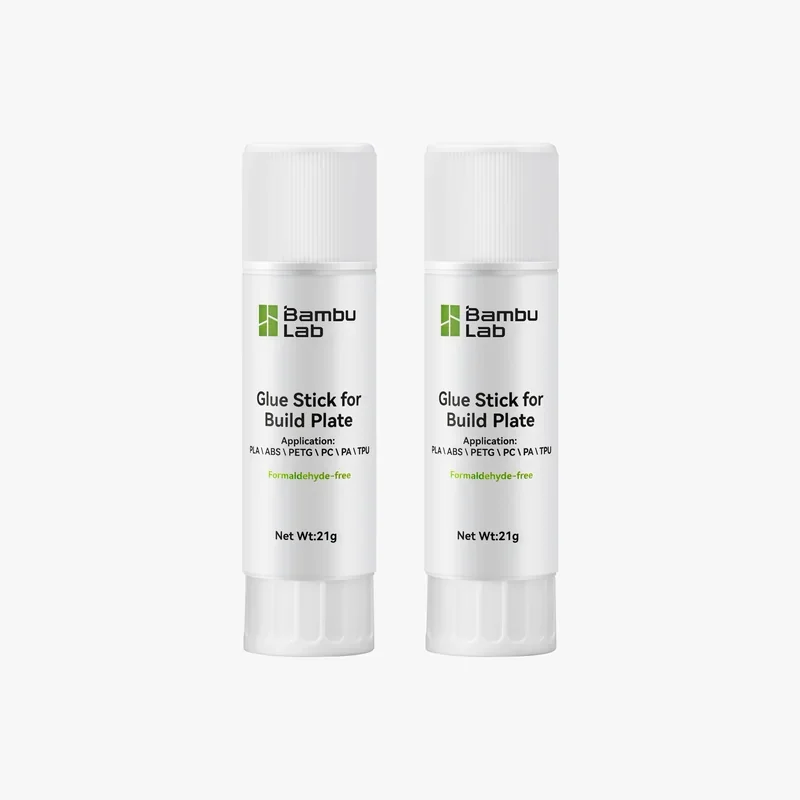 |
| Liquid Glue | Liquid Glue. Build-plate adhesion aid for controlled sticking and clean part release. | $20.99 | 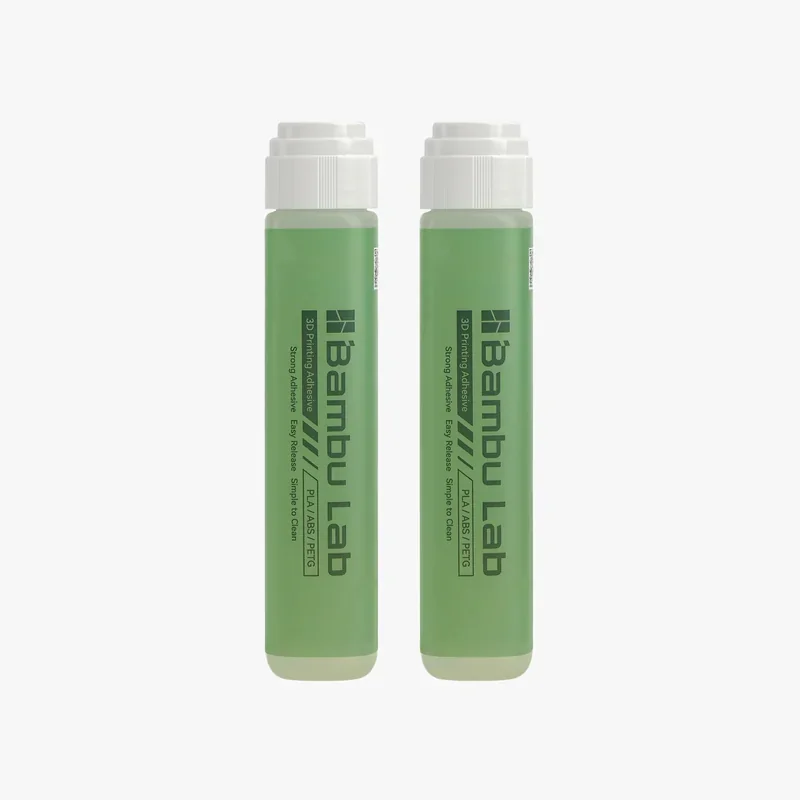 |
| Lubricant Grease | Lubricant Grease. Grease for routine lubrication of moving parts. | $4.99 | 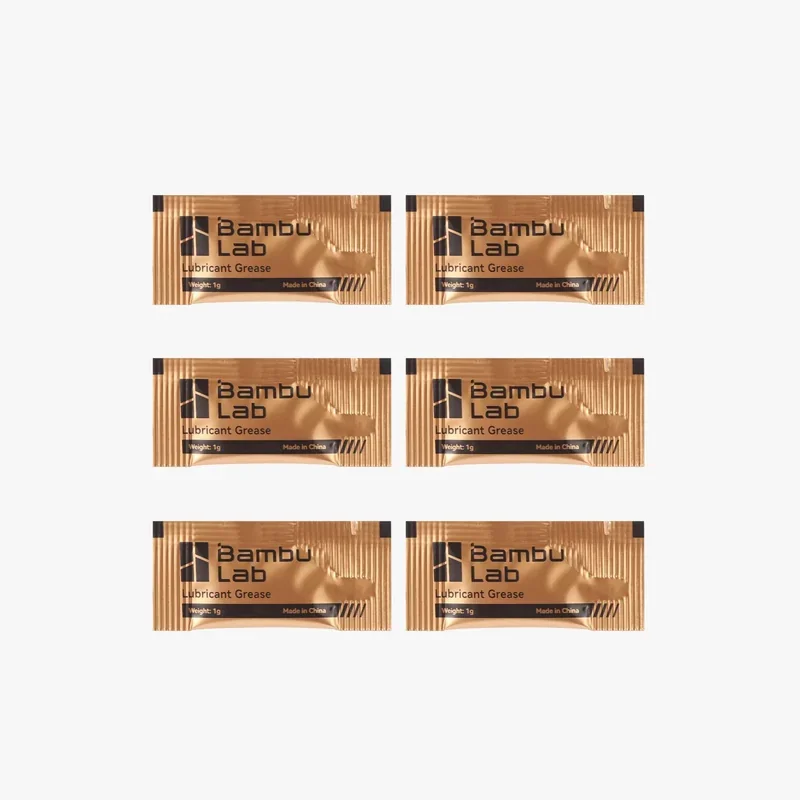 |
| Lubricant Oil | Lubricant Oil. Oil for routine lubrication of moving parts. | $6.99 | 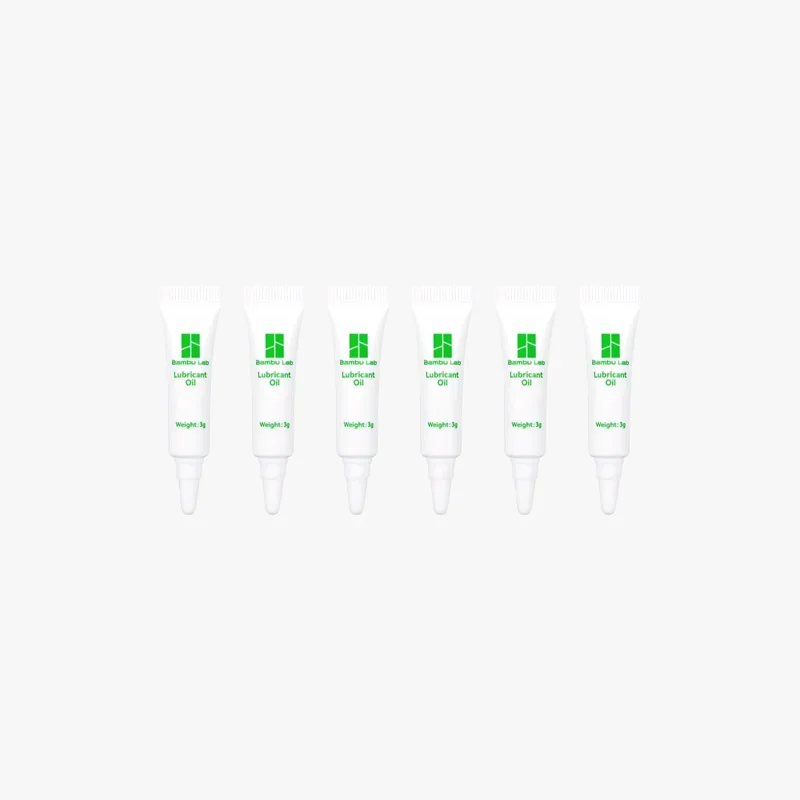 |
| Storage Devices | |||
| SanDisk Ultra Fit USB 3.2 Flash Drive | SanDisk Ultra Fit USB 3.2 Flash Drive. Removable storage for files and data transfer. | $11.99 | 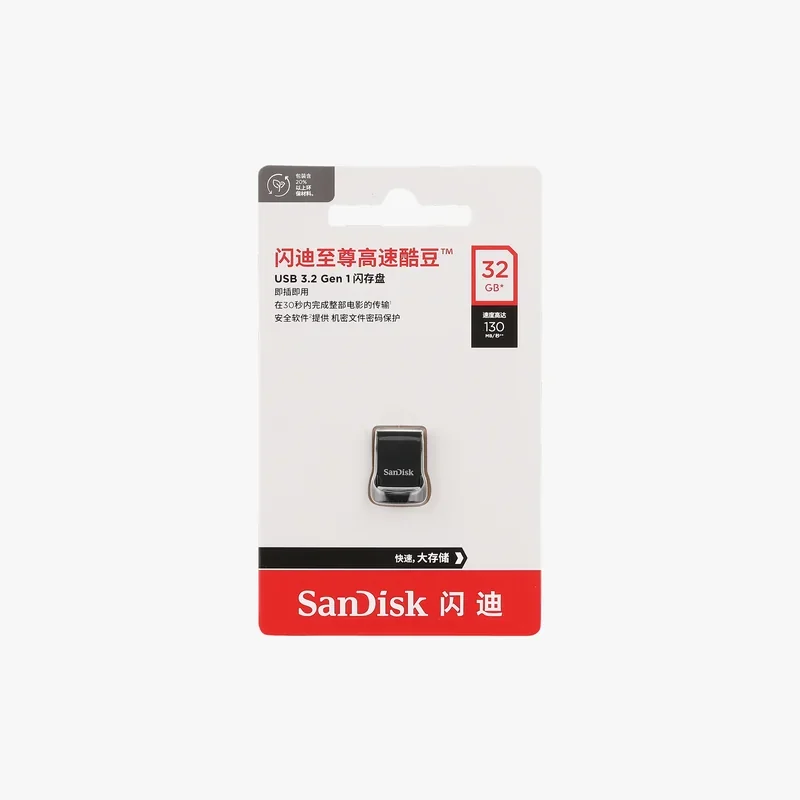 |
What maintenance does the Bambu Lab H2C require?
The H2C requires over 12 maintenance procedures to maintain extrusion reliability, motion precision, and enclosure cleanliness across per-task, weekly, monthly, per-roll, and quarterly intervals. Key maintenance tasks include:
After each laser task (laser use)
- Brush-clean debris and dust from the laser module’s outer surface after each laser job.
When prompted for laser cleaning (laser use)
- Open the laser module, clean the fan and heatsink, and wipe the laser lens. Perform a deep heatsink clean if heavily soiled.
Regularly (laser platform use)
- Clean the laser platform by removing debris with a brush, rinsing with tap water if greasy, and applying WD-40 or similar if necessary.
Weekly
- Inspect and clean the extruder gears, removing dust and debris; replace if wear is found.
Per-roll maintenance
- Check the filament cutter blade every 3–5 rolls for standard filaments (PLA/PETG/ABS/PC) and every 1–2 rolls for abrasive filaments (PA+CF/PA+GF); replace if dull.
- Clean the left hotend after 5 rolls of non-carbon-fiber filaments or 2 rolls of carbon-fiber filaments; replace the hotend if wear or leakage persists.
Monthly (3D printing use only)
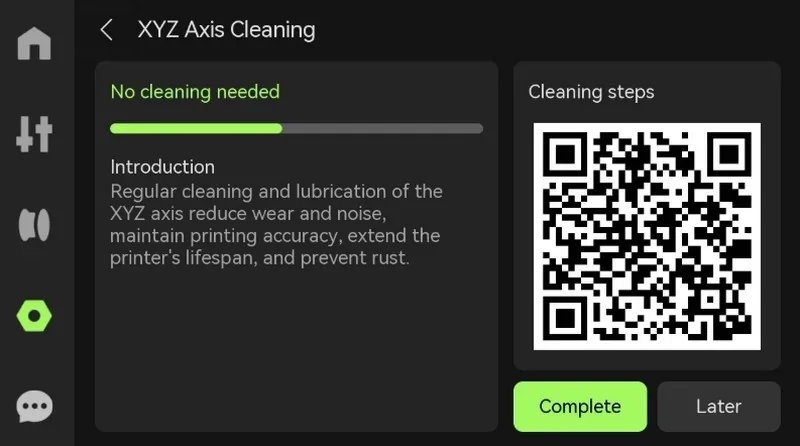
- Clean and lubricate the X-axis linear rail with alcohol and lubricating oil.
- Clean and lubricate the left nozzle lifting rail, then switch left/right nozzles 3–5 times to evenly distribute oil.
- Clean and lubricate the Induction Hotend rack, including linear rods and dock surfaces.
Every 3 months (3D printing use only)
- Clean printer exterior and screen.
- Clean the heatbed.
- Clean the toolhead, removing carbonized residue with the hotend cleaning sponge at operating temperature.
- Clean cameras (nozzle, toolhead, BirdsEye, live view) with alcohol-dampened cloth.
- Clean activated-carbon filter cover and replace filter if blocked or saturated.
- Clean flame sensors with alcohol-dampened cloth.
- Clean the exhaust system, including external exhaust fan and grille.
As needed
- Run Nozzle Cold Pull Maintenance when the extruder reports frequent overload errors or before switching to TPU.
Frequency adjustments: Using the laser module or printing high-temperature/engineering filaments may require more frequent maintenance, with Bambu Lab recommending certain components be serviced monthly under heavy use.
What support and warranty come with the Bambu Lab H2C?
Warranty Coverage:
Bambu Lab provides a limited warranty against defects in materials or workmanship, excluding consumable or wear items and damage caused by misuse (e.g., drops, water damage, incorrect voltage). Many components—including hotends, nozzles, build plates, PTFE tubes, wipers, and filters—are treated as consumables and are not covered under the standard warranty except for manufacturing defects while the printer itself is under warranty.
Warranty Period:
- Standard warranty: 1 year
- Certain components/accessories: 3 months
- Extended coverage (sold separately): H2C One-Year Extended Warranty or H2C Two-Year Extended Warranty
Support Access:
- Bambu Lab Wiki for troubleshooting and guides
- Support Center (“Contact us”) for online support
- Technical support tickets via the Bambu Handy app
- Bambu Lab Academy for tutorials and learning content
Self-Help Resources:
Guides and tutorials are available via Bambu Lab Wiki, Bambu Studio/Handy apps, and on-device QR codes:
- https://wiki.bambulab.com/en/h2d
- https://support.bambulab.com/en?from=6&lang=en
How much does the Bambu Lab H2C cost?
The price of the Bambu Lab H2C is $2,999.00. Bambu Lab positions the H2C as a production-ready, enclosed multi-material platform featuring Hotend Change Multi-material Printing, Minimal Purge Waste Multi-Color Printing, Precise & Fast Inductive Nozzle Heating, a Closed-loop Servo Extruder, Full Filament Path AI Error Detection, 350 °C nozzles, 65 °C active heated chamber, and a 330 × 320 × 325 mm³ build volume.
Purchase variants include:
- H2C AMS Combo — base configuration for multi-material printing
- H2C Laser Full Combo — adds laser and cutting modules, listed at ~20–25% above the base configuration
Optional bundles such as Standard + Ultimate Set include multiple 4-slot AMS units and additional induction hotends, recommended for maximizing multi-material and high-throughput capabilities.