

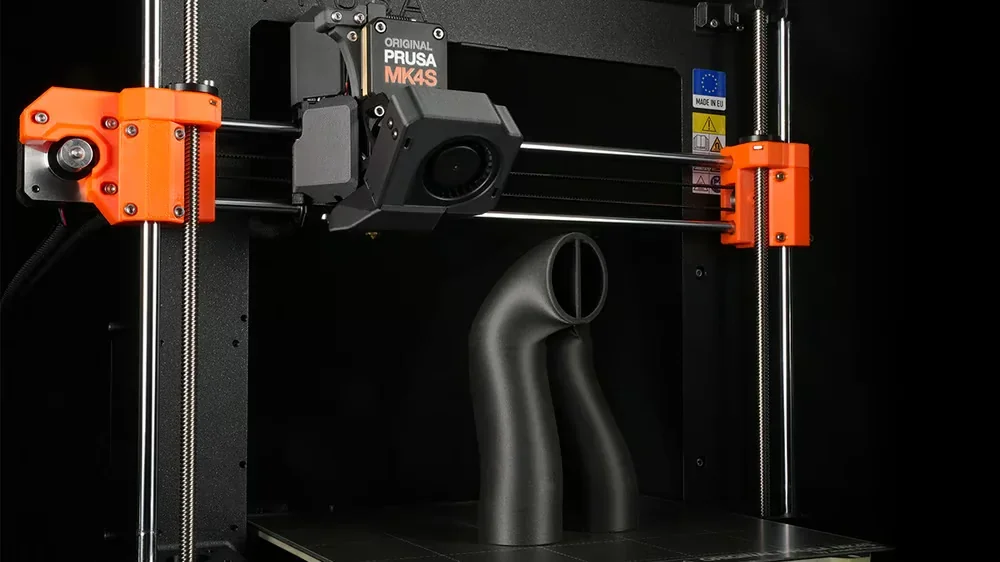
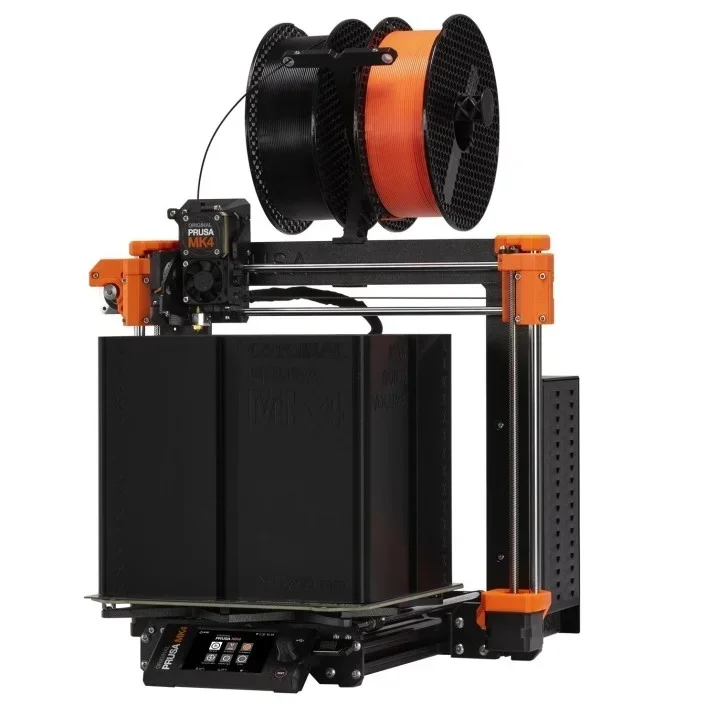
The Original Prusa MK4S is a fast, high-quality 3D printer kit built on the MK4 platform, featuring a 360° cooling system for steep overhangs, a high-flow Bondtech nozzle for 50% faster printing, and a Loadcell sensor for precise auto bed calibration. With a 250×210×220 mm build volume, it supports a wide range of materials, including carbon-filled composites. UL GREENGUARD certified, it suits beginners, professionals, educators, and advanced users alike, offering easy setup, consistent performance, remote monitoring, and expandability for various applications.
The Original Prusa MK4S Kit offers 0.05–0.30 mm layer heights for both detailed and fast prints, earning top marks from TechRadar and CNET for its print quality.
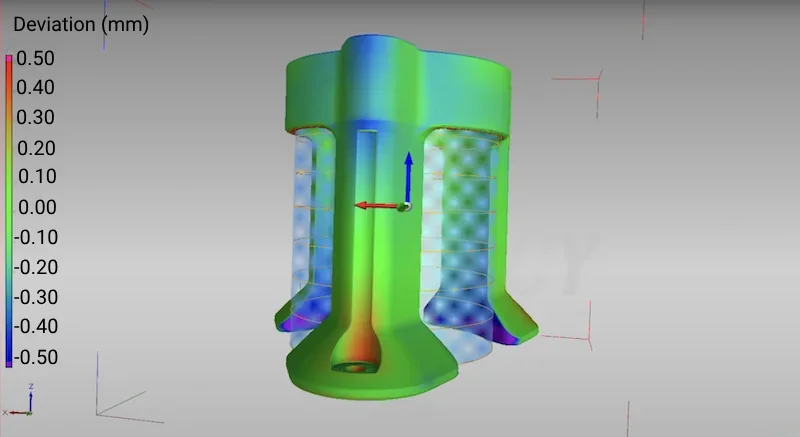
CT scans show the MK4S has superior dimensional accuracy, with most surfaces staying within ±0.20 mm of design specs and only minor areas deviating up to ±0.40 mm.
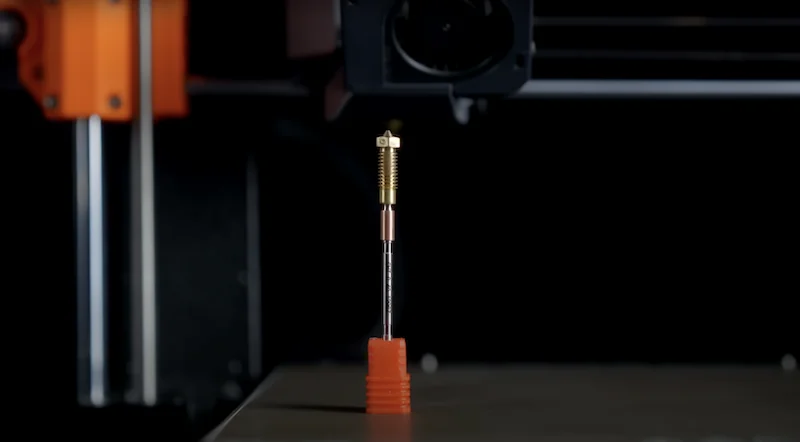
The 0.4 mm brass CHT Prusa Nozzle boosts PLA flow to 24 mm³/s — a 50% gain over the previous model and higher than Bambu Lab’s 21 mm³/s with their filament and 12 mm³/s with third-party materials.
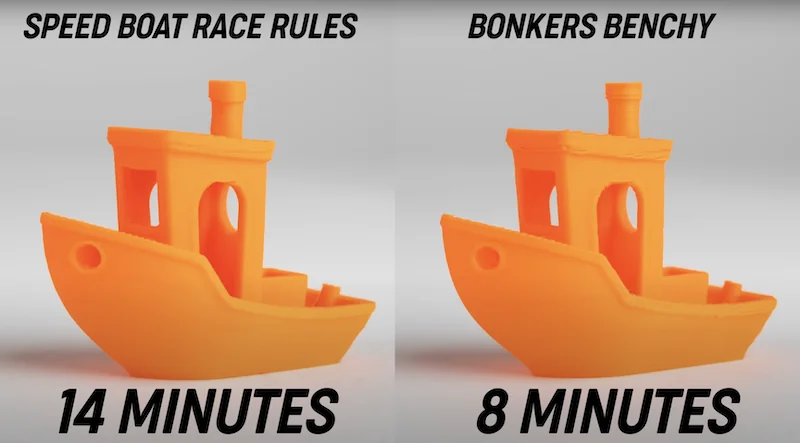
The enhanced flow lets the MK4S print a Benchy in 14 minutes and a Bonkers Benchy in 8, with no loss in quality.
The MK4S prints PETG 44% faster without sacrificing strength, thanks to optimized firmware and hardware that ensure consistent quality across materials.
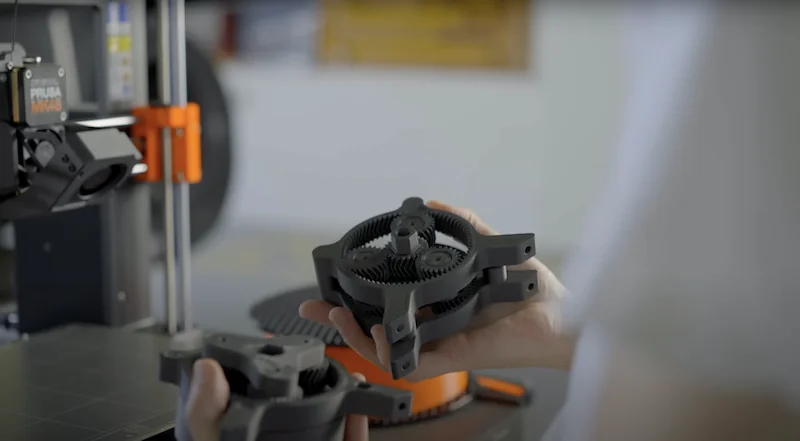
The MK4S’s 360° cooling system uses a high-pressure turbine to direct airflow around the nozzle, enabling overhangs up to 75° without supports.
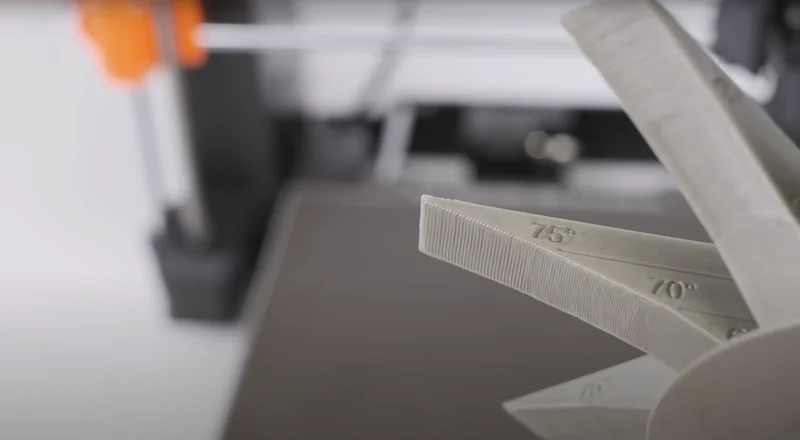
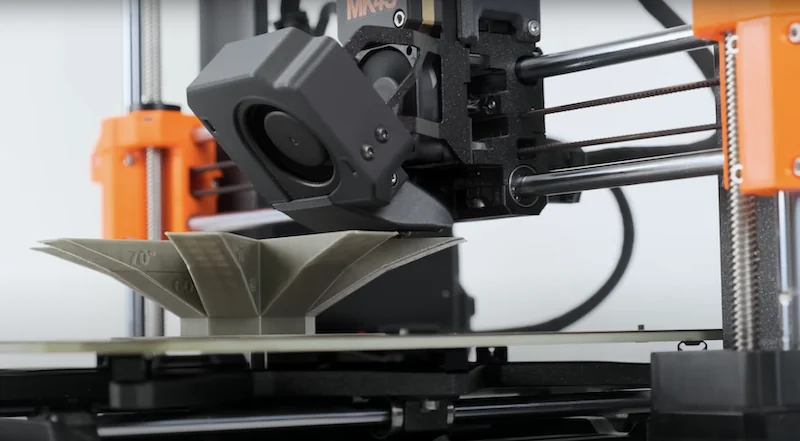
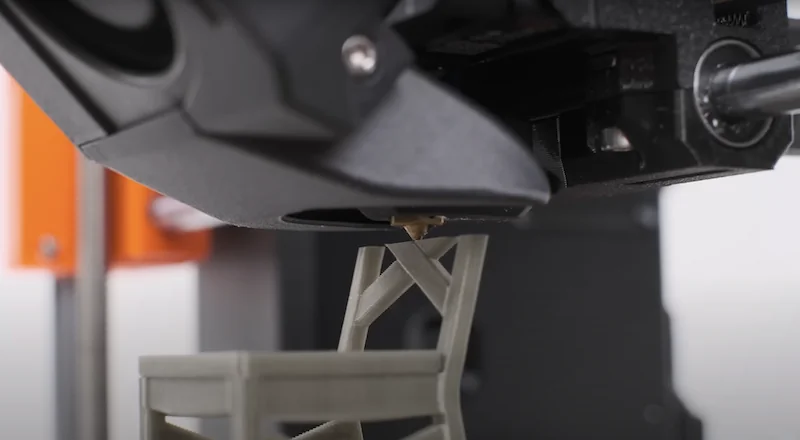
The Loadcell sensor ensures perfect first layers with automatic Z-height calibration. The direct drive Nextruder, 0.9° X/Y stepper motors, and Trinamic 2130 drivers eliminate faceting and keep prints quiet.
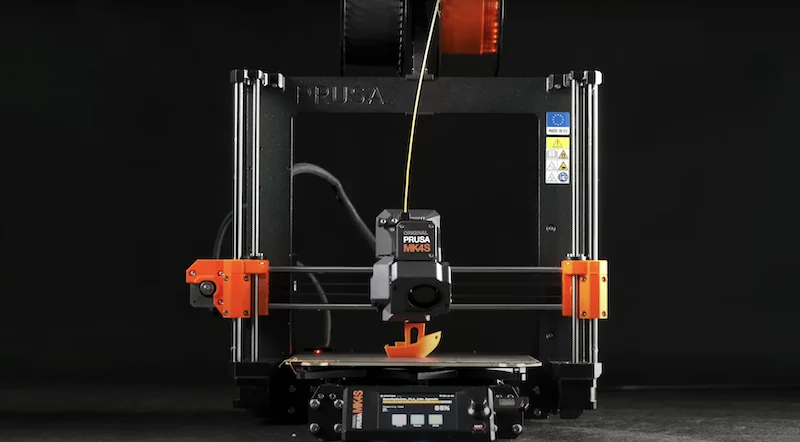
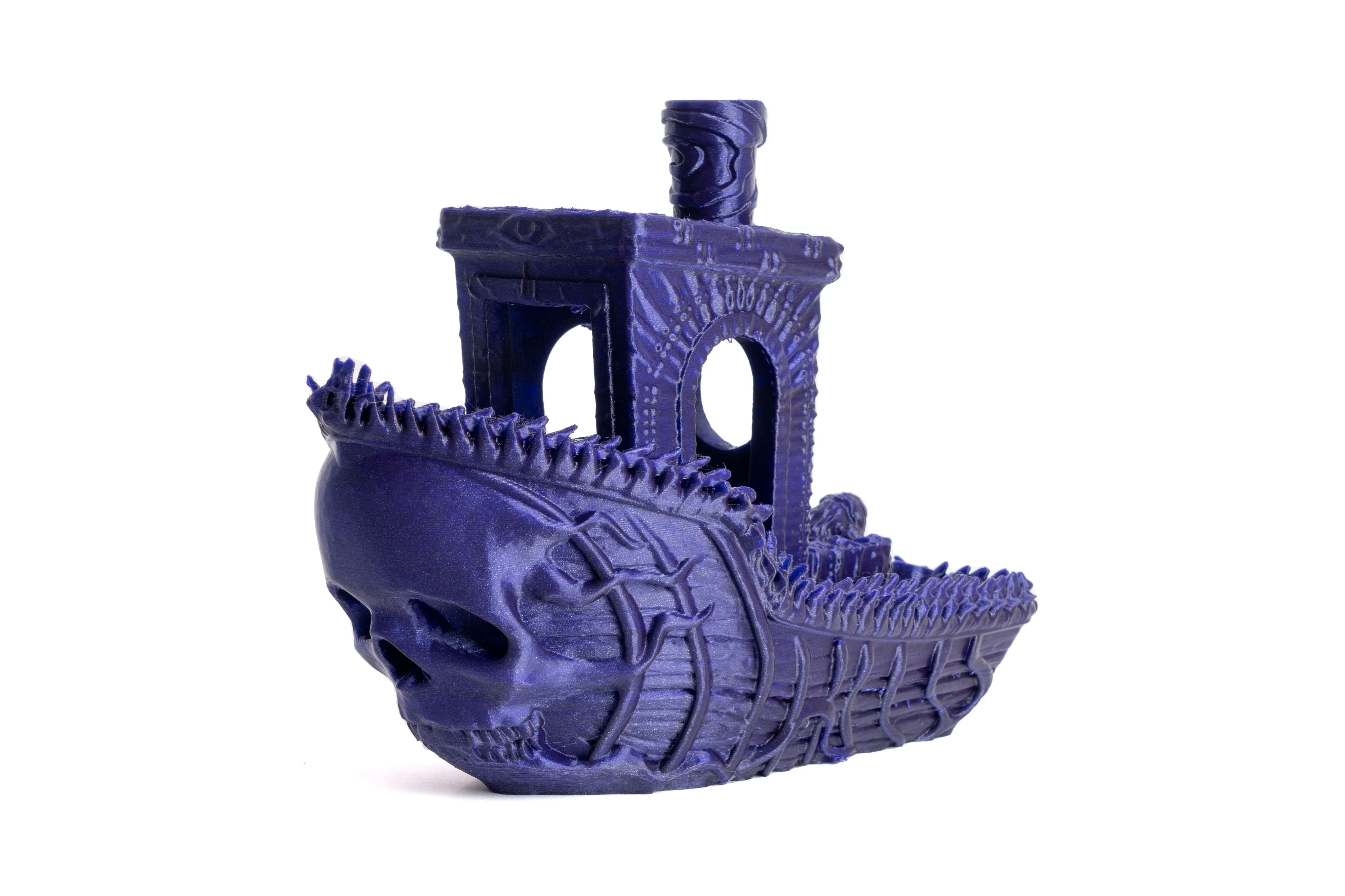
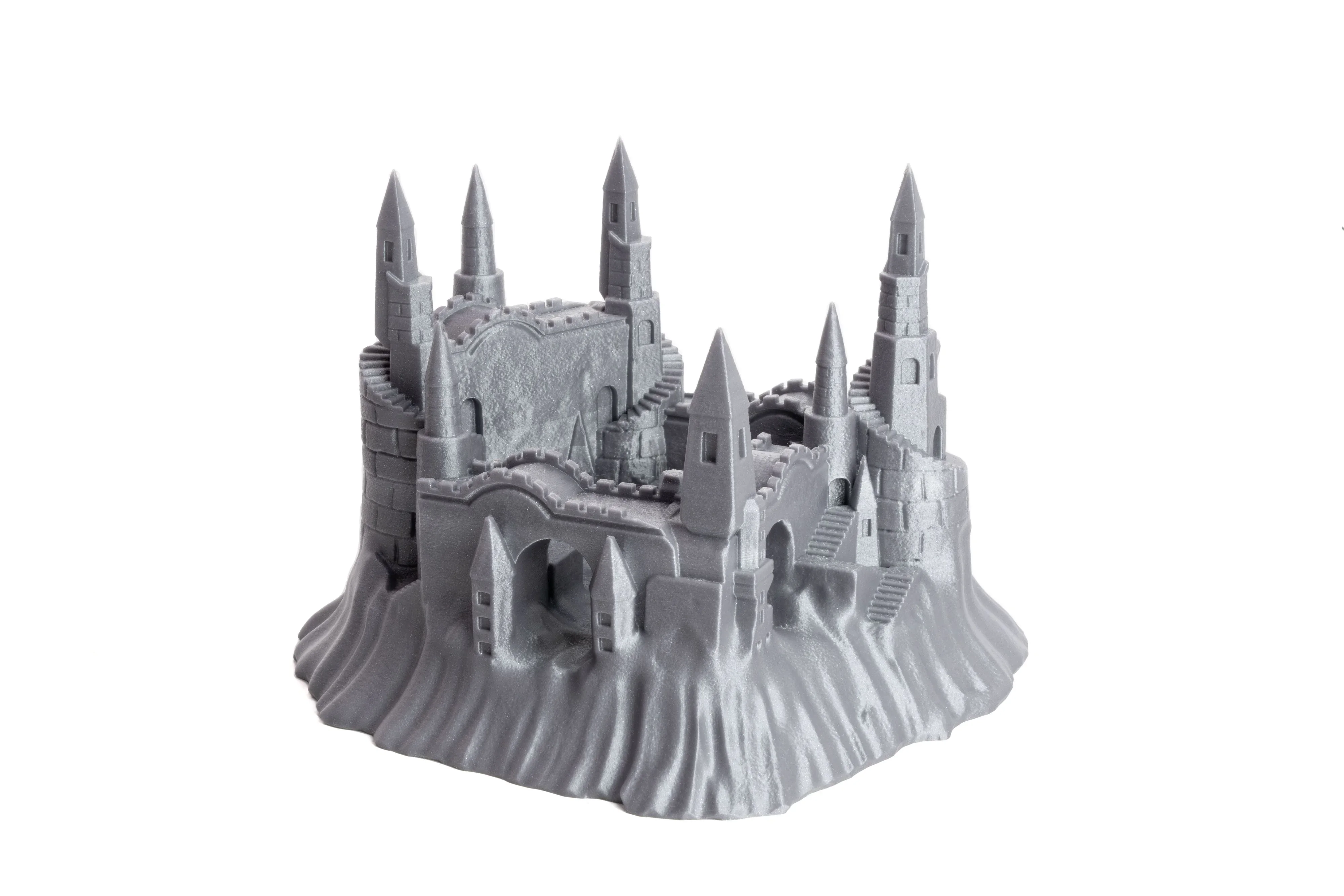
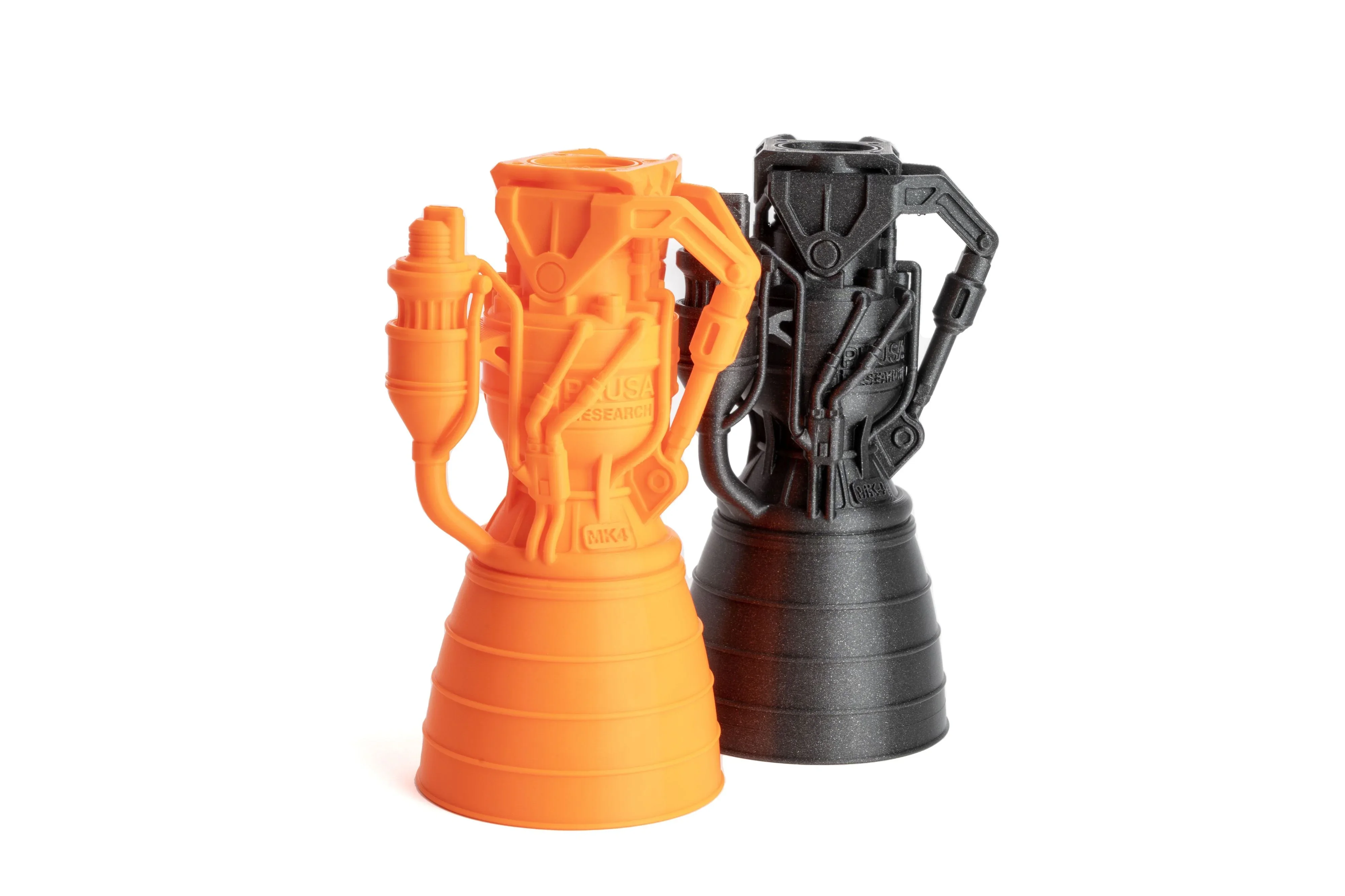
The MK4S Kit supports 14+ filament types, including PLA, PETG, ABS, TPU, nylon, and carbon-filled composites. Its direct drive Nextruder (10:1 gear ratio) and 290°C nozzle handle tough materials like TPU, while the 360° cooling system ensures strong performance across all.
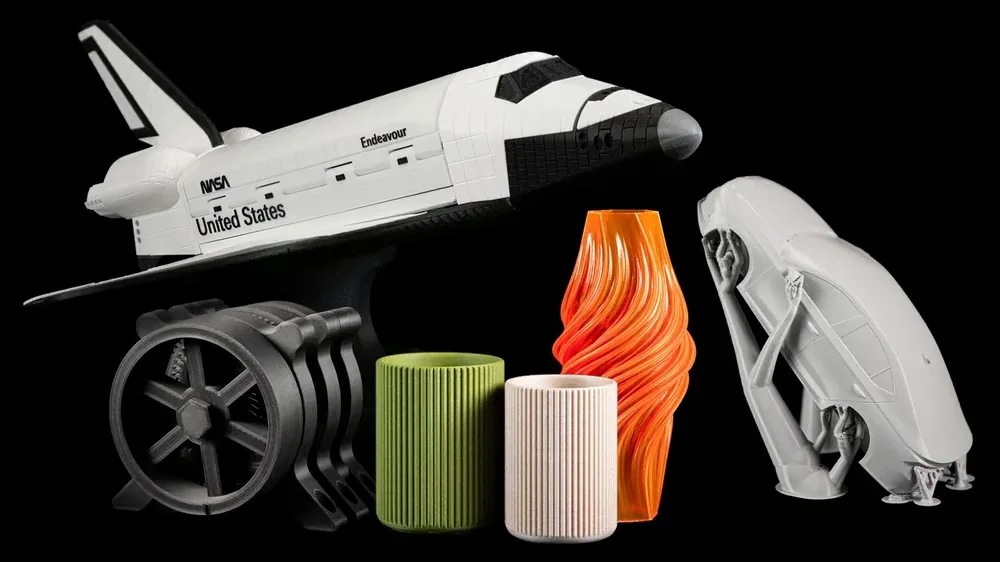
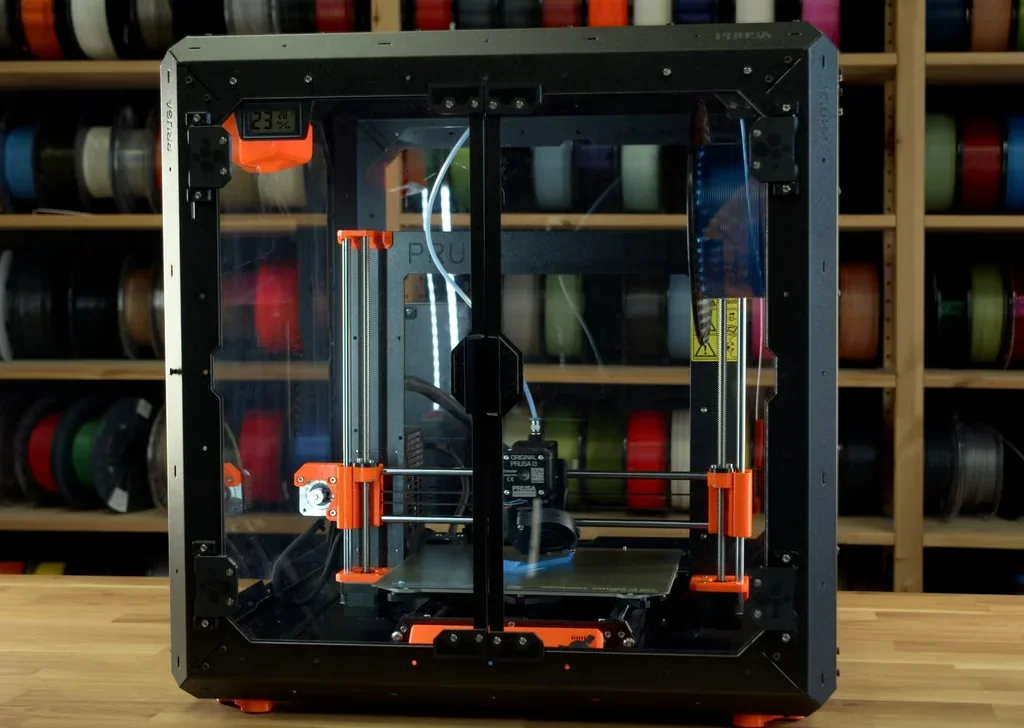
The MK4S Kit prints advanced materials like PC, PP, CPE, and PVB without modification, thanks to its 290°C nozzle and 120°C bed. With the optional enclosure, it supports engineering-grade filaments like ABS, ASA, HIPS, and nylon by maintaining stable temperatures and reducing warping.
The MK4S Kit works seamlessly with both Prusament and third-party filaments, delivering high performance without needing specialized high-speed materials.
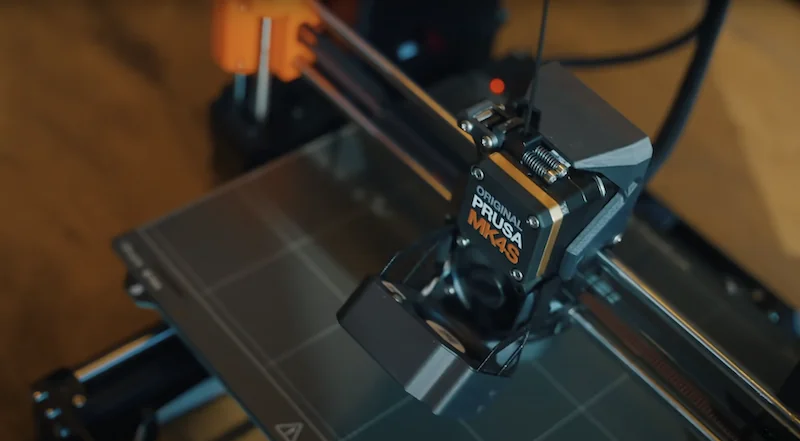
The optional MMU3 add-on allows the MK4S Kit to automatically switch between up to five 1.75 mm filaments for multi-color or multi-material prints using a 0.4 mm nozzle, with cold-pull extraction and PTFE tube feeding.
The MK4S Kit combines Nextruder precision, a high-flow nozzle, and adaptive cooling for versatility across basic to advanced 3D printing materials.
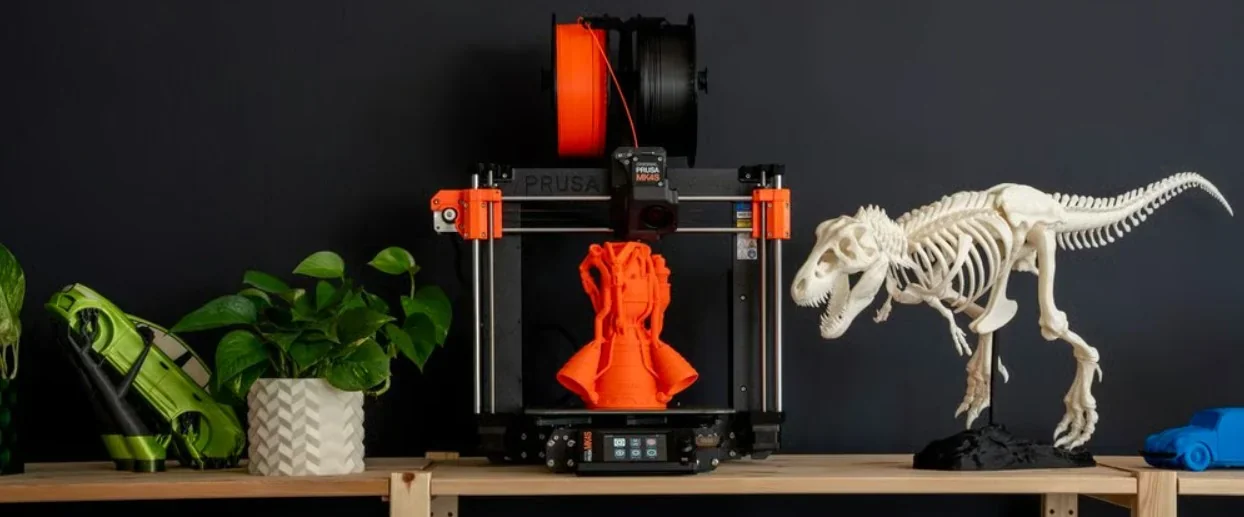
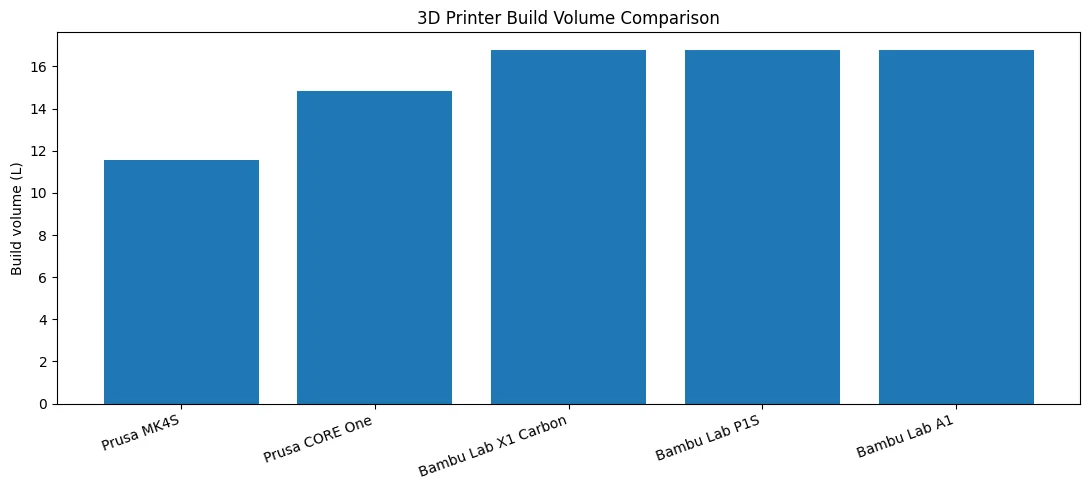
The MK4S Kit offers a 250 × 210 × 220 mm (9.84 × 8.3 × 8.6 in) build volume, totaling 11,550 cm³ of print space.
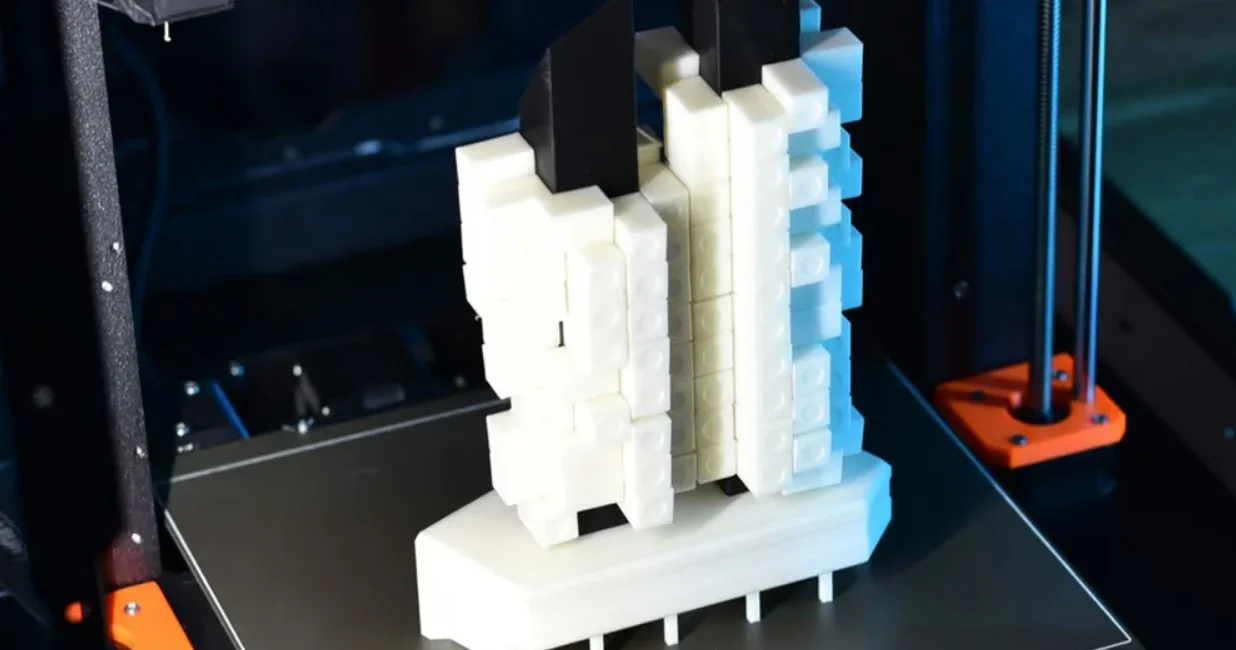
The MK4S Kit balances a compact 500 × 550 × 400 mm (19.6 × 21.6 × 15.7 in) footprint with enough capacity for medium projects. Weighing 7 kg, it fits easily in home, office, or workshop setups.
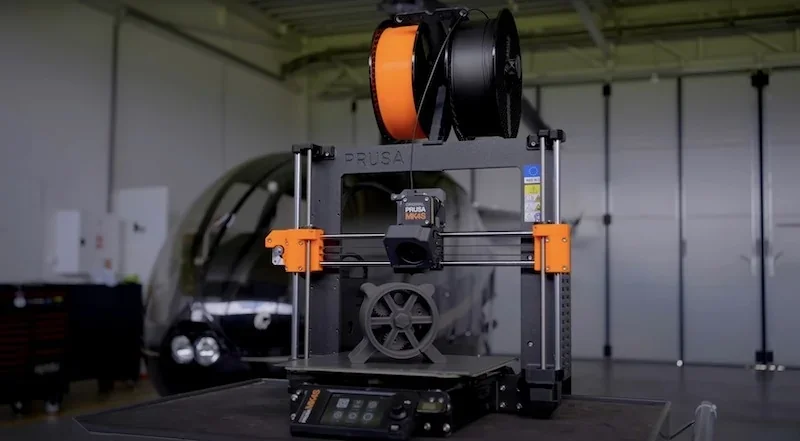
Prusa MK4S — open-frame, precision-first bedslinger with load-cell first-layer, 360° cooling + high-flow nozzle, 120 °C bed, and fully offline/open-source operation; great dimensional accuracy and easy serviceability, with an optional enclosure for ABS/ASA/PC/PA.
In contrast:
| 3D Printer Model / Specification | Prusa MK4S | Prusa CORE One | Bambu Lab X1 Carbon | Bambu Lab P1S | Bambu Lab A1 |
|---|---|---|---|---|---|
| Motion / Frame | Bedslinger; open | CoreXY; fully enclosed | CoreXY; enclosed | CoreXY; enclosed | Bedslinger; open |
| Build volume (mm) | 250×210×220 | 250×220×270 | 256×256×256 | 256×256×256 | 256×256×256 |
| Enclosure / Chamber | Open; optional enclosure | Active chamber to 55 °C | Enclosed (fan-regulated) | Enclosed | Open (no chamber) |
| Max nozzle (°C) | 290 | 290 | 300 | 300 | 300 |
| Max bed (°C) | 120 | 120 | 120 | 100 | 100 |
| Max flow (mm³/s) | High-flow nozzle (n/a) | High-flow nozzle (n/a) | 32 | 32 | 28 |
| Sensors / Camera | Load-cell first layer; filament; — (no built-in cam) | Load-cell; dual filament; door; optional cam | Micro LiDAR; door; 1080p cam | Filament; 720p timelapse | Filament + tangle; up to 1080p timelapse |
| Materials | PLA/PETG/TPU; ABS/ASA/PC/PA with enclosure | PLA/PETG (door closed); ABS/ASA/PC/PA via chamber | PLA/PETG/TPU/PA/PC | PLA/PETG/TPU/ABS/ASA; PA/PC “capable” | PLA/PETG/TPU/PVA; ABS/ASA/PC/PA, CF/GF not recommended |
| Price | $1000+ | $1200+ | $800+ | $550+ | $350+ |
Bottom-Line: pick Prusa MK4S if you want an accurate, offline-first, open, easily serviceable printer that can be enclosed when needed; choose Prusa CORE One for CoreXY + controlled-chamber work, Bambu Lab X1 Carbon for maximum automation/QA, Bambu Lab P1S for enclosed speed at strong value, and Bambu Lab A1 for PLA/PETG/TPU on a tight budget.
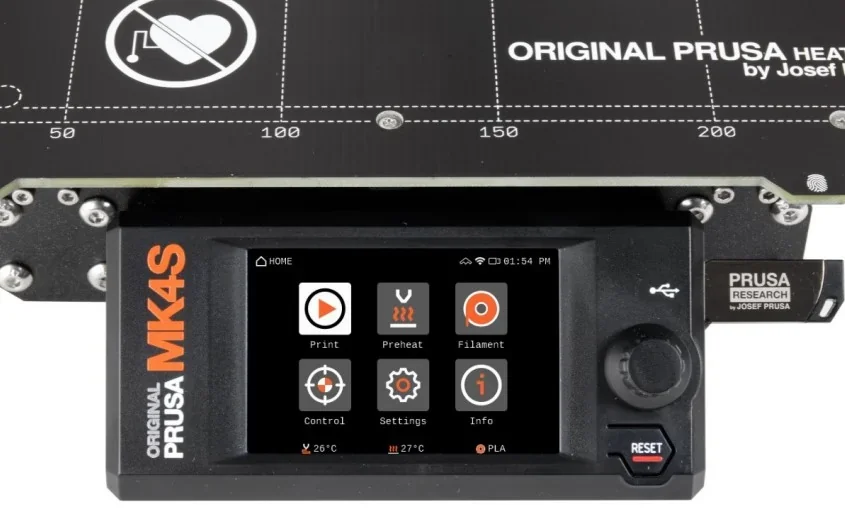
The Original Prusa MK4S 3D printer kit provides 5 primary control elements for printer operation and navigation including physical control elements, display interface, and touch control system.
Physical control elements
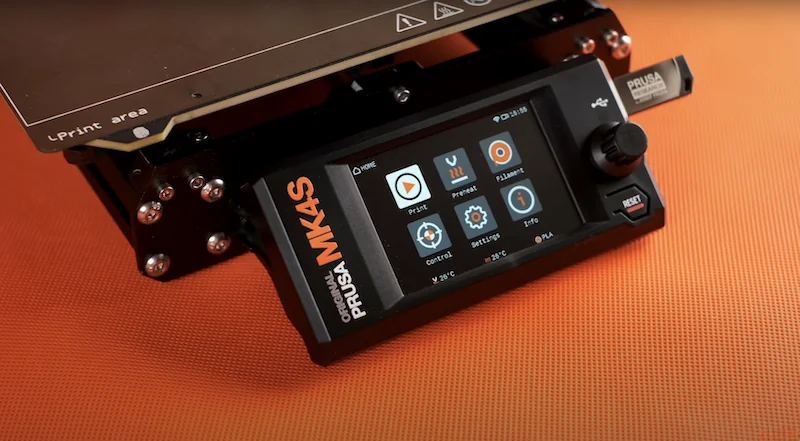
The MK4S Kit has two physical controls: a rotary knob for menu navigation and selection, and a reset button below it that acts as an emergency stop, halting all operations like a power cycle.
Display interface
The MK4S Kit uses a 3.5-inch color touchscreen (xLCD) as its main interface, showing menus, G-code thumbnails, QR codes, and print progress. It includes an injection-molded bezel, replacing the older 3D-printed version.
Touch control system
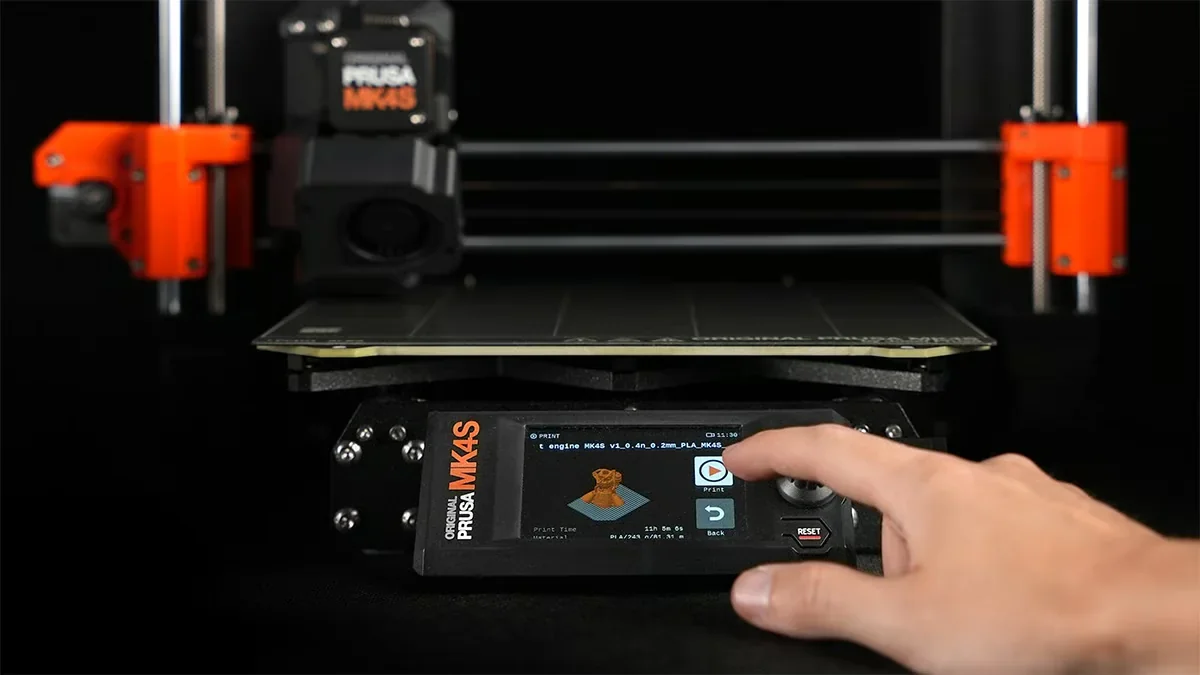
Touchscreen control must be enabled via Settings → User Interface → Touch. Once activated, it supports tapping and swiping for menu navigation, though some functions — like temperature and axis controls — still require the knob.
Touch control limitations and troubleshooting:
The MK4S Kit offers dual control via rotary knob and touchscreen, combining accessibility with precise operation.
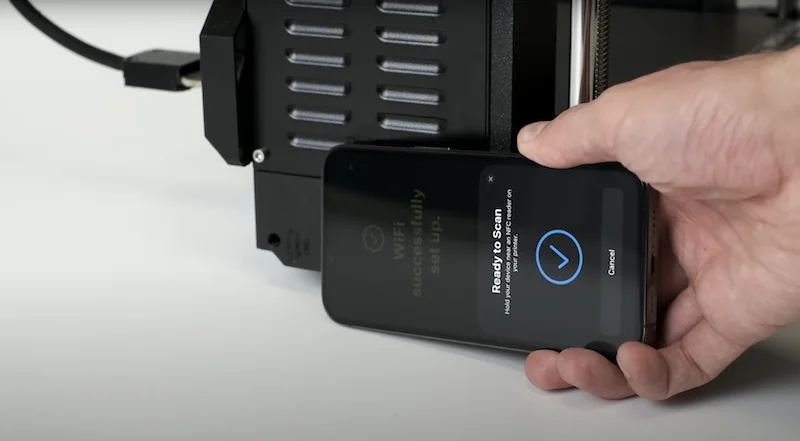
The MK4S Kit supports 3 connectivity options including USB, Ethernet, and Wi-Fi connectivity. Files can be transferred offline via USB or remotely over a network. Wi-Fi setup is simplified with NFC — just tap a smartphone to connect, avoiding complex configurations.
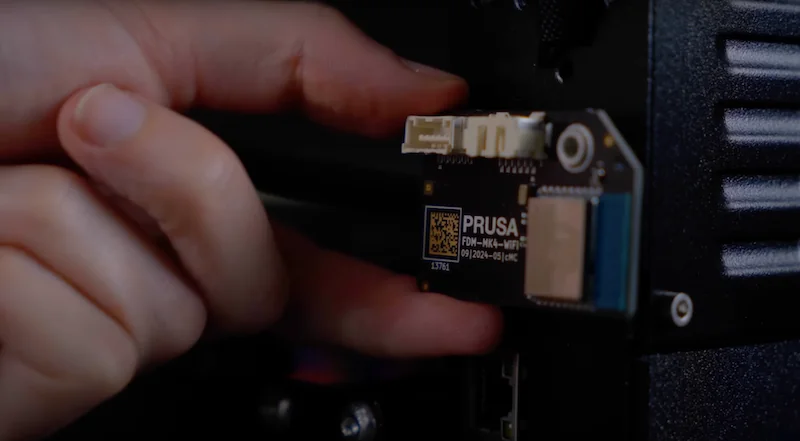
For secure environments, the MK4S Kit features a removable Wi-Fi module that can be detached without impacting printer operation.
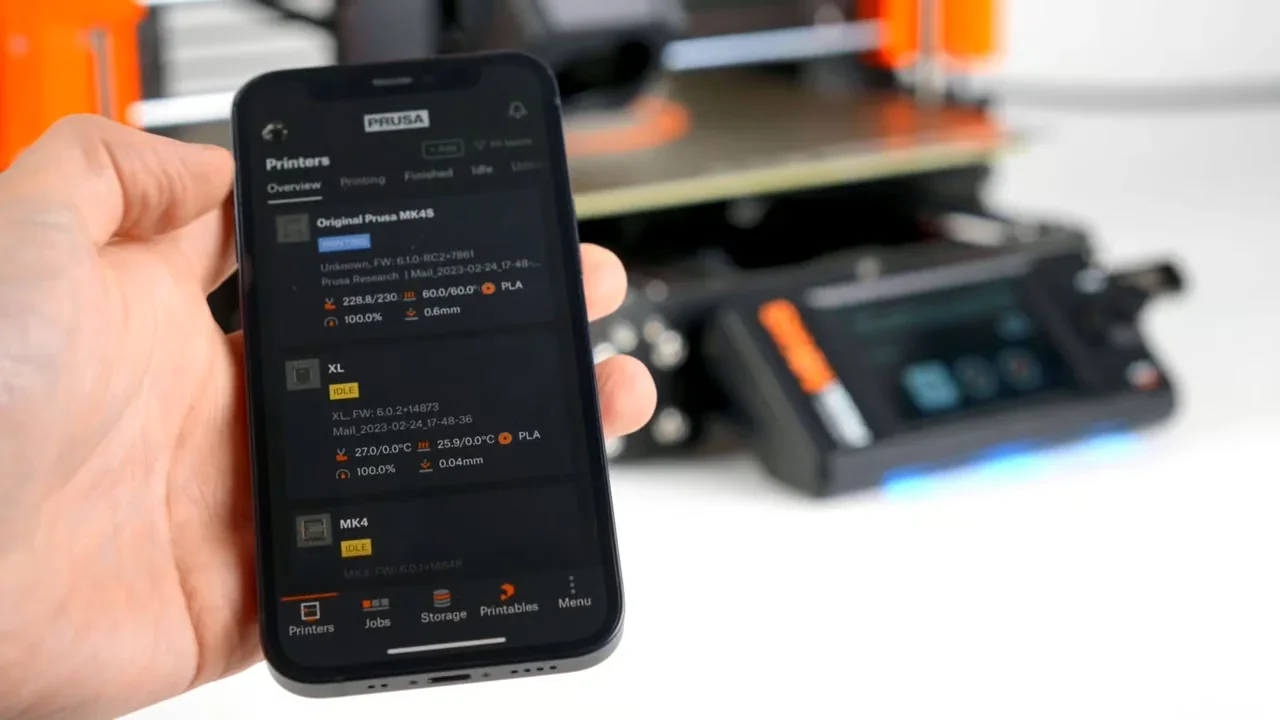
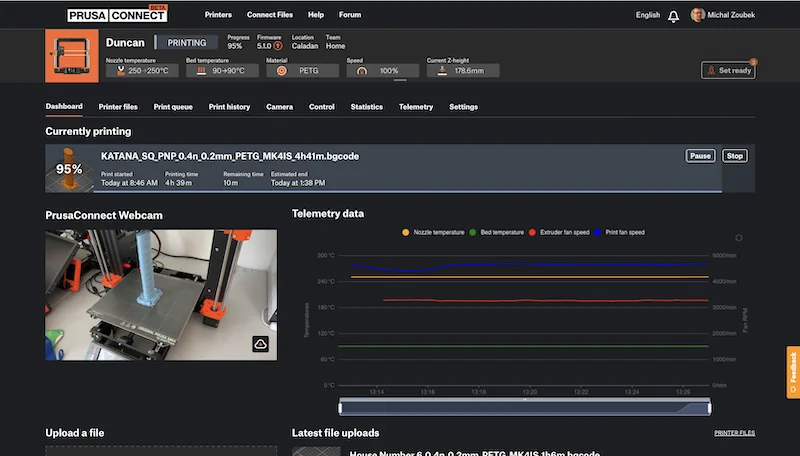
Remote control is available via Prusa Connect and the Prusa app (iOS/Android), allowing users to start prints, monitor progress, and receive notifications from anywhere.
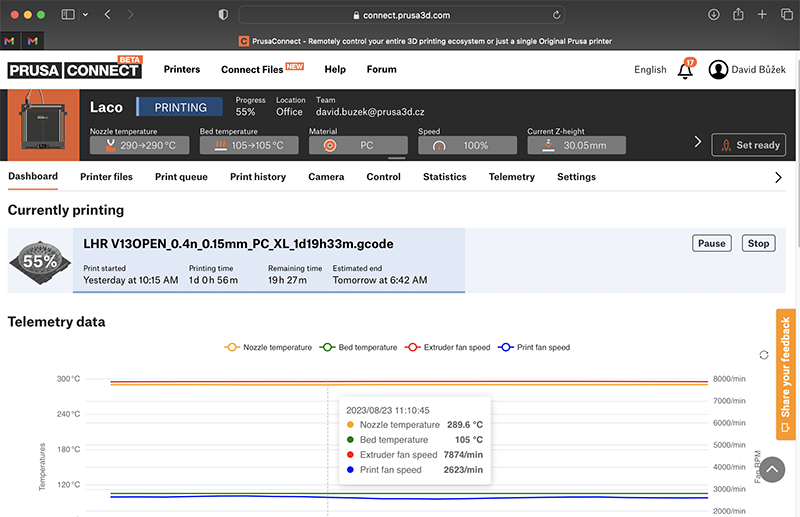
The MK4S Kit supports direct printing from Printables.com via the app, no computer needed. It works fully online or offline, with all network features optional and no subscriptions required — ideal for both maker spaces and secure environments.
The MK4S Kit includes PrusaSlicer, an open-source slicer with 180+ pre-verified printer and material profiles, removing the need for manual calibration. Built on Slic3r, it supports third-party filaments and offers speed-optimized profiles (0.25 and 0.28 mm) to leverage the high-flow nozzle.
Beyond slicing, the MK4S Kit integrates with Prusa Connect and the Prusa app (iOS/Android) for remote control — start prints from Printables.com, track progress, and get push notifications.
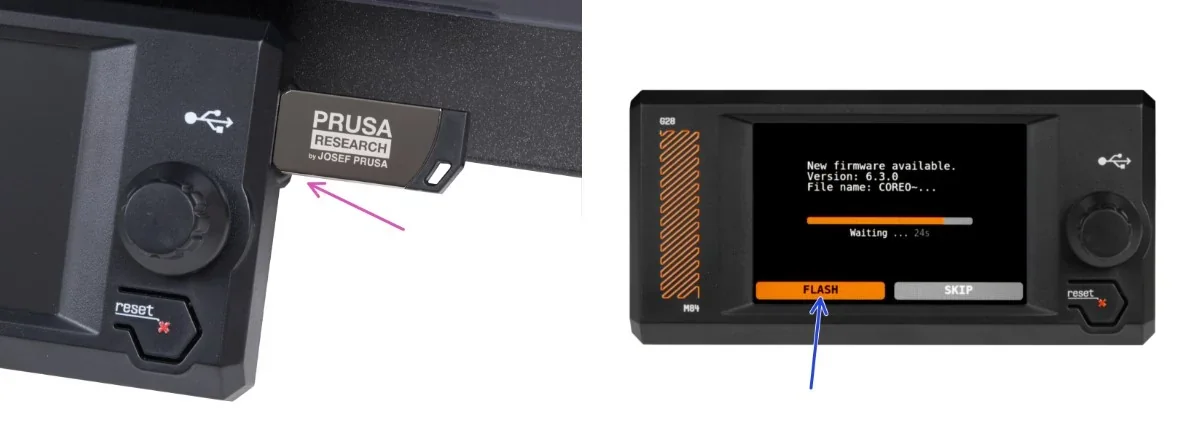
Firmware updates can be installed via USB, Prusa Connect, or the Prusa app. The open-source code allows security review, and all features work without subscriptions. Network use is optional, and the removable Wi-Fi module supports secure offline operation.
The MK4S Kit features an open-frame i3-style bedslinger design with a 250 × 210 × 220 mm build volume. It measures 500 × 550 × 400 mm, weighs 7.5 kg, and has an exposed aluminum frame in Prusa’s black and orange color scheme.
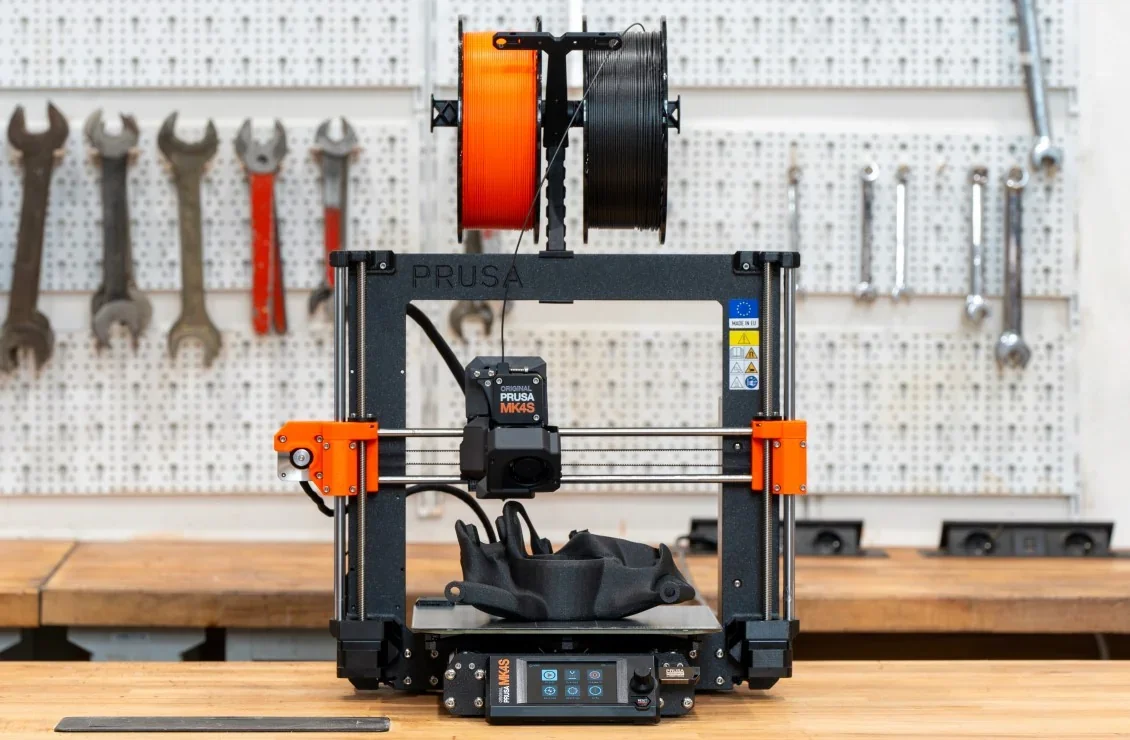
The MK4S Kit uses injection-molded plastic for parts like display bezels, while brackets and other components are 3D-printed in-house by Prusa.
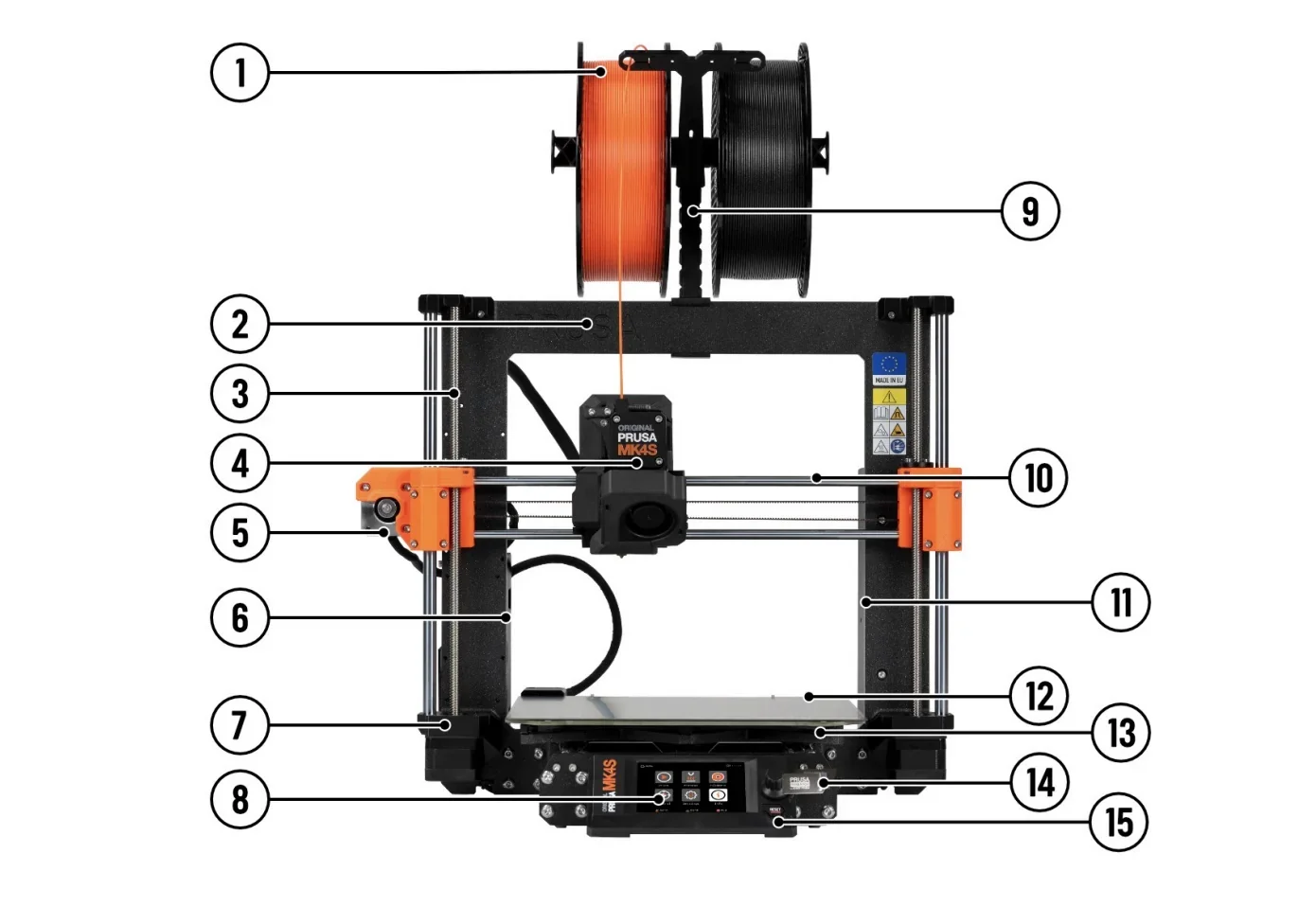
Full list of components:
The MK4S Kit uses a Cartesian motion system with hardened steel rods and an X-axis tensioning system for motor and belt adjustment. It features new-generation stepper motors and includes input shaper and pressure advance for precise, high print speed over 300 mm/s.
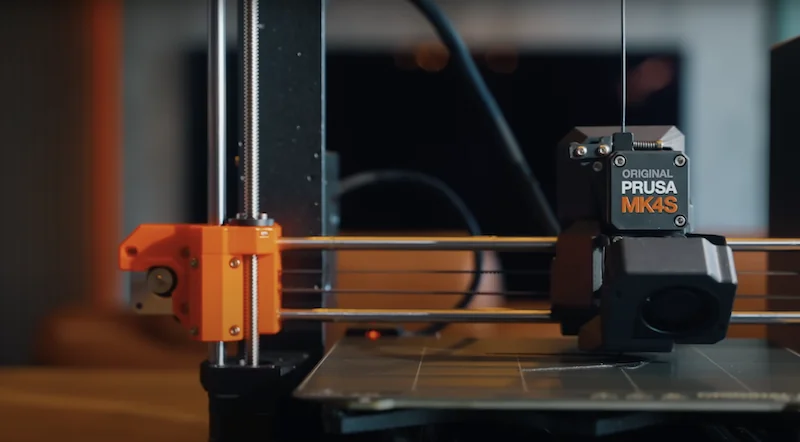
Motion system specifications:
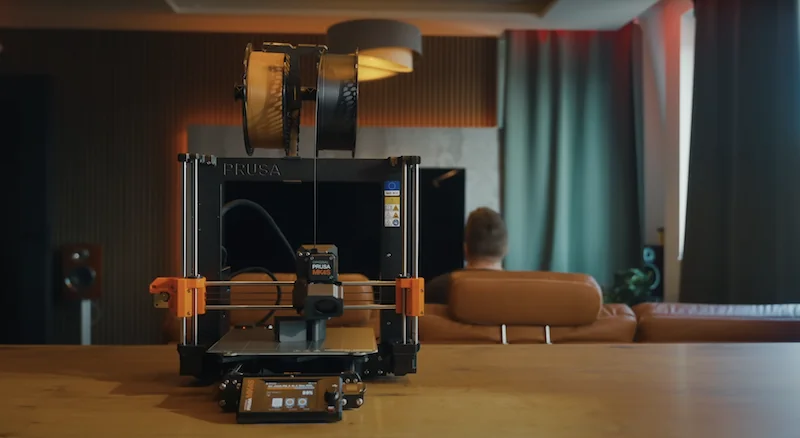
The MK4S 3D printer kit operates at 40–50 dB, mainly from cooling fans. An enclosure lowers noise to 30–40 dB. Though it lacks a silent mode, it runs quieter than previous models, with user reports noting similar or lower noise than the MK3S in normal mode.
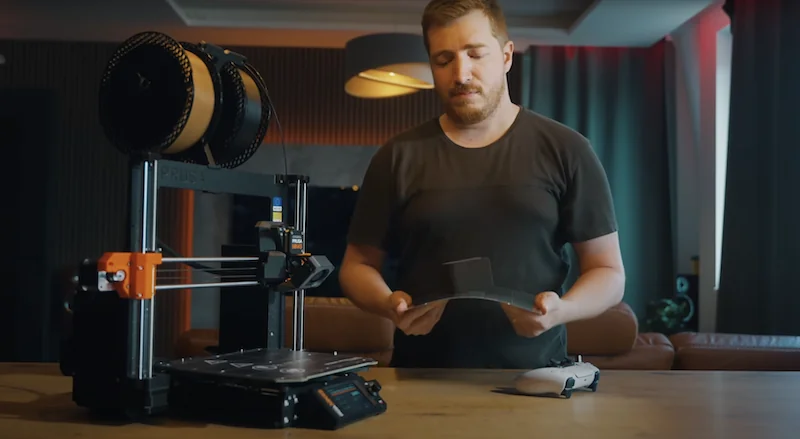
The MK4S 3D Printer Kit features a magnetic heated bed with removable PEI-coated steel sheets, heating up to 120 °C. It offers a 250 × 210 × 220 mm build area. The magnetic system allows easy sheet swaps and part removal. A Smooth PEI sheet is included, with Satin and Textured sheets sold separately.
The MK4S 3D printer kit uses the Nextruder from the Prusa XL, featuring a load cell for auto Z alignment and a 290 °C hotend for materials like PLA, PETG, ASA, TPU, and carbon-filled filaments. Nozzles from 0.25–0.8 mm can be swapped tool-free via two thumbscrews. A 270° cooling system allows 75° overhangs without supports.
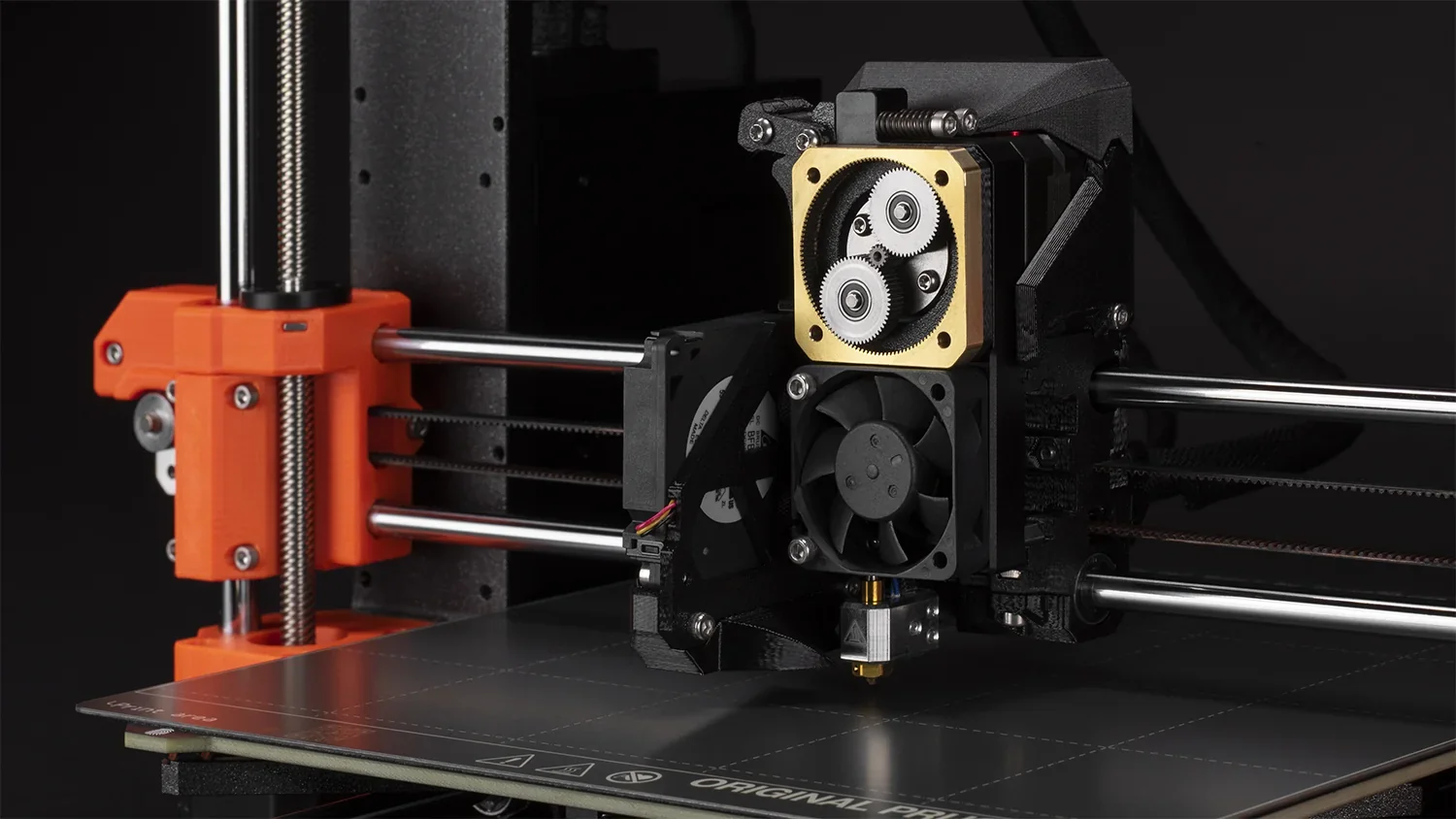
Nextruder system features:
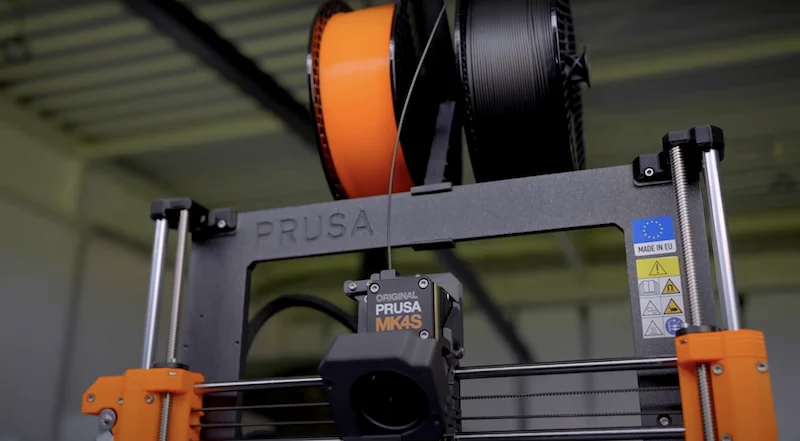
Filament mounts on a frame-mounted reel holder of the MK4S with a 3D-printed guide to prevent unspooling. The semi-automated loading system detects and feeds filament into the Nextruder. Stuck filament detection alerts users to feed issues. With the optional MMU3, PTFE tubes and buffers manage multi-material filament flow.
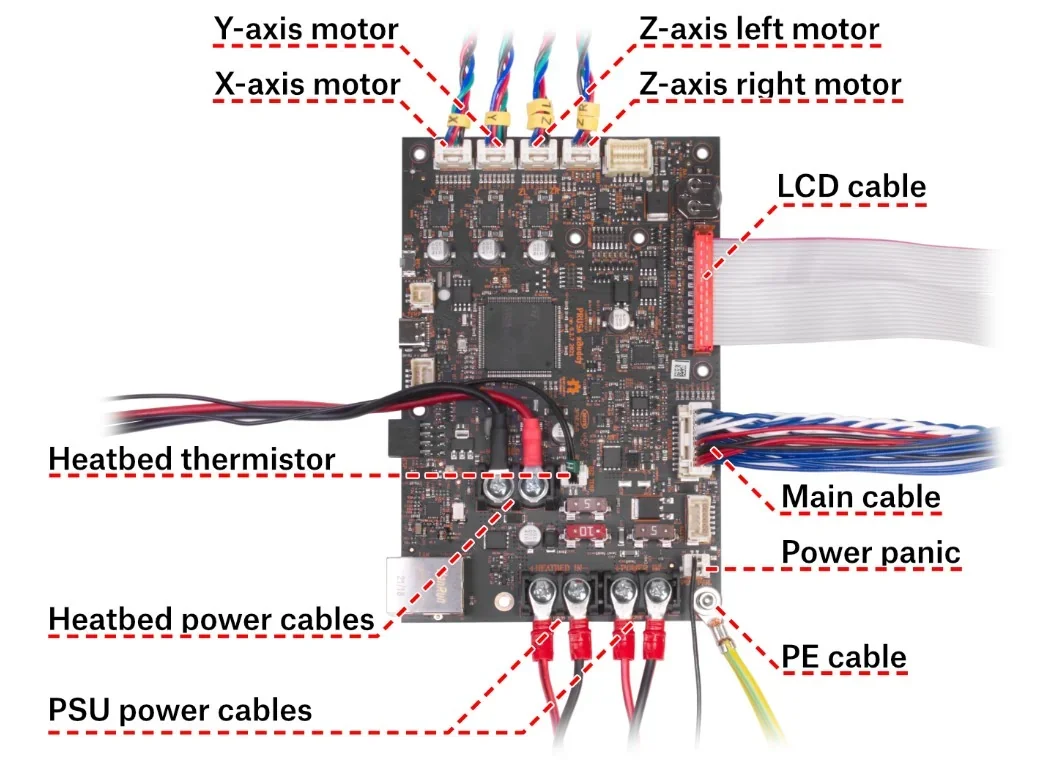
The MK4S 3D printer kit runs on a 32-bit xBuddy mainboard with an STM32 microcontroller, offering USB, Ethernet, and Wi-Fi connectivity. It includes overcurrent protection (15 A limit), power panic for print recovery, and four thermistors for hotend, heatbreak, bed, and ambient temperature monitoring.
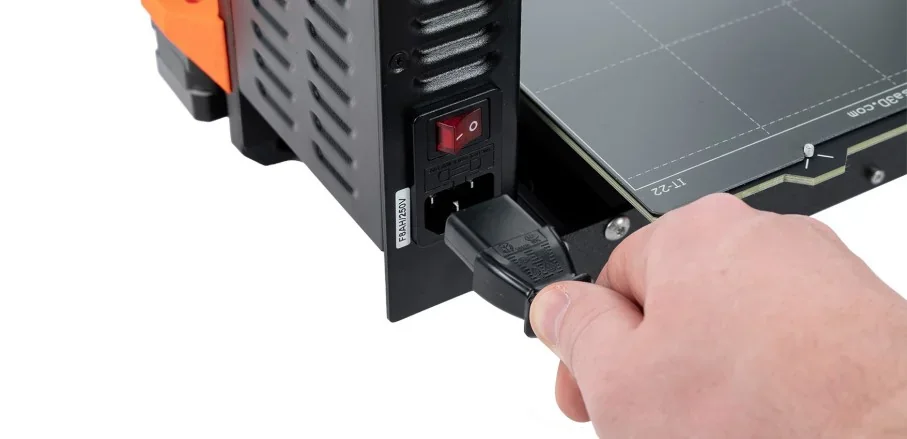
The MK4S 3D printer kit uses a 24 V DC, 240 W power supply delivering up to 10 A, protected by an F8AH250V fuse. It’s compatible with MK3 through MK4S models and powers all components — bed, hotend, motors, and electronics — during printing.
The Original Prusa MK4S kit version package includes:
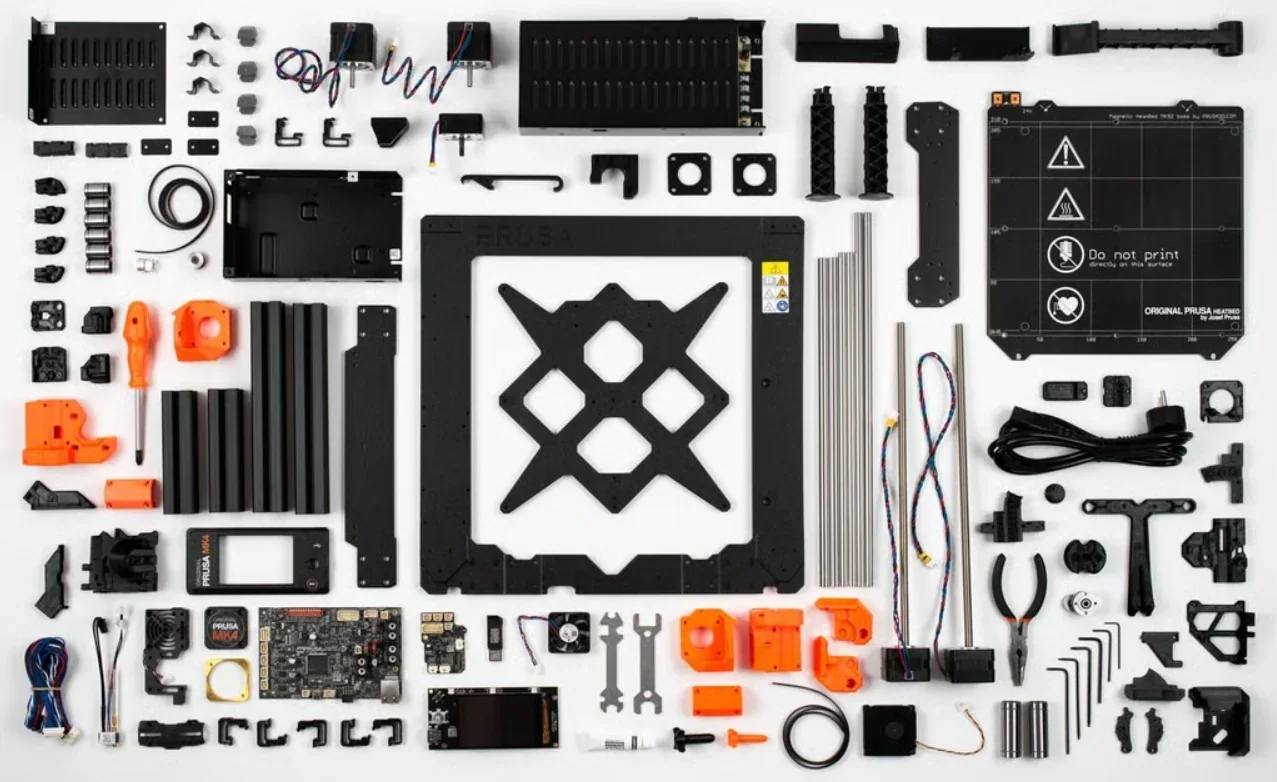
The MK4S package in the kit form includes everything needed to print or assemble. Each unit passes a quality check, with a checklist in the box. The kit comes with assembly tools and two 25 g filament samples; the assembled version includes a 1 kg spool of Prusament PLA Galaxy Black and a factory test print. Both versions feature a Smooth PEI sheet and a USB drive with sample models.
Please Note: Package contents are determined by the manufacturer and may change without notice. To confirm the current items included with this product, please contact a Top3DShop sales representative before placing your order.
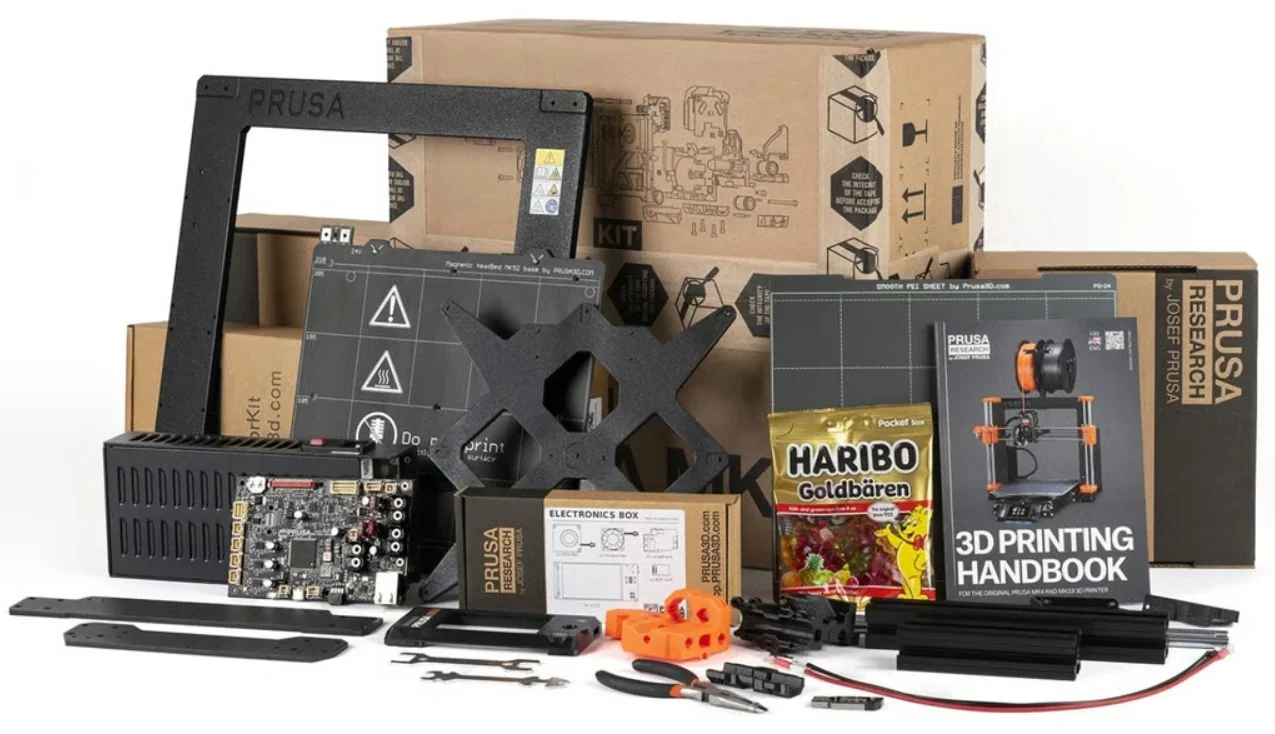
Prusa3D offers more than 30 accessories and upgrades for the Prusa MK4S.
| Accessory | Function | Price (USD) | Image |
| Enclosure | Printer enclosure that surrounds the printer to reduce drafts and dust exposure, help stabilize the printing environment, and improve safety in shared spaces. | $471 | 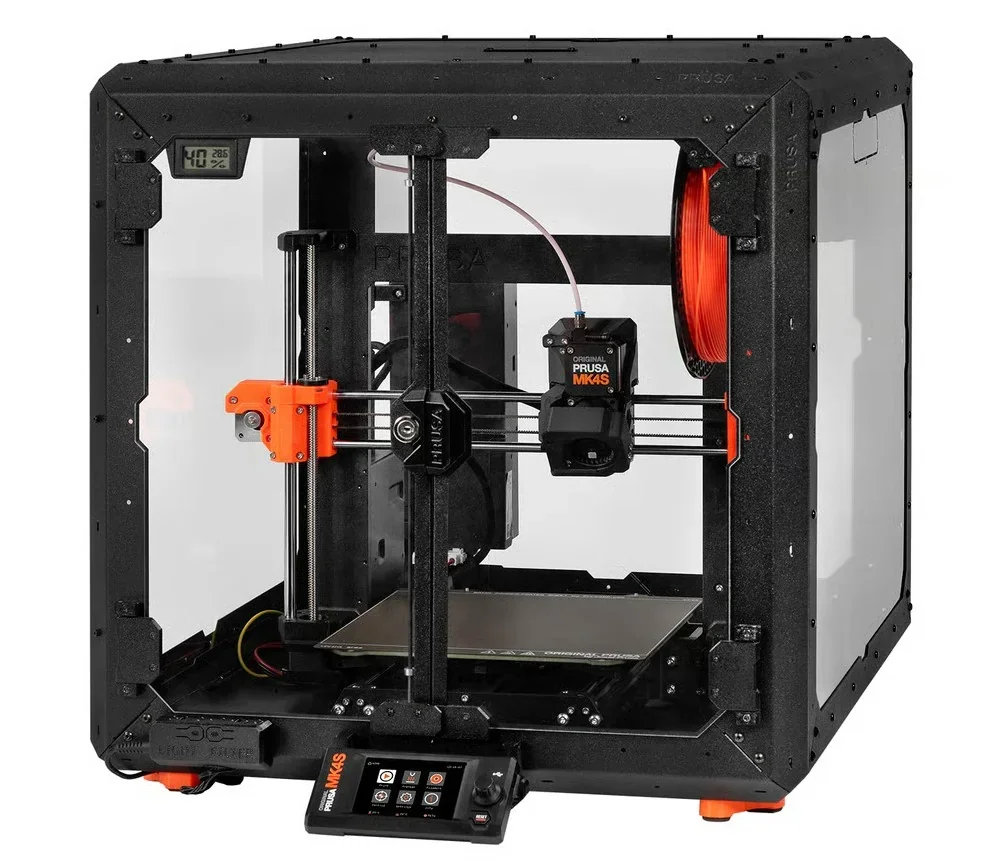 |
| MMU3 Multi-Material Upgrade | Multi-material upgrade that adds automatic filament switching for compatible Prusa printers, enabling multi-material or multi-color prints from a single printer. | $468 | 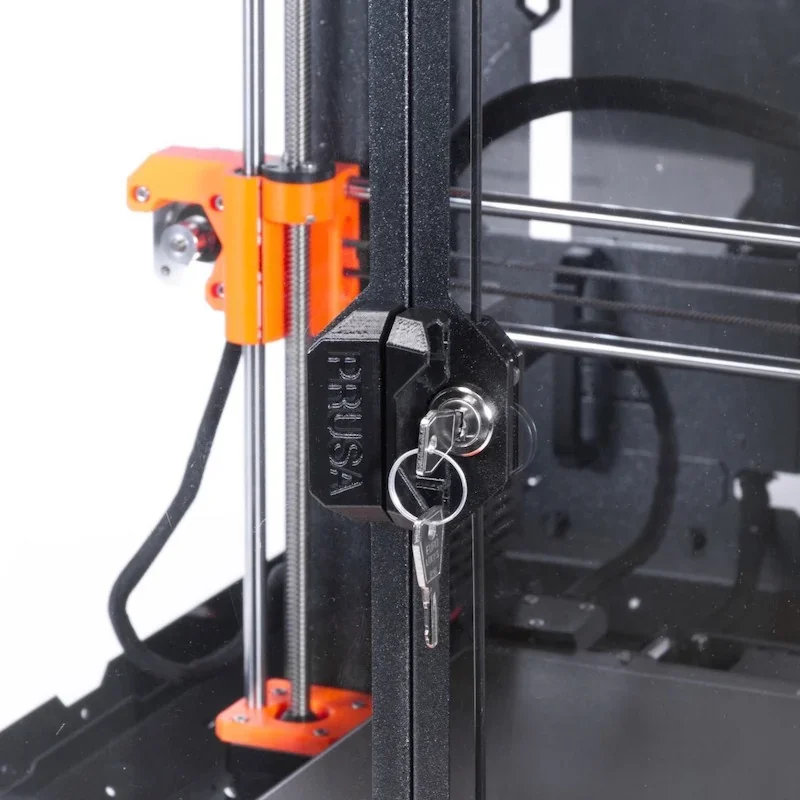 |
| Accessory | Function | Price (USD) | Image |
| Advanced Filtration System for Original Prusa Enclosure | Side-mounted air filtration add-on for the Original Prusa Enclosure to reduce VOC odors and ultrafine particles (UFPs). Uses a high-pressure blower and a 2-in-1 filter (HEPA rated 99.9% efficiency + active carbon granules). Designed for easy filter replacement; estimated filter life at least 600 hours of runtime. Requires the Enclosure Basic Board and PSU (sold separately) for power/control. Package includes blower, HEPA filter, blower o-ring, filter bracket, and 4 vibration dampers. | $119 |  |
| Basic Board and PSU for Original Prusa Enclosure (for Filtration unit and LED) | Power/control electronics pack for the Original Prusa Enclosure that is required for enclosure add-ons such as the Advanced Filtration System and White LED Strip. One Basic Board + PSU can power both add-ons at the same time (both connect to a single board). Package includes Enclosure Basic Board, power supply, power-cord Y-splitter, and Basic Board cover (PSU mount not included). | $70 | 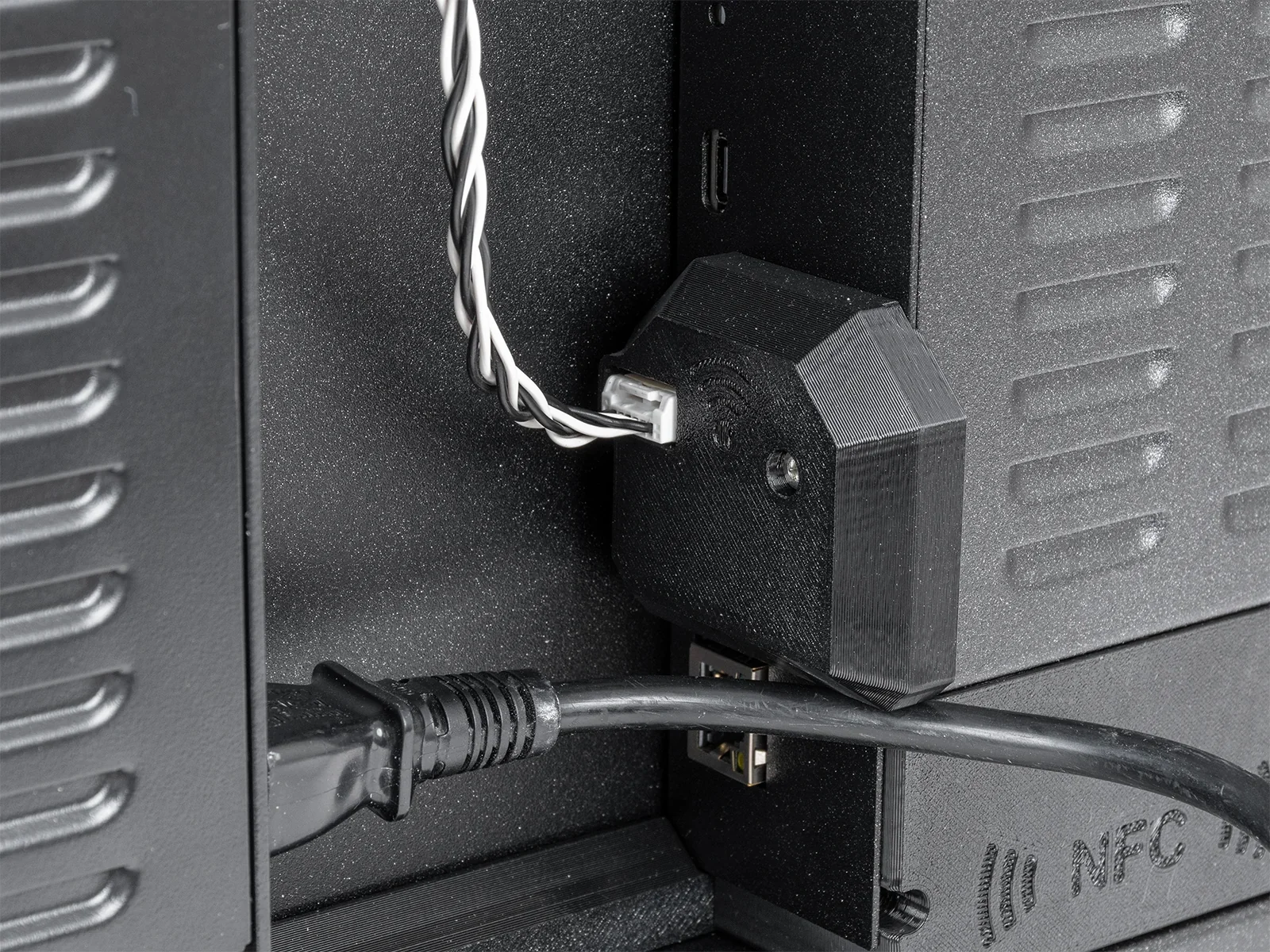 |
| Fire Suppression System for Original Prusa Enclosure MK |
Self-contained, tube-style automatic fire suppression for the Original Prusa Enclosure. Works without power and triggers automatically at high temperatures. Uses a clean extinguishing agent, the used concentration is harmless to people. Includes a BlazeCut T Series tube (T033E) and two P-clamps. |
$165 | 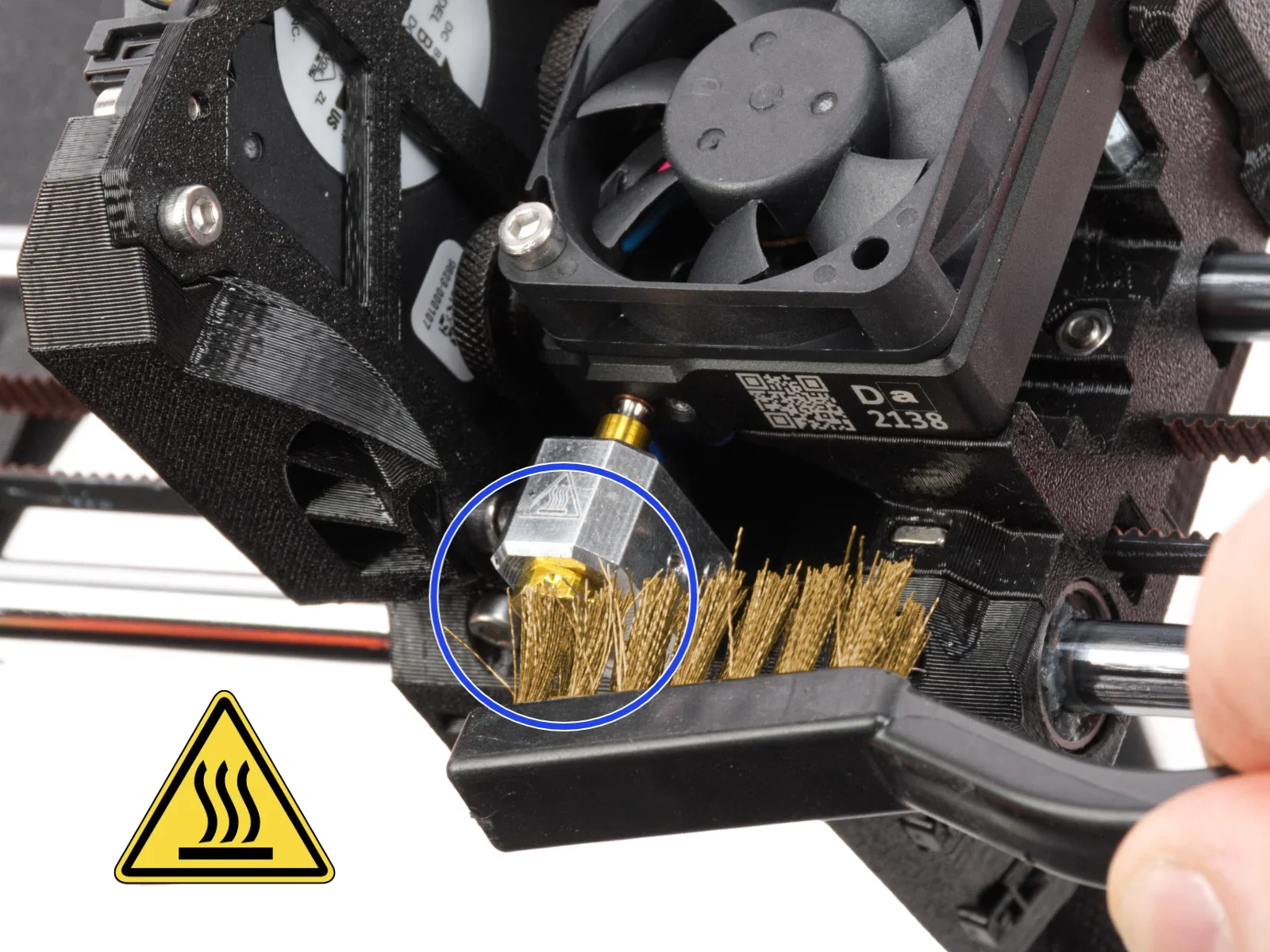 |
| HEPA filter | Replacement HEPA filter element for the Advanced Filtration System. Estimated life span is at least 600 hours of runtime. | $41 | 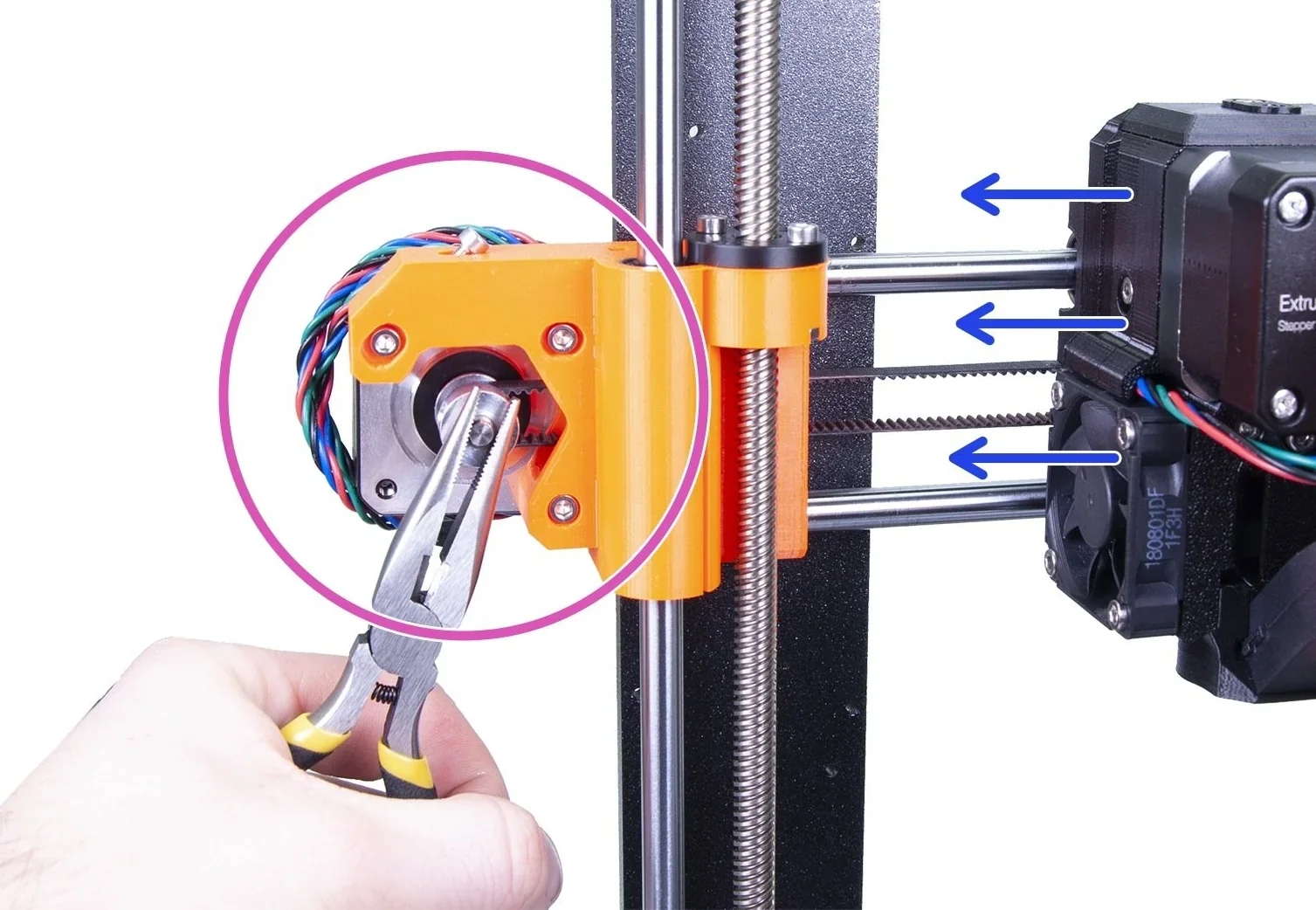 |
| Mechanical Lock for Original Prusa Enclosure |
Mechanical door lock kit for the Original Prusa Enclosure, designed to prevent unsupervised access—useful for schools, universities, hackerspaces, and other shared spaces. Installs into the enclosure door. Includes the lock, lock rod(s), lock lever, handle with lock hole, and door holders (A/B). |
$36 | 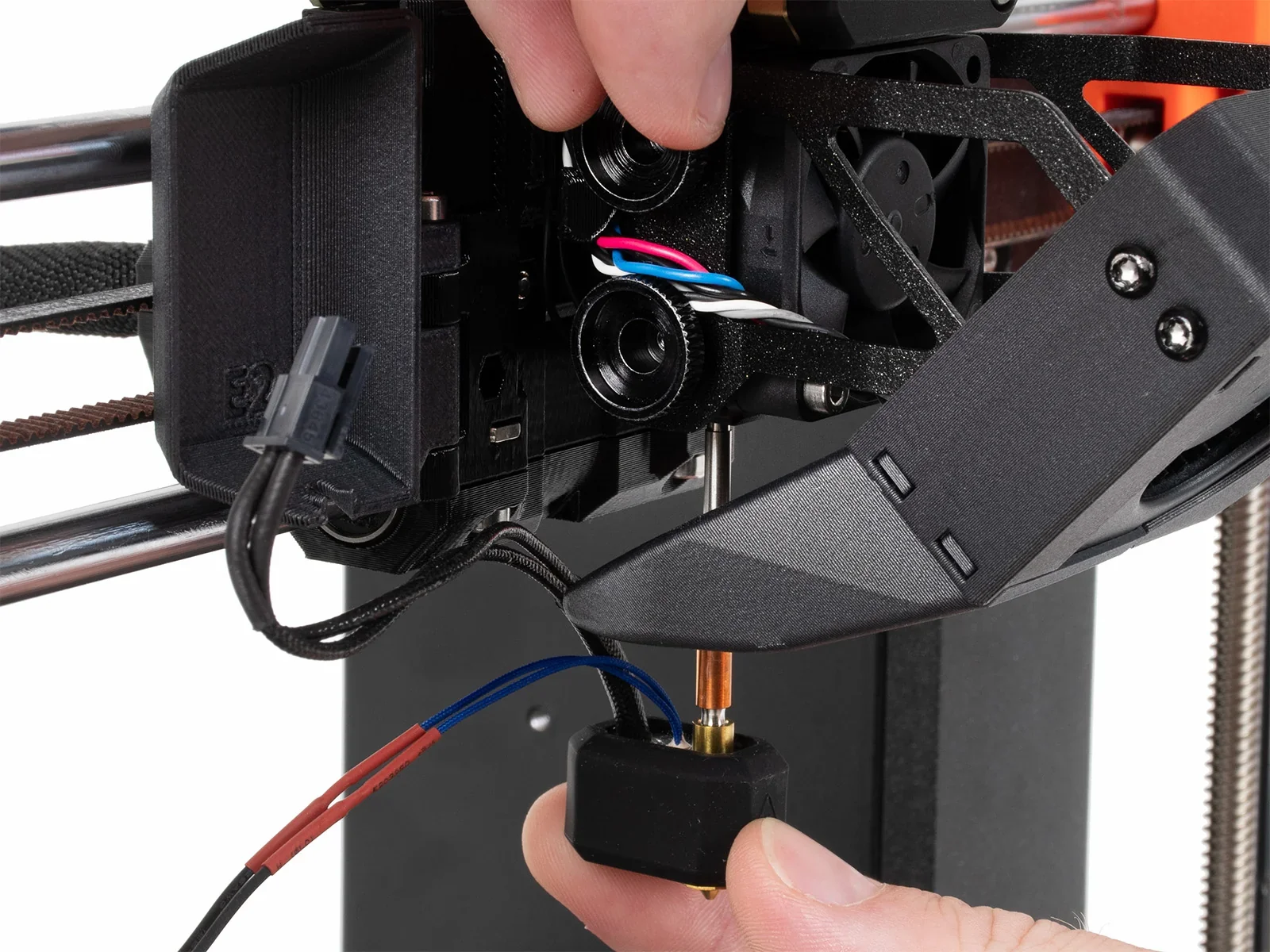 |
| PSU Cable Quick-release for Original Prusa Enclosure (MK4/S) |
Quick-release connector kit for Original Prusa Enclosure (MK4/S) PSU cables, making it faster to disconnect and reconnect power wiring when you frequently remove the printer (e.g., print-farm maintenance). Compatible only with black (Delta) PSUs; silver PSUs require an upgrade first. |
$70 |  |
| White LED Strip for Original Prusa Enclosure |
LED lighting add-on for the Original Prusa Enclosure to illuminate the interior for easier setup and monitoring. Requires the Enclosure Basic Board and PSU (sold separately) to power the LED strip. Default color is white, with an upgrade path later via SmartBox expansion (RGB / programmable). |
$57 | 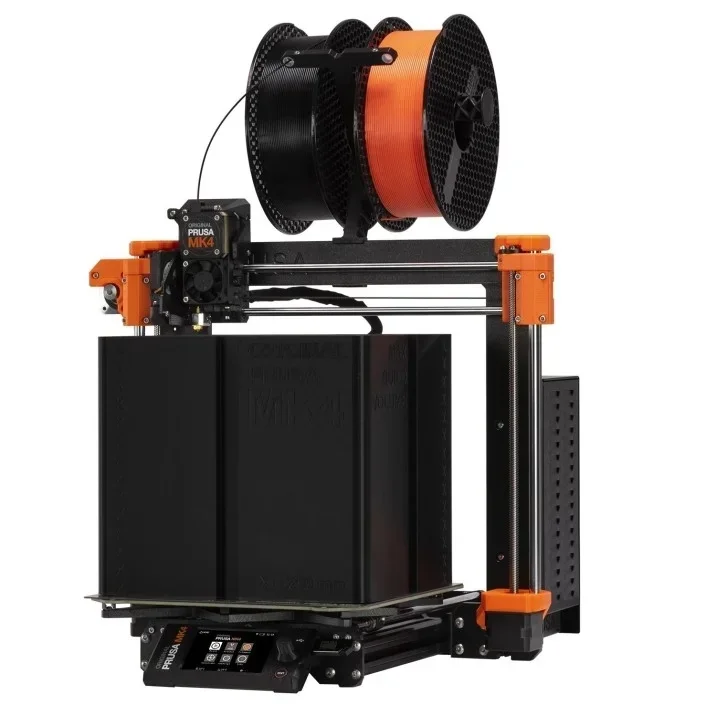 |
| Accessory | Function | Price (USD) | Image |
| Smooth PEI Print Sheet |
Removable spring-steel sheet with a smooth, double-sided PEI surface for MK52 heatbeds with embedded high-Curie magnets. Optimized for PLA, offers strong adhesion with most materials, and leaves a smooth bottom finish. Notes: don’t clean with IPA before printing PETG (a release agent may be needed), and use glue stick for flexible filaments. |
$49 | 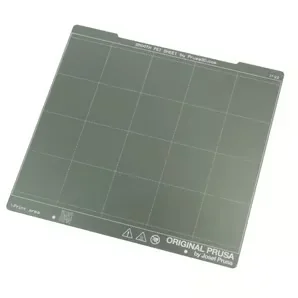 |
| PA Nylon Powder-coated Print Sheet |
Powder-coated spring-steel print sheet with a special surface finish for polyamide (PA) filaments, especially Prusament PA11 Carbon Fiber Black. Designed to improve adhesion where PA tends to stick poorly to standard textured or satin sheets. Care: clean only with pure water—IPA or acetone will quickly deteriorate the surface. Glue stick isn’t required or recommended. For greasy spots, use water with a drop of dishwashing detergent. |
$83 | 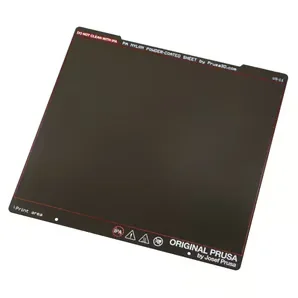 |
| PEI-Ultem sheet |
Replacement PEI-Ultem surface sheet with 3M 200MP adhesive backing (260 × 242 mm, 175 µm thick). Small dots may be visible and can slightly affect the bottom finish, but don’t impact print reliability. |
$13 | 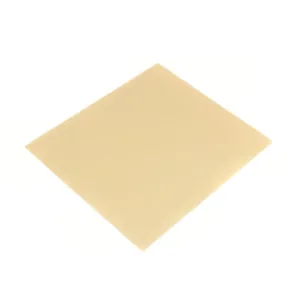 |
| PP powder-coated Print Sheet |
Powder-coated spring-steel print sheet designed for polypropylene (PP) filaments, providing a dedicated build surface to improve PP adhesion and ensure reliable release. |
$66 | 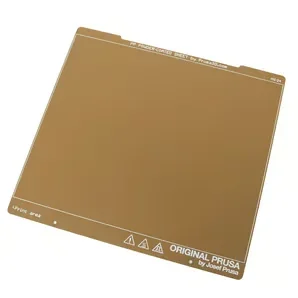 |
| Satin Powder-coated Print Sheet |
Powder-coated spring-steel print sheet with a lightly textured matte/satin finish, offering performance between smooth and textured sheets. Provides strong, balanced adhesion—especially for PLA and PETG—and is compatible with many other filaments (including ABS, ASA, FlexFill 98A, and Polycarbonate). Most materials can be printed without a separation layer; for frequent Polycarbonate printing, apply a glue-stick layer to prevent possible sheet damage. Notes: never clean with acetone, and adjust Live-Z when switching between sheet types. |
$66 | 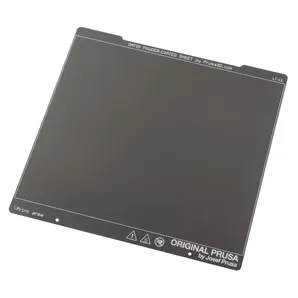 |
| Textured Powder-coated Print Sheet |
Textured, powder-coated spring-steel build plate that leaves a distinct textured finish on the bottom of prints. The powder coating is applied directly to metal for high durability, and the texture hides most tool marks and typical wear. Notes: never clean with acetone. |
$56 | 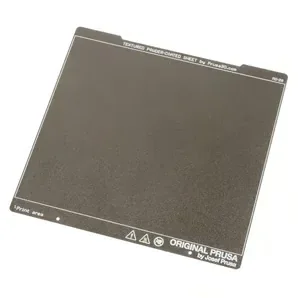 |
| Accessory | Function | Price (USD) | Image |
| E3D Prusa Nozzle: DiamondBack |
DiamondBack Prusa Nextruder nozzles (E3D co-designed) use a solid polycrystalline diamond tip for unmatched abrasion resistance and precision with filled filaments, drop in with no hardware changes, run standard-flow profiles (not high-flow), and come in 0.4/0.6/0.8 mm variants (1.75 mm, up to 300 °C). |
$189 | 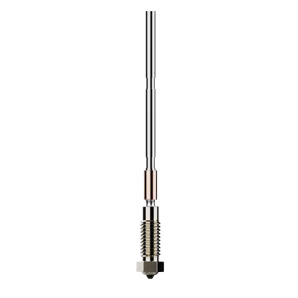 |
| E3D Prusa Nozzle: High Flow Brass |
Genuine E3D High Flow brass Prusa Nextruder nozzles use an all-metal filament path and a 4-channel high-flow geometry to boost volumetric flow for faster printing, drop in with no mount changes, and come in 0.4/0.6 mm (1.75 mm, up to 300 °C). |
$50 | 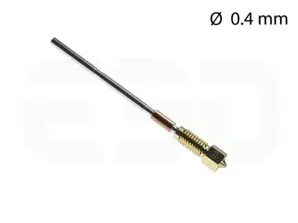 |
| E3D Prusa Nozzle: High Flow ObXidian™ |
Genuine E3D High Flow ObXidian™ Prusa Nextruder nozzles provide an all-metal filament path plus high-flow geometry and exceptional abrasion resistance via a tool-steel insert with E3DLC™ non-stick coating, drop in with no mount changes, and come in 0.4 / 0.5 / 0.6 mm variants (1.75 mm, up to 300 °C). |
$91 | 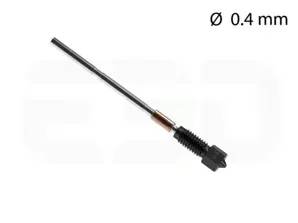 |
| Nextruder Hotend (brass) | Includes one selected-size Prusa brass nozzle, Nextruder heaterblock, 40 W heater (120 mm set), and NTC 100k thermistor (115 mm). Available in 0.4 / 0.6 / 0.8 mm variants. | $72 | 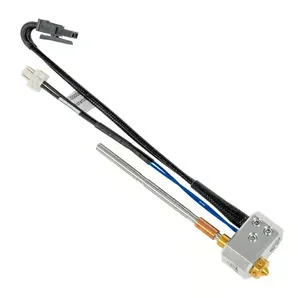 |
| Nextruder High Flow Hotend (brass) |
Includes one selected-size Prusa brass CHT nozzle, Nextruder heaterblock, 40 W heater (120 mm set), and NTC 100k thermistor (115 mm). Available in 0.4 and 0.6 mm variants. |
$83 | 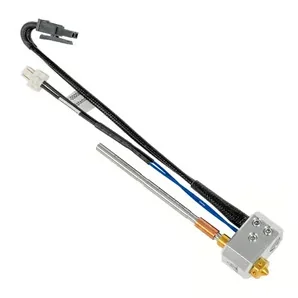 |
| Nextruder V6 Nozzle Adapter | Adapter that allows you to install a V6-compatible nozzle on the Prusa Nextruder. Package includes 1x Nextruder-to-V6 nozzle adapter (V6 nozzle not included). | $28 | 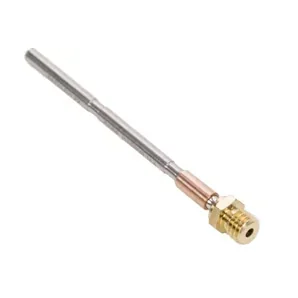 |
| Prusa Nextruder Silicone sock - set |
Install only on a clean nozzle/heaterblock and never while the printer is hot or running (burn risk); includes 3× Nextruder socks. |
$8 | 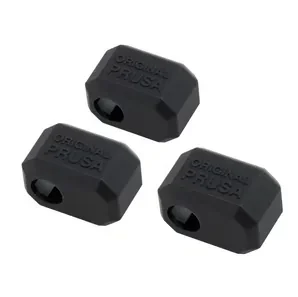 |
| Prusa Nozzle (brass) |
Prusa’s new Nextruder nozzles use an all-metal filament path (no PTFE) for better reliability and faster nozzle changes. |
$28 | 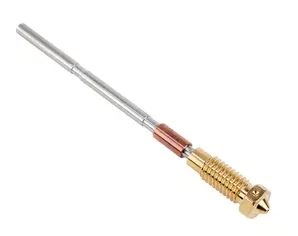 |
| Prusa Nozzle CHT (Brass) |
Nextruder brass CHT nozzle uses an all-metal filament path (no PTFE) and Core Heating Technology for more even heating and improved flow; includes 1× Prusa Nozzle brass CHT. Available in 0.4 and 0.6 mm variants. |
$44 | 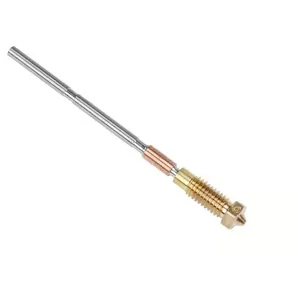 |
| Prusa Nozzle ObXidian |
Prusa Nozzle ObXidian is a hardened-steel, corrosion-coated Nextruder nozzle built for long-lasting performance with abrasive filaments like carbon fiber; includes 1× Prusa Nozzle ObXidian. Available in 0.4 and 0.6 mm variants. |
$75 | 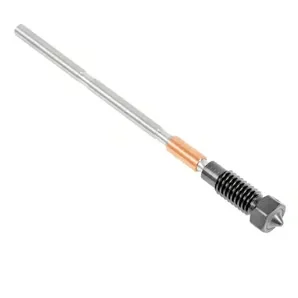 |
| Standard Nozzle Kit |
Kit of standard brass nozzles for a Prusa-compatible nozzle system, meant for easy replacement and for switching nozzle sizes. Includes 0.25, 0.4, 0.6, and 0.8 mm brass nozzles, plus a brass nozzle brush and CNC Kitchen nozzle cleaning wires. |
$138 | 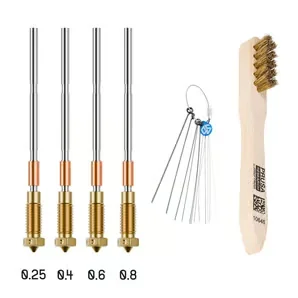 |
| Accessory | Function | Price (USD) | Image |
| Prusament PA11-CF (NFC) + PA Nylon Print Sheet BUNDLE |
Bundle includes Prusament PA11 Carbon Fiber Black (800 g, NFC) and a PA Nylon powder-coated print sheet; the CF-reinforced PA11 offers strong, low-warp parts with up to 190 °C temperature resistance and broad chemical resistance (e.g., NaOH, alcohols, acetone), while the included PA sheet boosts adhesion for polyamide filaments. |
$297 | 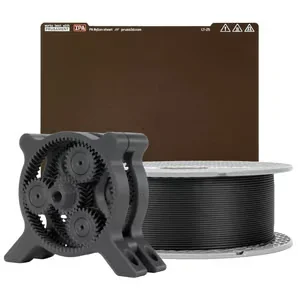 |
| Prusament PP-CF (NFC) + PP Print Sheet BUNDLE |
Bundle includes Prusament PP-CF (NFC) filament plus a PP print sheet, pairing carbon-fiber polypropylene with a matching build surface for reliable adhesion and release. |
$149 | 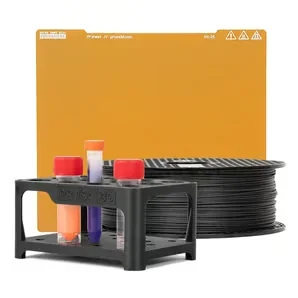 |
| Prusament PP-GF (NFC) + PP Print Sheet BUNDLE |
Bundle includes Prusament PP-GF (NFC) filament plus a PP print sheet, pairing glass-fiber polypropylene with a matching build surface for reliable adhesion and release. |
$149 | 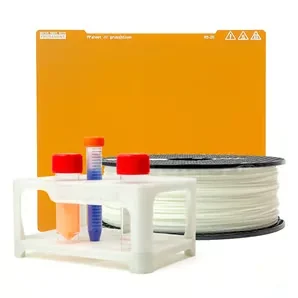 |
| Accessory | Function | Price (USD) | Image |
| Spool Holder |
Replacement filament spool holder used to mount and support a filament spool on compatible Prusa setups, replacing a missing or damaged holder. |
$6 | 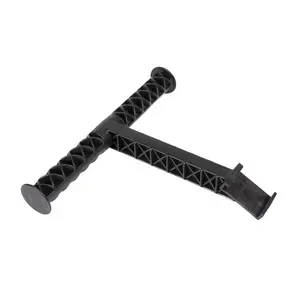 |
| Accessory | Function | Price (USD) | Image |
| Accelerometer Set |
Accelerometer module for Prusa developers/modders to measure axis resonance and recalibrate Input Shaper after hardware mods (e.g., Nextruder changes), connecting to the MK4S xBuddy port and mounting on the printhead and heatbed — easy to install, and unnecessary for stock printers with factory-tuned values. |
$26 | 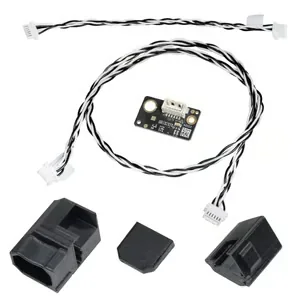 |
| GPIO "Hackerboard" Set |
GPIO module for MK4/S, MK3.9/S, and MK3.5/S modders that connects to the xBuddy I2C port to control external devices and triggers via custom G-code from PrusaSlicer — e.g., camera timelapse, LED status lights, fans/servos, enclosure functions, or buttons/macropads that run stored scripts. |
$26 | 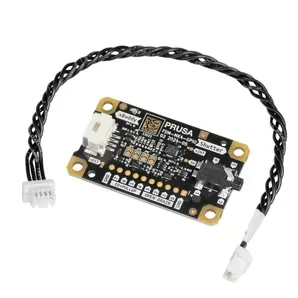 |
| Jumper cable |
Jumper cable for connecting the xBuddy board to the Wi-Fi pass-through, enabling only the rear connector on the Wi-Fi board; includes 1× jumper cable. |
$9 | 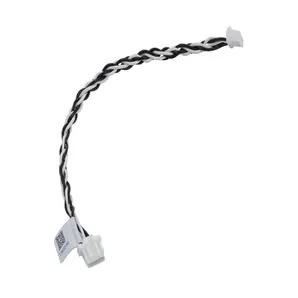 |
| MK4S Starter Set |
Bundle includes Prusa brass CHT nozzles (0.4 and 0.6 mm), a satin powder-coated print sheet, a brass nozzle brush, and five nozzle-cleaning needles. |
$140 | 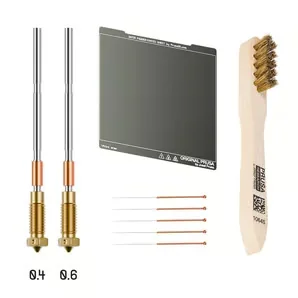 |
| USB-A cable to micro USB 1m |
1 m USB cable with USB-A male to Micro-USB male connectors; includes 1× cable. |
$2 | 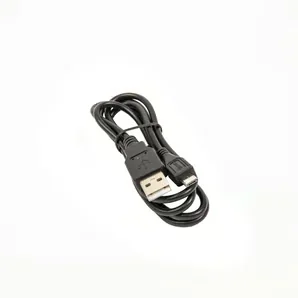 |
The Original Prusa MK4S 3D printer kit requires 12+ maintenance procedures to maintain optimal print quality and prevent mechanical failures.
The full manual: https://help.prusa3d.com/product/mk4s
Here's a breakdown of the maintenance requirements organized by frequency:
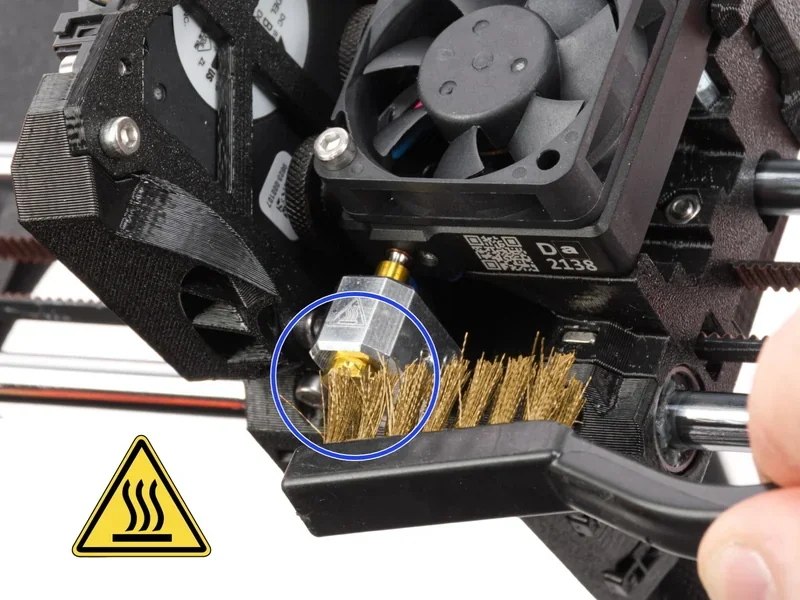
Frequent maintenance (before every print):
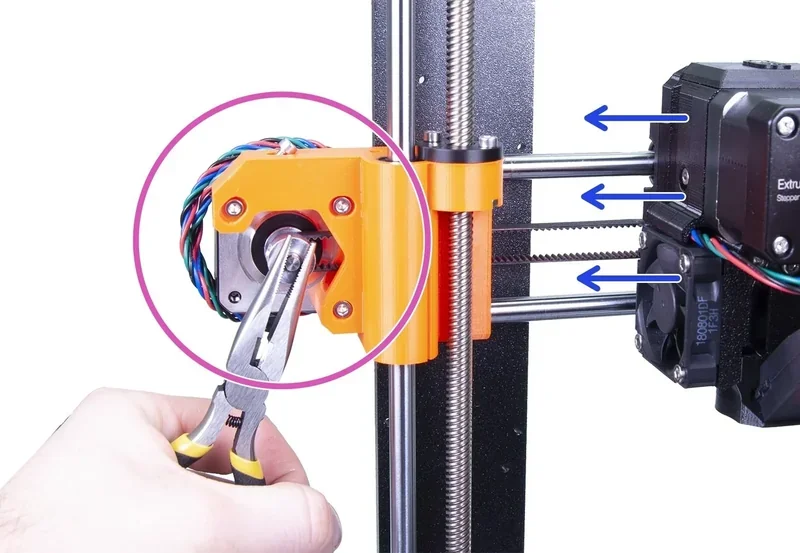
Sporadic maintenance (every 200 hours):
Annual maintenance (every 600-800 hours):
Essential maintenance tools
The maintenance procedures require Allen keys, needle-nose pliers, 90% IPA, paper towels, compressed air (canned air held upright), brass brush for heaterblock cleaning, and Prusa Lubricant (Mogul LV-2-EP lithium grease) for smooth rods and linear bearings.
When using Input Shaper, the 200-hour maintenance interval is especially important due to increased mechanical stress from higher accelerations.
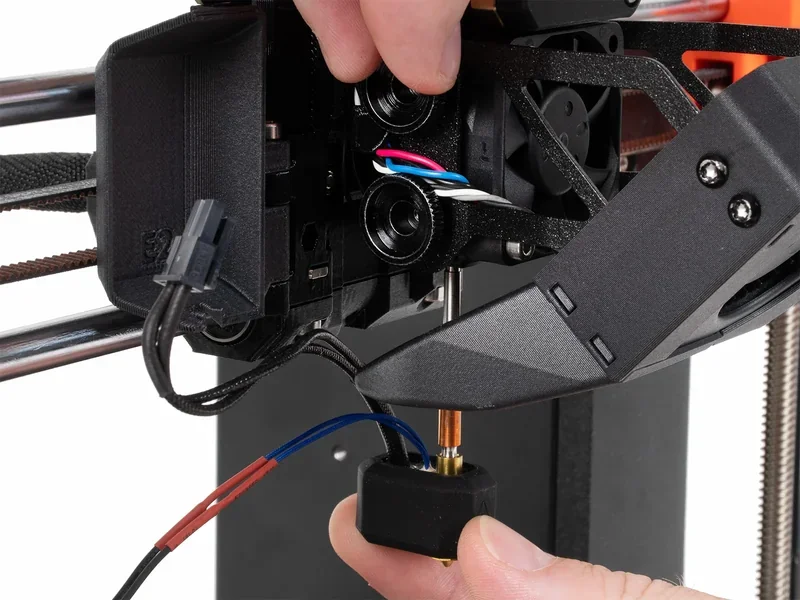
The MK4S 3D printer kit comes with 24/7 live chat support from Prusa Research, available in seven languages. All owners — regardless of warranty status or purchase source — receive personalized help, with technicians using customer-provided photos and videos for efficient troubleshooting.
MK4S warranty terms vary by region and product type. EU consumers (including those in Lichtenstein, Switzerland, Norway, and Iceland) get 2 years; EU businesses and all others receive 1 year. The kit version covers parts but not assembly issues or service costs, while the assembled version covers both. Optional 1- or 2-year extensions are available at purchase. Claims require the invoice number, serial number, and photo or video proof. Warranty periods pause during repairs and resume after service.
Prusa Research offers extensive self-help resources for MK4S users, including a detailed Knowledge Base, tutorial videos, and QR-coded error messages linking to specific guides. Forums in seven languages connect users with Prusa staff and the community. Support continues after the warranty ends, with users covering only parts and shipping — reflecting Prusa’s long-term commitment to its products.
Buying the MK4S from Top3DShop adds support beyond Prusa’s factory service. Top3DShop offers pre-purchase guidance, shipping updates, and help with setup or basic troubleshooting. For complex issues, customers are referred to Prusa’s specialized team — ensuring full support from purchase through long-term use.
Full up-to-date warranty terms are available on the manufacturer's website: https://help.prusa3d.com/article/warranty_2288
| Service Package | What’s Included | Price (USD) |
|---|---|---|
| 3D Printing and Modeling for Beginners (MK4S) | Intro course for absolute beginners using the Original Prusa MK4S. Covers downloading 3D models, using PrusaSlicer, basics of 3D modeling, and some printer maintenance. | $0 |
| 1 Year of Extended International Warranty | Extends the standard warranty and 24/7 support byone additional year. Includesfree repairs and replacement partsduring the extended coverage period. | $100 |
| 2 Years of Extended International Warranty | Extends the standard warranty and 24/7 support bytwo additional years. Includesfree repairs and replacement partsduring the extended coverage period. | $200 |
| 3D Print Photography: The Complete Guide | Beginner-friendly course covering photography fundamentals (exposure, depth of field, white balance, etc.) plus practical tips for presenting 3D prints and other still life. Works for smartphone or camera users; no expensive gear/software required. | $18 |
| PrusaSlicer Masterclass – Beginner to Advanced | Step-by-step PrusaSlicer training from basic workflow to advanced features (e.g., multi-color within a single layer, camera mode controls). Includes hands-on practice with4 sample projectsand quizzes. Suitable for both beginners and experienced users of any 3D printer. | $30 |
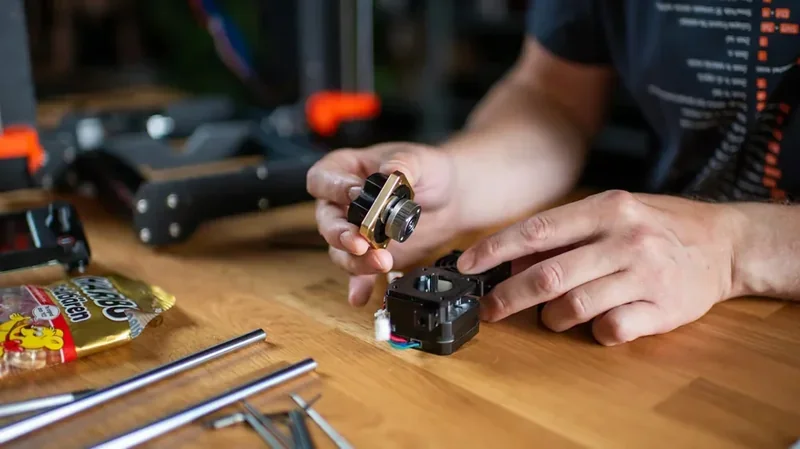
The Original Prusa MK4S kit offers strong value for a reliable, high-quality European-made printer. It includes CT-verified accuracy, 360° cooling for 75° overhangs, and Loadcell auto-calibration. The assembled version costs ~37% more, adding factory calibration, testing, and a 1 kg spool of Prusament PLA (vs. two 25 g samples). Both versions feature a high-flow nozzle with 50% more output than the MK4, UL GREENGUARD Certification, and 24/7 support. Optional upgrades like the MMU3 (five-color printing) and Enclosure (for technical materials) expand its capabilities.
Update your browser to view this website correctly. Update my browser now



