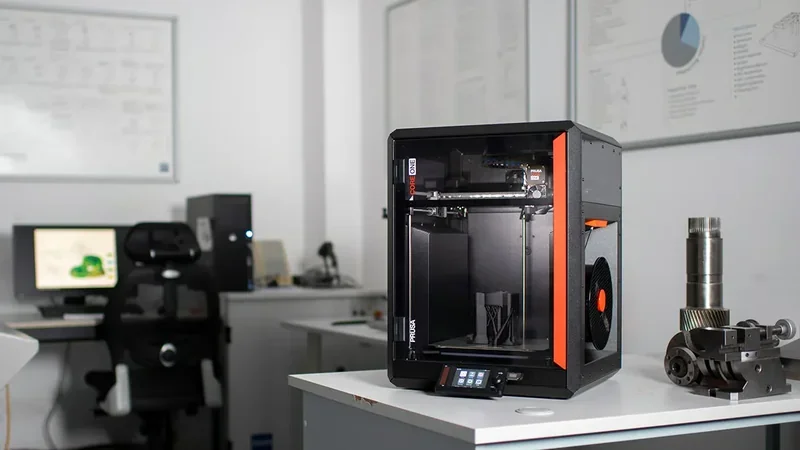
Prusa CORE One+ CoreXY 3D Printer With Active Chamber Temp Control


- 15–20% faster printing than MK4S
- Active chamber heating up to 55°C
- 360° cooling for support-free 75° overhangs
- Steel exoskeleton for reliable operation
- Flexible Payment Terms
- 1 Year Warranty
- Local Technical Support
- Free Online Training
- Smooth PEI Print Sheet
- USB Drive with Sample Prints
- 3D Printing Handbook
- Power Cable
The Prusa CORE One+ by Josef Prusa is a high-performance fully enclosed CoreXY 3D printer with active temperature control designed for top print quality and speed (printing 15–20% faster than the MK4S). Its active chamber control (up to 55°C), upgraded Nextruder with 360° cooling for support-free 75° overhangs, and a steel exoskeleton support reliable printing with materials like ASA, ABS, PC, and nylon. It integrates key hardware quality-of-life improvements adopted from the CORE One L, combined with all firmware updates developed over the entire lifespan of the CORE One, resulting in even better print quality and smoother operation right out of the box. Compact yet spacious with a 250×220×270mm build volume, it suits beginners to professionals to print farm owners.
- What is the print quality and performance of the Prusa CORE One+ 3D printer?
- Which filaments can you use with the Prusa CORE One+ by Josef Prusa?
- What is the build volume of the Prusa CORE One+?
- What is the difference between the Prusa CORE One+, Bambu Lab P2S, Bambu Lab X1 Carbon, Bambu Lab H2S, Creality K2 Plus?
- What printer controls are available on the Prusa CORE One+?
- What connectivity options are available on the Prusa CORE One+?
- What software is offered with the Prusa CORE One+?
- What is the design and build quality of the Prusa CORE One+?
- What comes included in the box with Prusa CORE One+?
- What upgrades and accessories are available for the Prusa CORE One+?
- What maintenance is required for the Prusa CORE One+?
- What support and warranty come with the Original Prusa 3D Printers?
- How much does the Prusa CORE One+ cost?
What is the print quality and performance of the Prusa CORE One+ 3D printer?
The Prusa CORE One+ delivers consistent, high-quality prints across materials using a precision CoreXY system. It features 10mm Y-axis rods, an X-axis linear rail on a steel extrusion, and three Z-axis lead screws — Prusa’s most constrained Z-axis yet. Dimensional accuracy is excellent, with test prints measuring 100.03mm (X), 100.05mm (Y), and 100.00mm (Z) against 100mm targets. Its 0.9° stepper motors offer finer resolution and smoother, quieter motion than standard 1.8° motors.
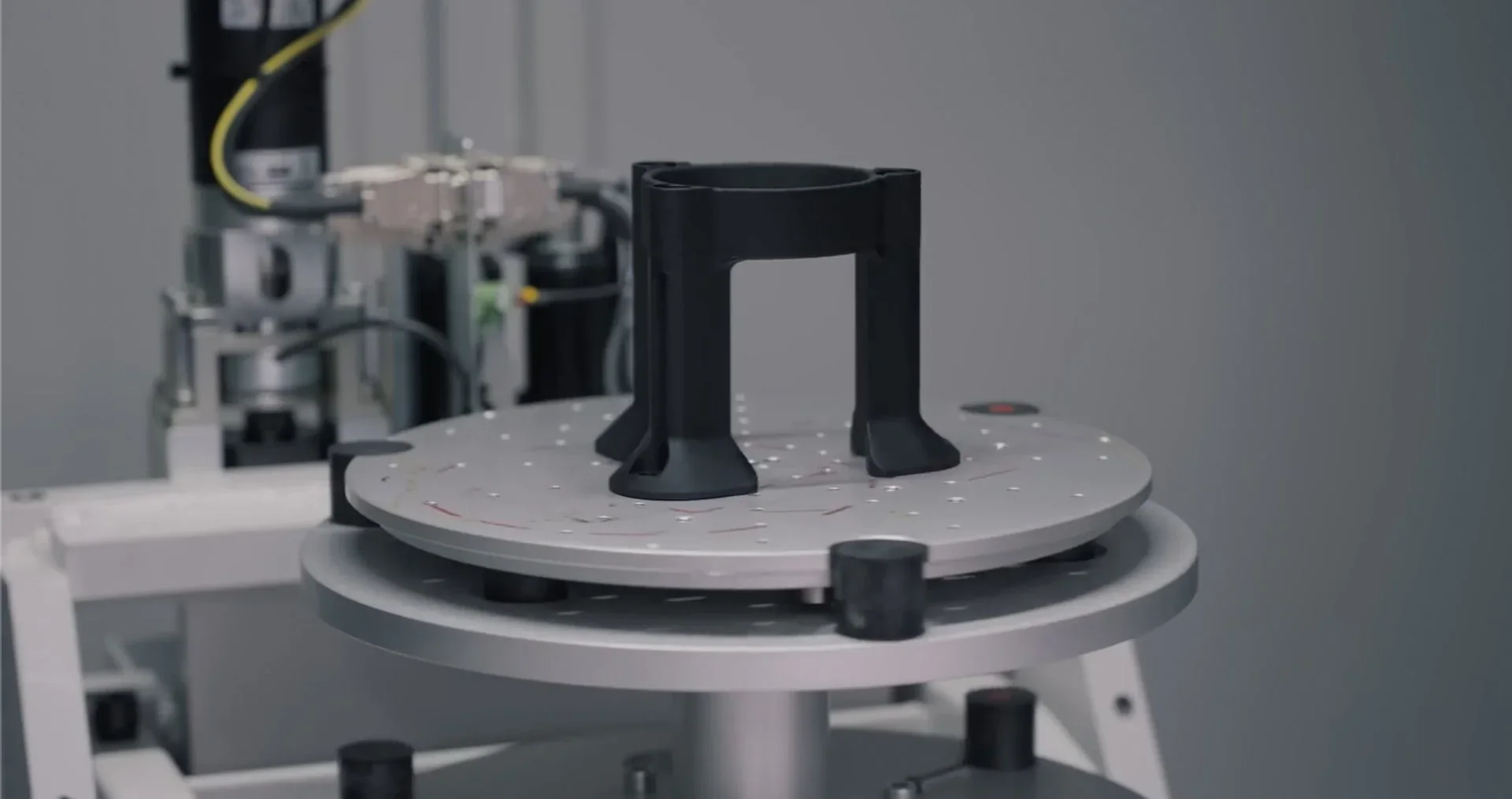
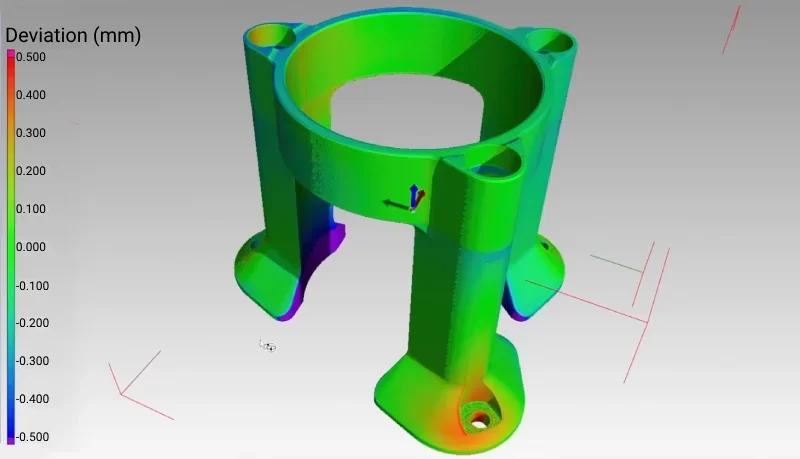
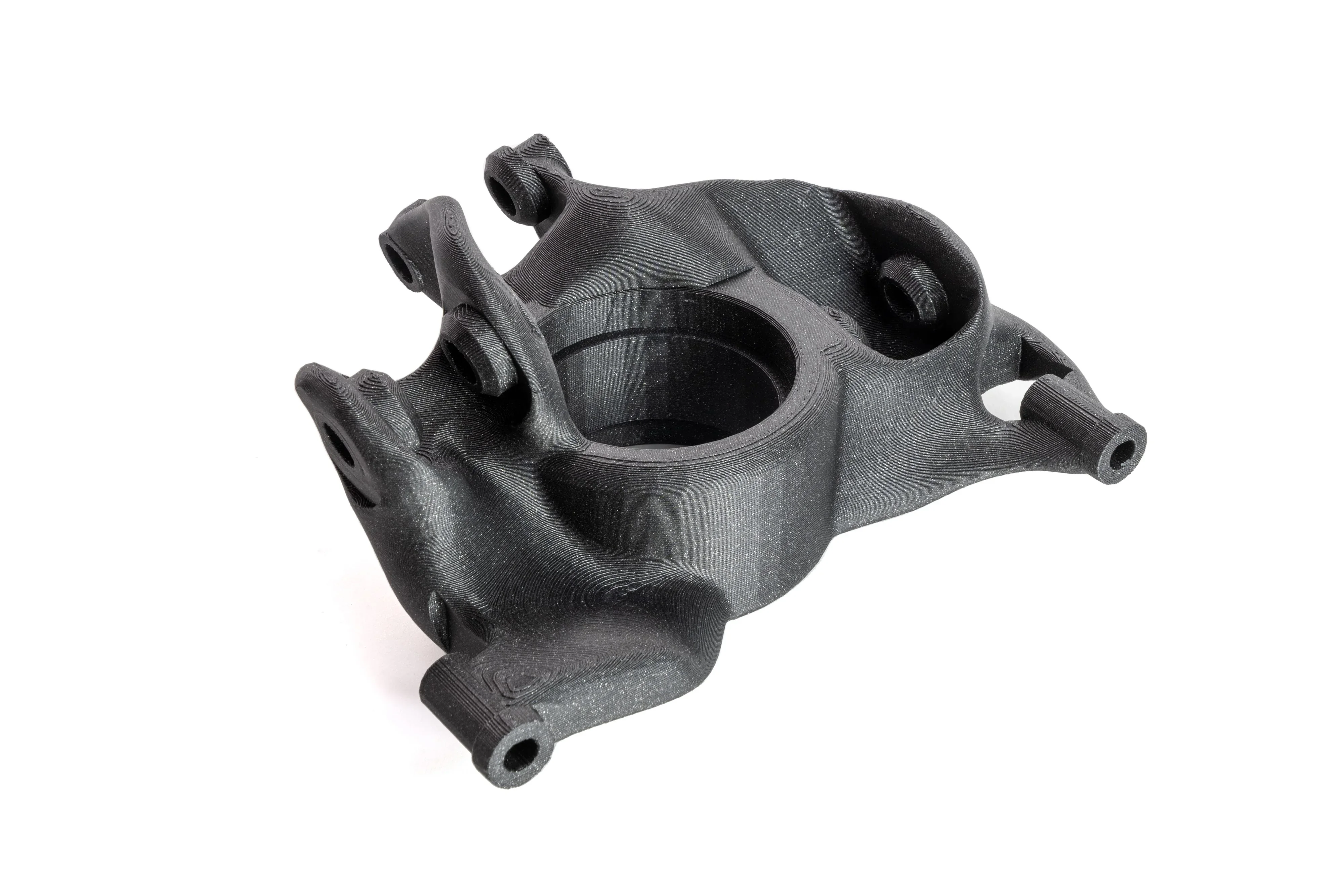
3D X-ray CT inspection of a complex part showed the central bore and main body were within ±0.100mm of nominal dimensions. However, several mounting features and edges deviated by ±0.400–0.600mm, especially on lower tabs and edge transitions. These deviations, shown in orange-to-red on the CT map.
Mechanical Part Being Scanned:
 Inspection Report:
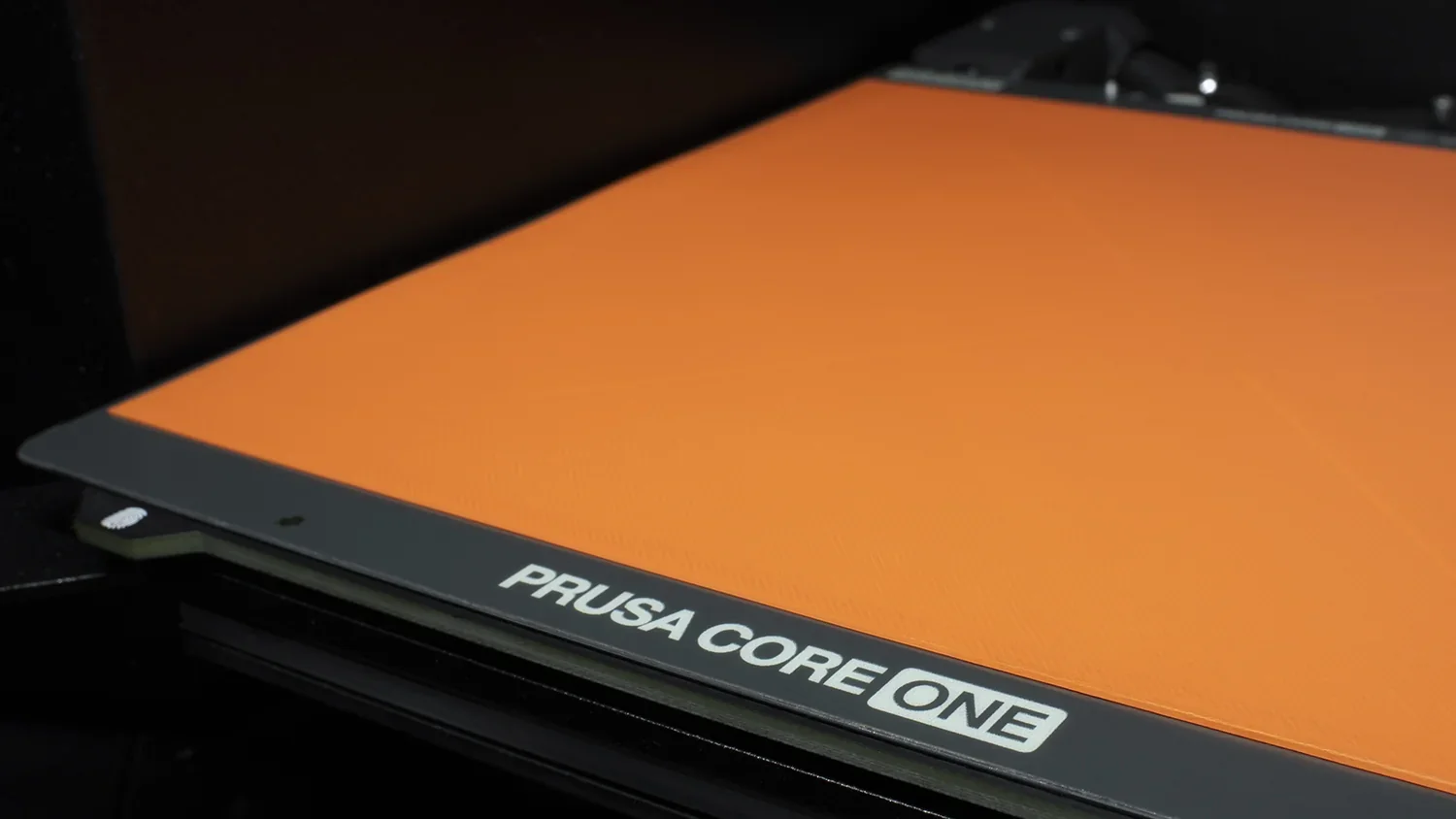
The Prusa CORE One+’s load cell-based auto bed leveling taps the surface for precise measurement, ensuring perfect first layers on any build plate without manual adjustment.
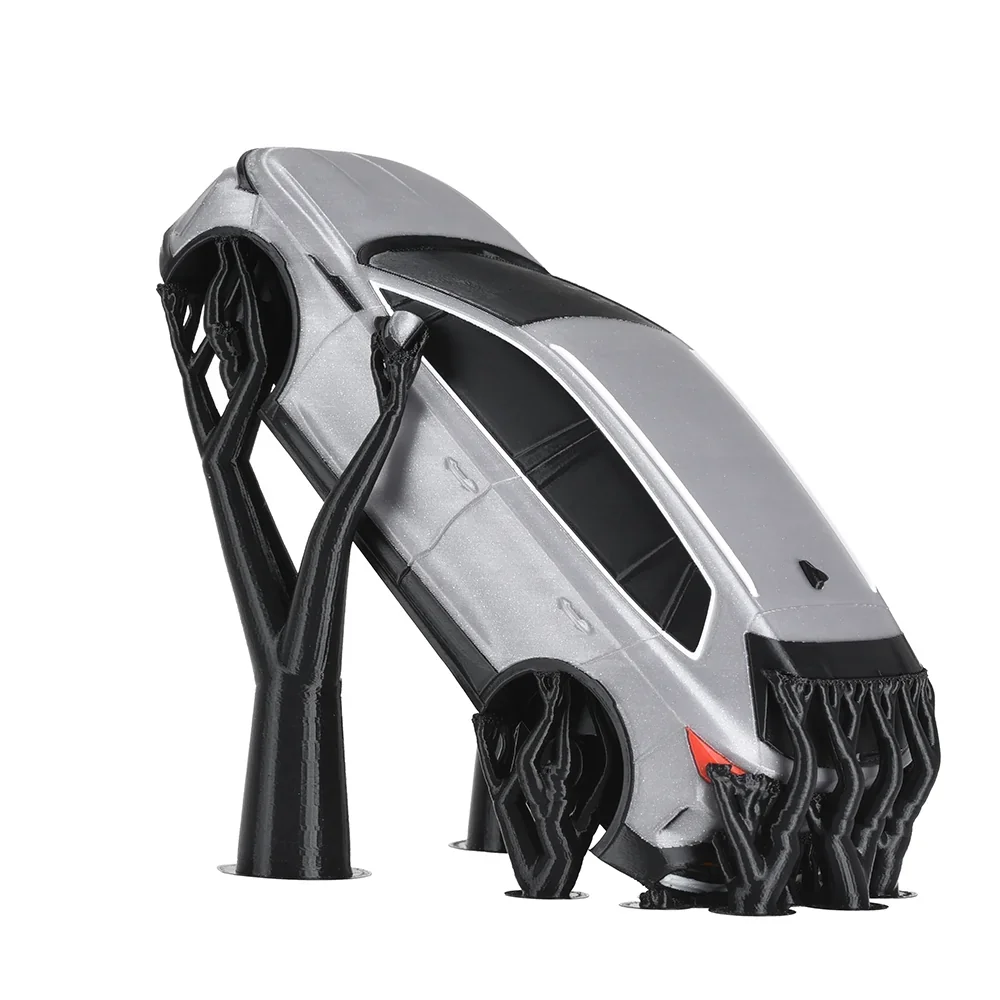
The upgraded Nextruder’s 360° cooling allows printing of 75° overhangs, saving both time and material.
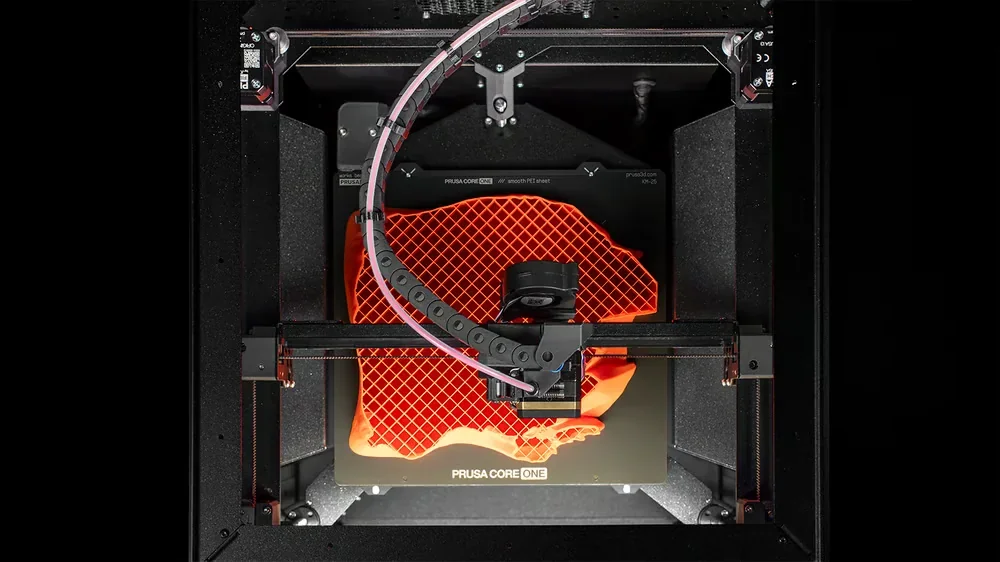
The enclosed chamber with active temperature control prevents warping and improves adhesion for shrink-prone materials. For ASA, it preheats to 40°C and can reach 55°C during printing.
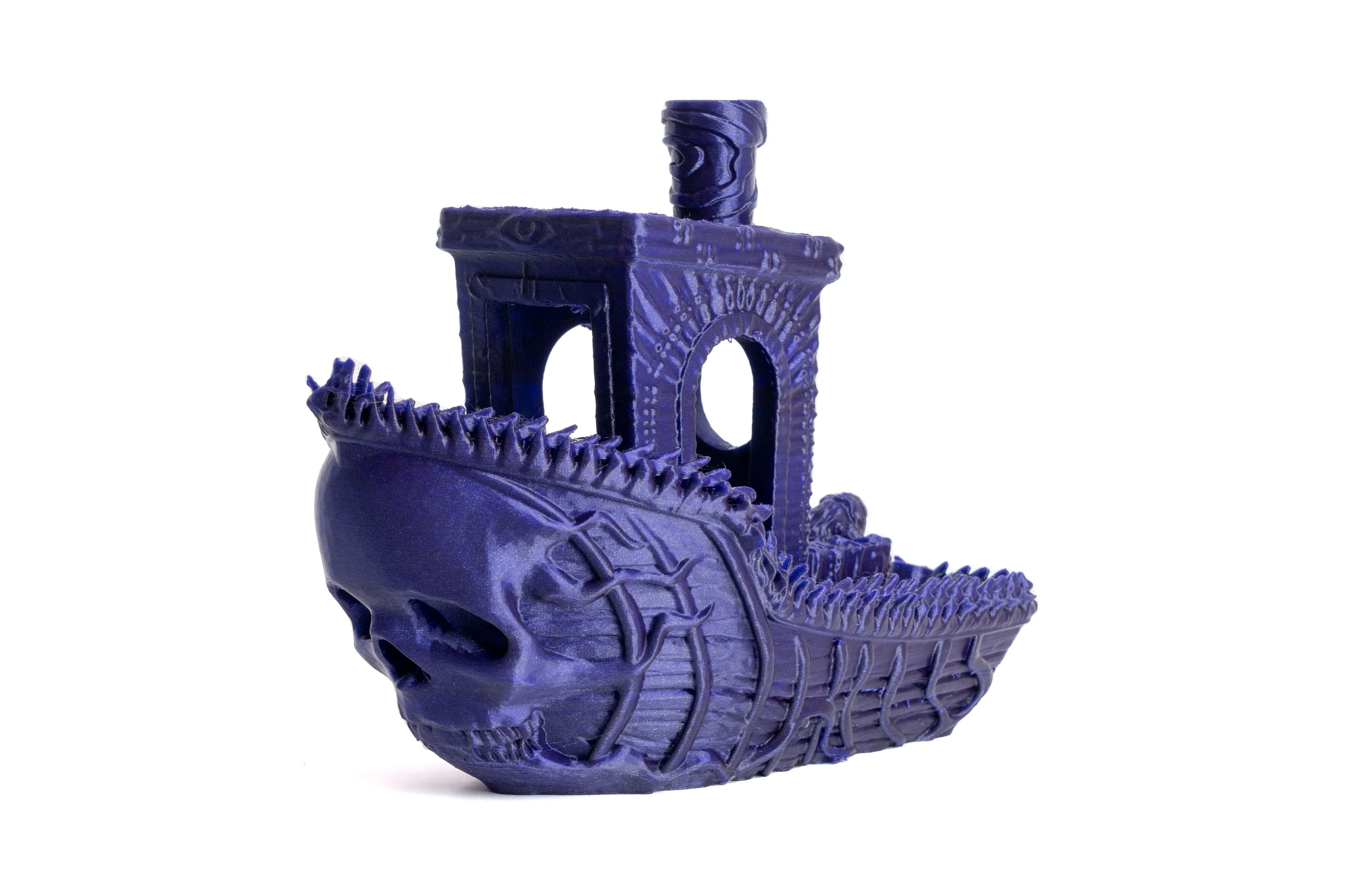
Real-world testing shows the Prusa CORE One+’s performance — a Speed Benchy printed in 28 minutes using 0.25mm layer height, 2 perimeter walls and 10% infill delivered excellent results. Indeed, assembled CORE One+ is the fastest printer by Prusa Research!
A fishing lure printed in ASA finished in 1 hour 17 minutes at 0.2mm layer height, with smooth, warp-free results. A full-size Crocs shoe in 40D TPU printed in 21 hours without supports, delivering best print quality, and 15 hours faster speed than the MK4.
The Prusa CORE One+ delivers consistent quality across its full build height — unlike bed-slinger designs that lose stability when tall. With speeds up to 600mm/s and input shaping for vibration control, it prioritizes reliability over raw speed. Pre-tuned profiles for 200+ filaments in PrusaSlicer ensure strong performance out of the box.
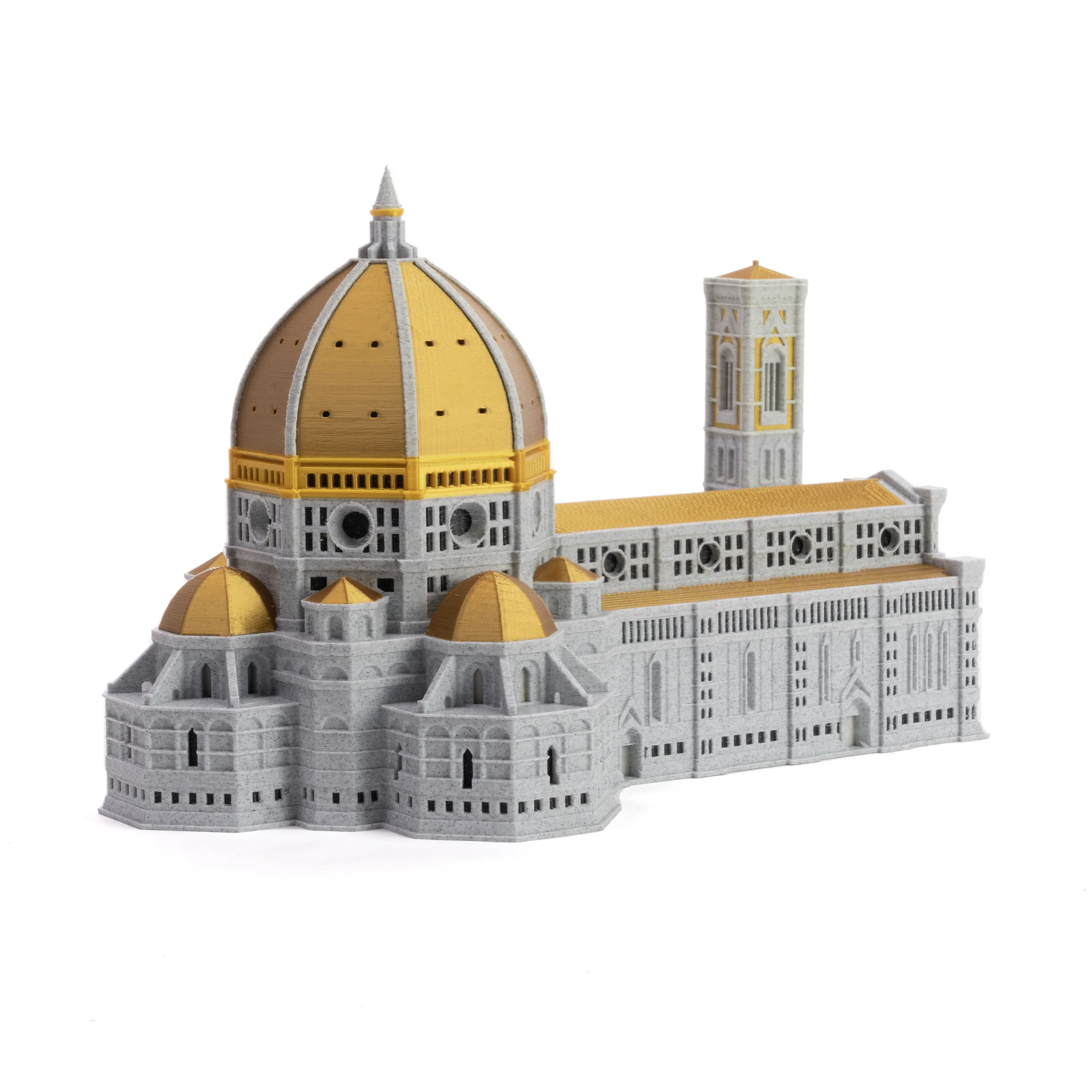
Which filaments can you use with the Prusa CORE One+ by Josef Prusa?
The Prusa CORE One+ supports over 12 filament types, including PLA, PETG, TPU, PVA, PP, CPE, and PVB, with no special modifications. Its 290°C nozzle and 120°C bed handle most materials reliably.
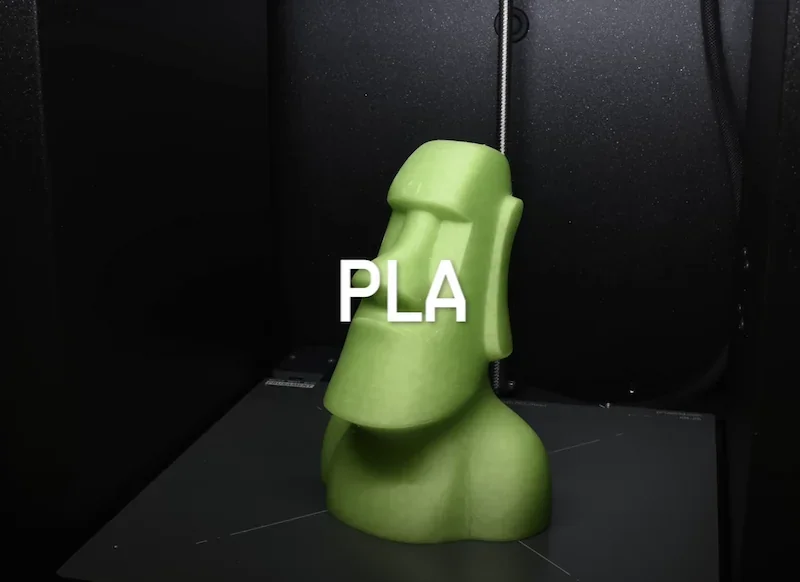
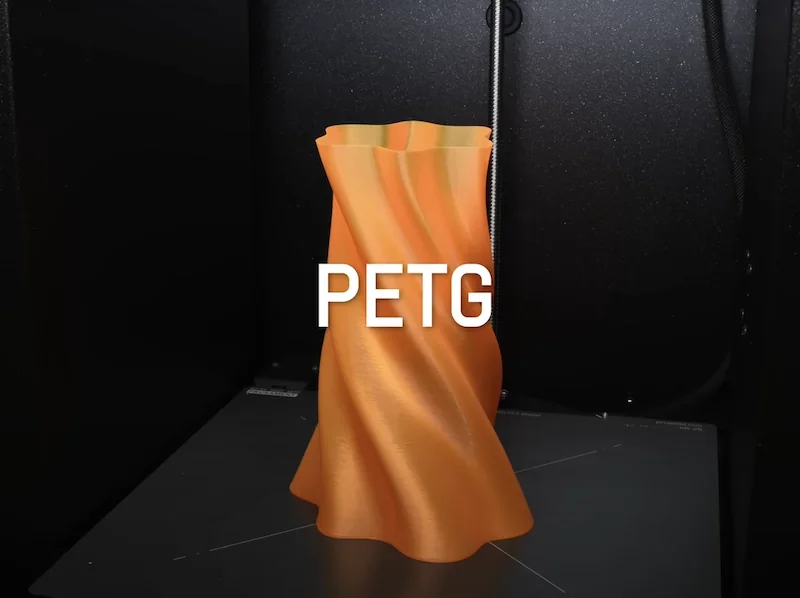
The automatic ventilation system and active temperature control enable flawless printing of PLA, PETG, and TPU — even with the door completely closed! The extruder now automatically opens the vent for low-temp materials and closes it for high-temperature materials, ensuring the optimal thermal environment and creating a true "set-and-forget" experience.
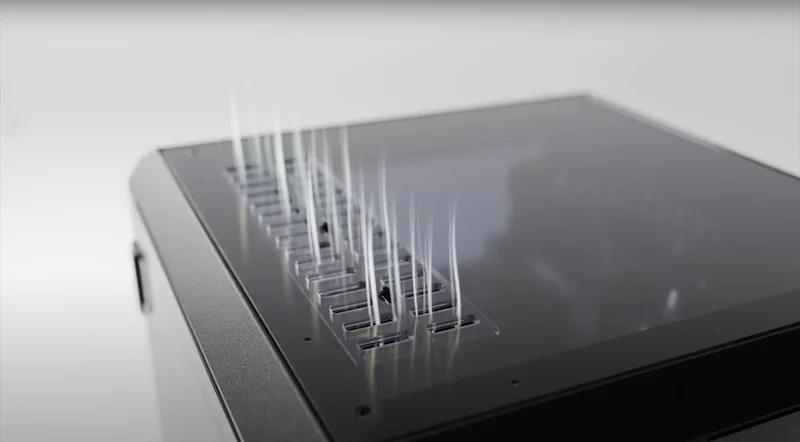
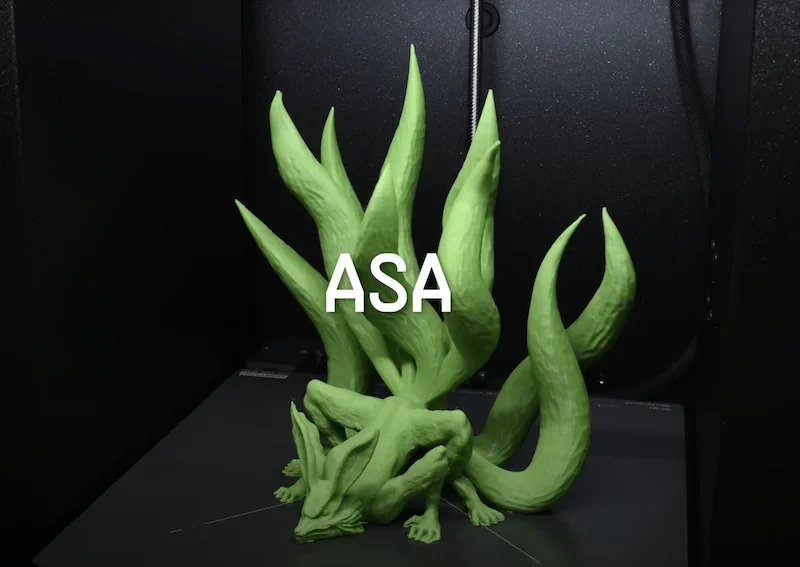
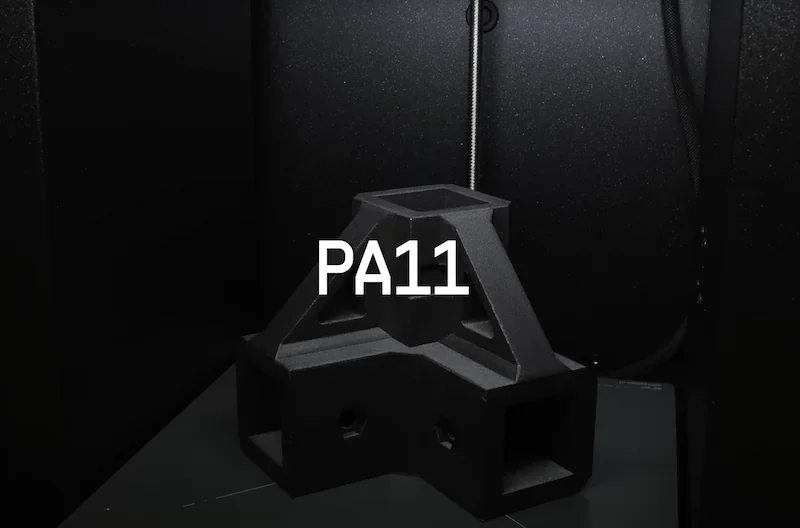
With the optional Advanced Filtration System, the Prusa CORE One+ prints ABS, ASA, HIPS, PC, and Nylon reliably. Its enclosed, actively heated chamber (up to 55°C) prevents warping and improves adhesion.
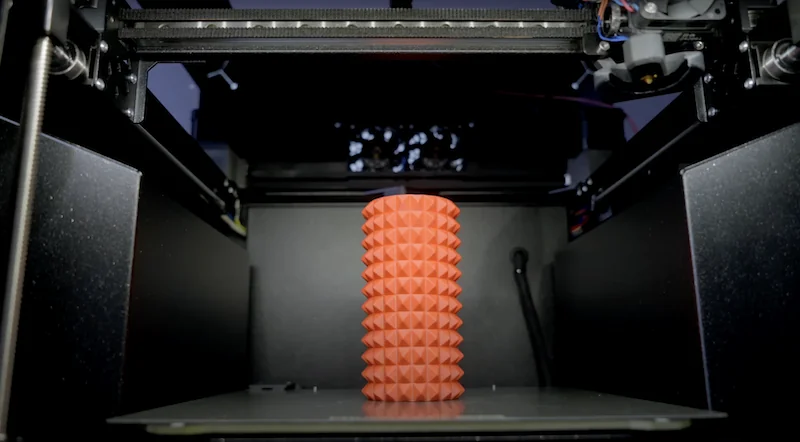
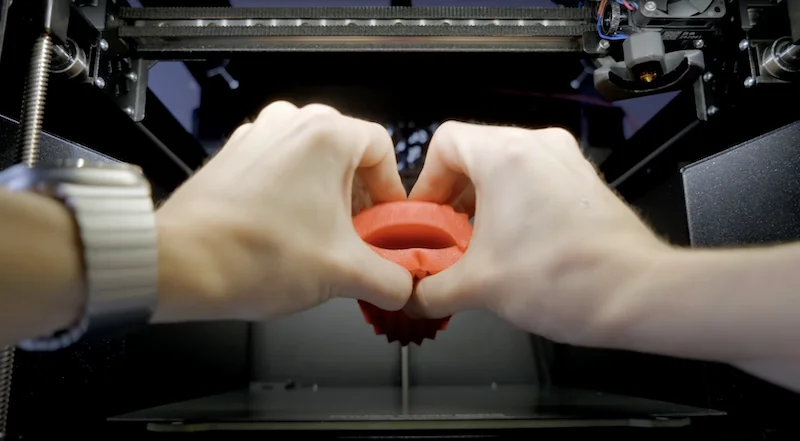
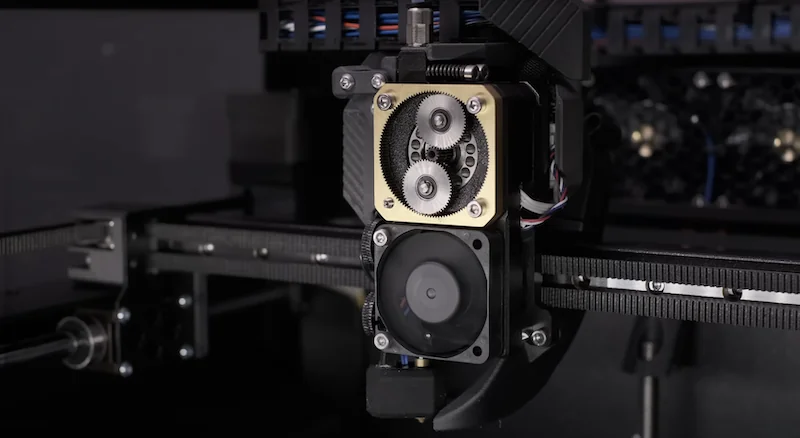
The Prusa CORE One+ prints TPU from 90A to 95A hardness reliably, aided by the Nextruder’s high-torque planetary gear system. The redesigned filament insertion point with a new loading lever makes feeding flexible filaments quick and simple.
TPU Print Sample:
The Prusa CORE One+ comes with a 0.4mm brass CHT nozzle, ideal for standard filaments but unsuitable for abrasives. For carbon fiber or metal-filled materials, a hardened steel nozzle is recommended. An adapter allows use of E3D V6-compatible nozzles for added flexibility.
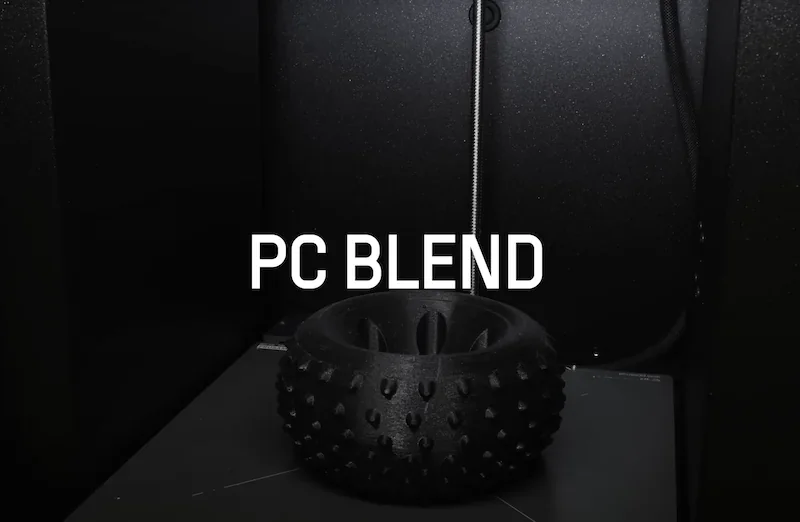
Prusament offers top-class manufacturing precision, perfect color consistency, and 20 materials from PLA to PC-CF. Every Prusament material has an in-house tested profile in PrusaSlicer, ensuring consistent results. Third-party filaments are also compatible, needing only minor profile tweaks for optimal results. In total, the PrusaSlicer contains 200+ pre-configured profiles.
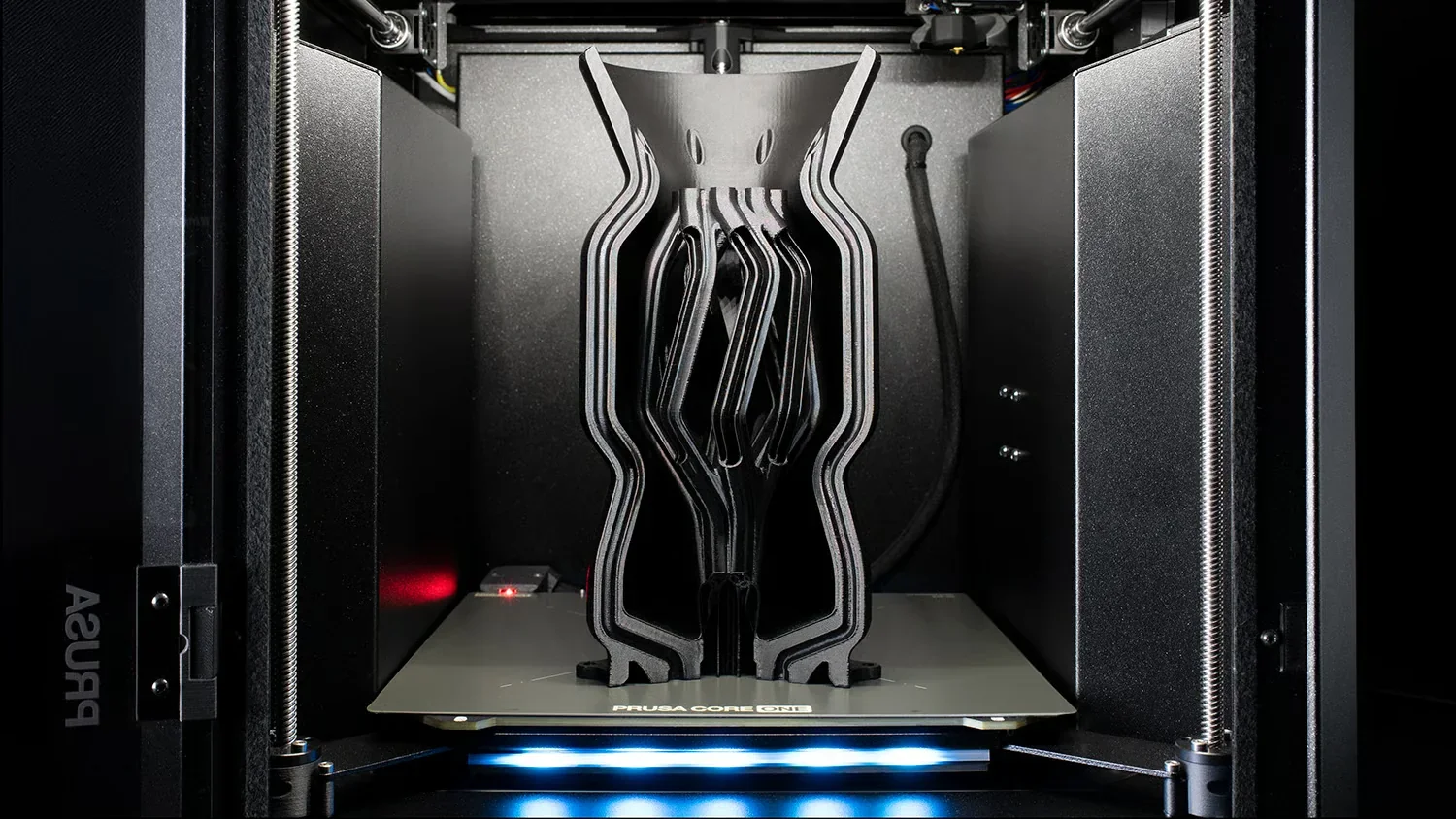
What is the build volume of the Prusa CORE One+?
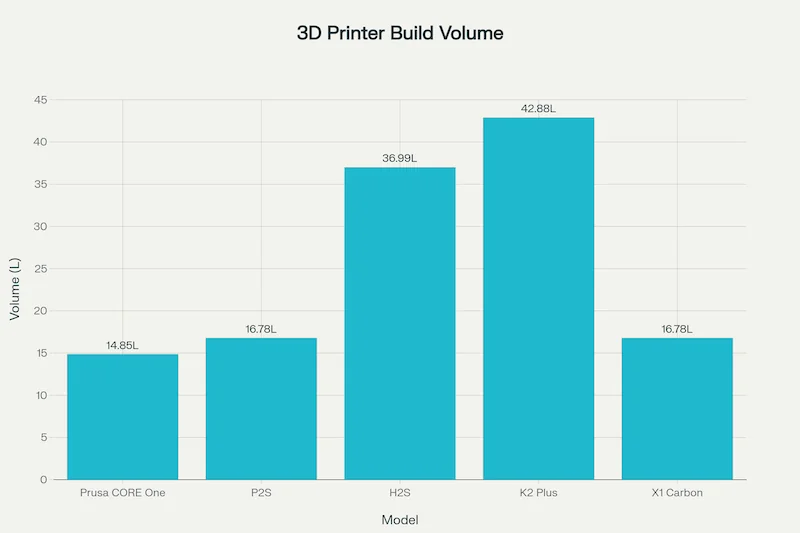
The Prusa CORE One+ offers a 250 × 220 × 270 mm build volume — 30% larger than the MK4S, mainly due to 50 mm more Z-height. Its CoreXY design ensures consistent quality across the full height, unlike bed-slingers that lose stability at taller prints.
| Printer Model | Build Volume (mm) |
|---|---|
| Prusa CORE One+ | 250 × 220 × 270 |
| Prusa MK4S | 250 × 210 × 220 |
| Prusa XL | 360 × 360 × 360 |
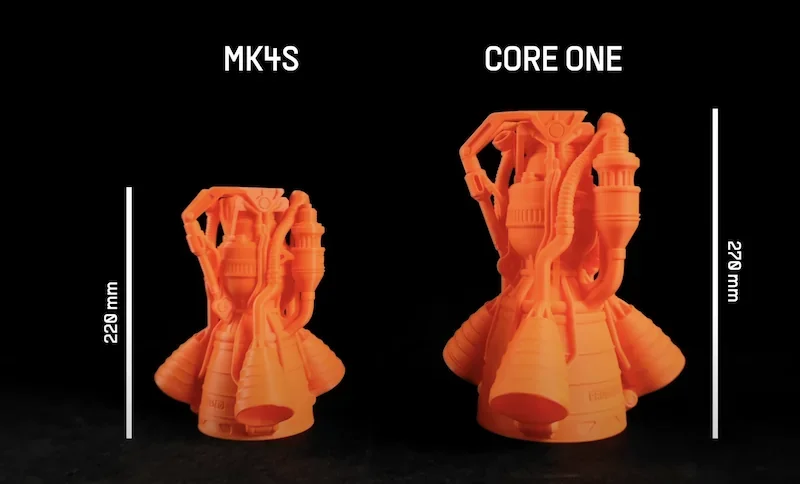
The Prusa CORE One+’s compact design uses 50% less space than the MK4S in an enclosure while offering a larger build volume. It supports all Prusa print sheets — smooth PEI, textured, and satin — for material versatility. With the MMU3, a prime tower is used, reducing available space for large or multi-part prints.
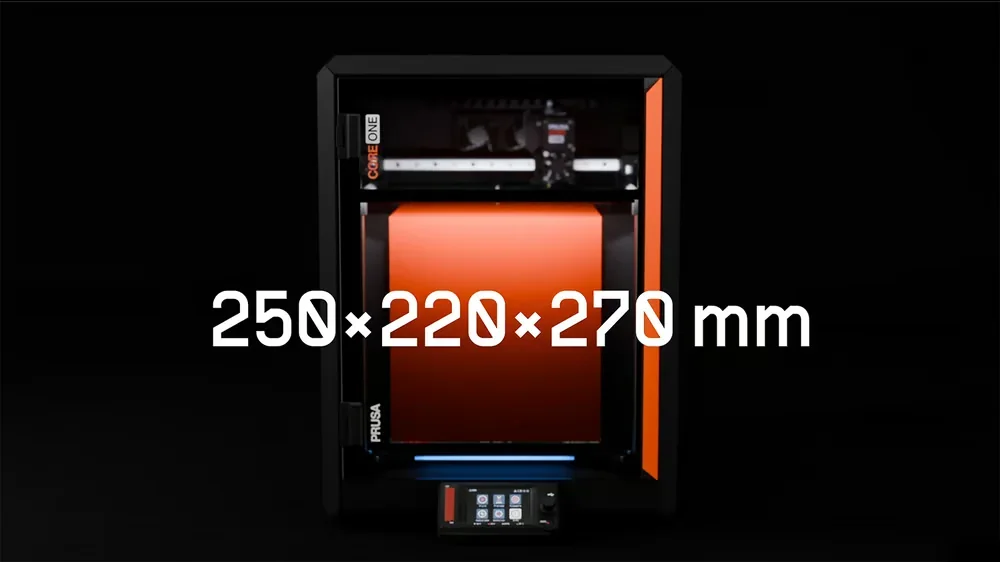
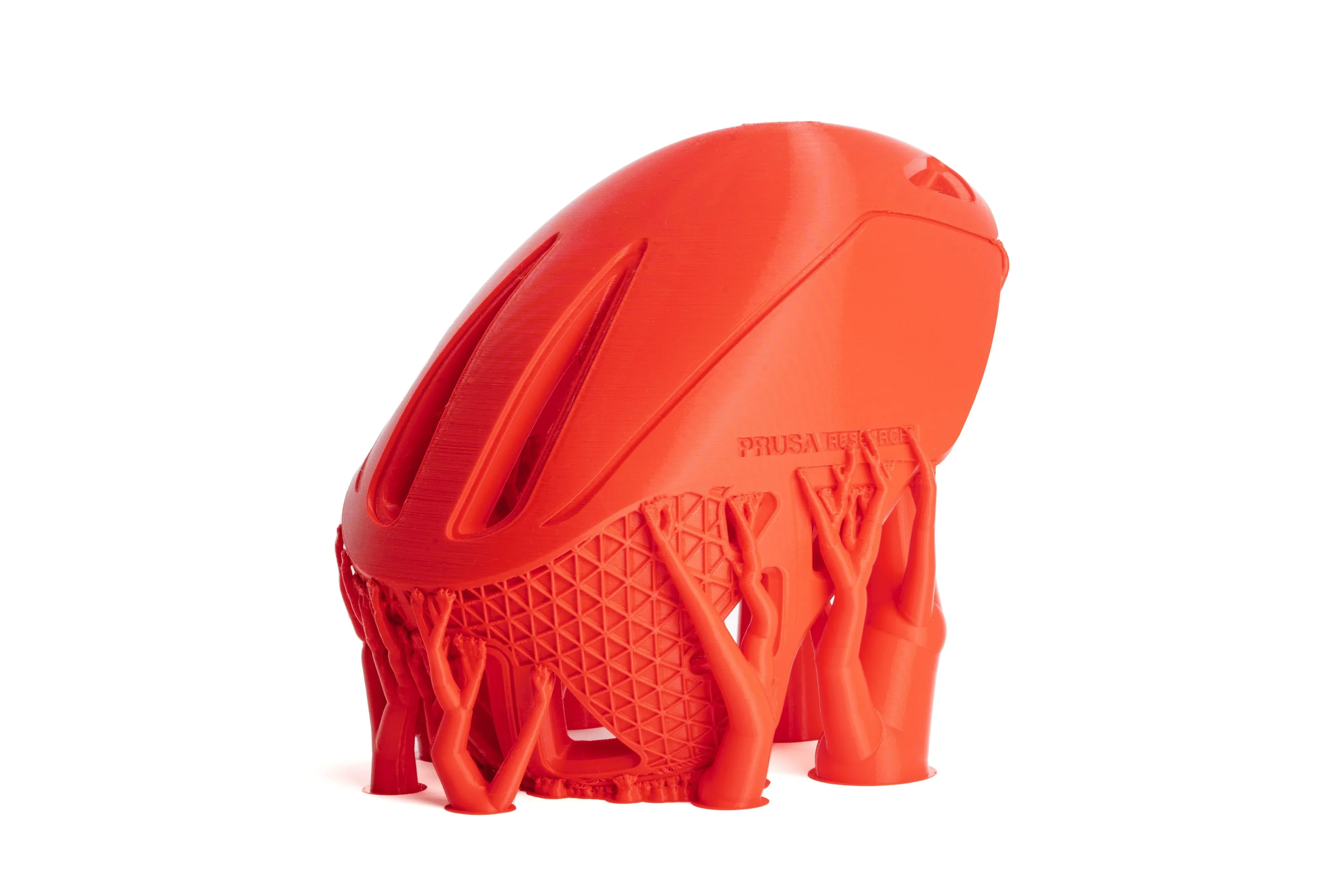
The Prusa CORE One+’s tall 270mm Z-height supports prints like vases, figurines, and helmets — one red PLA helmet printed in 2 hours 10 minutes.
What is the difference between the Prusa CORE One+, Bambu Lab P2S, Bambu Lab X1 Carbon, Bambu Lab H2S, Creality K2 Plus?
Prusa CORE One+ — Best when you need stable enclosure control for ABS/ASA/PC (automatic preheat to ~40 °C and ~50 °C during prints, without opening the door for PLA), consistently accurate first layers from the load-cell system, practical Z-height (270 mm), and open connectivity (local USB/Ethernet and user-flashable firmware).
In contrast:
- Bambu Lab X1 Carbon — Often matches CORE One+ print times and can be ~20% faster in some cases, but does so with weaker temperature control on fast PLA passes; usable XY area is effectively similar (front-of-bed is used for calibration/filament cutting), while Prusa keeps a taller Z (270 mm vs 256 mm). Additionally, the Bambu Lab closed ecosystem approach limits the use of third-party tools such as OrcaSlicer.
- Bambu Lab P2S — Wins on price and speed/flow; loses to Prusa on wired networking (no Ethernet), closed ecosystem and shorter Z-axis (256 mm vs 270 mm).
- Bambu Lab H2S — Wins on volume (340³ mm), active chamber heat (to ~65 °C) and peak speed/flow; loses on lack of Ethernet and closed ecosystem.
- Creality K2 Plus — Big cube (350³ mm) on paper, but multiple units showed severe Z-banding on tall prints (~8–12 in) and build-plate surface shedding, undermining reliability for production-height parts.
| Specification | Prusa CORE One+ | Bambu Lab P2S | Bambu Lab H2S | Creality K2 Plus | Bambu Lab X1 Carbon |
|---|---|---|---|---|---|
| Price (USD) | $1,199+ | $799 | $1,249 | $1,049 | $749 |
| Build Volume (W×D×H) | 250×220×270 mm | 256×256×256 mm | 340×320×340 mm | 350×350×350 mm | 256×256×256 mm |
| Chamber (heat) | Enclosed; up to 55 °C | Enclosed; passive | Enclosed; active to 65 °C | Enclosed; ≤60 °C | Enclosed; regulated airflow |
| Nozzle / Bed Max | 290 °C / 120 °C | 300 °C / 110 °C | 350 °C / 120 °C | ≤350 °C / ≤120 °C | 300 °C / 110–120 °C |
| Max Flow | 34-40 mm³/s | 40 mm³/s | 40 mm³/s (65 mm³/s HF opt.) | 40 mm³/s (advertised), 28 mm³/s (real) | 32 mm³/s |
| Leveling / First Layer | Load-cell first layer; Mesh ABL | Full-auto leveling | Full-auto leveling | Full-auto leveling | Micro Lidar first-layer assist |
| Filtration | Optional HEPA / Advanced | Activated carbon (VOC/PM) | G3 + H12 HEPA + carbon | Air filter (type n/s) | Activated carbon |
| Connectivity | Ethernet, Wi-Fi module, USB | Wi-Fi only | Wi-Fi only | USB, Wi-Fi, Ethernet | Wi-Fi only |
| Camera / Sensors | Optional internal cam; door & filament sensors | 1080p cam; door & filament sensors | 1080p live, toolhead cam; (BirdsEye on Laser Ed.) | AI camera; run-out; power-loss recovery | 1080p chamber cam; Micro Lidar |
| Dimensions (W×D×H) | 415×444×555 mm | 392×406×478 mm | 492×514×626 mm | 495×515×640 mm | 389×389×457 mm |
| Net Weight | 22.5 kg | 14.9 kg | 30 kg | 35 kg | 14.13 kg |
| Power (ref.) | PSU 240 W; ~90 W PLA / 110 W ABS | Max 1200/1000 W; ~200 W PLA | Max 2050/1170 W | 1200 W | Max 1000 W@220 V / 350 W@110 V |
Bottom-Line:
- Buy Prusa CORE One+ for controlled chamber thermals, repeatable first layers, taller Z, secure connection over Ethernet, and the open-source approach.
- Buy the Bambu Lab P2S for the best speed at the best price, if the closed, cloud-based ecosystem is not a concern.
- Bambu Lab H2S for max volume + active heat, if the closed, cloud-based ecosystem is not a concern.
- Avoid Creality K2 Plus, if you are not ready to fine-tune the machine for consistent results.
- Avoid the Bambu Lab X1 Carbon, unless you buy it at a lower price than the Bambu Lab P2S.
What printer controls are available on the Prusa CORE One+?
The Prusa CORE One+ has a 3.5-inch touch LCD with a rotary knob, allowing easy control — even with gloves. The interface shows print status, temperatures, and estimated time remaining, with quick access to filament, temperature, movement, and calibration tools. The screen mounts magnetically to prevent damage during transport or maintenance.
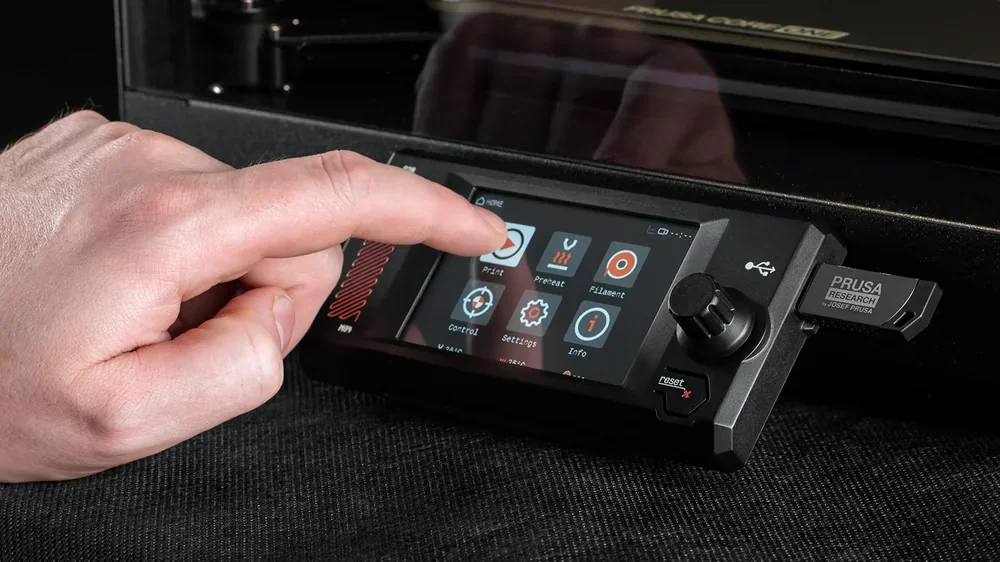
The Prusa CORE One+ lets users adjust print settings mid-print via the "Tune" menu. An RGB light bar shows status — blue (idle), orange (printing), red (error) — for easy monitoring. A door sensor triggers configurable safety actions like pausing or warnings when opened.
What connectivity options are available on the Prusa CORE One+?
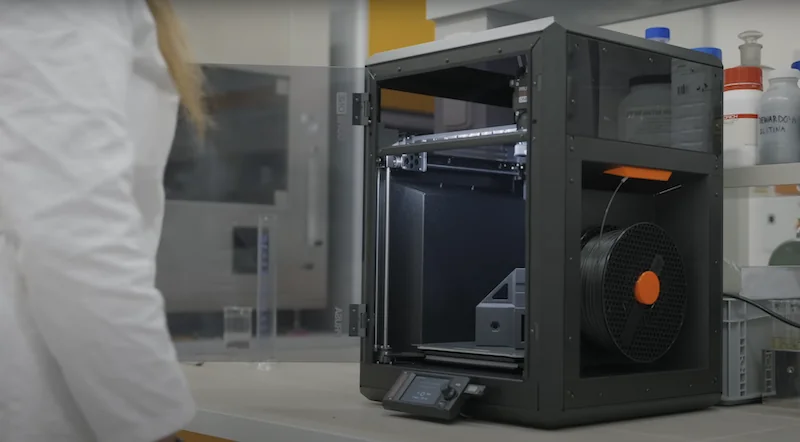
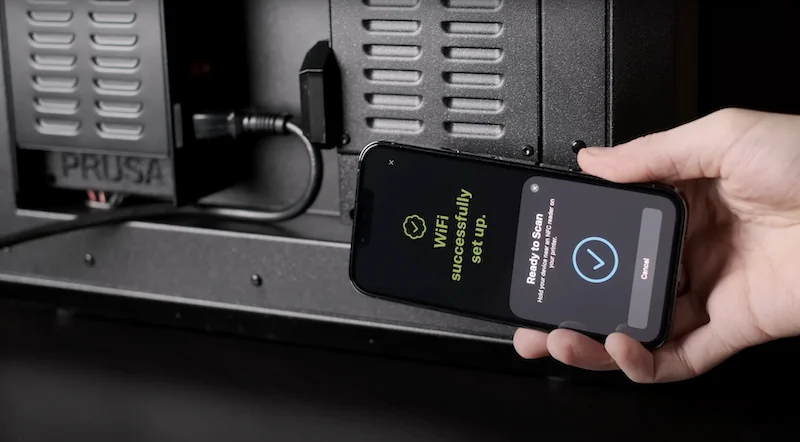
The Prusa CORE One+ offers USB, Ethernet, and a removable Wi-Fi module for flexible connectivity. An NFC receiver enables quick Wi-Fi setup via the Prusa App. It supports both PrusaLink for local printing and PrusaConnect for cloud management.
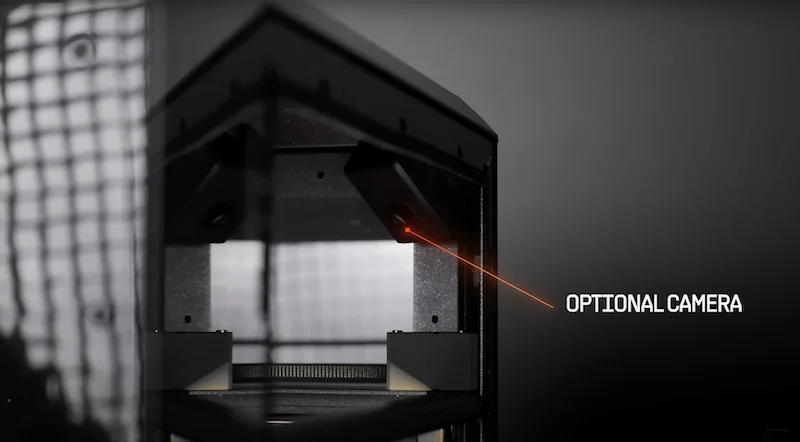
The Prusa CORE One+ supports remote monitoring with an optional $40 USB-C camera that mounts inside the enclosure and connects to the mainboard. The Prusa App allows mobile control, job uploads from Printables.com, status checks, and completion alerts. For offline use, the Wi-Fi module can be removed, with full functionality maintained via USB, including firmware updates.
What software is offered with the Prusa CORE One+?
The Prusa CORE One+ runs on PrusaSlicer with 200+ pre-configured material profiles for one-click slicing and deeper tuning when needed. With EasyPrint, you can adjust all key print settings in seconds. Send sliced models directly to your Prusa printer in just a few clicks from the the Prusa mobile app or the Printables library of over 1,000,000 3D models.
The Prusa CORE One+ connects to PrusaLink for local control and Prusa Connect for cloud management, offering remote monitoring, job scheduling, and status updates via web or app. Firmware updates are free and installable via USB, PrusaConnect, or the app. All Prusa software and firmware is open-source on Github, with contributions from the RepRap core developers.
What is the design and build quality of the Prusa CORE One+?
The Prusa CORE One+ is made to last. Its 22.5 kg all-steel frame ensures high rigidity and stability during fast prints.
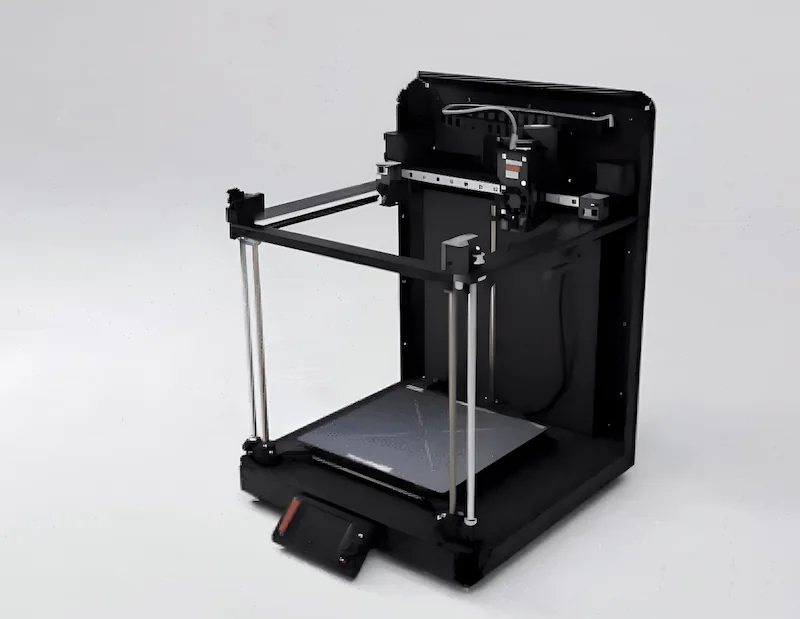
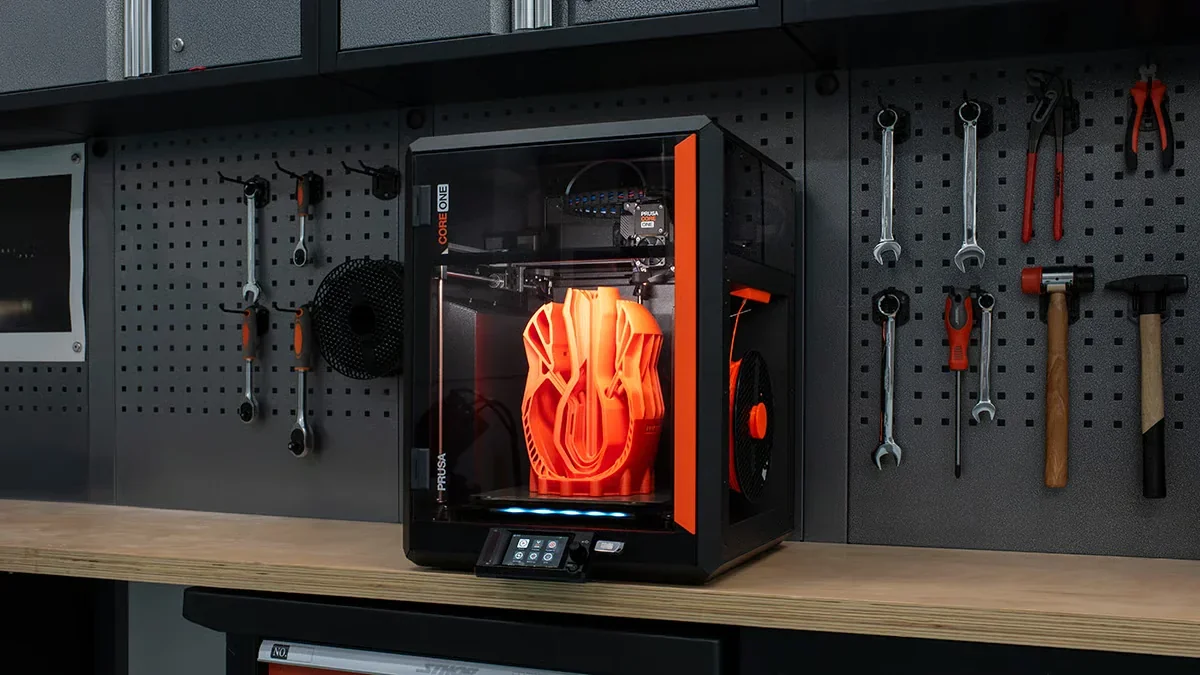
The Prusa CORE One+ won a Red Dot Award for its design, combining form and function. It uses 10mm Y-axis rods, an X-axis linear rail, and three Z-axis lead screws — Prusa’s most constrained Z-axis system yet.
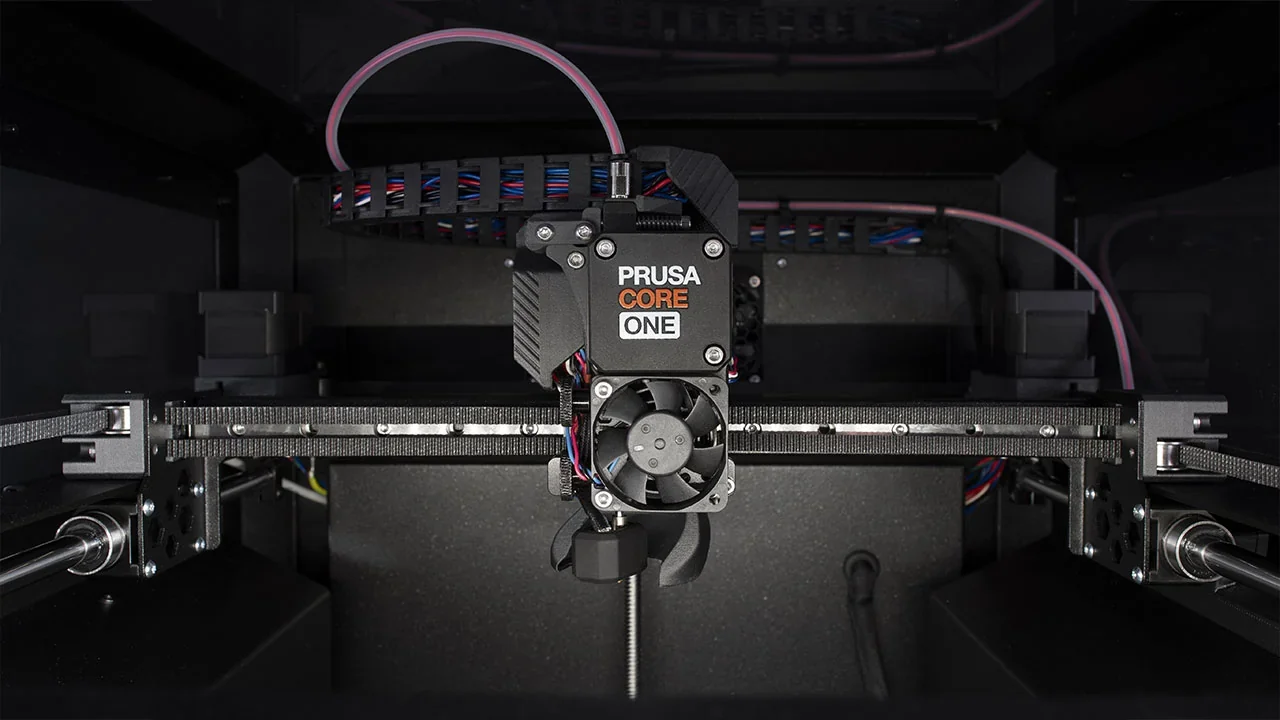
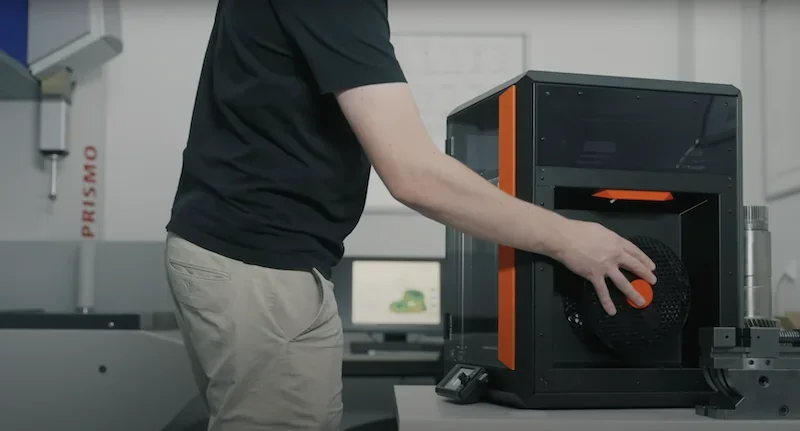
Recessed sides reduce chamber volume for faster heating and improve access. The right-side recess includes a modular bayonet-style spool holder compatible with 2kg spools and dryboxes, plus a new loading lever that makes feeding flexible filaments quick and simple.
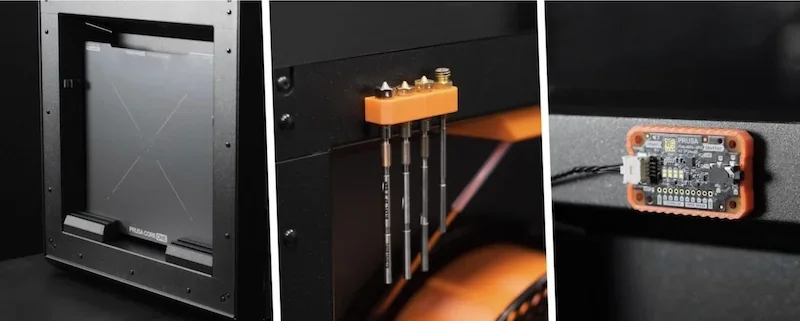
The left-side pocket provides customizable tool storage with magnetic mounting points. The front door opens from either side and locks at 90° or 180° for flexible access. It also features reinforced hinges for smoother operation and better sealing.
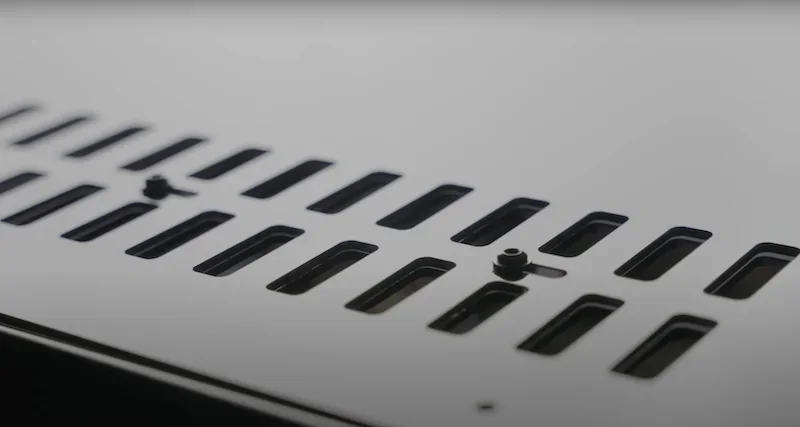
The top panel features an automatically controlled ventilation system. The extruder now automatically opens the vent for low-temp materials (PLA/PETG) and closes it for high-temperature materials (ABS/ASA), ensuring the optimal thermal environment without user intervention.
The Prusa CORE One+ uses Prusament PC-CF for key printed parts, offering greater durability than PETG in heated environments. Its Core XY machine architecture features 0.9° stepper motors for finer motion resolution and optimized fan profiles (aided by the new automated vents) for smoother, quieter operation than standard 1.8° motors.
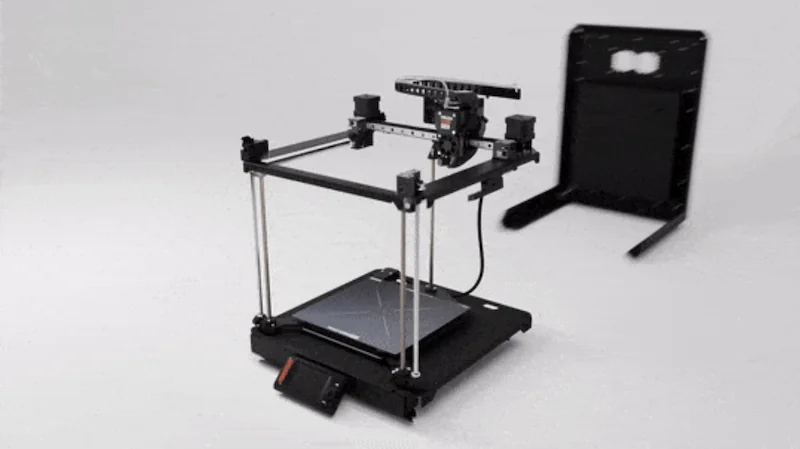
All components can be fully disassembled with standard tools — no glue or permanent fixtures — making maintenance and upgrades easy.
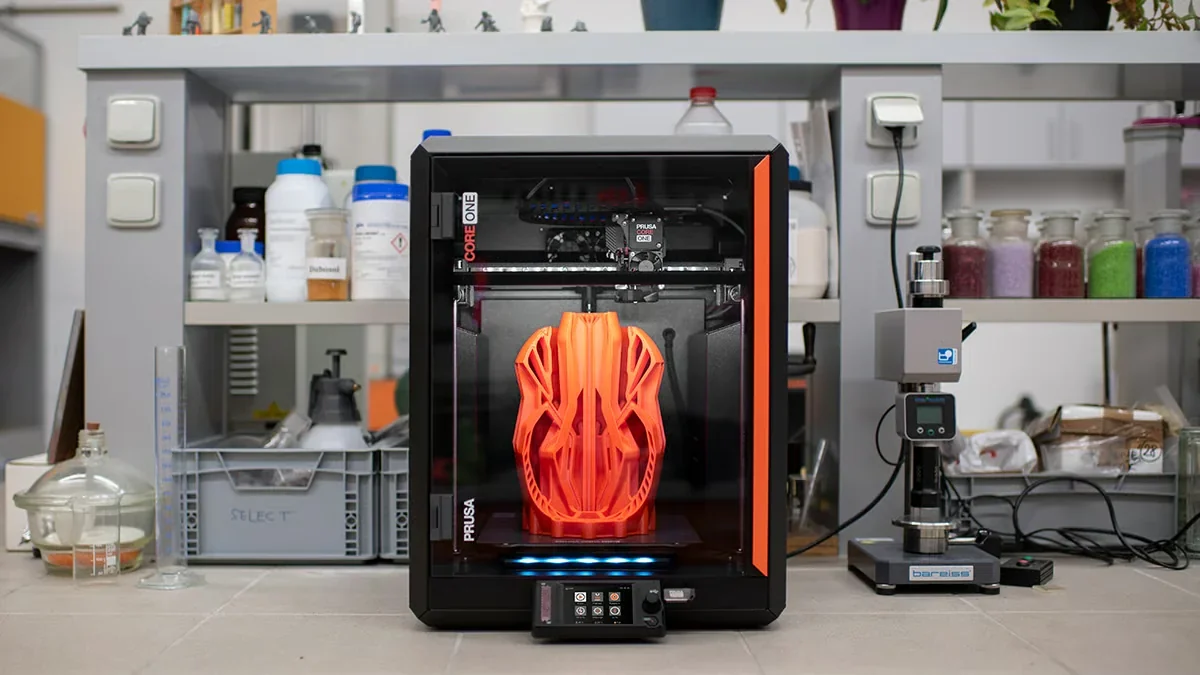
The front RGB light shows printer status at a glance — especially helpful in multi-printer setups. This and other design choices reinforce the CORE One+’s reliability and serviceability.
What comes included in the box with Prusa CORE One+?
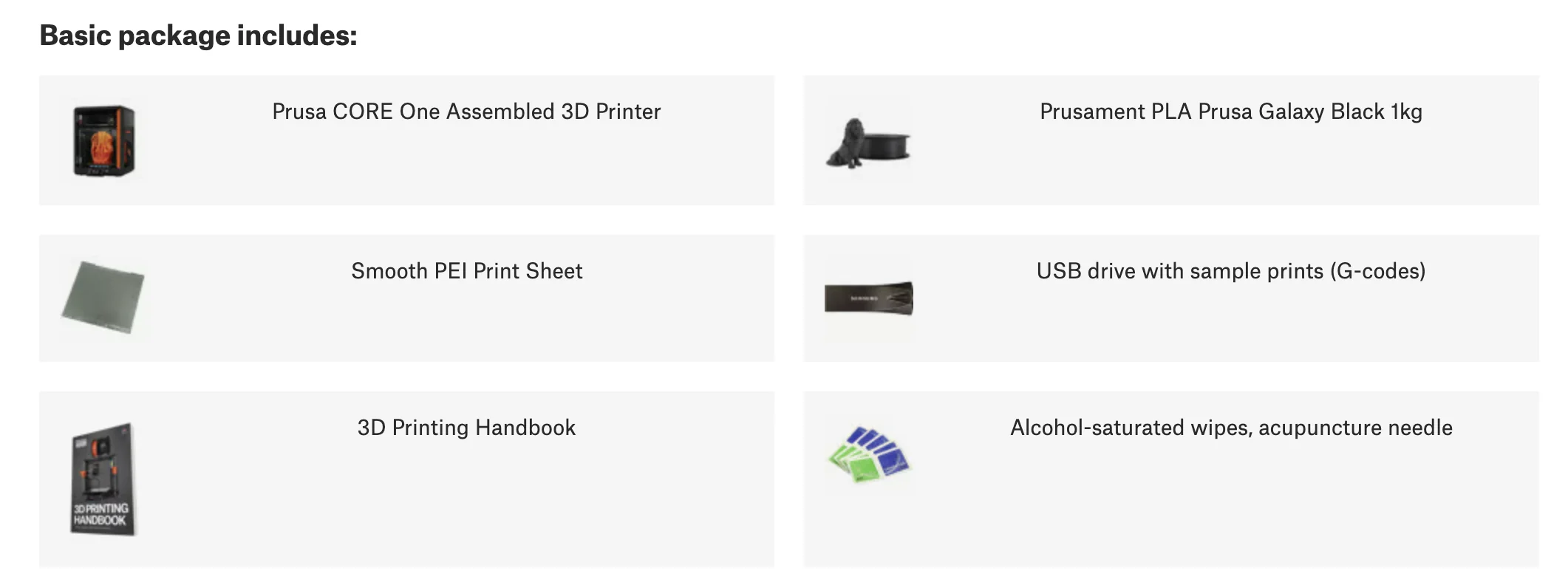
Assembled Version Package Contents:
- 1x Prusa CORE One+ Assembled 3D Printer
- 1x Smooth PEI Print Sheet
- 1x 1kg Spool of Prusament PLA Prusa Galaxy Black
- 1x USB Drive with Sample Prints (G-codes)
- 1x 3D Printing Handbook
- 1x Pack of Alcohol-Saturated Wipes
- 1x Acupuncture Needle (for nozzle cleaning)
- 1x Power Cable (Region-specific)
- 1x Set of Rubber Feet
- 1x Package of Spare Plastic Rivets
Kit Version Package Contents:
- 1x Prusa CORE One+ 3D Printer Kit
- 1x Smooth PEI Print Sheet
- 2x 25g Prusament Sample Packs
- 1x USB Drive with Sample Prints (G-codes)
- 1x 3D Printing Handbook
- 1x Pack of Alcohol-Saturated Wipes
- 1x Acupuncture Needle (for nozzle cleaning)
- 1x Prusa Lubricant for Bearings
- 1x Power Cable (Region-specific)
- 1x Toolset (Uni-wrench, 13-16 Wrench, Nose Pliers, Allen and Torx Keys)
- 1x Package of Spare Plastic Rivets
The Prusa CORE One+ is available fully assembled or as a self-assembly kit. The assembled version needs minimal setup — just attach the feet and LCD. The kit includes tools and best assembly instructions. Engineered in the proven Prusa tradition, it is easy to set up. Both versions come with Prusament PLA and preloaded G-code for quick first prints.
Please Note: Package contents are determined by the manufacturer and may change without notice. To confirm the current items included with this product, please contact a Top3DShop sales representative before placing your order.
What upgrades and accessories are available for the Prusa CORE One+?
3D PrinterMulti-MaterialUpgrades
| Accessory | Function | Price (USD) | Image |
|---|---|---|---|
| Bondtech INDX (4 toolheads) Multi-Material Upgrade | The Bondtech INDX system is a new approach to multi-material printing. Instead of a filament switcher like the MMU3, it uses one active “Smart Head” with induction heating that quickly picks up lightweight, wireless passive tools. This enables up to 4 materials with tool changes in seconds, near-zero waste (no purge tower), and rapid nozzle heating/cooling to reduce stringing. | $499 | 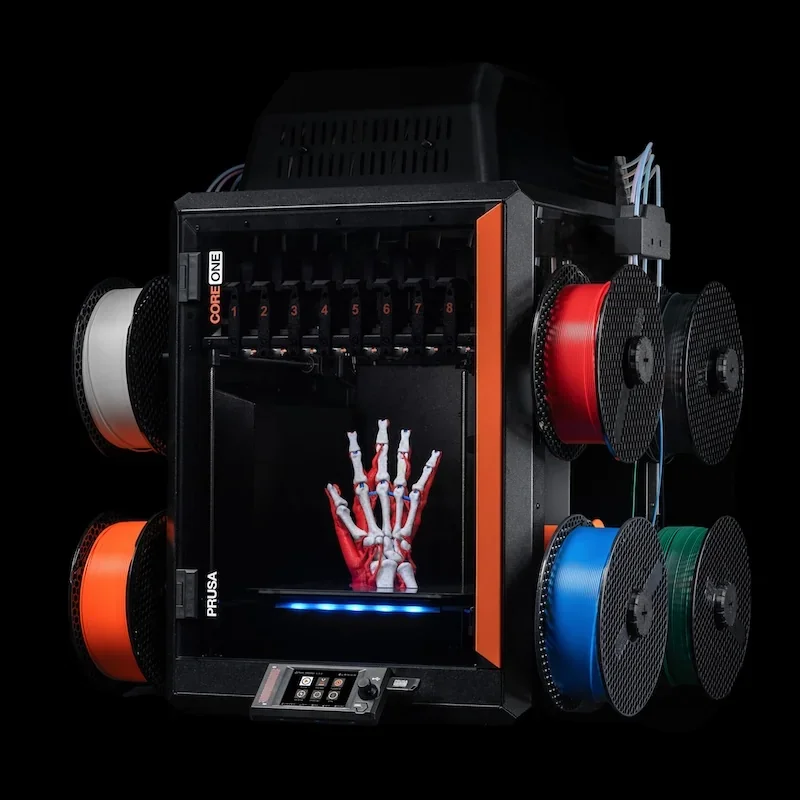 |
| Bondtech INDX (8 toolheads) Multi-Material Upgrade | Same as above; up to 8 toolheads. | $699 | 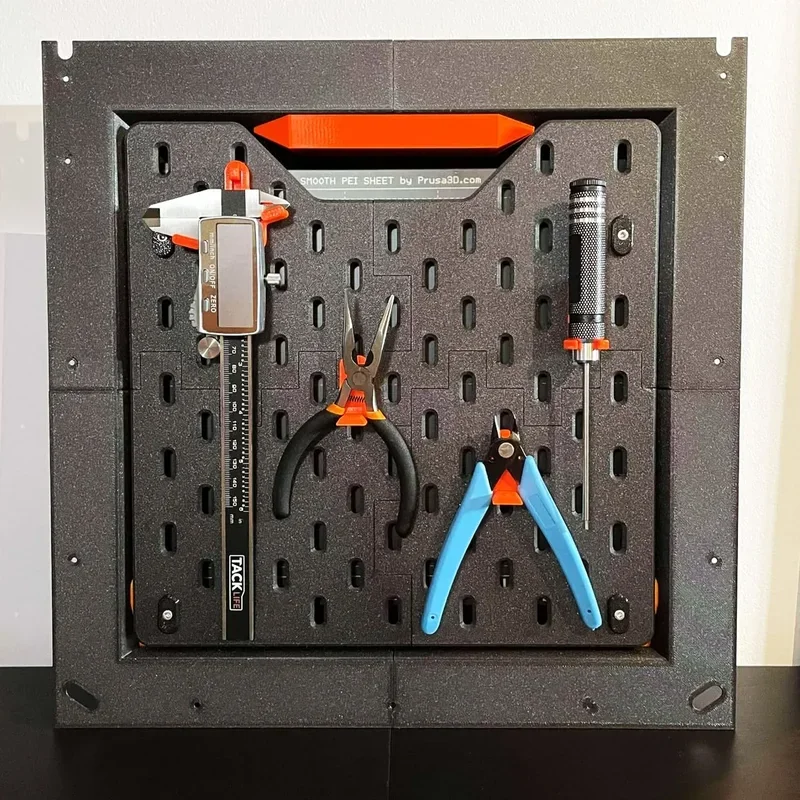 |
| MMU3 Multi-Material Upgrade | Multi-material upgrade that adds automatic filament switching for compatible Prusa printers, enabling multi-material or multi-color prints from a single printer. | $599 | 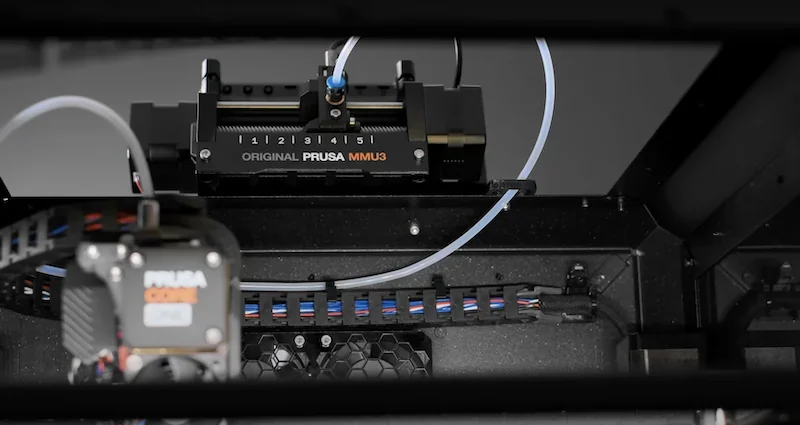 |
Enclosure Add-ons
| Accessory | Function | Price (USD) | Image |
|---|---|---|---|
|
Advanced Filtration System for the Prusa CORE One |
Advanced Filtration System for the Prusa CORE One is a rear-mounted, fully integrated unit with a high-pressure blower plus HEPA (99.9% efficiency) and active carbon filtration to reduce VOCs, ultrafine particles, and odors, with firmware-controlled fans and an easily replaceable HEPA filter rated for at least 600 hours. | $113 |  |
|
Buddy3D Camera |
Buddy3D Camera for Prusa CORE One is a 1080p, IR-equipped, enclosure-rated (up to 65 °C) Wi-Fi camera that integrates with Prusa Connect/App for local-network streaming and SD-card timelapses, mounts magnetically, runs Prusa-custom firmware for security, and includes a USB-C cable and manual (SD card not included). |
$70 | 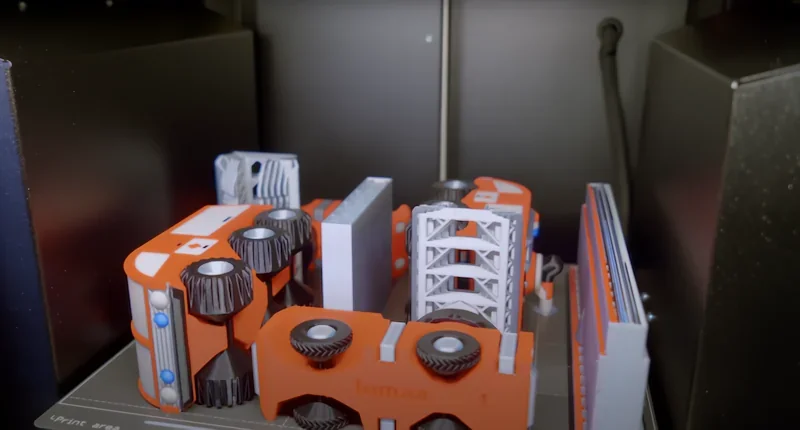 |
| HEPA filter | Replacement HEPA filter element for the Advanced Filtration System. Estimated life span is at least 600 hours of runtime. | $41 | 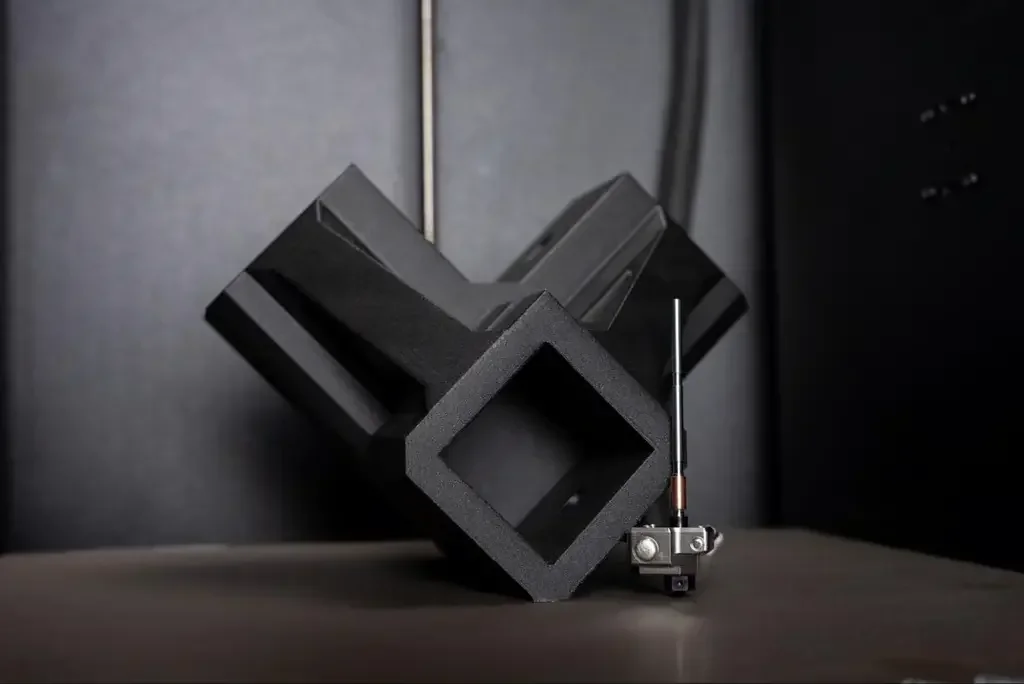 |
Build Surfaces (Print Sheets & Surface Films)
| Accessory | Function | Price (USD) | Image |
|---|---|---|---|
| Core One Sheets Full Set |
Bundle includes four CORE One powder-coated print sheets: Textured, Satin, PP, and PA Nylon. |
$280 | 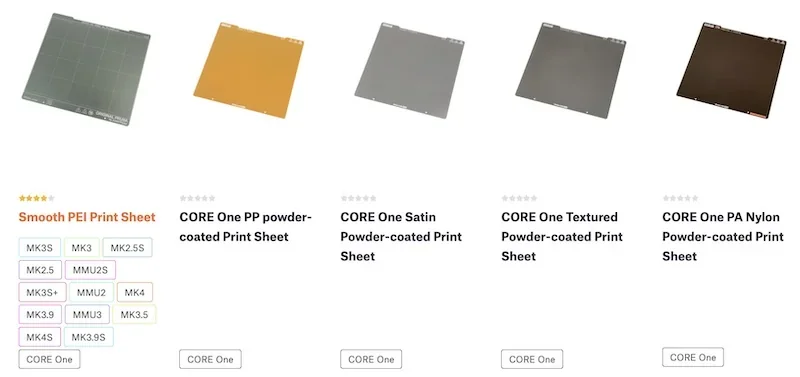 |
| Smooth PEI Print Sheet |
Removable spring-steel sheet with a smooth, double-sided PEI surface for MK52 heatbeds with embedded high-Curie magnets. Optimized for PLA, offers strong adhesion with most materials, and leaves a smooth bottom finish. Notes: don’t clean with IPA before printing PETG (a release agent may be needed), and use glue stick for flexible filaments. |
$49 | 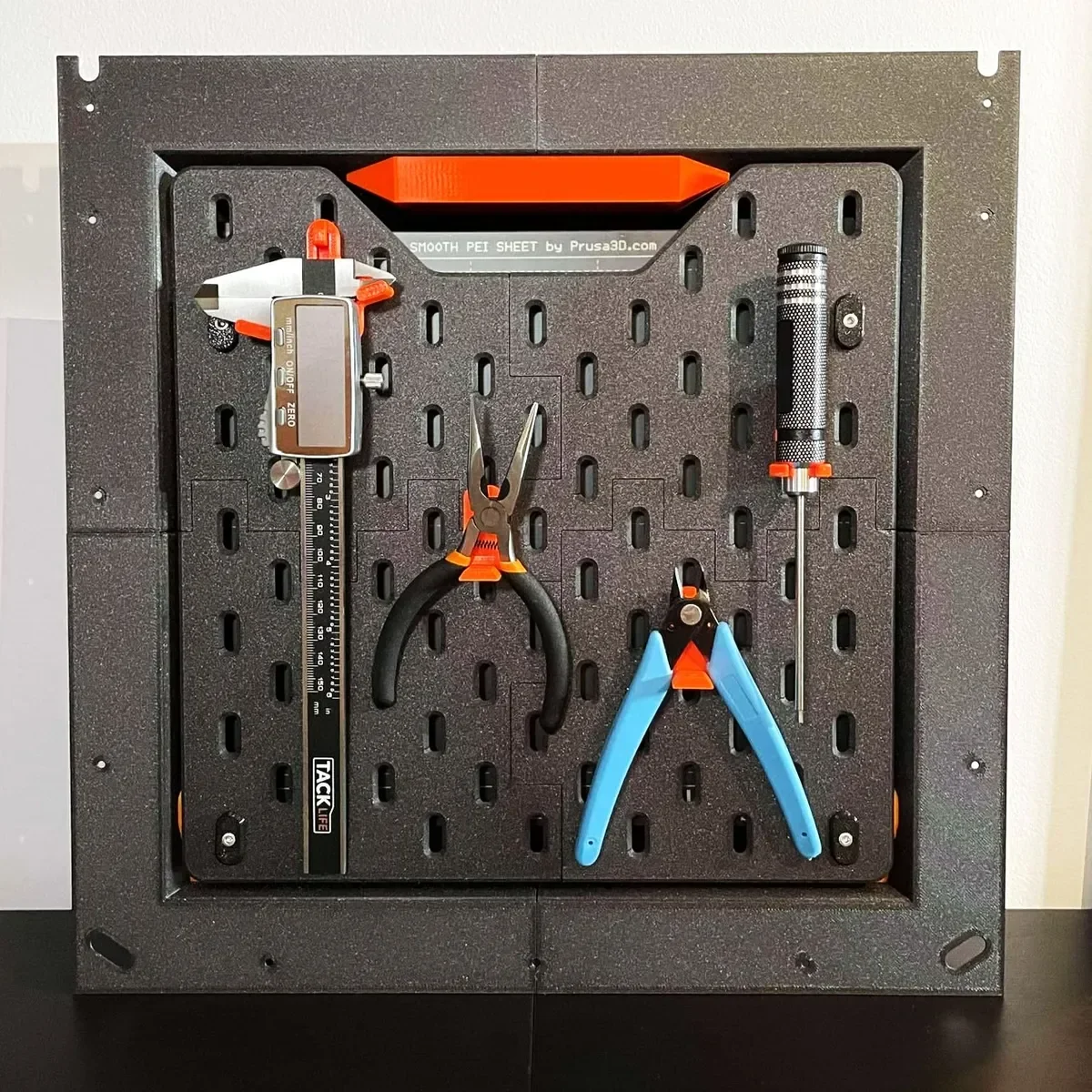 |
| PA Nylon Powder-coated Print Sheet |
Powder-coated spring-steel print sheet with a special surface finish for polyamide (PA) filaments, especially Prusament PA11 Carbon Fiber Black. Designed to improve adhesion where PA tends to stick poorly to standard textured or satin sheets. Care: clean only with pure water—IPA or acetone will quickly deteriorate the surface. Glue stick isn’t required or recommended. For greasy spots, use water with a drop of dishwashing detergent. |
$83 | 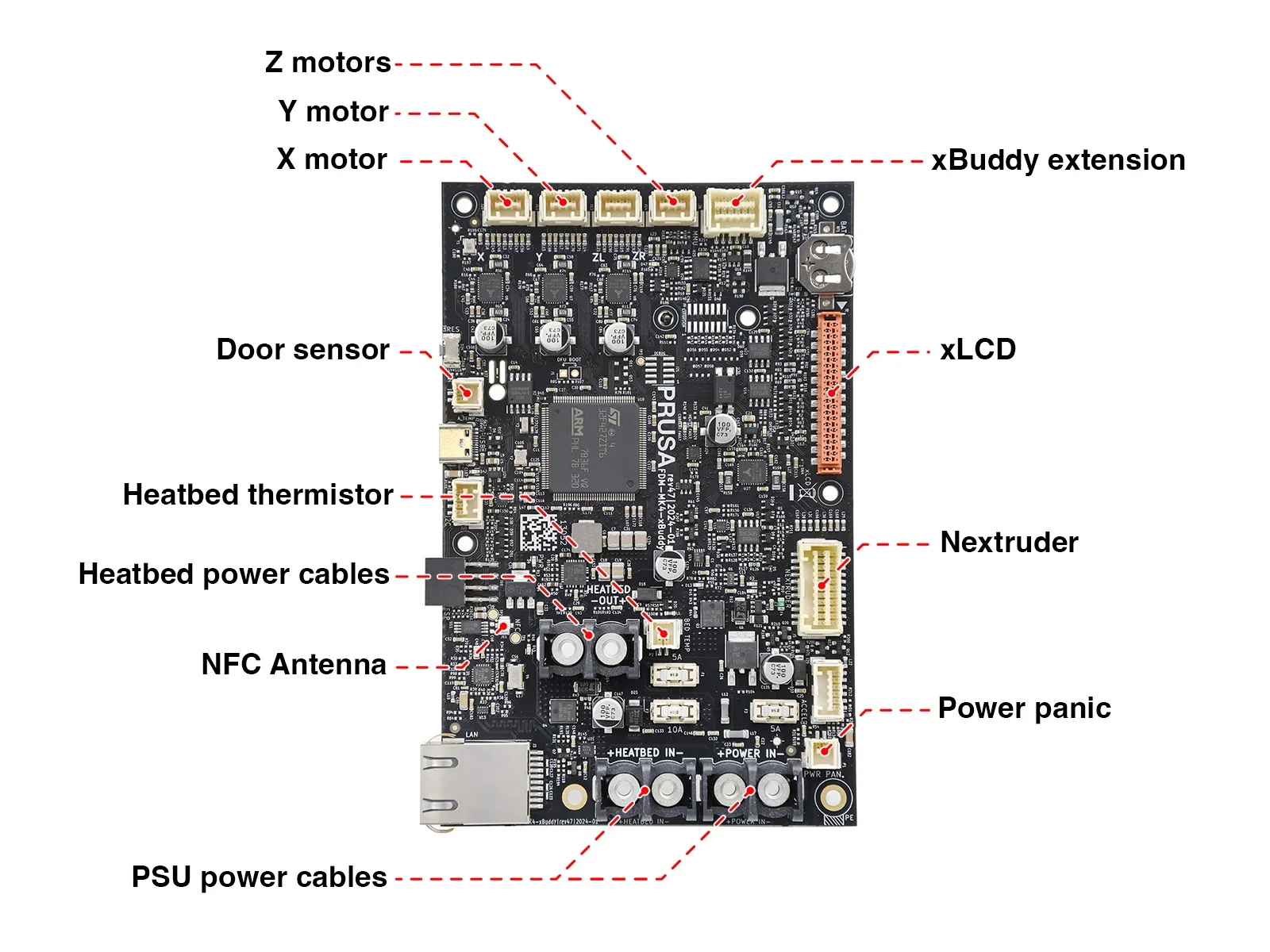 |
| PEI-Ultem sheet |
Replacement PEI-Ultem surface sheet with 3M 200MP adhesive backing (260 × 242 mm, 175 µm thick). Small dots may be visible and can slightly affect the bottom finish, but don’t impact print reliability. |
$13 | 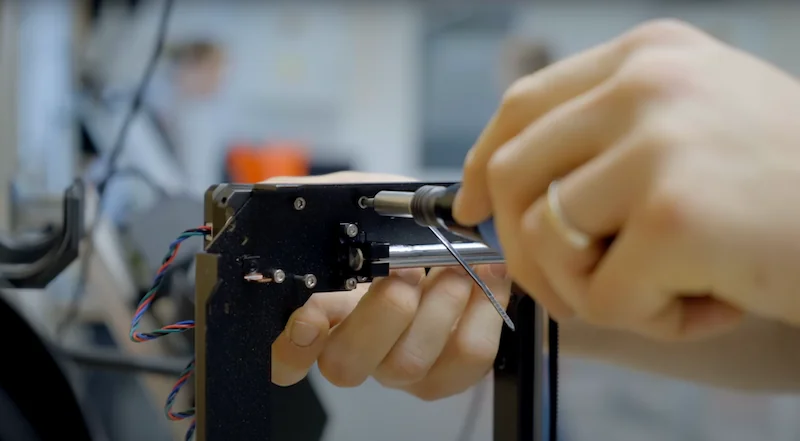 |
| PP powder-coated Print Sheet |
Powder-coated spring-steel print sheet designed for polypropylene (PP) filaments, providing a dedicated build surface to improve PP adhesion and ensure reliable release. |
$66 | 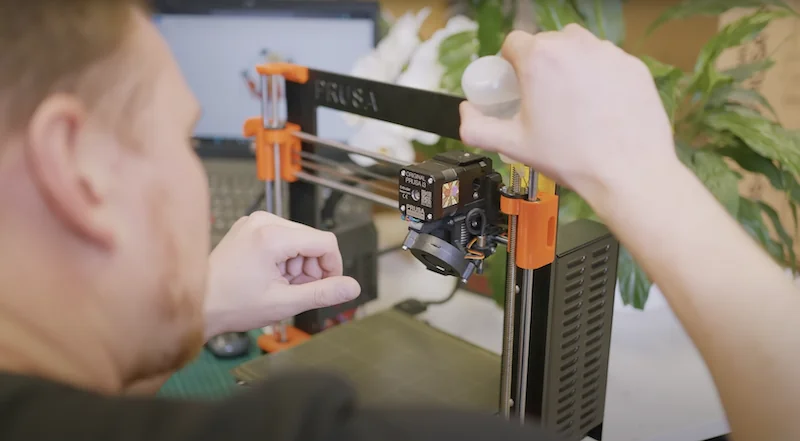 |
| Satin Powder-coated Print Sheet |
Powder-coated spring-steel print sheet with a lightly textured matte/satin finish, offering performance between smooth and textured sheets. Provides strong, balanced adhesion—especially for PLA and PETG—and is compatible with many other filaments (including ABS, ASA, FlexFill 98A, and Polycarbonate). Most materials can be printed without a separation layer; for frequent Polycarbonate printing, apply a glue-stick layer to prevent possible sheet damage. Notes: never clean with acetone, and adjust Live-Z when switching between sheet types. |
$66 | 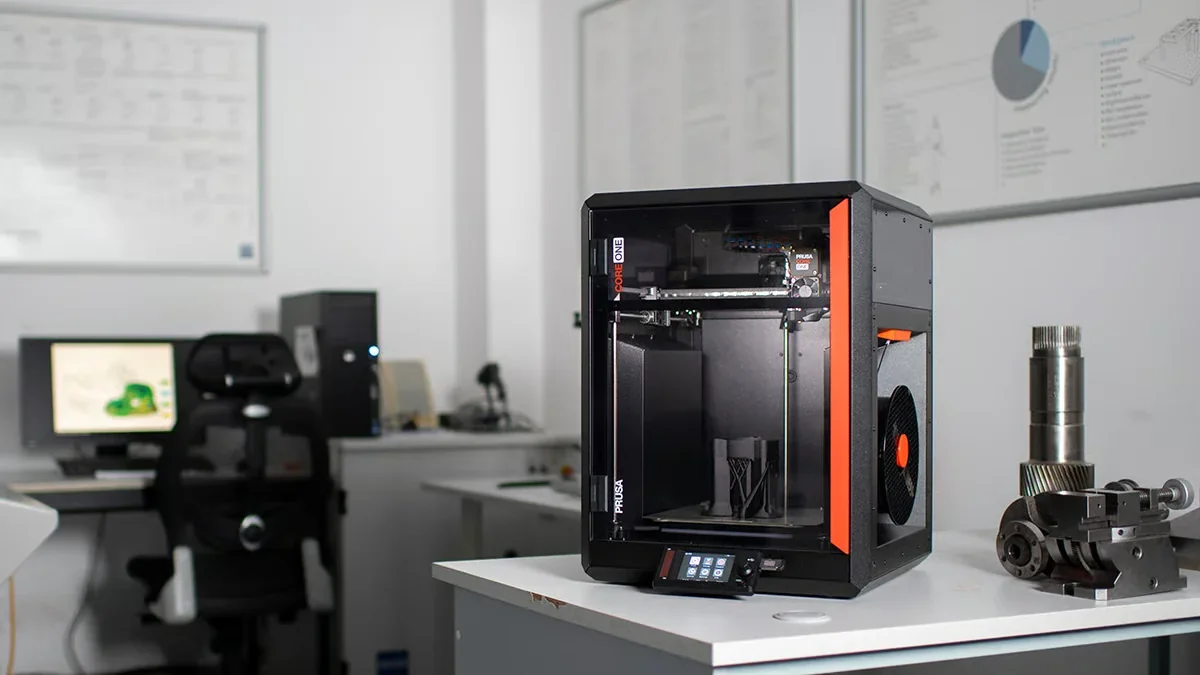 |
| Textured Powder-coated Print Sheet |
Textured, powder-coated spring-steel build plate that leaves a distinct textured finish on the bottom of prints. The powder coating is applied directly to metal for high durability, and the texture hides most tool marks and typical wear. Notes: never clean with acetone. |
$56 | 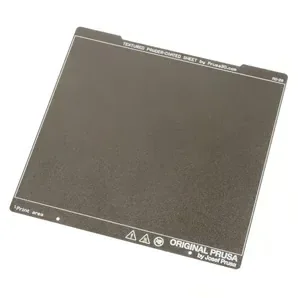 |
Parts for the Extrusion System (Nozzles, Hotends & Thermal Protection)
| Accessory | Function | Price (USD) | Image |
|---|---|---|---|
| High-temp hotend upgrade (up to 400 °C) |
HT Hotend Upgrade for CORE One+ raises max nozzle temperature to 400 °C for high-performance polymers (e.g., PEKK-CF, PPS-CF, PPSU, PPA-CF), can improve adhesion for materials like ASA, PA11, and PETG (up to ~30%) via better thermal bonding, and swaps tool-free in under a minute. |
$230 | 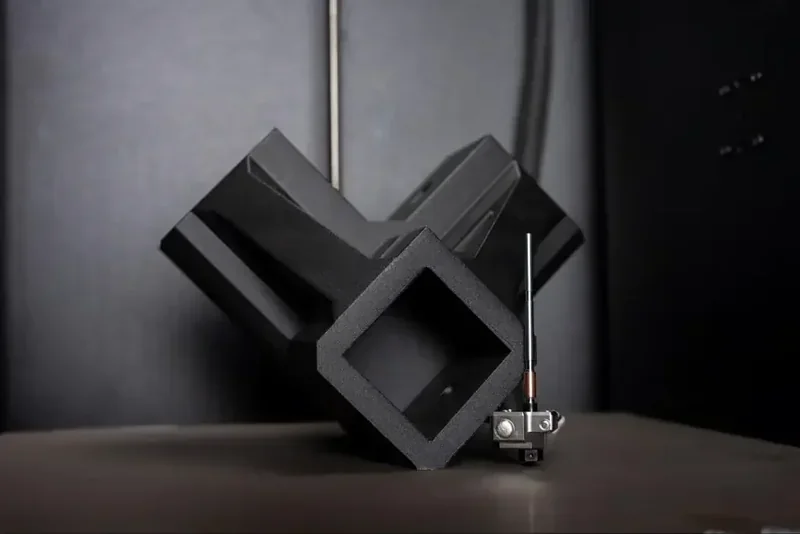 |
| E3D Prusa Nozzle: DiamondBack |
DiamondBack Prusa Nextruder nozzles (E3D co-designed) use a solid polycrystalline diamond tip for unmatched abrasion resistance and precision with filled filaments, drop in with no hardware changes, run standard-flow profiles (not high-flow), and come in 0.4/0.6/0.8 mm variants (1.75 mm, up to 300 °C). |
$189 | 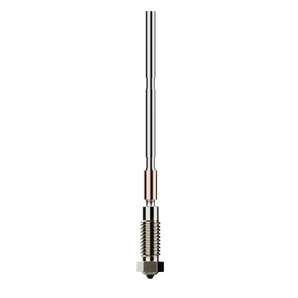 |
| E3D Prusa Nozzle: High Flow Brass |
Genuine E3D High Flow brass Prusa Nextruder nozzles use an all-metal filament path and a 4-channel high-flow geometry to boost volumetric flow for faster printing, drop in with no mount changes, and come in 0.4/0.6 mm (1.75 mm, up to 300 °C). |
$50 | 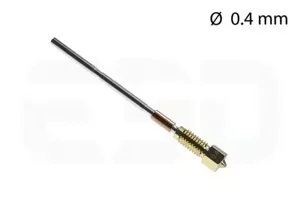 |
| E3D Prusa Nozzle: High Flow ObXidian™ |
Genuine E3D High Flow ObXidian™ Prusa Nextruder nozzles provide an all-metal filament path plus high-flow geometry and exceptional abrasion resistance via a tool-steel insert with E3DLC™ non-stick coating, drop in with no mount changes, and come in 0.4 / 0.5 / 0.6 mm variants (1.75 mm, up to 300 °C). |
$91 | 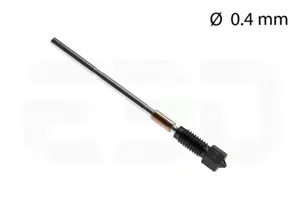 |
| Nextruder Hotend (brass) | Includes one selected-size Prusa brass nozzle, Nextruder heaterblock, 40 W heater (120 mm set), and NTC 100k thermistor (115 mm). Available in 0.4 / 0.6 / 0.8 mm variants. | $72 | 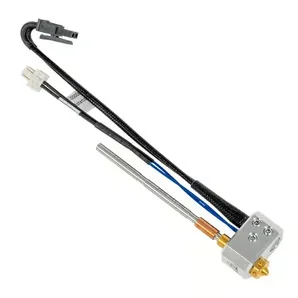 |
| Nextruder High Flow Hotend (brass) |
Includes one selected-size Prusa brass CHT nozzle, Nextruder heaterblock, 40 W heater (120 mm set), and NTC 100k thermistor (115 mm). Available in 0.4 and 0.6 mm variants. |
$83 | 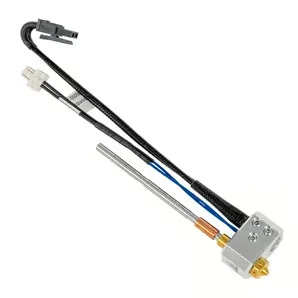 |
| Nextruder V6 Nozzle Adapter | Adapter that allows you to install a V6-compatible nozzle on the Prusa Nextruder. Package includes 1x Nextruder-to-V6 nozzle adapter (V6 nozzle not included). | $28 | 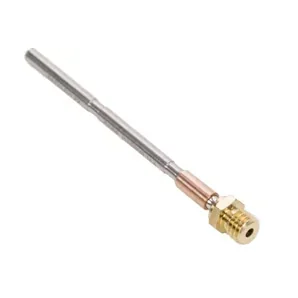 |
| Prusa Nextruder Silicone sock - set |
Install only on a clean nozzle/heaterblock and never while the printer is hot or running (burn risk); includes 3× Nextruder socks. |
$8 | 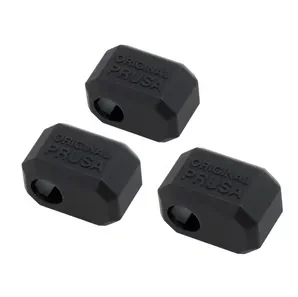 |
| Prusa Nozzle (brass) |
Prusa’s new Nextruder nozzles use an all-metal filament path (no PTFE) for better reliability and faster nozzle changes. |
$28 | 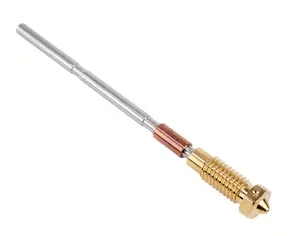 |
| Prusa Nozzle CHT (Brass) |
Nextruder brass CHT nozzle uses an all-metal filament path (no PTFE) and Core Heating Technology for more even heating and improved flow; includes 1× Prusa Nozzle brass CHT. Available in 0.4 and 0.6 mm variants. |
$44 | 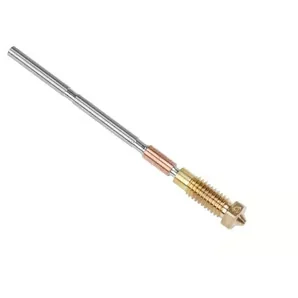 |
| Prusa Nozzle ObXidian |
Prusa Nozzle ObXidian is a hardened-steel, corrosion-coated Nextruder nozzle built for long-lasting performance with abrasive filaments like carbon fiber; includes 1× Prusa Nozzle ObXidian. Available in 0.4 and 0.6 mm variants. |
$75 | 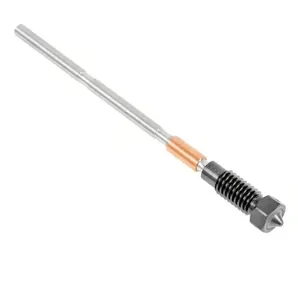 |
| Standard Nozzle Kit |
Kit of standard brass nozzles for a Prusa-compatible nozzle system, meant for easy replacement and for switching nozzle sizes. Includes 0.25, 0.4, 0.6, and 0.8 mm brass nozzles, plus a brass nozzle brush and CNC Kitchen nozzle cleaning wires. |
$138 | 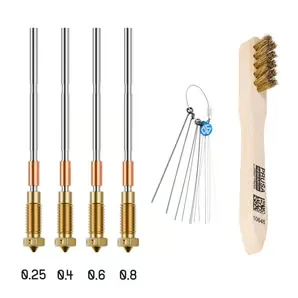 |
Materials & Bundles (Filament + Print-Surface Sets)
| Accessory | Function | Price (USD) | Image |
|---|---|---|---|
| Prusament PA11-CF (NFC) + PA Nylon Print Sheet BUNDLE |
Bundle includes Prusament PA11 Carbon Fiber Black (800 g, NFC) and a PA Nylon powder-coated print sheet; the CF-reinforced PA11 offers strong, low-warp parts with up to 190 °C temperature resistance and broad chemical resistance (e.g., NaOH, alcohols, acetone), while the included PA sheet boosts adhesion for polyamide filaments. |
$297 | 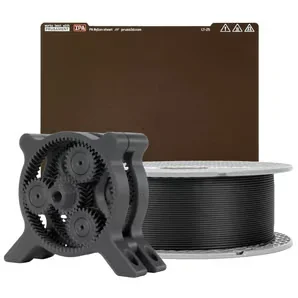 |
| Prusament PP-CF (NFC) + PP Print Sheet BUNDLE |
Bundle includes Prusament PP-CF (NFC) filament plus a PP print sheet, pairing carbon-fiber polypropylene with a matching build surface for reliable adhesion and release. |
$149 | 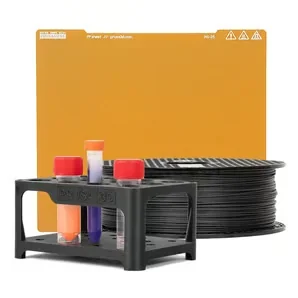 |
| Prusament PP-GF (NFC) + PP Print Sheet BUNDLE |
Bundle includes Prusament PP-GF (NFC) filament plus a PP print sheet, pairing glass-fiber polypropylene with a matching build surface for reliable adhesion and release. |
$149 | 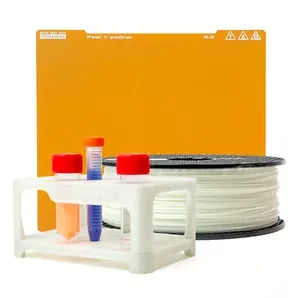 |
Electronics & Utility Accessories
| Accessory | Function | Price (USD) | Image |
|---|---|---|---|
| Accelerometer Set |
Accelerometer module for Prusa developers/modders to measure axis resonance and recalibrate Input Shaper after hardware mods (e.g., Nextruder changes), connecting to the MK4S xBuddy port and mounting on the printhead and heatbed — easy to install, and unnecessary for stock printers with factory-tuned values. |
$26 | 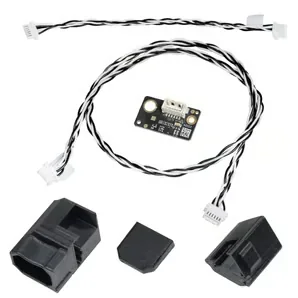 |
| GPIO "Hackerboard" Set |
GPIO module for MK4/S, MK3.9/S, and MK3.5/S modders that connects to the xBuddy I2C port to control external devices and triggers via custom G-code from PrusaSlicer — e.g., camera timelapse, LED status lights, fans/servos, enclosure functions, or buttons/macropads that run stored scripts. |
$26 | 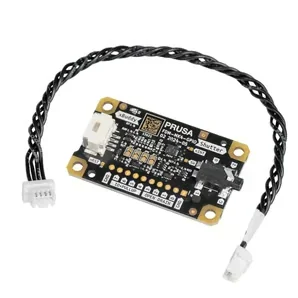 |
| Jumper cable |
Jumper cable for connecting the xBuddy board to the Wi-Fi pass-through, enabling only the rear connector on the Wi-Fi board; includes 1× jumper cable. |
$9 | 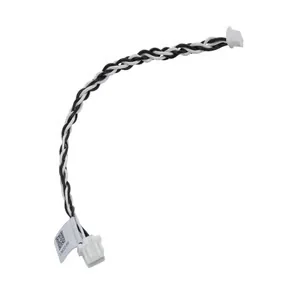 |
| Prusa CORE One Maintenance Kit |
Includes spare prelubricated bearings (2× LM8UU + 2× LM10LUU for CoreXY mounts), lubricant, heatbed thermistor set, hotend and blower fans, an assembled hotend with 0.4 mm brass nozzle and silicone sock, an assembled heatsink with loadcell and filament sensor, two nozzle thumb screws, an extra small-parts/fasteners bag (pads, magnets, pulleys, extruder parts), a PCCF-printed fan shroud, assorted screws/nuts/rivets, 20 zip ties plus 5 cable ties, a 45 mm PTFE tube (4×2.5 mm), and a cleaning needle with IPA pad. |
$249 | 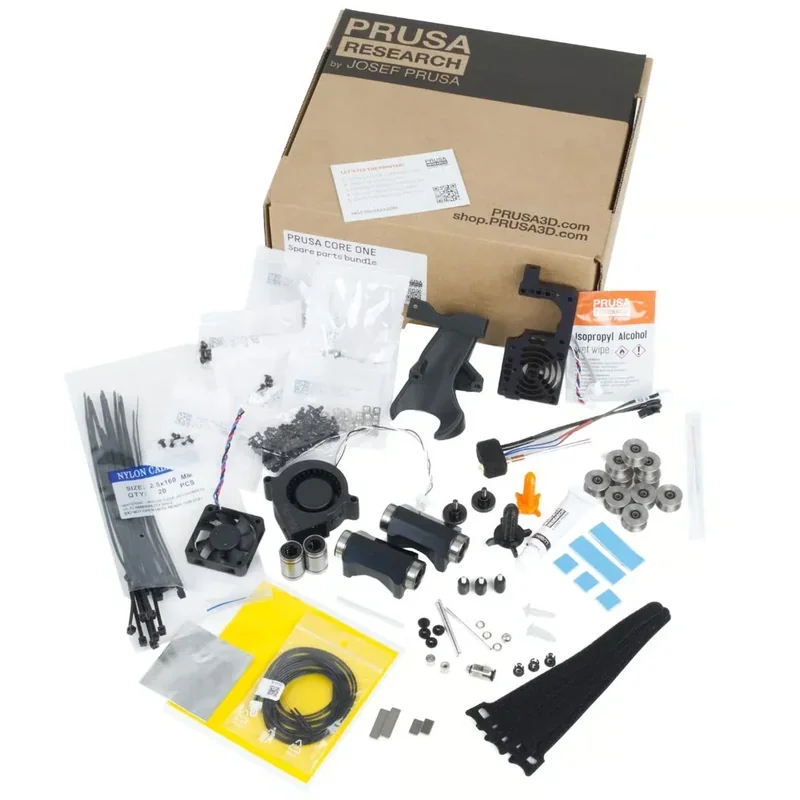 |
| Prusa Core One Starter Set |
Bundle includes Prusa brass CHT nozzles (0.4 and 0.6 mm), a CORE One satin powder-coated print sheet, a brass nozzle brush, and five nozzle-cleaning needles. |
$139 | 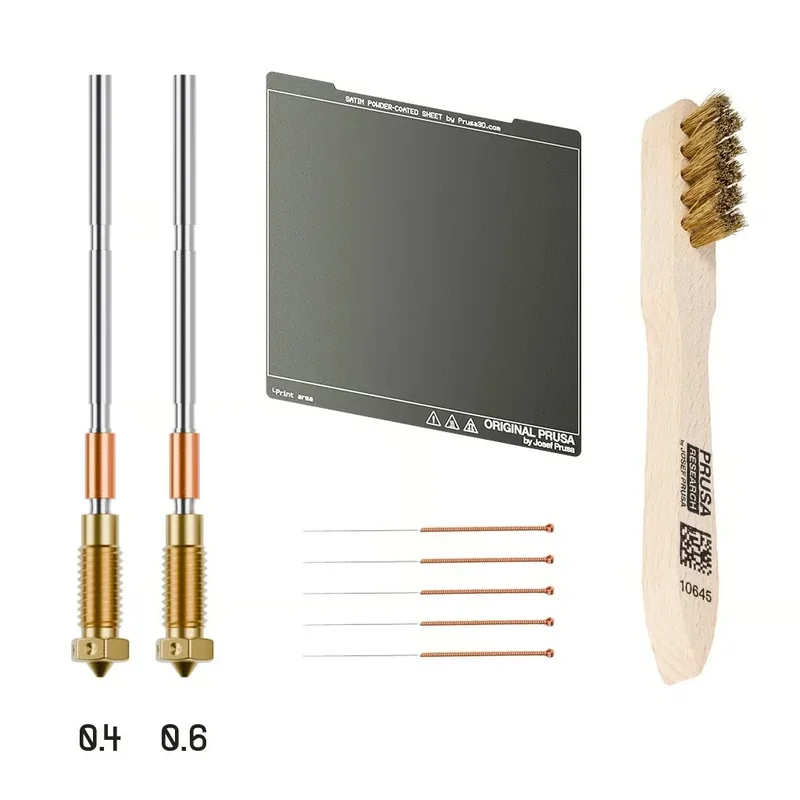 |
| Lubrication Set |
Includes a dosing needle (SSS15 2), a cartridge with manual piston (2/2.5 mm), Microlube GL 261 lubricant (20 g), and 2 nitrile gloves. |
$15 | 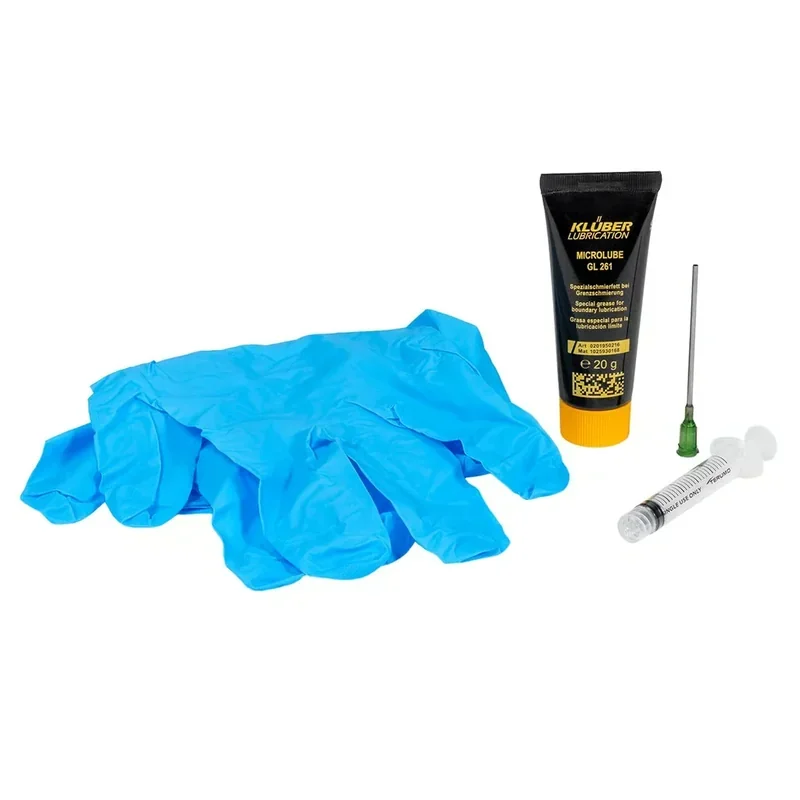 |
| USB-A cable to micro USB 1m |
1 m USB cable with USB-A male to Micro-USB male connectors; includes 1× cable. |
$2 |  |
What maintenance is required for the Prusa CORE One+?
Before Every Print
- Clean debris from the printer and under the heatbed using a brush, vacuum, or broom.
- Hotend cleaning: Heat nozzle to 250°C for 3–5 minutes, clean with a brass brush.
- Print sheet cleaning: Smooth Sheet: Acetone (sparingly), Textured Sheet: 90% IPA, PA Nylon Sheet: Water + dish soap
Every 200 Hours
- X-axis linear rail: Wipe clean and lubricate with Prusa's rail lubrication set.
- Y-axis rods & bearings: Clean with paper towels; apply Prusa Lubricant.
- Belt check: Print a circle — adjust if not perfectly round.
- Fan cleaning: Use compressed air and tweezers to remove dust or plastic threads.
- Nextruder: Clean gear grooves via side access with compressed air, clean filament sensor path with tweezers or air.
- Panel cleaning: Use alcohol-free cleaner or soapy water.
Every 600–800 Hours
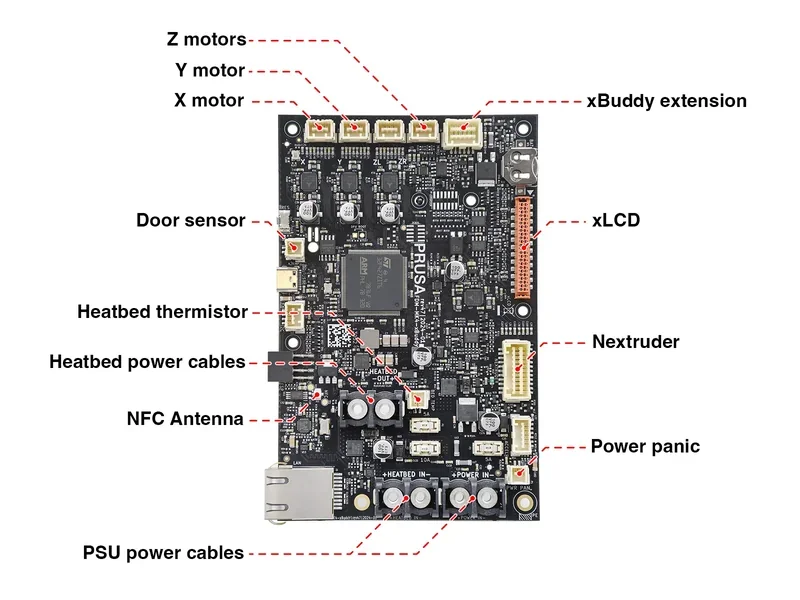
Check connectors on:
- xBuddy board
- Loveboard
- Heatbed
- PSU
- xLCD
Link to full manual: https://help.prusa3d.com/article/regular-printer-maintenance-core-one_829710
The Prusa CORE One+'s modular, glue-free design allows full disassembly with standard tools. Prusa stocks all replacement parts and continues firmware support — even the 7-year-old MK3 received updates in 2024.
What support and warranty come with the Original Prusa 3D Printers?
The Prusa CORE One+ includes a 2-year warranty for consumers in the EU, Liechtenstein, Switzerland, Norway, and Iceland; all others, including businesses, get 1 year coverage. Coverage applies to assembled units and kits, covering defects and early failures. Warranty claims require an invoice, serial number, and issue documentation.
Consumables like nozzles, sheets, and belts aren’t covered. Optional 1- or 2-year warranty extensions can be added at purchase.
Full warranty terms: https://help.prusa3d.com/article/warranty_2288
| Service Package | What’s Included | Price (USD) |
|---|---|---|
| 3D Printing and Modeling for Beginners (CORE One/+) | Beginner course introducing Prusa CORE One/+ workflows. Covers downloading 3D models, using PrusaSlicer, basic 3D modeling, and some printer-maintenance fundamentals. | $0 |
| 1 Year of Extended International Warranty | Extends the standard warranty and 24/7 support byone additional year. Includesfree repairs and replacement partsduring the extended coverage period. | $165 |
| 2 Years of Extended International Warranty | Extends the standard warranty and 24/7 support bytwo additional years. Includesfree repairs and replacement partsduring the extended coverage period. | $320 |
| 3D Modeling in Autodesk Fusion | Beginner course focused on Autodesk Fusion tools used for 3D printing. Intended for hobby/small-business users, but also suitable as a foundation for aspiring professionals. Includes4 sample projectsfor guided practice. | $30 |
| PrusaSlicer Masterclass – Beginner to Advanced | PrusaSlicer course from basic workflow to advanced features (e.g., multi-color within a single layer; switching orthographic vs perspective camera modes). Includes practice with4 sample projectsand quizzes. Suitable for beginners and experienced users of any 3D printer. | $30 |
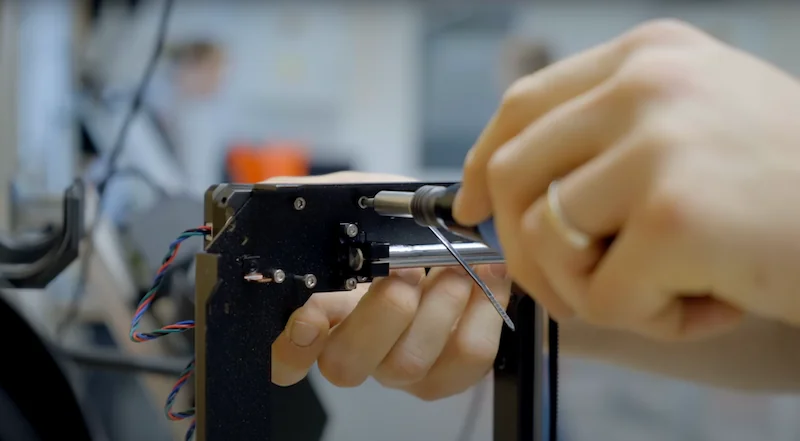
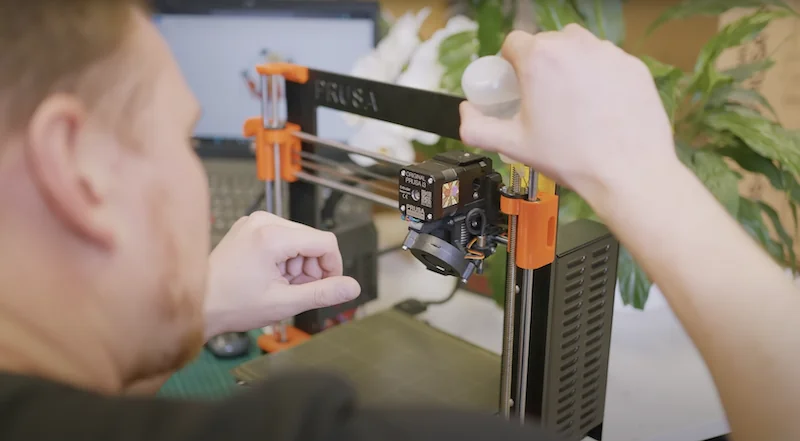
Prusa offers 24/7 live chat and email support in multiple languages, even after the warranty ends. Technical help remains available for the printer's lifetime. Online support includes maintenance guides, video tutorials, and firmware instructions. The Prusa forum connects users with staff and community experts for troubleshooting and tips, providing ongoing support well beyond purchase.
How much does the Prusa CORE One+ cost?
The fully assembled Prusa CORE One+ is available at $1,599.00. This price includes all software updates for the entire lifespan of the Core One series. The self-assembly CORE One+ kit costs about 21% less and includes the same components with detailed instructions. Prusa MK4 owners can opt for a conversion kit at roughly 62% less than a new assembled unit, converting their bedslinger to the same Core XY design and enclosure. Additionally, existing Core One owners can purchase the official Upgrade Kit (USD 9.99) to add new features such as automated vents, modular spool holder, and reinforced door hinges, converting their Core One to Core One+ specifications.All versions include the steel exoskeleton, active chamber control, CoreXY system, and award-winning Nextruder.