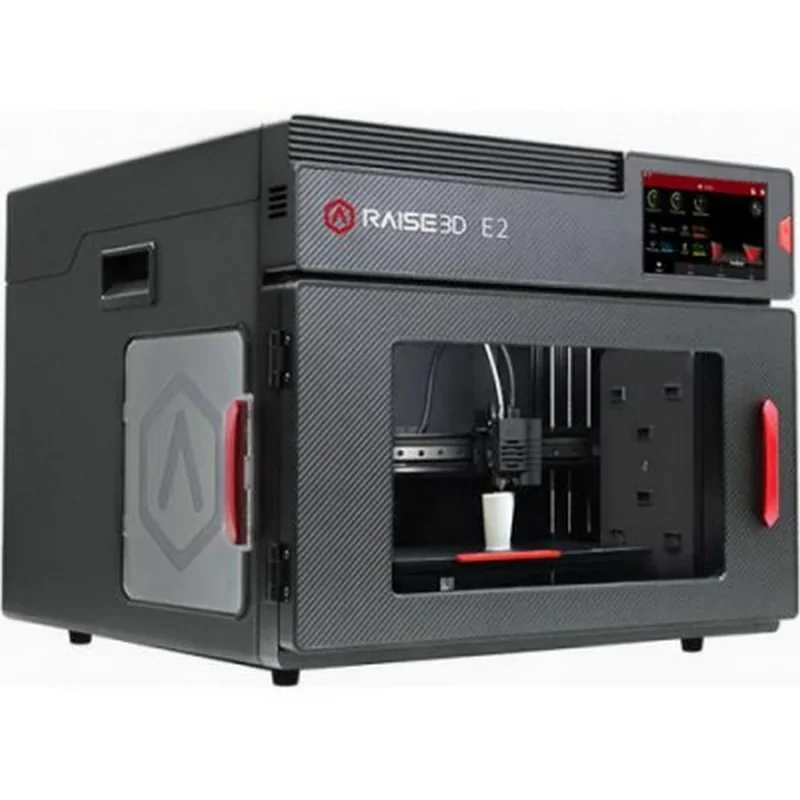
Raise3D E2 Desktop 3D Printer with Independent Dual Extruders (IDEX) and Auto Bed Leveling


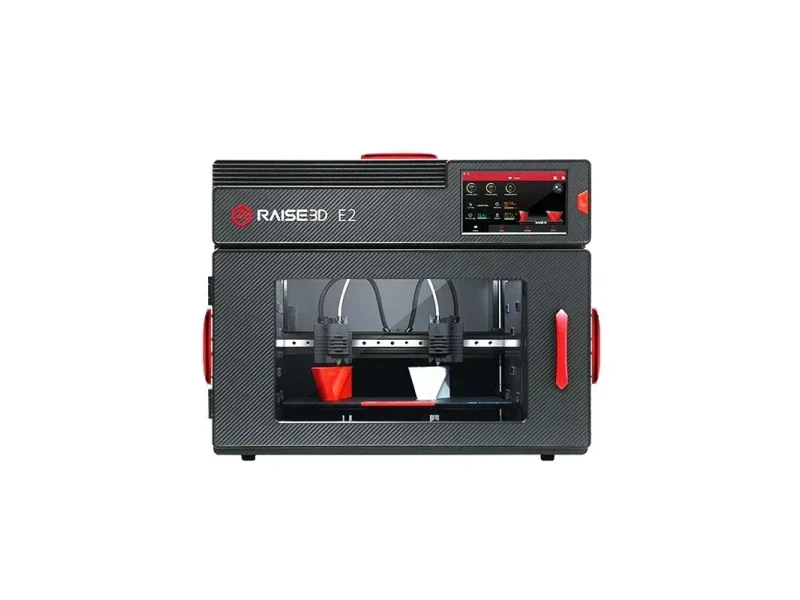
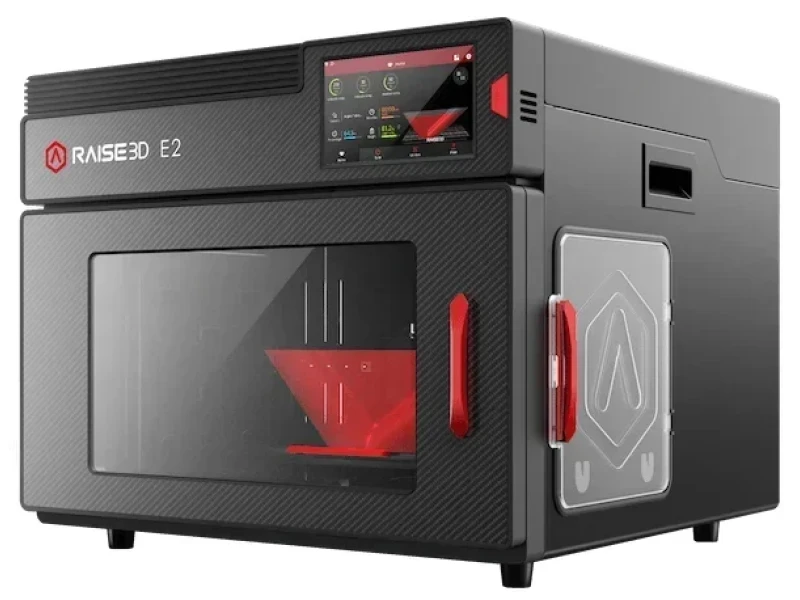


- Independent Dual Extruder for duplicate printing
- Supports materials up to 300°C including fiber-reinforced
- HEPA filter for fume minimization
- Remote monitoring via Wi-Fi and camera
- Flexible Payment Terms
- 1 Year Warranty
- Local Technical Support
- Free Online Training
- Raise3D E2 printer
- 2 spools of Premium PLA
- Flexible steel BuildTak plate
- 8GB USB with ideaMaker
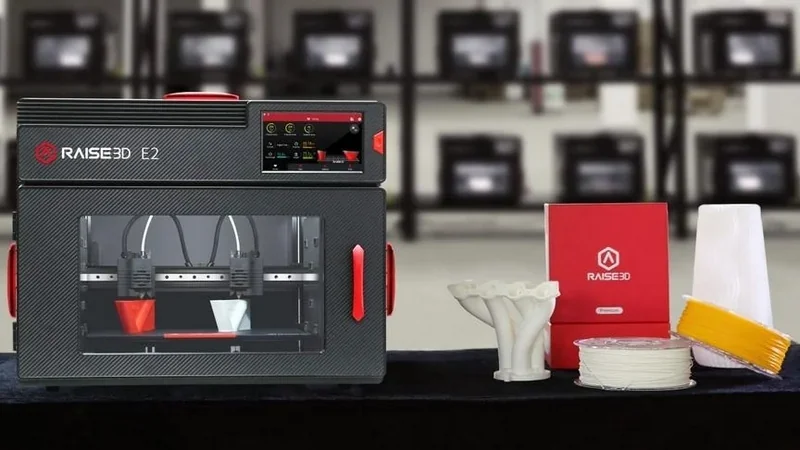
The Raise3D E2 is a professional-grade 3D printer designed for education and business, featuring an Independent Dual Extruder (IDEX) system for duplicate or mirror printing, a fully enclosed chamber, and a build volume up to 330×240×240 mm. It supports materials like PLA, ABS, PC, TPU, and fiber-reinforced filaments at temperatures up to 300°C. A HEPA filter minimizes fumes, and a magnetic BuildTak plate simplifies model removal. With a 7-inch touchscreen, Wi-Fi, camera for remote monitoring, and quiet operation under 50 dB, the E2 offers high-quality, reliable printing in a compact, user-friendly package.
- What is the print quality and performance of the Raise3D E2 Desktop 3D Printer?
- Which filaments can you use with the Raise3D E2 IDEX 3D Printer?
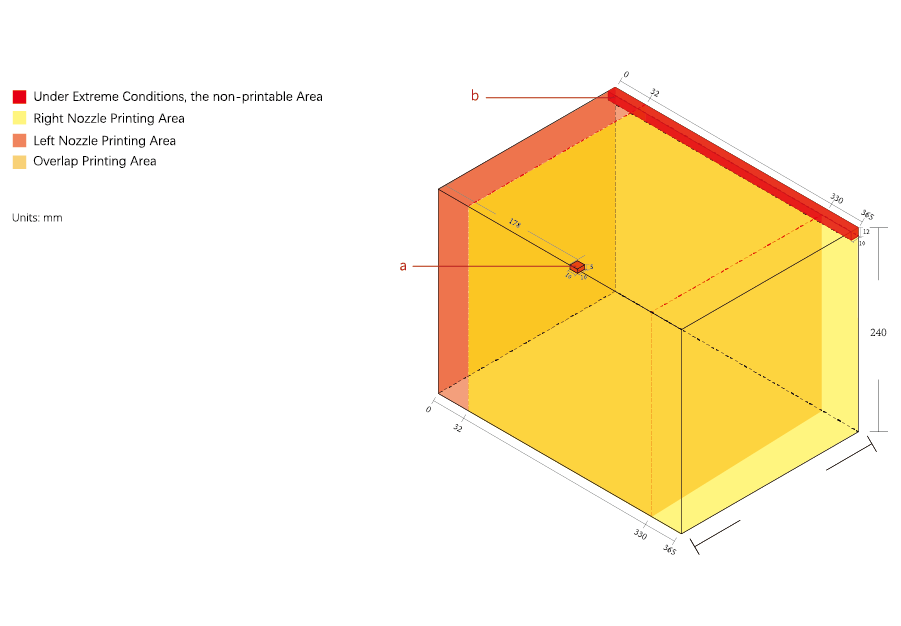
- What is the build volume of the Raise3D E2?
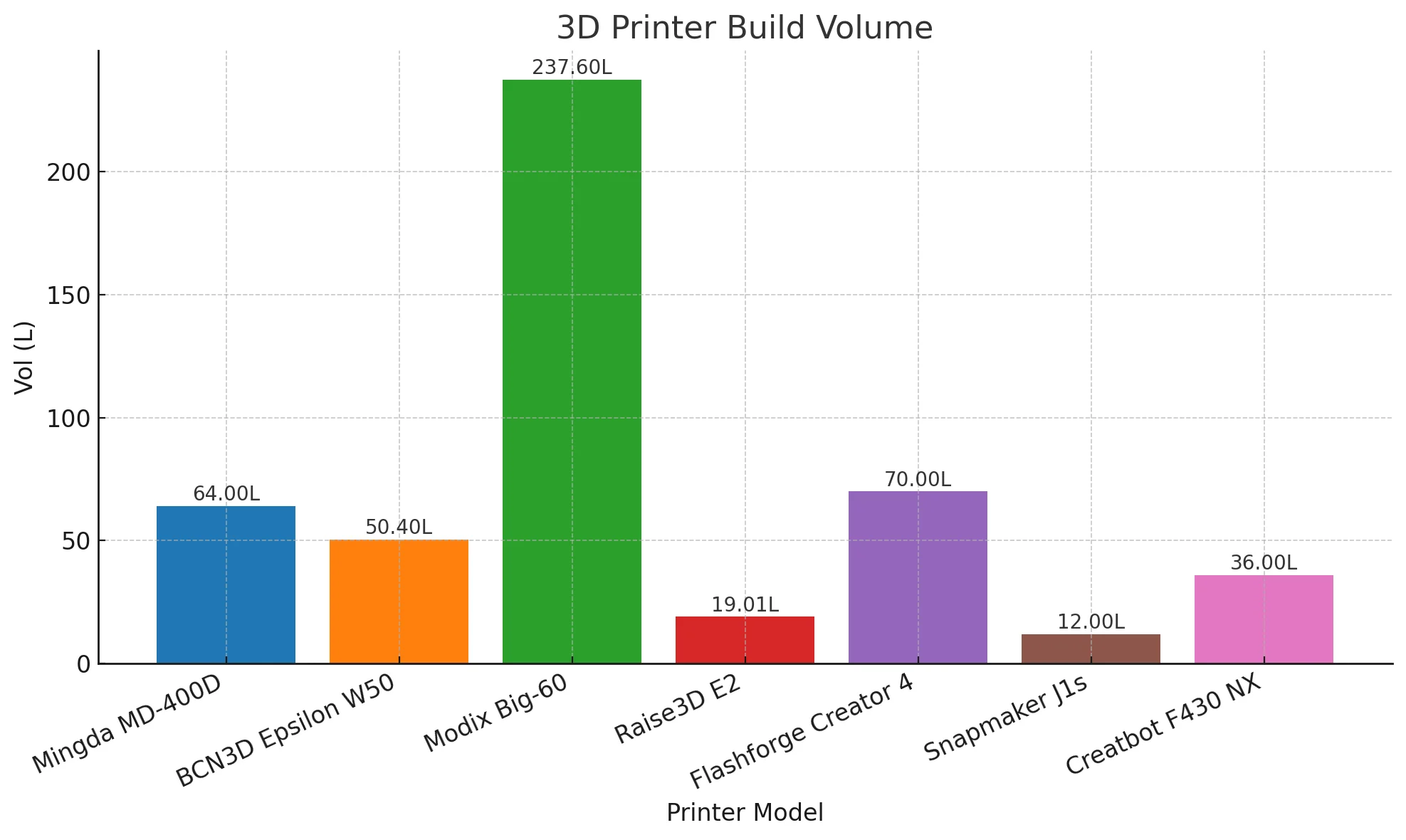
- What is the difference between the Raise3D E2, Mingda MD-400D, BCN 3D Epsilon W50, Modix Big 60, FlashForge Creator 4, Snapmaker J1S, CreateBot F430 NX?
- What printer controls are available on the Raise3D E2?
- What connectivity options are available on the Raise3D E2?
- What software is offered with the Raise3D E2?
- What is the design and build quality of the Raise3D E2?
- What comes included in the box with Raise3D E2?
- What upgrades and accessories are available for the Raise3D E2?
- What maintenance does the Raise3D E2 require?
- What support and warranty come with the Raise3D E2?
- How much does the Raise3D E2 cost?
What is the print quality and performance of the Raise3D E2 Desktop 3D Printer?
The Raise3D E2 delivers professional-grade print quality with layer heights from 0.02 to 0.25 mm and dimensional accuracy within 0.2 mm on the Z-axis. Prints feature smooth surface finishes comparable to injection molding, while print speeds of 30–150 mm/s are supported by precision linear rails.
PLA 3D Print Sample: Dual-color chess pieces with detailed geometry, printed on the Raise3D E2 iDEX using black and red filaments, with strong layer adhesion and clean color transitions.
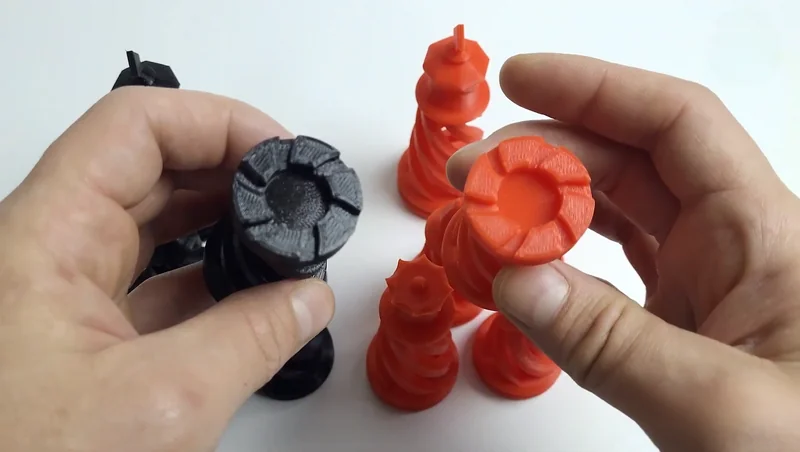
The Raise3D E2 prints at 30–150 mm/s, with most tests at 50–60 mm/s. Its IDEX system boosts productivity with duplicate and mirror modes.
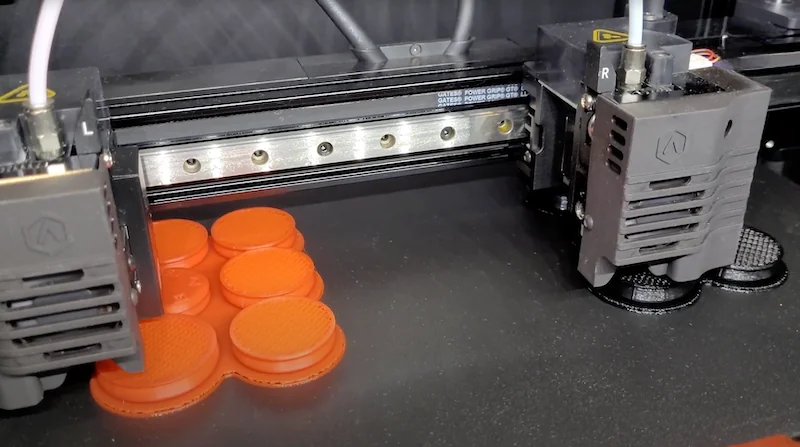
The Raise3D E2’s design supports high print quality with linear rails for precise X-axis movement and GATES belts for accurate positioning. Direct drive extruders use a 40 mm radial fan for strong cooling, while the V3P hotend reaches 300°C with a PTFE-lined heat break for reliable, clog-resistant extrusion across materials.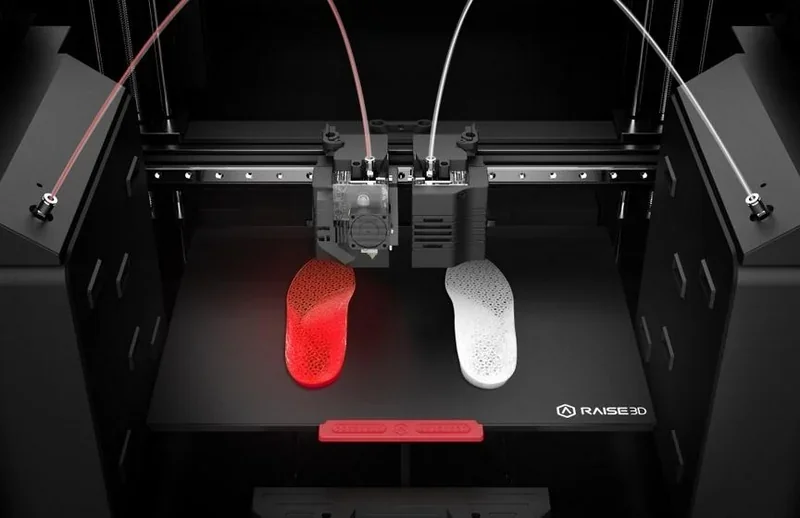 PLA and ABS Case Study: Cosmic Grips used Raise3D E2 with PLA for climbing hold designs and ABS for durable molds, achieving smooth finishes, low maintenance, reliable continuous use over two years.
ABS and Carbon Fiber-Infused PT Case Study: Speedhud used Raise3D E2 with ABS and carbon fiber–infused PT to make durable jigs, fixtures, and prototypes, achieving high accuracy, faster production, and year-long tool durability.
TPU Case Study: Sooley used Raise3D E2 for printing custom orthopedic insoles.
Which filaments can you use with the Raise3D E2 IDEX 3D Printer?
The Raise3D E2 supports over 10 filament types, including PLA, ABS, PETG, ASA, PC, nylon, TPU, TPE (up to 70A hardness), and composites with glass fiber, carbon fiber, metal, wood, and PVA. Its open-platform design works with both Raise3D and third-party materials. The Open Filament Program provides slicing profiles for over 139 3D printing materials via the ideaMaker Library: https://www.ideamaker.io/ofpMaterials.html. Dual extrusion allows for multi-material prints, such as using PVA supports for complex geometries and internal structures.
PLA 3D Print Sample: A red and black dual-extrusion frog with intricate maze-like surface patterns.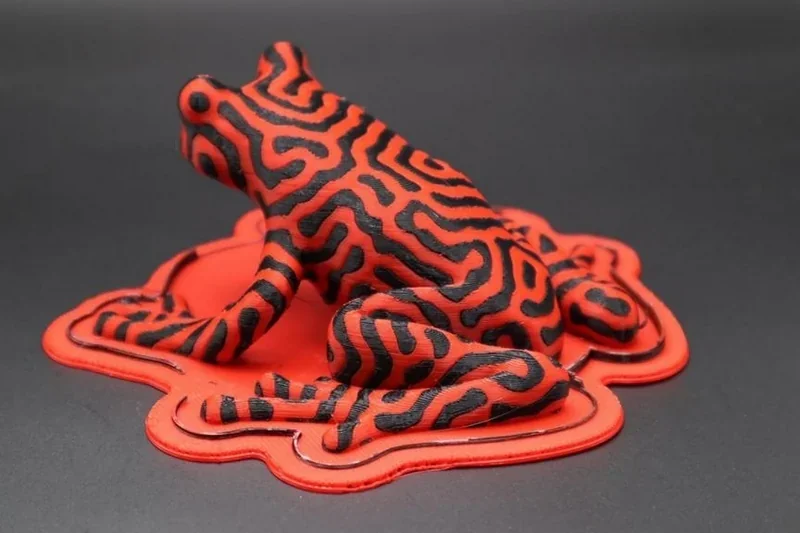
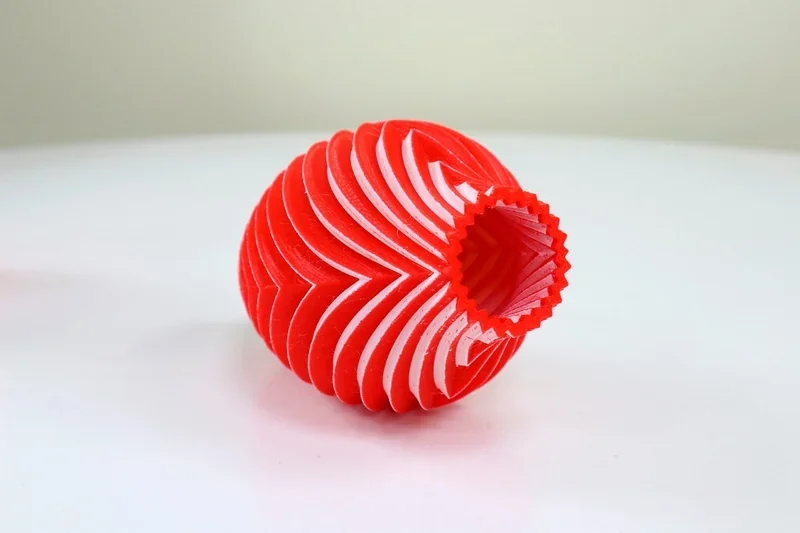
PLA 3D Print Sample: A spiral vase with alternating red and white layers and an open cylindrical core.
PLA 3D Print Sample: Small mechanical parts with holes and slots for connectors and fasteners.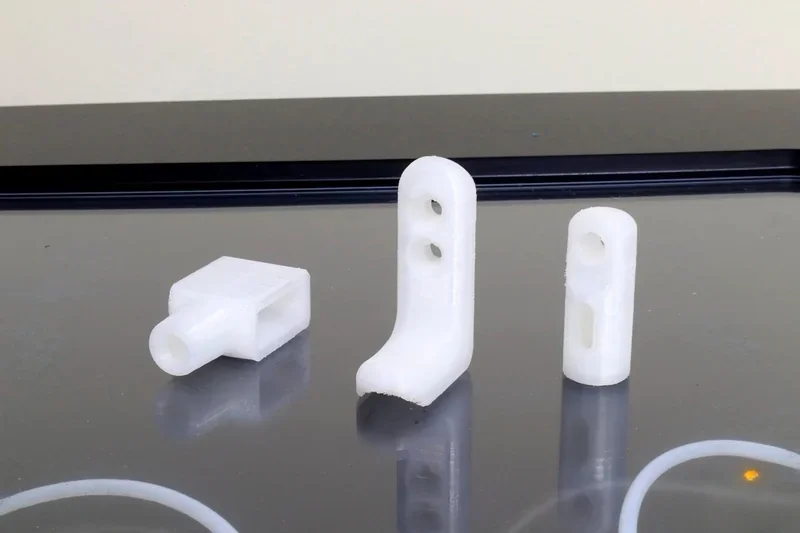
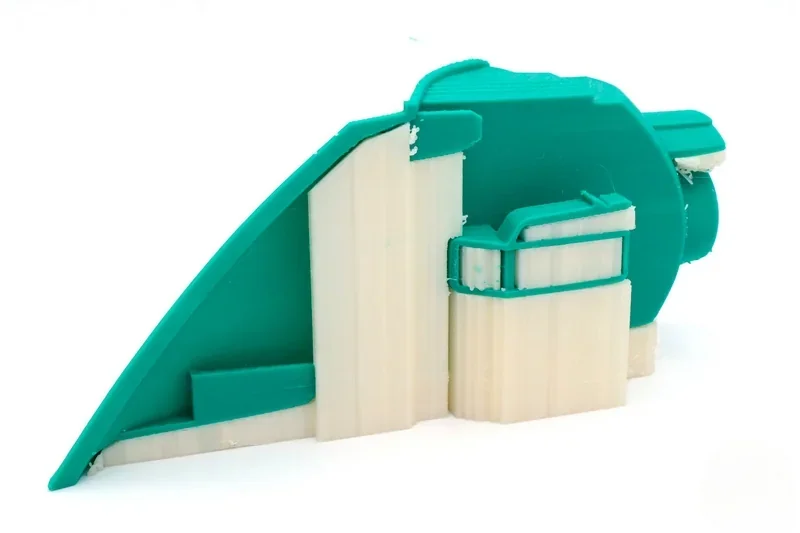
PLA with PVA Support 3D Print Sample: A green PLA model with complex overhangs supported by dissolvable PVA structures.
TPU 3D Print Sample: A bright yellow, single-piece shoe model with a smooth upper surface and visible layered texture on the sole, printed in a low-profile slip-on design:
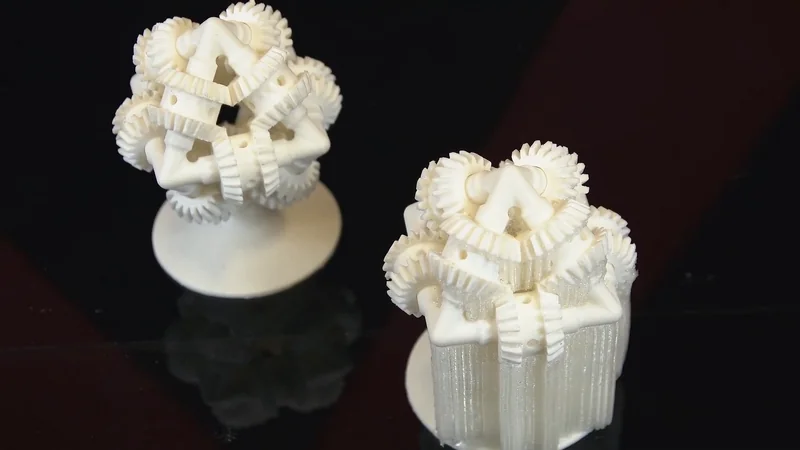
ABS and BVOH 3D Print Sample: An interlocking gear assembly with complex overhangs and floating parts, using BVOH dissolvable supports for clean removal from detailed internal structures.
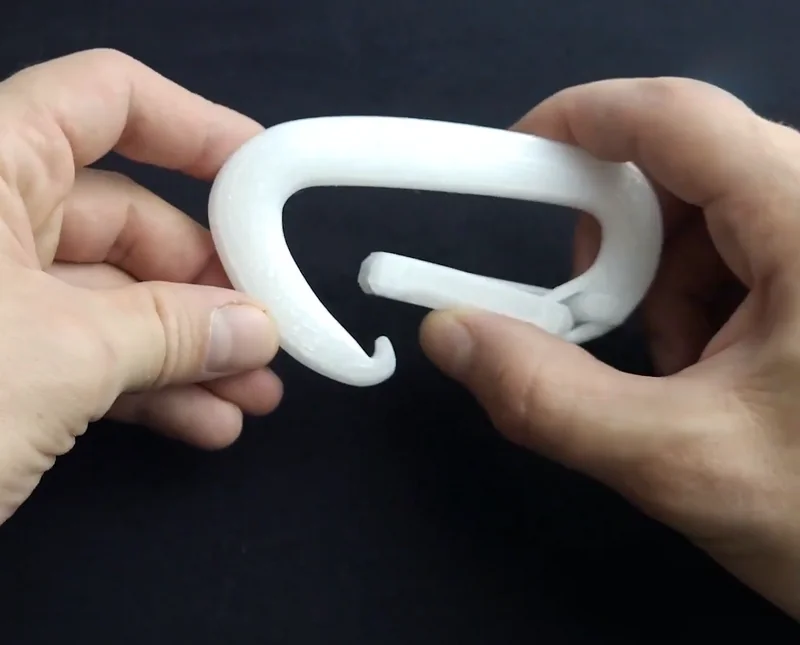
Nylon 3D Print Sample: white U-shaped carabiner with a smooth surface and internal hinge, printed on the Raise3D E2 with dual extrusion, minimal stringing, and strong layer adhesion.
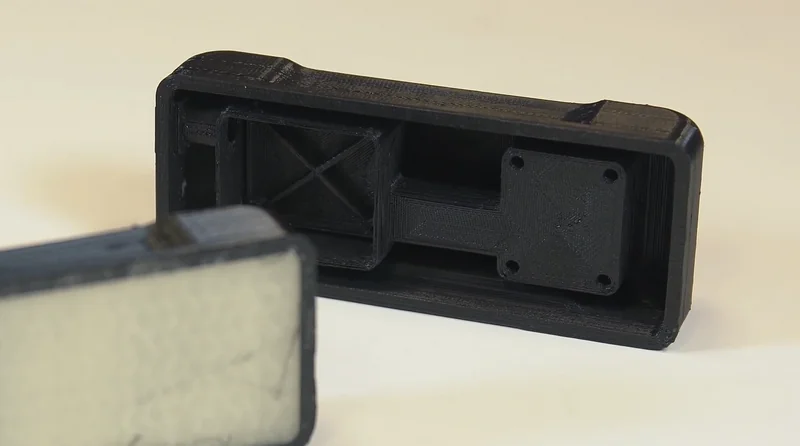
 PC and BVOH 3D Print Sample: A black rectangular enclosure with internal supports and a hollow structure, using BVOH dissolvable material for clean removal of intricate features.
What is the build volume of the Raise3D E2?
The Raise3D E2 offers a 330 × 240 × 240 mm build volume with one extruder, or 295 × 240 × 240 mm when using both, reducing the X-axis by 35 mm for dual setups. This large capacity fits within a compact 607 × 596 × 465 mm footprint, providing an efficient space-to-volume ratio.
What is the difference between the Raise3D E2, Mingda MD-400D, BCN 3D Epsilon W50, Modix Big 60, FlashForge Creator 4, Snapmaker J1S, CreateBot F430 NX?
Raise3D E2 — IDEX, 330×240×240 mm, 300 °C nozzle, 110 °C bed, passive chamber, and ~150 mm/s at $2,999+ — a balanced, enclosed benchtop IDEX that prioritizes affordability and predictable thermals.
In contrast:
- Mingda MD-400D — Wins: much larger 400×400×400 mm volume, hotter 350 °C nozzle, and faster 300 mm/s. Loses to E2: higher price ($4,999+).
- BCN3D Epsilon W50 — Wins: larger 420×300×400 mm build area and hotter bed (120 °C). Loses: far higher price ($7,500+), passive chamber, no speed advantage (~150 mm/s), and same 300 °C nozzle.
- Modix Big-60 — Wins: massive 600×600×660 mm volume, very high 500 °C nozzle ceiling, and faster 250 mm/s. Loses: much higher price ($10,000+).
- Flashforge Creator 4 — Wins: larger 400×350×500 mm, 320 °C nozzle, 120 °C bed, and active chamber up to 65 °C. Loses: significantly higher price ($9,444+) with similar top speed (~150 mm/s).
- Snapmaker J1s — Wins: lowest price ($1,099+) and the fastest listed speed (350 mm/s). Loses: smallest 300×200×200 mm build volume, cooler 100 °C bed.
- Creatbot F430 NX — Wins: larger 400×300×300 mm volume, much hotter 420 °C nozzle, 140 °C bed, active chamber up to 70 °C, and faster 300 mm/s. Loses: higher price ($6,499+).
|
Feature |
Raise3D E2 |
Mingda MD-400D |
BCN3D Epsilon W50 |
Modix Big-60 |
Flashforge Creator 4 |
Snapmaker J1s |
Creatbot F430 NX |
|
Build Volume (mm) |
330 × 240 × 240 |
400 × 400 × 400 |
420 × 300 × 400 |
600 x 600 x 660 |
400 × 350 × 500 |
300 × 200 × 200 |
400 × 300 × 300 |
|
IDEX Support |
Yes |
Yes |
Yes |
Yes |
Yes |
Yes |
Yes |
|
Max Nozzle Temp |
300 °C |
350 °C |
300 °C |
500°C |
320 °C |
300 °C |
420 °C |
|
Heated Bed Max Temp |
110 °C |
110 °C |
120 °C |
110 °C |
120 °C |
100 °C |
140 °C |
|
Chamber Heating |
Passive |
Passive |
Passive |
Passive |
Active, up to 65 °C |
Passive |
Active, up to 70 °C |
|
Max Print Speed |
~150 mm/s |
300 mm/s |
~150 mm/s |
250 mm/s |
~150 mm/s |
350 mm/s |
300 mm/s |
|
Price (USD, 2025) |
$2,999+ |
$4,999+ |
$7,500+ |
$10,000+ |
$9,444+ |
$1,099+ |
$6,499+ |
What printer controls are available on the Raise3D E2?
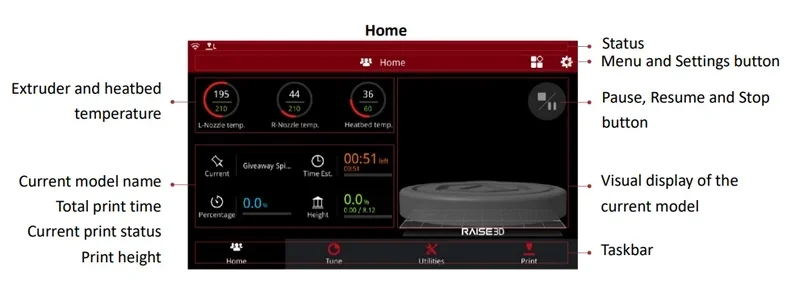
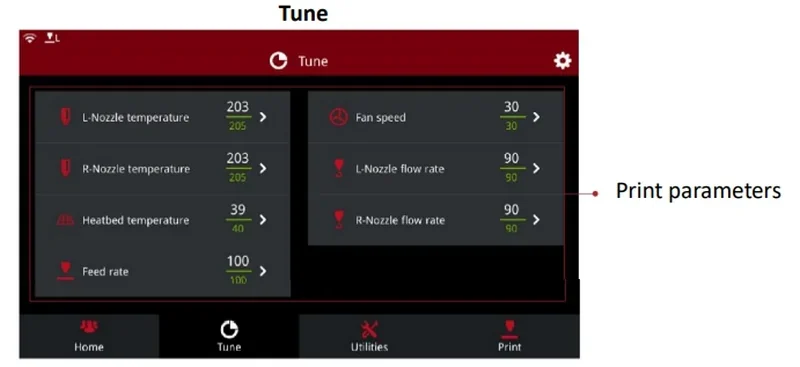
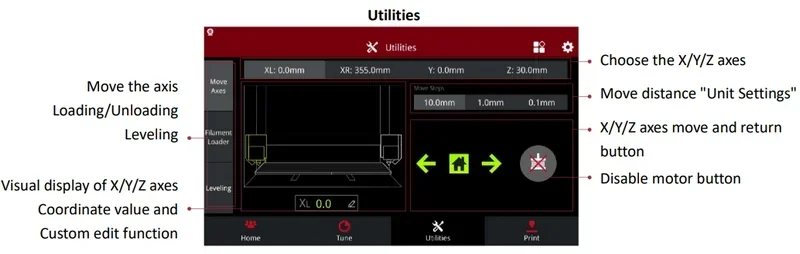
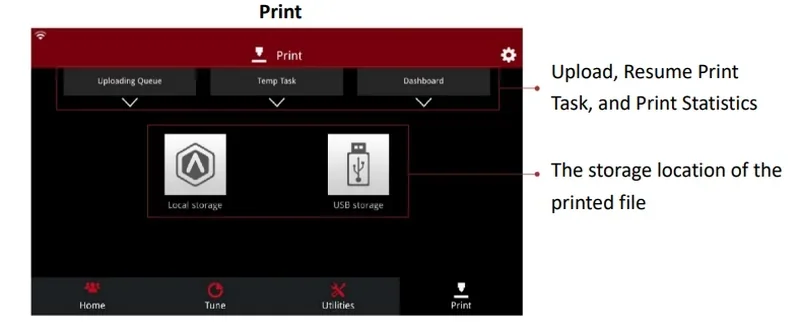
The Raise3D E2 features comprehensive printer controls including real-time monitoring of temperatures and print status, adjustable nozzle and bed temperatures, feed rate, and fan speed tuning, manual axis movement with selectable step sizes (0.1, 1, 10 mm), automatic 9-point bed leveling, filament loading/unloading, and file management with upload, resume, and storage options via local or USB.
Home
- Status: Shows current printer operation.
- Menu/Settings: Access system settings and configuration.
- Pause/Resume/Stop: Controls print execution.
- Extruder/Bed Temperature: Displays real-time nozzle and bed temps.
- Current Model Name: Shows file being printed.
- Total Print Time: Displays elapsed duration.
- Current Print Status: Shows print progress %.
- Print Height: Displays current Z-axis height.
- Model Preview: Preview image (if sliced with ideaMaker).
- Taskbar: Switch between Home, Tune, Utilities, and Print.
Tune
- L-Nozzle Temperature: Adjust left extruder heat.
- R-Nozzle Temperature: Adjust right extruder heat.
- Bed Temperature: Set build plate heat.
- Feed Rate: Control filament feed speed.
- Fan Speed: Adjust cooling fan.
- L-Nozzle Flow Rate: Modify left extruder flow.
- R-Nozzle Flow Rate: Modify right extruder flow.
- Print Parameters: Fine-tune print settings during operation.
Utilities
- Choose X/Y/Z Axes: Select axis for manual control.
- Move Distance: Set movement step size (10 mm, 1 mm, 0.1 mm).
- Axis Move/Return: Move axis forward/backward; home button returns to origin.
- Disable Motor: Allows manual movement of components.
- Move Axis: Manually move print head.
- Loading/Unloading: Load or unload filament.
- Leveling: Run automatic 9-point bed leveling.
- Axis Display: Graphical X/Y/Z coordinate view.
- Coordinates/Custom Edit: Show position values and allow edits.
- Upload/Resume/Statistics: Manage print jobs—upload files, resume prints, view stats.
- Storage Location: Shows where files are stored (local or USB).
- Local Storage: Access onboard files.
- USB Storage: Access files from a USB drive.
What connectivity options are available on the Raise3D E2?
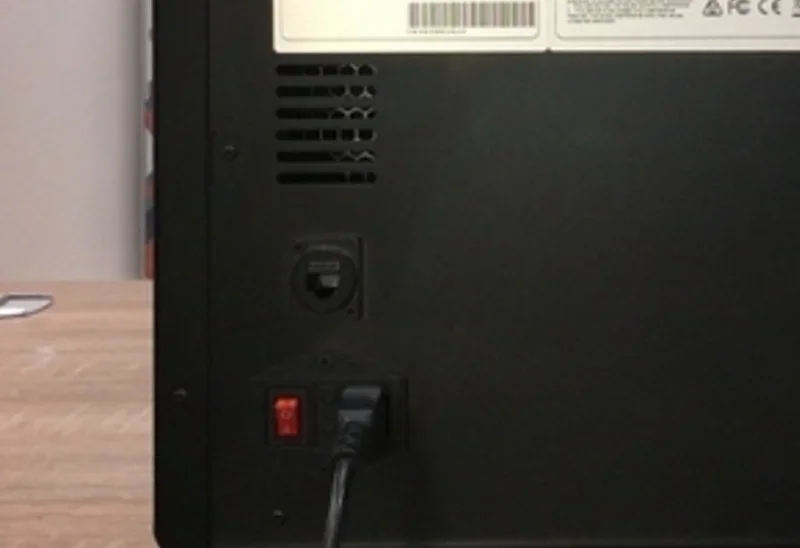
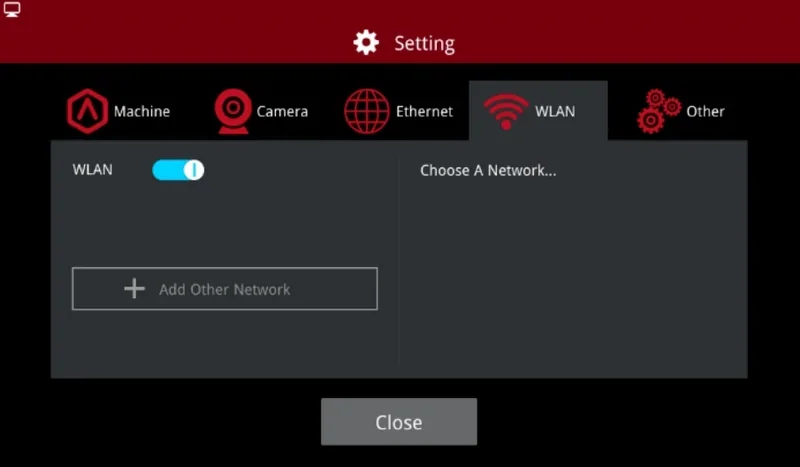
The Raise3D E2 features 3 connectivity options: USB 2.0 ports, Ethernet, and Wi-Fi (2.4GHz and 5GHz). It includes 8GB onboard storage for file management without a computer. Network setup is managed through the touchscreen by selecting or adding SSIDs. The printer integrates with ideaMaker software, compatible with Windows, macOS, and Linux.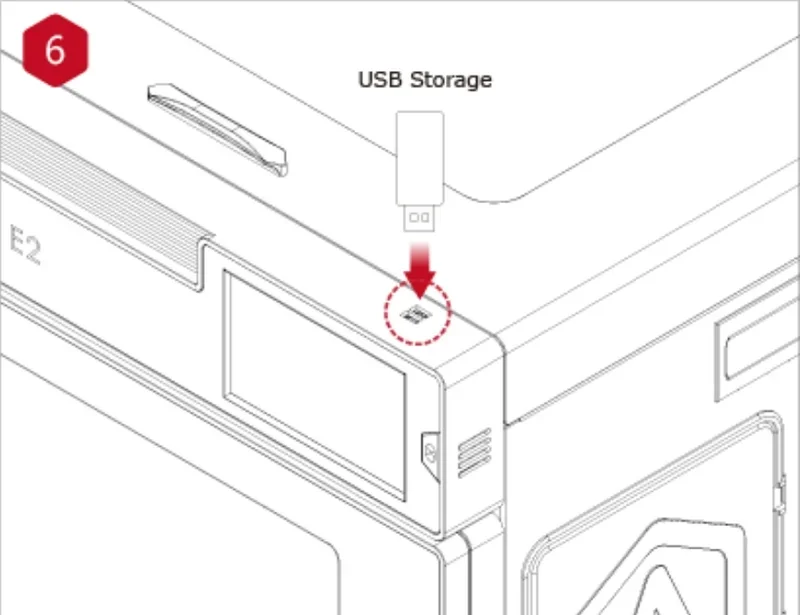
What software is offered with the Raise3D E2?
The Raise3D E2 includes ideaMaker, Raise3D’s slicing software, provided on USB and online. It supports STL, OBJ, 3MF, and OLTP formats and works on Windows, macOS, and Linux. ideaMaker offers an intuitive interface for print settings, model positioning, and supports, with direct Wi-Fi file transfer. A 3D preview appears in both the software and on the printer’s touchscreen. Integration also enables full remote control of the printer’s interface.
The Raise3D E2 integrates with RaiseCloud for remote monitoring and job management from any device. Using the built-in 800×600, 10fps camera, it provides live views and auto time-lapse videos for quality control. Its RepRapFirmware supports power loss recovery, filament run-out detection, and wireless updates via touchscreen. 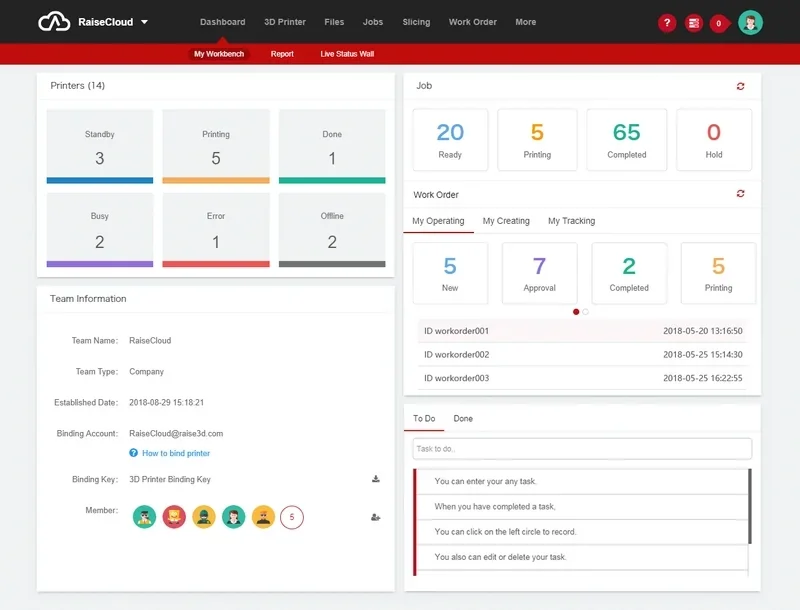
What is the design and build quality of the Raise3D E2?
What is the design and form factor of the Raise3D E2?
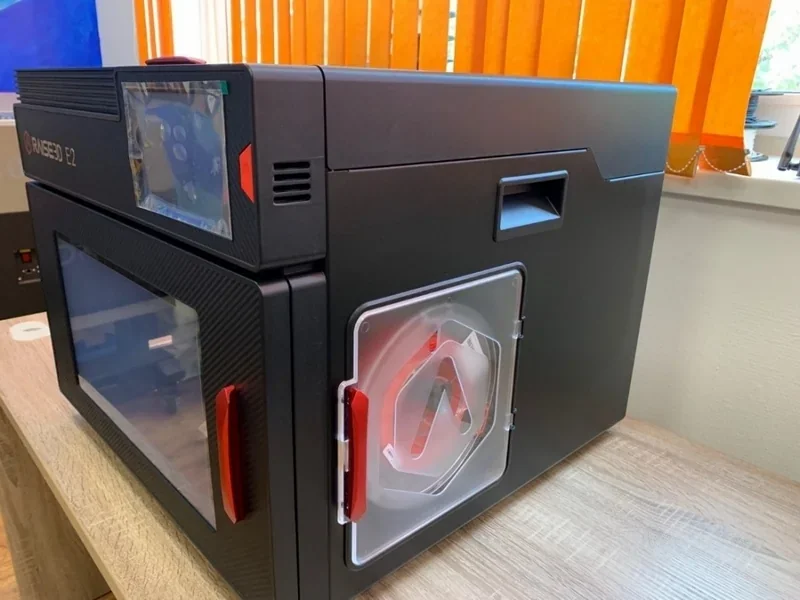
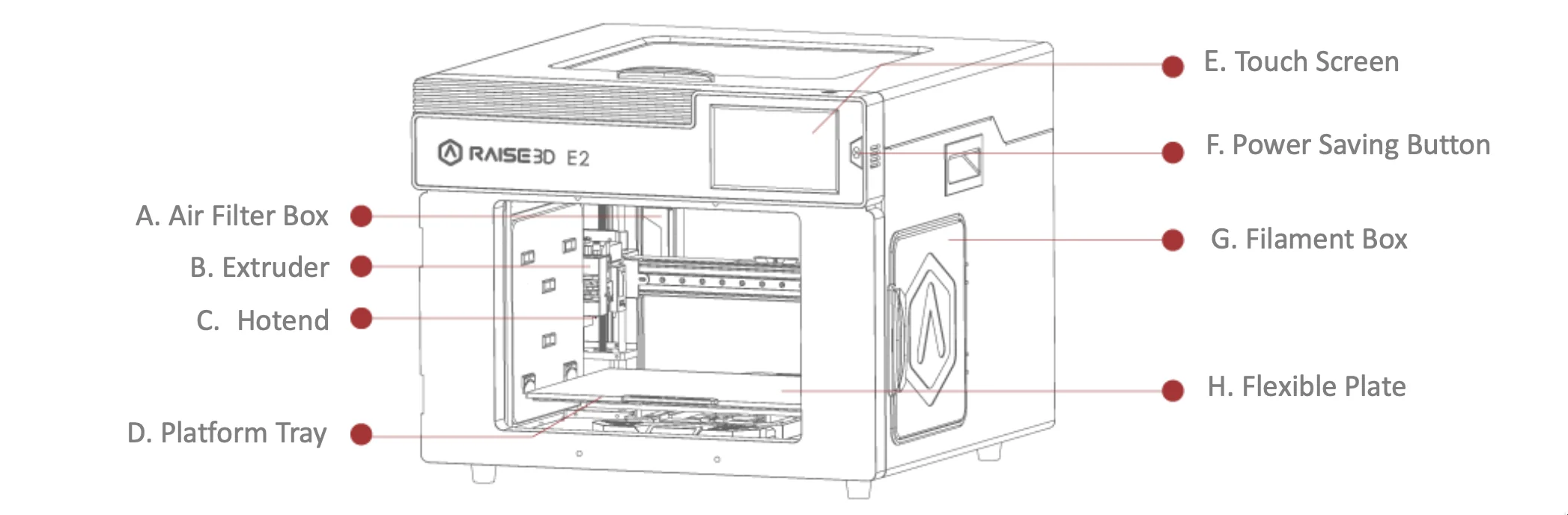
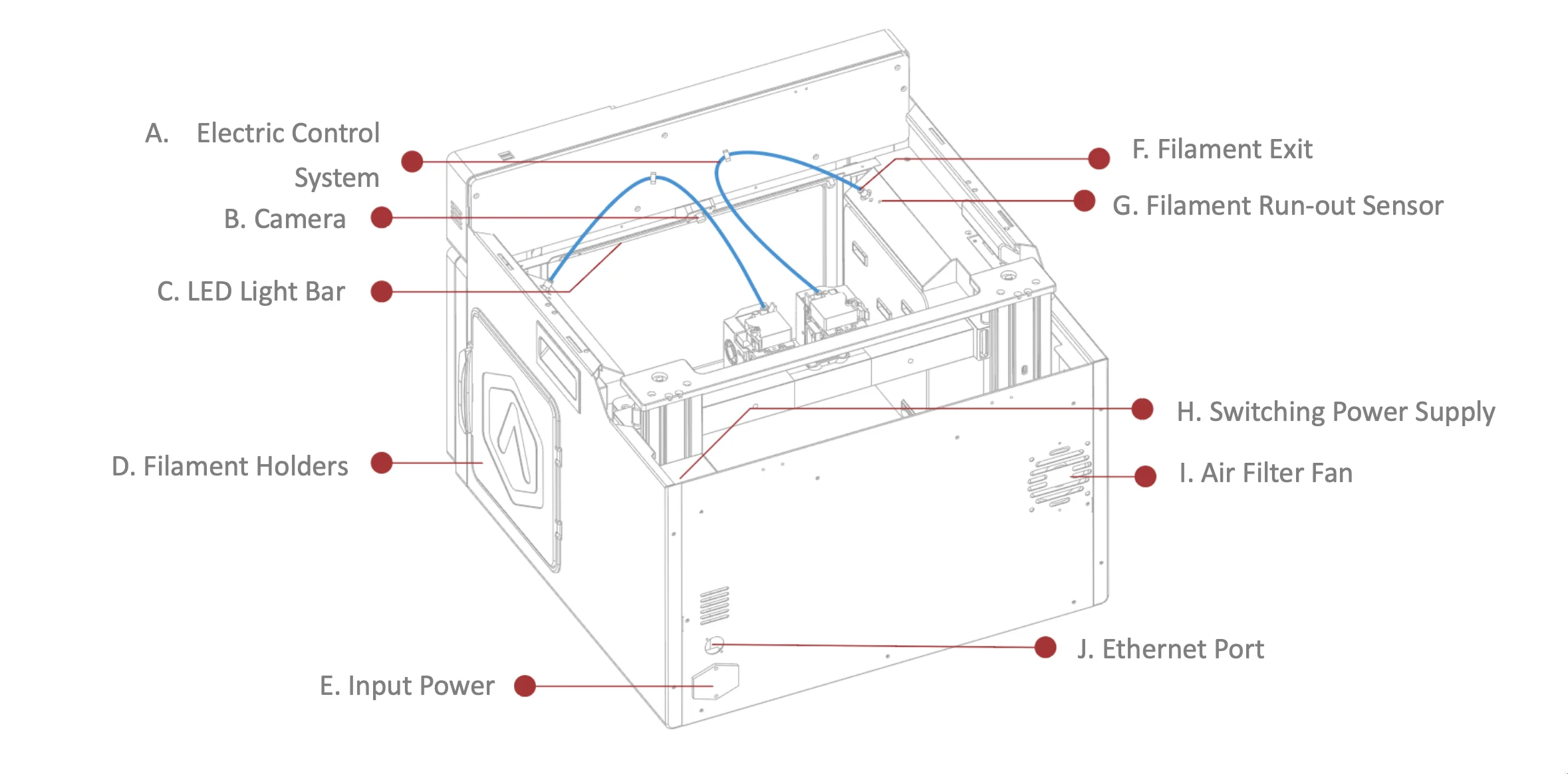
The Raise3D E2 has a closed-frame desktop design with an aluminum chassis, plastic shell, carbon fiber-style front insert, and red anodized handles. It measures 607×596×465 mm, with a transparent front door, lift-up top cover, dual USB ports, and a 7-inch touchscreen on the front right.
What is the motion system of the Raise3D E2?
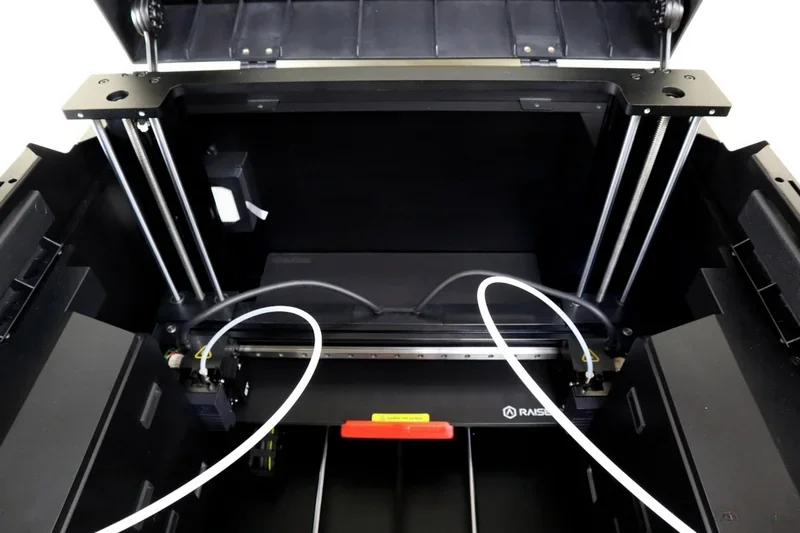
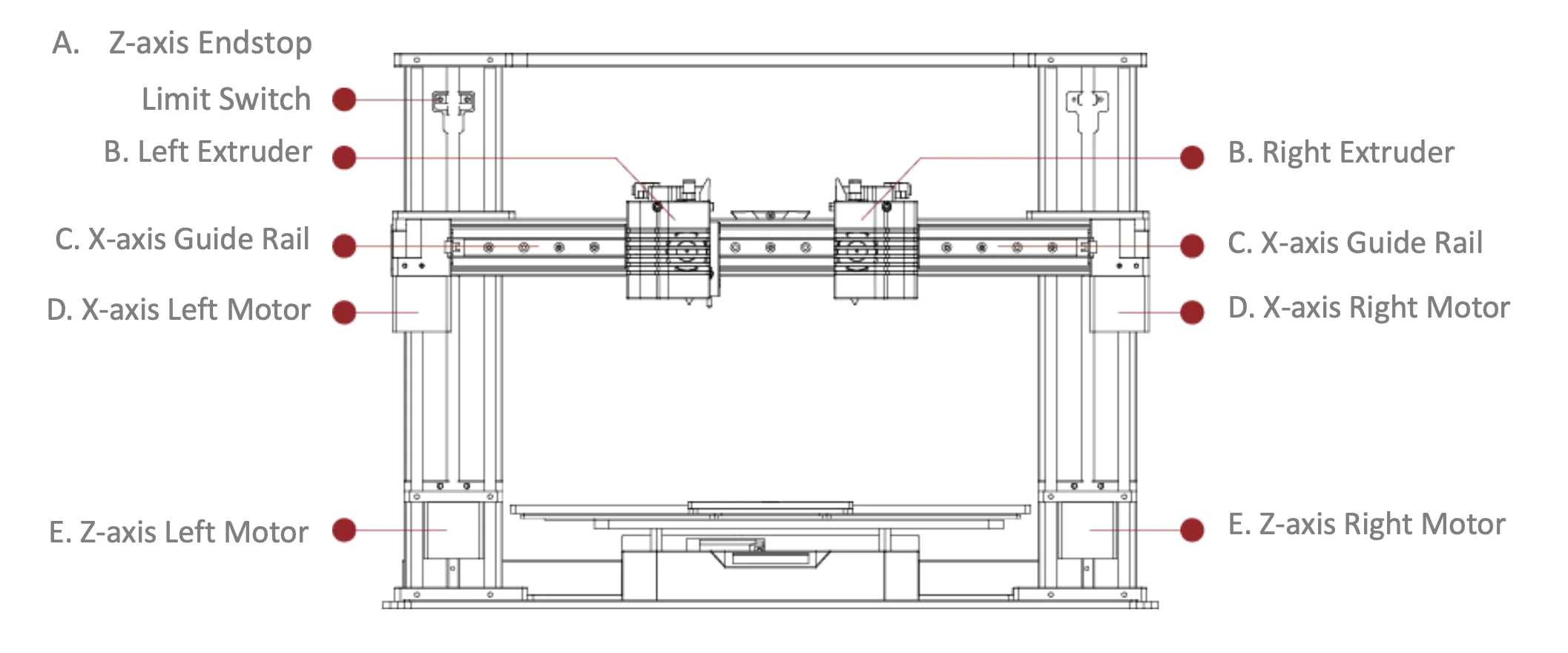
The Raise3D E2 features a motion system with a Y-axis bed driven by a single motor and belt on cylindrical linear guides, an X-axis rail with dual motors controlling each extruder, and a Z-axis moved by dual trapezoidal screws with left and right motors, achieving step sizes of 0.78125 µm on X/Y and 0.078125 µm on Z.
What is the noise level of the Raise3D E2?
The Raise3D E2 operates below 50 dB(A), making it a low-noise printer suitable for offices and classrooms.
What are the build platform specifications of the Raise3D E2?
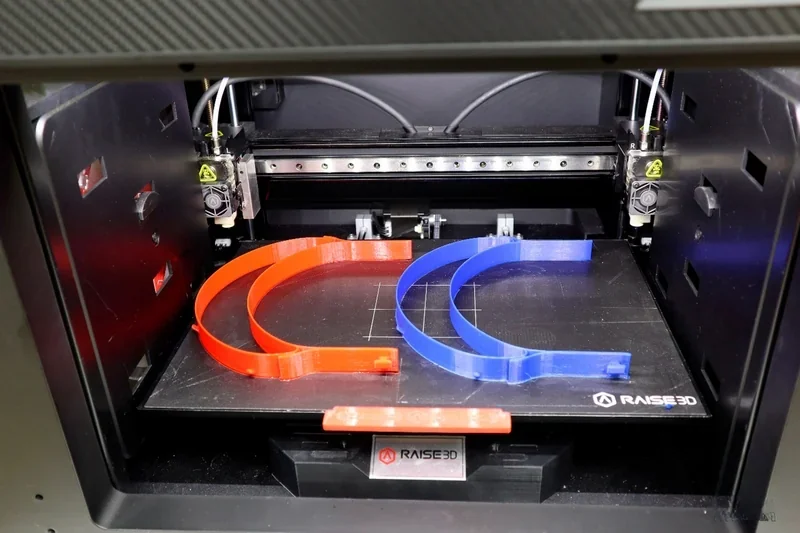
The Raise3D E2 uses a flexible steel bed with a BuildTak surface, magnetically mounted to the tray. Build volume is 330×240×240 mm (single extruder) or 295×240×240 mm (dual). The heated bed reaches 110 °C and uses mesh-leveling with flatness detection. Parts release easily by flexing the sheet. A 9-point auto bed leveling routine with an electromagnetic probe ensures calibration.
What is the hotend and extruder system of the Raise3D E2?
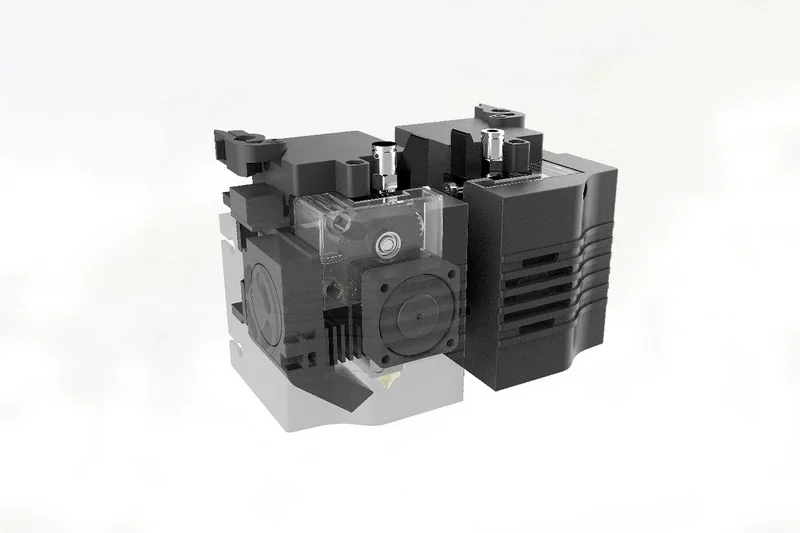
The Raise3D E2 has two Independent Dual Extruders (IDEX) on separate X-carriages. Each uses a V3P hotend with nozzle, heater block, thermocouple, heater rod, throat tube, and heat sink. Standard nozzle size is 0.4 mm, with options from 0.2 to 1.0 mm.
How does the Raise3D E2 handle filament storage and feeding?
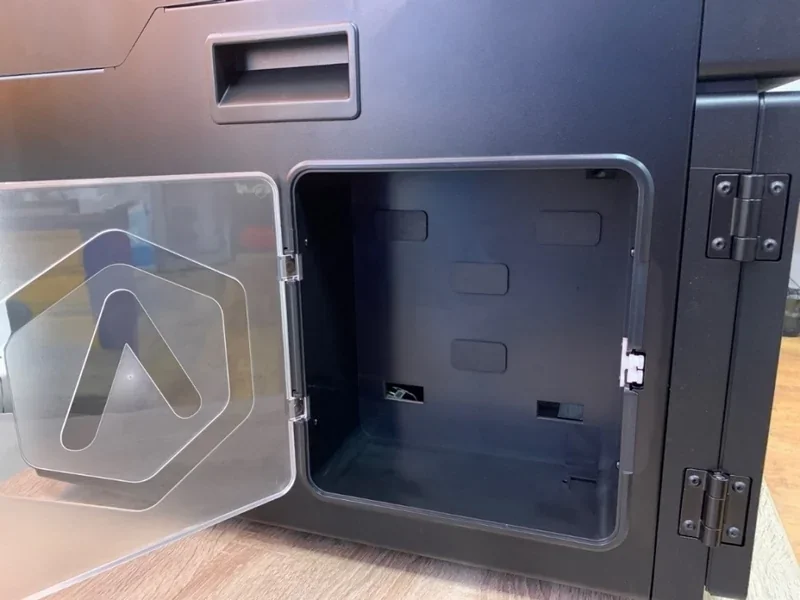
The Raise3D E2 has two side-mounted filament compartments with holders for spools up to 3 kg, accessed by hinged doors. Filament feeds through PTFE guide tubes into the extruders. The printer includes two guide tubes and four spool holders. A run-out sensor pauses prints when filament is depleted, allowing replacement and resumption.
What is the mainboard of the Raise3D E2?
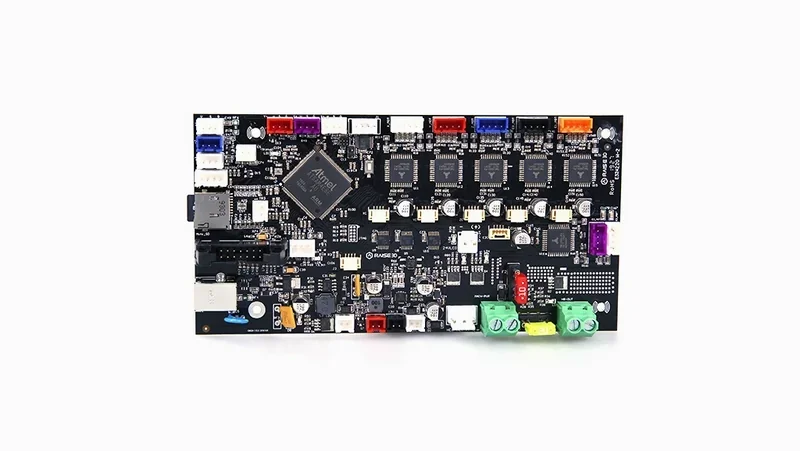
The Raise3D E2 uses dual controllers: an Atmel ARM Cortex-M4 (120 MHz FPU) for motion control with RepRapFirmware, and an NXP ARM Cortex-A9 quad-core 1 GHz running Embedded Linux for UI and networking, similar in reliability to the Pro2 Series. It has 1 GB RAM, 8 GB flash, and supports Wi-Fi, Ethernet, and dual USB 2.0 ports.
What are the power supply specifications of the Raise3D E2?
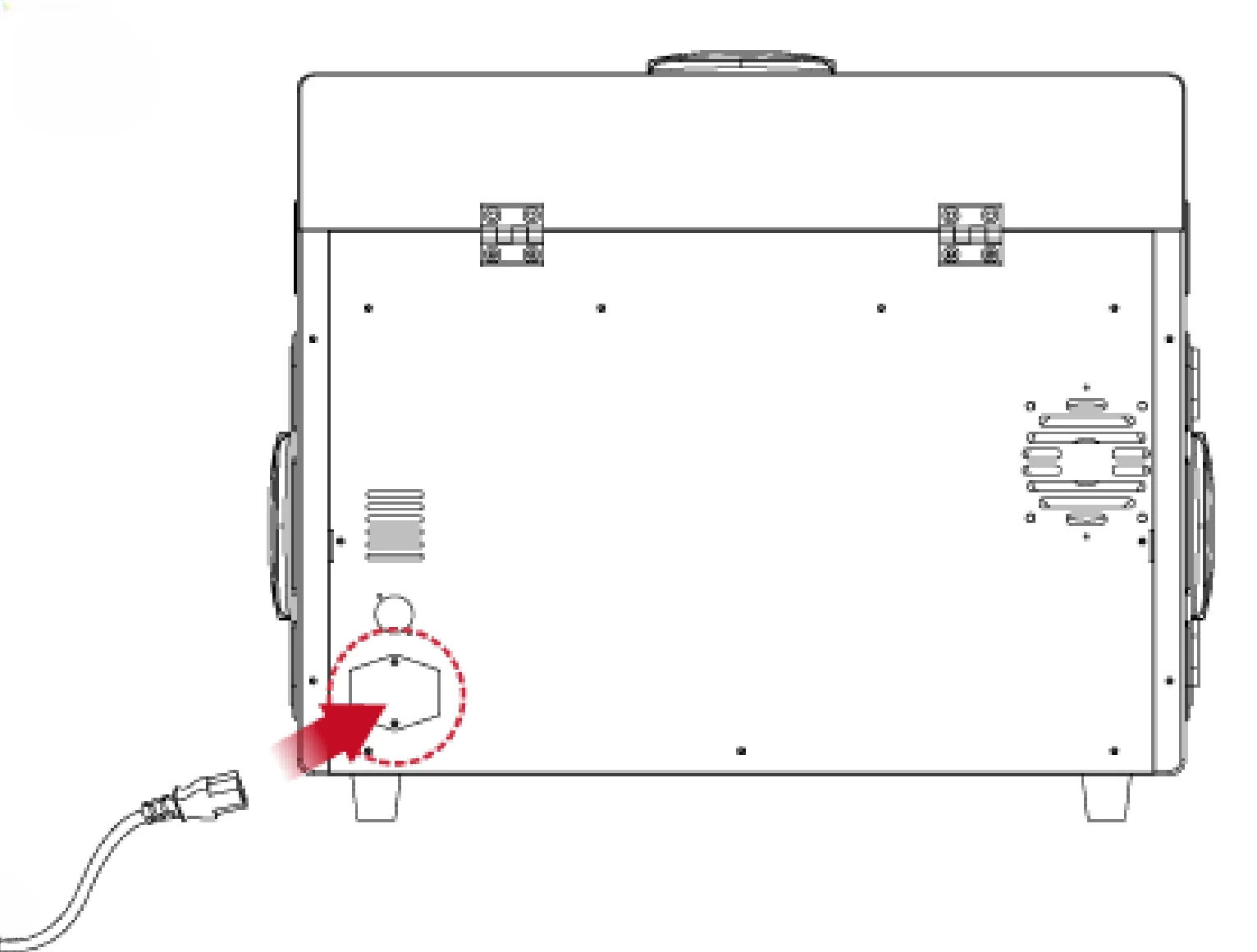
The Raise3D E2 uses a 100–240 V AC, 50/60 Hz switching power supply (230 V @ 2 A), outputting 24 V DC at 350 W, consistent with the standards applied across the Raise3D RMS220 Series of components. A rear main power switch, grounding requirement, two flag-style fuses, and a region-compatible power cord are included.
What comes included in the box with Raise3D E2?
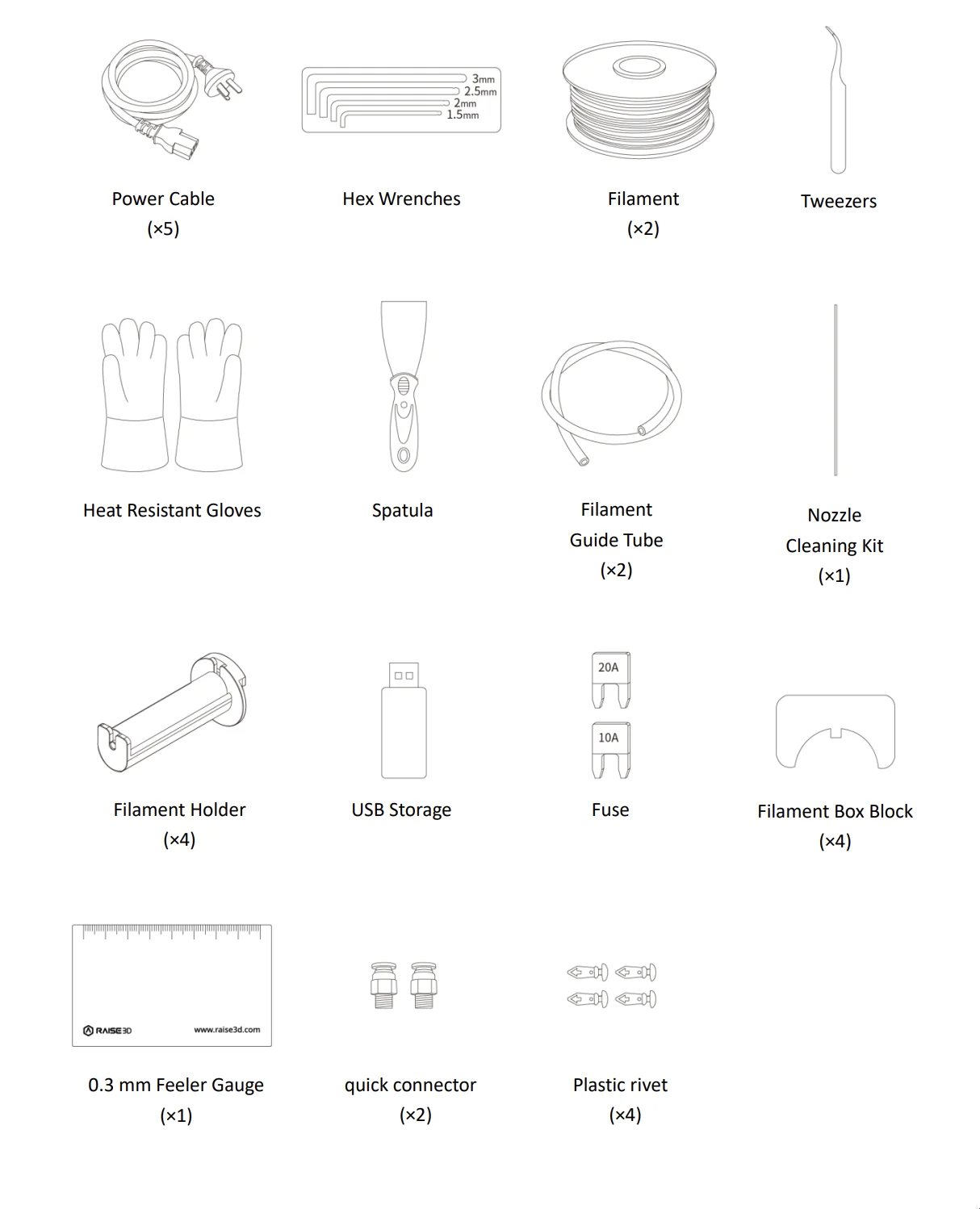
- Raise3D E2 printer (fully assembled)
- 2 spools of Raise3D Premium PLA
- Flexible steel BuildTak print plate (pre-installed)
- Pair of heat-resistant gloves
- Scraper
- Pair of tweezers
- 2 spare PTFE tubes with couplers
- Set of hex wrenches
- Metallic leveling card
- 2 spool rollers
- Pair of spare fuses
- Metal unclogging rod
- 8GB SanDisk USB with ideaMaker and documentation
The Raise3D E2 ships fully assembled with foam packaging and Z/X-axis locks that must be removed before use. Accessories support operation and maintenance: heat-resistant gloves for handling hot parts, a metallic leveling card for calibration, and an unclogging rod for nozzle blockages. Two spools of Raise3D Premium PLA enable immediate printing after setup, while the 8GB USB drive includes ideaMaker and documentation.
Note: Package contents may vary by manufacturer. Confirm current inclusions with a Top3DShop sales representative before ordering.
What upgrades and accessories are available for the Raise3D E2?
The Raise3D E2 offers over 30 upgrades, accessories and spare parts.
| Accessory | Function | Price (USD) | Image |
|---|---|---|---|
| Build Plate and Print Surface Accessories | |||
| PEI Build Plate (E Series) | Replacement PEI build plate for E Series printers; provides a consistent print surface for first-layer adhesion and part release. | $44.99 | 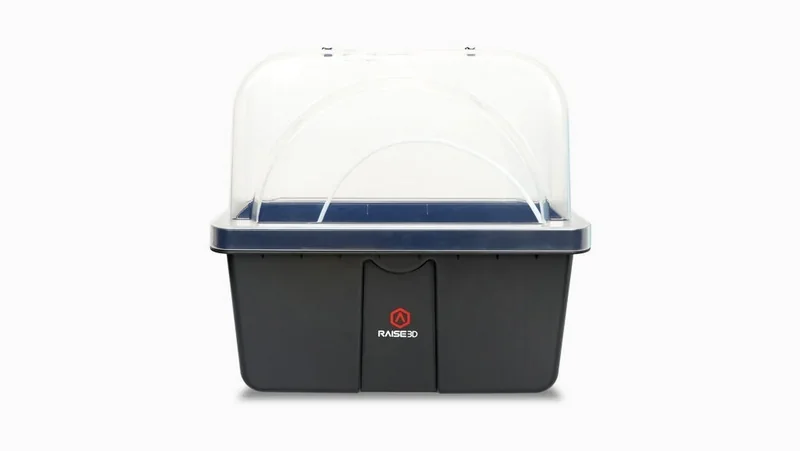 |
| Flexible Steel Build Plate (E Series) | Flexible steel build plate for E Series printers; enables easier part removal by flexing the plate. | $34.99 | 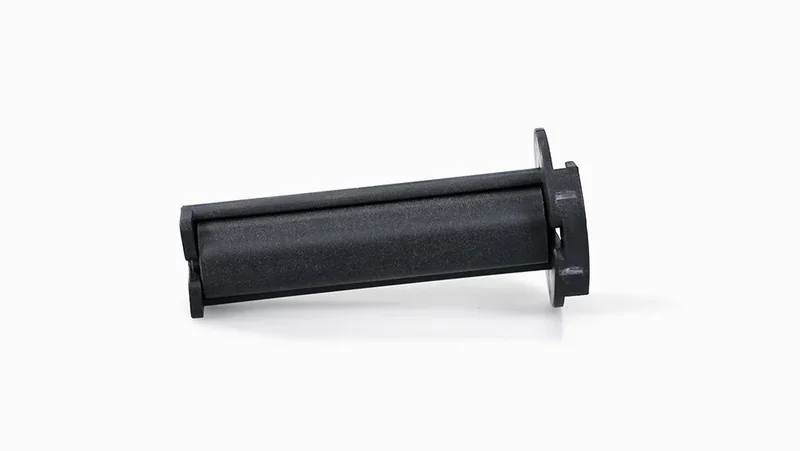 |
| Flexible Plate with BuildTak (E Series) | Flexible build plate with BuildTak surface for E Series printers; combines flexible removal with a BuildTak adhesion surface. | $89.99 | 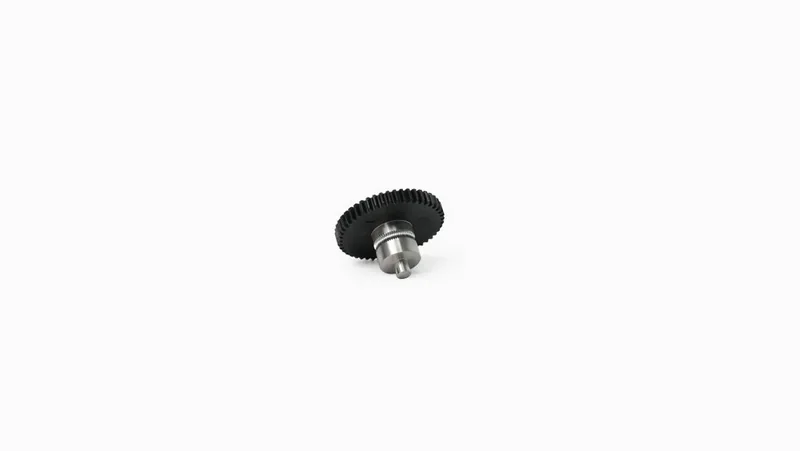 |
| BuildTak Build Surface (E Series) | Replacement BuildTak print surface for E Series printers; restores a high-adhesion build surface when the original is worn. | $49.99 | 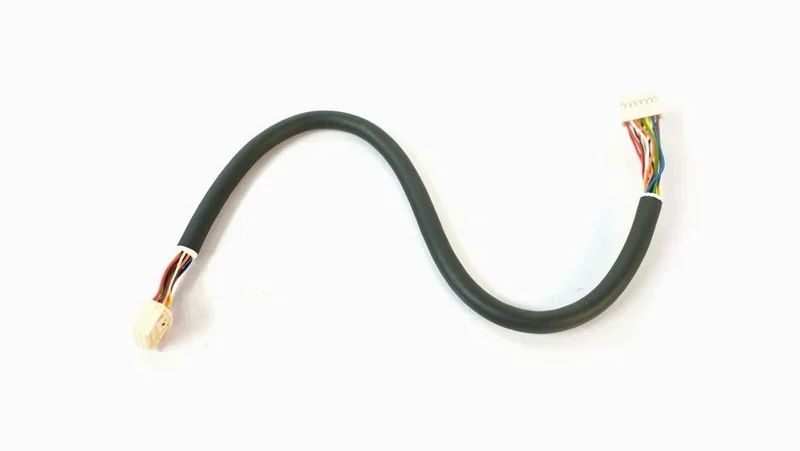 |
| Air Filtration Parts | |||
| Air Filter | Replacement air filter for the printer’s filtration module; helps reduce airborne particles and odors inside the printer enclosure. | $39.99 | 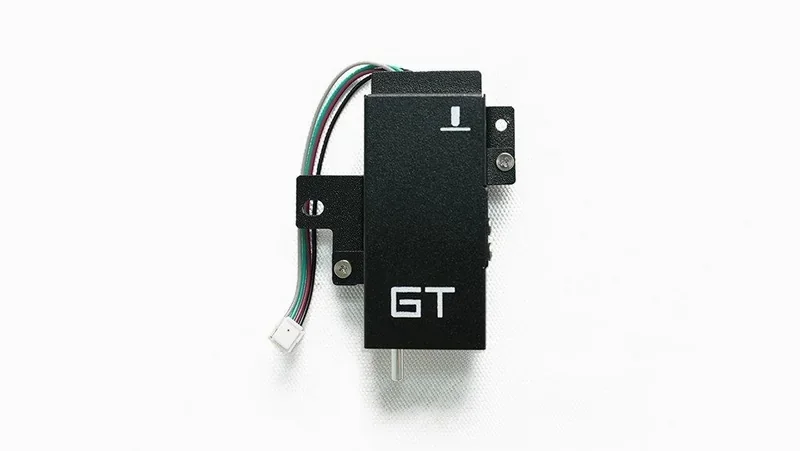 |
| Air Filter Fan | Replacement fan for the air filtration module; moves air through the air filter during printing. | $19.99 | 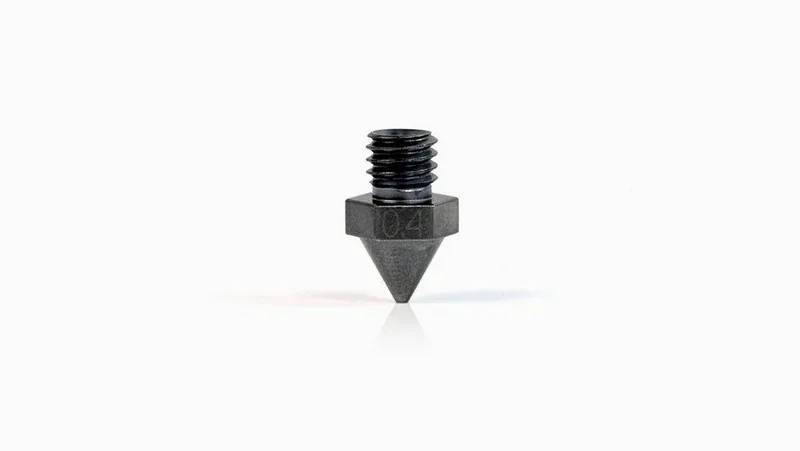 |
| Nozzles, Hot End and Print Head Spare Parts | |||
| Brass Nozzle V3 0.4mm | Replacement 0.4 mm brass nozzle (V3); standard nozzle option for extrusion and print quality. | $19.99 | 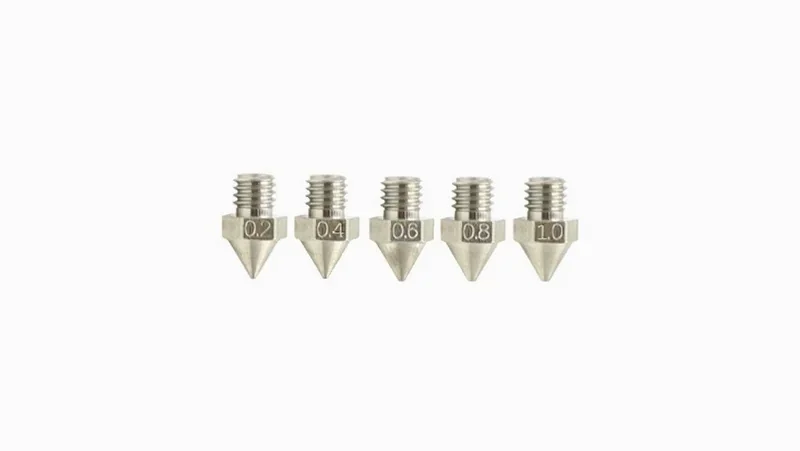 |
| Steel Nozzle with WS2 Coating | Replacement steel nozzle with WS2 coating; nozzle option designed for smoother extrusion and reduced material sticking. | $49.99 | 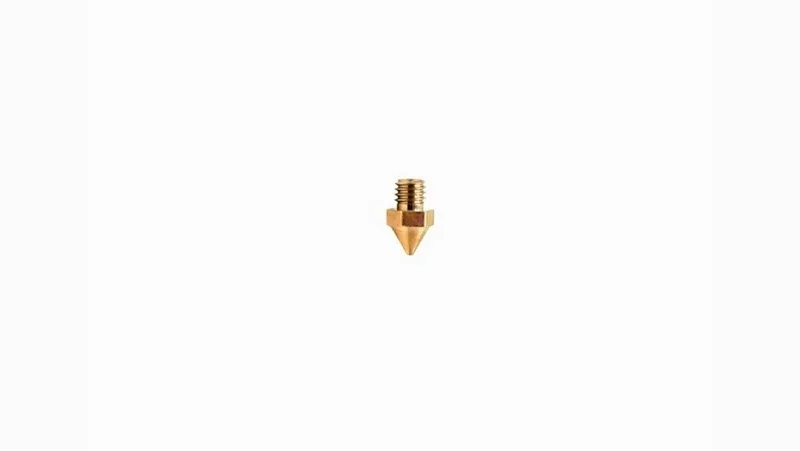 |
| Heating Rod | Replacement heating rod for the hot end; heats the hot end to the target printing temperature. | $45.99 | 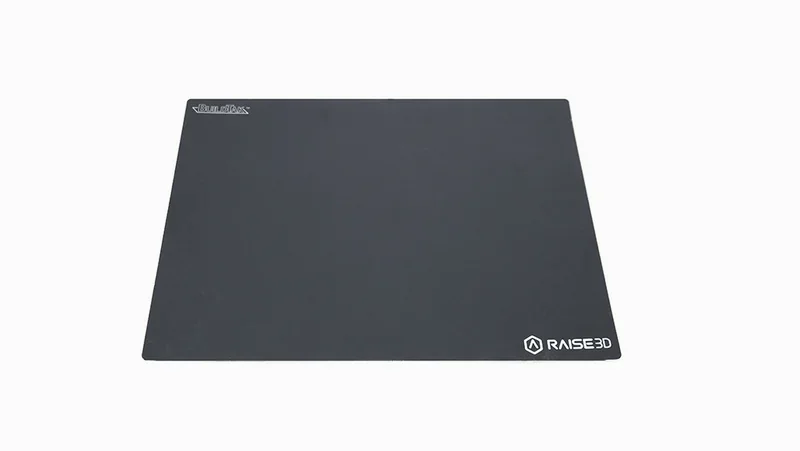 |
| Thermocouple | Replacement hot end temperature sensor (thermocouple); measures hot end temperature for accurate temperature control. | $14.99 | 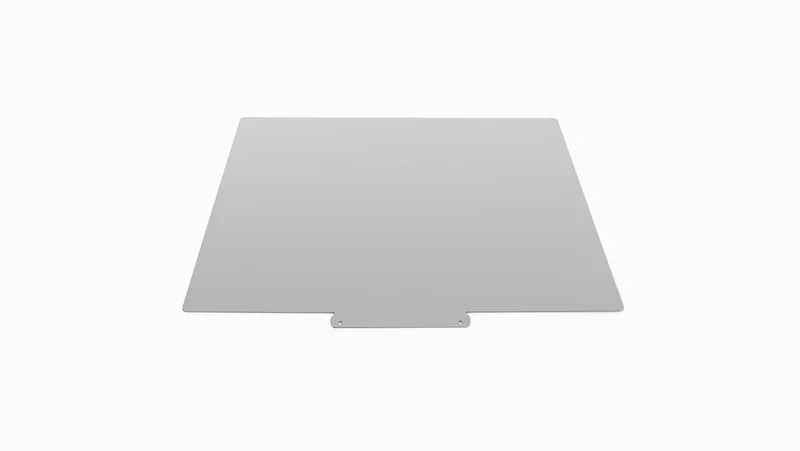 |
| Extruder Driven Gear | Replacement extruder driven gear; grips and feeds filament through the extruder mechanism. | $22.99 | 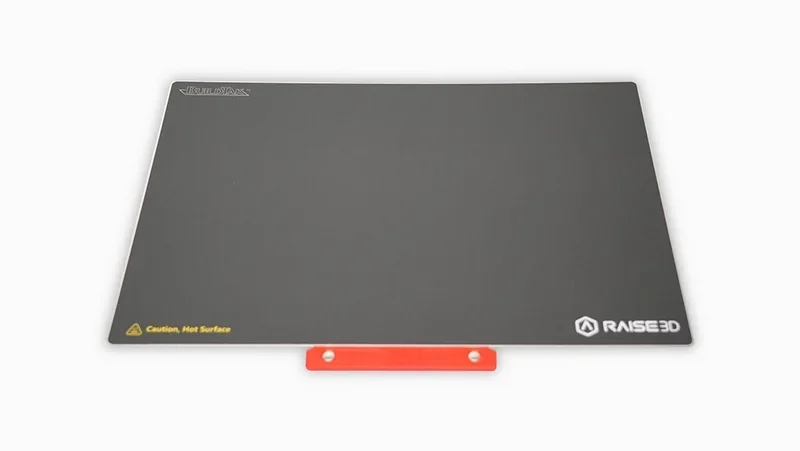 |
| Left Hot End Assembly | Complete left hot end assembly replacement; restores extrusion on the left side. | $79.99 | 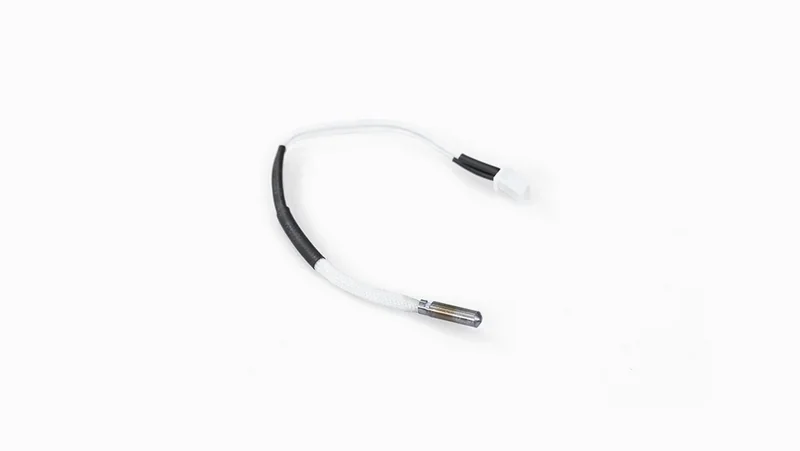 |
| Right Hot End Assembly | Complete right hot end assembly replacement; restores extrusion on the right side. | $79.99 | 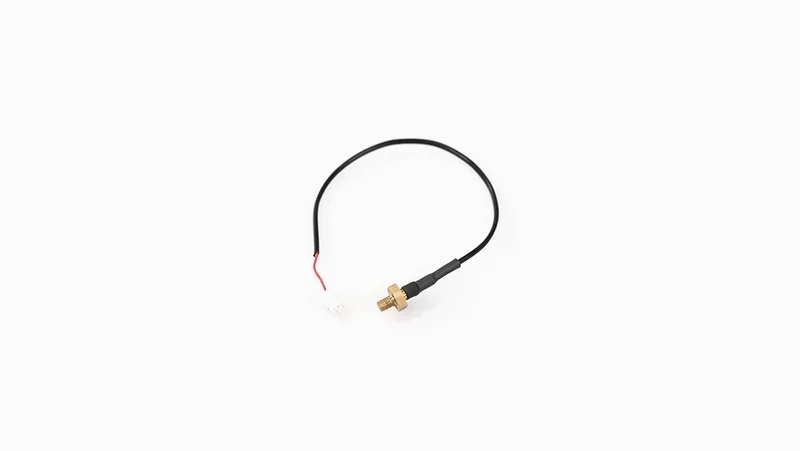 |
| Left Print Head | Complete left print head module replacement for Raise3D E2; restores the left toolhead. | $249.99 | 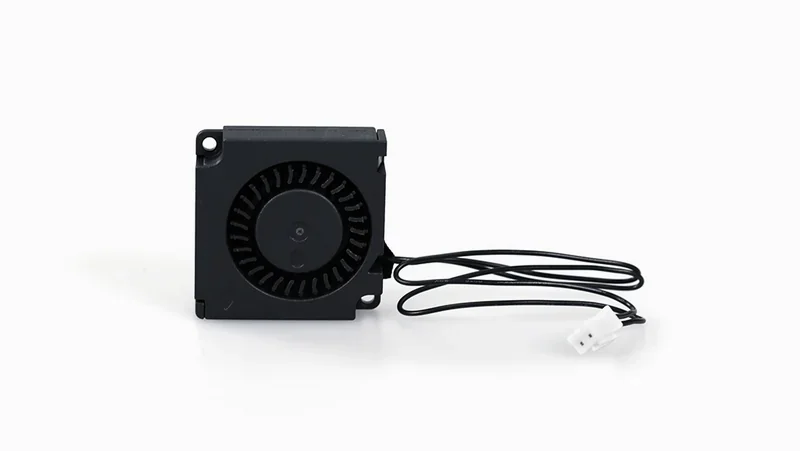 |
| Right Print Head | Complete right print head module replacement for Raise3D E2; restores the right toolhead. | $249.99 | 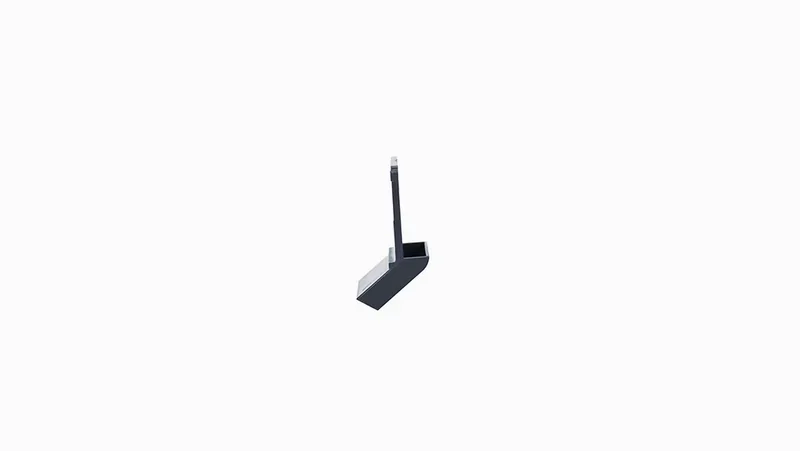 |
| Print Head Cooling Fans and Air Ducts | |||
| Left Extruder Front Cooling Fan | Replacement front cooling fan for the left extruder area; supports stable print head cooling. | $14.99 | 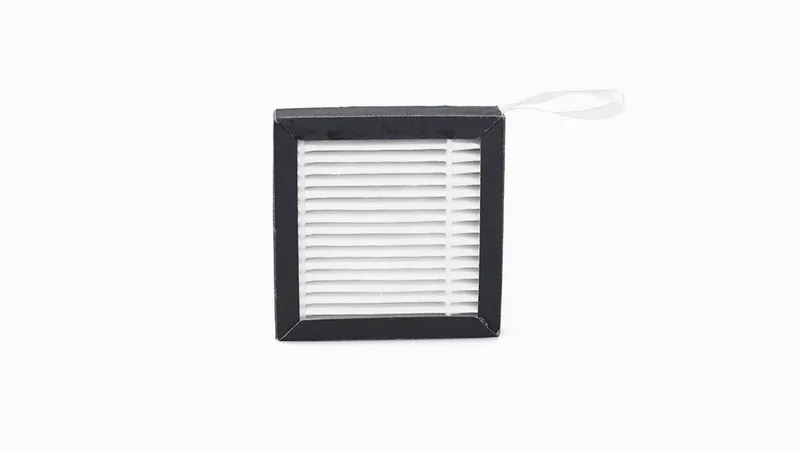 |
| Right Extruder Front Cooling Fan | Replacement front cooling fan for the right extruder area; supports stable print head cooling. | $14.99 | 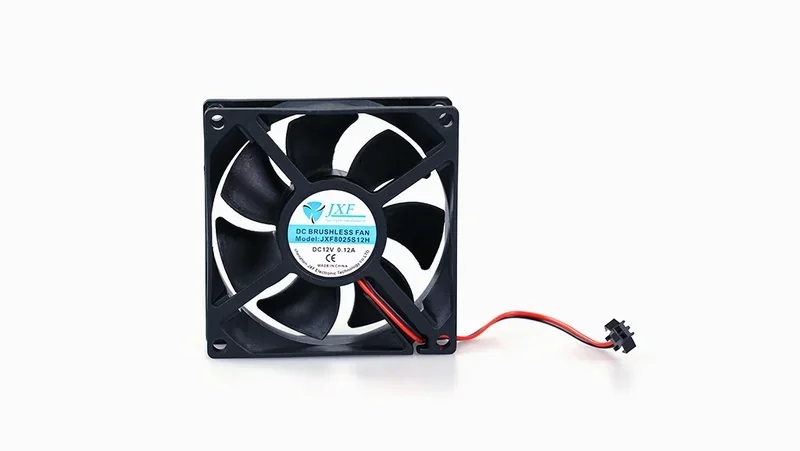 |
| Left Extruder Model Cooling Fan | Replacement model cooling (part cooling) fan on the left side; cools the printed part during printing. | $14.99 | 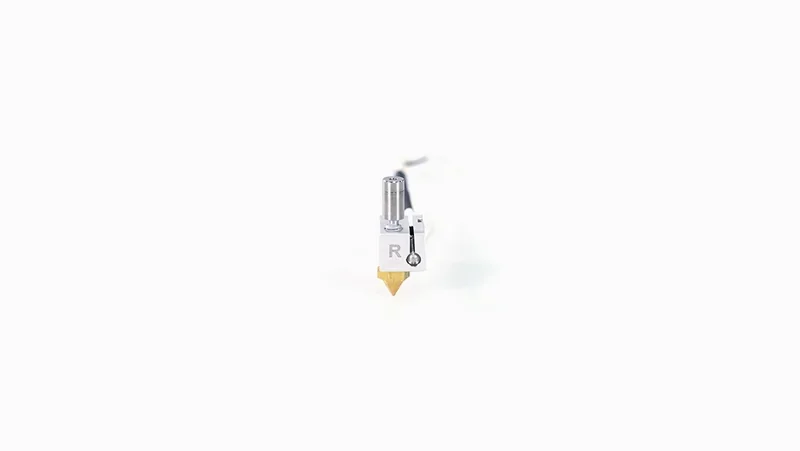 |
| Right Extruder Model Cooling Fan | Replacement model cooling (part cooling) fan on the right side; cools the printed part during printing. | $14.99 | 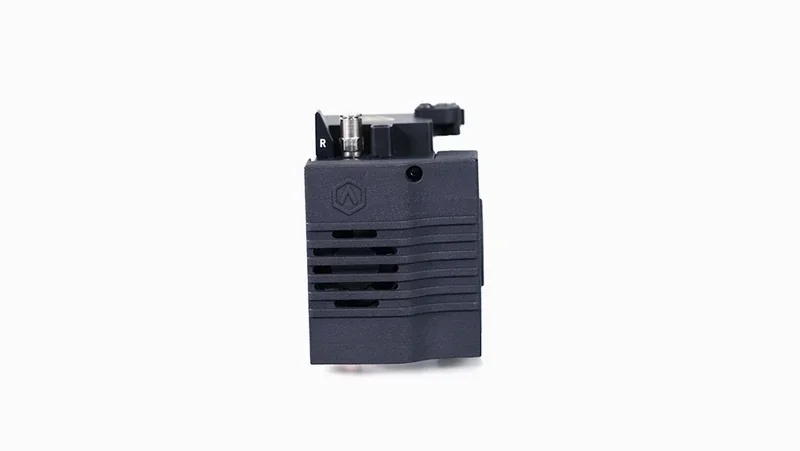 |
| Model Cooling Fan Duct | Replacement air duct for the model cooling fan; directs cooling airflow to the printed part. | $14.99 | 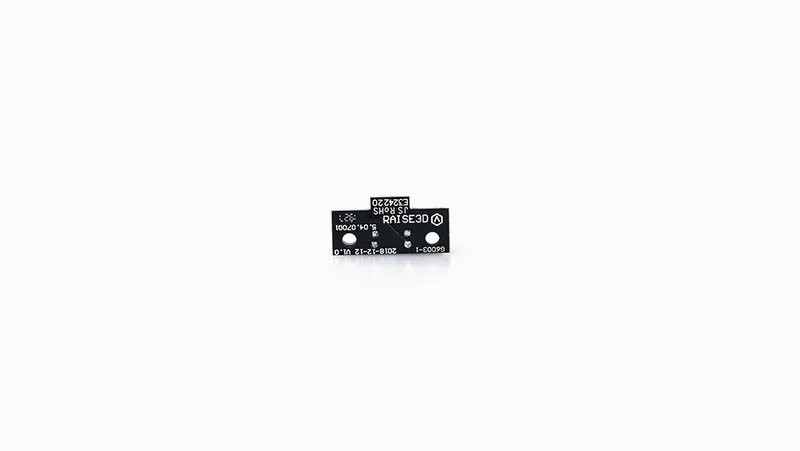 |
| Sensors, Auto-Leveling and Endstop Switches | |||
| Auto-leveling System Assembly | Replacement auto-leveling system assembly; supports automatic build plate leveling calibration. | $59.99 | 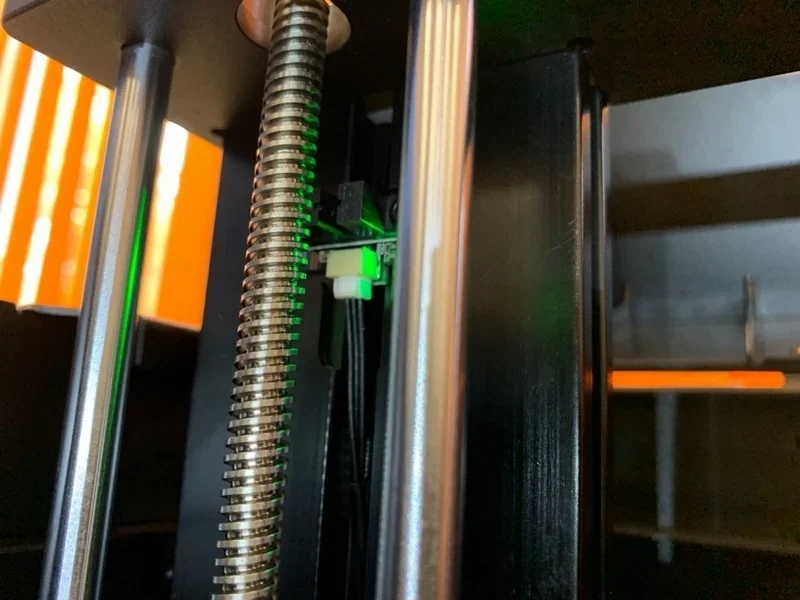 |
| Filament Run-out Sensor Board | Replacement filament run-out sensor board; detects filament absence and can trigger a pause to prevent printing without filament. | $39.99 |  |
| X Endstop | Replacement X-axis endstop switch; detects the X-axis home/limit position. | $14.99 | 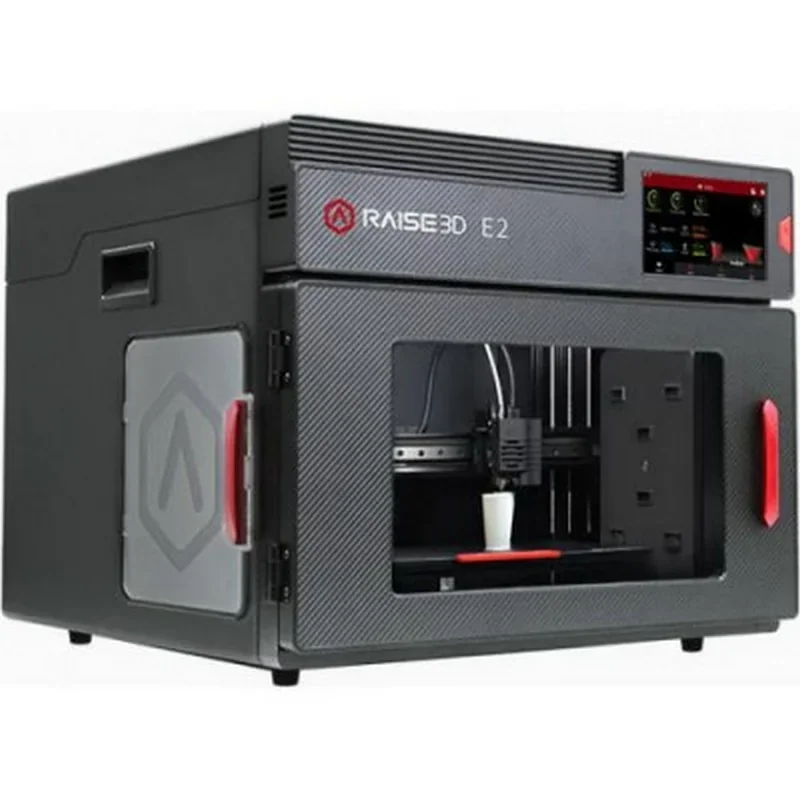 |
| Y/Z Endstop | Replacement Y/Z endstop switch; detects the Y-axis and Z-axis home/limit positions. | $14.99 | 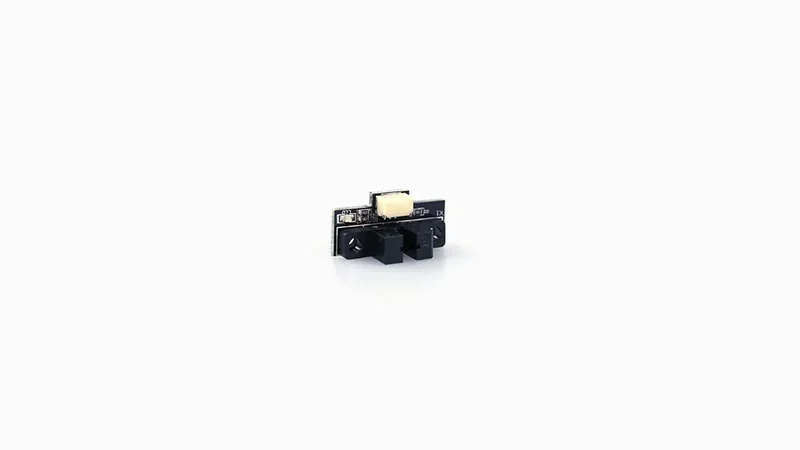 |
| Electronics Boards and Cables | |||
| Motion Controller Board | Replacement motion controller board; controls motors and core motion functions of the printer. | $249.99 | 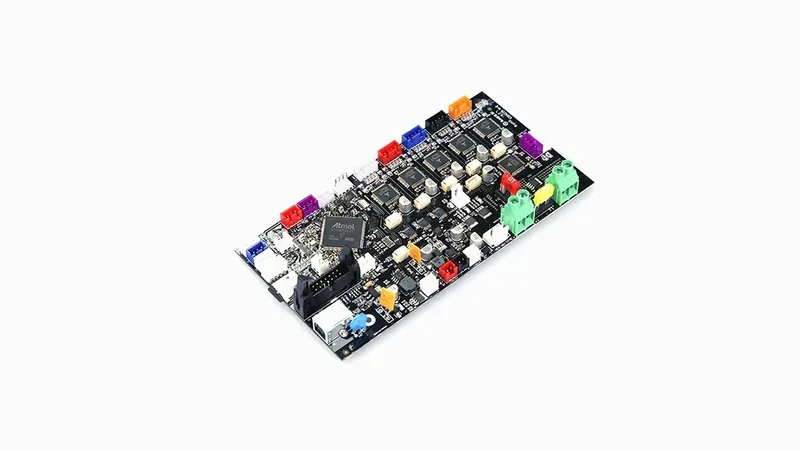 |
| Left Extruder Connection Board | Replacement left extruder connection board; provides the electrical interface for left-side toolhead connections. | $29.99 | 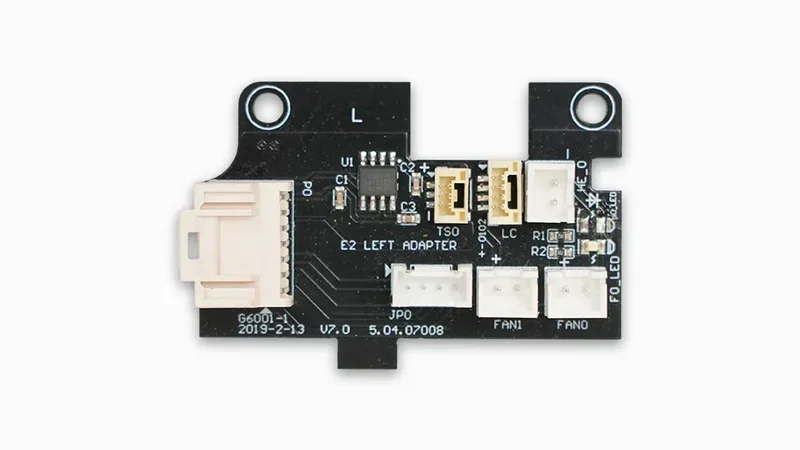 |
| Right Extruder Connection Board | Replacement right extruder connection board; provides the electrical interface for right-side toolhead connections. | $29.99 | 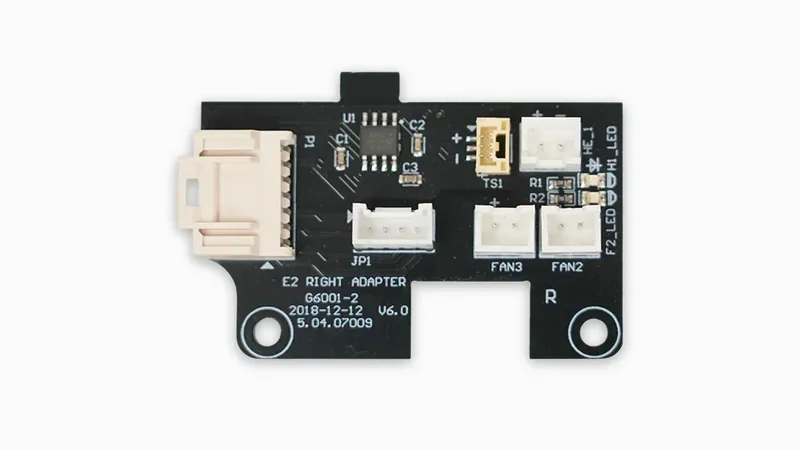 |
| Extruder Connection Cable | Replacement extruder connection cable; connects extruder/toolhead electronics to the printer. | $19.99 | 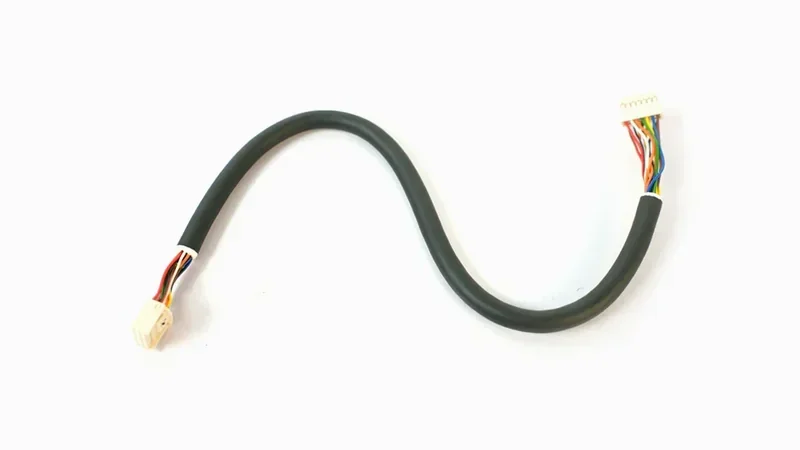 |
| E2 USB Cable | USB cable for Raise3D E2; enables a wired connection between the printer and a computer. | $14.99 | 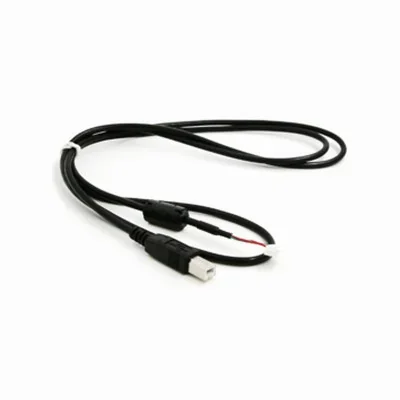 |
| Filament Handling and Storage Accessories | |||
| Filament Spool Holders | Replacement filament spool holders; supports mounting filament spools on the printer. | $14.99 | 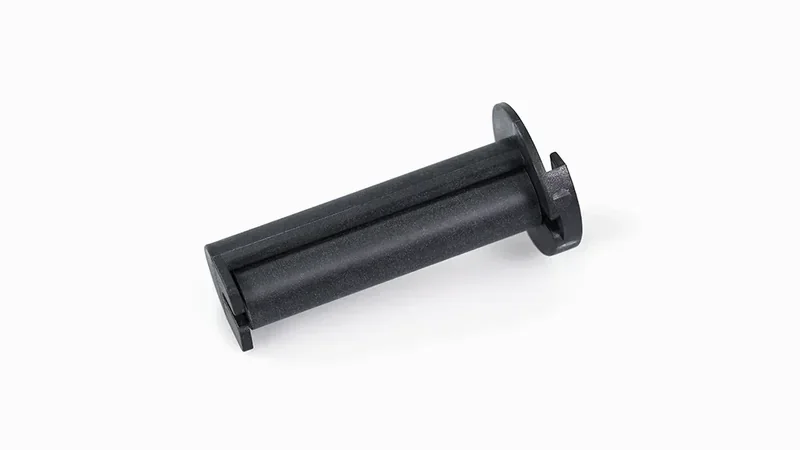 |
| Raise3D 2.5 kg Filament Box | Filament storage/feeding box for 2.5 kg spools; helps protect filament while it is stored and used. | $79.00 | 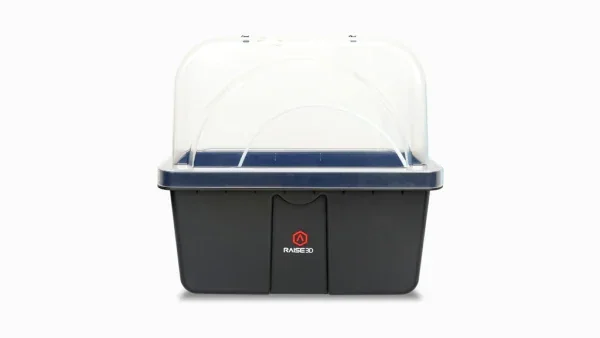 |
| Printer Stand and Safety Hardware | |||
| Raise3D Cabinet for Standard Size Printer | Printer cabinet/stand for a standard-size printer; provides a stable base and convenient storage space. | $899.00 | 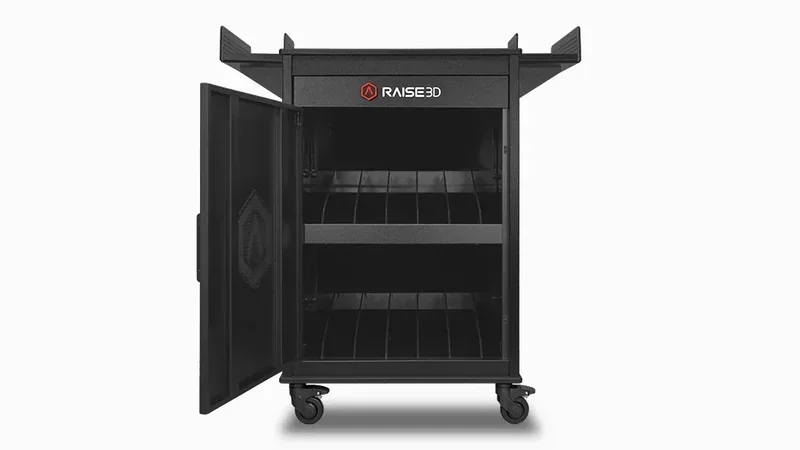 |
| Security Clip Assembly | Replacement security clip assembly; secures components in place to help prevent unintended loosening or movement. | $19.90 |
What maintenance does the Raise3D E2 require?
Before First Use or After Transportation
- Remove X-axis and Z-axis locks installed for shipping.
- Store locks safely for future transport.
Initial Setup or After Shipping (Recommended)
- Check build plate leveling:
- Use the 0.3 mm feeler gauge from the accessory kit.
- Loosen nozzle screw, position gauge between nozzle and build plate.
- Adjust until slight resistance is felt, then tighten screw.
- Repeat for both left and right nozzles.
- Run 9-point automatic leveling via the Utilities menu.
Regular Use
- Clean flexible build plate after each print.
- Inspect and replace HEPA + activated charcoal filter as needed.
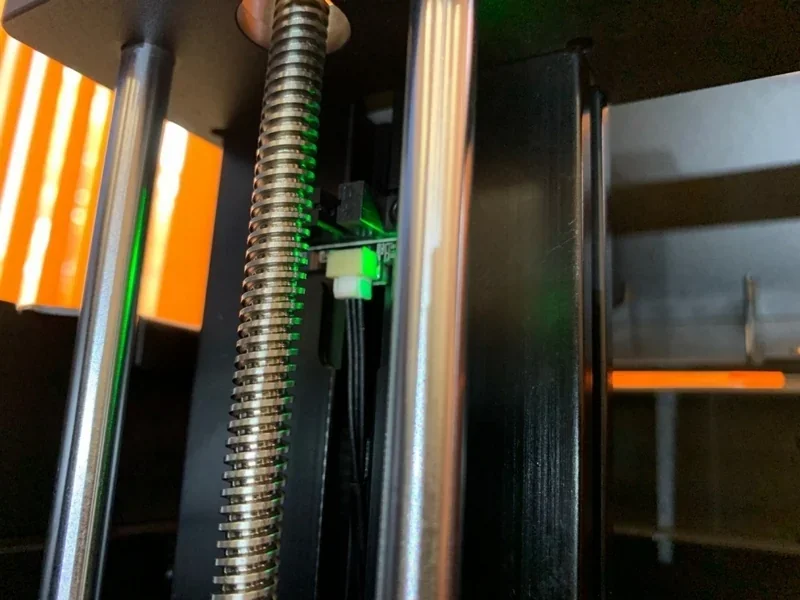
- Check filament path components, including run-out sensor, for obstructions.
As Needed
- Use nozzle cleaning kit to clear clogs.
- Clean print surface:
- Isopropyl alcohol for PLA.
- Acetone for ABS (with caution).
- Inspect and clean extruder gears to remove filament dust.
Long-Term Storage or Relocation
- Reinstall X-axis and Z-axis locks.
- Store in environment within:
- Temperature: –25 °C to 55 °C
- Humidity: 10–90% (non-condensing)
What support and warranty come with the Raise3D E2?
- Support: Ticket system at support.raise3d.com with step-by-step help.
- Standard warranty: 1 year for most components (manufacturing defects). Certain electronics — heating rods, thermal sensors, heat beds, cooling fans, circuit boards — have 90-day coverage. Consumables (nozzles, build plates, fan covers) are excluded.
- RaiseShield upgrade: Extends full coverage (incl. electronics) to 1 year from invoice. You can extend RaiseShield up to 2 years for a fee.
Full warranty terms: https://www.raise3d.com/download/raise3d-limited-warranty-all-versions/
| Warranty Plan | What’s Included | Price |
|---|---|---|
| Standard Limited Warranty (12 months) | Coverage for the printer and its parts against defects in materials/workmanship under normal use; excludes consumables such as Hotend(s), Hotend(s) Assembly(ies), Nozzle(s), Fan Cover(s), Build Surface, Build Plate(s), Top Acrylic Lid, Filter, Extruder Front Model Cooling Fan, P Thermocouple, Screw Buckle, Raise3D 2.5KG Filament Box, PC Cable Support, Short Tube, Filament Detection Assembly (Filament Run-out Sensor Assembly), 2.5kg Filament Support Shaft Sleeve, Top Cover(s), USB flash drive, SD card, E3 Desiccant Storage Box(es), or other items that are expended in the normal operation of the product, nor does it cover external devices, accessories or parts added to the PRODUCTS after the system is shipped from RAISE3D. | Included (with printer purchase) |
| 1-Year RaiseShield Warranty Plan | Full warranty coverage of electrical and mechanical components of Raise3D E2 3D printers for 1 year, consumables and cosmetic imperfection not included. | $500 |
| 2-Year RaiseShield Warranty Plan |
Full warranty coverage of electrical and mechanical components of Raise3D E2 3D printers for 2 year, consumables and cosmetic imperfection not included. |
$750 |
How much does the Raise3D E2 cost?
The Raise3D E2, priced at $2,184.05, is a professional desktop 3D printer with IDEX technology, a 330 × 240 × 240 mm build volume (single-extruder), and a fully enclosed, HEPA-filtered chamber. It supports up to 300 °C nozzle temperatures for broad material use, features RaiseCloud for remote control, a 7-inch touchscreen, and video-assisted calibration for consistent accuracy. Businesses and schools can upgrade the RaiseShield warranty to 2–3 years with electronic coverage. Buy a Raise3D E2 at Top3DShop for expert application advice and flexible financing options.