The Client Needed Accurate Prototypes Before Tooling — Here’s the 3D Printing Method We Chose
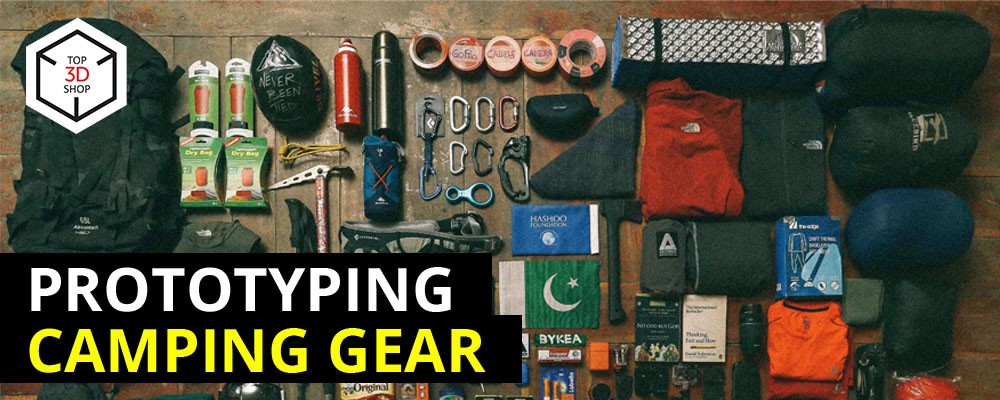
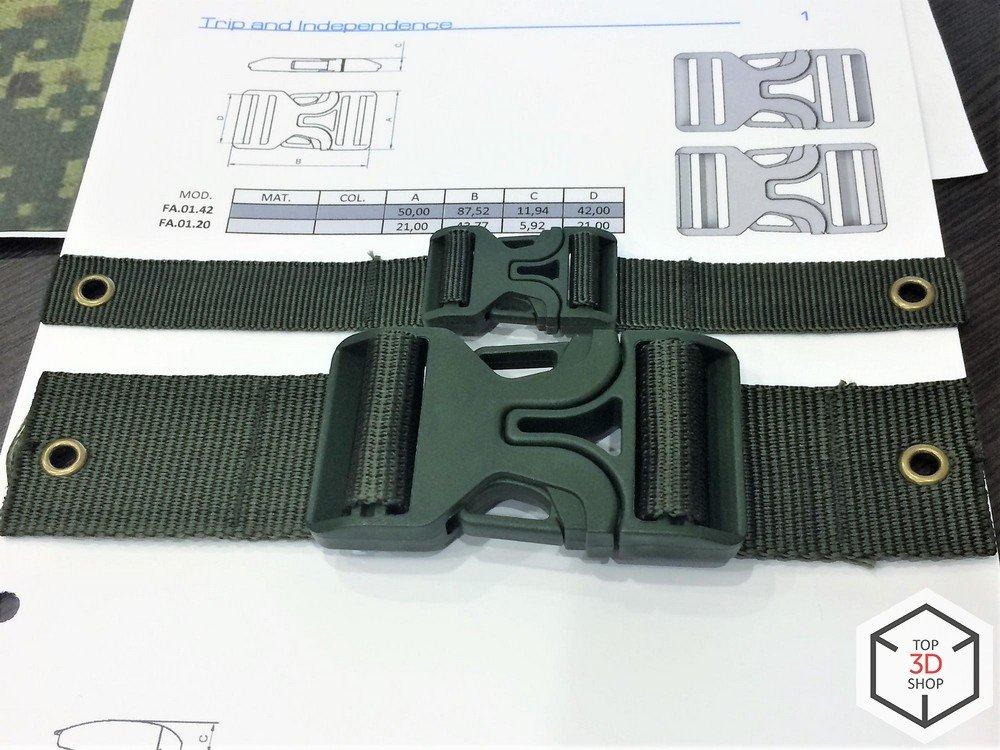
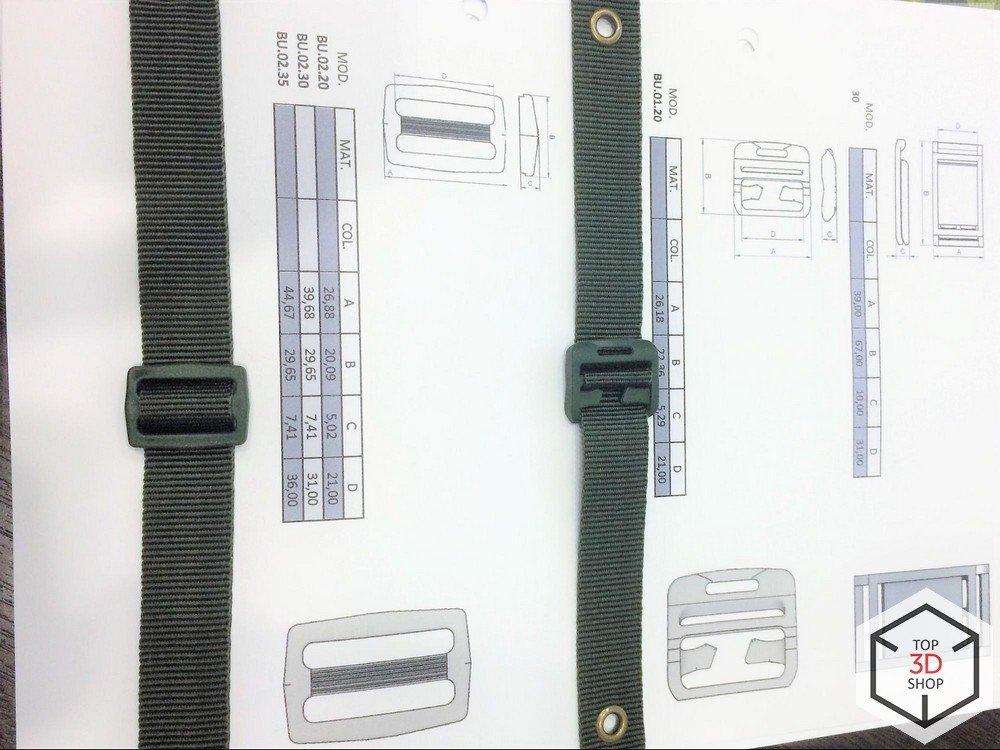
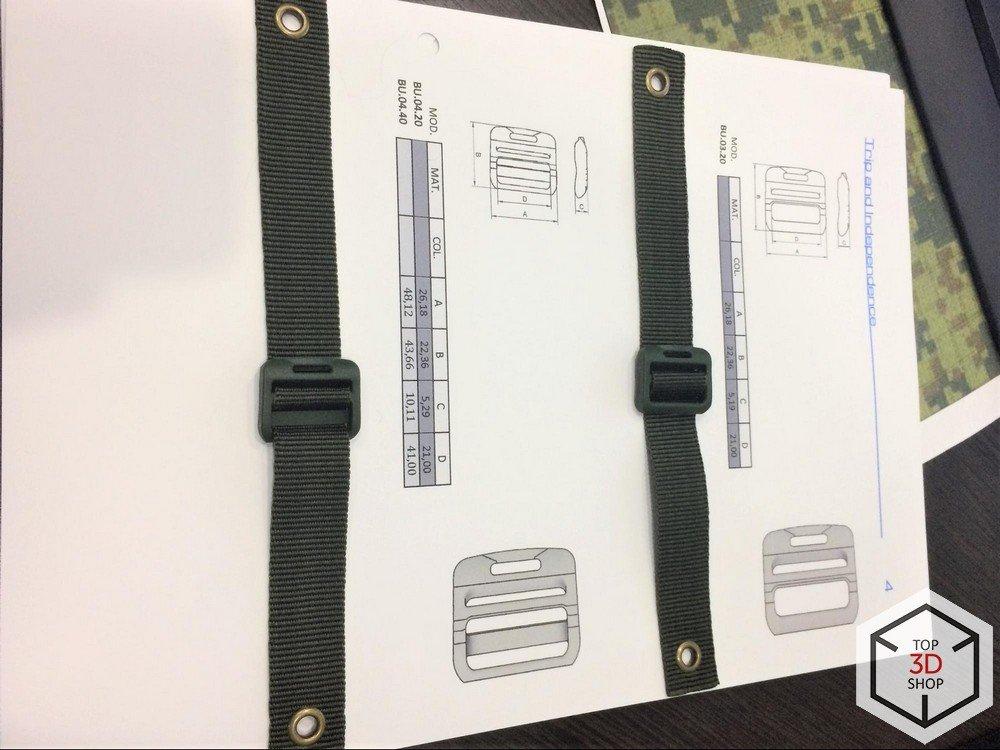
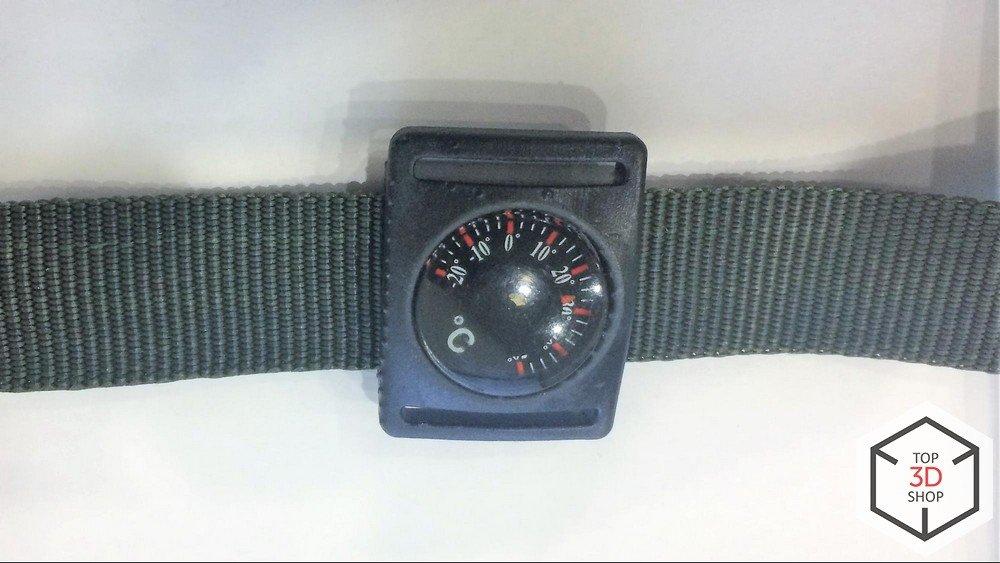
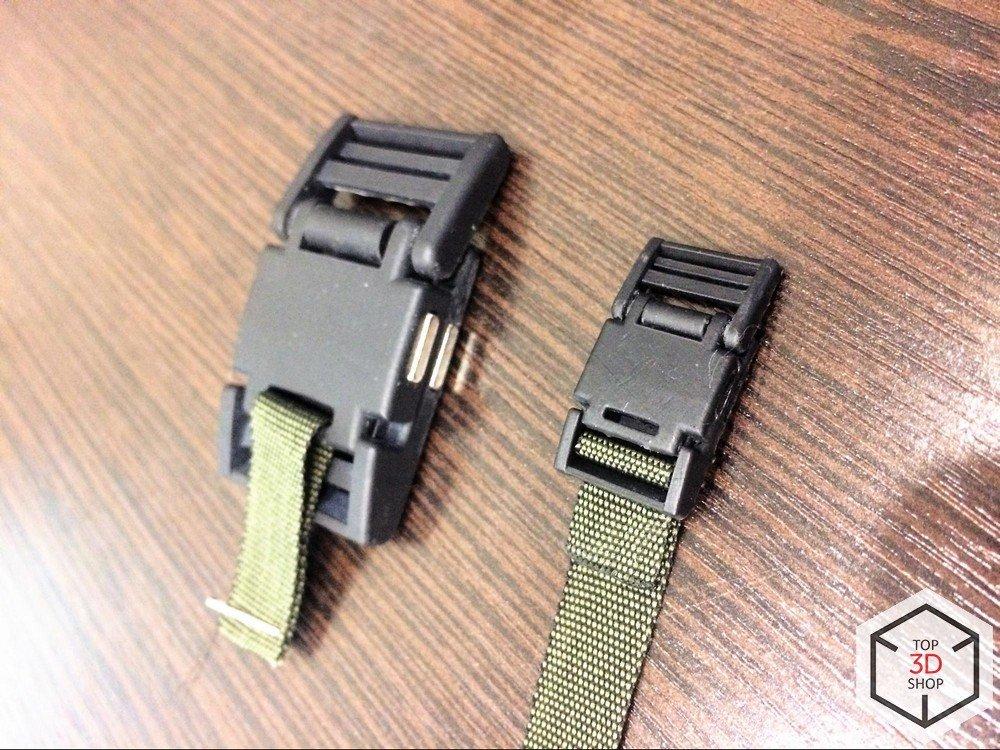
The client designs and manufactures plastic products, specializing in fasteners for outdoor clothing and equipment:
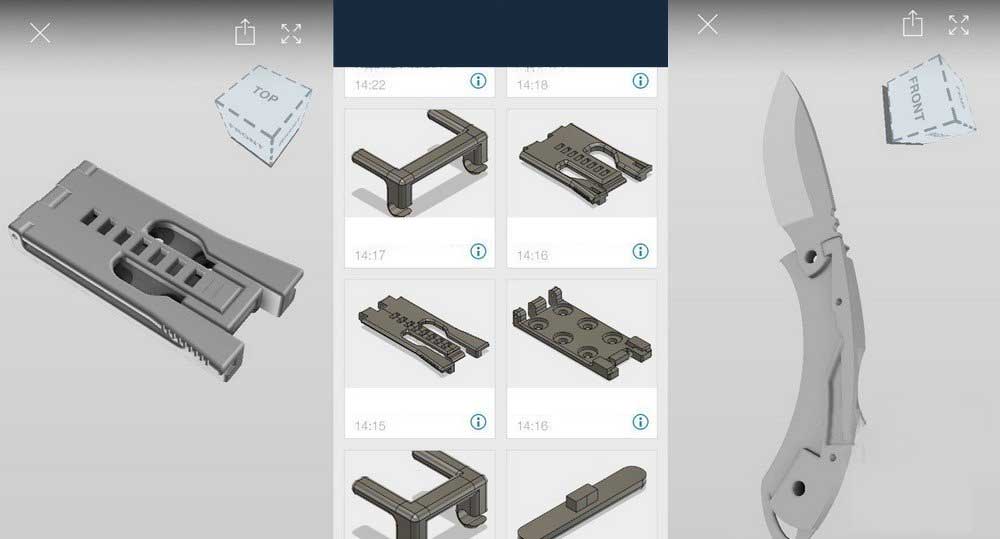
Belt fasteners for knife sheaths and gun holsters
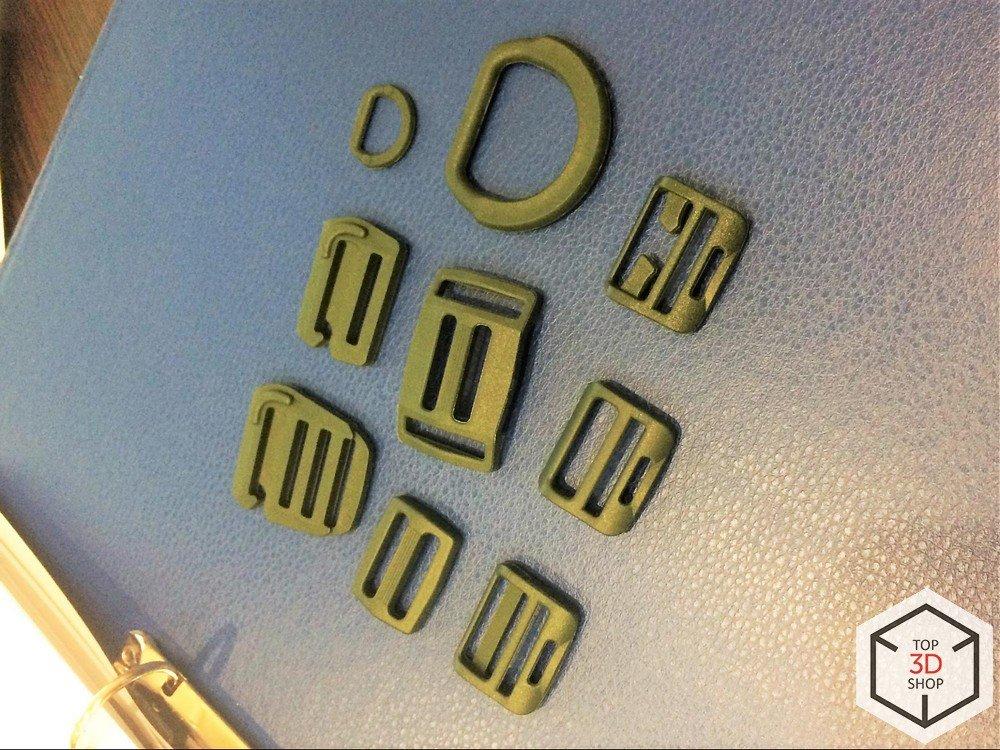
Backpack buckles and fasteners
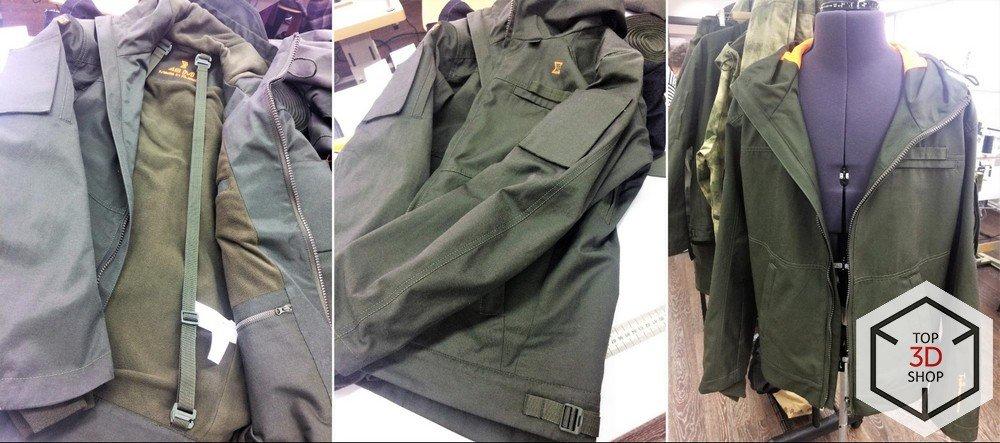
Jacket fasteners
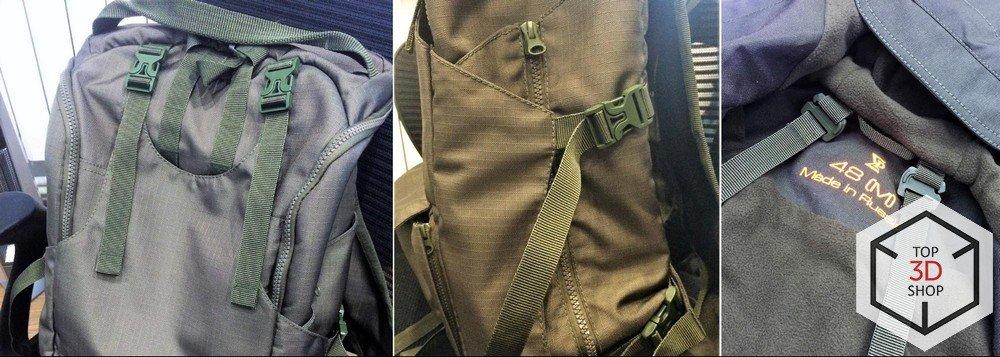
They also produce custom plastic parts to order.
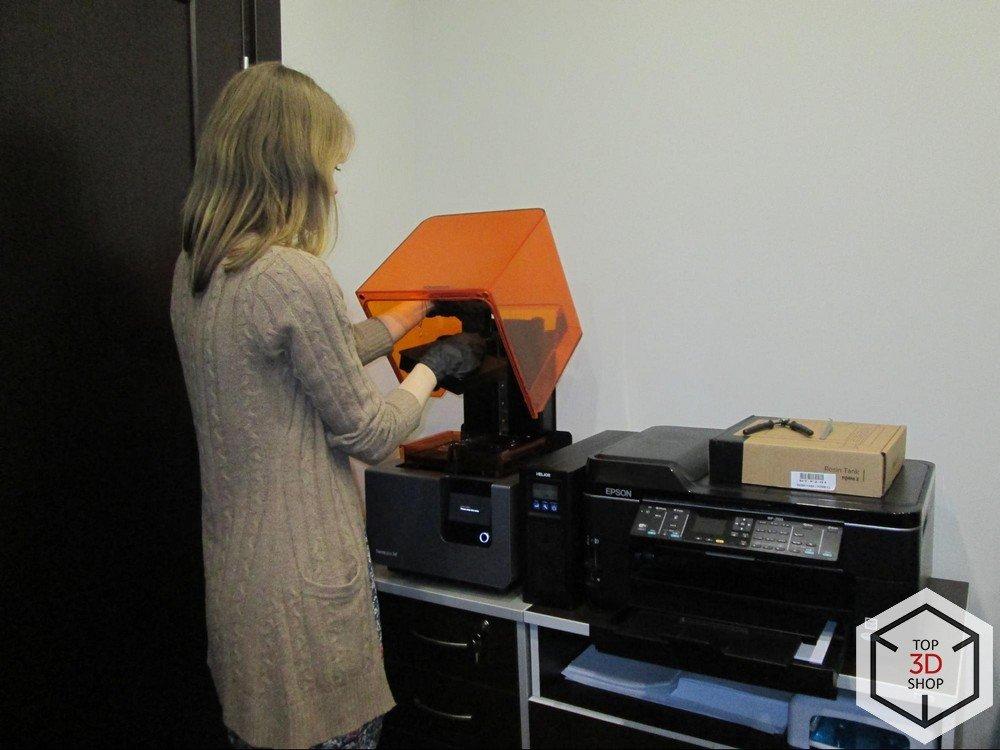
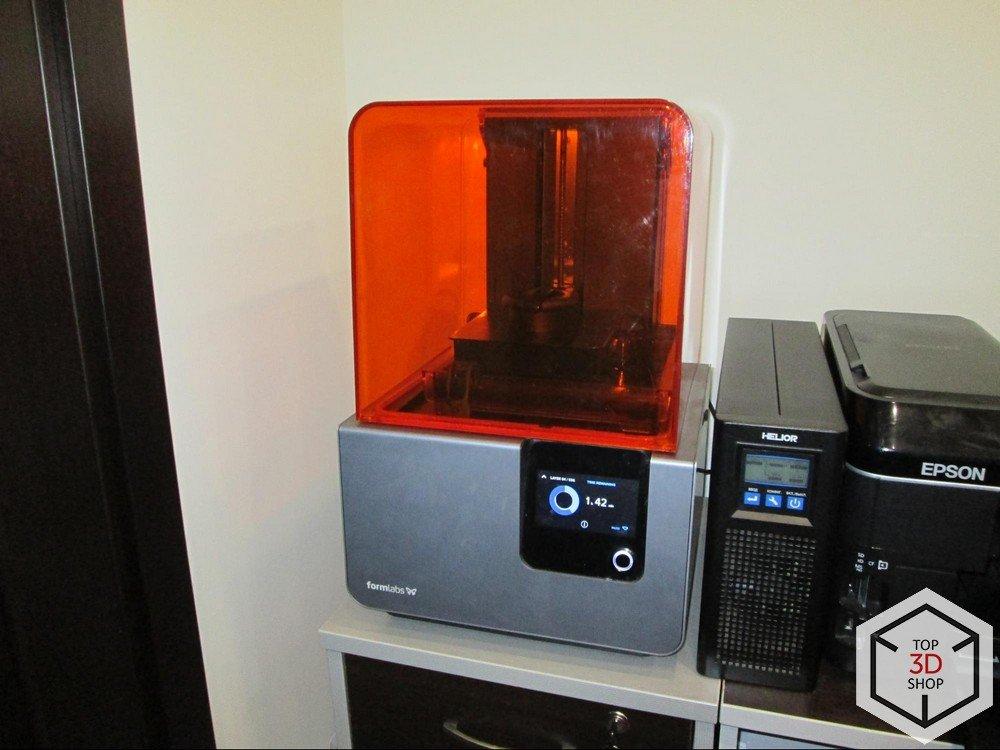
The 3D Printer: Formlabs Form 2
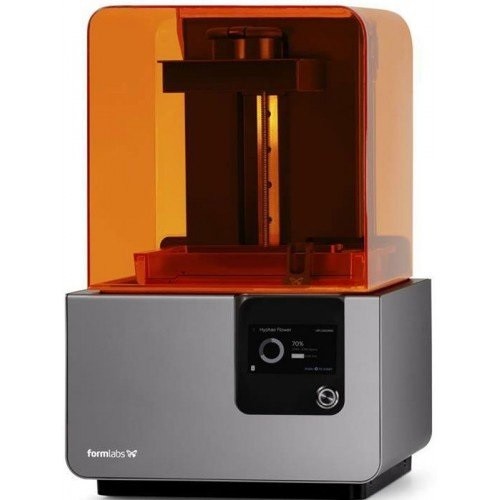
- Print technology: SLA (stereolithography)
- Print chamber: 145mm x 145mm x 175mm
- Layer resolution: 25μm
- Dimensions: 350mm x 330mm x 520mm
- Weight: 13kg
- Areas of use: Design; Architecture; Packaging; Advertising; Modeling; Medicine; Souvenir production; Jewelry; Education; Dentistry; Manufacturing
- Print material: photopolymer
- Connectivity: Wifi, Ethernet, USB
The Form 2 is one of the best-known SLA printers on the market and serves as a benchmark in its category for print quality and reliability.
How the Client Uses It
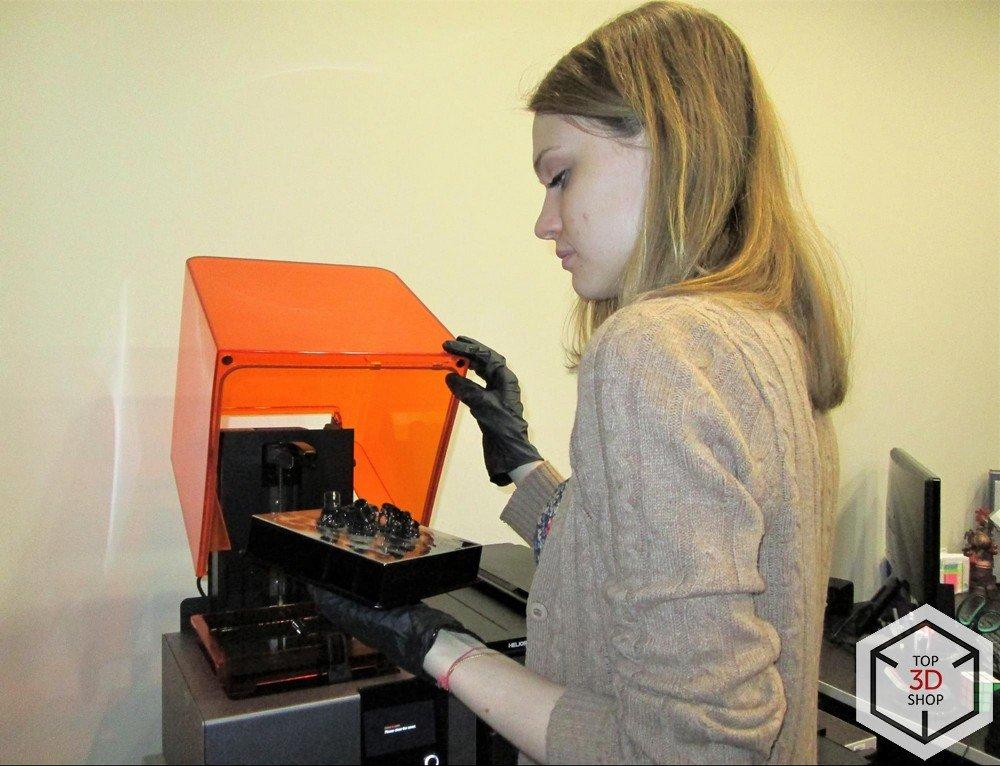
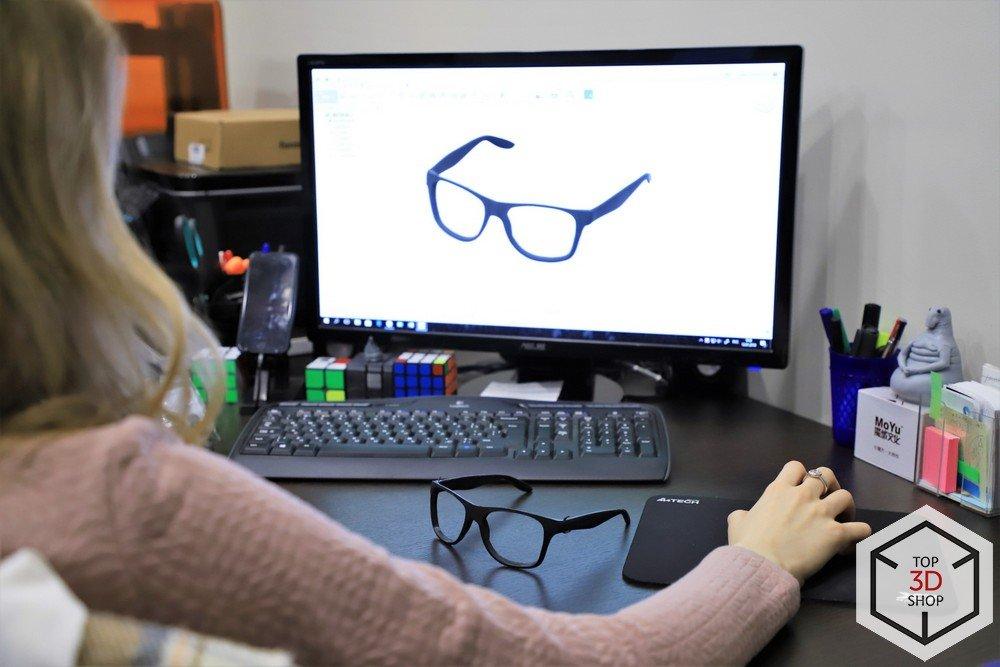
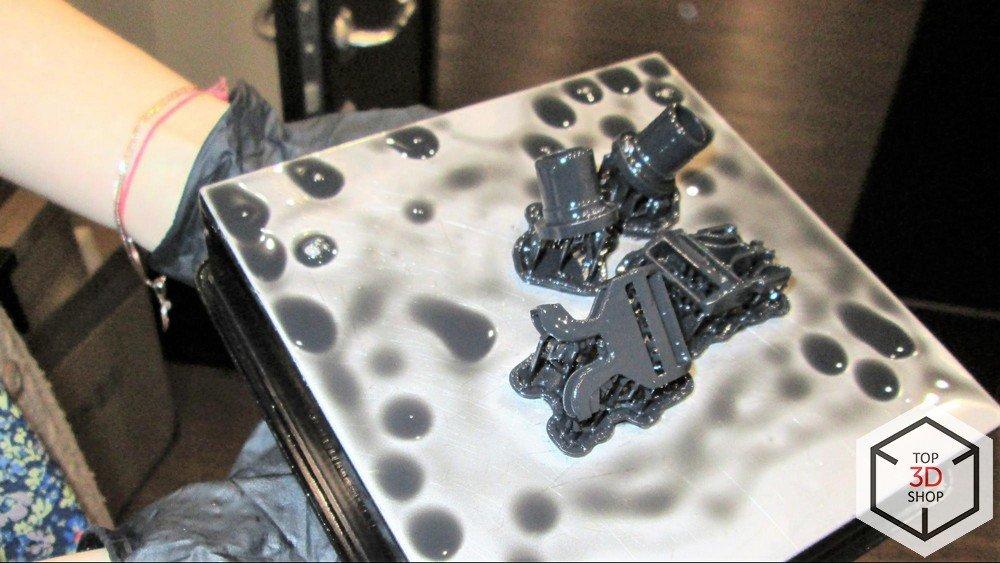
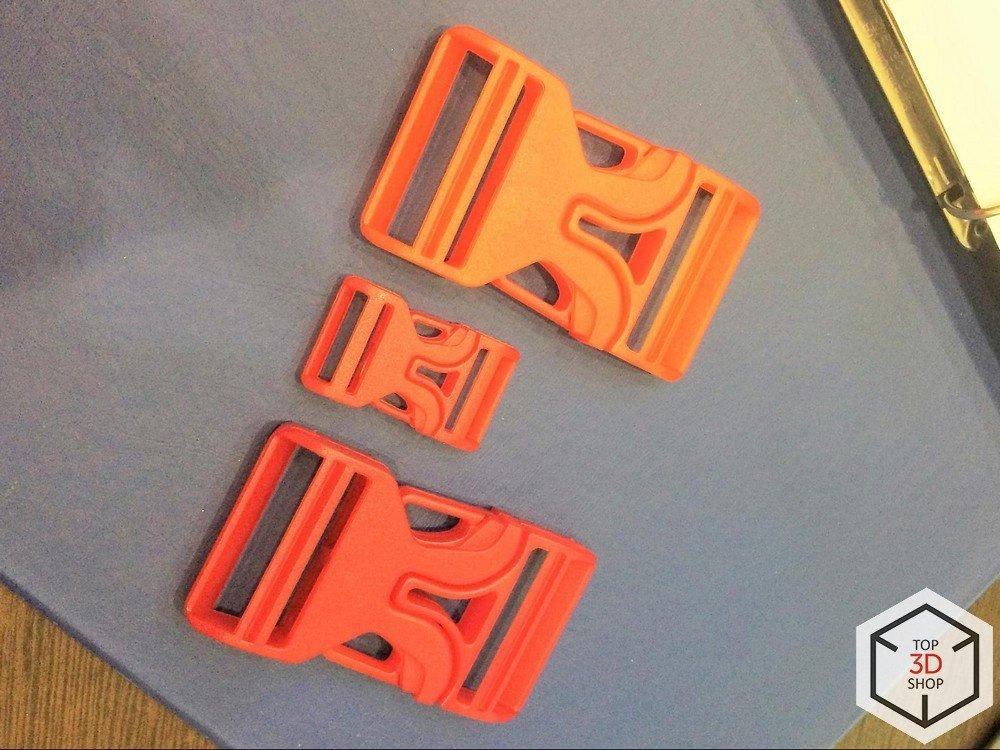
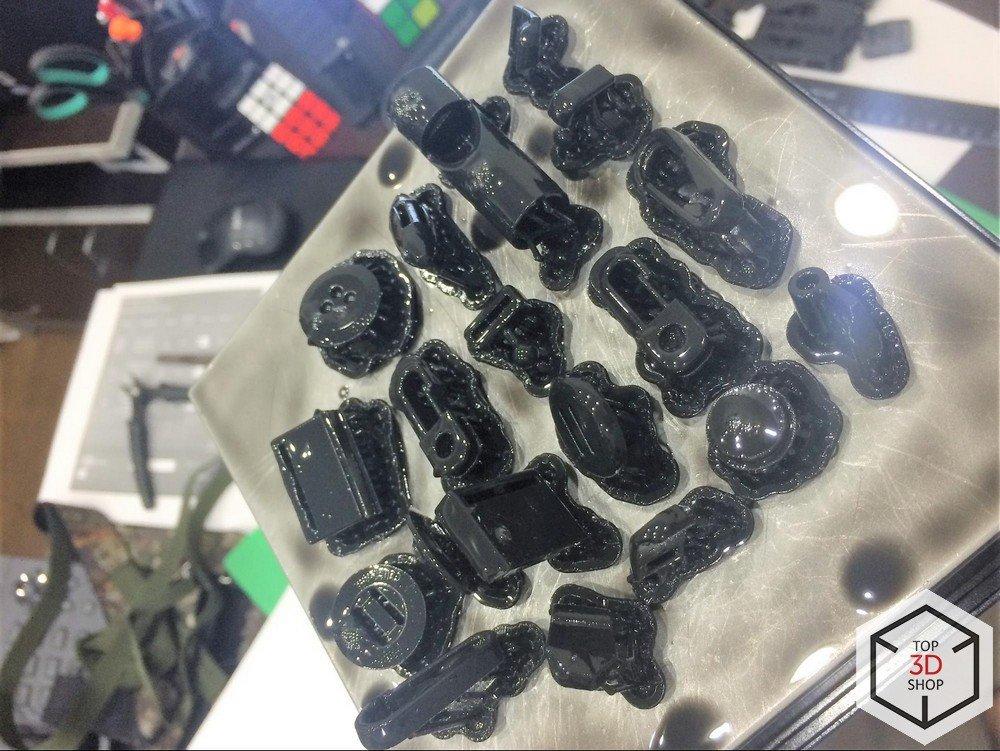
The client creates 3D models of fasteners in Fusion 360 and uses the Form 2 to print prototypes before investing in injection molds.
The workflow looks like this:
-
Design parts during the day.
-
Send models to the Form 2 for overnight printing.
-
Inspect physical prototypes the next day.
-
Detect and correct design flaws (dimensions, clearances, ergonomics, appearance).
-
Repeat, or send the order to the injection molding factory.
3D printing lets the manufacturer:
-
Validate fit, function, and appearance of digital models in real-world use
-
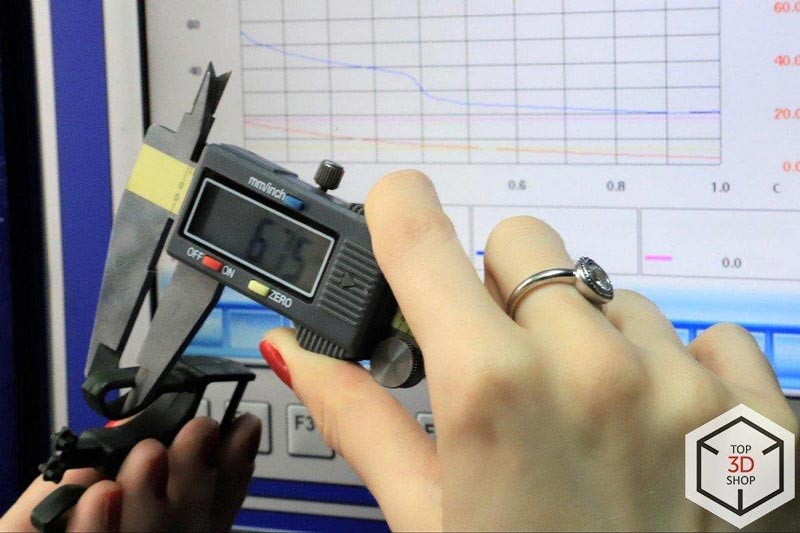
Check compliance with design specifications and dimensions
-
Iterate quickly before committing to expensive tooling
The major benefit for fastener production is the speed of getting a working prototype from a CAD file, which reduces the risk of costly mold changes later.
Why This 3D Printer
When selecting a printer, the client prioritized reliability above all else. The Form 2 has a strong reputation for stable operation, consistent quality, and a mature ecosystem of materials, which made it a good fit for continuous professional use.
How Prototypes Used to Be Made
Before 3D printing:
-
Prototypes were made by hand.
-
These handmade samples went to tooling manufacturers, who then created molds and started production.
This process was:
-
Slow
-
Expensive
-
Prone to inaccuracies in shape and proportions
With the first wave of 3D printers, the industry moved to FDM prototyping. Later, SLA printers like the Form 2 largely replaced FDM for this type of work due to higher accuracy and better surface quality.
Advantages of the Formlabs Form 2
-
High precision and tight tolerances
-
User-friendly interface and workflow
-
Ability to mix compatible resins within the Formlabs ecosystem
-
Proven reliability in professional environments
Disadvantages
-
Resin is expensive, and a heavily used printer consumes cartridges quickly.
-
The resin tank (bath) is also consumable and needs periodic replacement during intensive use.
Conclusions
For this client, the Form 2 delivers two key benefits:
-
Time savings – turning an idea into a physical prototype takes hours instead of days or weeks.
-
High accuracy – SLA offers much tighter tolerances and better surface quality than FDM, so parts often require no manual surface finishing after printing.
Owning a Form 2 in-house eliminates the need to outsource printing:
-
No waiting for third-party service queues or delivery
-
Immediate iteration on designs
The total cost of ownership is well justified for constant professional use, though it may be relatively expensive for hobby use.
You can purchase the large-format resin 3D printers from Top3DShop with free delivery, training, and expert advice on choosing and using the full range of consumable materials.
Write a comment