
Contact Top3DShop for expert support and advice on choosing a 3D printer that matches your organization’s tasks, safety requirements, and budget — including newer, more advanced models that surpass the Anycubic 4Max Pro in reliability, ease of use, and print quality.
This Special Education Center Replaced Hard-to-Find Accessories with On-Demand 3D Prints
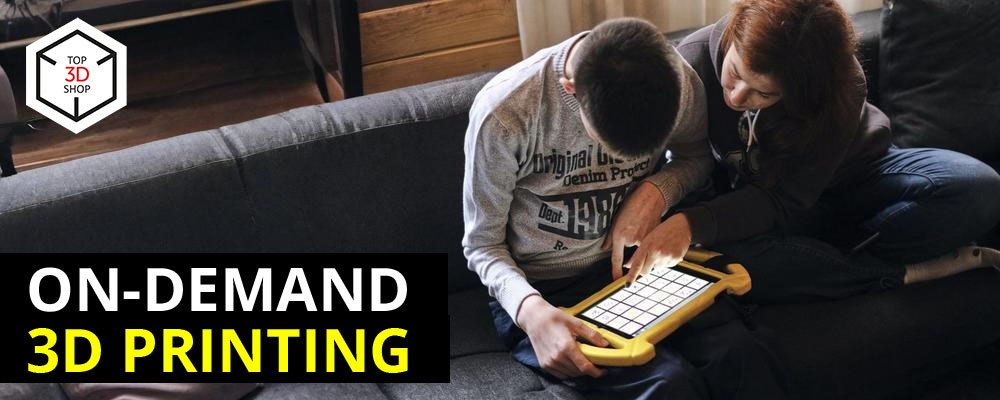
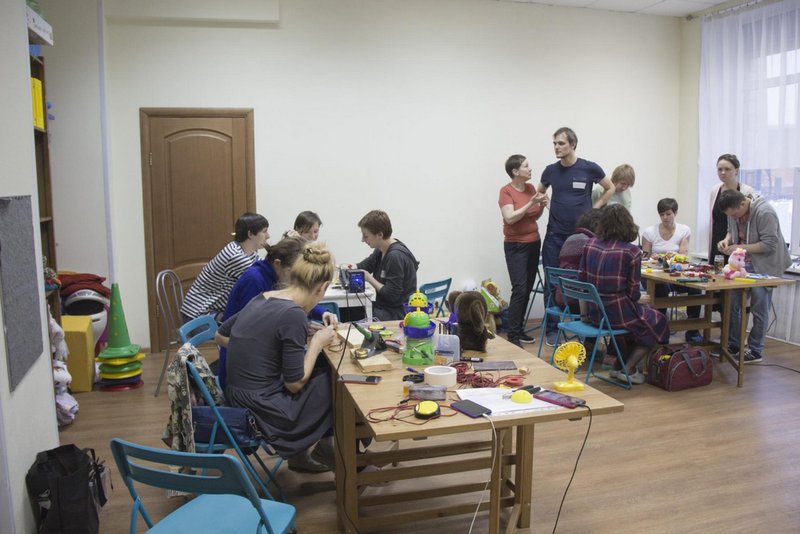
Today we look at the Anycubic 4Max Pro 3D printer and its practical use in a center that helps children with mental disorders adapt to daily life. This article shows how powerful 3D printers can support non-profit organizations.
About the center and its mission
The center supports children with different degrees of mental disorders, including:
-
Genetic conditions
-
Central nervous system damage
-
Intellectual disabilities
-
Autism
-
Cerebral palsy
-
Behavioral issues
-
Epilepsy
Parents of special needs children founded the center in 2013, and the team has worked together since 2002. The center offers hope to families whose children state schools reject — about half of the students fall into this group. Many learners have stayed with the center for more than ten years, using it as an alternative to mainstream education.
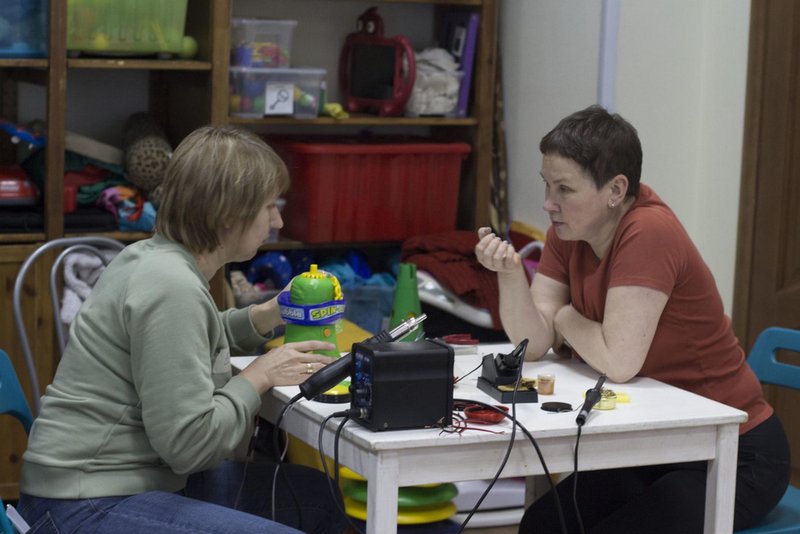
The team believes that every person with a mental disorder can improve and learn. They create a safe, supportive environment for people who may never communicate in typical ways but still need tools to express themselves and interact with the world.

Why the center chose a 3D printer
A grant funded the purchase of new equipment. Because of limited budget and available space, the team chose the Anycubic 4Max Pro. The printer:
-
Fits the physical size constraints of the center
-
Meets safety requirements for use near children and teenagers
-
Offers enough functionality to cover most planned tasks
The main goal was to produce customized accessories and aids on demand instead of trying to find and buy rare or expensive products on the market.
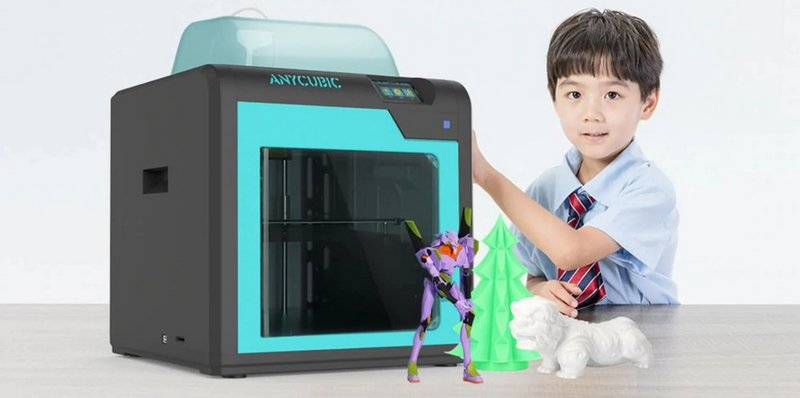
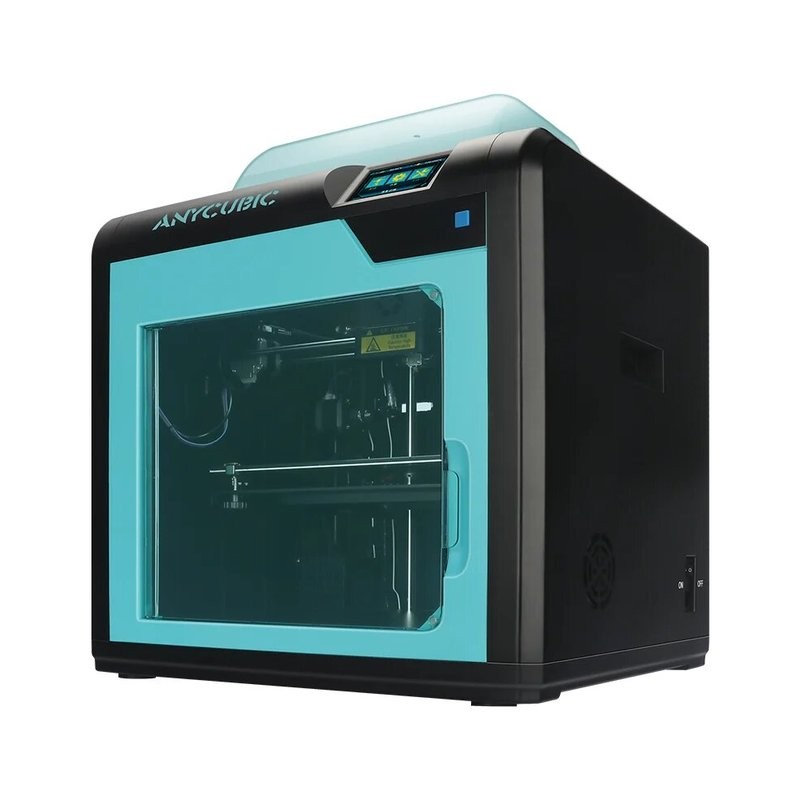
Anycubic 4Max Pro Technical Specifications
- Extruder Type: Single
- Print chamber: 270 × 205 × 205 mm
- Travel speed: 100 mm/s
- Print table temperature: 100 °С
- Extruder temperature: 250 °С
- Printing technology: FDM
- Layer thickness, from: 50 micron
- XY Resolution: 12.5 micron
- Z Resolution: 0.2 micron
- Supported materials: ABS, PLA, HIPS, Wood
- Thread diameter: 1.75
- Nozzle diameter, mm: 0.4
- File transfer: USB, SD
- Printing speed: 60 mm/s
- Power supply: 110/220 W, 50/60 Hz
- Dimensions, mm: 454 × 466 × 410
- Weight, kg: 22.5
- Software: Cura
- File support: stl, obj, dae, amf, gcode
How the center uses the 3D printer
With an in-house 3D printer, the organization can independently make custom aids such as:
-
Mounts
-
Holders
-
Toggle components
-
Supports and fixtures
These parts help staff work more effectively with children and young adults with developmental disorders and adapt tools to each person’s needs.
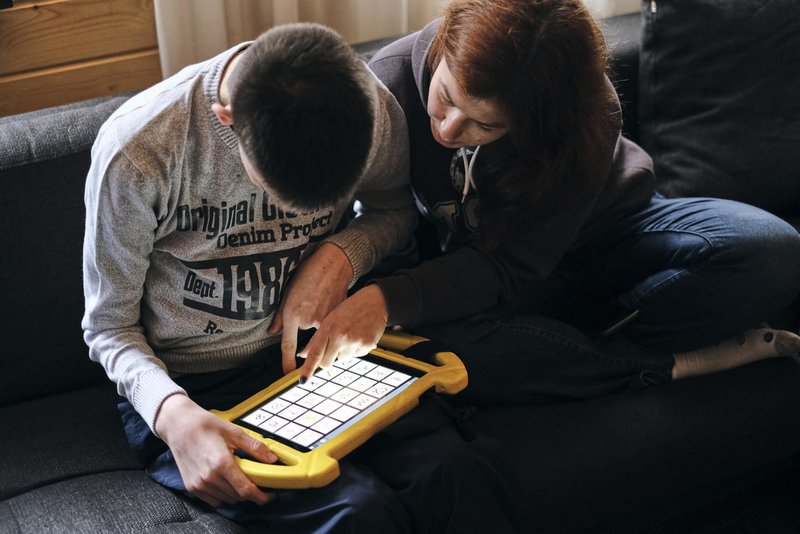
With their own 3D printer, the organization can independently produce custom aids like mounts, holders, toggle components, and supports for working with children and young adults with developmental disorders.
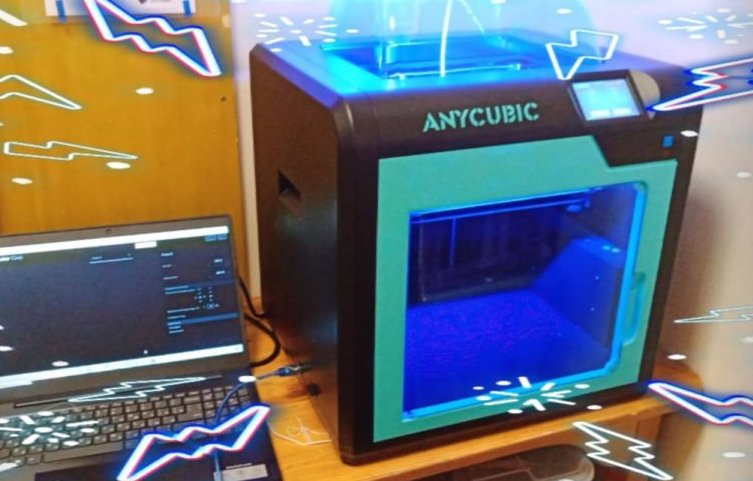
Example: 3D-printed protective case for an iPad
To support communication, the center uses a tablet with pictograms that speak words, needs, and emotions. The team also created a custom case that:
-
Clearly separates icons
-
Protects the device
-
Provides reliable attachment points
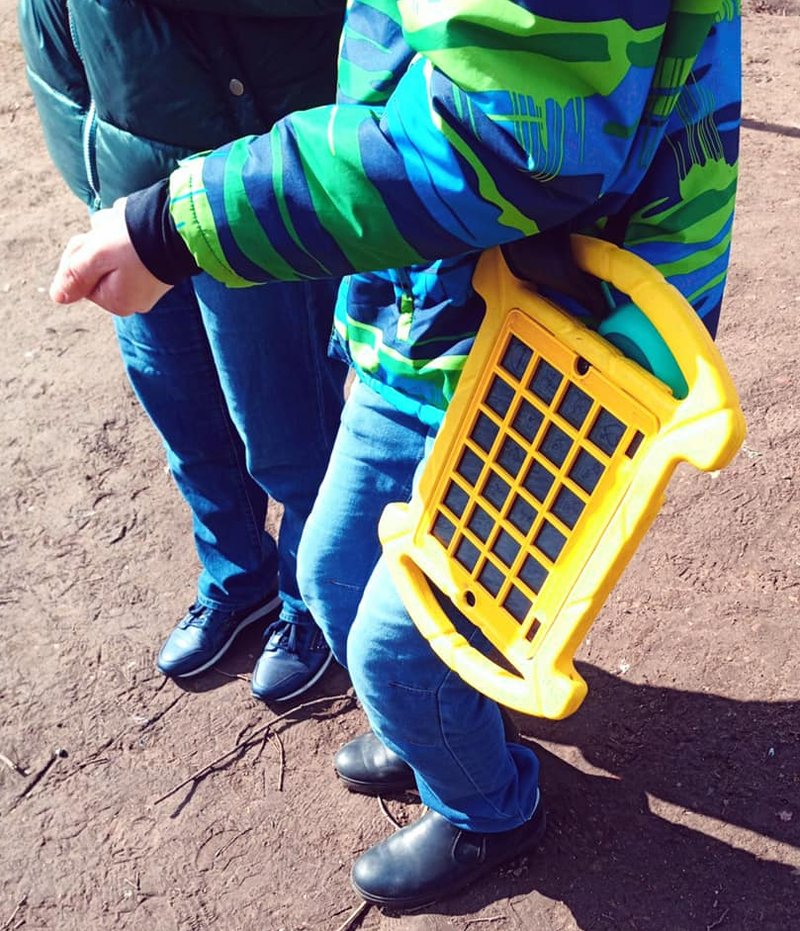
As a result, they assembled a complete communication kit that helps a child express thoughts and desires more easily:
-
iPad Wi-Fi 32 GB
-
Child-friendly tablet case
-
Shoulder strap for carrying
-
Protective glass
-
Free communication app SymboTalk
-
3D-printed case-separator for pictograms
-
Small portable JBL speaker to increase volume when needed
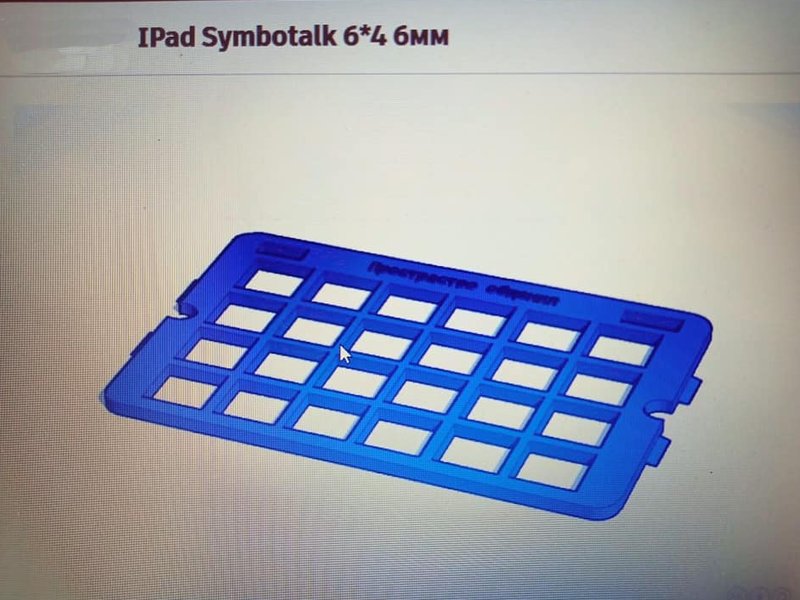
The center’s leading expert on alternative and augmentative communication comments:
"The 3D-printed tablet case is perfect in terms of size and comfort. The hooks are sturdy and secure, so you don’t need to think about accessory mountings. In the first two versions, the case’s upper surface turned out plicated, as if it was missing a top layer. This was a significant shortcoming because such a surface would quickly accumulate large amounts of dirt and dust. However, our third attempt was a critical success!"
This example shows how iterative 3D printing lets the team refine a design until it meets both technical and practical requirements.
How they worked before 3D printing
Before they had a 3D printer, the center had only one option: buy ready-made cases and accessories.
According to the team:
-
Suitable cases were rare and often very expensive
-
Delivery took a long time
-
Each case had to match a specific device model
-
Specialized tablet accessories for their use cases were almost never available commercially
In practice, most accessories needed to be made individually with the specific application and user in mind. 3D printing now closes this gap.
Challenges and learning curve
The team notes that the Anycubic 4Max Pro itself does not have serious faults. However, 3D equipment in general has an entry threshold:
-
You need to understand the basics of 3D printing
-
You need to study manuals and guides
-
You must learn how to set up the printer and materials properly
The center treats this not as a disadvantage, but as a learning challenge that pays off once staff become confident users.
Recommendations for choosing a 3D printer for education
The center’s experience led to several practical recommendations:
-
Choose a 3D printer model carefully and plan its use in advance
-
Start with beginner-friendly machines that are easier to maintain and configure
-
Prefer printers with an enclosed build chamber, especially when you install them in rooms where children and teenagers study
-
Pay attention to safety features and overall reliability
For educational and therapeutic environments, uncompromised safety matters as much as print quality.
Summary
The Anycubic 4Max Pro professional 3D printer proved to be:
-
Precise and reliable
-
Suitable for educational and therapeutic use
-
Safe, thanks to its enclosed print chamber
-
Convenient to operate, with a clear design and intuitive interface
The device works well for frequent use, as this case shows, and helps the center produce custom accessories that would be difficult or expensive to find on the market.
Write a comment