Ready to modernize your own production? Buy 3D scanners at Top3DShop — with official warranty, expert consultation, and full support at every stage of your 3D scanning workflow.
This Company Used to Copy Parts by Hand. Here’s How They Do It Now

3D scanning and printing continue to evolve and move into everyday production. At Top3DShop, we help companies choose tools that speed up reverse engineering, quality control, and digital modeling.
This case shows how one customer modernized their workflow with the SHINING 3D EINSCAN PRO 2X PLUS professional 3D scanner.
Why the Company Needed a 3D Scanner
The client is a manufacturing company that produces functional plastic parts for equipment and machinery. Typical projects include:
-
Frames
-
Pulleys and gears
-
Guides
-
Custom parts for specialized tools and machines
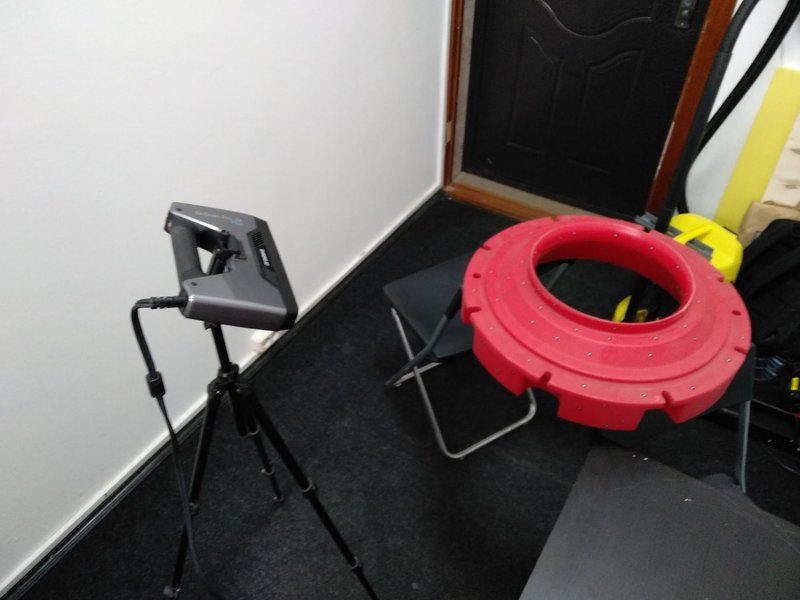
As the company grew, tasks shifted from simple modeling to reproducing broken or complex parts with intricate geometries. Calipers and manual measurements no longer provided enough accuracy, so the team decided to add a professional 3D scanner.
Key Requirements for the Scanner
-
Price under $14,000
-
Compact and portable for small workshops and on-site jobs
-
Tripod compatibility
-
High precision (up to 0.05 mm)
After consulting with Top3DShop, the client chose the EINSCAN PRO 2X PLUS for its larger scanning area, higher speed, and full compliance with their criteria.
Technical Specifications of the SHINING 3D EINSCAN PRO 2X PLUS
- Texture capture ability: yes (with a full-color scanning module)
- Scanning time: < 0.5 sec
- Depth of field, mm: ±100
- Single scan area: 208 × 136 mm - 312 × 204 mm
- File transfer: USB 3.0
- Light source: LED
- Minimum system requirements: video: NVIDIA GTX 770 and above; video memory >4G; CPU: i7 and above; RAM: 16G and above
- Volumetric accuracy: 0.3 mm
- Working distance: 510 mm
- Point distance: 0.2-3 mm
- Scan speed: 20-30 fps, 1,100,000 points/sec
- Applications: research and education, reverse engineering, metrological monitoring; energy industry; human scanning; architecture
- Scanning precision: up to 0.05 mm
- Operating system: Win 7, Win 8, Win 10, 64 bit
- Weight, kg 1.13
- File formats: OBJ , STL , ASC , PLY , P3
How They Worked Before 3D Scanning
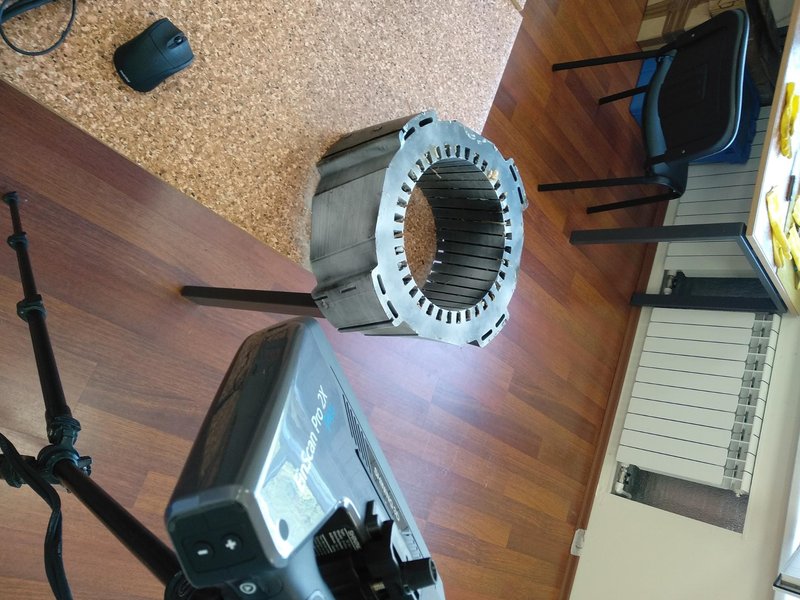
Before purchasing a professional 3D scanner, the company relied on experienced carpenters and mechanics to copy complex parts by hand. The process took a long time and depended heavily on individual skill.
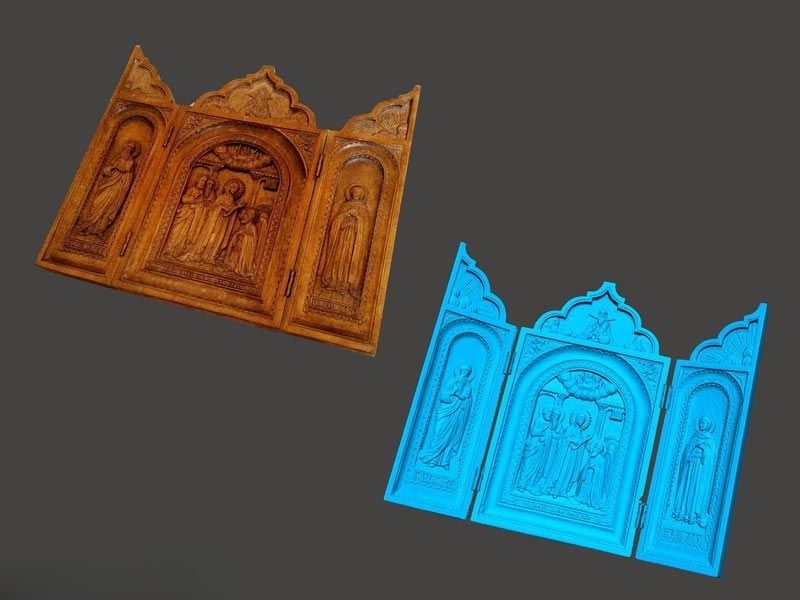
For more detailed shapes such as bas-reliefs and statues, they sometimes used milling machines with mechanical probes. The machine traced the original surface and reproduced it with a cutter, but this method offered limited precision and flexibility.
Earlier CNC workflows used similar methods:
-
Engineers created detailed drawings.
-
Specialists built wooden prototype models.
-
Operators disassembled the prototypes and digitized the parts using duplicators.
-
Duplicators recorded probe movements on punch cards or magnetic tape.
This workflow was slow, labor-intensive, and far less efficient than modern digital 3D scanning.
How the Company Uses the Scanner Now
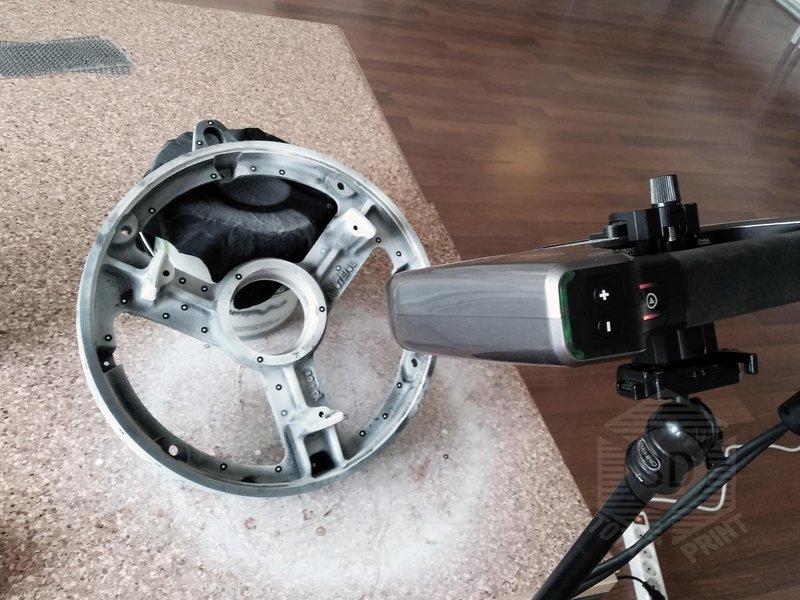
The team now uses the EINSCAN PRO 2X PLUS for:
-
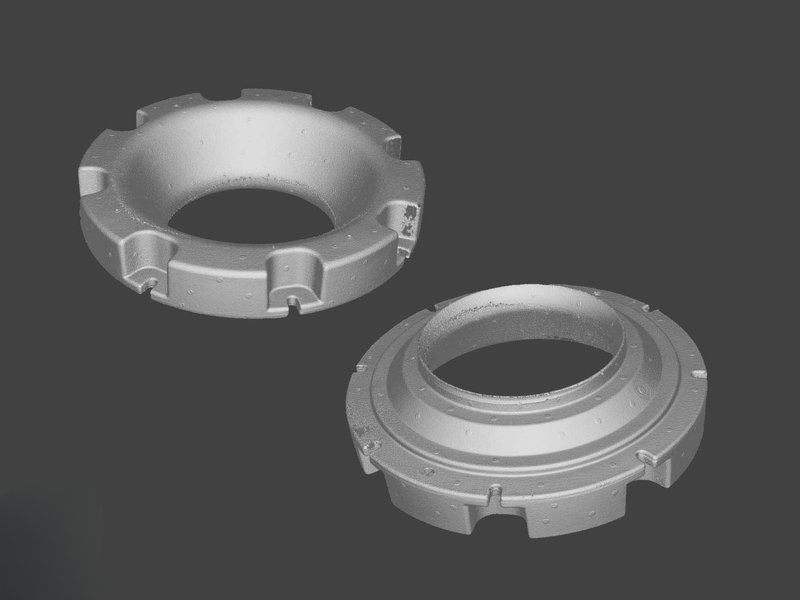
Reconstructing damaged or broken components
-
Scanning handrails to correct irregular geometries
-
Digitizing vehicles for tuning or repair
-
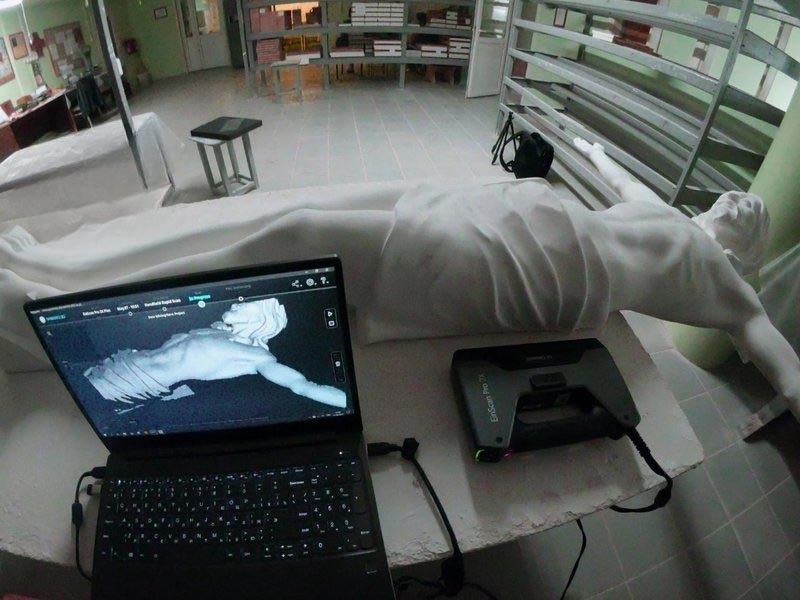
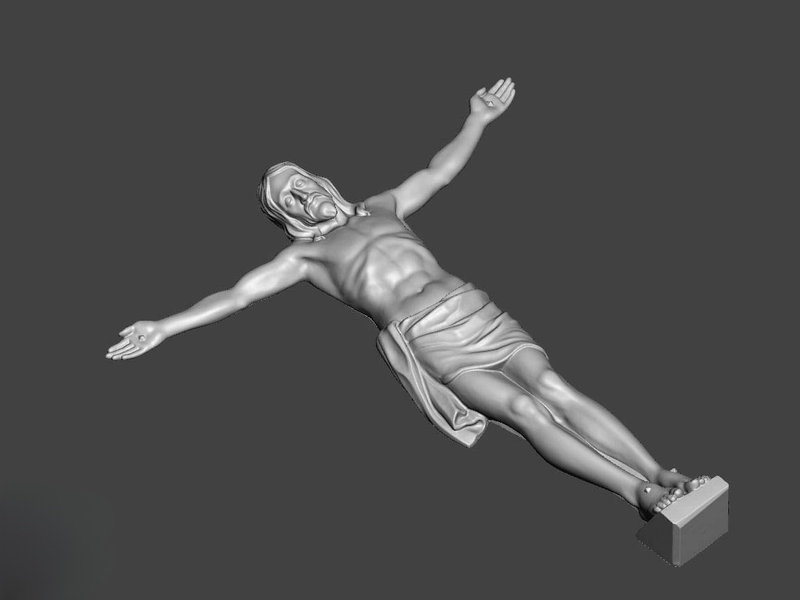
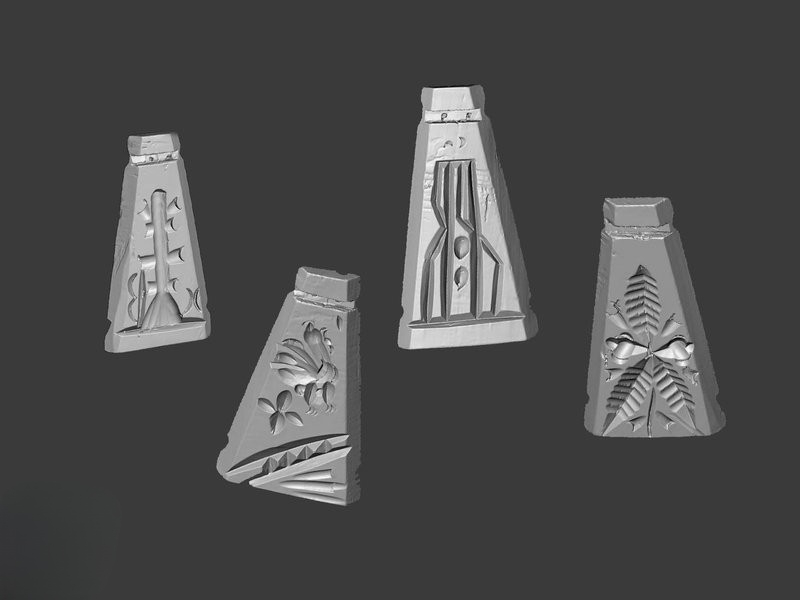
Capturing art objects (reliefs, sculptures, etc.) for CNC reproduction
-
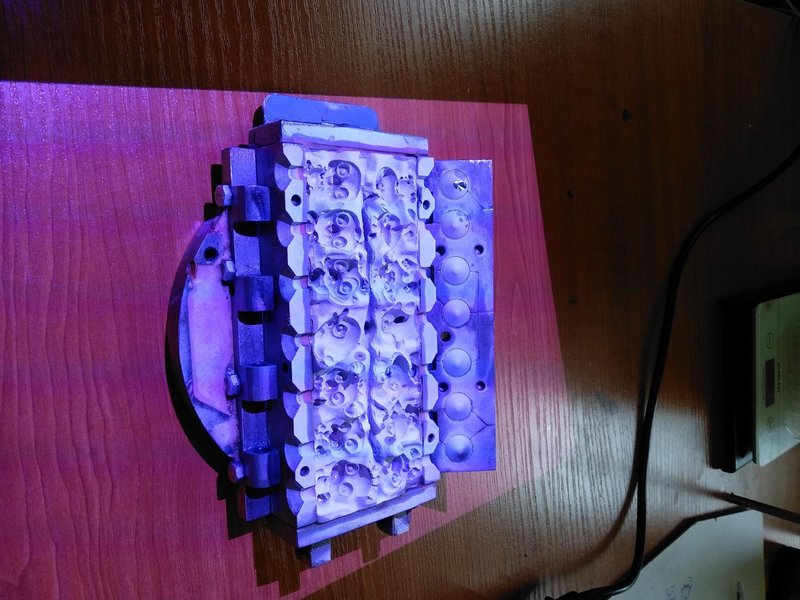
Monitoring part geometry for tooling or casting
-
Customizing fashion dolls and accessories for mold production
The scanner captures a 1 × 1 m area of a car or aircraft body in under an hour and generates a detailed polygonal 3D model ready for digital editing.
Limitations of the EINSCAN PRO 2X PLUS
In real production, the team noted a few drawbacks:
-
Difficulty detecting black/white reference markers
-
Weak cable shielding
-
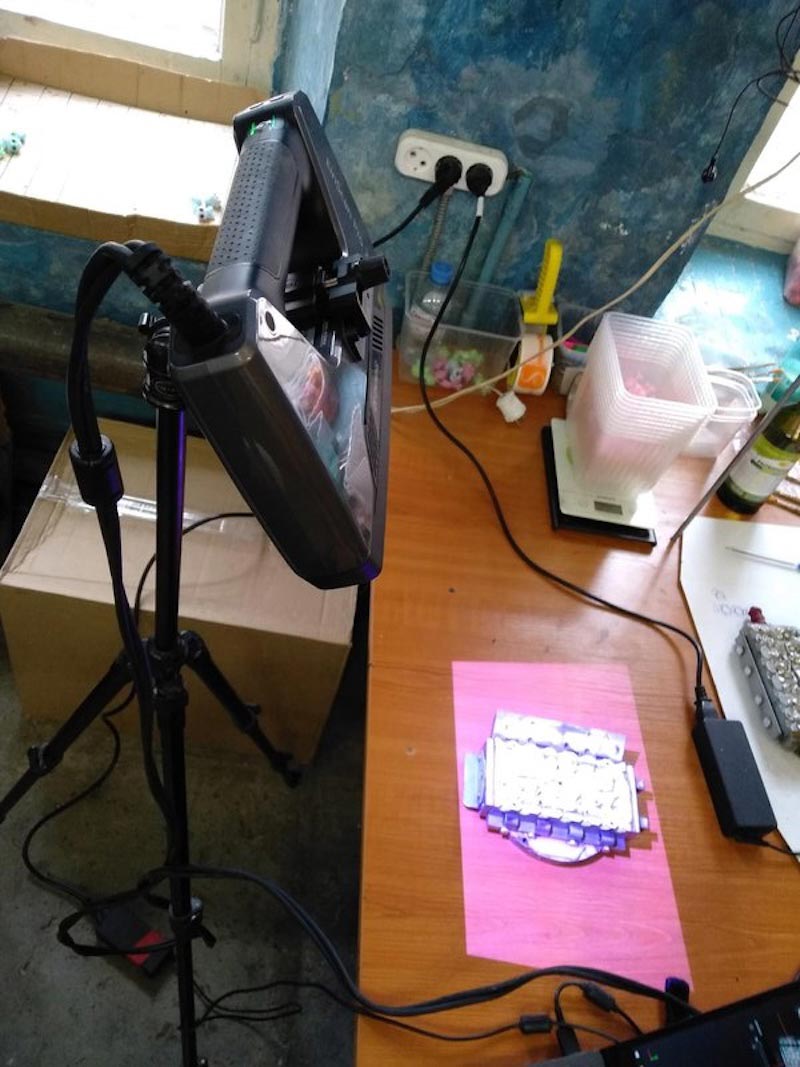
No tripod mount included in the standard package
-
Matting spray not included in the standard package
Suggested Improvements
The client would welcome:
-
A built-in distance indicator for simpler tripod scanning
-
A durable transport case with custom foam inserts for field work
Practical Tips from Real Use
Based on their experience, the company recommends:
-
Choose your scanner package carefully. Some add-on modules may see limited use.
-
Invest in a stable tripod. It improves scanning comfort and data quality.
-
Buy a protective case if you travel with the scanner. It protects sensitive optics and electronics.
-
Troubleshooting "FIX MODE":
-
Keep the working distance at about 50 cm
-
Enable HDR mode if scans look inconsistent or lose detail
-
Conclusion
The SHINING 3D EINSCAN PRO 2X PLUS delivers reliable, precise, and versatile 3D scanning for frequent professional use. For under $7,000, it offers strong performance for:
-
Reverse engineering
-
Digital modeling
-
Quality control and inspection
The scanner helped this manufacturer move from manual copying to fast, accurate, and repeatable digital workflows.
Write a comment